


Get Twirl Videos & Images without Prompt
a1.art offers a large number of filters, allowing you to easily obtain AI videos or images without prompts.
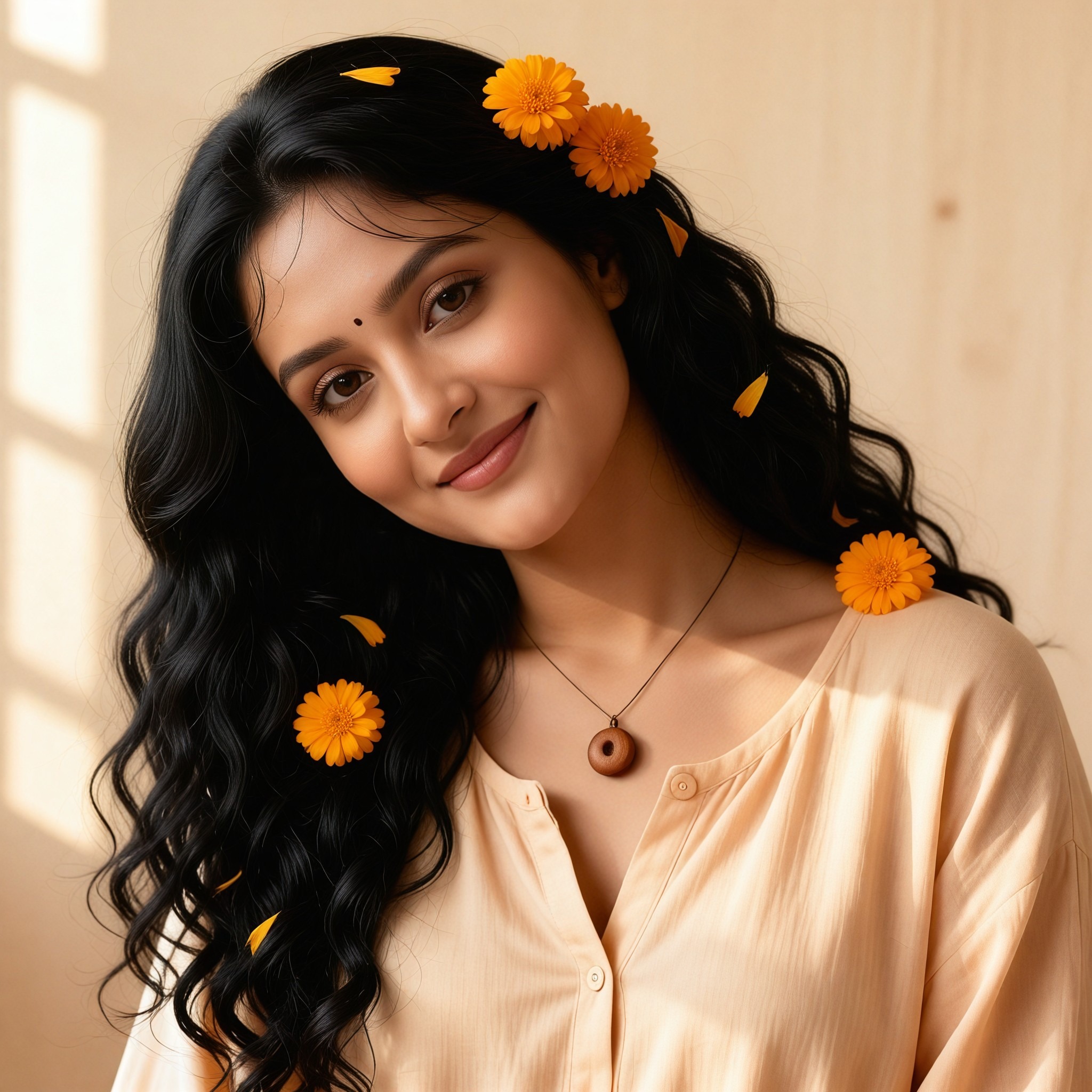

Input
Result
Bridal Rain Twirl
 艺术梦想家
艺术梦想家 51
51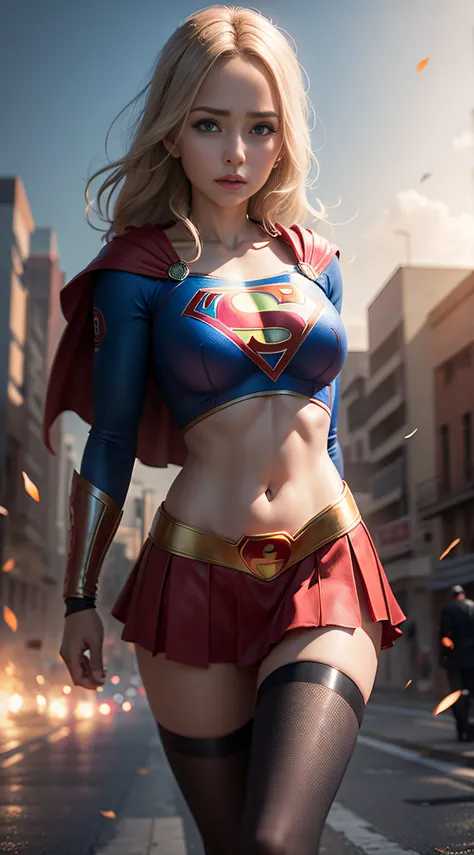
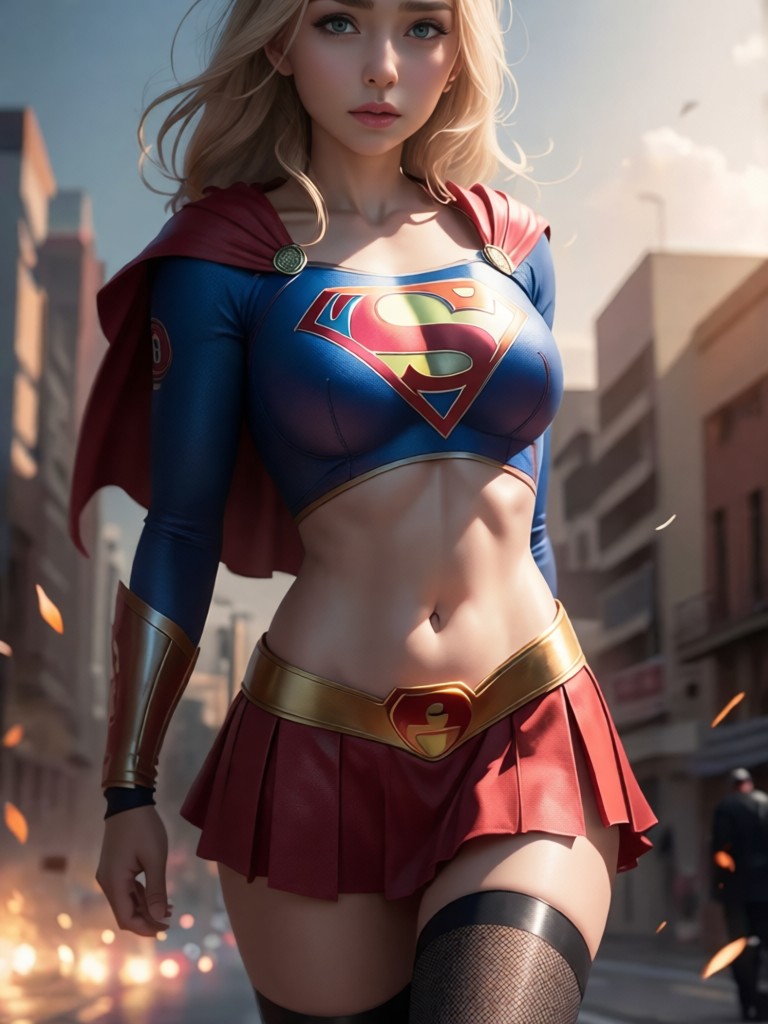
Input
Result
Twirl Legs
 Jeminay36
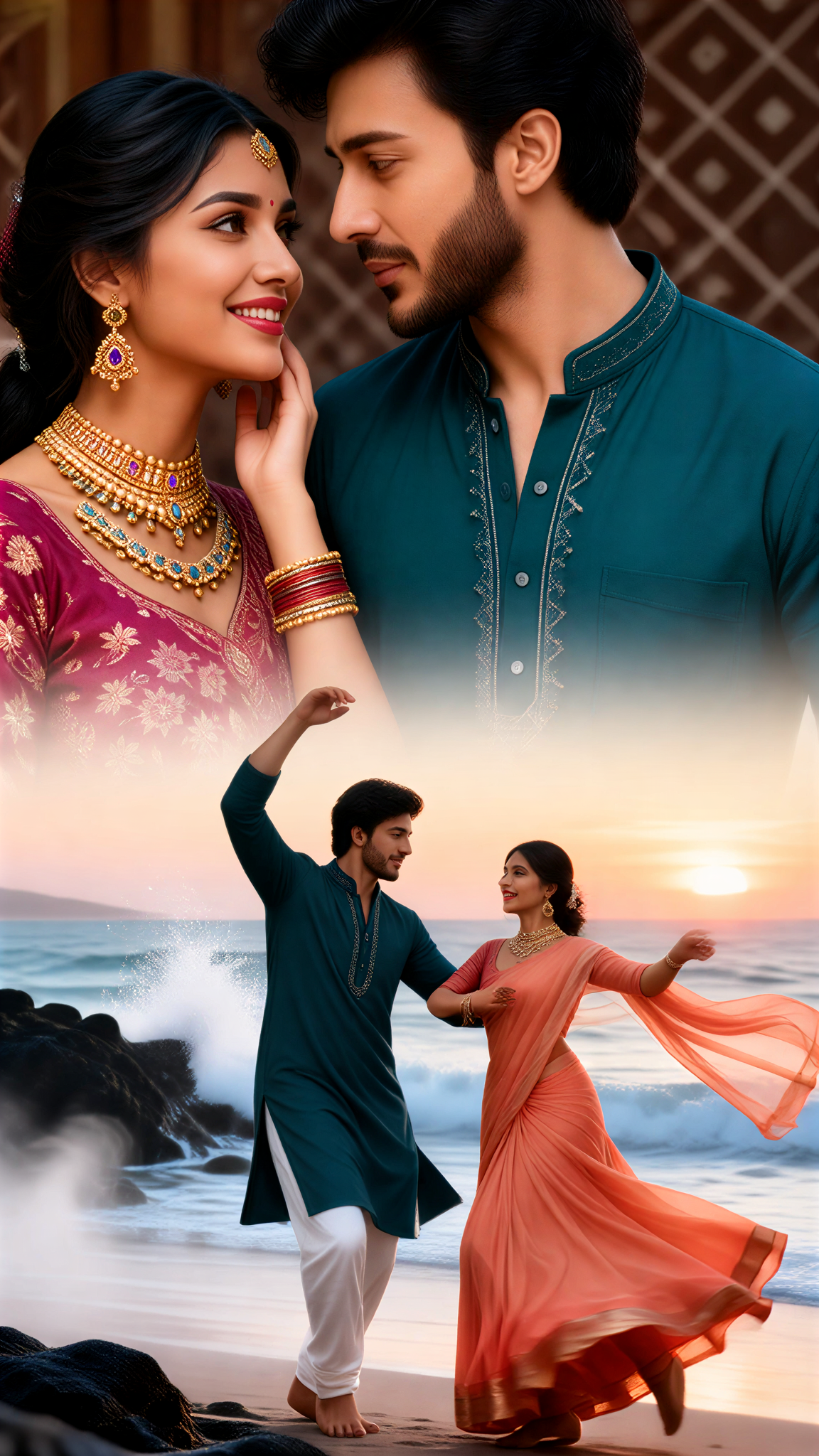
Input
Result
Splash Hand Twirl
 ToneCraft35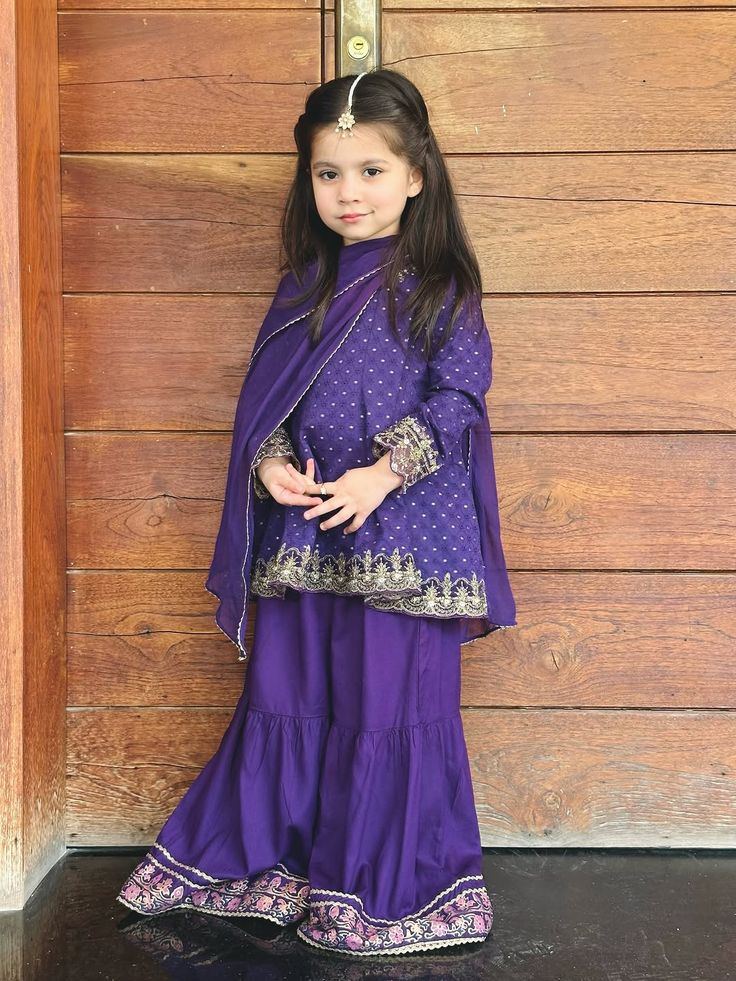
Input
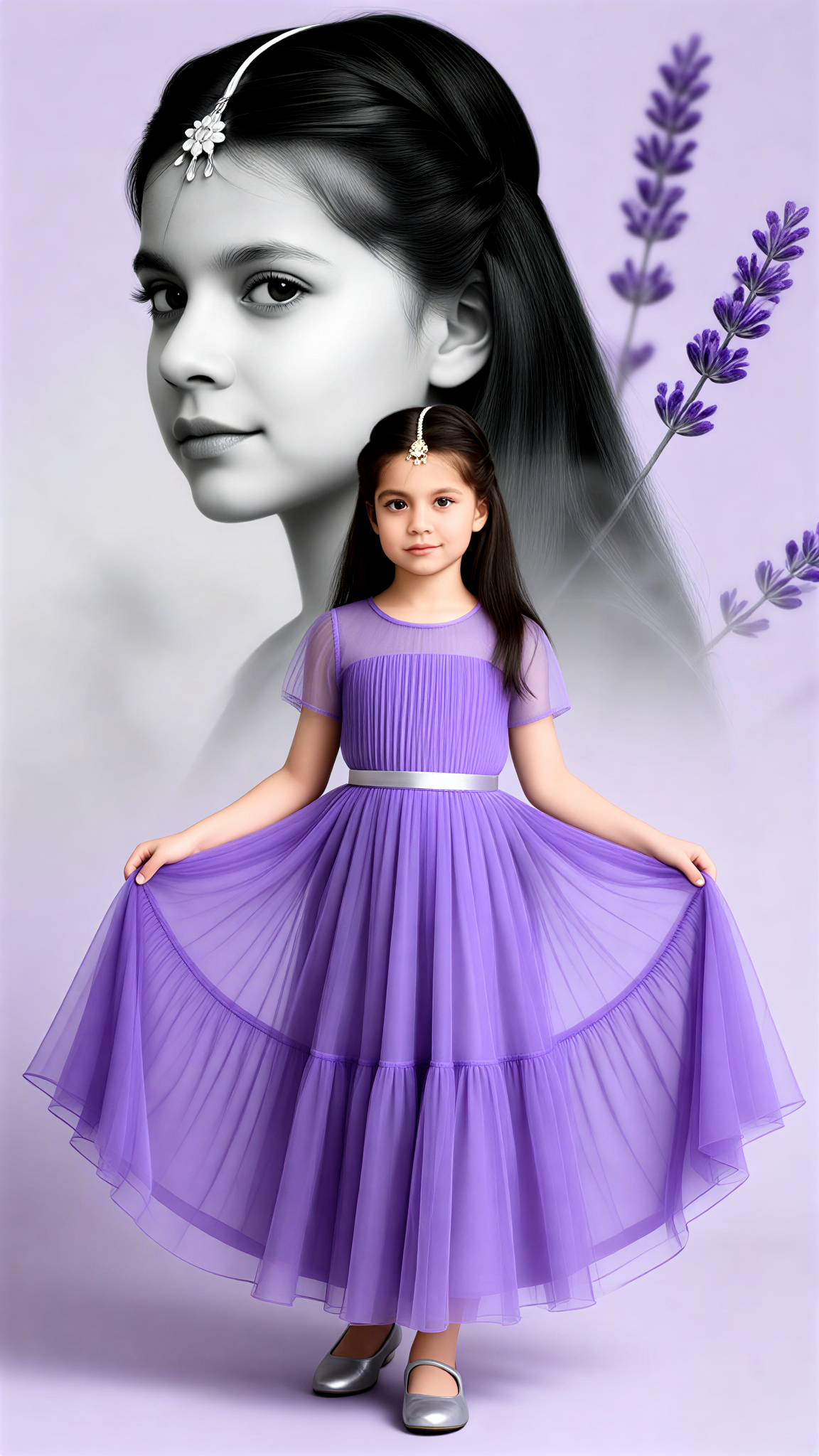
Result
Lavender Twirl Girl Double Exposure
 Mia11125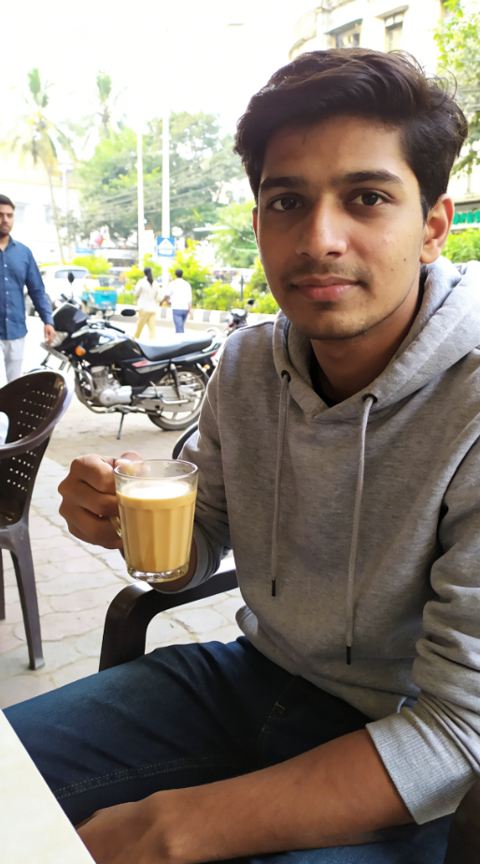

Input
Result
Groom Rain Twirl
 艺术画家22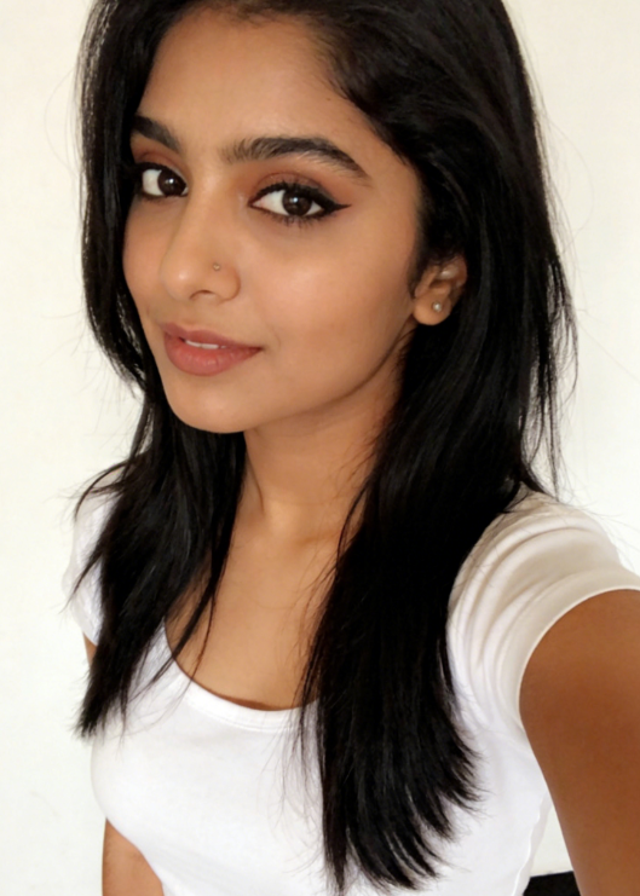

Input
Result
Pink Palace Twirl Video
艺术梦想家14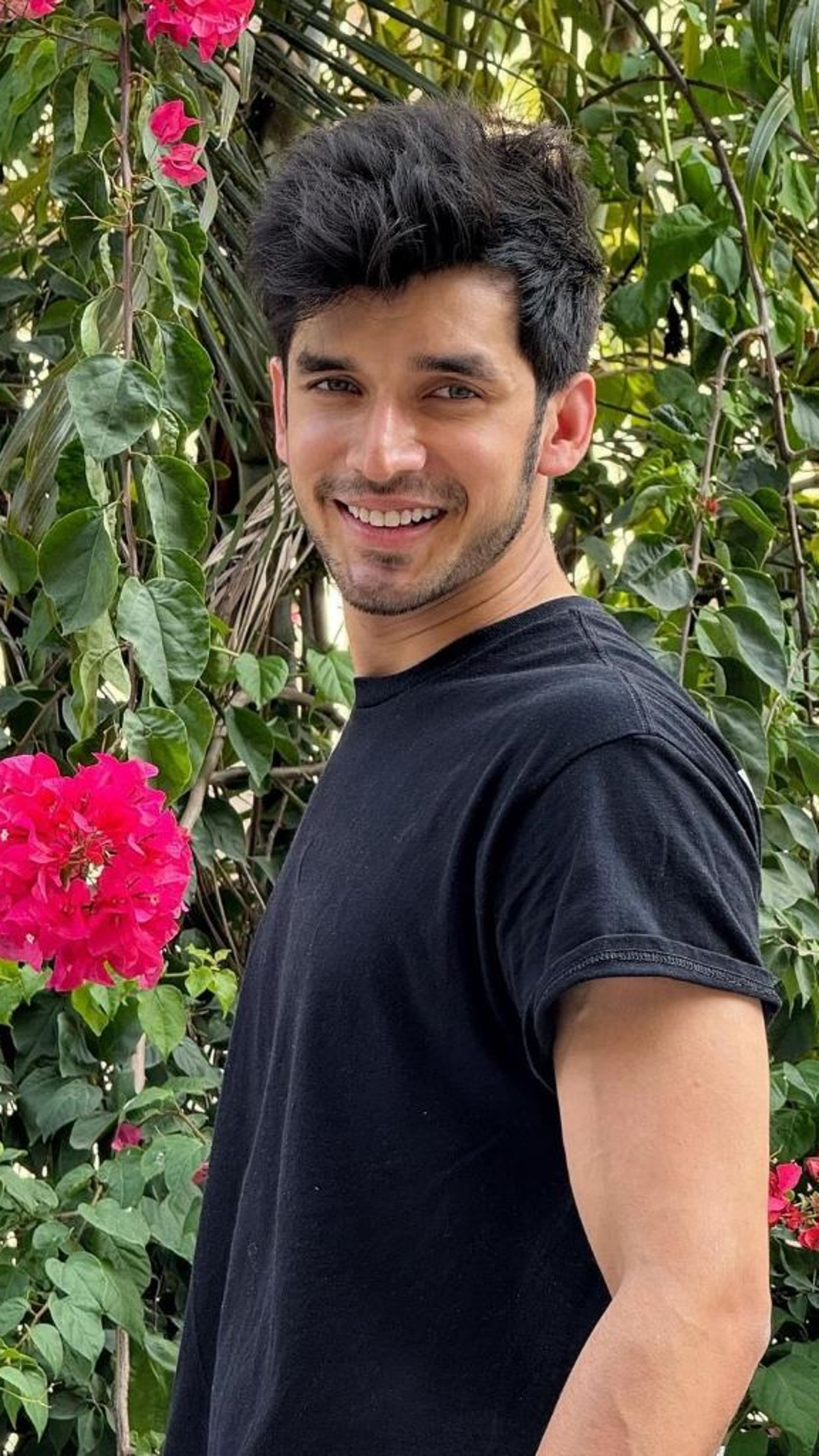
Input
Result
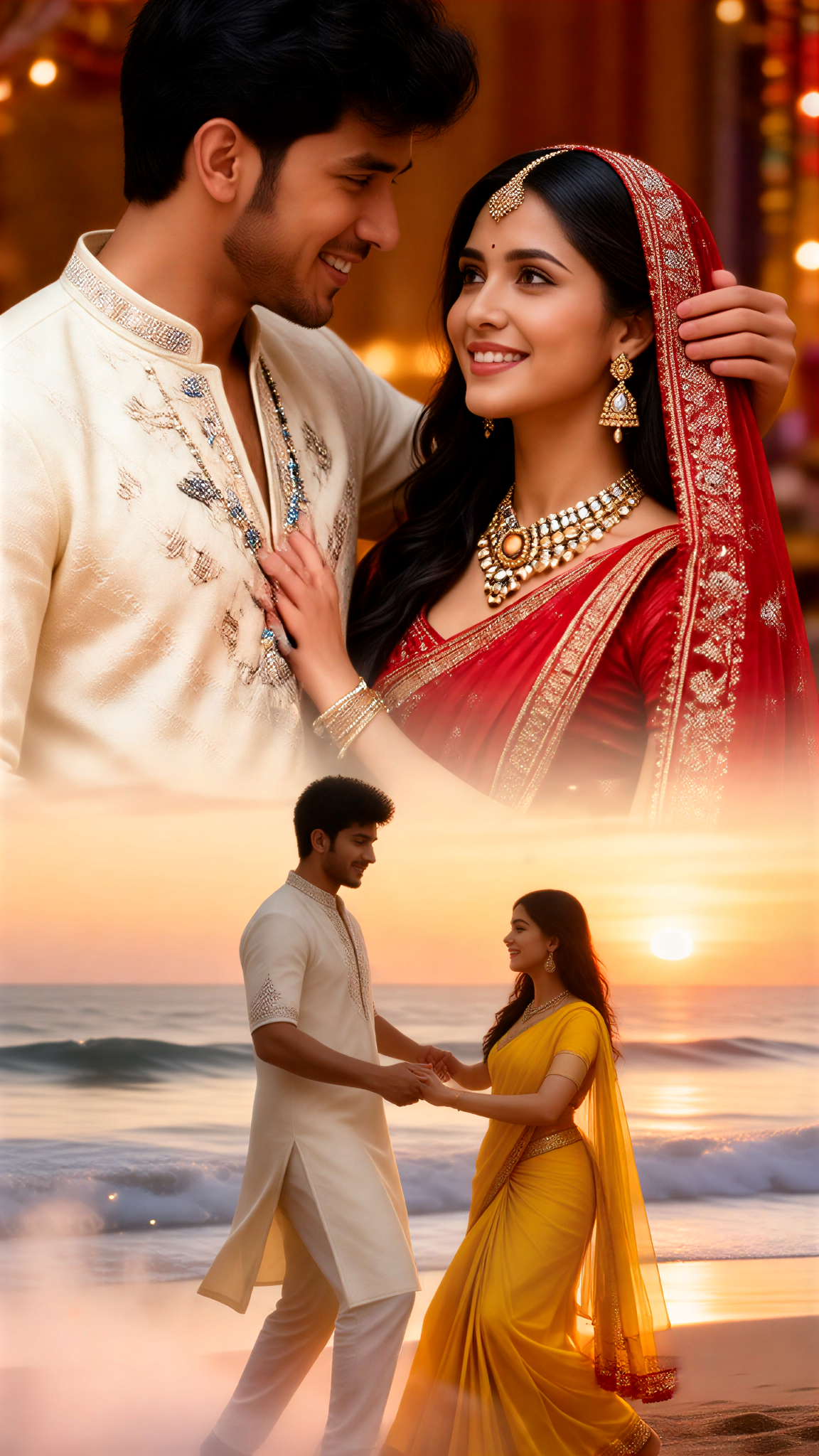
Festive Beach Twirl
ToneCraft14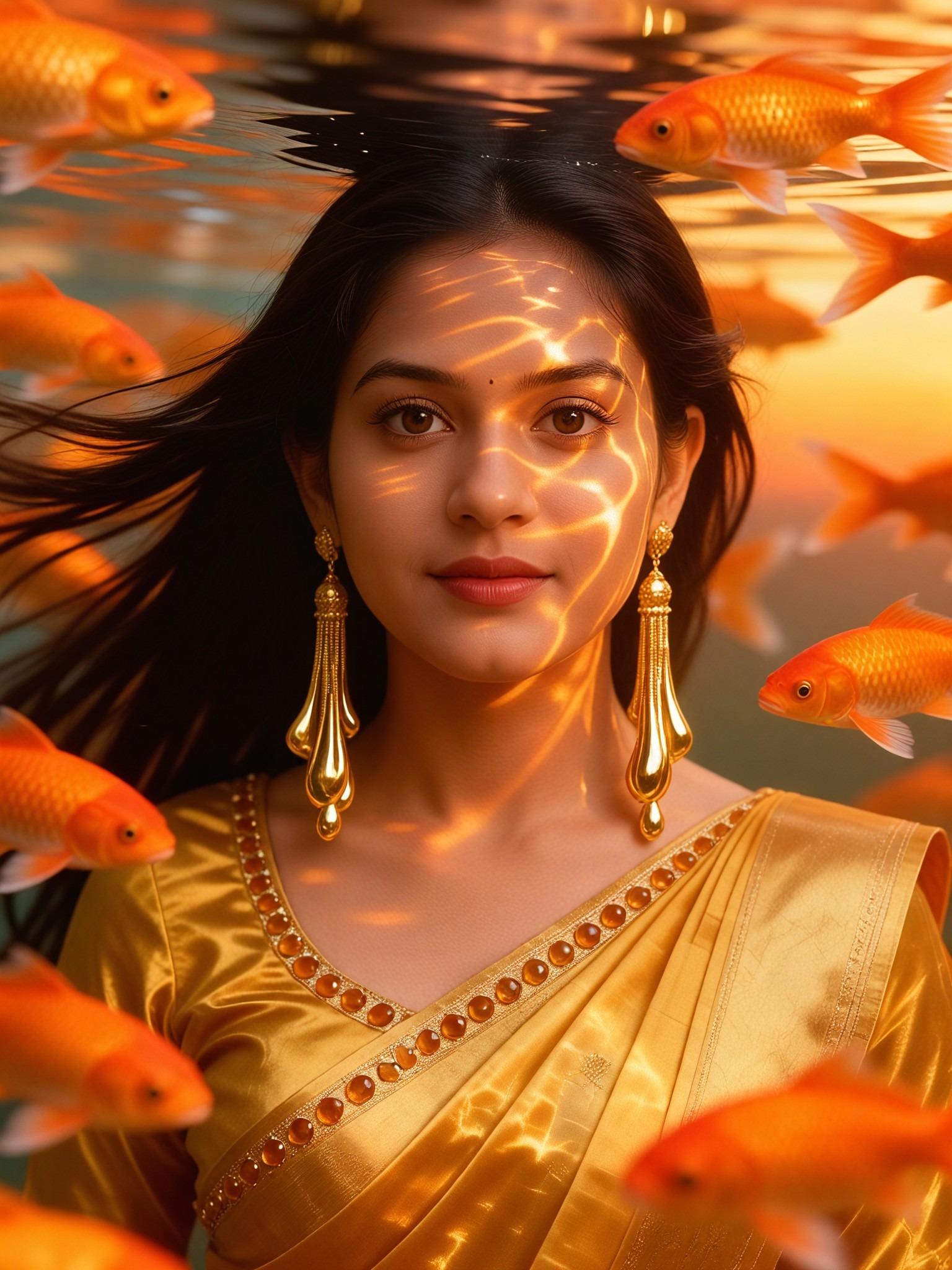

Input
Result
Rain Splash Twirl
艺术画家13
AI Generated Twirl Images & Videos
Discover unique and innovative Twirl images and videos created with a1.art Twirl prompts.







How to Make Twirl AI Image & Video on a1.art?
Step into the future of AI Twirl video and image creation on a1.art.

Step 1
Select the style you want to apply in the Square.

Step 2
Upload the image you want to transform. It can be a photo, hand-drawn sketch.

Step 3
Wait a few seconds and you can easily get your unique AI Twirl art. Download for free!
FAQ about Twirl AI Prompt on a1.art
Discover the secrets to creating Birthday Day videos and images at a1.art.
What are twirl AI prompts?
Twirl AI prompts are creative instructions that guide the AI to generate visually stunning twirl effects in images and videos. These prompts can be based on specific themes, styles, or concepts, allowing users to customize their creations.
How do I use twirl AI prompts on a1.art?
Using twirl AI prompts on a1.art is simple. Just select a prompt from our curated list, upload your image or enter a text description, and let the AI work its magic. You can adjust settings to fine-tune the twirl effect to your liking.
Can I create both images and videos with twirl AI prompts?
Yes, a1.art supports both AI image and video generation. You can choose to create static twirl images or dynamic twirl videos, depending on your project needs.
Are there any limitations on the number of prompts I can use?
There are no strict limitations on the number of prompts you can use. However, we recommend starting with a few to explore the possibilities before diving deeper into more complex creations.
Do I need technical skills to use twirl AI prompts?
No, a1.art is designed to be user-friendly, requiring no technical skills. The intuitive interface and guided prompts make it easy for anyone to create professional-quality twirl visuals.


