Container backgroundContainer background
Home/AI Prompts/Tim Burton

Tim Burton
AI Prompts

Tim Burton AI Prompts

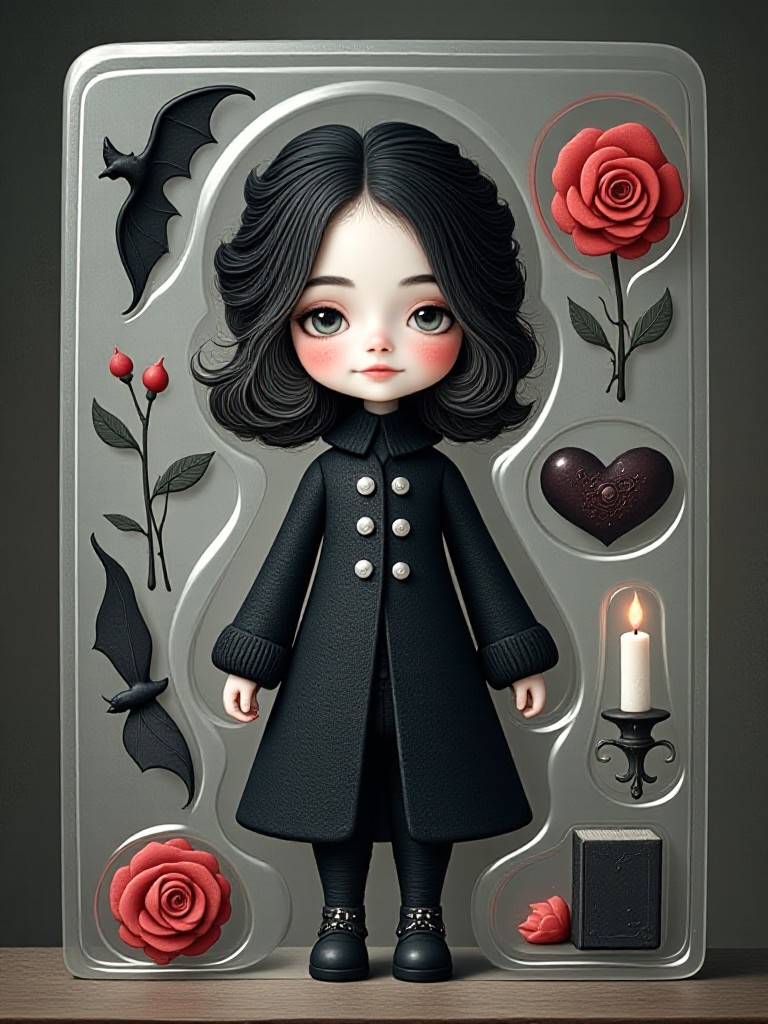
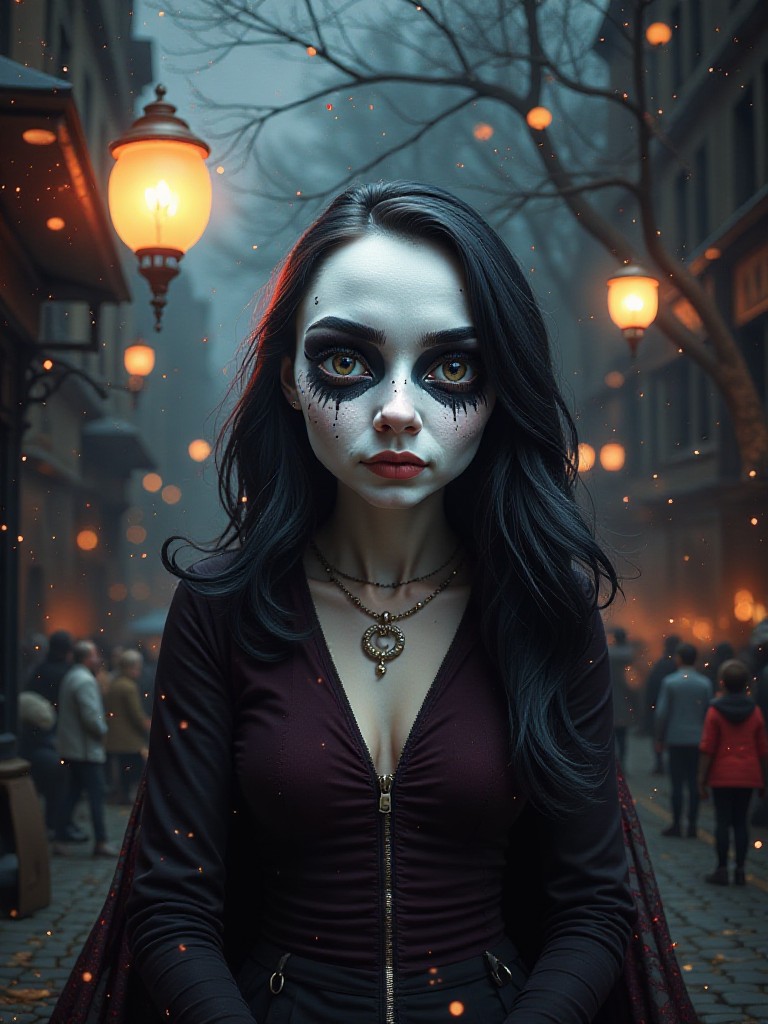
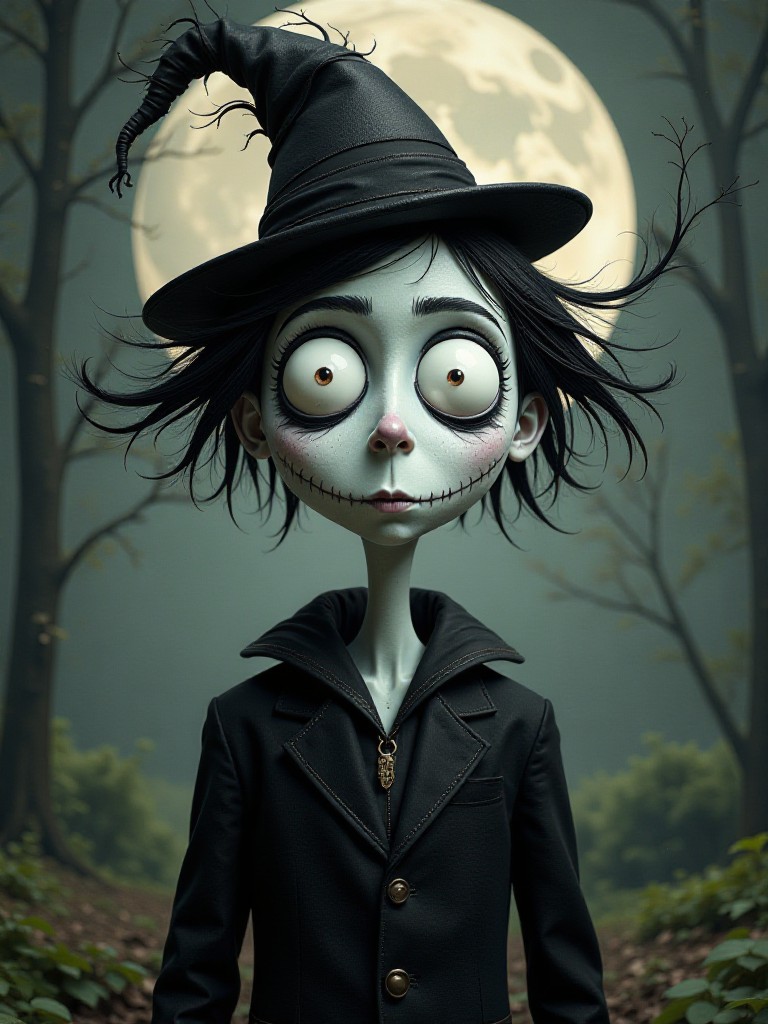
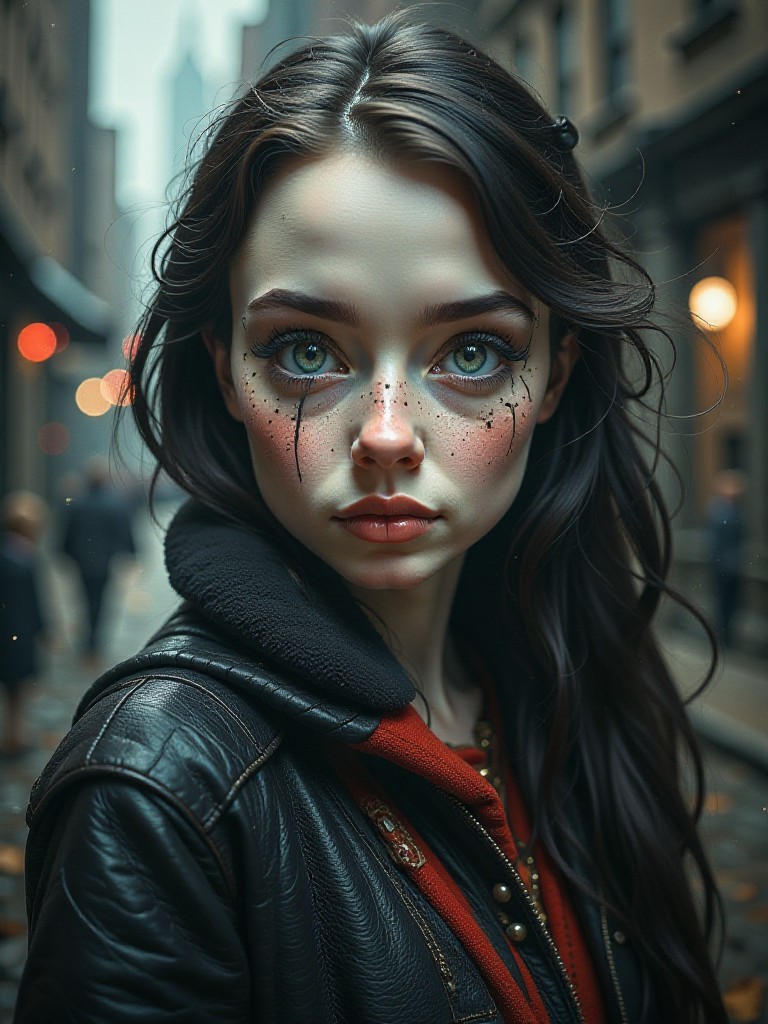
Discover the magic of Tim Burton's iconic style with a1.art's curated AI prompts. Generate stunning, cinematic visuals inspired by his signature aesthetic—layered textures, gothic charm, and whimsical darkness—all in seconds. Whether you're an artist, designer, or creative enthusiast, a1.art brings your Tim Burton-inspired visions to life effortlessly.
A dimly lit Victorian mansion with twisted trees, intricate ironwork, and a mysterious fog rolling through the garden.
Edward Scissorhands standing in a rain-soaked courtyard, surrounded by overgrown plants and broken glass windows.
A stop-motion animation of a quirky clock tower with gears turning and shadows dancing across its face.
A surreal underwater scene featuring mermaids with pale skin, flowing hair, and coral-like dresses.
Alice from 'Alice in Wonderland' sitting at a tea party table, surrounded by oversized teapots and floating cakes.
A haunted carnival with a Ferris wheel that spins endlessly under a full moon, casting eerie shadows on the ground.
Explore more

Get Tim Burton Videos & Images without Prompt

a1.art offers a large number of filters, allowing you to easily obtain AI videos or images without prompts.
image befor ai generation
A cute 3D rendered cartoon boy, wearing an olive green jacket, khaki shorts, and a beige baseball cap. He has large, expressive eyes, a friendly expression, and carries a brown backpack. He's wearing off-white sneakers. The style is reminiscent of 3D cartoon character design, with smooth, polished textures and no visible brushstrokes. The background is a simple beige color, focusing all attention on the character. The lighting is soft and even, creating a warm and pleasant atmosphere. The overall style is cheerful and friendly, suitable for children's products or game character design. The image is rendered in a style similar to contemporary 3D animation character design. Think of the clean lines and smooth surfaces of Pixar-style animation, but with a slightly more realistic rendering of the materials.
cute 3D cartoon boy image
Input
Result
cute 3D cartoon boy
夢境畫境Dreamscape Canva headshot夢境畫境Dreamscape Canva
playicon16.3k
image befor ai generation
Wearing a green headscarf, holding a green windmill, surrounded by green butterflies, wearing a green top and wide leg pants.
Cute avatar for INFP image
Input
Result
Cute avatar for INFP
Krystal🐰 headshotKrystal🐰
playicon178
image befor ai generation
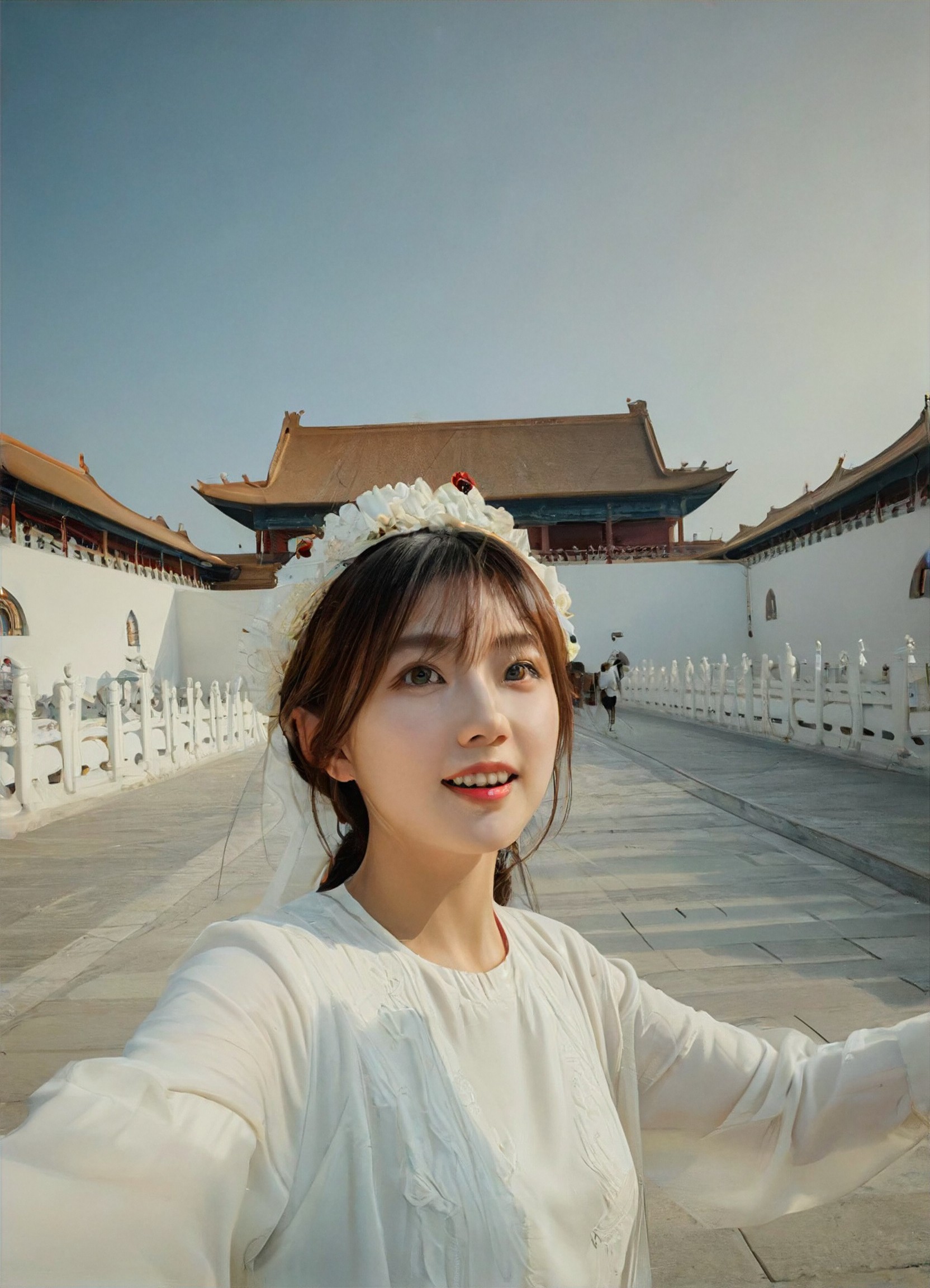
Check in at the Forbidden City image
Input
Result
Check in at the Forbidden City
炫儿 headshot炫儿
playicon145
image befor ai generation
Tim Burton Style image
Input
Result
Tim Burton Style
Miss Miss headshotMiss Miss
playicon93
image befor ai generation
Tim Burton
Tim Burton filter image
Input
Result
Tim Burton filter
a
a1art2025jzzy2
playicon83
Tim Burton
Tim Burton filter image
Input
Result
Tim Burton filter
a
a1art2025jzzy2
playicon53
image befor ai generation
Tim Burton filter
Tim Burton filter image
Input
Result
Tim Burton filter
a
a1art2025jzzy2
playicon46
image befor ai generation
magic image image
Input
Result
magic image
A
Art8700qkttabet
playicon3.4k

How to Make Tim Burton AI Image & Video on a1.art?

Step into the future of AI Tim Burton video and image creation on a1.art.

a1.art tutorial Step 1
Step 1
Select the style you want to apply in the Square.

a1.art tutorial Step 2
Step 2
Upload the image you want to transform . It can be a photo, hand-drawn sketch.

a1.art tutorial Step 3
Step 3
Wait a few seconds and you can easily get your unique AI Tim Burton art. Download for free!

FAQ about Tim Burton AI Prompt on a1.art

Discover the secrets to creating Tim Burton videos and images at a1.art.

What makes a1.art's Tim Burton AI prompts unique?

Our prompts are specifically designed to capture the essence of Tim Burton's signature style—dark, whimsical, and visually rich. They blend gothic elements, surrealism, and intricate details to help you create authentic Tim Burton-inspired art effortlessly.

Can I use these prompts for both images and videos?

Absolutely! a1.art supports both AI image and video generation. Simply select your preferred prompt, upload an image or enter a text, and watch as our AI transforms it into stunning Tim Burton visuals.

Do I need artistic skills to use a1.art?

No artistic skills are required! a1.art is designed for everyone—from beginners to professionals. Our intuitive interface and powerful AI technology make it easy to generate high-quality Tim Burton-inspired content without any prior experience.

How many credits do I get daily, and can I earn more?

a1.art offers daily free login credits to all users. Additionally, you can subscribe to earn more credits, allowing you to create even more Tim Burton-inspired visuals without limits.

Is a1.art suitable for commercial use?

Yes, a1.art's Tim Burton AI-generated content is fully licensed for commercial use. You can confidently incorporate these visuals into your projects, knowing they are legally protected and ready for professional applications.

Container background

Make Tim Burton AI Image & Video on a1.art APP

Download the app to explore Tim Burton AI image & video filters, faster processing, and personalized features. Whether you want creative images or stunning videos, the app makes it easier.