
Get Taupe Videos & Images without Prompt
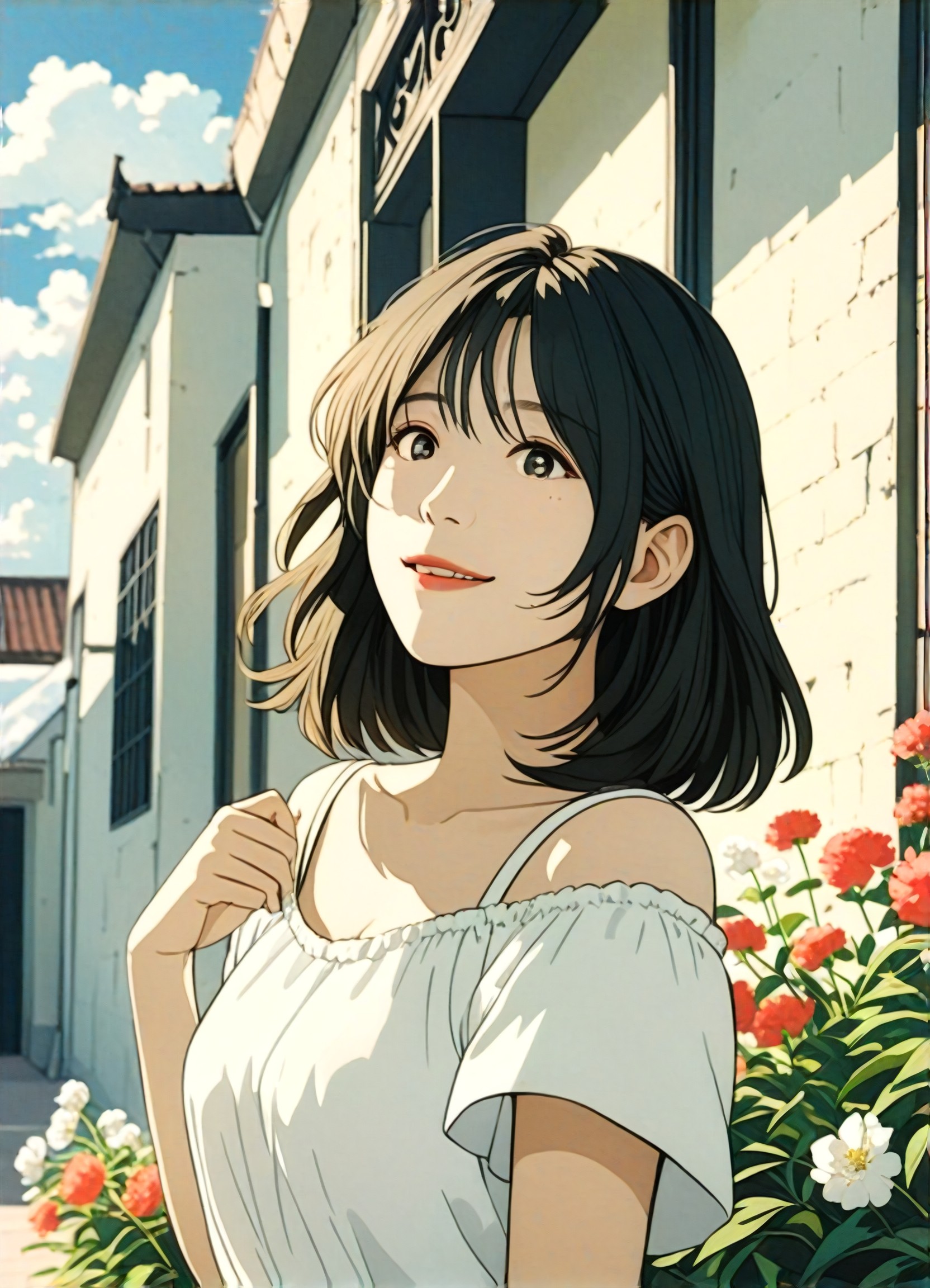
a1.art offers a large number of filters, allowing you to easily obtain AI videos or images without prompts.
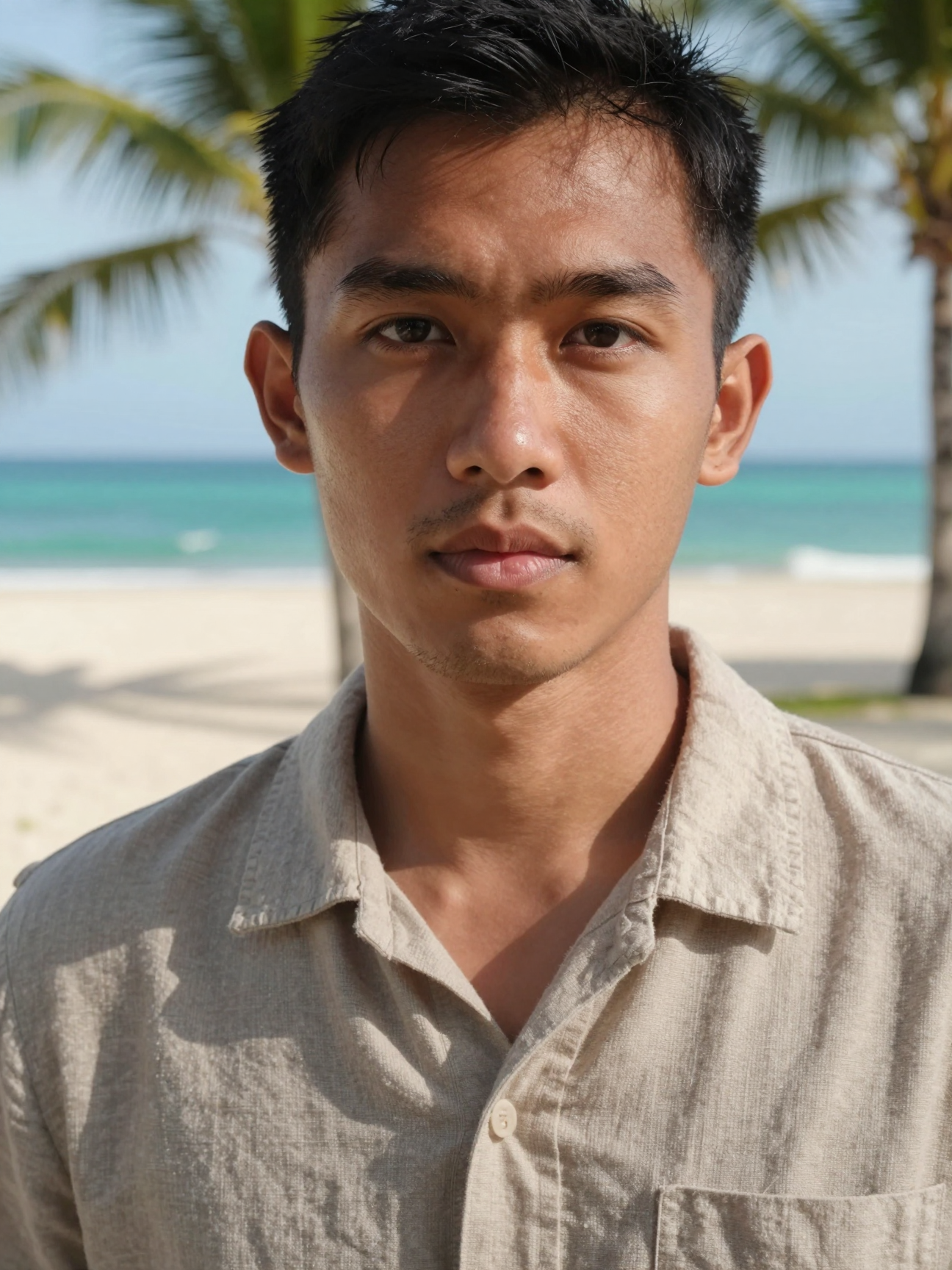
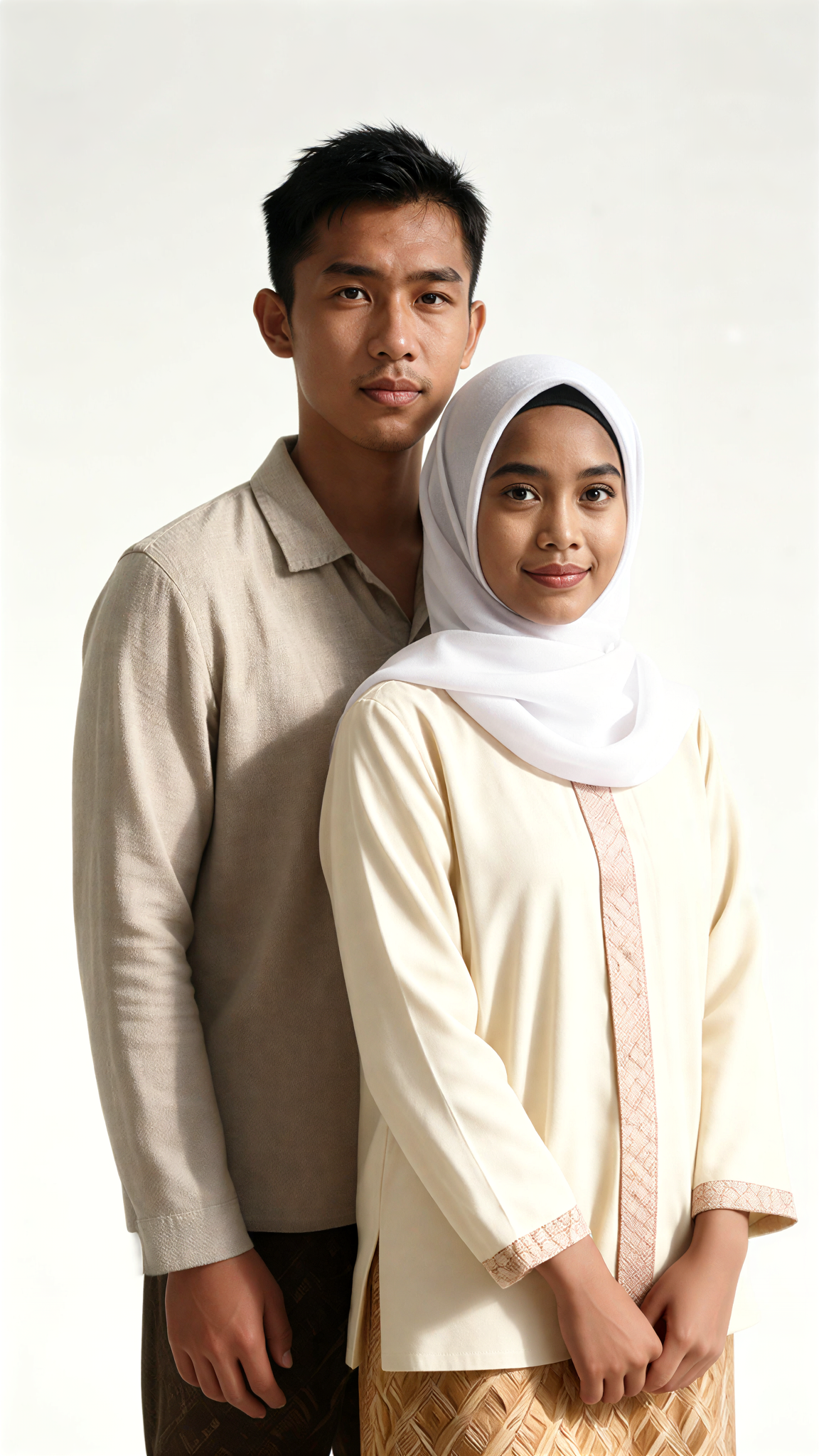
Input
Result
Soft Taupe Studio
 艺术创作家
 54
冰与火
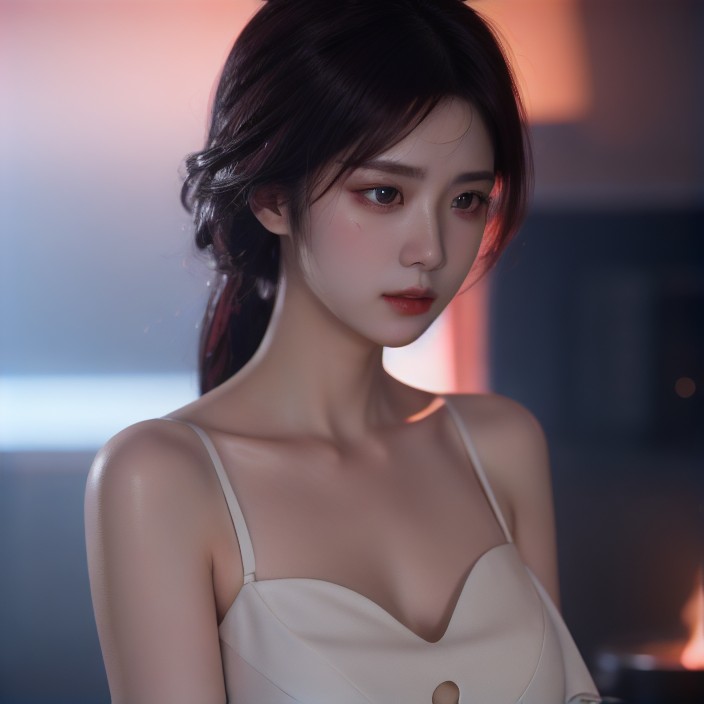
Input
Result
AI Image Filter
A
AIGO734
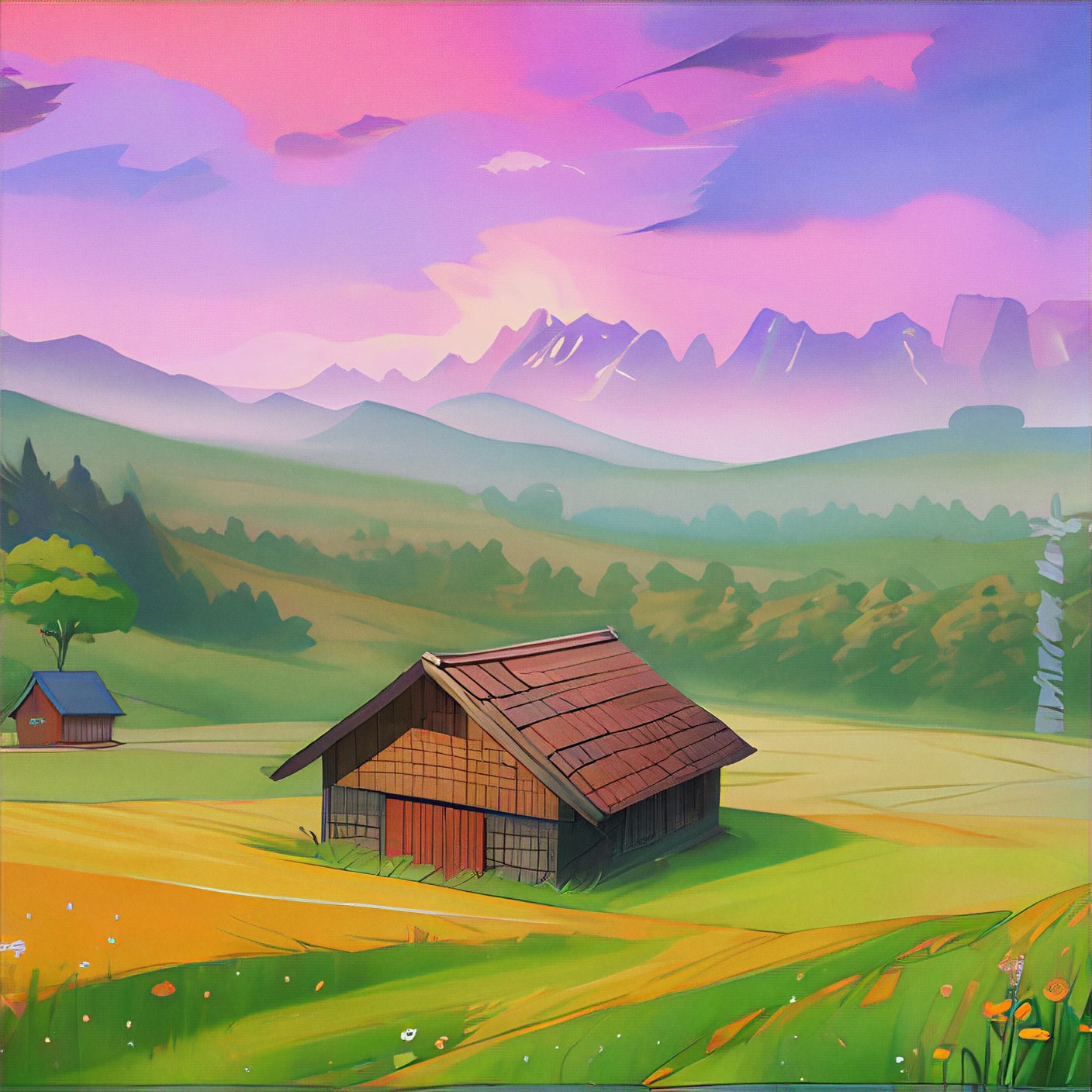
Input
Result
free image-to-image
o
o389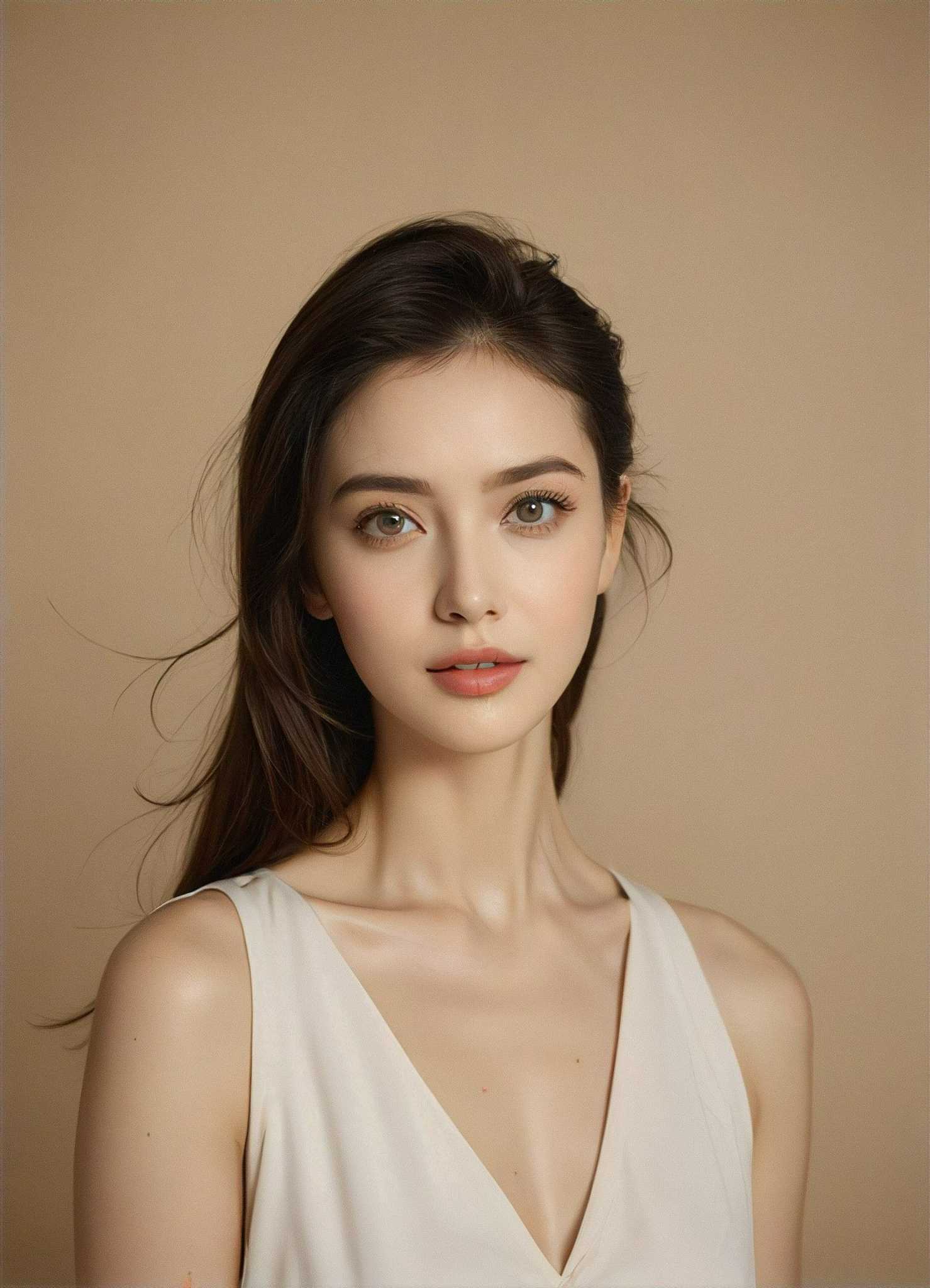
Input
Result
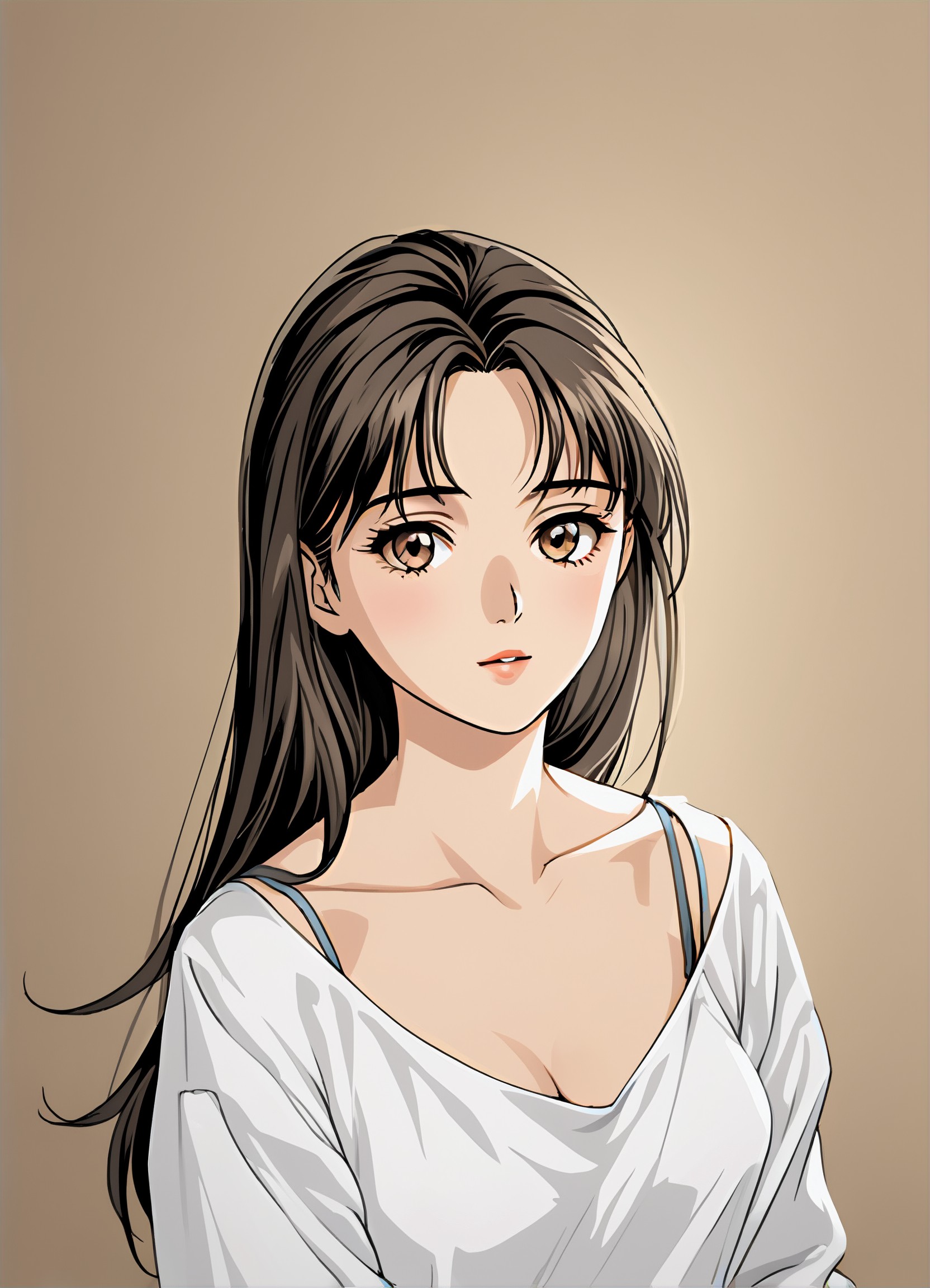
Manga filter
 winter solstice236.2k
Input
Result
Image to Image
 CC6.5k
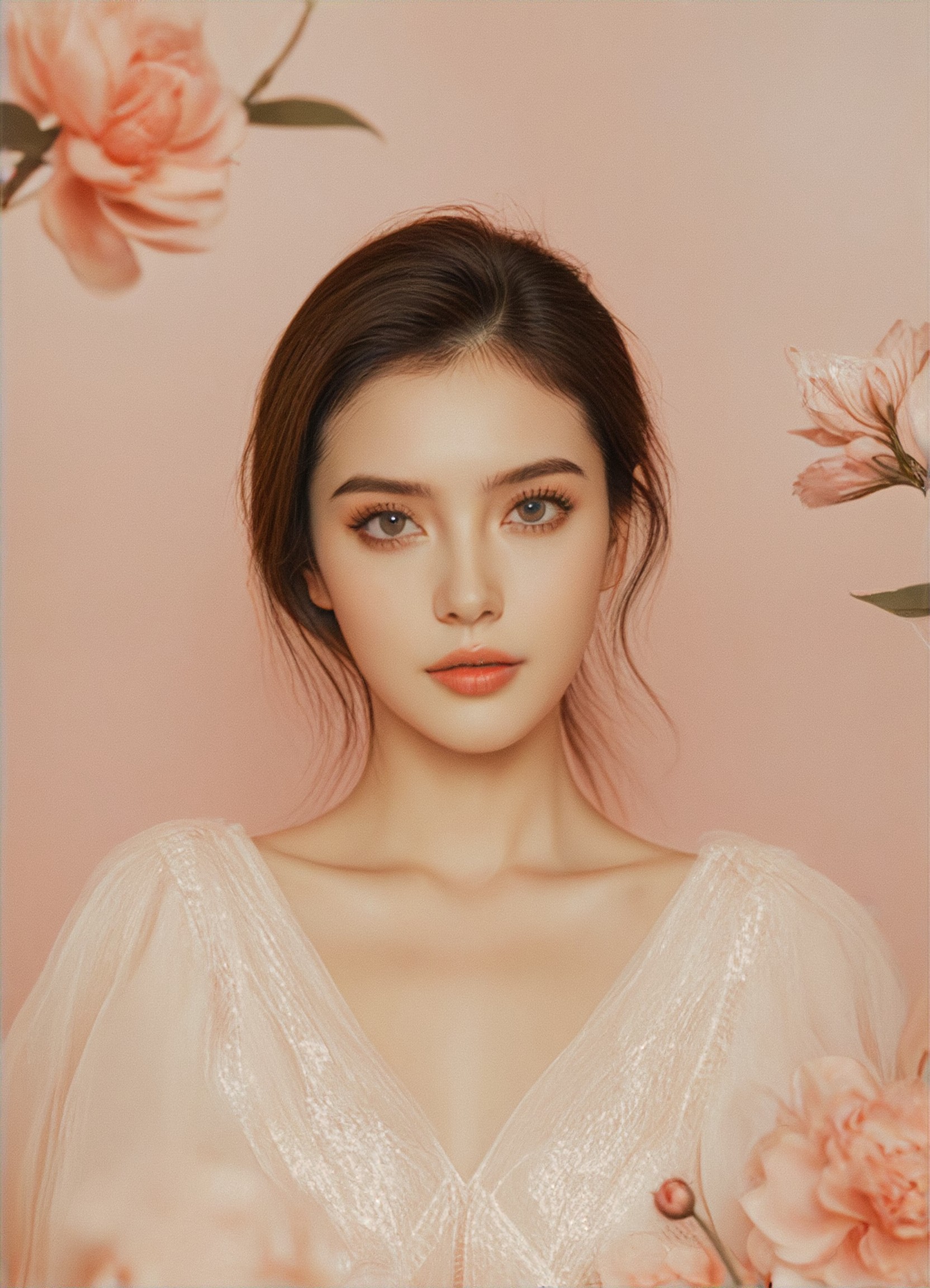
Input
Result
Pink filter
winter solstice2.3k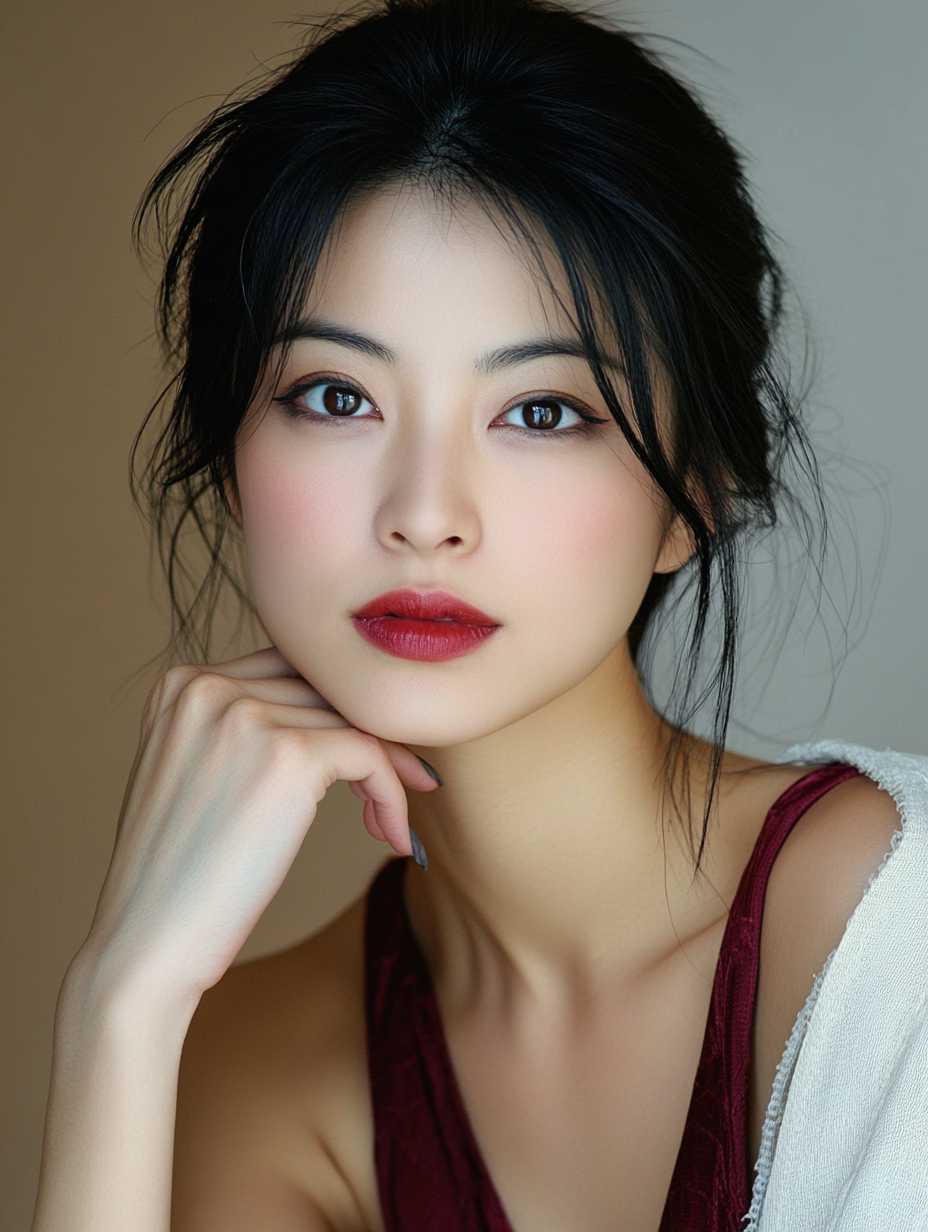
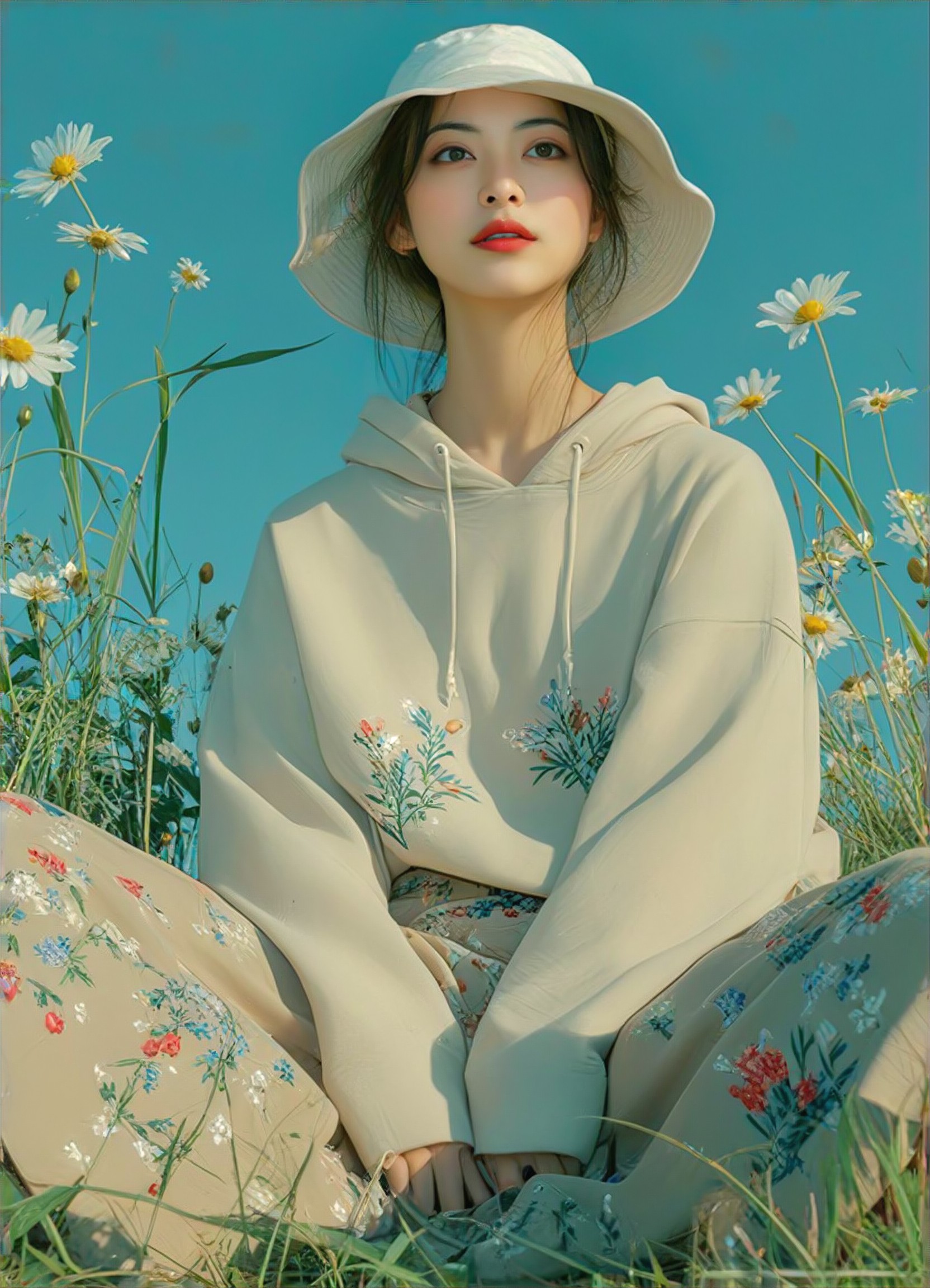
Input
Result
写真照片
熊
熊122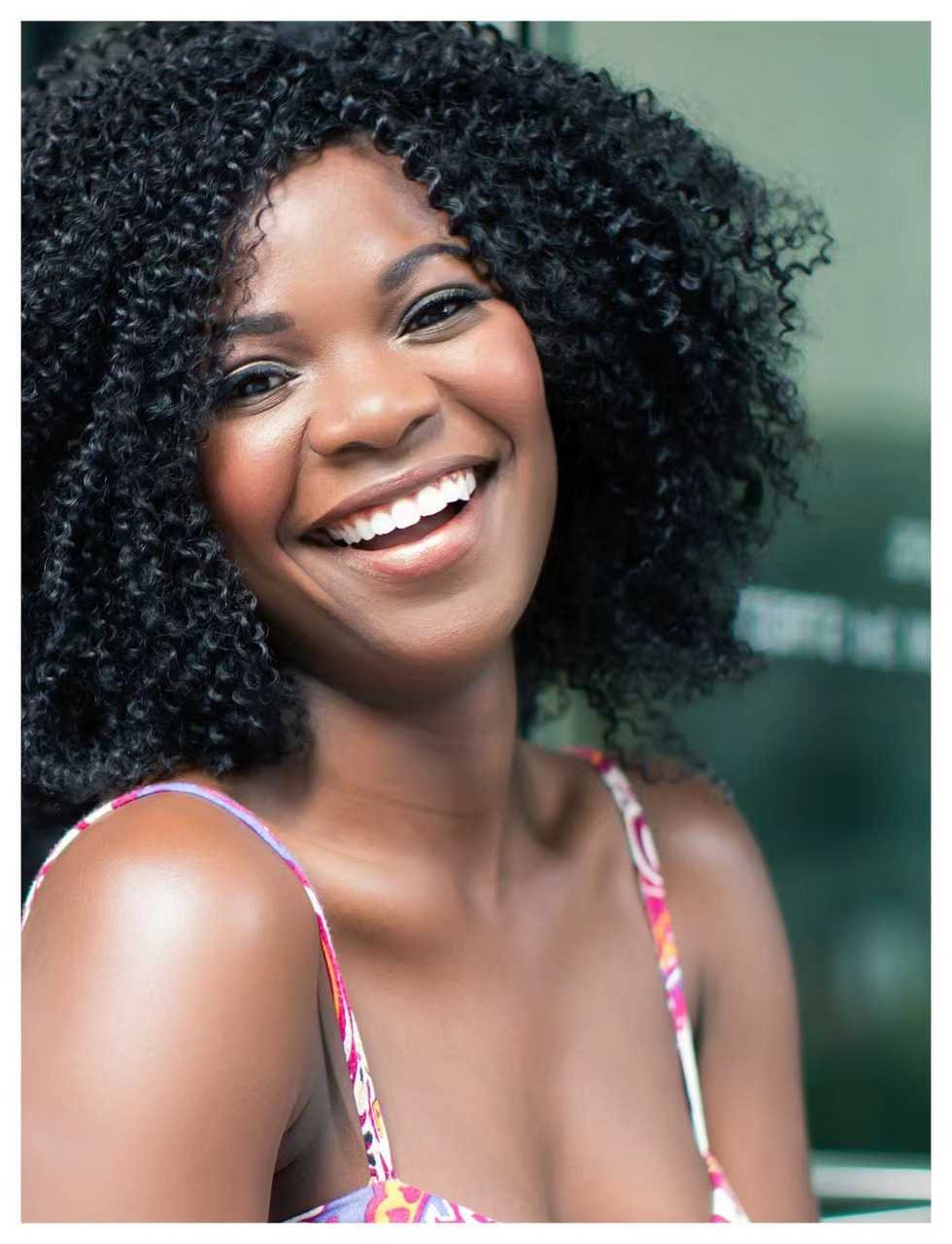
Input
Result
潦草艺术
A
Art8129xzp8zkyy39
AI Generated Taupe Images & Videos
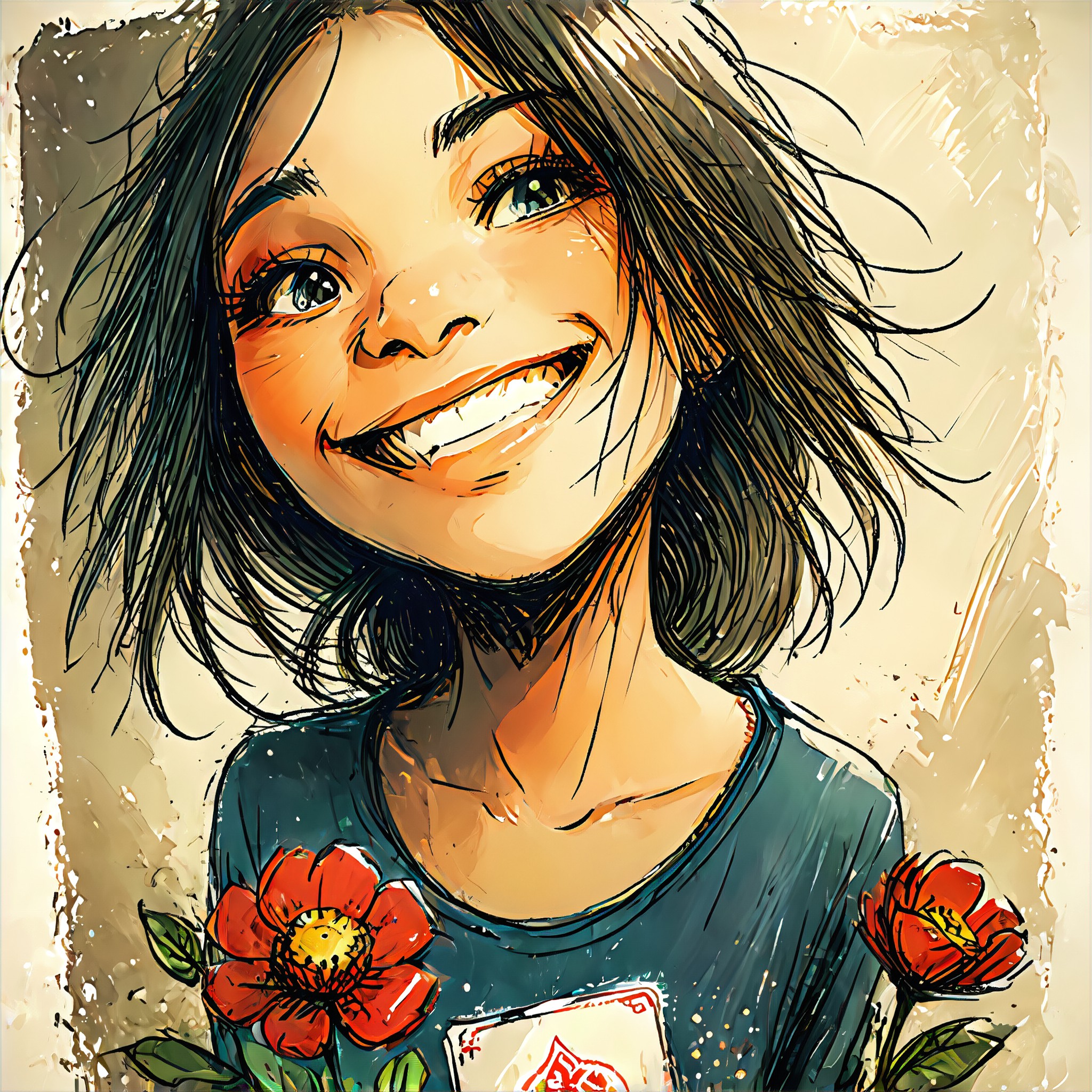
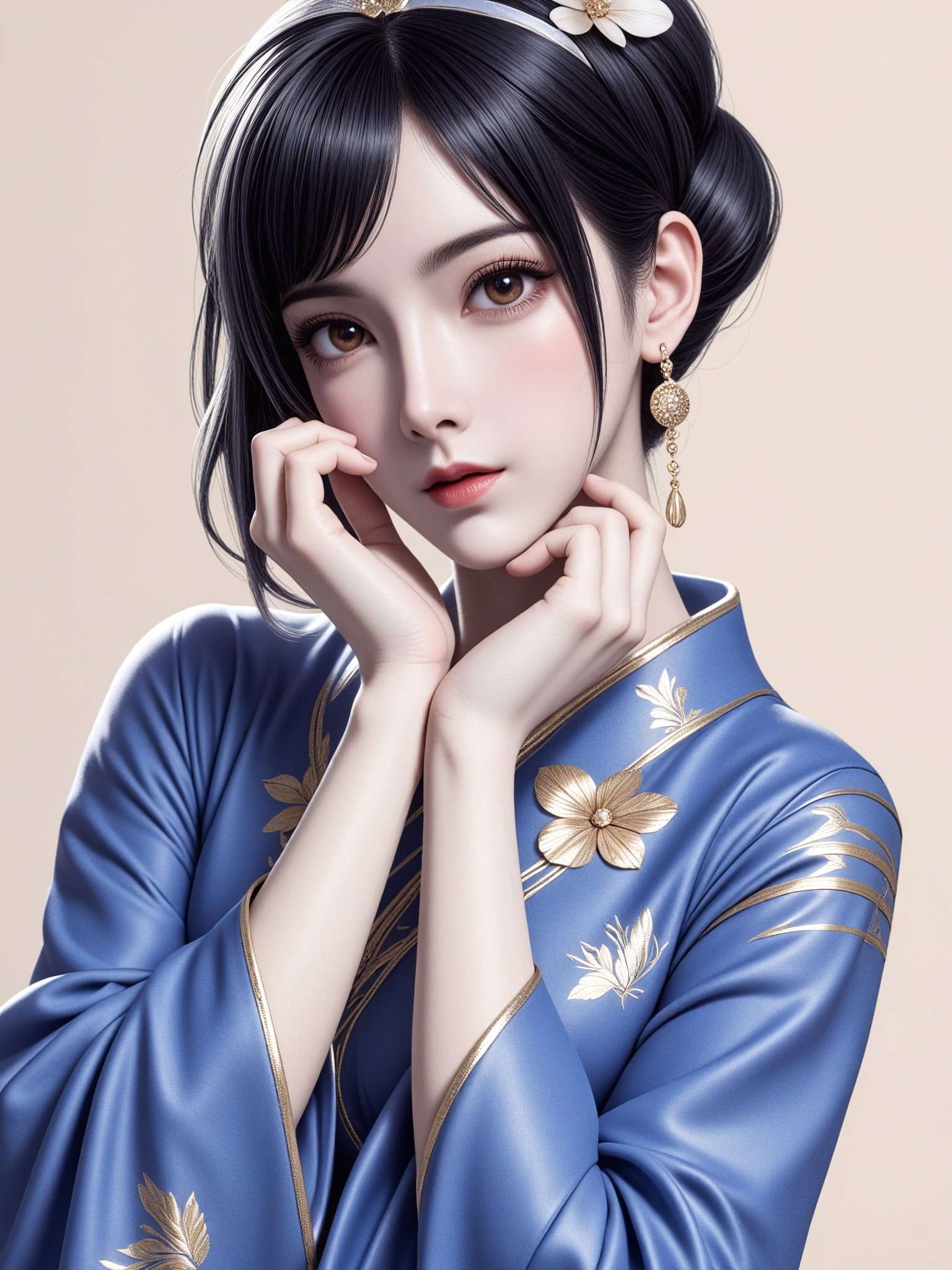
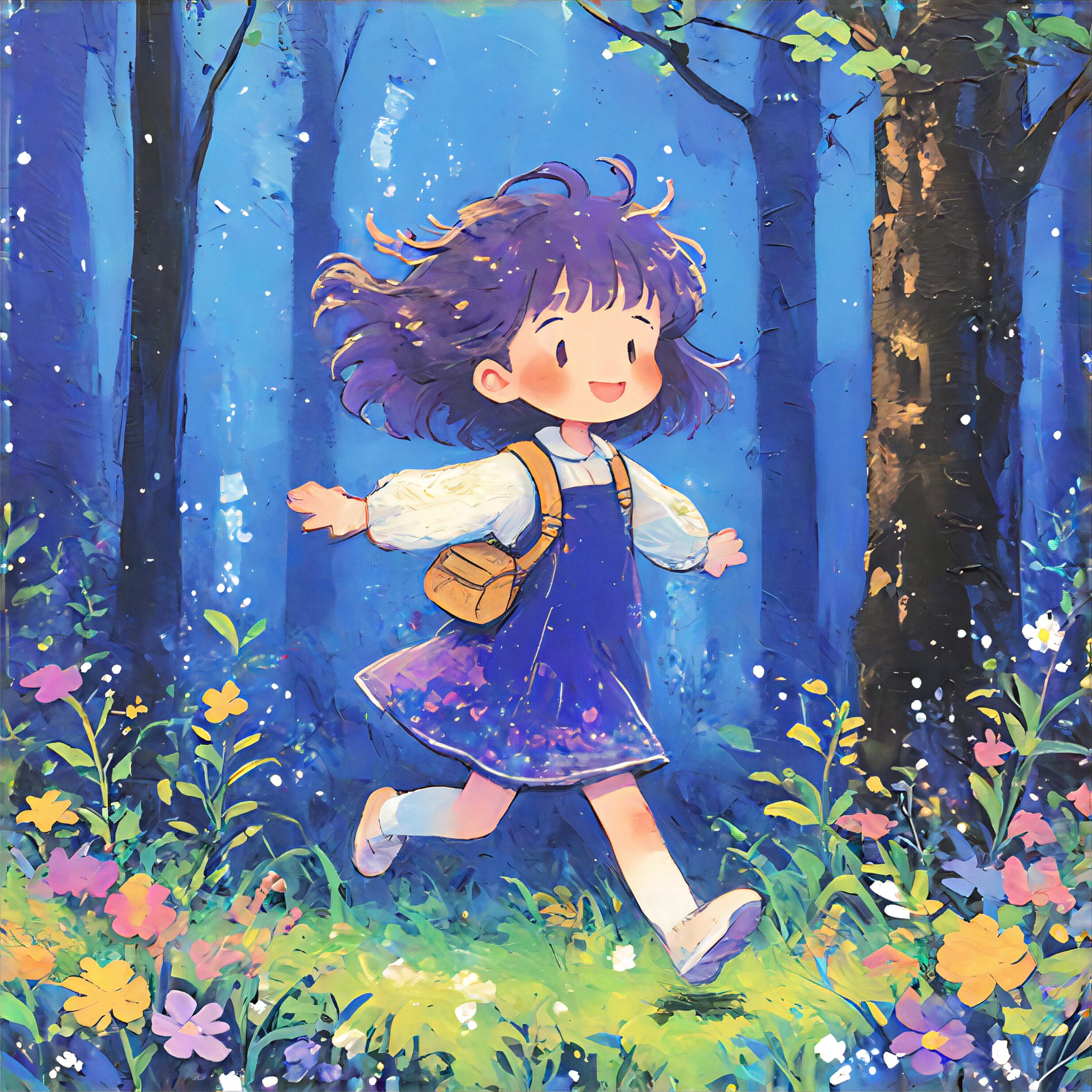
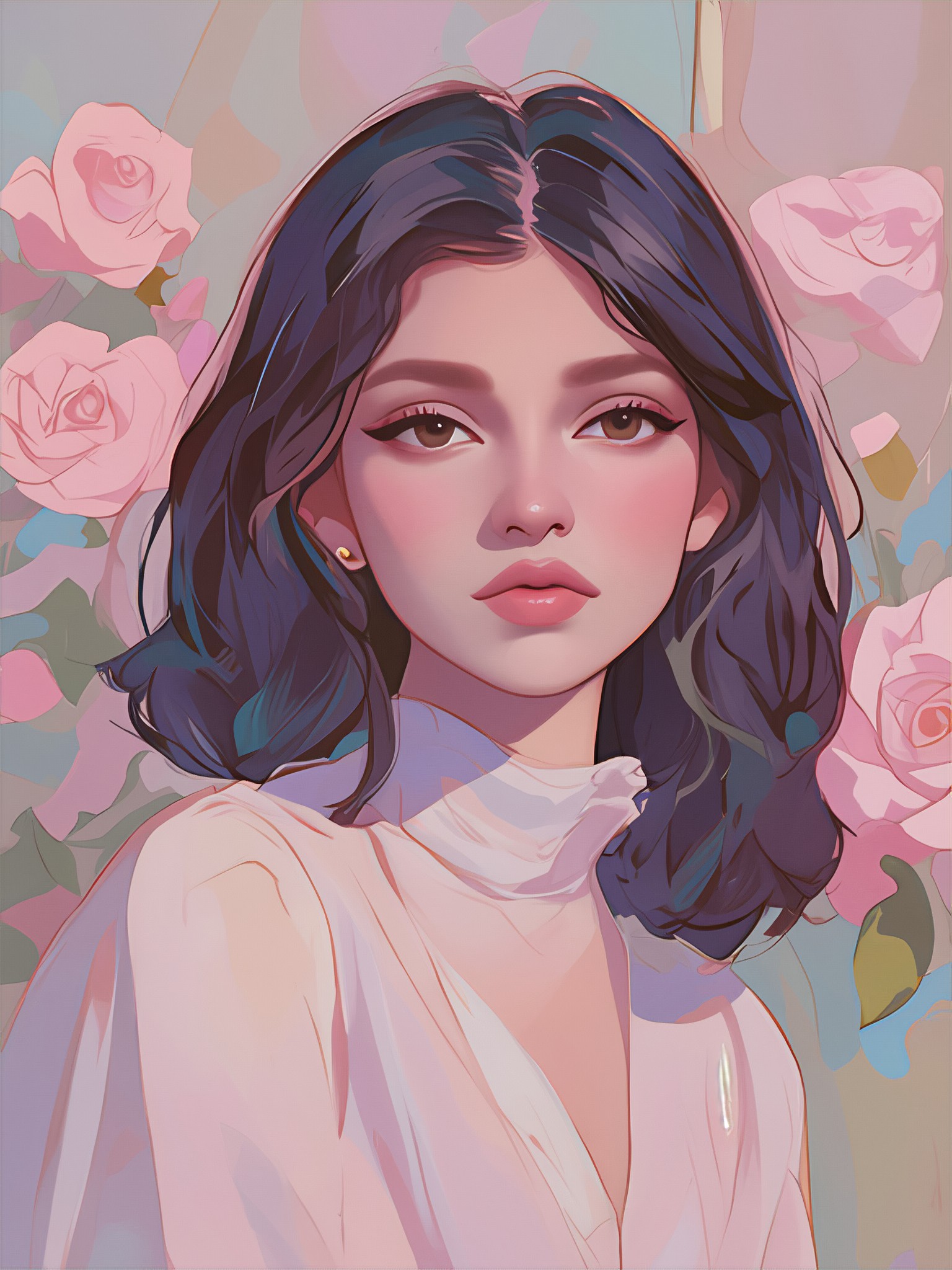
Discover unique and innovative Taupe images and videos created with a1.art Taupe prompts.

How to Make Taupe AI Image & Video on a1.art?
Step into the future of AI Taupe video and image creation on a1.art.
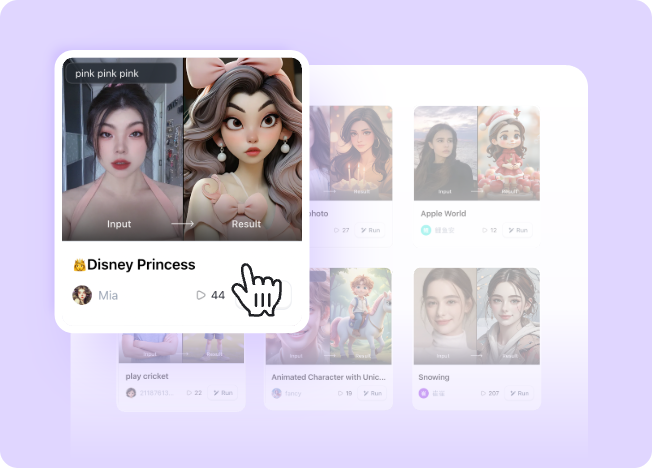
Step 1
Select the style you want to apply in the Square.
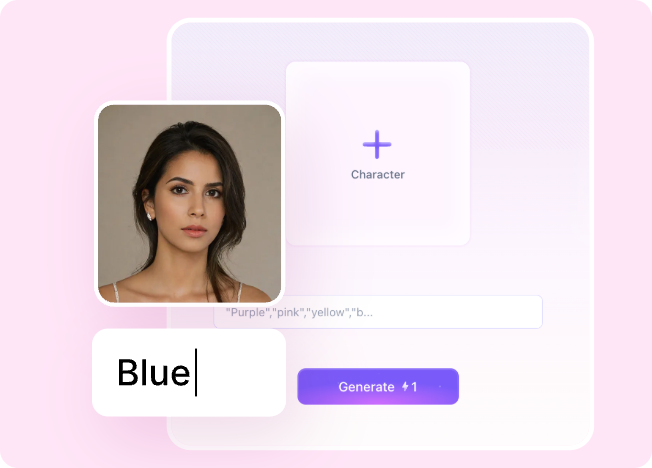
Step 2
Upload the image you want to transform. It can be a photo, hand-drawn sketch.
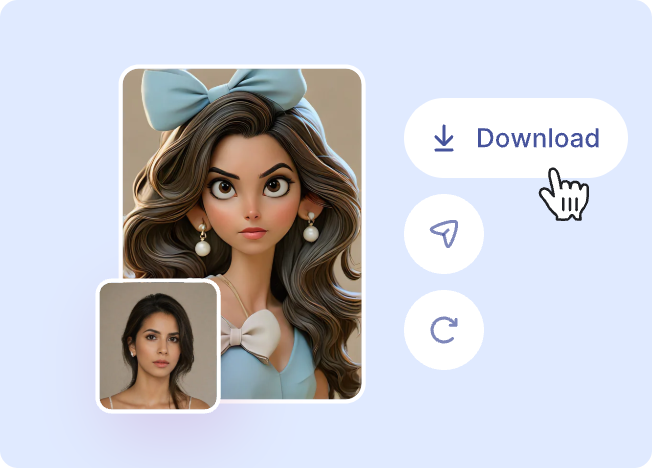
Step 3
Wait a few seconds and you can easily get your unique AI Taupe art. Download for free!
FAQ about Taupe AI Prompt on a1.art
Discover the secrets to creating Birthday Day videos and images at a1.art.
What makes a1.art's taupe AI prompts unique?
Our prompts are carefully crafted to capture the essence of taupe, offering a range of textures, lighting effects, and artistic styles. Whether you need realistic details or abstract interpretations, a1.art provides versatile options tailored to your creative vision.
Can I use these prompts for commercial projects?
Absolutely! All visuals generated using a1.art's taupe prompts are royalty-free, making them perfect for commercial use in fashion, advertising, or interior design.
How do I get started with creating taupe visuals?
Simply select a prompt that matches your desired style, upload an image or enter a text description, and let a1.art's AI handle the rest. You'll have stunning visuals ready in seconds.
Are there any limitations on the number of prompts I can use?
No limitations! With a1.art, you can explore as many taupe prompts as you like. Our platform offers daily free credits, and subscribing gives you even more flexibility.
Can I customize the taupe prompts further?
Yes, you can tweak the prompts by adjusting parameters like lighting, texture, and composition. This allows you to fine-tune the visuals to perfectly match your project's needs.