


Get Takeoff Videos & Images without Prompt
a1.art offers a large number of filters, allowing you to easily obtain AI videos or images without prompts.

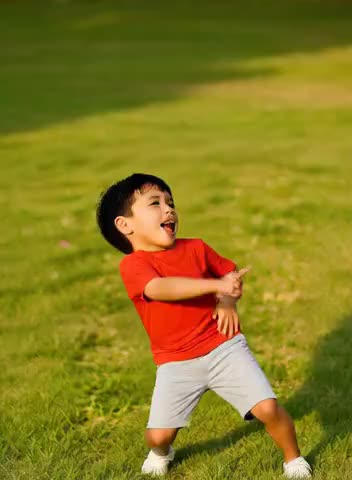
Input
Result
cute Baby takeoff dance
 Aryan(阿利安)
 28.4k
28.4k

Input
Result
Palm Takeoff
 Yuanxiaotai850

Input
Result
Fingertip landing before takeoff
 Xiaokai2
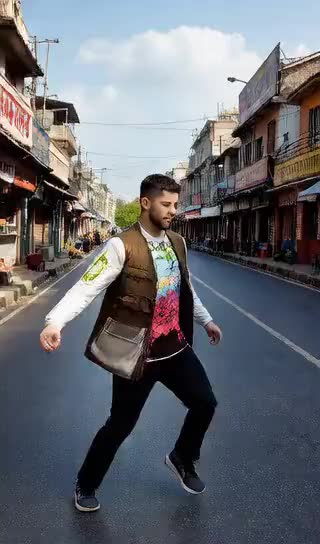
Input
Result
Takeoff Dance
 akaii1
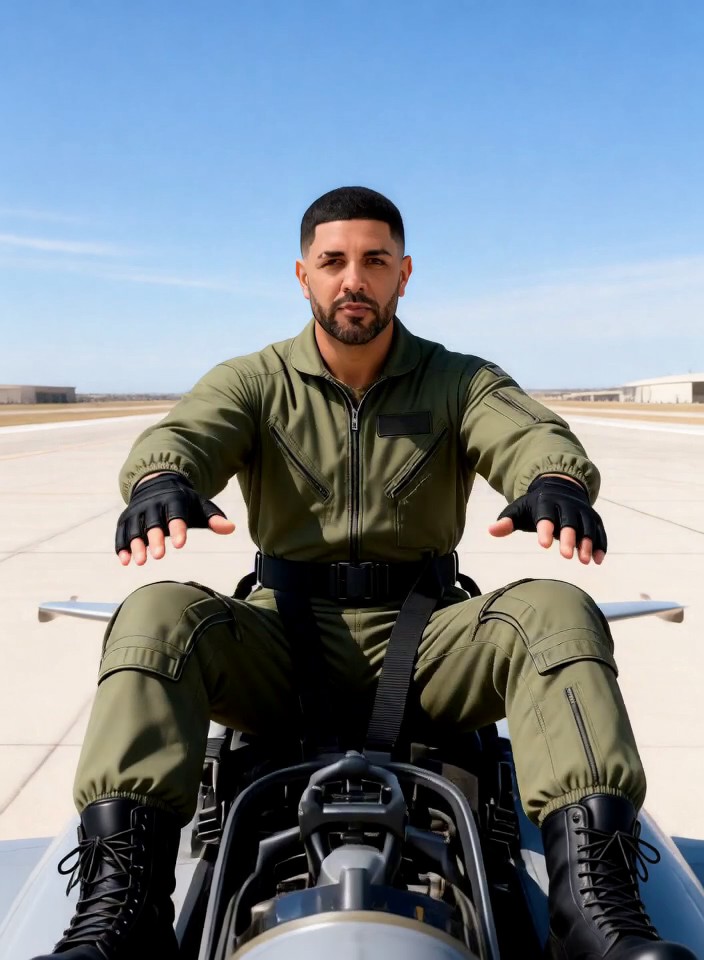
Input
Result
Helicopter Takeoff
 puhtkow0
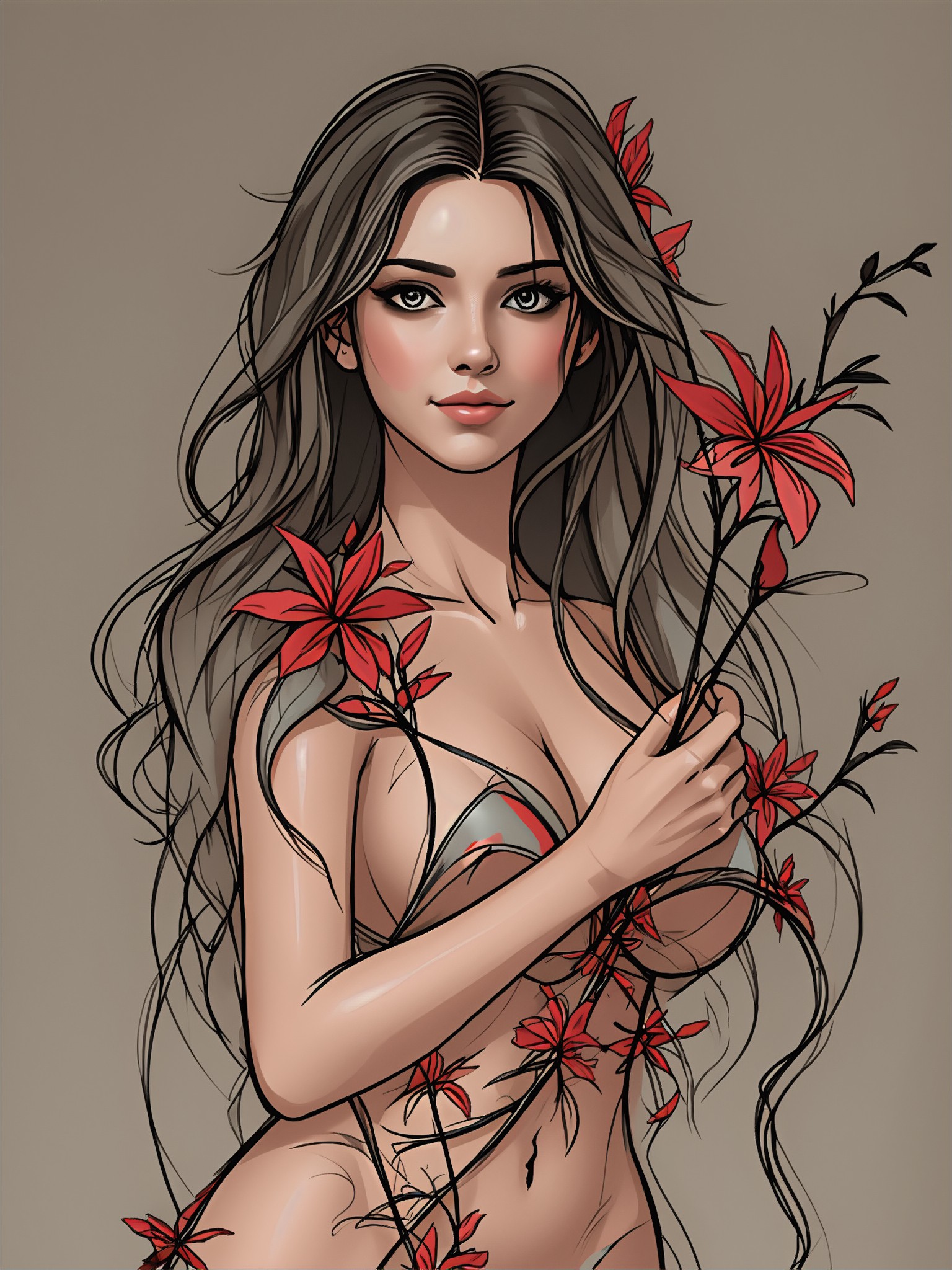
Input
Result
Art style
 Devinci. art279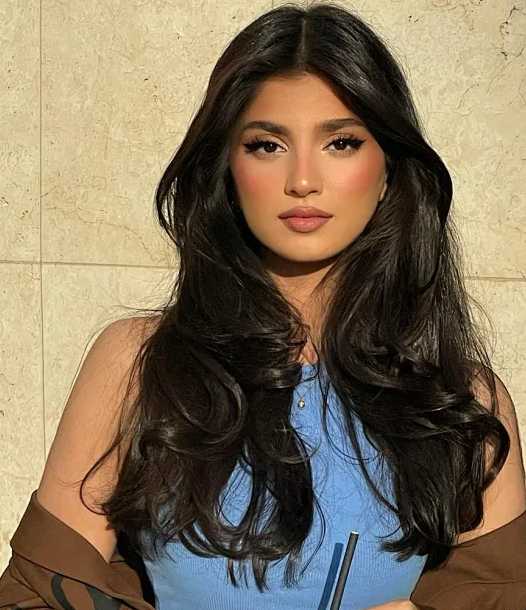

Input
Result
Healing art style
 21187613791.7k

Input
Result
Anime filter
 aha!998
AI Generated Takeoff Images & Videos
Discover unique and innovative Takeoff images and videos created with a1.art Takeoff prompts.





How to Make Takeoff AI Image & Video on a1.art?
Step into the future of AI Takeoff video and image creation on a1.art.

Step 1
Select the style you want to apply in the Square.

Step 2
Upload the image you want to transform. It can be a photo, hand-drawn sketch.

Step 3
Wait a few seconds and you can easily get your unique AI Takeoff art. Download for free!
FAQ about Takeoff AI Prompt on a1.art
Discover the secrets to creating Birthday Day videos and images at a1.art.
What types of takeoff visuals can I create with a1.art?
With a1.art, you can generate a wide range of takeoff visuals, including aircraft, helicopters, drones, rockets, and even fantastical scenes like spaceships or vintage planes. Our AI prompts cover various styles, from realistic to cinematic.
Can I customize the takeoff prompts to match my vision?
Absolutely! a1.art allows you to input your own text prompts or select from our curated library of takeoff AI prompts. You can adjust settings like lighting, texture, and perspective to fine-tune your creation.
Is a1.art suitable for creating both images and videos?
Yes, a1.art supports both AI image and video generation. Whether you want to create a still image or a dynamic video of a takeoff sequence, our platform has you covered.
Do I need technical skills to use a1.art?
Not at all! a1.art is designed to be user-friendly, requiring no prior technical knowledge. Simply choose a prompt, upload an image or enter a text, and let our AI handle the rest.
How many free credits do I get daily on a1.art?
a1.art offers daily free login credits to help you explore its features. Additionally, you can subscribe to earn more credits and unlock premium options.


