Container backgroundContainer background
Home/AI Prompts/Studio

Studio
AI Prompts

Studio AI Prompts

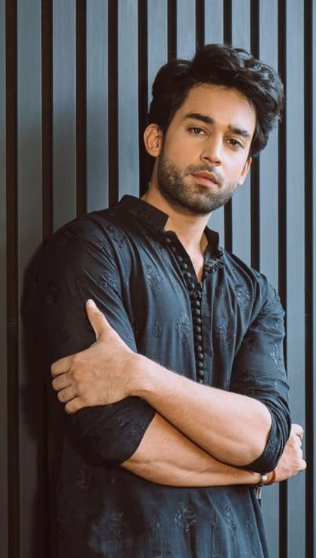
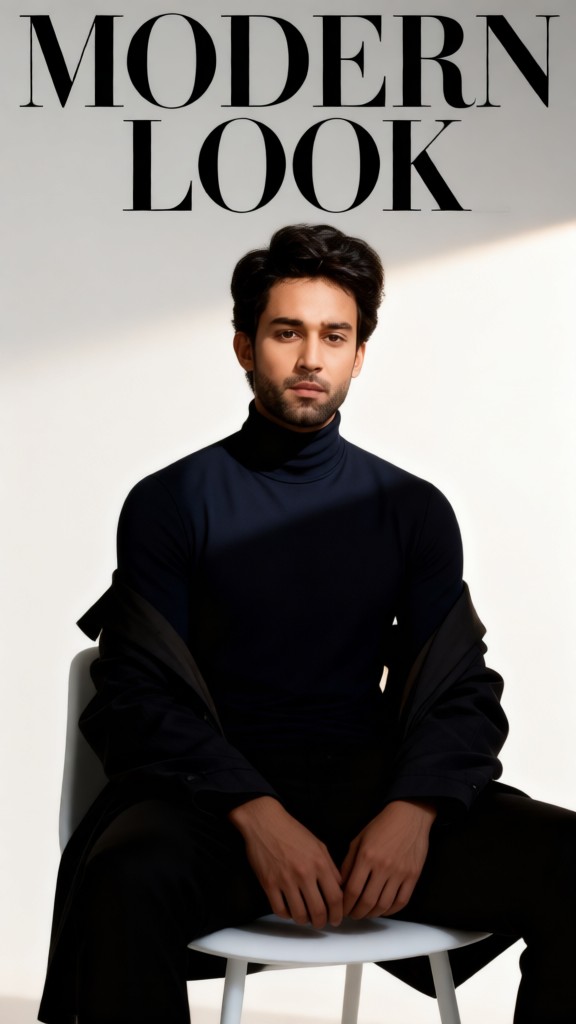
Unlock the power of studio AI prompts at a1.art, where creativity meets cutting-edge technology. Generate stunning studio images and videos effortlessly by selecting your favorite effects or filters, uploading an image, or entering a text prompt. With daily free credits and subscription options for more, a1.art is your go-to platform for professional-grade visual content creation.
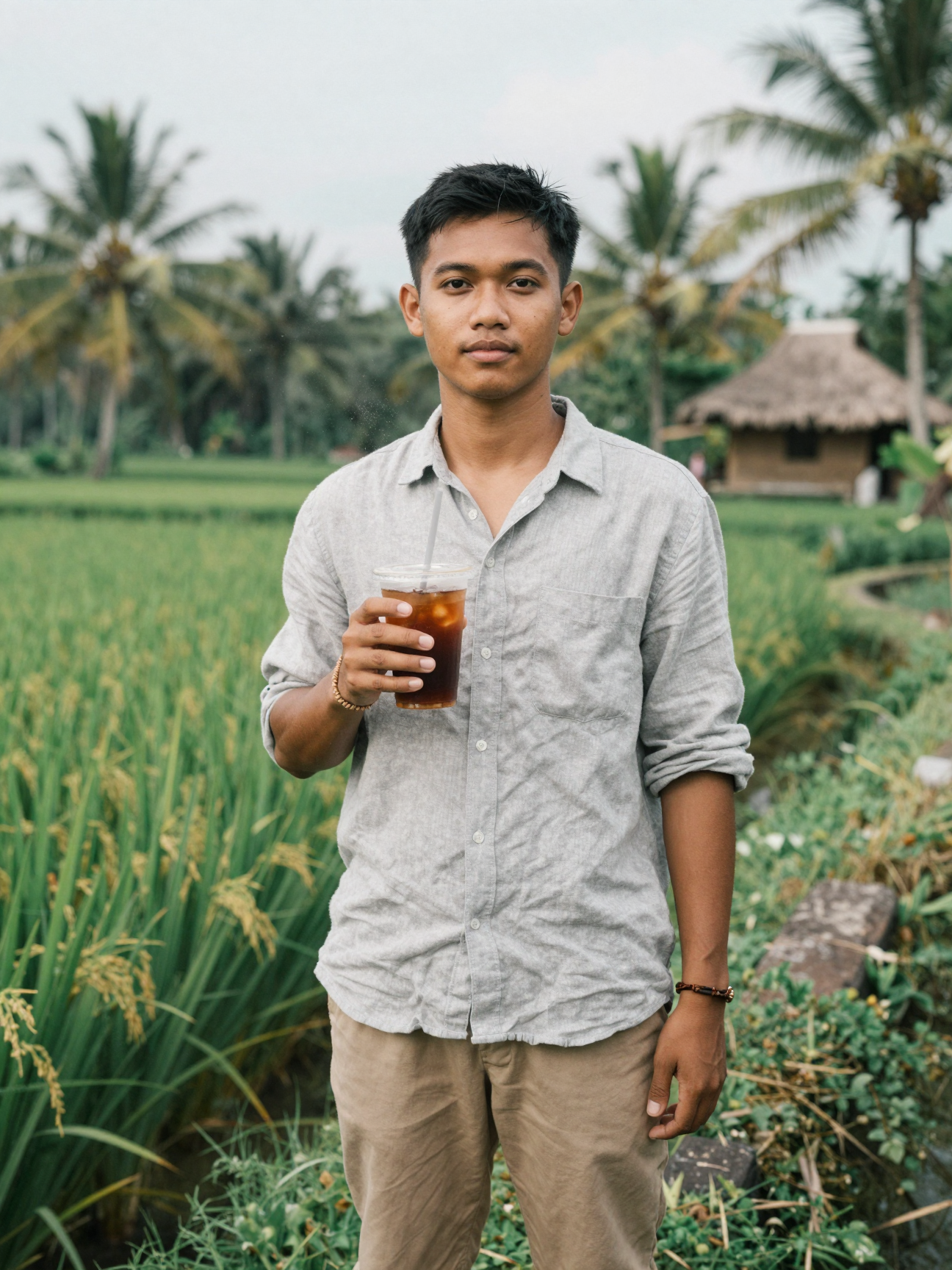
A minimalist studio setup with soft natural lighting, clean white walls, and a sleek wooden table showcasing a single vase of fresh flowers.
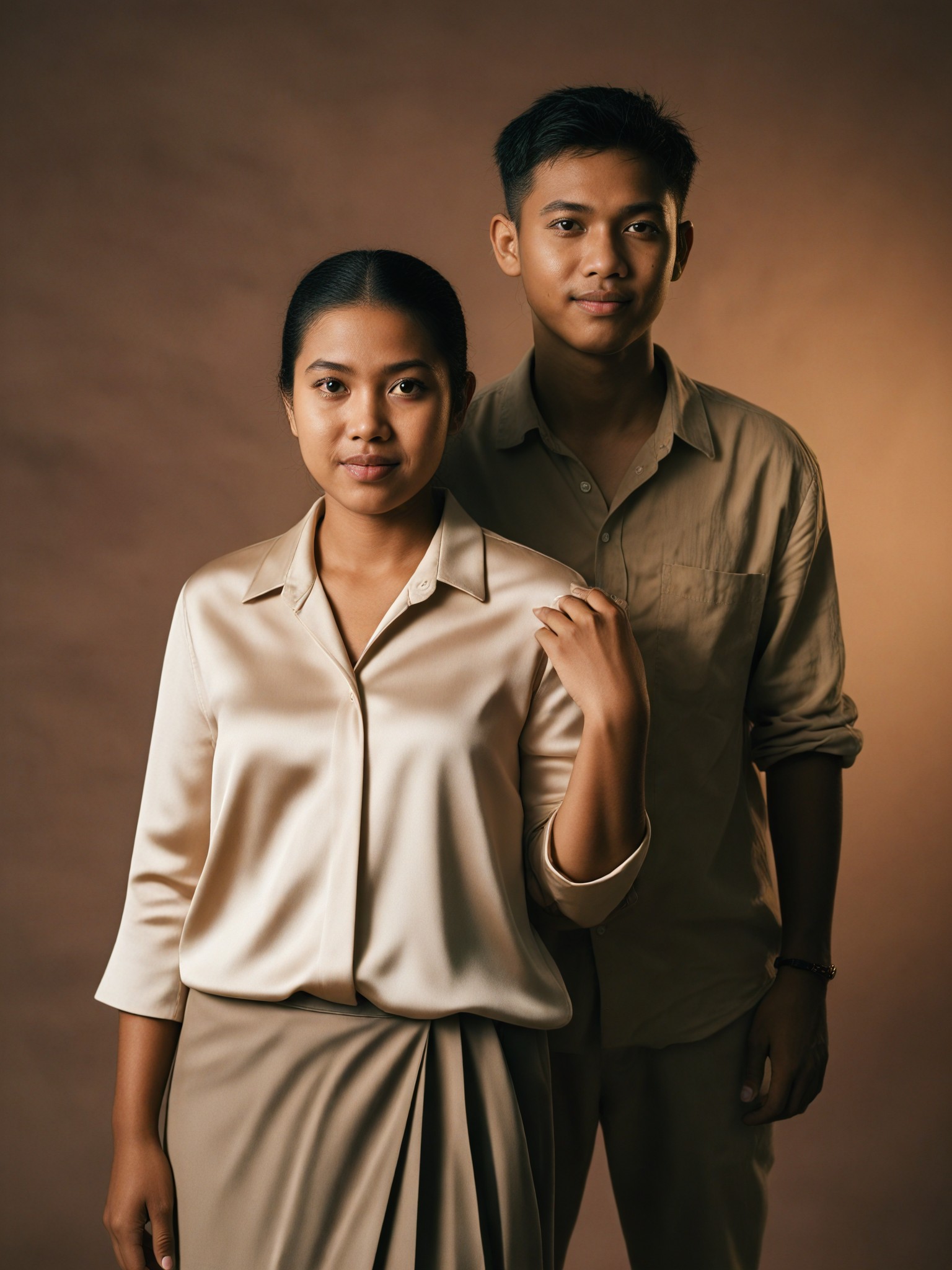
A dramatic black-and-white studio portrait featuring bold contrasts, deep shadows, and a textured backdrop that highlights the subject's facial features.
A futuristic studio environment with neon lights, metallic surfaces, and geometric shapes creating an immersive sci-fi atmosphere.
A cozy indoor studio bathed in warm golden hour light, complete with plush cushions, a vintage camera, and scattered books on a wooden floor.
An industrial-style studio with exposed brick walls, metal scaffolding, and large windows letting in diffused daylight for a rugged aesthetic.
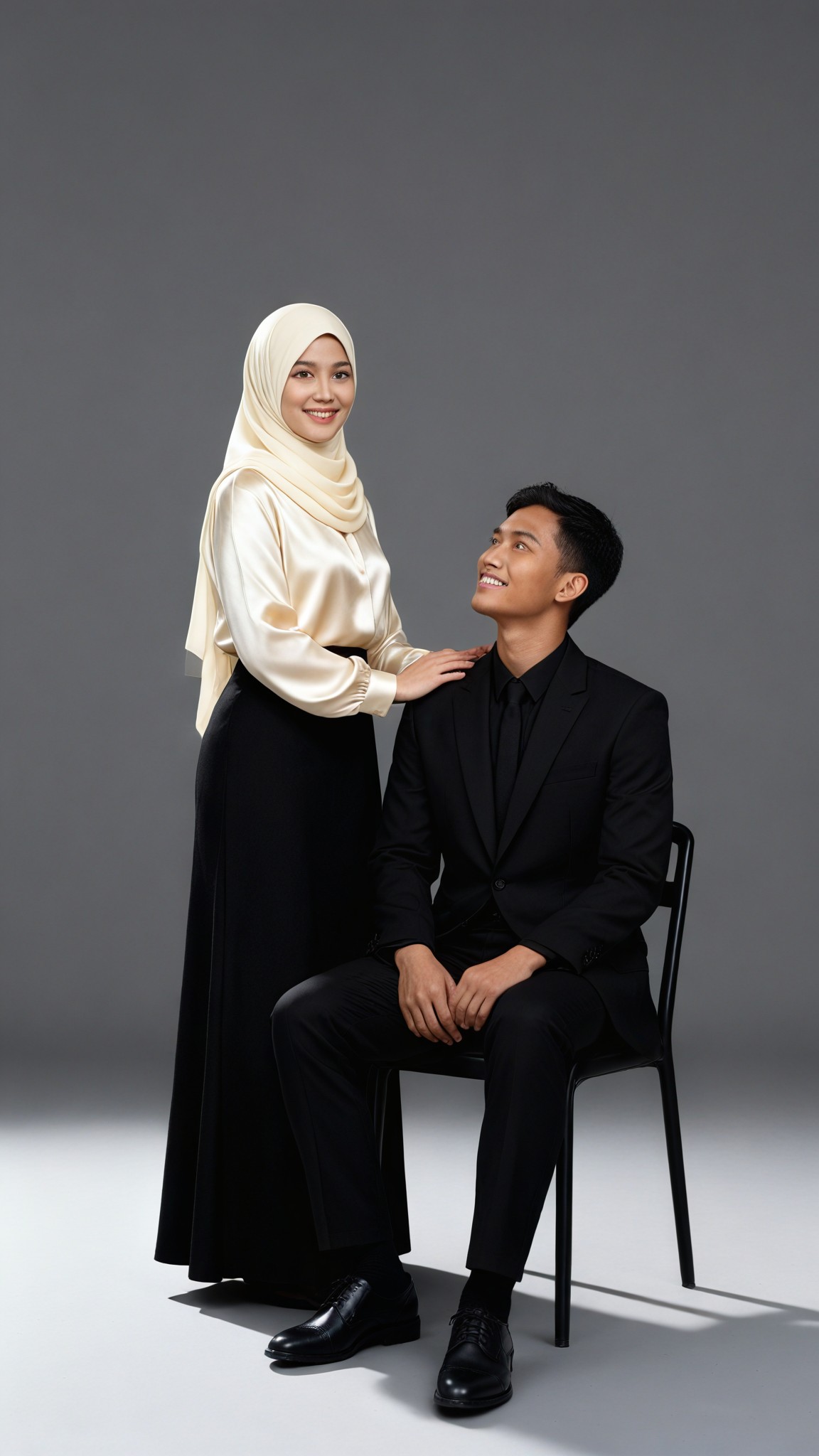
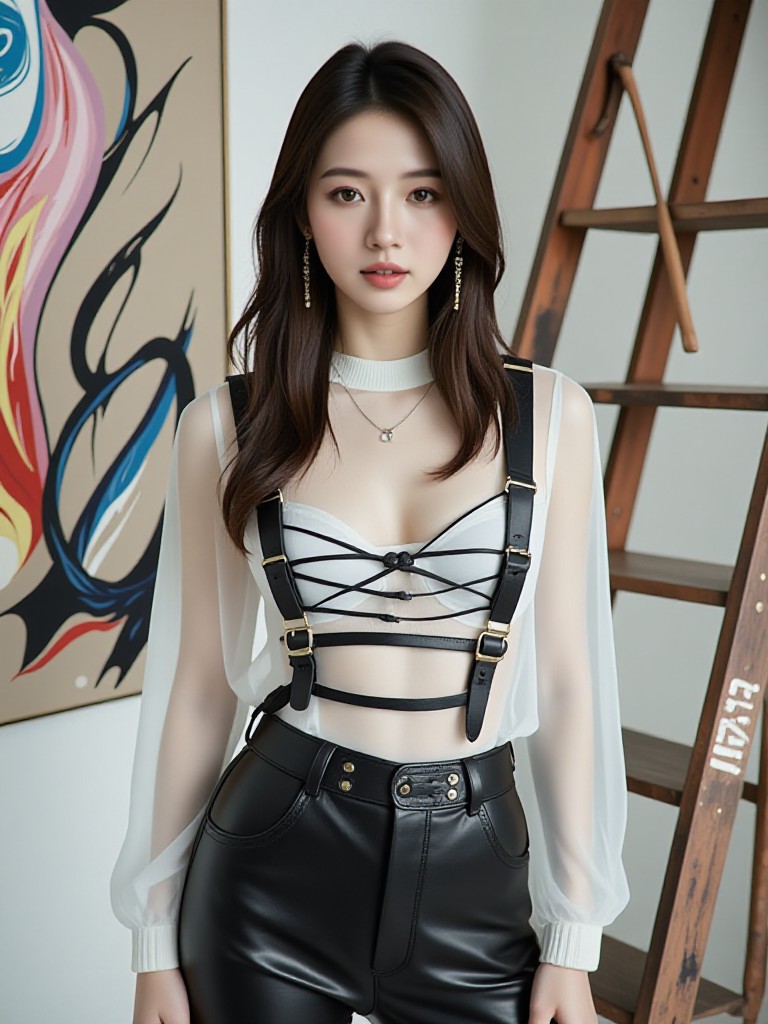
A high-fashion studio shoot with bright spotlights, elegant mannequins dressed in designer outfits, and reflective surfaces adding depth to the composition.
Explore more

Get Studio Videos & Images without Prompt

a1.art offers a large number of filters, allowing you to easily obtain AI videos or images without prompts.
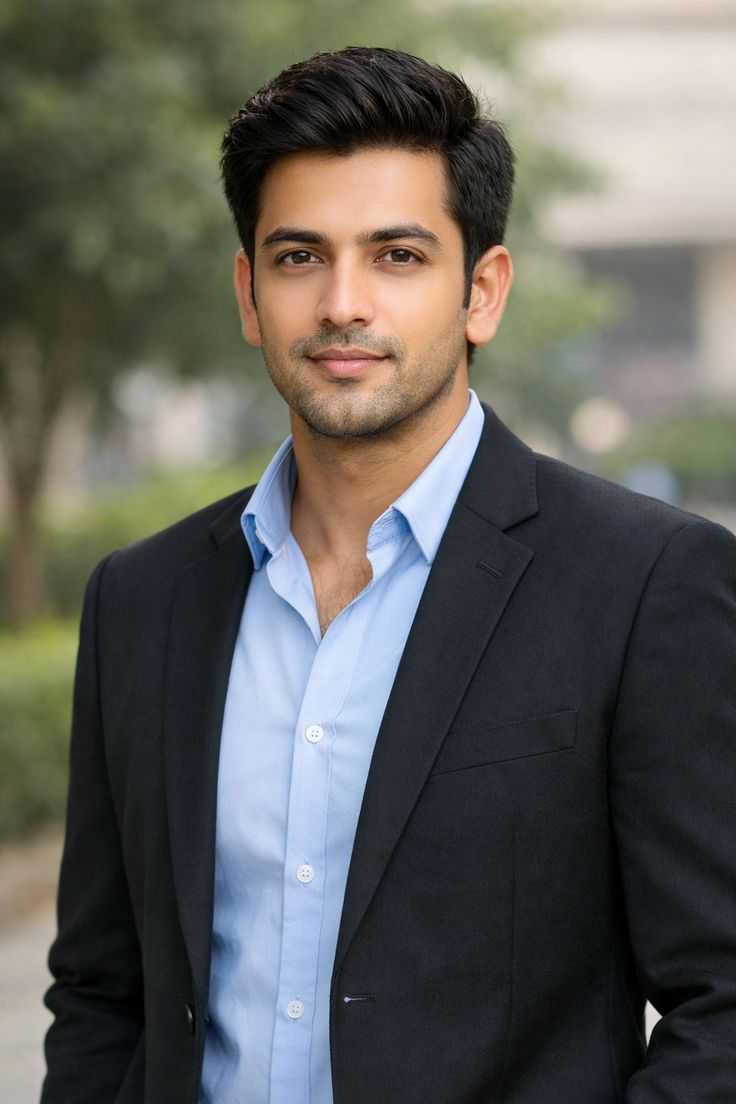
image befor ai generation
A cute 3D rendered cartoon boy, wearing an olive green jacket, khaki shorts, and a beige baseball cap. He has large, expressive eyes, a friendly expression, and carries a brown backpack. He's wearing off-white sneakers. The style is reminiscent of 3D cartoon character design, with smooth, polished textures and no visible brushstrokes. The background is a simple beige color, focusing all attention on the character. The lighting is soft and even, creating a warm and pleasant atmosphere. The overall style is cheerful and friendly, suitable for children's products or game character design. The image is rendered in a style similar to contemporary 3D animation character design. Think of the clean lines and smooth surfaces of Pixar-style animation, but with a slightly more realistic rendering of the materials.
cute 3D cartoon boy image
Input
Result
cute 3D cartoon boy
夢境畫境Dreamscape Canva headshot夢境畫境Dreamscape Canva
playicon16.2k
image befor ai generation
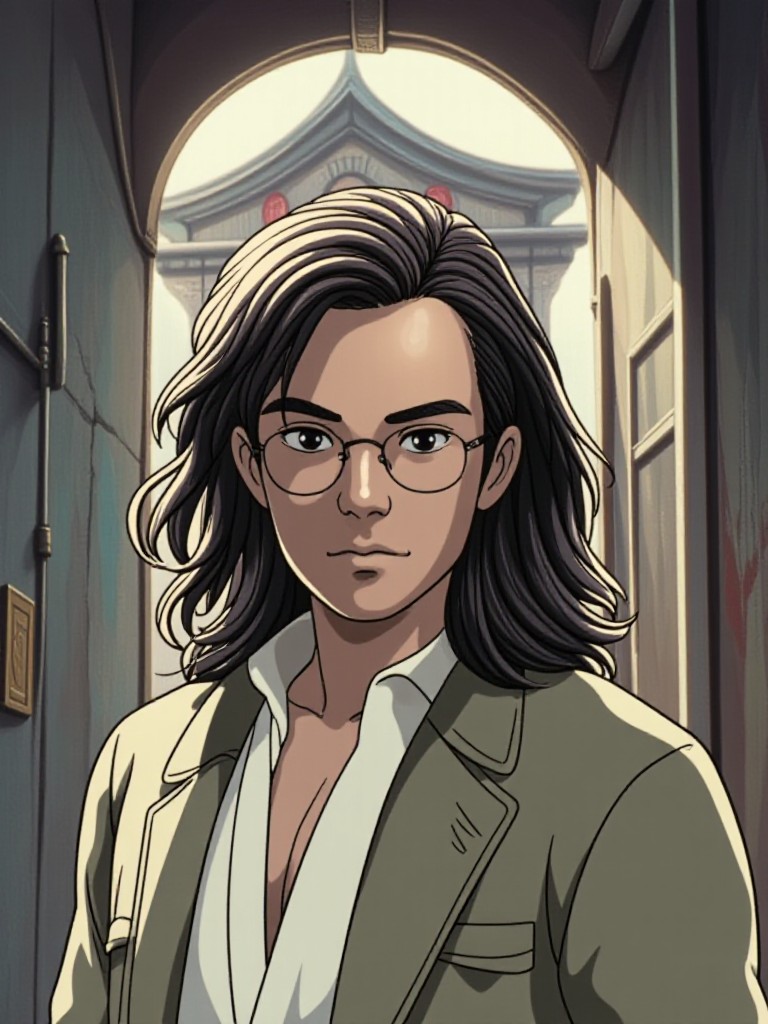
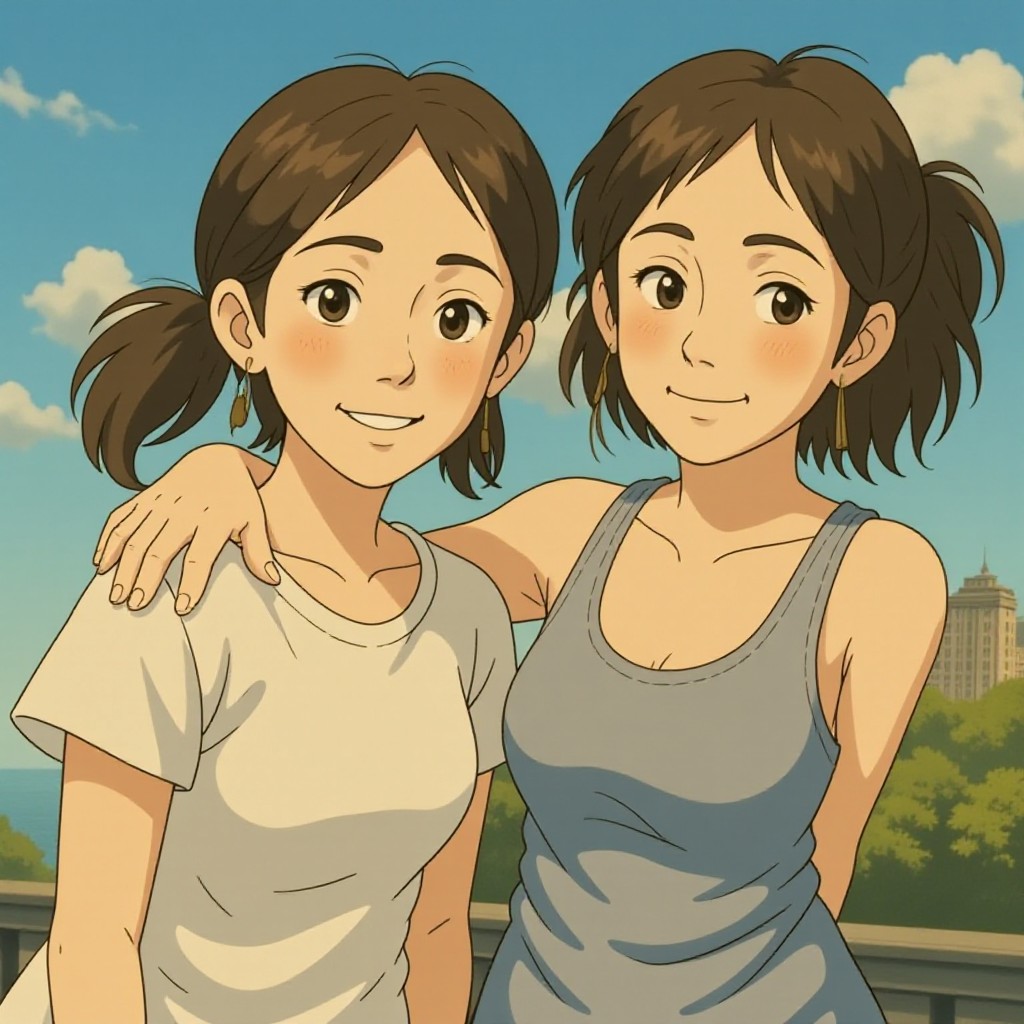
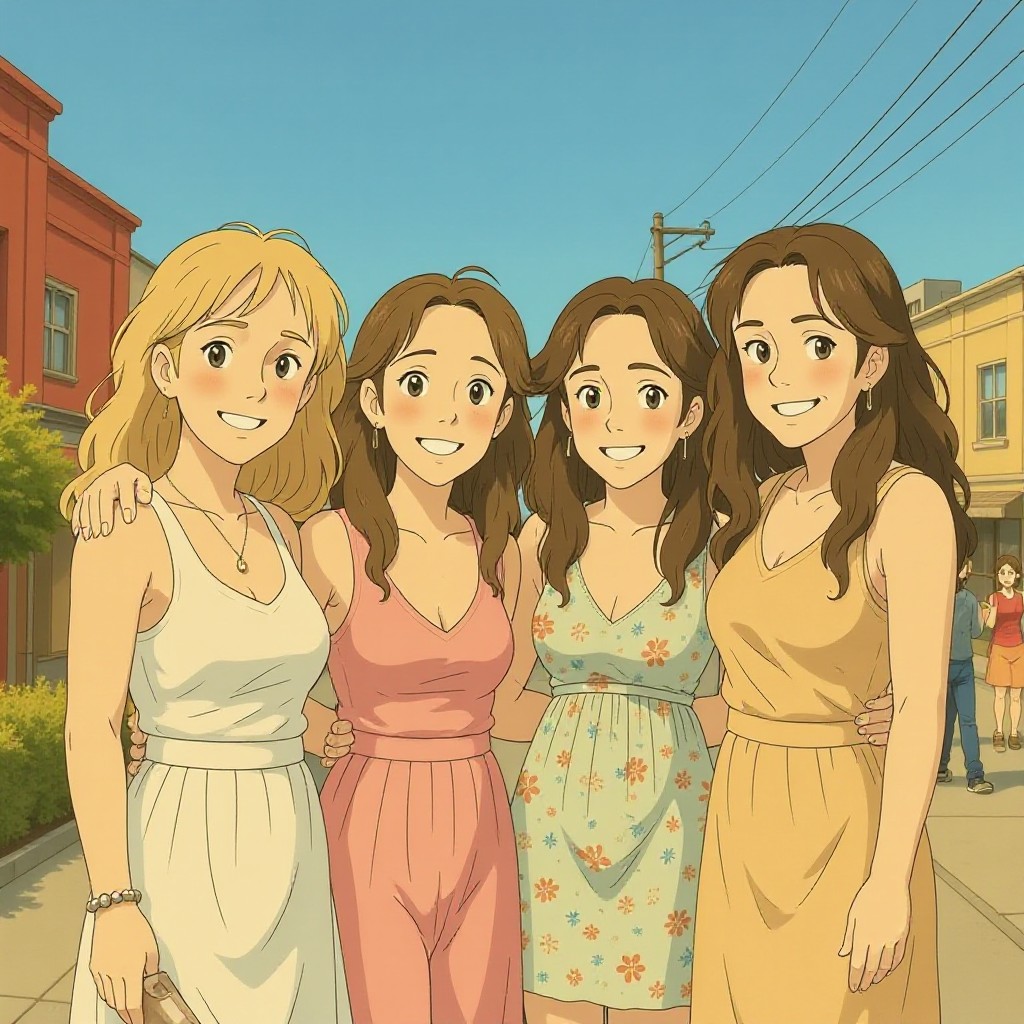
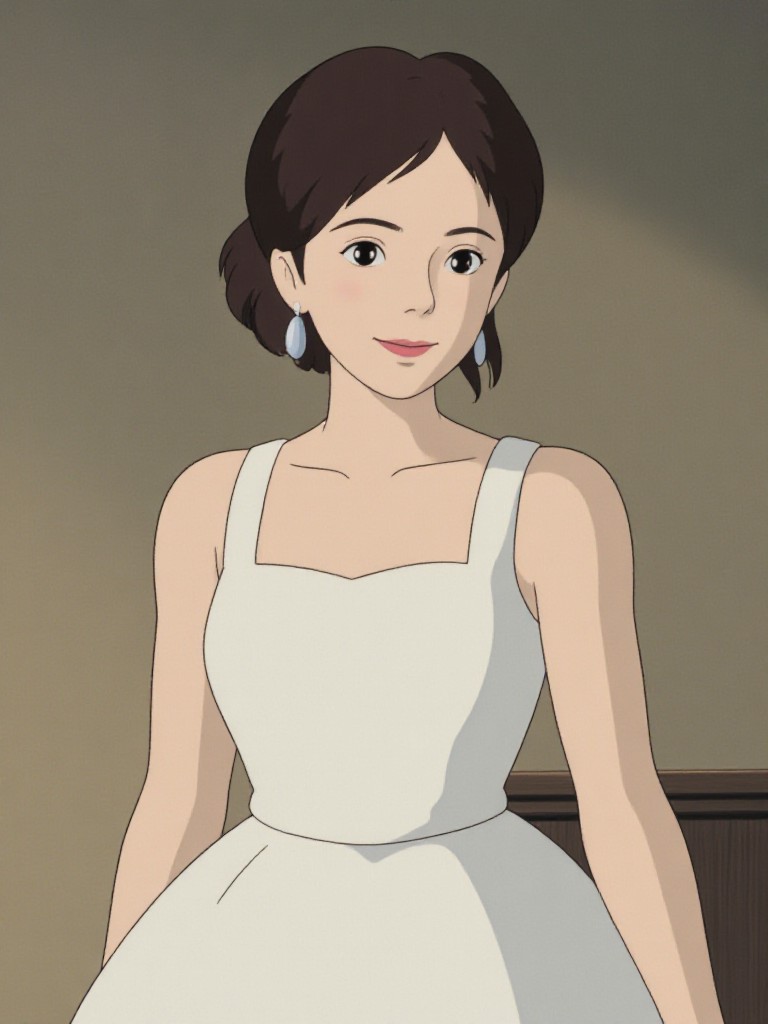
Ghibli Portraits image
Input
Result
Ghibli Portraits
CC headshotCC
playicon1.4k
image befor ai generation
Gallery Studio image
Input
Result
Gallery Studio
Sheng Sgeng headshotSheng Sgeng
playicon475
image befor ai generation
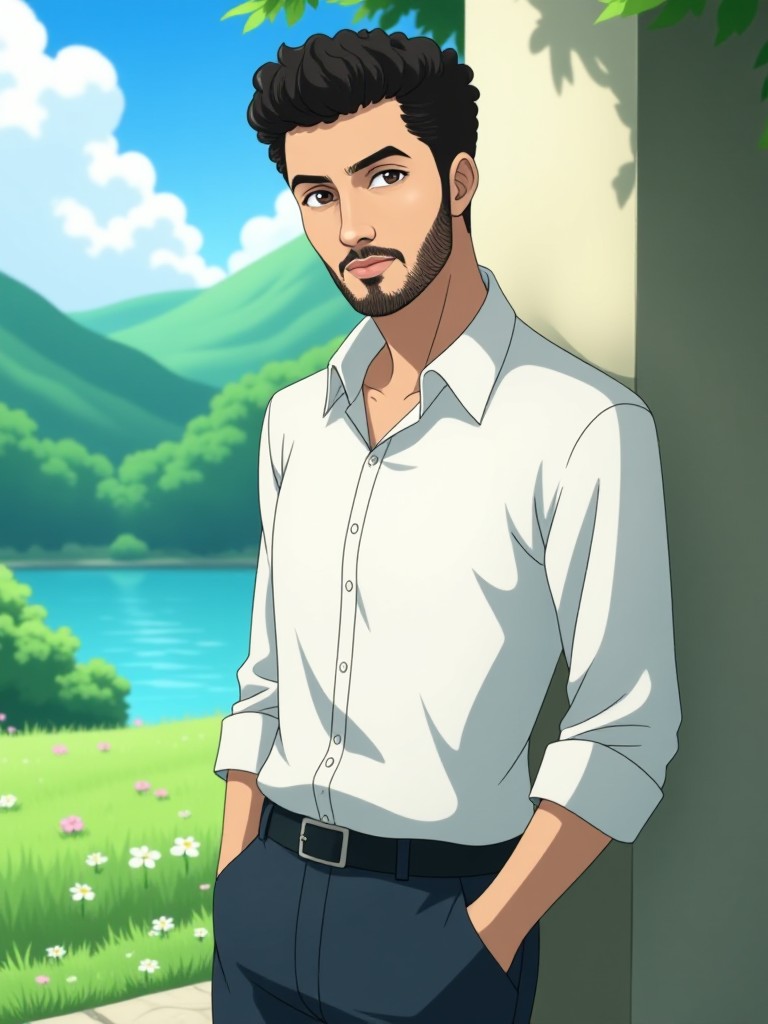
GhibliLens image
Input
Result
GhibliLens
Miss Miss headshotMiss Miss
playicon185
image befor ai generation
Parallel World: Childhood Photo Studio 2.0 image
Input
Result
Parallel World: Childhood Photo Studio 2.0
CC headshotCC
playicon182
image befor ai generation
Parallel World: Childhood Photo Studio image
Input
Result
Parallel World: Childhood Photo Studio
CC headshotCC
playicon163
image befor ai generation
one
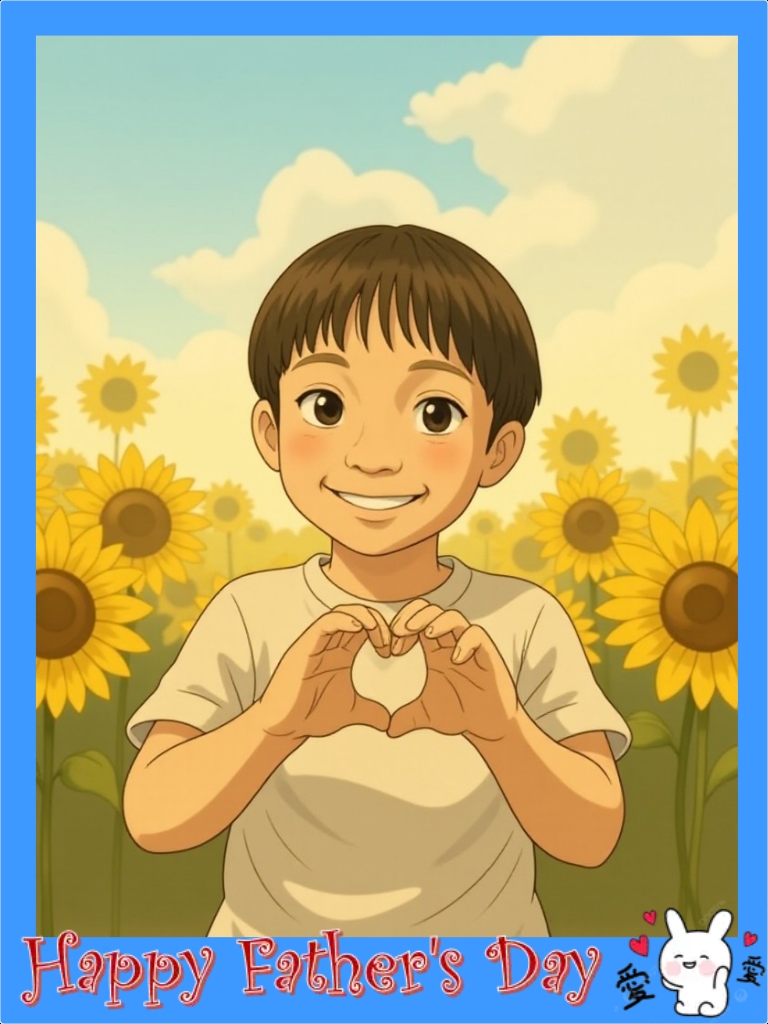
 father's day Card 2(fork) image
Input
Result
father's day Card 2(fork)
陳佩樺 headshot陳佩樺
playicon153
image befor ai generation
ghibli  image
Input
Result
ghibli
小马哥 headshot小马哥
playicon125

How to Make Studio AI Image & Video on a1.art?

Step into the future of AI Studio video and image creation on a1.art.

a1.art tutorial Step 1
Step 1
Select the style you want to apply in the Square.

a1.art tutorial Step 2
Step 2
Upload the image you want to transform . It can be a photo, hand-drawn sketch.

a1.art tutorial Step 3
Step 3
Wait a few seconds and you can easily get your unique AI Studio art. Download for free!

FAQ about Studio AI Prompt on a1.art

Discover the secrets to creating Studio videos and images at a1.art.

What types of studio AI prompts can I use?

At a1.art, you can explore a wide range of studio AI prompts, from minimalist and industrial to futuristic and retro styles. Whether you're looking for high-fashion shoots, cozy interiors, or dramatic lighting setups, there's a prompt to suit every creative vision.

Can I customize my studio AI prompts?

Absolutely! While our curated prompts provide a starting point, you can further customize them by adjusting parameters like lighting, textures, and color palettes to match your unique style.

How do I generate studio images and videos using a1.art?

Simply choose a studio AI prompt that inspires you, upload an image if needed, or enter a text description. Then, select your preferred effects or filters, and let a1.art transform your ideas into stunning visuals instantly.

Are there any limitations on the number of studio AI prompts I can use?

There are no strict limitations on the number of prompts you can use. However, we offer daily free credits to help you get started, and additional credits can be earned through subscriptions or login rewards.

Is a1.art suitable for both beginners and professionals?

Yes, a1.art is designed to cater to users of all skill levels. Beginners can easily follow our intuitive interface and pre-set prompts, while professionals can fine-tune settings and explore advanced customization options for more complex projects.

Container background

Make Studio AI Image & Video on a1.art APP

Download the app to explore Studio AI image & video filters, faster processing, and personalized features. Whether you want creative images or stunning videos, the app makes it easier.