


Get Stage Videos & Images without Prompt
a1.art offers a large number of filters, allowing you to easily obtain AI videos or images without prompts.
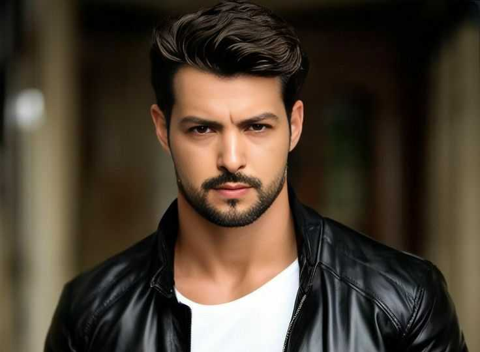

Input
Result
Love Stage
 CC
CC 4.6k
4.6k
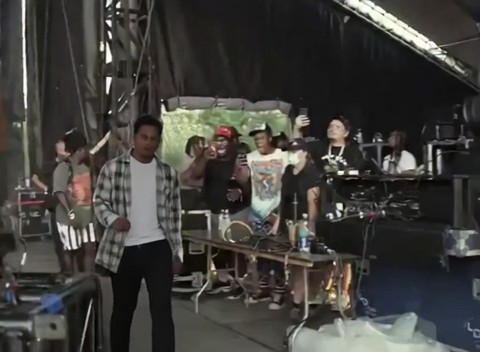
Input
Result
Take the stage
CC218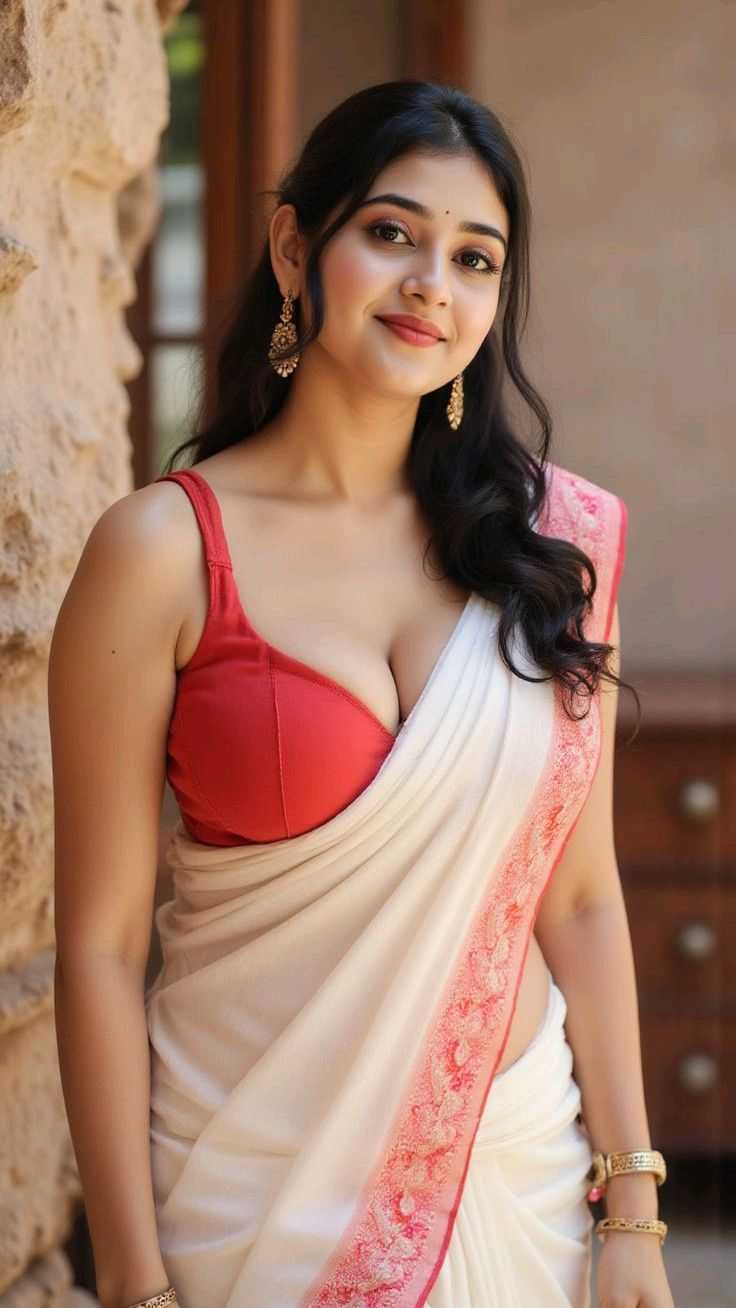
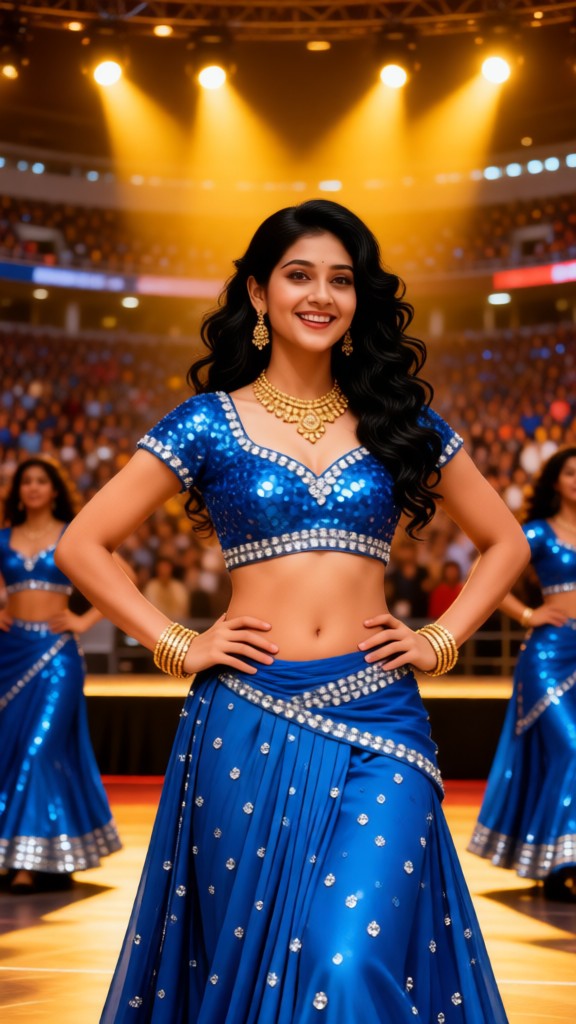
Input
Result
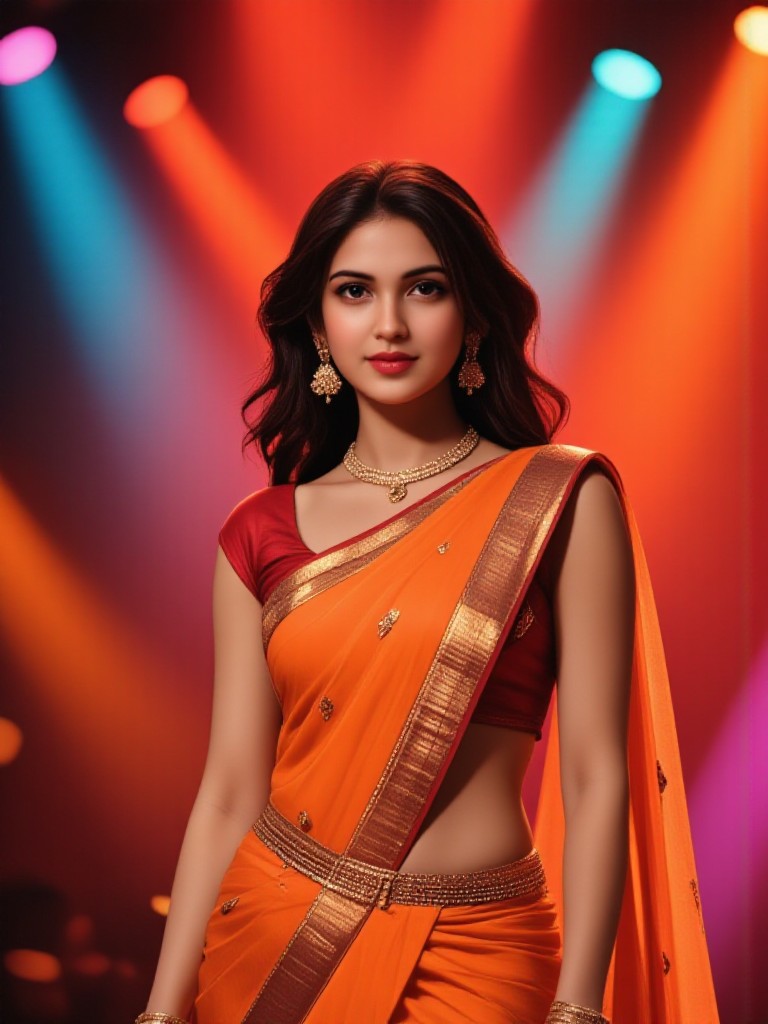
Bollywood Big Stage
 Lizzie-R170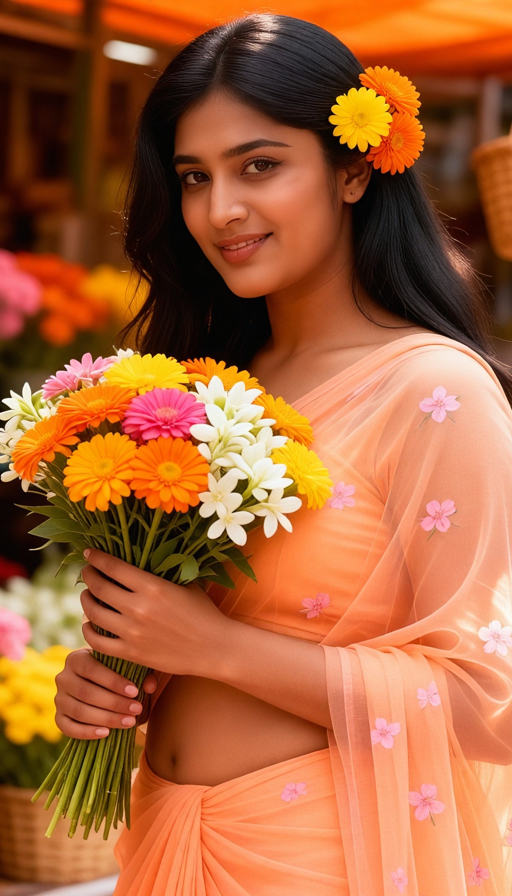

Input
Result
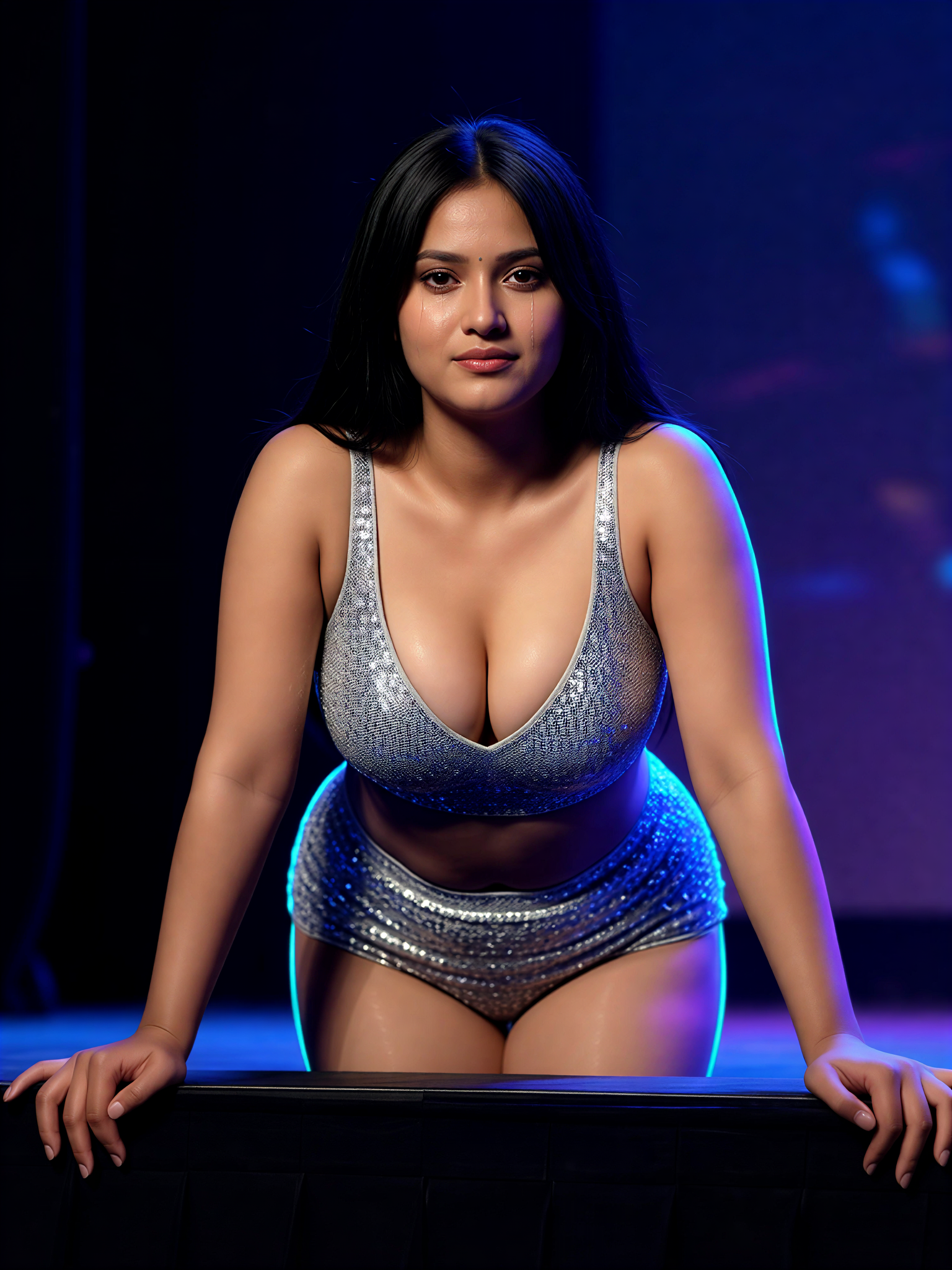
Blue Stage Tease
 艺术画家96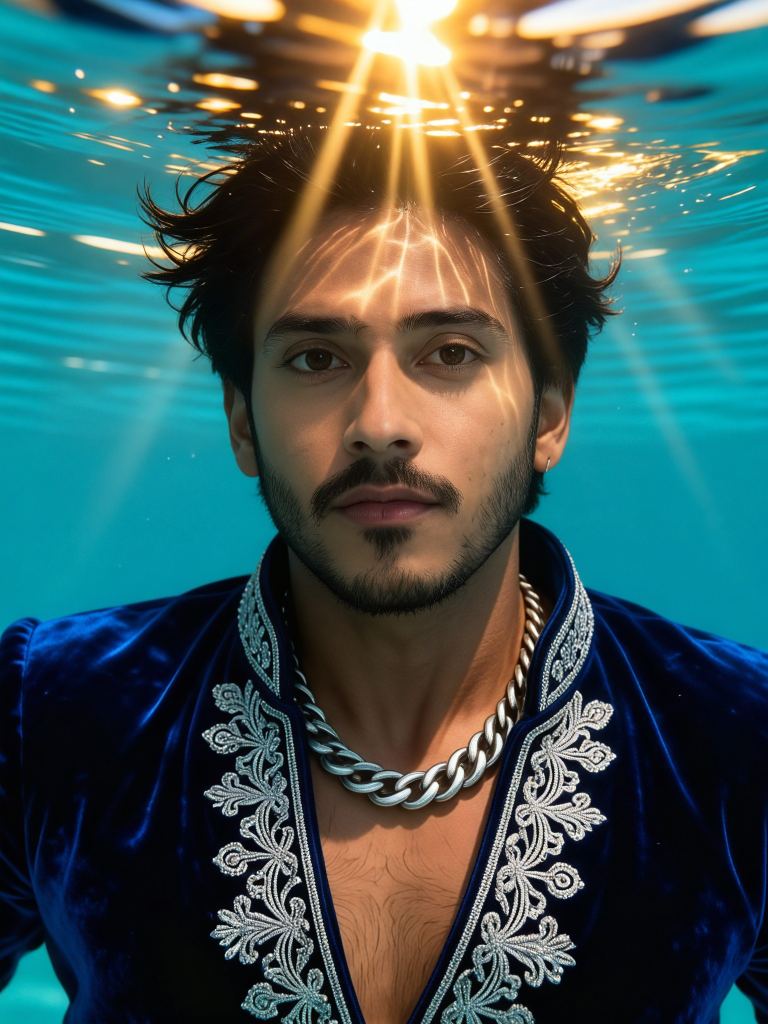
Input
Result
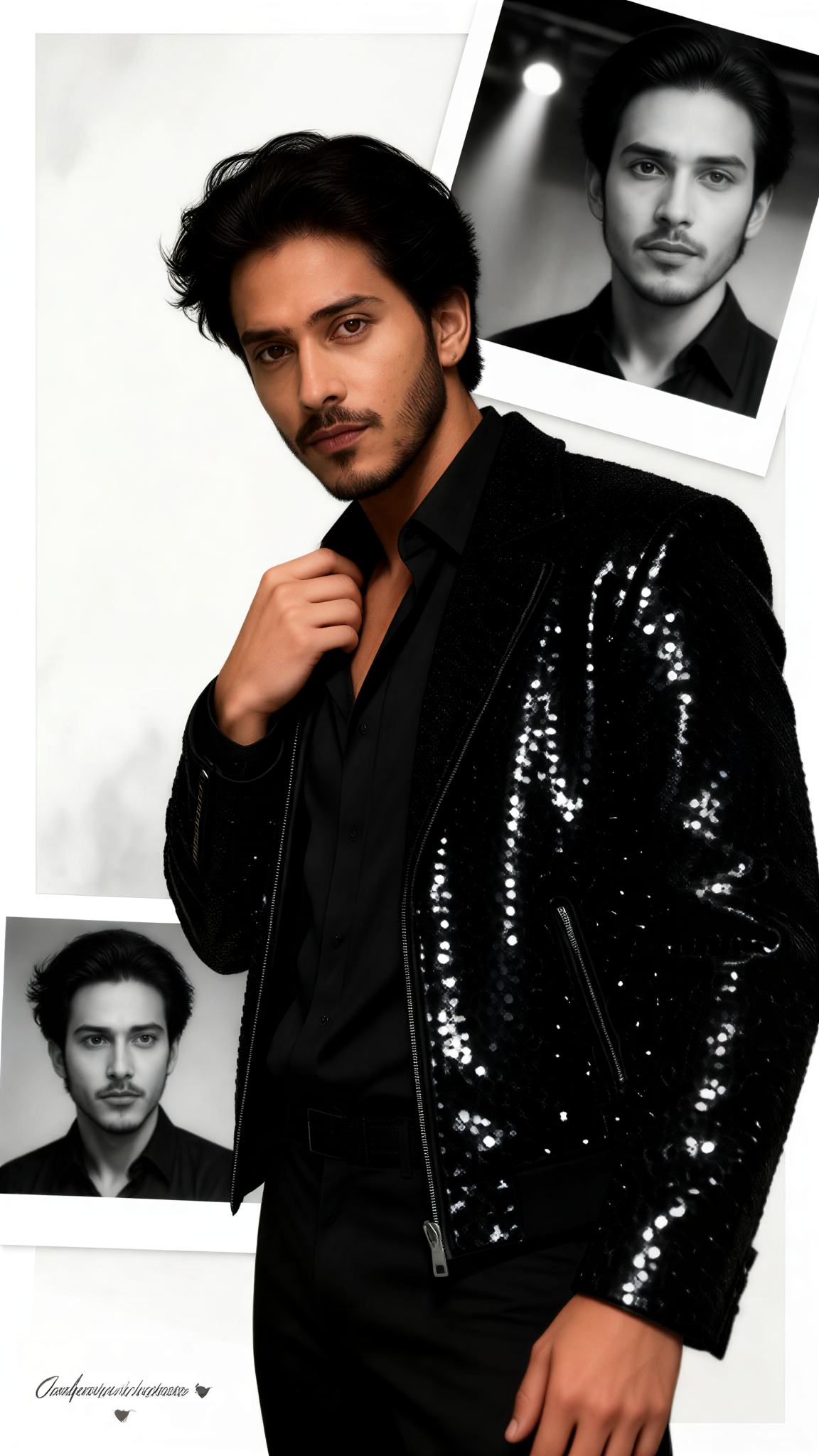
Stage Memory
 艺术创作家55
Input
Result
Stage Edge Arch
艺术画家47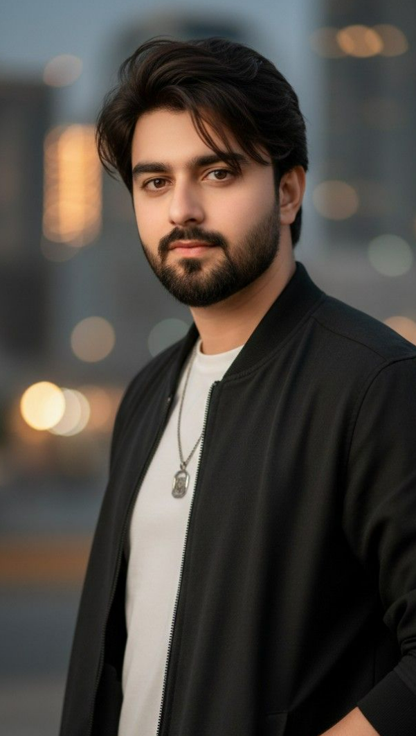

Input
Result
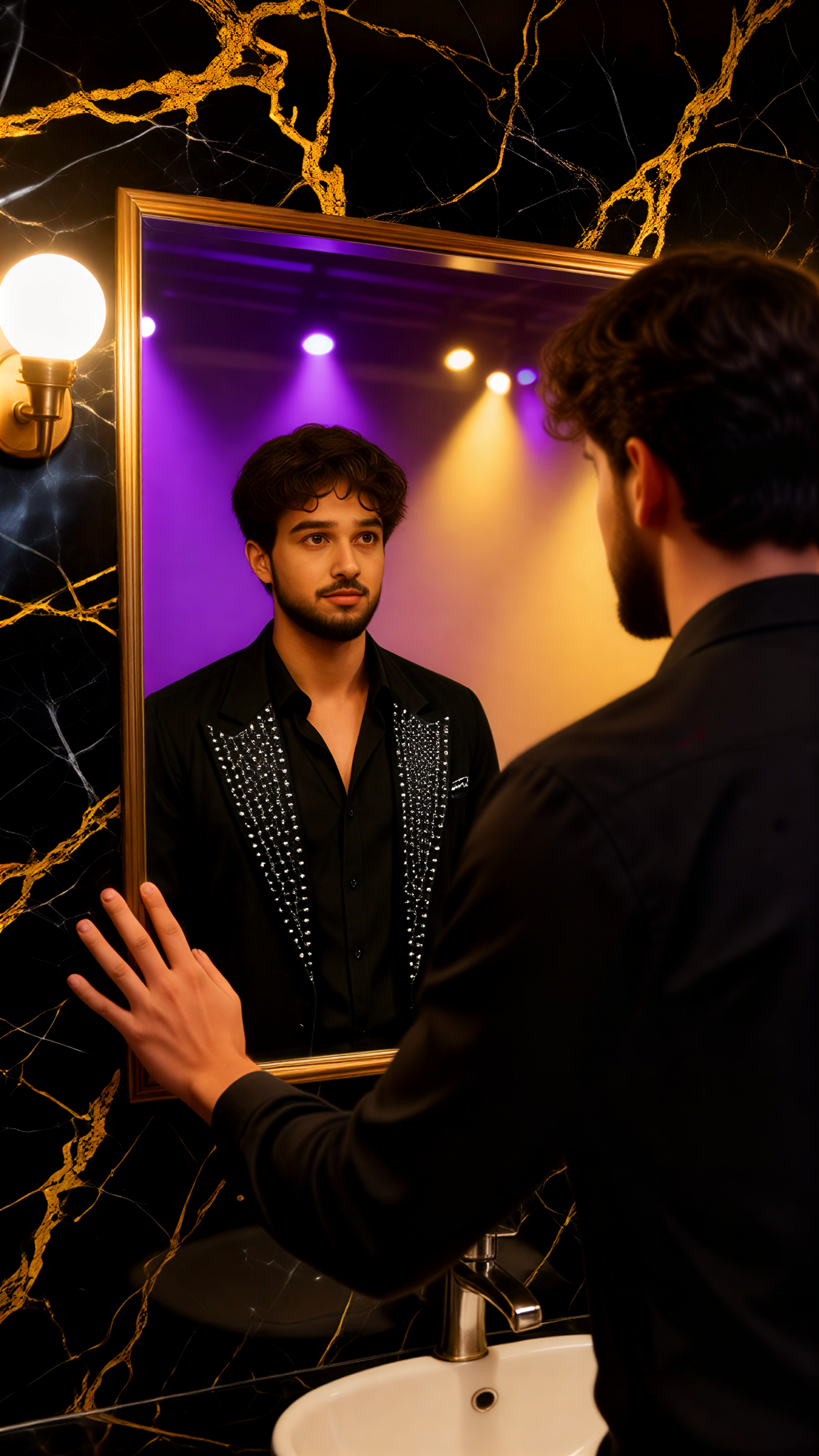
Passionate Idol Stage
CC46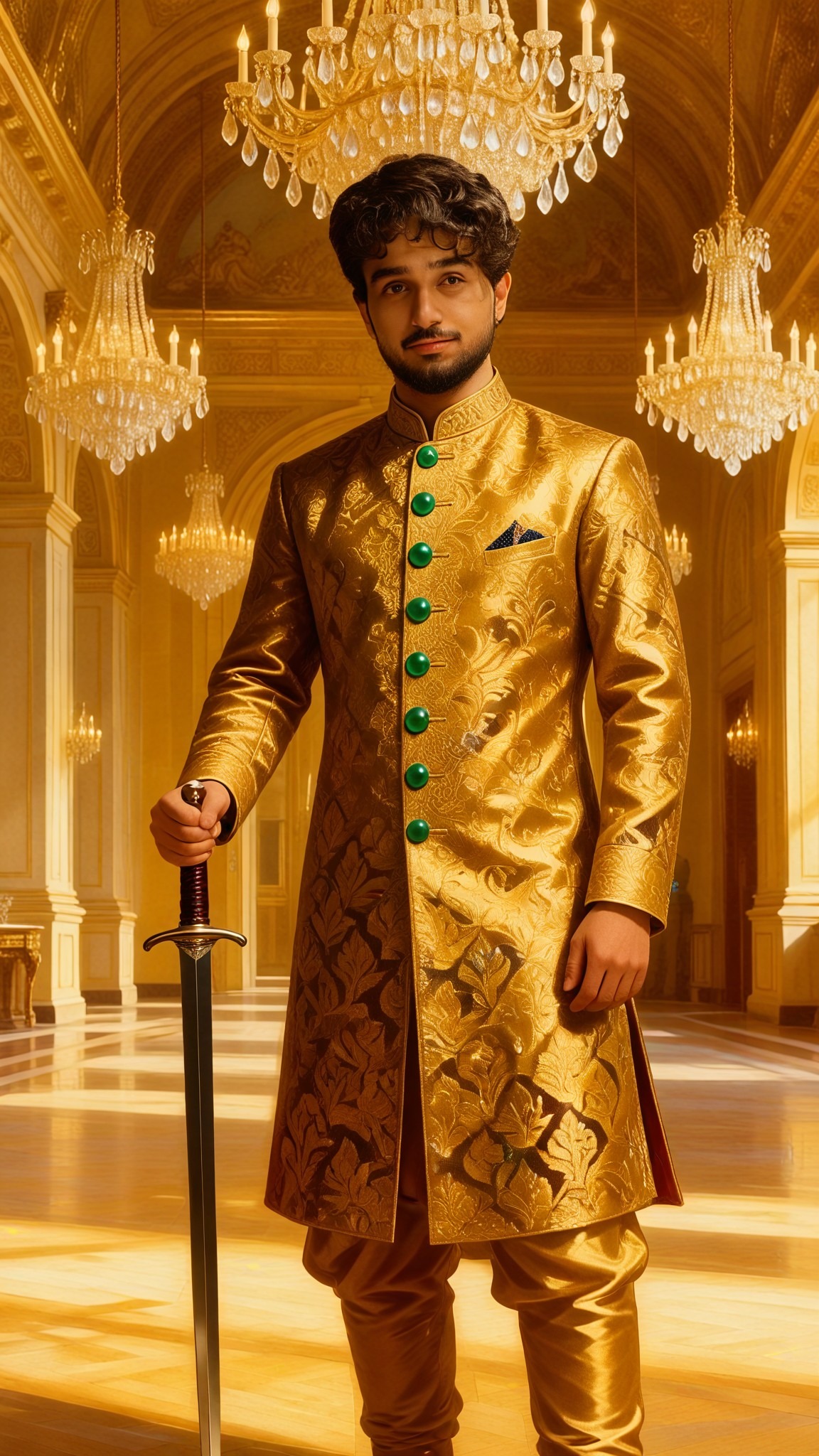
Input
Result
Singer Stage Mirror
 艺术梦想家44
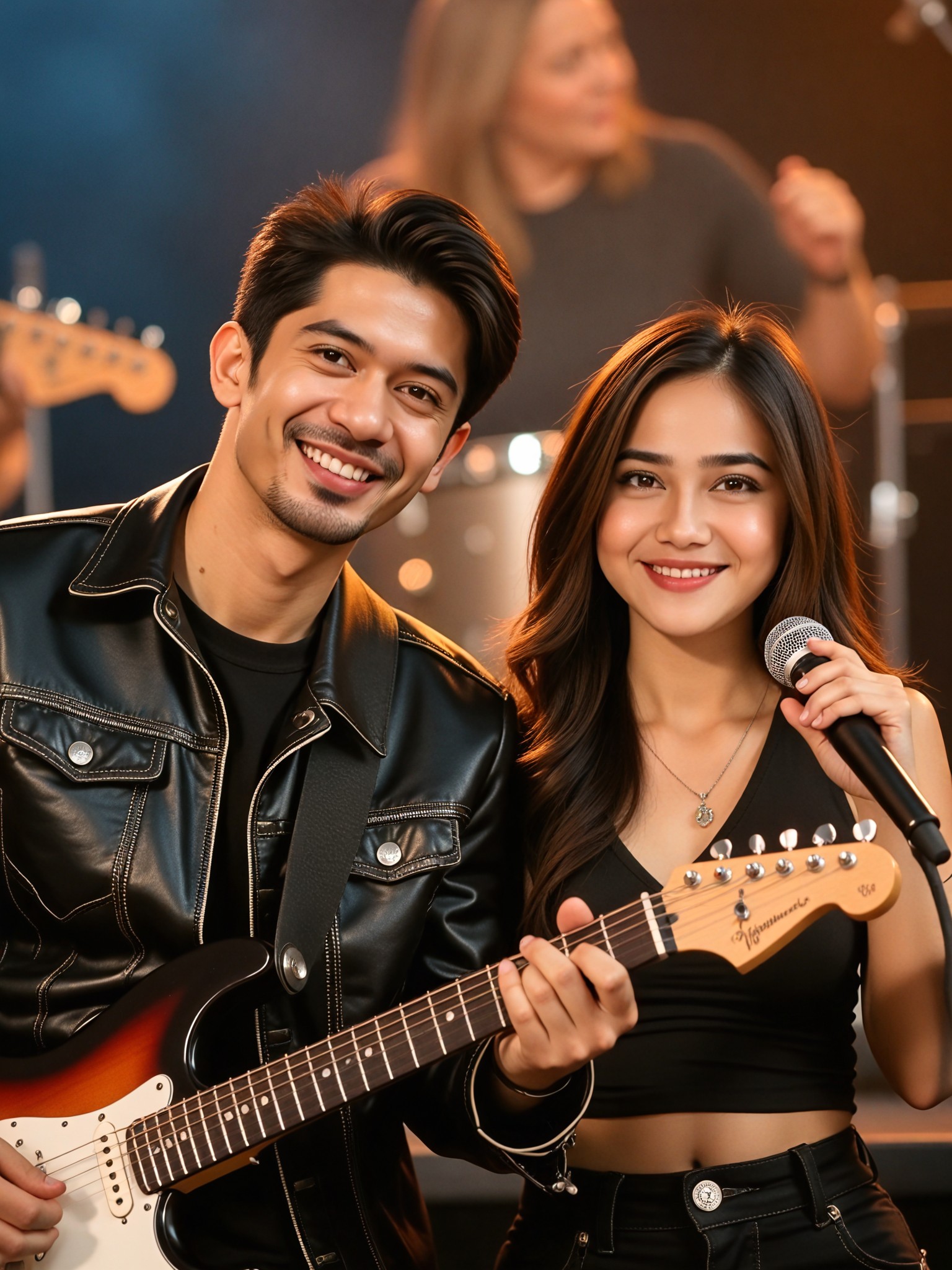
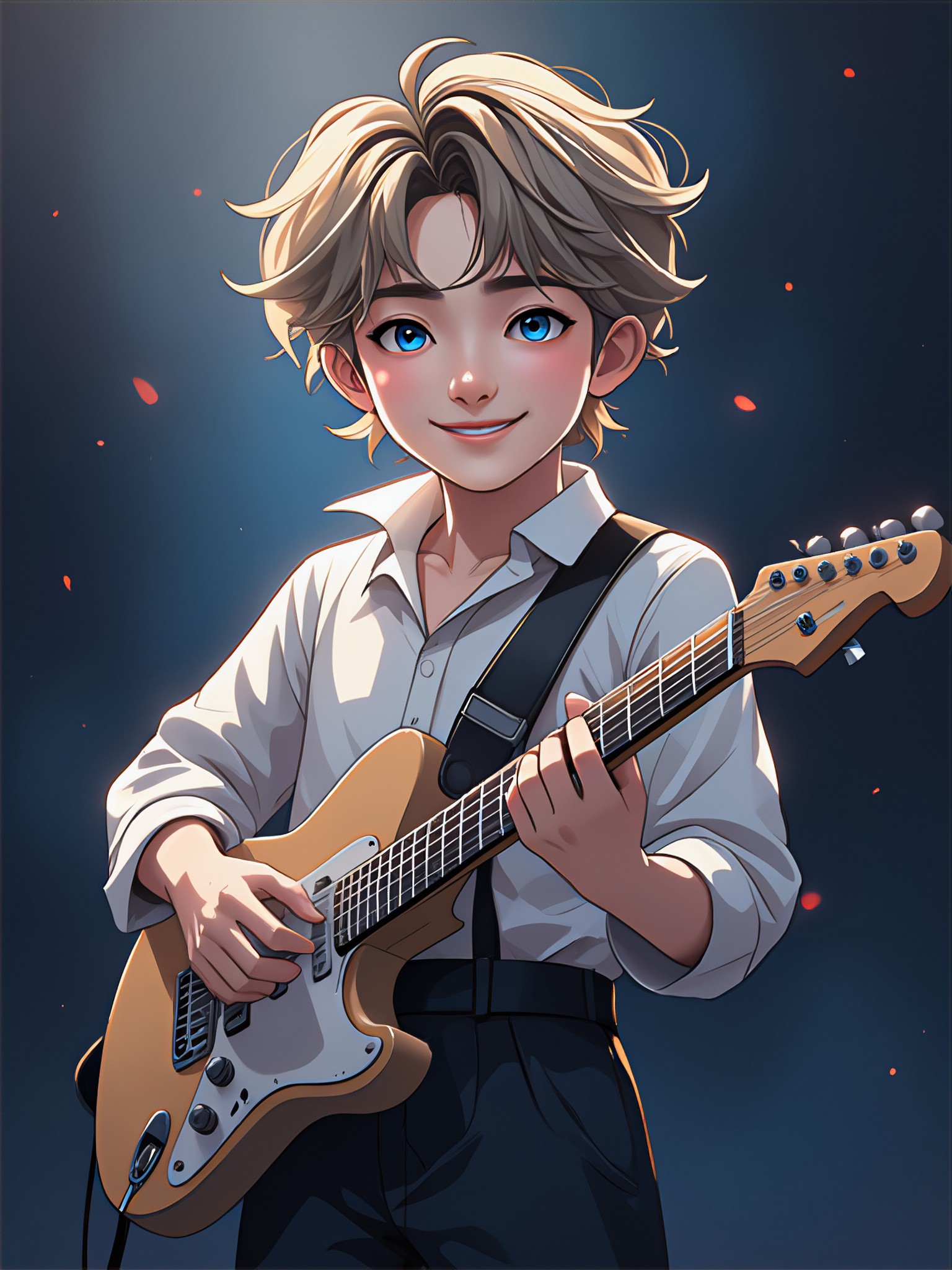
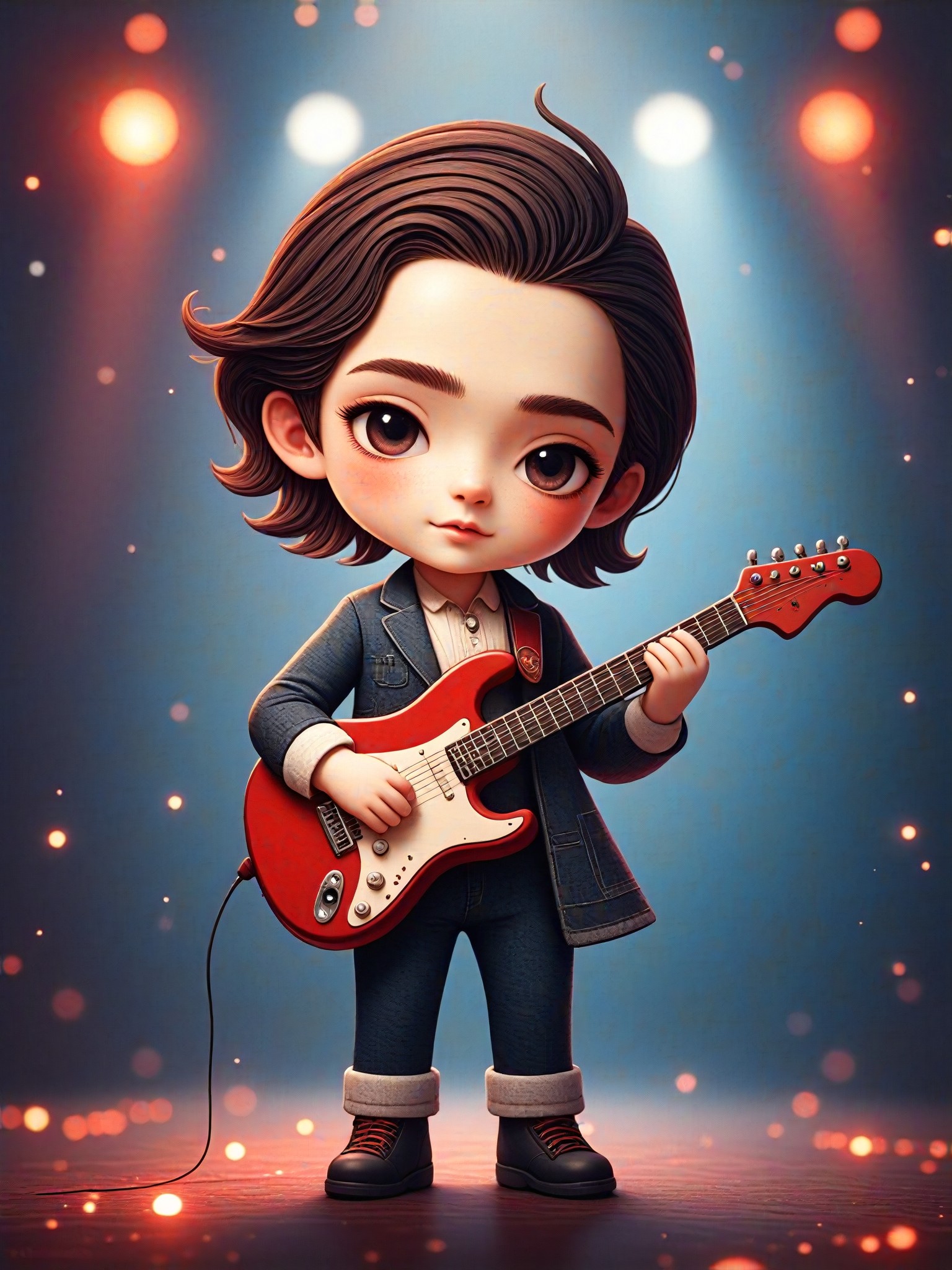
AI Generated Stage Images & Videos
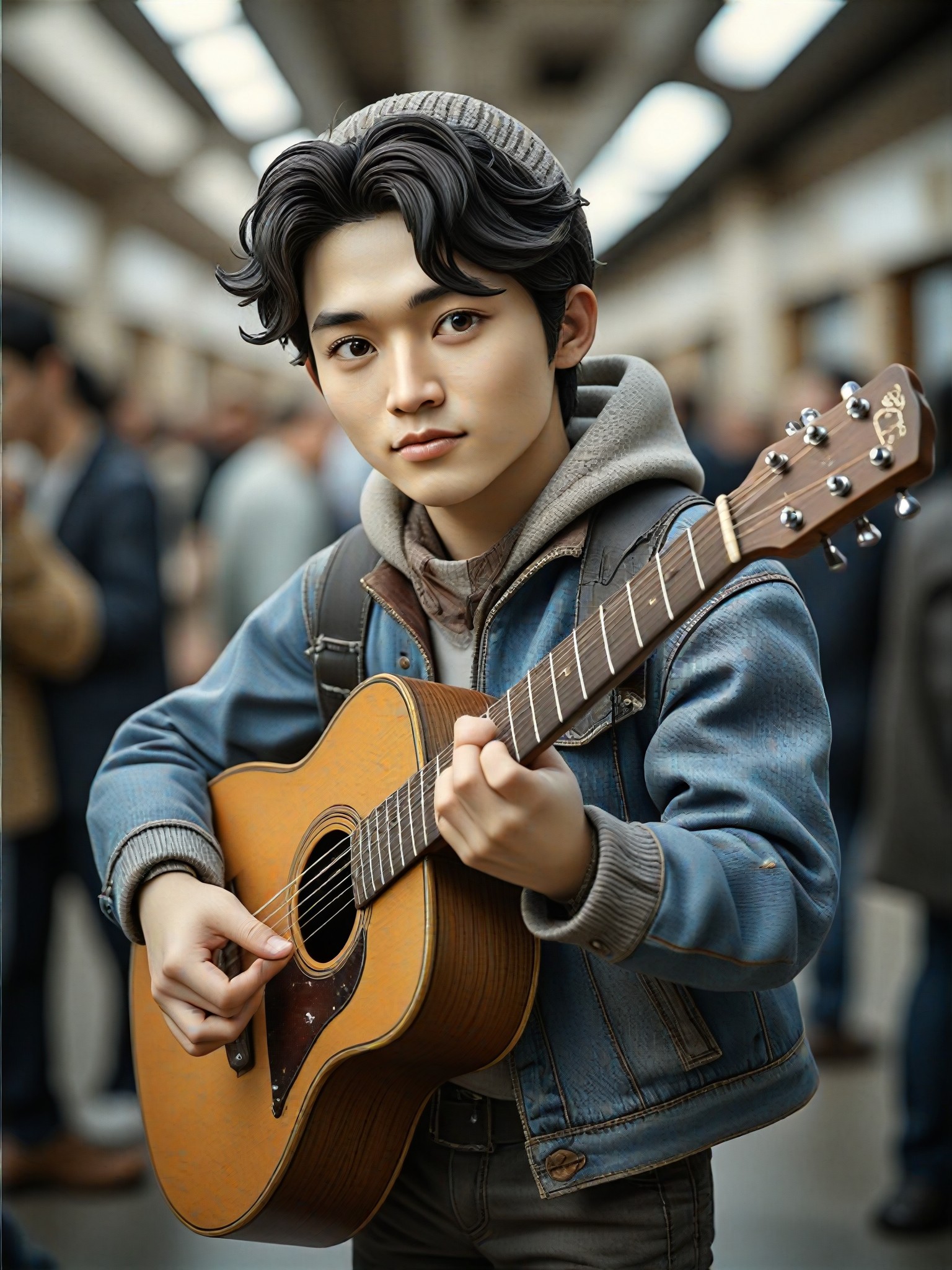
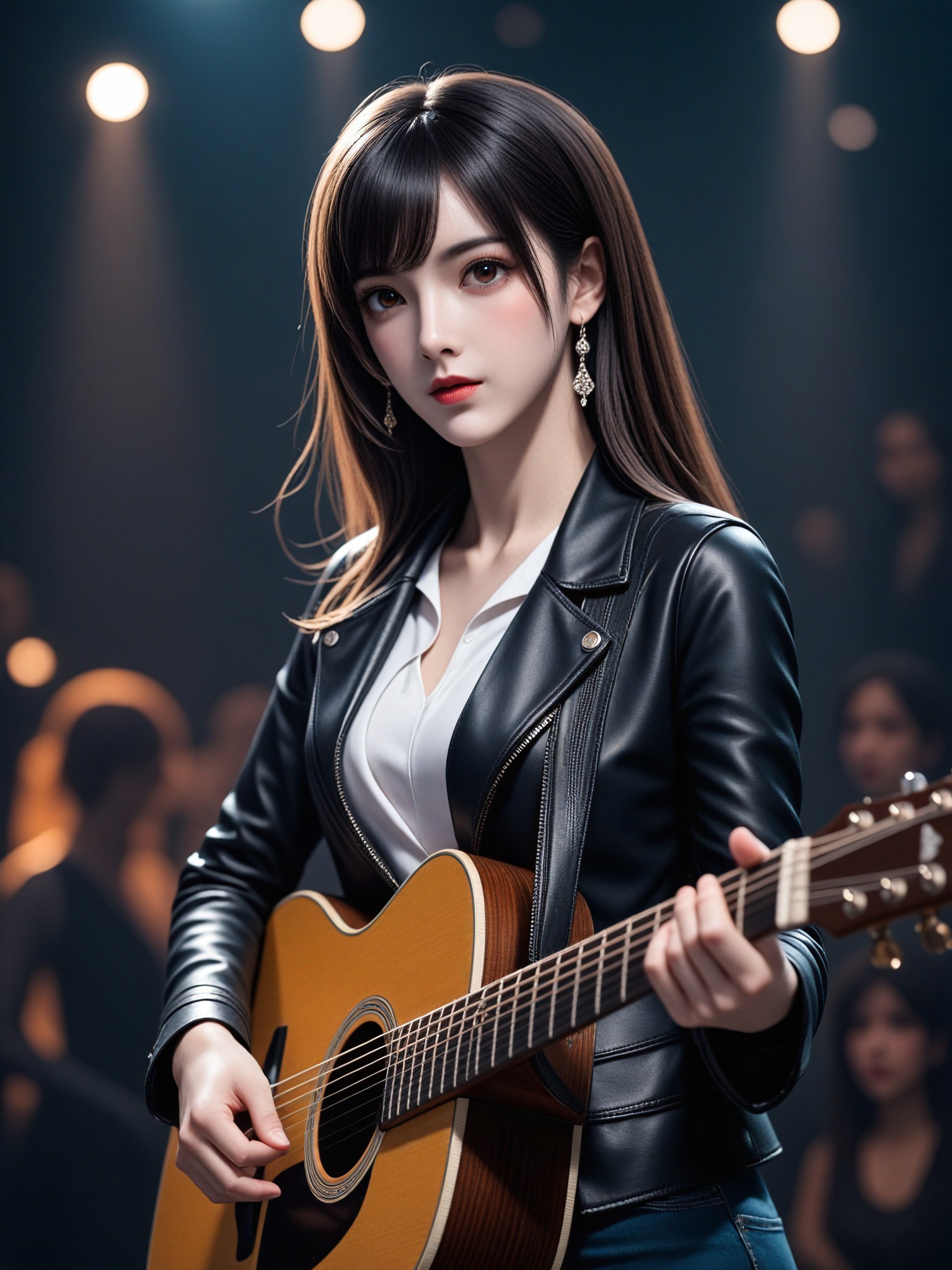
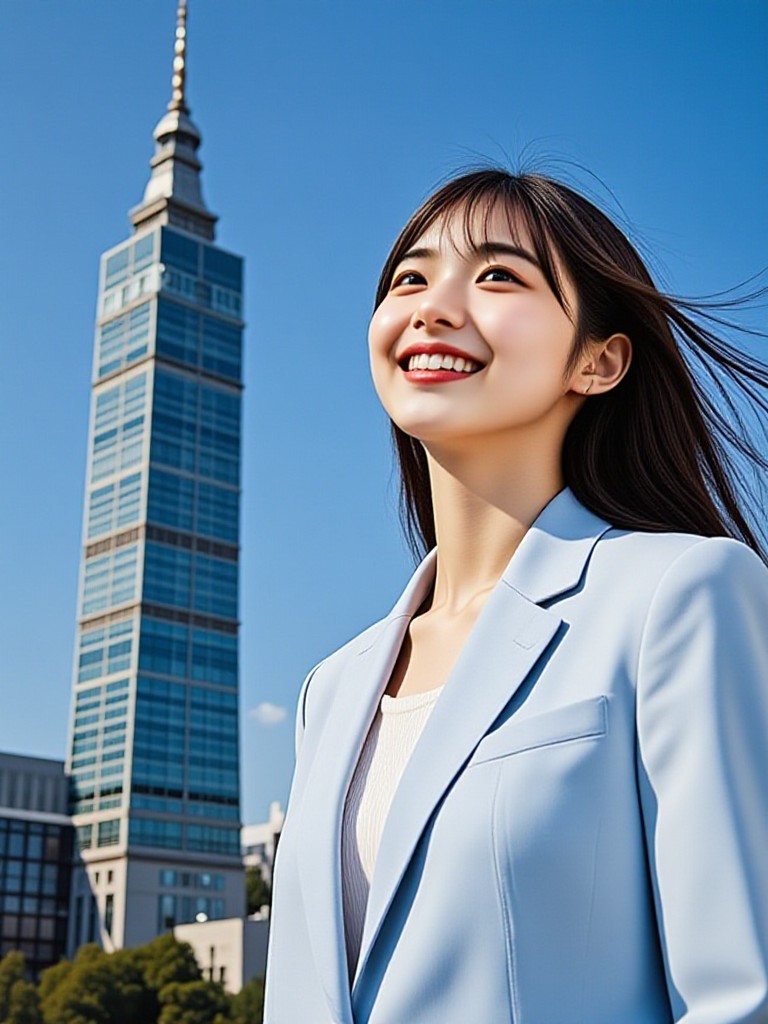
Discover unique and innovative Stage images and videos created with a1.art Stage prompts.
How to Make Stage AI Image & Video on a1.art?
Step into the future of AI Stage video and image creation on a1.art.

Step 1
Select the style you want to apply in the Square.

Step 2
Upload the image you want to transform. It can be a photo, hand-drawn sketch.

Step 3
Wait a few seconds and you can easily get your unique AI Stage art. Download for free!
FAQ about Stage AI Prompt on a1.art
Discover the secrets to creating Birthday Day videos and images at a1.art.
What types of stage visuals can I create with a1.art?
With a1.art, you can create a wide range of stage visuals, from theatrical sets and futuristic environments to rustic and magical stages. Our AI prompts are designed to capture intricate details and diverse atmospheres, allowing you to bring your creative visions to life.
How do I use stage AI Prompts on a1.art?
Using stage AI Prompts on a1.art is simple. Just select a prompt that matches your vision, upload an image or enter a text description, and let our AI generate stunning stage visuals instantly. You can also customize the output further with our editing tools.
Are there any limitations to the stage visuals I can create?
While our AI prompts provide a strong foundation, you have complete creative freedom to customize and expand upon them. Whether you want to tweak the lighting, add specific props, or change the overall theme, a1.art allows you to fine-tune your stage visuals to perfection.
Can I use a1.art for both images and videos?
Yes, a1.art supports both AI image and video generation. You can choose the appropriate filters and settings to create either static images or dynamic videos of your stage designs.
Do I need technical skills to use a1.art?
No, a1.art is designed to be user-friendly and accessible to everyone, regardless of technical expertise. Our intuitive interface and powerful AI tools make it easy to create professional-quality stage visuals without any prior experience.


