


Get Soft Blur Videos & Images without Prompt
a1.art offers a large number of filters, allowing you to easily obtain AI videos or images without prompts.
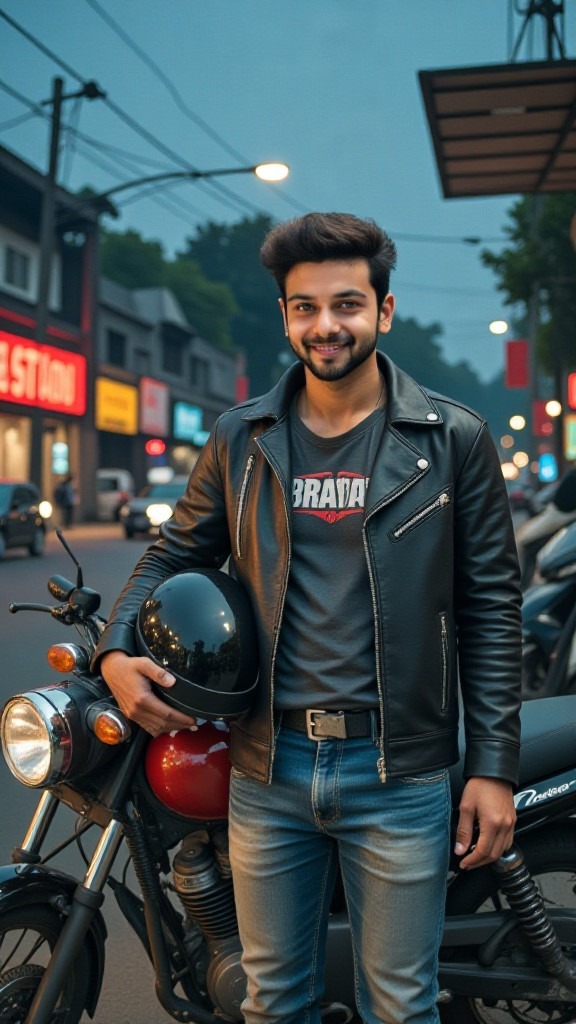
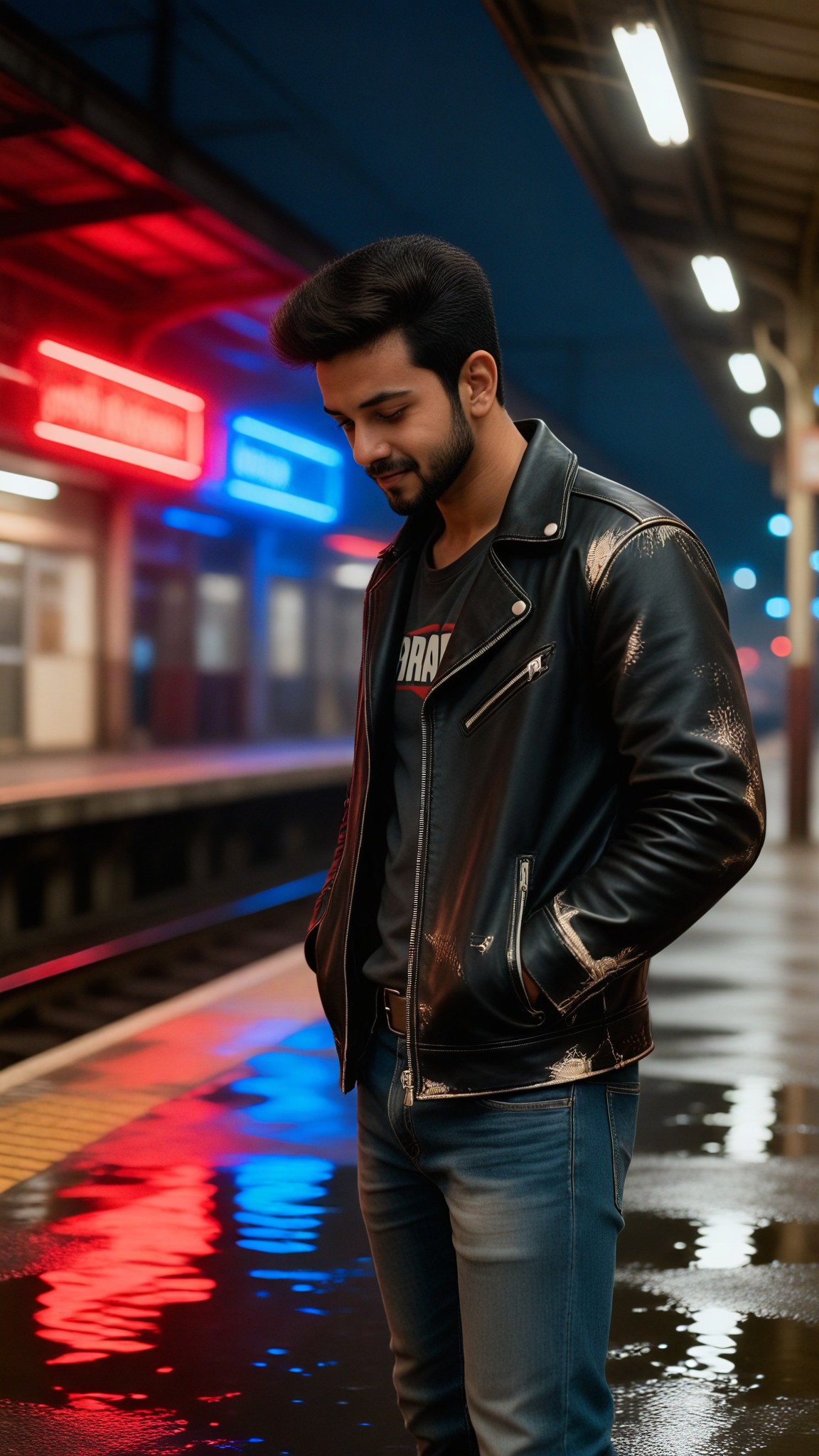
Input
Result
Midnight Station Blur Portrait
 艺术创作家
艺术创作家 237
237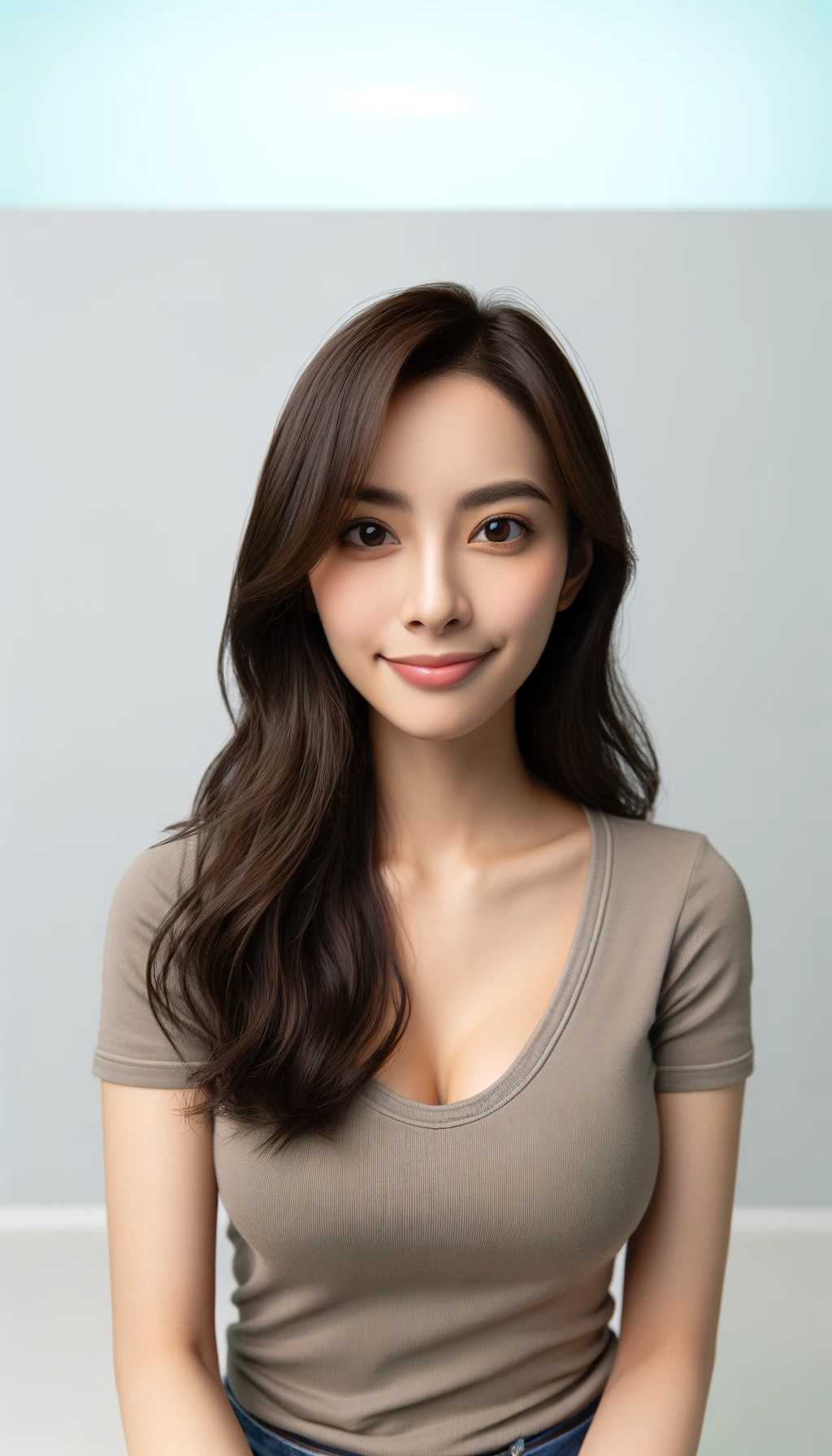
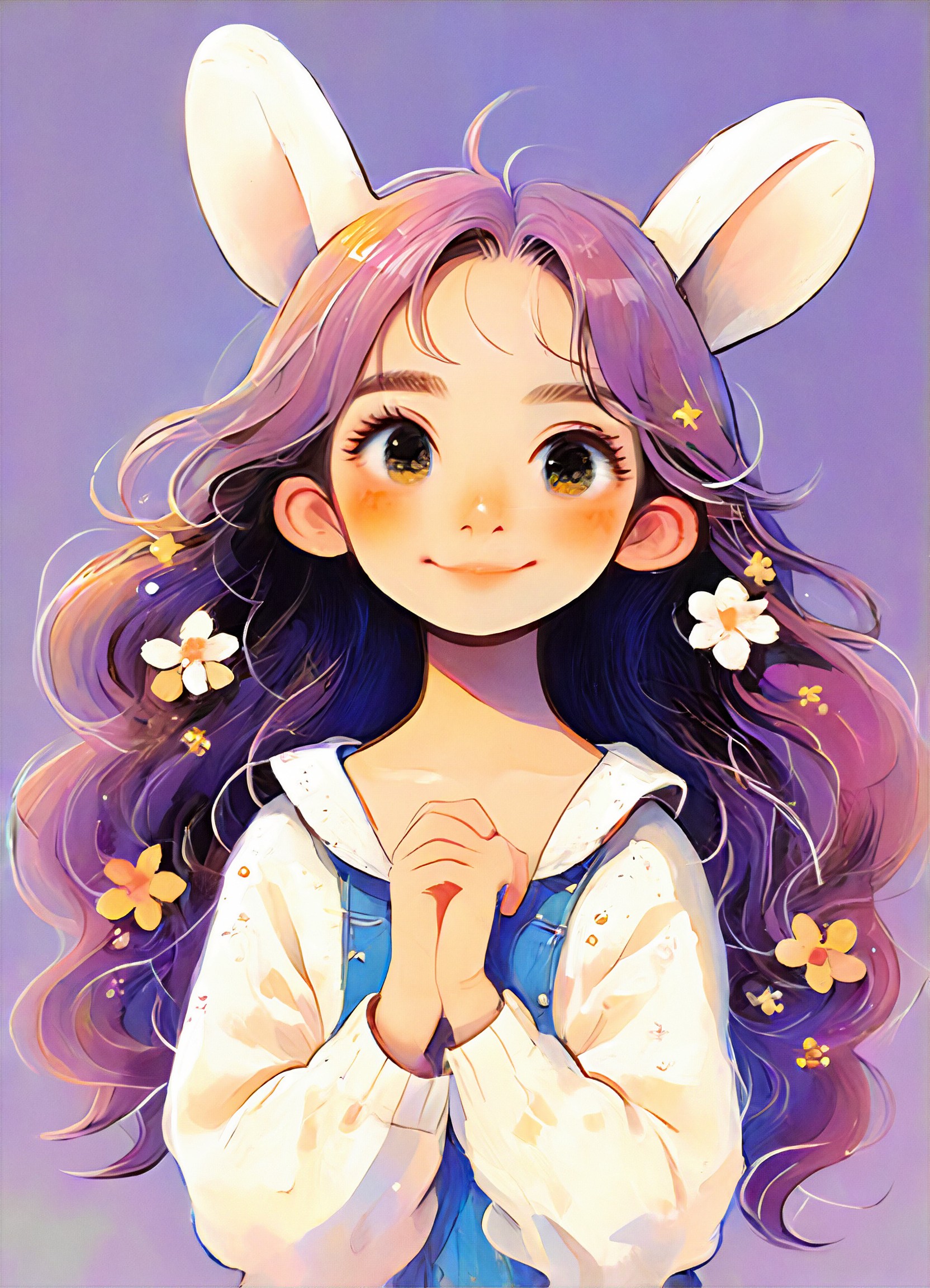
Input
Result
Soft Cute
 yinger143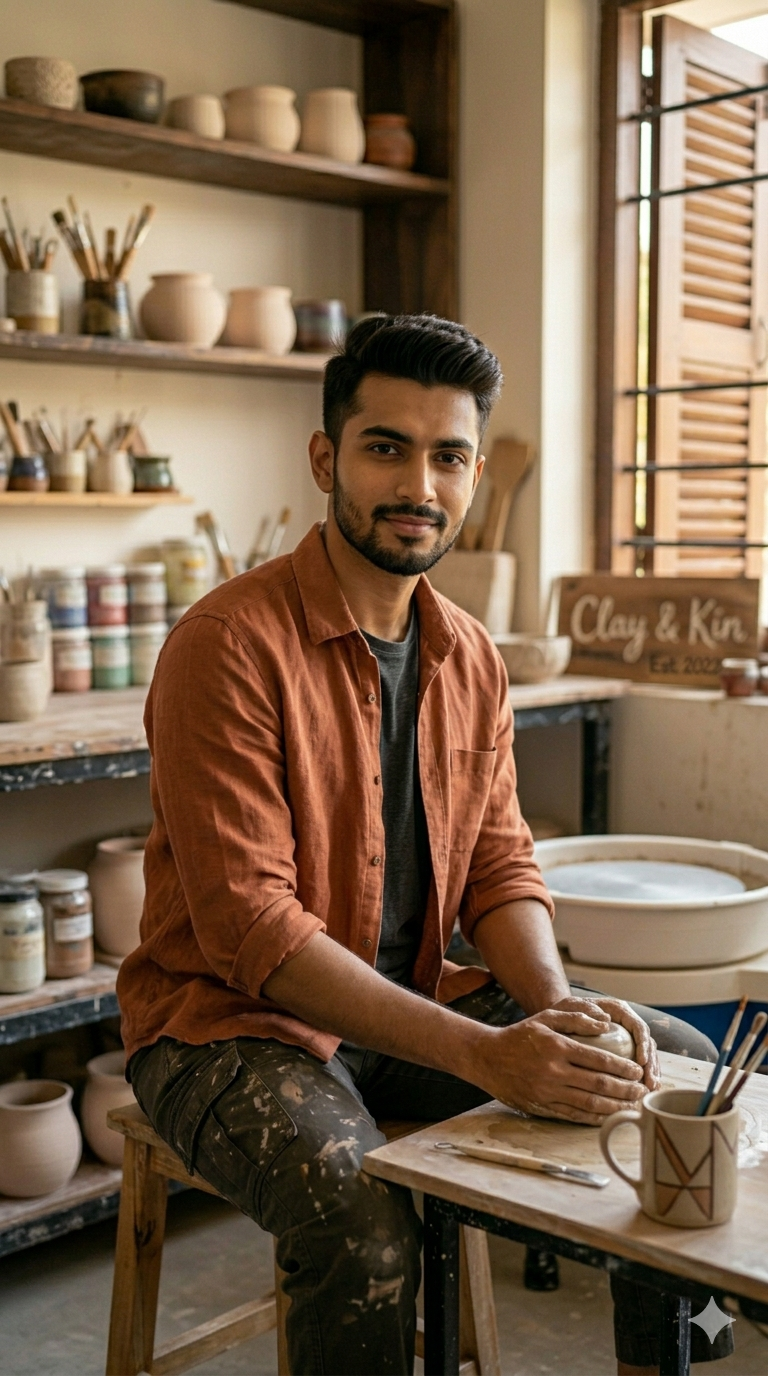
Input
Result
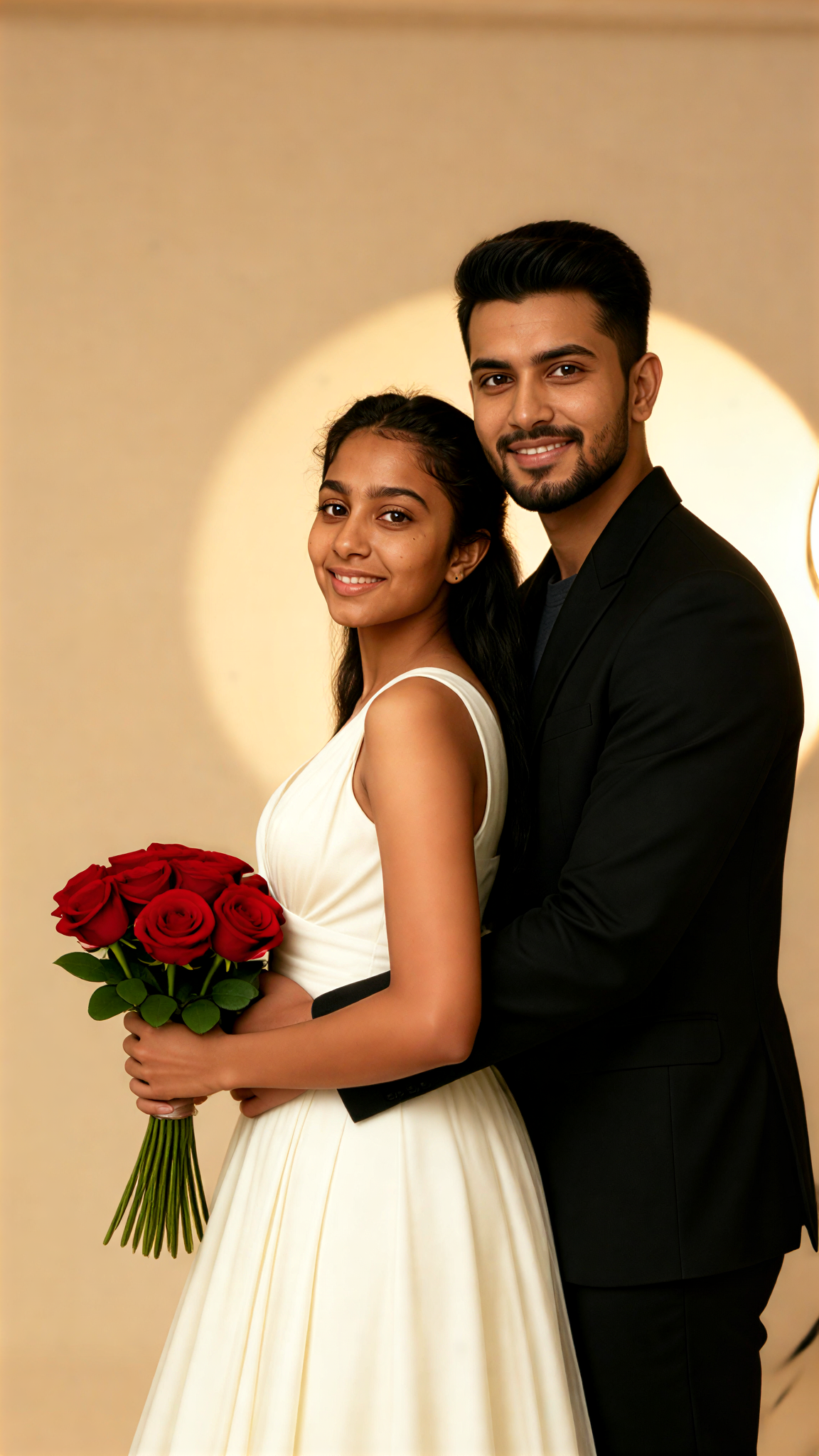
Soft Hug
 艺术画家91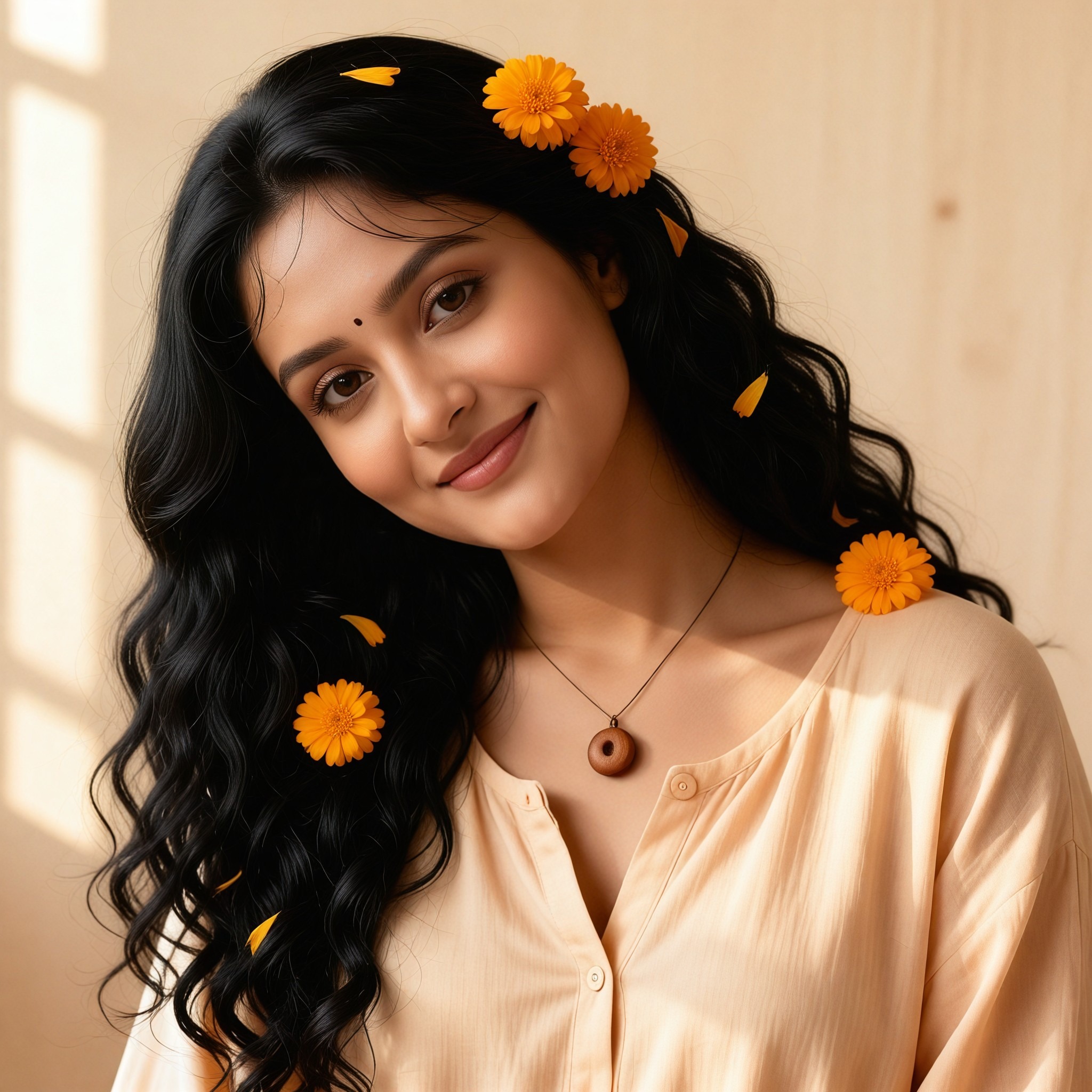

Input
Result
Soft Frame
艺术创作家48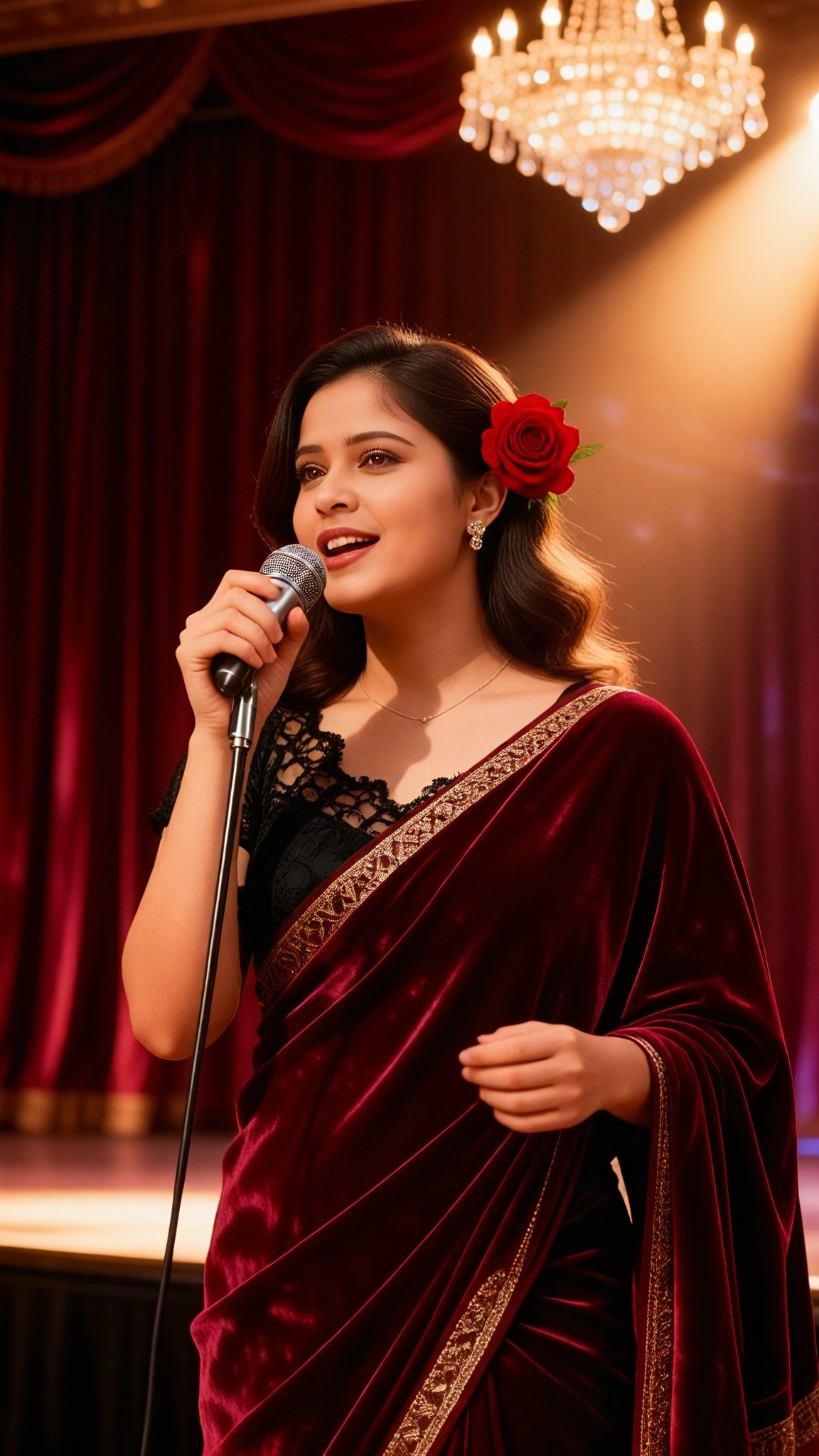

Input
Result
Soft Memory
艺术画家36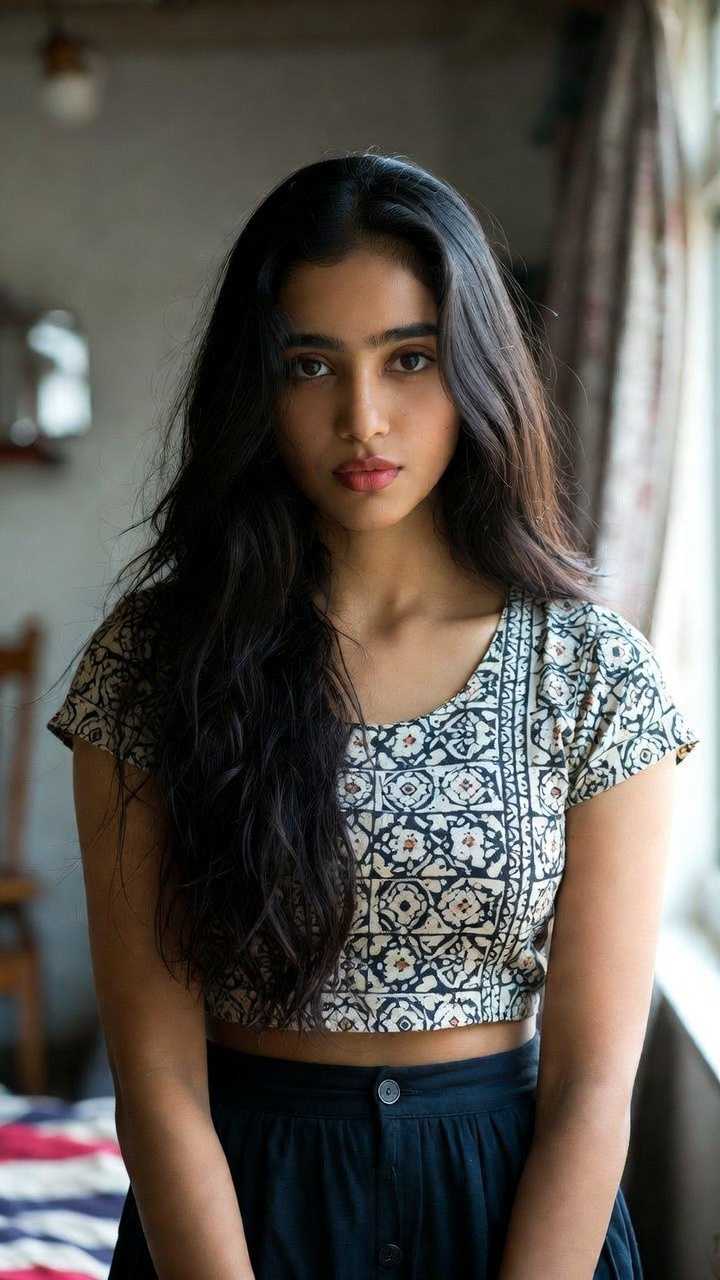

Input
Result
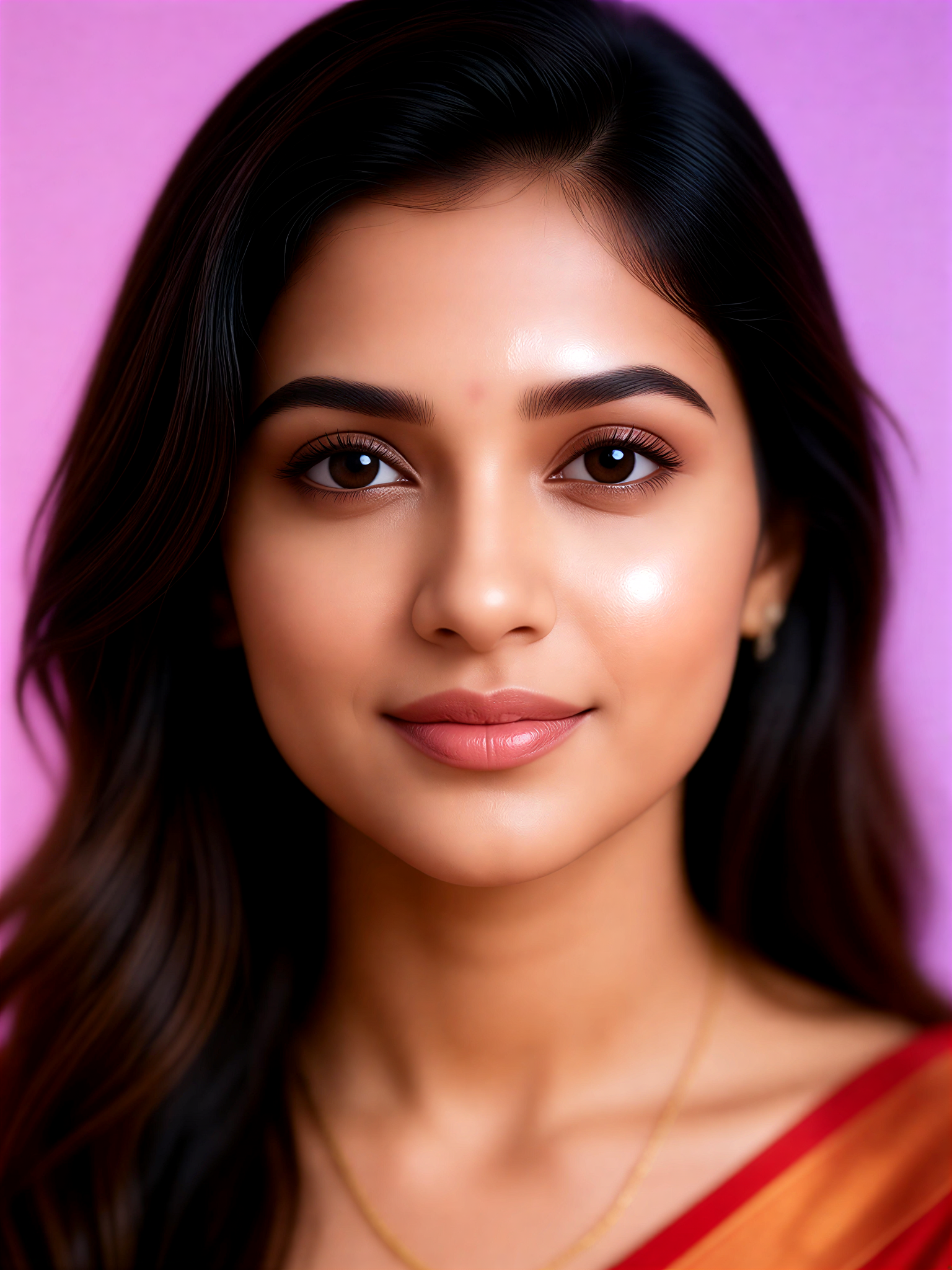
Soft Purple
 Mmm.32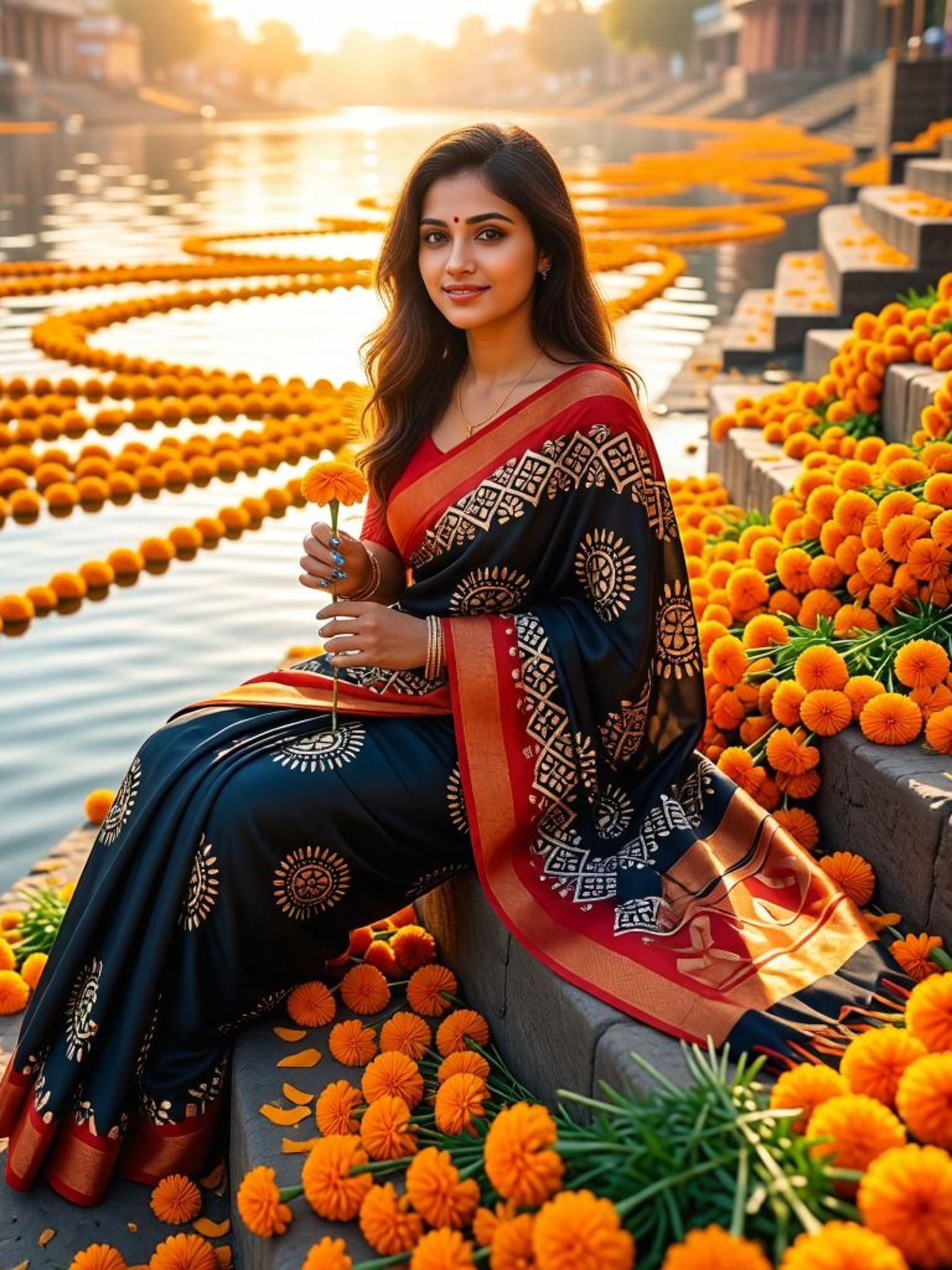
Input
Result
Lavender Soft Focus
 Mmmmmm.32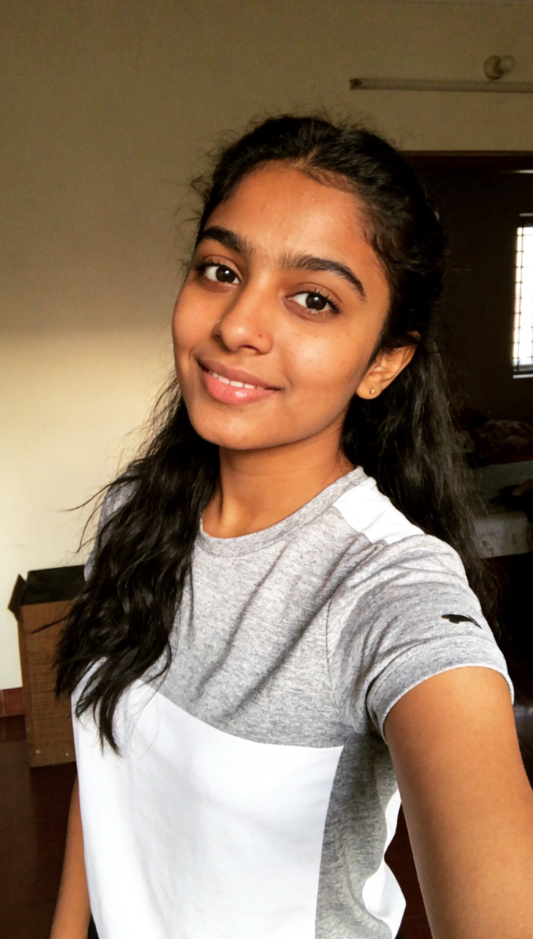
Input
Result
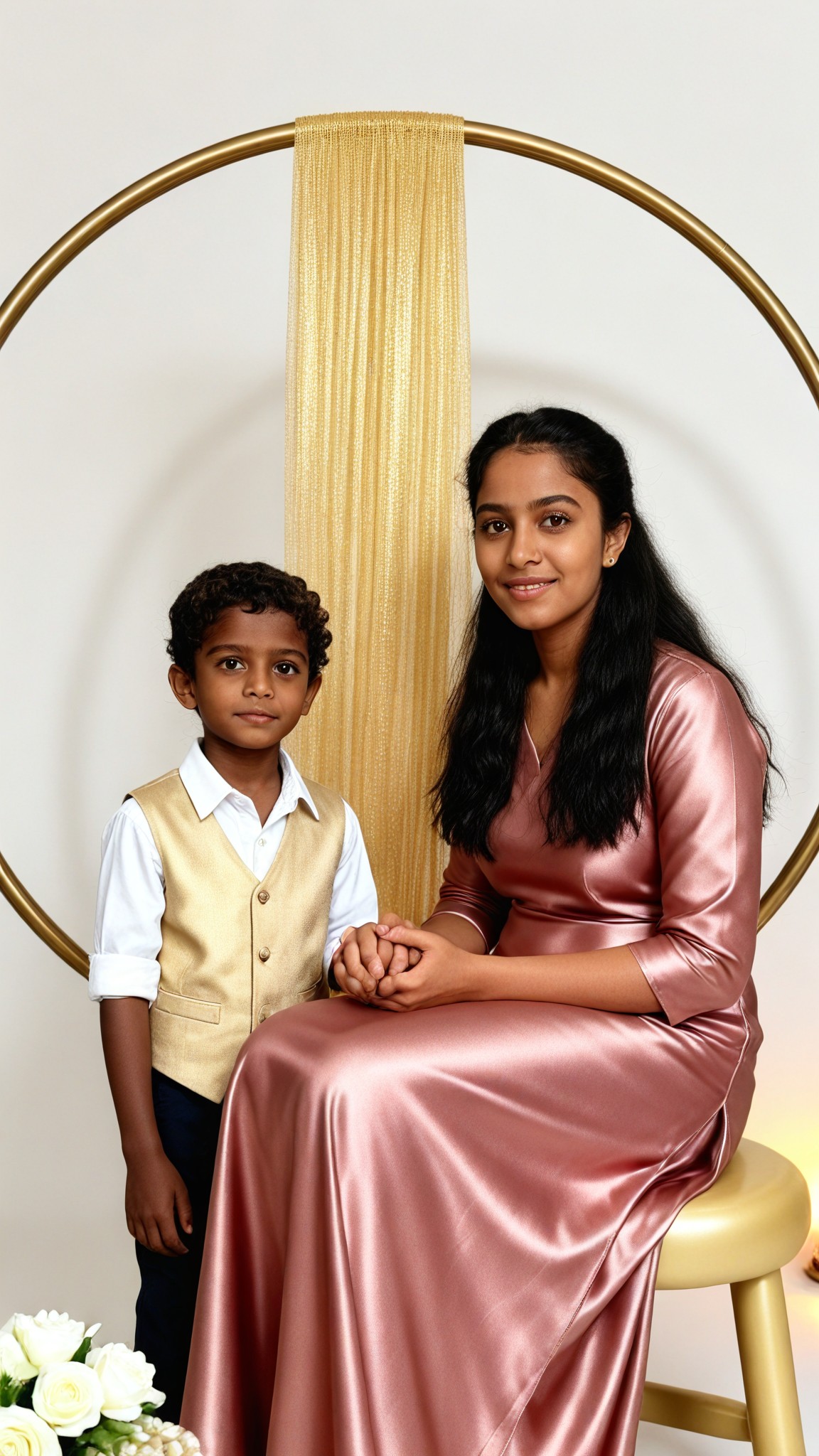
Soft Gold
 艺术梦想家31
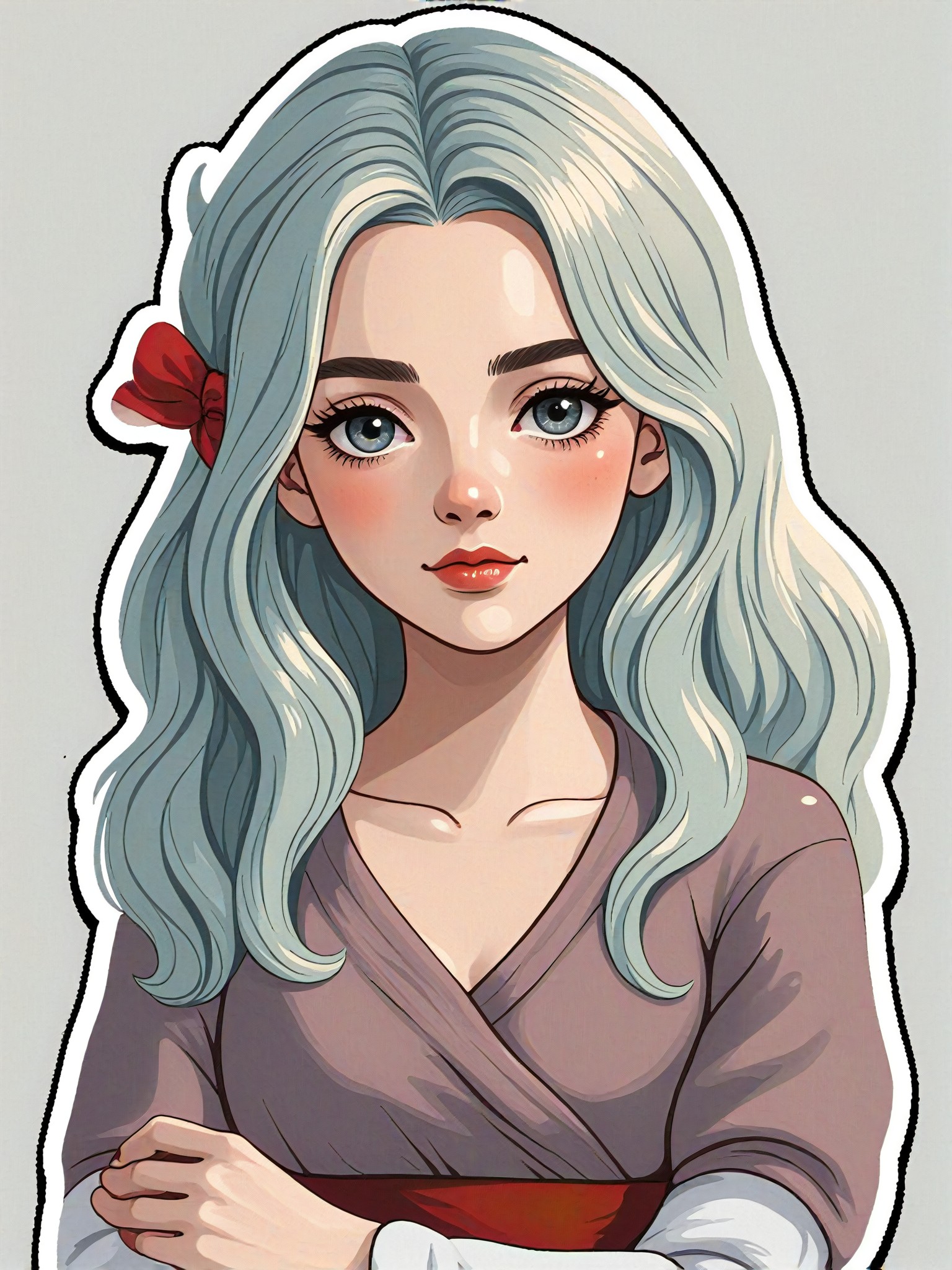
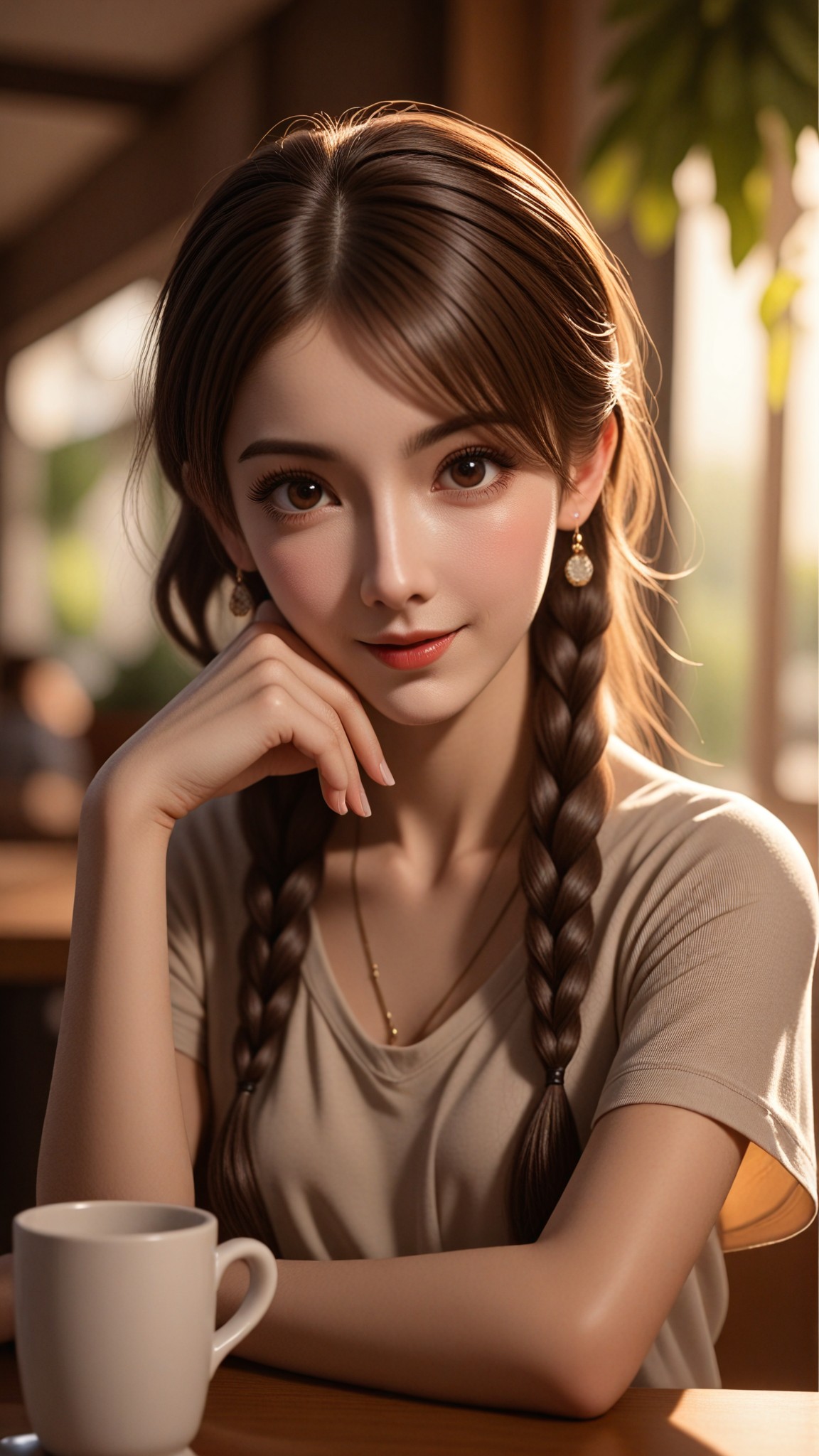
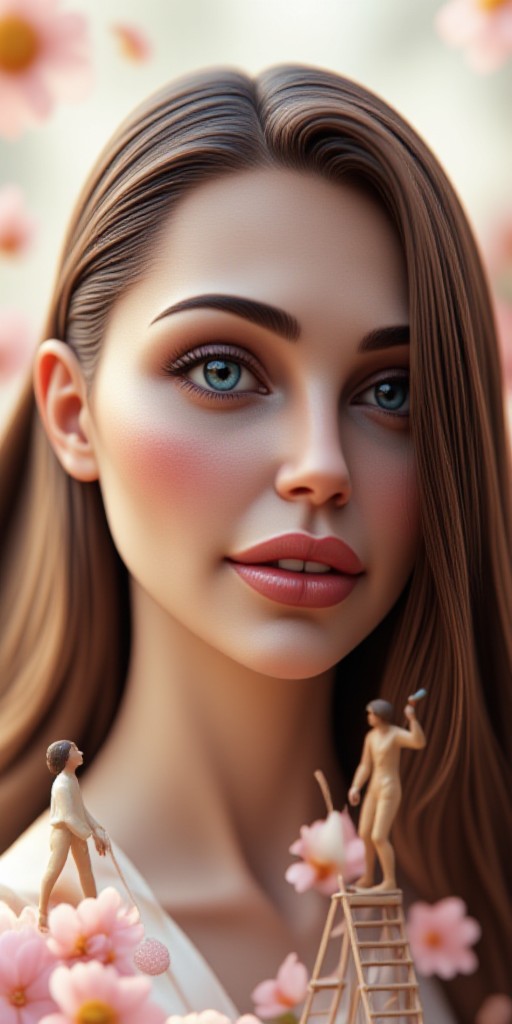
AI Generated Soft Blur Images & Videos
Discover unique and innovative Soft Blur images and videos created with a1.art Soft Blur prompts.

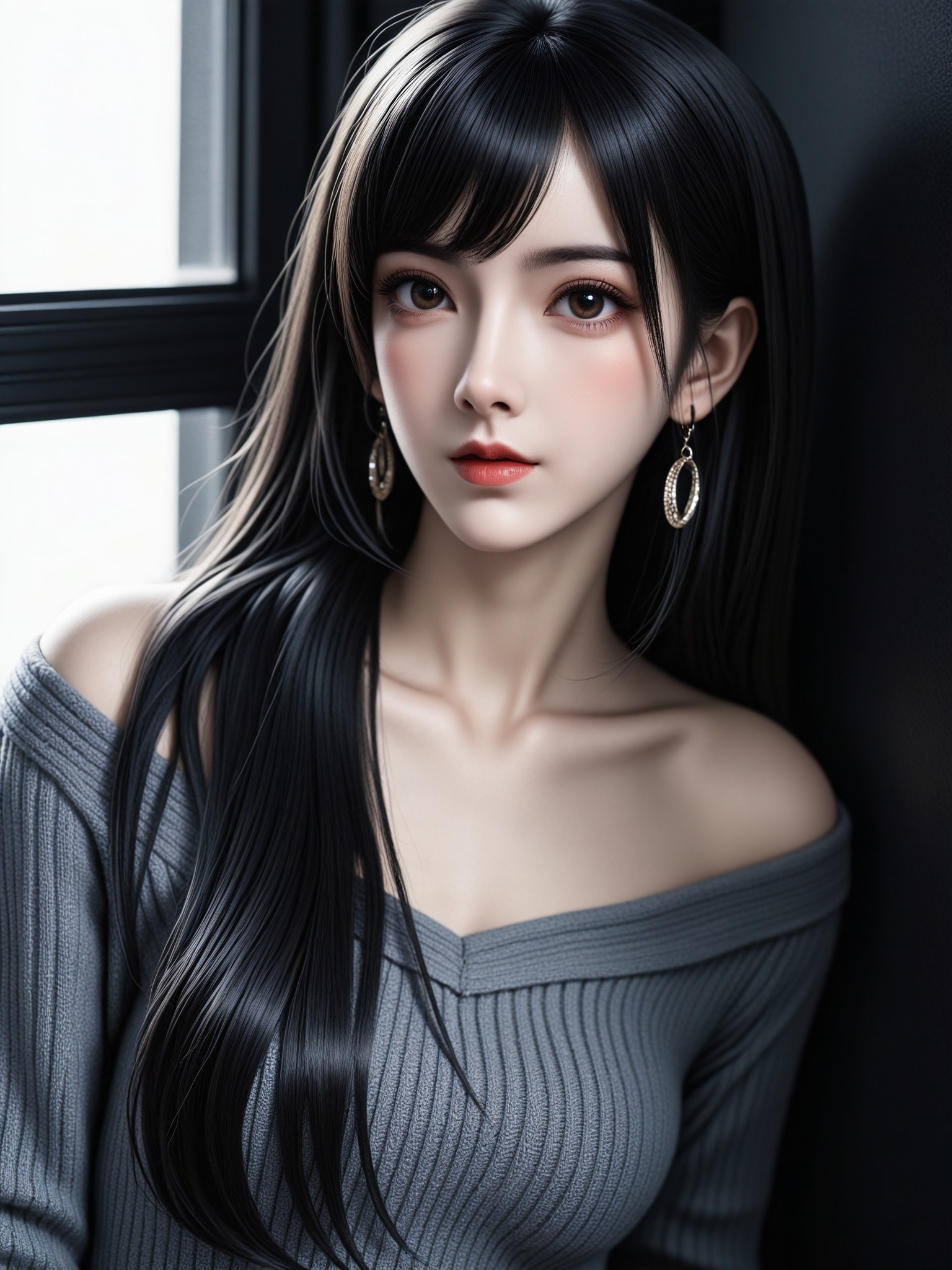
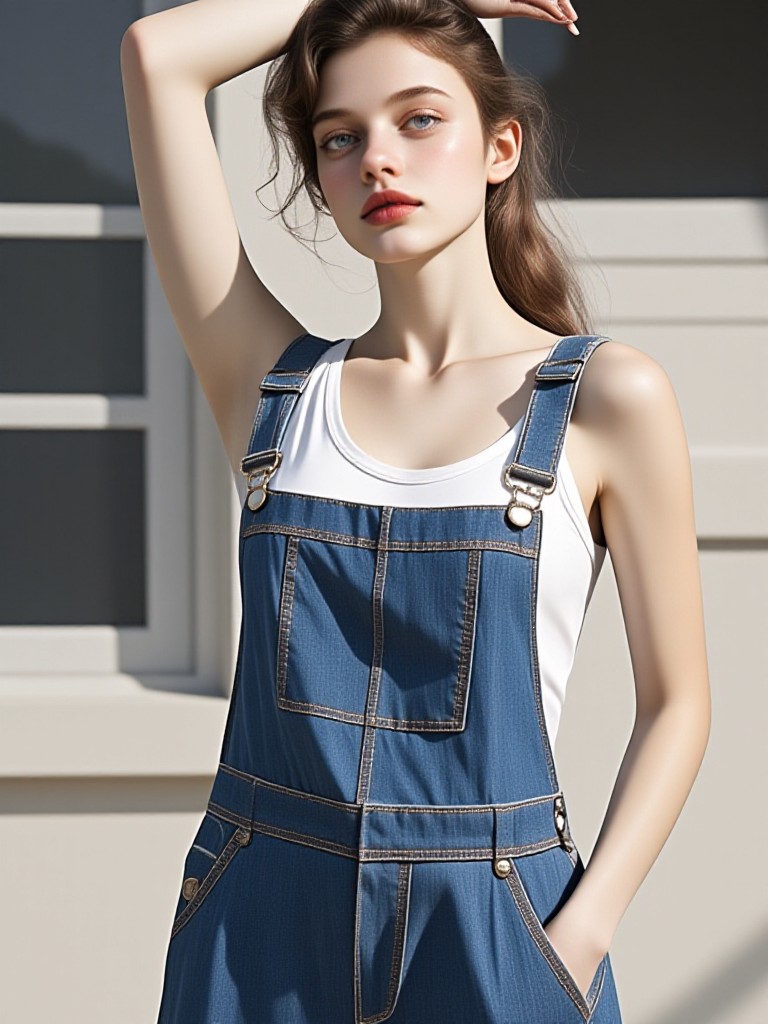
How to Make Soft Blur AI Image & Video on a1.art?
Step into the future of AI Soft Blur video and image creation on a1.art.

Step 1
Select the style you want to apply in the Square.

Step 2
Upload the image you want to transform. It can be a photo, hand-drawn sketch.

Step 3
Wait a few seconds and you can easily get your unique AI Soft Blur art. Download for free!
FAQ about Soft Blur AI Prompt on a1.art
Discover the secrets to creating Birthday Day videos and images at a1.art.
What are soft blur AI prompts?
Soft blur AI prompts are specialized instructions that guide the AI to generate images or videos with a soft, dreamy blur effect, enhancing the visual appeal and emotional impact of your creations.
How do I use soft blur AI prompts on a1.art?
Simply select a soft blur prompt from our curated list, upload your image or enter a text prompt, and let a1.art's advanced AI technology transform it into a stunning soft blur visual.
Can I customize soft blur AI prompts?
Yes, you can customize soft blur AI prompts by adjusting parameters such as blur intensity, color tone, and lighting effects to achieve the desired aesthetic.
Are there any limitations to using soft blur AI prompts?
While soft blur AI prompts offer a wide range of creative possibilities, some complex scenes may require additional refinement or manual adjustments to achieve the perfect result.
How does a1.art ensure the quality of soft blur visuals?
a1.art uses state-of-the-art AI algorithms to analyze and enhance each image or video, ensuring that the soft blur effect is applied consistently and beautifully across all outputs.


