Container backgroundContainer background
Home/AI Prompts/Smooth Skin

Smooth Skin
AI Prompts

Smooth Skin AI Prompts

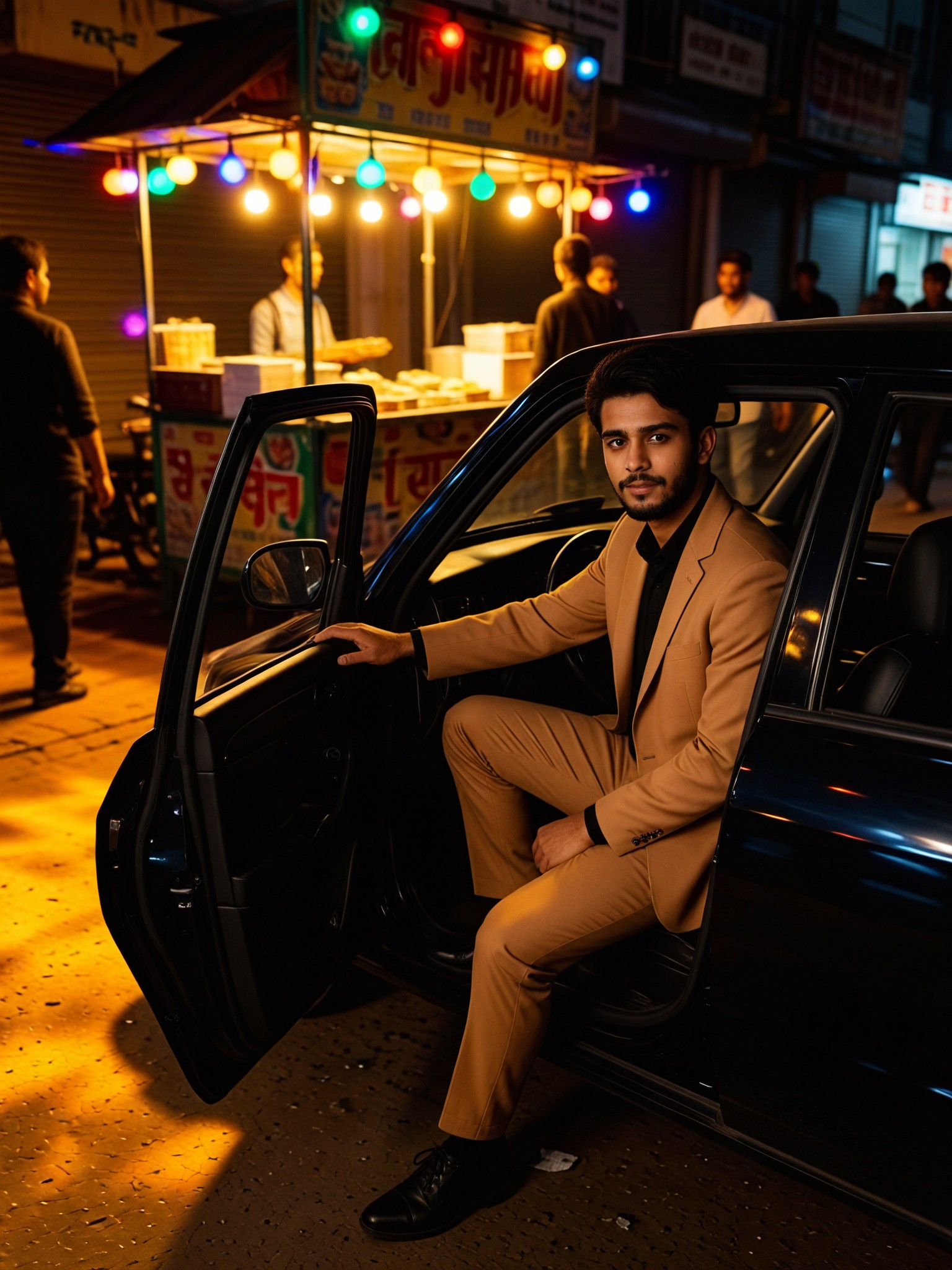
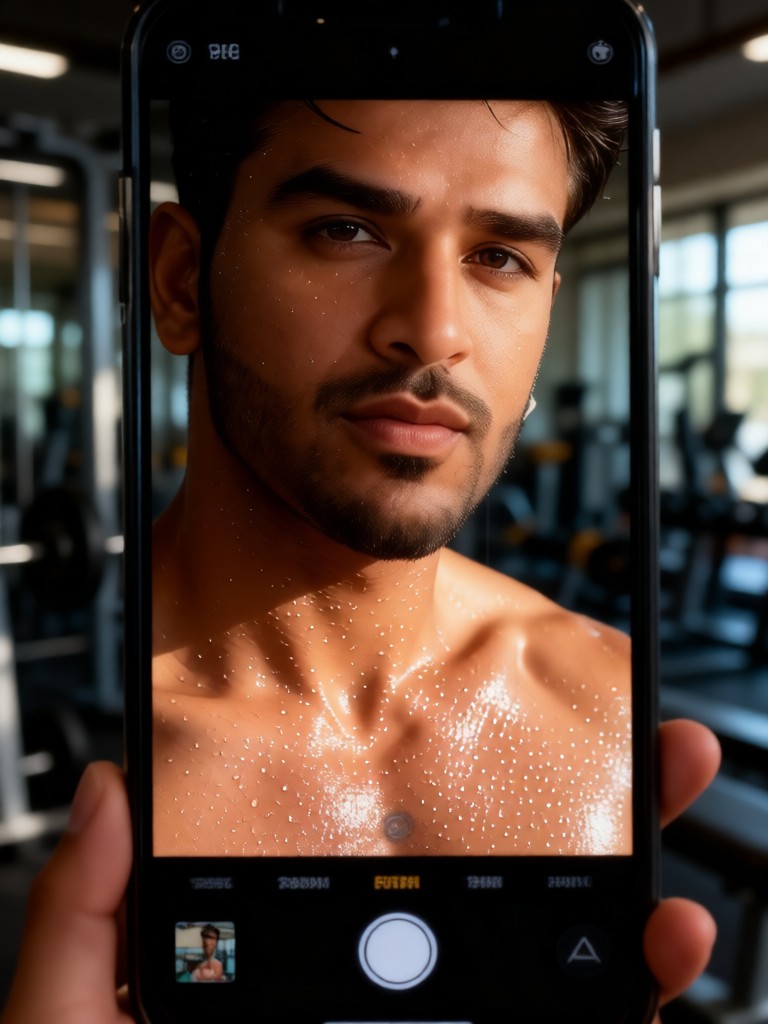
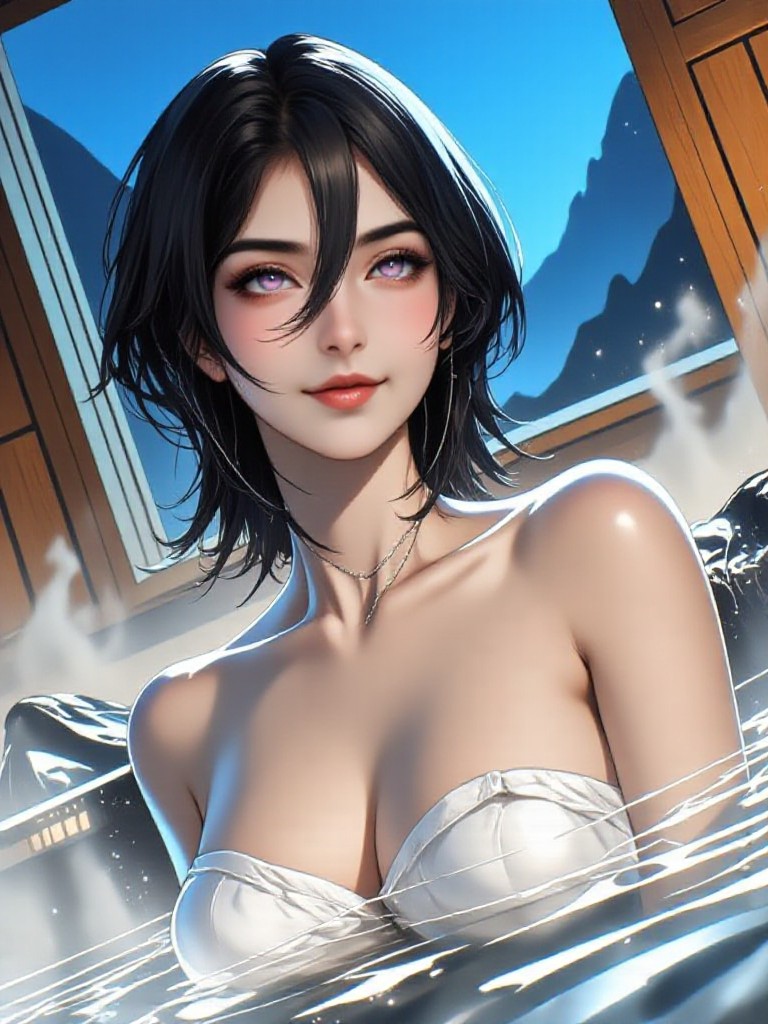
Discover a1.art's smooth skin AI prompts, designed to transform your images into stunning visuals with flawless, natural skin tones. Whether you're enhancing portraits or creating artistic effects, our AI-powered generator delivers professional-grade results in seconds. Experience the future of digital artistry with a1.art’s intuitive platform and daily free credits.
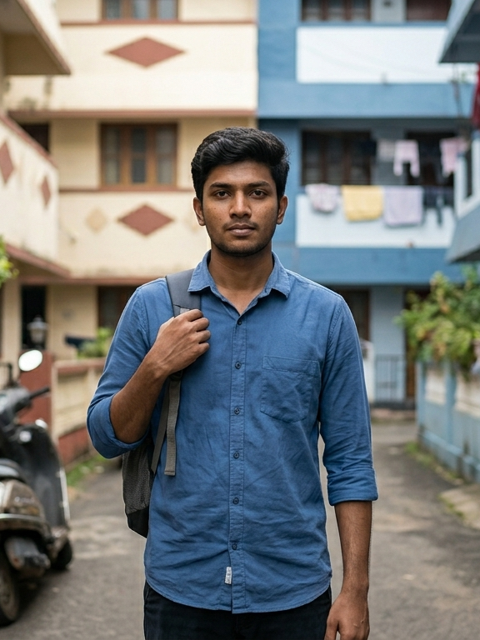
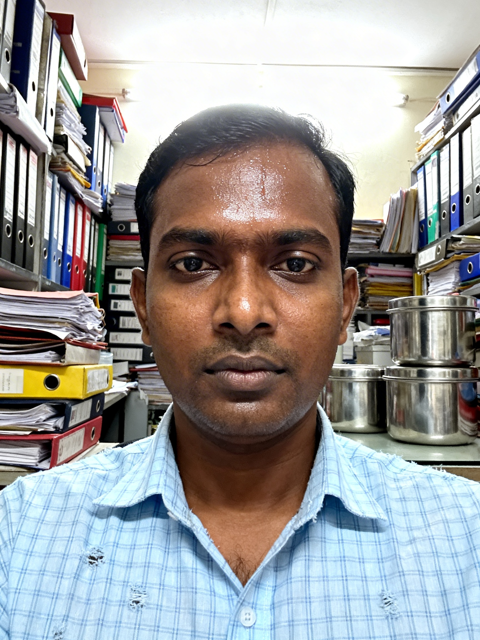
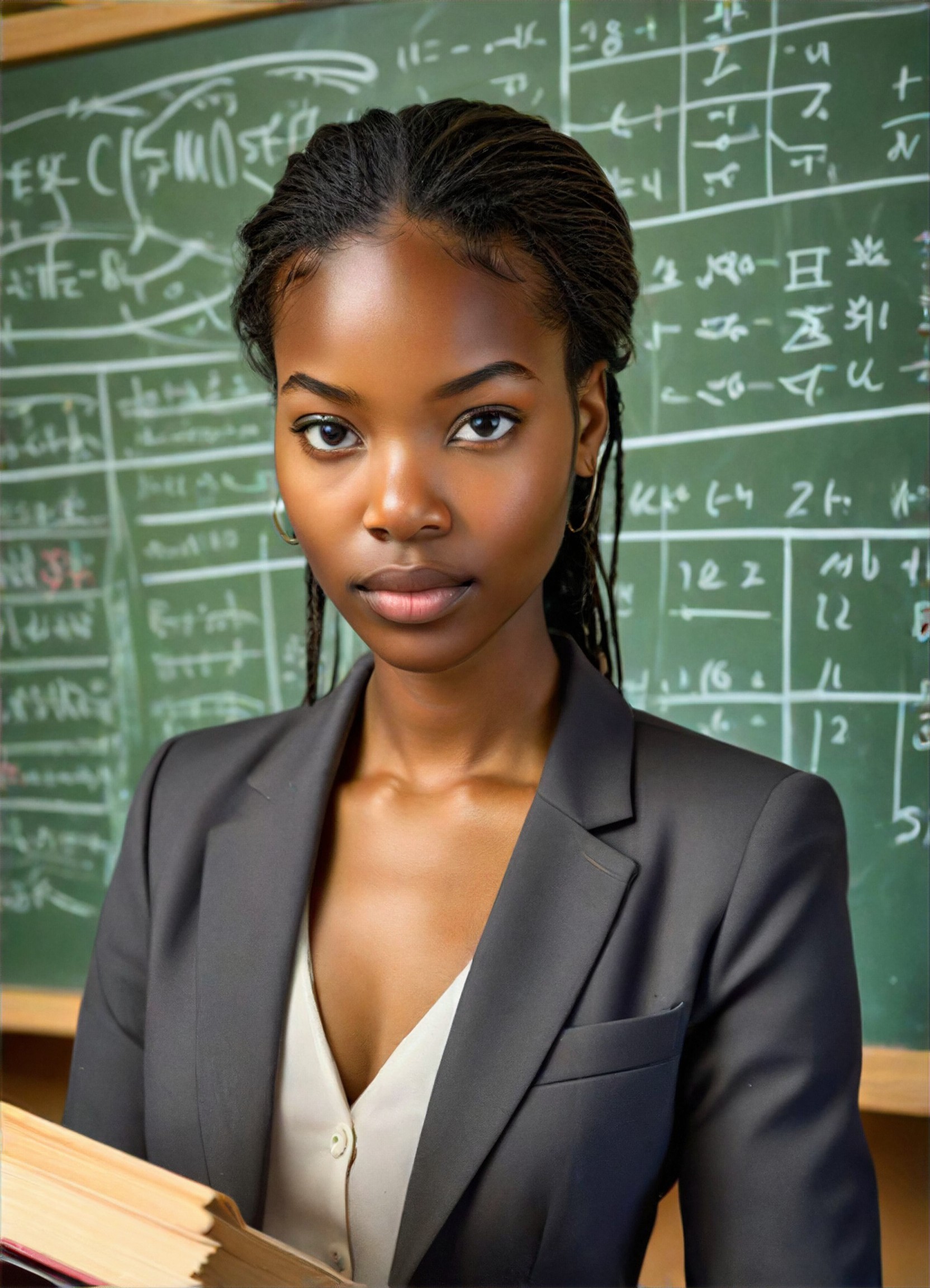
A close-up portrait of a model with radiant, dewy skin under soft, diffused lighting, emphasizing natural texture and subtle highlights.
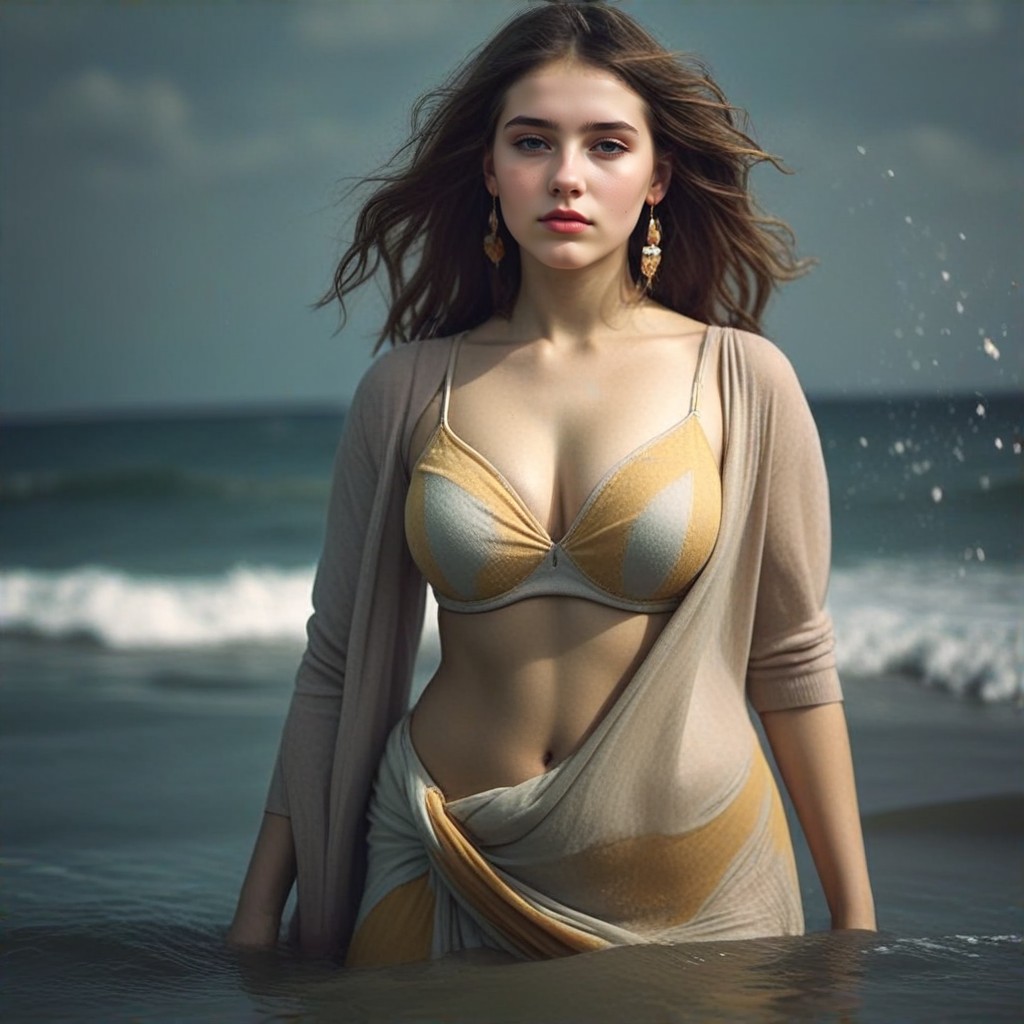
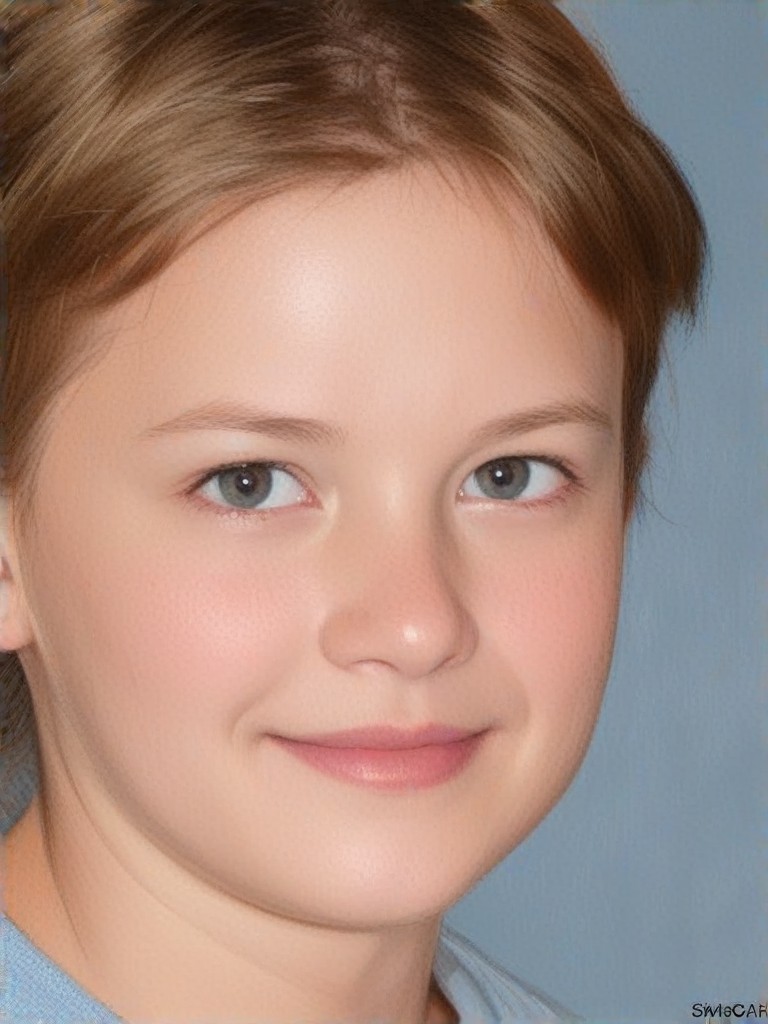
An ultra-realistic depiction of smooth, youthful skin with fine details like pores and light reflections, captured in a cinematic style.
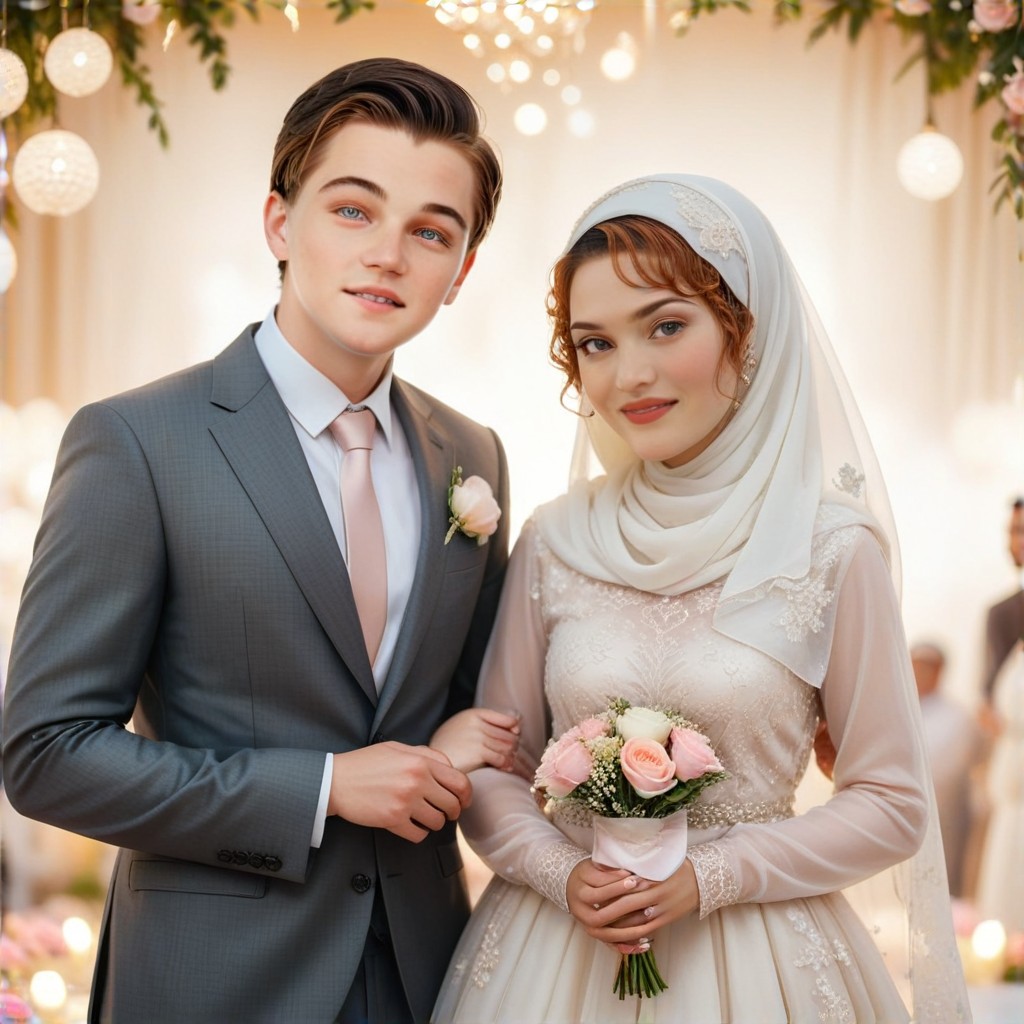
A serene image of a person with glowing, porcelain-like skin, enhanced by gentle bokeh and warm tones for a dreamy effect.
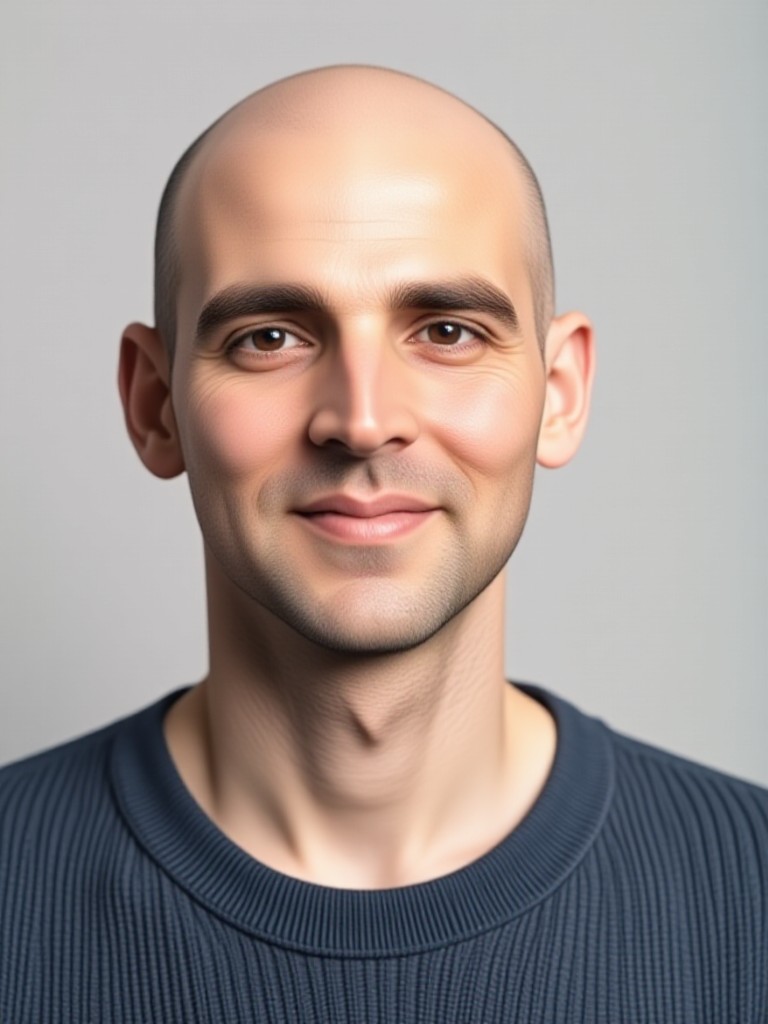
A high-definition shot of smooth, even-toned skin with a focus on symmetry and natural contours, perfect for beauty photography.
A dramatic portrayal of smooth skin with deep shadows and highlights, creating a striking contrast that accentuates facial features.
A minimalist composition featuring smooth, matte skin with soft gradients and a neutral color palette for a modern aesthetic.
Explore more

Get Smooth Skin Videos & Images without Prompt

a1.art offers a large number of filters, allowing you to easily obtain AI videos or images without prompts.
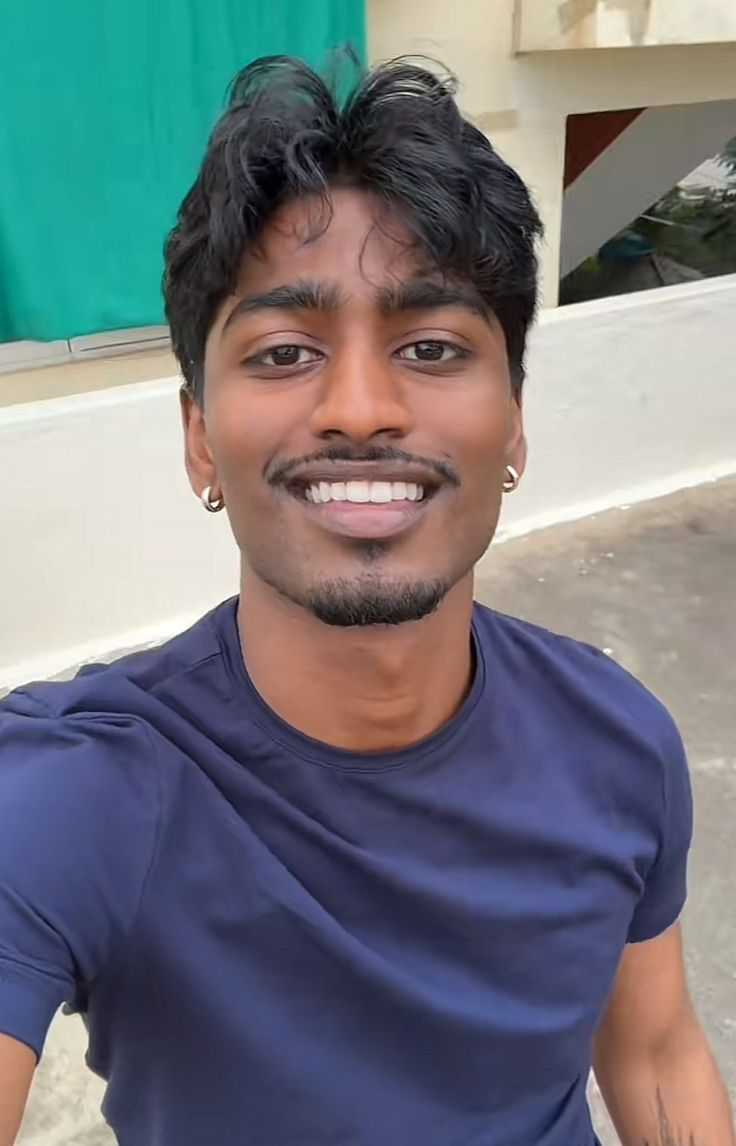
image befor ai generation
A cute 3D rendered cartoon boy, wearing an olive green jacket, khaki shorts, and a beige baseball cap. He has large, expressive eyes, a friendly expression, and carries a brown backpack. He's wearing off-white sneakers. The style is reminiscent of 3D cartoon character design, with smooth, polished textures and no visible brushstrokes. The background is a simple beige color, focusing all attention on the character. The lighting is soft and even, creating a warm and pleasant atmosphere. The overall style is cheerful and friendly, suitable for children's products or game character design. The image is rendered in a style similar to contemporary 3D animation character design. Think of the clean lines and smooth surfaces of Pixar-style animation, but with a slightly more realistic rendering of the materials.
cute 3D cartoon boy image
Input
Result
cute 3D cartoon boy
夢境畫境Dreamscape Canva headshot夢境畫境Dreamscape Canva
playicon16.2k
image befor ai generation
When deep skin meets traditional saris image
Input
Result
When deep skin meets traditional saris
我是小王
playicon2.2k
image befor ai generation
Skin whitening image
Input
Result
Skin whitening
CC headshotCC
playicon505
image befor ai generation
How to Run P1 image
Input
Result
How to Run P1
BetaGamer headshotBetaGamer
playicon371
image befor ai generation
See myself with dark skin.-2 image
Input
Result
See myself with dark skin.-2
Lizzie-R headshotLizzie-R
playicon236
image befor ai generation
See myself with dark skin. image
Input
Result
See myself with dark skin.
Lizzie-R headshotLizzie-R
playicon191
image befor ai generation
Look at myself with fair skin. image
Input
Result
Look at myself with fair skin.
Lizzie-R headshotLizzie-R
playicon123
image befor ai generation
Skin Morph - Male to Female image
Input
Result
Skin Morph - Male to Female
CC headshotCC
playicon77

How to Make Smooth Skin AI Image & Video on a1.art?

Step into the future of AI Smooth Skin video and image creation on a1.art.

a1.art tutorial Step 1
Step 1
Select the style you want to apply in the Square.

a1.art tutorial Step 2
Step 2
Upload the image you want to transform . It can be a photo, hand-drawn sketch.

a1.art tutorial Step 3
Step 3
Wait a few seconds and you can easily get your unique AI Smooth Skin art. Download for free!

FAQ about Smooth Skin AI Prompt on a1.art

Discover the secrets to creating Smooth Skin videos and images at a1.art.

What makes a1.art's smooth skin AI prompts unique?

Our smooth skin AI prompts are crafted to deliver natural, realistic results with customizable options. You can adjust textures, lighting, and tones to achieve the perfect look for your project.

Can I use these prompts for both images and videos?

Absolutely! a1.art supports both AI image and video generation. Simply select your preferred prompt and choose the format you want to create.

Do I need technical skills to use a1.art?

No, a1.art is designed for users of all skill levels. Our intuitive interface allows you to upload images or enter text prompts and instantly generate professional-quality visuals.

How many free credits do I get daily?

a1.art offers daily free login credits to help you explore our features without any cost. Additional credits can be earned through subscriptions or special promotions.

Can I customize the smooth skin effects further?

Yes, you can fine-tune the smooth skin effects by adjusting parameters like brightness, contrast, and saturation. Our tools give you full control over the final output.

Container background

Make Smooth Skin AI Image & Video on a1.art APP

Download the app to explore Smooth Skin AI image & video filters, faster processing, and personalized features. Whether you want creative images or stunning videos, the app makes it easier.