


Get Smile Filter Videos & Images without Prompt
a1.art offers a large number of filters, allowing you to easily obtain AI videos or images without prompts.
Input
Result
Safe Smile
 艺术画家
艺术画家 34
34

Input
Result
shiyuanlimei's smile
 Nanako115
Input
Result
Crosswalk Smile
 艺术创作家8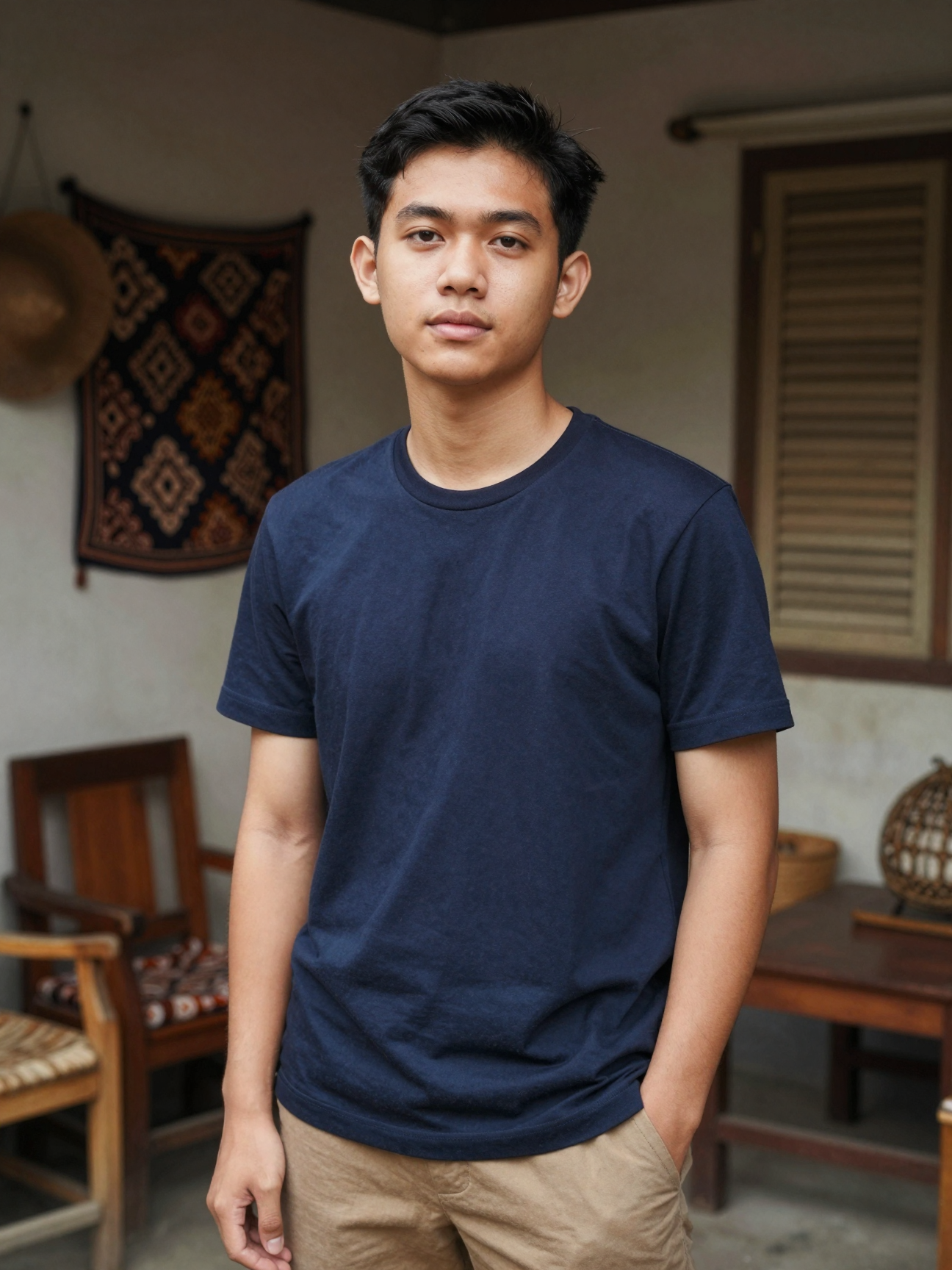
Input
Result
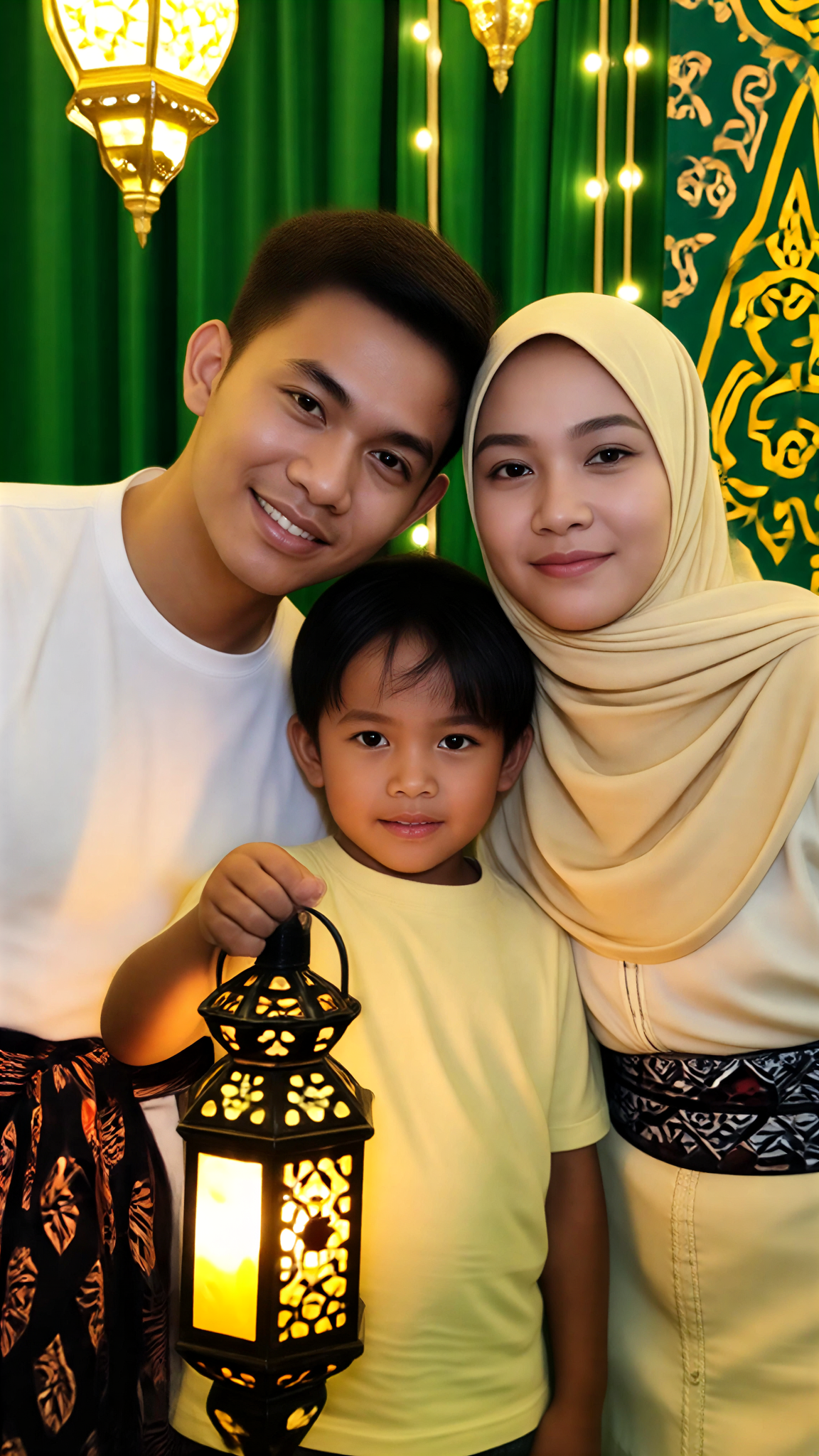
Warm Smile
艺术画家8
Input
Result
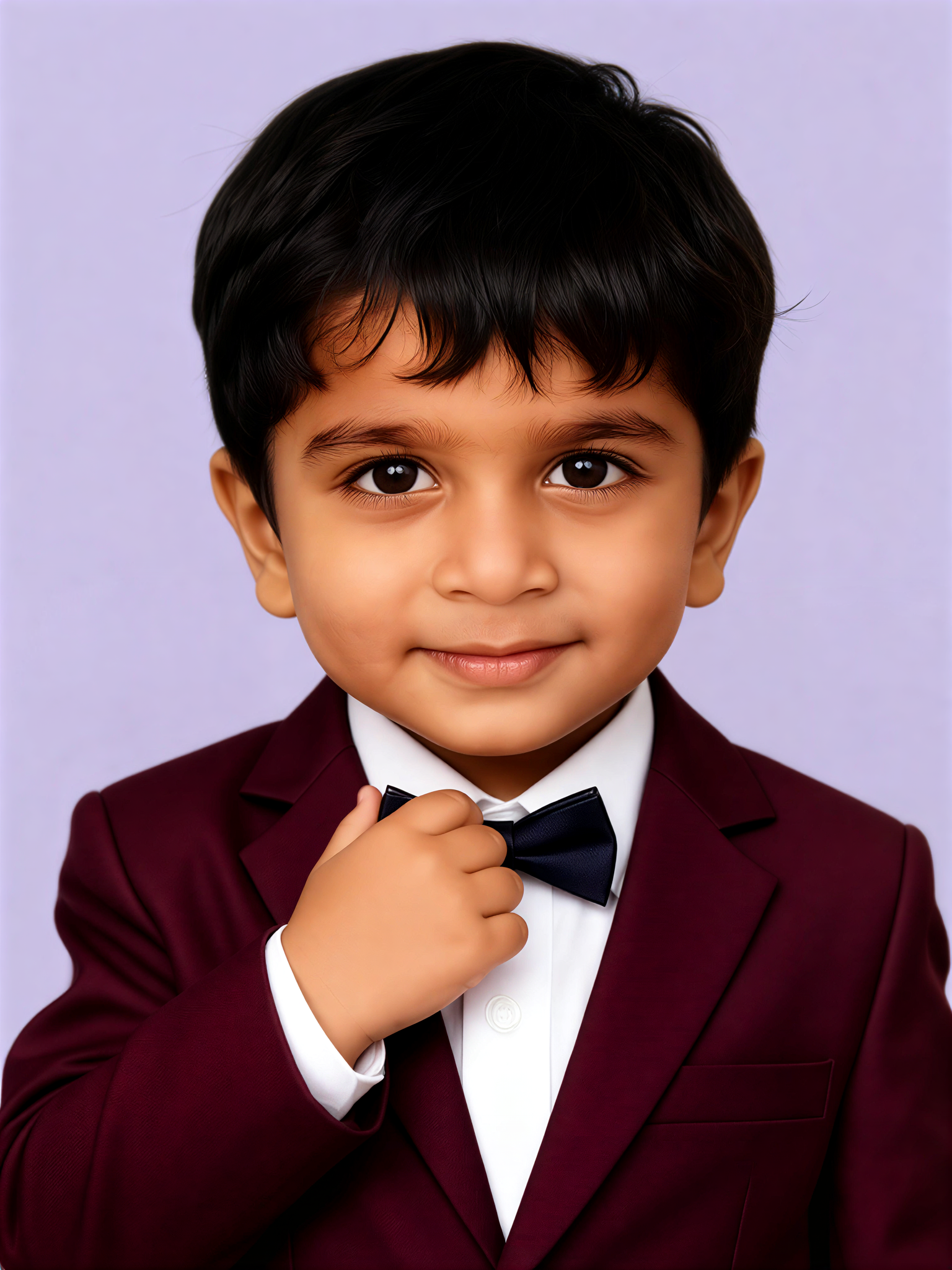
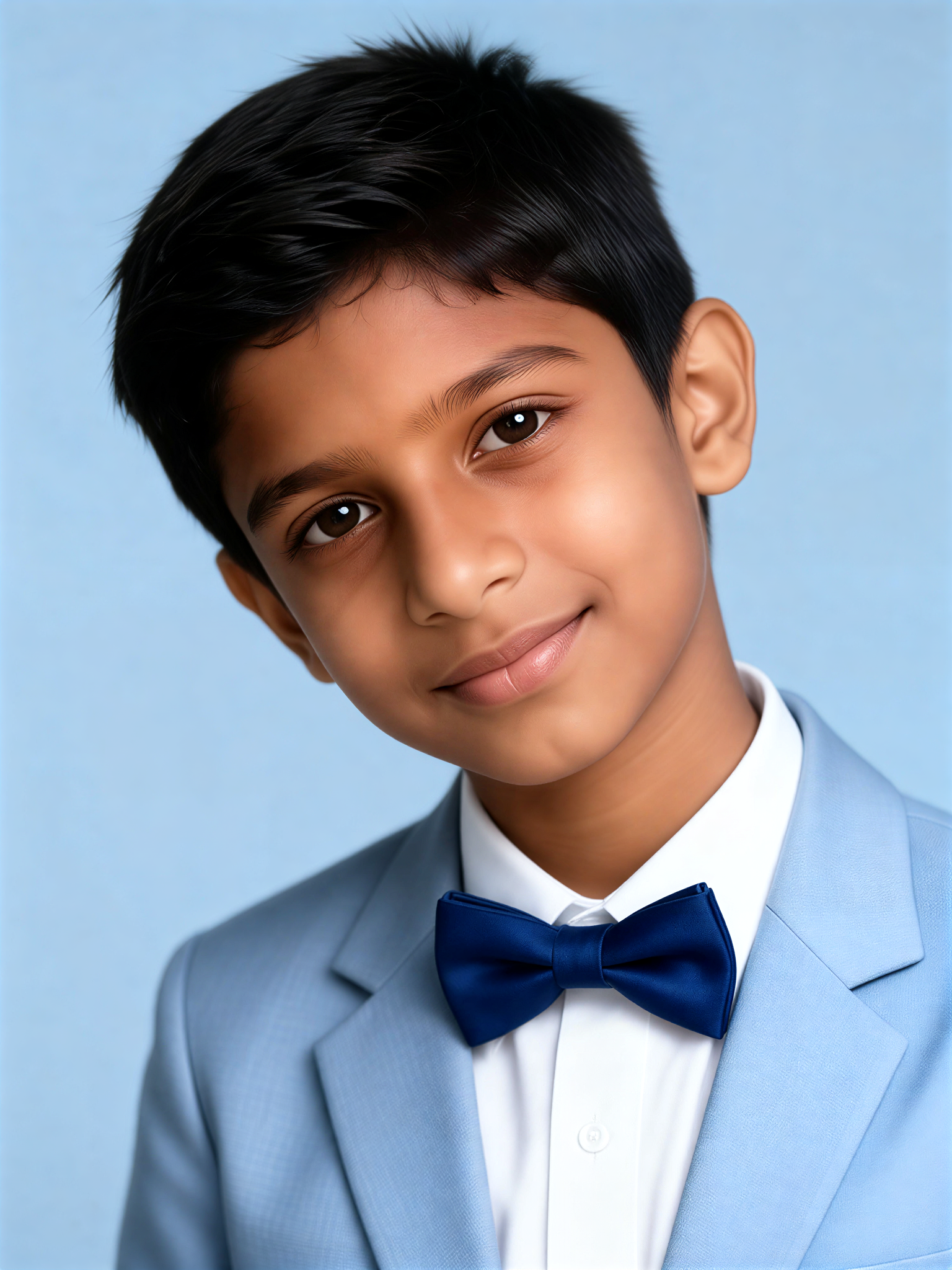
Proud Smile
艺术画家5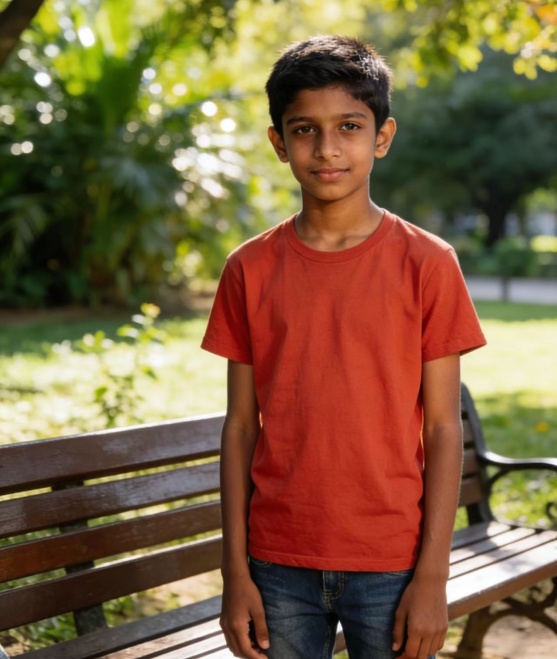
Input
Result
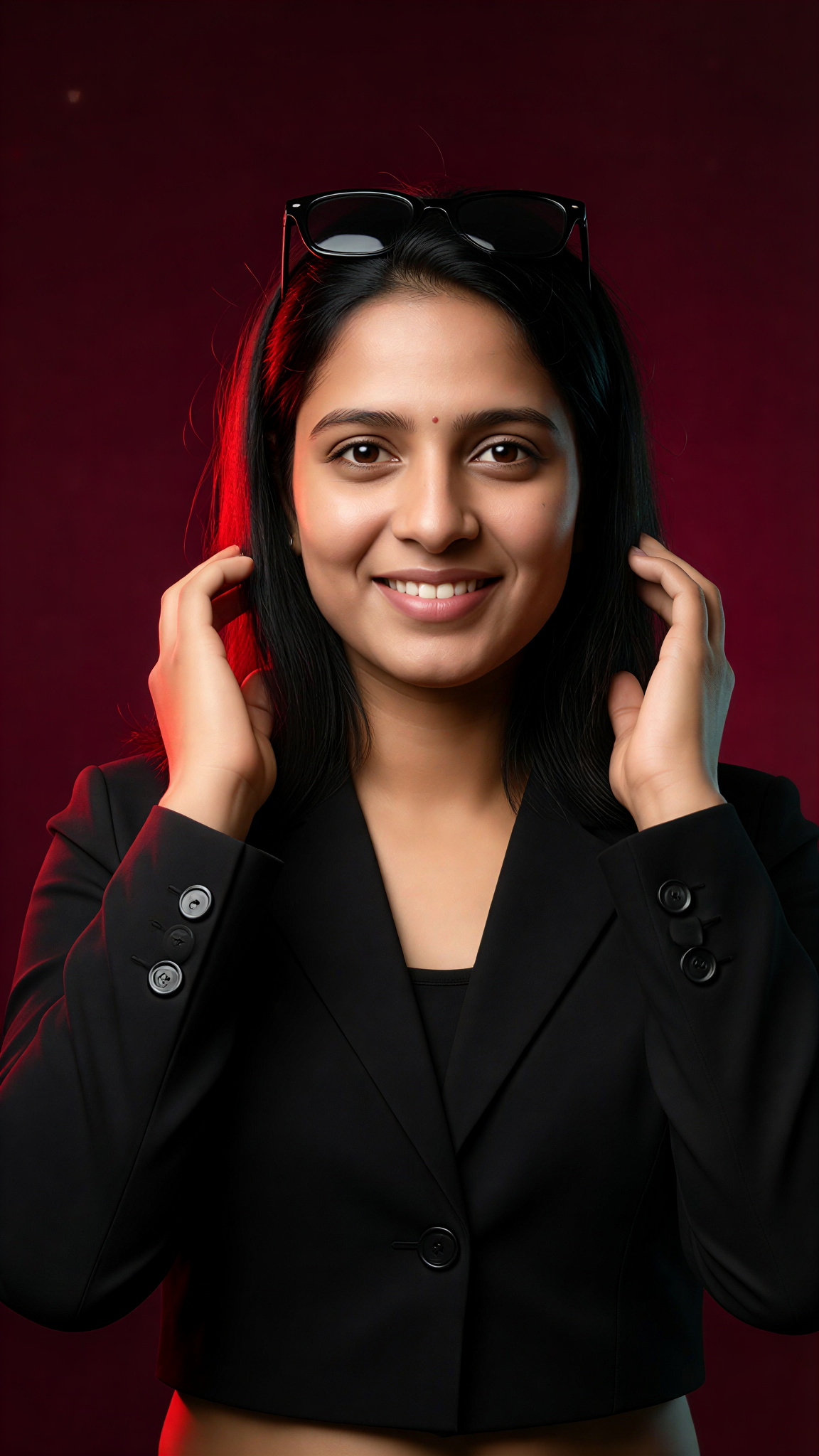
Blue Smile
艺术创作家3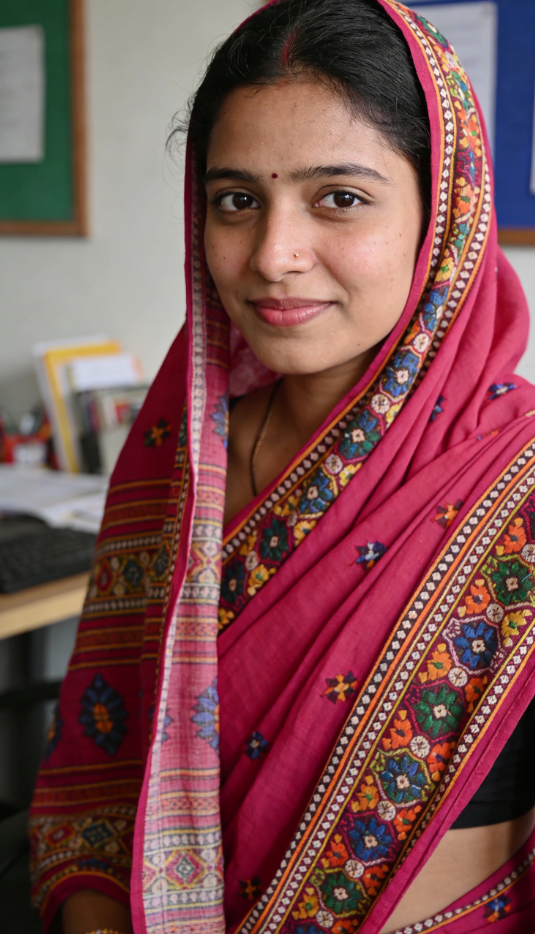
Input
Result
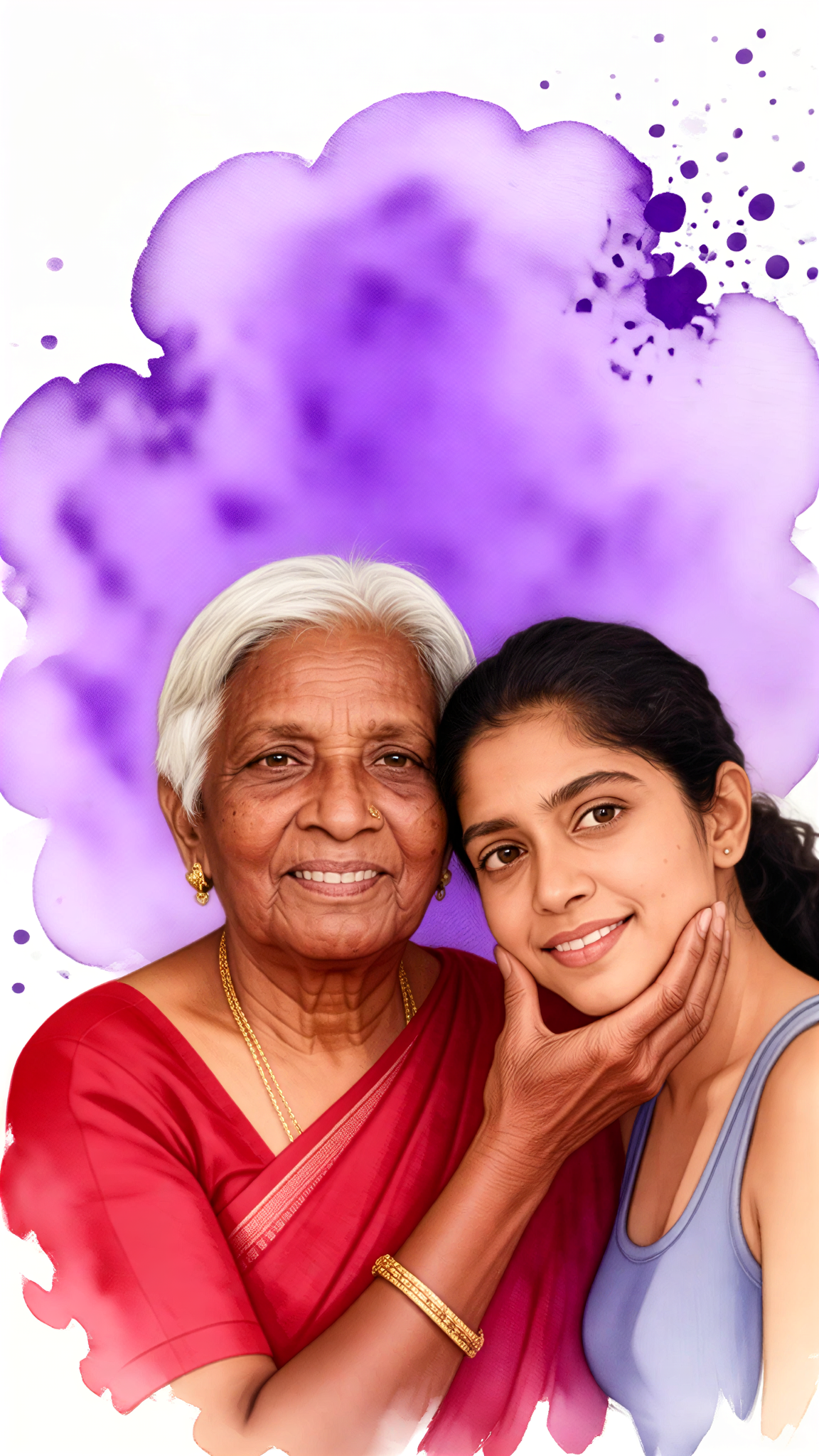
Ruby Smile
 艺术梦想家2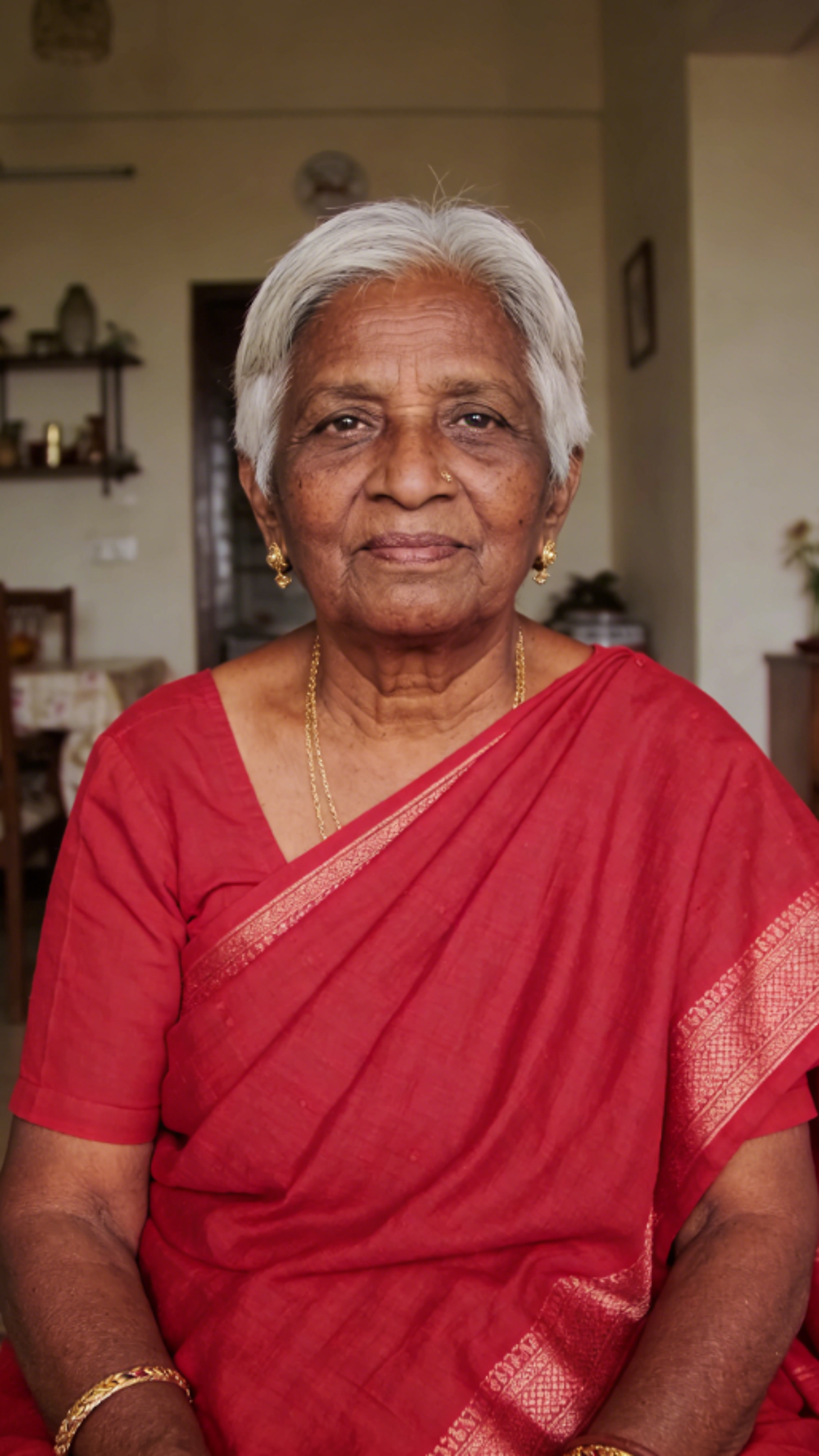
Input
Result
Gentle Smile
艺术画家1
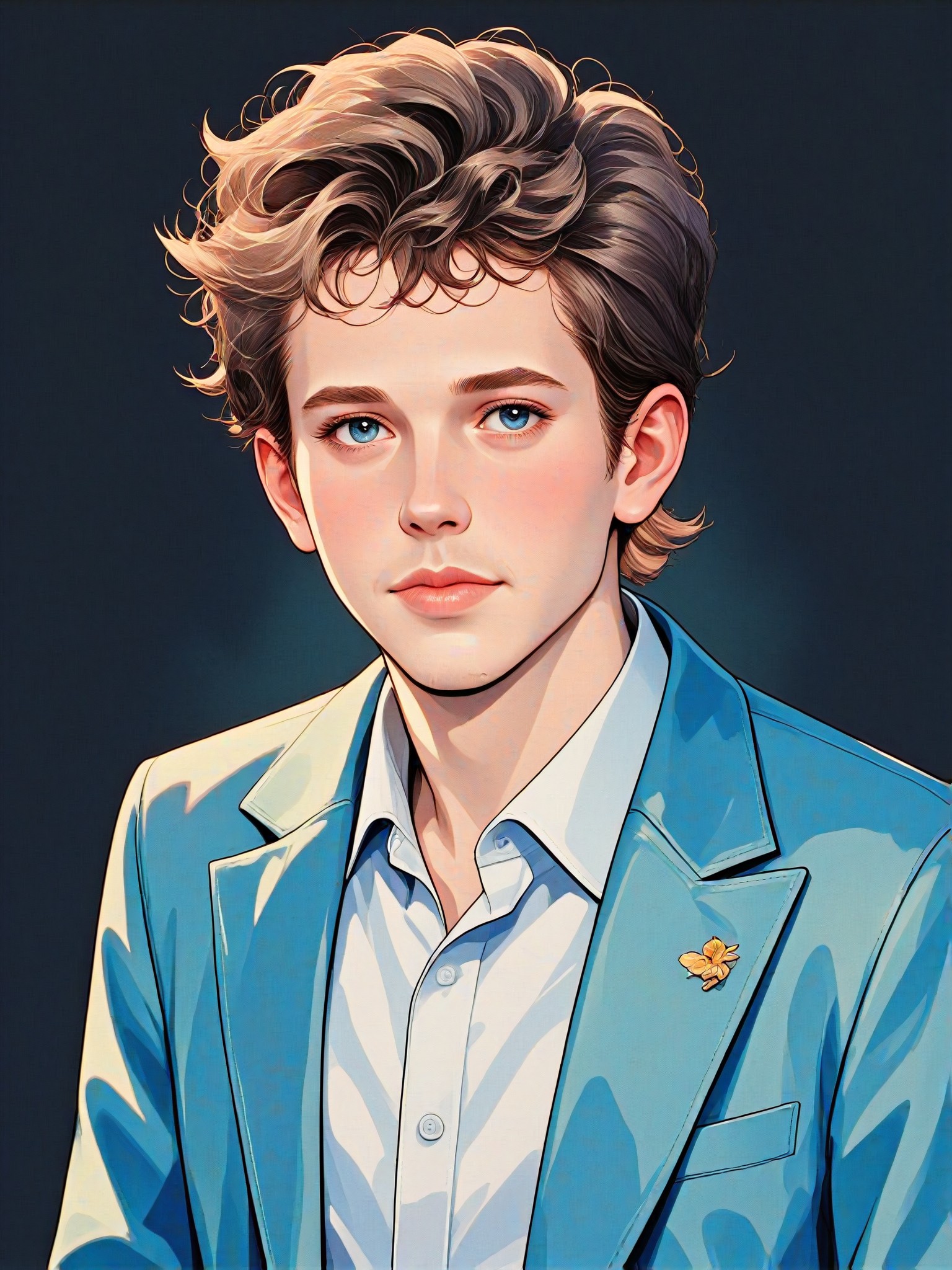
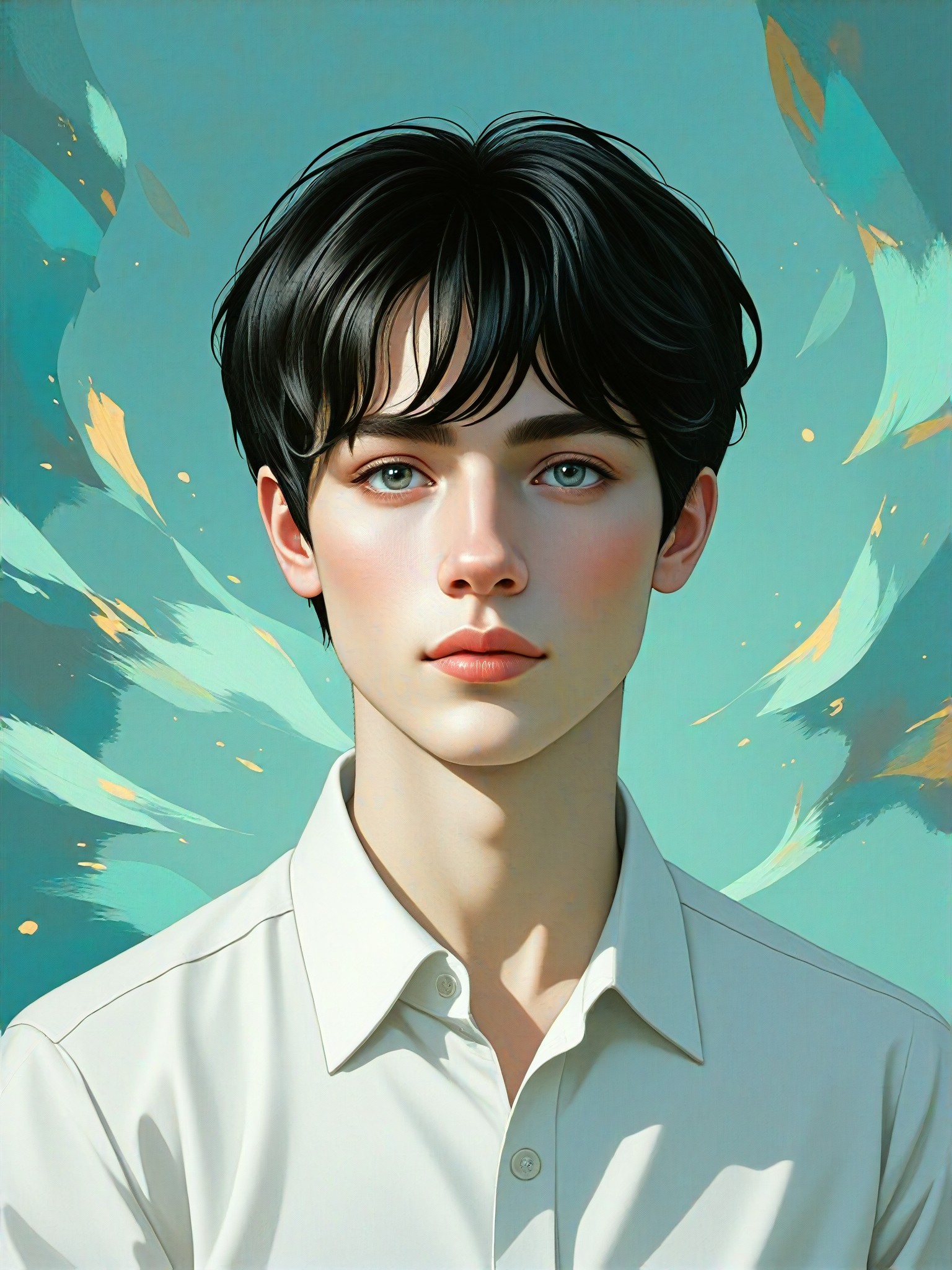
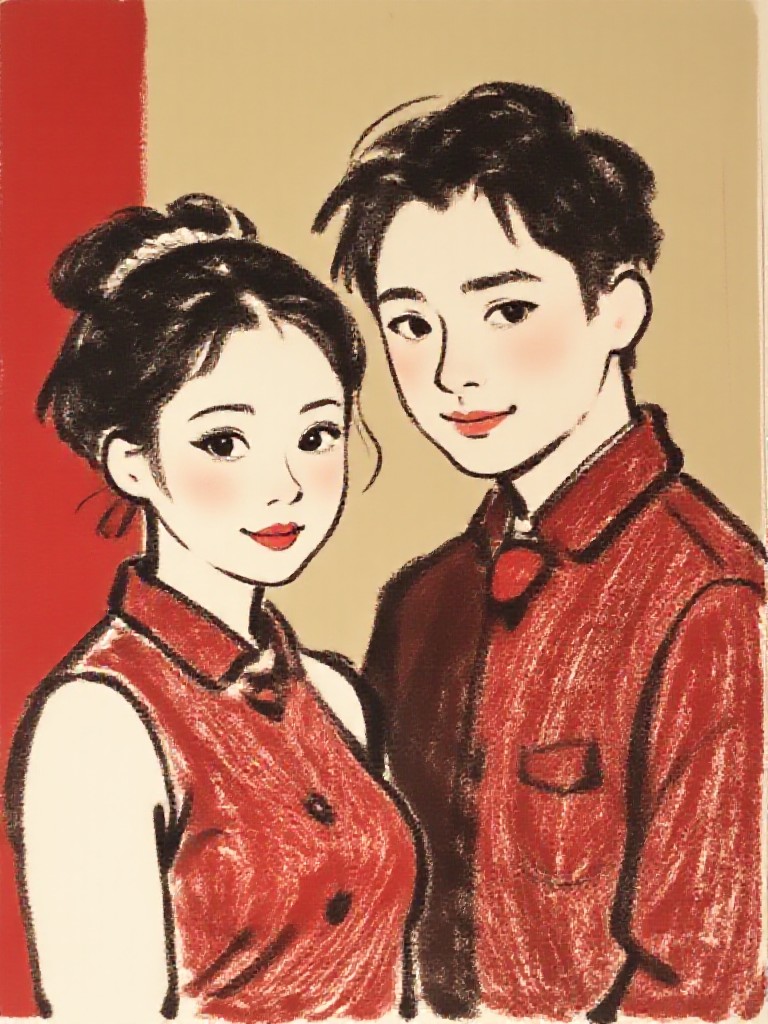
AI Generated Smile Filter Images & Videos
Discover unique and innovative Smile Filter images and videos created with a1.art Smile Filter prompts.
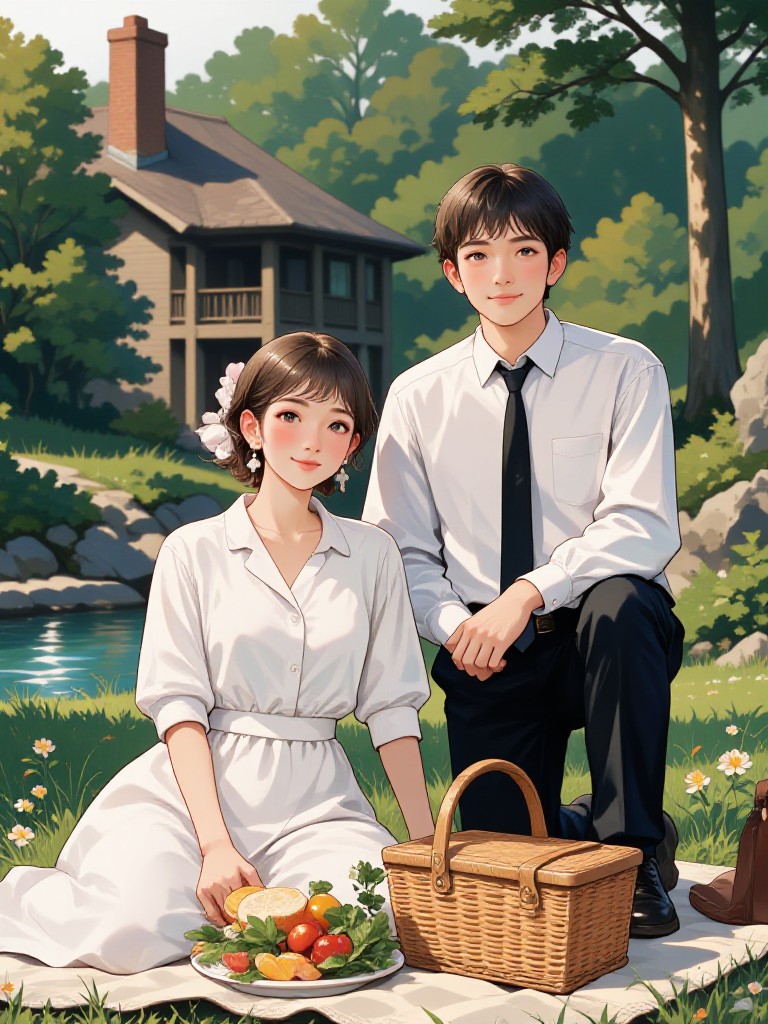

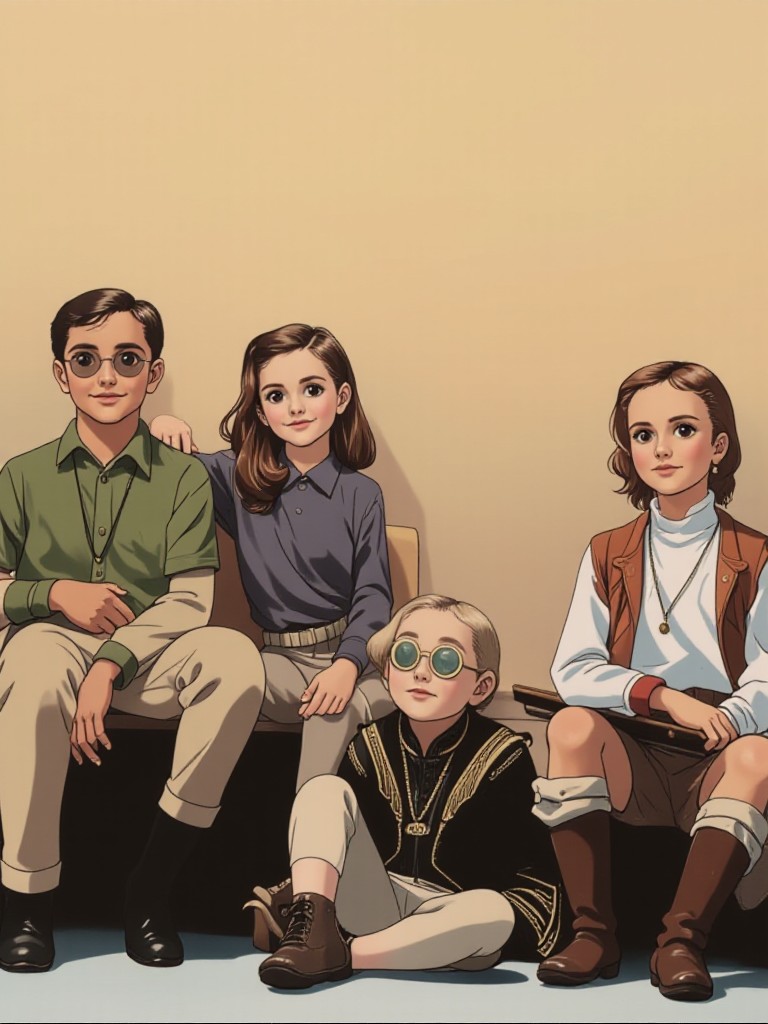
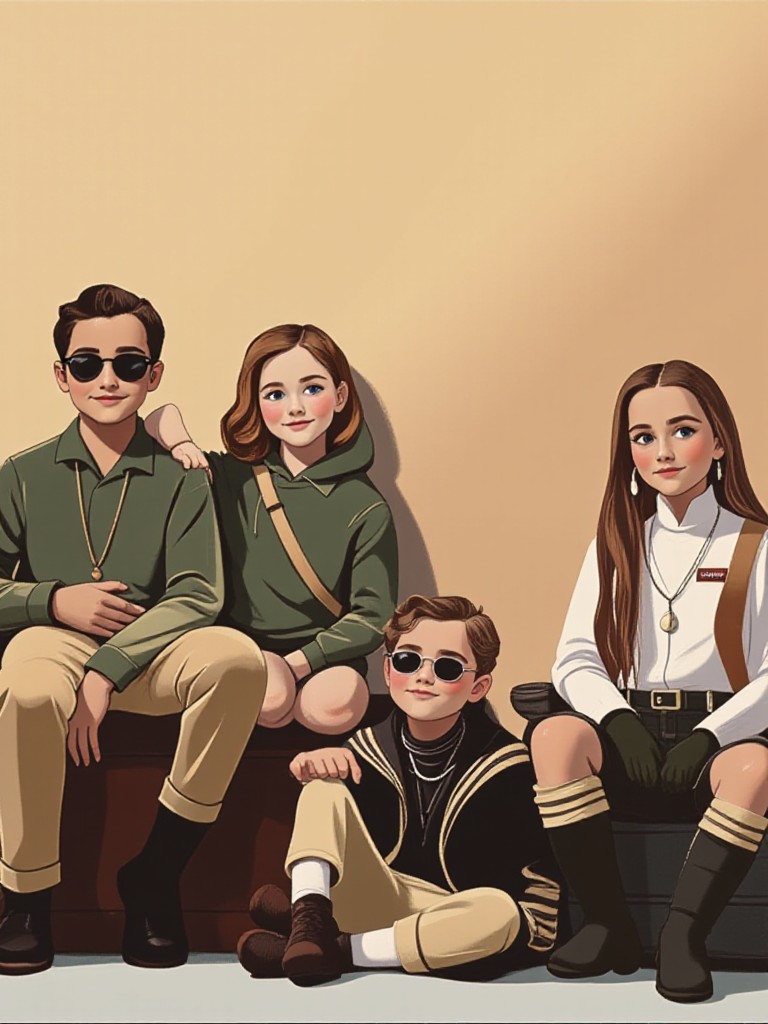
How to Make Smile Filter AI Image & Video on a1.art?
Step into the future of AI Smile Filter video and image creation on a1.art.

Step 1
Select the style you want to apply in the Square.

Step 2
Upload the image you want to transform. It can be a photo, hand-drawn sketch.

Step 3
Wait a few seconds and you can easily get your unique AI Smile Filter art. Download for free!
FAQ about Smile Filter AI Prompt on a1.art
Discover the secrets to creating Birthday Day videos and images at a1.art.
What types of smile filters can I create with a1.art?
a1.art offers a wide range of smile filters, including realistic, artistic, vintage, futuristic, and humorous styles. You can customize your smile filter by selecting from our curated prompts or uploading your own image or text.
Can I use a1.art to create smile filters for videos?
Yes, a1.art supports both AI image and video generation. You can apply smile filters to videos, ensuring consistent quality and style across all frames.
How do I get started with a1.art's smile filter AI prompts?
Getting started is simple! Just upload an image or enter a text prompt, choose your preferred smile filter, and let a1.art generate your visuals instantly. No technical skills required!
Are there any free resources available for using a1.art?
Yes, a1.art provides daily free login credits to help you explore our smile filter AI prompts. Additionally, subscribing gives you access to more credits and exclusive features.
What makes a1.art's smile filters unique compared to other tools?
a1.art combines advanced AI technology with creative flexibility, allowing you to generate highly detailed and personalized smile filters. Our platform also offers a variety of styles and customization options that cater to diverse user preferences.


