


Get Shadows Videos & Images without Prompt
a1.art offers a large number of filters, allowing you to easily obtain AI videos or images without prompts.
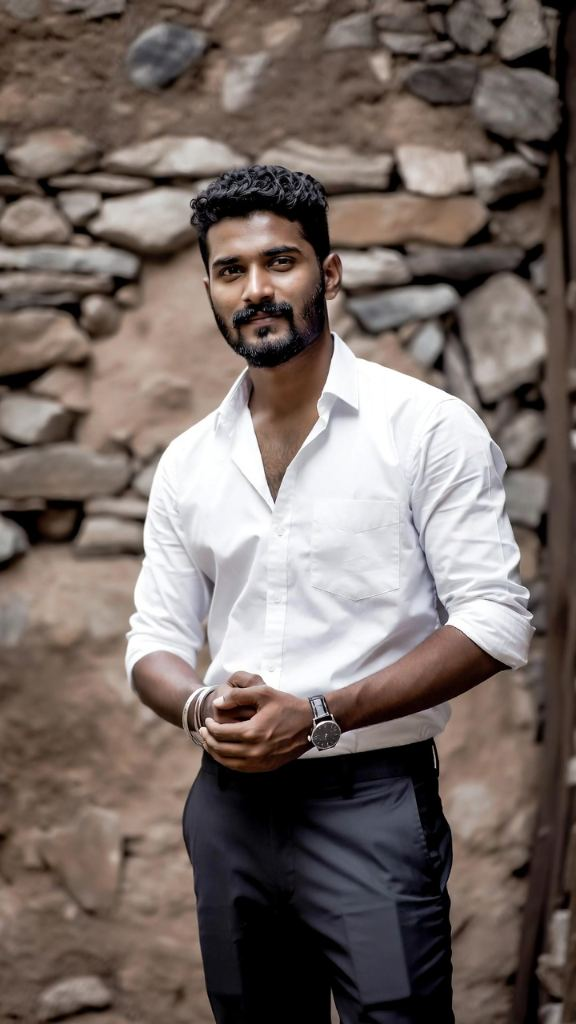
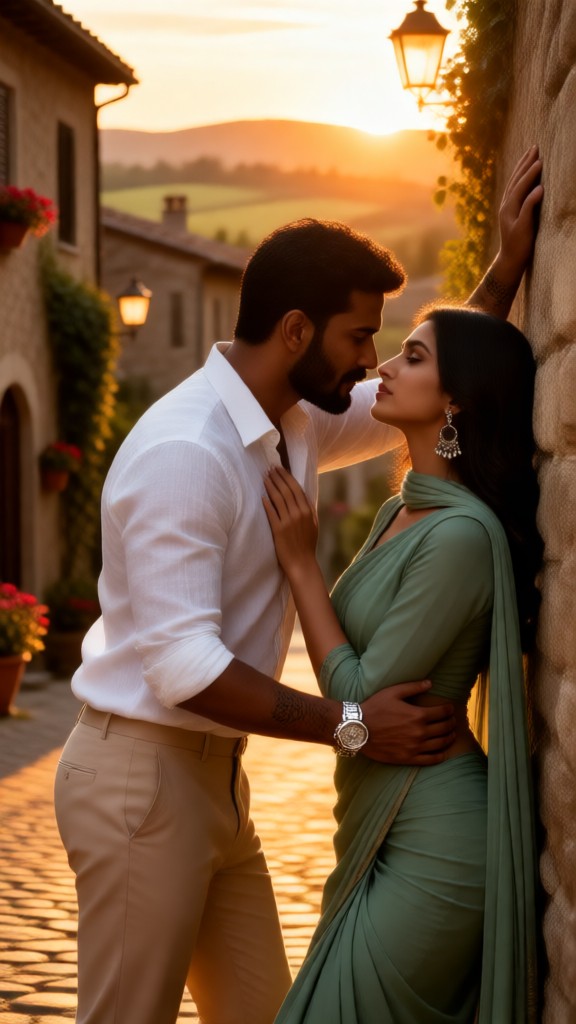
Input
Result
Sexy Fifty Shadows of Couple-03
 JOY!!!
 1.5k
1.5k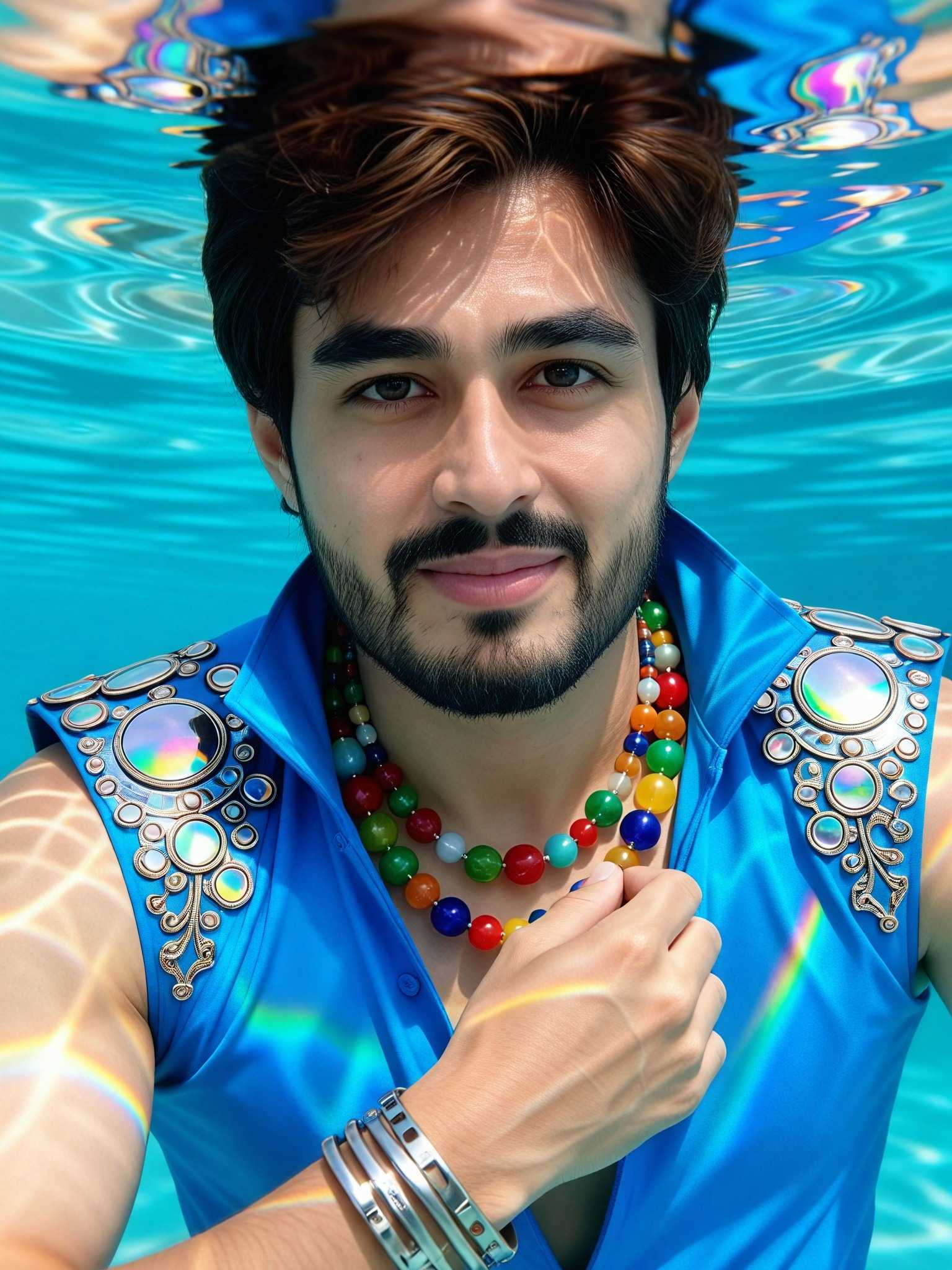
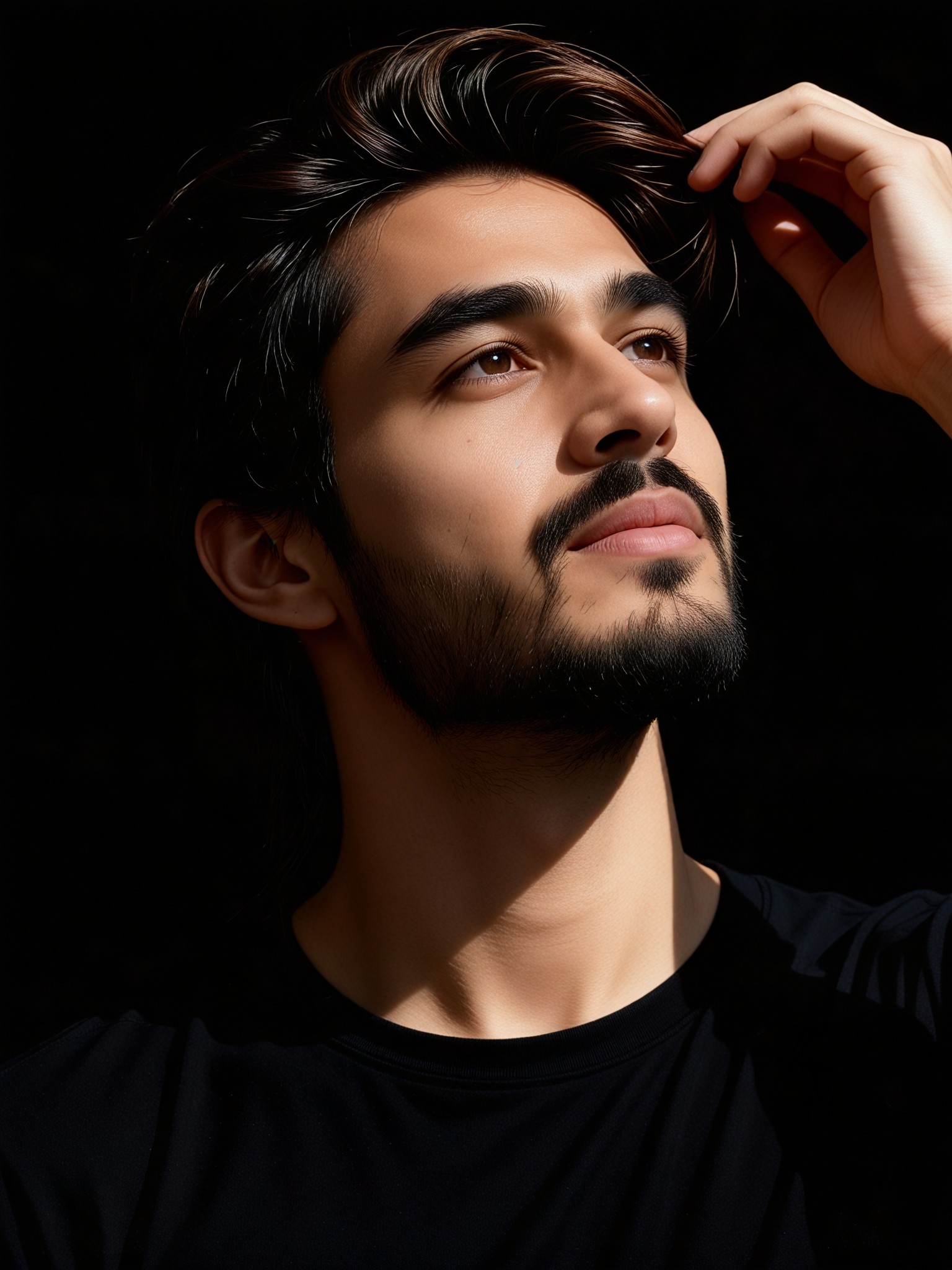
Input
Result
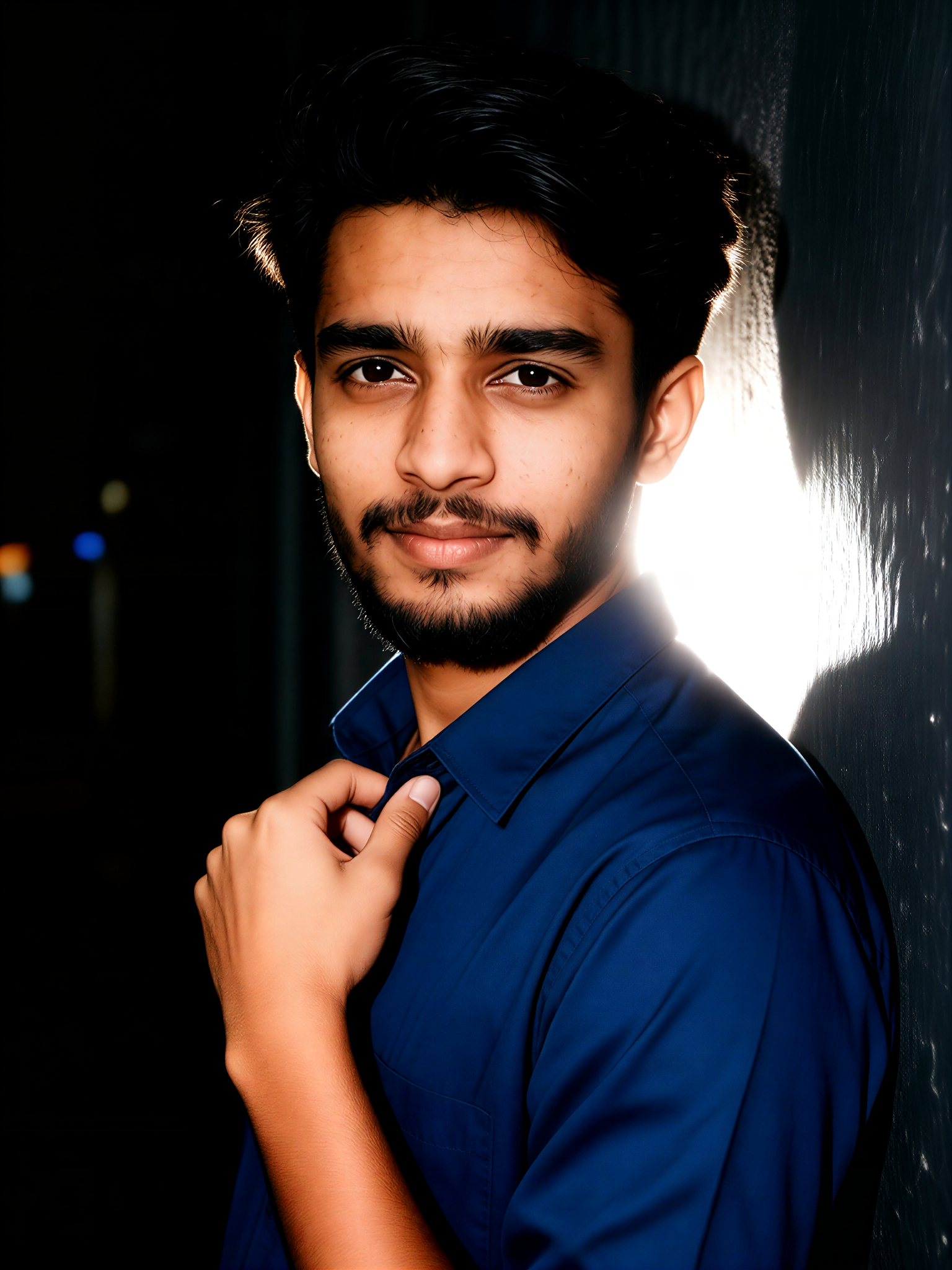
Movie-level lighting art portrait
 Vihann187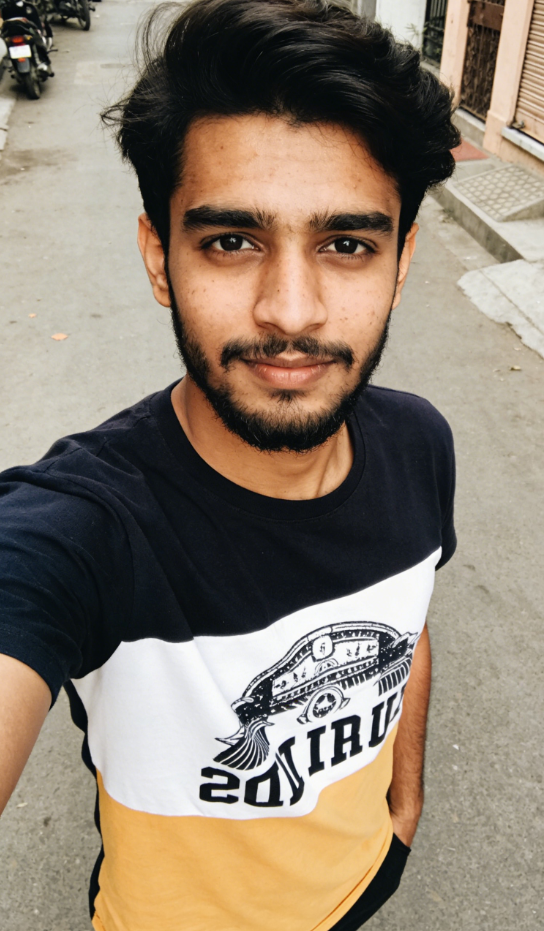
Input
Result
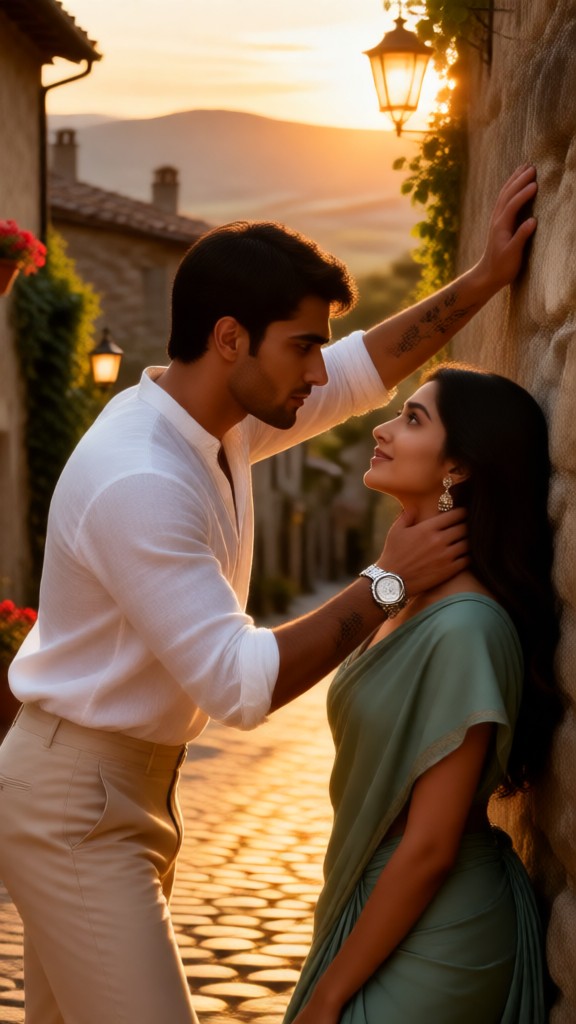
Dark Night Flash Photo-4
 Aryan(阿利安)174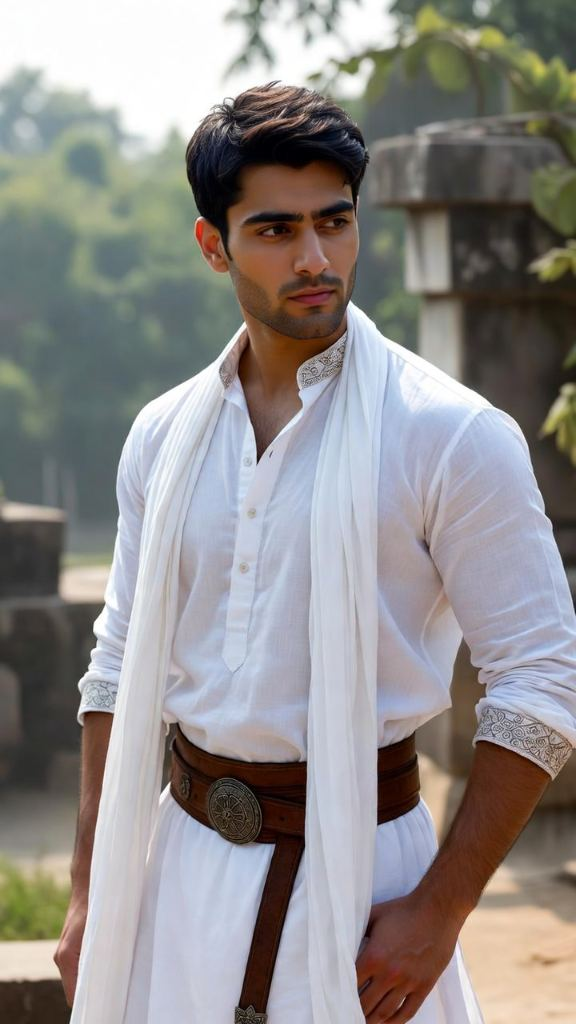
Input
Result
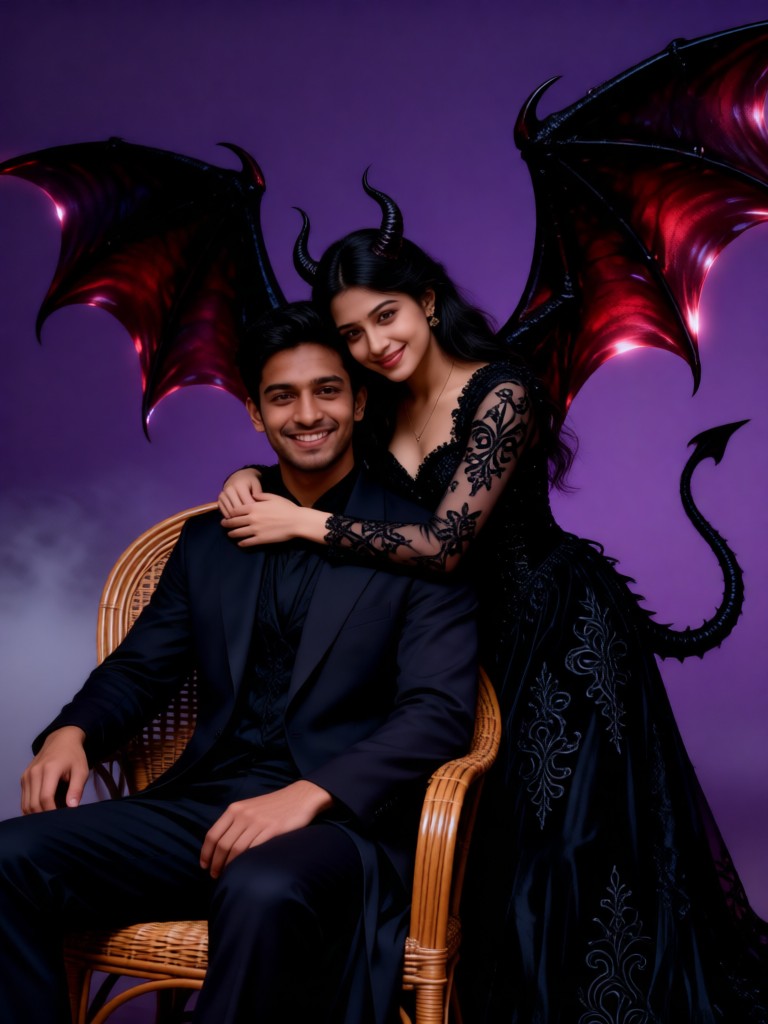
Sexy Fifty Shadows of Couple
JOY!!!173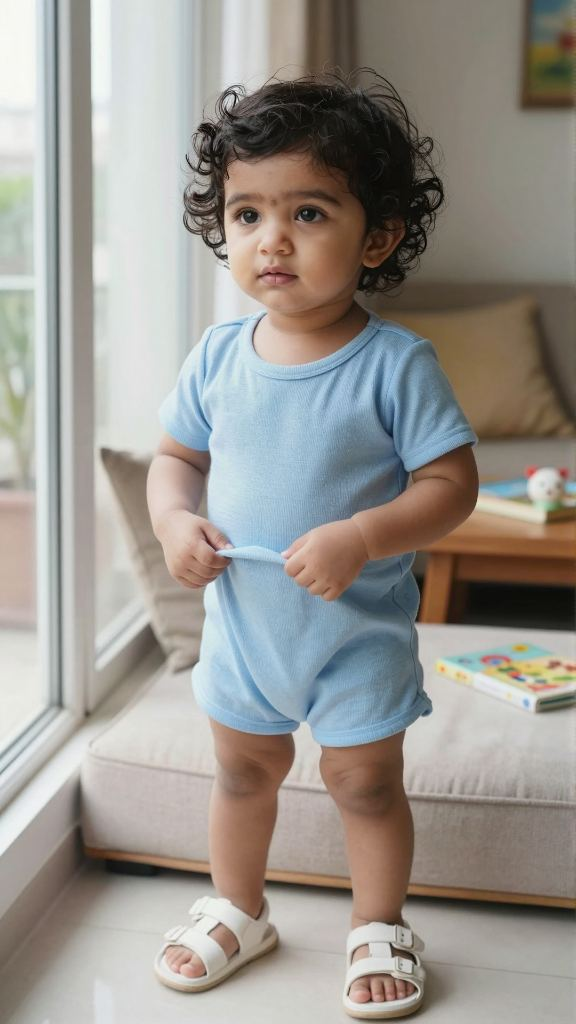
Input
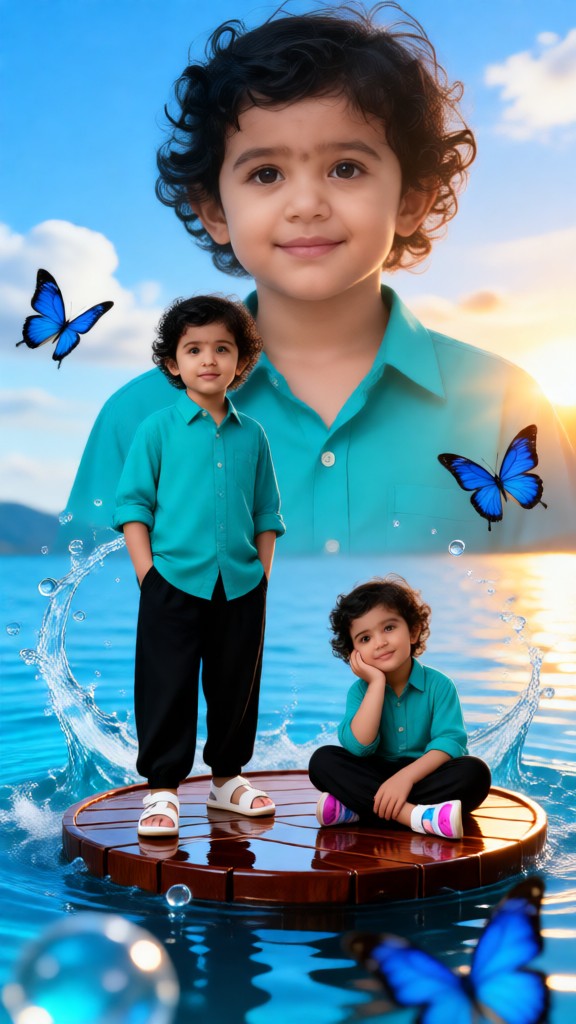
Result
Children’s Watery Glimmer and Butterfly Shadows
 XX's100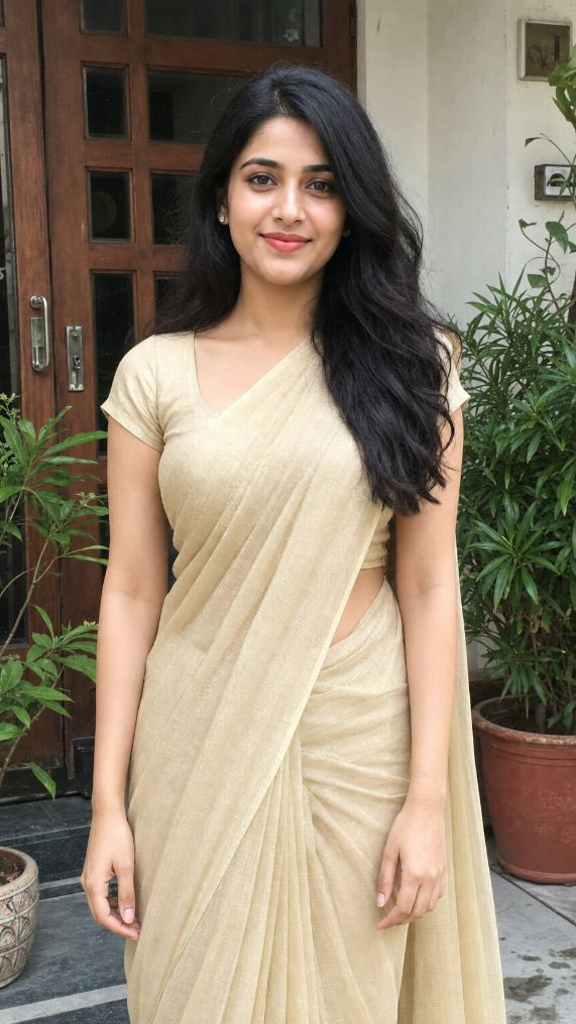
Input
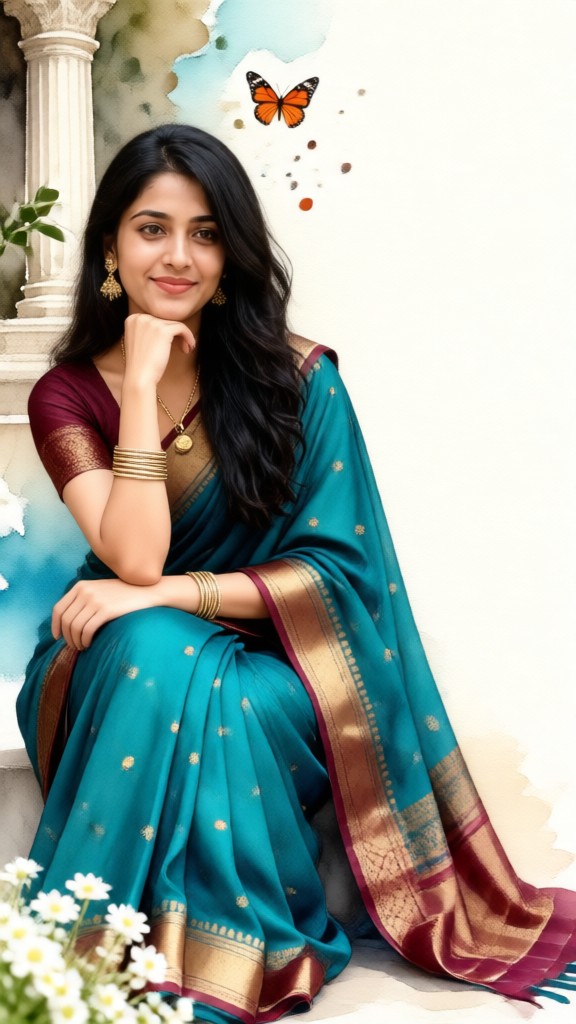
Result
Watercolor Portrait of a Sari with Butterfly Shadows
 nixia.yang95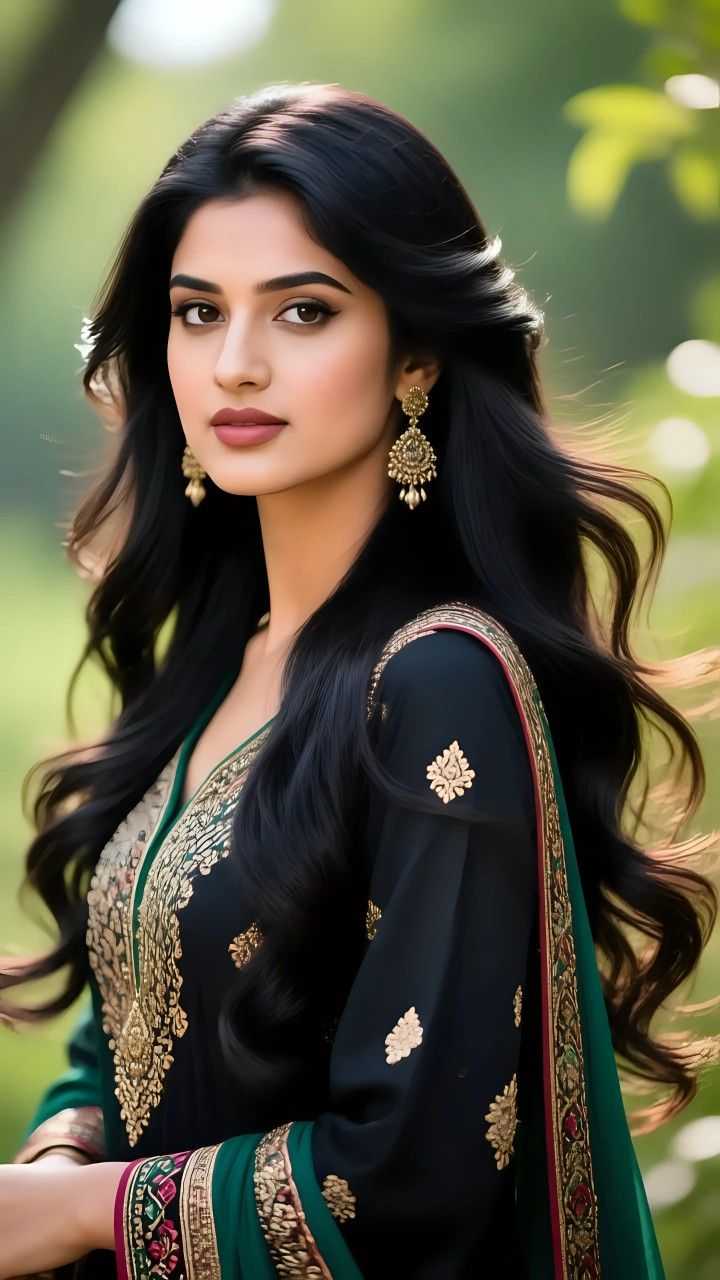
Input
Result
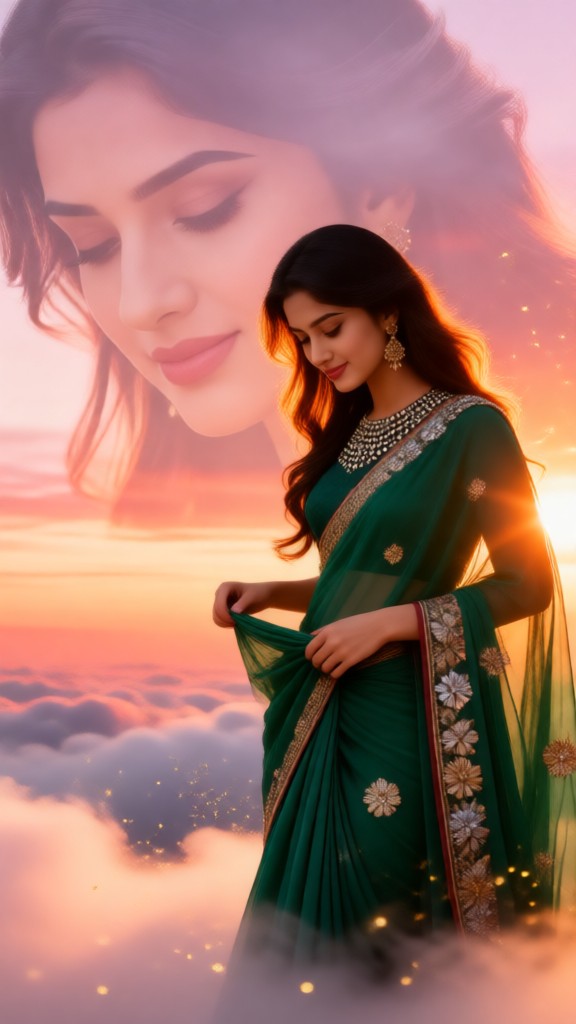
Beautiful clouds and gauze shadows
 Vicky.94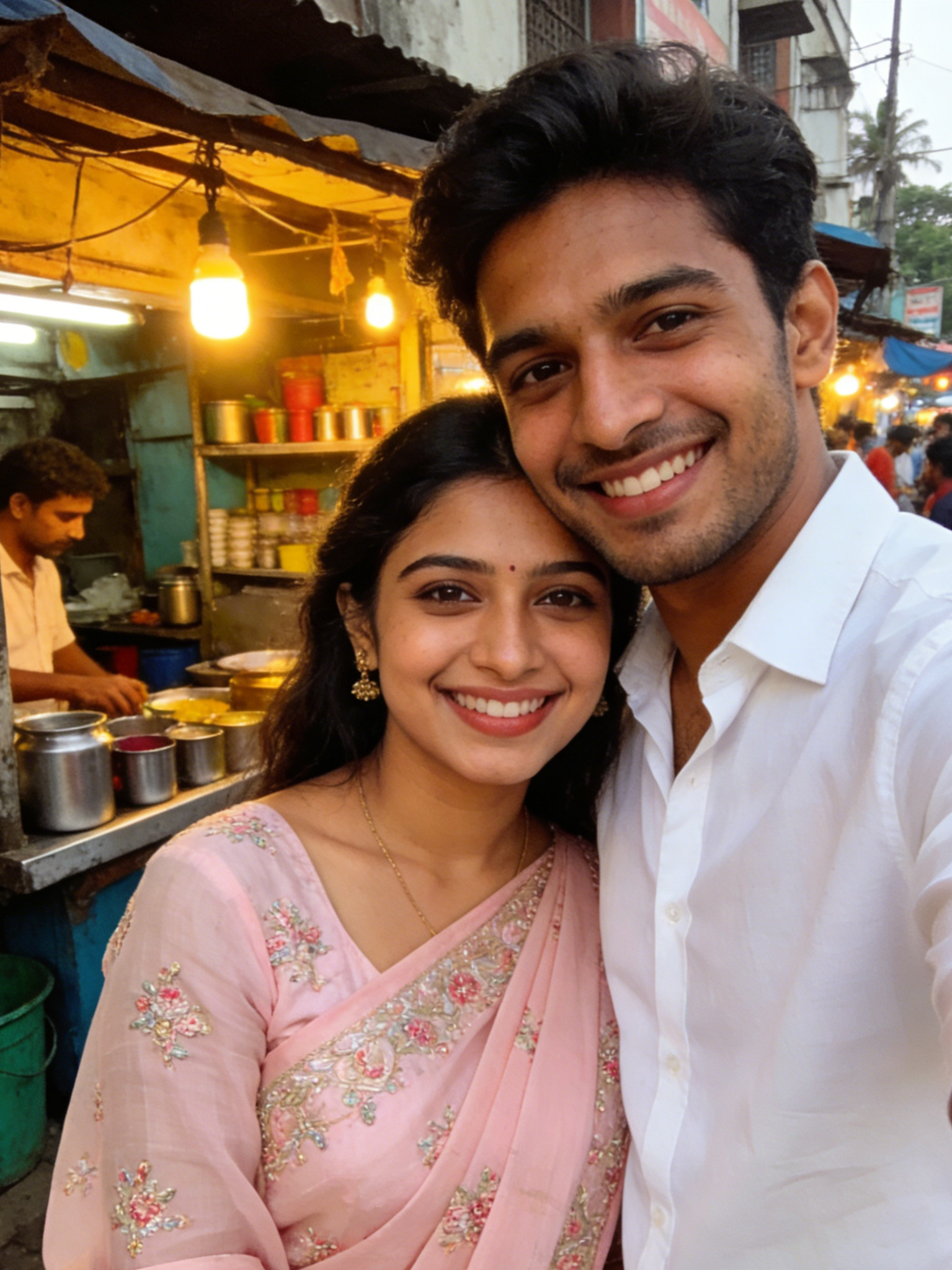
Input
Result
Swing of Shadows
 Melody💗82
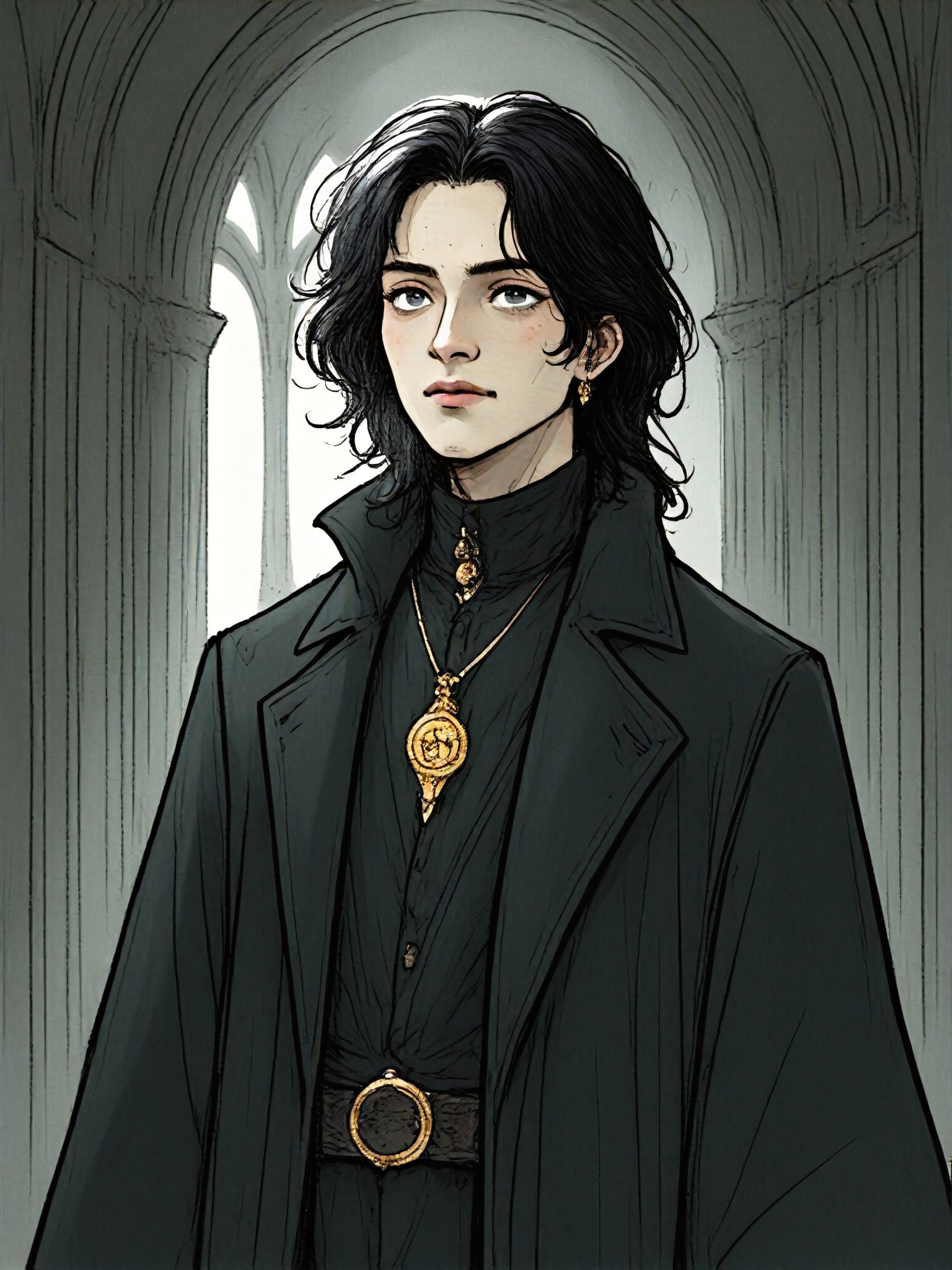
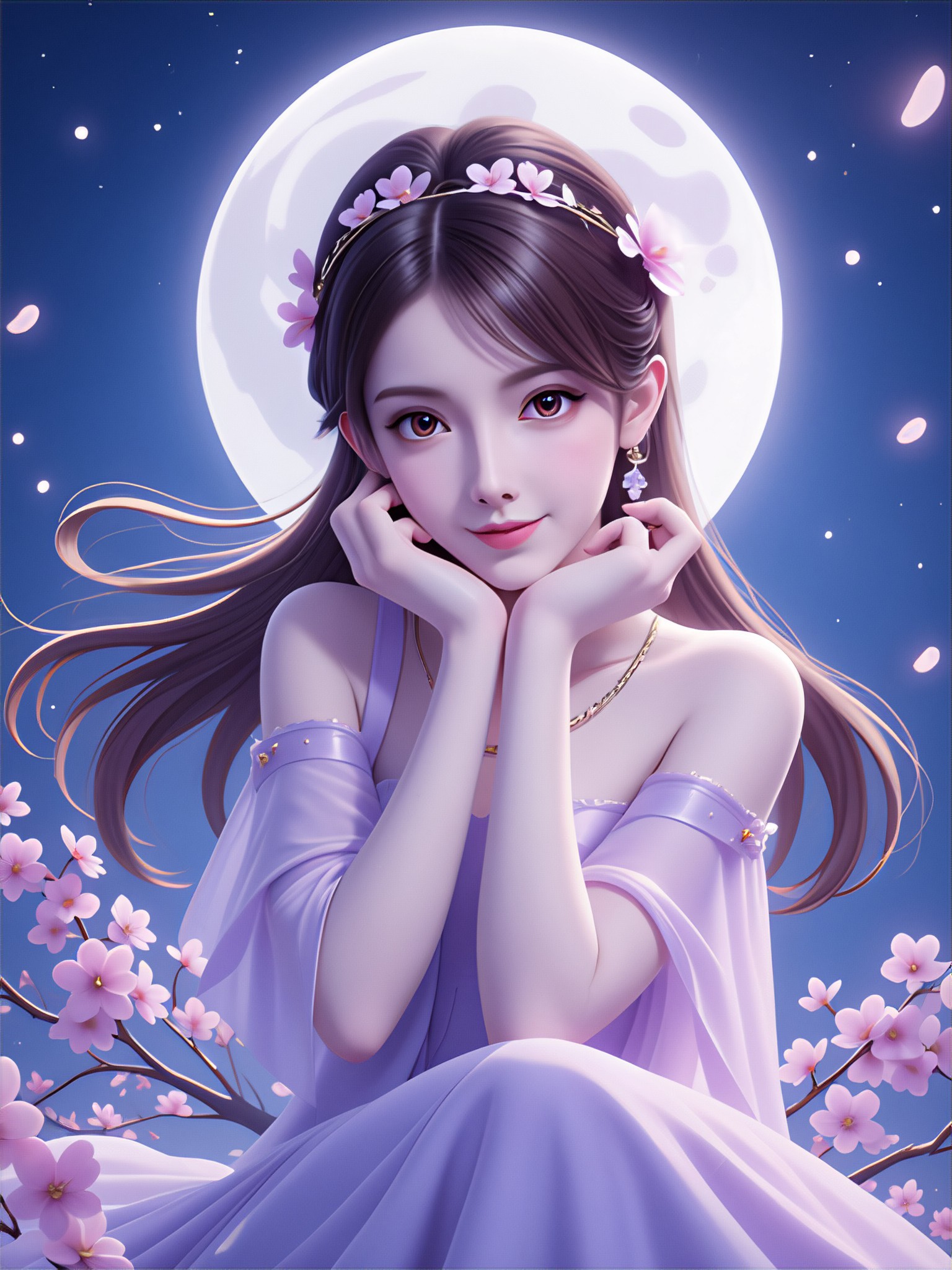
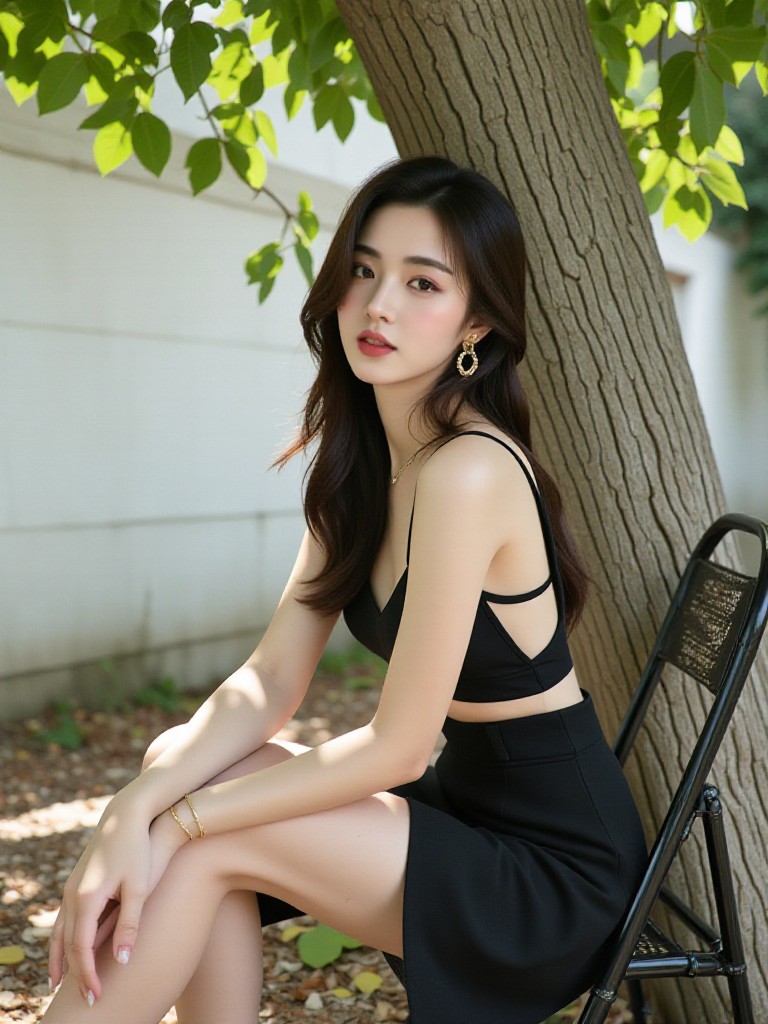
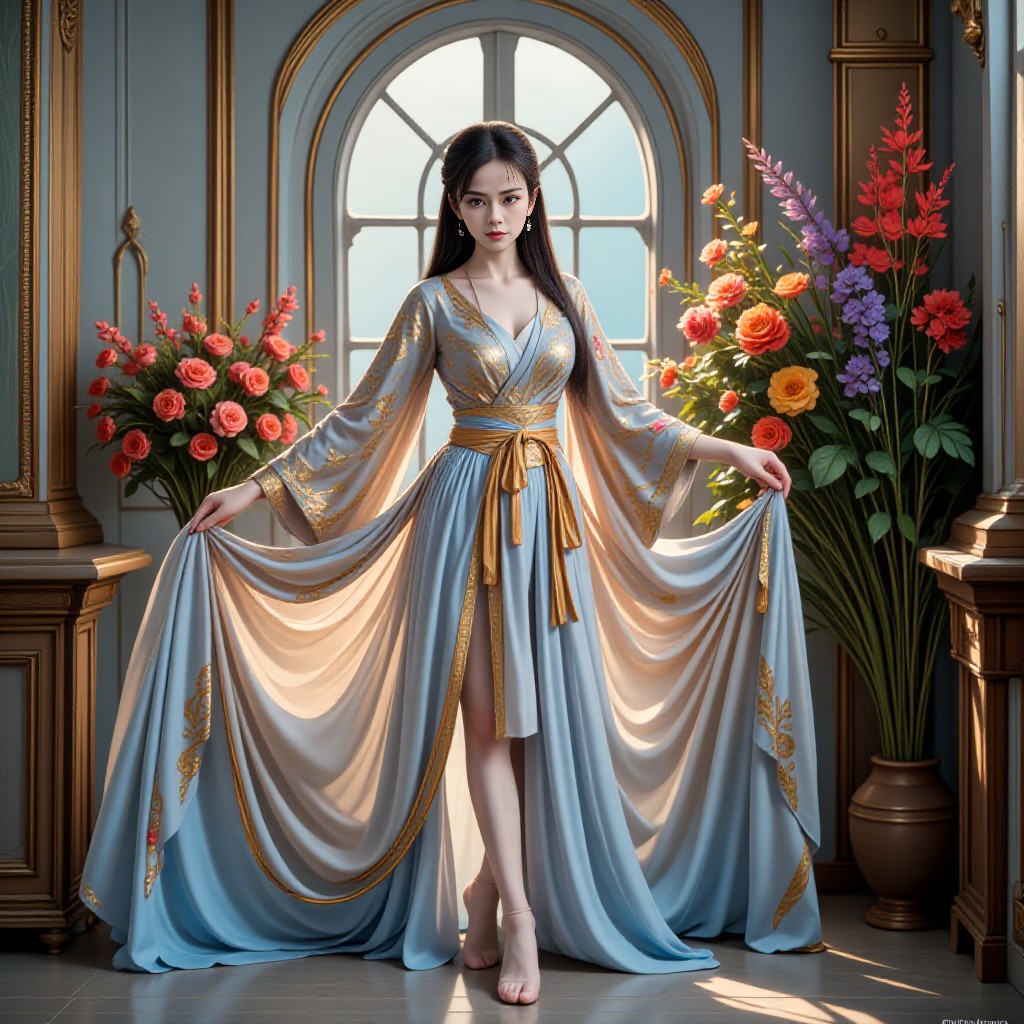
AI Generated Shadows Images & Videos
Discover unique and innovative Shadows images and videos created with a1.art Shadows prompts.

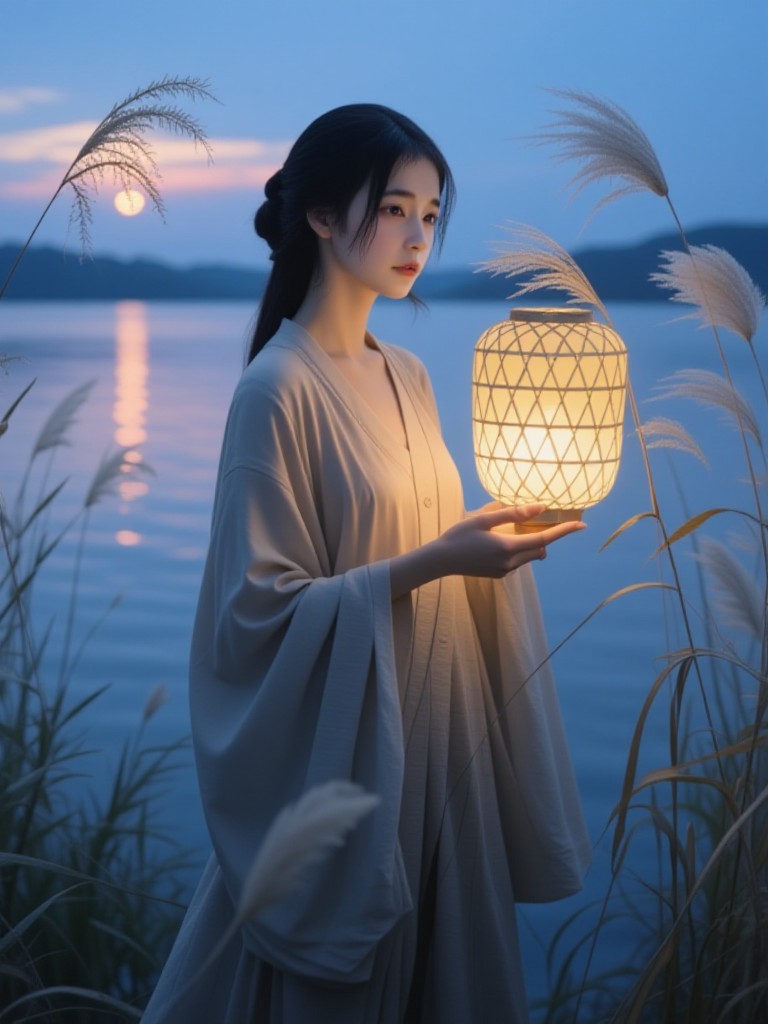
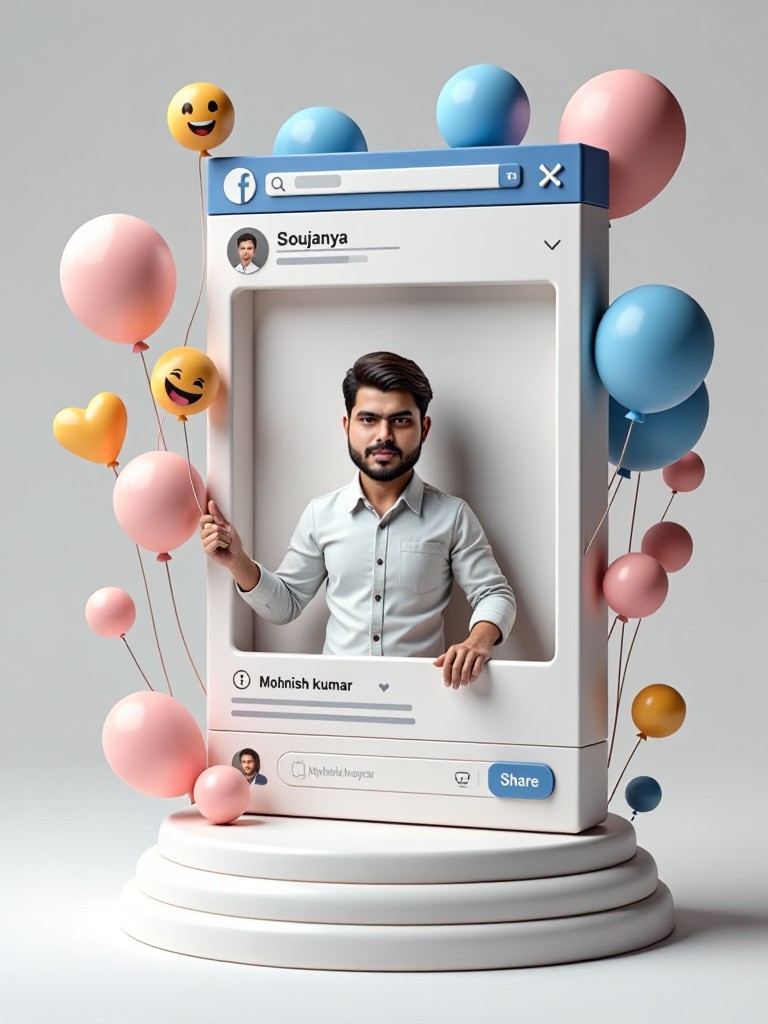
How to Make Shadows AI Image & Video on a1.art?
Step into the future of AI Shadows video and image creation on a1.art.

Step 1
Select the style you want to apply in the Square.

Step 2
Upload the image you want to transform. It can be a photo, hand-drawn sketch.

Step 3
Wait a few seconds and you can easily get your unique AI Shadows art. Download for free!
FAQ about Shadows AI Prompt on a1.art
Discover the secrets to creating Birthday Day videos and images at a1.art.
What are shadows AI prompts?
Shadows AI prompts are specialized inputs for a1.art that guide the AI in generating realistic or artistic shadow effects. You can use these prompts to create detailed shadows based on your preferences, whether it's natural lighting, dramatic contrasts, or abstract designs.
Can I customize the shadow style?
Yes, a1.art allows you to choose from various shadow styles, including realistic, artistic, and abstract. You can also adjust parameters like shadow intensity, direction, and texture to match your vision.
Do I need technical skills to use shadows AI prompts?
No, a1.art is designed to be user-friendly. Simply select a prompt, upload an image, or enter a text description, and the AI will generate the shadows for you automatically.
How many prompts can I try for free?
a1.art offers daily free login credits, allowing you to experiment with multiple shadows AI prompts without any cost. Additional credits can be earned through subscriptions or special promotions.
Can I use shadows AI prompts for commercial projects?
Absolutely! a1.art's generated content is fully licensed for personal and commercial use. You can confidently incorporate shadows AI prompts into your designs, marketing materials, or creative projects.


