


Get Rose Accessory Videos & Images without Prompt
a1.art offers a large number of filters, allowing you to easily obtain AI videos or images without prompts.
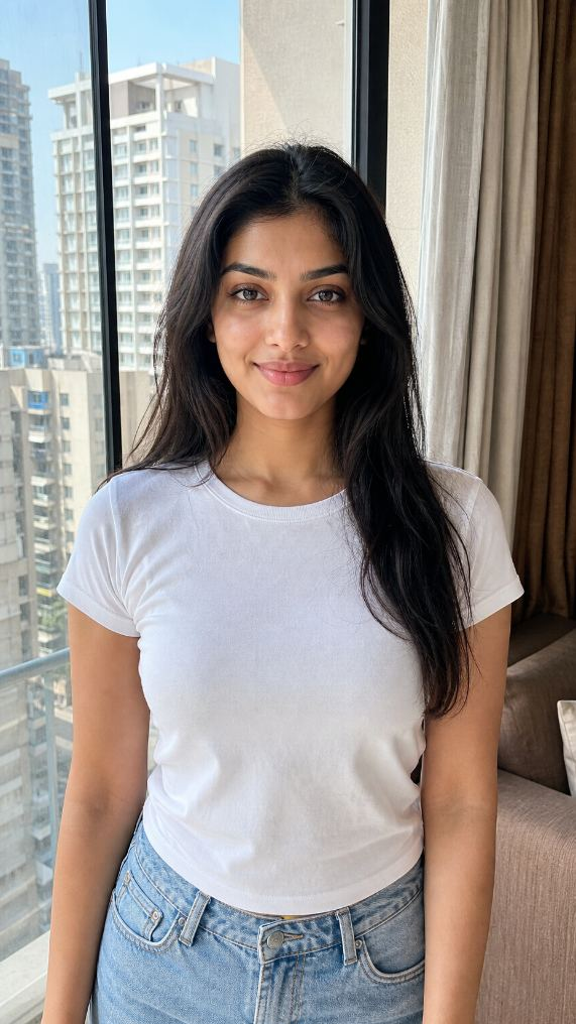
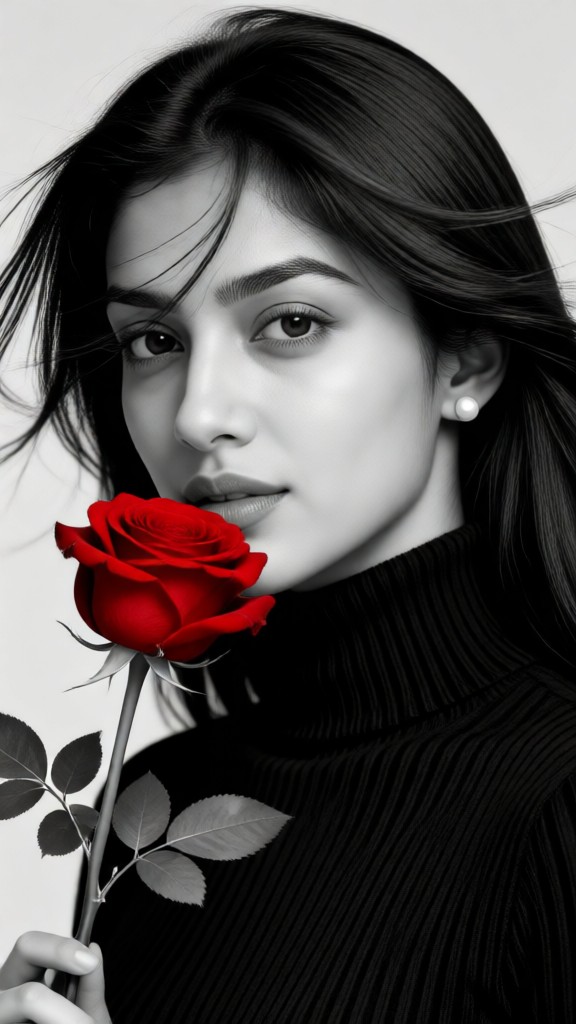
Input
Result
rose
 Zephyr.JX
 11.6k
11.6k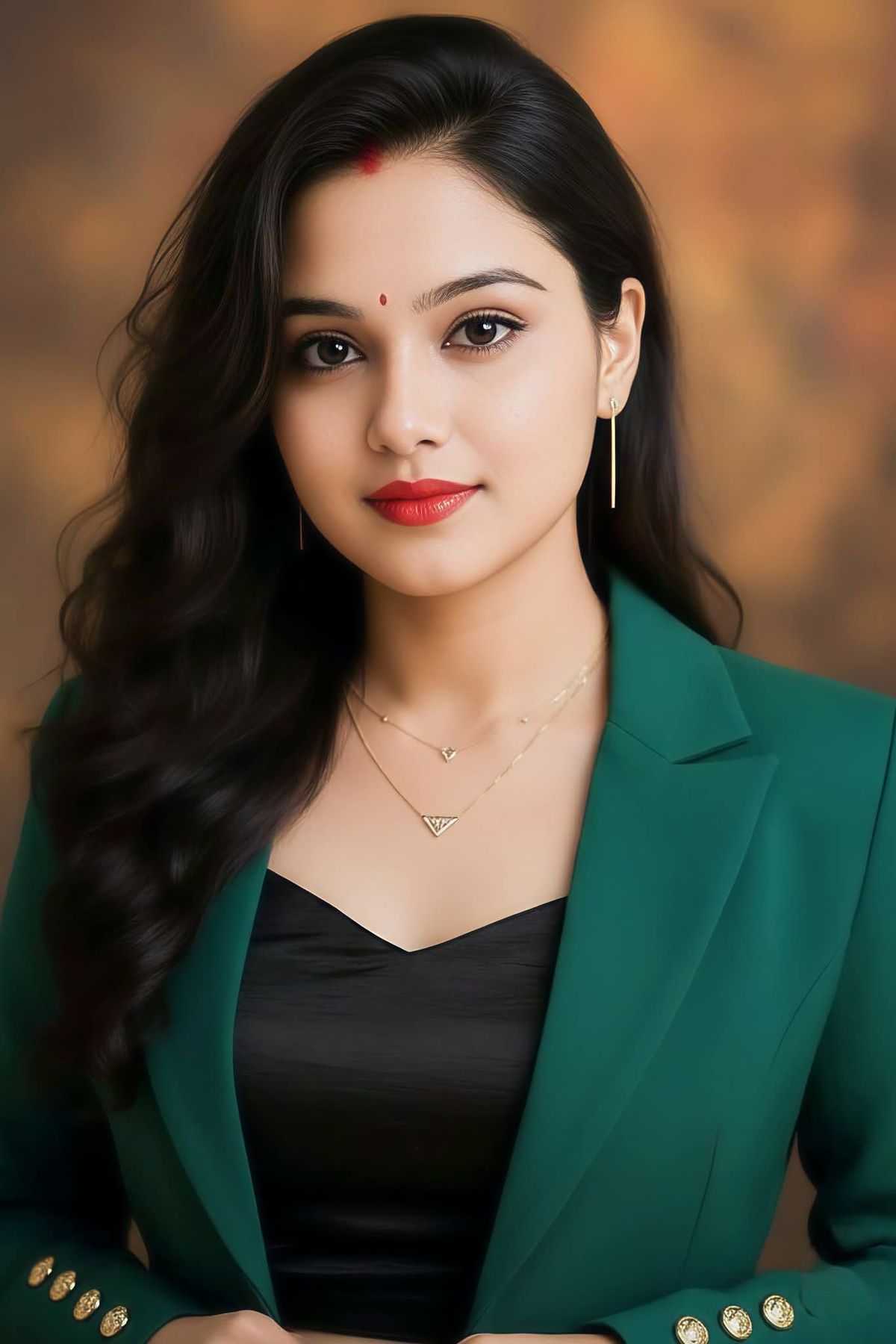
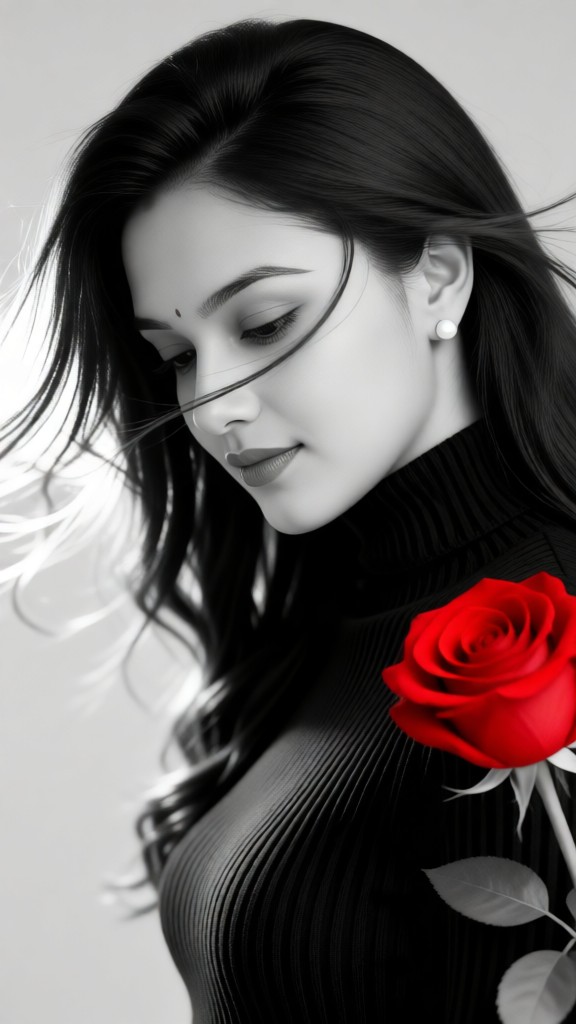
Input
Result
rose
Zephyr.JX2.8k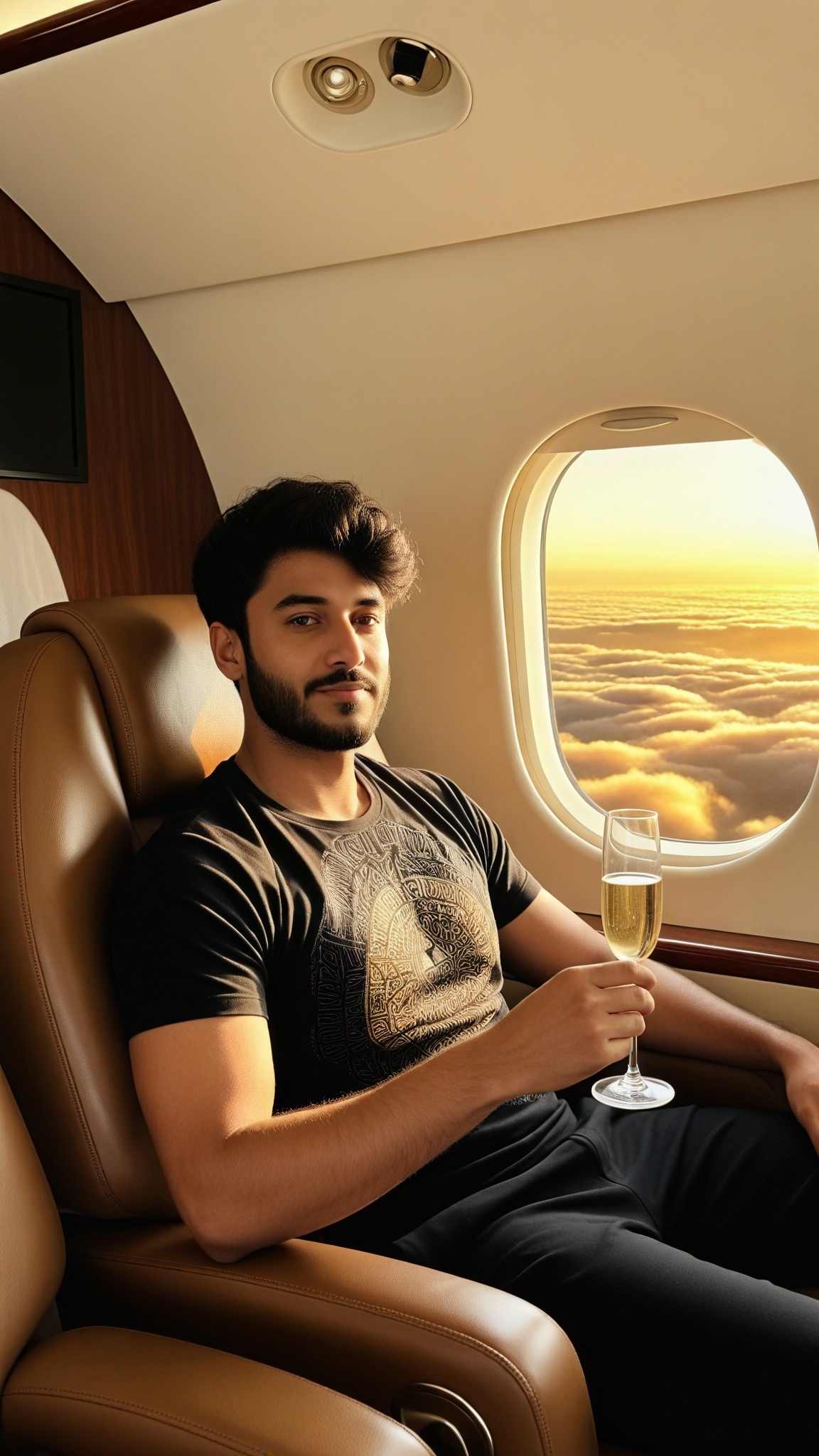
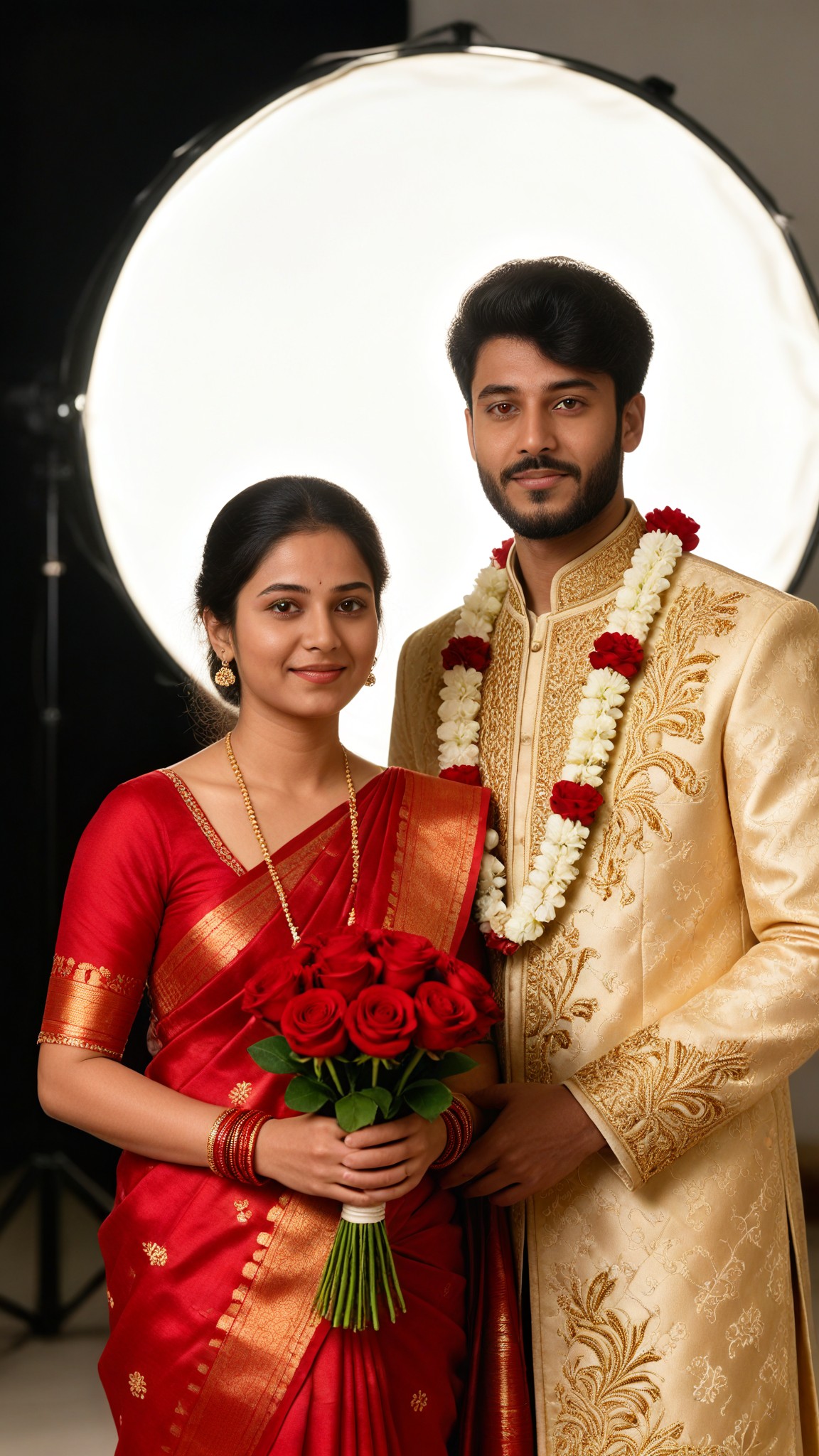
Input
Result
Celebration Rose
 艺术梦想家935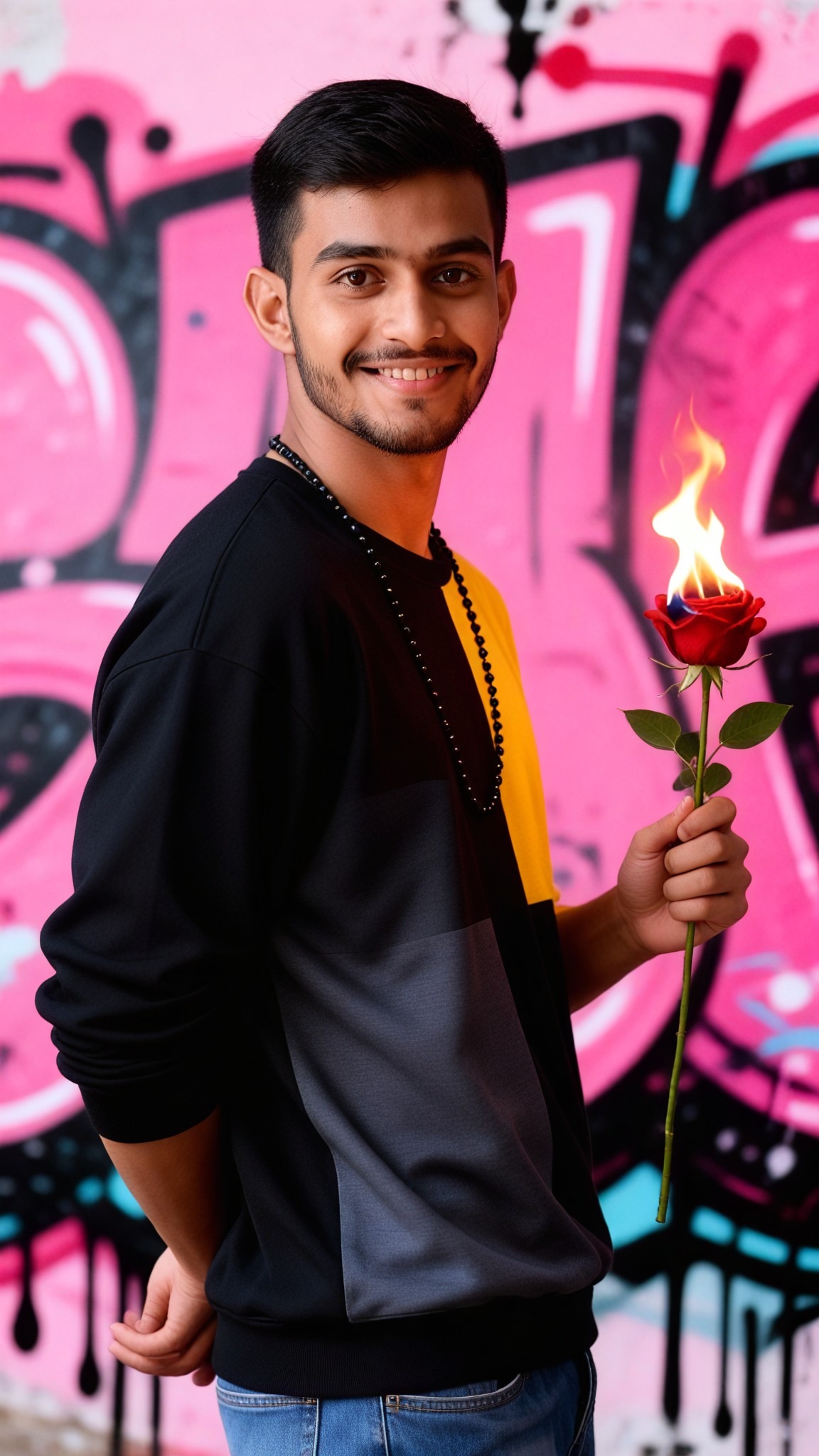
Input
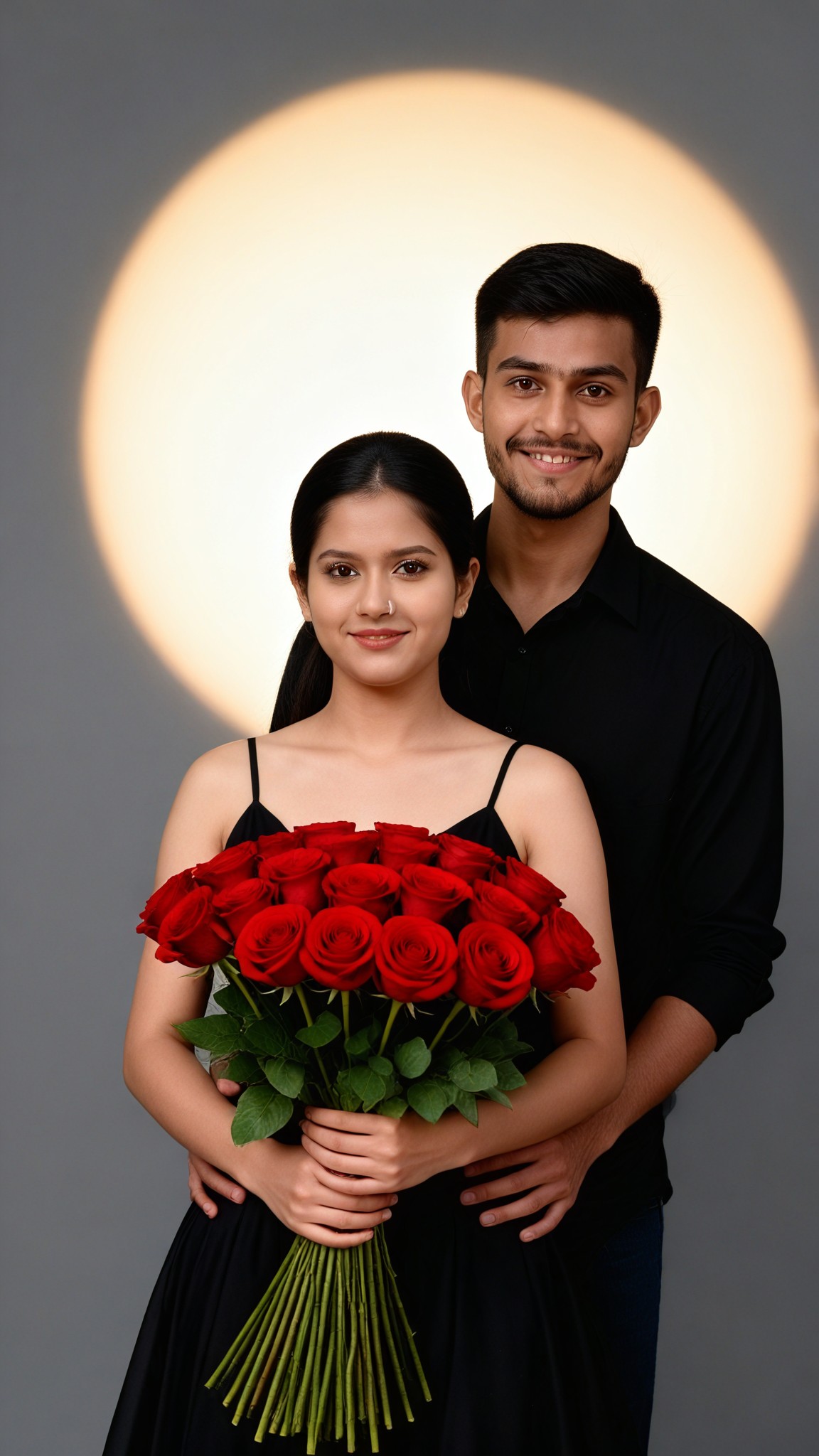
Result
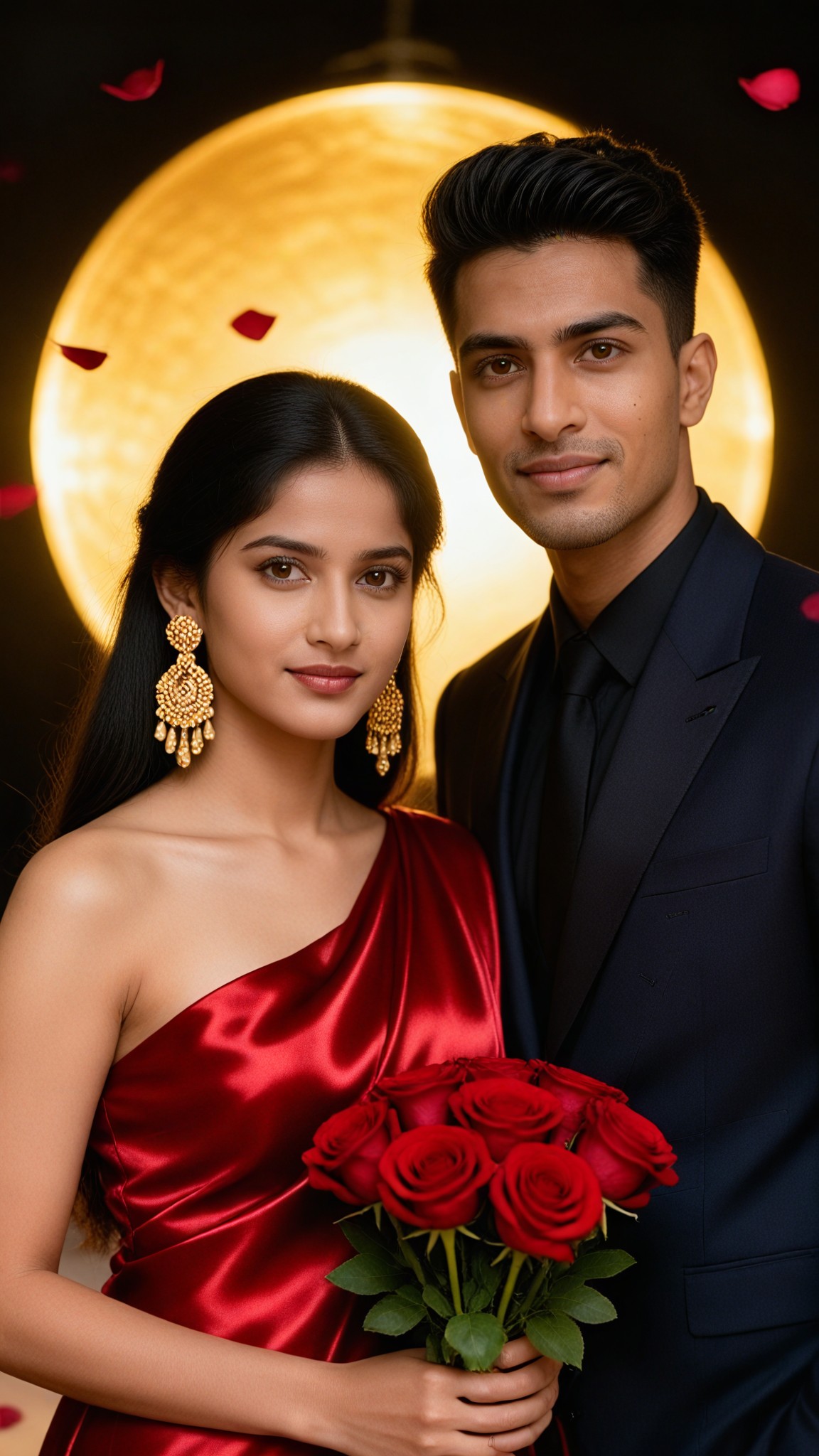
Rose Spotlight
艺术梦想家917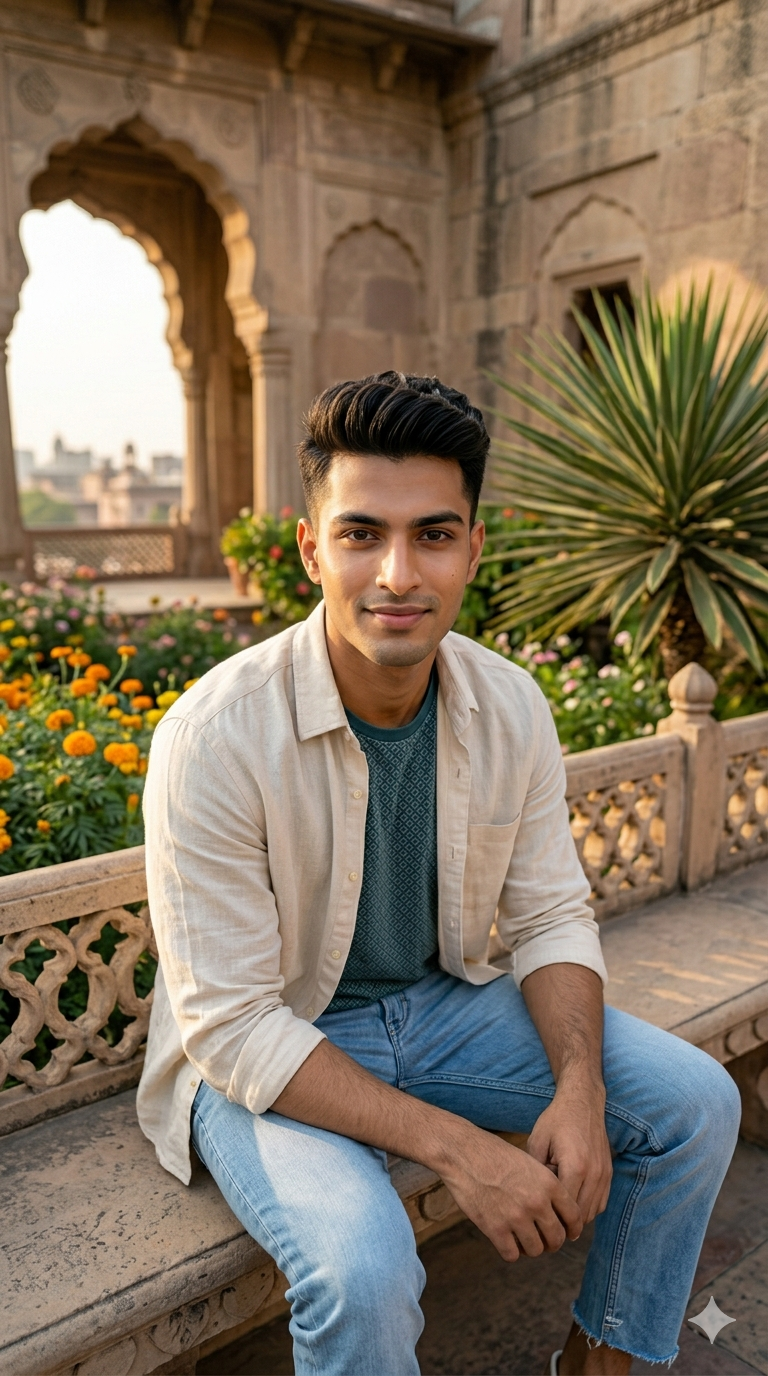
Input
Result
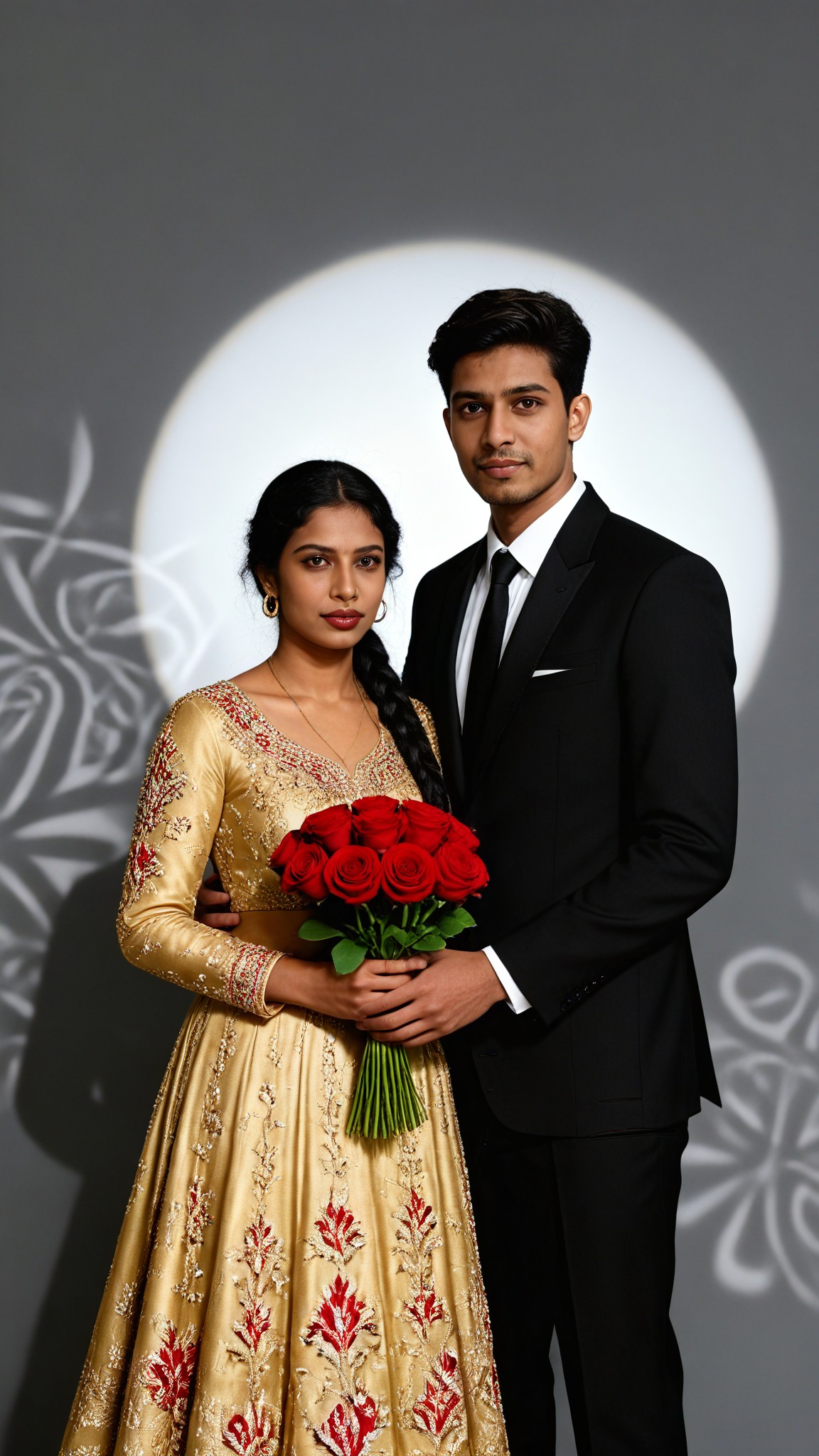
Rose Engagement
 艺术画家609
Input
Result
Heritage Rose
 艺术创作家459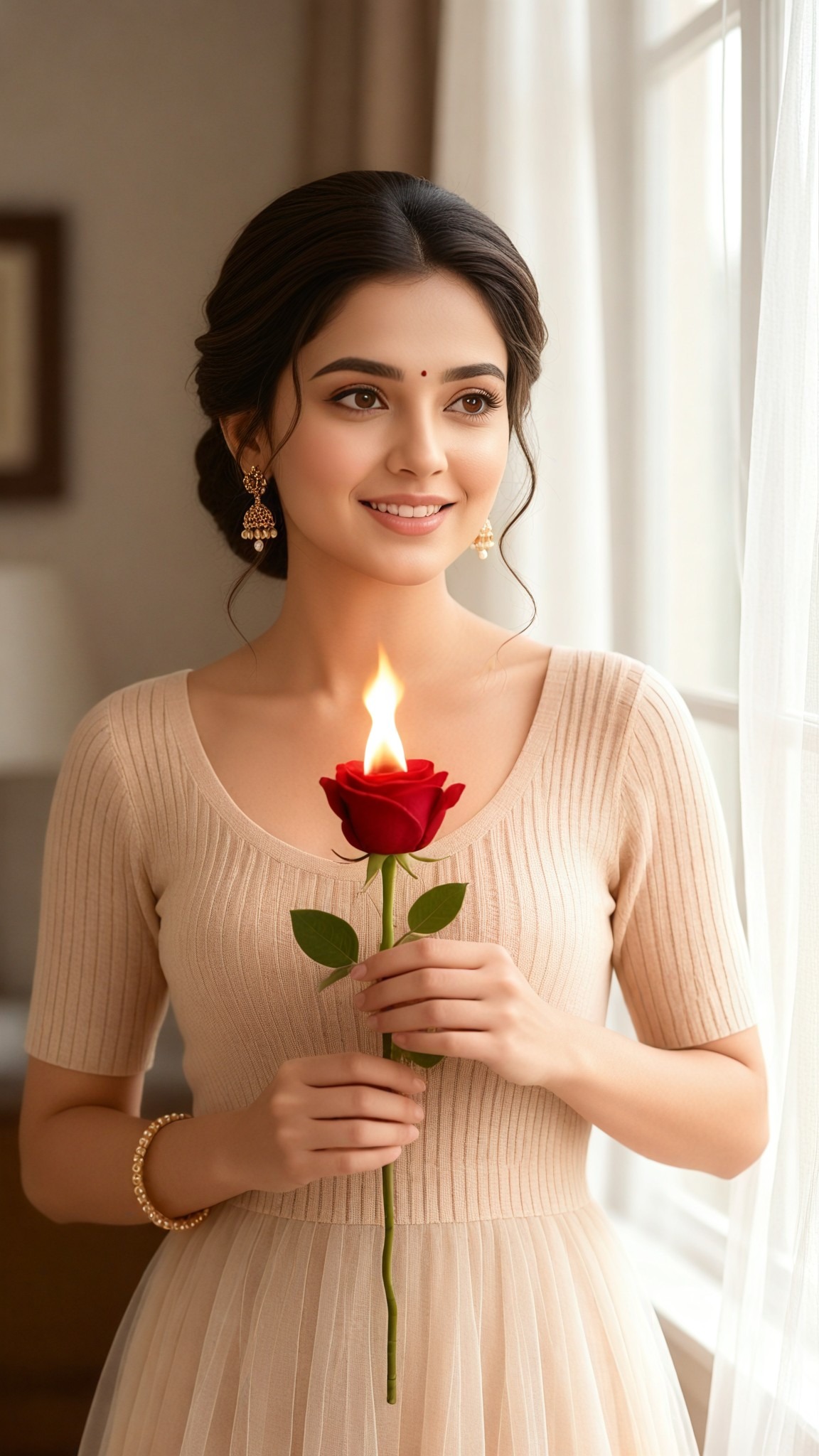
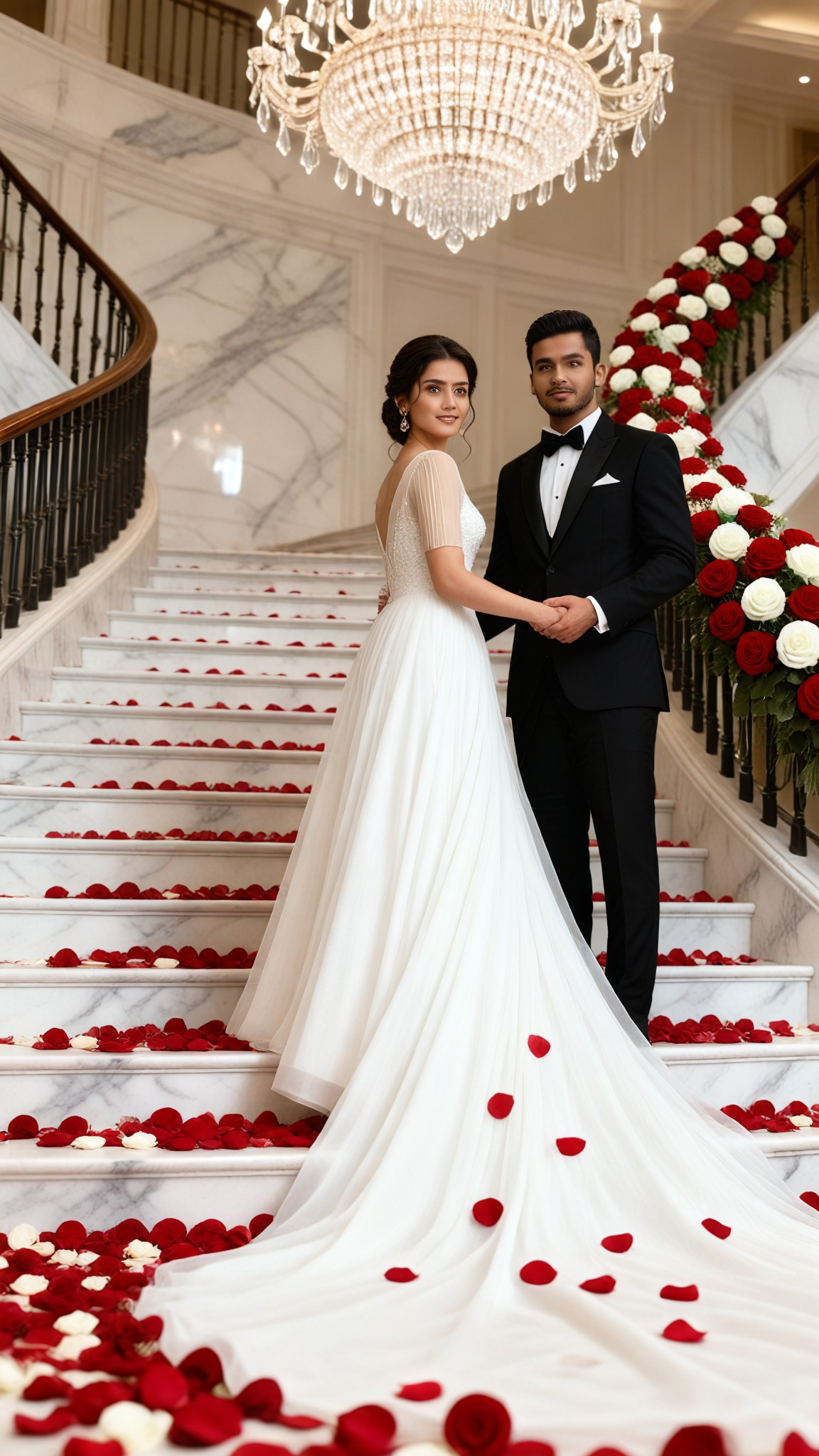
Input
Result
Rose Staircase
艺术画家314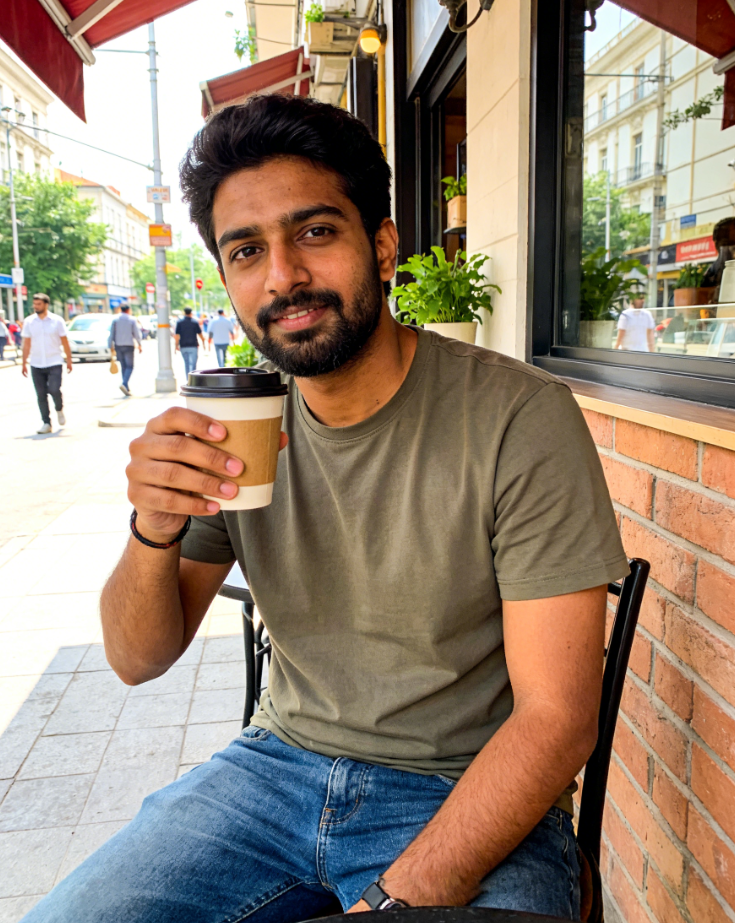
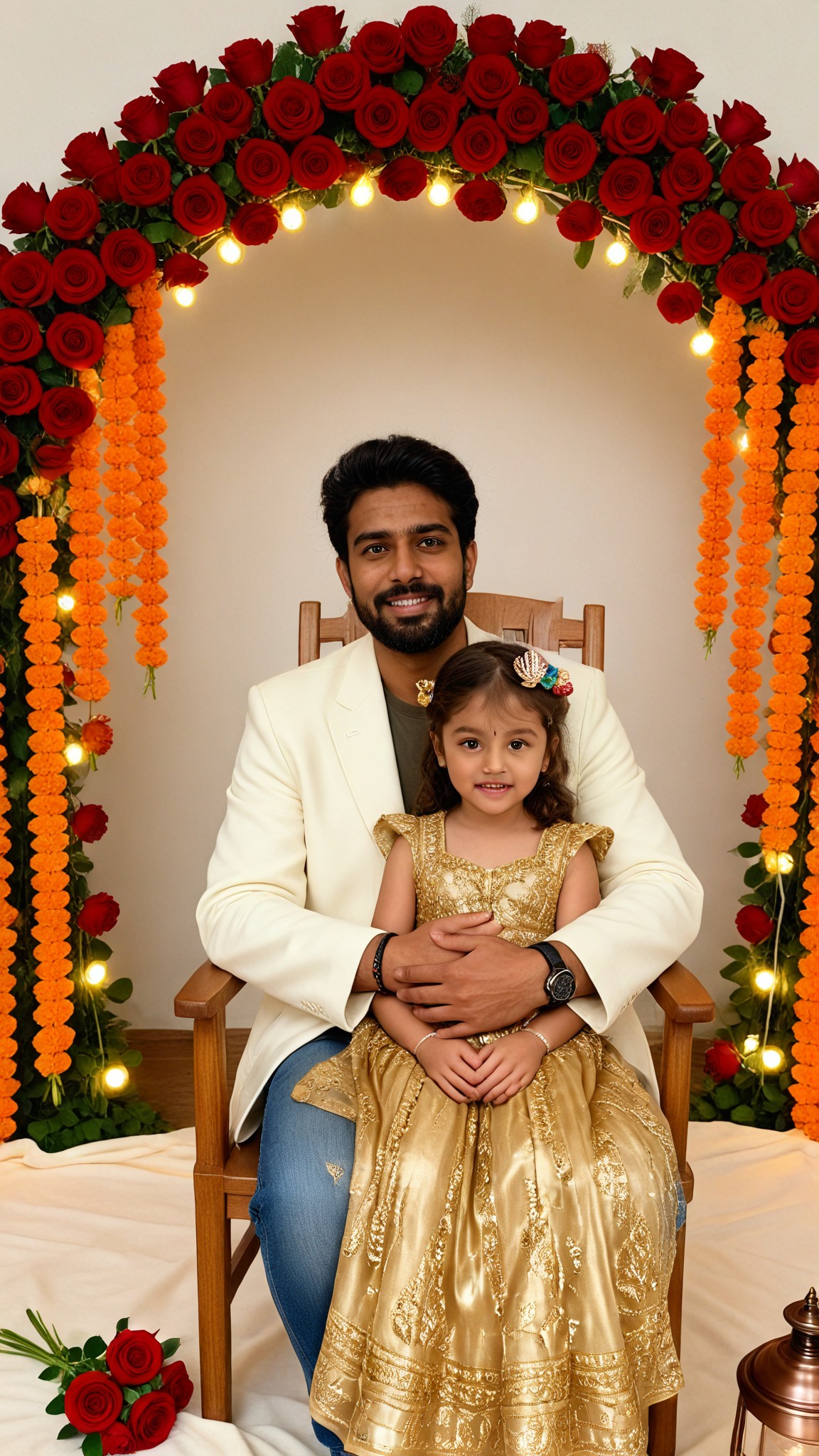
Input
Result
Rose Garland
艺术梦想家229
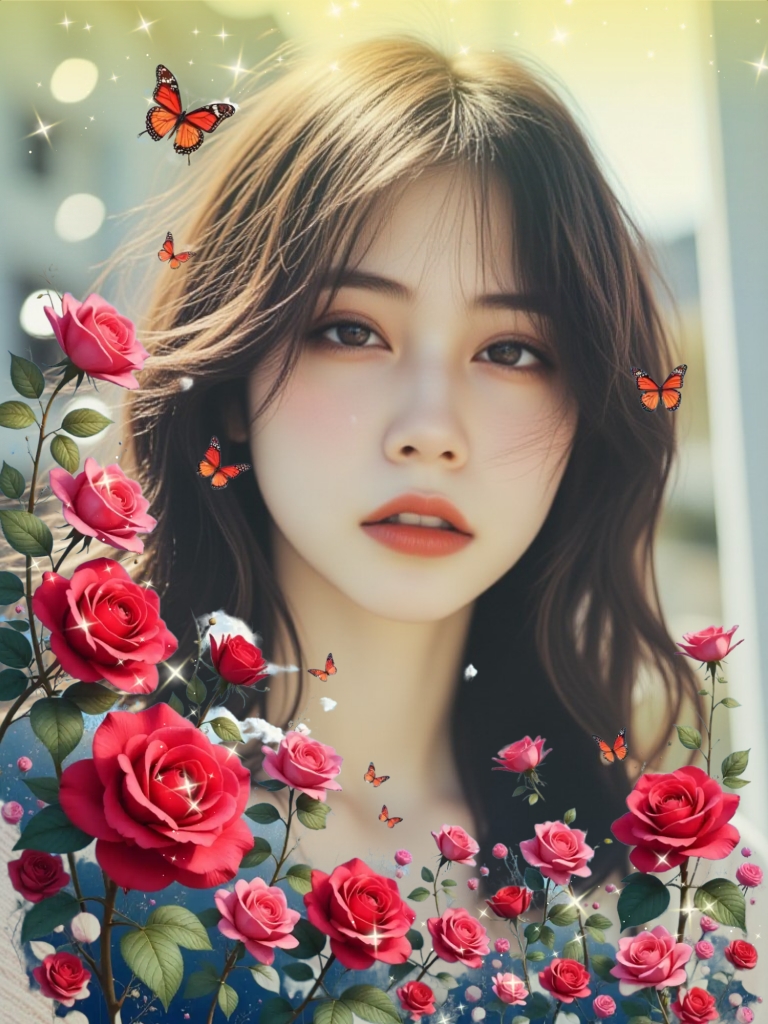
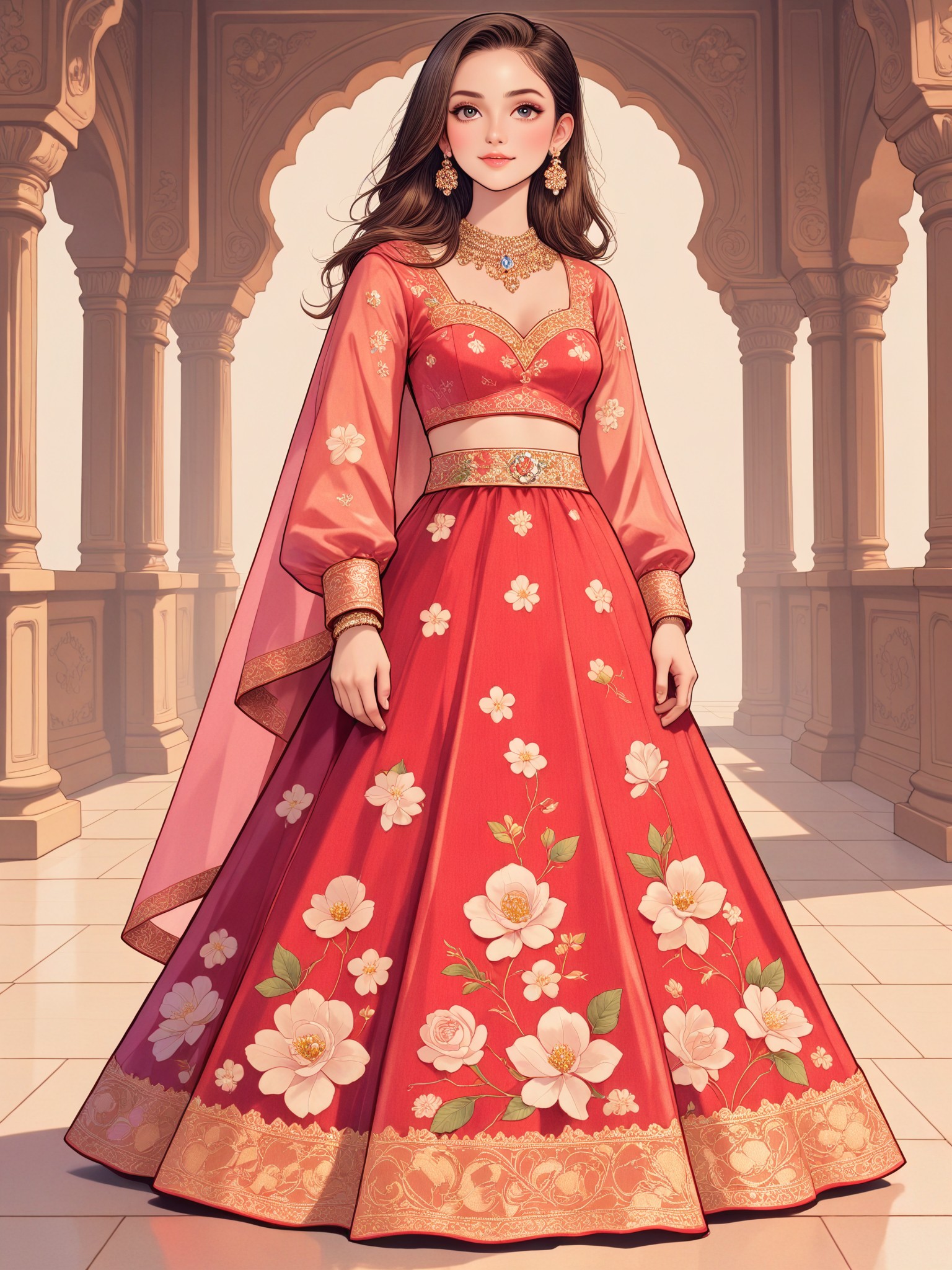
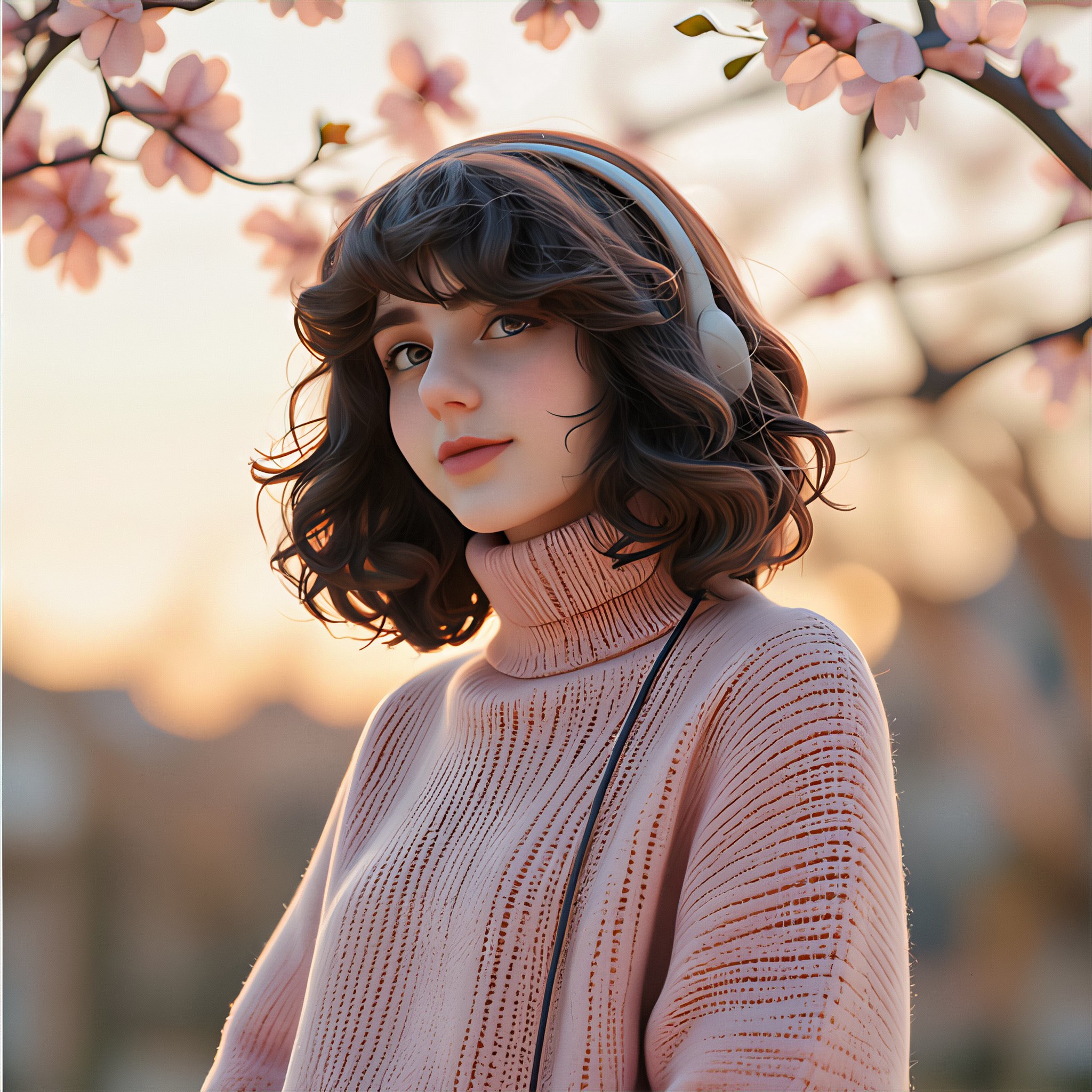
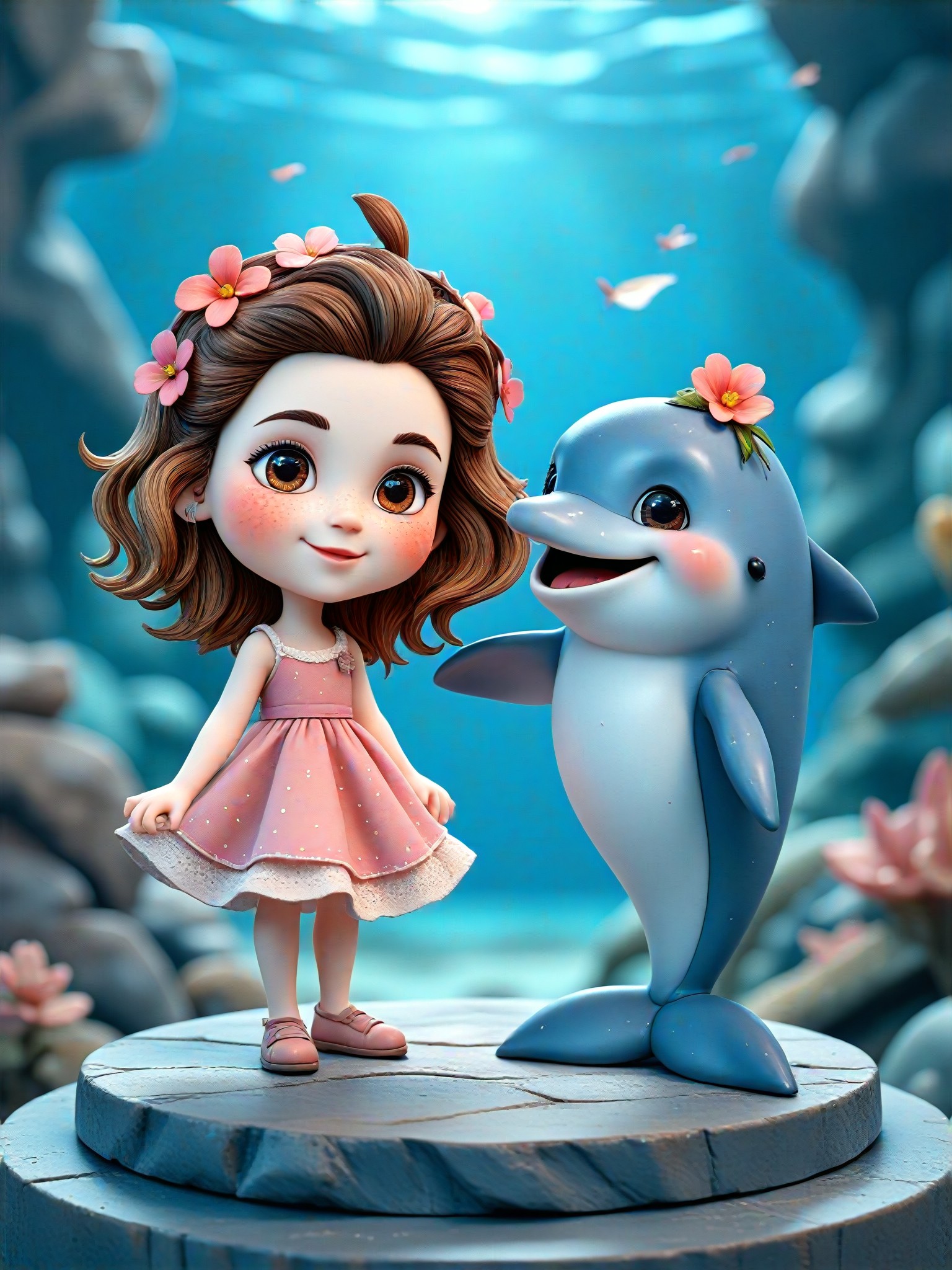
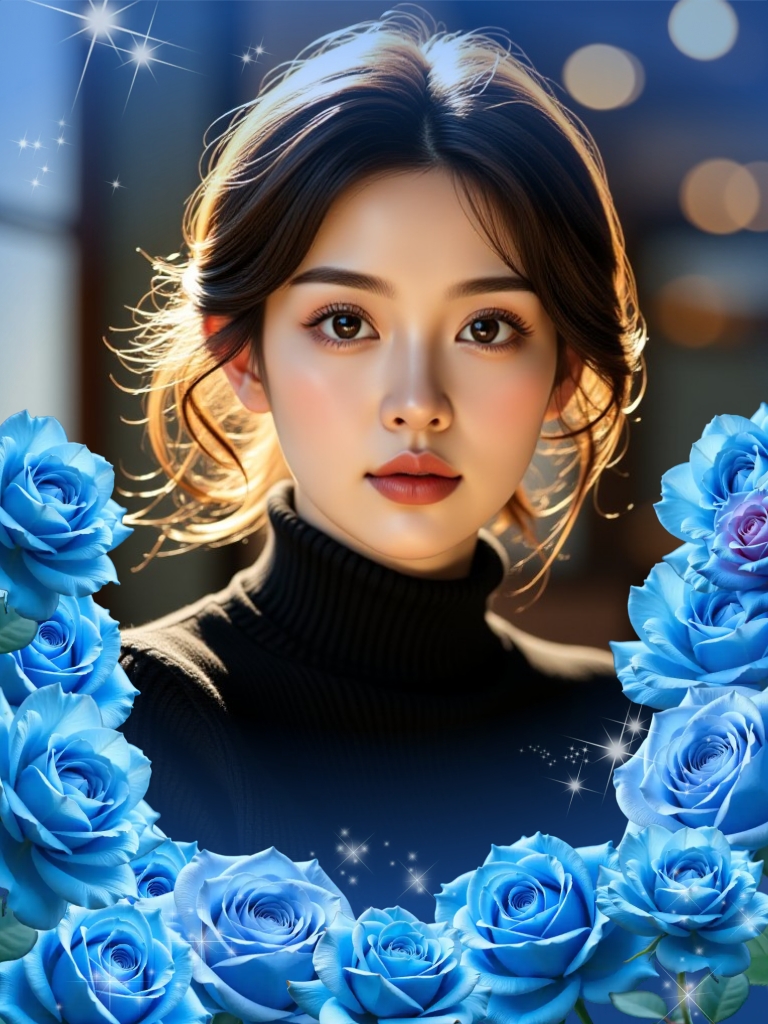
AI Generated Rose Accessory Images & Videos
Discover unique and innovative Rose Accessory images and videos created with a1.art Rose Accessory prompts.
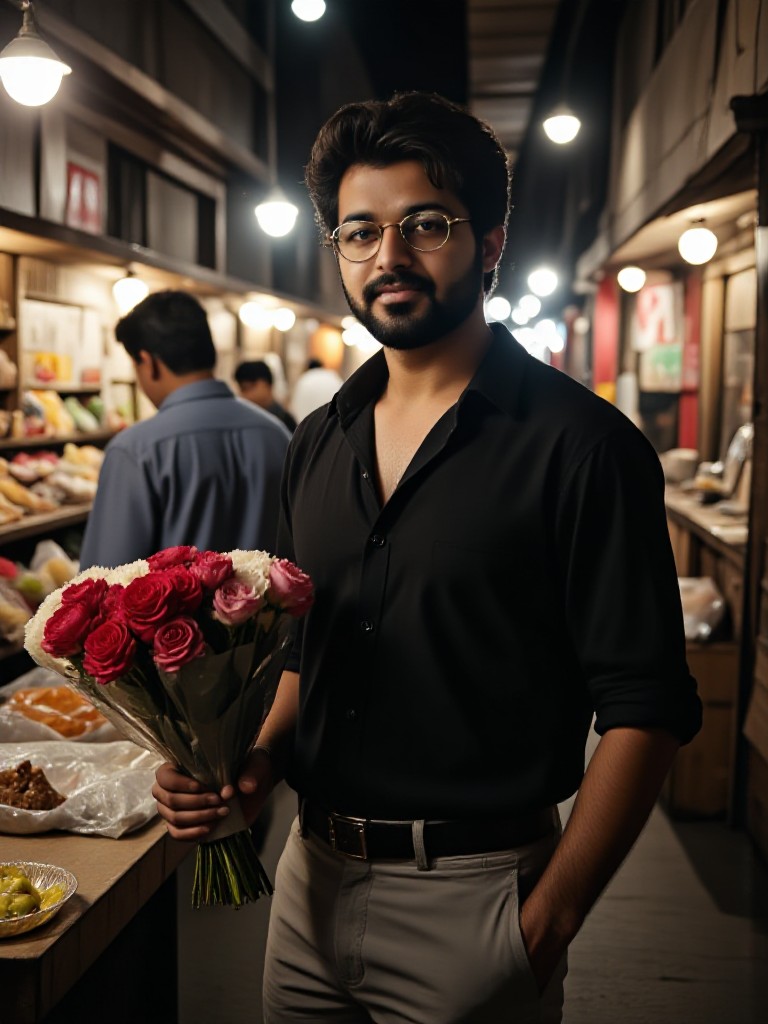
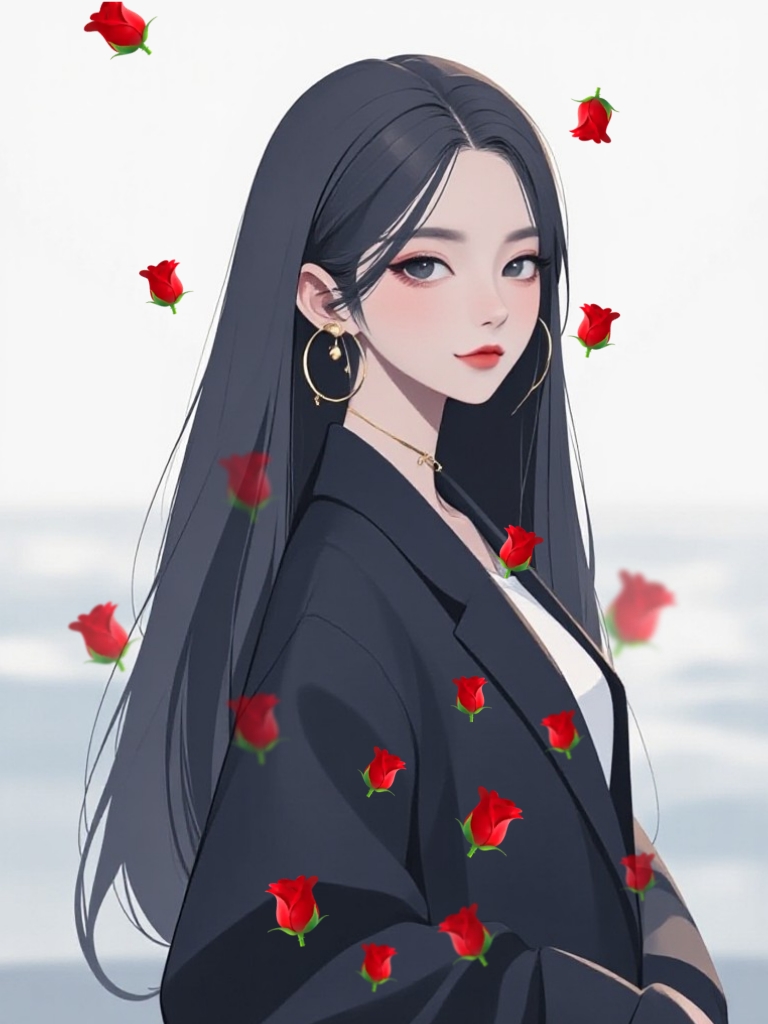
How to Make Rose Accessory AI Image & Video on a1.art?
Step into the future of AI Rose Accessory video and image creation on a1.art.

Step 1
Select the style you want to apply in the Square.

Step 2
Upload the image you want to transform. It can be a photo, hand-drawn sketch.

Step 3
Wait a few seconds and you can easily get your unique AI Rose Accessory art. Download for free!
FAQ about Rose Accessory AI Prompt on a1.art
Discover the secrets to creating Birthday Day videos and images at a1.art.
What types of rose accessory visuals can I create with a1.art?
With a1.art, you can create a wide range of rose accessory visuals, including intricate lace patterns, rustic metal textures, sparkling gemstone designs, minimalist aesthetics, natural erosion effects, matte and rough textures, smooth and polished surfaces, layered structures, floral motifs, bold geometric shapes, vintage-inspired elements, and abstract art influences.
How does a1.art's AI technology enhance my rose accessory creations?
a1.art's AI technology uses advanced algorithms to generate highly detailed and realistic rose accessory visuals. It allows you to explore various styles and effects, ensuring that your creations are both unique and visually stunning.
Can I customize the rose accessory prompts to fit my specific needs?
Yes, a1.art offers customizable rose accessory prompts. You can adjust parameters such as texture, color, lighting, and style to match your specific vision and requirements.
Are there any limitations on the number of rose accessory visuals I can create?
There are no strict limitations on the number of rose accessory visuals you can create. However, a1.art provides daily free login credits, and you can subscribe to earn more credits for unlimited access.
How can I get started with creating rose accessory visuals on a1.art?
Getting started is simple. Just visit a1.art, select your preferred rose accessory prompt, upload an image or enter a text prompt, and let the AI do the rest. You'll have stunning visuals in no time!


