

Get Rescue Videos & Images without Prompt
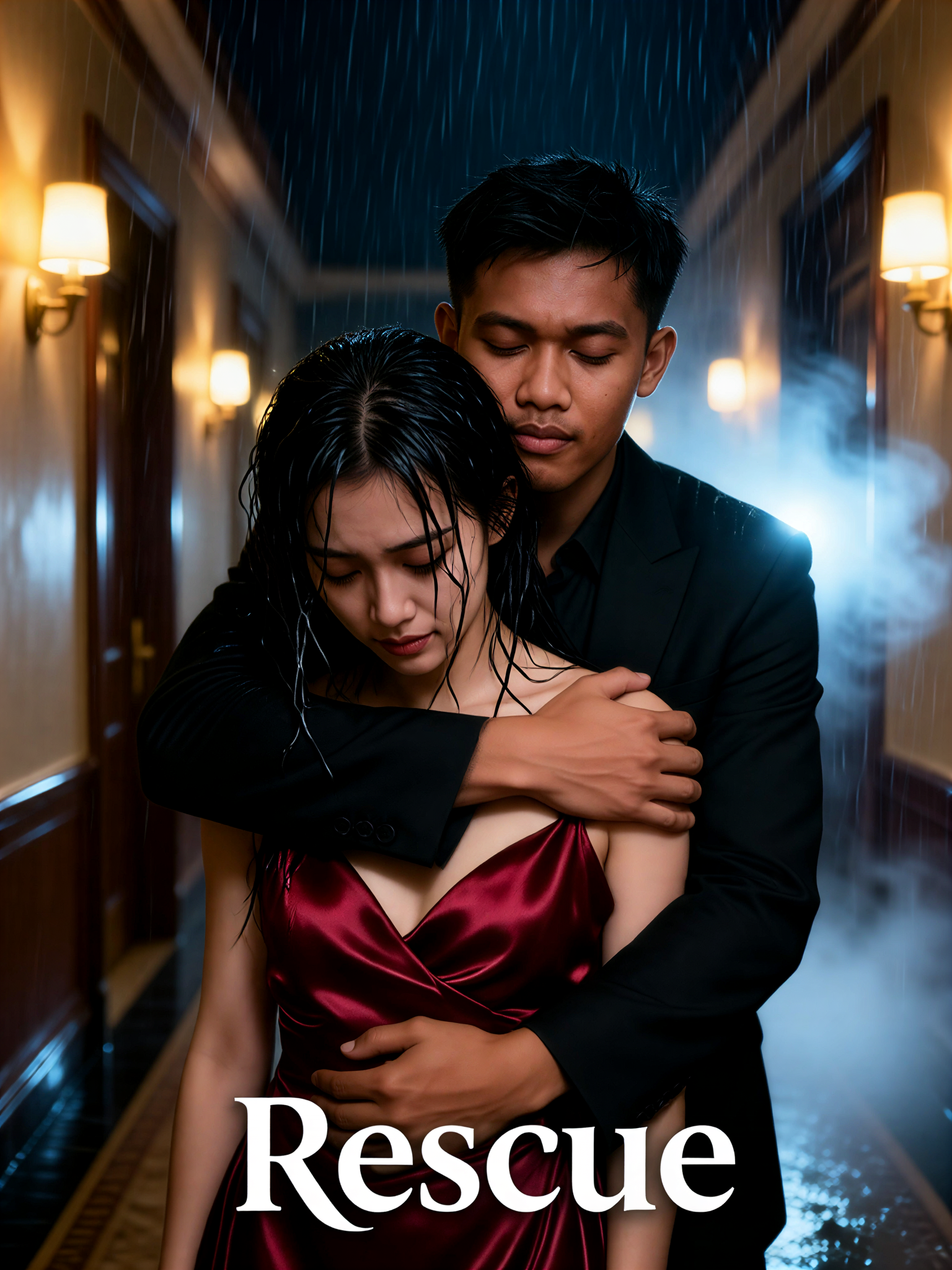
a1.art offers a large number of filters, allowing you to easily obtain AI videos or images without prompts.
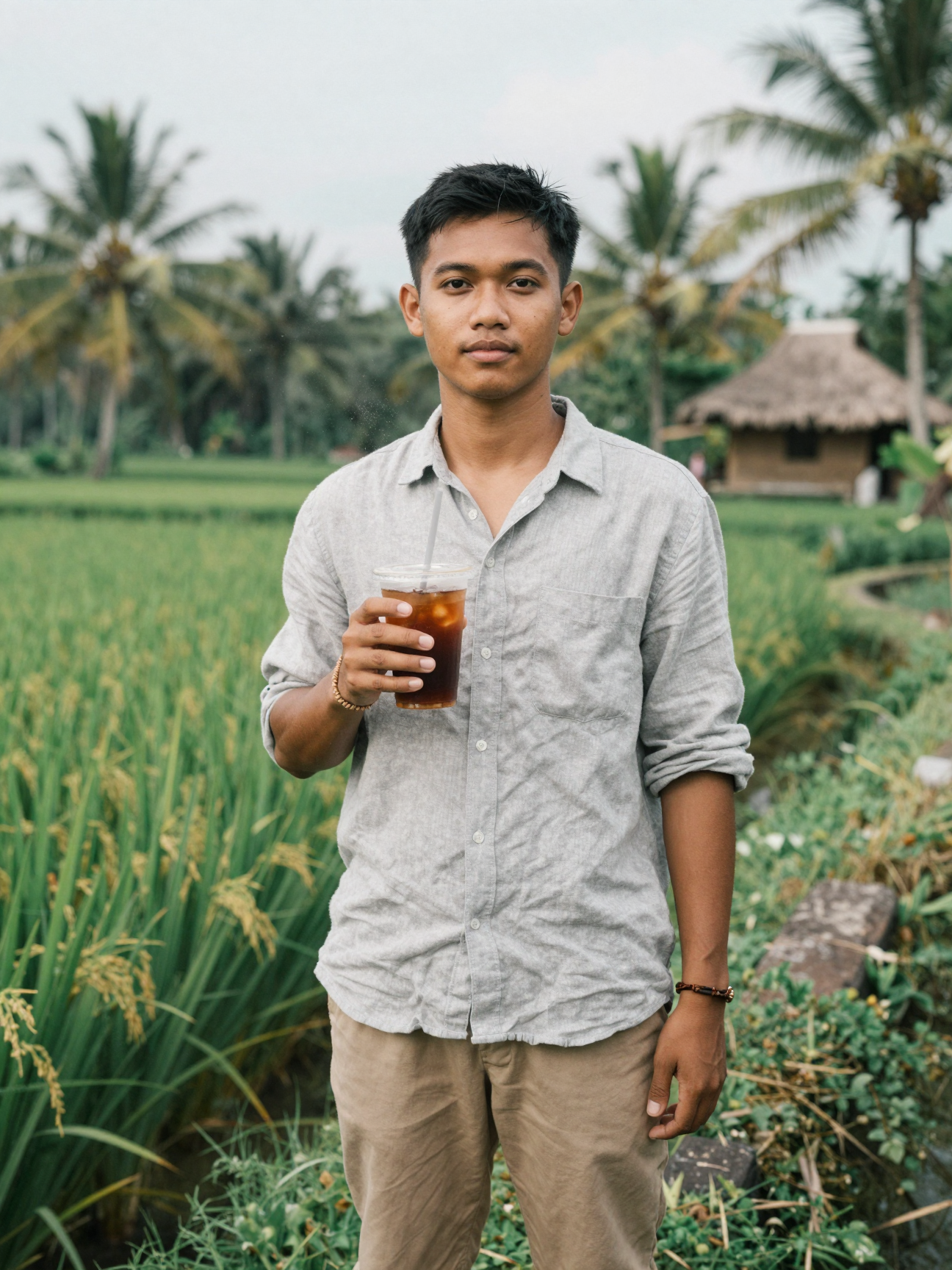
Input
Result
Addicted Rescue
 艺术梦想家
艺术梦想家 1.3k
1.3k
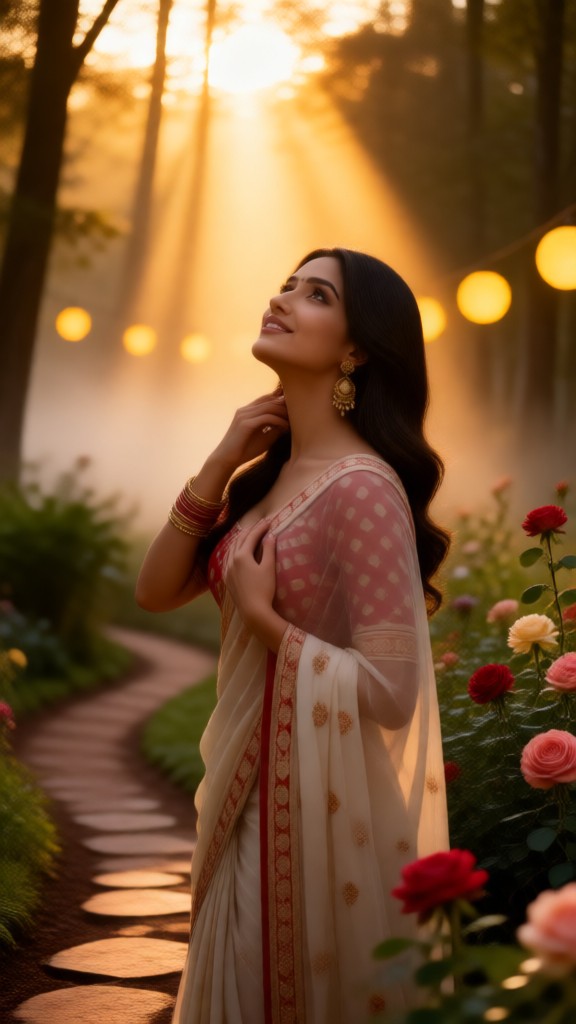
Input
Result
Save Waste Film
 Vicky.46
Input
Result
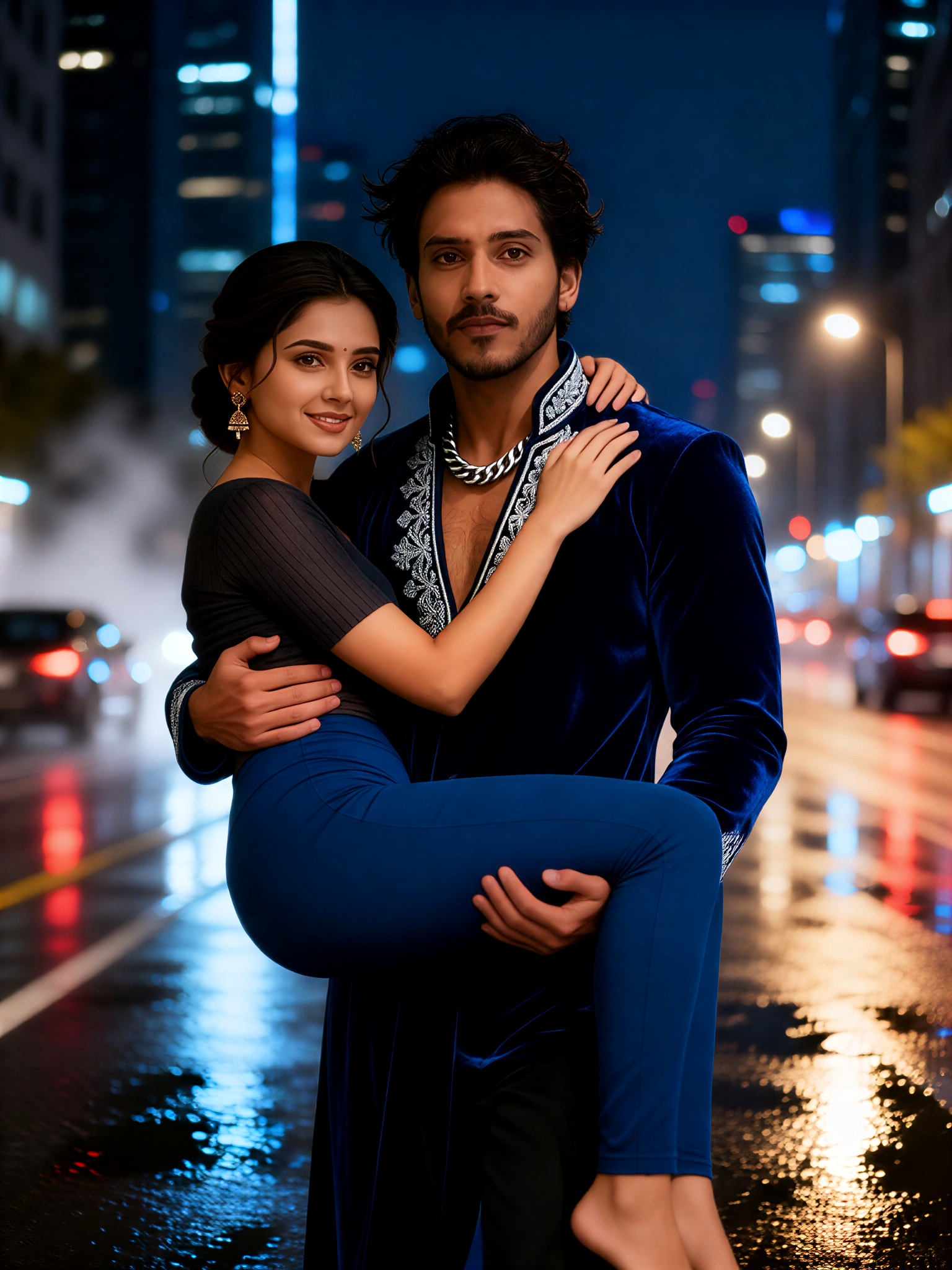
Neon chase rescue hug
 Xiaokai18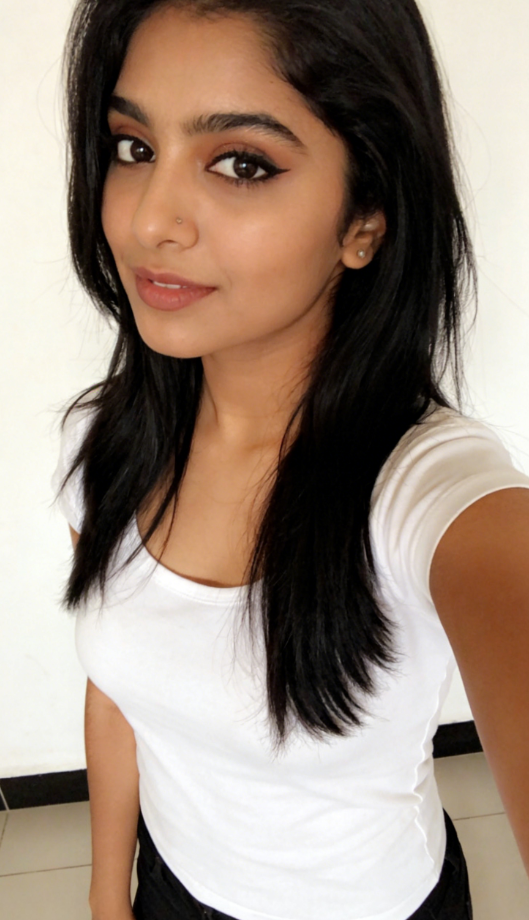
Input
Result
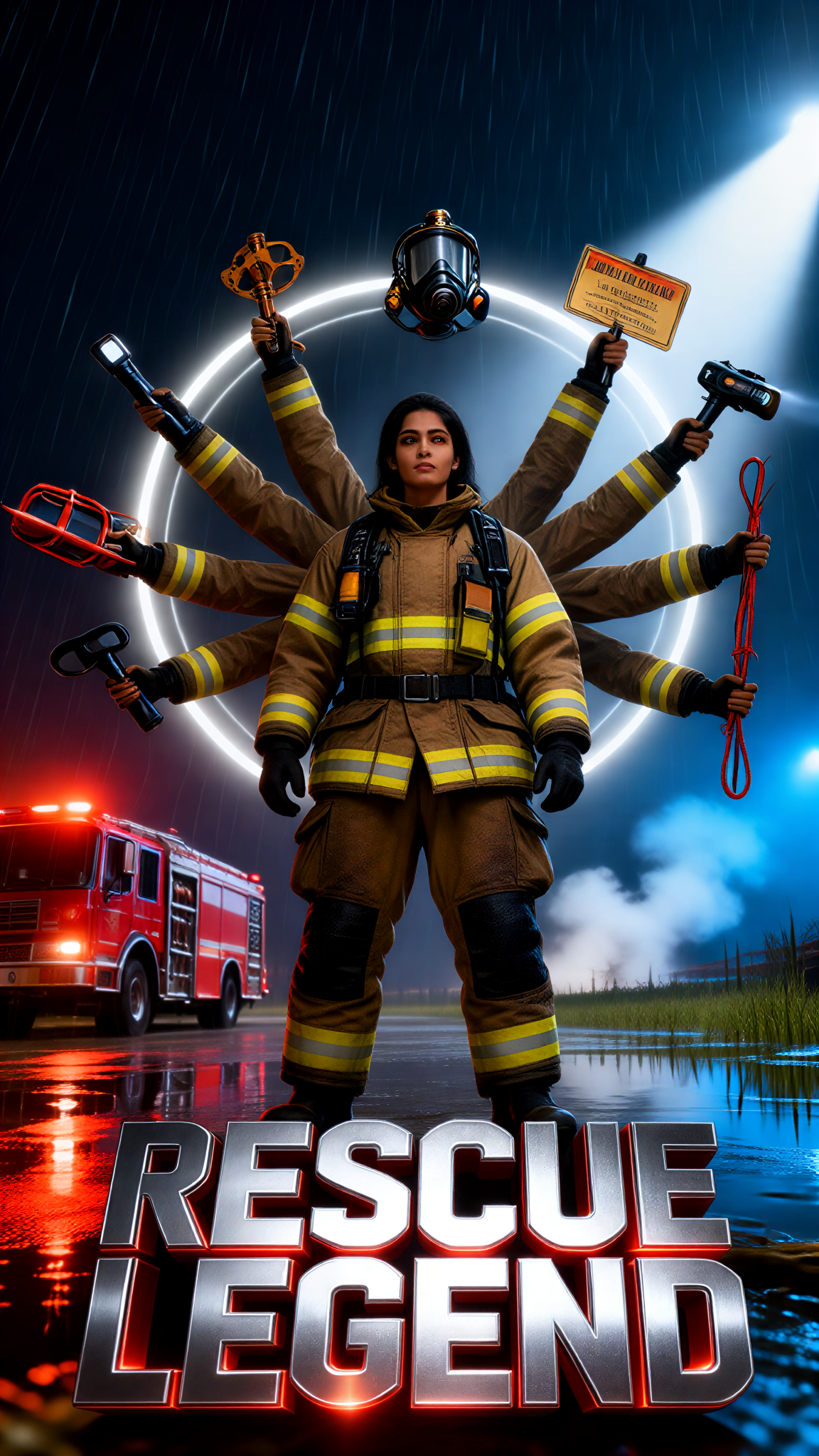
Rescue Legend
艺术梦想家4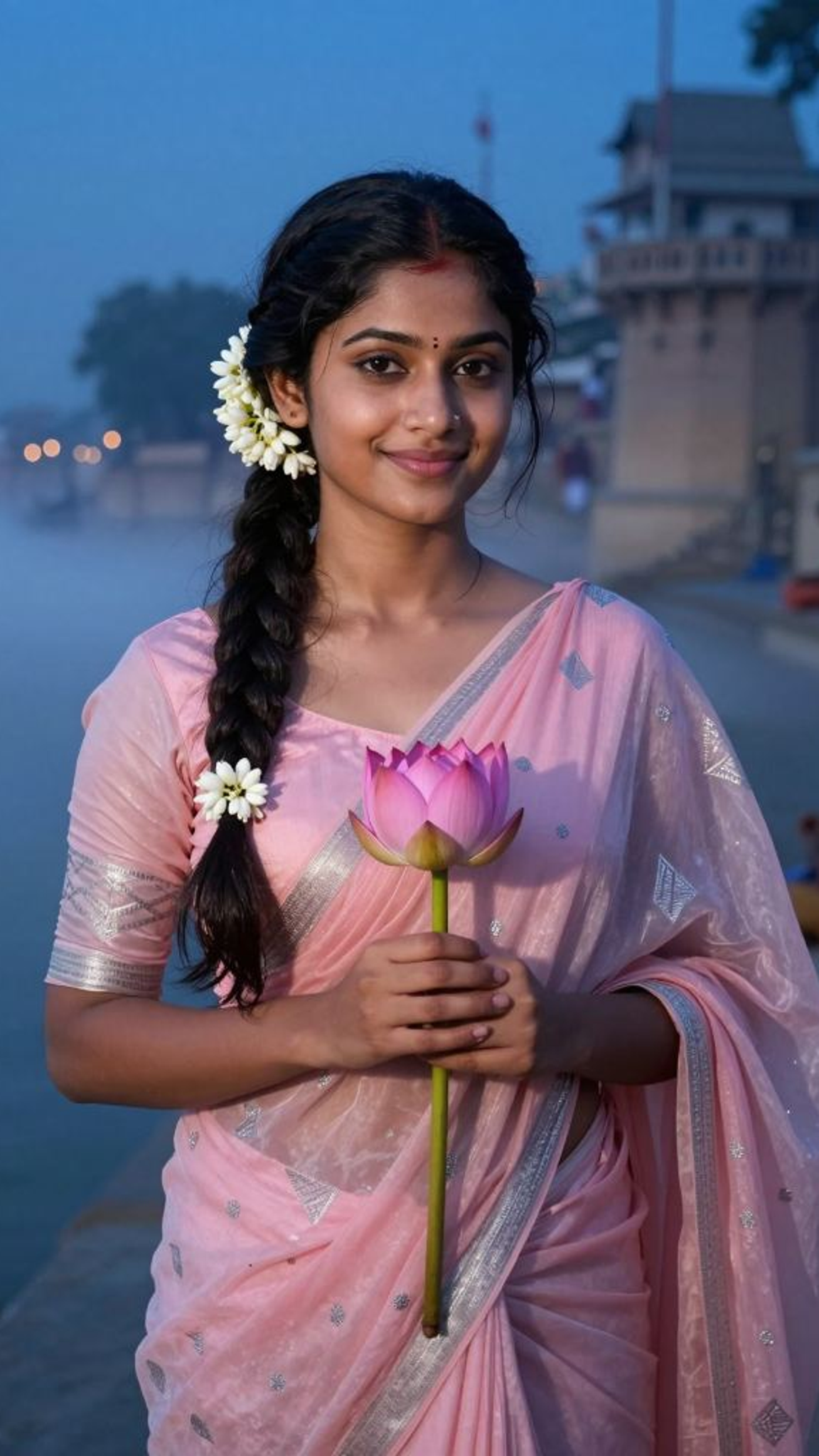
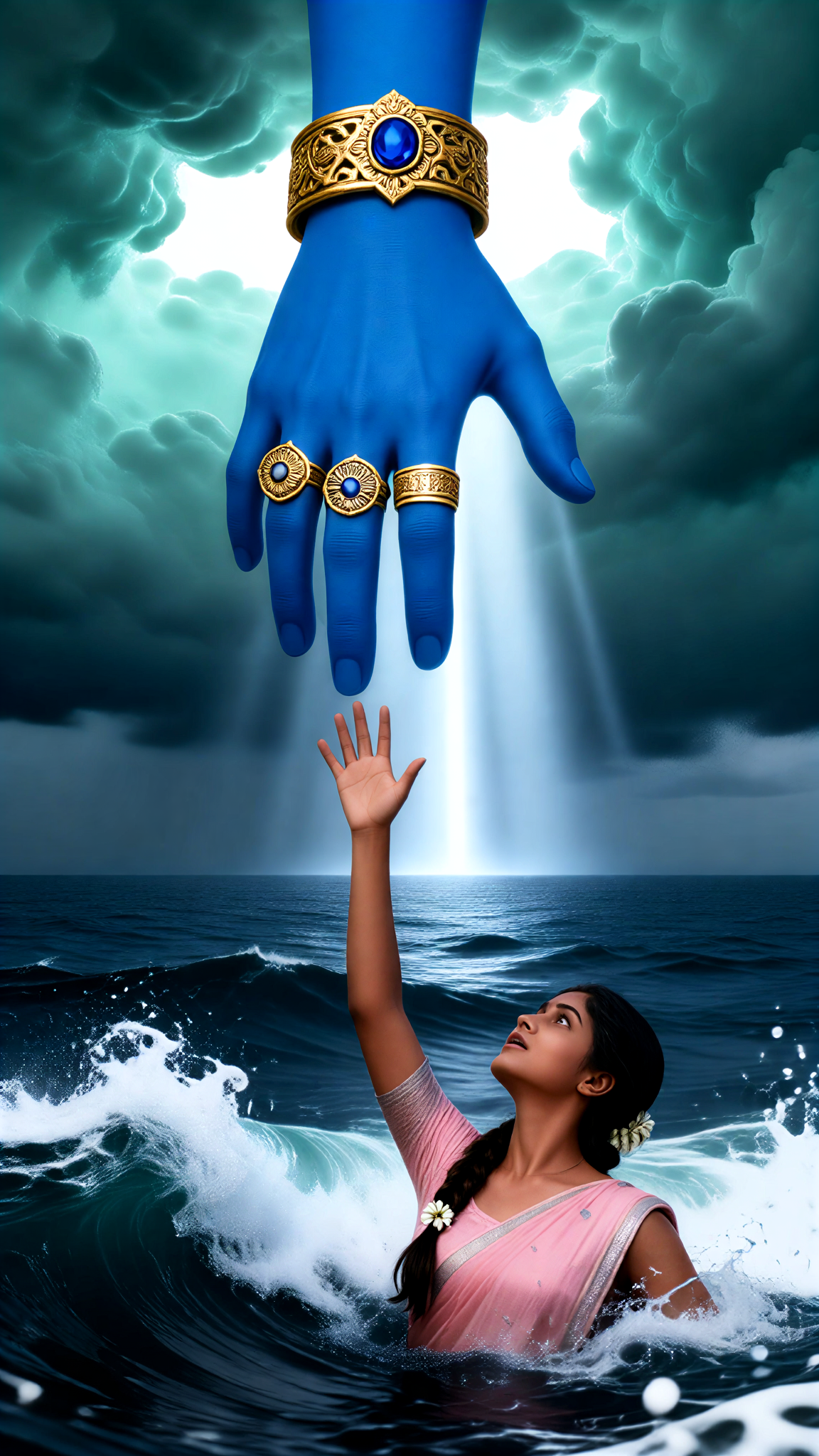
Input
Result
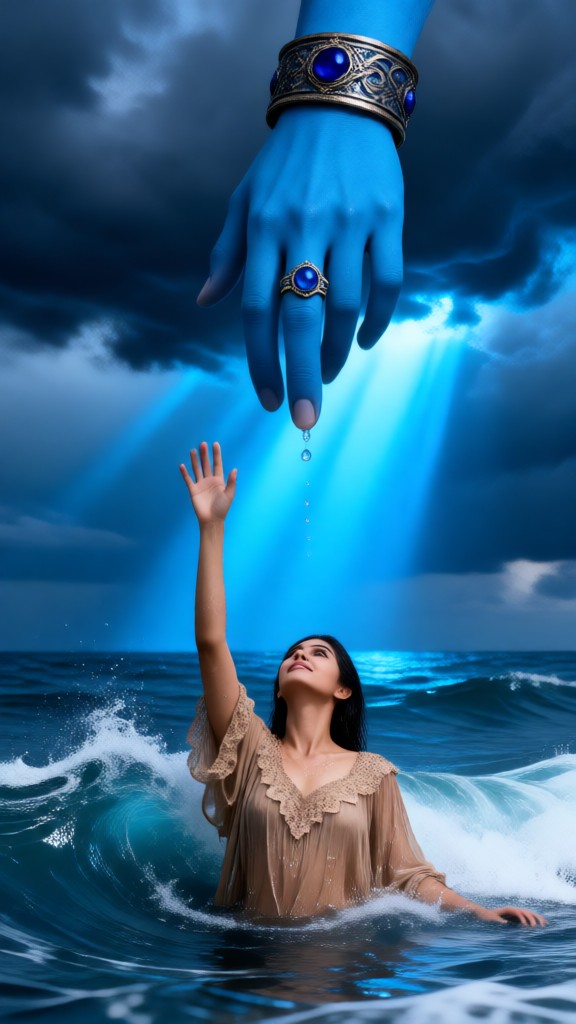
Redemption in the Sea
 akaii3
Input
Result
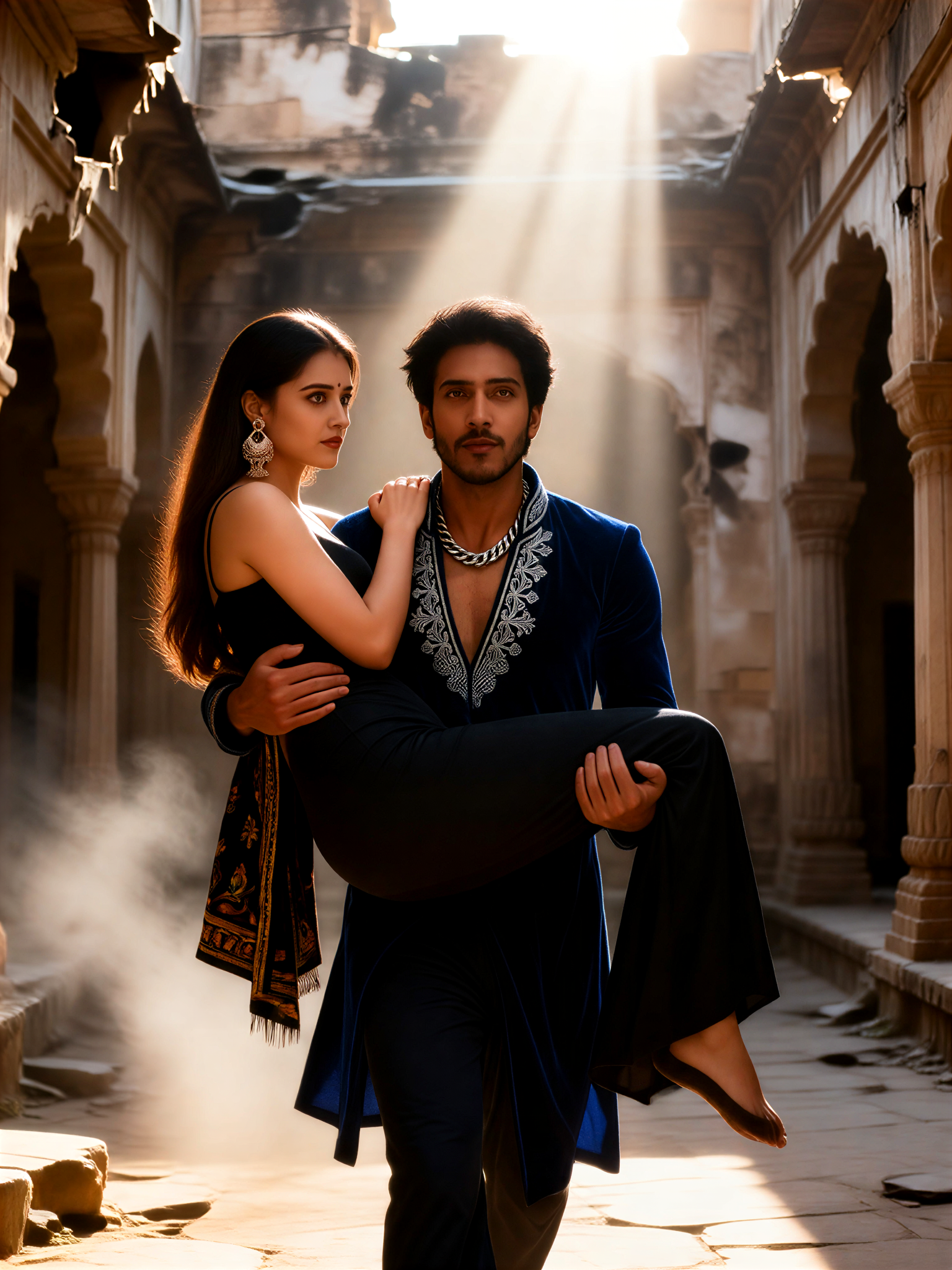
Warrior rescue princess hug
Xiaokai2
Input
Result
Redemption in the Sea
Vicky.0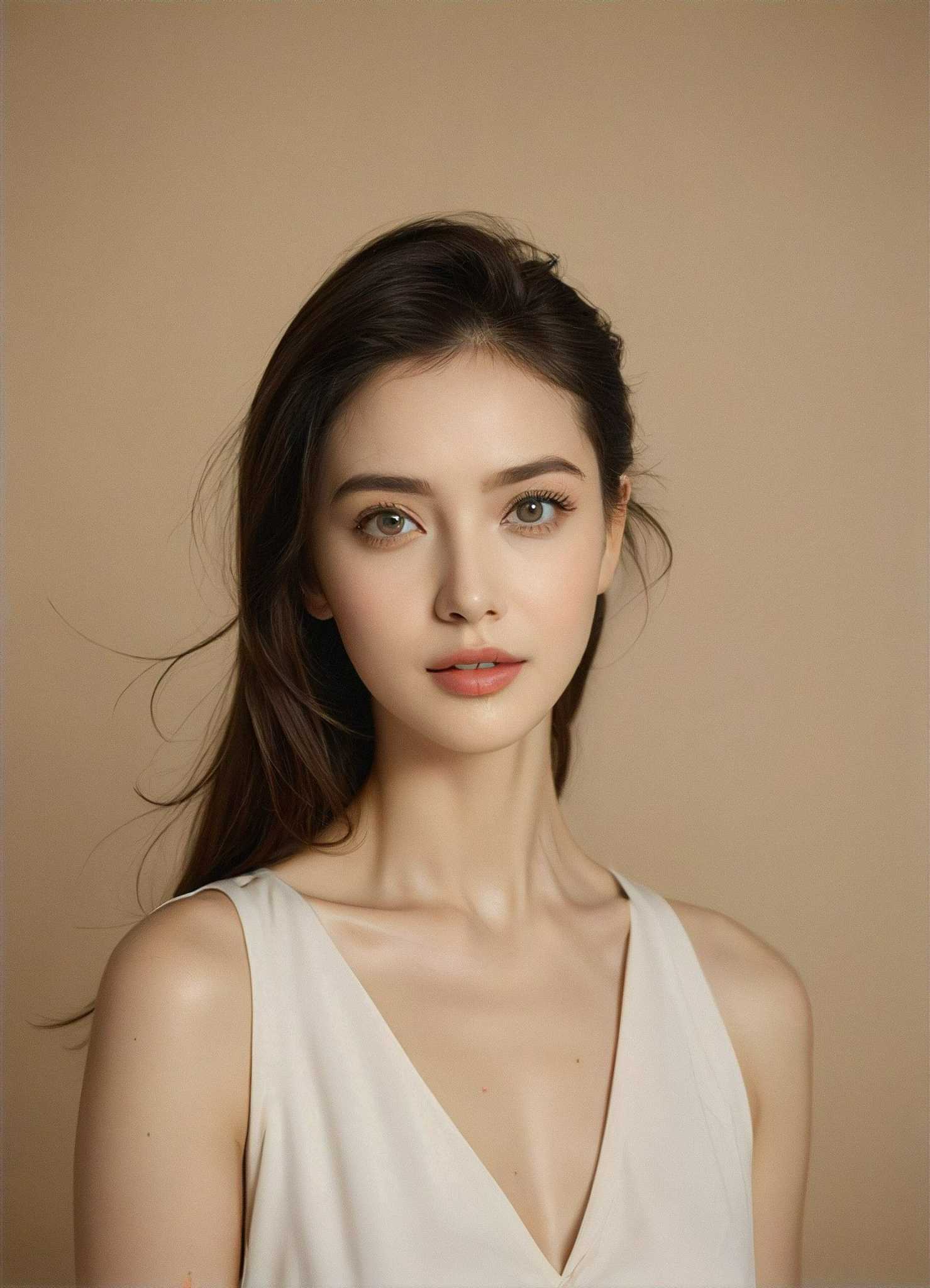
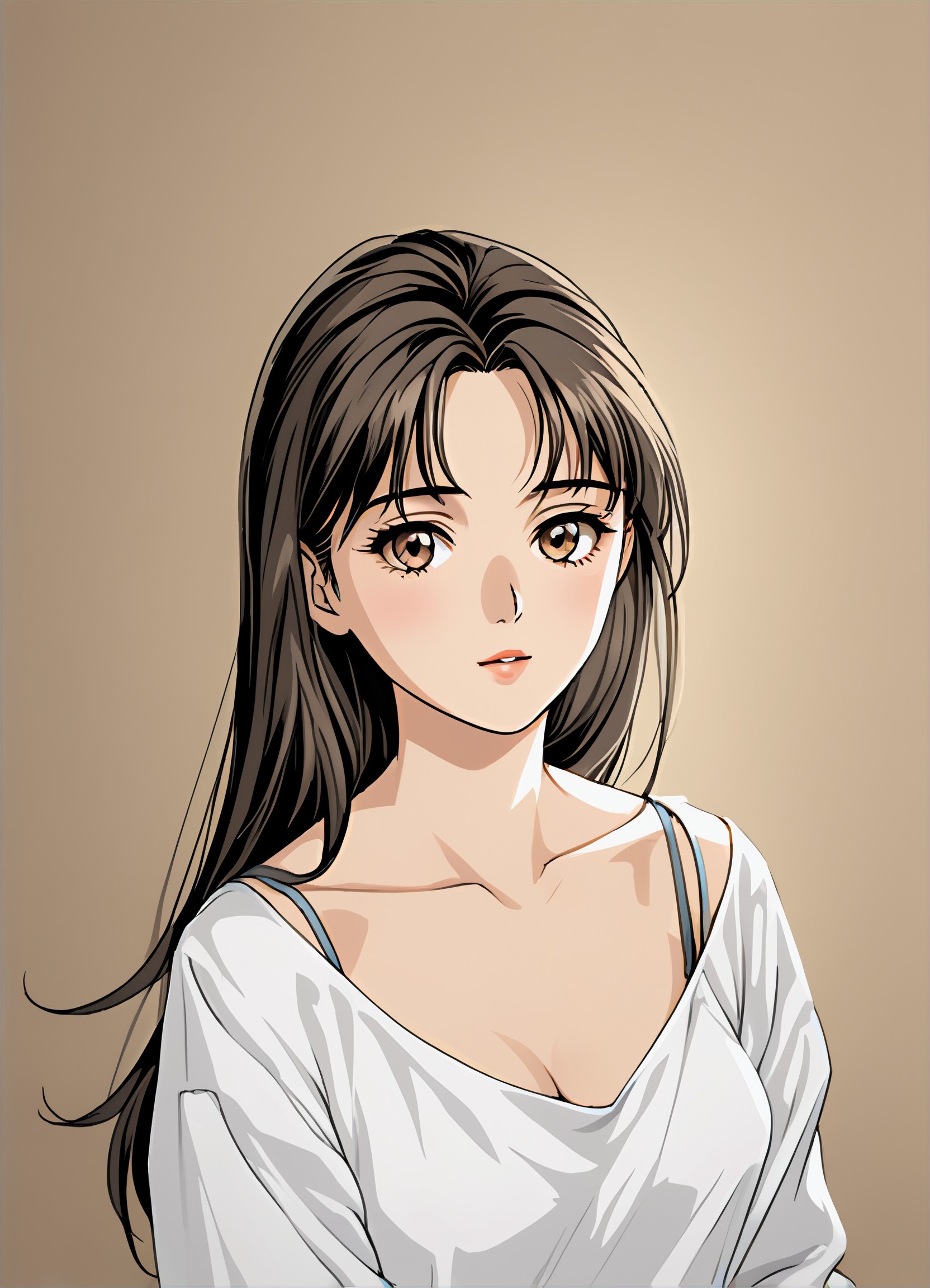
Input
Result
Manga filter
 winter solstice236.2k
AI Generated Rescue Images & Videos
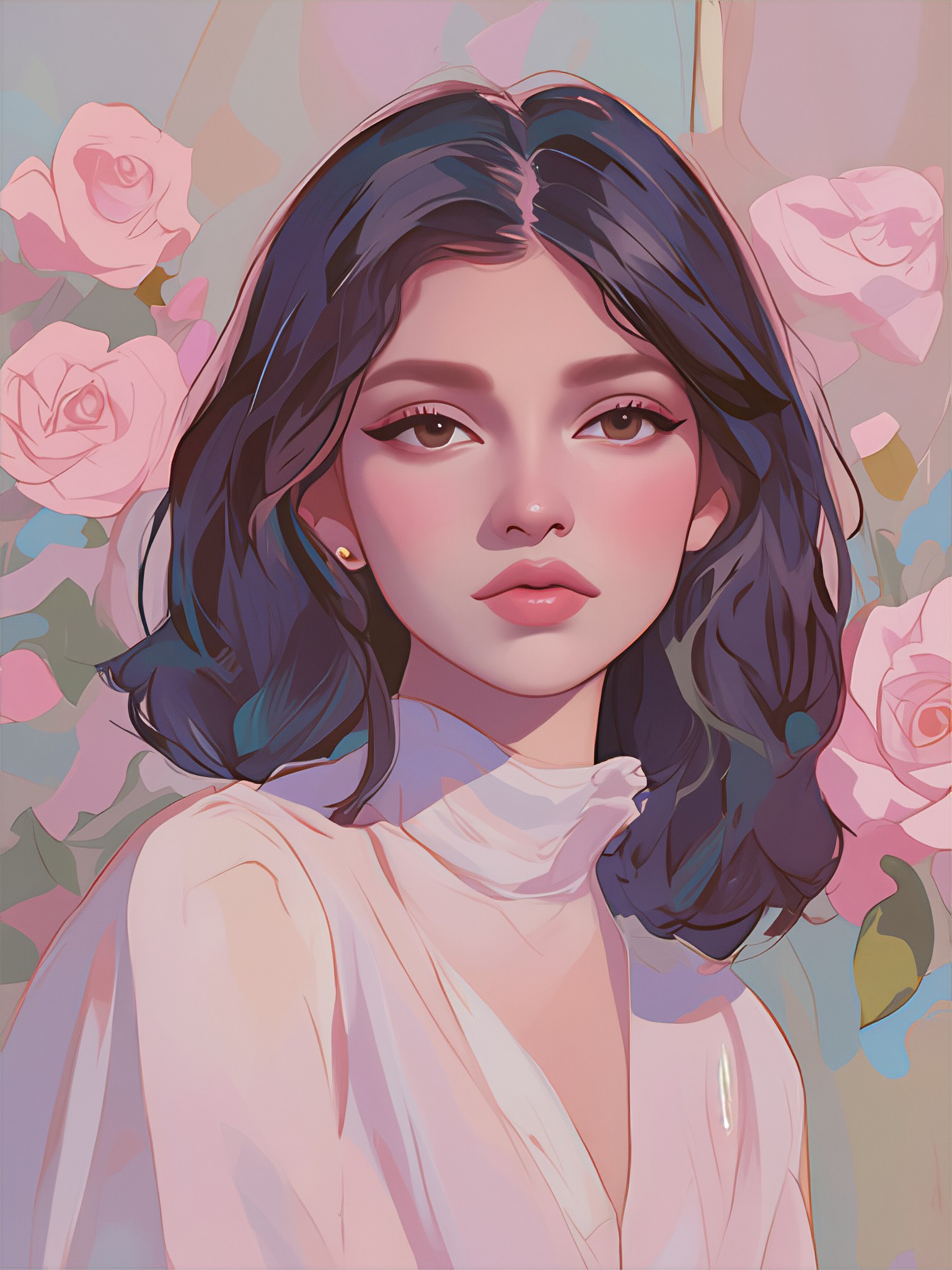
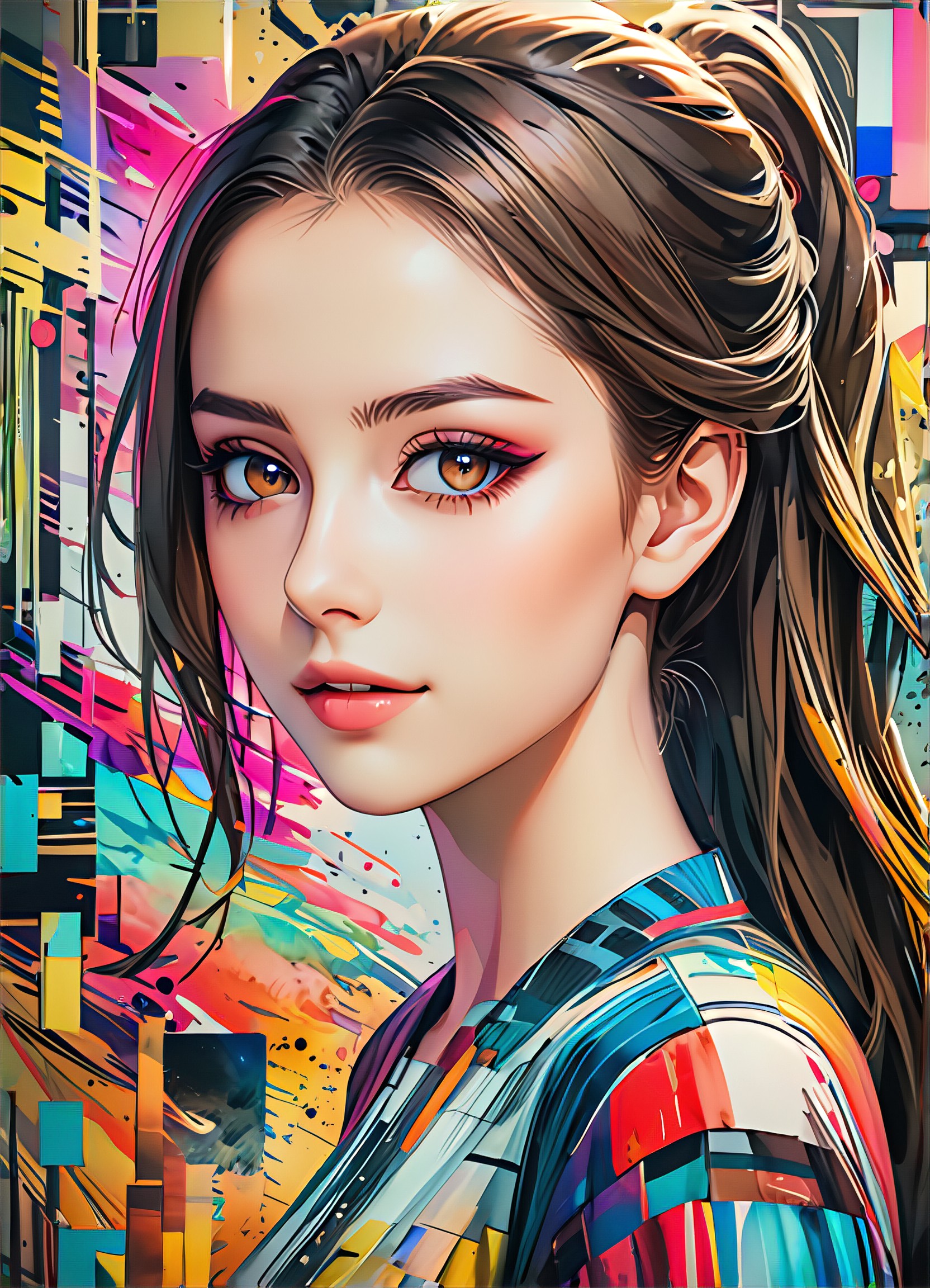
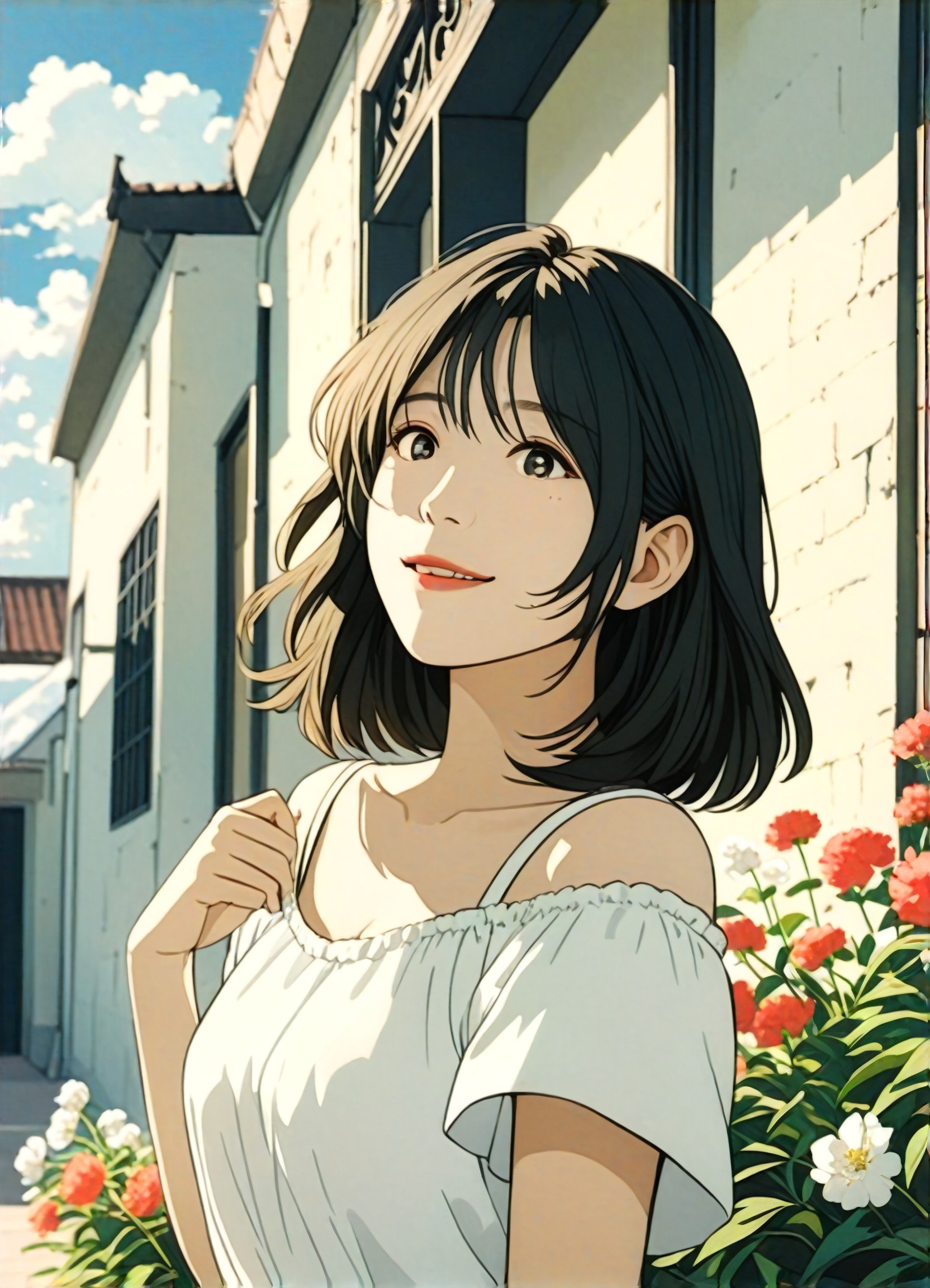
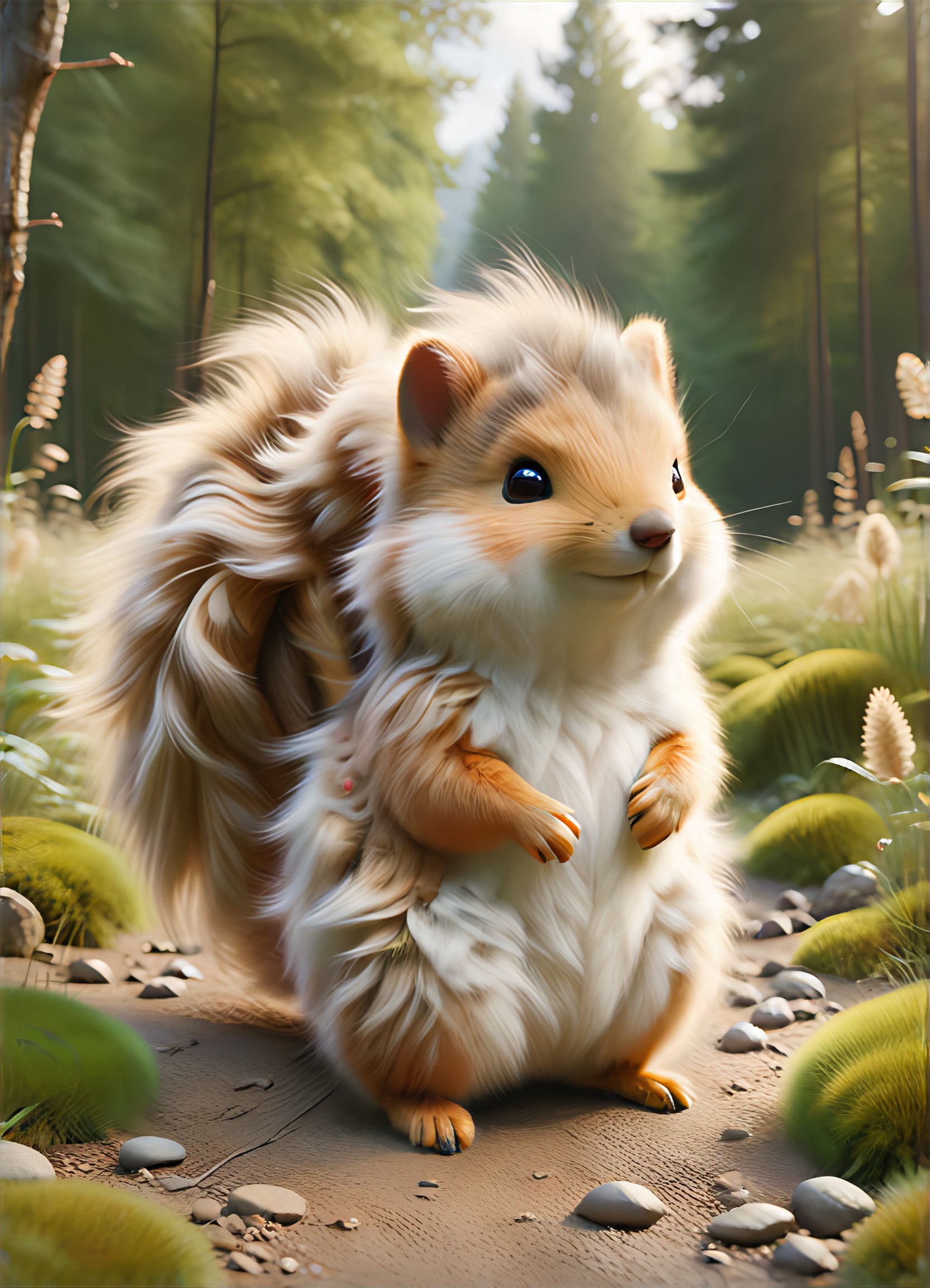
Discover unique and innovative Rescue images and videos created with a1.art Rescue prompts.
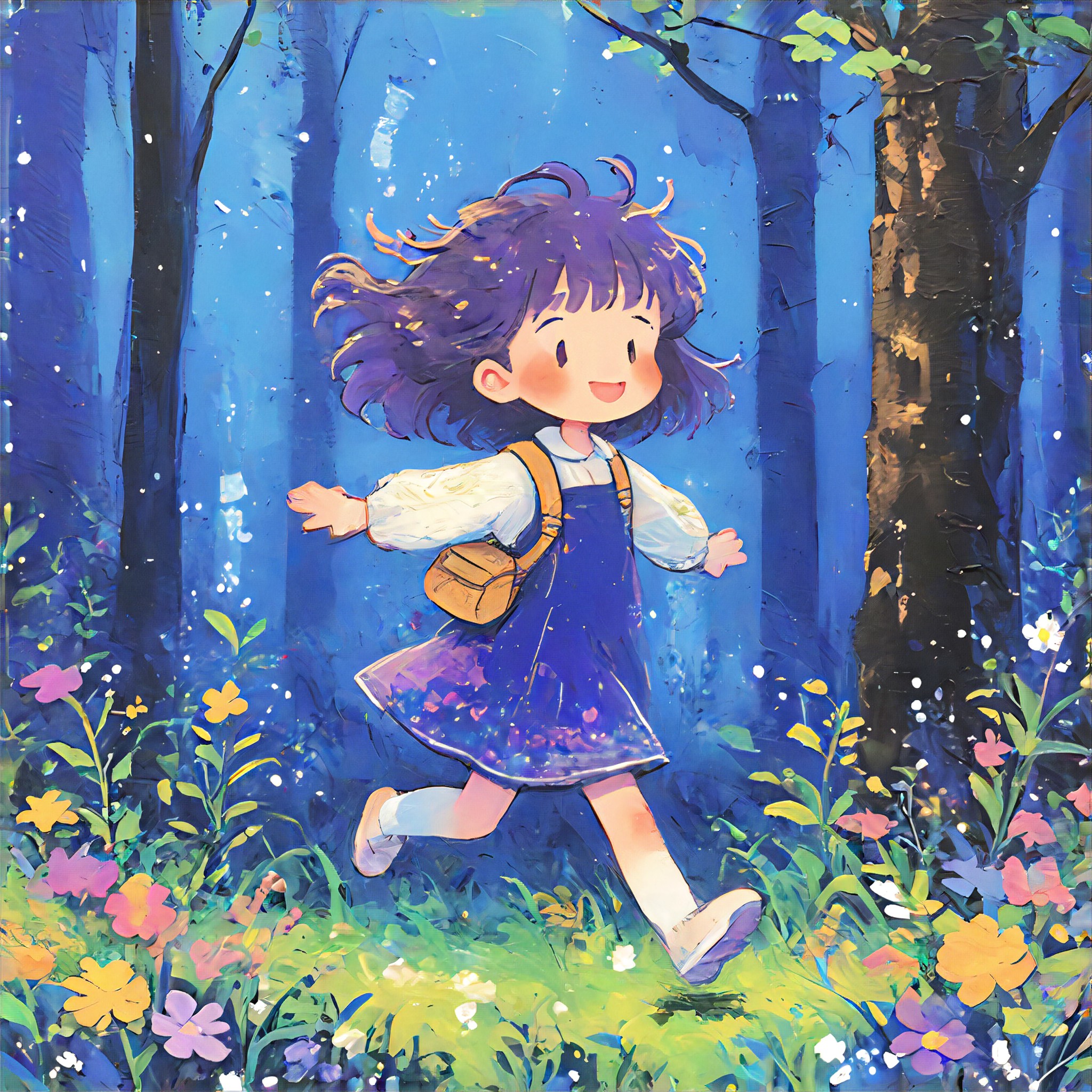
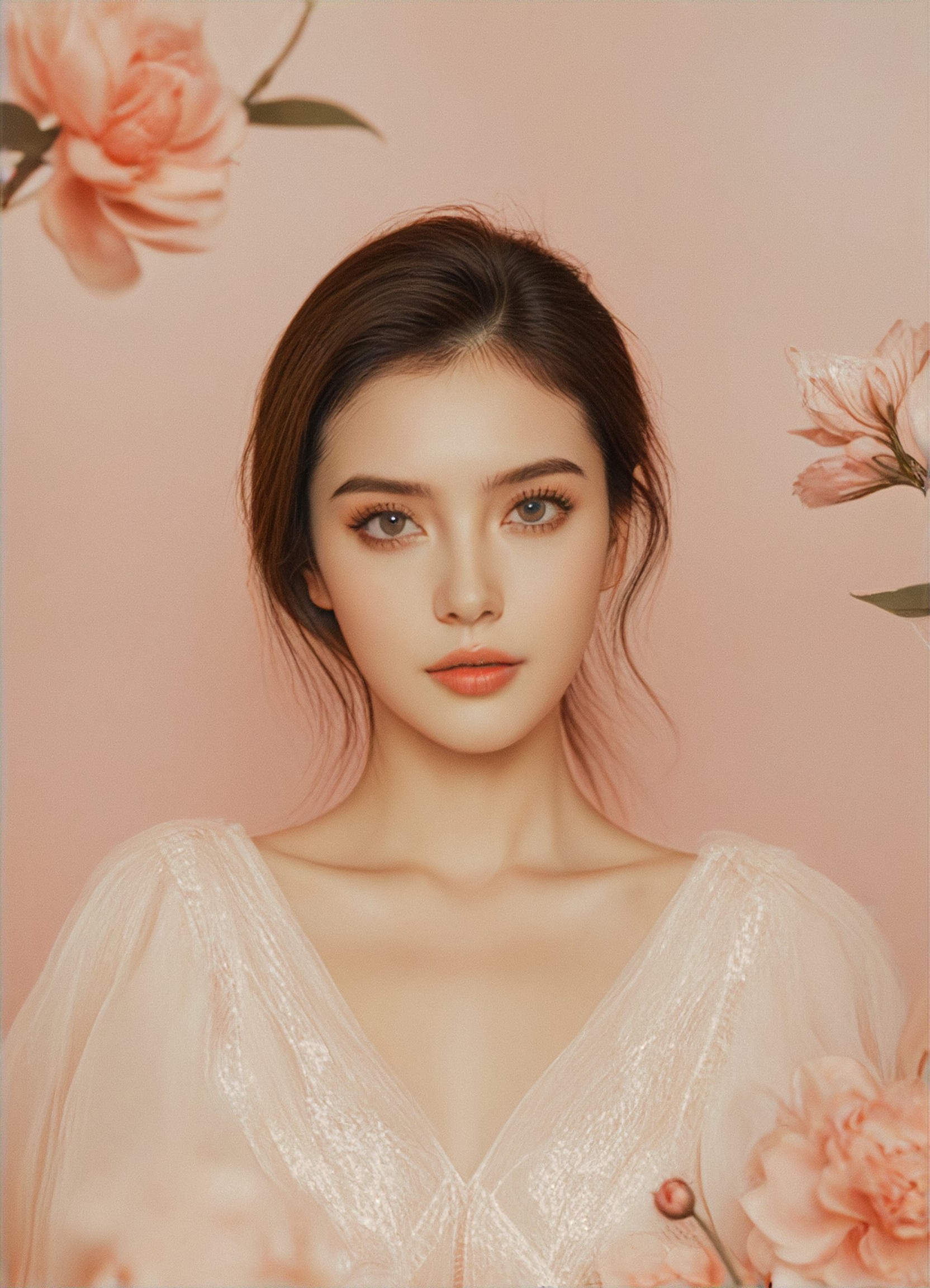

How to Make Rescue AI Image & Video on a1.art?
Step into the future of AI Rescue video and image creation on a1.art.
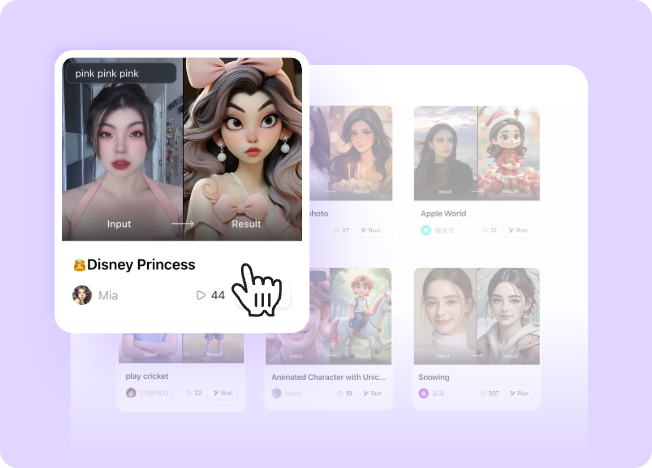
Step 1
Select the style you want to apply in the Square.
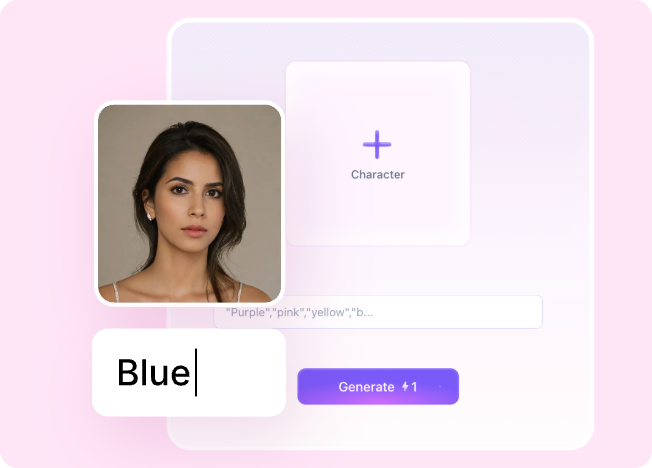
Step 2
Upload the image you want to transform. It can be a photo, hand-drawn sketch.
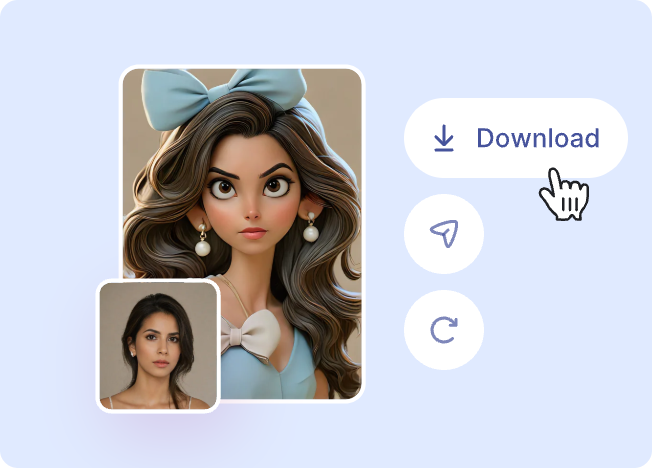
Step 3
Wait a few seconds and you can easily get your unique AI Rescue art. Download for free!
FAQ about Rescue AI Prompt on a1.art
Discover the secrets to creating Birthday Day videos and images at a1.art.
What types of rescue themes can I create with a1.art?
a1.art allows you to generate a wide range of rescue-themed visuals, including mountain rescues, ocean operations, jungle missions, cave explorations, and more. You can customize every detail to match your vision.
Can I use rescue AI prompts for both images and videos?
Yes, a1.art supports both image and video generation. Simply select your preferred rescue theme, and our AI will create stunning visuals tailored to your needs.
Are there any limitations on the number of rescue prompts I can use?
There are no strict limitations on the number of prompts you can use. However, we recommend focusing on high-quality, specific prompts to achieve the best results.
How does a1.art ensure the quality of rescue-themed visuals?
Our AI-powered platform uses advanced algorithms to analyze and generate highly detailed and realistic rescue scenes. You can also refine your prompts to achieve the exact look and feel you desire.
Do I need technical skills to use rescue AI prompts on a1.art?
No, a1.art is designed to be user-friendly. Even if you're not tech-savvy, you can easily select prompts, upload images, or enter text to generate professional-grade rescue visuals.