


Get Reflection Effect Videos & Images without Prompt
a1.art offers a large number of filters, allowing you to easily obtain AI videos or images without prompts.
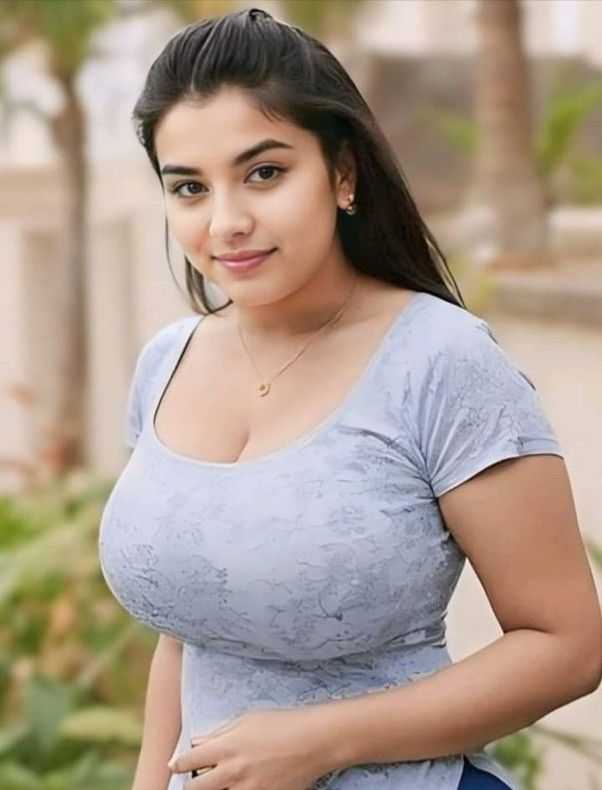
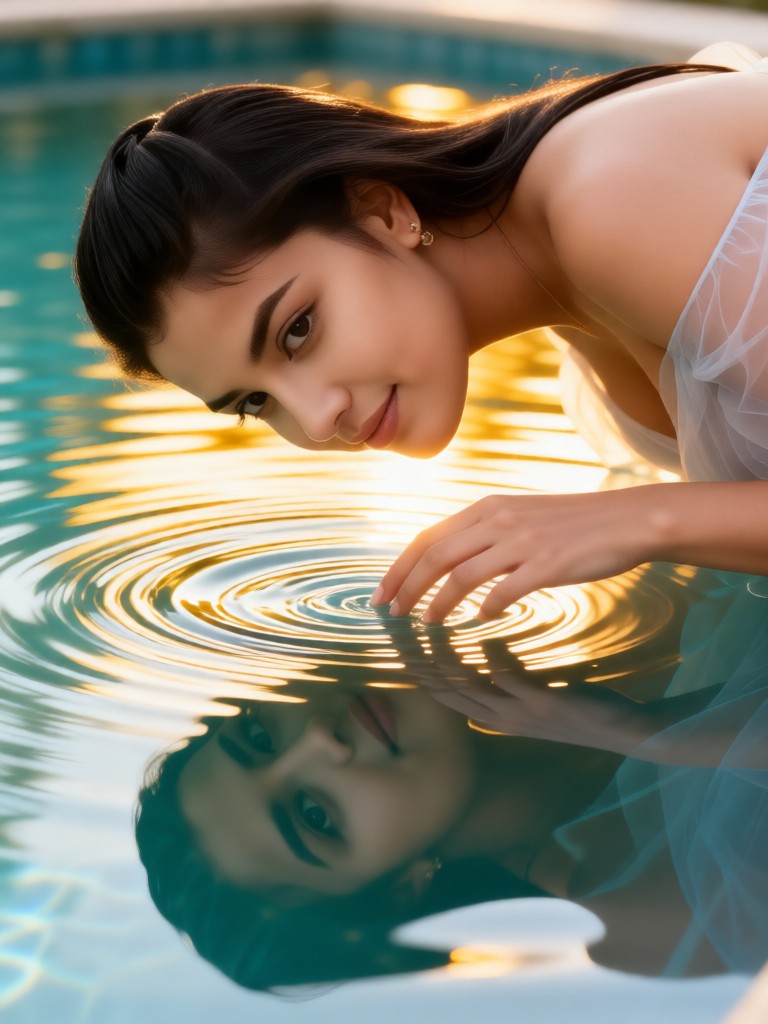
Input
Result
Ripple Reflection Muse
 Melody💗
 463
463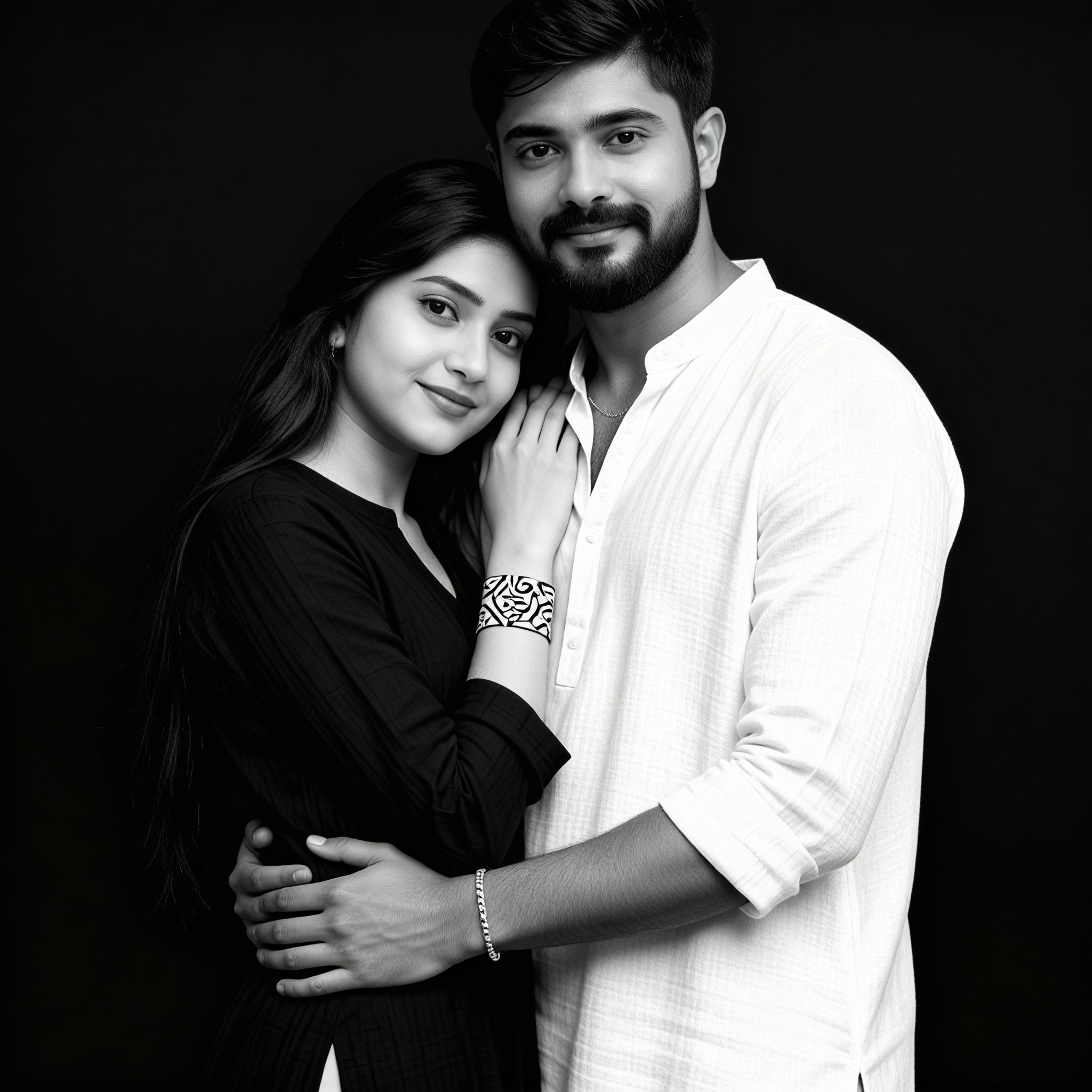
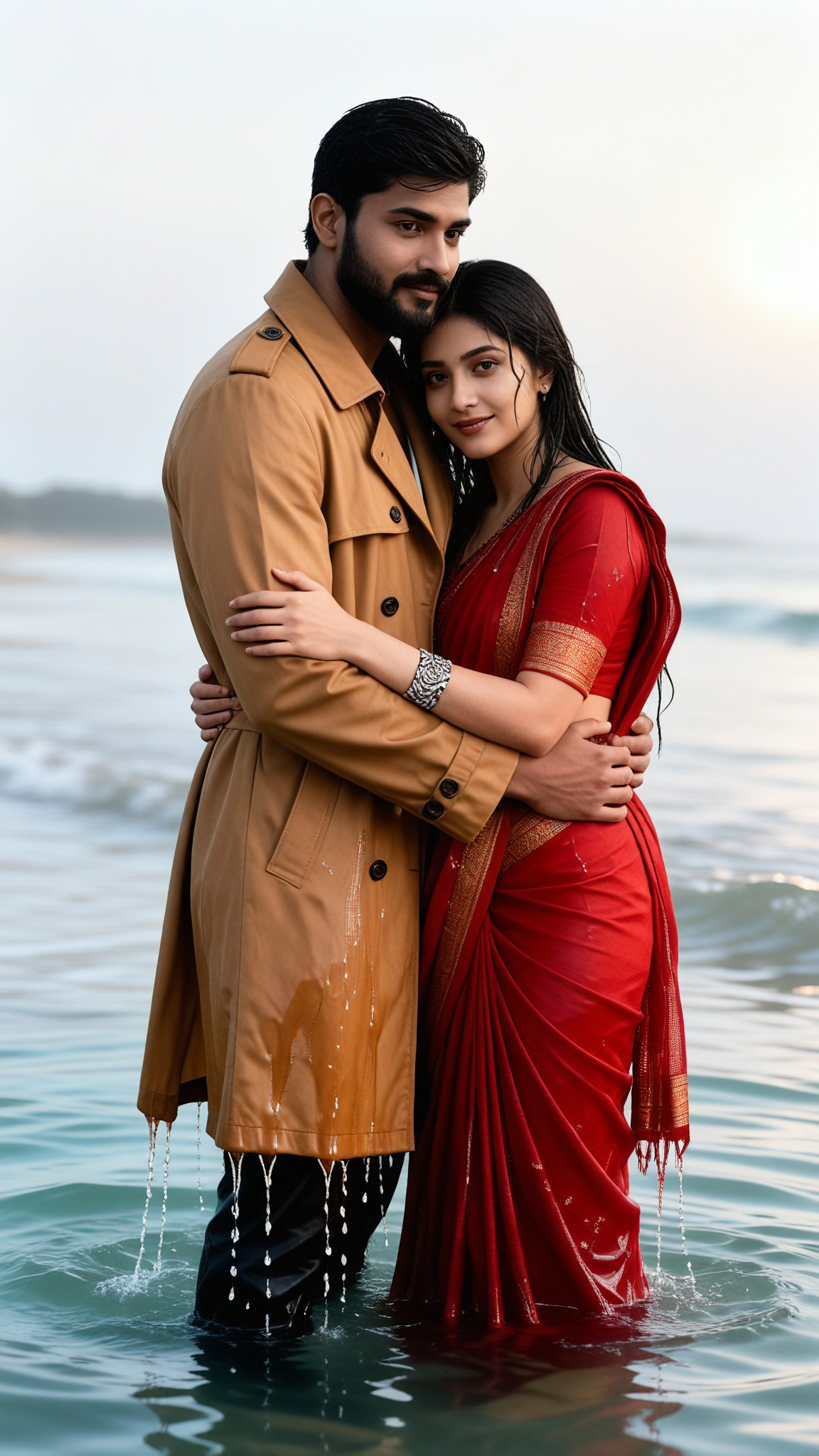
Input
Result
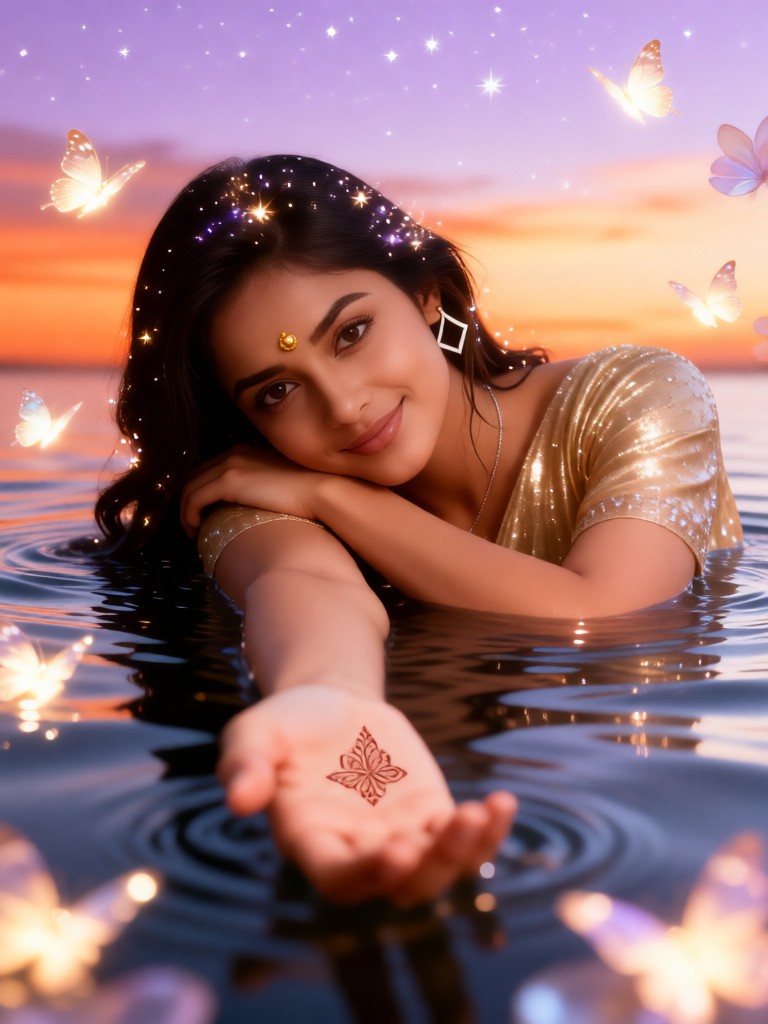
Puddle Reflection Soak
 艺术创作家335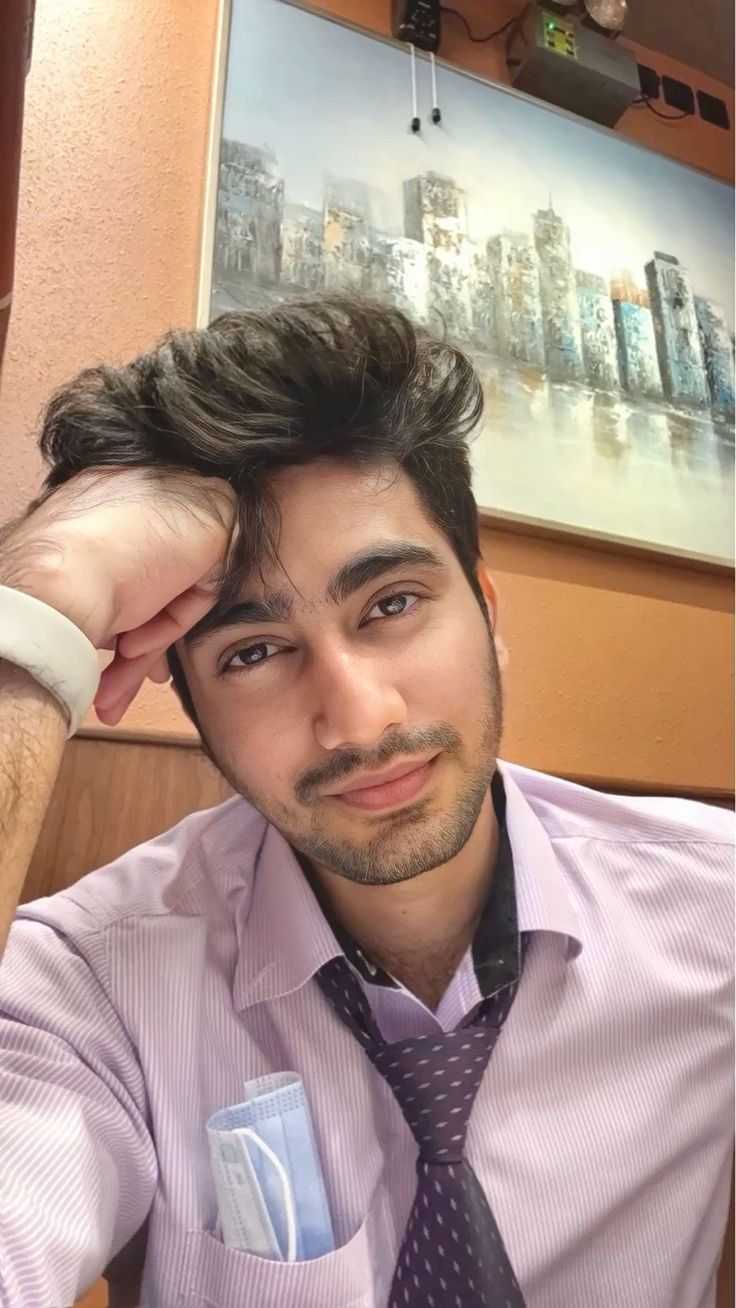
Input
Result
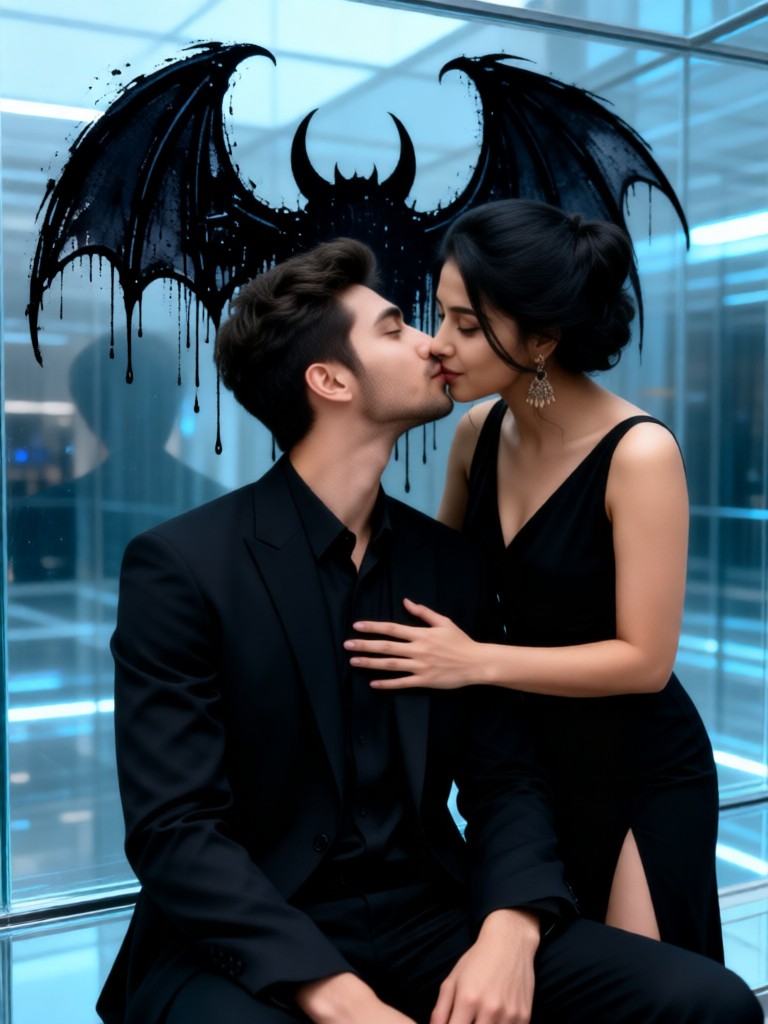
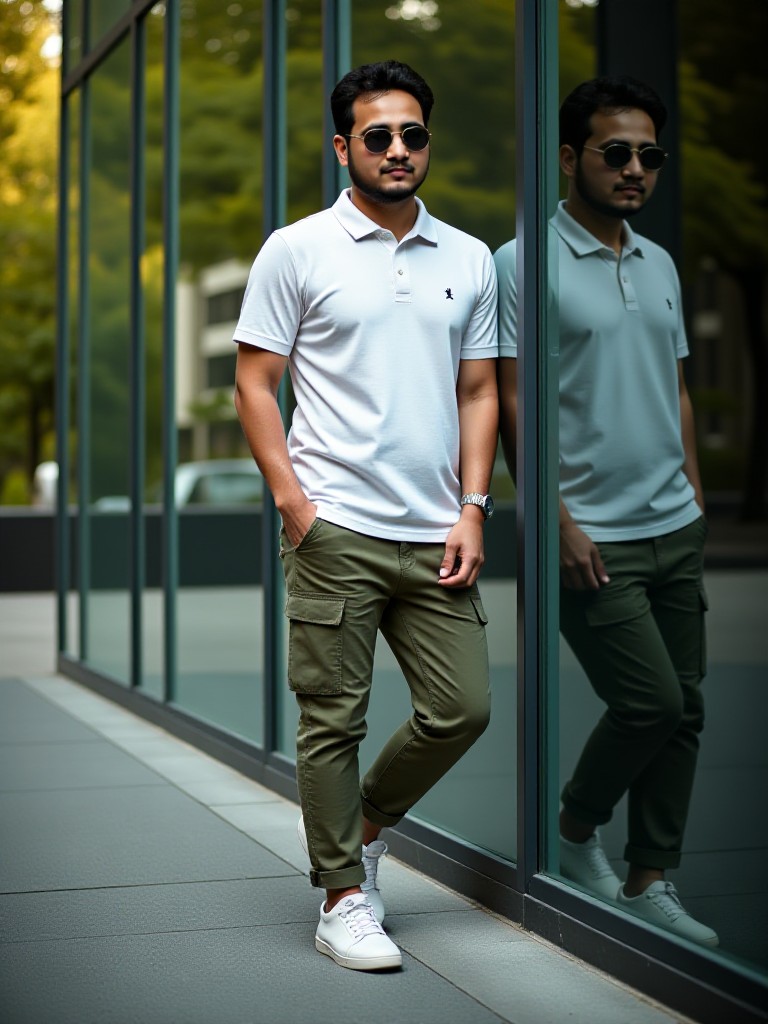
Glass Reflection
Melody💗152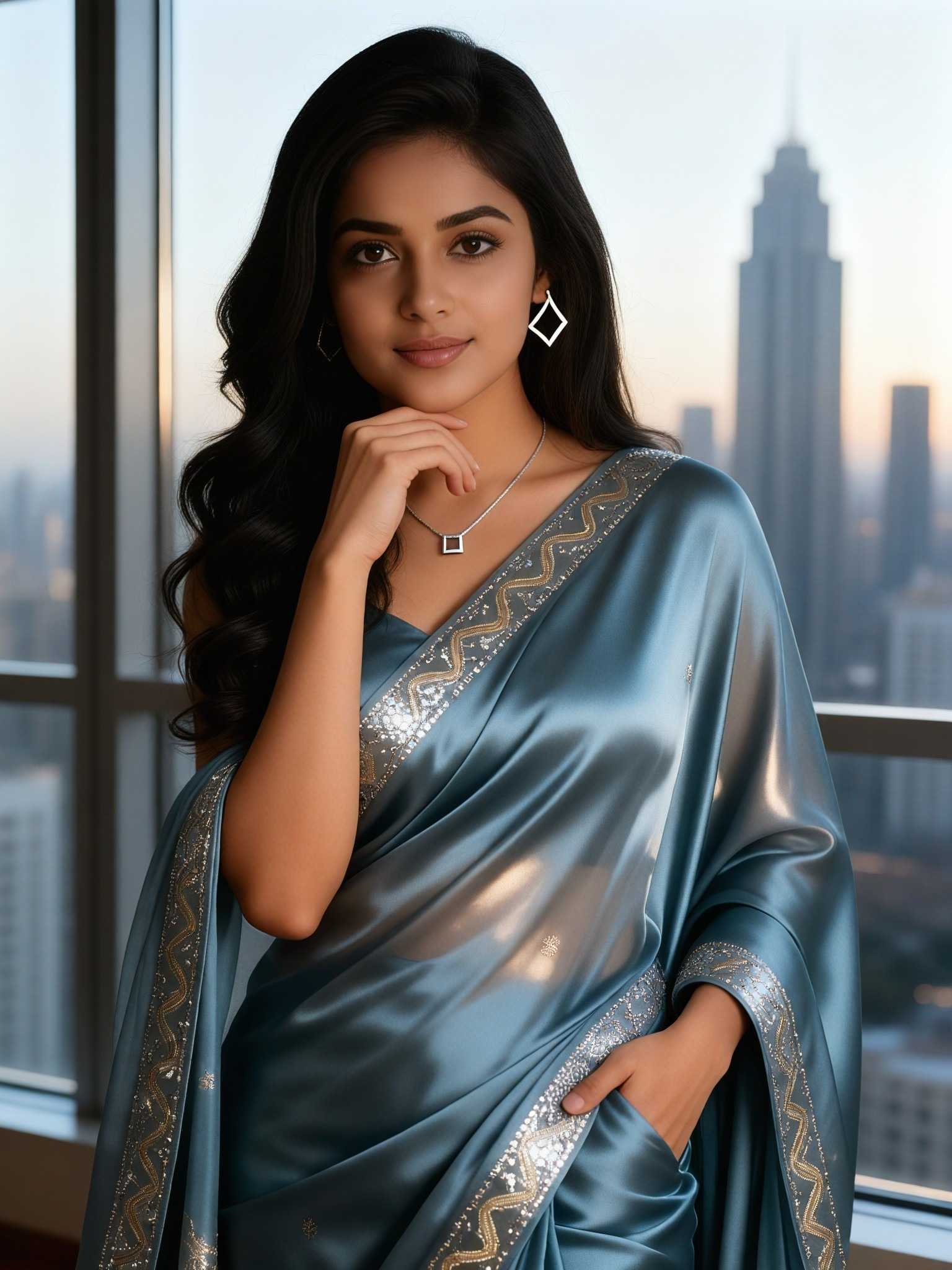
Input
Result
Gilded Sunset Reflection
Melody💗118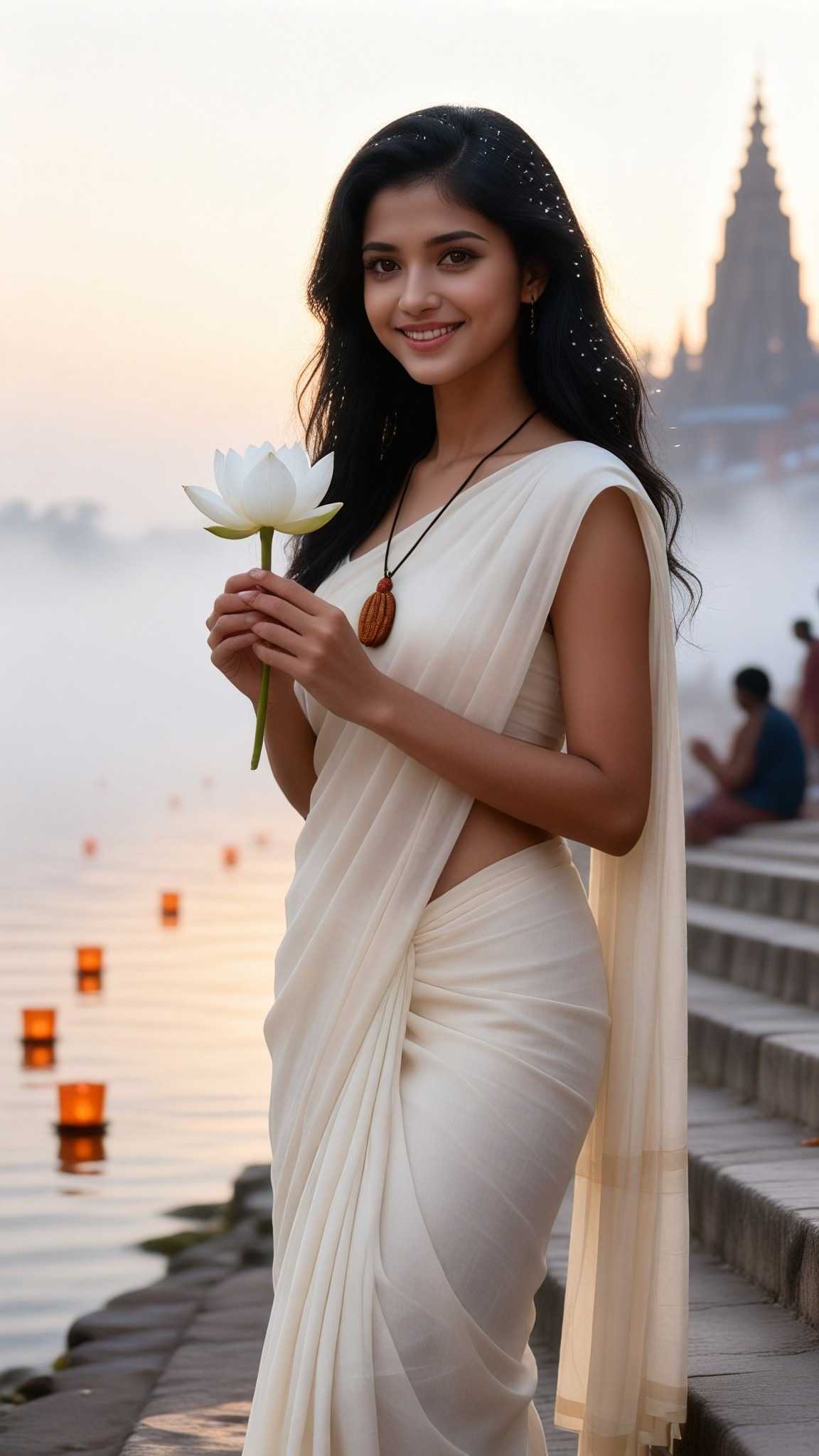
Input
Result
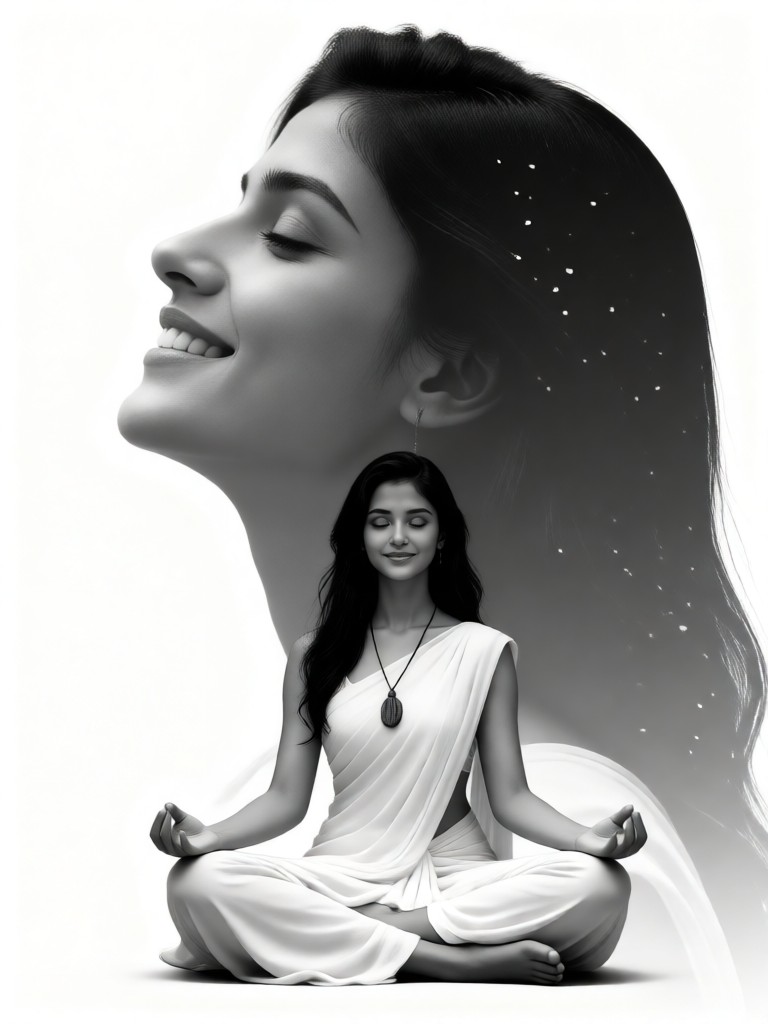
Zen Reflection
Melody💗92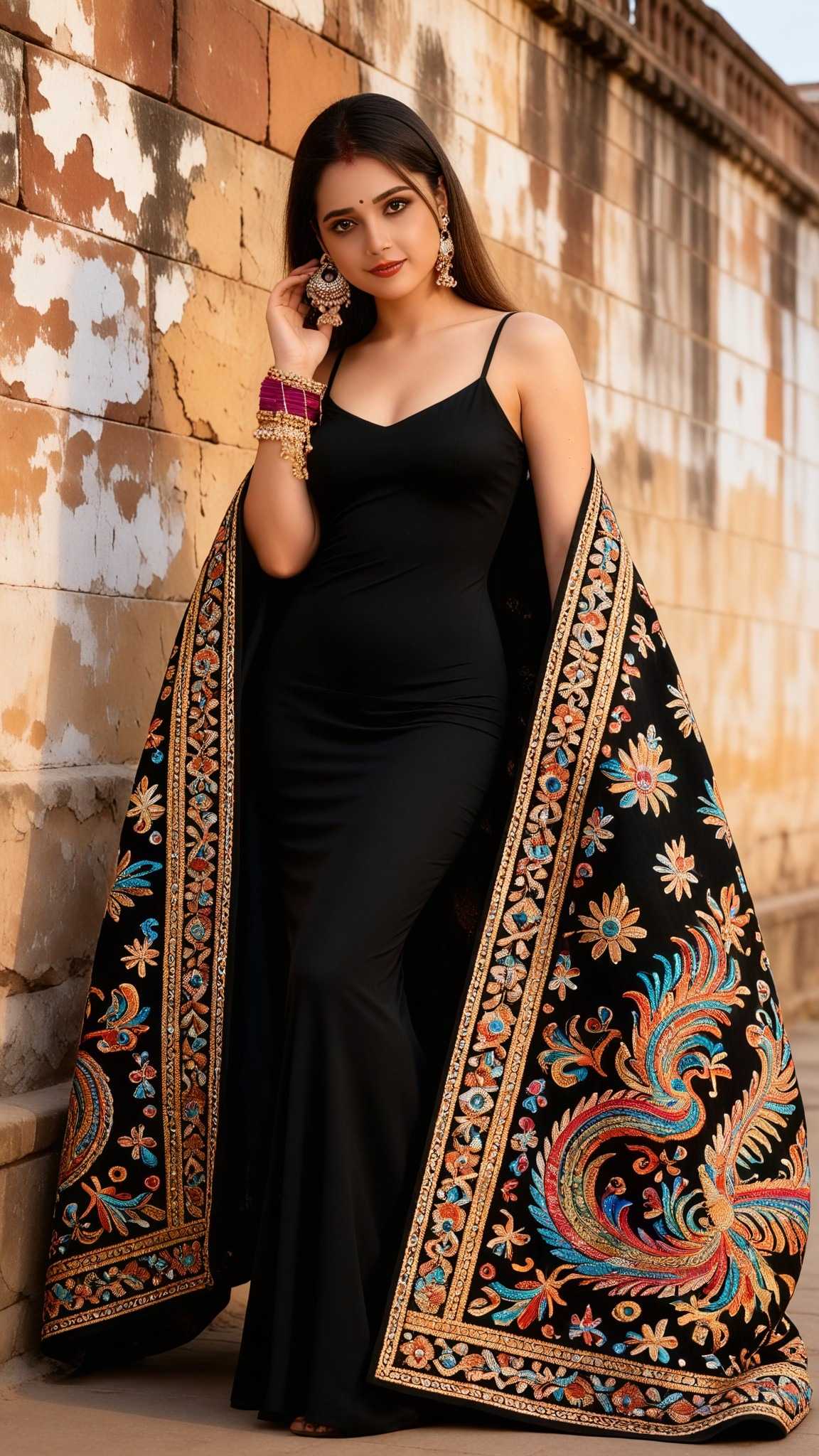
Input
Result
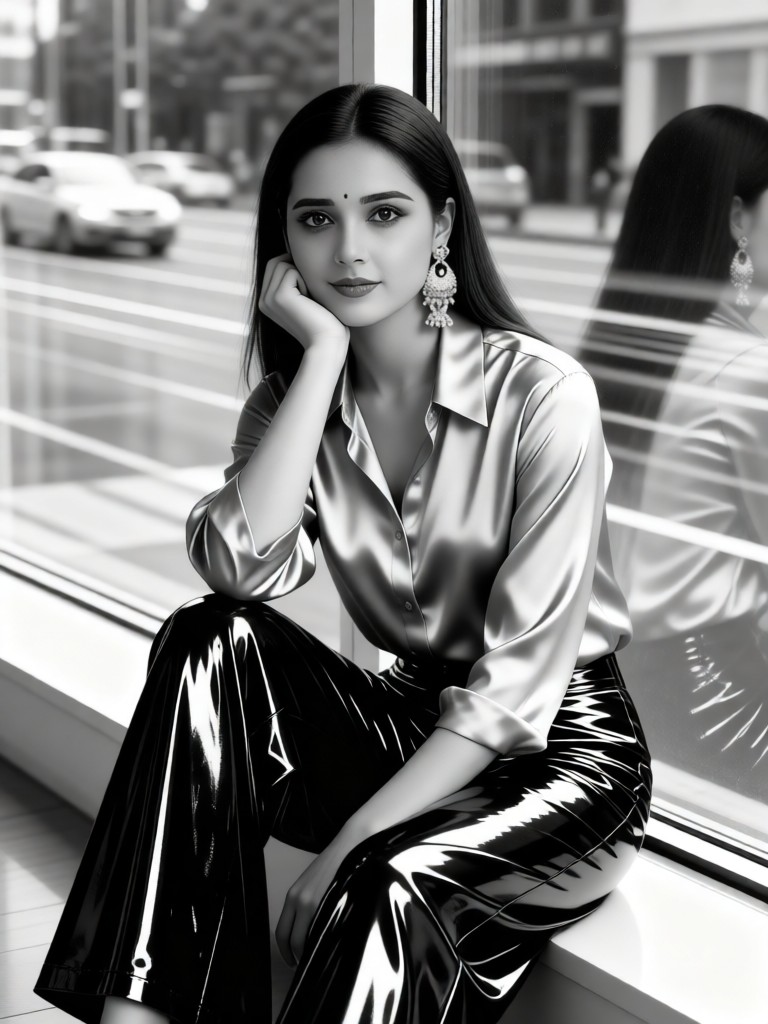
Her Window Reflection
 一个酷酷的man78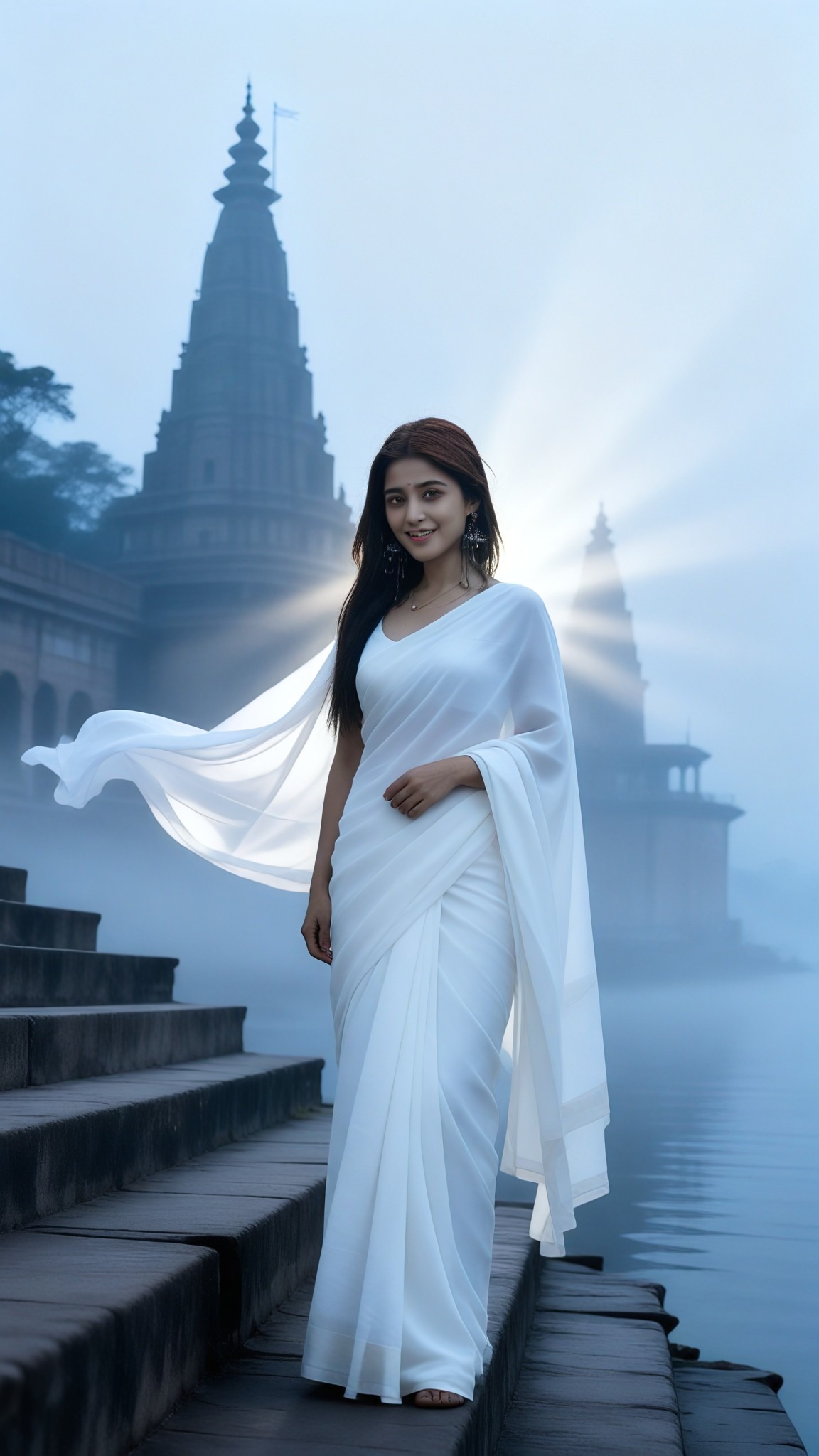
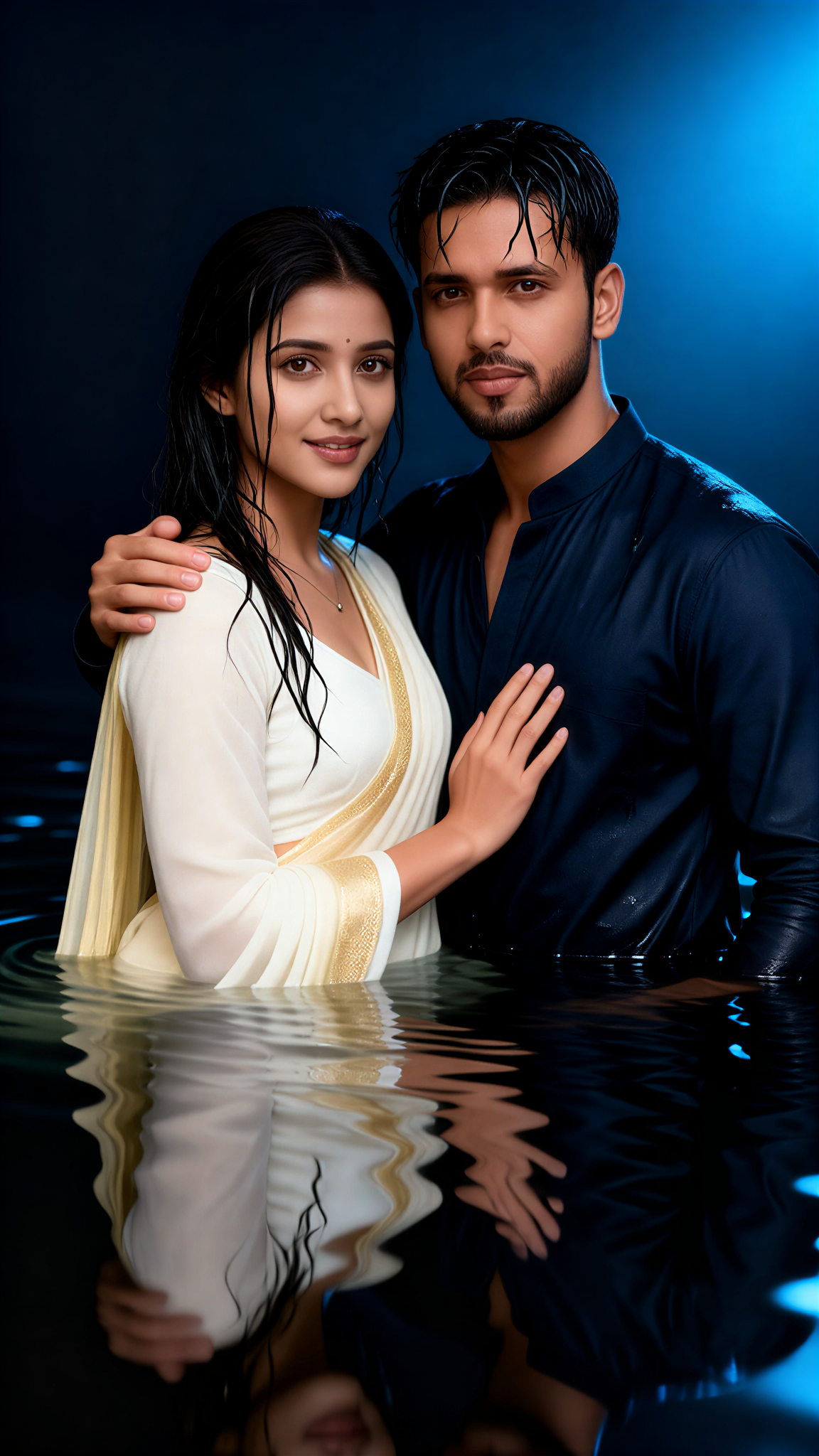
Input
Result
Water Reflection Couple
艺术创作家49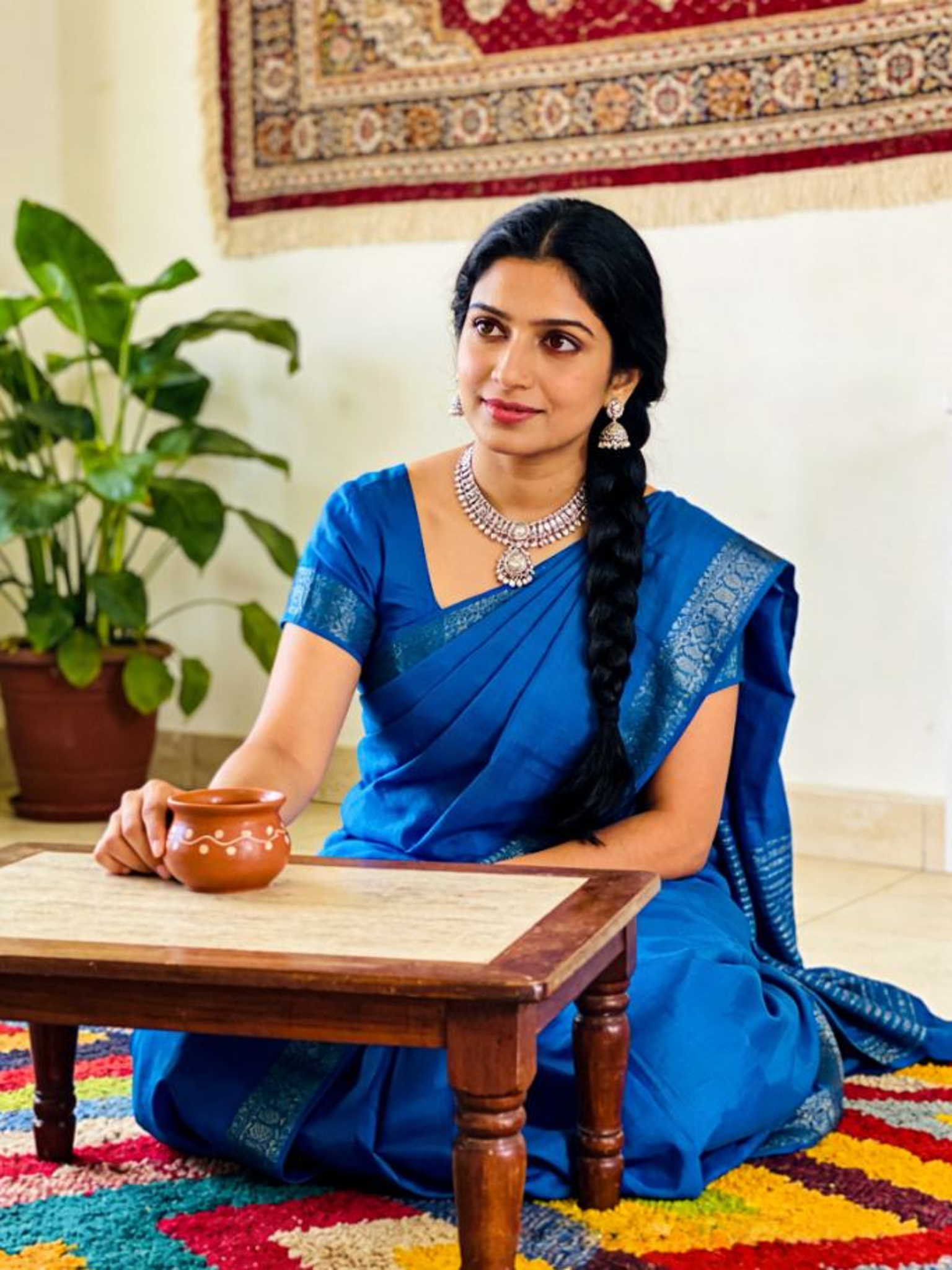
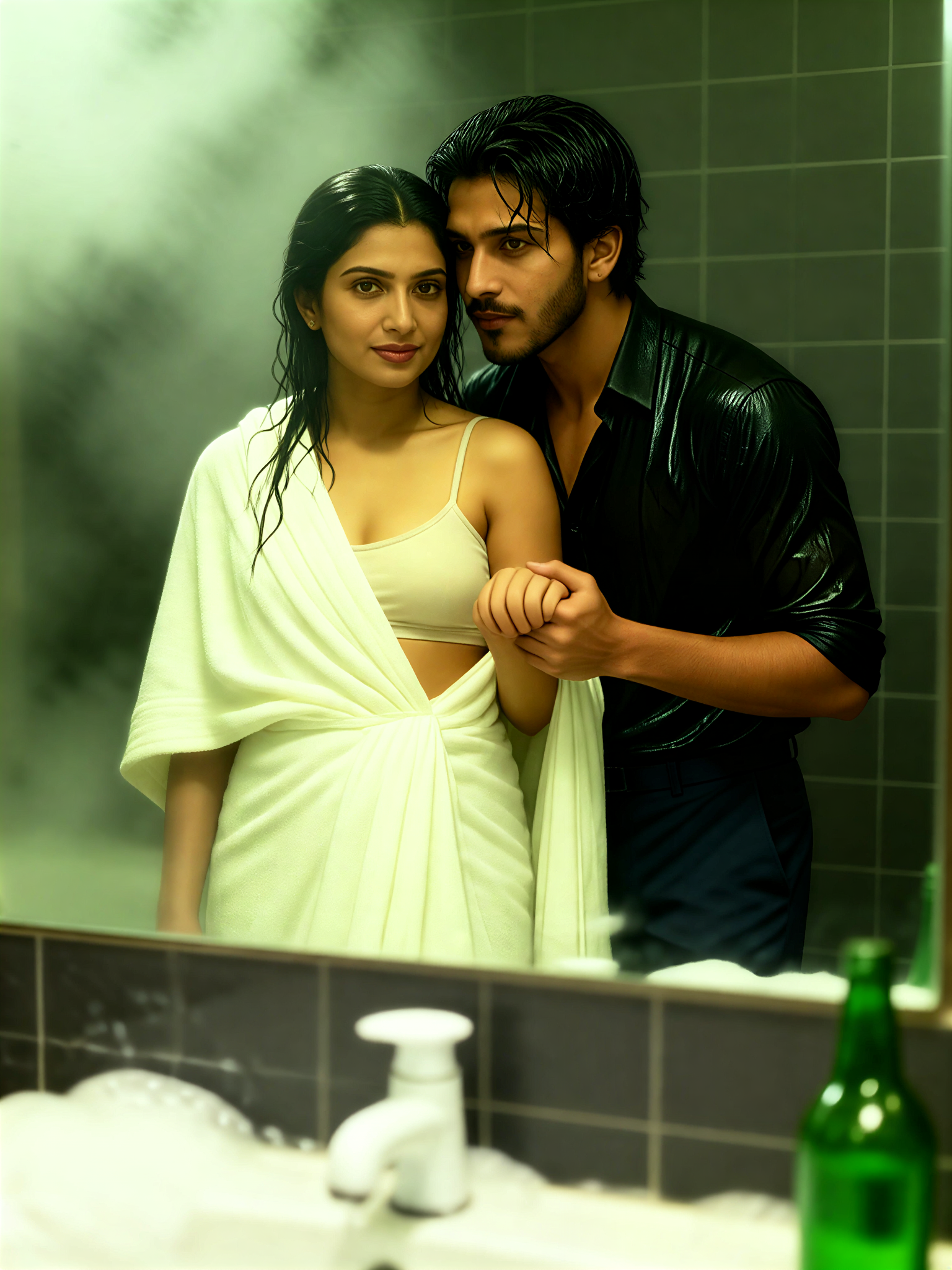
Input
Result
Mirror Robe Reflection
 Mmmmmm.41
AI Generated Reflection Effect Images & Videos
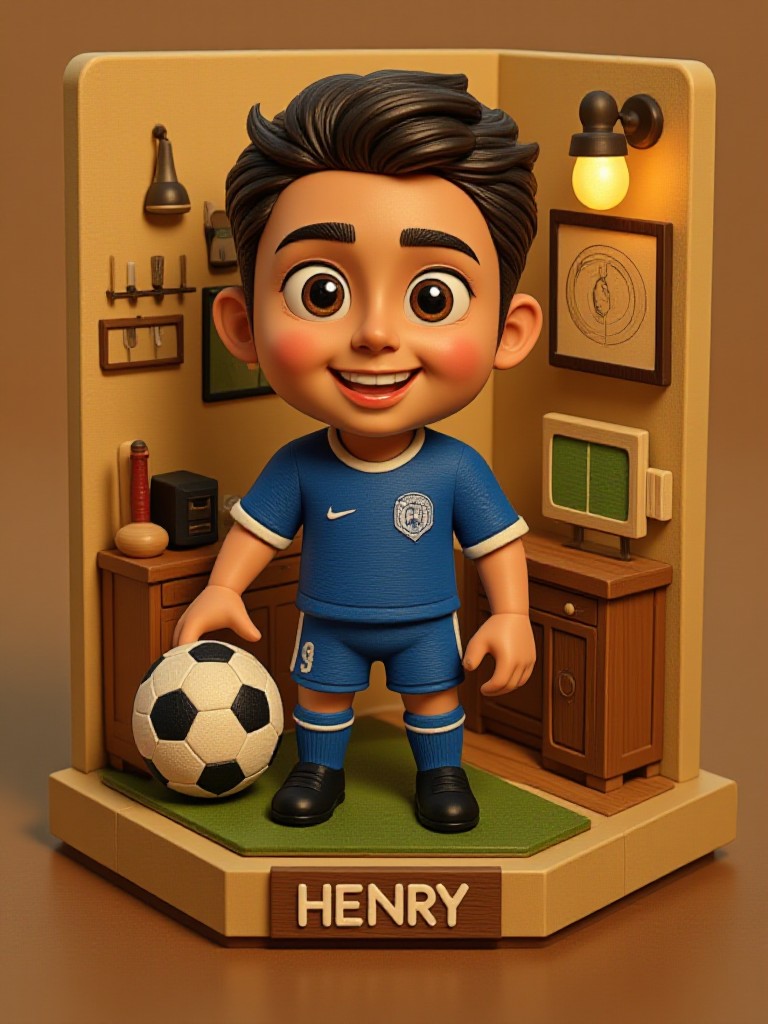
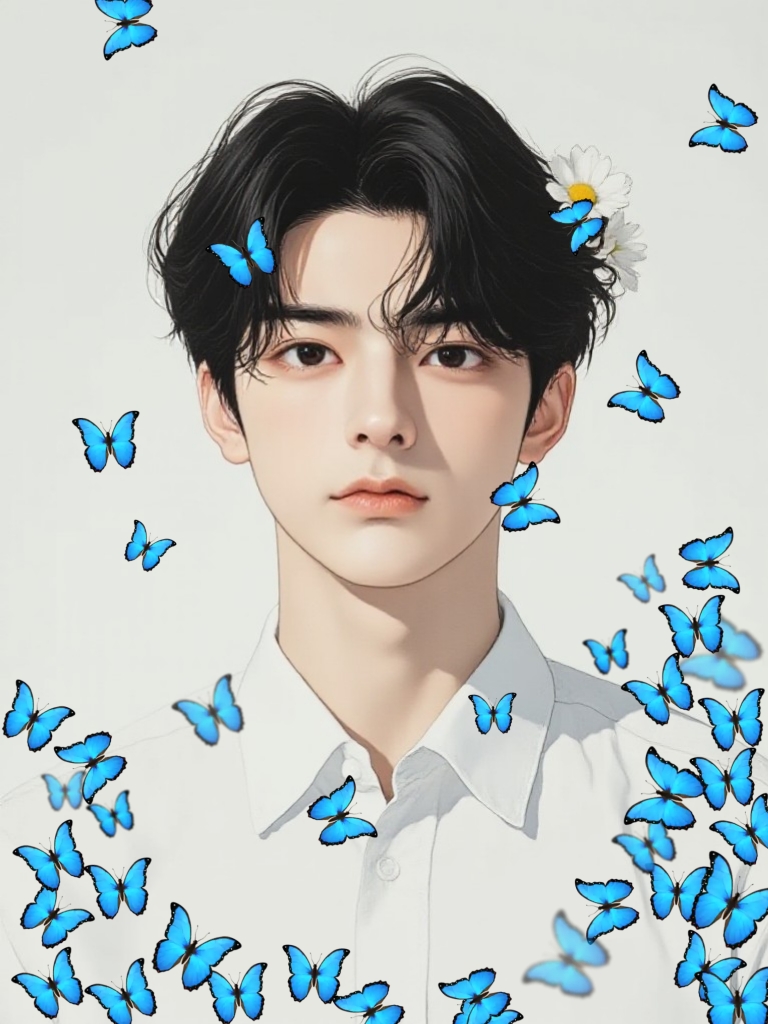
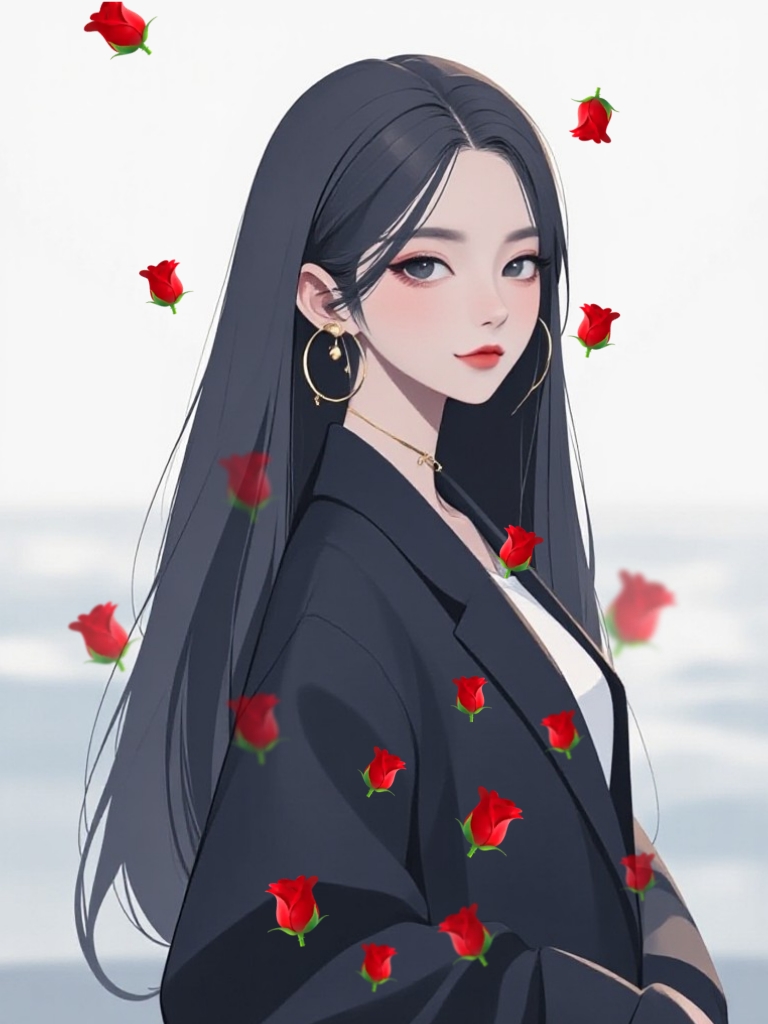
Discover unique and innovative Reflection Effect images and videos created with a1.art Reflection Effect prompts.
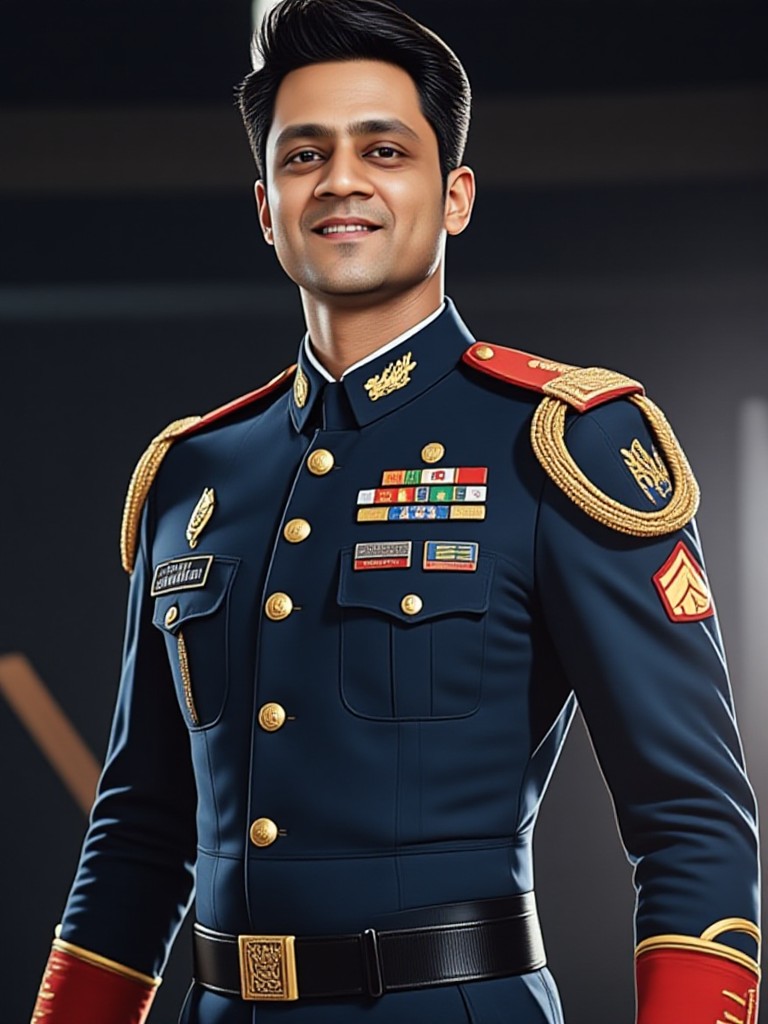
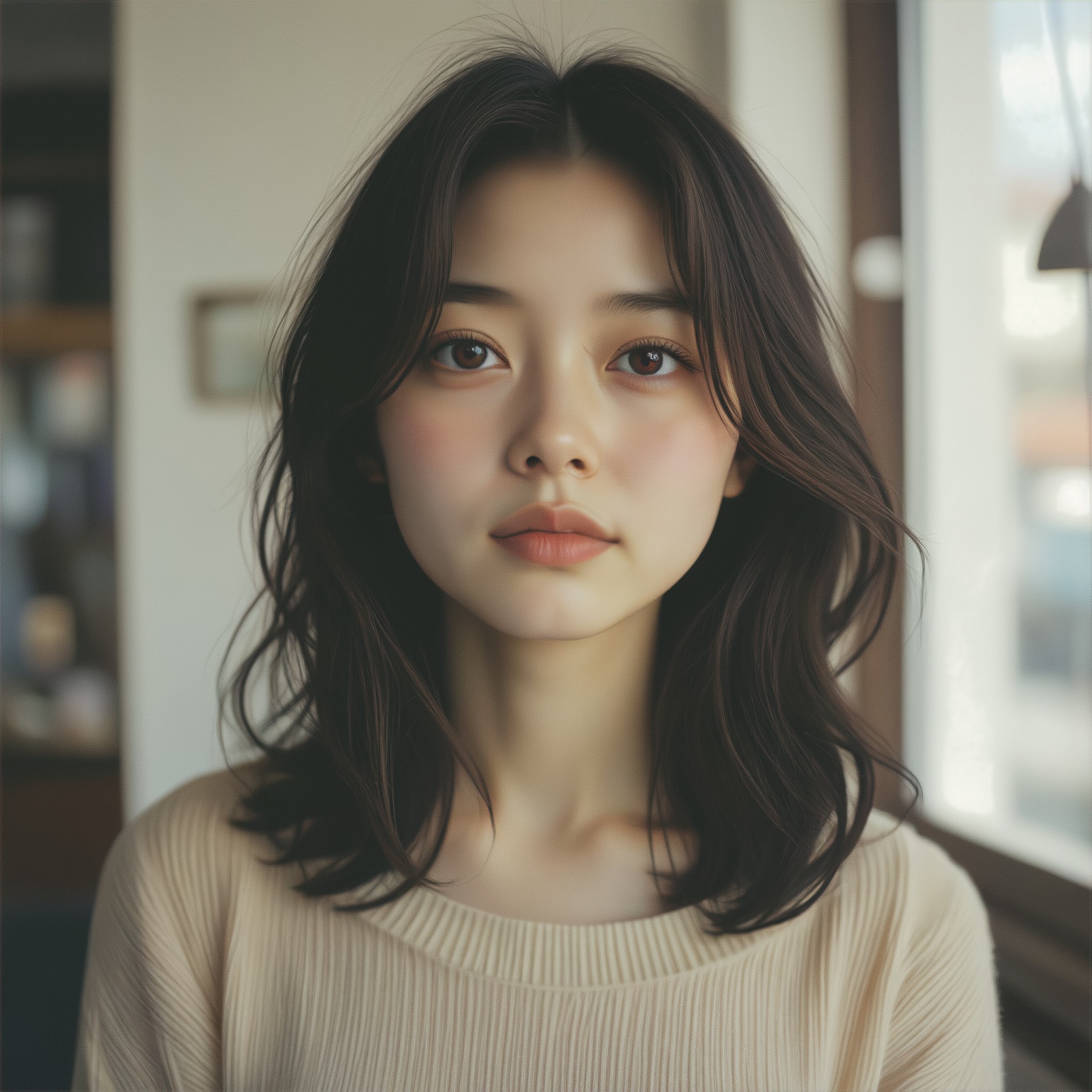
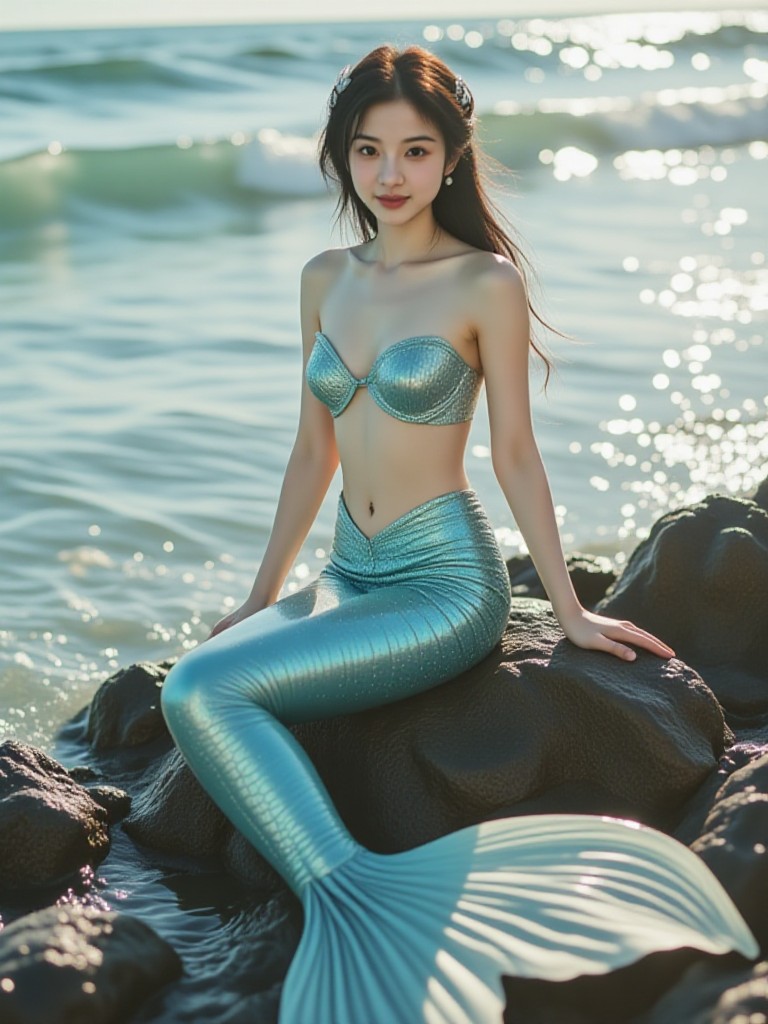
How to Make Reflection Effect AI Image & Video on a1.art?
Step into the future of AI Reflection Effect video and image creation on a1.art.

Step 1
Select the style you want to apply in the Square.

Step 2
Upload the image you want to transform. It can be a photo, hand-drawn sketch.

Step 3
Wait a few seconds and you can easily get your unique AI Reflection Effect art. Download for free!
FAQ about Reflection Effect AI Prompt on a1.art
Discover the secrets to creating Birthday Day videos and images at a1.art.
What types of reflection effects can I create with a1.art?
a1.art allows you to create a wide range of reflection effects, from natural water reflections and polished surfaces to abstract and surreal distortions. You can choose from various styles, including realistic, cinematic, and artistic reflections.
Can I use reflection effect AI prompts for both images and videos?
Yes, a1.art supports both AI image and video generation. You can select your preferred reflection effect prompt and apply it to either static images or dynamic videos, depending on your creative needs.
Are there any limitations on the number of reflection effect prompts I can use?
There are no strict limitations on the number of prompts you can use. However, we offer daily free credits to help you explore different effects, and you can subscribe for additional credits if needed.
How do I get started with reflection effect AI prompts on a1.art?
Getting started is simple! Just visit a1.art, select a reflection effect prompt that inspires you, upload your image or enter a text description, and let our AI generate the visuals. It's fast, easy, and requires no technical expertise.
Does a1.art offer customization options for reflection effects?
Yes, a1.art provides customization options for many of our reflection effect prompts. You can adjust parameters like intensity, distortion, and color to fine-tune the final output to match your vision.


