Container backgroundContainer background
Home/AI Prompts/Reactions

Reactions
AI Prompts

Reactions AI Prompts

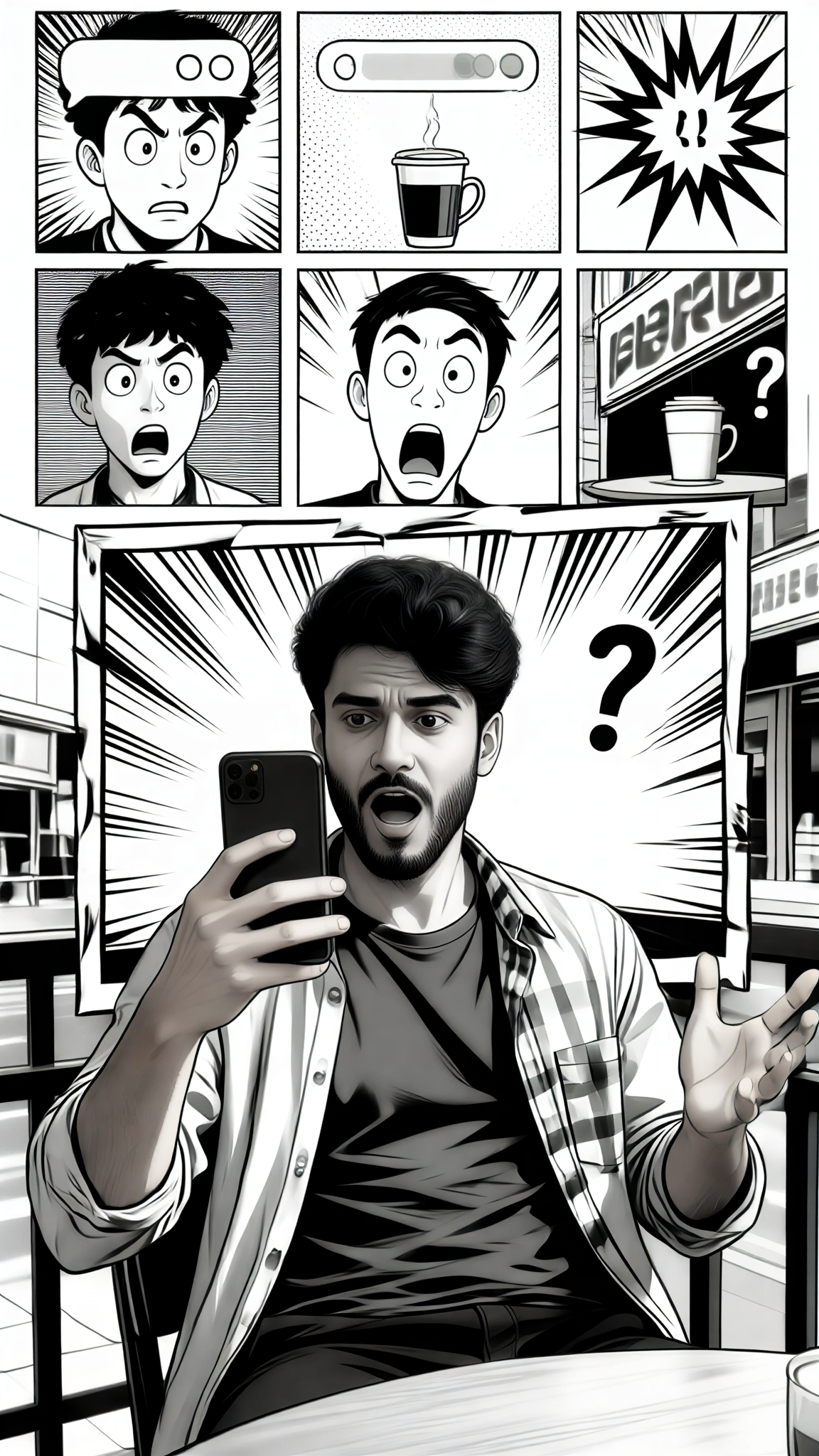
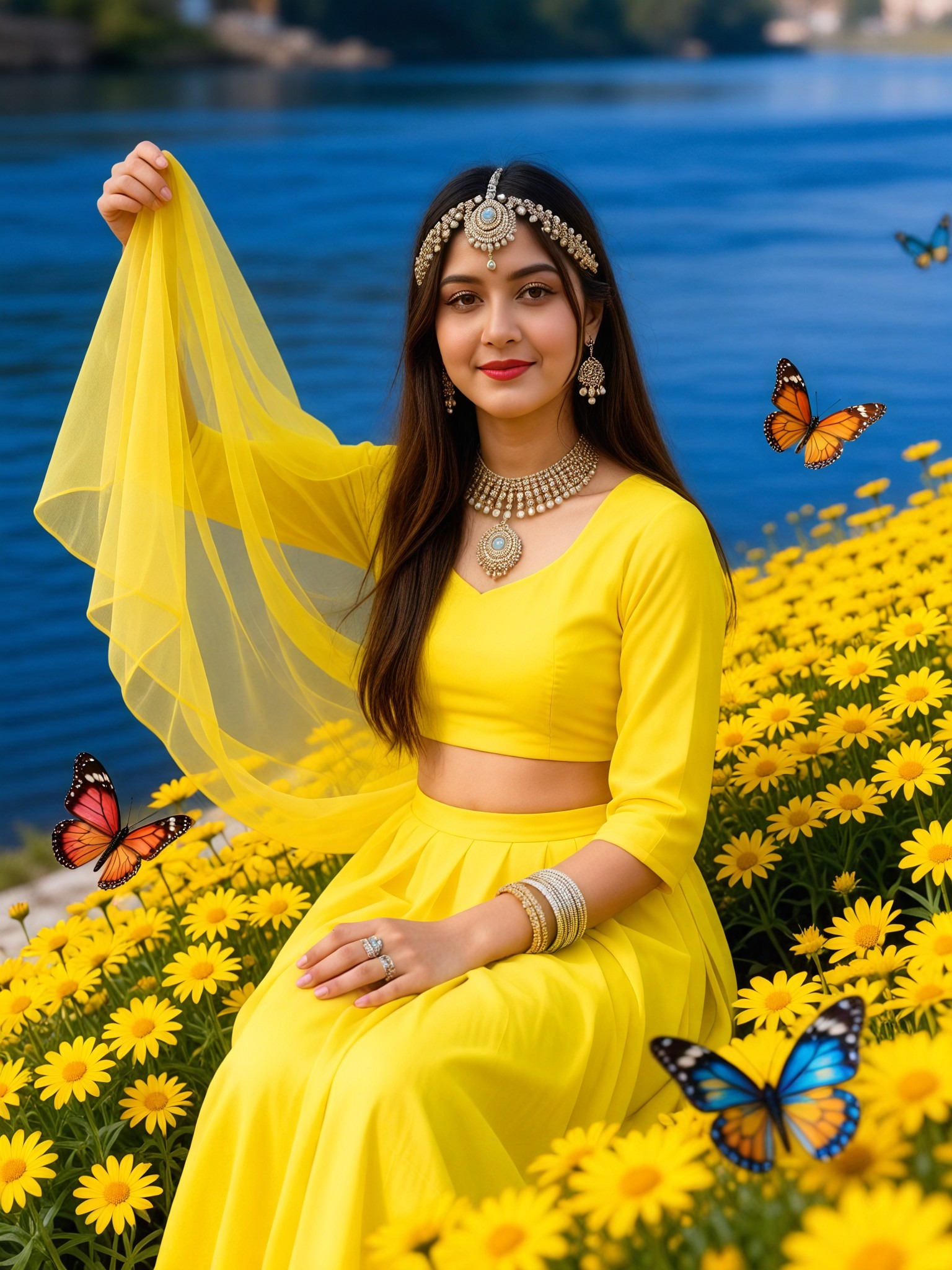
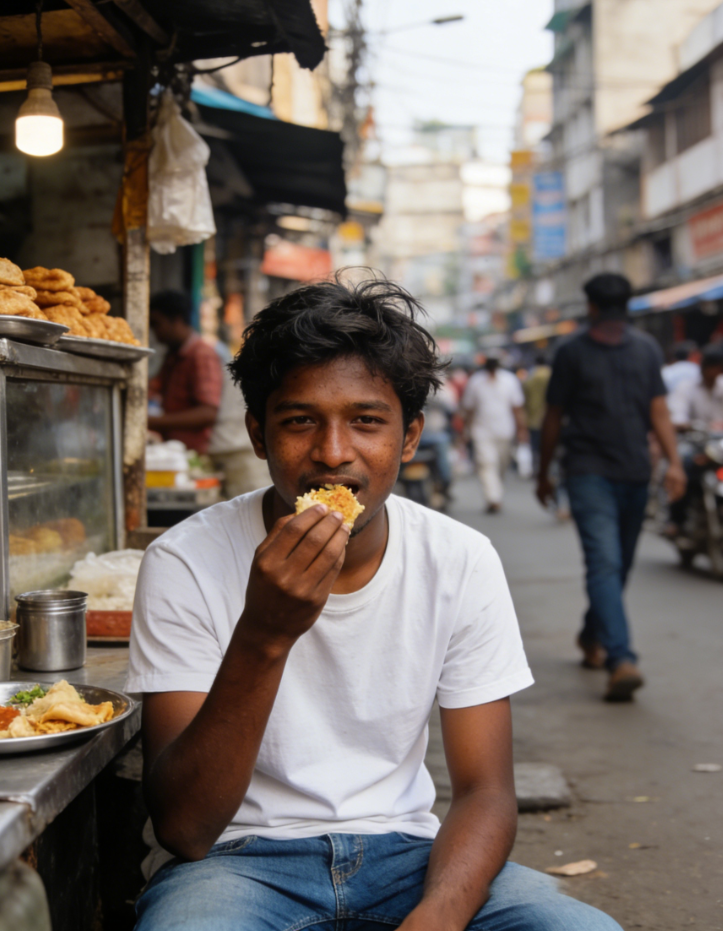
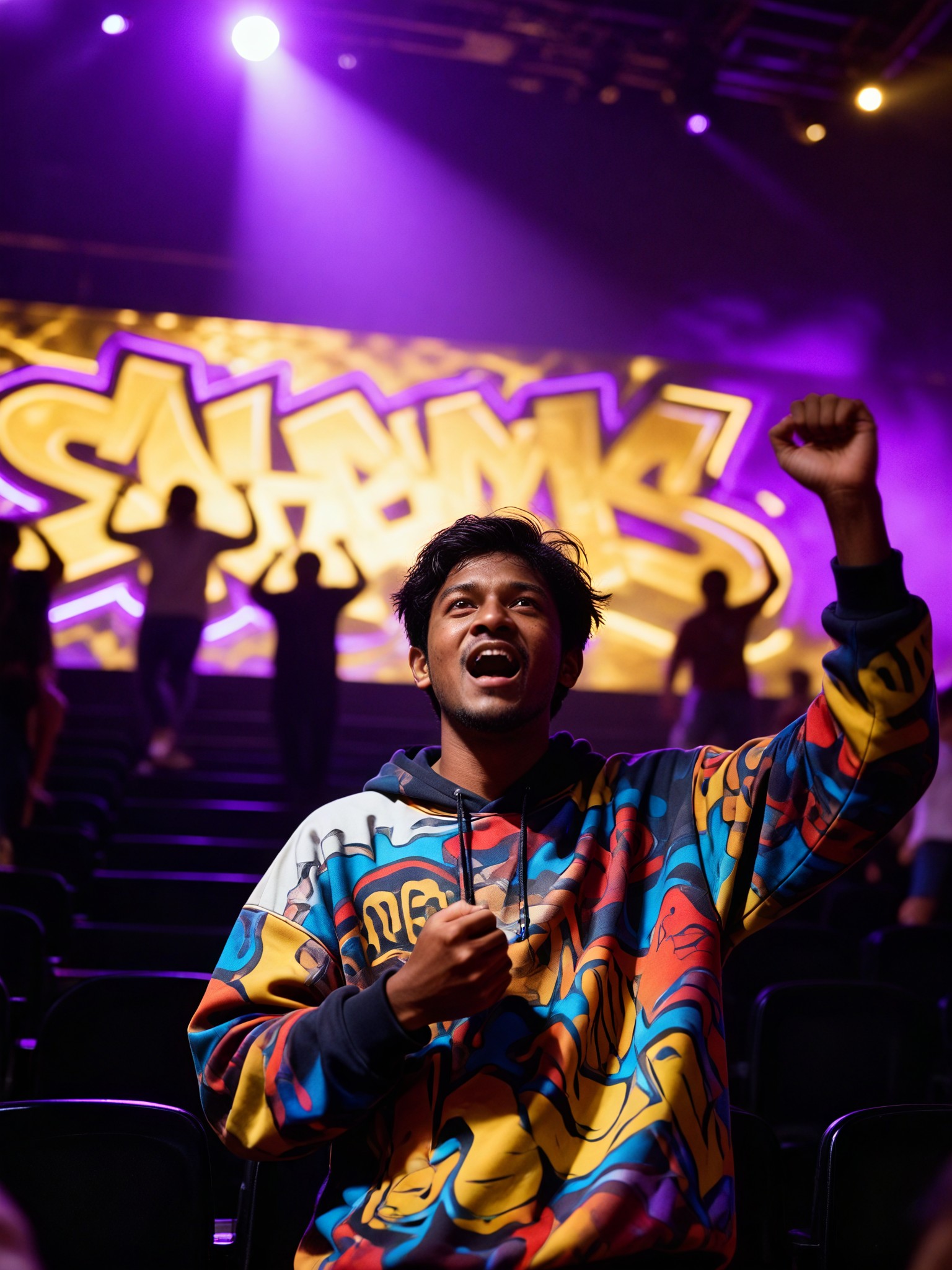
Discover a1.art's reactions AI prompts, where creativity meets cutting-edge technology. Generate stunning images and videos by selecting your favorite effects or entering a text prompt. With daily free credits and subscription options for more, a1.art makes it easy to bring your creative visions to life.
A glowing neon sign with weathered edges, emitting vibrant colors against a dark urban backdrop, ultra-detailed texture, cinematic lighting.
A shattered glass effect with sharp fragments reflecting light, creating a dynamic and chaotic visual, high contrast, realistic reflections.
A flowing liquid metal surface with smooth ripples and reflective highlights, capturing the fluidity of molten materials, soft gradients, metallic sheen.
A rusted metal door with peeling paint, revealing layers of decay and texture, natural erosion, aged patina, dramatic shadows.
A fiery explosion with intense flames and flying embers, capturing the raw power and energy of combustion, bright sparks, dynamic motion.
A cracked earth surface with deep fissures and dry soil, showcasing the harshness of arid environments, rough textures, earthy tones.
Explore more

Get Reactions Videos & Images without Prompt

a1.art offers a large number of filters, allowing you to easily obtain AI videos or images without prompts.
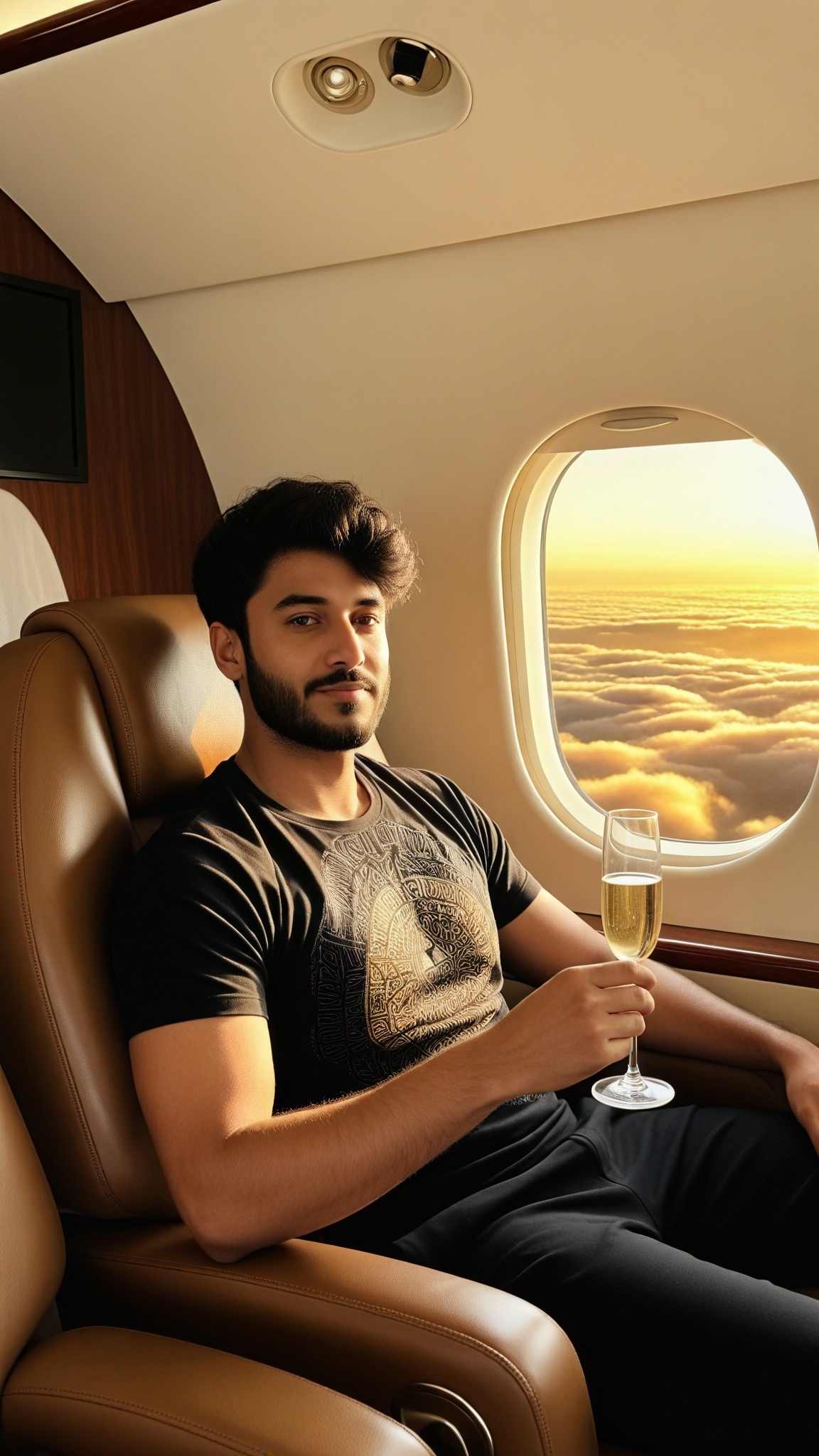
image befor ai generation
A cute 3D rendered cartoon boy, wearing an olive green jacket, khaki shorts, and a beige baseball cap. He has large, expressive eyes, a friendly expression, and carries a brown backpack. He's wearing off-white sneakers. The style is reminiscent of 3D cartoon character design, with smooth, polished textures and no visible brushstrokes. The background is a simple beige color, focusing all attention on the character. The lighting is soft and even, creating a warm and pleasant atmosphere. The overall style is cheerful and friendly, suitable for children's products or game character design. The image is rendered in a style similar to contemporary 3D animation character design. Think of the clean lines and smooth surfaces of Pixar-style animation, but with a slightly more realistic rendering of the materials.
cute 3D cartoon boy image
Input
Result
cute 3D cartoon boy
夢境畫境Dreamscape Canva headshot夢境畫境Dreamscape Canva
playicon16.5k
image befor ai generation
 TGG-证件照 image
Input
Result
TGG-证件照
T
TGG
playicon4.7k
image befor ai generation
Manga filter image
Input
Result
Manga filter
winter solstice headshotwinter solstice
playicon236.1k
image befor ai generation
Pink filter image
Input
Result
Pink filter
winter solstice headshotwinter solstice
playicon2.3k
squirrel
Furry art generator image
Input
Result
Furry art generator
winter solstice headshotwinter solstice
playicon468
image befor ai generation
潦草艺术 image
Input
Result
潦草艺术
A
Art8129xzp8zkyy
playicon35
Medium shot,A regal female knight in ornate silver armor stands amidst a field of blooming red roses. The knight holds a single rose delicately in her gauntleted hand, gazing down at it with a soft expression. Her long, flowing hair is adorned with small rose petals, carried by a gentle breeze. At her side, a large shield decorated with intricate engravings of roses rests against her leg. The sunlight filters through the petals, casting a warm, golden glow over the scene, enhancing the romantic yet powerful atmosphere.  anime_martz,  DB4RZ, DB4RZ style painting,
AI Art Generator image
Input
Result
AI Art Generator
CC headshotCC
playicon5.4k
image befor ai generation
Anime filter image
Input
Result
Anime filter
aha! headshotaha!
playicon991

How to Make Reactions AI Image & Video on a1.art?

Step into the future of AI Reactions video and image creation on a1.art.

a1.art tutorial Step 1
Step 1
Select the style you want to apply in the Square.

a1.art tutorial Step 2
Step 2
Upload the image you want to transform . It can be a photo, hand-drawn sketch.

a1.art tutorial Step 3
Step 3
Wait a few seconds and you can easily get your unique AI Reactions art. Download for free!

FAQ about Reactions AI Prompt on a1.art

Discover the secrets to creating Reactions videos and images at a1.art.

What are reactions AI prompts?

Reactions AI prompts are pre-designed visual effects or filters that you can apply to your images or videos. These prompts help generate unique and creative outputs based on your input, whether it's an image or a text description.

Can I use reactions AI prompts to create videos?

Yes, a1.art supports both AI image and video generation. You can select the appropriate prompts to create either static images or dynamic videos, depending on your needs.

How do I access reactions AI prompts on a1.art?

Accessing reactions AI prompts is simple. After logging in, navigate to the prompt selection area where you'll find a variety of options categorized by style and effect. Choose one that matches your vision and start generating!

Are there any limitations on using reactions AI prompts?

While a1.art offers a wide range of prompts, some advanced features may require a subscription for additional credits. However, we provide daily free login credits to ensure everyone can explore and experiment.

Can I customize reactions AI prompts?

Currently, our reactions AI prompts are pre-designed for ease of use. However, we are continuously working on adding more customization options to give users greater control over their creations.

Container background

Make Reactions AI Image & Video on a1.art APP

Download the app to explore Reactions AI image & video filters, faster processing, and personalized features. Whether you want creative images or stunning videos, the app makes it easier.