Container backgroundContainer background
Home/AI Prompts/Project

Project
AI Prompts

Project AI Prompts

Discover a1.art, the ultimate AI-powered image and video generator designed to bring your project ideas to life. With curated project AI prompts, you can effortlessly create stunning visuals by uploading an image or entering a text prompt. Enjoy daily free credits and unlock more with subscriptions for endless creative possibilities.
A futuristic cityscape with neon-lit skyscrapers, glowing holographic displays, and flying vehicles, cinematic lighting, ultra-detailed textures.
A weathered wooden door with intricate carvings, surrounded by lush greenery and dappled sunlight, rustic charm, natural erosion effects.
A crystal-clear waterfall cascading over jagged rocks, with mist rising in the air, vibrant colors, and detailed water reflections.
An ancient stone temple covered in moss and vines, featuring towering columns and mysterious symbols, atmospheric lighting, aged textures.
A bustling medieval marketplace with colorful stalls, vendors selling fresh produce, and townsfolk in period clothing, lively atmosphere, dynamic composition.
A serene mountain lake reflecting the surrounding peaks, with soft clouds in the sky and gentle ripples on the water surface, tranquil ambiance, high-definition clarity.
Explore more

Get Project Videos & Images without Prompt

a1.art offers a large number of filters, allowing you to easily obtain AI videos or images without prompts.
image befor ai generation
A cute 3D rendered cartoon boy, wearing an olive green jacket, khaki shorts, and a beige baseball cap. He has large, expressive eyes, a friendly expression, and carries a brown backpack. He's wearing off-white sneakers. The style is reminiscent of 3D cartoon character design, with smooth, polished textures and no visible brushstrokes. The background is a simple beige color, focusing all attention on the character. The lighting is soft and even, creating a warm and pleasant atmosphere. The overall style is cheerful and friendly, suitable for children's products or game character design. The image is rendered in a style similar to contemporary 3D animation character design. Think of the clean lines and smooth surfaces of Pixar-style animation, but with a slightly more realistic rendering of the materials.
cute 3D cartoon boy image
Input
Result
cute 3D cartoon boy
夢境畫境Dreamscape Canva headshot夢境畫境Dreamscape Canva
playicon15.8k
image befor ai generation
Blue Bikini Beauty image
Input
Result
Blue Bikini Beauty
r
rrx
playicon6.9k
image befor ai generation
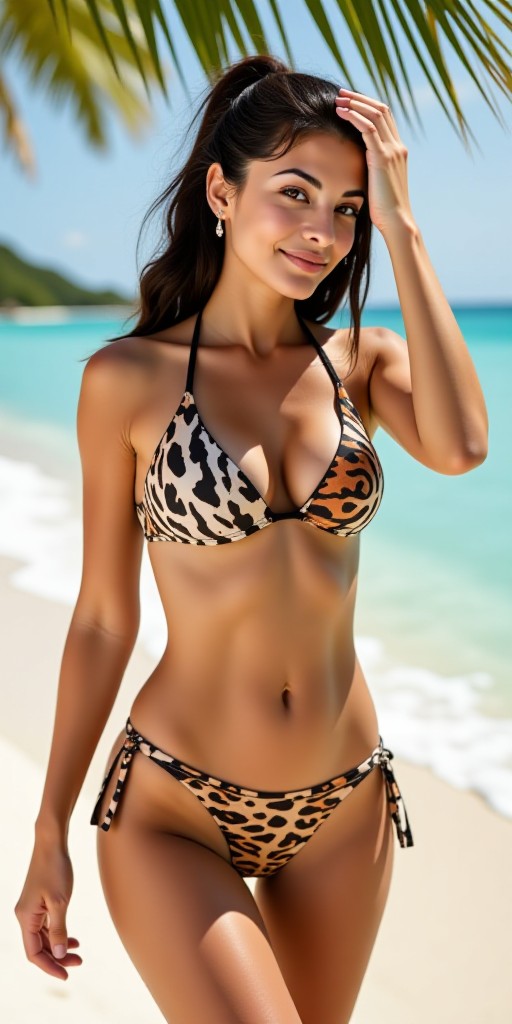
Girls in animal bikinis 👙🔥 image
Input
Result
Girls in animal bikinis 👙🔥
Hfdfh headshotHfdfh
playicon508
image befor ai generation
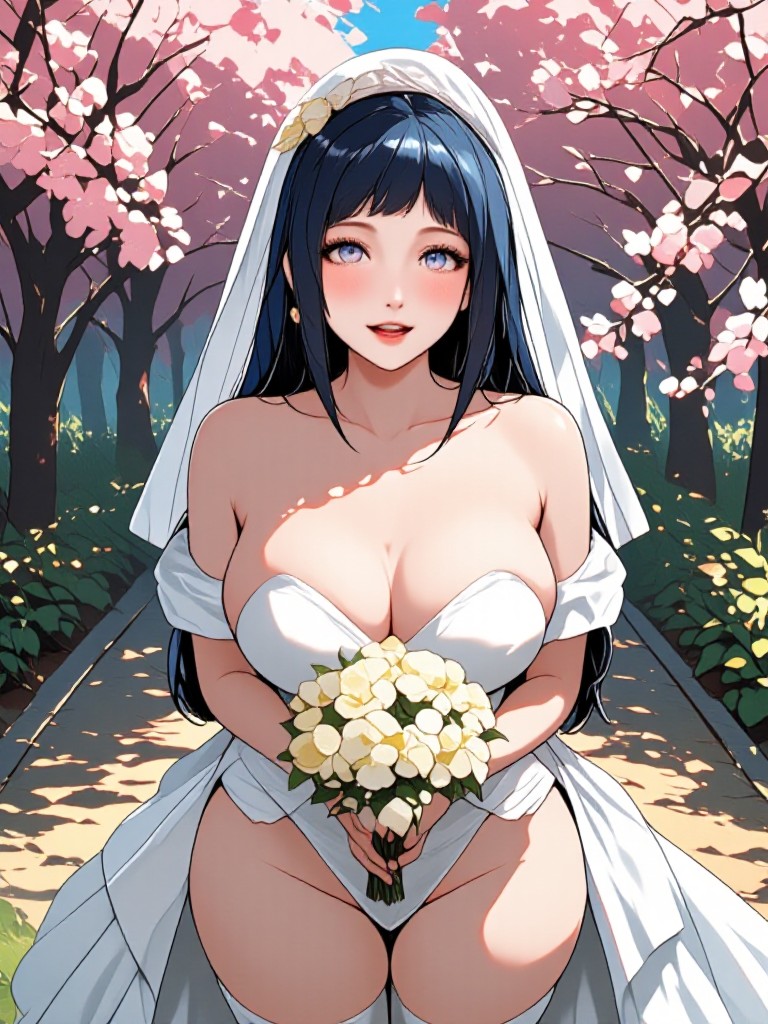
Hinata Bride image
Input
Result
Hinata Bride
R‘e headshotR‘e
playicon226
image befor ai generation
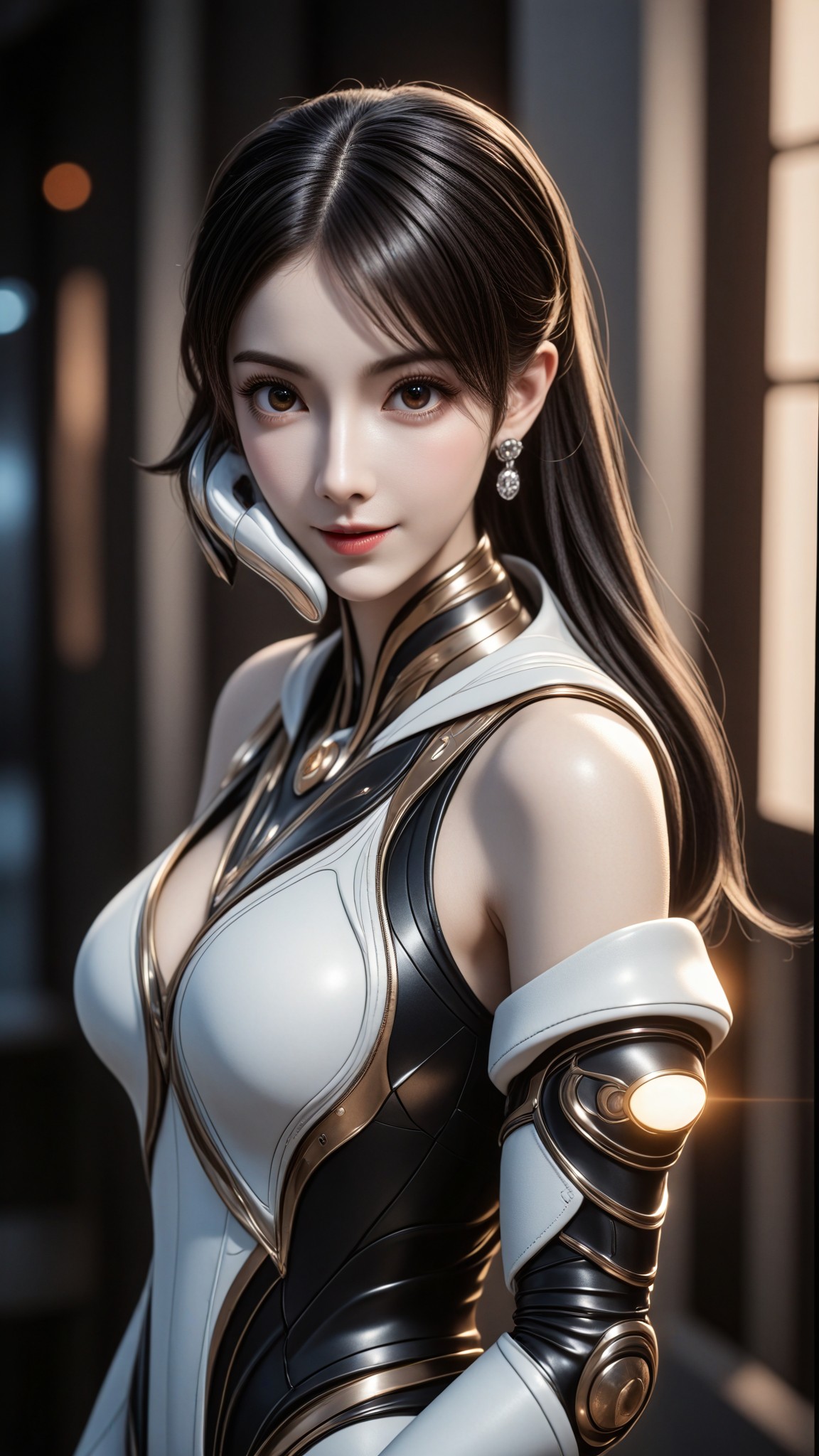
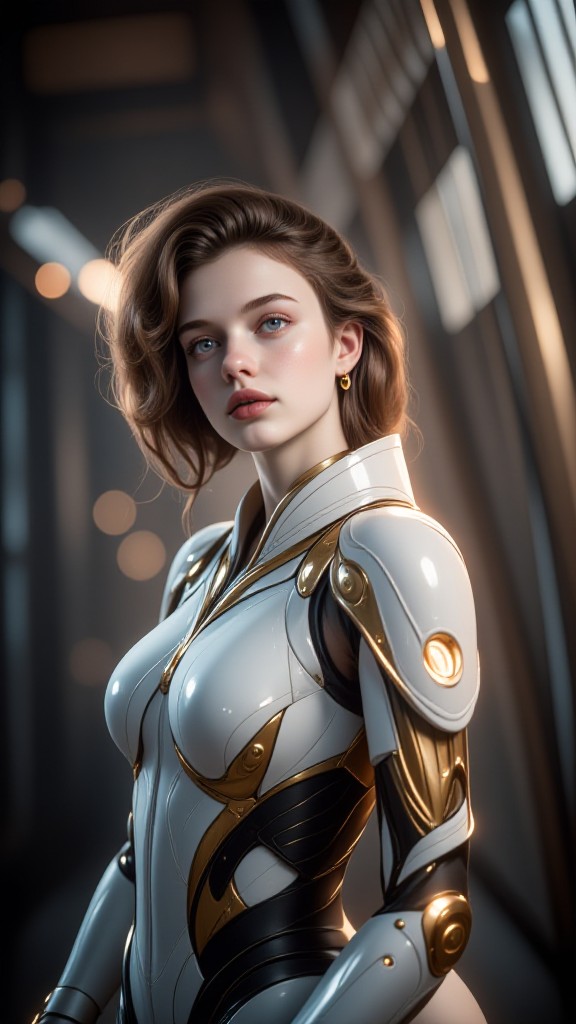
Sci fi Beauty x Fantasy Realism Portrait Combination "Divine Domain Project: Star Ring Observer" image
Input
Result
Sci fi Beauty x Fantasy Realism Portrait Combination "Divine Domain Project: Star Ring Observer"
創意無限小林哥 headshot創意無限小林哥
playicon187
image befor ai generation
M image
Input
Result
M
h
h39es8mb3dmw
playicon166
image befor ai generation
Quick release (remix) image
Input
Result
Quick release (remix)
Dhiraj prompt  headshotDhiraj prompt
playicon145
image befor ai generation
生成油画人像 image
Input
Result
Short hair, cool and moldy
A
Art0197mqpk588m
playicon140

How to Make Project AI Image & Video on a1.art?

Step into the future of AI Project video and image creation on a1.art.

a1.art tutorial Step 1
Step 1
Select the style you want to apply in the Square.

a1.art tutorial Step 2
Step 2
Upload the image you want to transform . It can be a photo, hand-drawn sketch.

a1.art tutorial Step 3
Step 3
Wait a few seconds and you can easily get your unique AI Project art. Download for free!

FAQ about Project AI Prompt on a1.art

Discover the secrets to creating Project videos and images at a1.art.

What types of projects can I create with a1.art?

With a1.art, you can create a wide range of projects including images, videos, and visual art pieces. Whether you're designing promotional materials, crafting digital artwork, or generating content for social media, our AI prompts help you achieve professional-quality results.

How do I use project AI prompts on a1.art?

Using project AI prompts is simple. Just select a prompt that matches your vision, upload an image or enter a text description, and let a1.art's advanced AI technology transform your input into stunning visuals. You can also customize the output with various filters and effects.

Are there any limitations on the number of projects I can create?

a1.art offers daily free login credits for creating projects, and you can earn additional credits by subscribing. There are no strict limitations on the number of projects you can create, but premium features may require a subscription for enhanced capabilities.

Can I download my project creations?

Yes, all project creations generated on a1.art can be downloaded in high resolution. You have full access to your files, allowing you to use them for personal or commercial purposes without any restrictions.

Is a1.art suitable for both beginners and professionals?

Absolutely! a1.art is designed to cater to users of all skill levels. Beginners will appreciate the intuitive interface and guided prompts, while professionals can leverage advanced customization options to refine their creations. It's a versatile tool for everyone.

Container background

Make Project AI Image & Video on a1.art APP

Download the app to explore Project AI image & video filters, faster processing, and personalized features. Whether you want creative images or stunning videos, the app makes it easier.