


Get Pale Skin Videos & Images without Prompt
a1.art offers a large number of filters, allowing you to easily obtain AI videos or images without prompts.
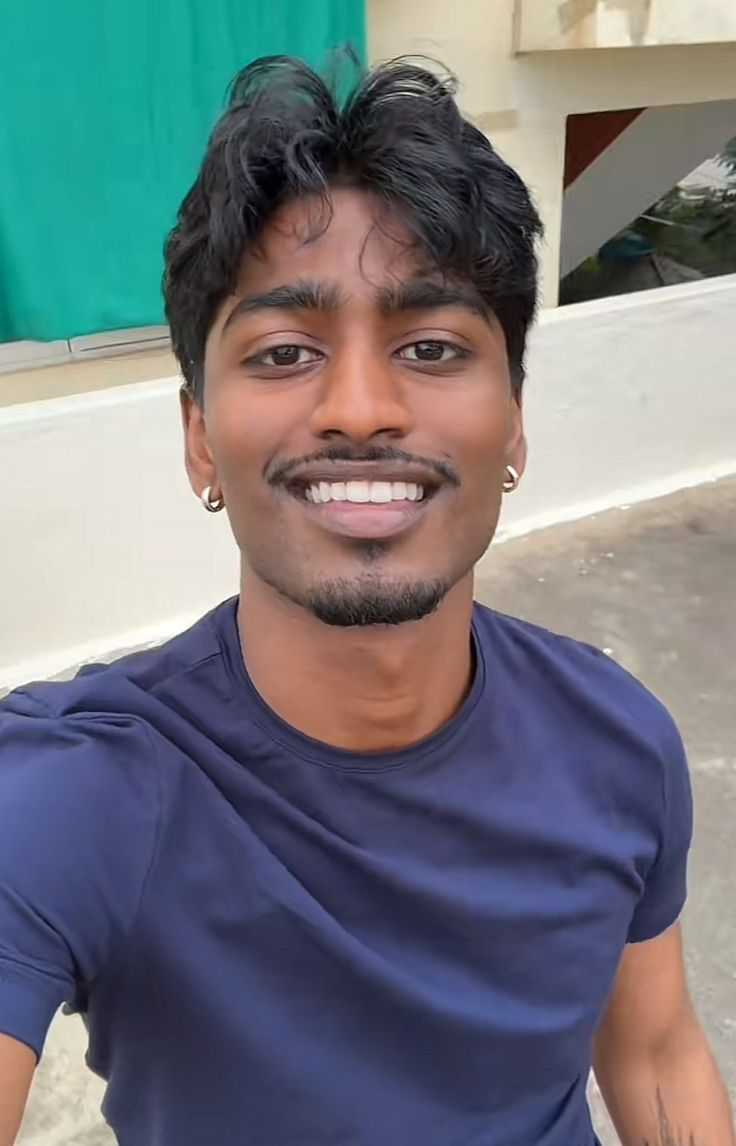
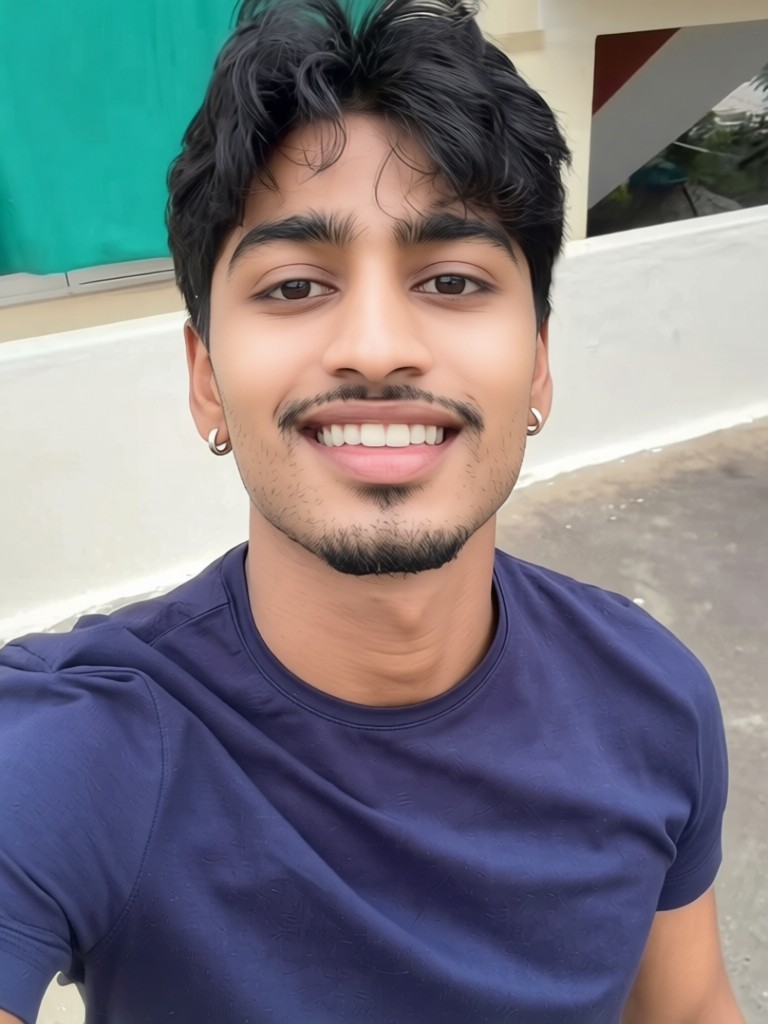
Input
Result
Skin whitening
 CC
CC 1.2k
1.2k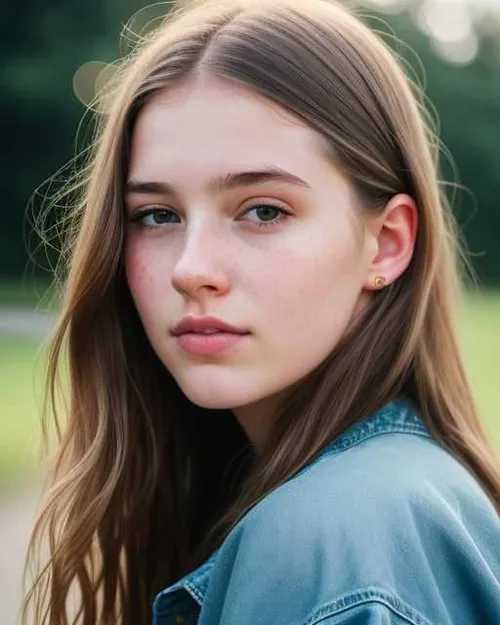
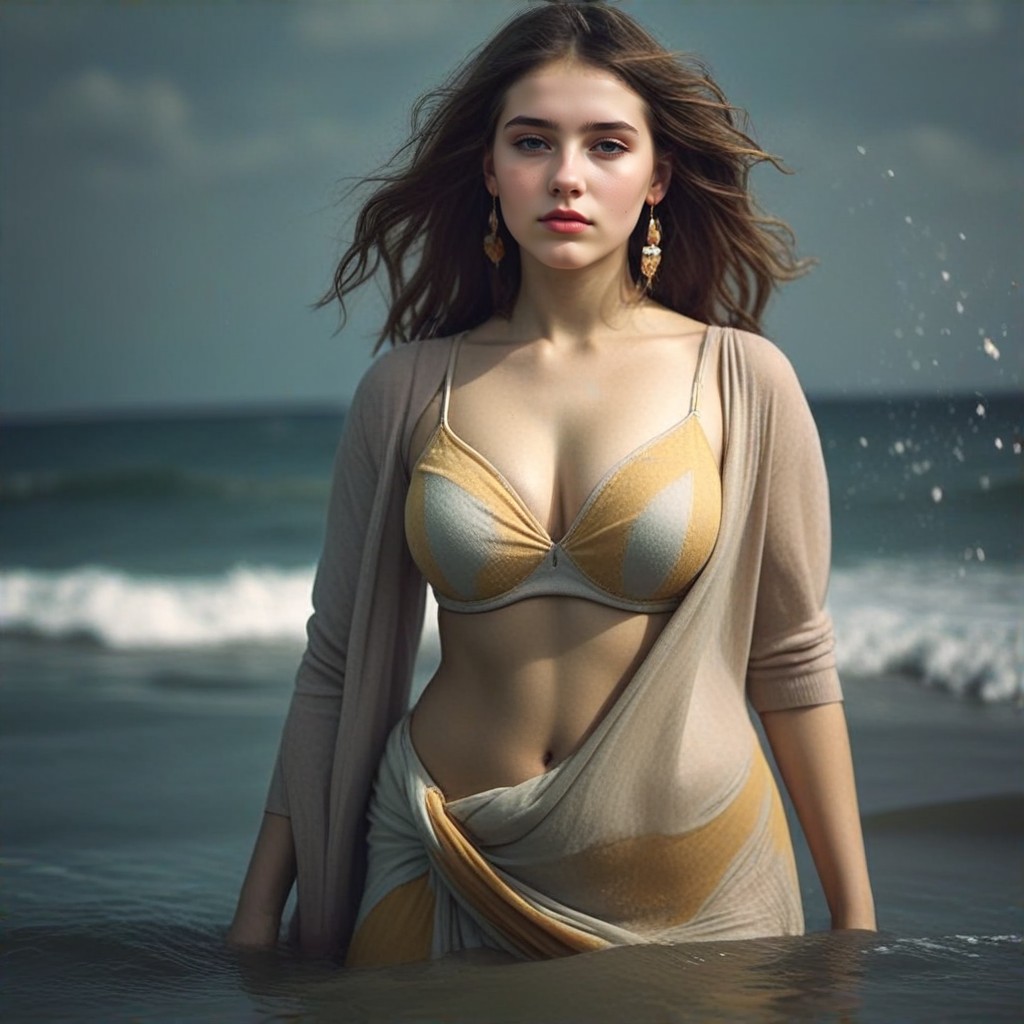
Input
Result
Seashore
 Devinci. art660
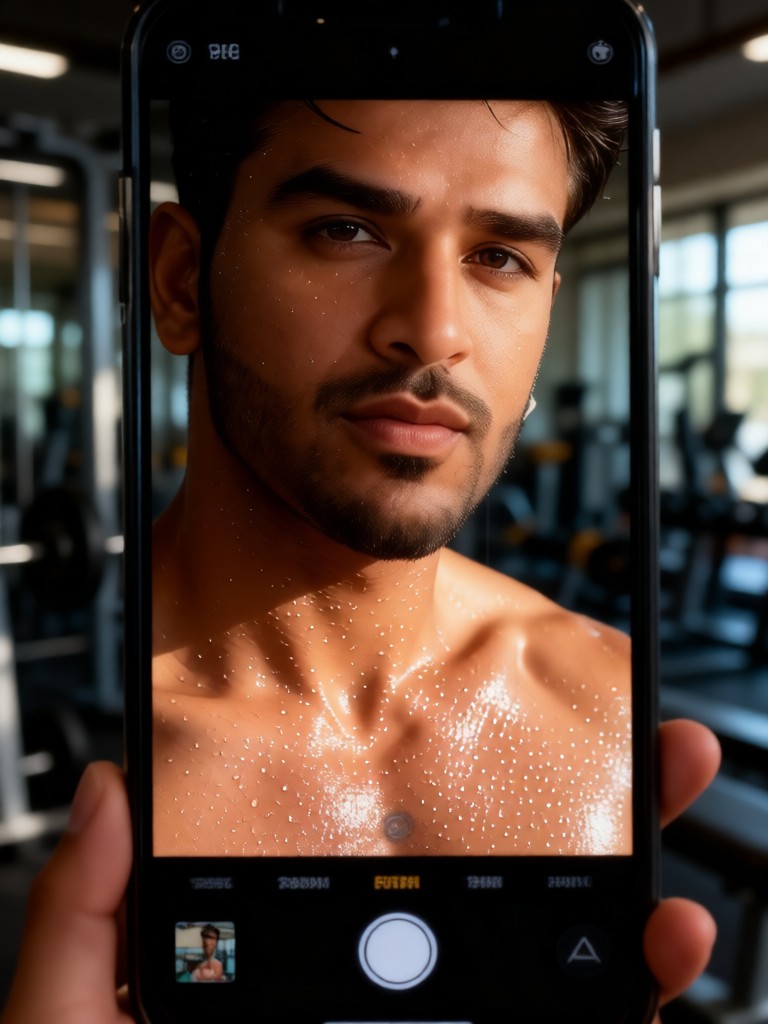
Input
Result
Sweat Skin Selfie
 Melody💗36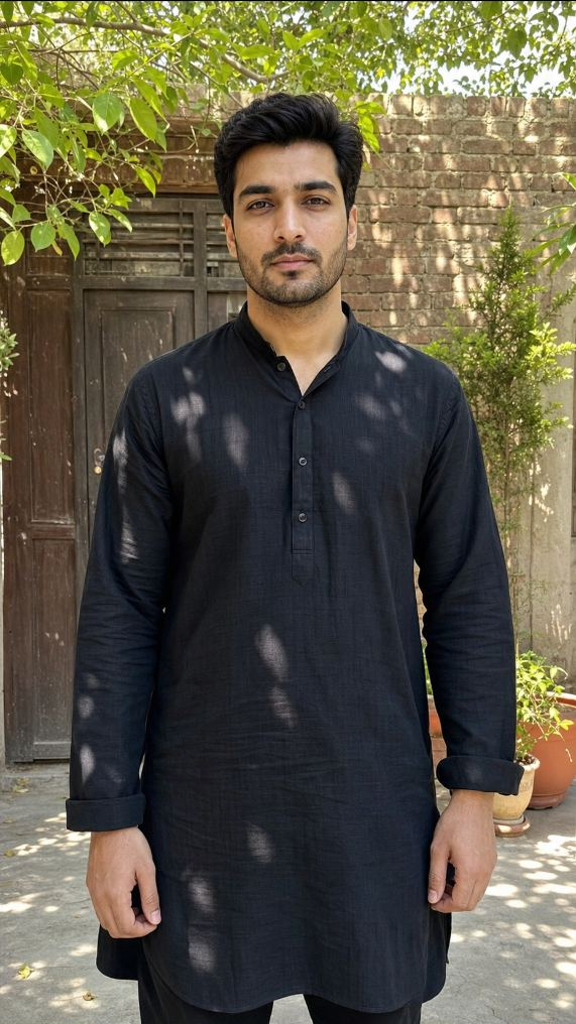
Input
Result
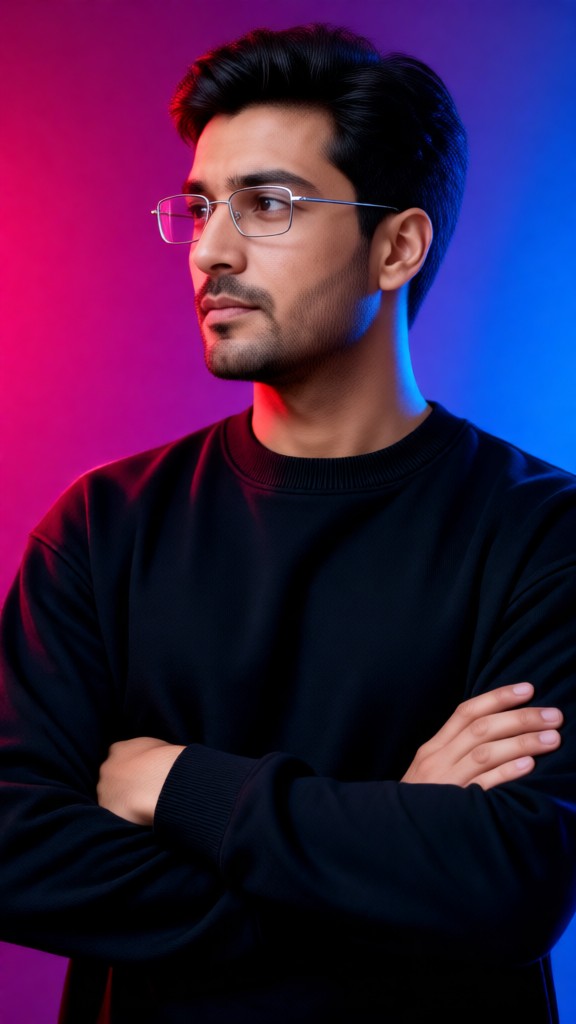
Portrait in Pale Blue Neon Glasses
 XX's35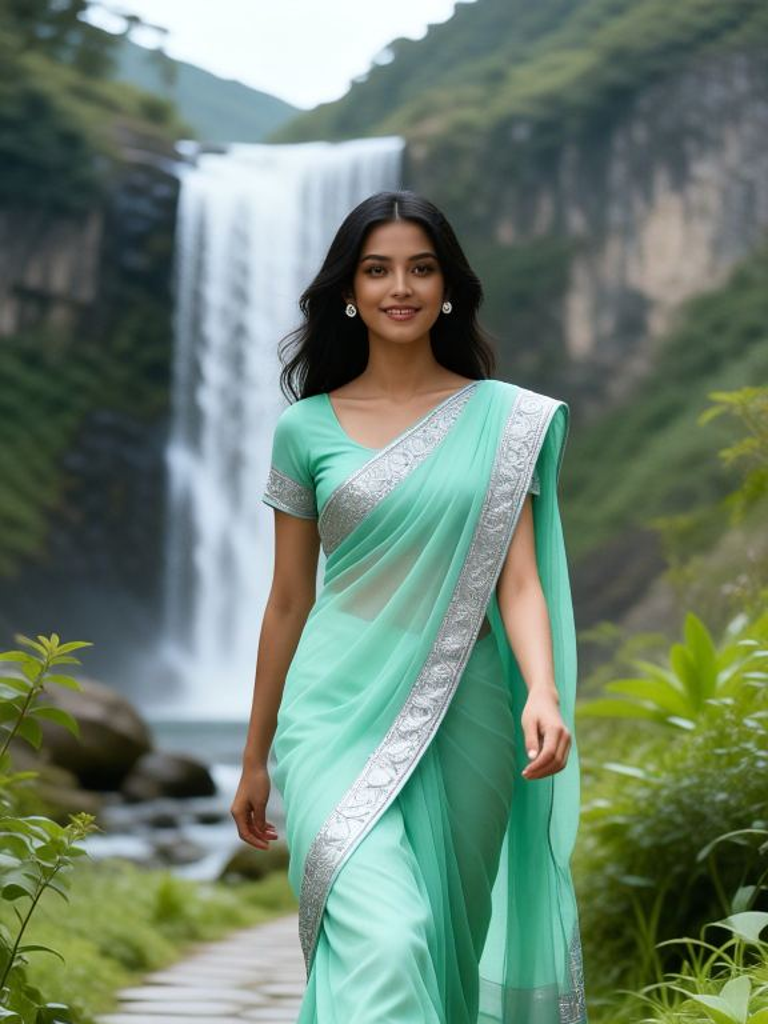
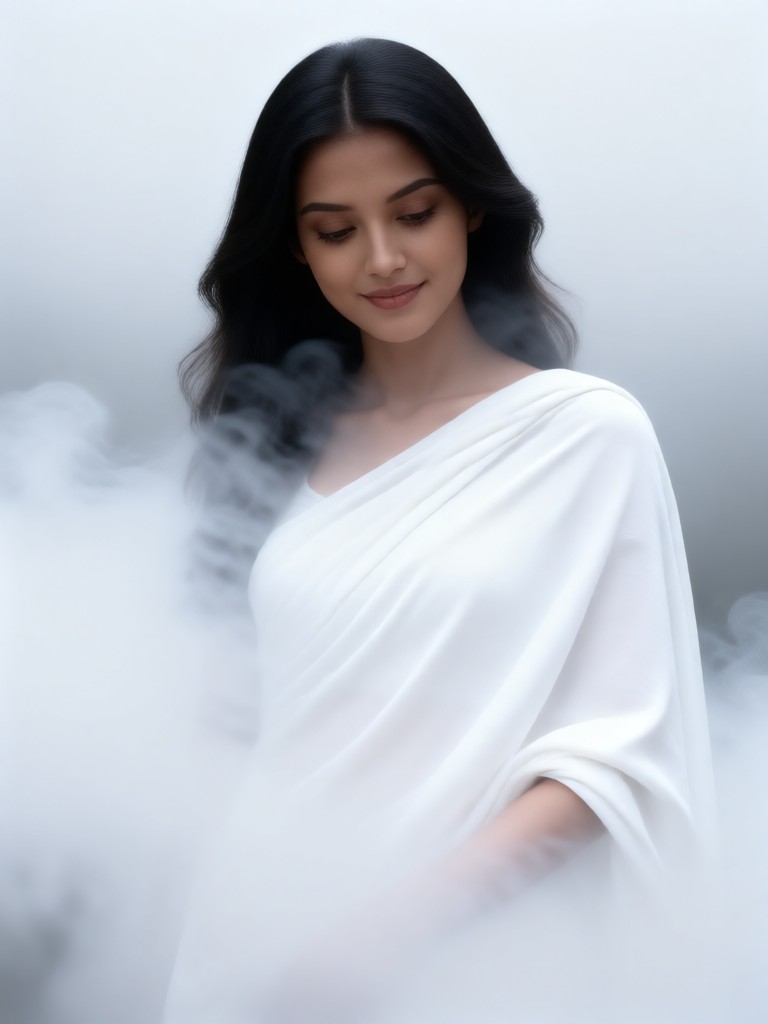
Input
Result
Pale Coat Smoke
 Mmmmmm.20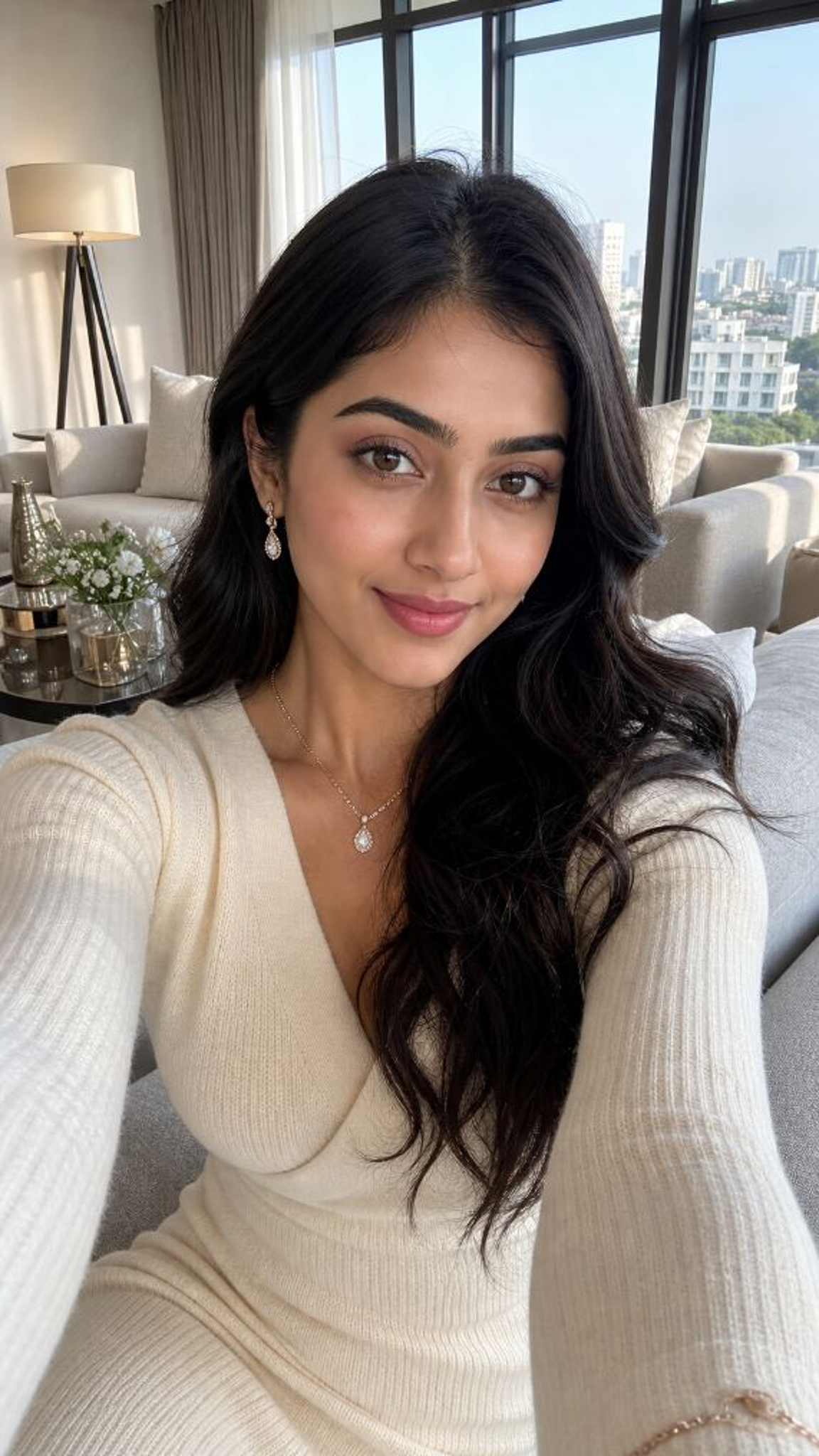
Input
Result
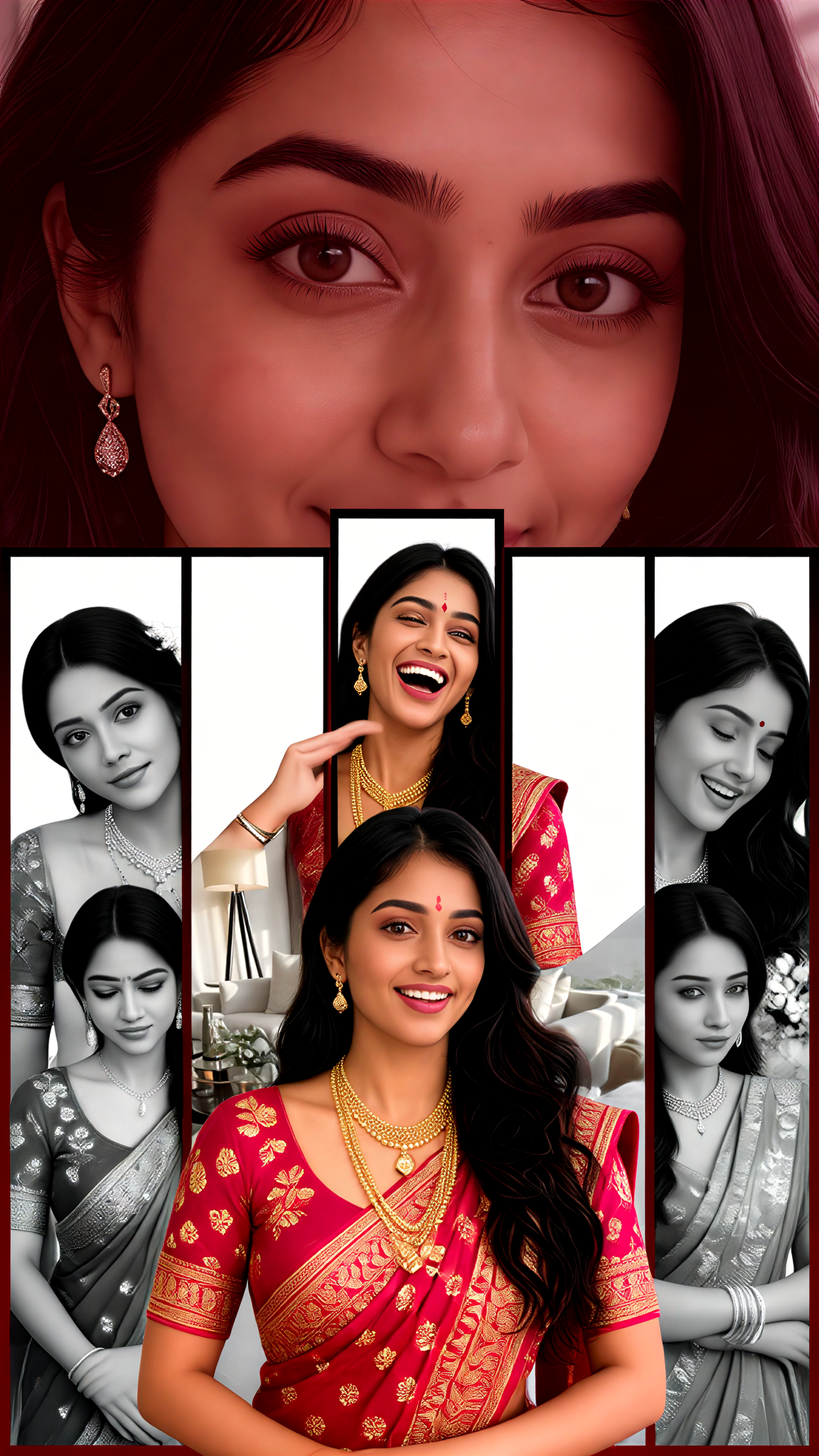
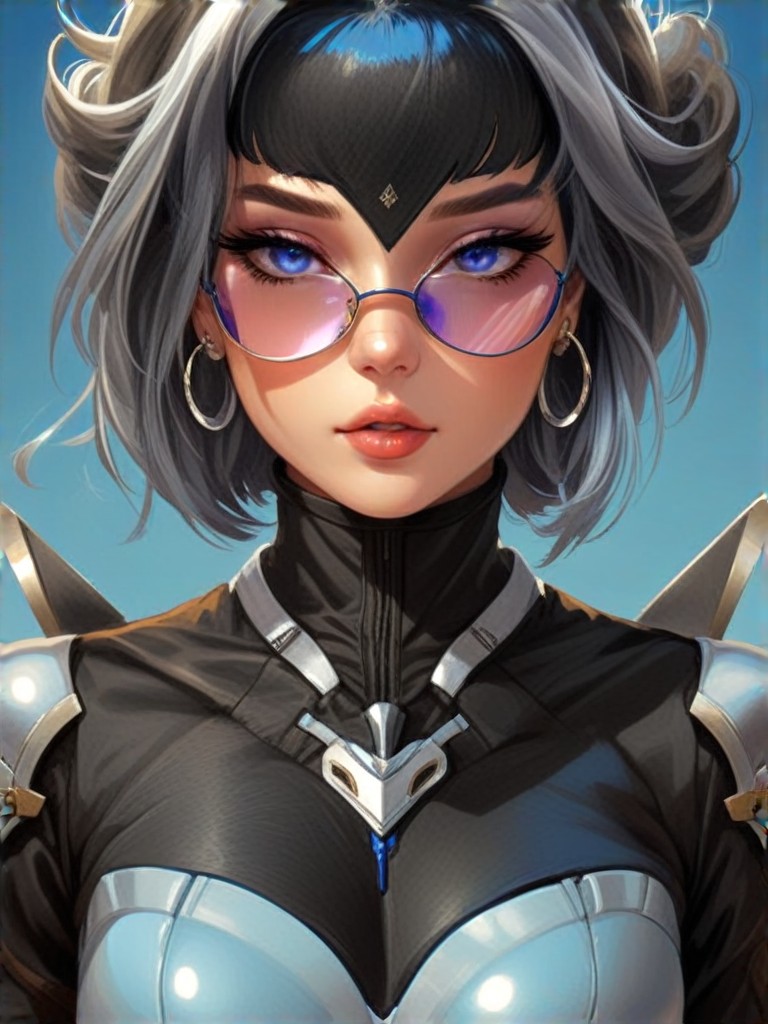
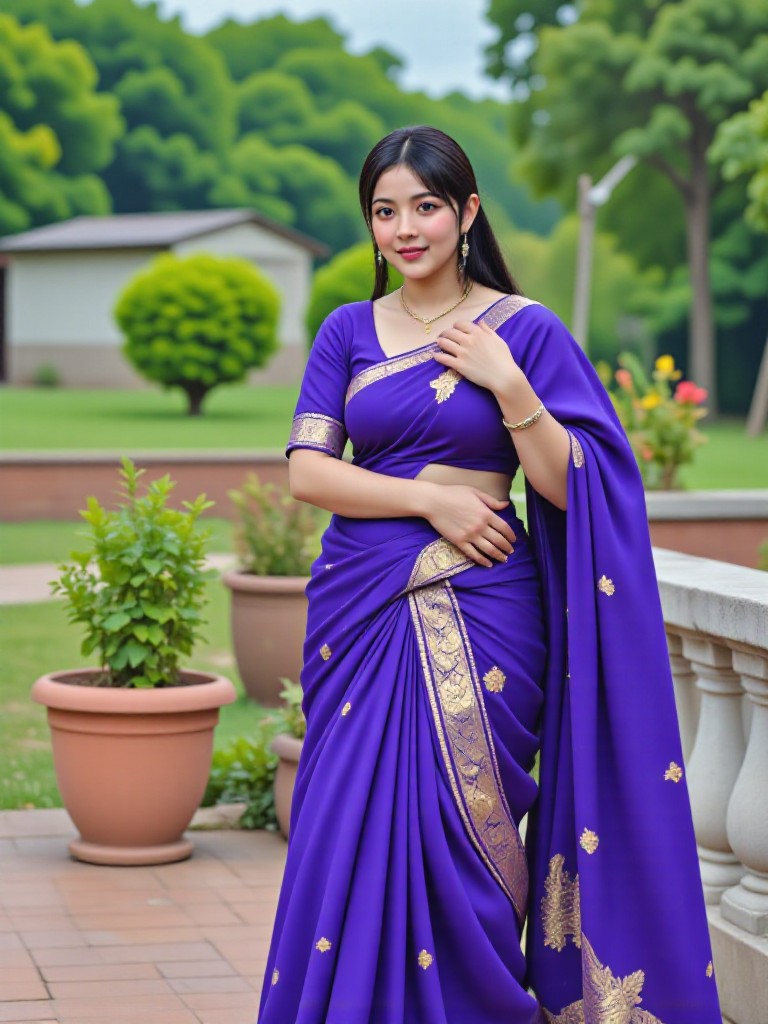
Multi-Panel Patchwork Pale Purple Sari
 Zephyr.JX10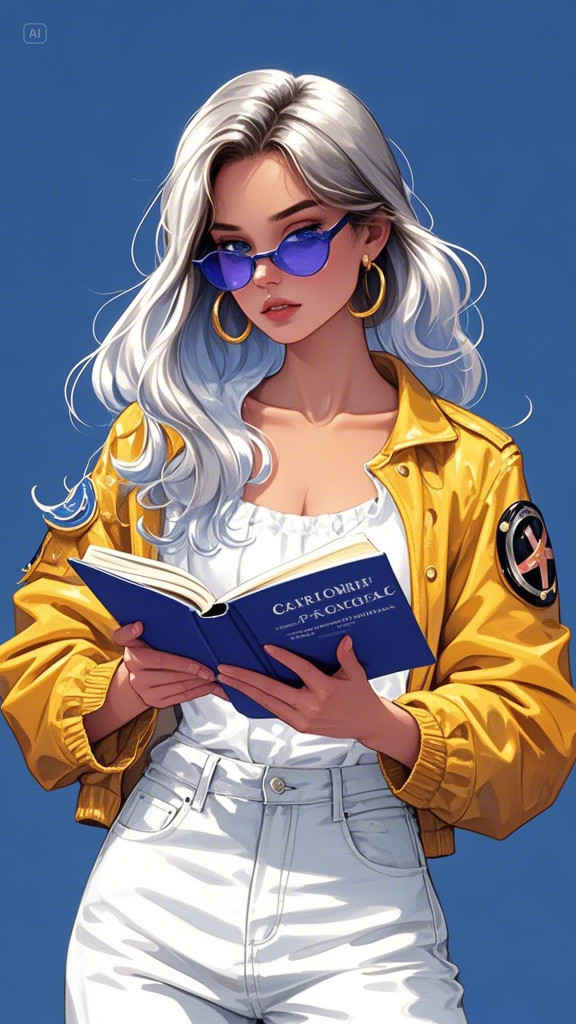
Input
Result
Skin armor
a
aeols1688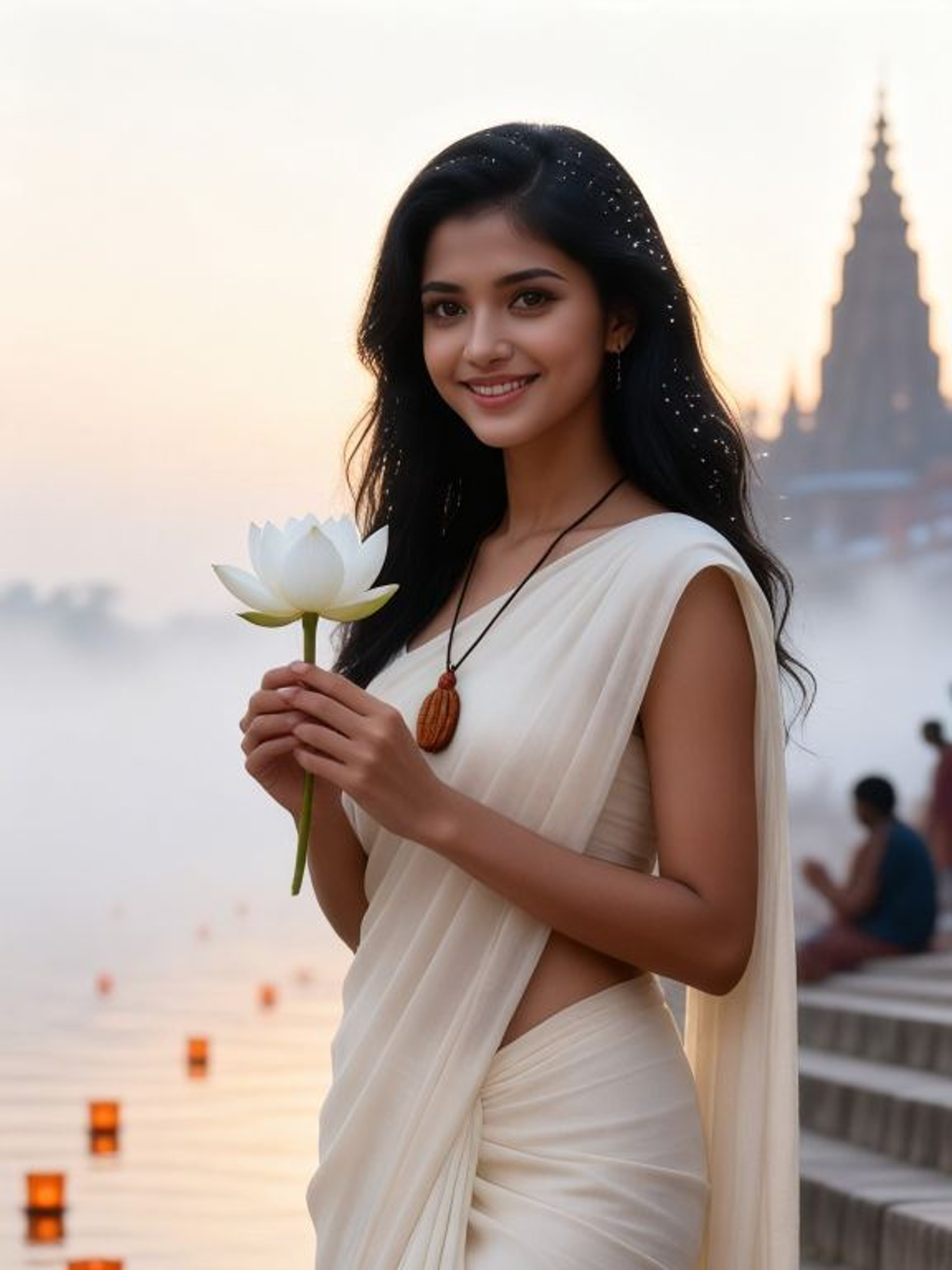
Input
Result
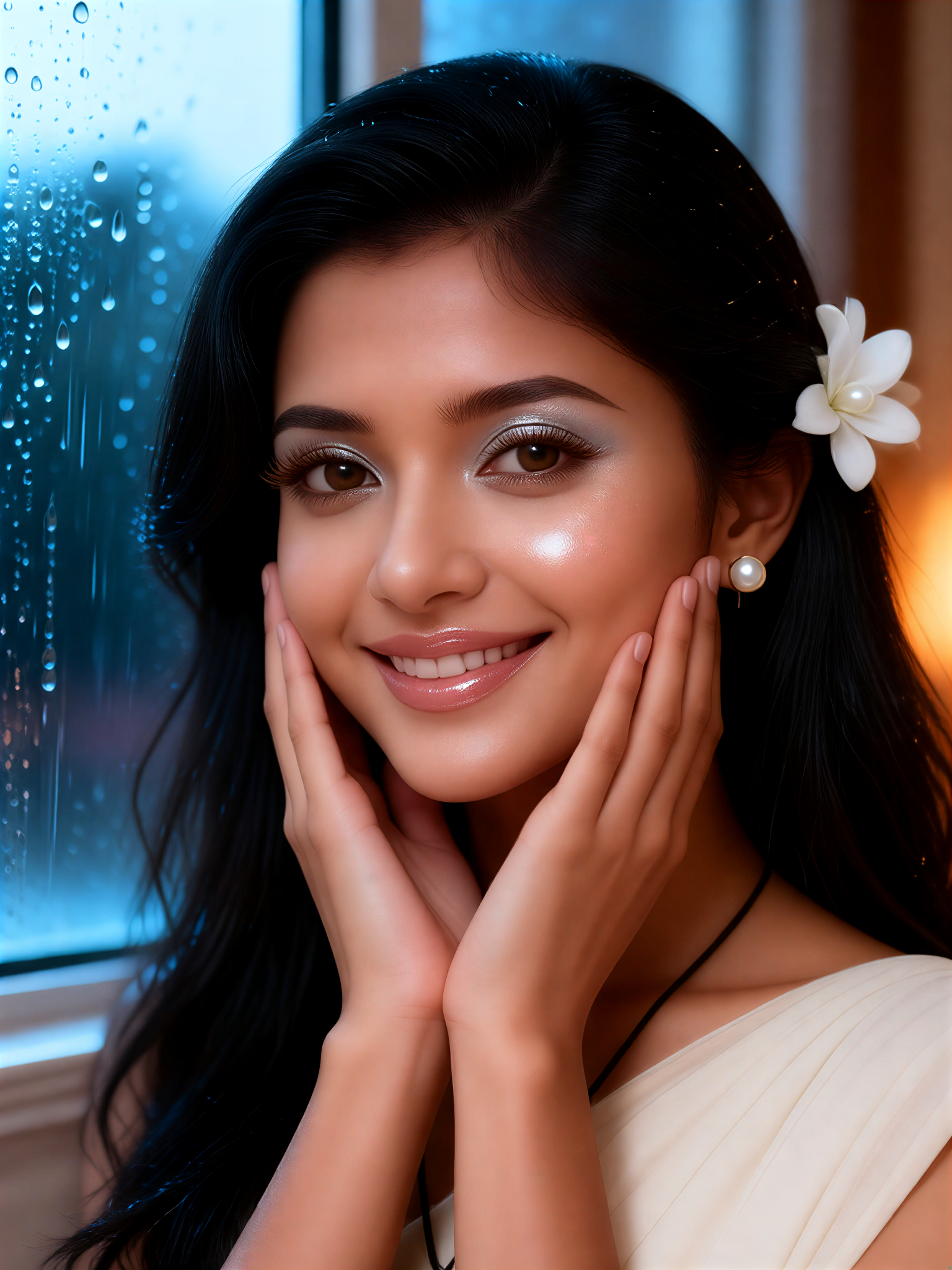
Pearl Dew Skin
Mmmmmm.8
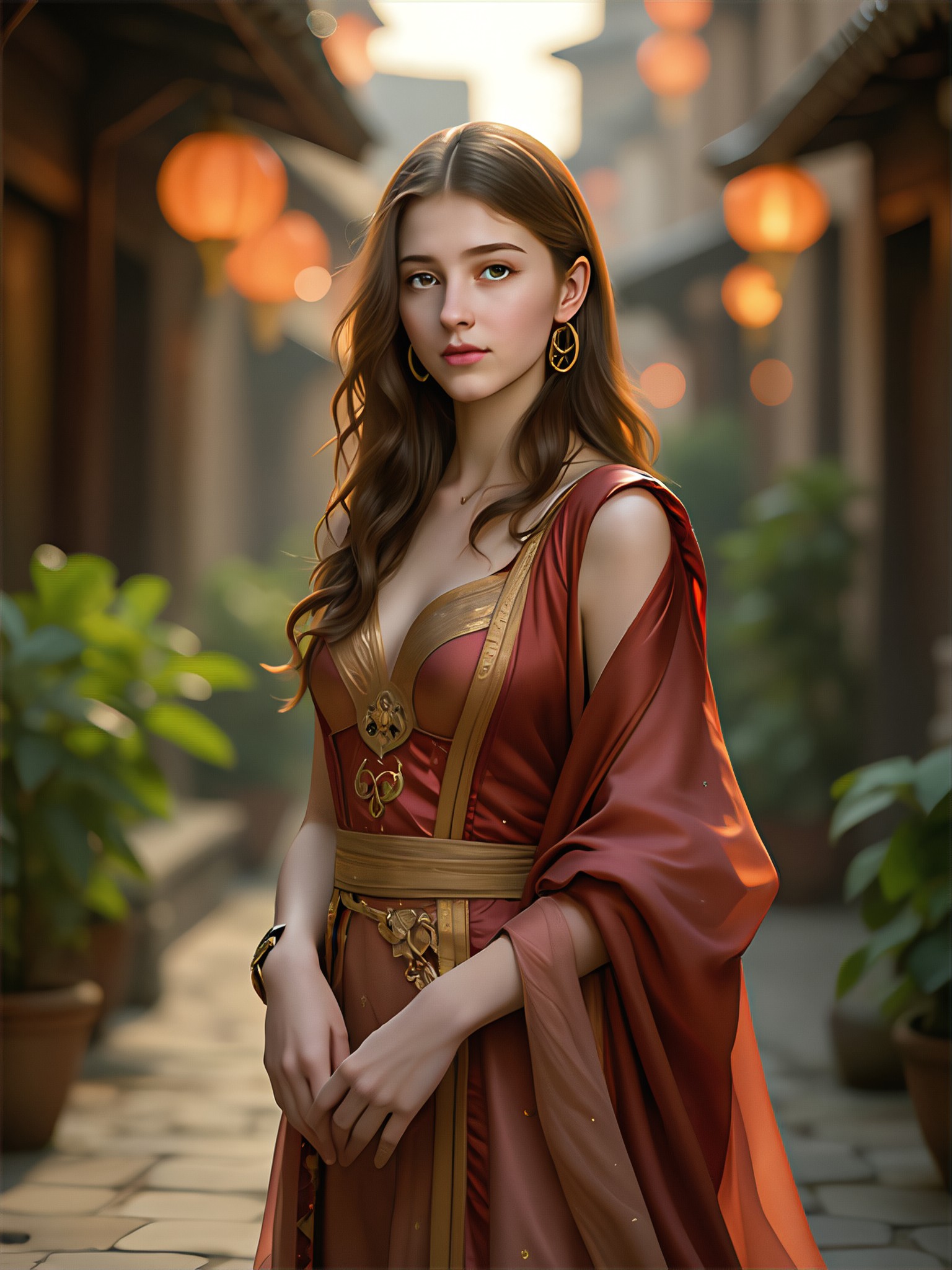
AI Generated Pale Skin Images & Videos
Discover unique and innovative Pale Skin images and videos created with a1.art Pale Skin prompts.

How to Make Pale Skin AI Image & Video on a1.art?
Step into the future of AI Pale Skin video and image creation on a1.art.

Step 1
Select the style you want to apply in the Square.

Step 2
Upload the image you want to transform. It can be a photo, hand-drawn sketch.

Step 3
Wait a few seconds and you can easily get your unique AI Pale Skin art. Download for free!
FAQ about Pale Skin AI Prompt on a1.art
Discover the secrets to creating Birthday Day videos and images at a1.art.
What are pale skin AI prompts?
Pale skin AI prompts are specialized text inputs designed to guide a1.art's AI algorithms in generating images and videos with realistic, detailed representations of pale skin. These prompts help achieve specific artistic effects, such as soft lighting, natural textures, or dramatic contrasts.
Can I customize my own pale skin prompts?
Yes, a1.art allows users to input custom prompts tailored to their preferences. You can describe the exact look, mood, or style you want for your pale skin visuals, and the AI will generate results based on your specifications.
How does a1.art ensure the quality of pale skin images?
a1.art uses advanced AI models trained on diverse datasets to produce high-quality, realistic pale skin visuals. Our system ensures accurate rendering of textures, lighting, and details, delivering professional-grade results every time.
Are there any limitations on using pale skin prompts?
While a1.art offers extensive customization options, some prompts may require more computational resources depending on complexity. However, our platform is optimized to handle most requests efficiently, ensuring fast and reliable results.
Do I need technical skills to use pale skin AI prompts?
No, a1.art is designed to be user-friendly, even for beginners. Simply select a prompt, upload your reference image (if needed), or enter a text description, and let the AI do the rest. No technical expertise required!


