


Get Orange Accents Videos & Images without Prompt
a1.art offers a large number of filters, allowing you to easily obtain AI videos or images without prompts.
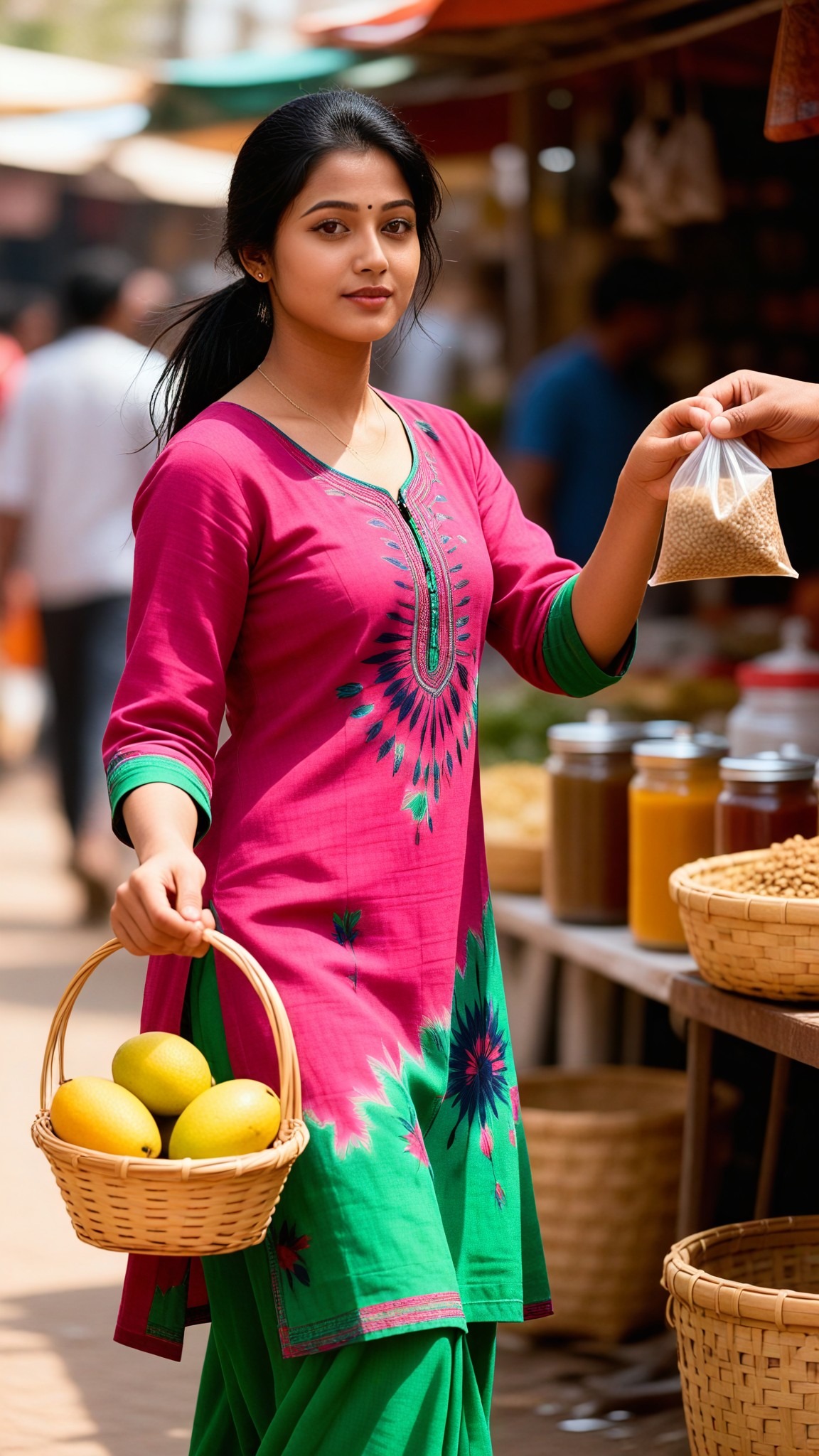
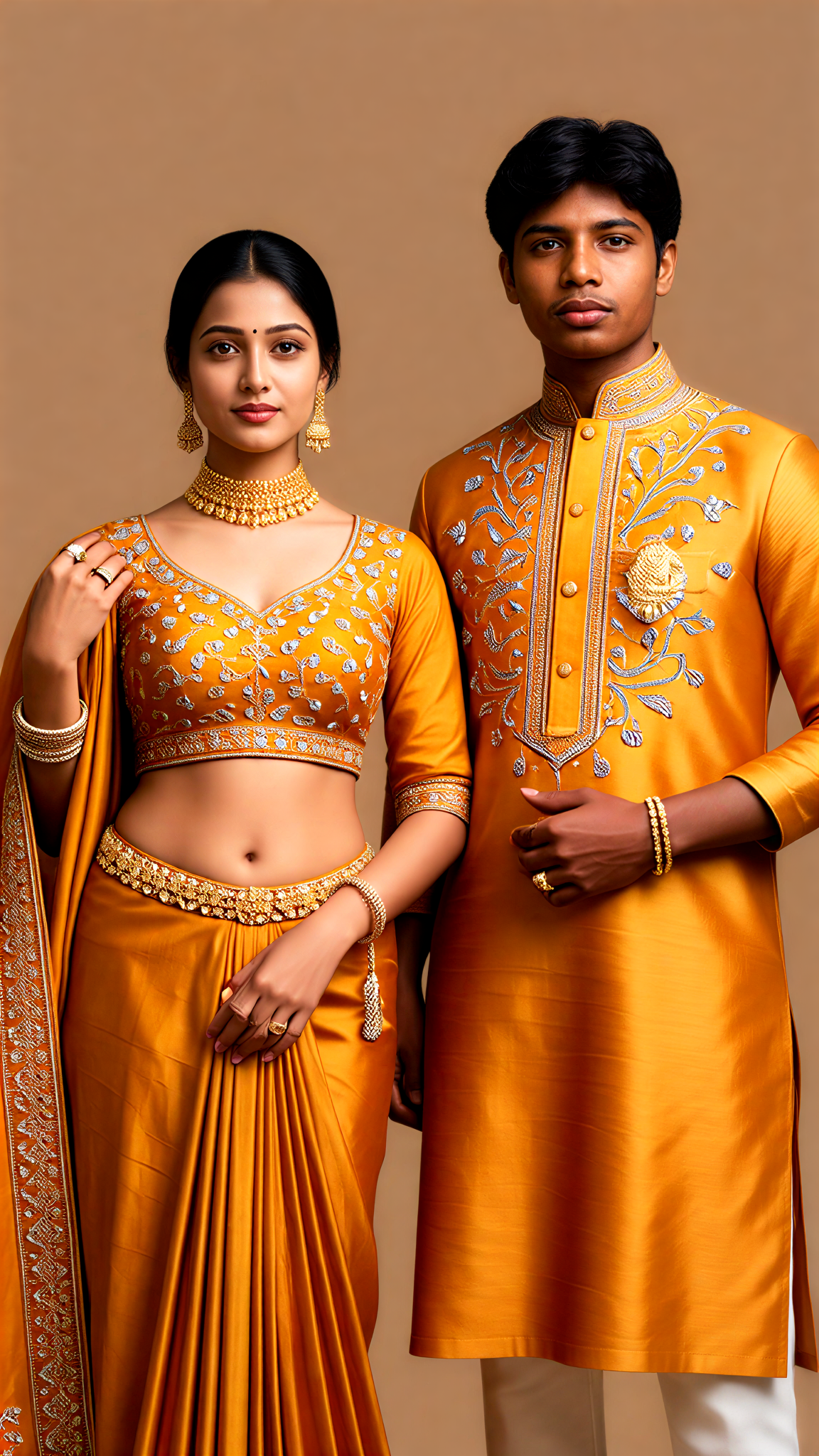
Input
Result
Orange Festival Pair
 艺术画家
艺术画家 425
425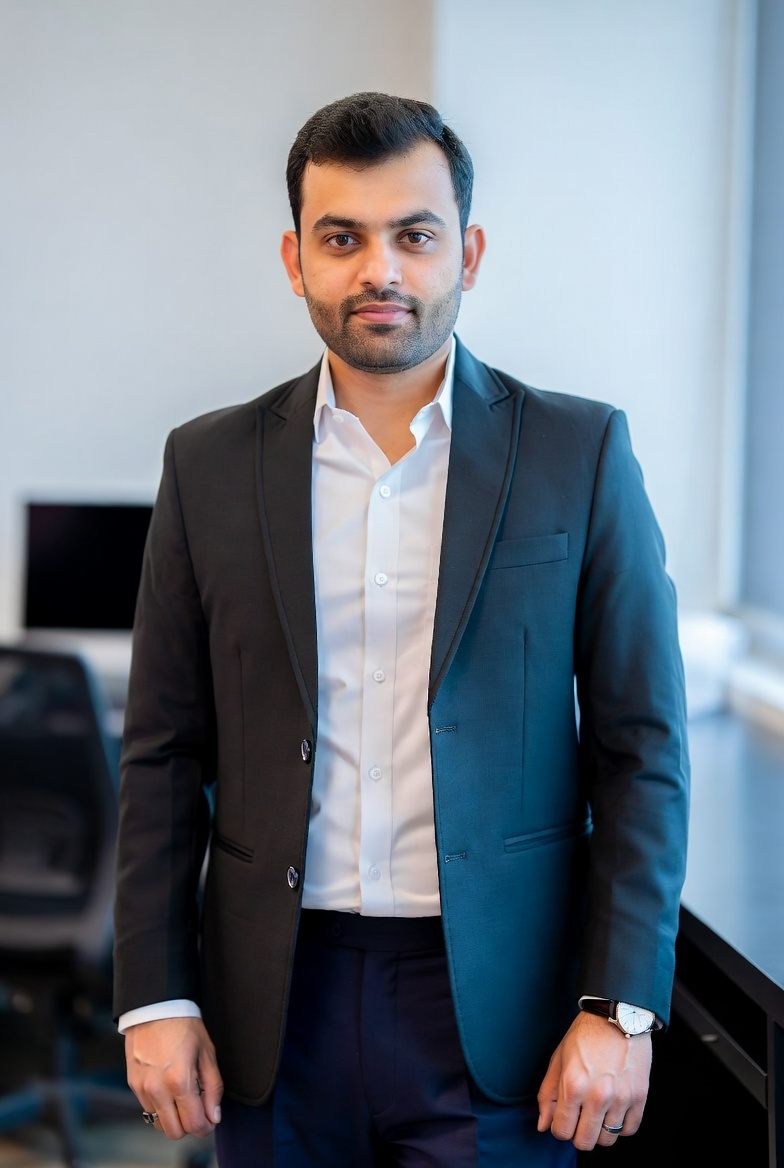
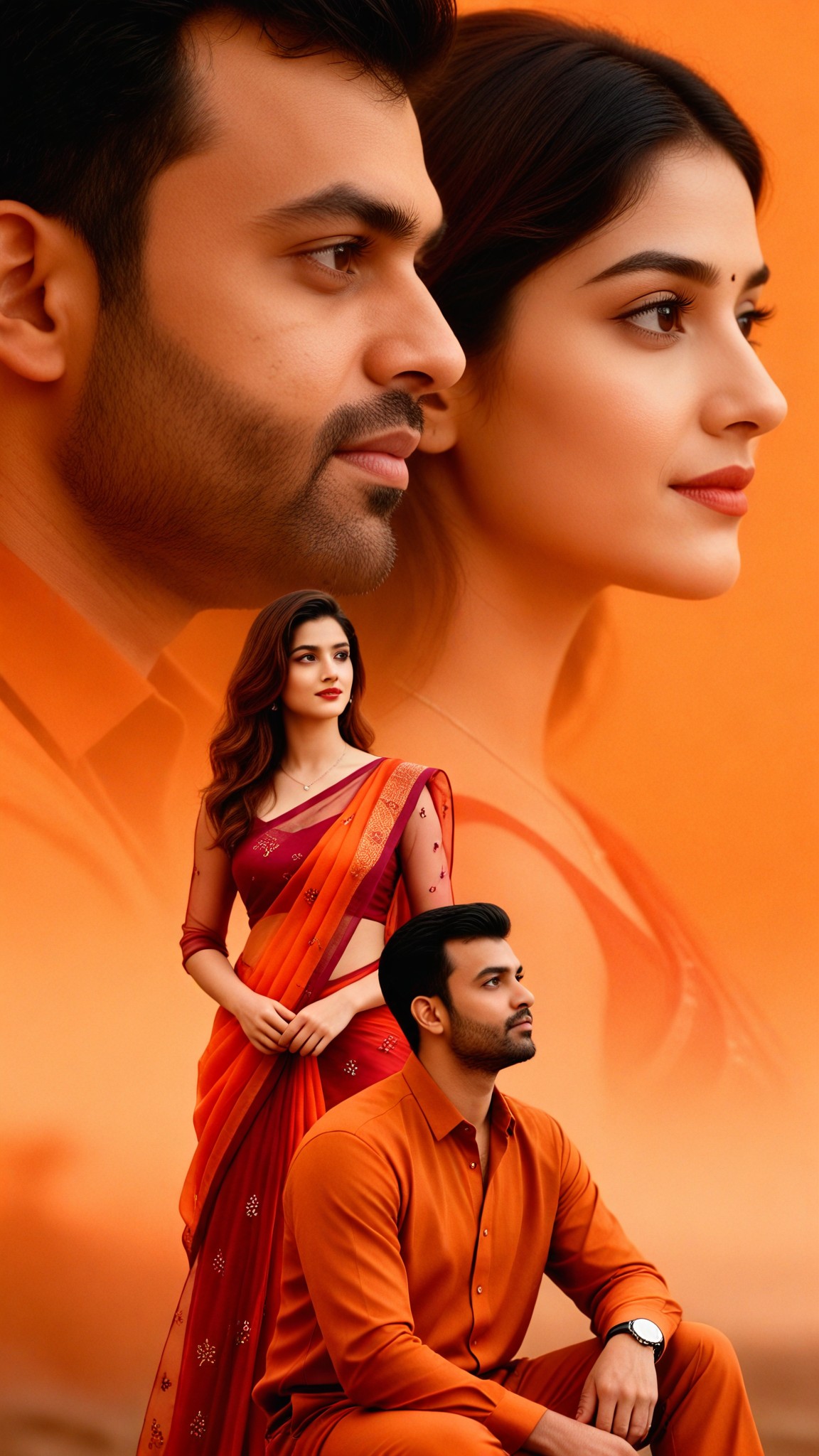
Input
Result
Couple Composition - orange
 CC372
CC372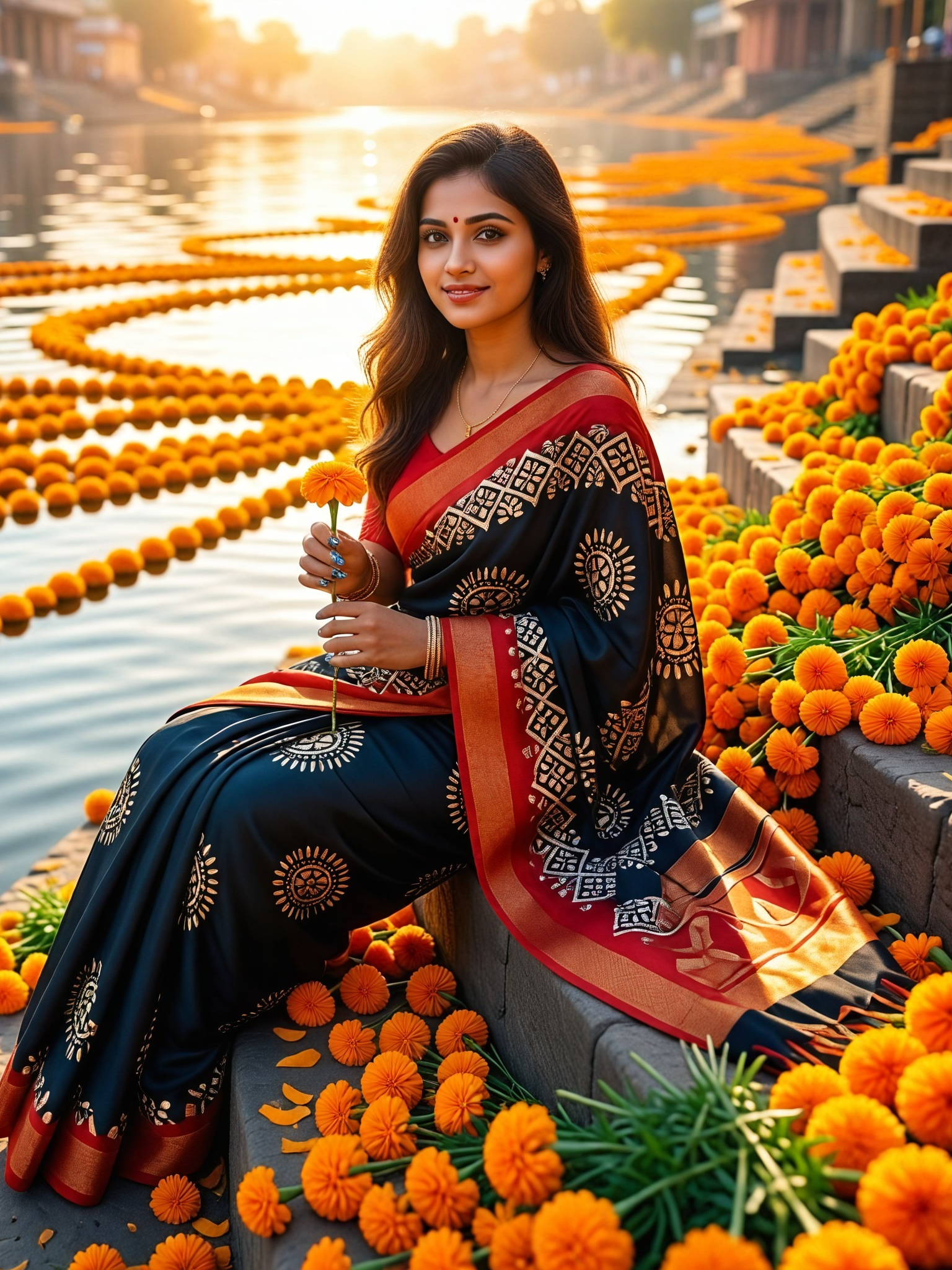
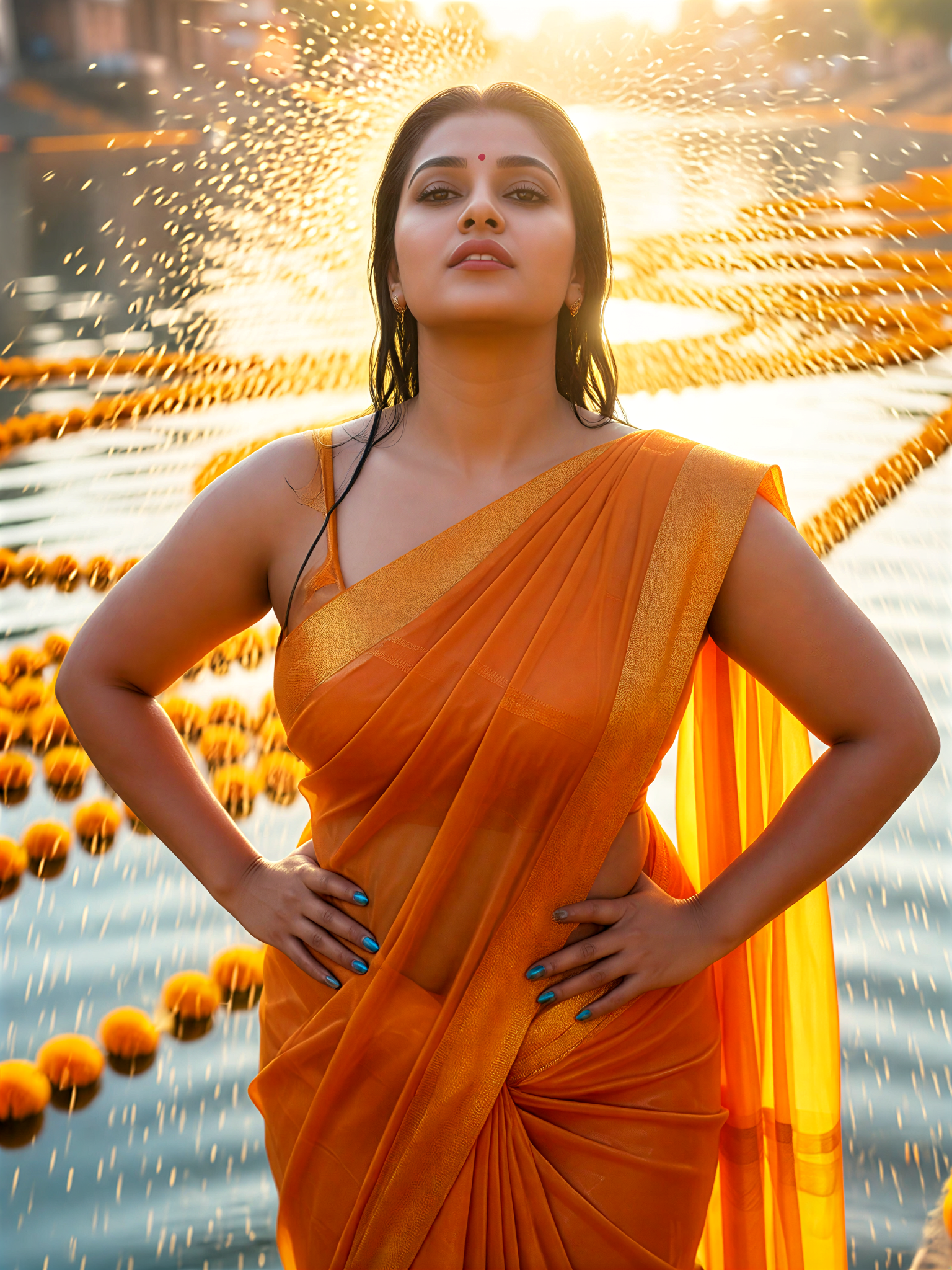
Input
Result
Orange Waist Pose
艺术画家145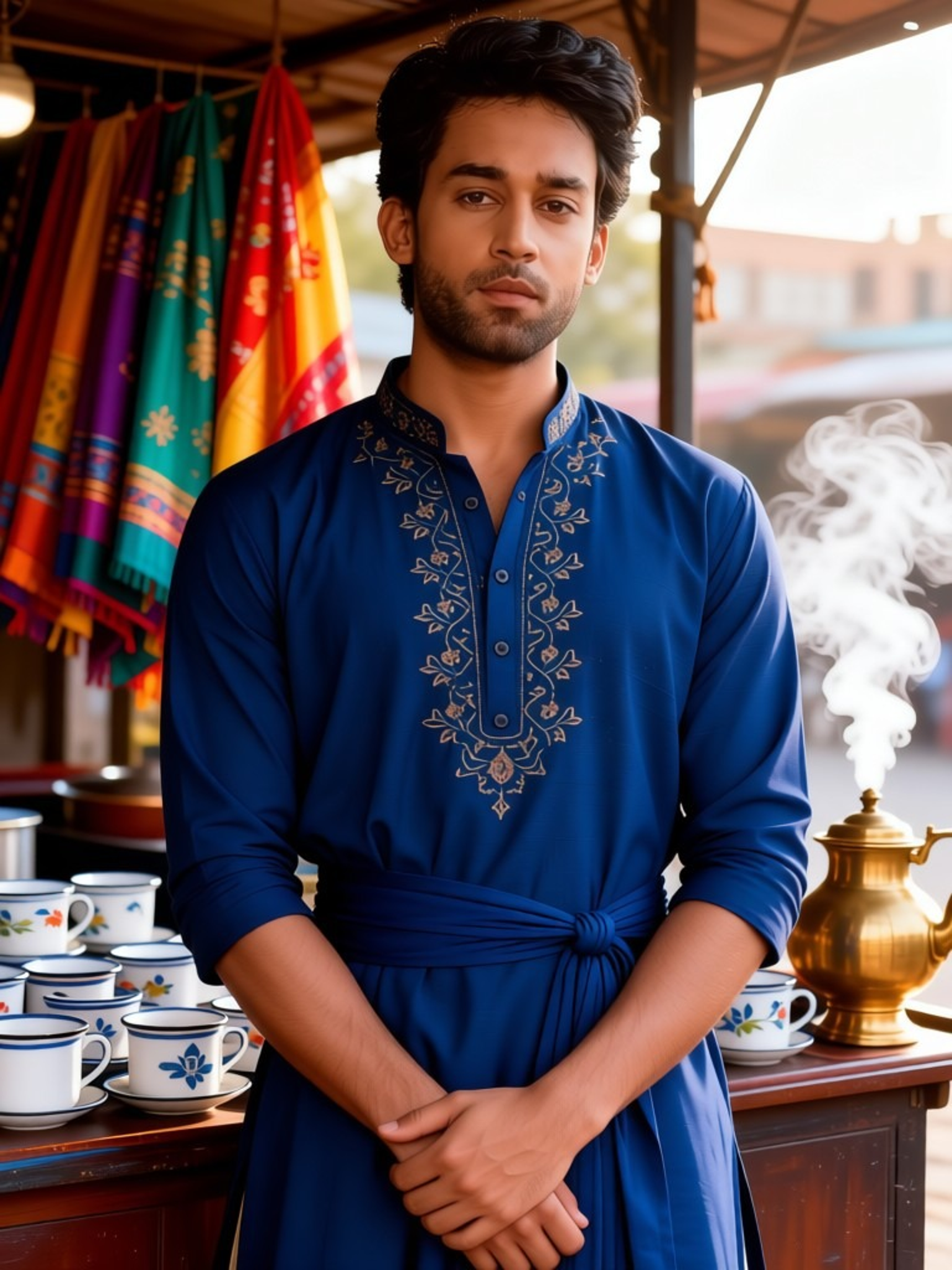
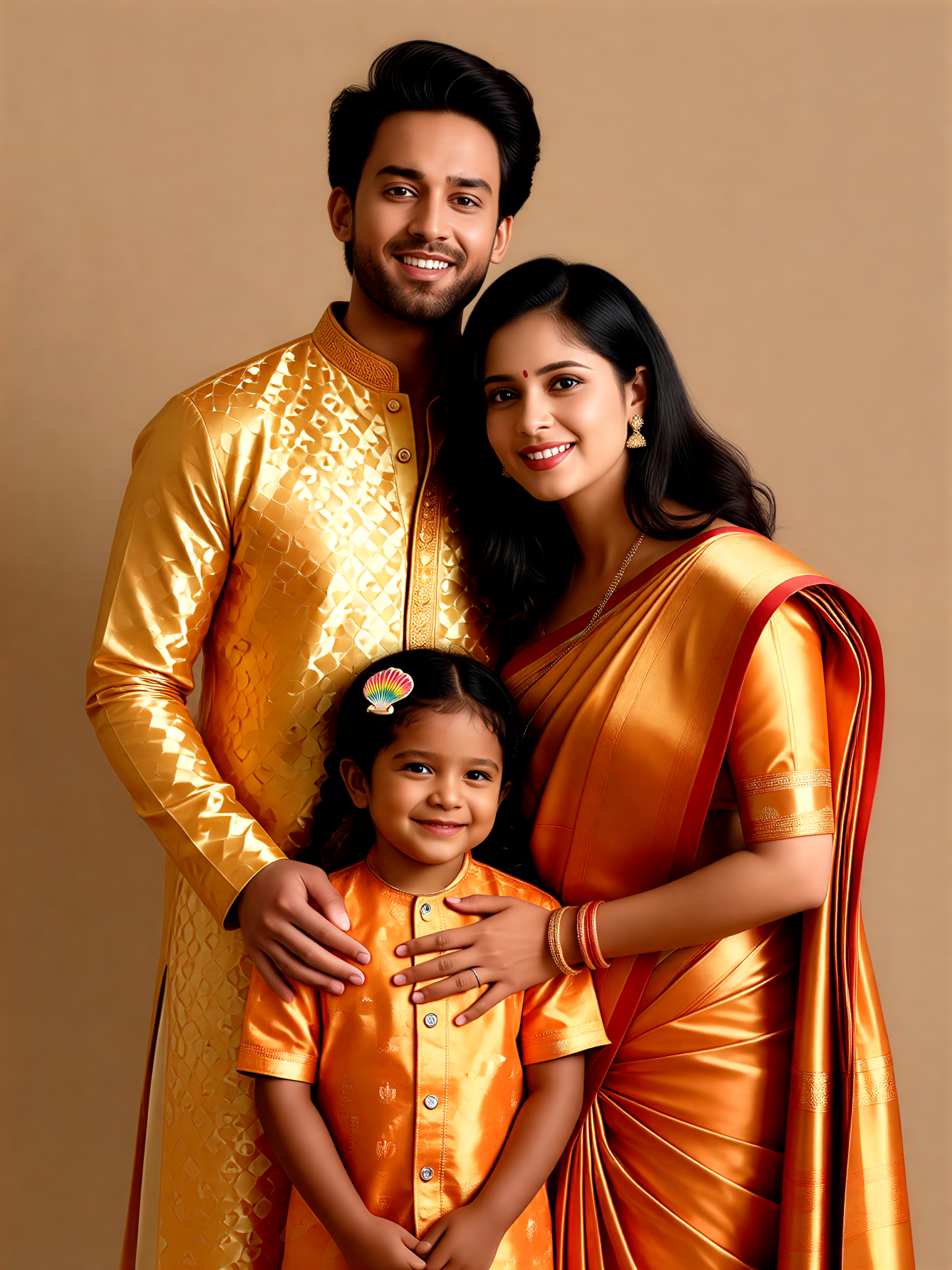
Input
Result
Orange Gold Family
 艺术梦想家108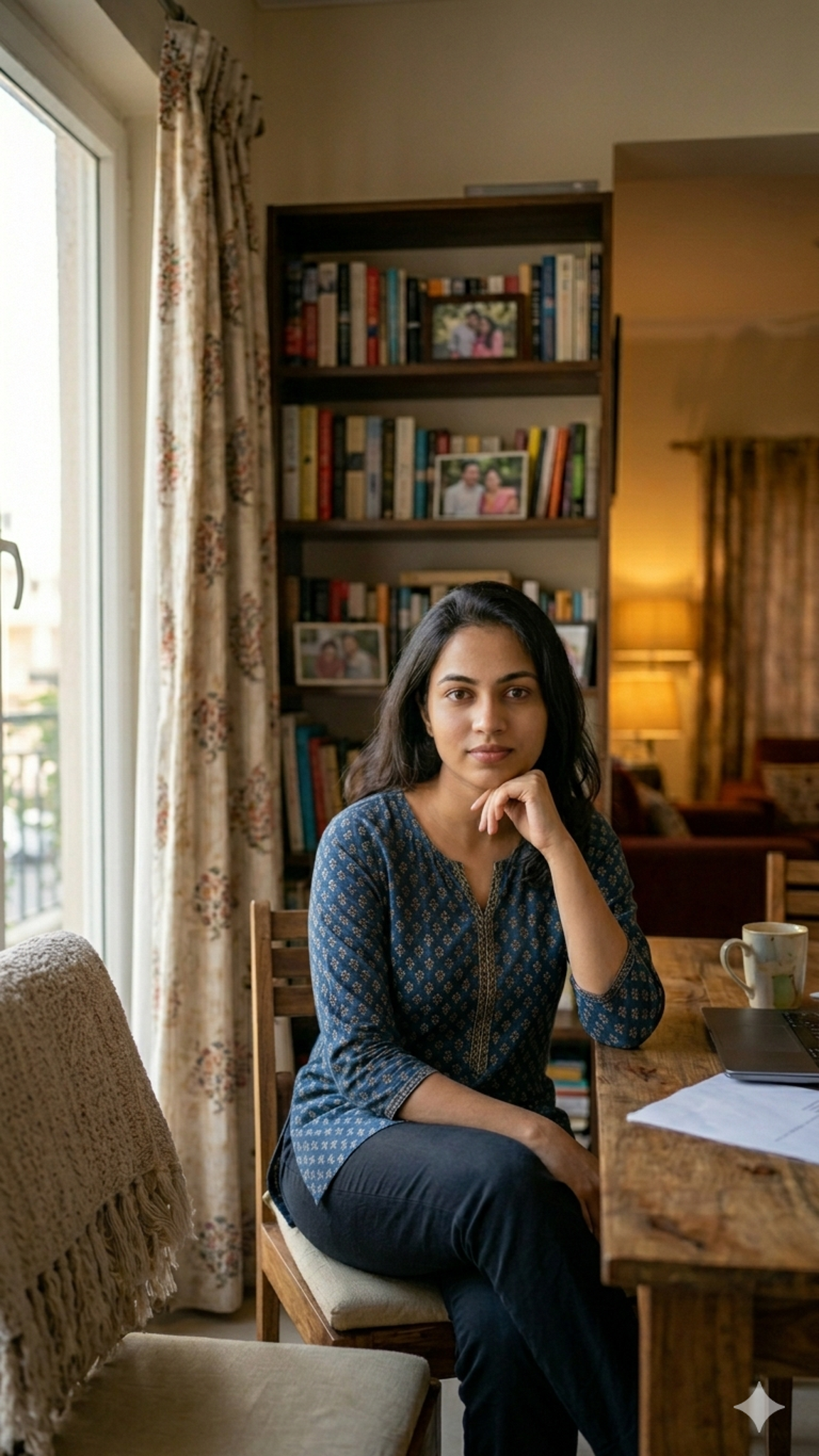
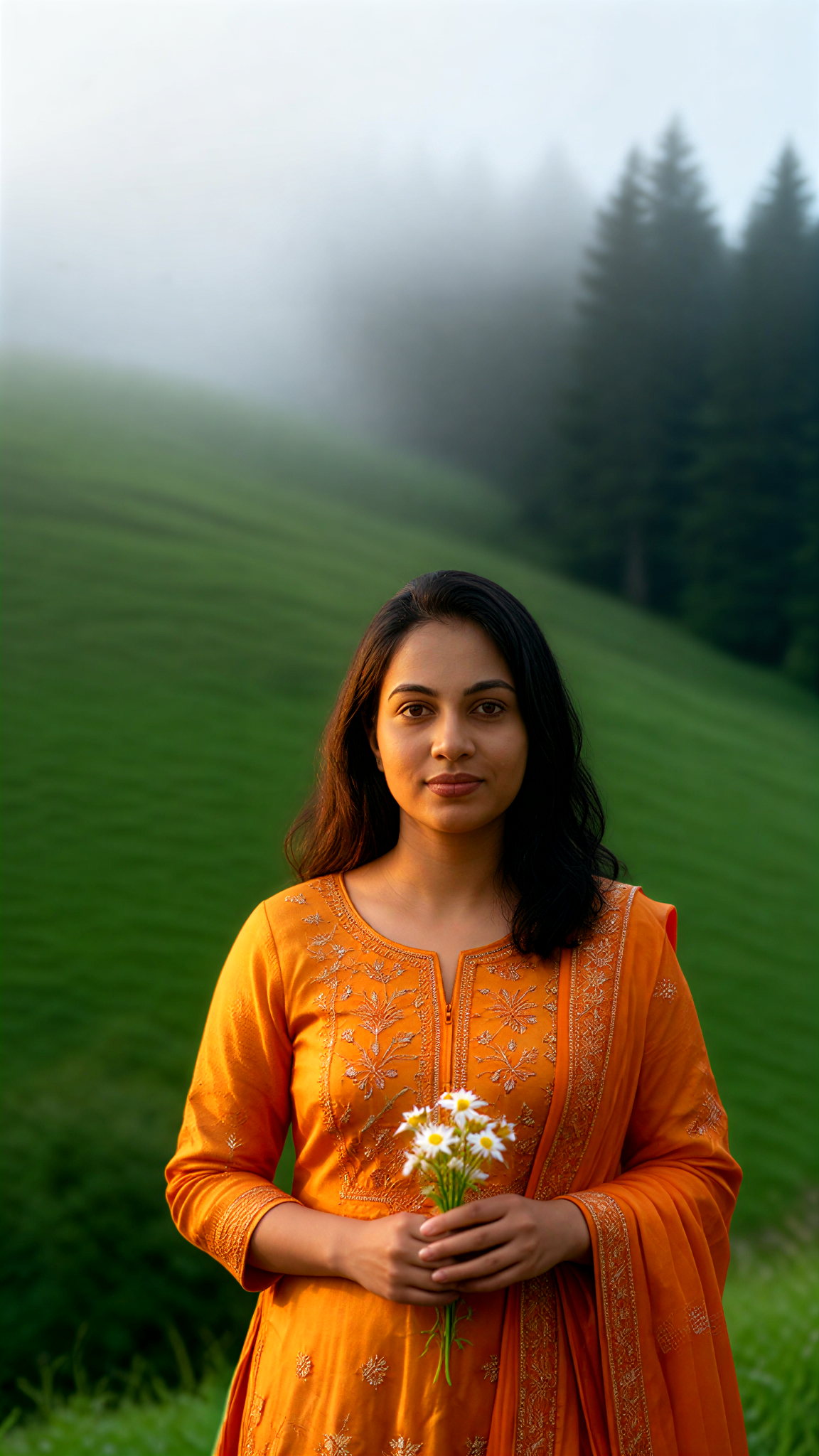
Input
Result
Orange Gold Fog
艺术画家91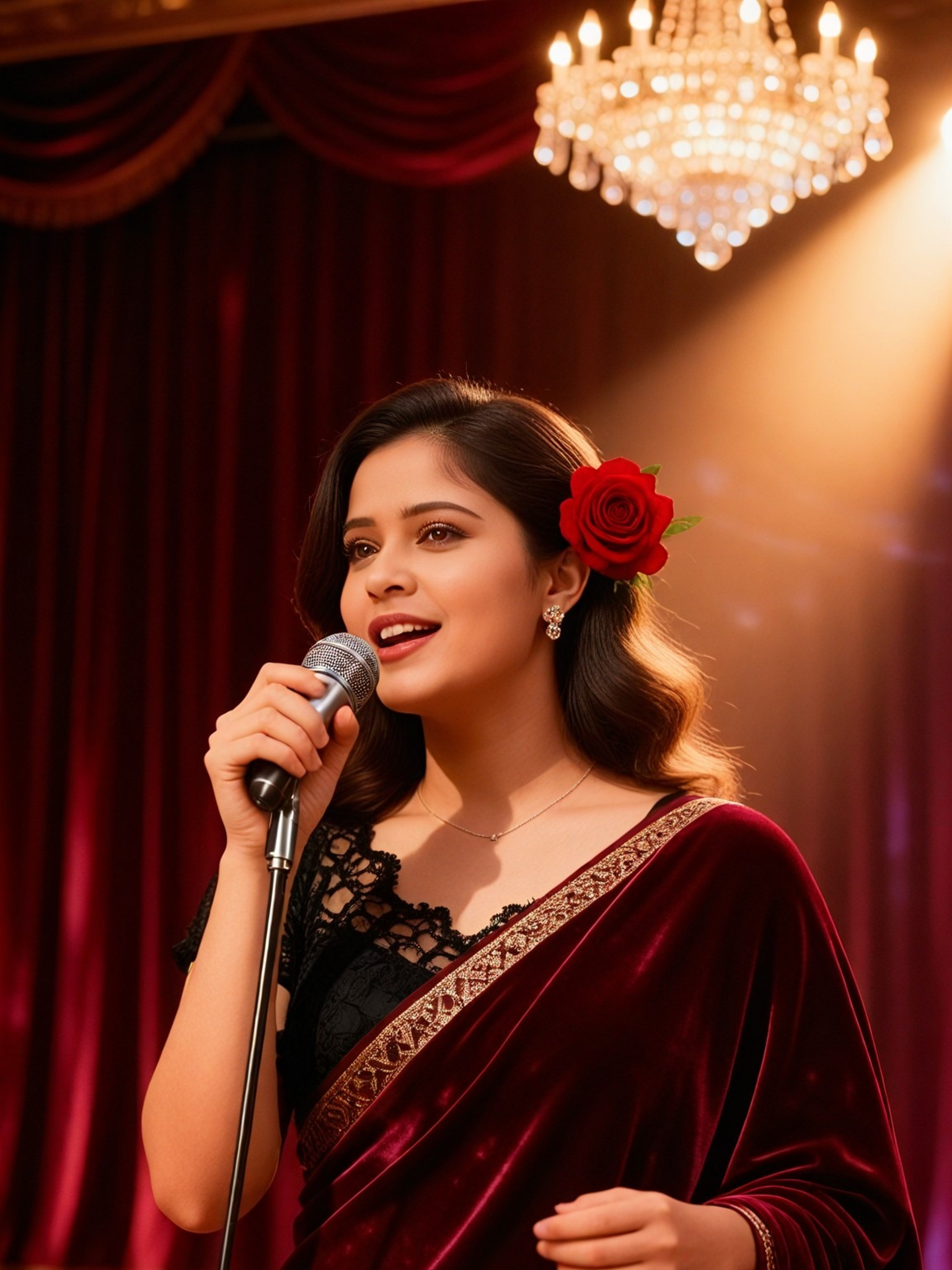
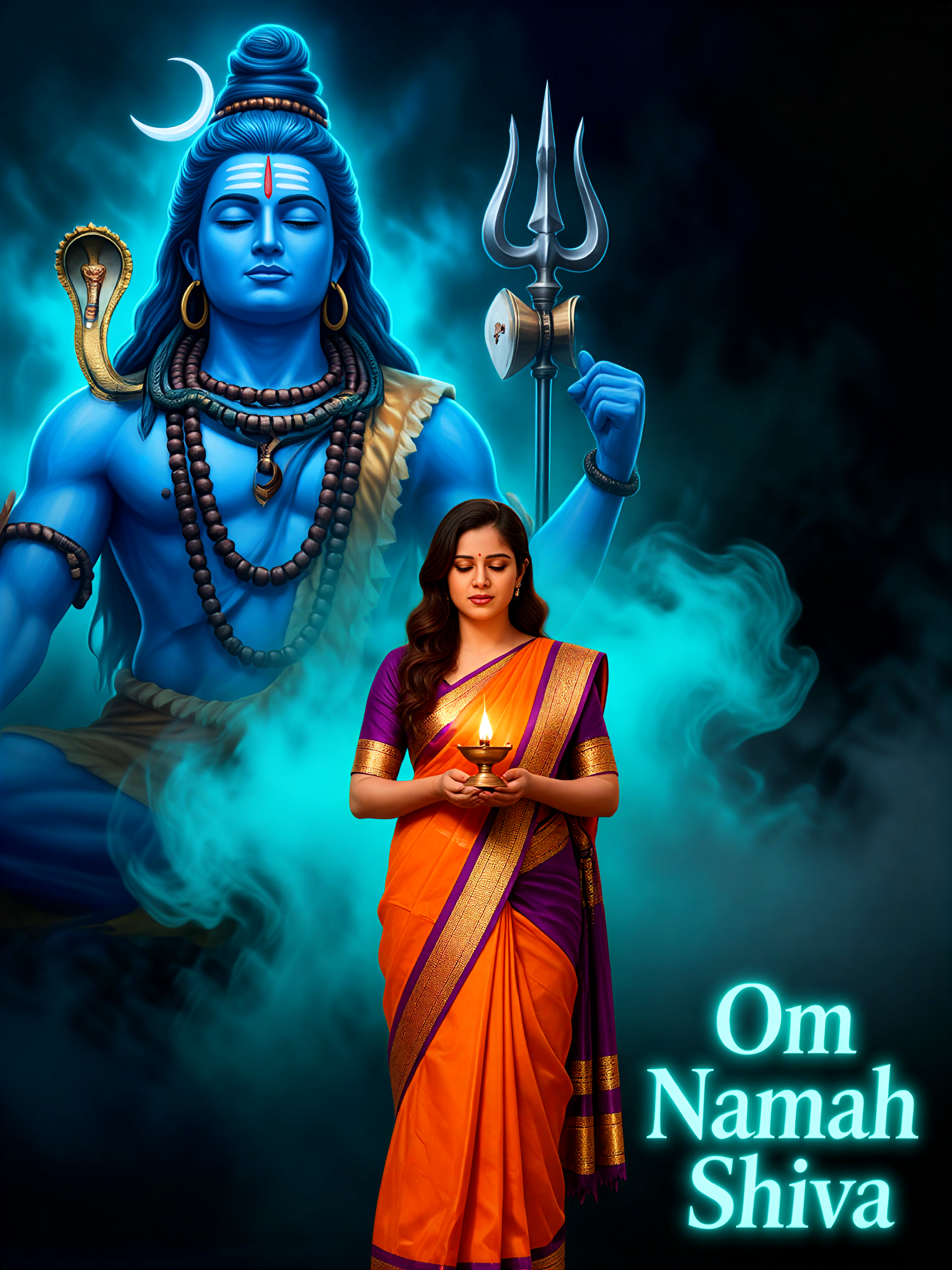
Input
Result
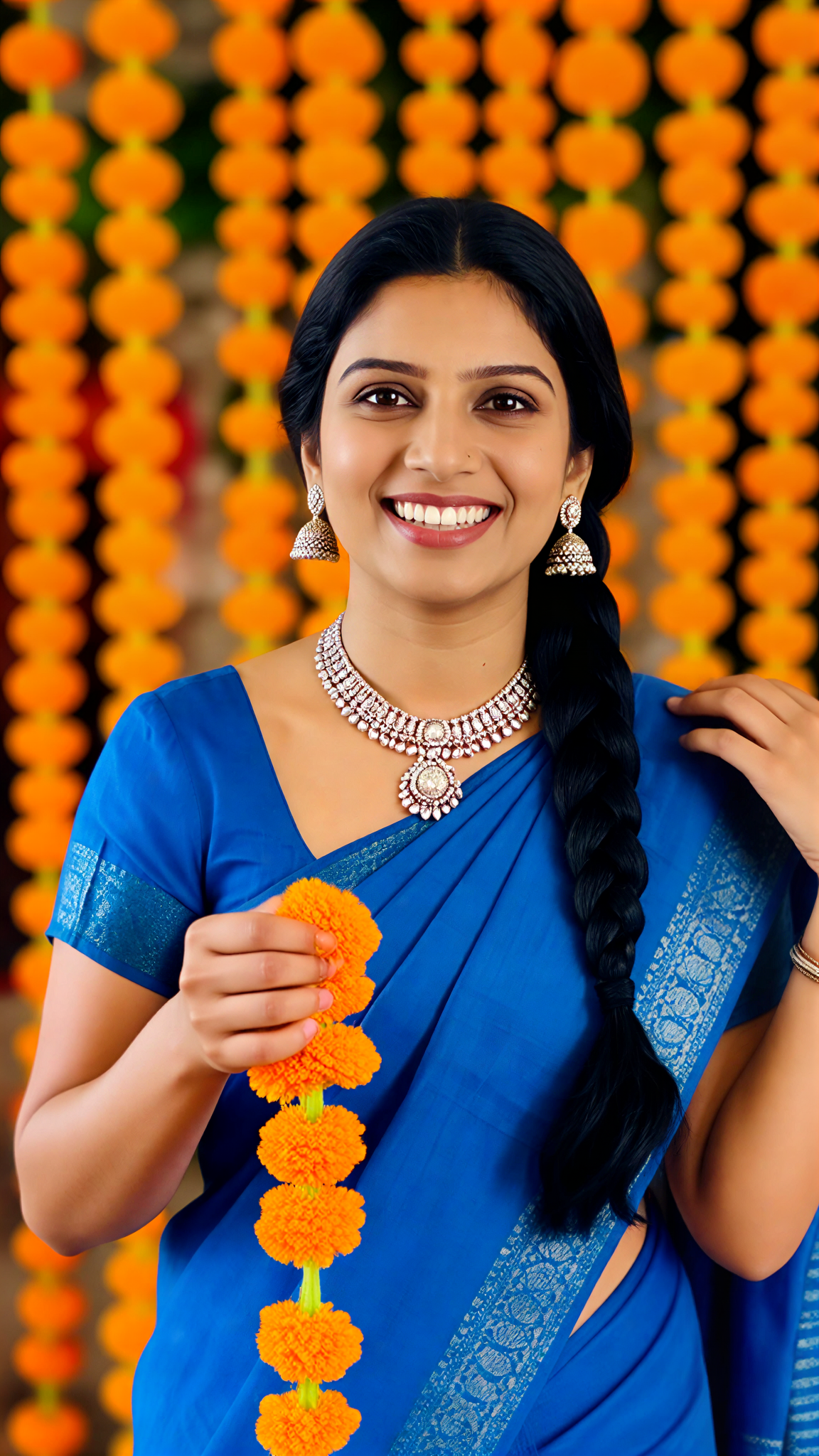
Orange Purple Saree
 艺术创作家88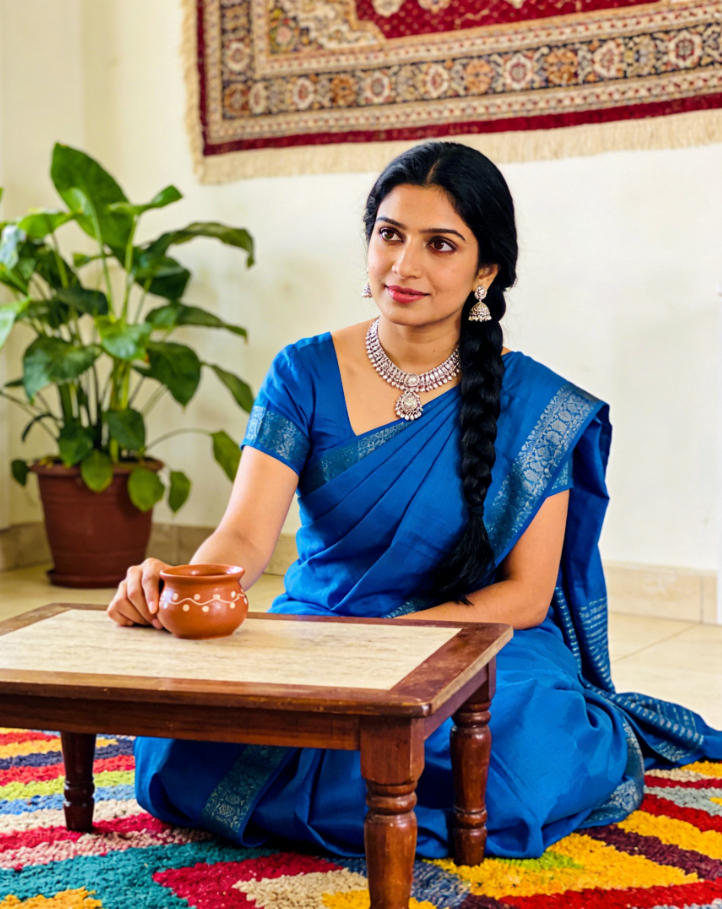
Input
Result
Orange Bloom Girl
艺术创作家67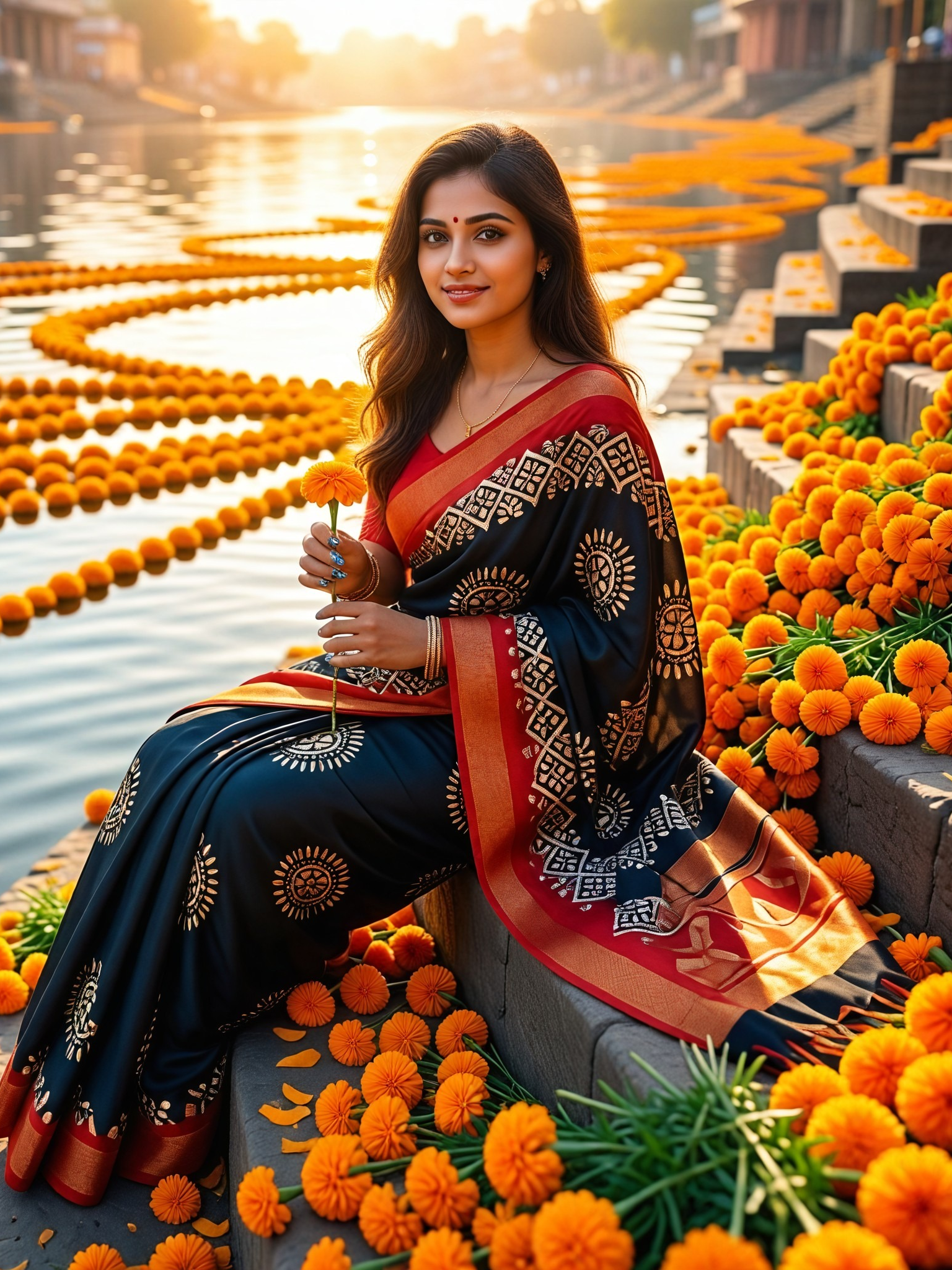
Input
Result
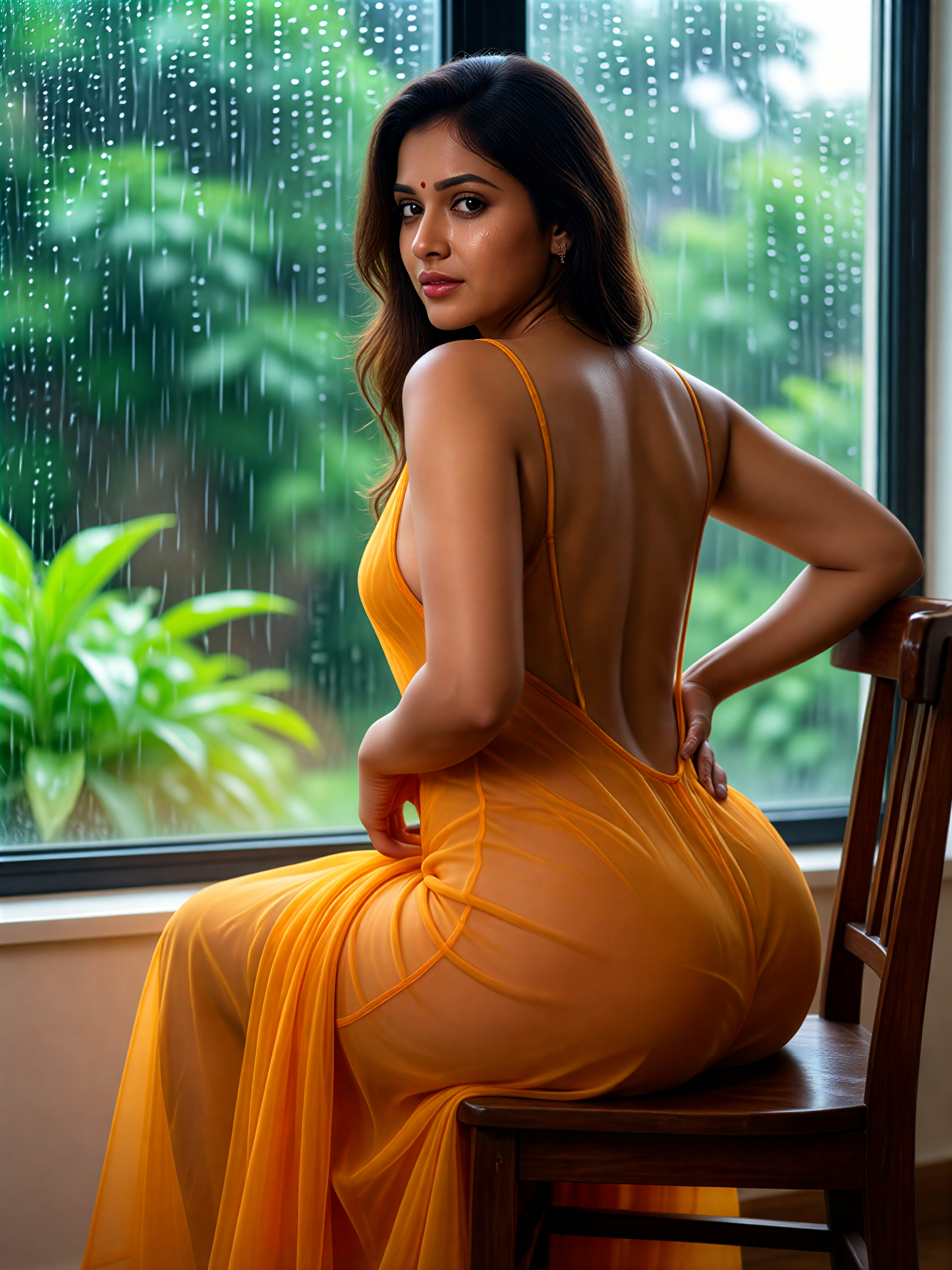
Orange Back Chair
艺术创作家63
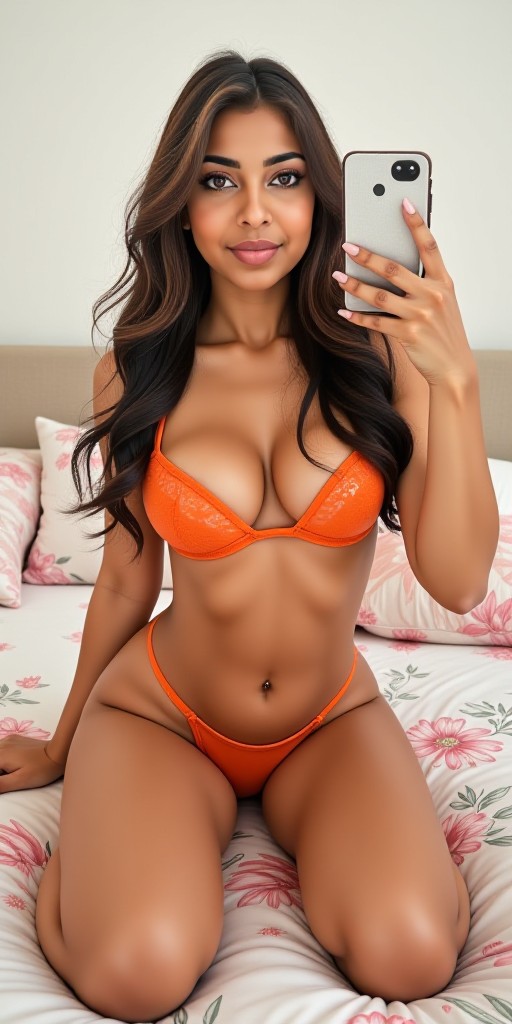
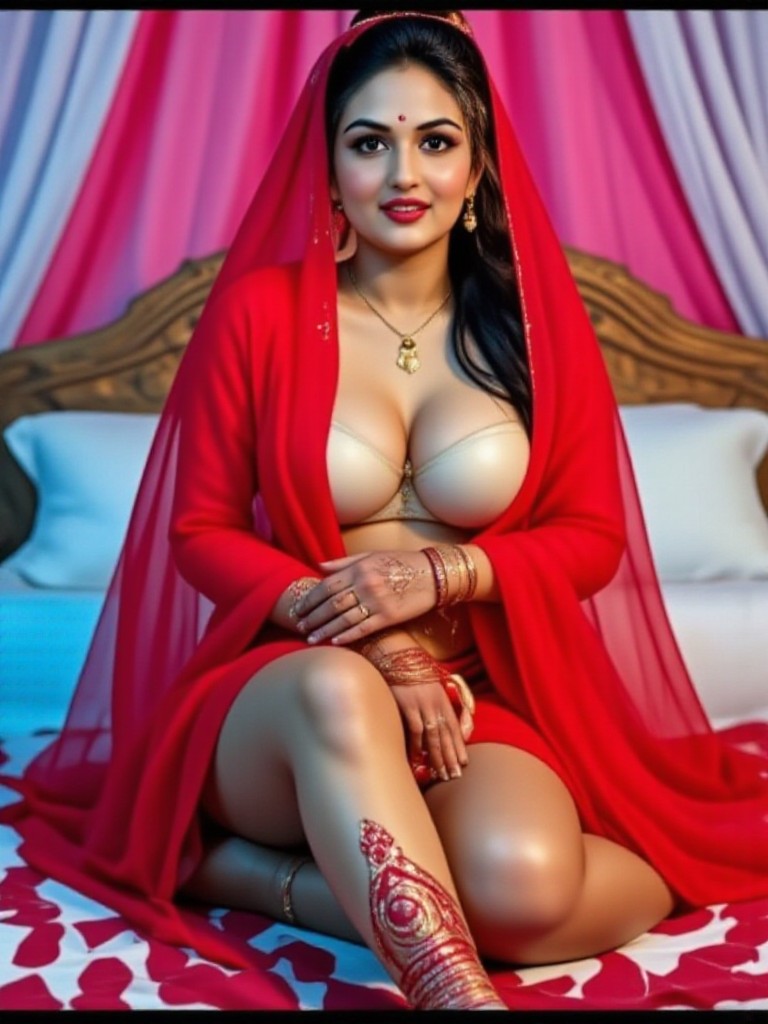
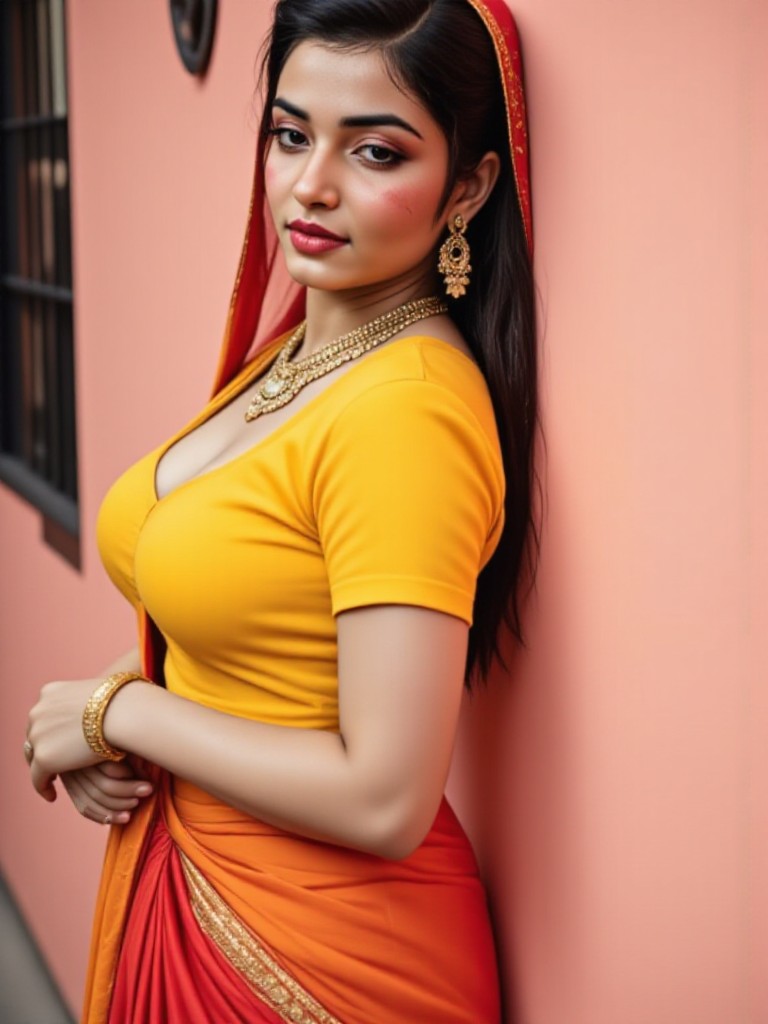
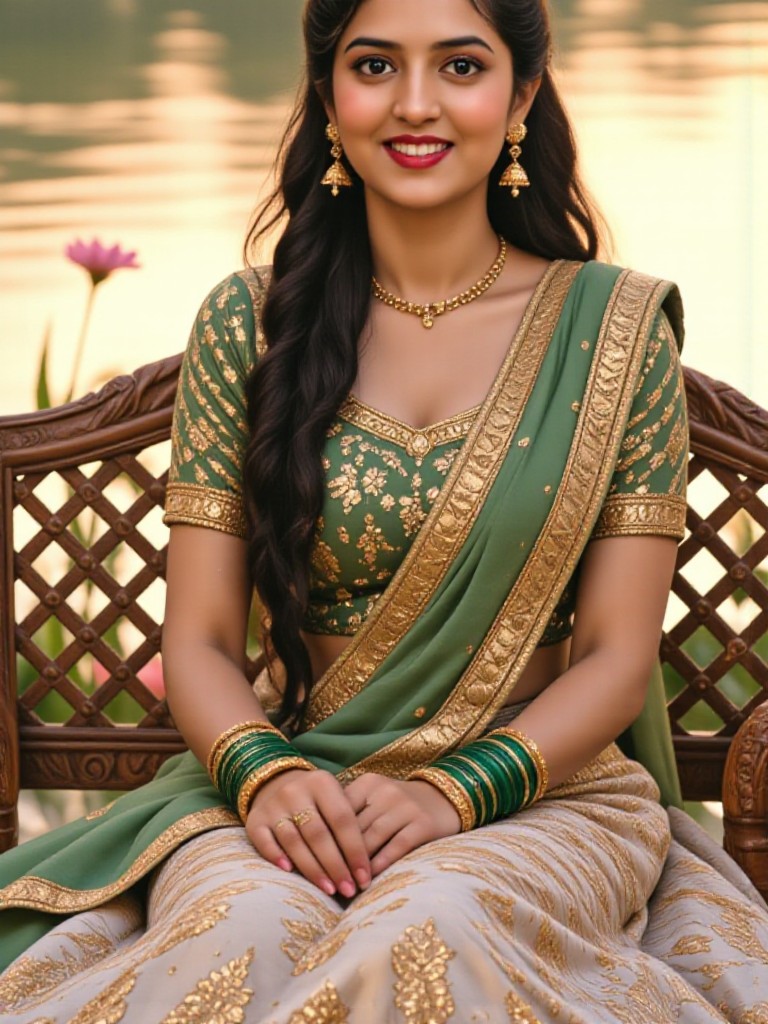
AI Generated Orange Accents Images & Videos
Discover unique and innovative Orange Accents images and videos created with a1.art Orange Accents prompts.

How to Make Orange Accents AI Image & Video on a1.art?
Step into the future of AI Orange Accents video and image creation on a1.art.

Step 1
Select the style you want to apply in the Square.

Step 2
Upload the image you want to transform. It can be a photo, hand-drawn sketch.

Step 3
Wait a few seconds and you can easily get your unique AI Orange Accents art. Download for free!
FAQ about Orange Accents AI Prompt on a1.art
Discover the secrets to creating Birthday Day videos and images at a1.art.
What types of orange accents can I create with a1.art?
With a1.art, you can generate a wide range of orange accents, including landscapes, abstract designs, still life compositions, and more. Our AI-powered tool allows you to explore various styles and effects, ensuring your creations are both unique and visually striking.
Can I customize the orange accents in my images or videos?
Absolutely! a1.art offers a variety of customization options, allowing you to adjust the intensity, saturation, and other properties of orange accents to suit your vision. You can also combine multiple effects to achieve the perfect balance.
Is it easy to use a1.art for generating orange accents?
Yes, a1.art is designed to be user-friendly, even for beginners. Simply upload your image or enter a text prompt, choose your preferred orange accents, and let our AI do the rest. The process is intuitive and requires no technical expertise.
Do I need any special skills to create orange accents with a1.art?
No, a1.art is accessible to everyone, regardless of skill level. Our platform handles the complex AI processing behind the scenes, so you can focus on expressing your creativity without worrying about technical details.
How often can I use a1.art to generate orange accents?
a1.art offers daily free login credits, allowing you to experiment with orange accents as much as you like. If you want more credits, you can subscribe to unlock additional features and higher usage limits.


