


Get On Stage Videos & Images without Prompt
a1.art offers a large number of filters, allowing you to easily obtain AI videos or images without prompts.
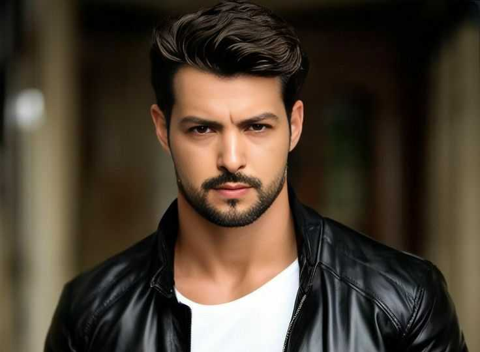

Input
Result
Love Stage
 CC
CC 4.6k
4.6k
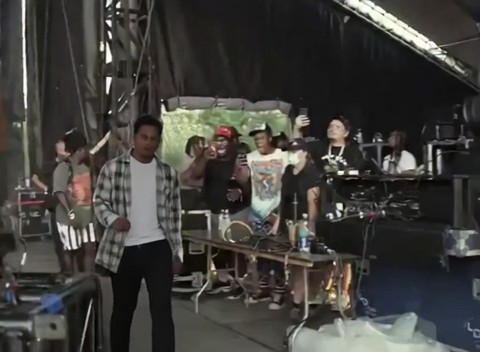
Input
Result
Take the stage
CC218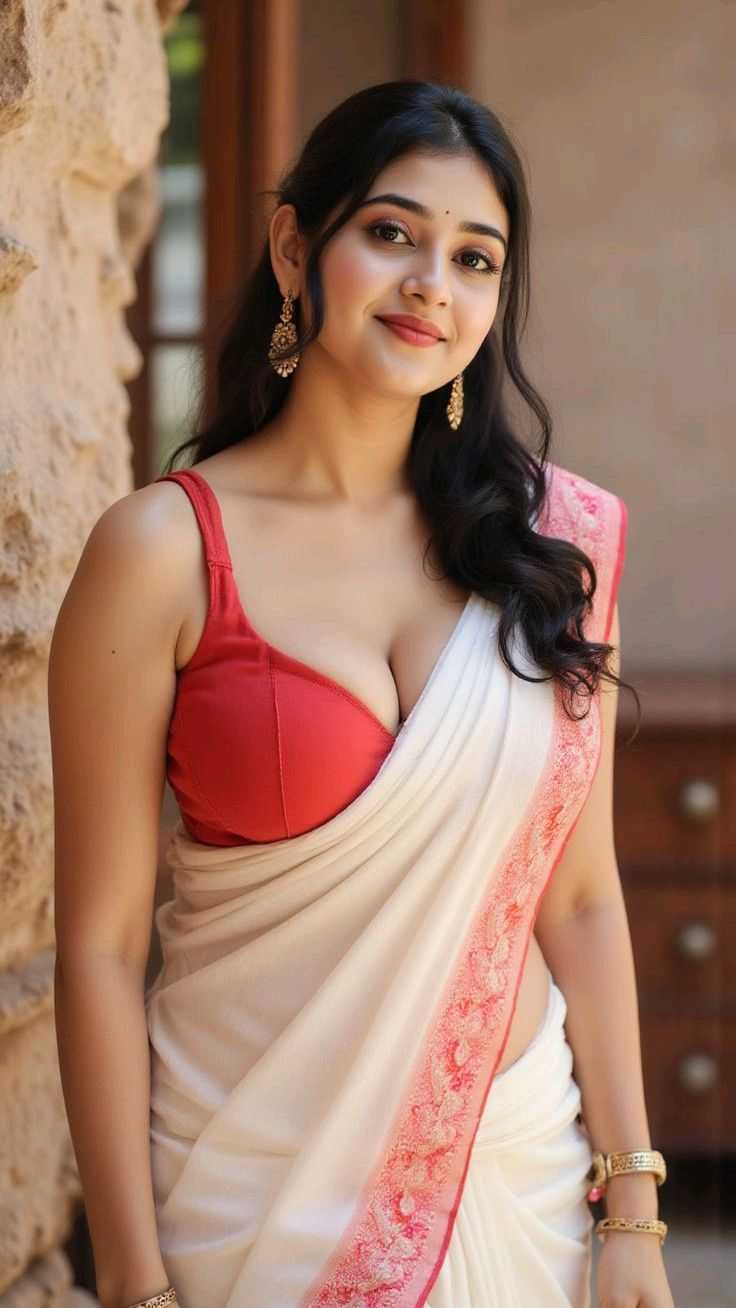
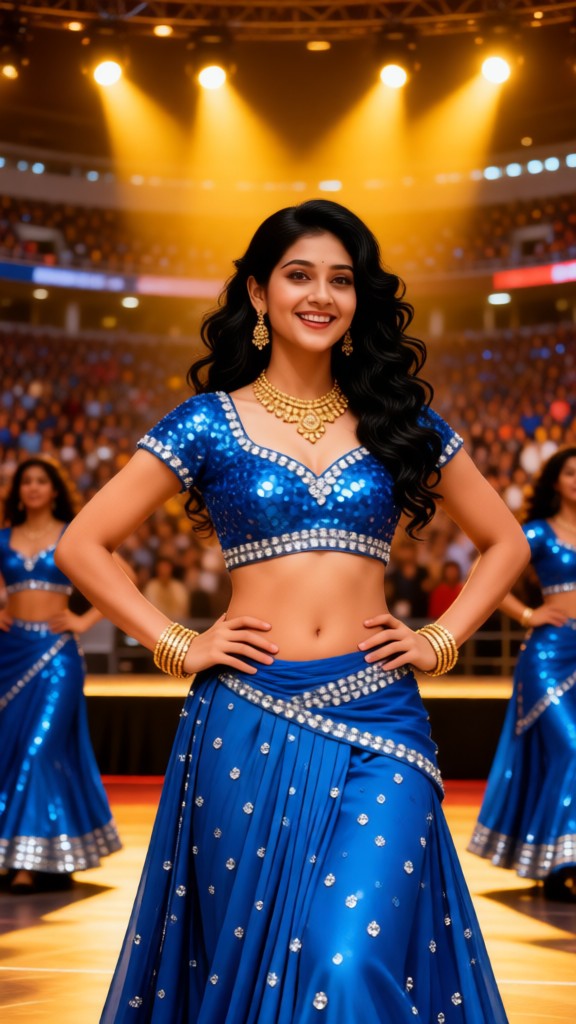
Input
Result
Bollywood Big Stage
 Lizzie-R171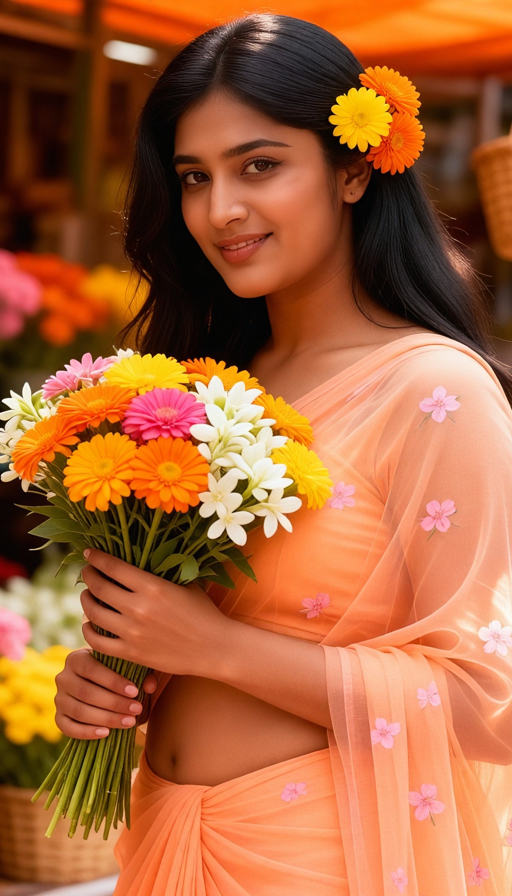

Input
Result
Blue Stage Tease
 艺术画家97
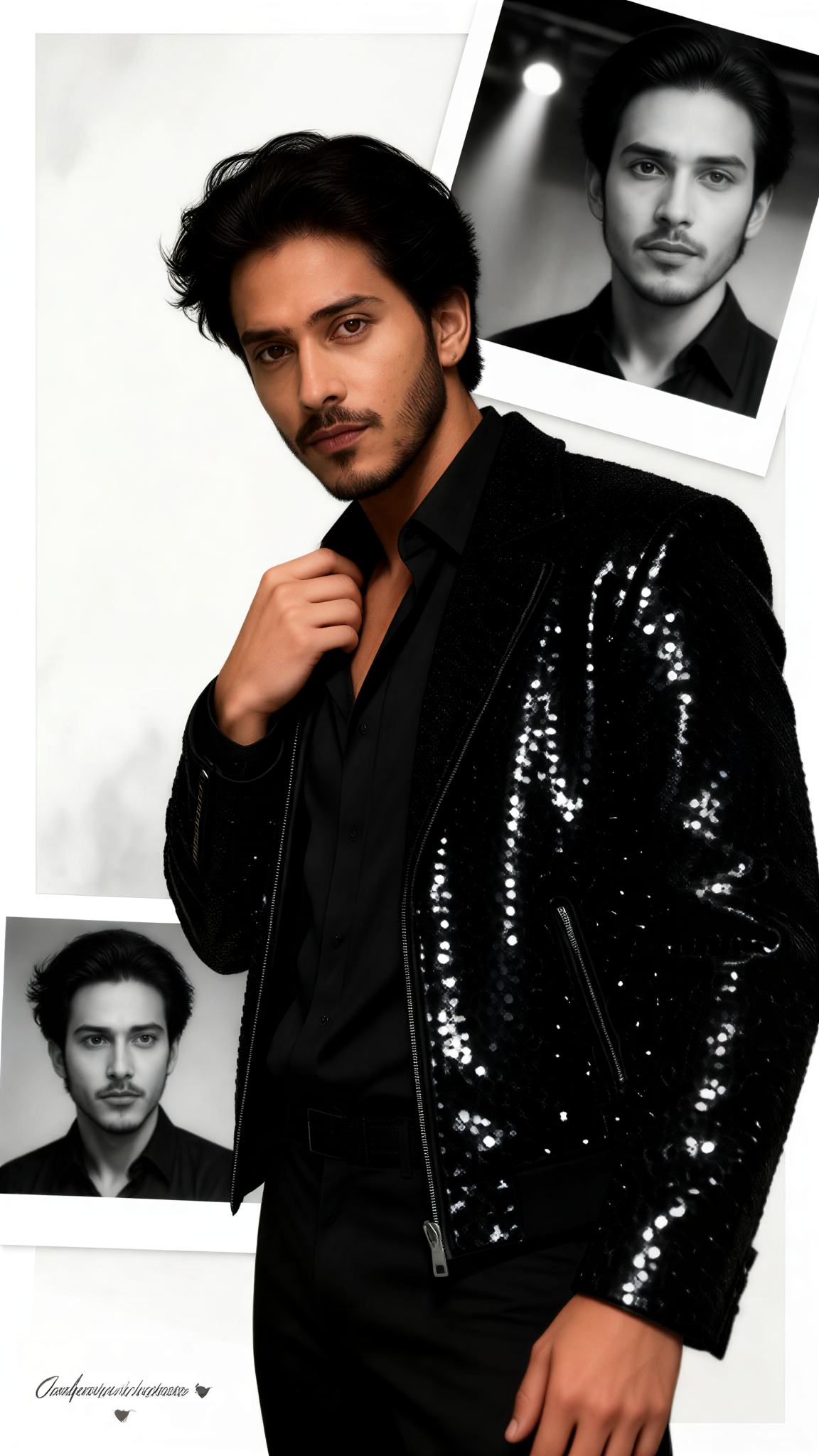
Input
Result
Stage Memory
 艺术创作家55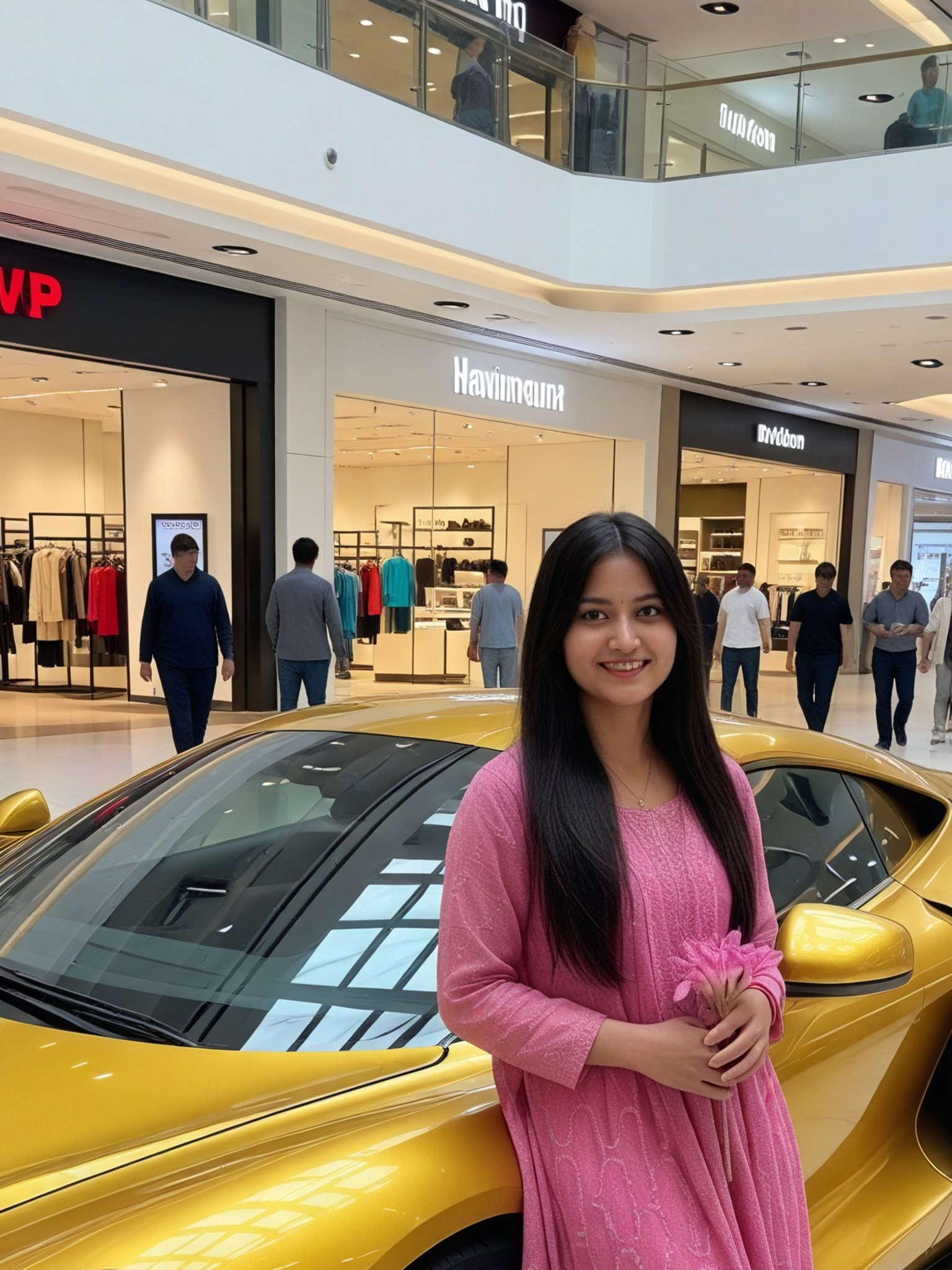
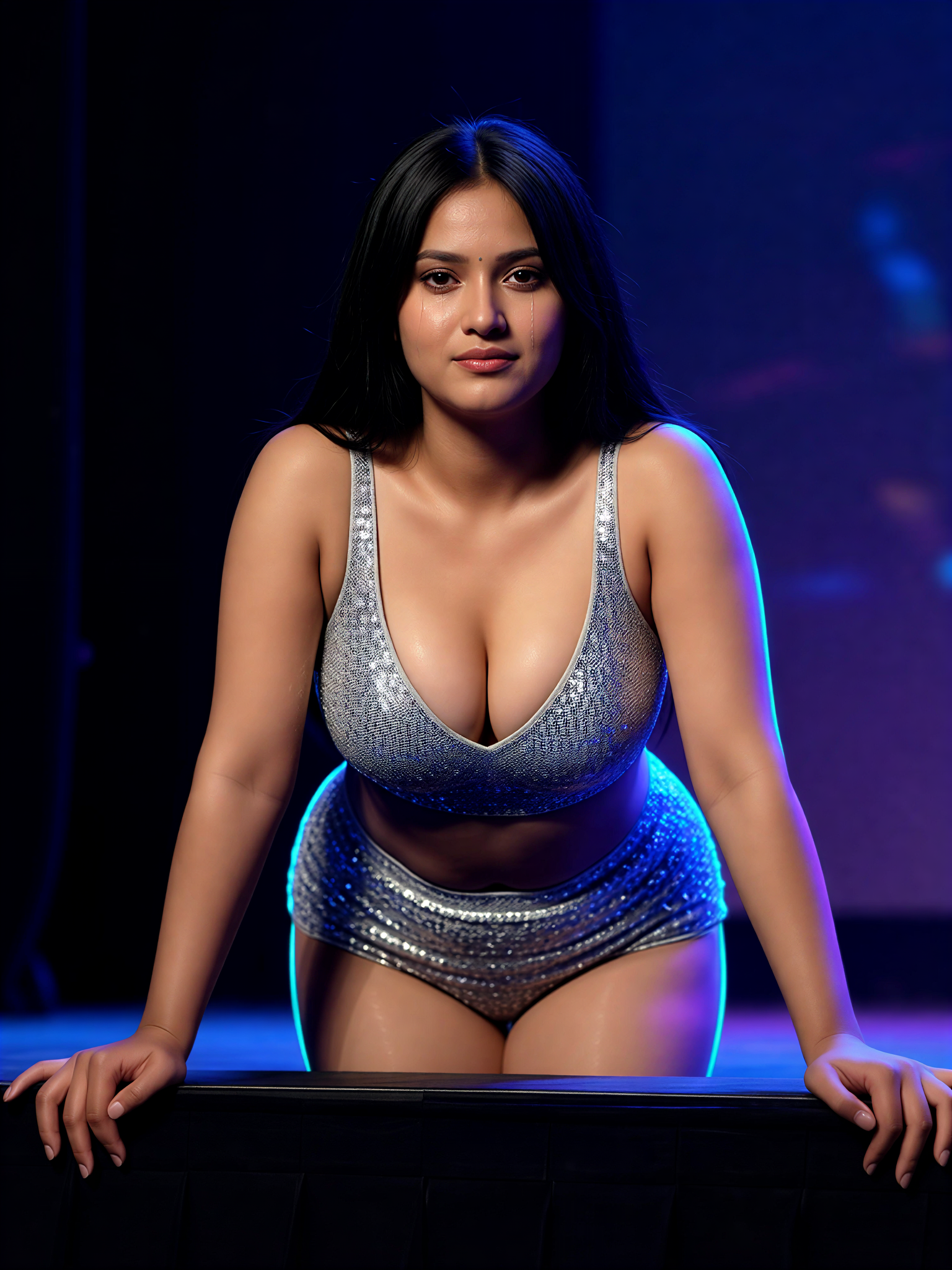
Input
Result
Stage Edge Arch
艺术画家47

Input
Result
Passionate Idol Stage
CC46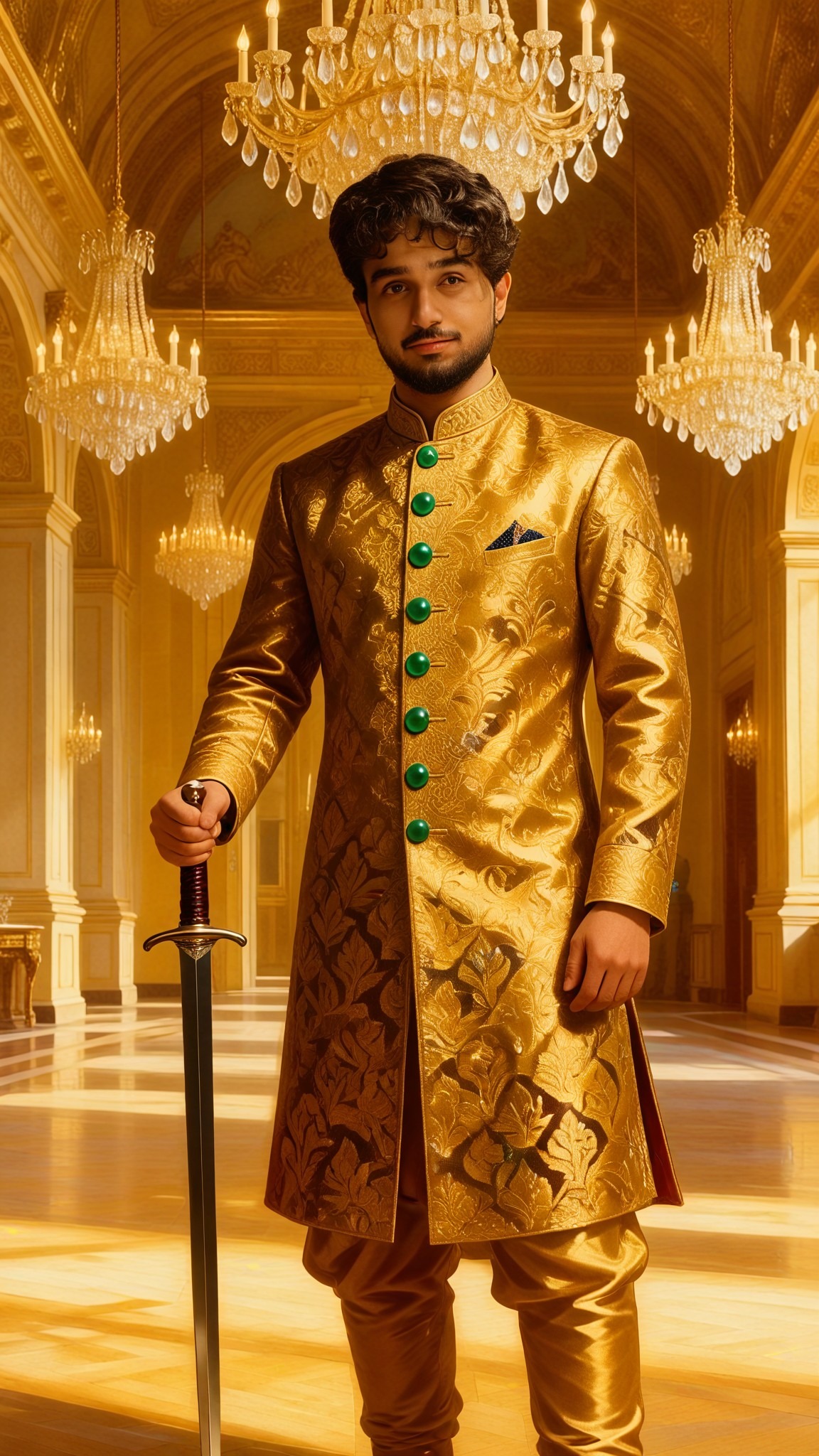
Input
Result
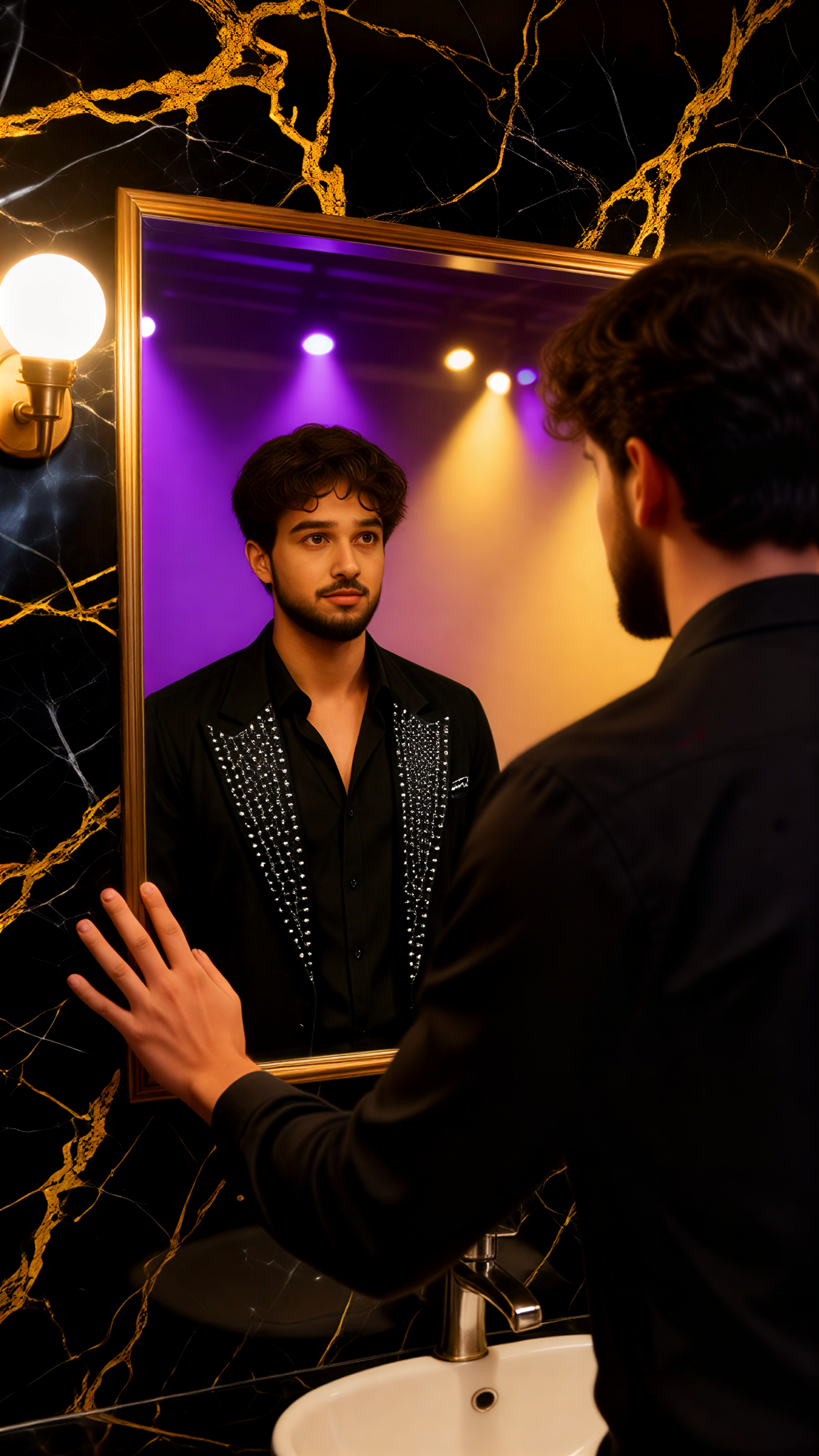
Singer Stage Mirror
 艺术梦想家44
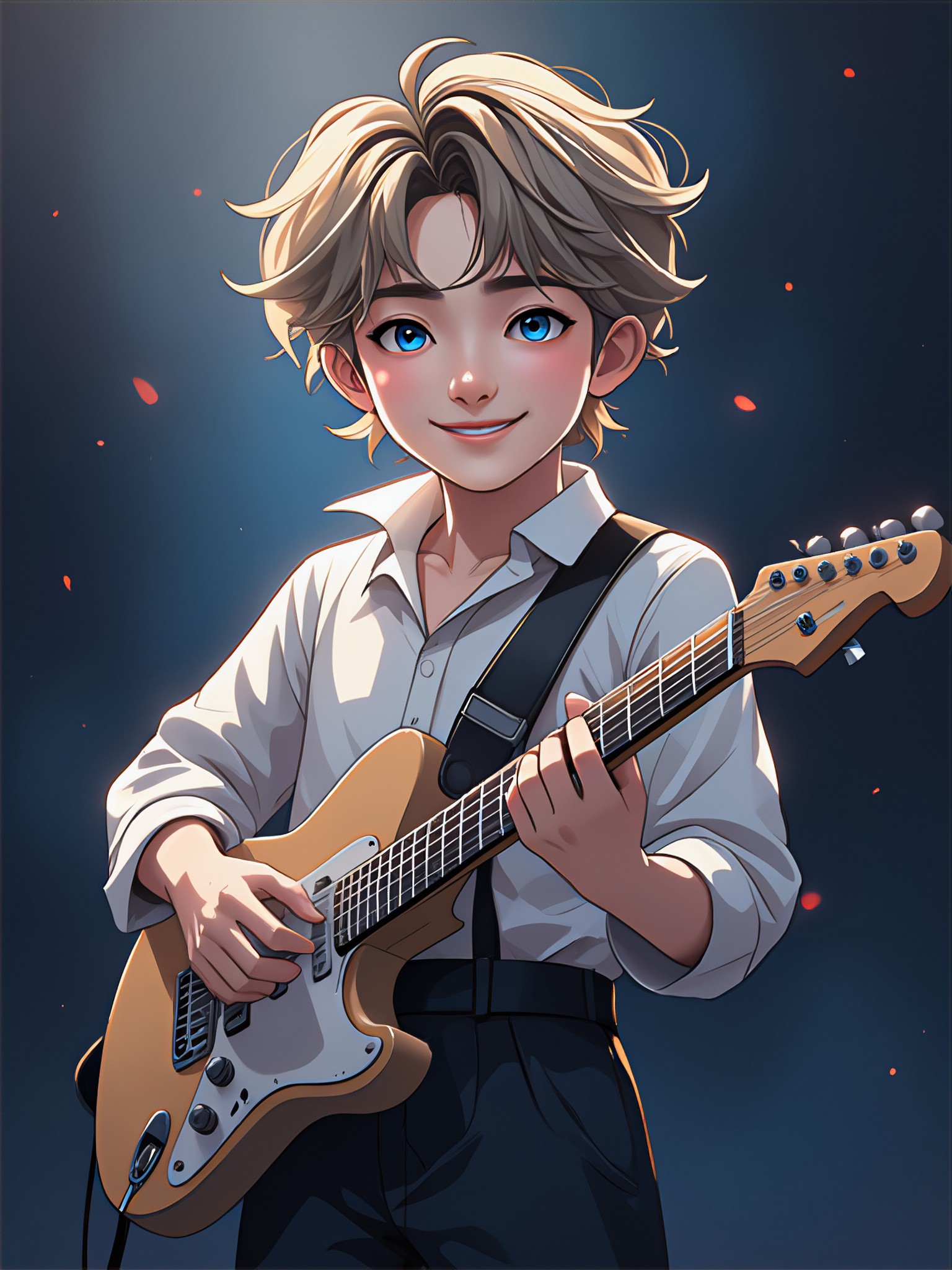
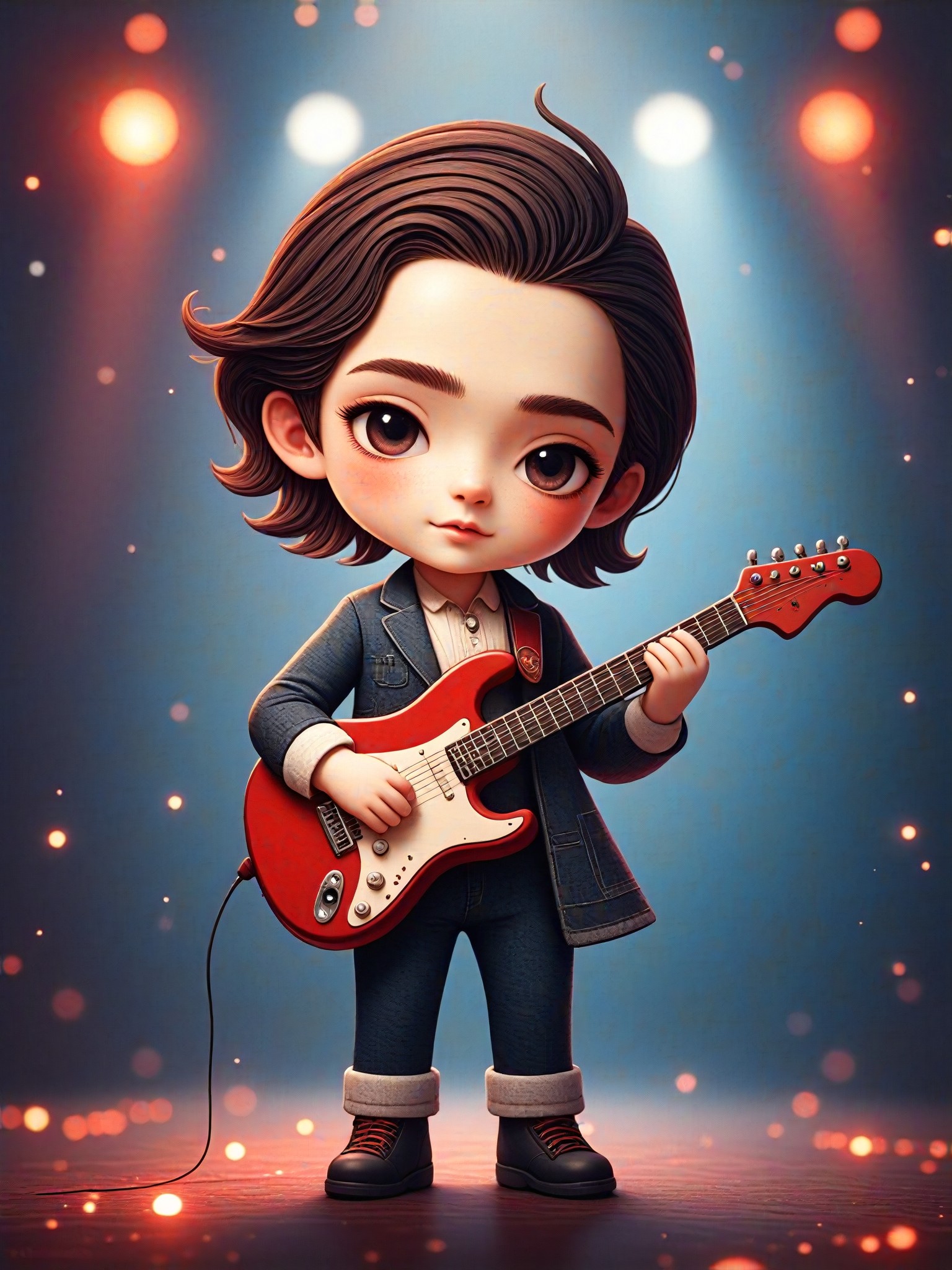
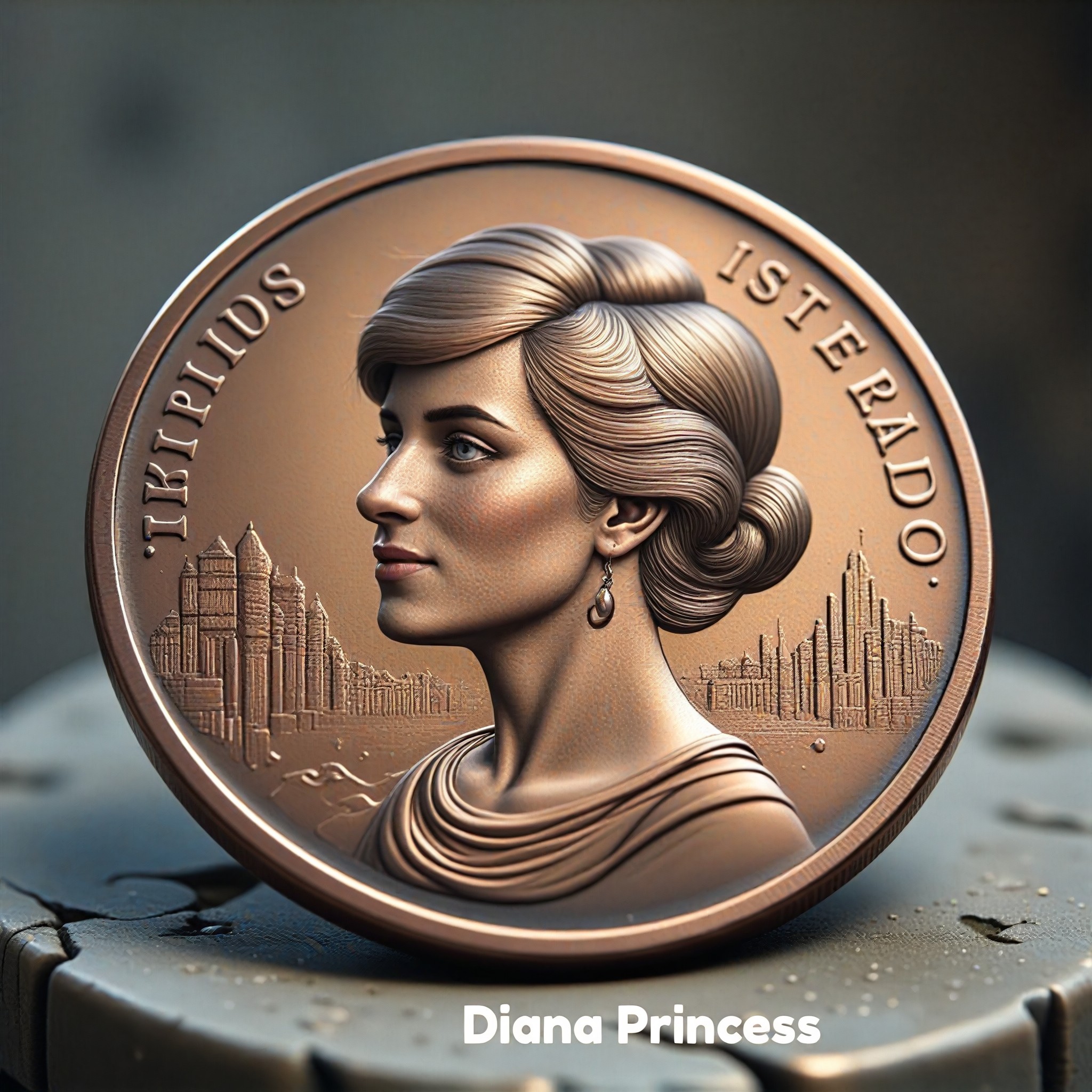
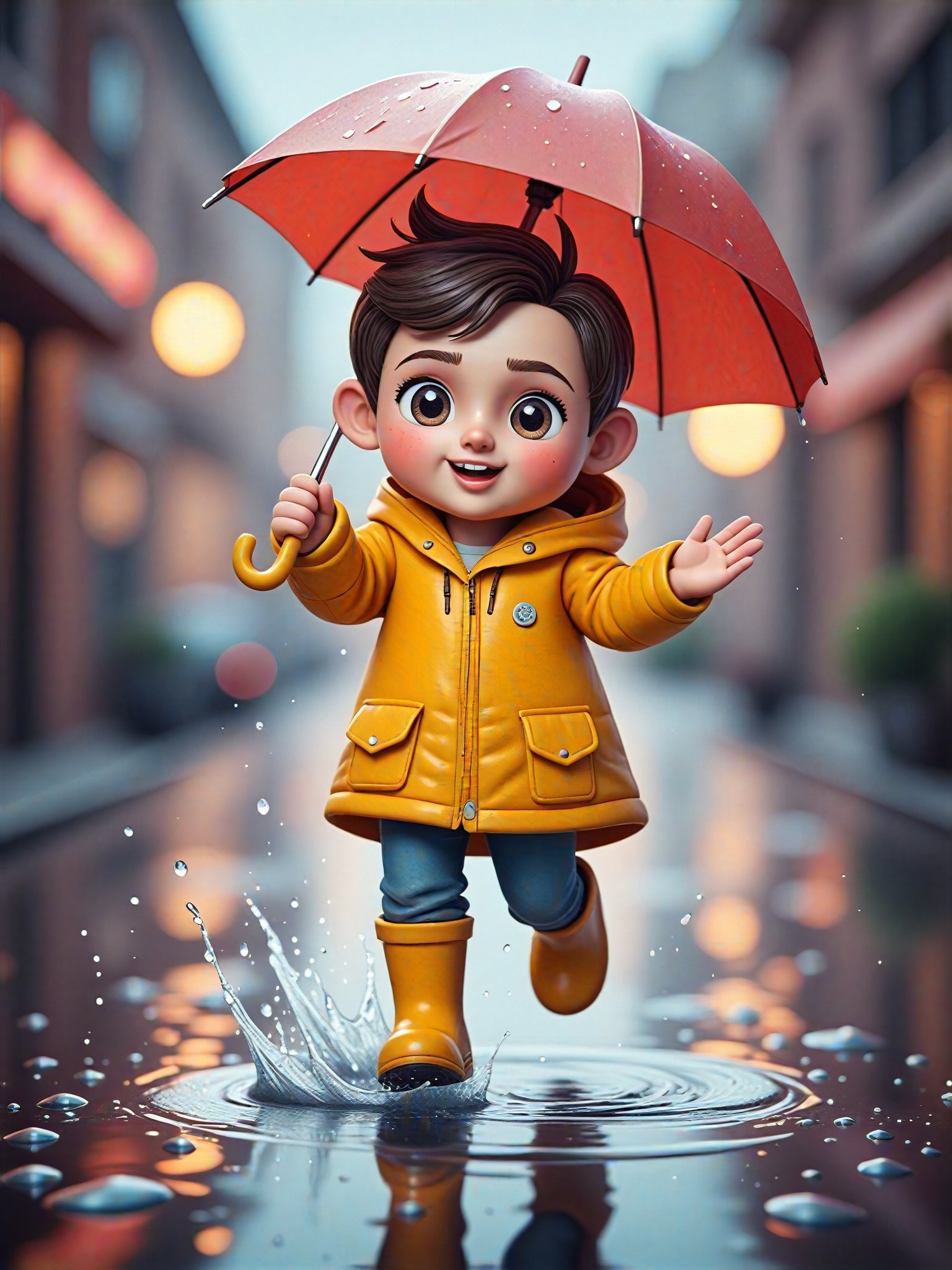
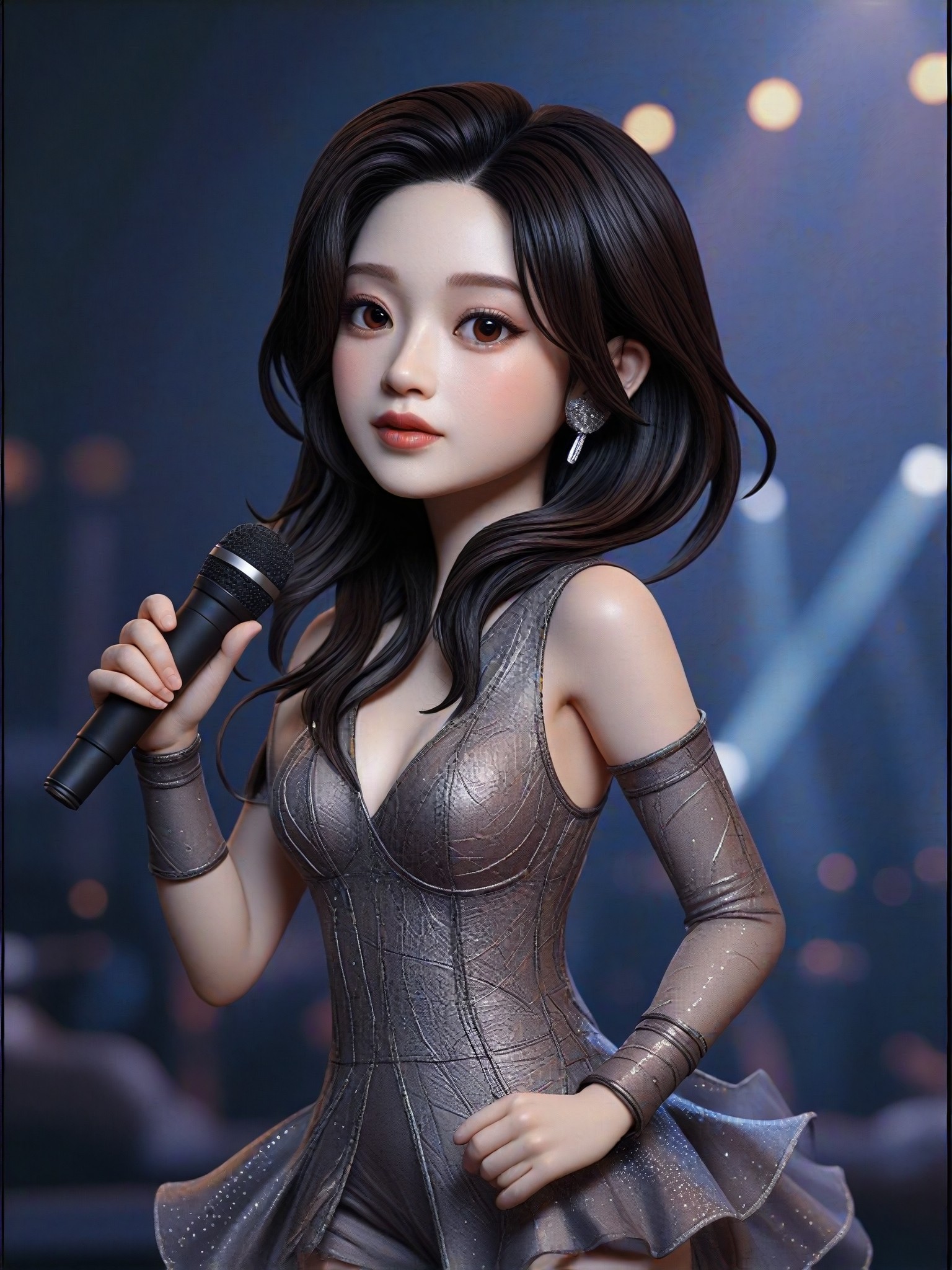
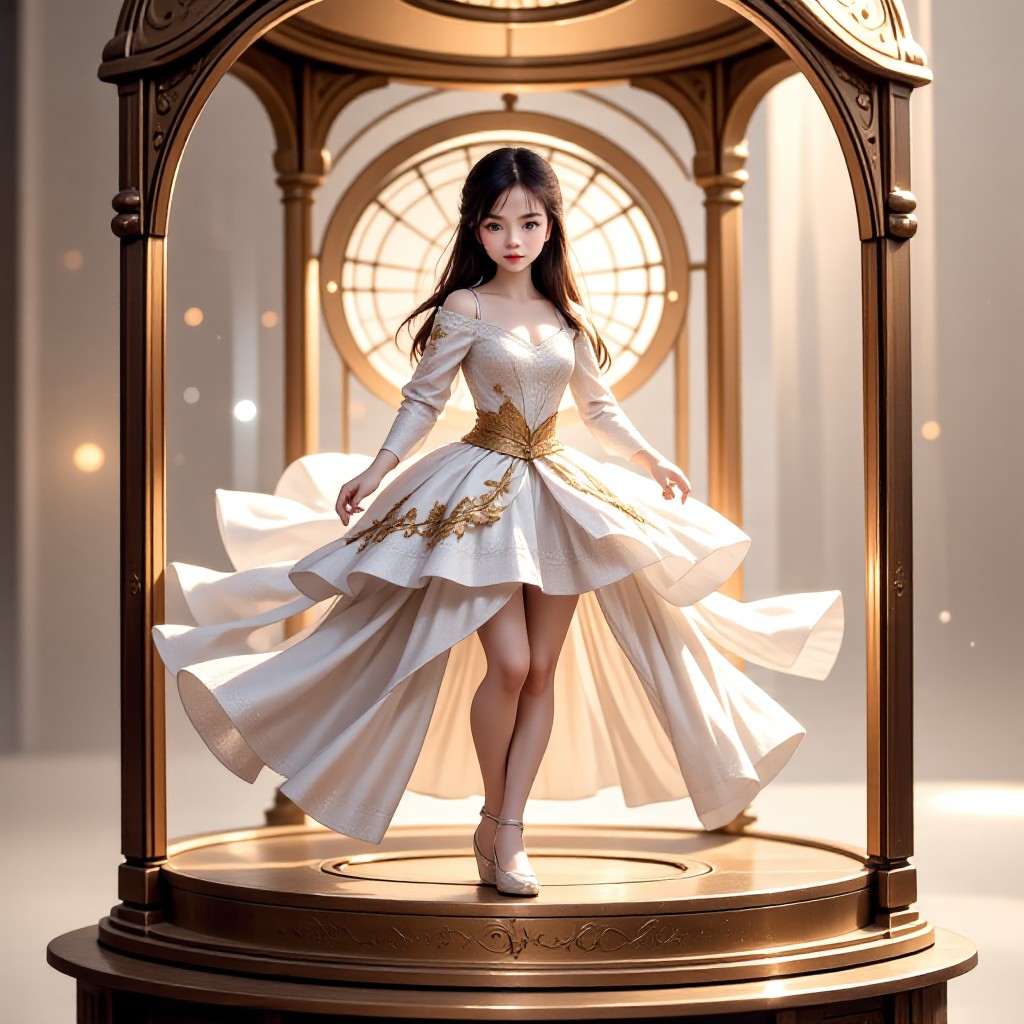
AI Generated On Stage Images & Videos
Discover unique and innovative On Stage images and videos created with a1.art On Stage prompts.
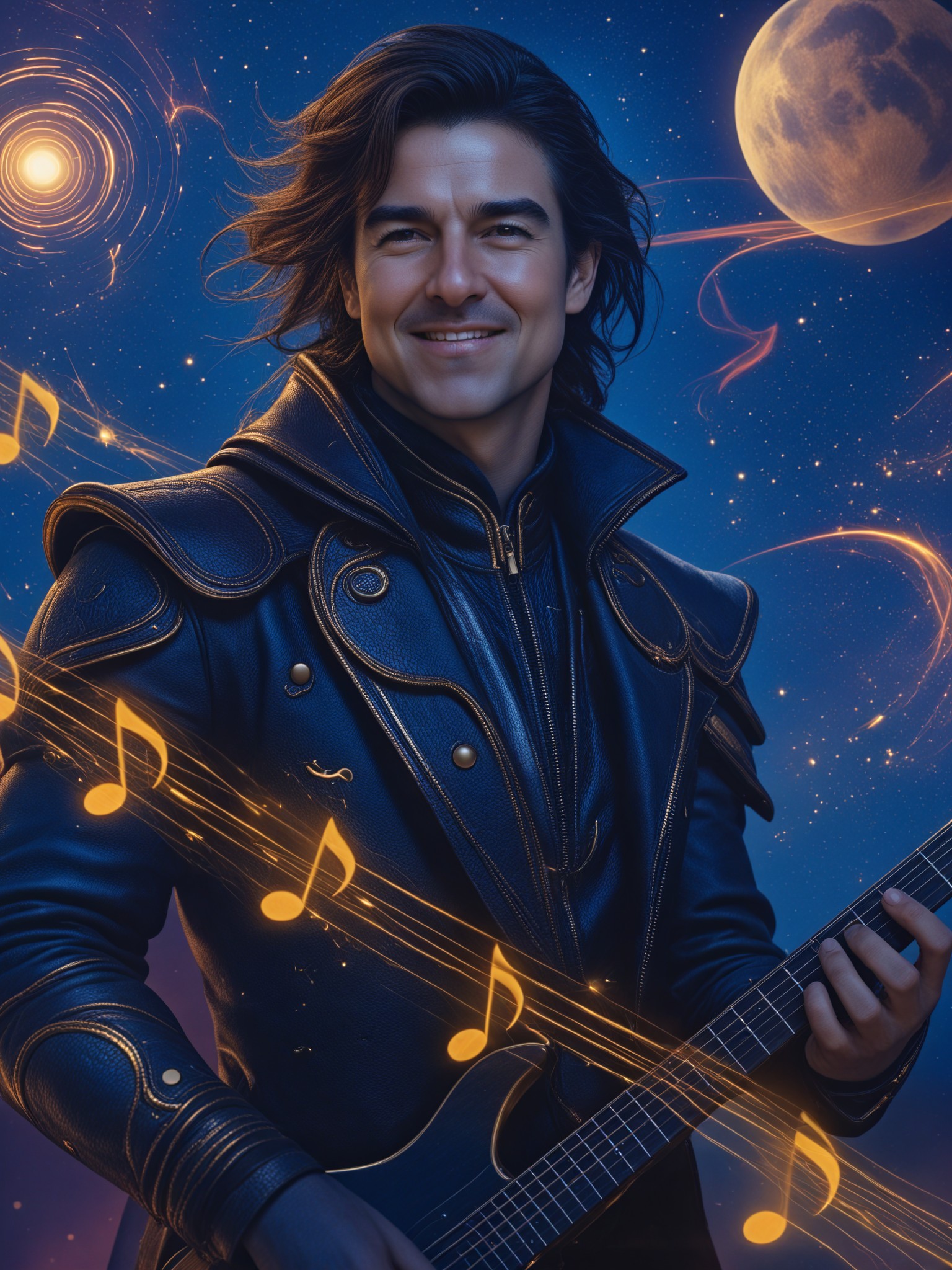
How to Make On Stage AI Image & Video on a1.art?
Step into the future of AI On Stage video and image creation on a1.art.

Step 1
Select the style you want to apply in the Square.

Step 2
Upload the image you want to transform. It can be a photo, hand-drawn sketch.

Step 3
Wait a few seconds and you can easily get your unique AI On Stage art. Download for free!
FAQ about On Stage AI Prompt on a1.art
Discover the secrets to creating Birthday Day videos and images at a1.art.
What types of on stage visuals can I create with a1.art?
With a1.art, you can create stunning visuals for a wide range of on stage scenarios, including theater performances, concerts, ballet, opera, and more. Our AI prompts allow you to generate detailed and immersive stage designs tailored to your specific needs.
Do I need technical skills to use a1.art for on stage AI prompts?
No, a1.art is designed to be user-friendly, requiring no technical skills. Simply input your desired prompt or upload an image, and our AI will generate the visuals instantly. You can also choose from pre-set filters to enhance your creations.
Can I customize the on stage visuals generated by a1.art?
Absolutely! a1.art allows you to fine-tune your prompts to achieve the exact look and feel you desire. Whether it's adjusting lighting, adding special effects, or modifying textures, you have full control over the final output.
Are there any limitations on the number of on stage visuals I can create?
a1.art offers daily free credits for generating visuals, and you can subscribe to earn additional credits if needed. There are no strict limitations, so you can create as many on stage visuals as you like.
How does a1.art compare to other AI art generators for on stage visuals?
a1.art stands out with its specialized focus on on stage AI prompts, offering unique features like customizable filters, real-time previews, and a vast library of industry-specific prompts. Our platform is designed to deliver professional-grade visuals tailored to the needs of performers, directors, and event planners.


