
Get Multiple Options Videos & Images without Prompt
a1.art offers a large number of filters, allowing you to easily obtain AI videos or images without prompts.
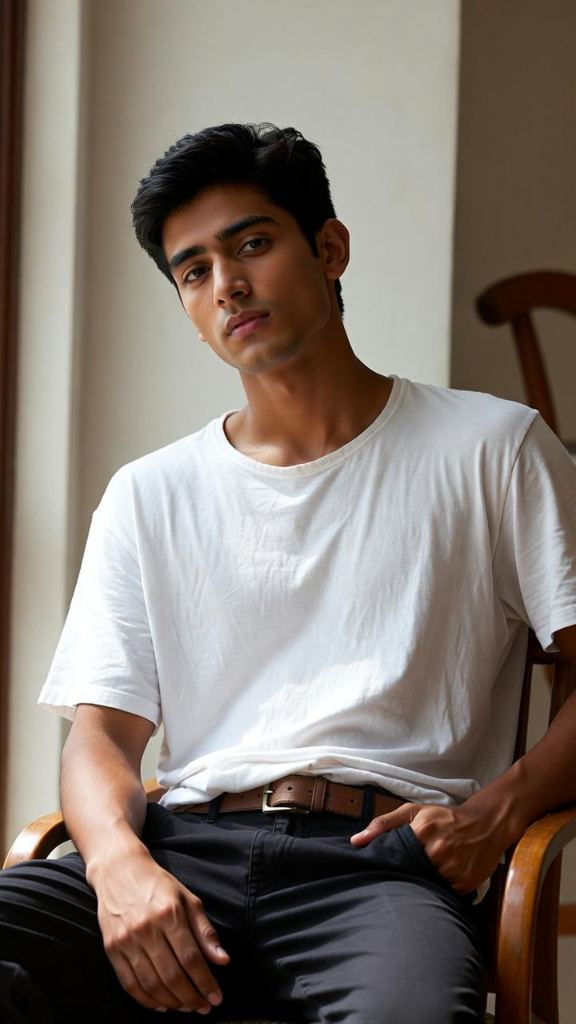
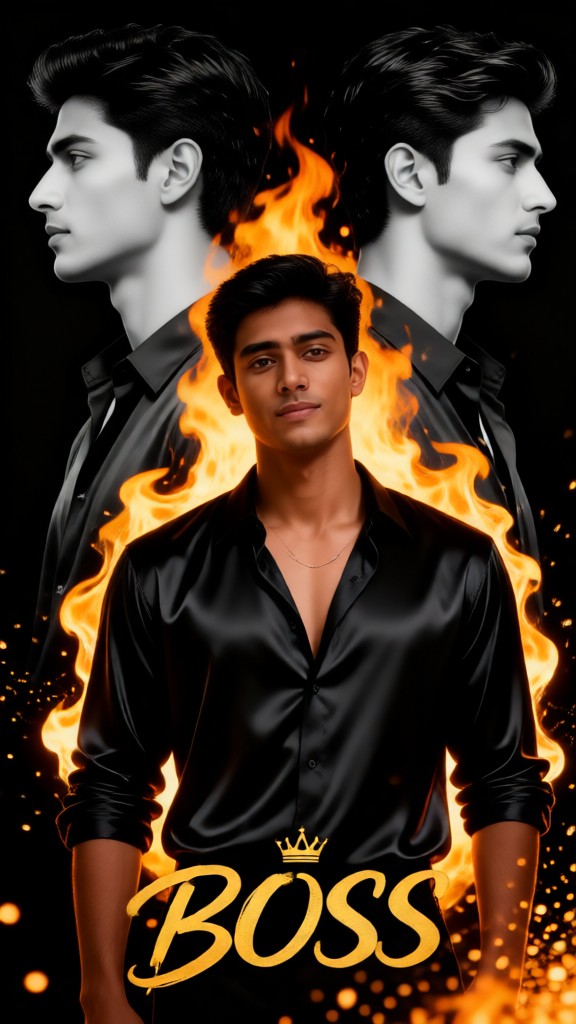
Input
Result
Multiple-exposure movie poster
 Julian Frost
 2.0k
2.0k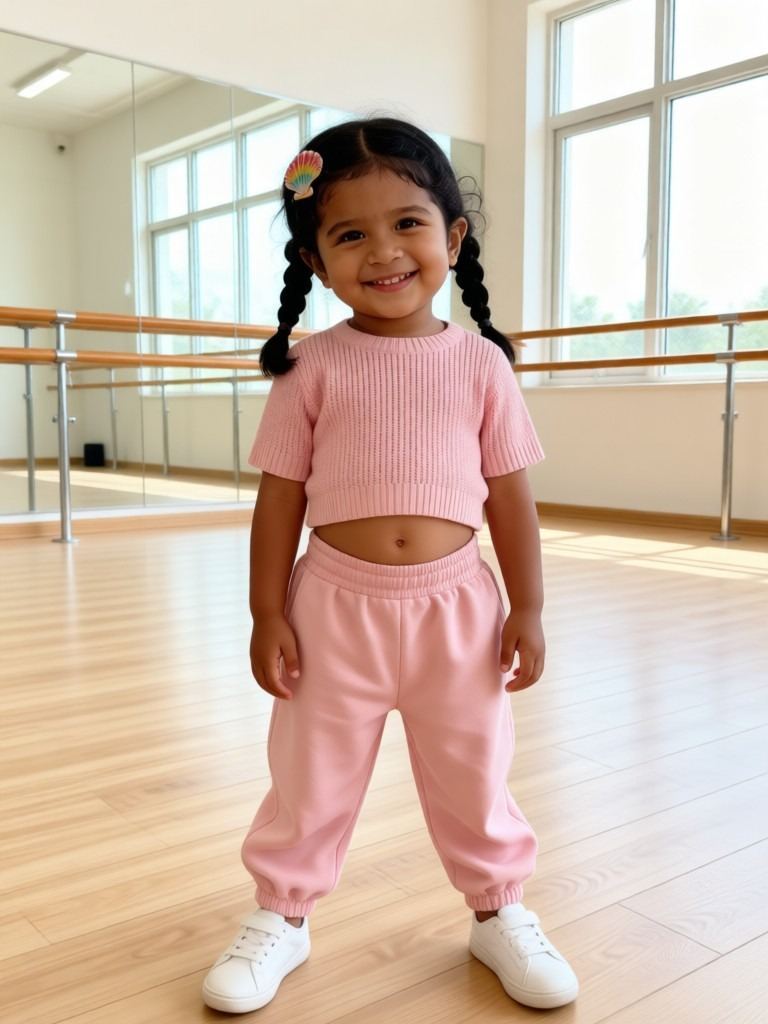
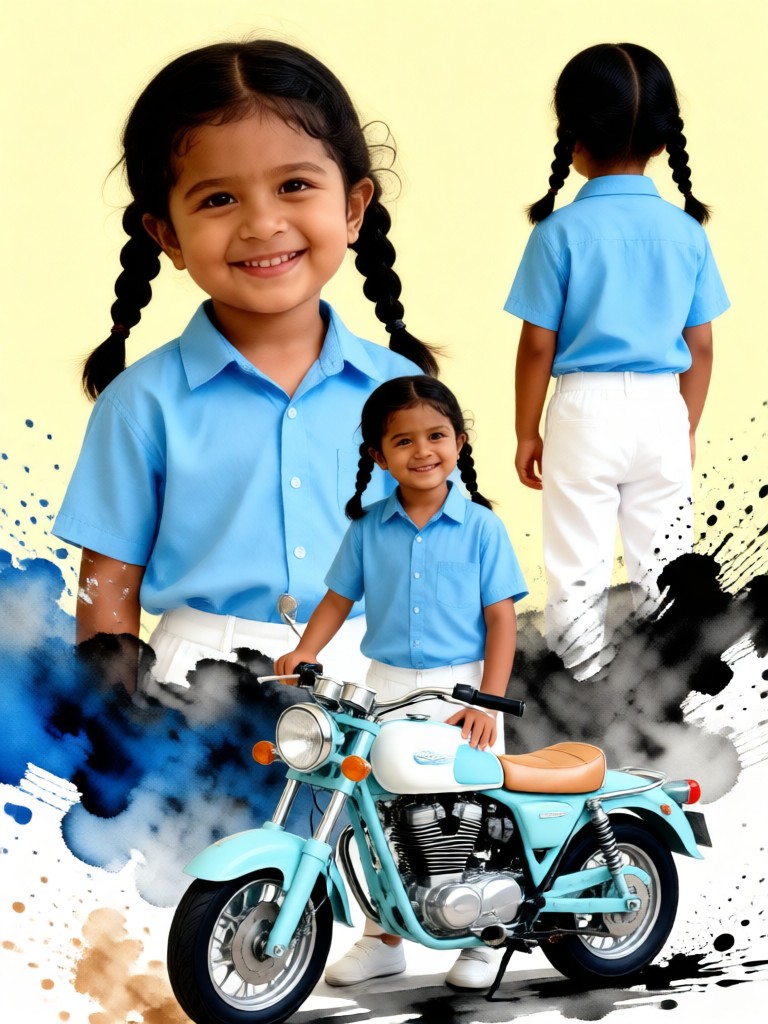
Input
Result
Motorcycle Splash Ink Multiple Exposure Portrait Poster
 maseo535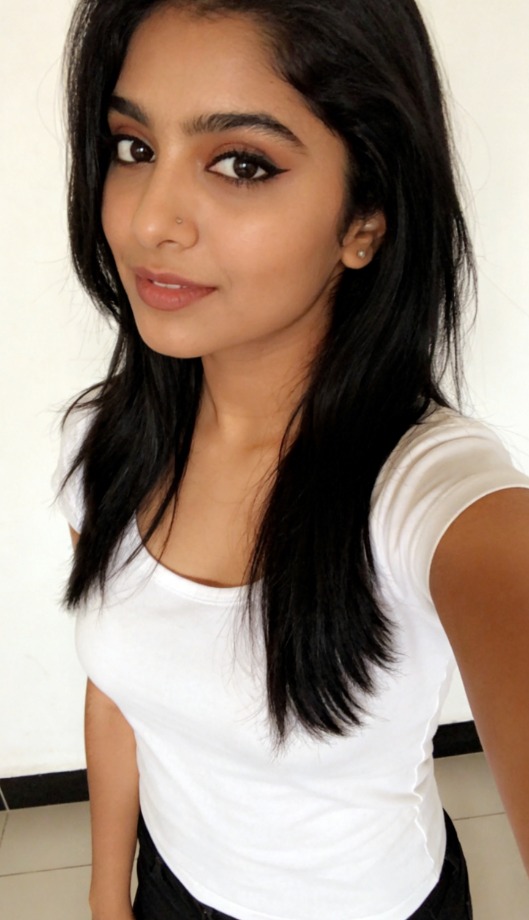
Input
Result
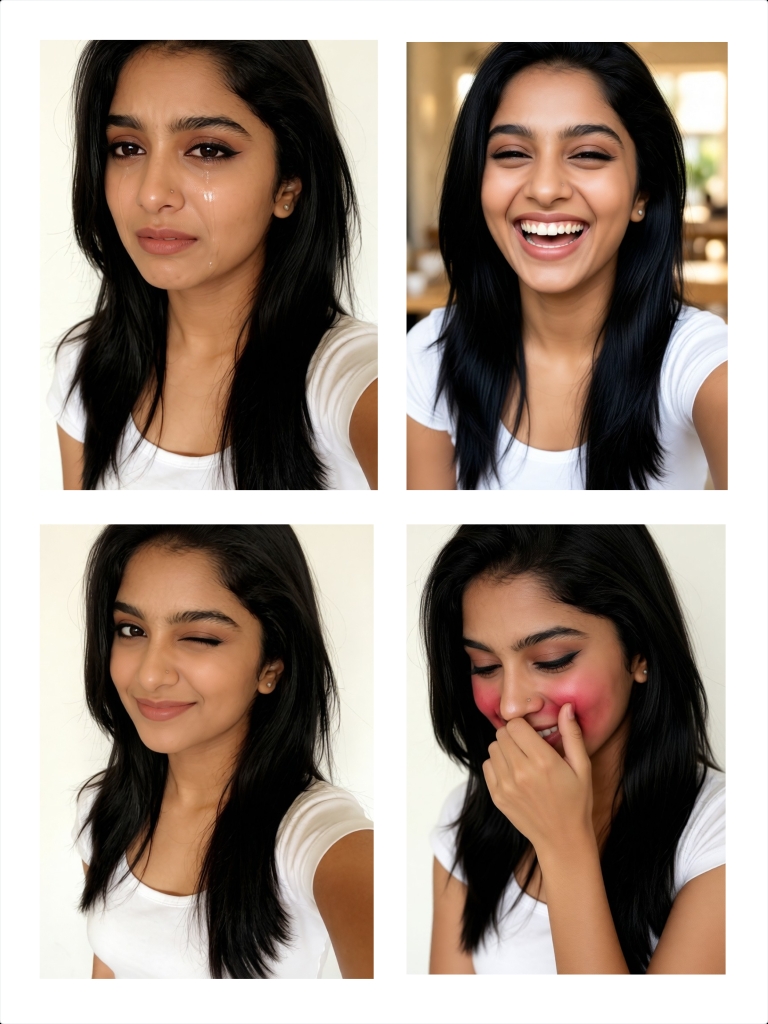
Multiple-expression
 Melody💗476
Input
Result
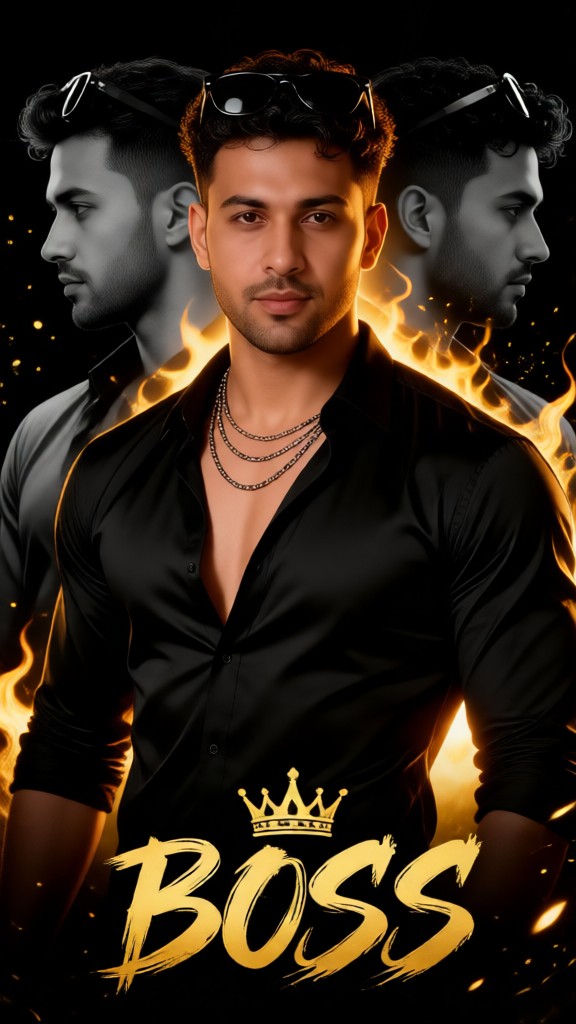
Multiple exposure movie poster-p1
 Lizzie-R278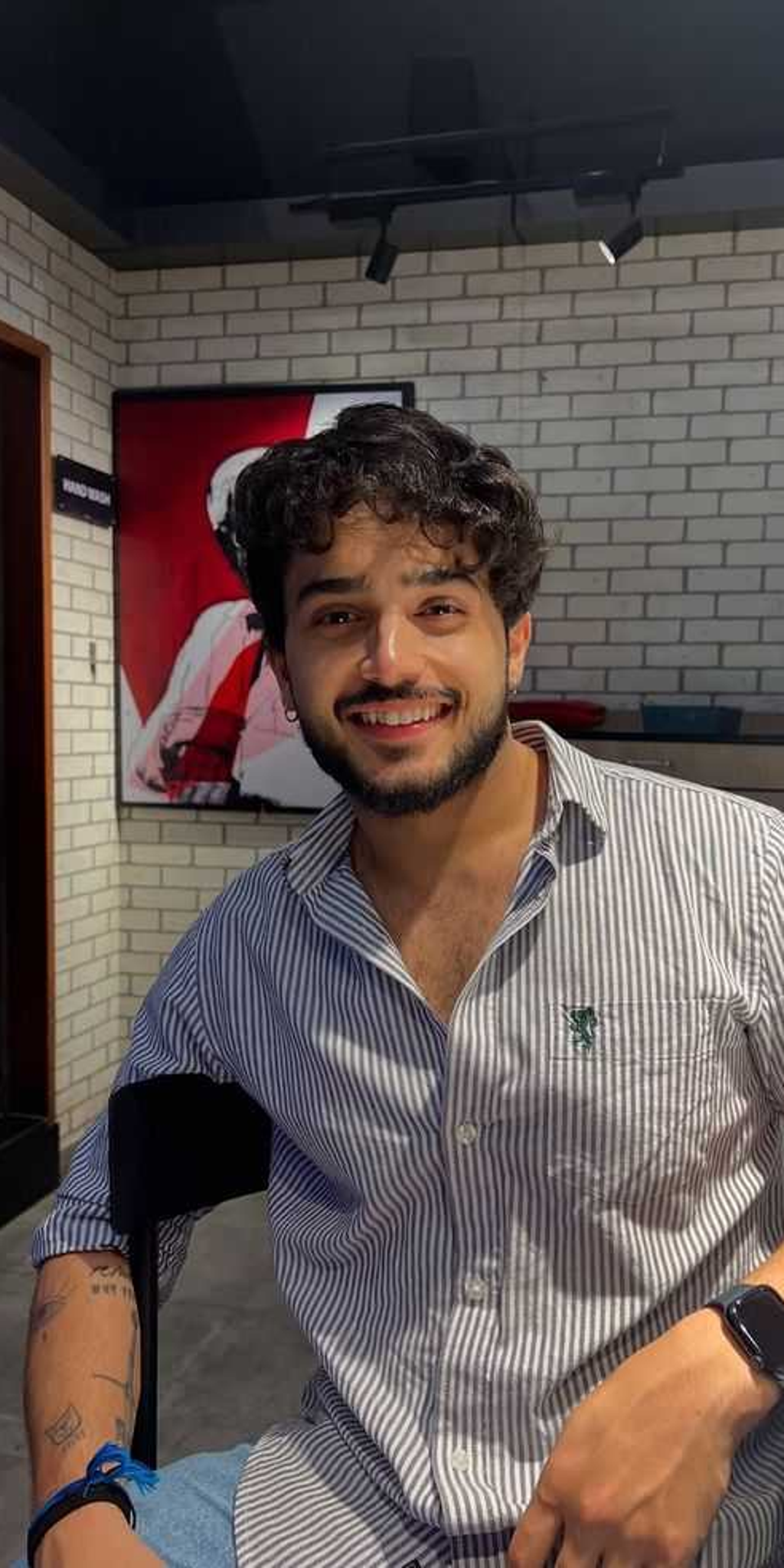
Input
Result
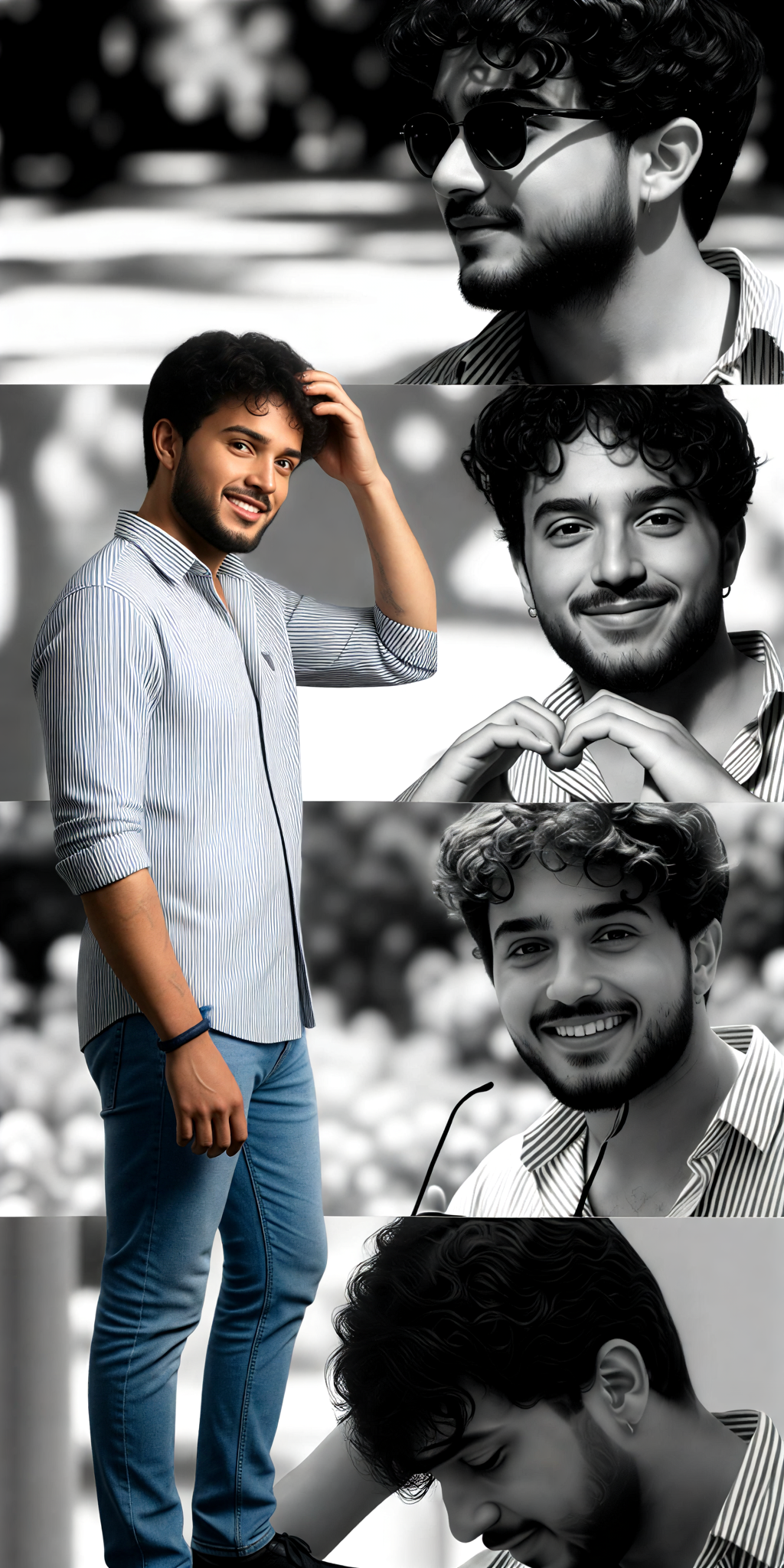
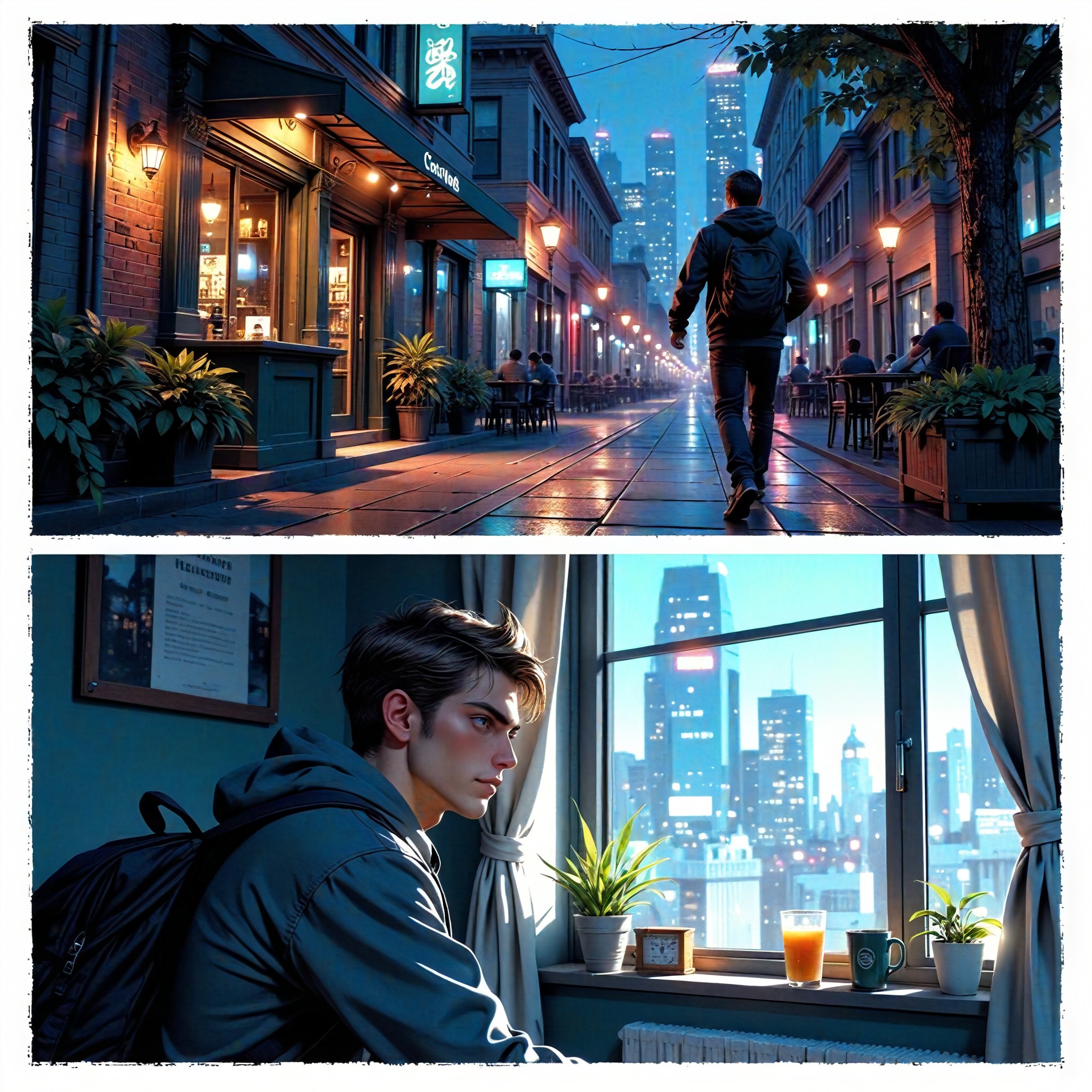
Multiple character panels-11
 Aryan(阿利安)240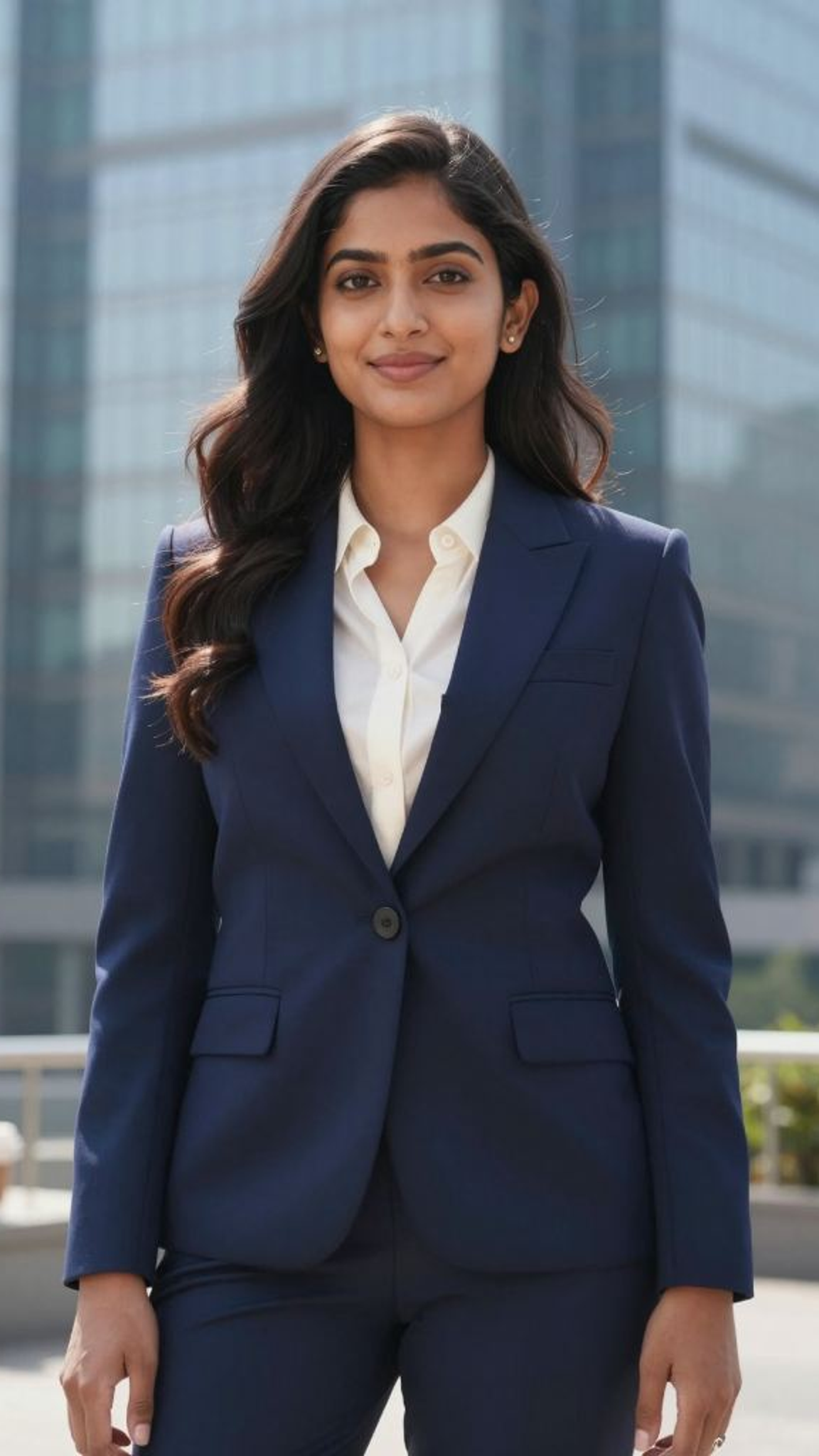
Input
Result
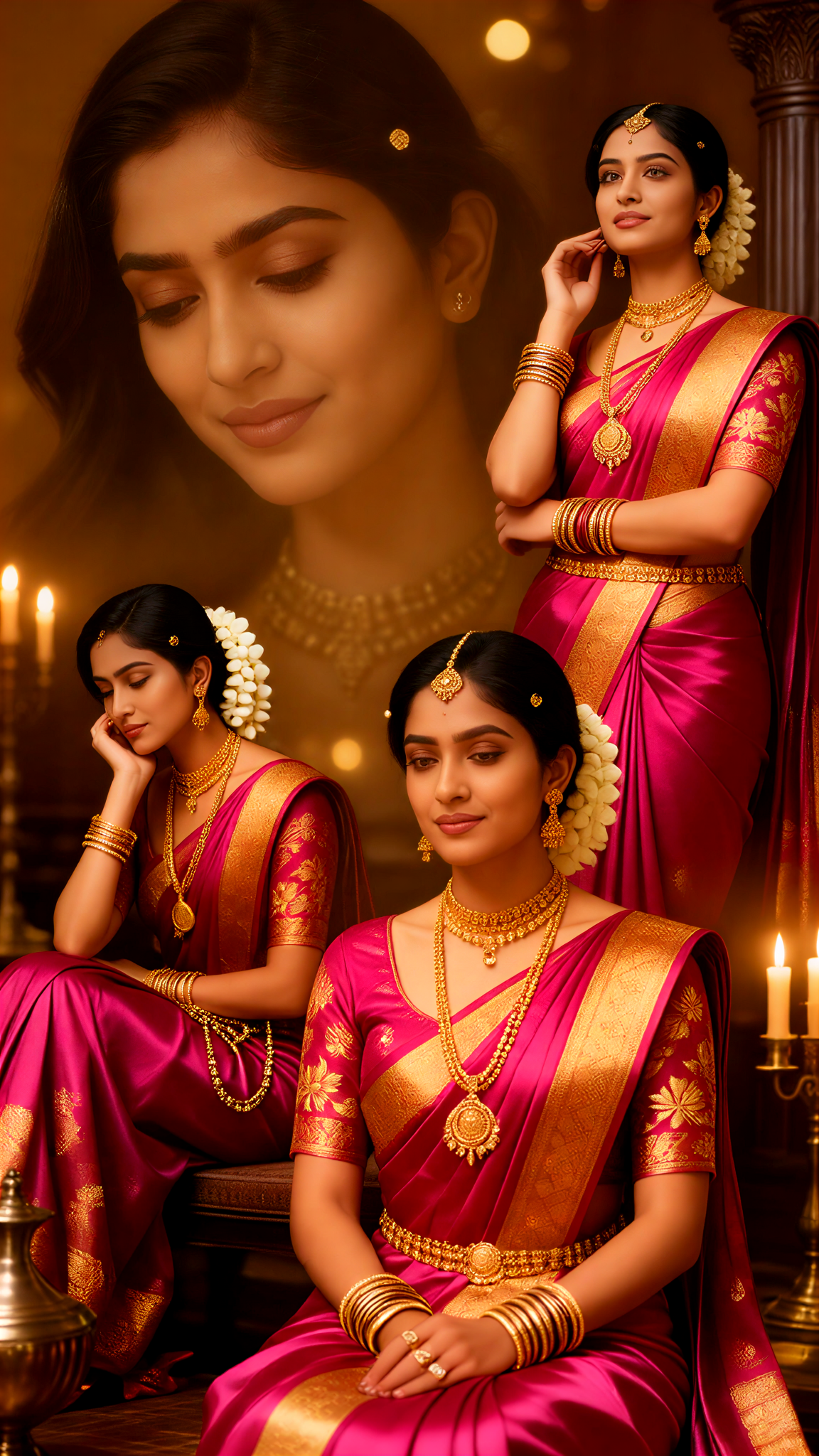
Shali Multiple Exposure
 akaii213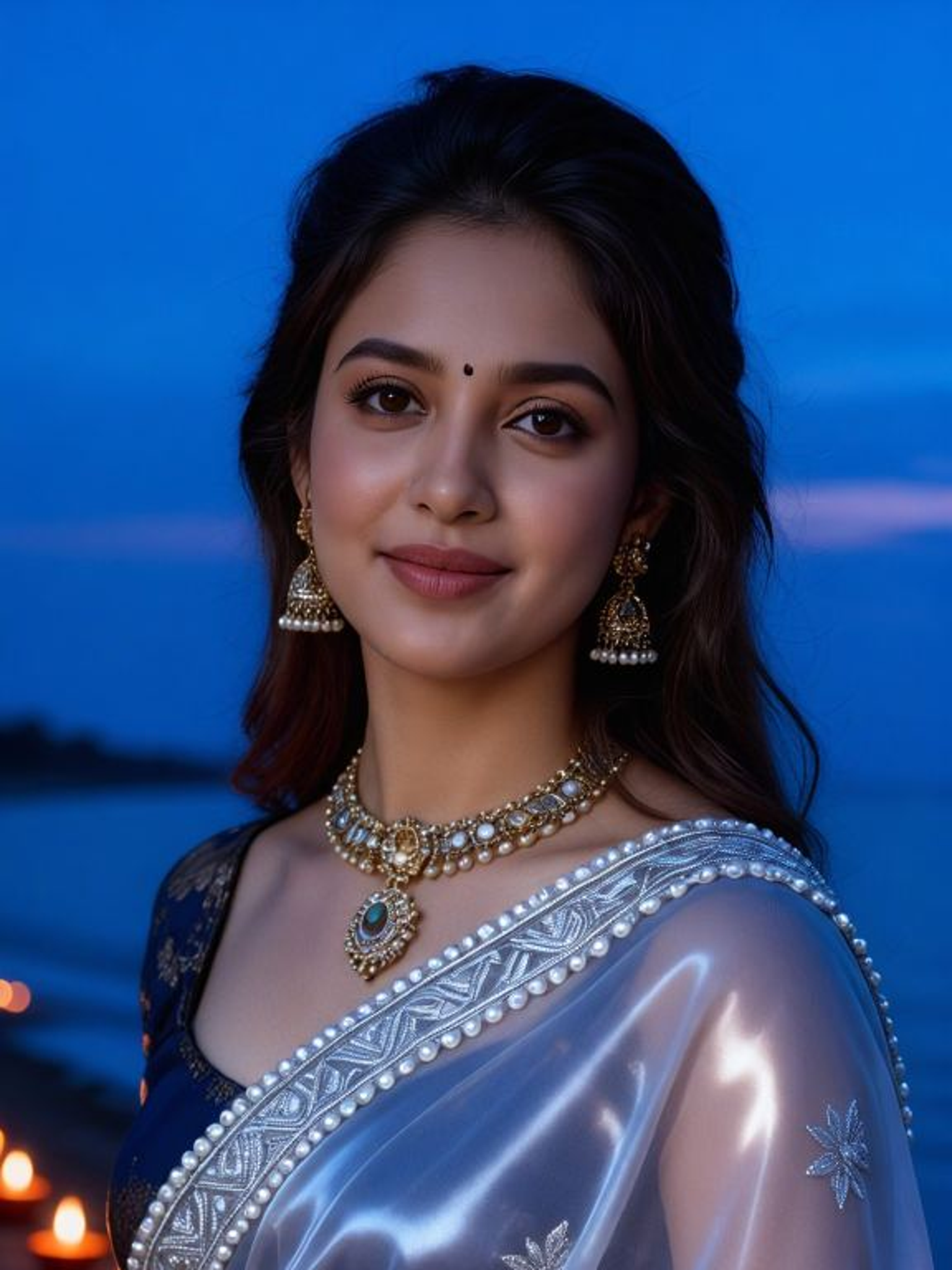
Input
Result
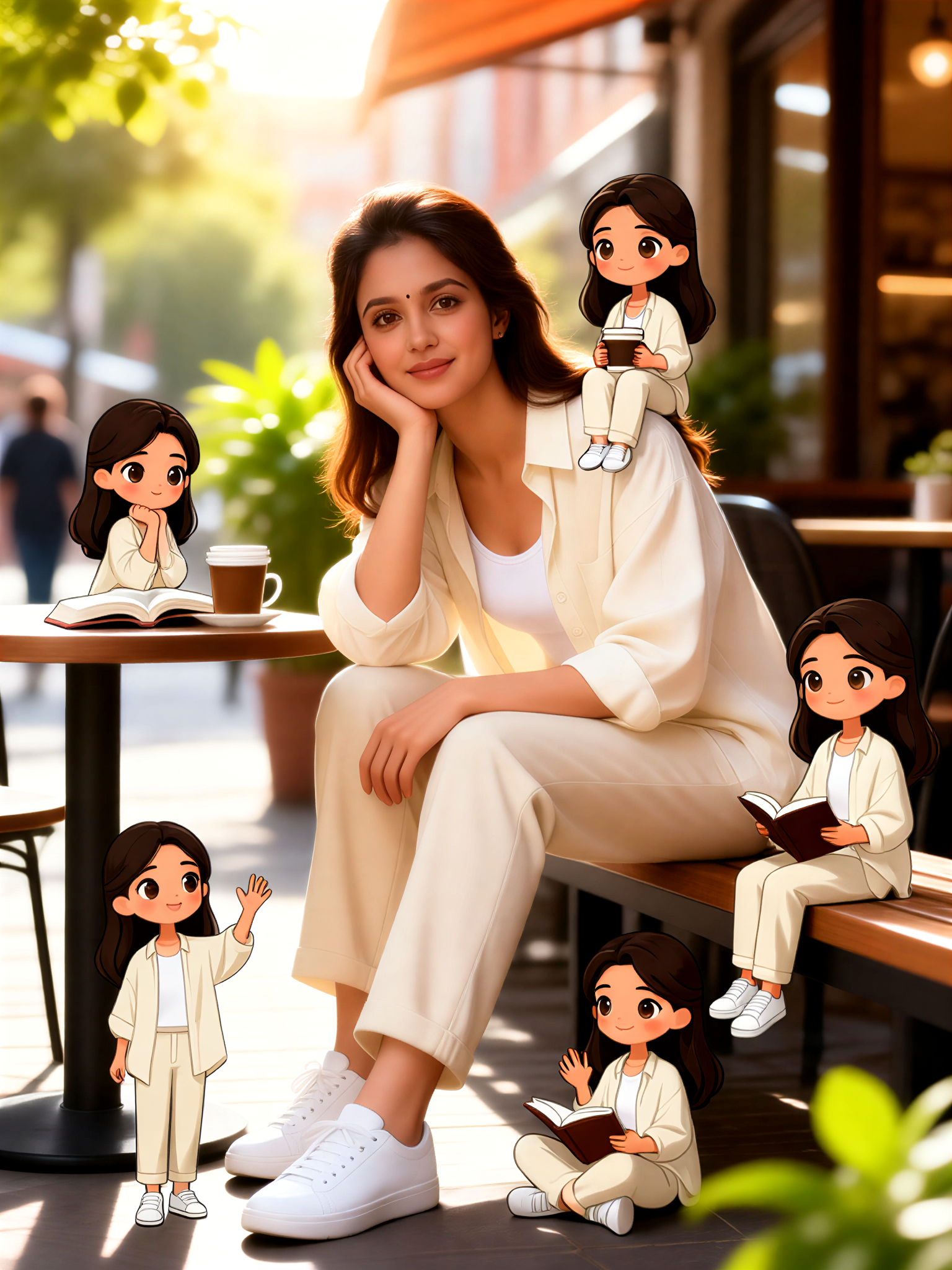
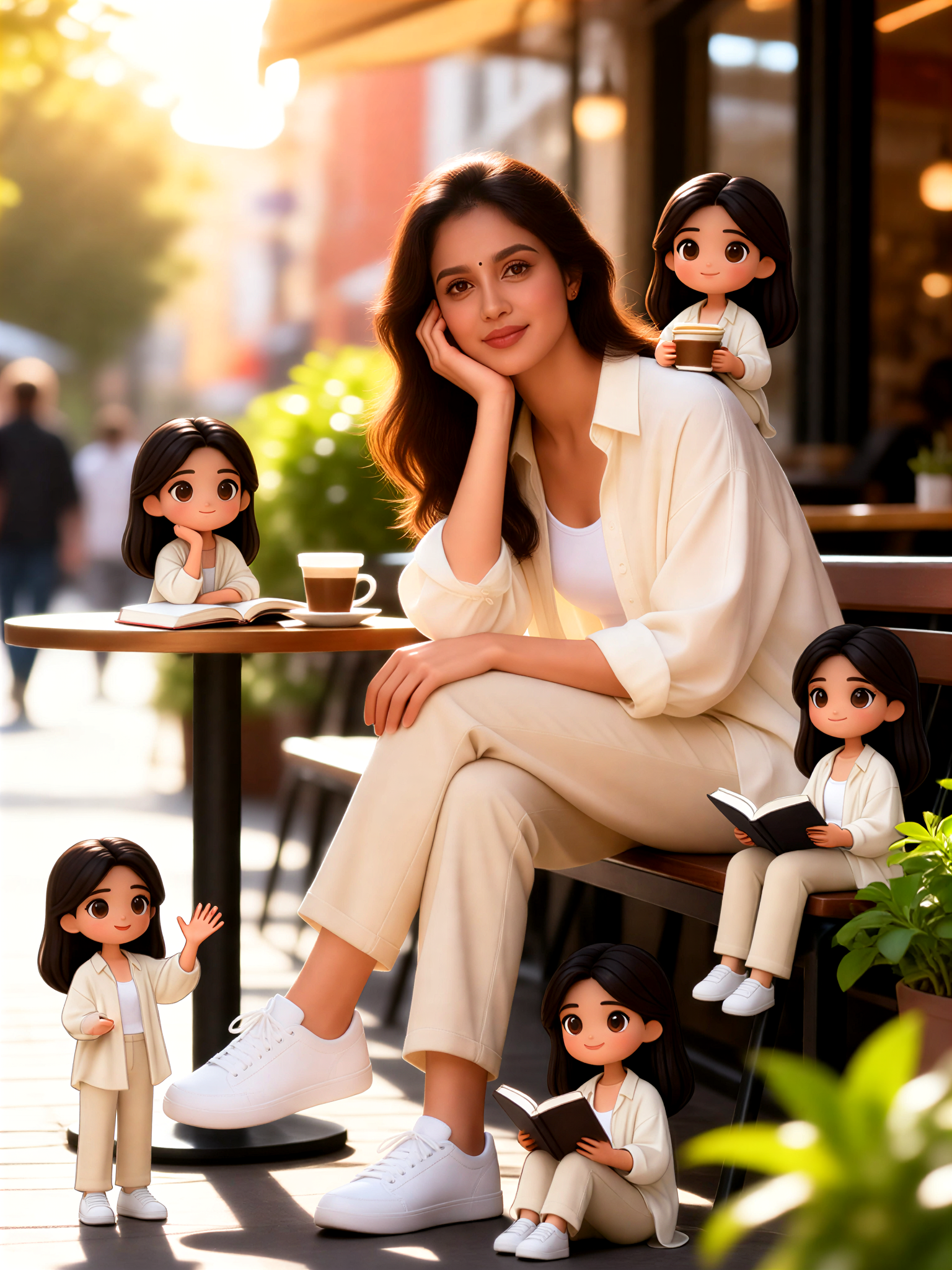
Multiple mini cartoon characters in the same frame
 Vihann210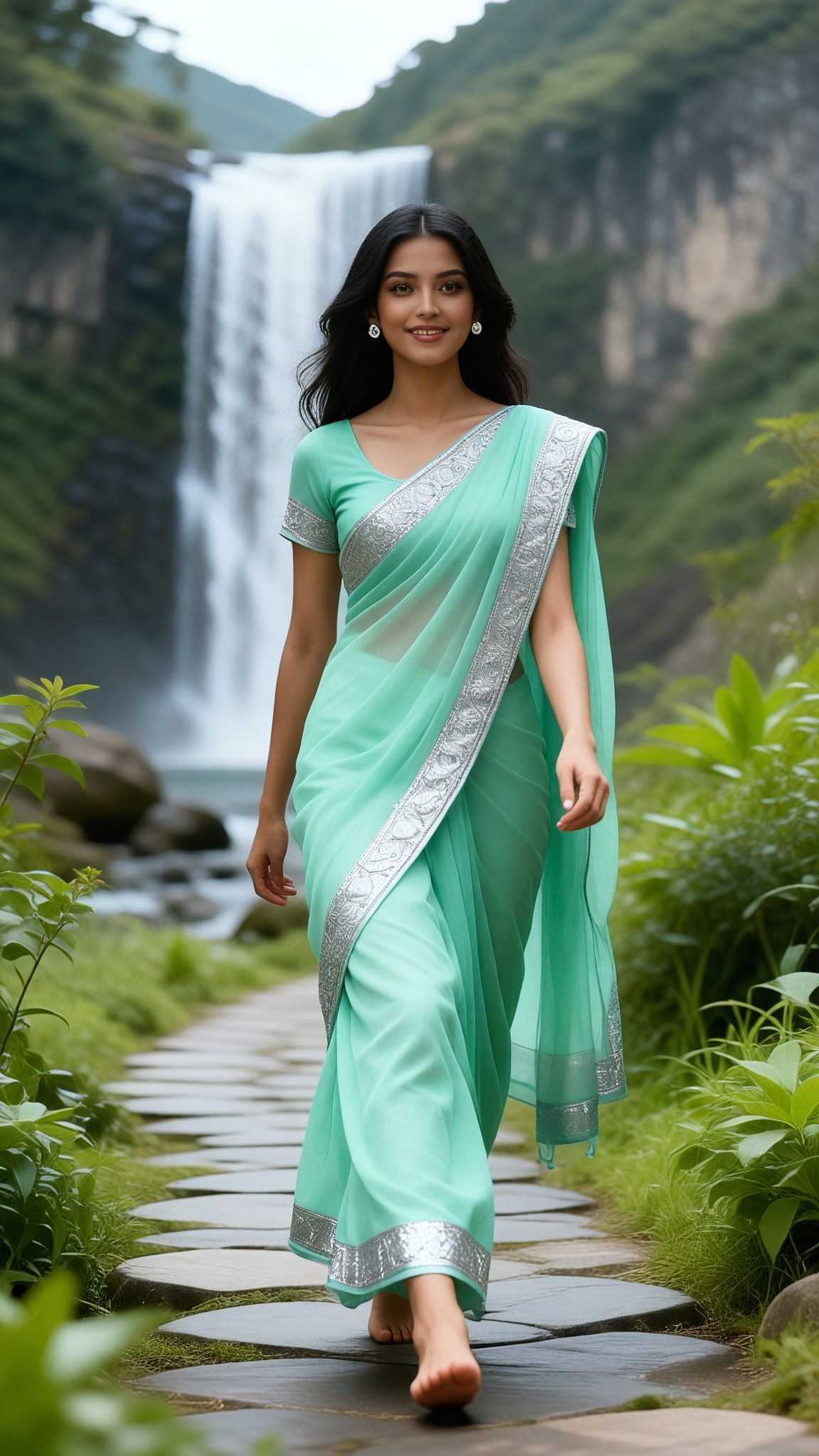
Input
Result
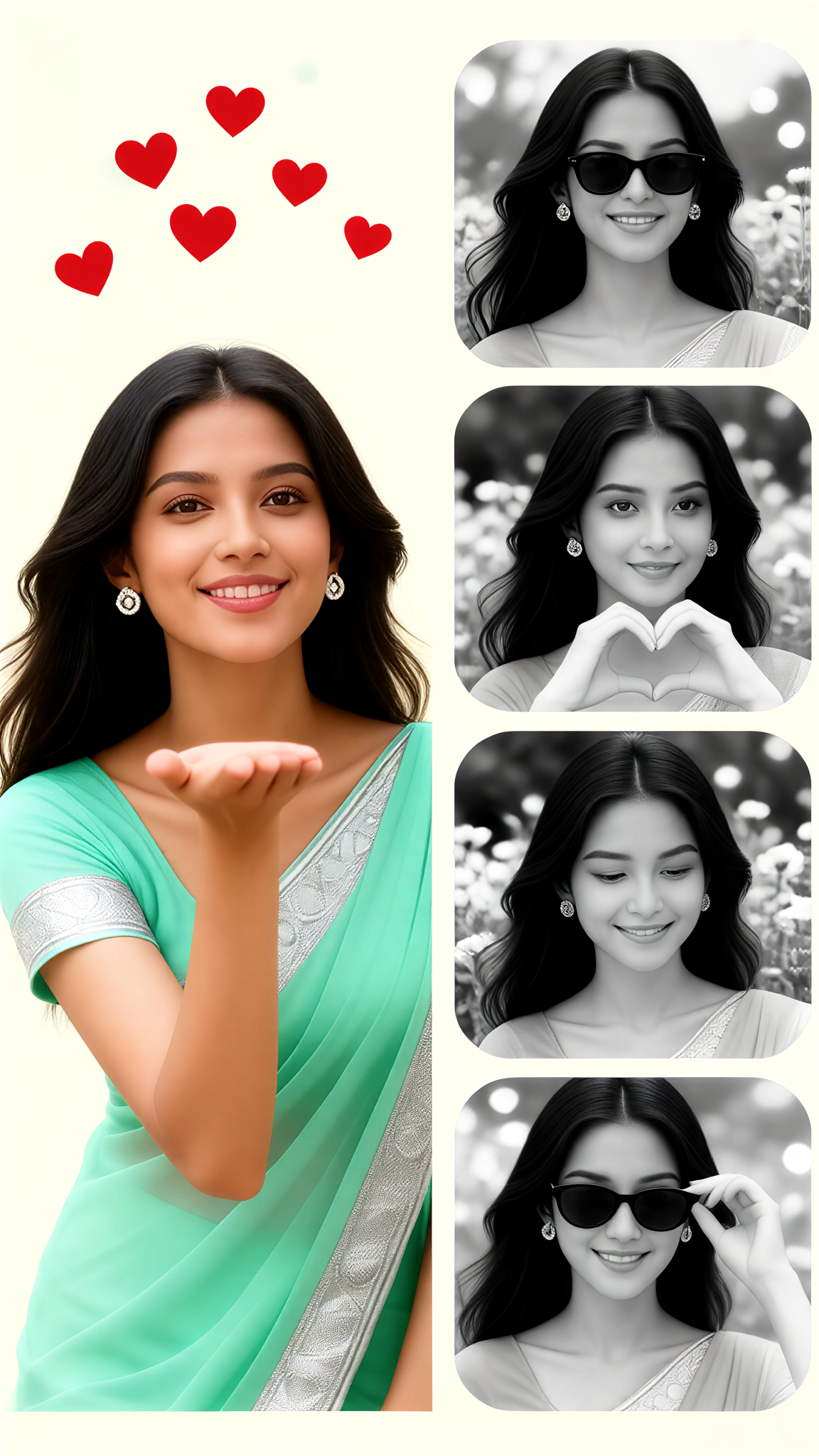
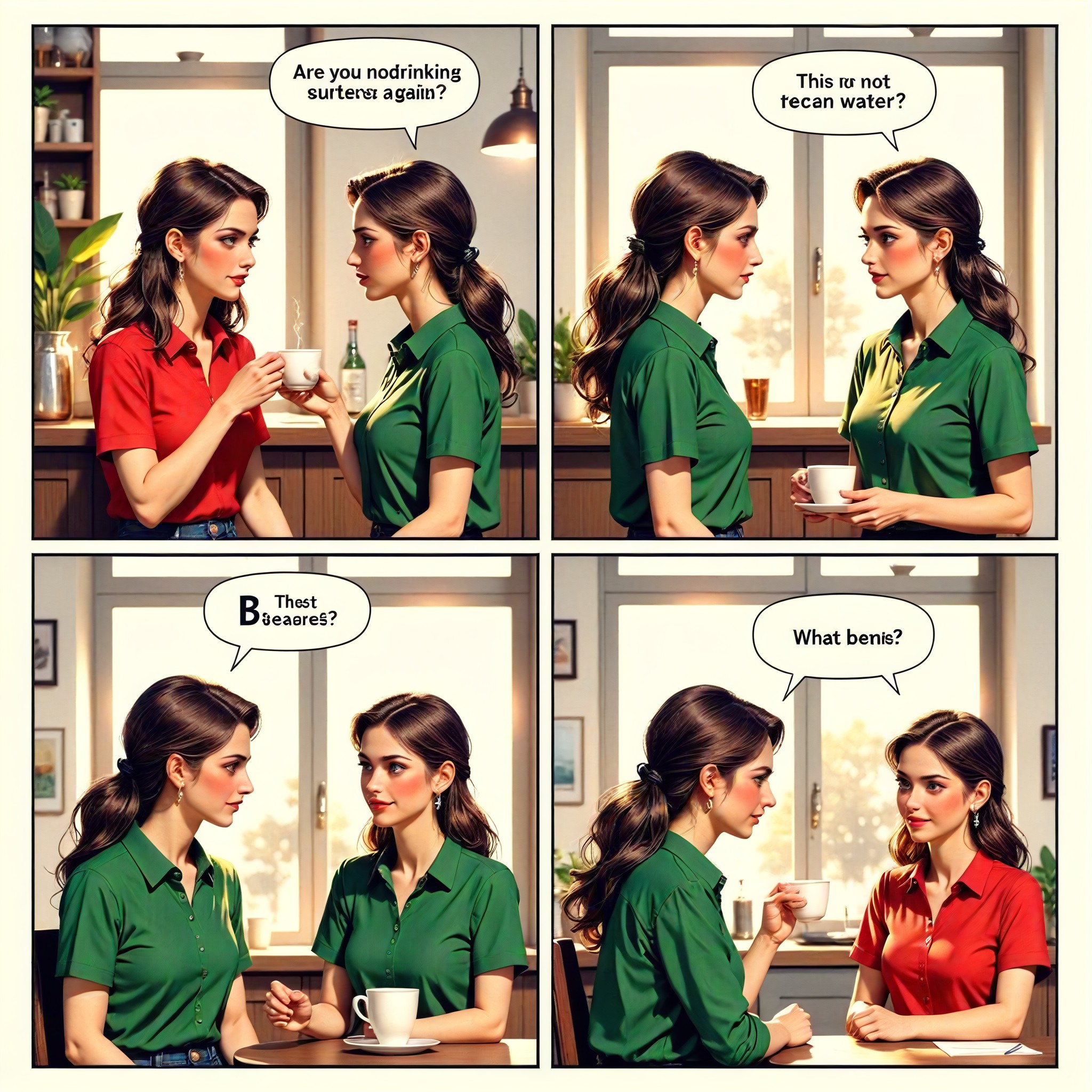
Multiple character panels 9
Aryan(阿利安)189
AI Generated Multiple Options Images & Videos
Discover unique and innovative Multiple Options images and videos created with a1.art Multiple Options prompts.
How to Make Multiple Options AI Image & Video on a1.art?
Step into the future of AI Multiple Options video and image creation on a1.art.
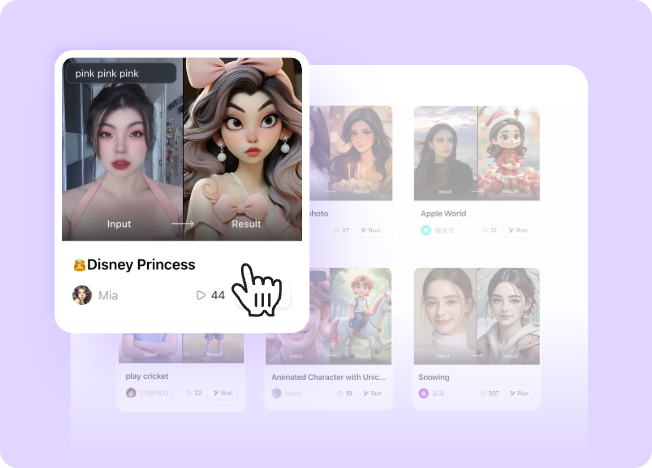
Step 1
Select the style you want to apply in the Square.
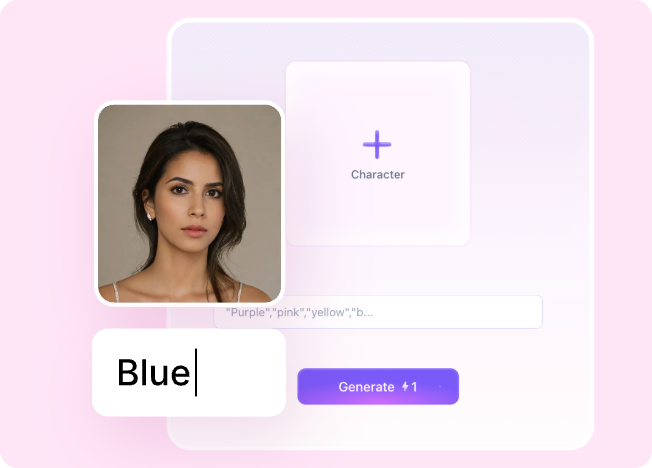
Step 2
Upload the image you want to transform. It can be a photo, hand-drawn sketch.
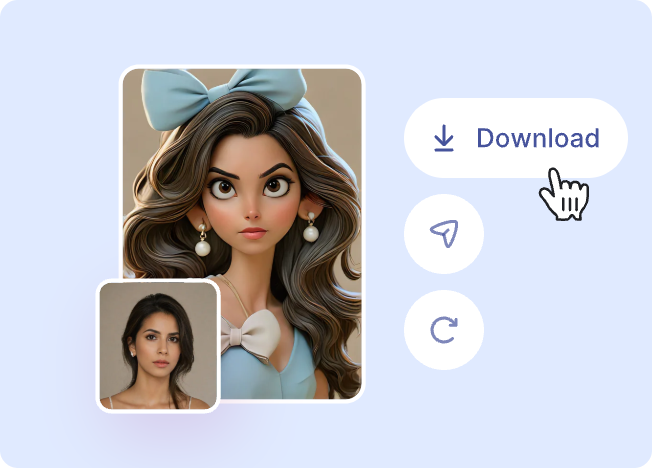
Step 3
Wait a few seconds and you can easily get your unique AI Multiple Options art. Download for free!
FAQ about Multiple Options AI Prompt on a1.art
Discover the secrets to creating Birthday Day videos and images at a1.art.
What are multiple options AI prompts?
Multiple options AI prompts allow you to generate various visual interpretations of a single idea. With a1.art, you can explore different styles, effects, and compositions based on your input, giving you more creative freedom and flexibility.
Can I use multiple options AI prompts for both images and videos?
Yes, a1.art supports both AI image and video generation. You can choose from a variety of filters and effects to create either static images or dynamic videos, all tailored to your preferences.
How do I access multiple options AI prompts on a1.art?
Accessing multiple options AI prompts is simple. Just select the 'Multiple Options' feature when creating your project, enter your desired prompt, and let a1.art generate a range of visual interpretations for you to choose from.
Are there any limitations on using multiple options AI prompts?
There are no strict limitations on using multiple options AI prompts. However, the number of generated options may depend on your subscription plan. Free users receive daily credits, while premium subscribers enjoy unlimited access.
Can I customize the results generated by multiple options AI prompts?
Absolutely! After generating multiple options, you can refine and customize each result further using a1.art's editing tools. Adjust colors, add effects, or tweak details to perfectly match your vision.