


Get Mech Videos & Images without Prompt
a1.art offers a large number of filters, allowing you to easily obtain AI videos or images without prompts.
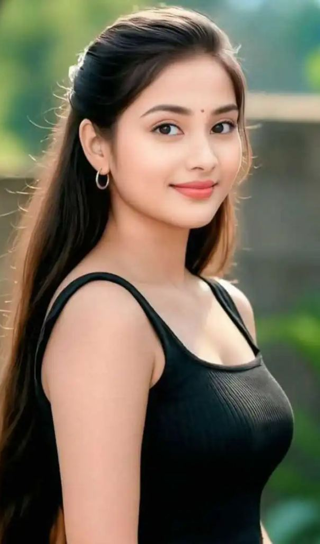
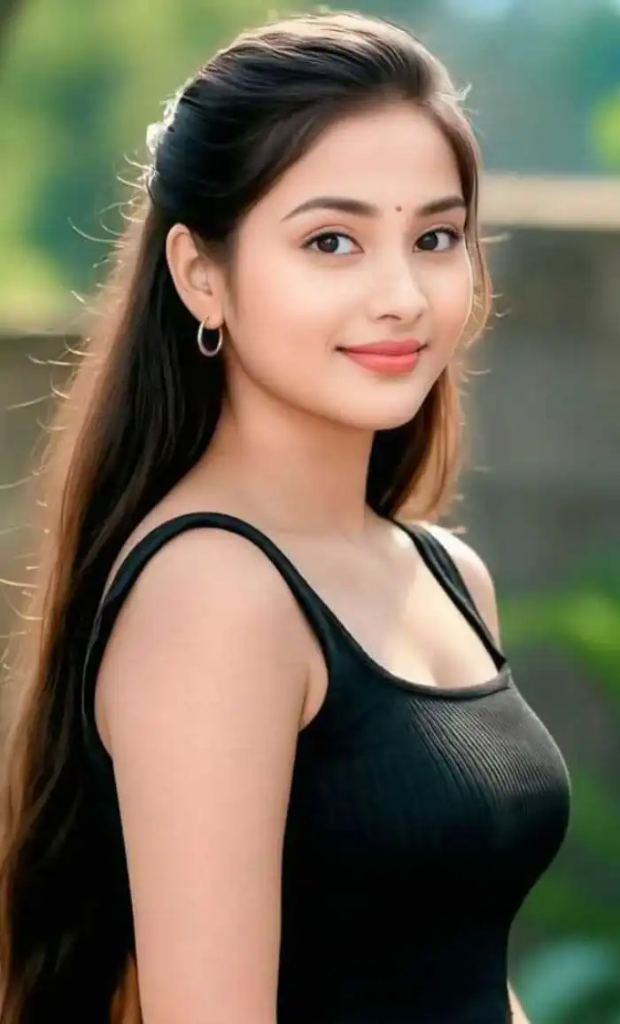
Input
Result
Mech Transformation
 CC
CC 343
343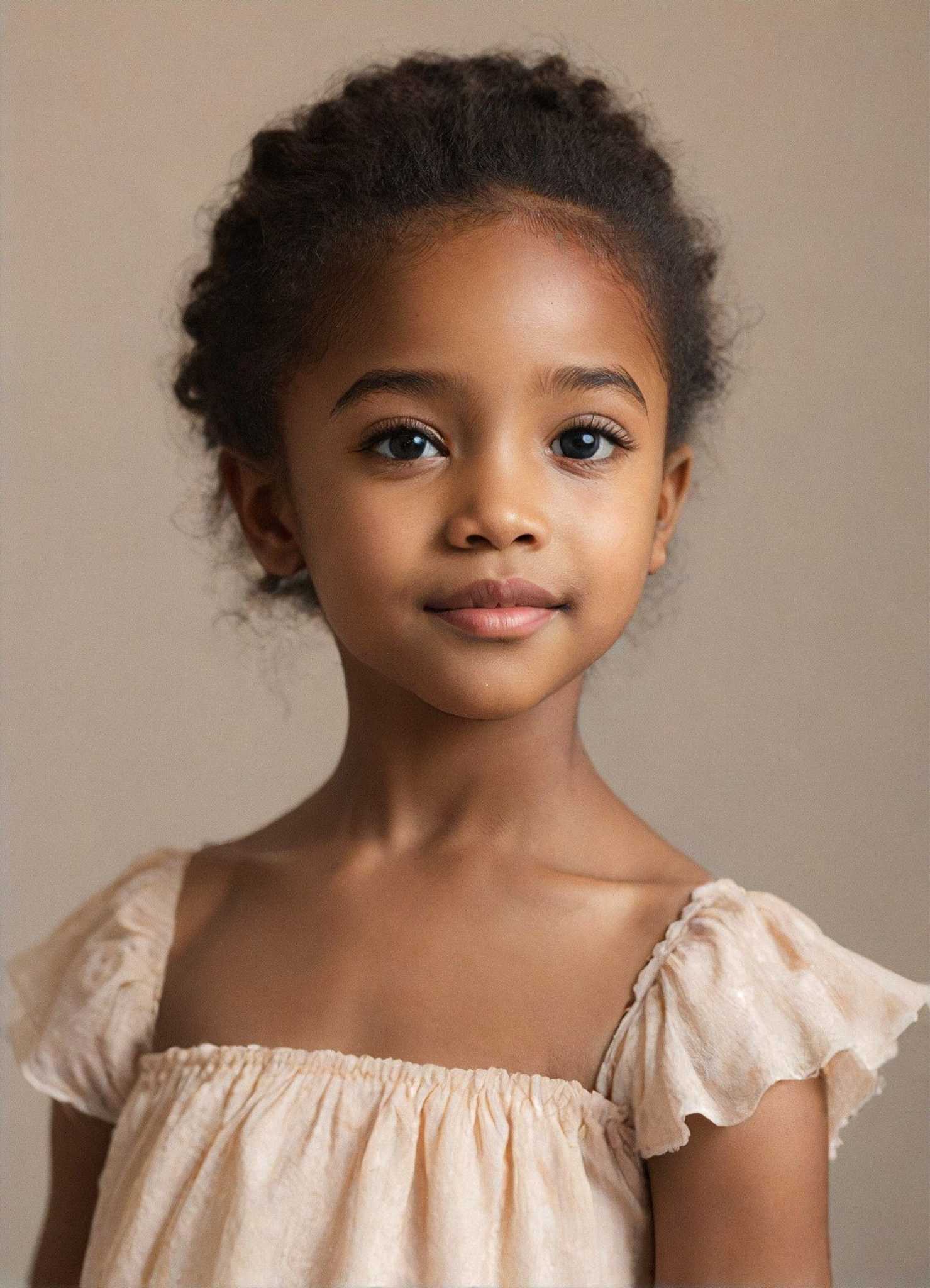
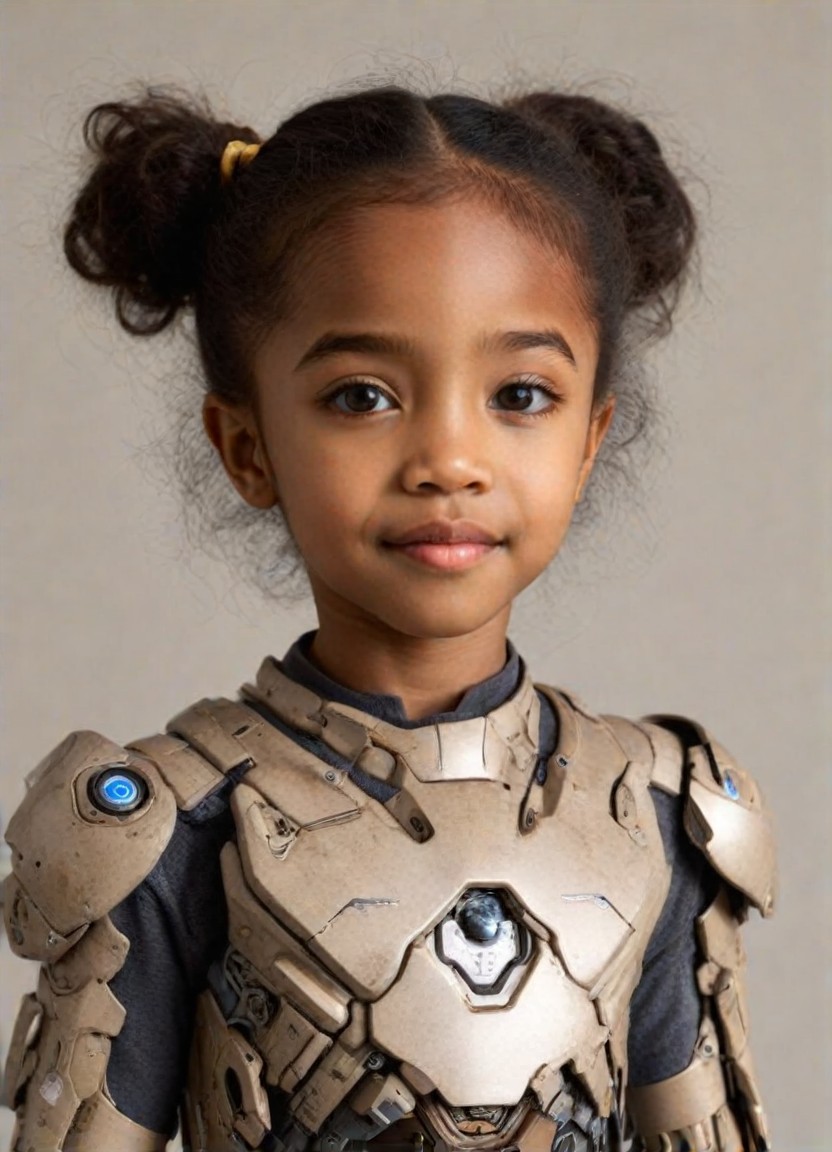
Input
Result
Mech Baby
 Mia108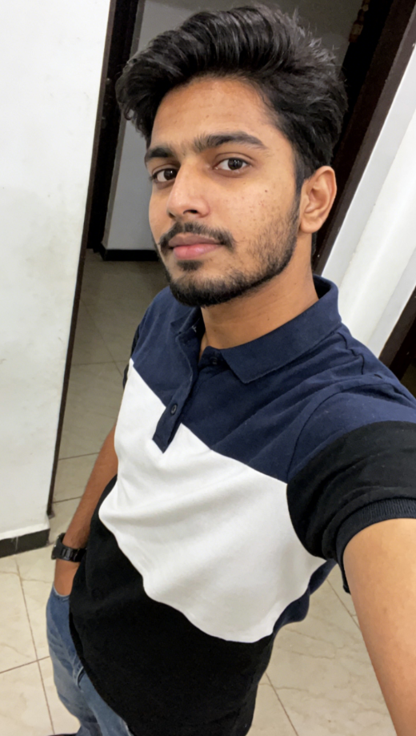

Input
Result
Mech transformation
 一个酷酷的man48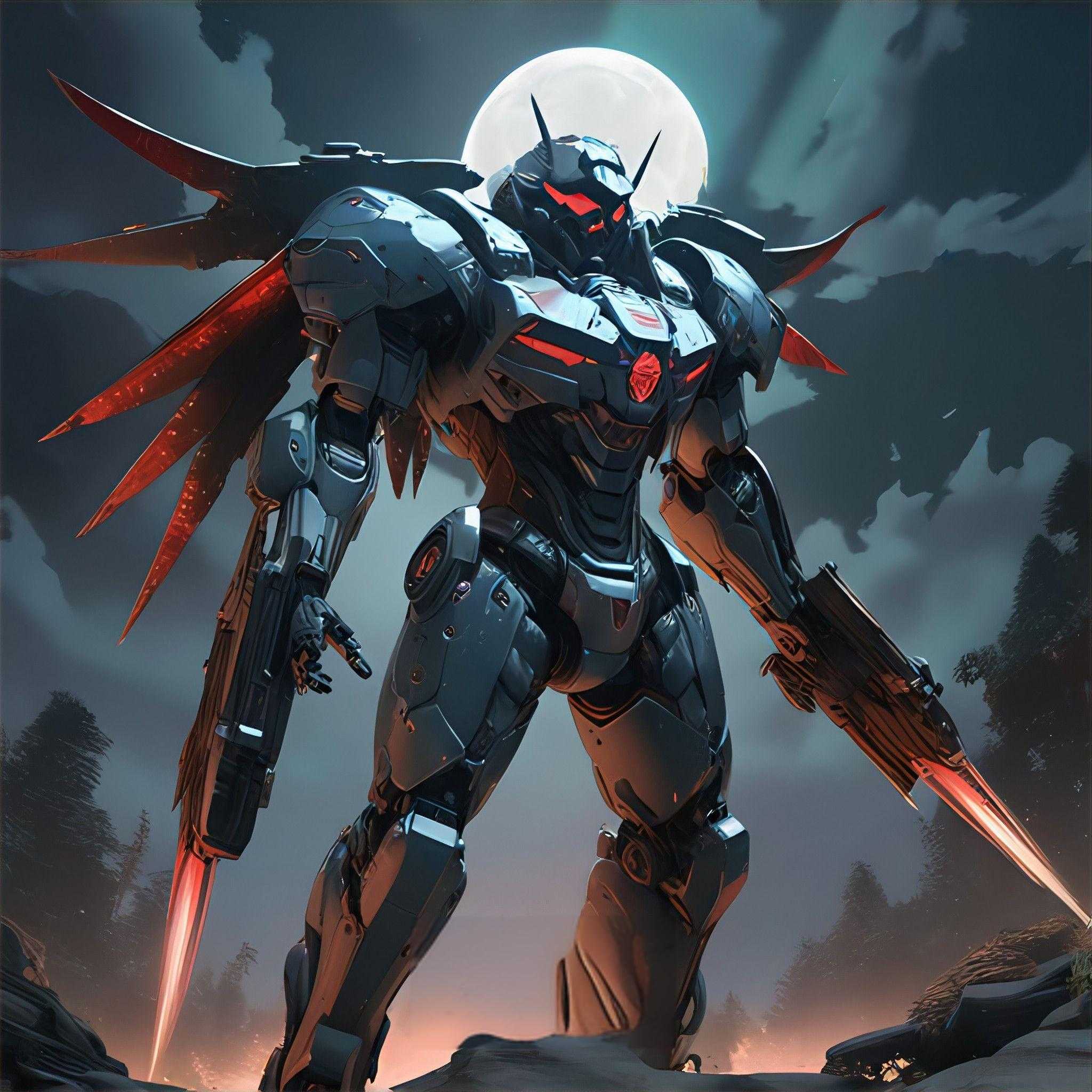
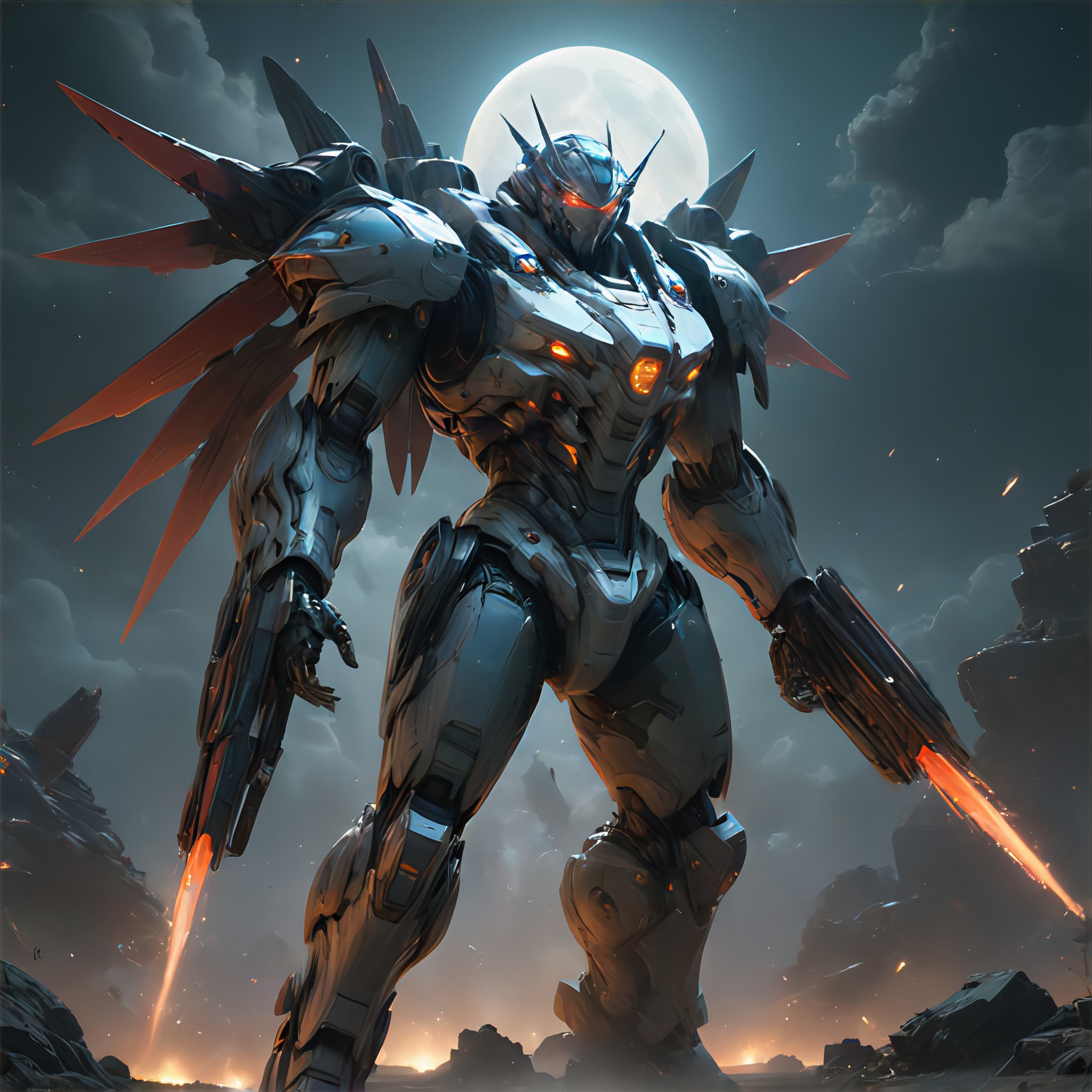
Input
Result
Apocalypse Mech
A
Art3493wln3s7d339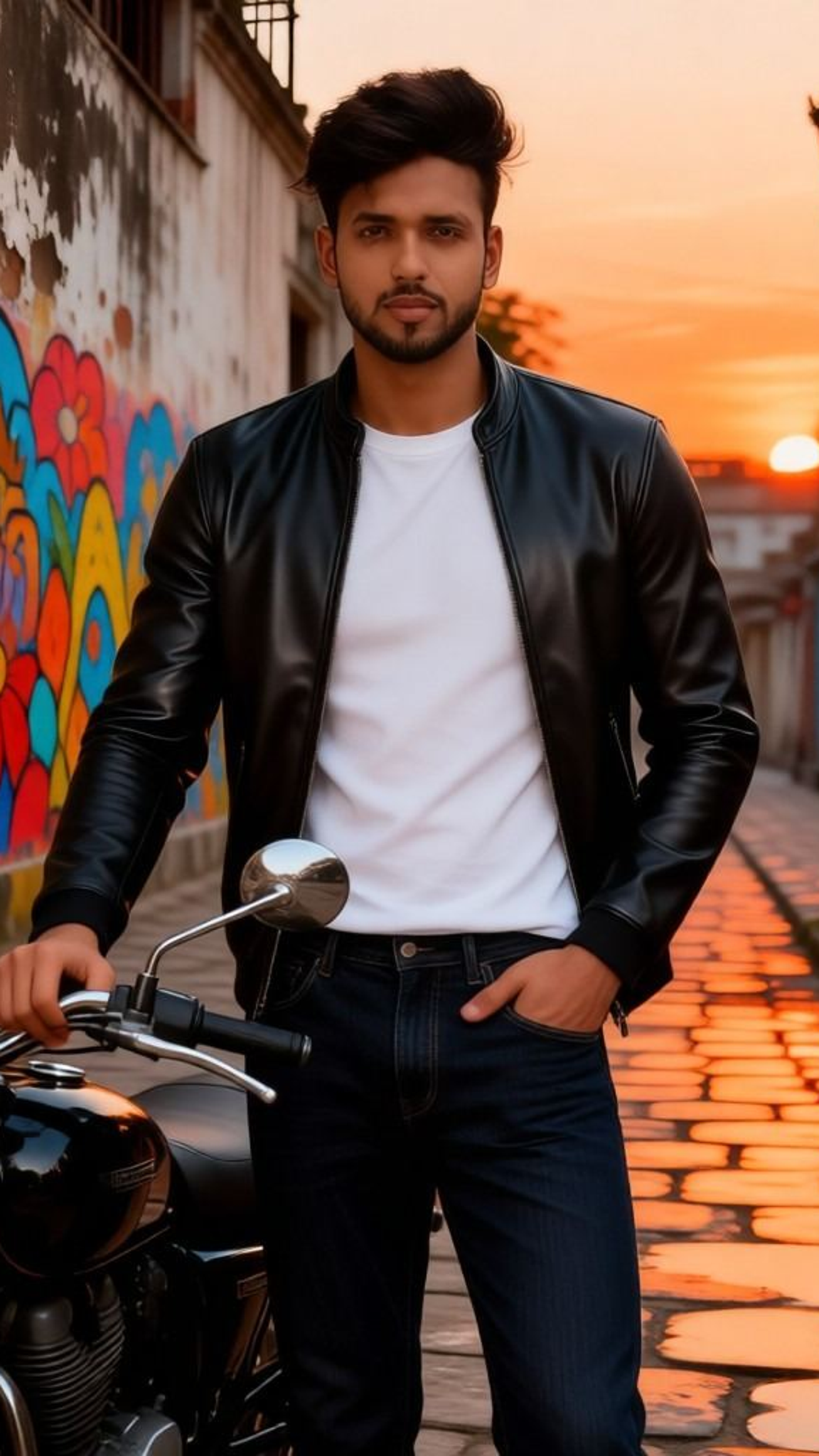
Input
Result
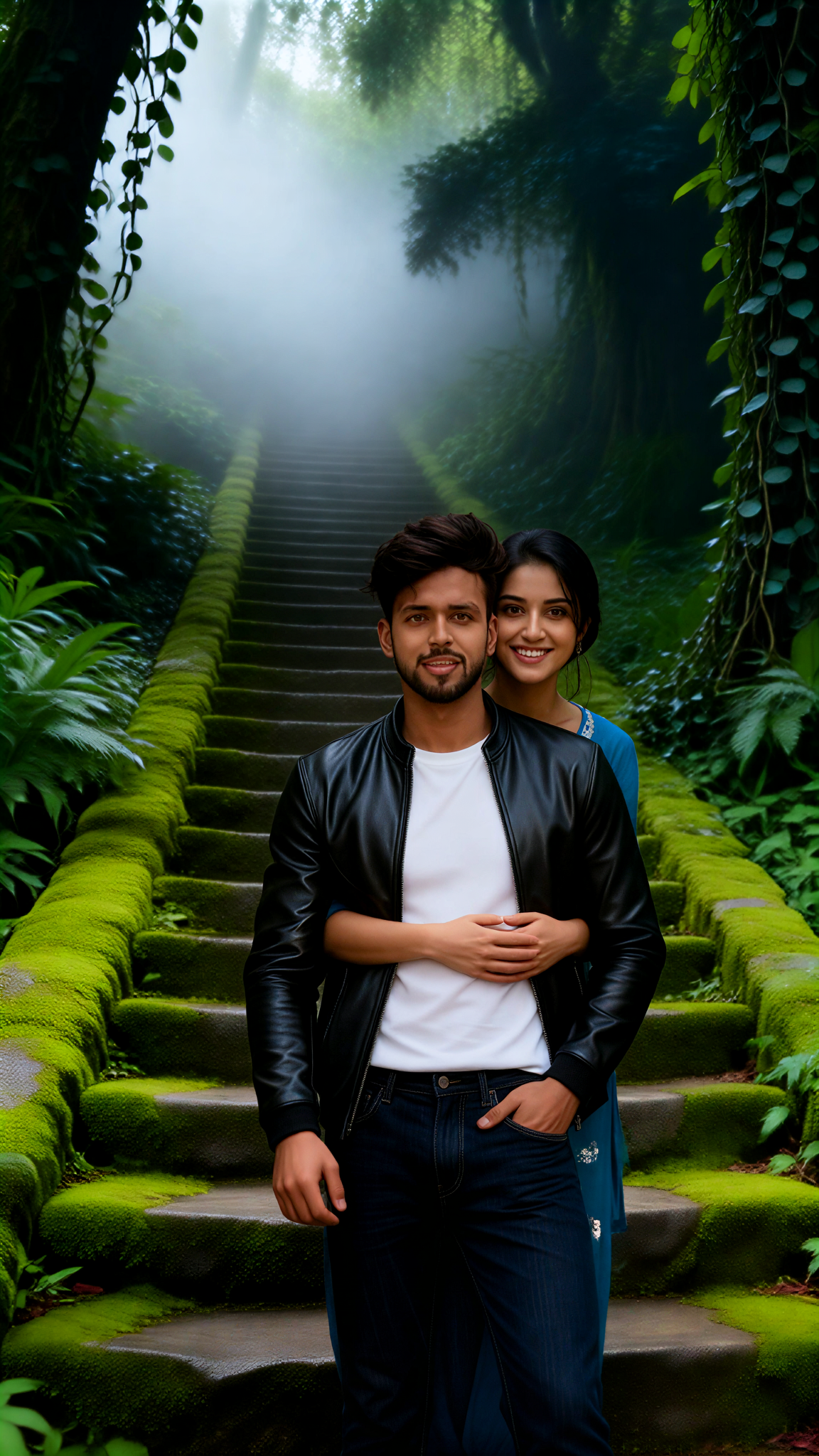
Moss Steps Couple
 Aryan(阿利安)32

Input
Result
Moss Rain
 艺术画家24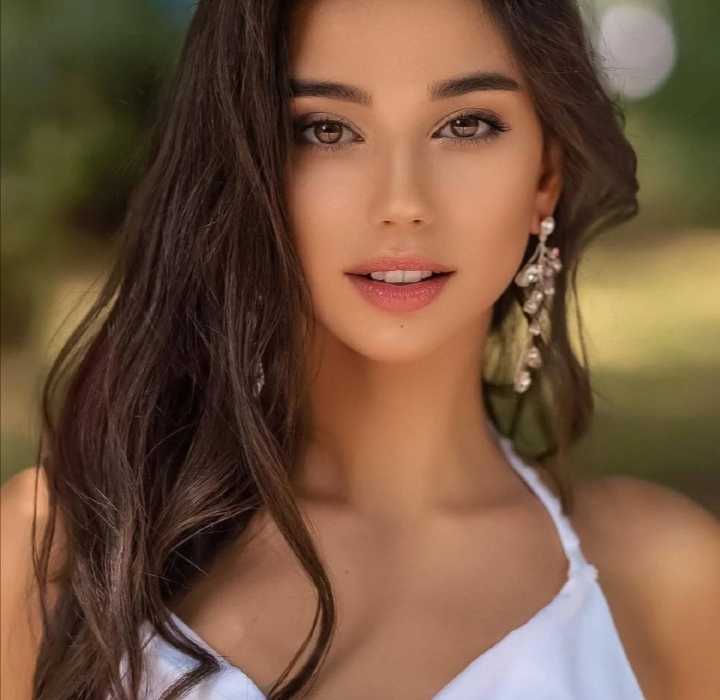
Input
Result
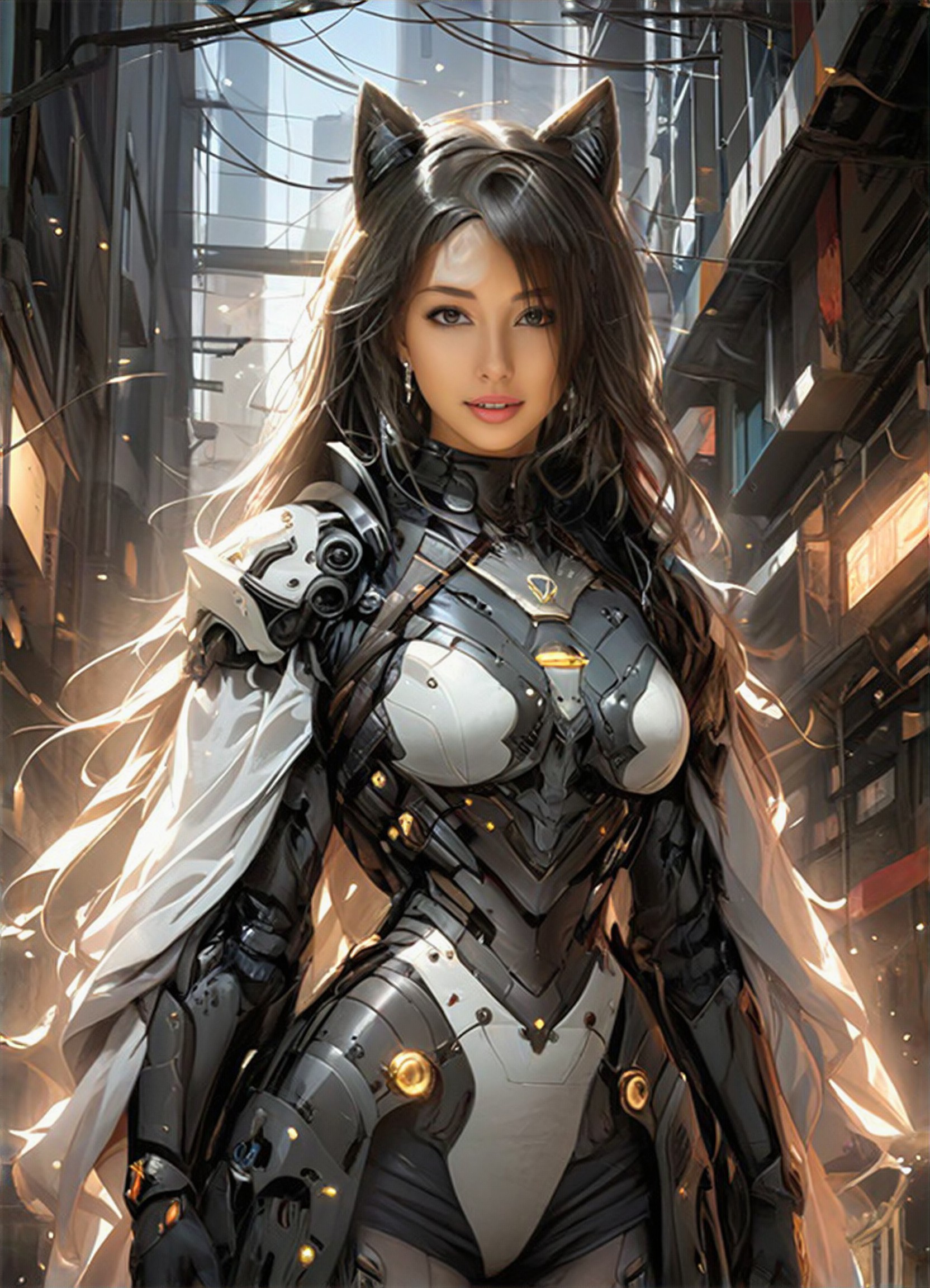
Mech Cat Ear
蒋
蒋子成16
Input
Result
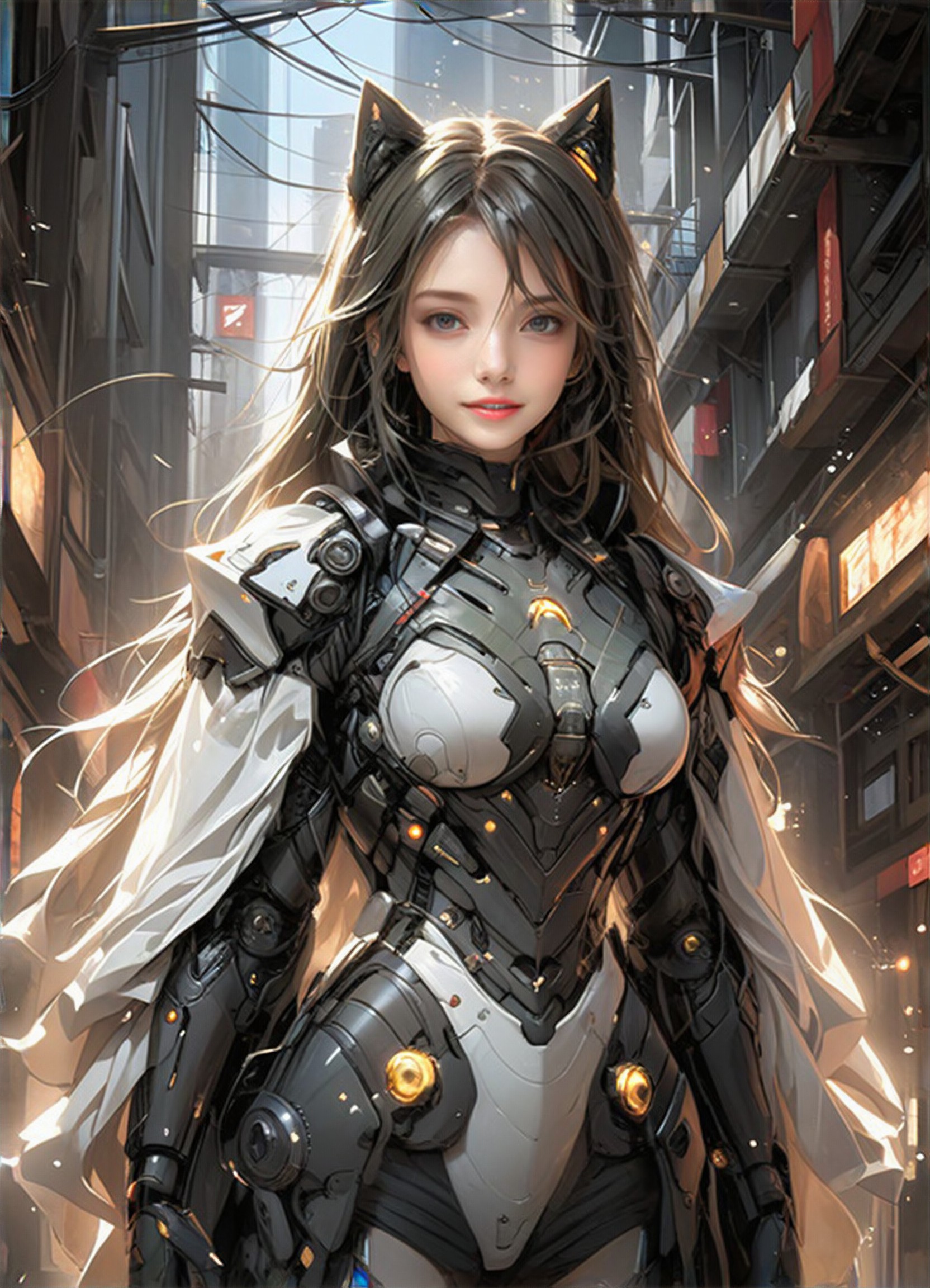
Mech Cat Ear
蒋
蒋子成13
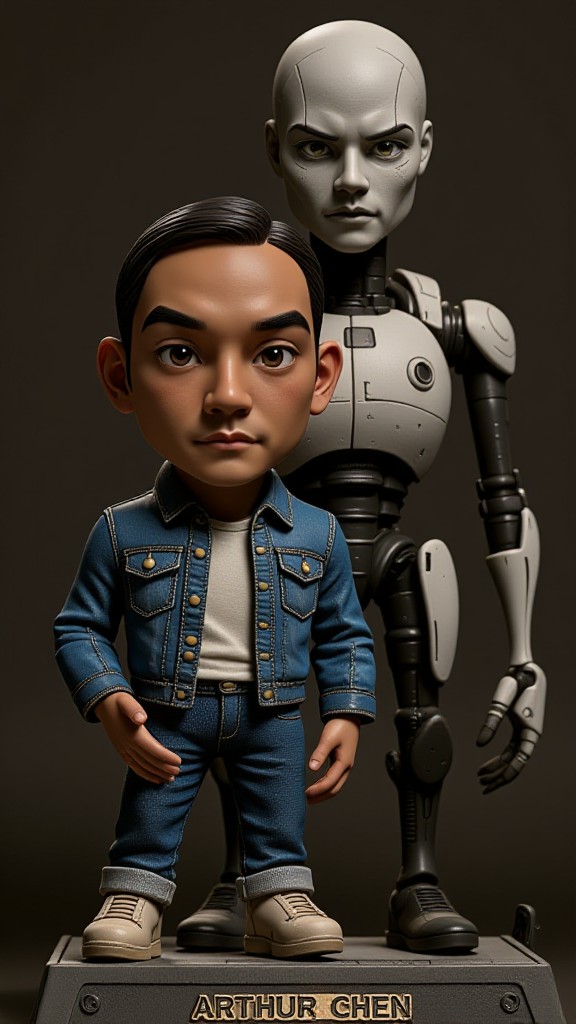
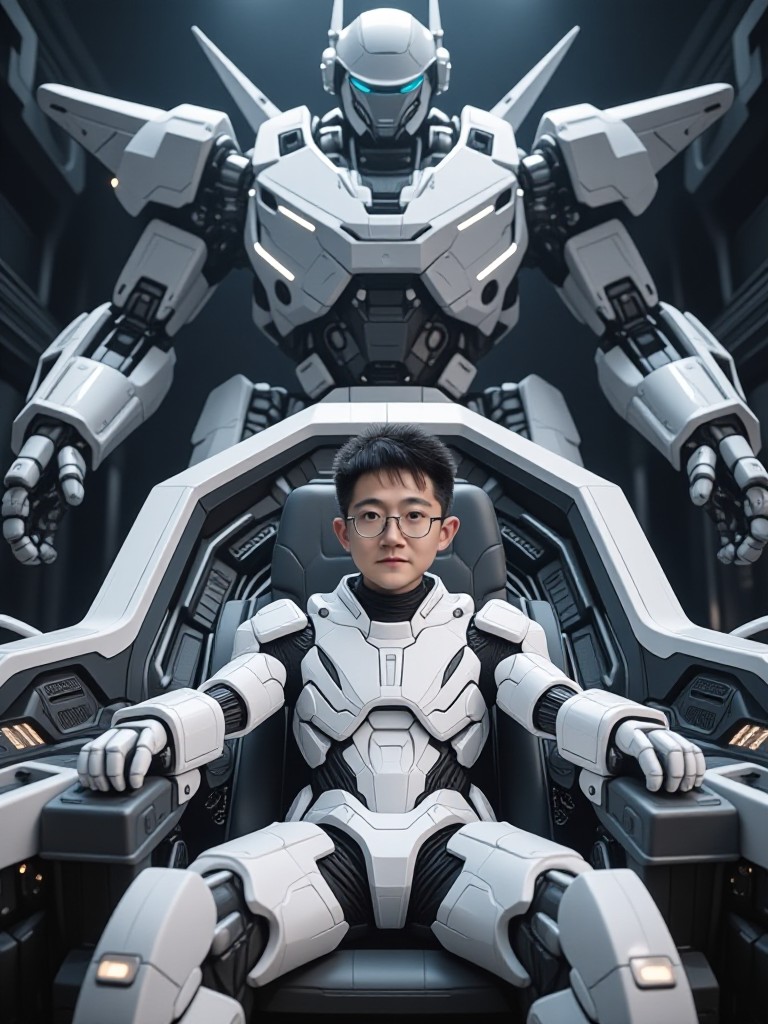
AI Generated Mech Images & Videos
Discover unique and innovative Mech images and videos created with a1.art Mech prompts.
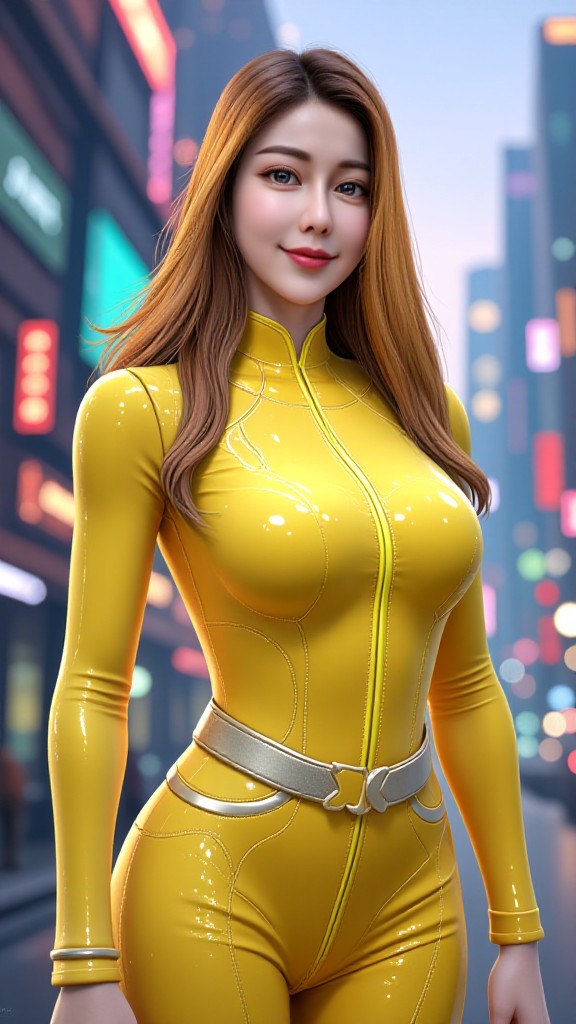
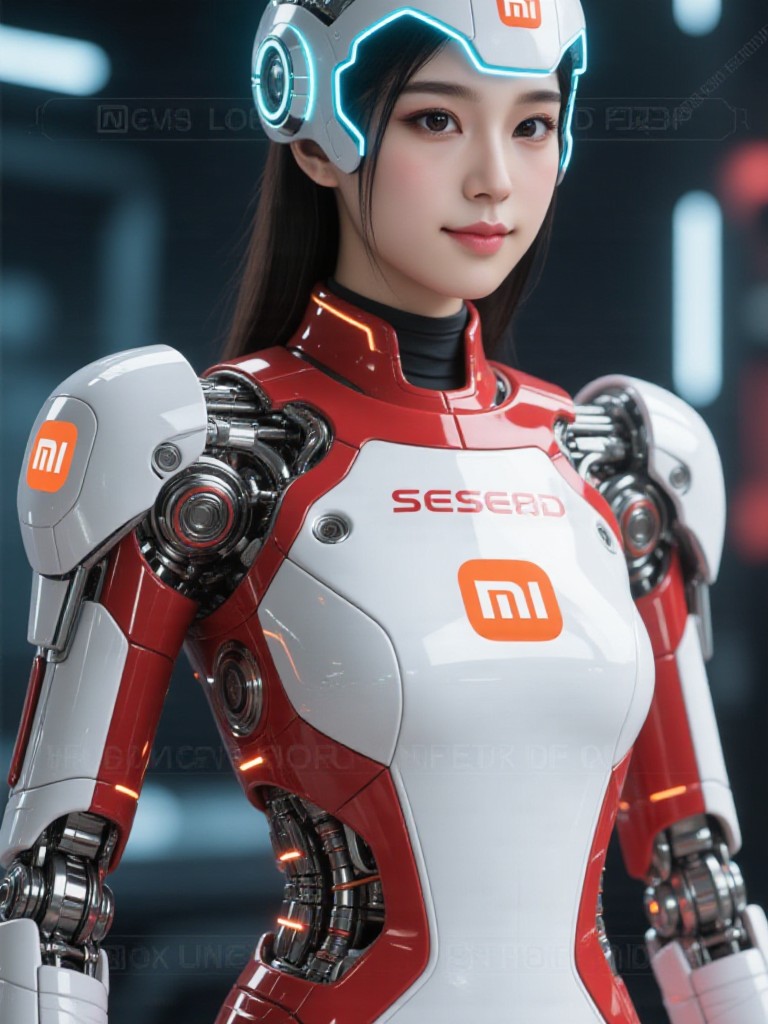
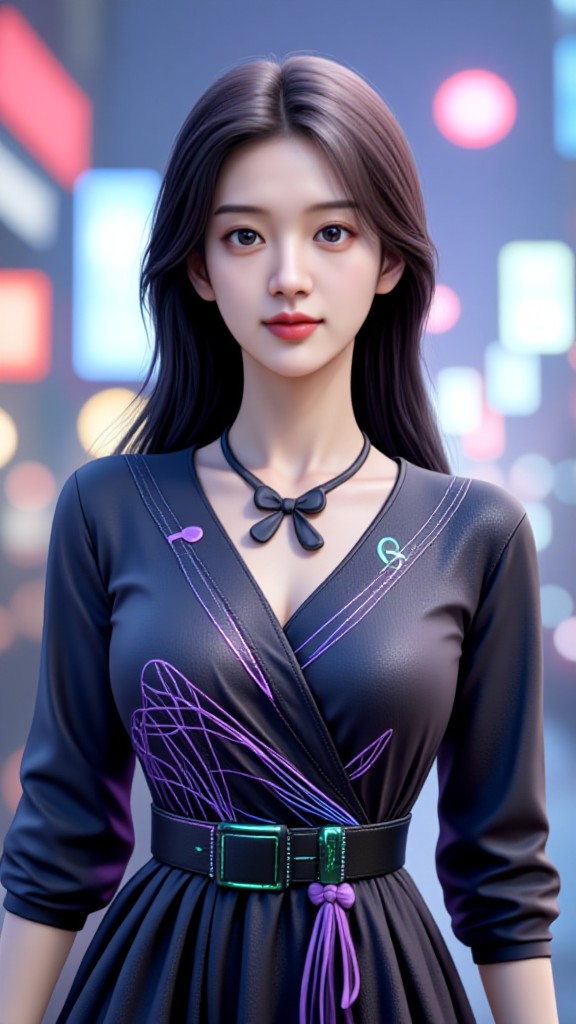
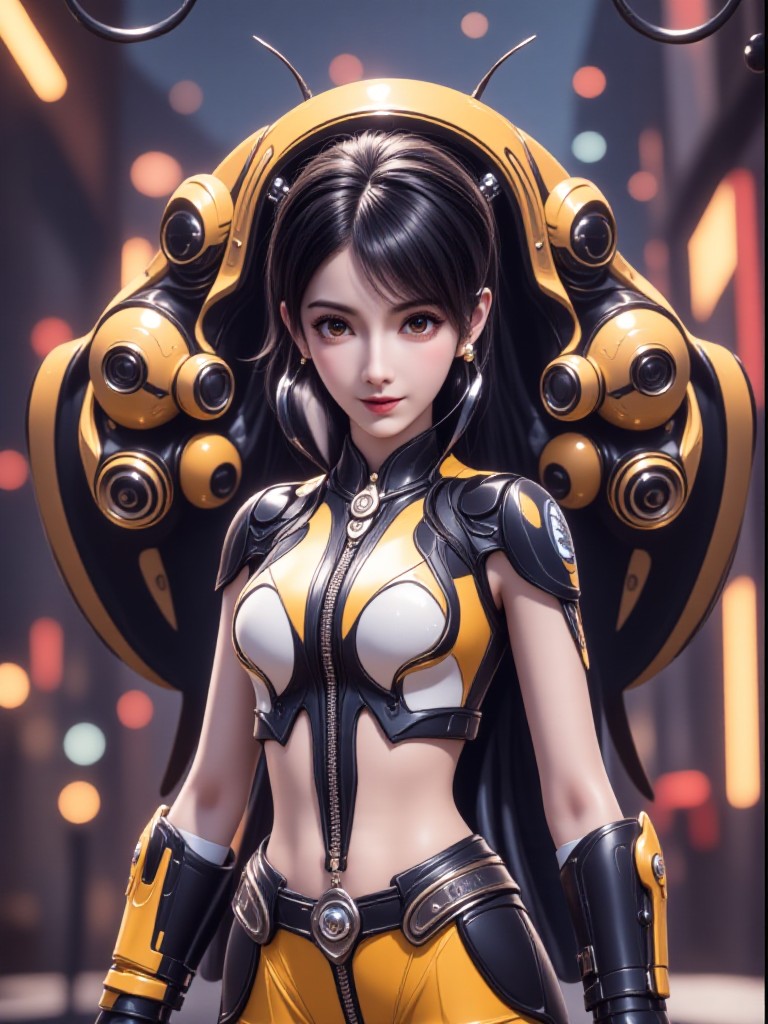
How to Make Mech AI Image & Video on a1.art?
Step into the future of AI Mech video and image creation on a1.art.

Step 1
Select the style you want to apply in the Square.

Step 2
Upload the image you want to transform. It can be a photo, hand-drawn sketch.

Step 3
Wait a few seconds and you can easily get your unique AI Mech art. Download for free!
FAQ about Mech AI Prompt on a1.art
Discover the secrets to creating Birthday Day videos and images at a1.art.
What are mech AI prompts?
Mech AI prompts are pre-designed templates that guide the AI in generating mech-related images and videos. These prompts include specific details like design elements, environments, and lighting to ensure the output aligns with your vision.
Can I customize my mech AI prompt?
Yes, you can fully customize your mech AI prompt by adjusting parameters such as design style, environment, lighting, and even adding specific details like textures or colors. This allows you to create unique mech visuals tailored to your preferences.
How do I use mech AI prompts on a1.art?
Using mech AI prompts on a1.art is simple. Just select a prompt, upload an image or enter a text description, and let the AI generate your mech visuals. You can also tweak the settings to refine the output further.
Are there any limitations to using mech AI prompts?
While mech AI prompts offer a wide range of possibilities, the quality and detail of the output depend on the input provided. For best results, ensure your prompt includes clear and specific details about the mech design and environment.
Do I need technical skills to use mech AI prompts?
No, a1.art is designed to be user-friendly, so you don't need technical skills to use mech AI prompts. The platform guides you through the process, making it easy to generate high-quality mech visuals even if you're not familiar with AI tools.


