


Get Material Plush Videos & Images without Prompt
a1.art offers a large number of filters, allowing you to easily obtain AI videos or images without prompts.
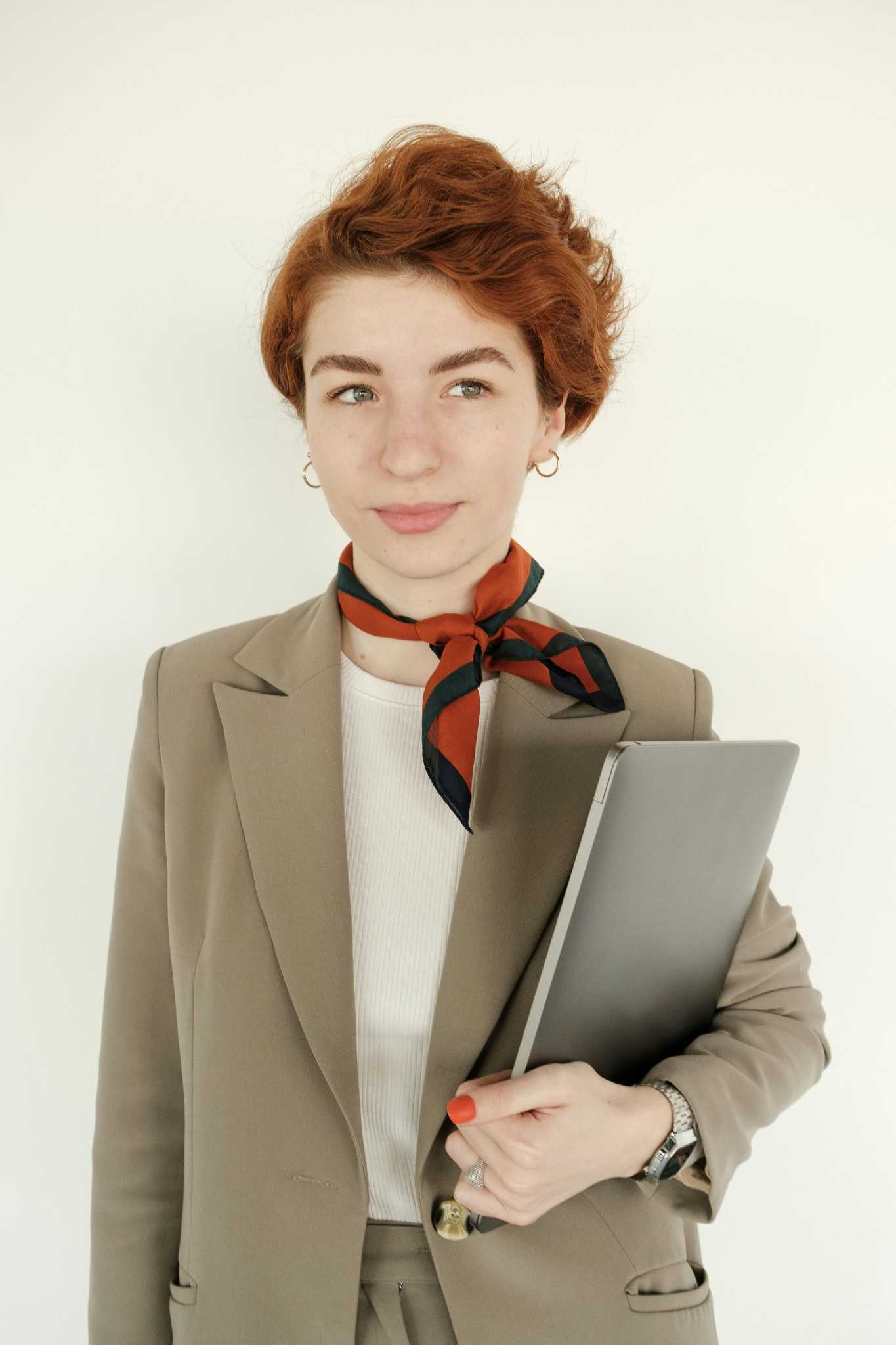
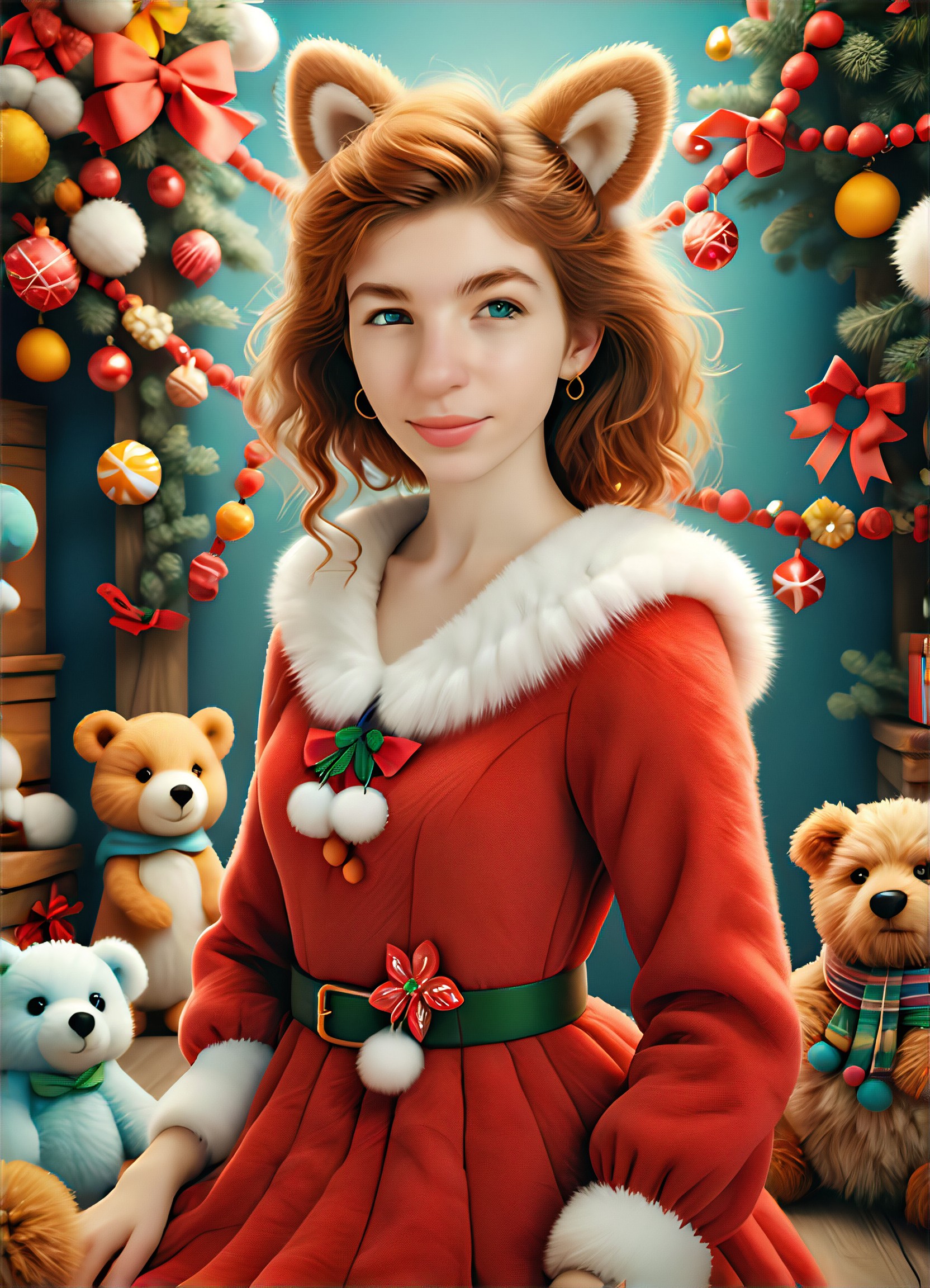
Input
Result
Christmas Plush Coat
L
Leeus 104
104A boy and girl
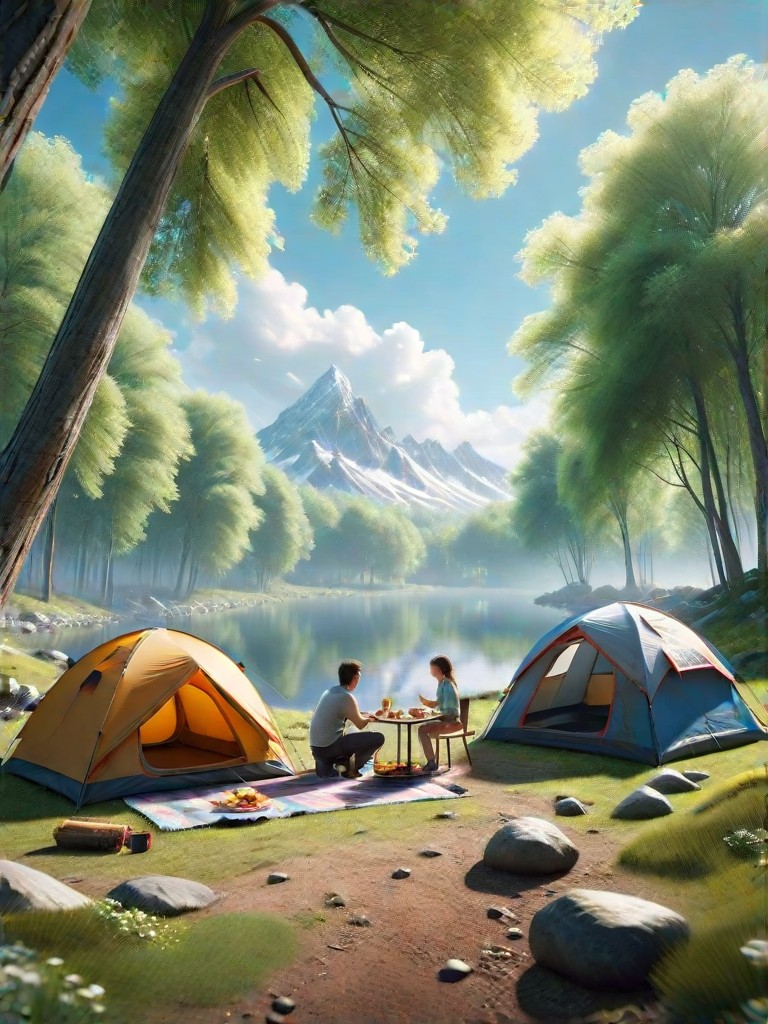
Input
Result
Spring Camping Scene Picture
 Mia103

Input
Result
Material Icon Design (Solid)
 sanlu78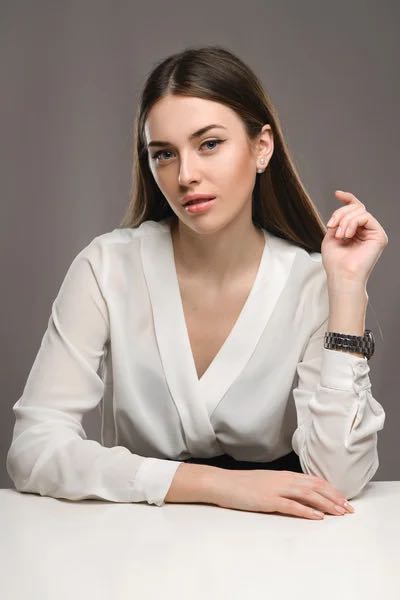
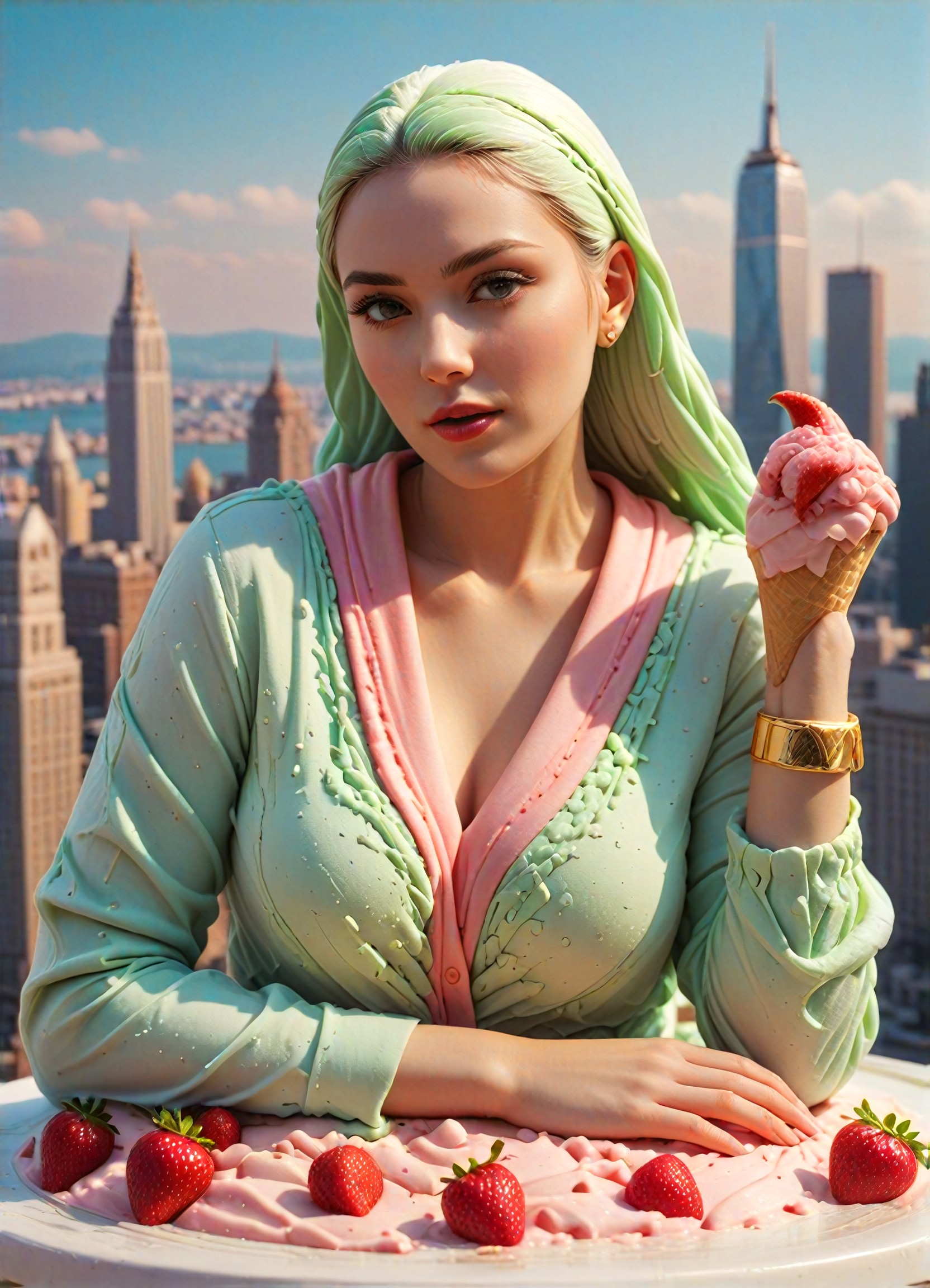
Input
Result
iceCreme
 迅速157
迅速157cute boy
play guitar
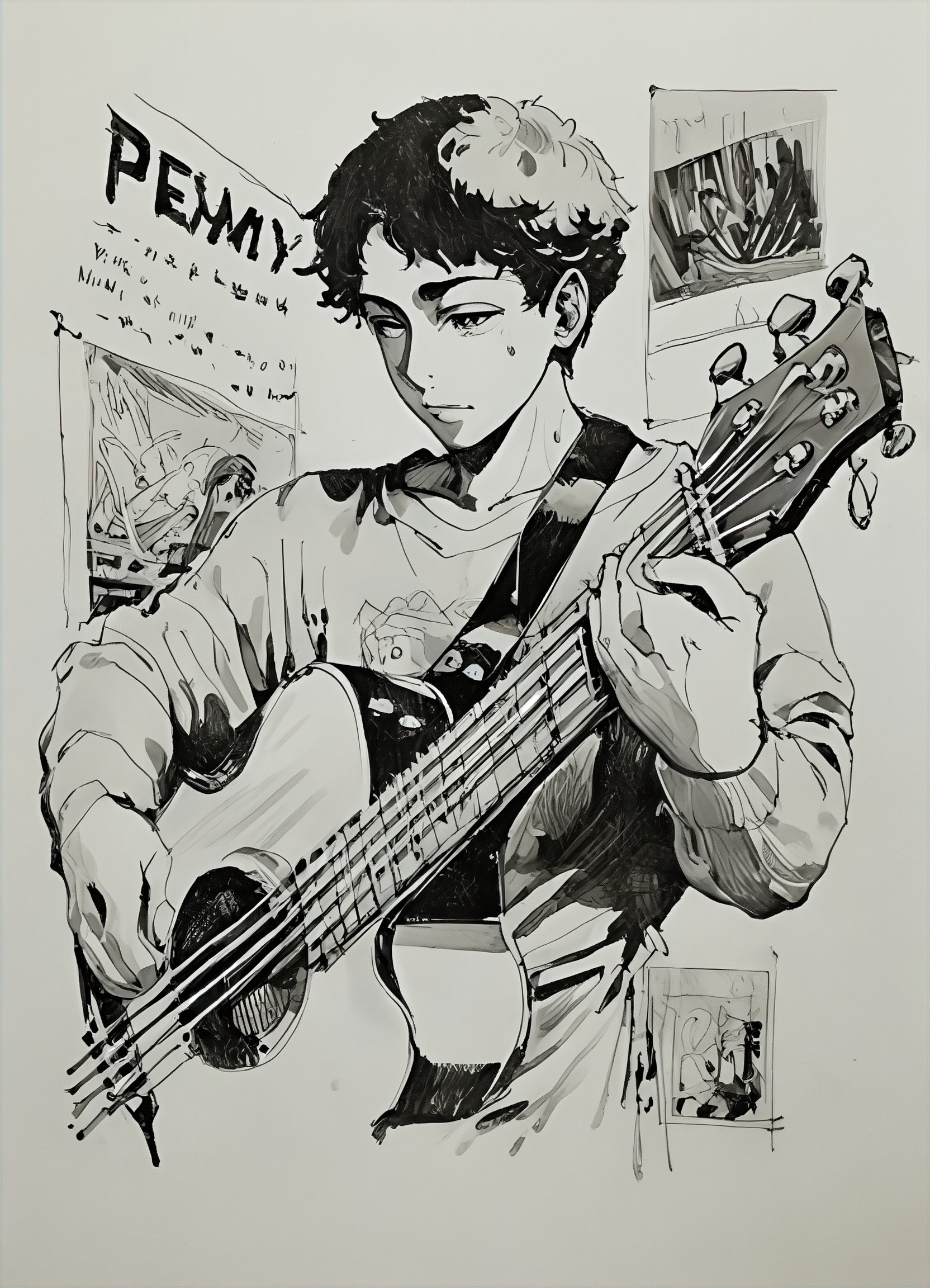
Input
Result
Comic material, someone is
 陳文舟37
陳文舟37A cute little girl
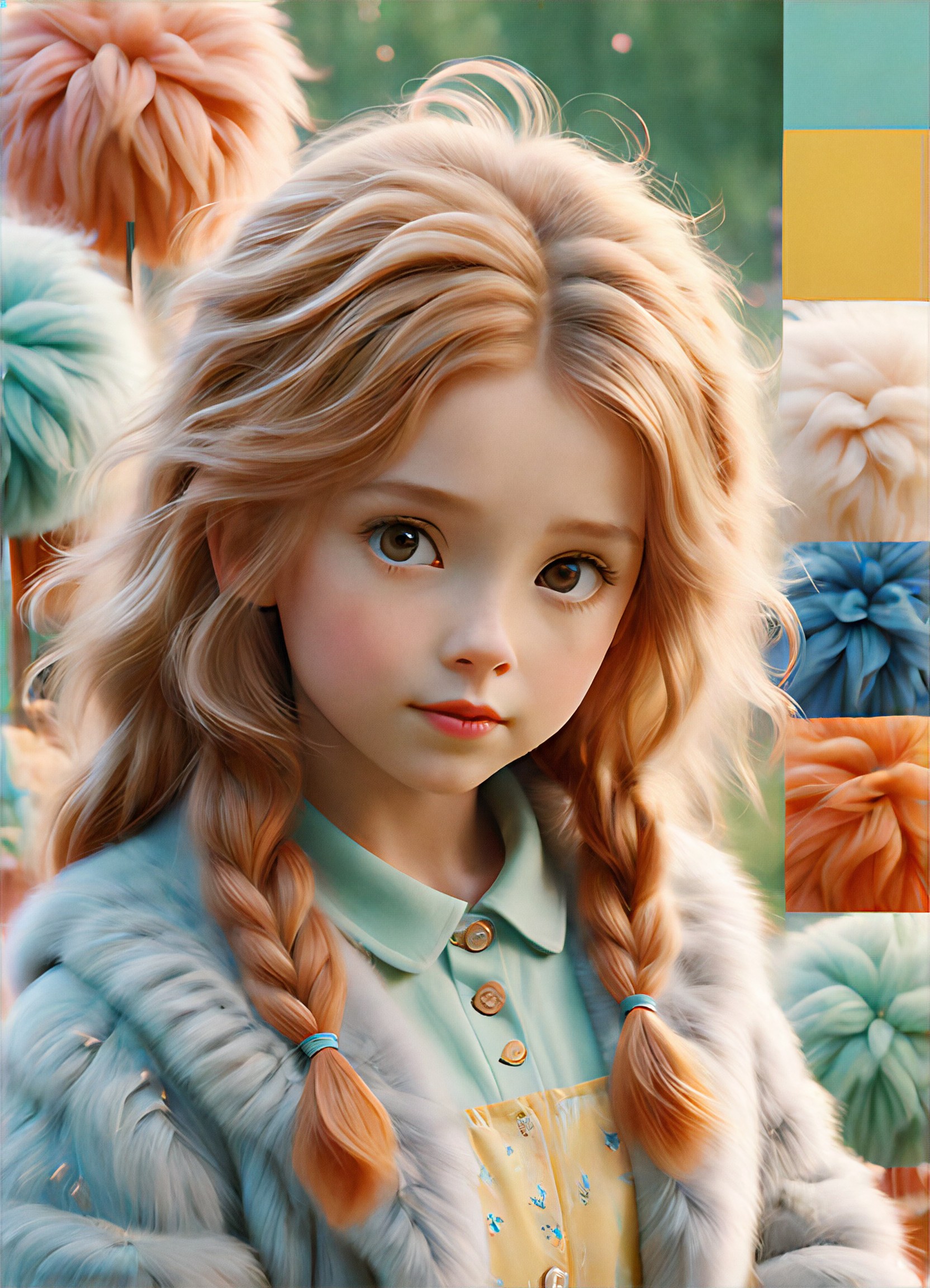
Input
Result
Everything fluffy
 Mia-Zestlink-AI17
red dragon
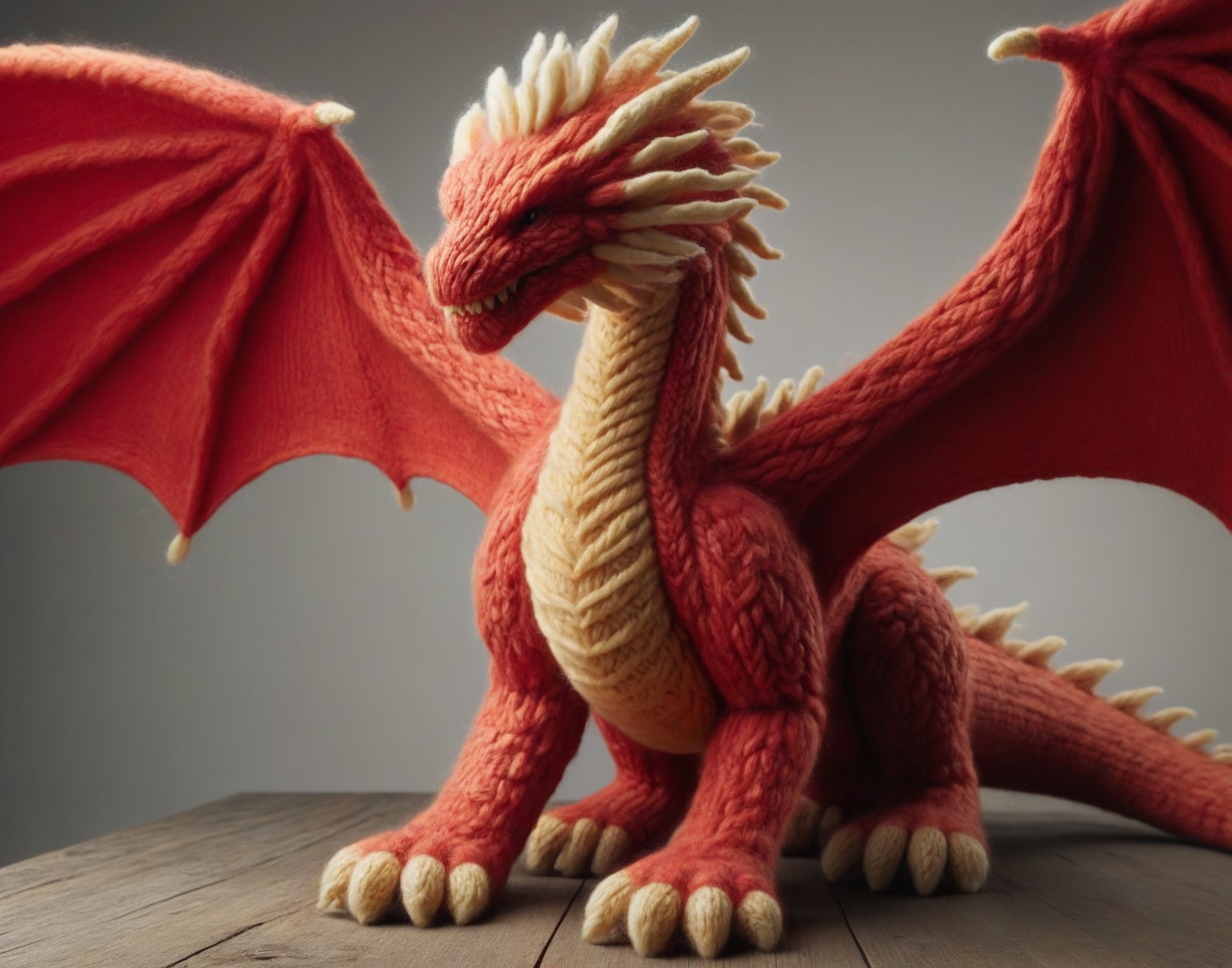
Input
Result
Wool Style
 CC16
CC16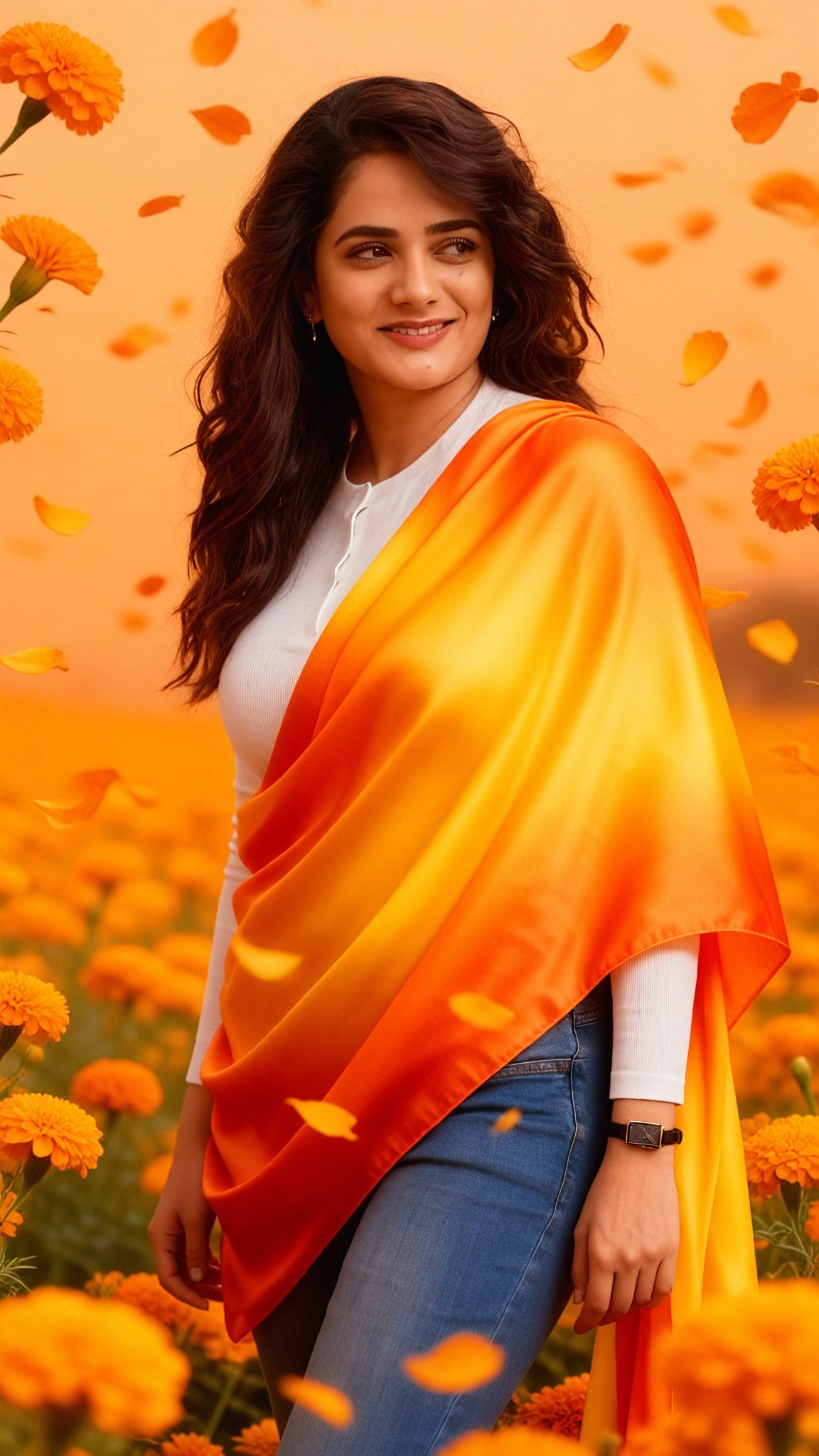
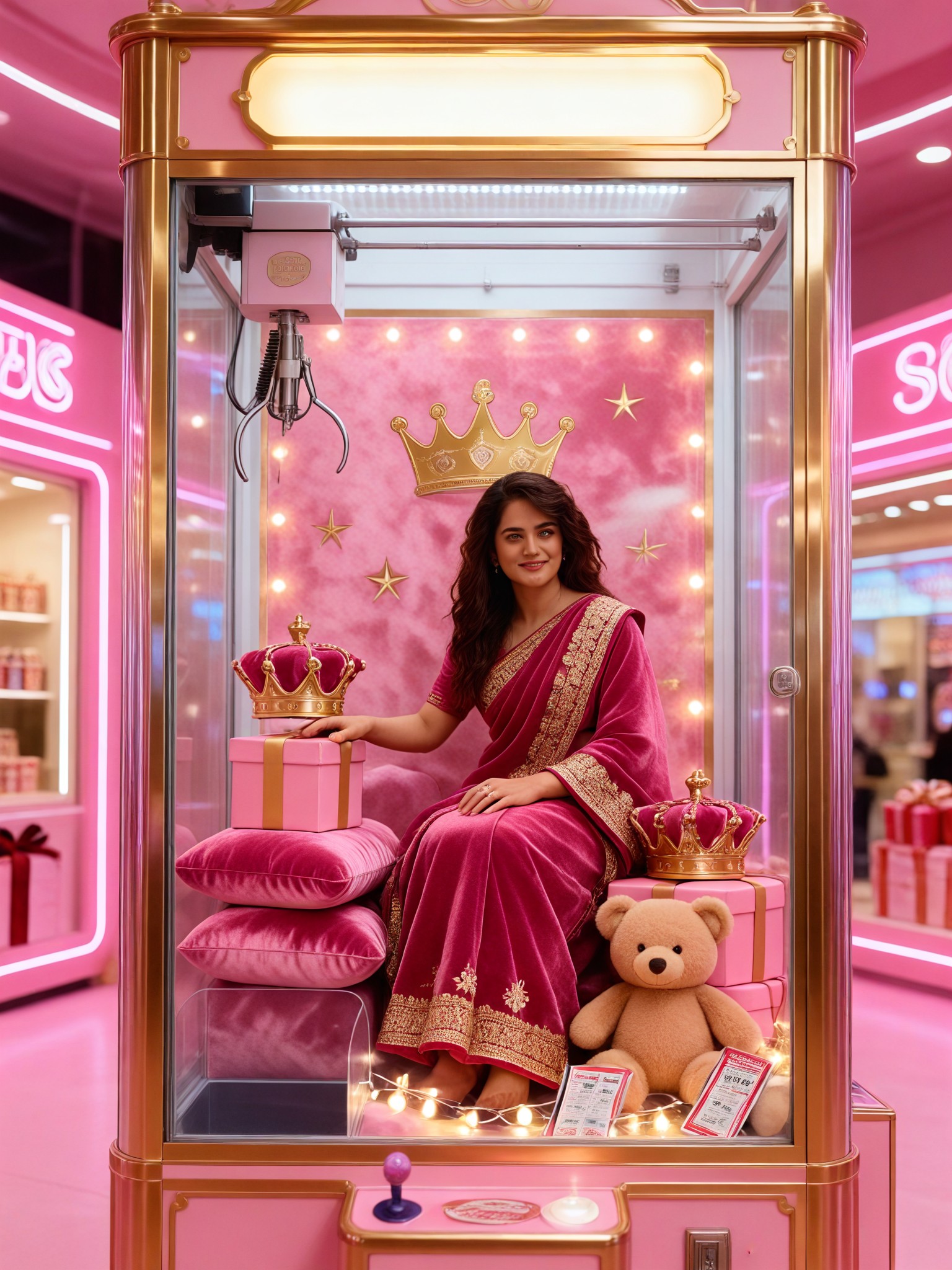
Input
Result
Velvet Plush Queen
 艺术梦想家14
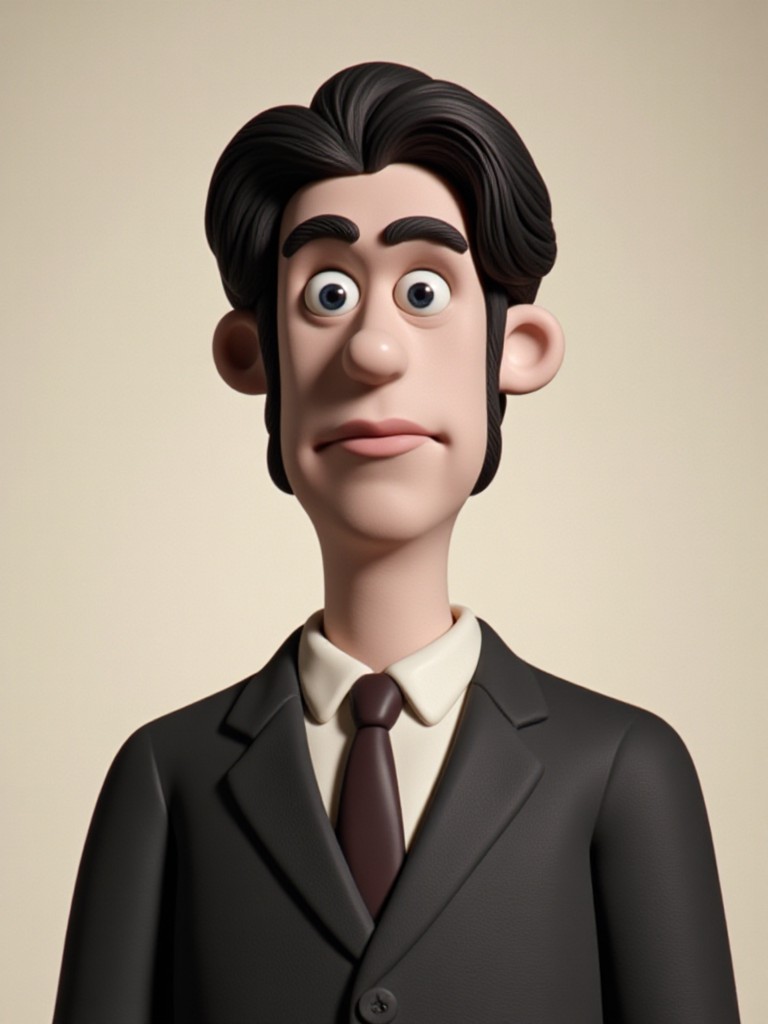
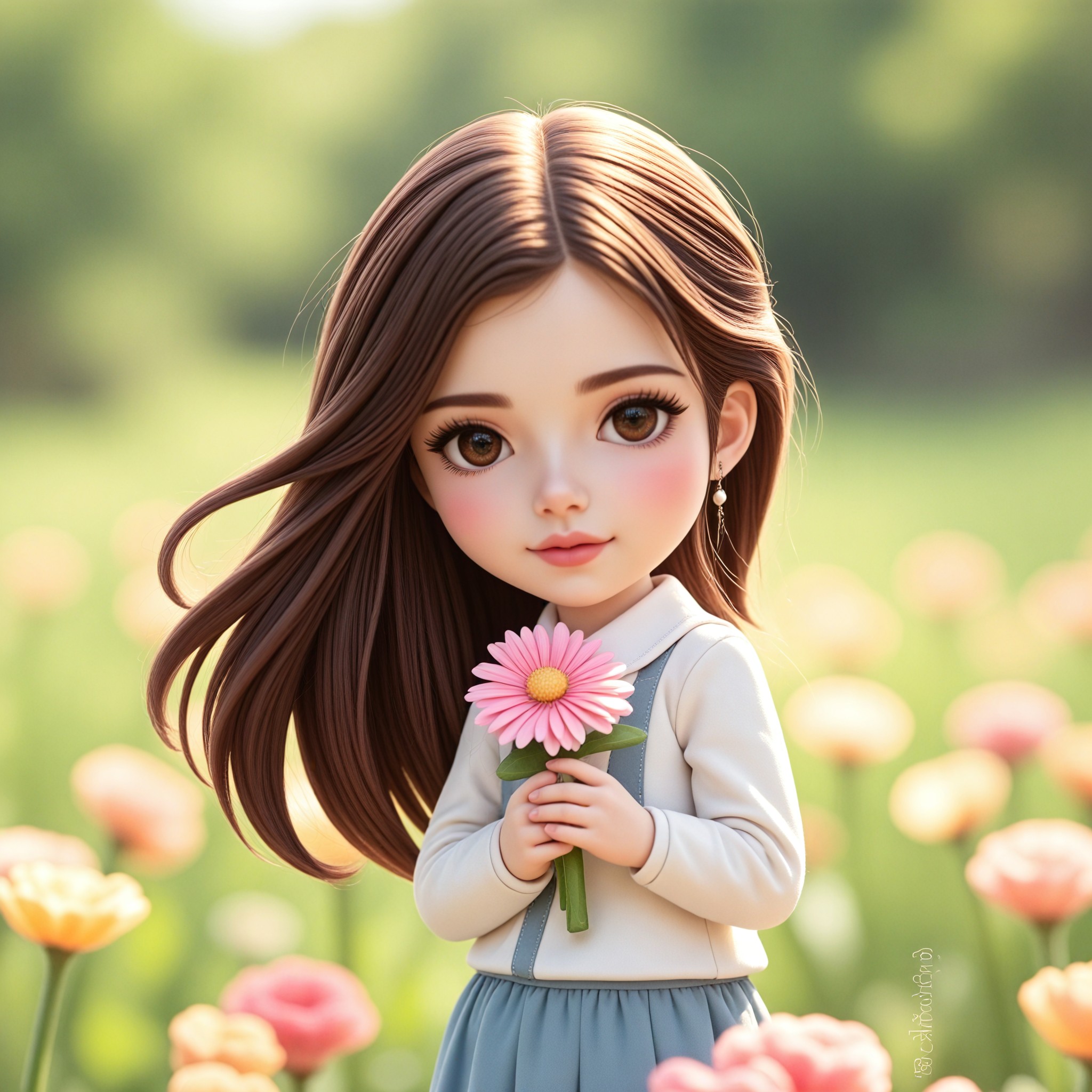
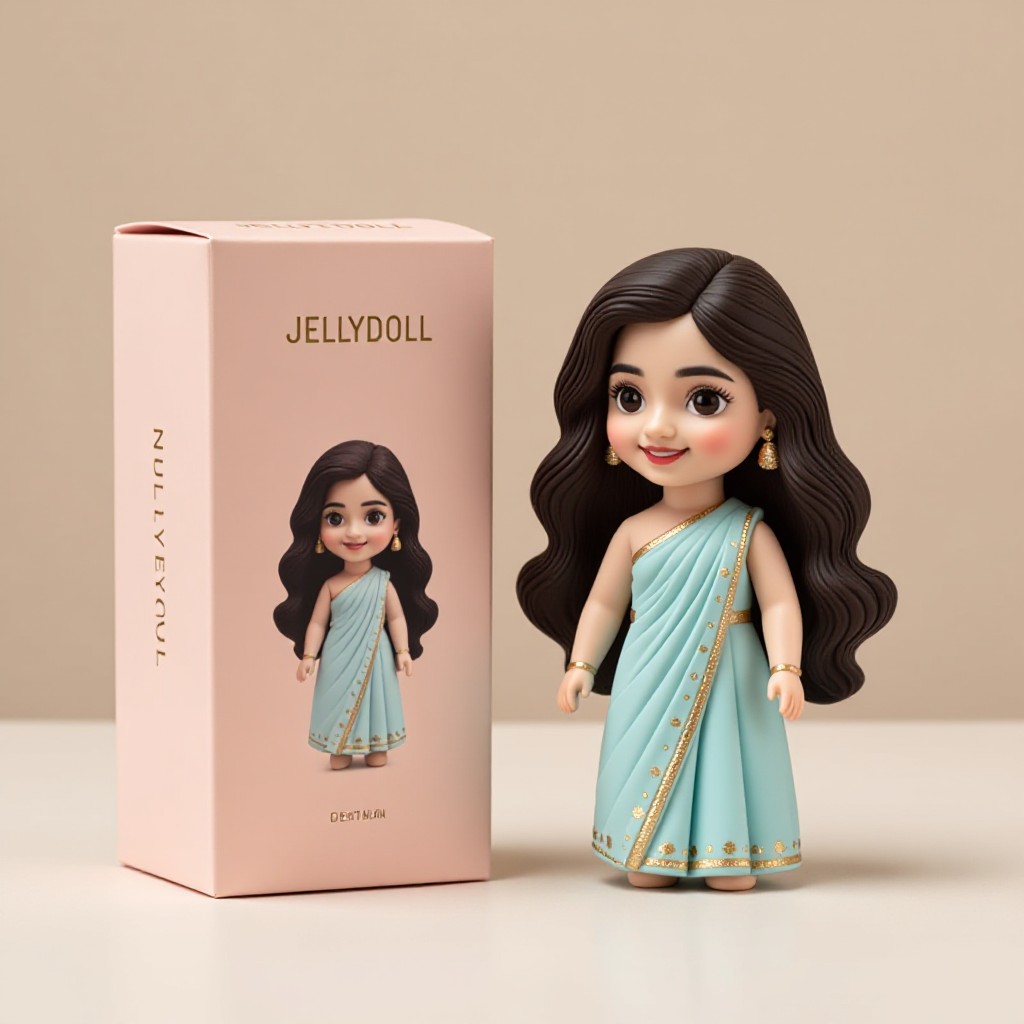
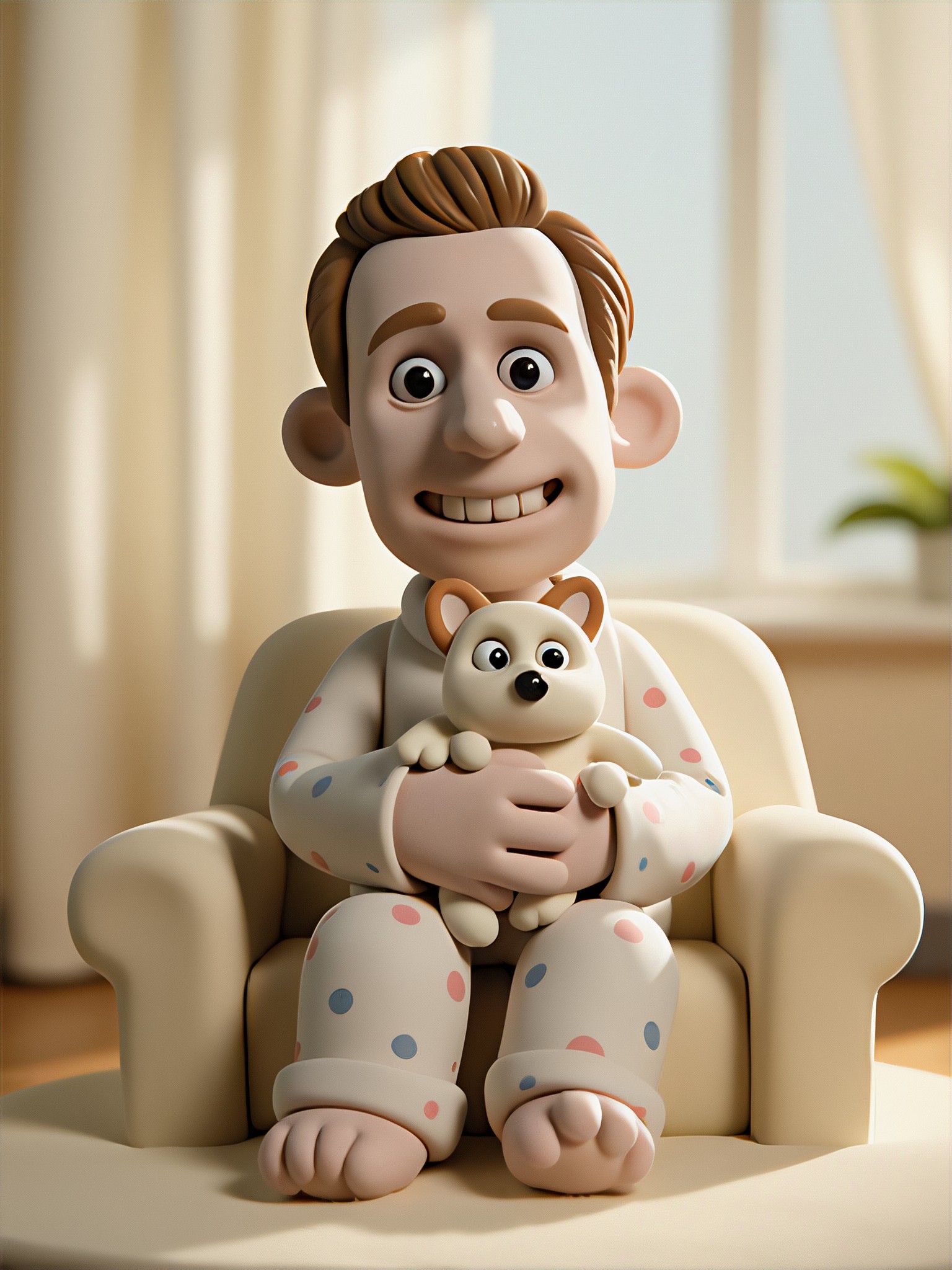
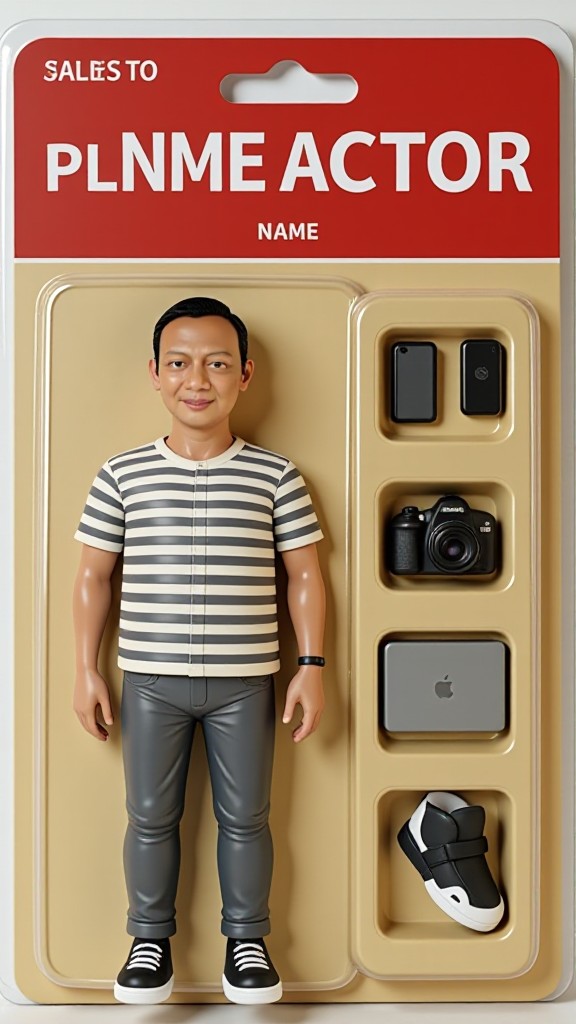
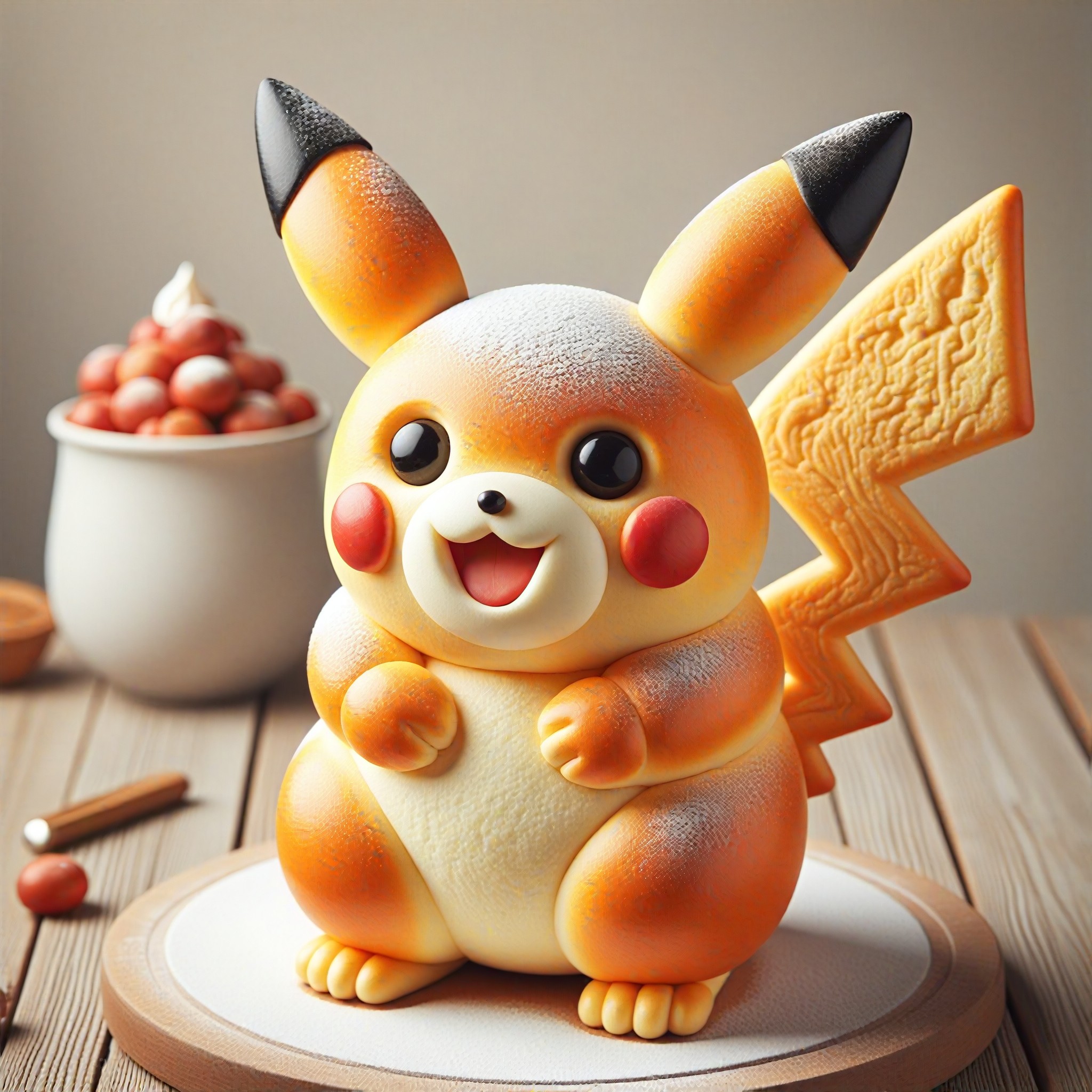
AI Generated Material Plush Images & Videos
Discover unique and innovative Material Plush images and videos created with a1.art Material Plush prompts.

How to Make Material Plush AI Image & Video on a1.art?
Step into the future of AI Material Plush video and image creation on a1.art.

Step 1
Select the style you want to apply in the Square.

Step 2
Upload the image you want to transform. It can be a photo, hand-drawn sketch.

Step 3
Wait a few seconds and you can easily get your unique AI Material Plush art. Download for free!
FAQ about Material Plush AI Prompt on a1.art
Discover the secrets to creating Birthday Day videos and images at a1.art.
What types of material plush AI prompts are available?
a1.art offers a wide range of material plush AI prompts, including soft textures like velvet, wool, and fleece, as well as cozy elements like blankets, pillows, and knitted items. You can choose from various styles and themes to suit your creative needs.
Can I customize the material plush AI prompts?
Yes, a1.art allows you to customize your material plush AI prompts by adjusting parameters such as texture, color, and lighting. This flexibility ensures that you can create visuals that perfectly match your vision.
How do I use material plush AI prompts on a1.art?
Using material plush AI prompts on a1.art is simple. Just select your preferred prompt, upload an image or enter a text description, and let the AI generate your visuals. The process is intuitive and user-friendly, making it easy to create stunning material plush images and videos.
Are there any limitations to the material plush AI prompts?
While a1.art offers a vast array of material plush AI prompts, the quality and detail of the generated visuals depend on the input provided. For the best results, ensure that your prompts are clear and specific.
Can I download the generated material plush visuals?
Yes, once your material plush visuals are generated, you can easily download them in high resolution. This allows you to use the visuals for personal projects, commercial purposes, or sharing on social media.


