Container backgroundContainer background
Home/AI Prompts/Make It

Make It
AI Prompts

Make It AI Prompts

Discover the power of a1.art, your go-to AI-powered image and video generator. With make it AI prompts, effortlessly transform any idea into stunning visuals. Choose from curated prompts or craft your own, then watch as a1.art brings your vision to life with professional-grade effects and daily free credits.
A glowing neon cityscape at night, featuring towering skyscrapers, vibrant holographic signs, and a bustling urban atmosphere.
A serene forest clearing bathed in golden sunlight, with dappled light filtering through dense tree canopies and a tranquil stream winding through.
A futuristic spaceship navigating through a star-filled galaxy, showcasing intricate details on its hull and dynamic lighting effects.
A cozy winter cabin nestled in a snow-covered mountain range, complete with a warm fireplace, soft blankets, and a view of the crisp, clear sky.
A vibrant underwater scene teeming with colorful coral reefs, exotic fish, and gentle ocean currents creating a mesmerizing visual experience.
A dramatic desert sunset with towering sand dunes, a fiery orange sky, and distant silhouettes of camels and ancient ruins.
Explore more

Get Make It Videos & Images without Prompt

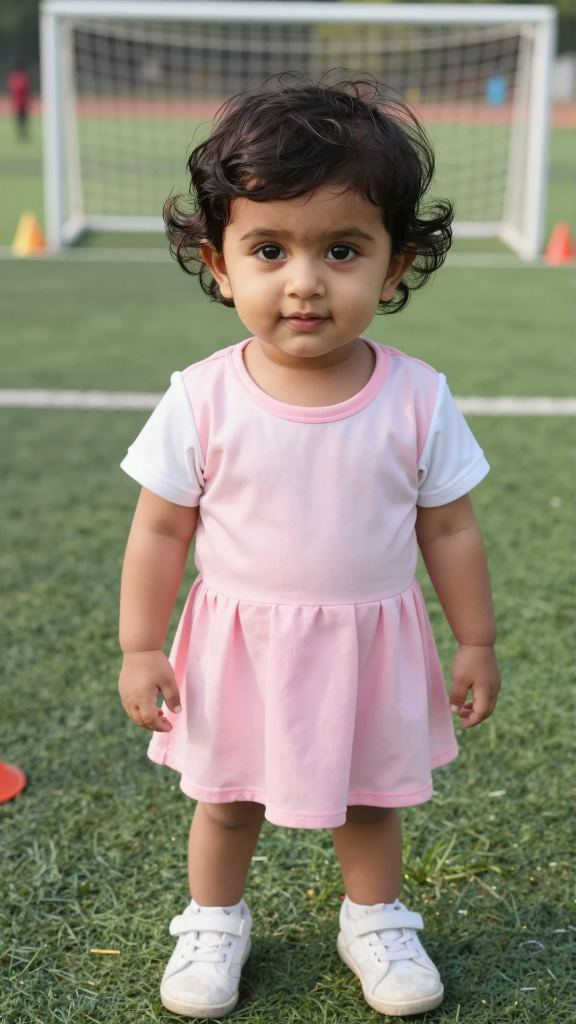
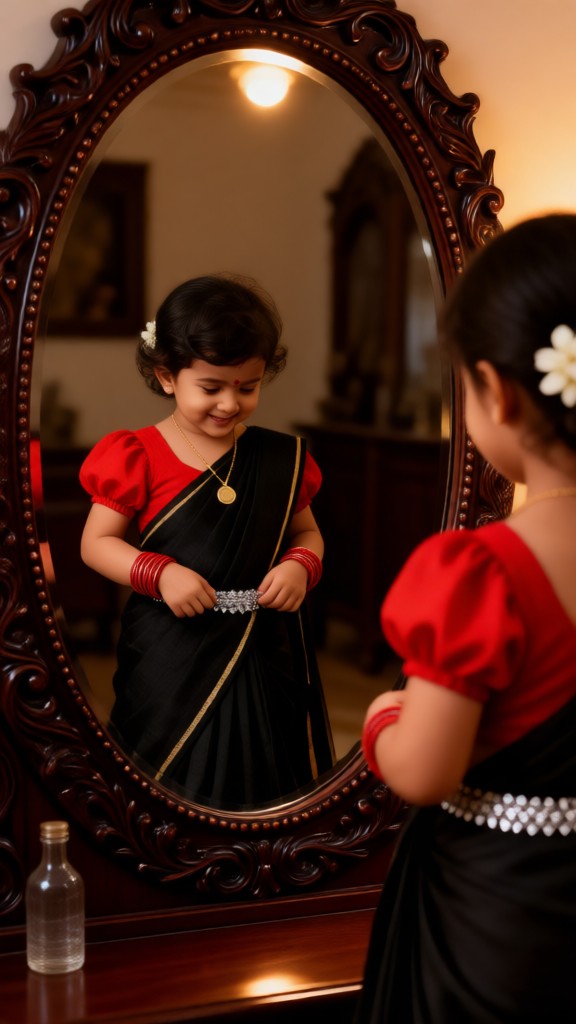
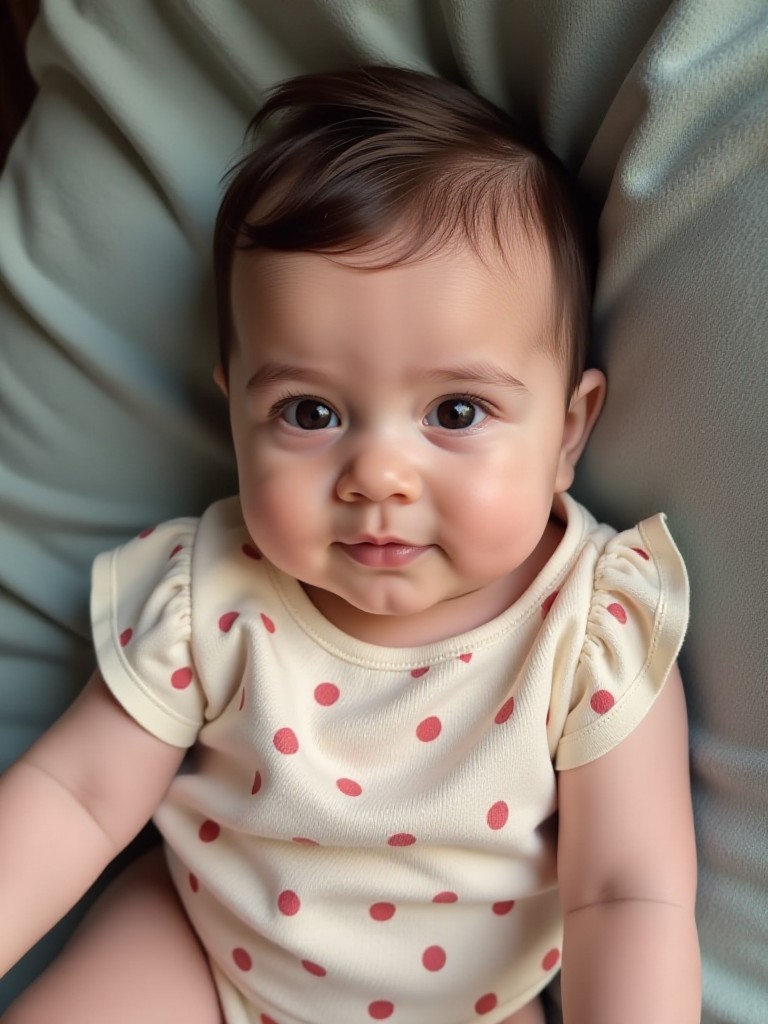
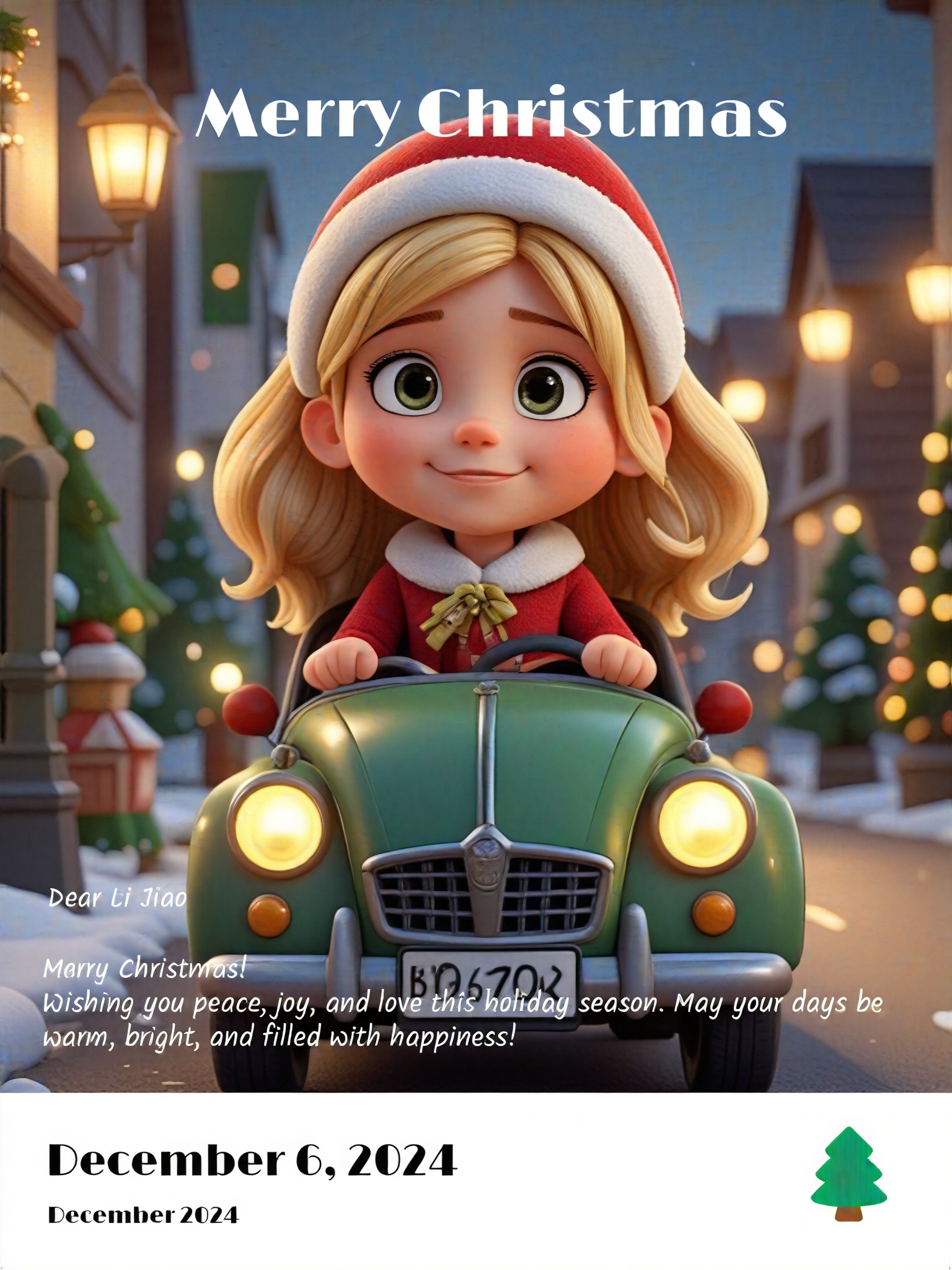
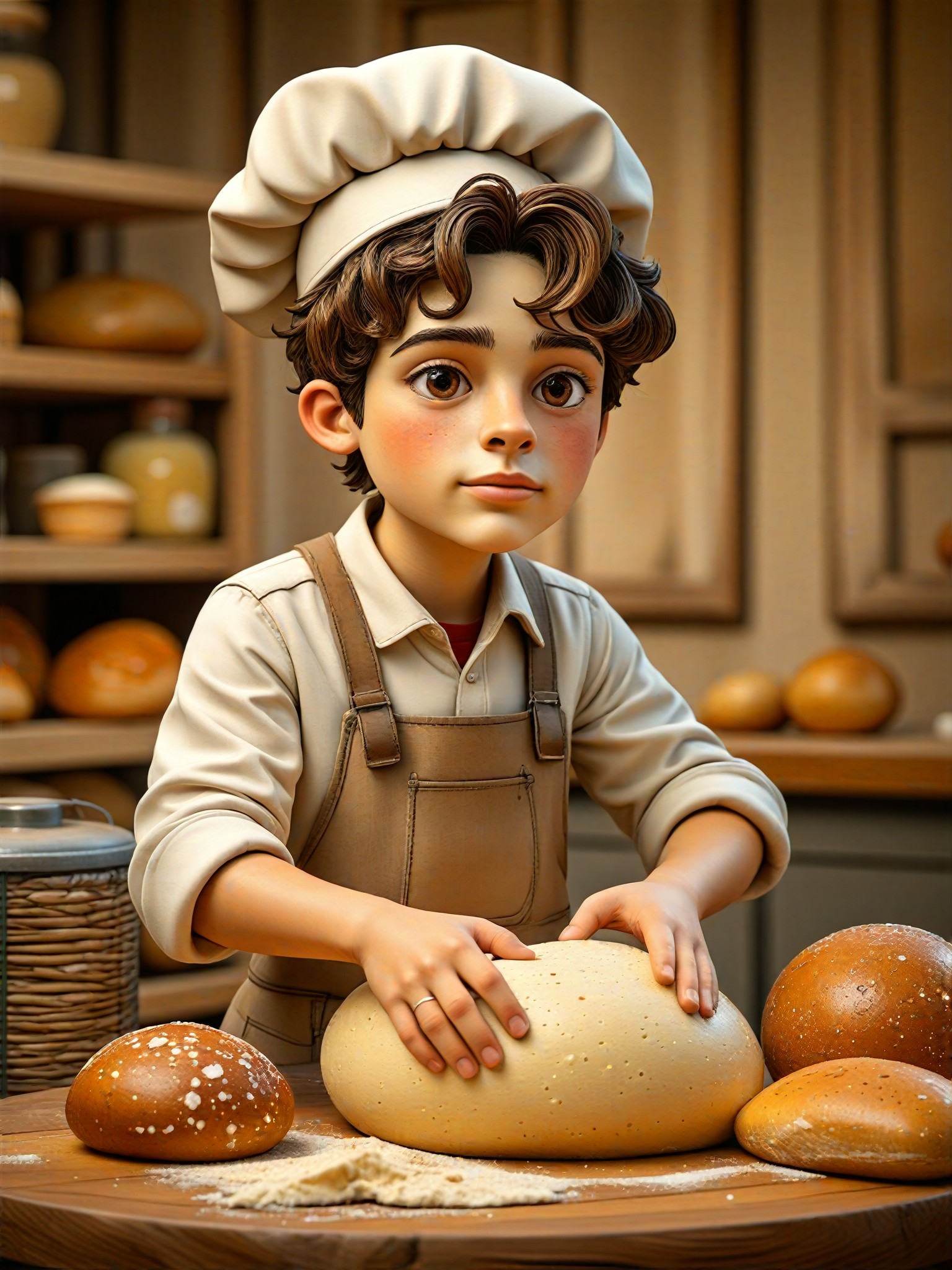
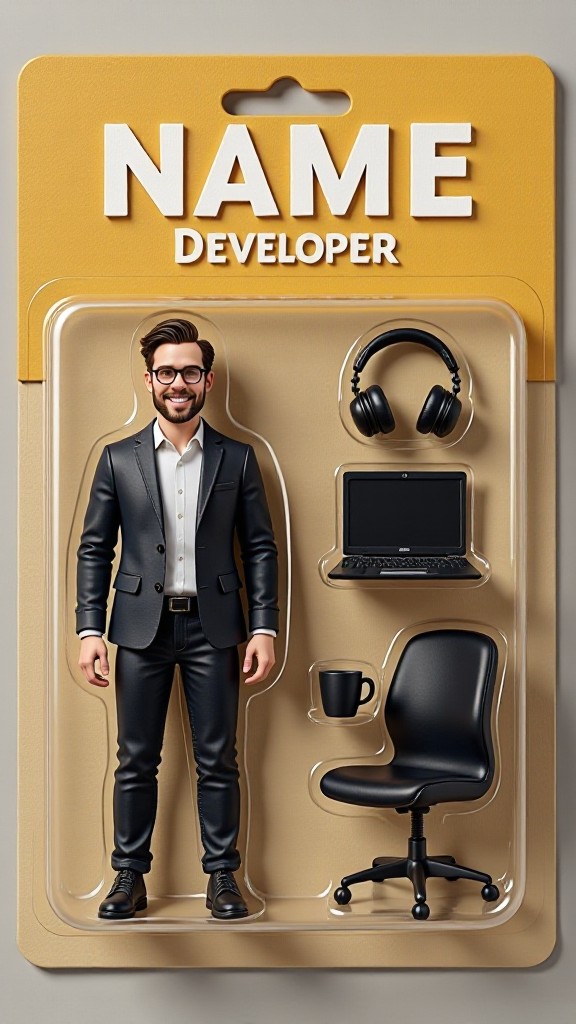
a1.art offers a large number of filters, allowing you to easily obtain AI videos or images without prompts.
image befor ai generation
A cute 3D rendered cartoon boy, wearing an olive green jacket, khaki shorts, and a beige baseball cap. He has large, expressive eyes, a friendly expression, and carries a brown backpack. He's wearing off-white sneakers. The style is reminiscent of 3D cartoon character design, with smooth, polished textures and no visible brushstrokes. The background is a simple beige color, focusing all attention on the character. The lighting is soft and even, creating a warm and pleasant atmosphere. The overall style is cheerful and friendly, suitable for children's products or game character design. The image is rendered in a style similar to contemporary 3D animation character design. Think of the clean lines and smooth surfaces of Pixar-style animation, but with a slightly more realistic rendering of the materials.
cute 3D cartoon boy image
Input
Result
cute 3D cartoon boy
夢境畫境Dreamscape Canva headshot夢境畫境Dreamscape Canva
playicon15.3k
image befor ai generation
Rip It Off image
Input
Result
Rip It Off
CC headshotCC
playicon8.2k
image befor ai generation
Rip It Off image
Input
Result
Rip It Off
Lizzie-R headshotLizzie-R
playicon6.5k
image befor ai generation
Make faces image
Input
Result
Make faces
CC headshotCC
playicon4.6k
image befor ai generation
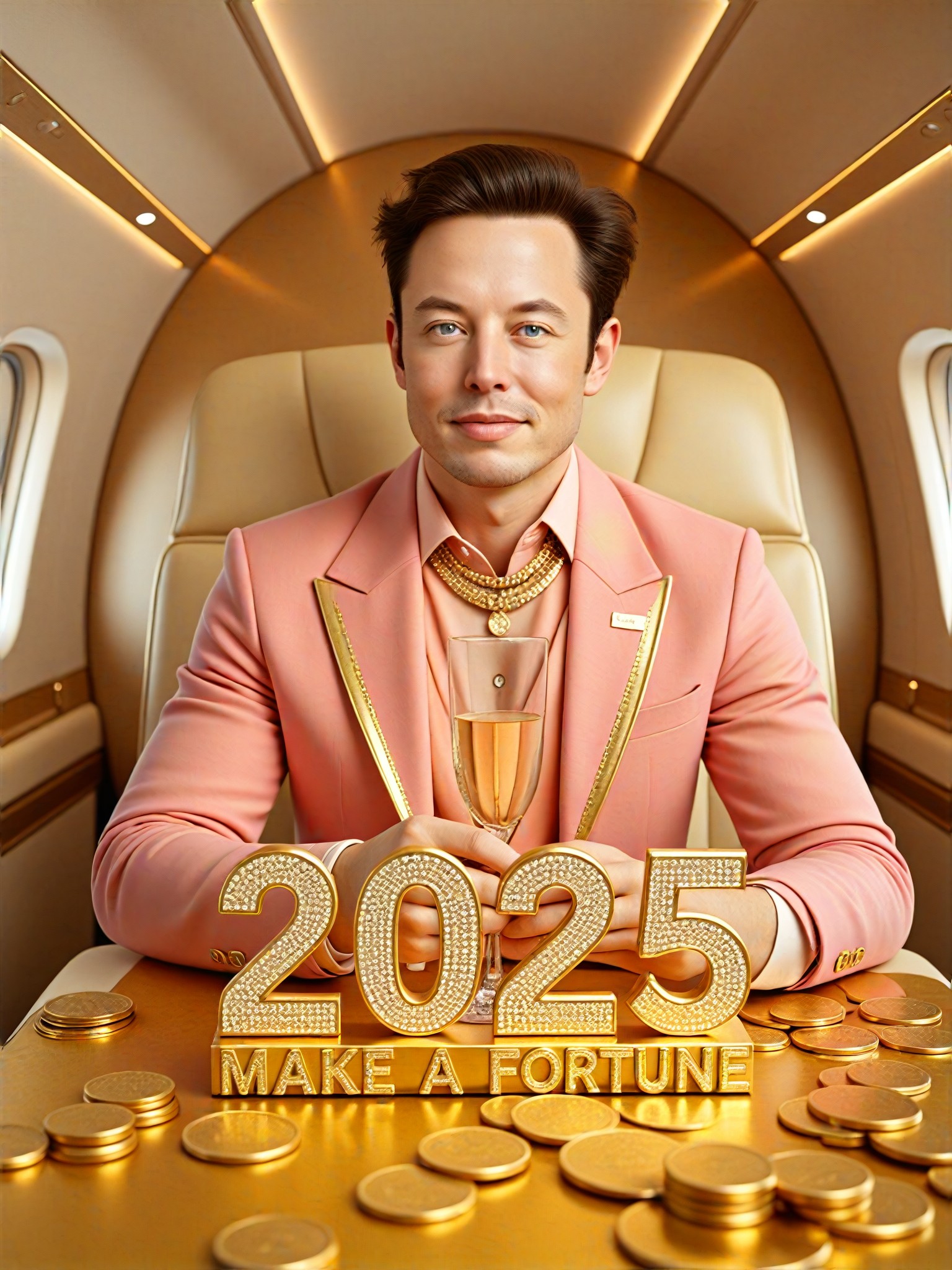
2025  Make a fortune image
Input
Result
2025 Make a fortune
Ben headshotBen
playicon1.1k
image befor ai generation
Make this guy feel good image
Input
Result
Make this guy feel good
Tweite BROKEN headshotTweite BROKEN
playicon1.1k
image befor ai generation
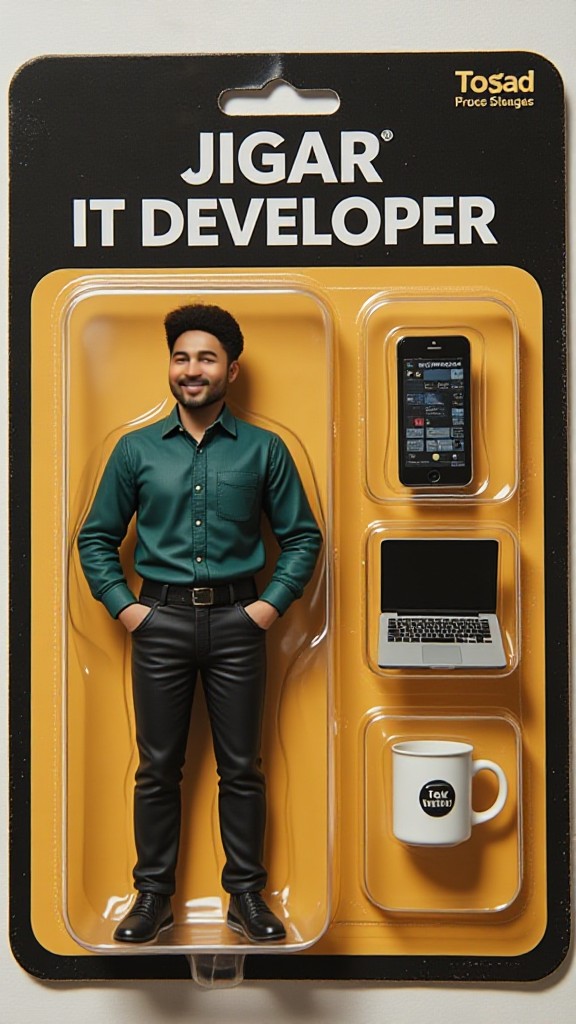
IT Developer Cup image
Input
Result
IT Developer Cup
vibe headshotvibe
playicon778
image befor ai generation
Make me Young  image
Input
Result
Make me Young
Abhay Patel2545 headshotAbhay Patel2545
playicon323

How to Make Make It AI Image & Video on a1.art?

Step into the future of AI Make It video and image creation on a1.art.

a1.art tutorial Step 1
Step 1
Select the style you want to apply in the Square.

a1.art tutorial Step 2
Step 2
Upload the image you want to transform . It can be a photo, hand-drawn sketch.

a1.art tutorial Step 3
Step 3
Wait a few seconds and you can easily get your unique AI Make It art. Download for free!

FAQ about Make It AI Prompt on a1.art

Discover the secrets to creating Make It videos and images at a1.art.

What types of make it visuals can I create with a1.art?

With a1.art, you can generate a wide variety of make it images and videos, including landscapes, cityscapes, nature scenes, futuristic designs, and more. Our platform supports both static images and dynamic videos, allowing you to bring your creative ideas to life.

How do I use make it AI prompts on a1.art?

Using make it AI prompts is simple. Just select a prompt that matches your vision, customize it if needed, and upload an image or enter a text description. a1.art will then process your input and generate stunning visuals tailored to your preferences.

Are there any limitations on the number of make it prompts I can use?

There are no strict limitations on the number of prompts you can use. You can explore our extensive library of make it AI prompts or create your own. Additionally, we offer daily free credits to help you experiment and refine your creations.

Can I download or share my make it visuals?

Yes, once your make it visuals are generated, you can easily download them in high resolution or share them directly on social media platforms. We ensure that all outputs are of professional quality, so you can proudly showcase your creations.

Is a1.art suitable for beginners or professionals?

a1.art is designed for users of all skill levels. Whether you're a beginner looking to explore AI-generated art or a professional seeking advanced tools, our platform offers intuitive interfaces and powerful features to meet your needs.

Container background

Make Make It AI Image & Video on a1.art APP

Download the app to explore Make It AI image & video filters, faster processing, and personalized features. Whether you want creative images or stunning videos, the app makes it easier.