


Get Make Faces Videos & Images without Prompt
a1.art offers a large number of filters, allowing you to easily obtain AI videos or images without prompts.
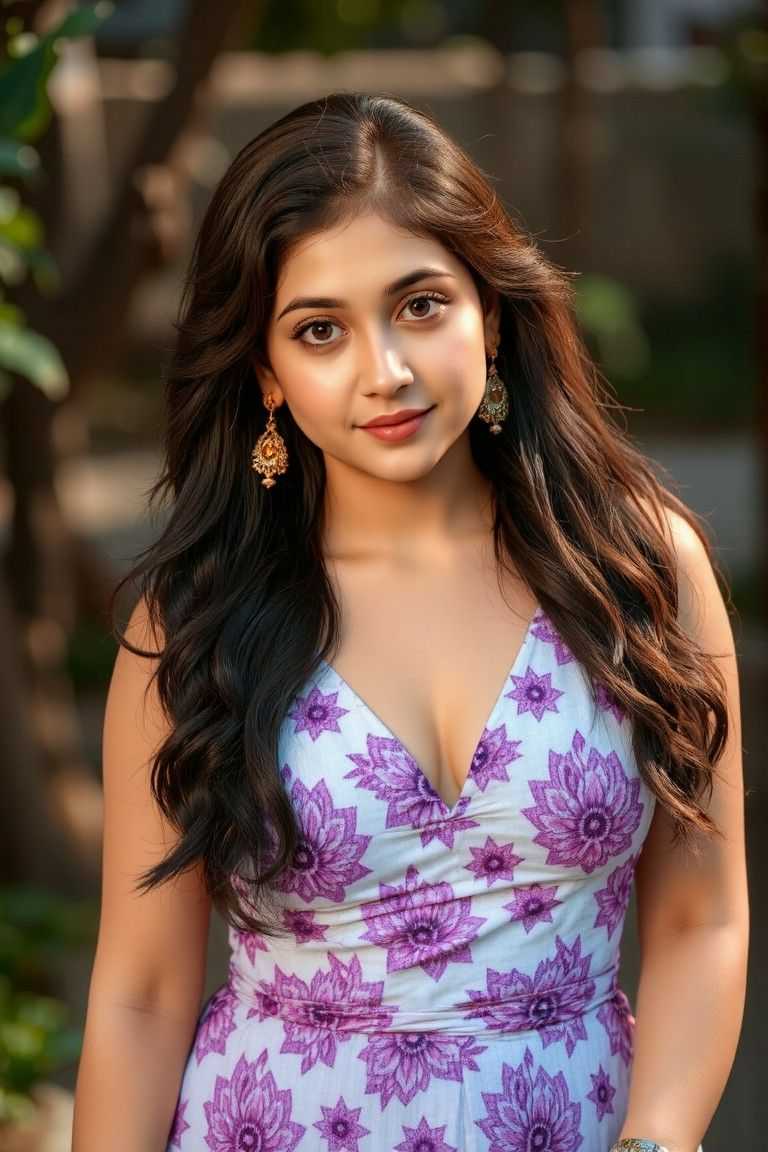
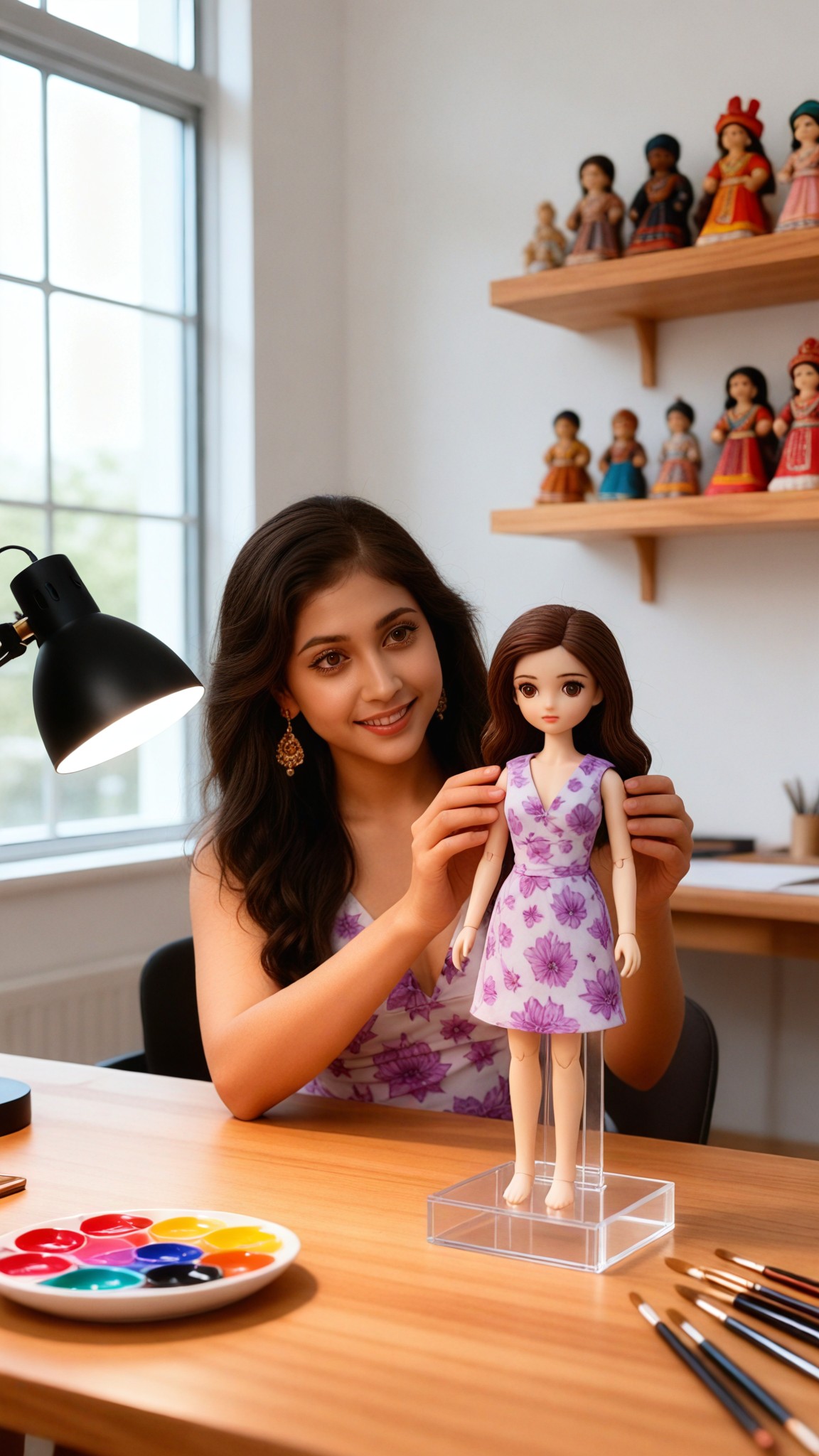
Input
Result
Make your own figurines - p2
 CC
CC 413
413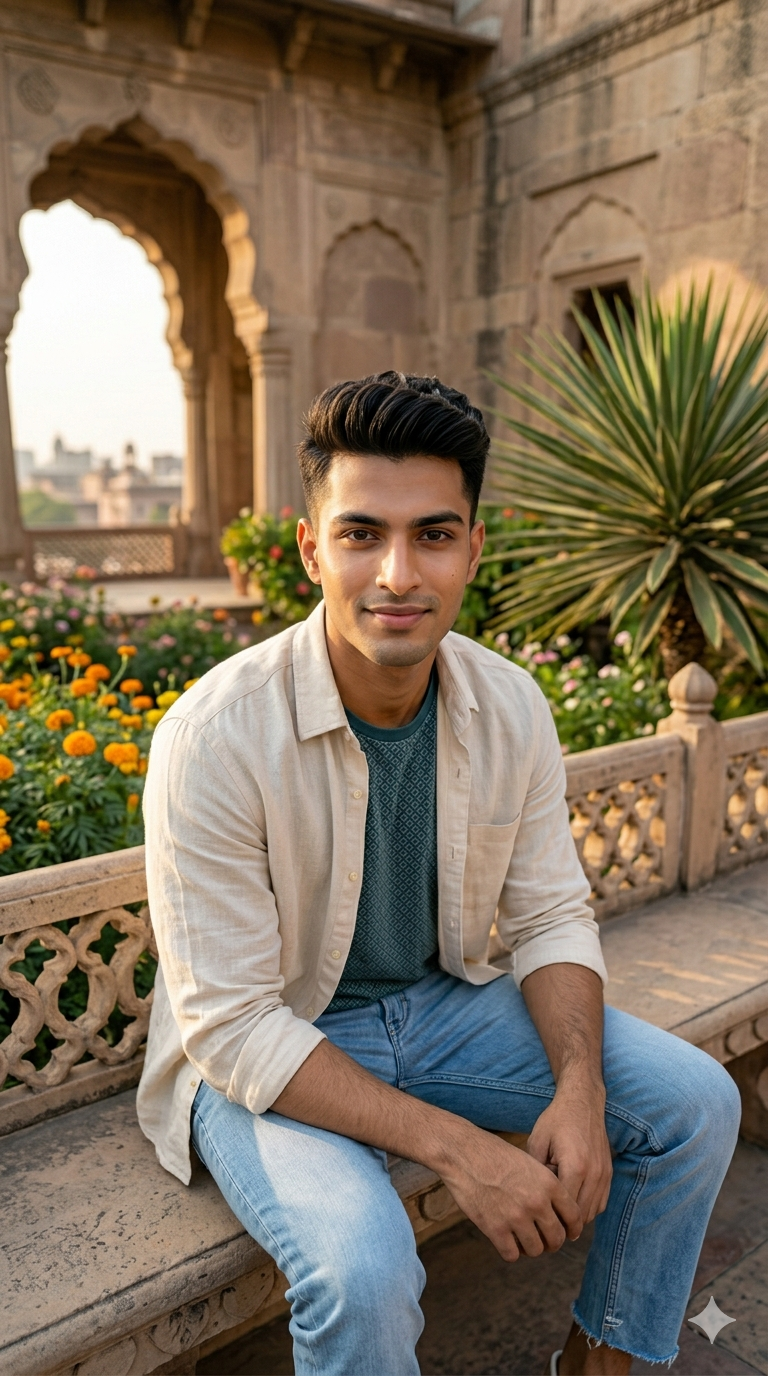
Input
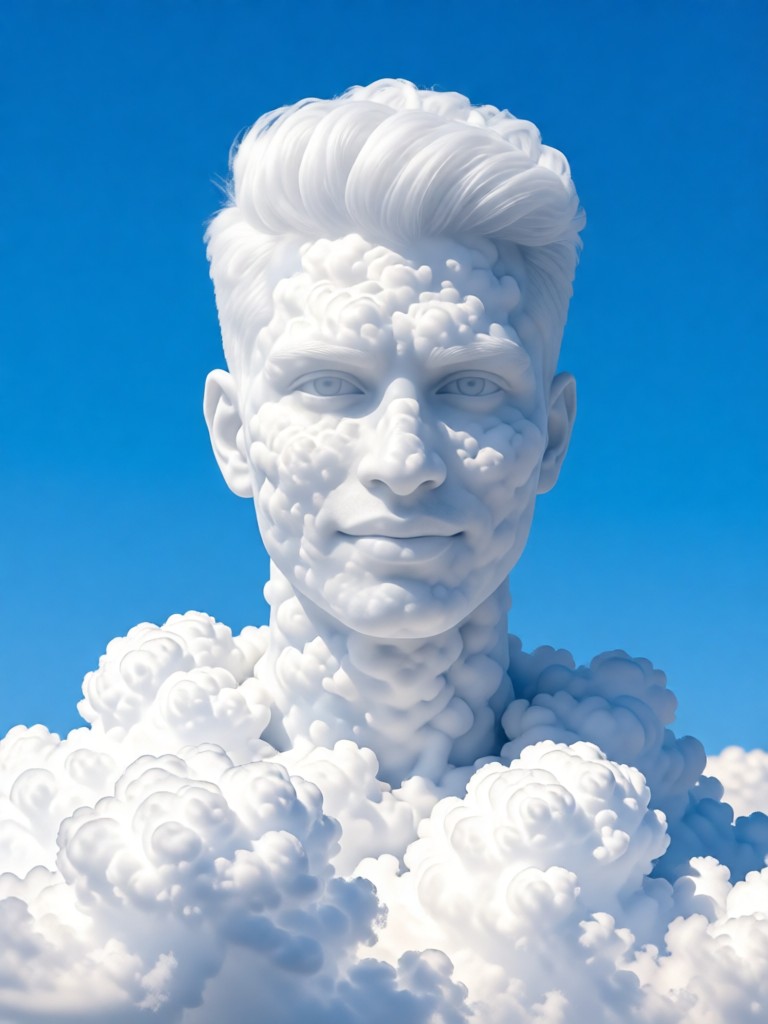
Result
White clouds make up your appearance
 一个酷酷的man164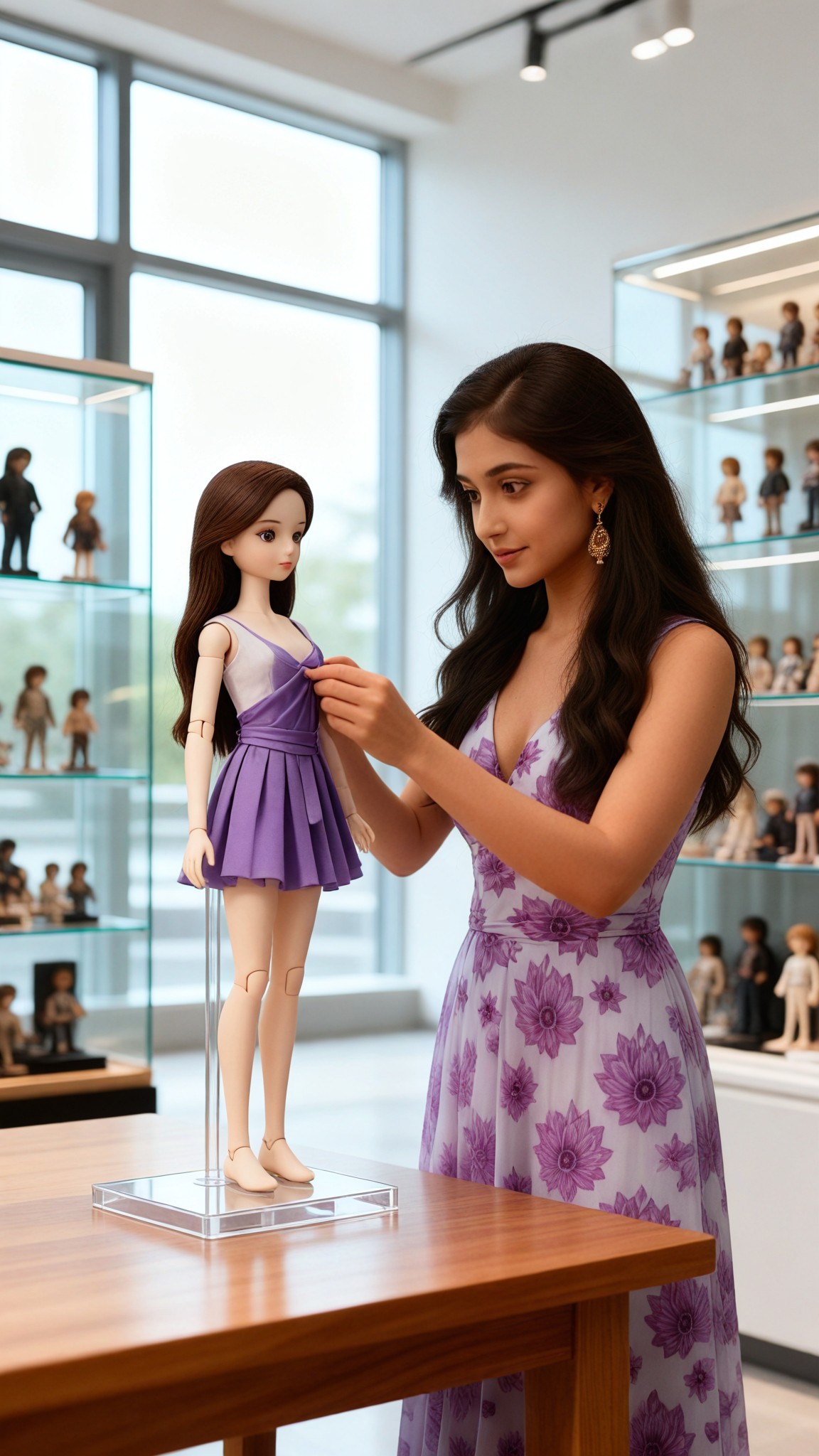
Input
Result
Make your own figurines - p1
CC86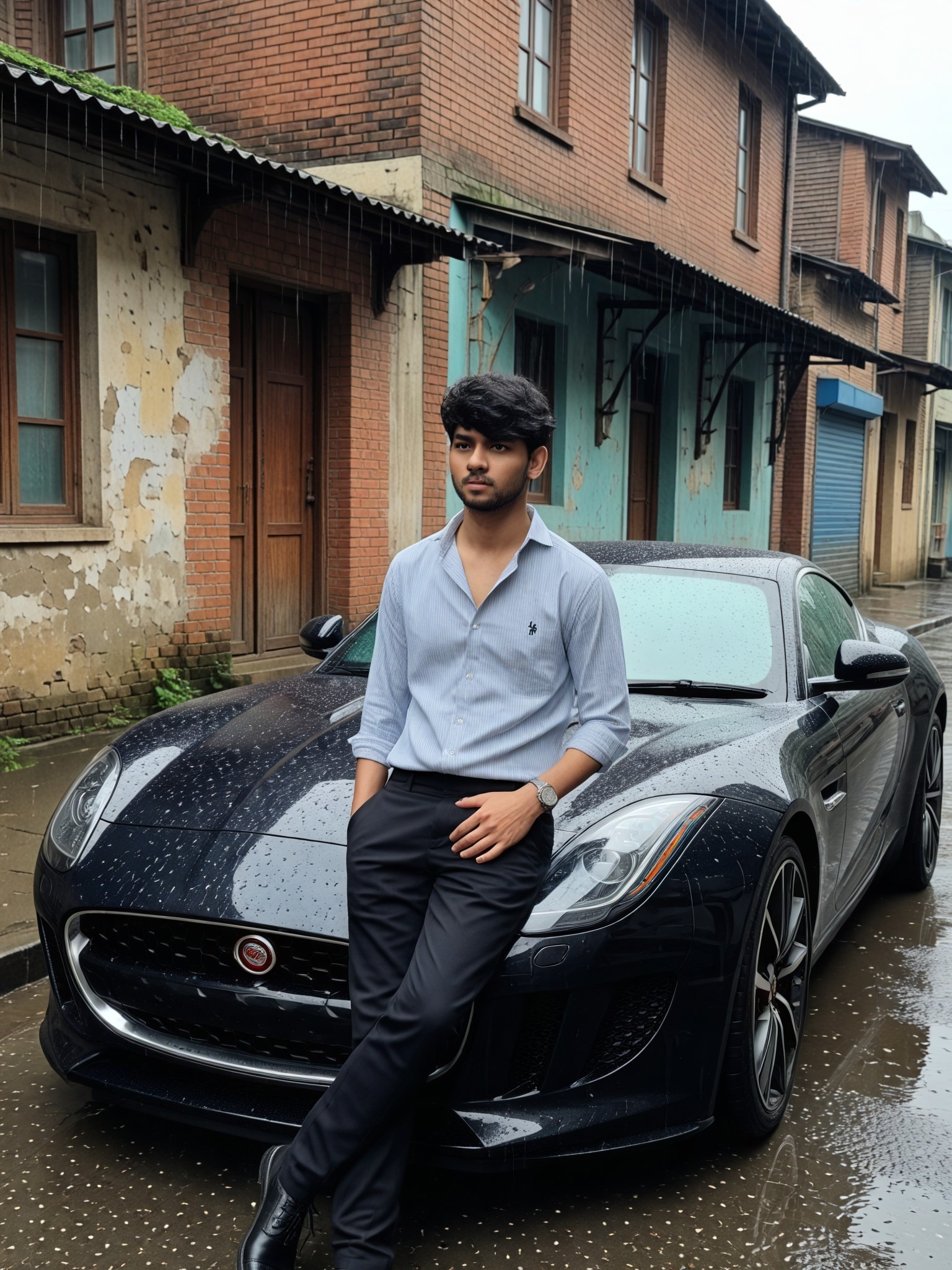
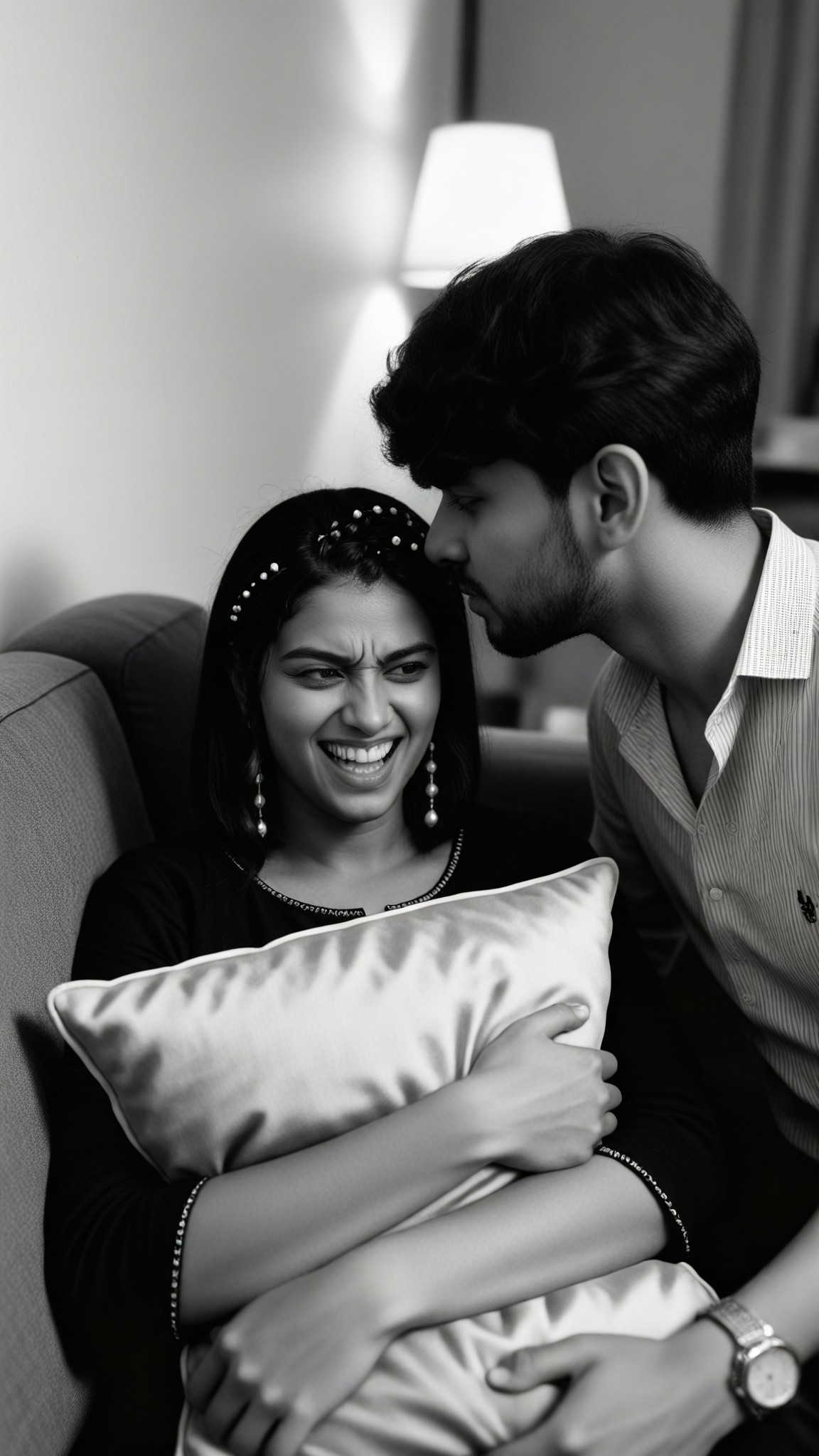
Input
Result
Make Up Smile
 艺术创作家82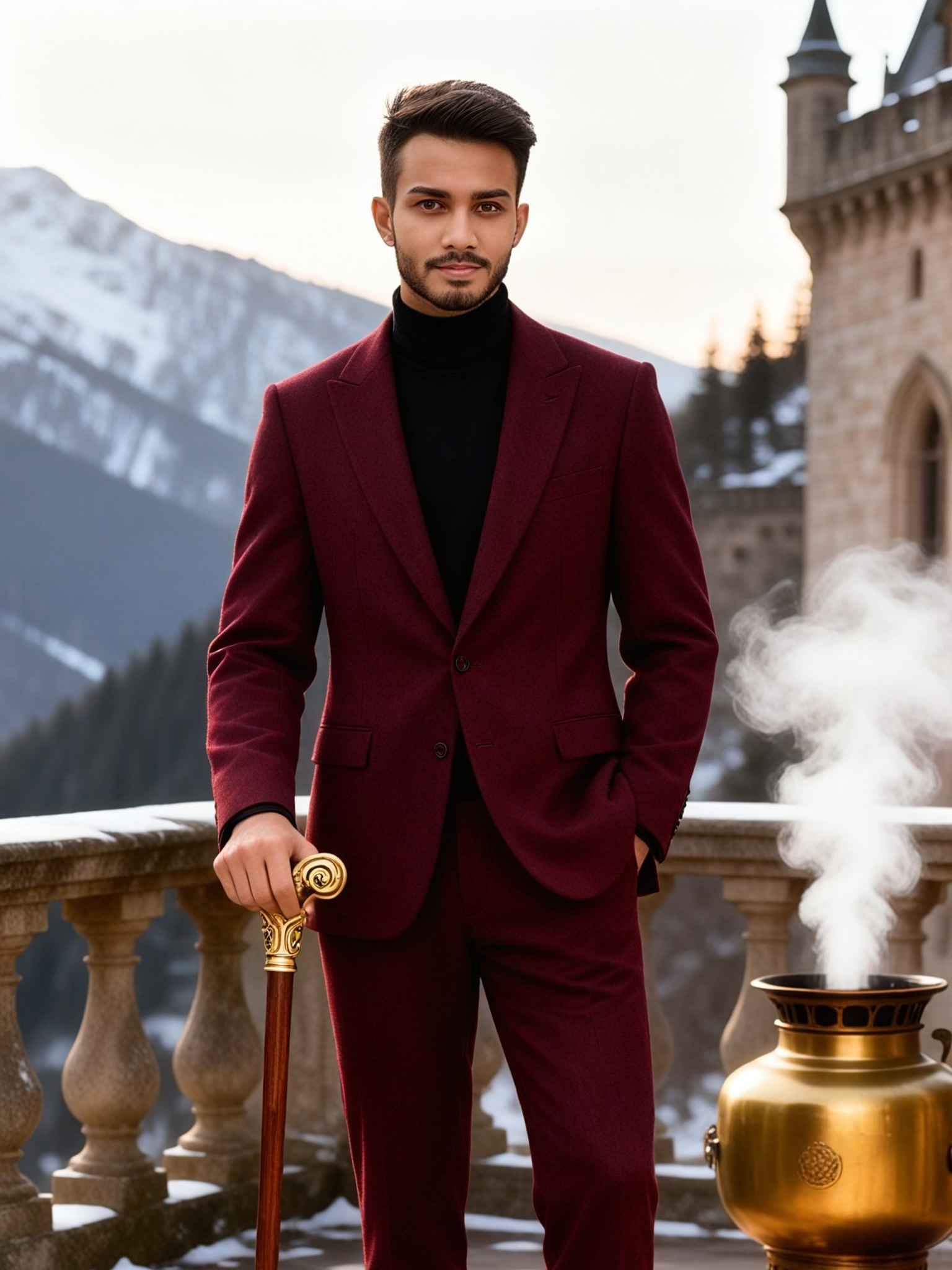
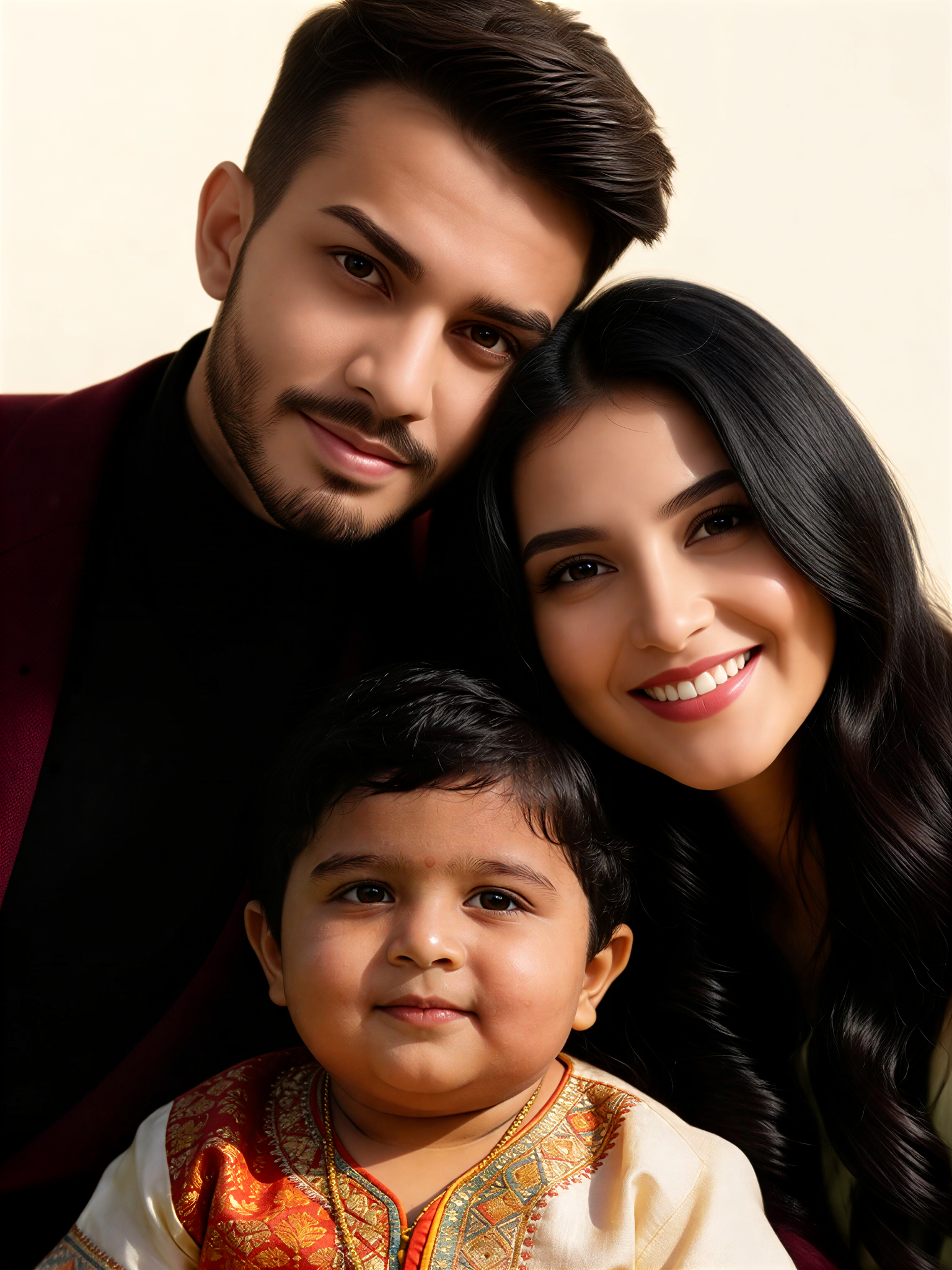
Input
Result
Close Faces Family
艺术创作家54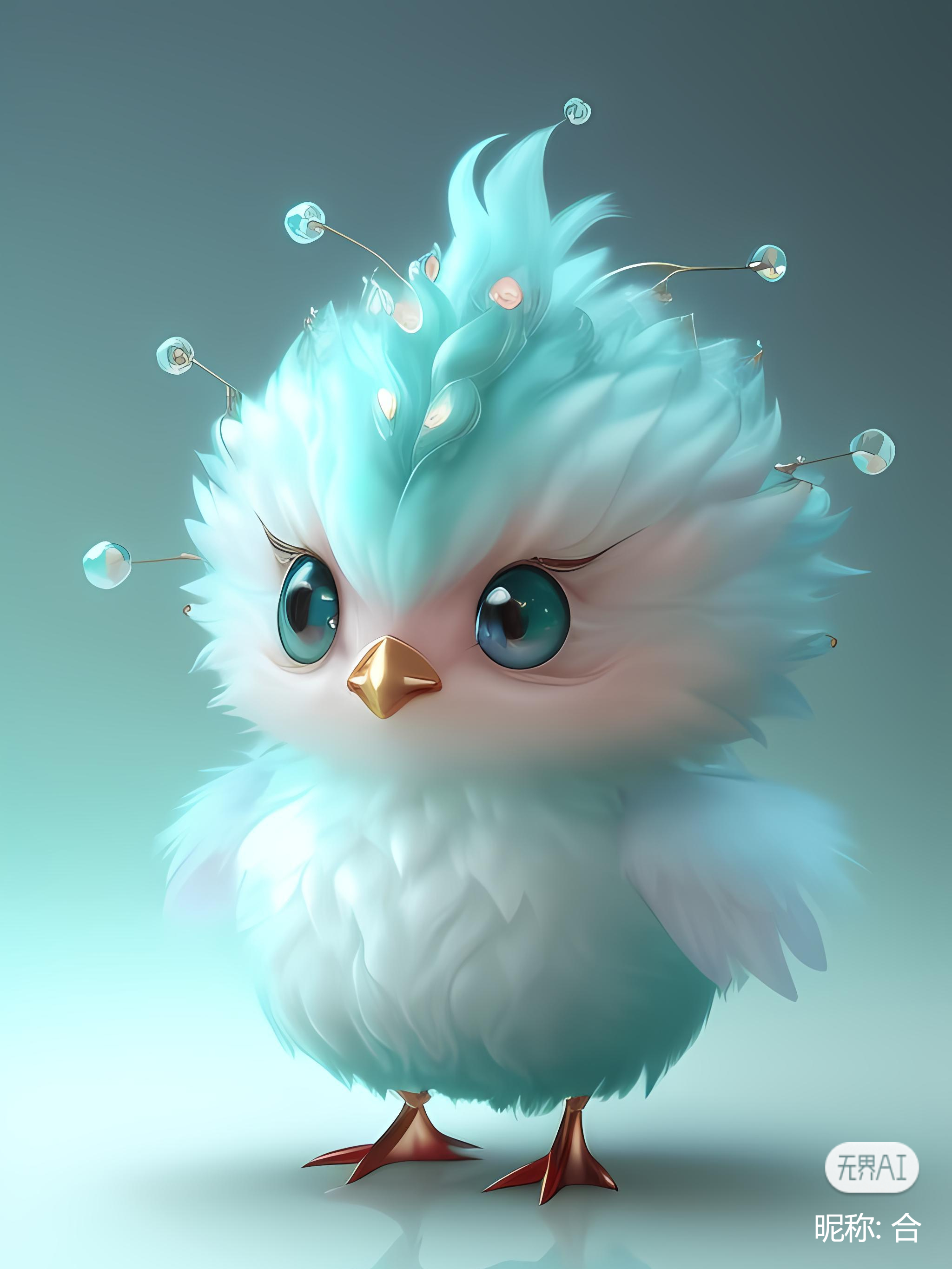
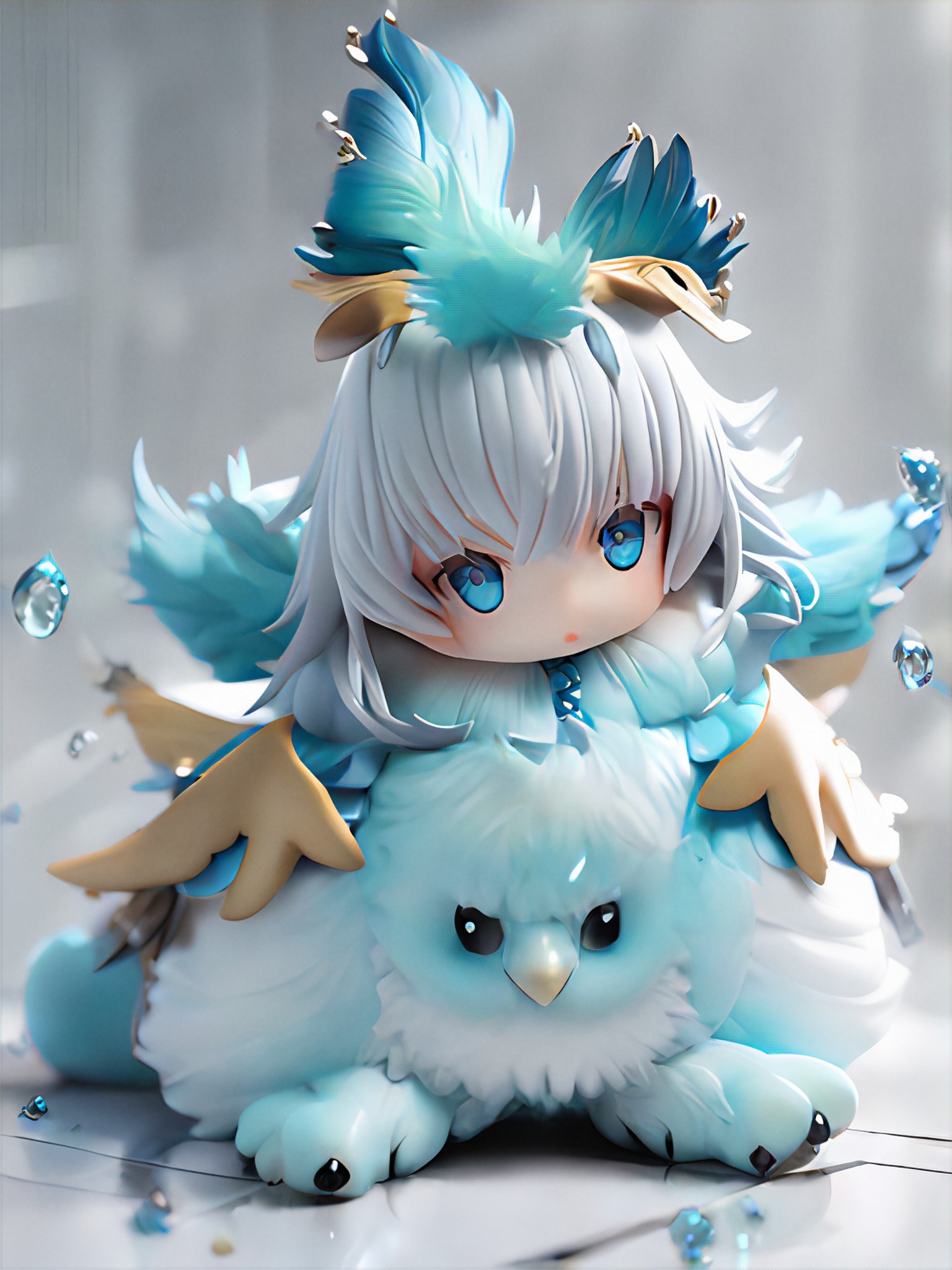
Input
Result
🎨 Make a cute figurine!
 孤心、独尘52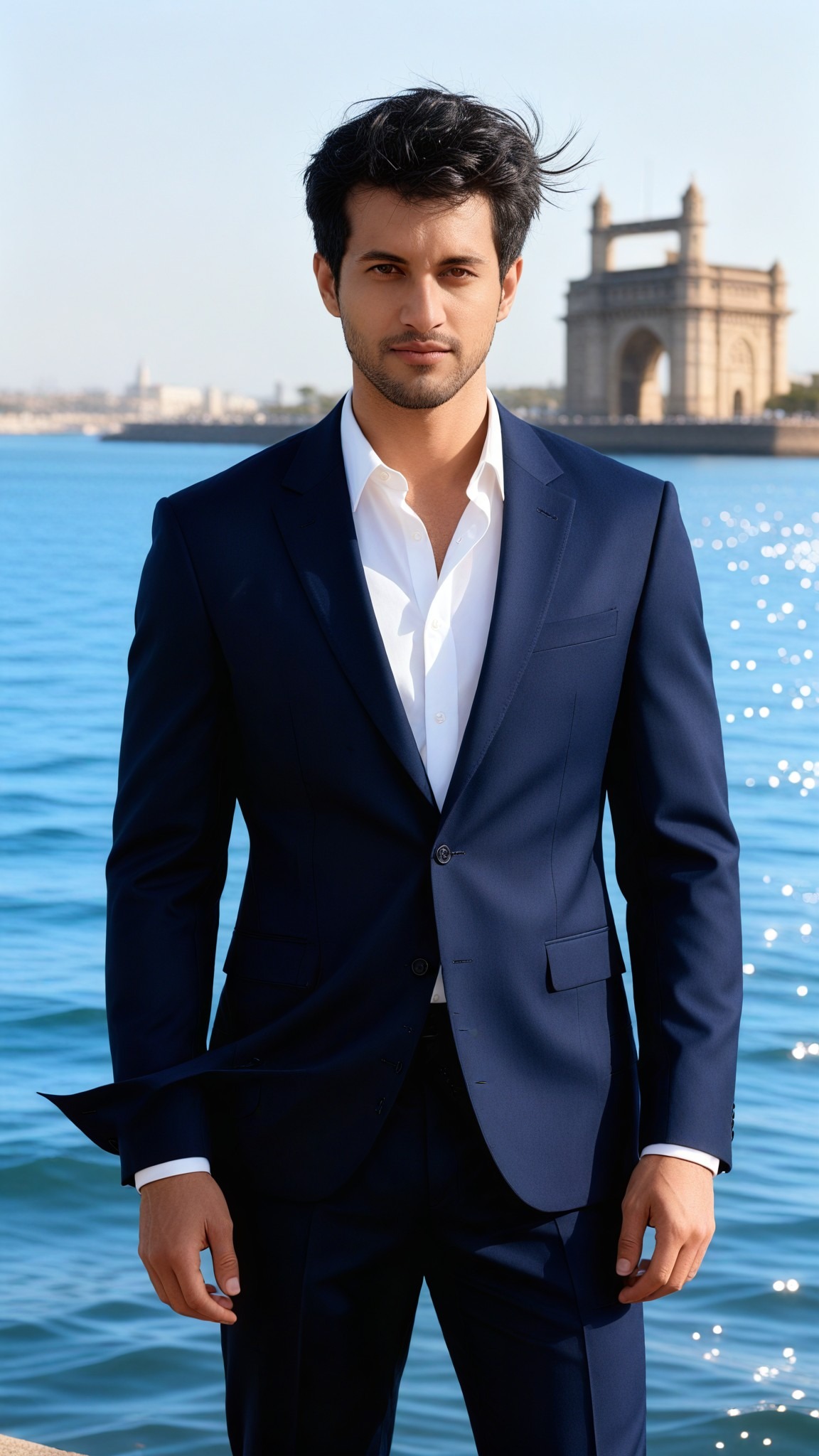

Input
Result
Many Faces Star Female
 艺术画家35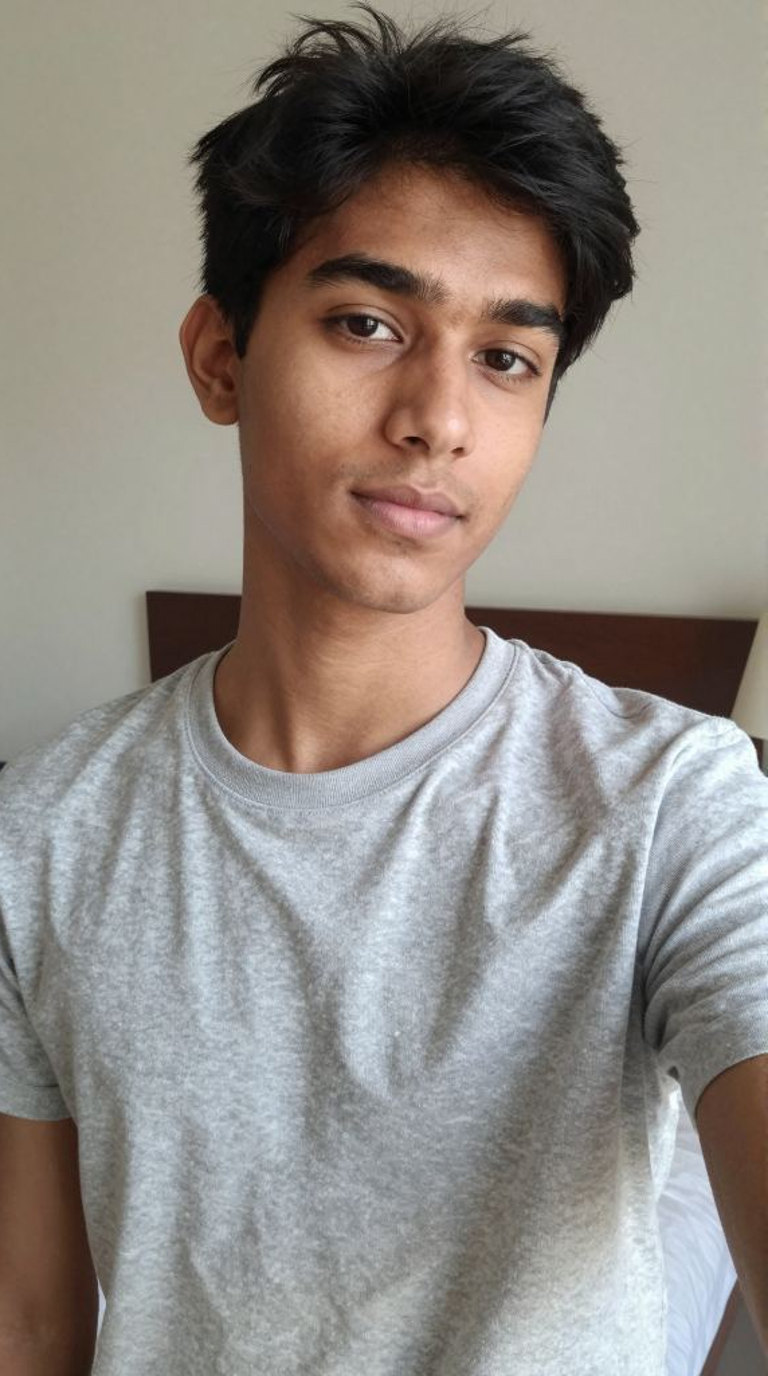
Input
Result
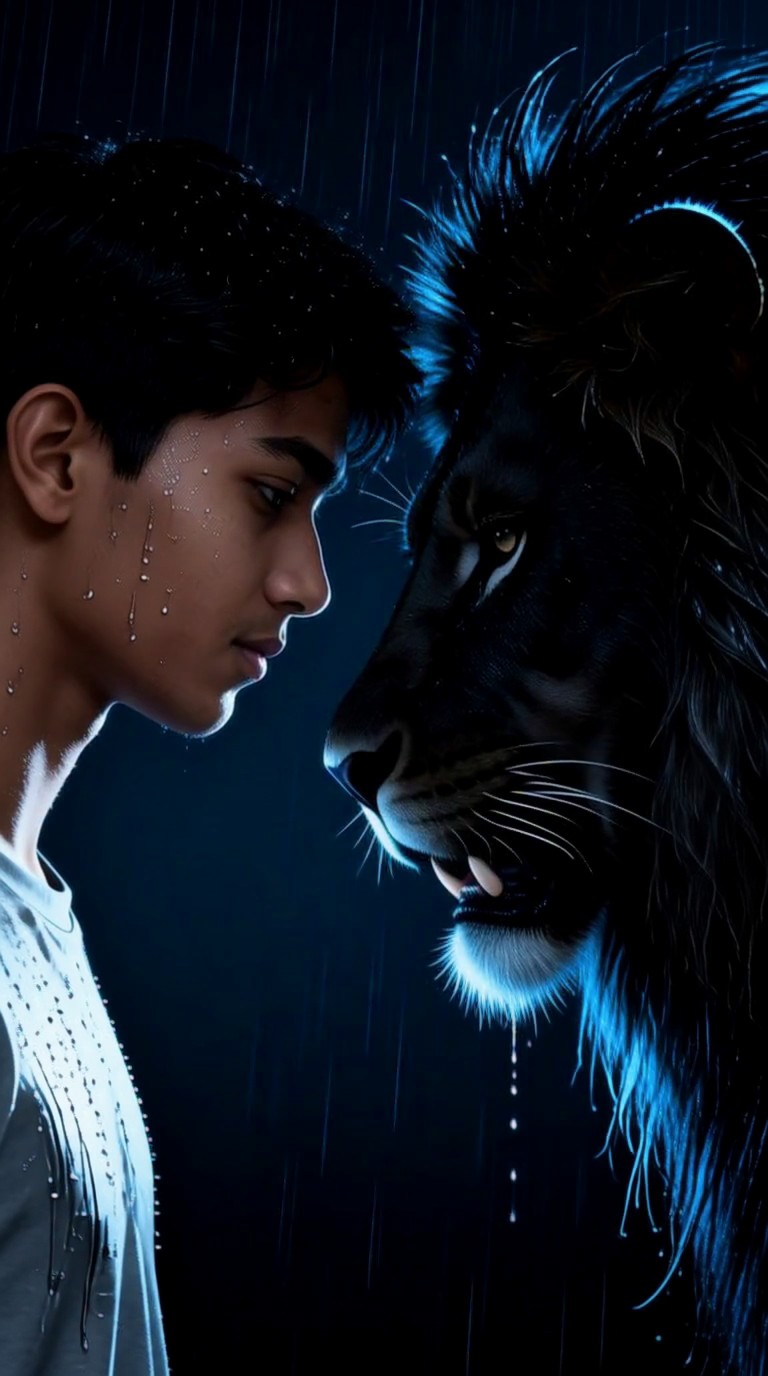
Make eye contact with a lion
 akaii35
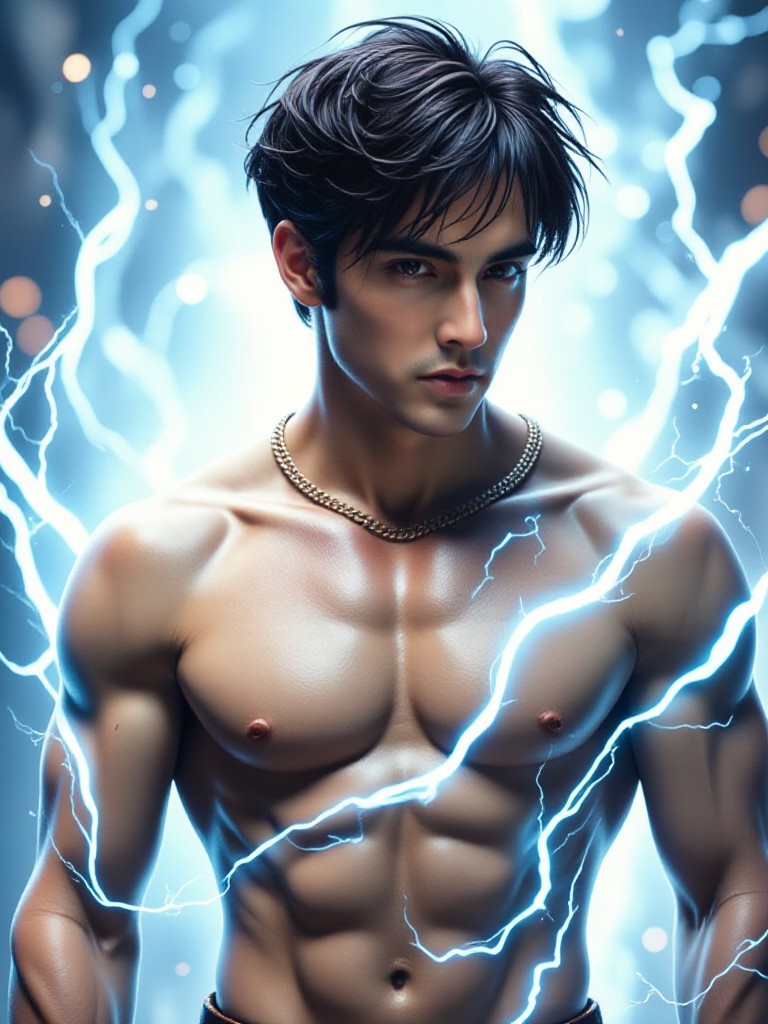
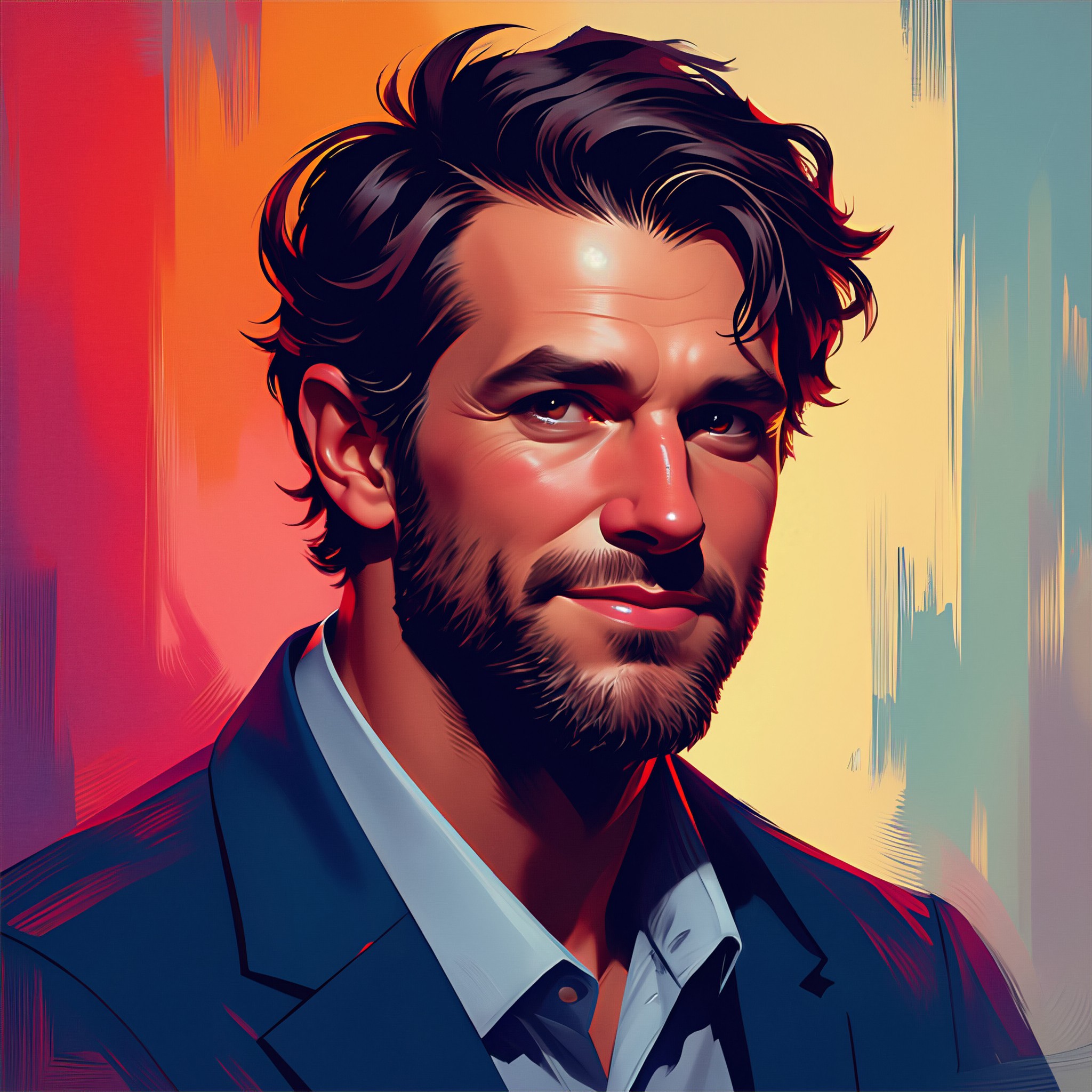
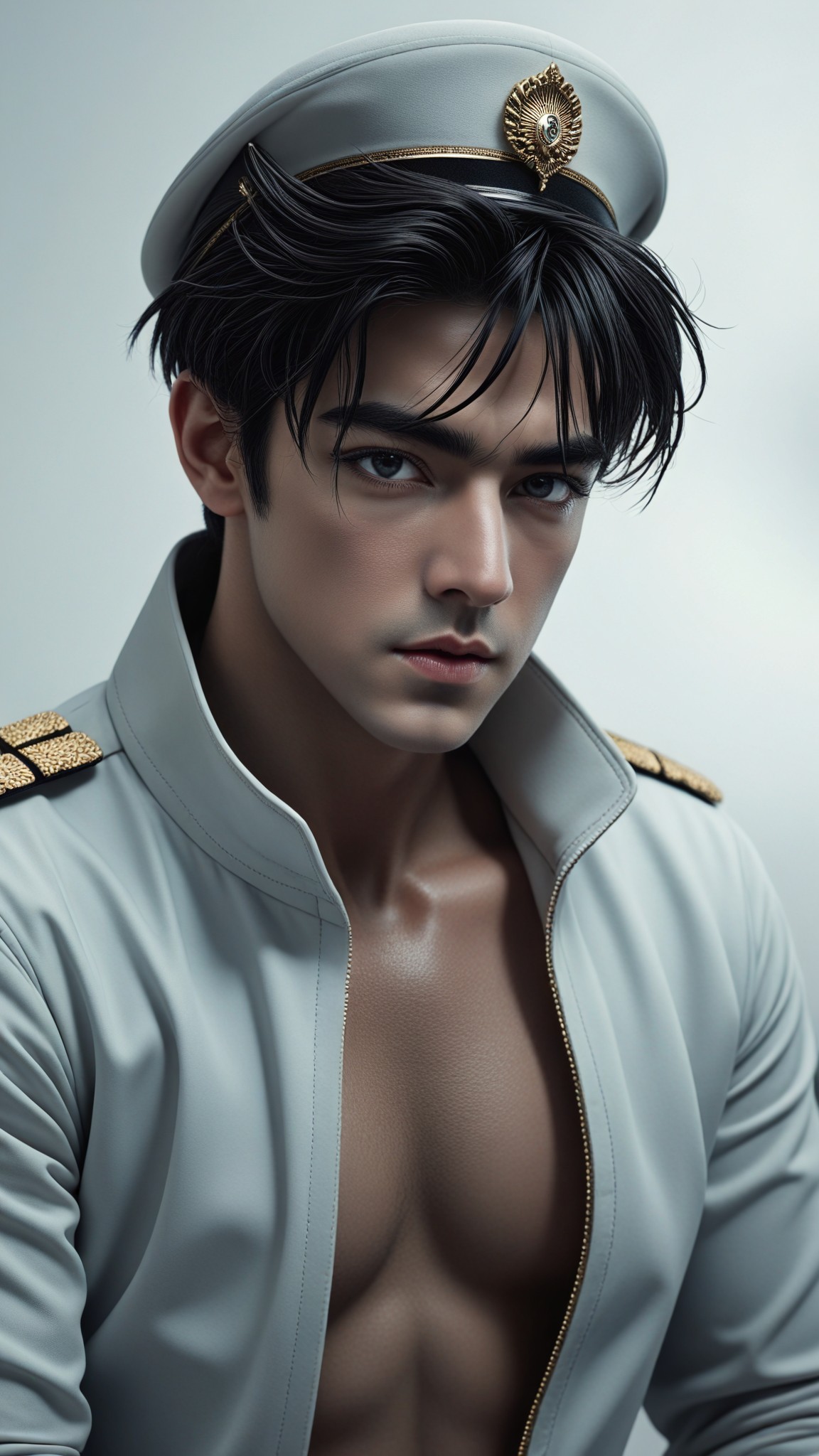
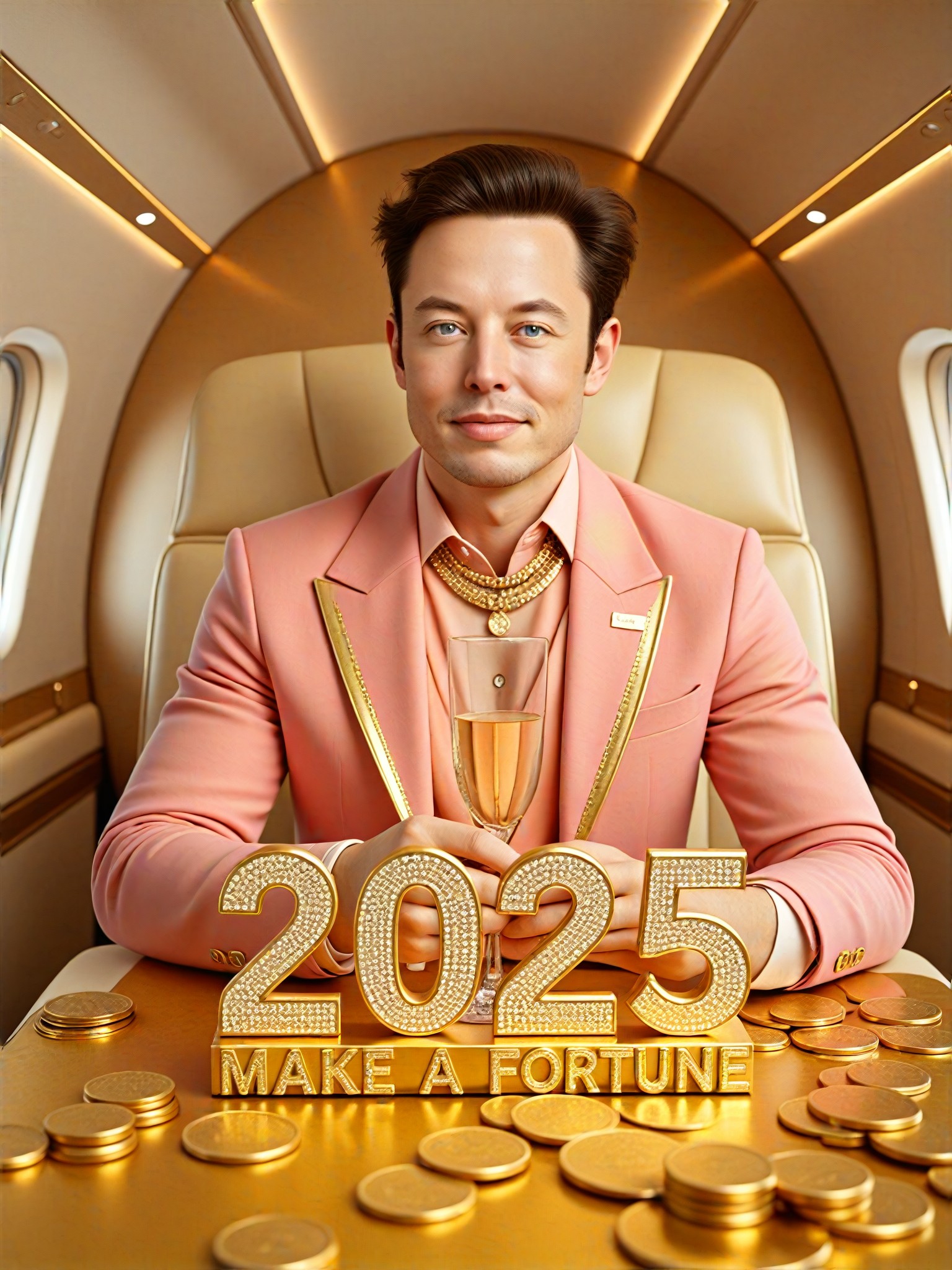
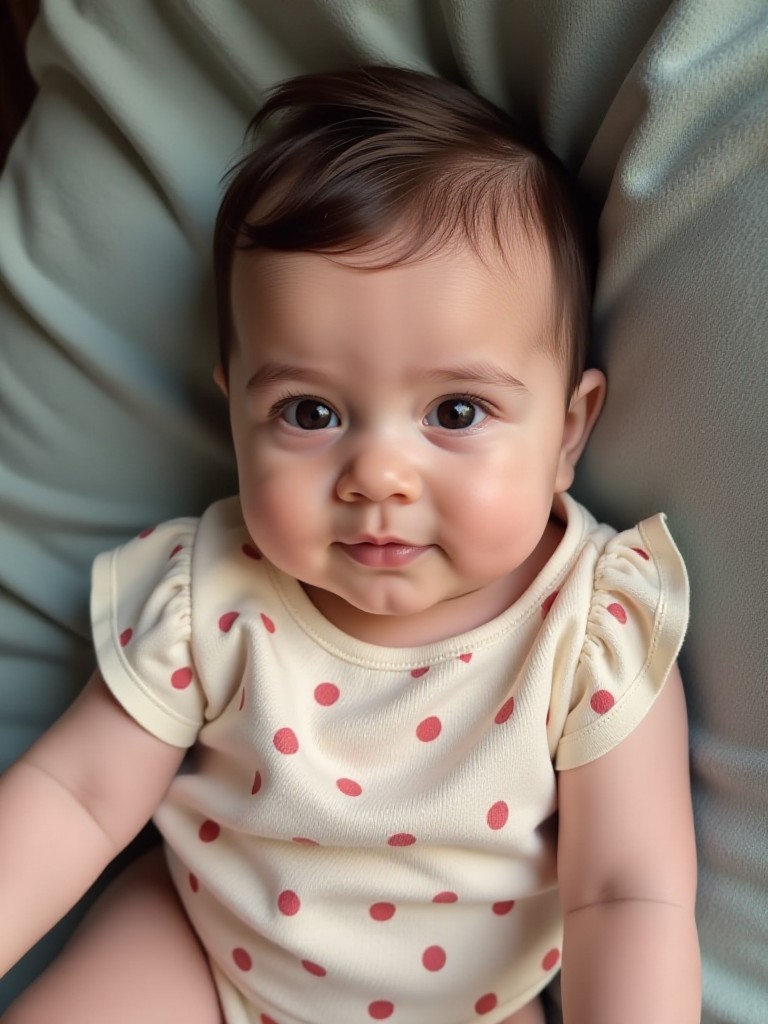
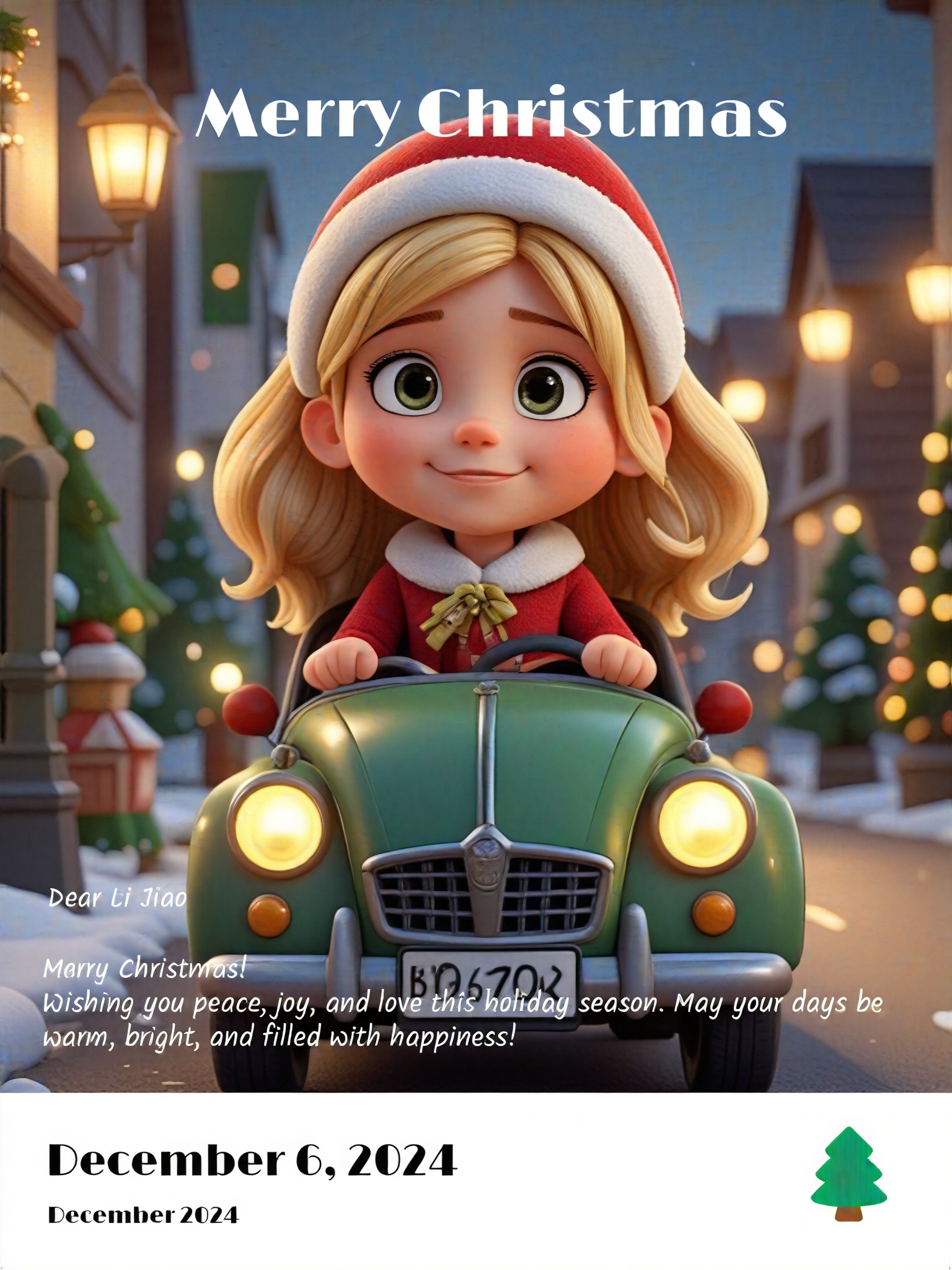
AI Generated Make Faces Images & Videos
Discover unique and innovative Make Faces images and videos created with a1.art Make Faces prompts.

How to Make Make Faces AI Image & Video on a1.art?
Step into the future of AI Make Faces video and image creation on a1.art.

Step 1
Select the style you want to apply in the Square.

Step 2
Upload the image you want to transform. It can be a photo, hand-drawn sketch.

Step 3
Wait a few seconds and you can easily get your unique AI Make Faces art. Download for free!
FAQ about Make Faces AI Prompt on a1.art
Discover the secrets to creating Birthday Day videos and images at a1.art.
What types of make faces can I create with a1.art?
With a1.art, you can generate a wide variety of make faces, from realistic portraits to abstract designs. Our platform supports diverse styles, including natural landscapes, architectural marvels, and imaginative concepts, allowing you to explore endless creative possibilities.
How do I use make faces AI prompts on a1.art?
Using make faces AI prompts is simple. Just select a prompt that inspires you, upload your image or enter a text description, and let a1.art's advanced algorithms bring your vision to life. You'll receive stunning visuals in minutes, ready to share or download.
Are there any limitations to what I can create with make faces AI prompts?
While a1.art offers incredible flexibility, the quality of your output depends on the clarity of your input. For best results, provide detailed descriptions or choose from our curated prompts. Additionally, some complex scenes may require more processing time.
Can I customize my make faces AI prompts?
Yes, you can fully customize your make faces AI prompts by adjusting parameters like style, lighting, and color palette. This allows you to fine-tune the output to match your exact vision, ensuring unique and personalized results.
Is a1.art free to use?
a1.art offers daily free login credits, allowing you to experiment with make faces AI prompts without cost. For unlimited access and additional features, you can subscribe to earn more credits and unlock premium tools.


