


Get Light Brown Hair Videos & Images without Prompt
a1.art offers a large number of filters, allowing you to easily obtain AI videos or images without prompts.
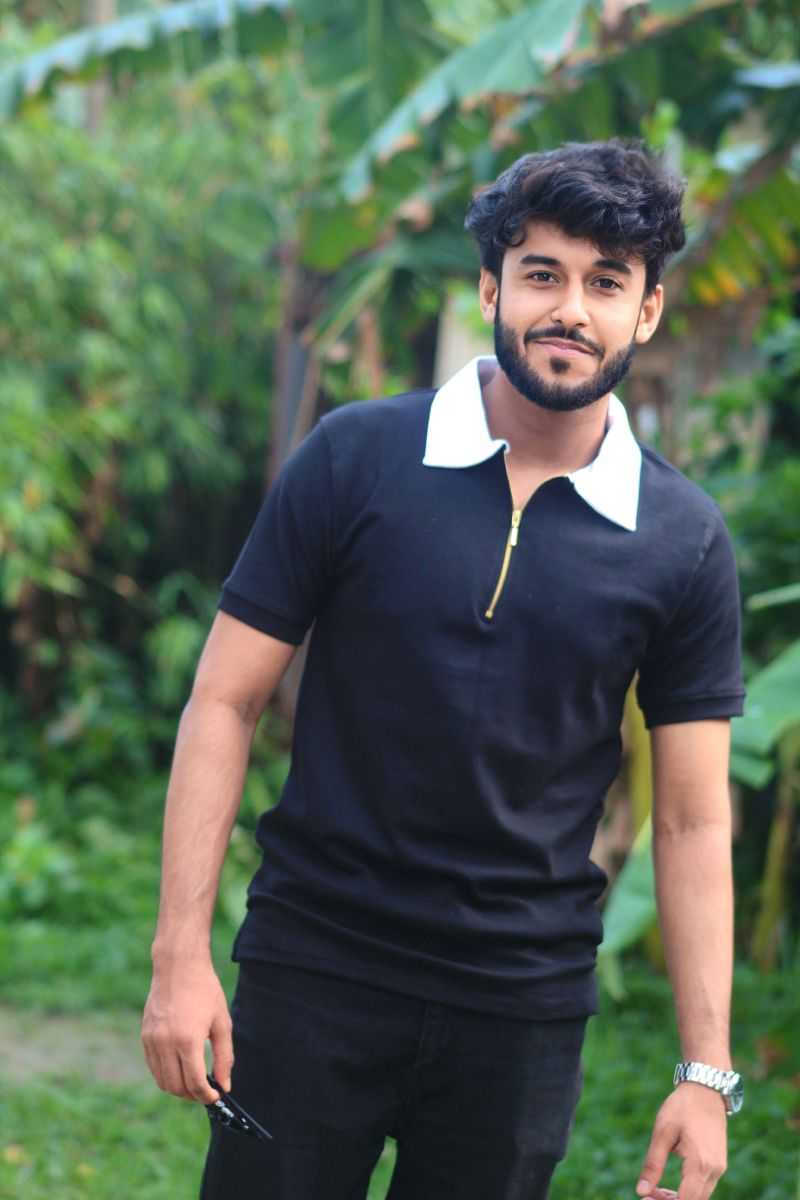
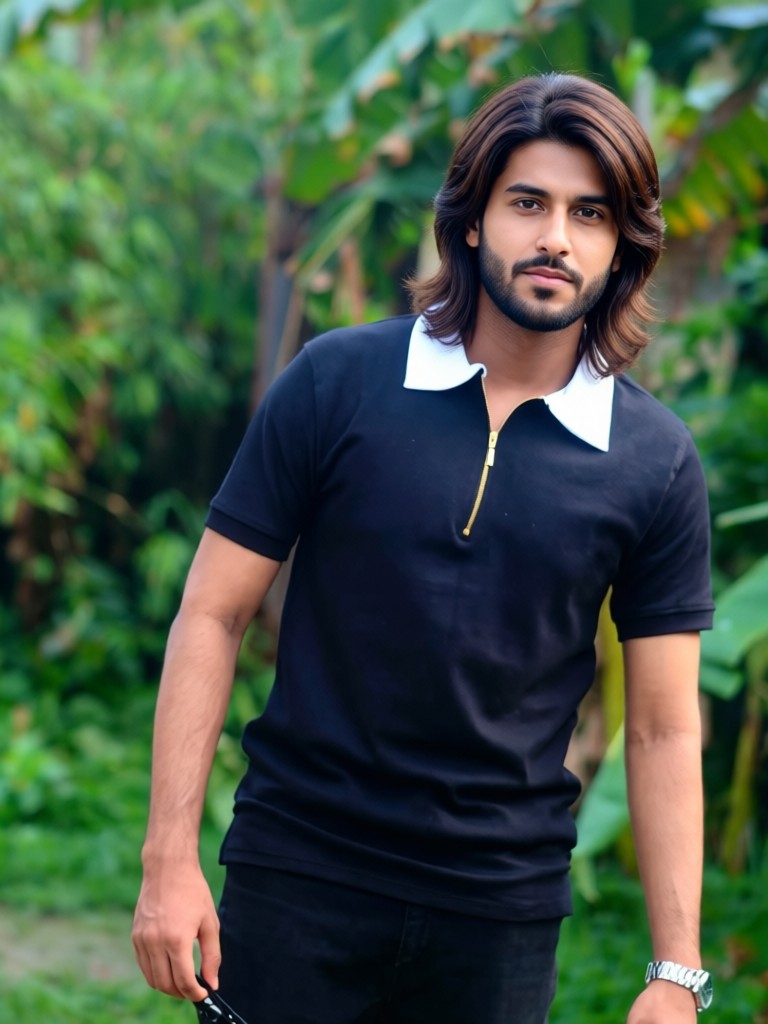
Input
Result
Men's medium-length natural hair in chocolate brown
 Vihann
 6.8k
6.8k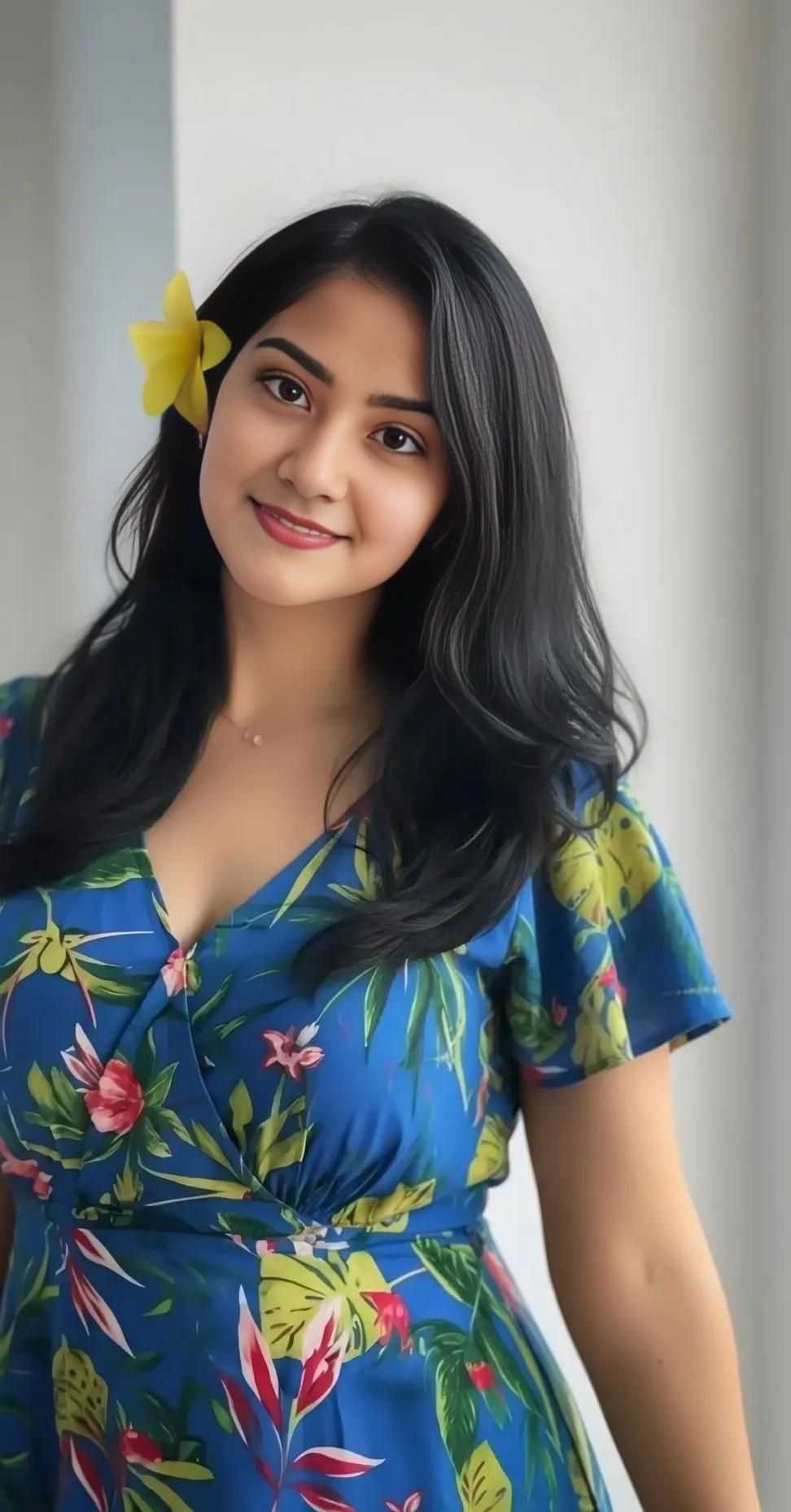
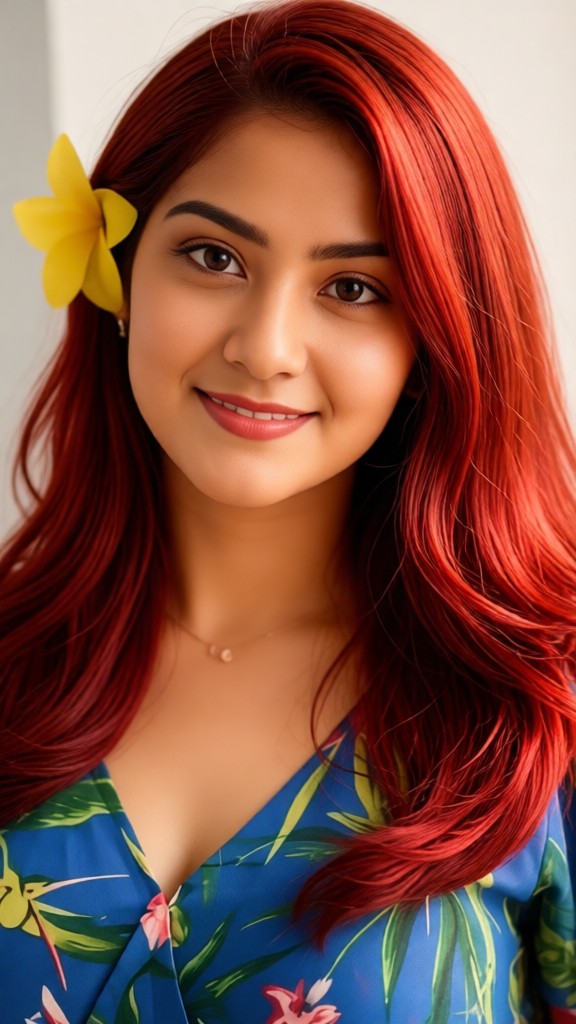
Input
Result
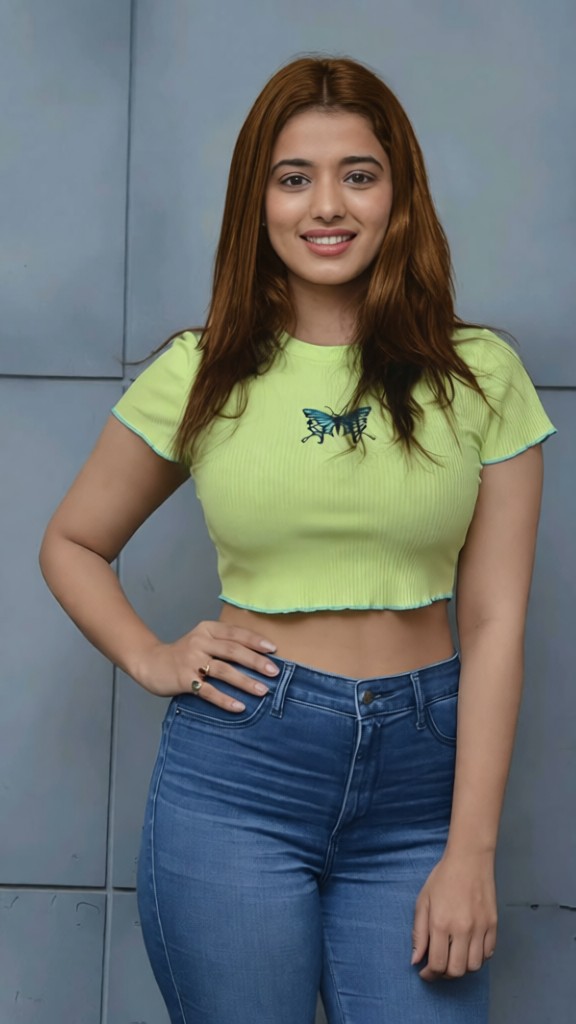
Red-brown hair color for women
Vihann5.4k

Input
Result
Men's Caramel Brown Highlight Hair Color
Vihann4.0k
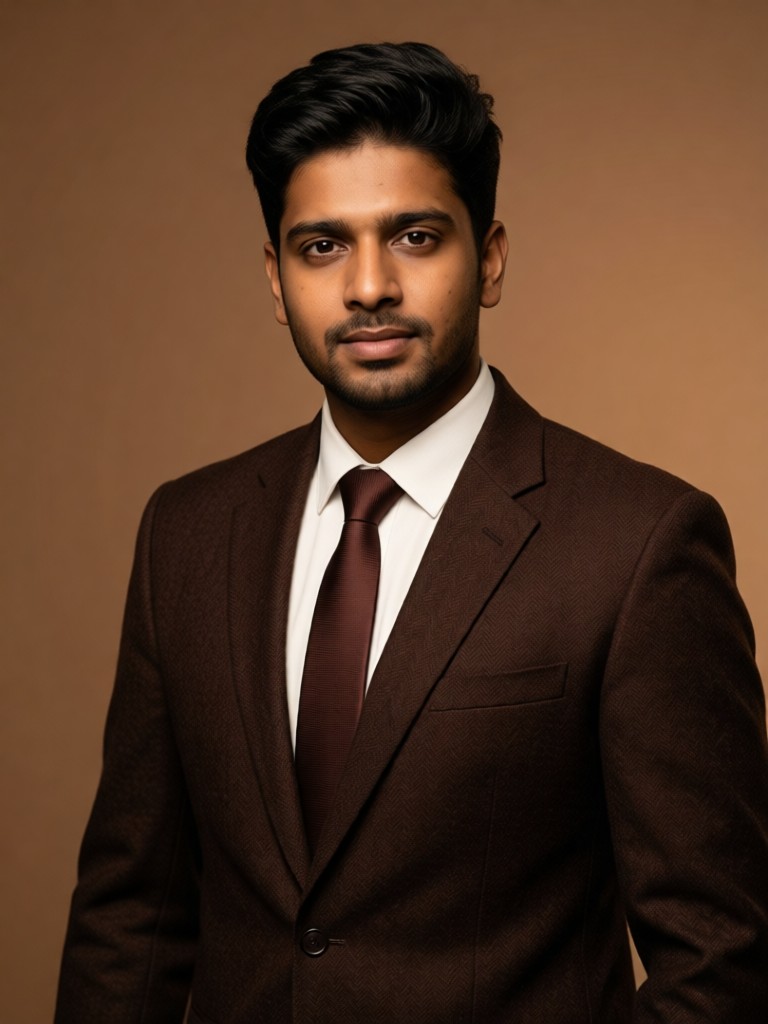
Input
Result
Sophisticated Brown Studio
 Melody💗1.3k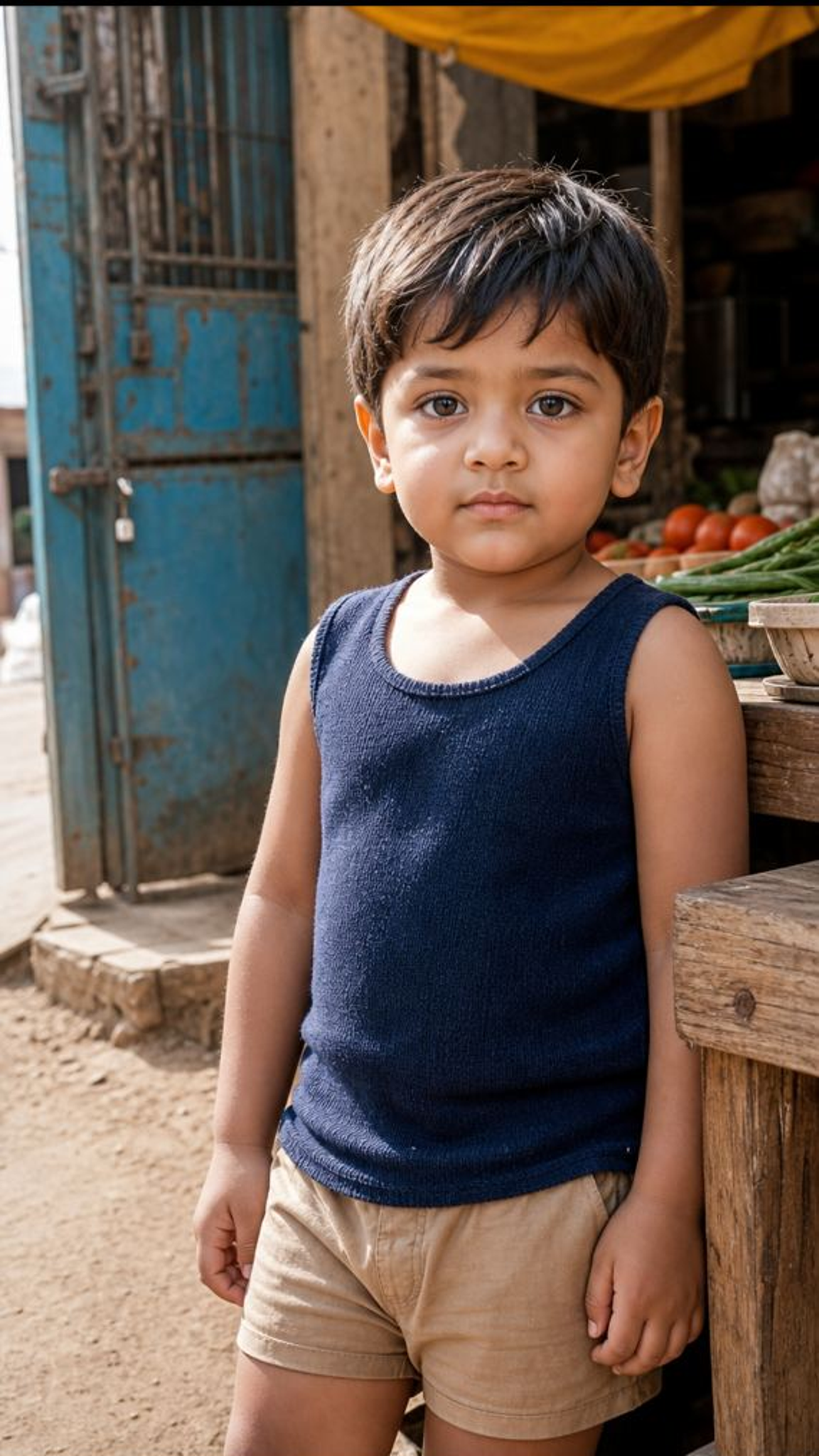
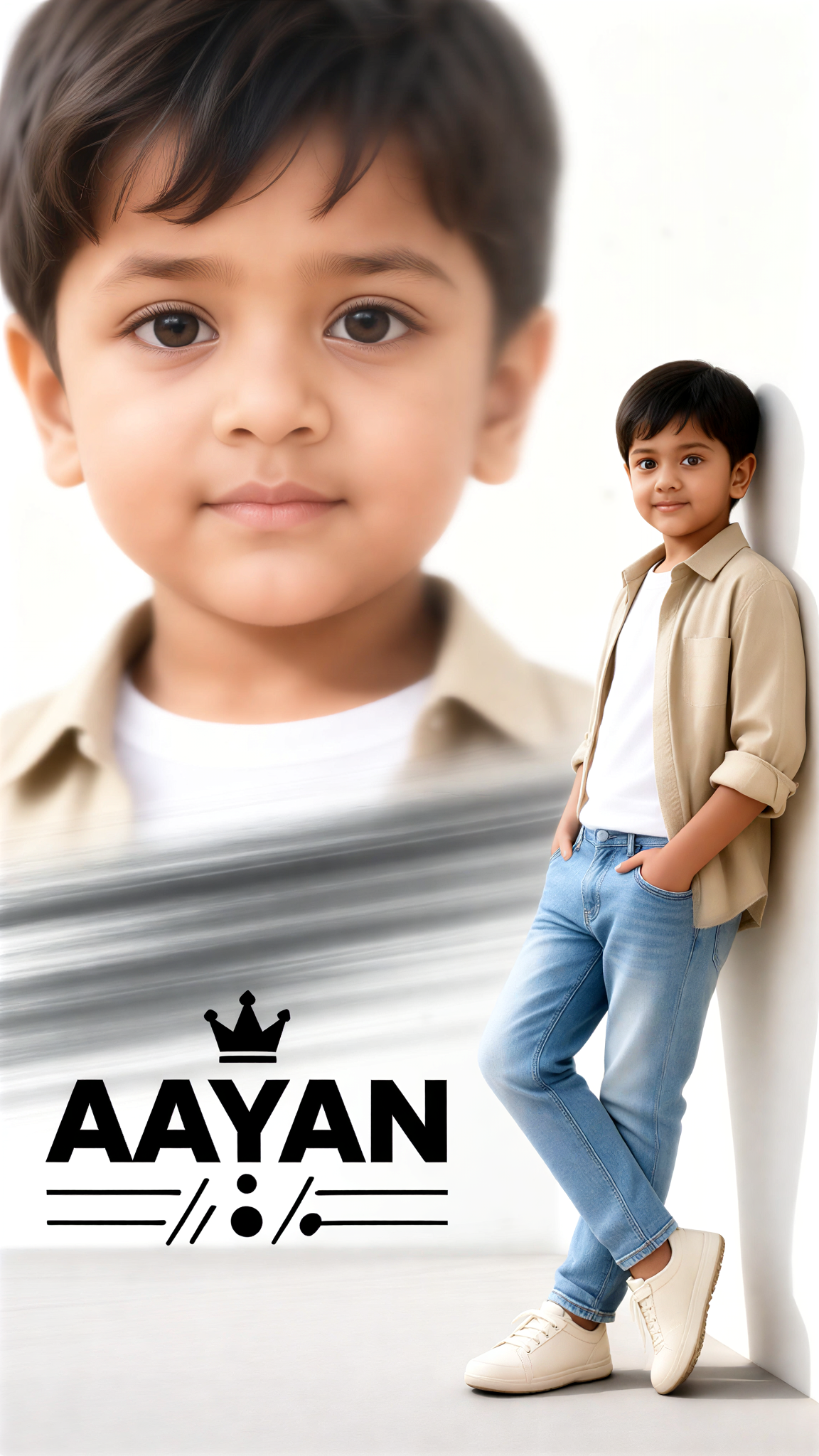
Input
Result
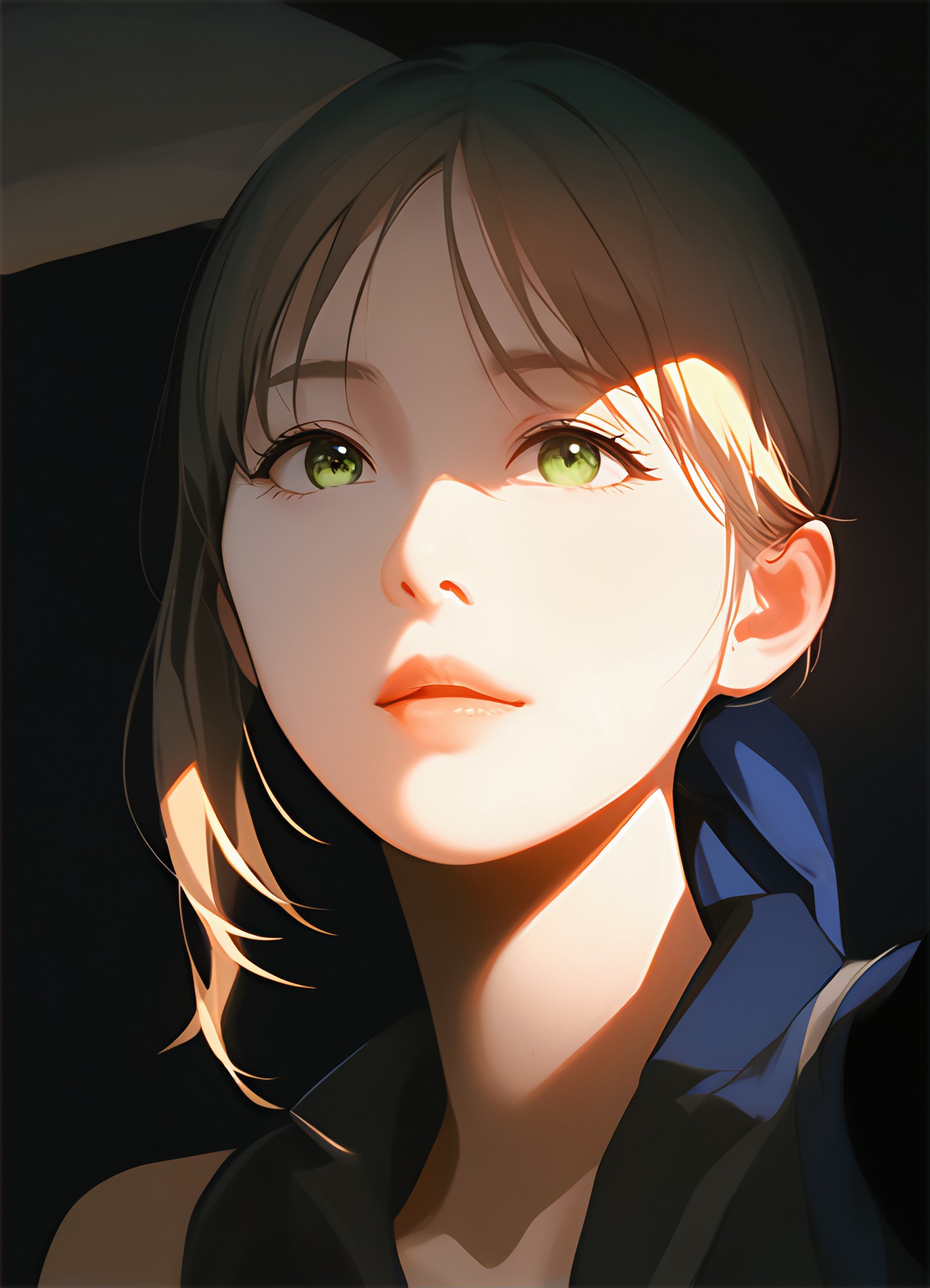
Double Composition, Light Brown
 yun.yu863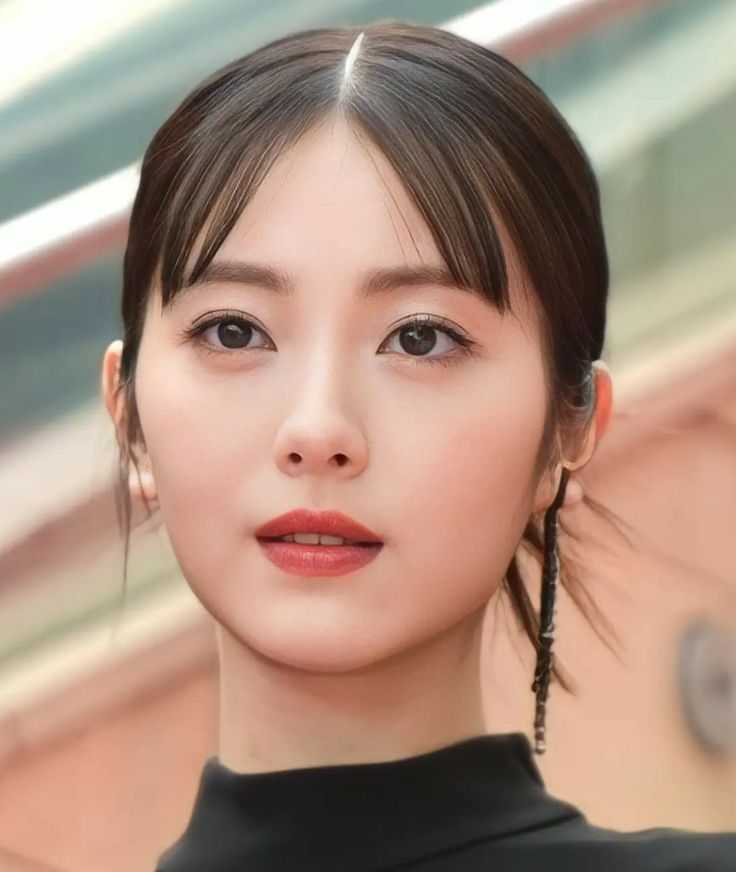
Input
Result
Light
 CC538
CC538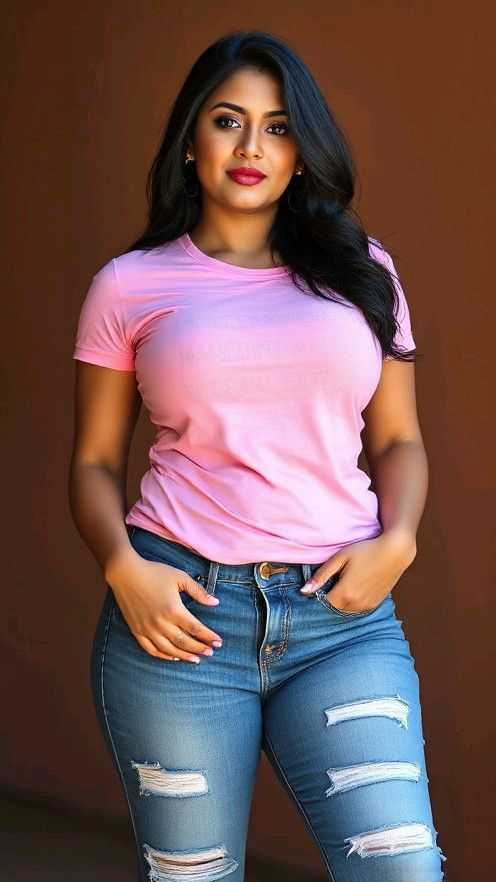
Input
Result
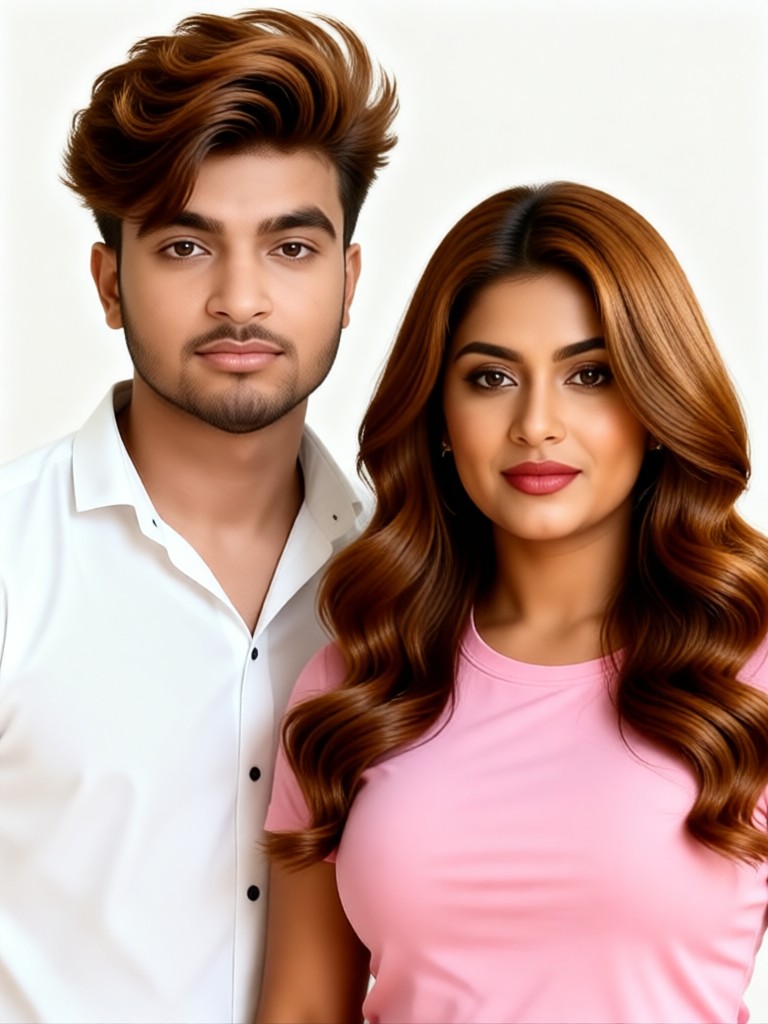
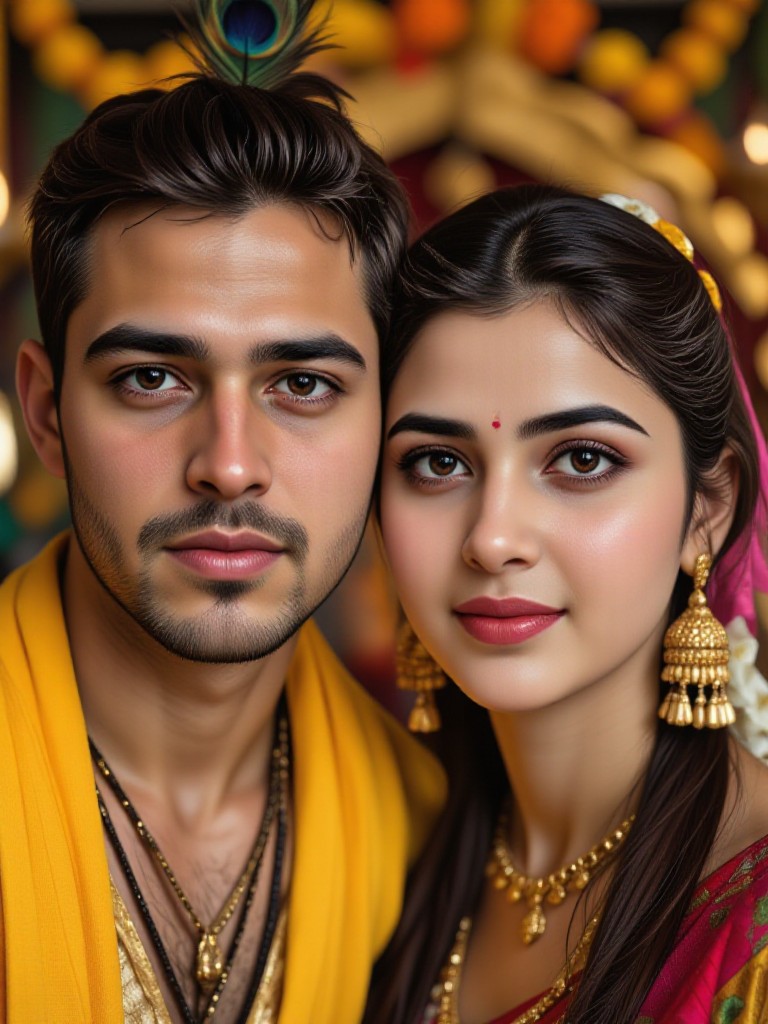
Couple Caramel Brown Hairstyle
Vihann340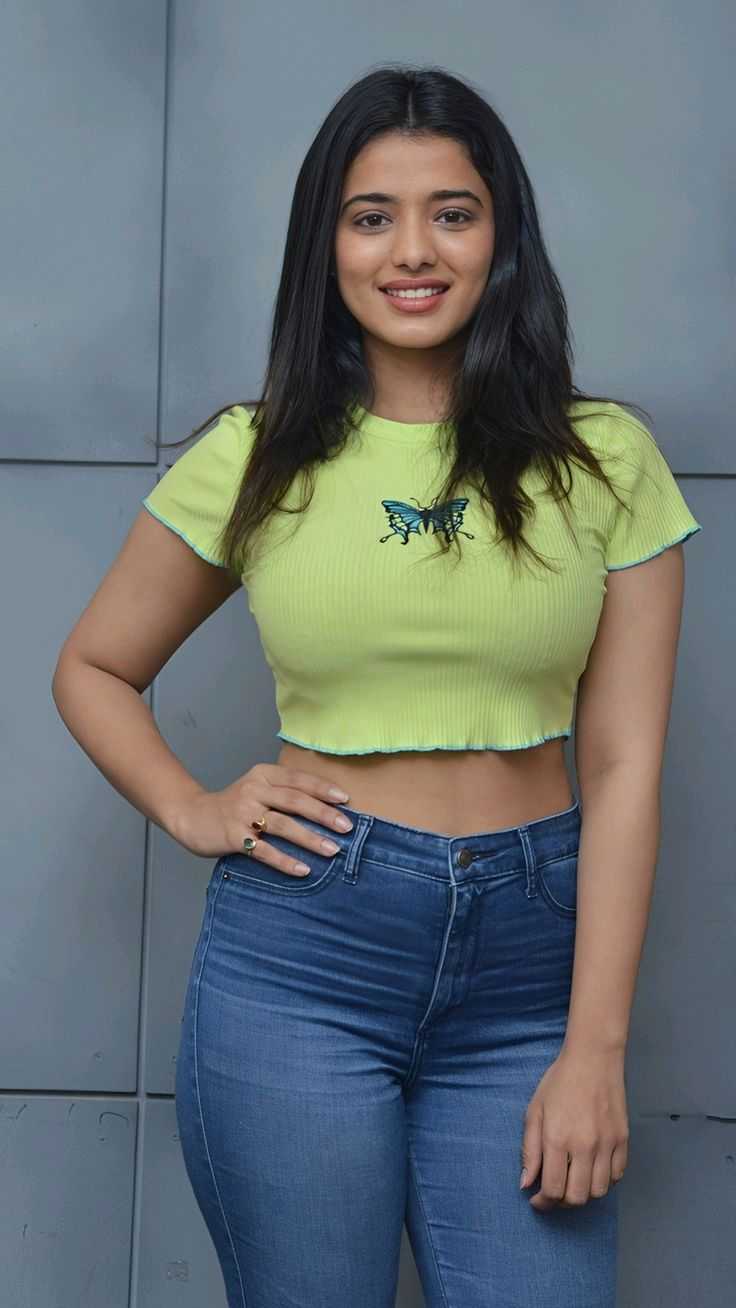
Input
Result
Lady's chocolate brown hair
Vihann229
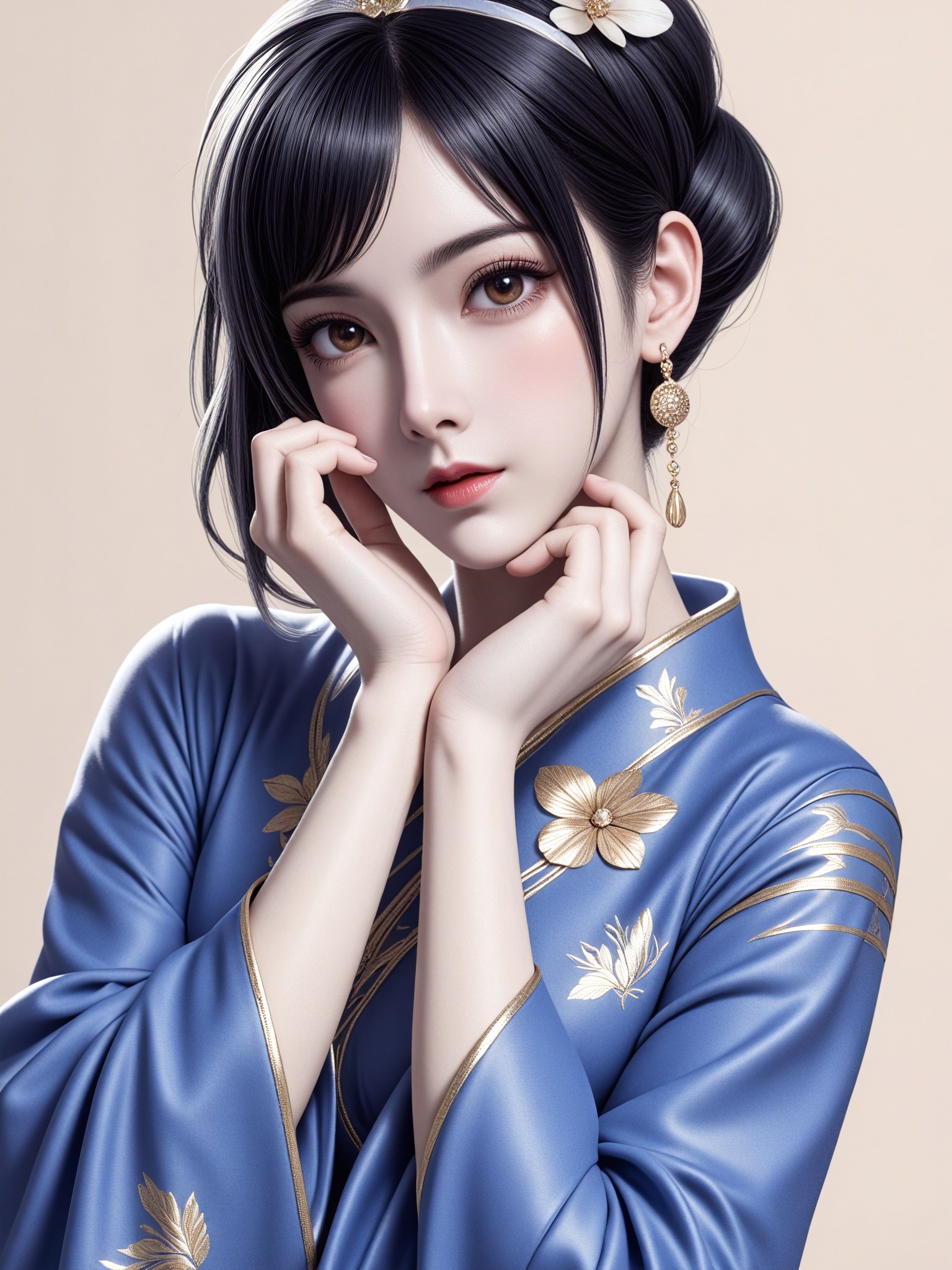
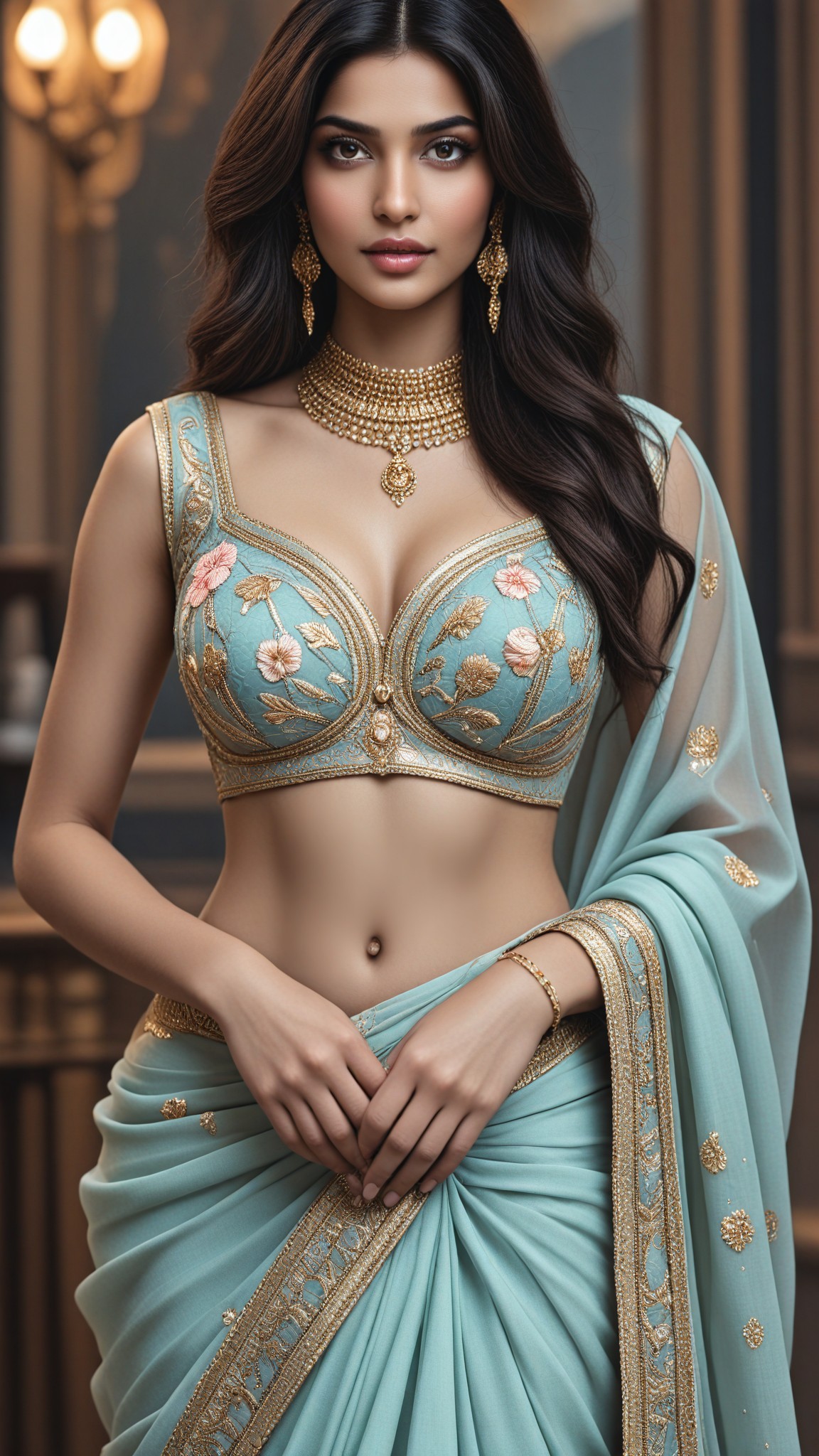
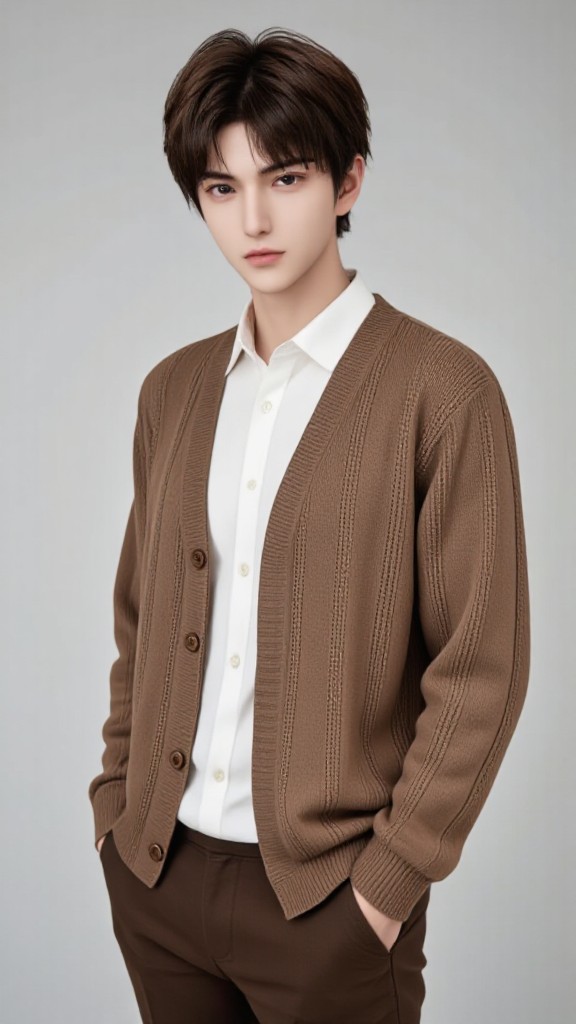
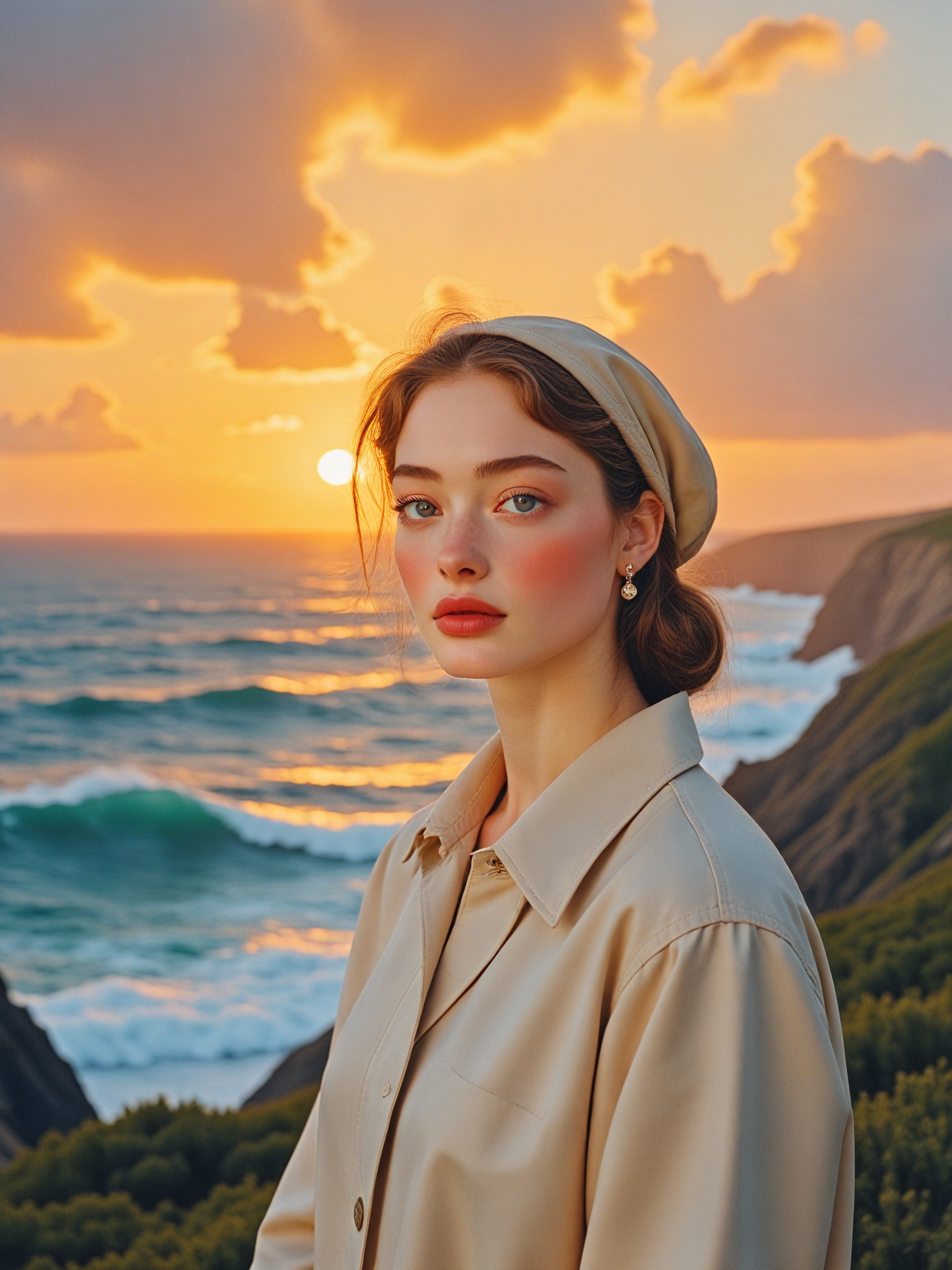
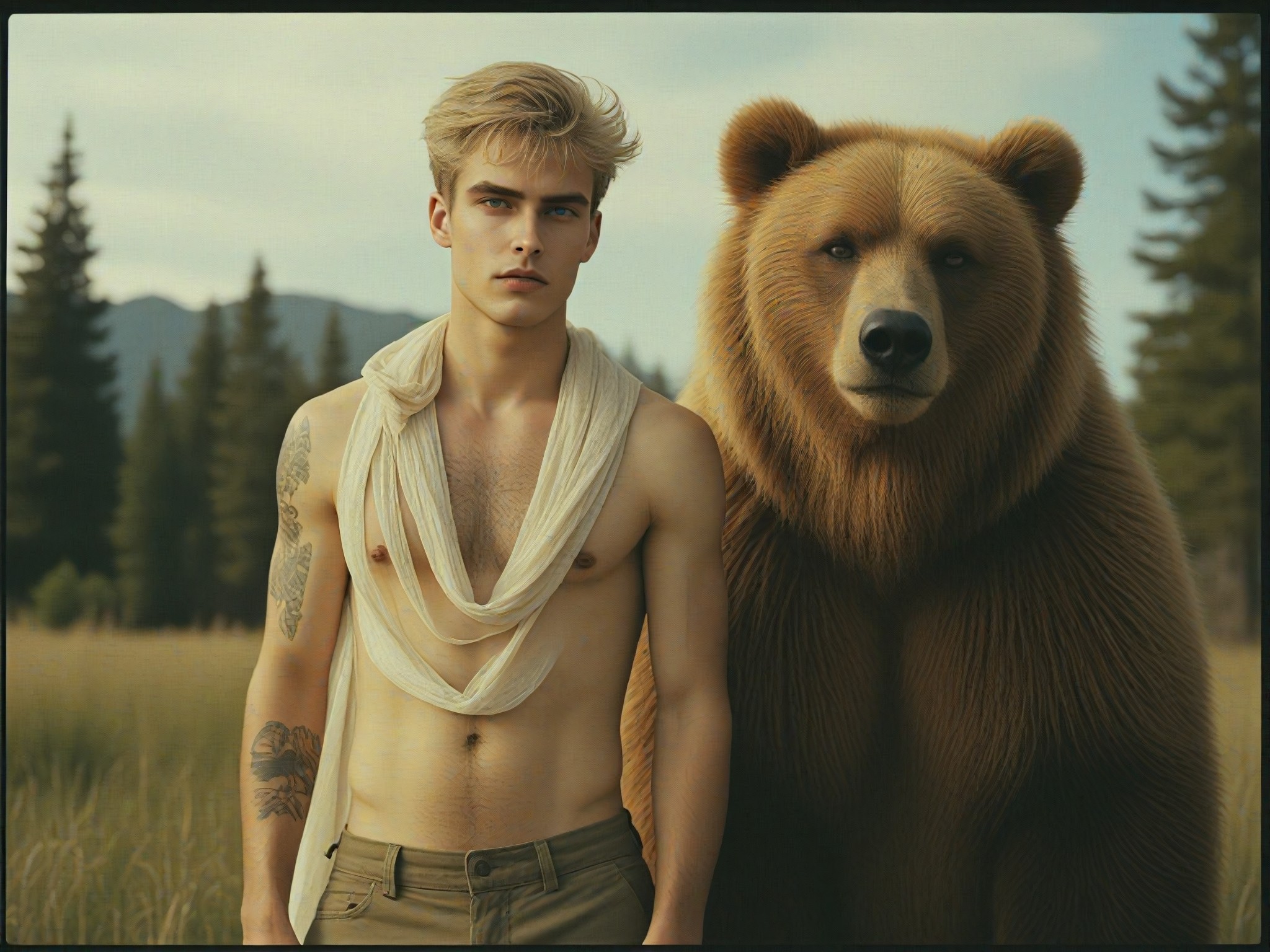
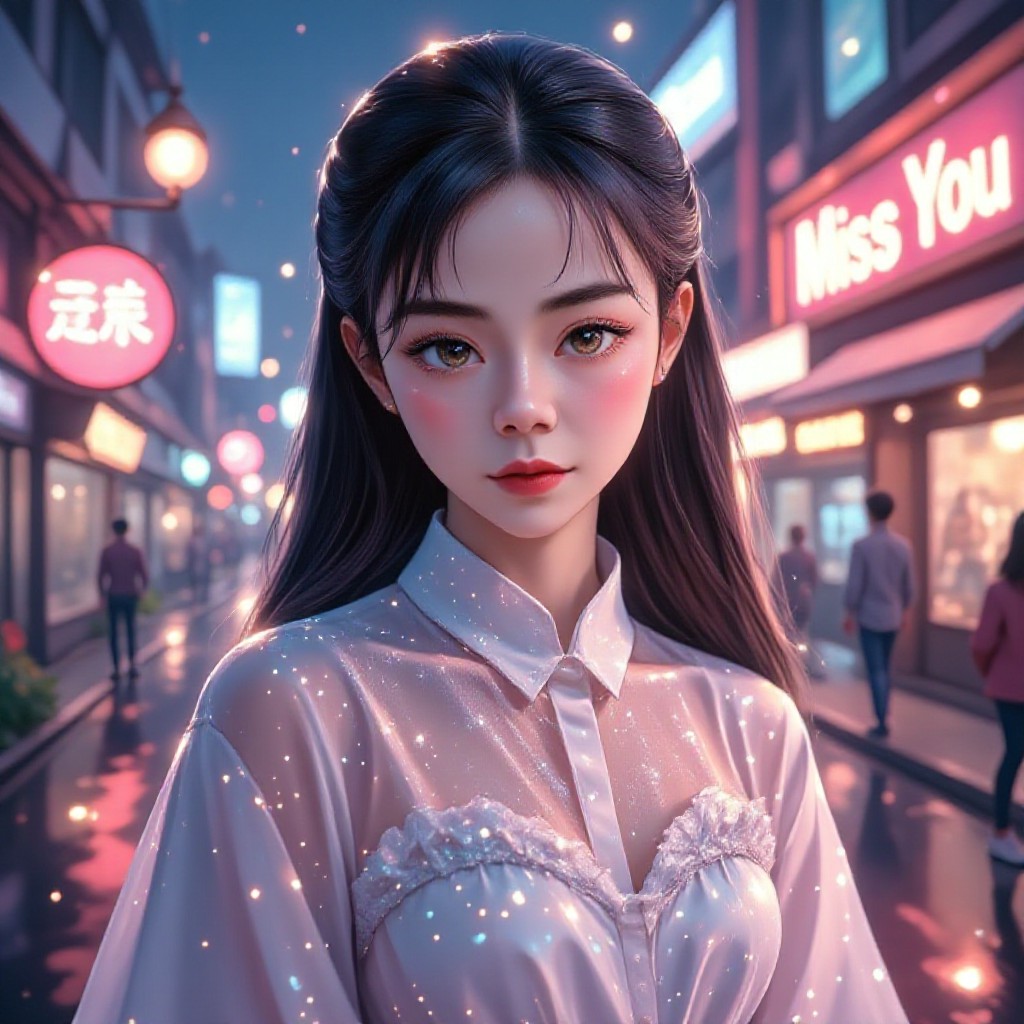
AI Generated Light Brown Hair Images & Videos
Discover unique and innovative Light Brown Hair images and videos created with a1.art Light Brown Hair prompts.
How to Make Light Brown Hair AI Image & Video on a1.art?
Step into the future of AI Light Brown Hair video and image creation on a1.art.

Step 1
Select the style you want to apply in the Square.

Step 2
Upload the image you want to transform. It can be a photo, hand-drawn sketch.

Step 3
Wait a few seconds and you can easily get your unique AI Light Brown Hair art. Download for free!
FAQ about Light Brown Hair AI Prompt on a1.art
Discover the secrets to creating Birthday Day videos and images at a1.art.
What types of light brown hair visuals can I create with a1.art?
With a1.art, you can generate a wide range of light brown hair visuals, including realistic close-ups, abstract interpretations, and artistic styles. Our AI prompts allow you to customize details like texture, lighting, and color to match your vision.
Can I use a1.art to create videos of light brown hair?
Yes, a1.art supports both AI image and video generation. You can select prompts that animate light brown hair, creating dynamic videos that showcase movement and texture.
Are there any limitations on the number of prompts I can use?
There are no strict limitations on the number of prompts you can use. However, we recommend starting with our curated set of light brown hair prompts to ensure the best results. Additional prompts can be explored as needed.
How does a1.art ensure the quality of generated light brown hair visuals?
a1.art uses advanced AI algorithms to analyze and replicate the intricate details of light brown hair. Our system ensures high-definition rendering, realistic textures, and natural lighting, providing you with professional-quality visuals.
Do I need any special skills to use a1.art for light brown hair prompts?
No, a1.art is designed to be user-friendly, requiring no special skills. Simply choose your preferred prompt, upload an image or enter a text description, and let our AI handle the rest. The intuitive interface makes it easy for anyone to create stunning light brown hair visuals.


