


Get Iphone Videos & Images without Prompt
a1.art offers a large number of filters, allowing you to easily obtain AI videos or images without prompts.


Input
Result
Family Mobile Wallpaper - p4
 CC
CC 33.4k
33.4k

Input
Result
Family Mobile Wallpaper - p2
CC27.2k
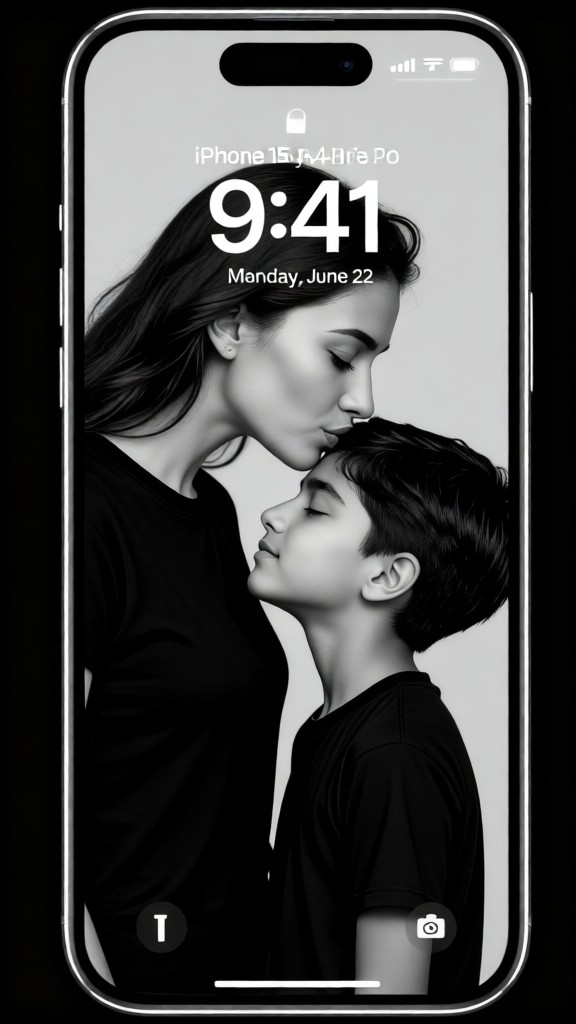
Input
Result
Super-cool family photos
 Zephyr.JX24.9k

Input
Result
Apple iPhone couple selfie
CC5.1k
girl

Input
Result
Photo Easy to Pixel
 Ray1.1k

Input
Result
couple wallpaper-03
 Mmm.941
Input
Result
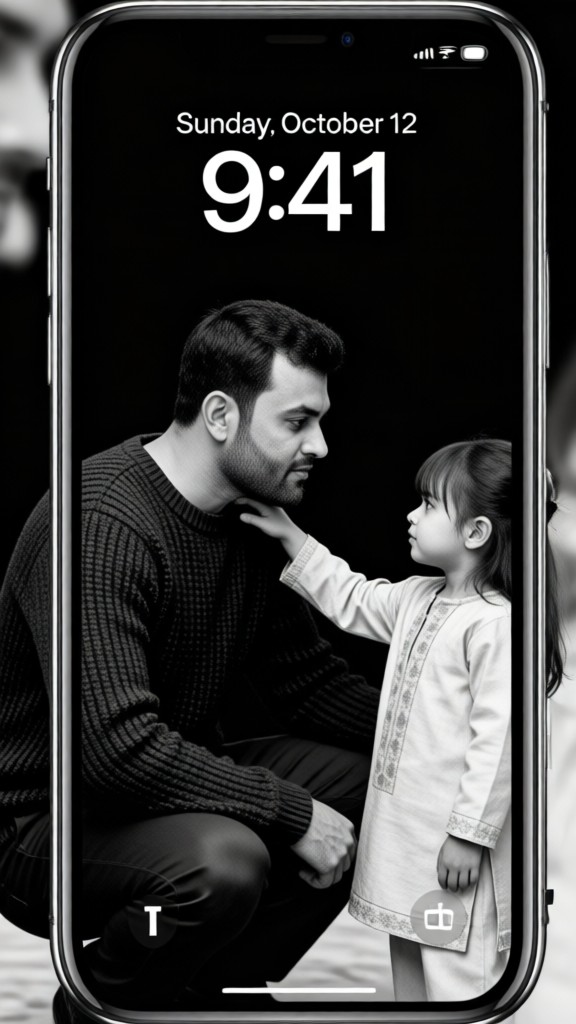
Father and Daughter | Black and White Style Mobile Wallpaper
 Creator moon166
Input
Result
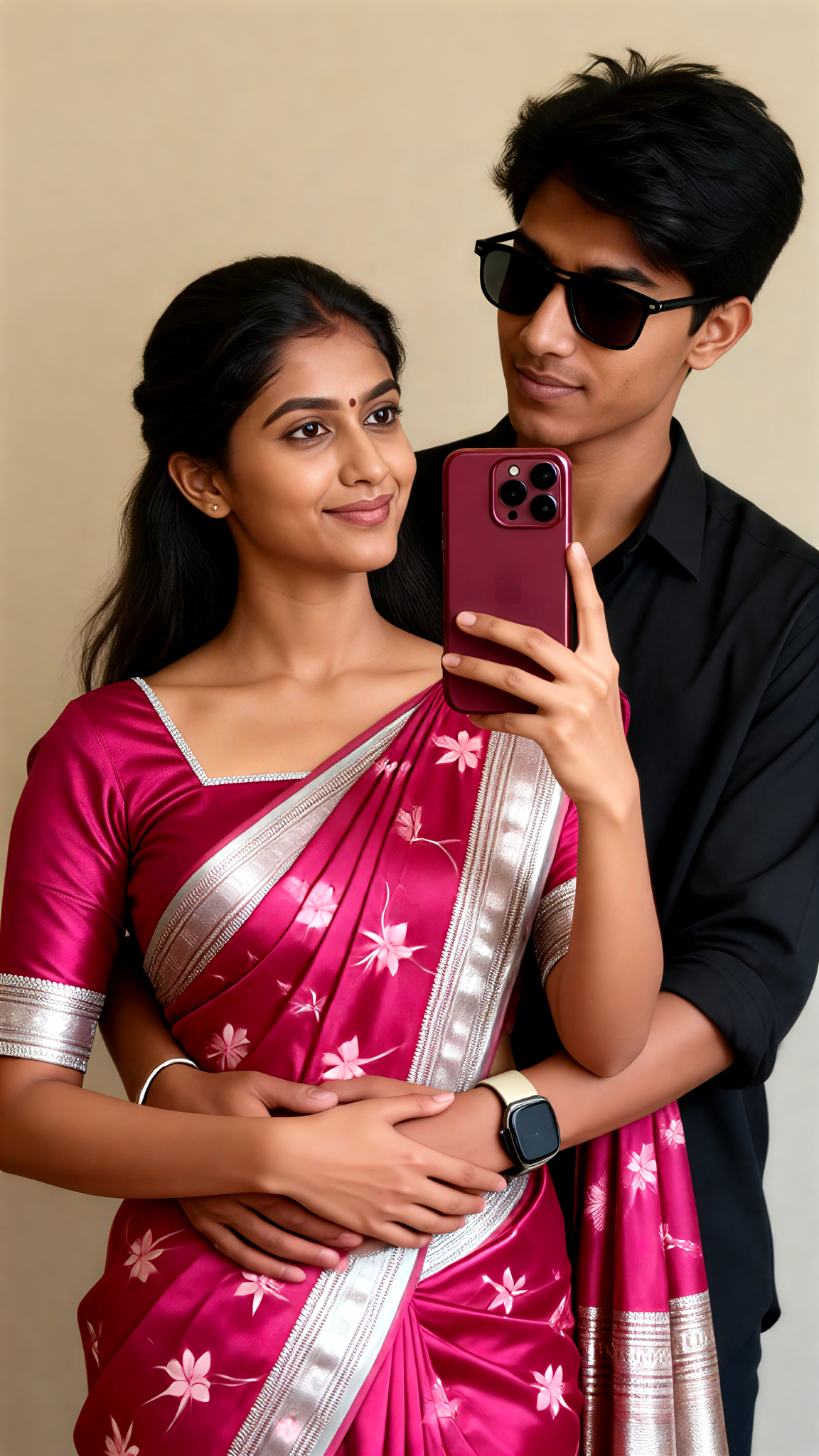
iPhone 18 mirror selfie
 akaii4
AI Generated Iphone Images & Videos
Discover unique and innovative Iphone images and videos created with a1.art Iphone prompts.






How to Make Iphone AI Image & Video on a1.art?
Step into the future of AI Iphone video and image creation on a1.art.

Step 1
Select the style you want to apply in the Square.

Step 2
Upload the image you want to transform. It can be a photo, hand-drawn sketch.

Step 3
Wait a few seconds and you can easily get your unique AI Iphone art. Download for free!
FAQ about Iphone AI Prompt on a1.art
Discover the secrets to creating Birthday Day videos and images at a1.art.
What types of iPhone visuals can I create with a1.art?
With a1.art, you can create a wide range of iPhone visuals, including detailed textures, cinematic lighting, artistic styles, and more. Whether you want to enhance your photos, create unique designs, or explore new creative possibilities, a1.art has the tools to bring your vision to life.
How do I use iPhone AI Prompts on a1.art?
Using iPhone AI Prompts on a1.art is simple. Just upload your image or enter a text prompt, select your preferred effects or filters, and let a1.art transform your input into stunning visuals. The process is intuitive and designed for users of all skill levels.
Can I customize the effects and filters for my iPhone visuals?
Absolutely! a1.art offers a variety of customizable effects and filters that allow you to fine-tune your iPhone visuals. Experiment with different settings to achieve the perfect look for your project.
Are there any free resources available for iPhone AI Prompts?
Yes, a1.art provides daily free login credits, allowing you to explore and experiment with iPhone AI Prompts without any cost. Additionally, you can subscribe to earn more credits and access premium features.
How does a1.art compare to other AI art generators?
a1.art stands out with its user-friendly interface, diverse range of effects and filters, and commitment to delivering high-quality visuals. Our platform is designed to empower users to unleash their creativity and produce professional-grade iPhone visuals effortlessly.


