


Get Image To Emoji Videos & Images without Prompt
a1.art offers a large number of filters, allowing you to easily obtain AI videos or images without prompts.

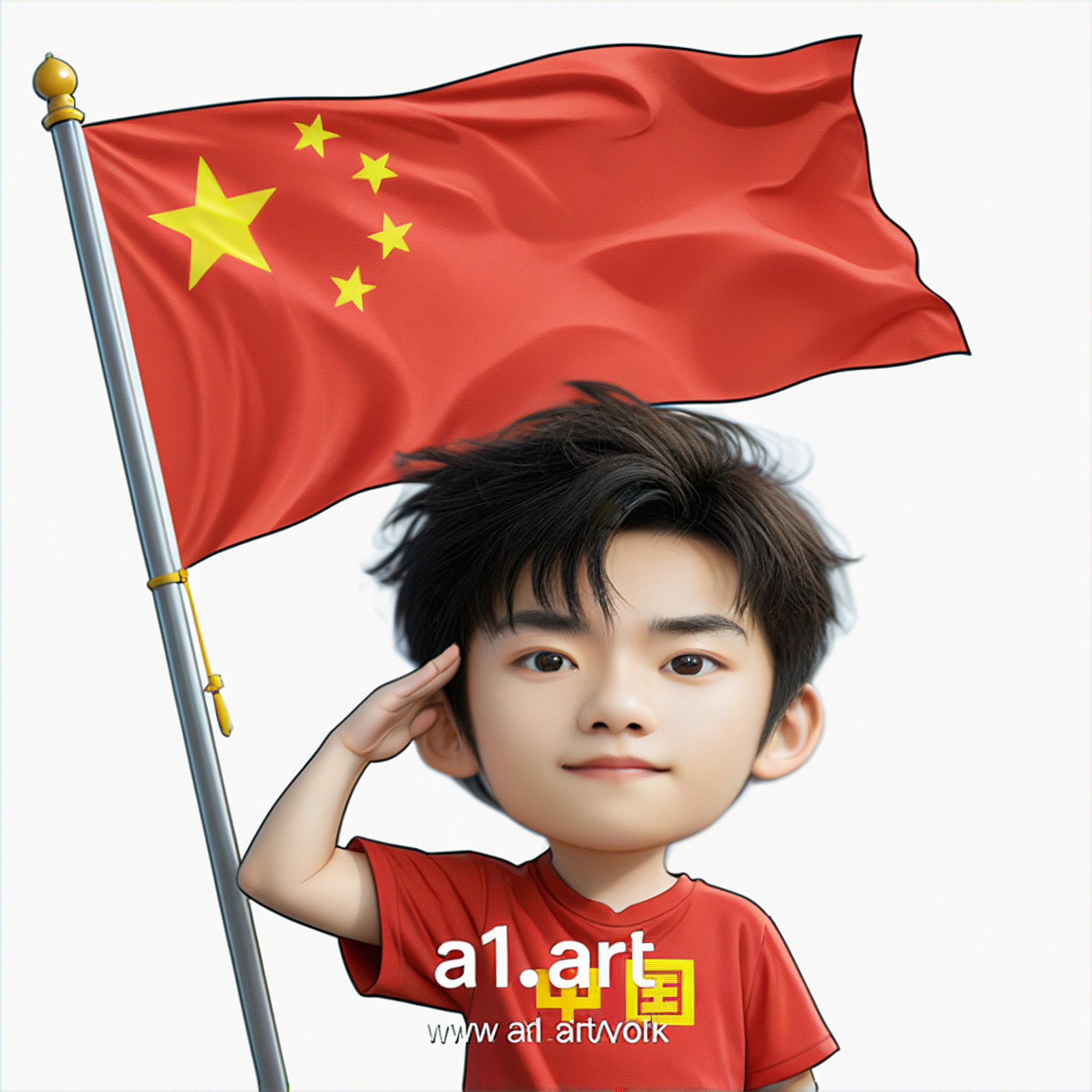
Input
Result
Q version of the National Day avatar
 Ben
Ben 231
231Presented in the style of Sargent figure oil painting, the texture of the image is like real oil painting made of linen fabric, with rough yet delicate brushstrokes. Kobe, wearing a dark gray liberation hat and a dark gray Zhongshan suit, stood with a slightly sideways body, not overweight, and a strong body. Dark background, side backlighting effect, highlighting characters
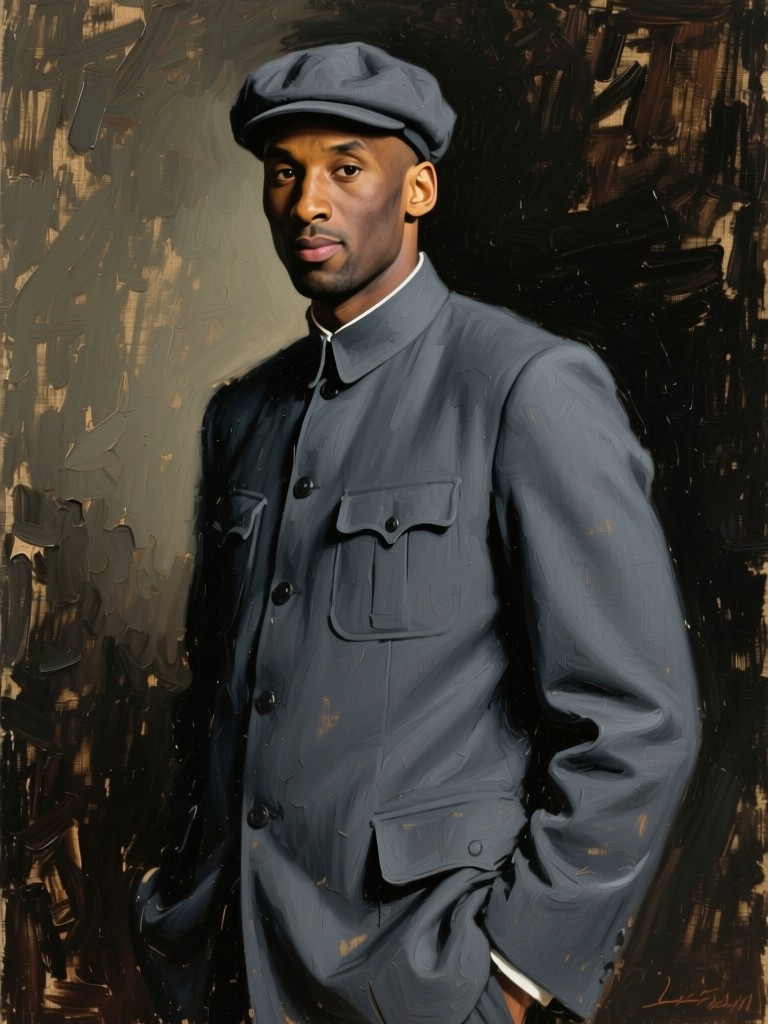
Input
Result
Qwen Image
 Google206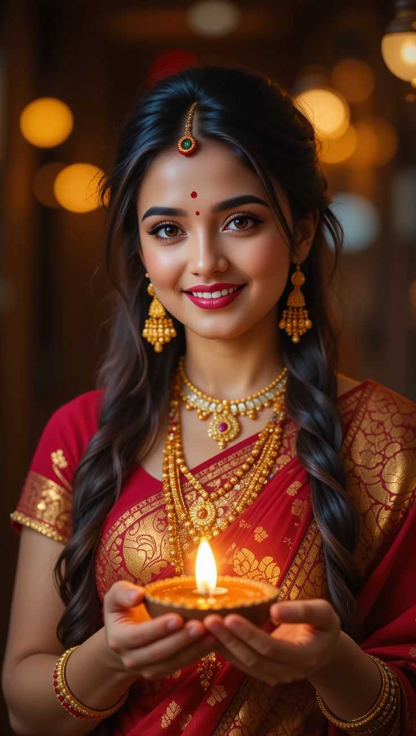

Input
Result
Emoji-09
 Mmm.129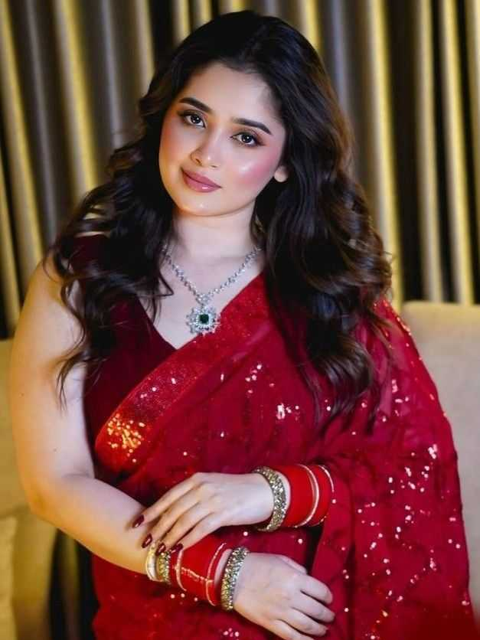

Input
Result
Emoji-04
Mmm.73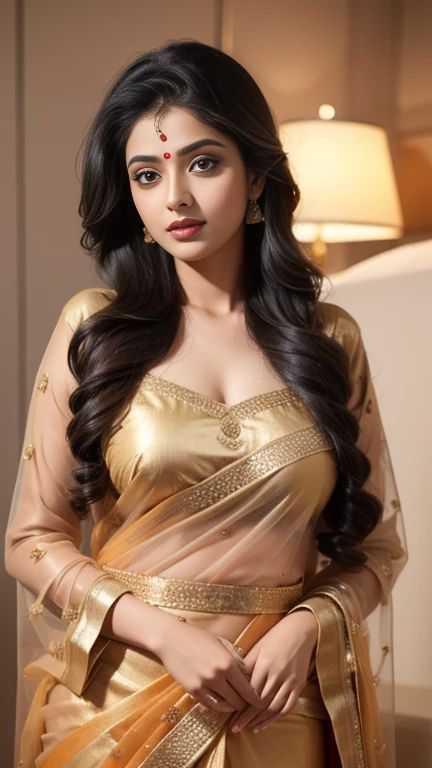
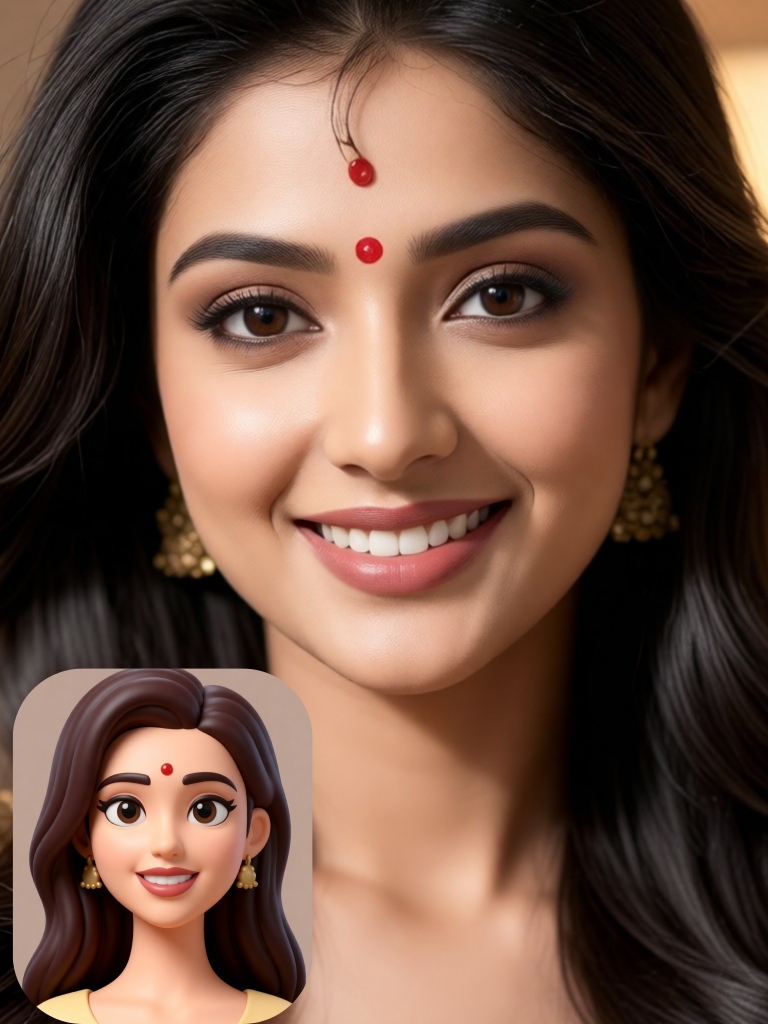
Input
Result
Emoji-05
Mmm.62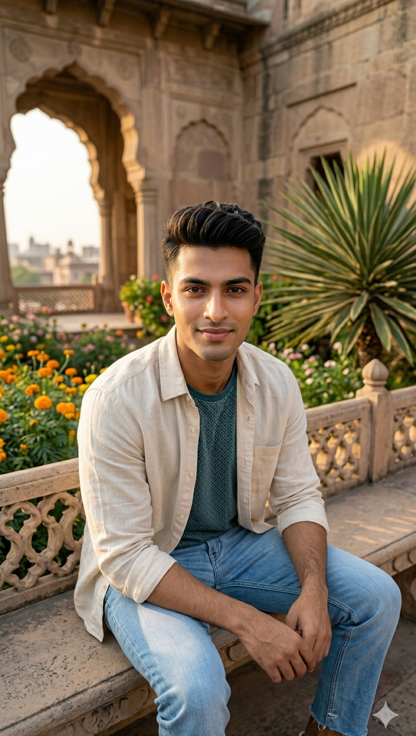

Input
Result
Emoji-10
Mmm.51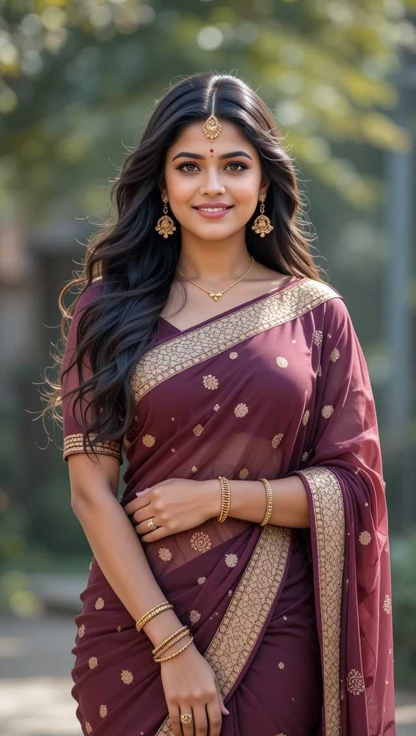

Input
Result
Emoji-08
Mmm.38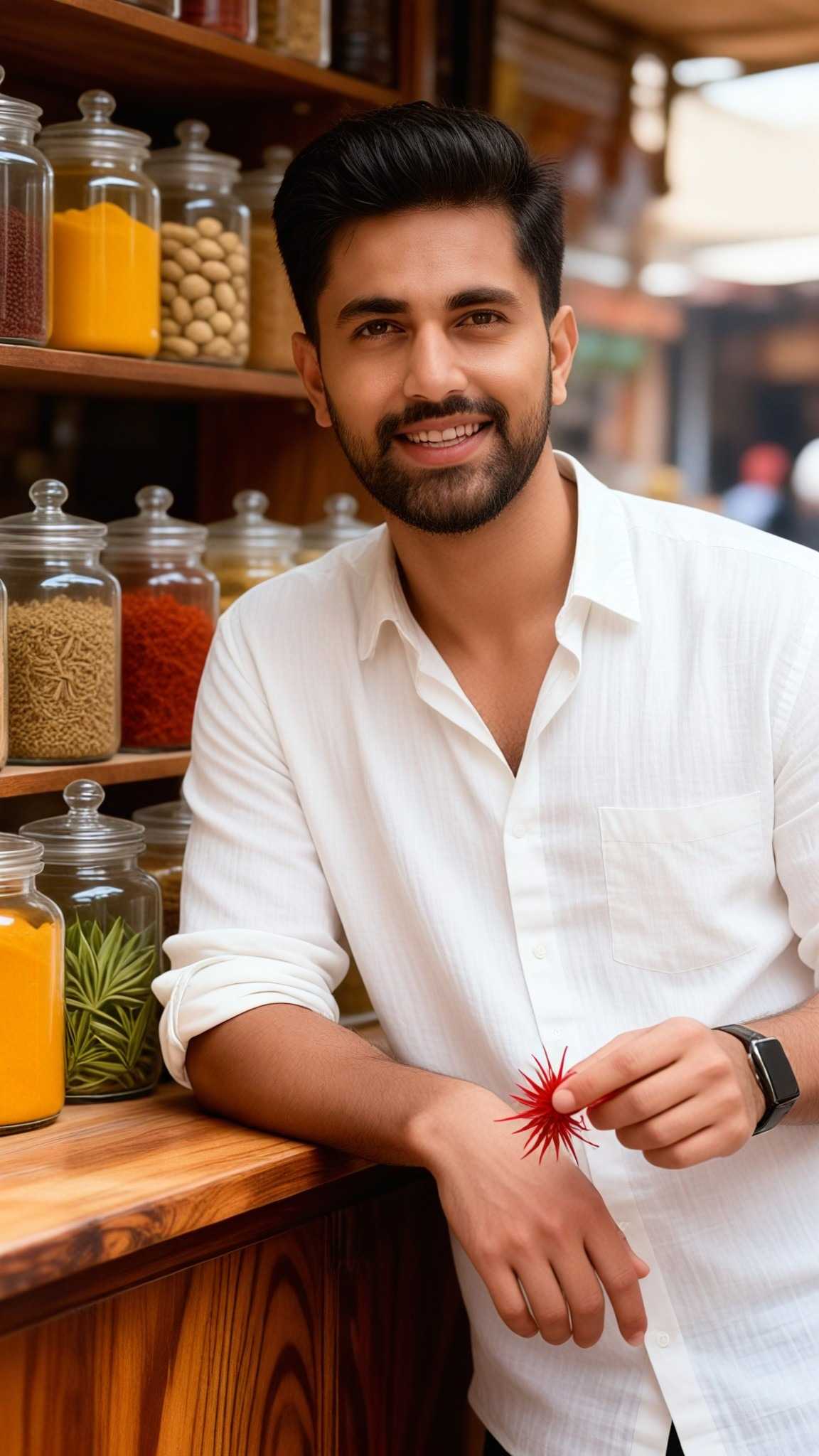
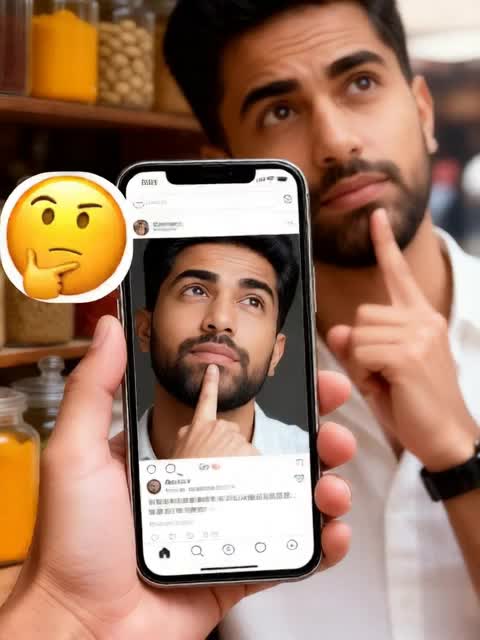
Input
Result
Emoji-12
Mmm.37
AI Generated Image To Emoji Images & Videos
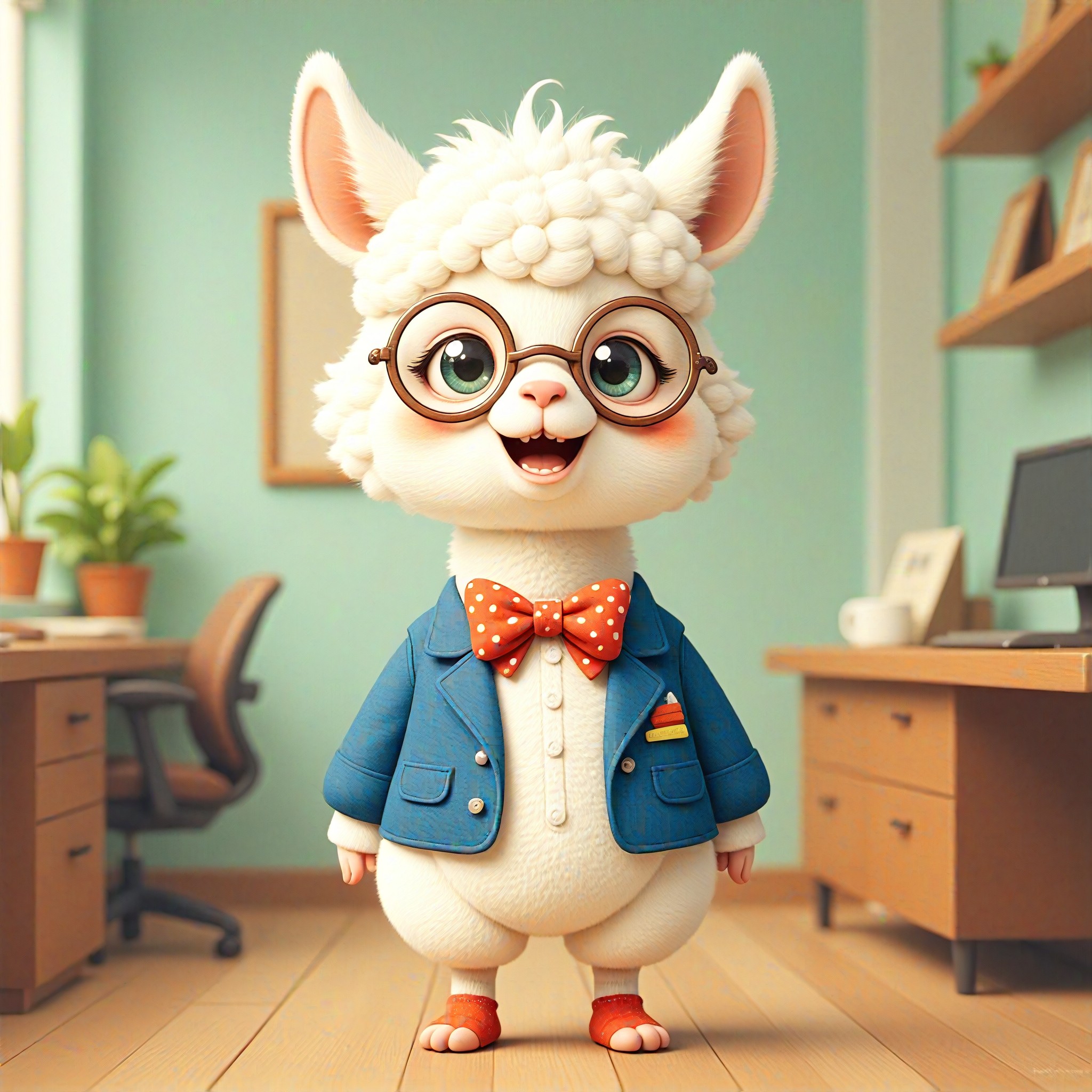
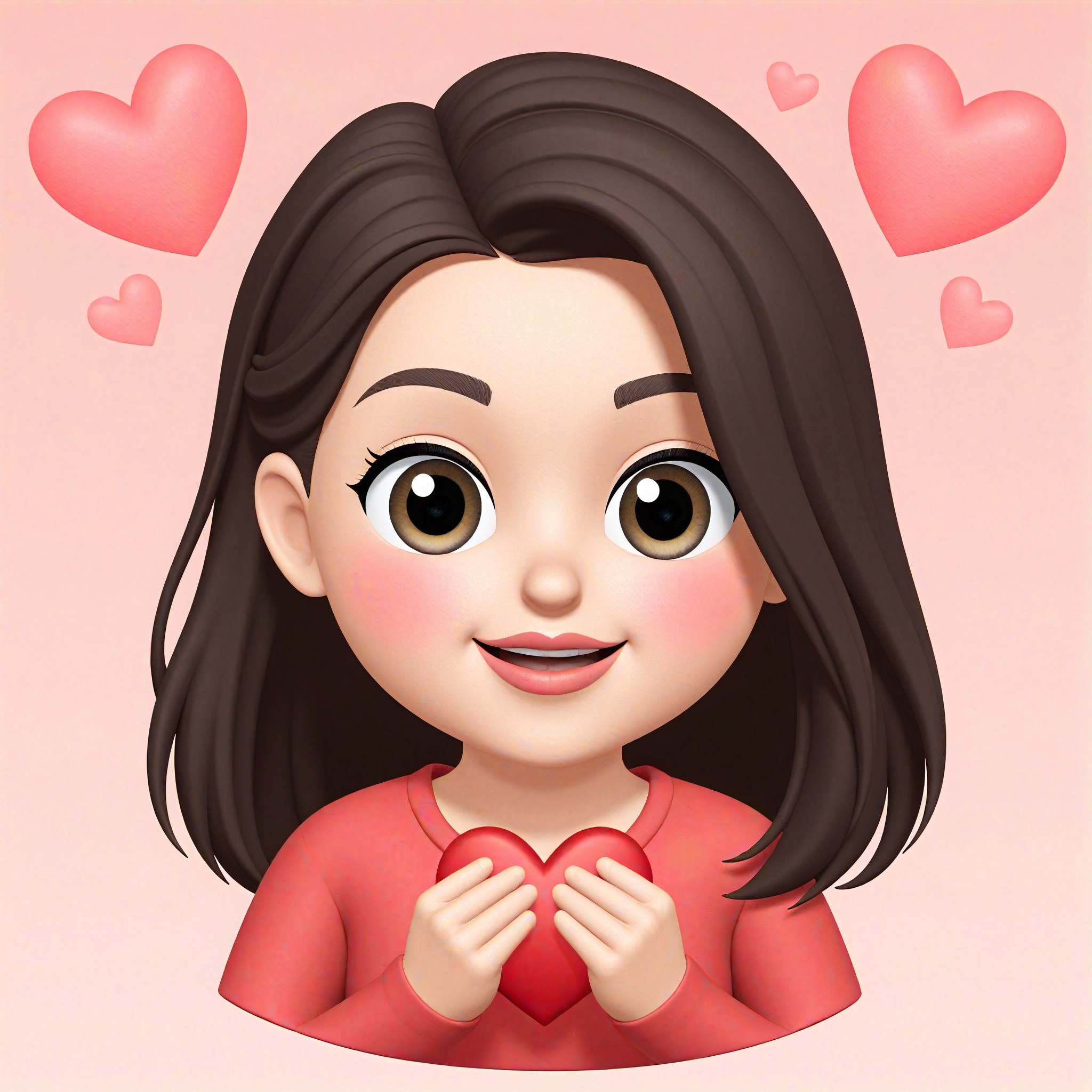
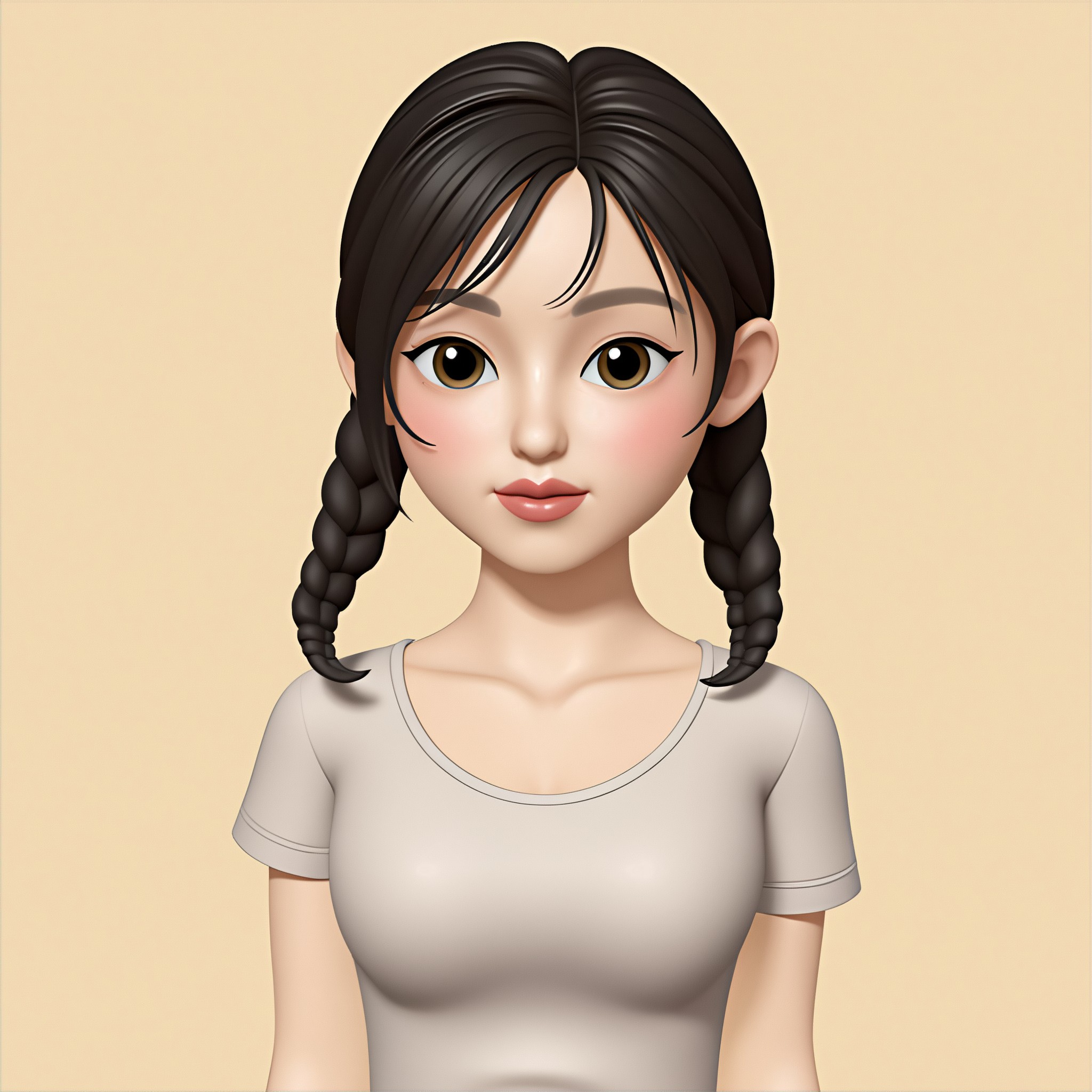
Discover unique and innovative Image To Emoji images and videos created with a1.art Image To Emoji prompts.


How to Make Image To Emoji AI Image & Video on a1.art?
Step into the future of AI Image To Emoji video and image creation on a1.art.

Step 1
Select the style you want to apply in the Square.

Step 2
Upload the image you want to transform. It can be a photo, hand-drawn sketch.

Step 3
Wait a few seconds and you can easily get your unique AI Image To Emoji art. Download for free!
FAQ about Image To Emoji AI Prompt on a1.art
Discover the secrets to creating Birthday Day videos and images at a1.art.
What is image to emoji AI prompts?
Image to emoji AI prompts are pre-designed styles that allow you to transform any image into an emoji-like visual using a1.art's advanced AI technology. These prompts capture specific aesthetics, such as minimalism, nostalgia, or fantasy, to create unique emoji art.
Can I customize my own emoji prompts?
Yes, while a1.art offers a variety of curated prompts, you can also upload your own images and apply filters to create personalized emoji art. Our AI adapts to your preferences for a truly unique experience.
How do I get started with image to emoji AI prompts?
Simply visit a1.art, upload your image, select a prompt that matches your desired style, and let our AI work its magic. You'll have your emoji art ready in seconds!
Are there any limitations on the number of prompts I can use?
a1.art provides daily free credits for prompt usage, but if you need more, you can subscribe to unlock additional credits and access exclusive prompts.
Can I use image to emoji AI prompts for commercial purposes?
Yes, once you've generated your emoji art, you can use it for personal or commercial projects. However, please ensure you comply with any applicable licensing requirements.


