


Get Harmony Videos & Images without Prompt
a1.art offers a large number of filters, allowing you to easily obtain AI videos or images without prompts.
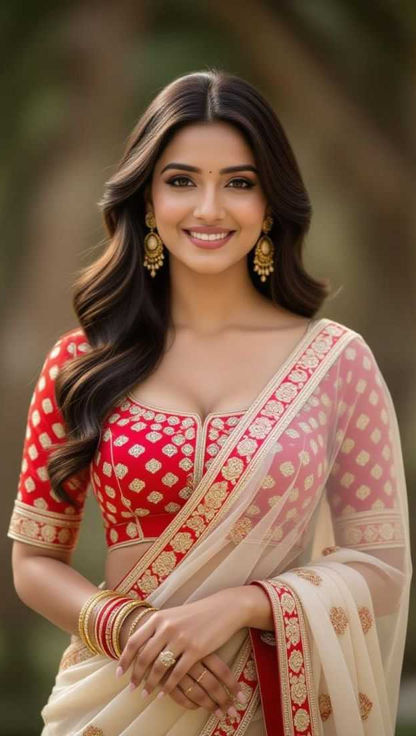

Input
Result
Dancing in harmony in the streets and alleys at night
 Vicky.
 3.5k
3.5k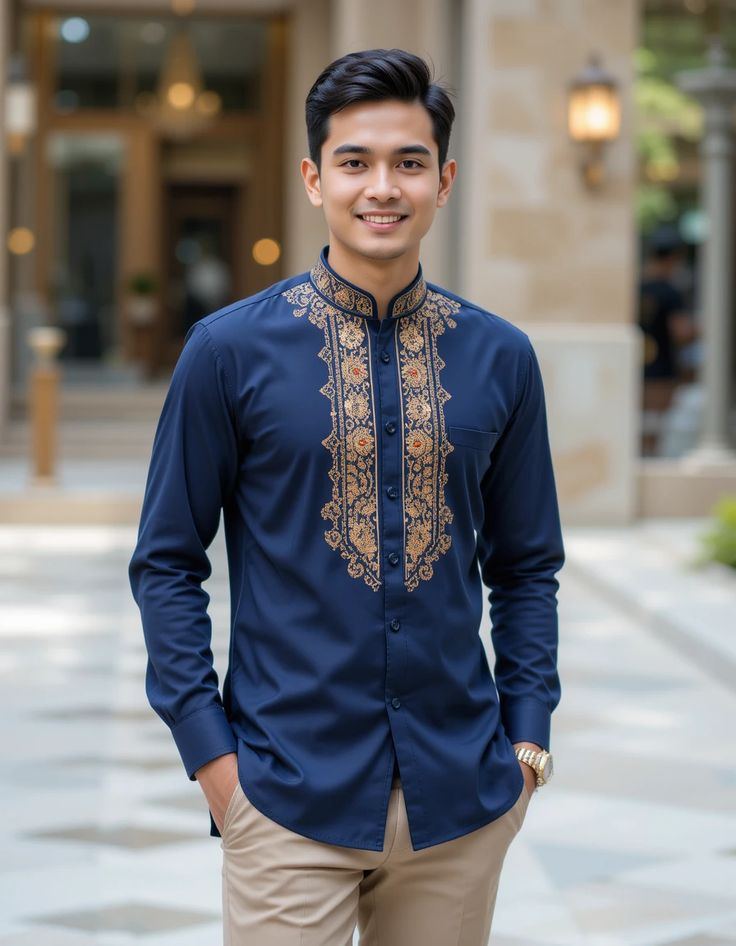
Input
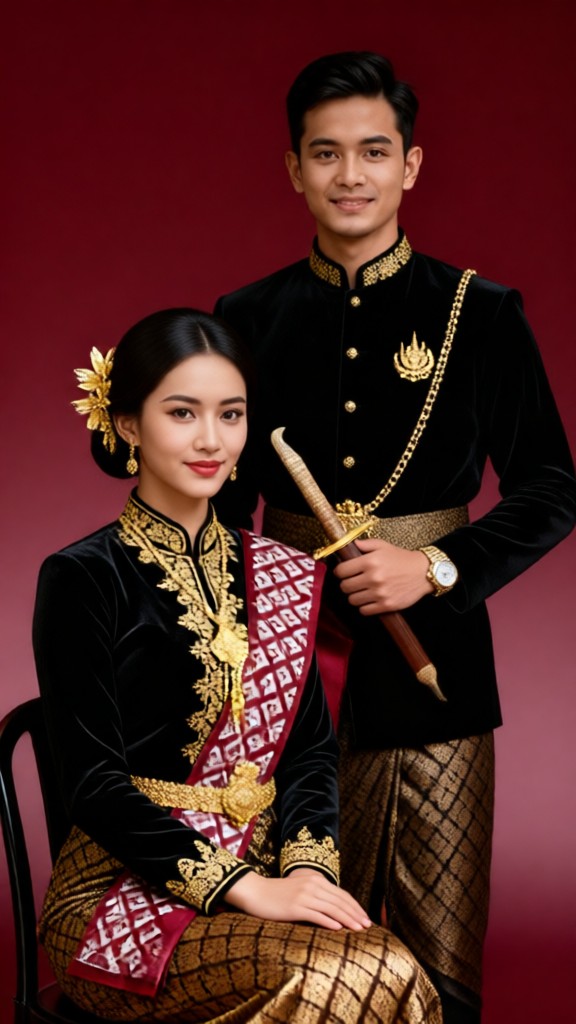
Result
Royal couple-03
 JOY!!!603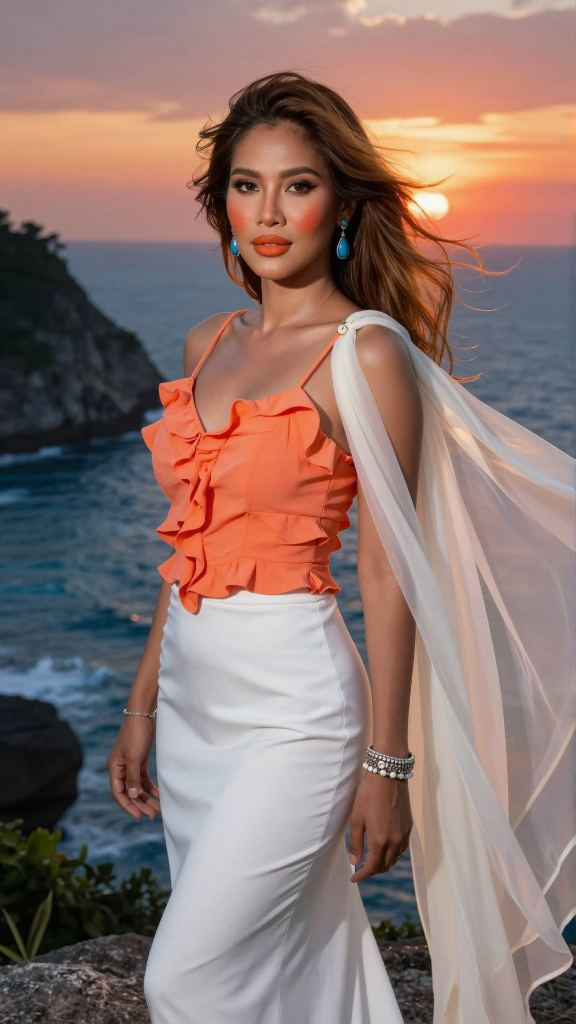
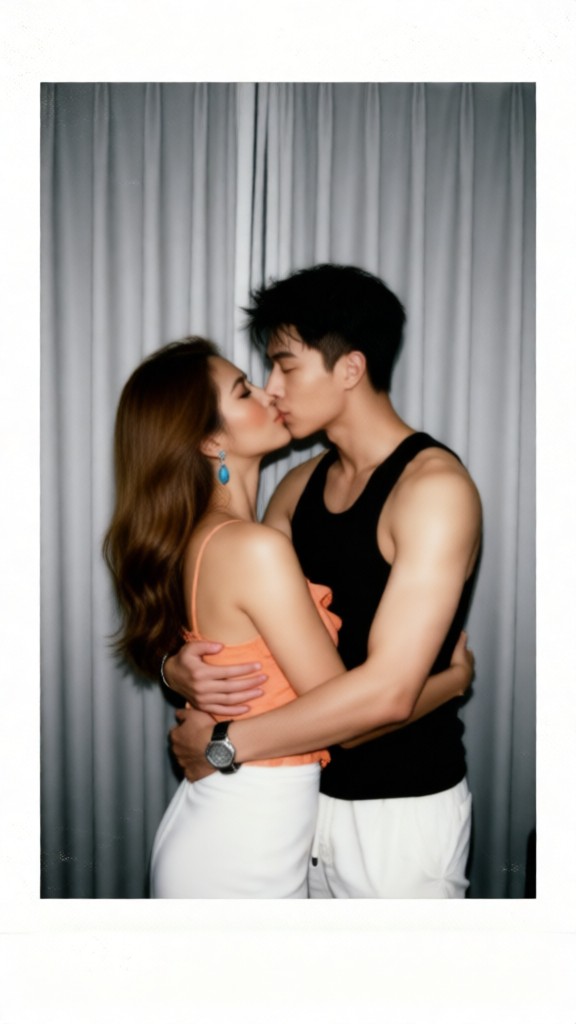
Input
Result
Couple's Polaroid
Vicky.272

Input
Result
Bangkok River Gallery Kiss
 艺术画家236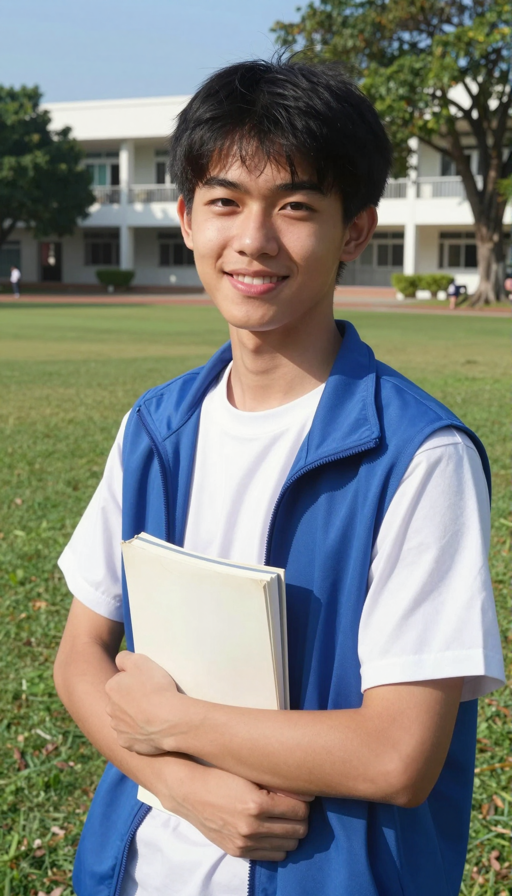

Input
Result
Bangkok T-Pop Studio Kiss
 艺术创作家235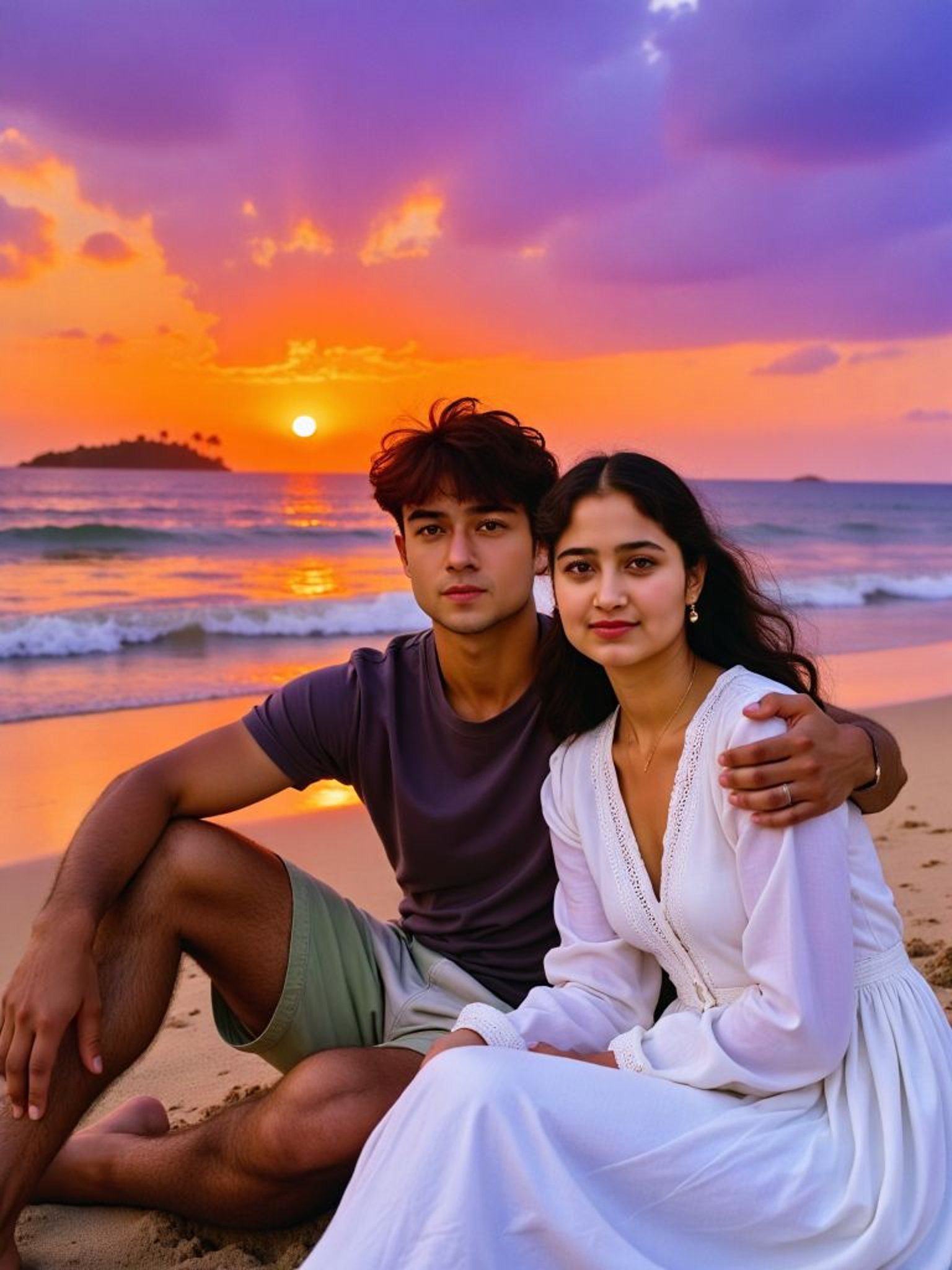
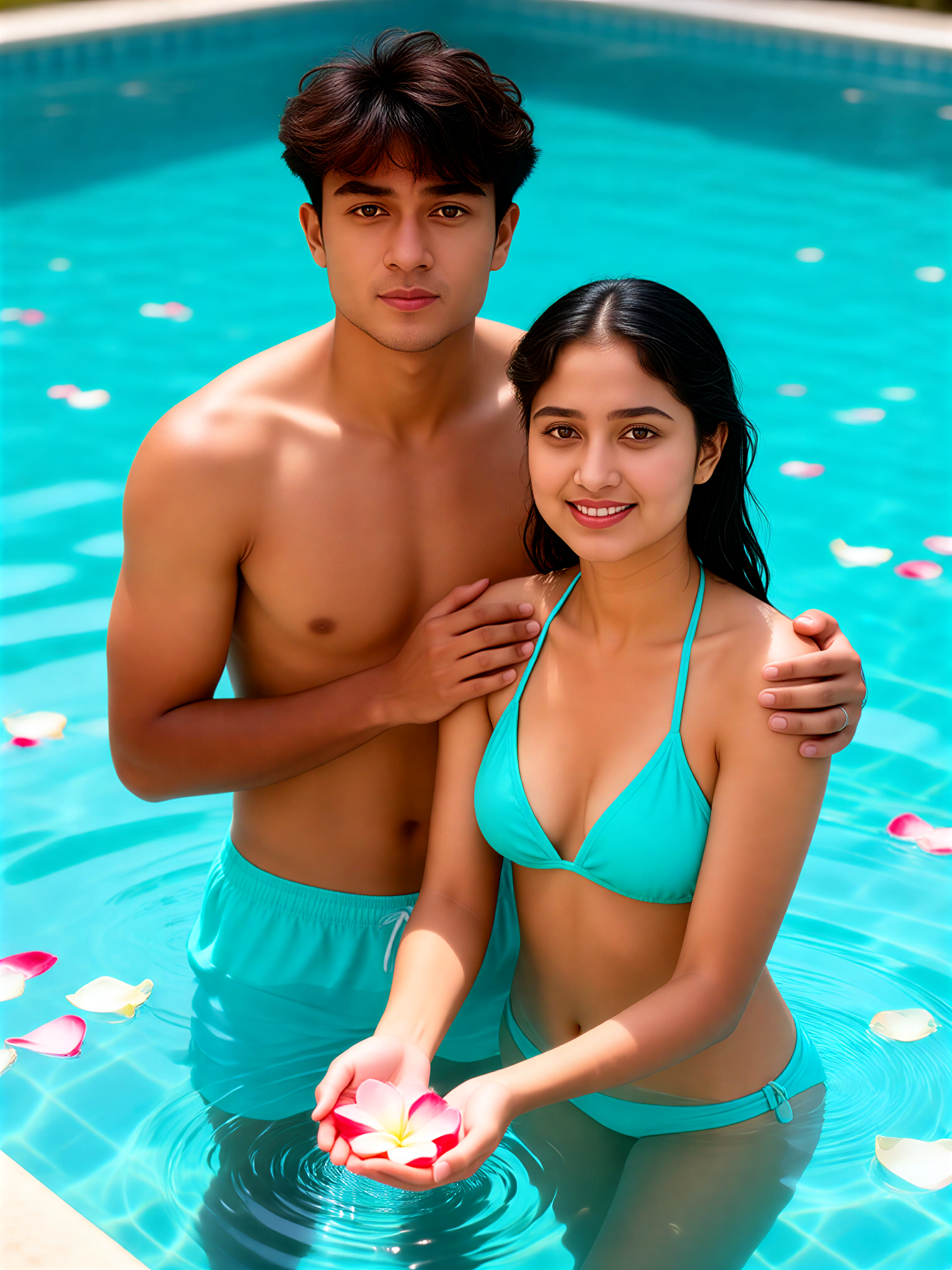
Input
Result
Pool Temptation-5
 Aryan(阿利安)89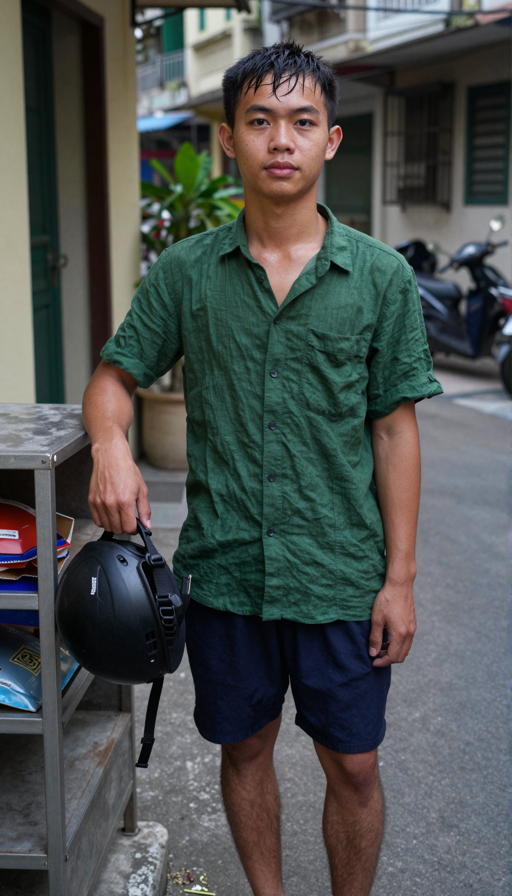

Input
Result
Island Reading Kiss
艺术创作家35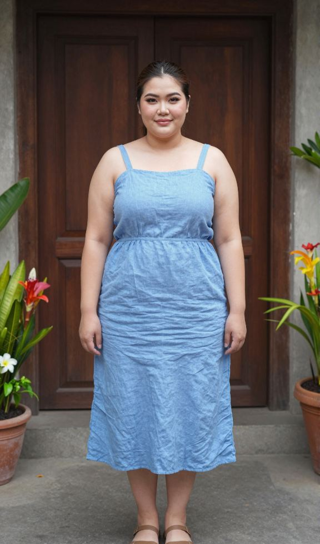

Input
Result
Rain kissing
Vicky.35
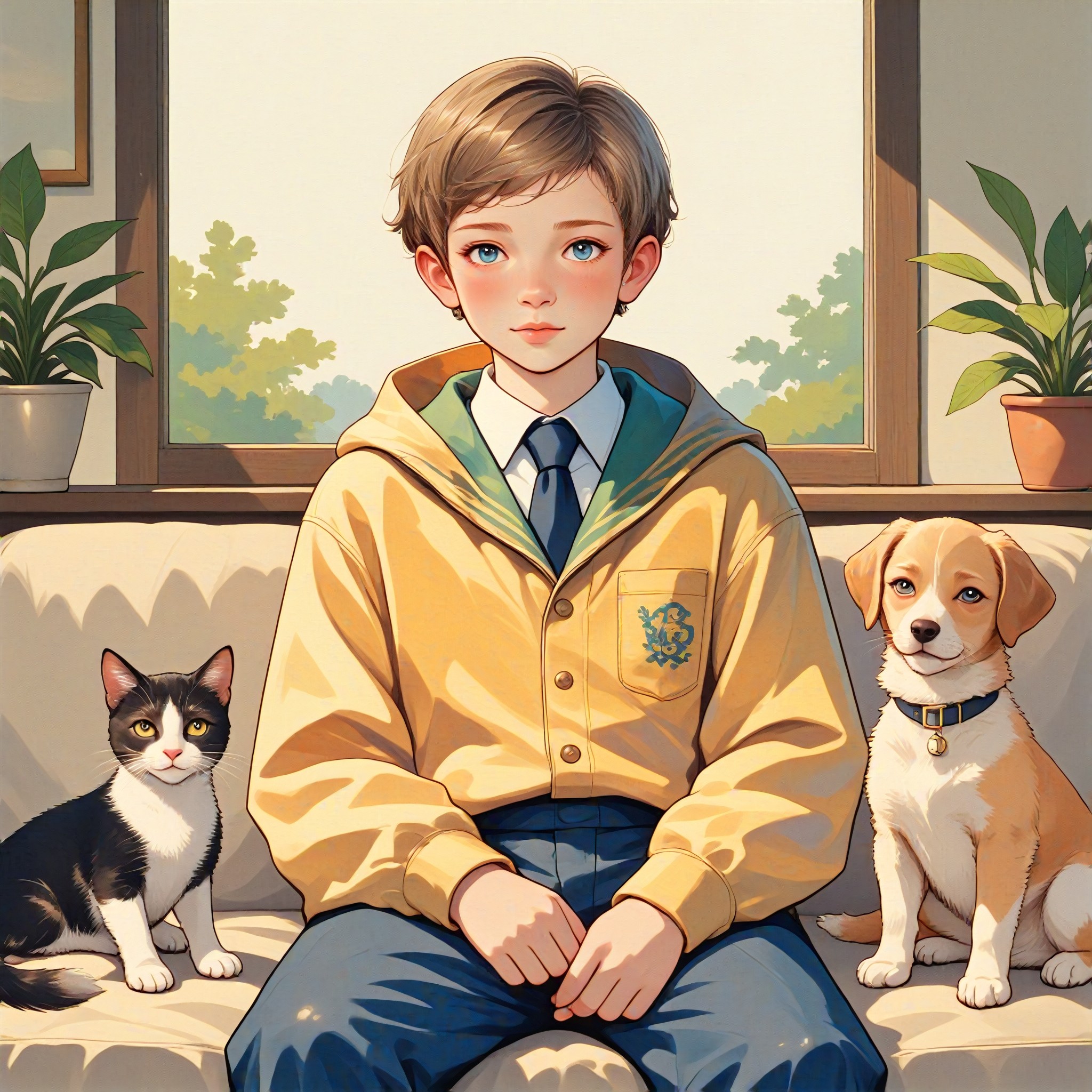
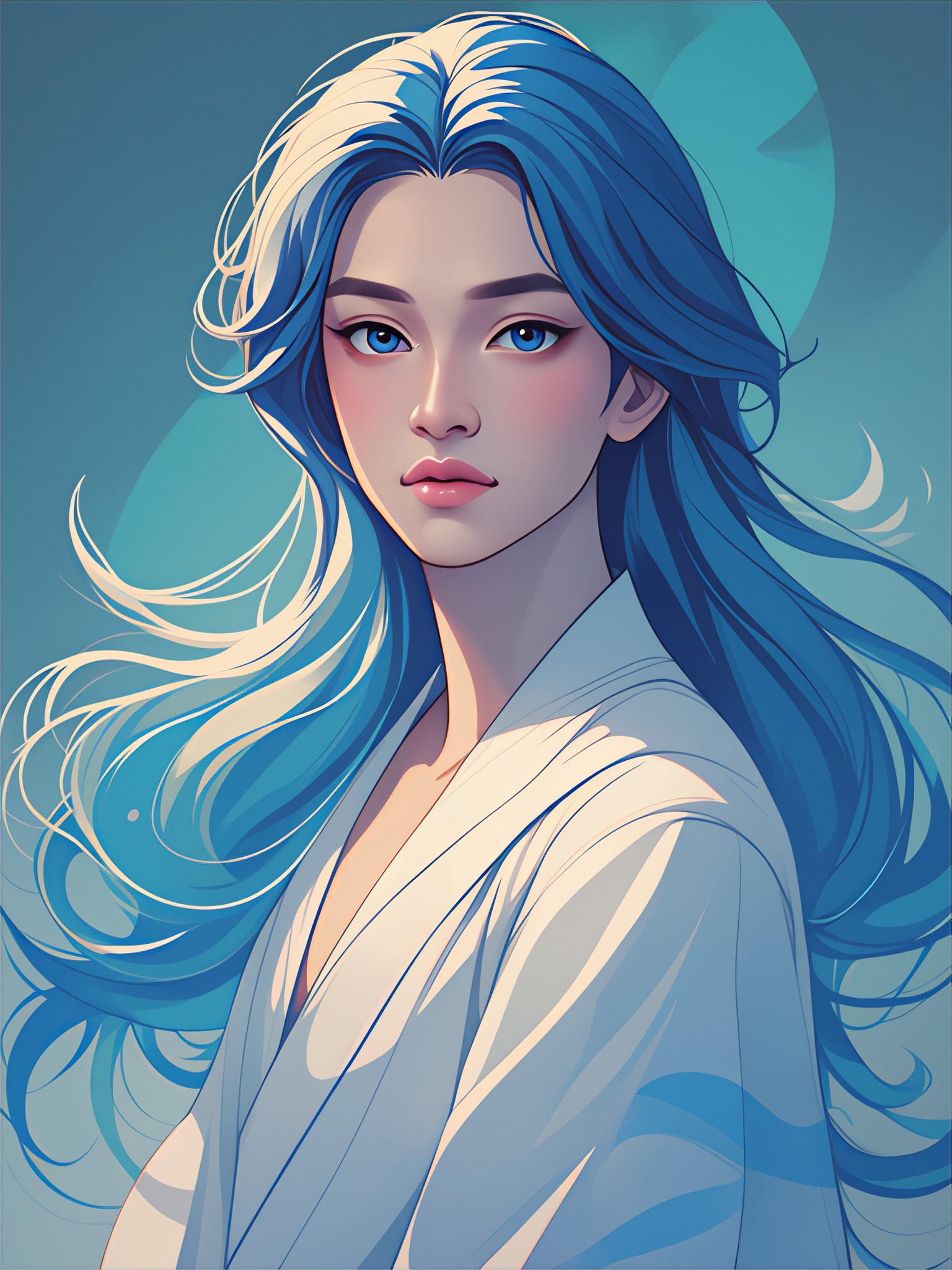
AI Generated Harmony Images & Videos
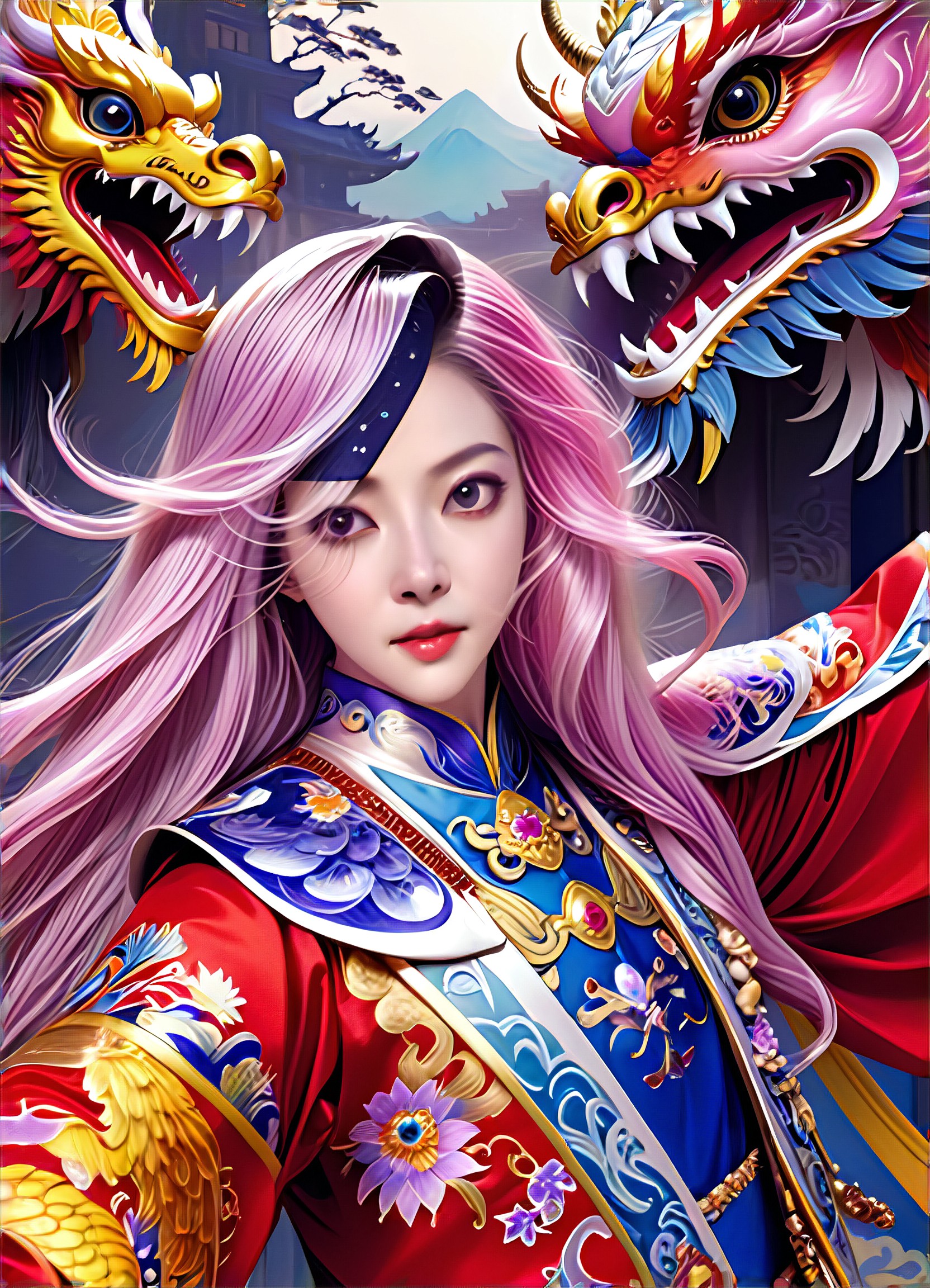
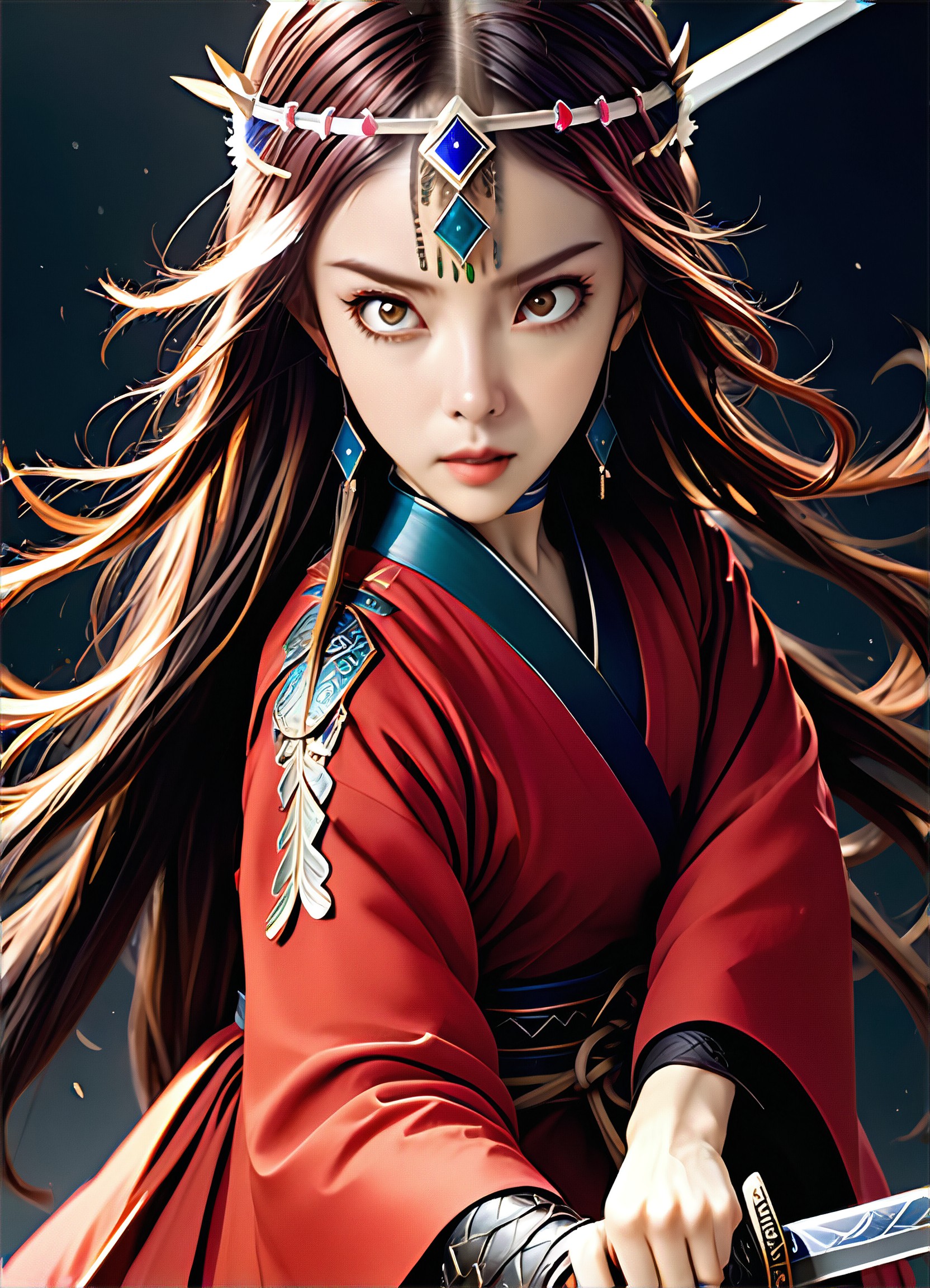
Discover unique and innovative Harmony images and videos created with a1.art Harmony prompts.



How to Make Harmony AI Image & Video on a1.art?
Step into the future of AI Harmony video and image creation on a1.art.

Step 1
Select the style you want to apply in the Square.

Step 2
Upload the image you want to transform. It can be a photo, hand-drawn sketch.

Step 3
Wait a few seconds and you can easily get your unique AI Harmony art. Download for free!
FAQ about Harmony AI Prompt on a1.art
Discover the secrets to creating Birthday Day videos and images at a1.art.
What are harmony AI prompts?
Harmony AI prompts are carefully crafted text inputs designed to guide a1.art's AI algorithms in generating visually harmonious images and videos. These prompts focus on themes like balance, tranquility, and natural beauty, ensuring your creations evoke a sense of peace and elegance.
Can I use harmony AI prompts for both images and videos?
Yes, a1.art supports both AI image and video generation. You can choose from our harmony AI prompts to create stunning visuals for either format, whether it's a still image or a dynamic video sequence.
Are there any limitations on using harmony AI prompts?
There are no strict limitations on using harmony AI prompts. However, we recommend selecting prompts that align with your creative vision to achieve the best results. Additionally, some advanced features may require a subscription for unlimited access.
How do I get started with harmony AI prompts?
Getting started is simple! Just visit a1.art, select a harmony AI prompt that inspires you, upload an image or enter a text description, and let a1.art's AI work its magic. You'll have your custom visuals ready in seconds.
Do I need technical skills to use harmony AI prompts?
No, a1.art is designed to be user-friendly for everyone, regardless of technical expertise. Our intuitive interface allows you to easily select prompts, customize settings, and generate visuals without needing advanced knowledge.


