Get Group Photo Filter Videos & Images without Prompt
a1.art offers a large number of filters, allowing you to easily obtain AI videos or images without prompts.
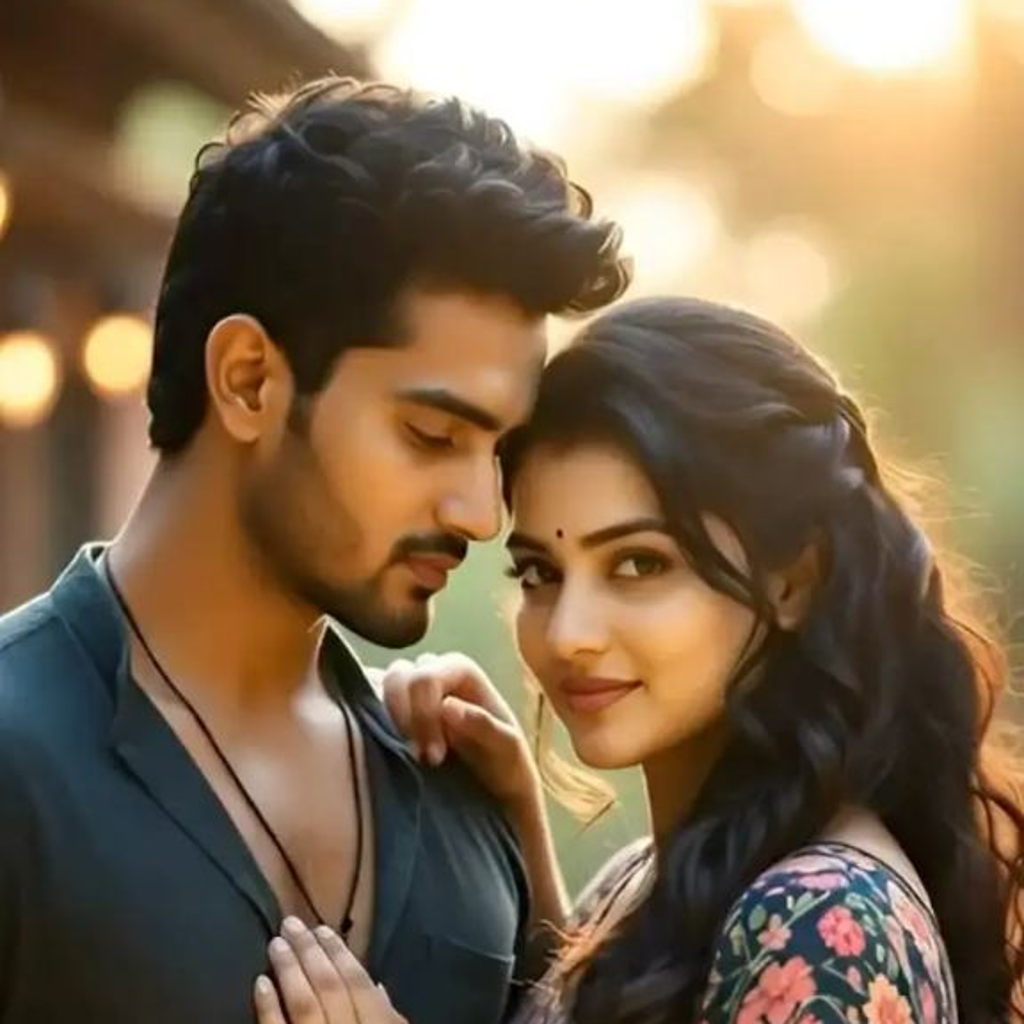
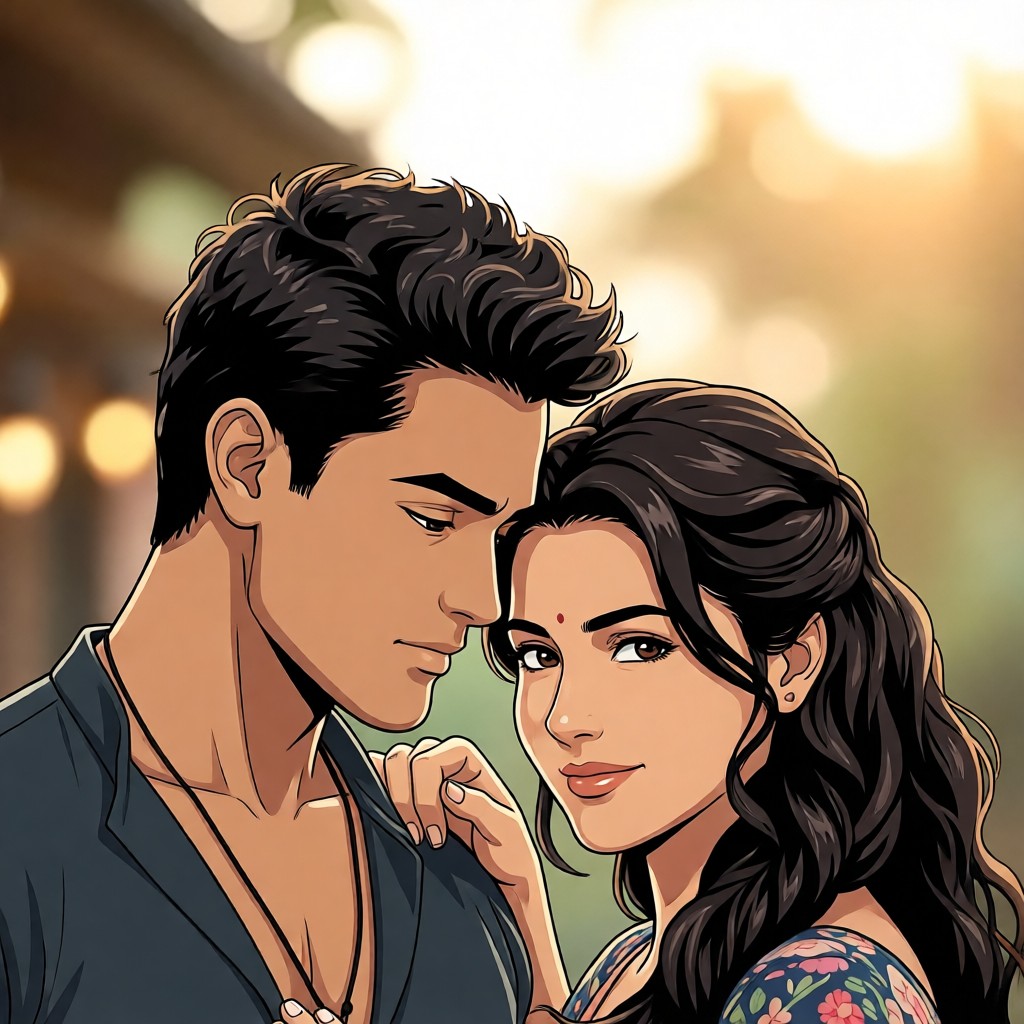
Input
Result
Textured Cartoon Filter丨Group Filter
 CC
CC 583.9k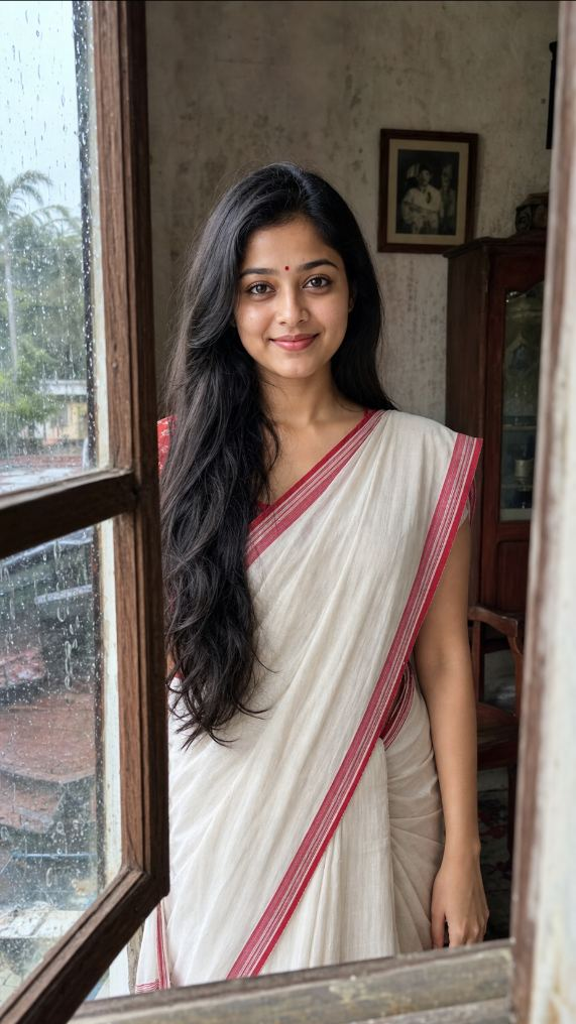
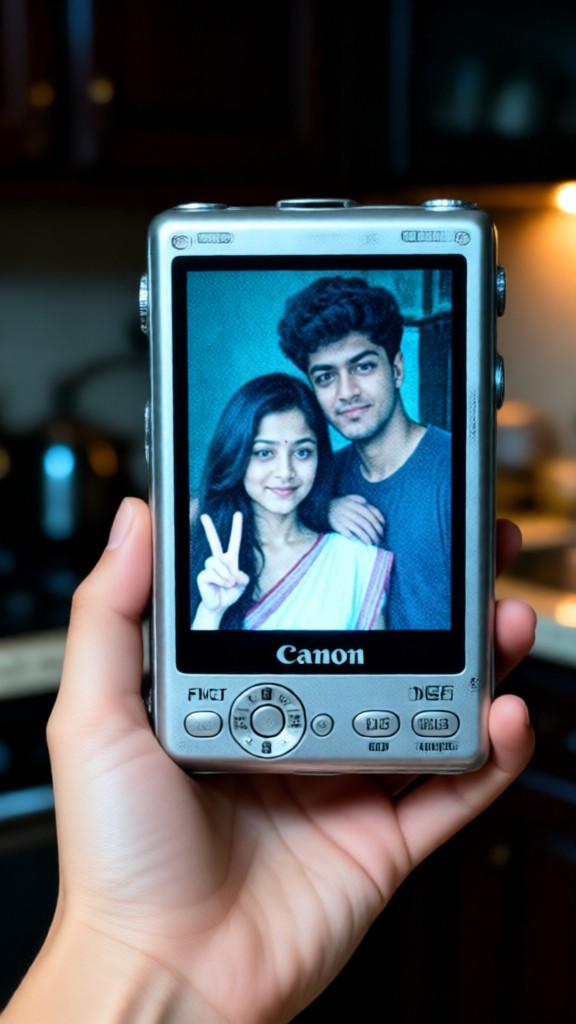
Input
Result
Group photo
 Zephyr.JX1.8k
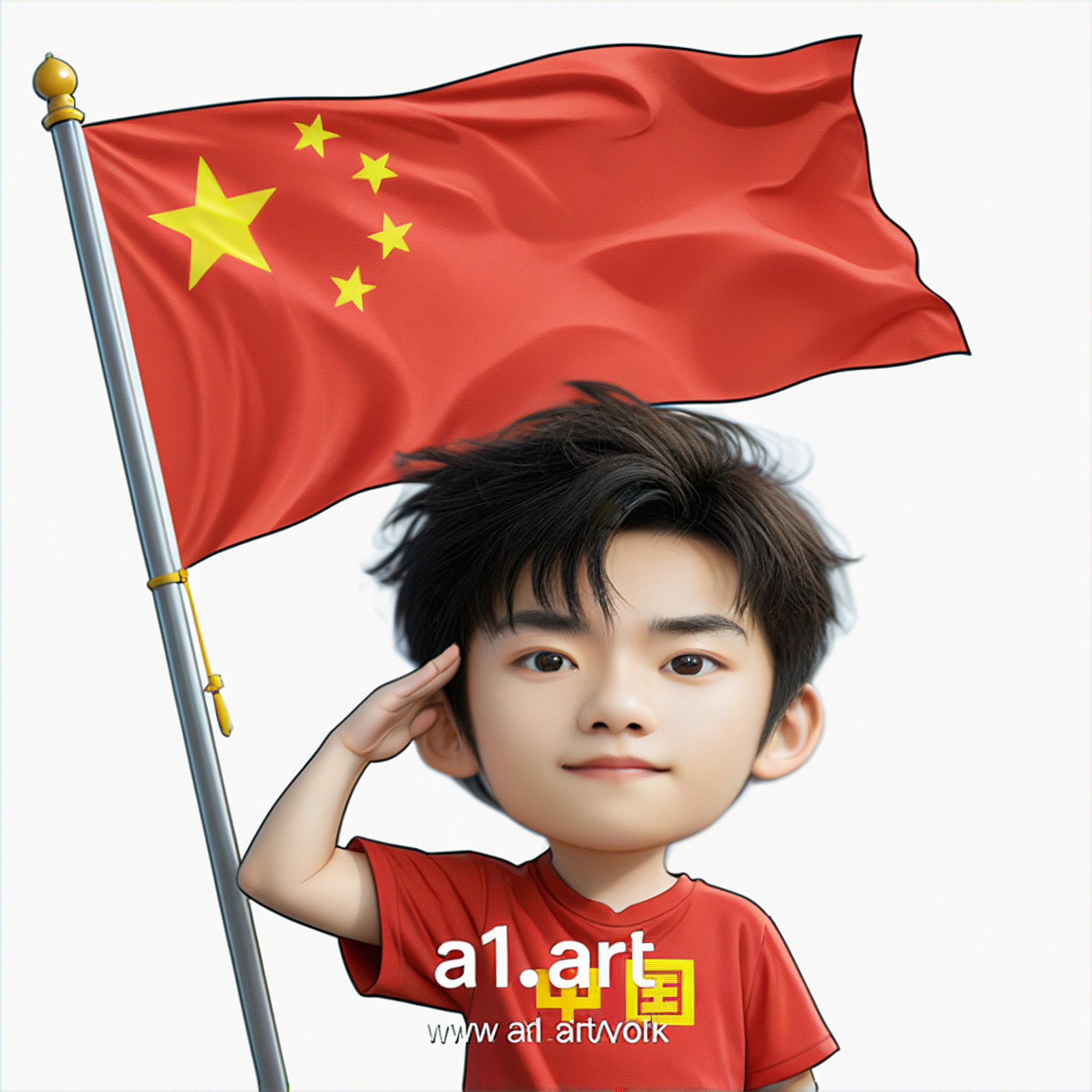
Input
Result
Q version of the National Day avatar
 Ben232
corgi
beef
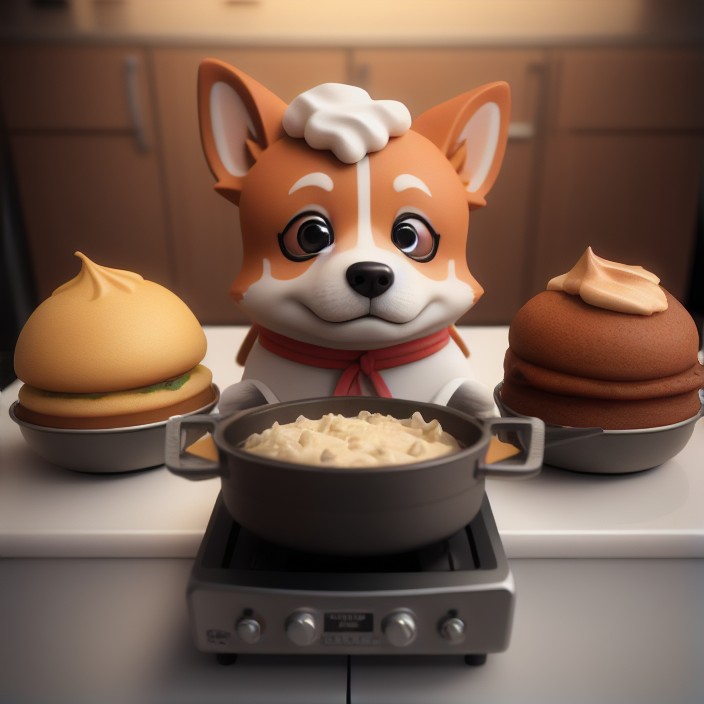
Input
Result
Eco-Paws Kitchen
布
布布6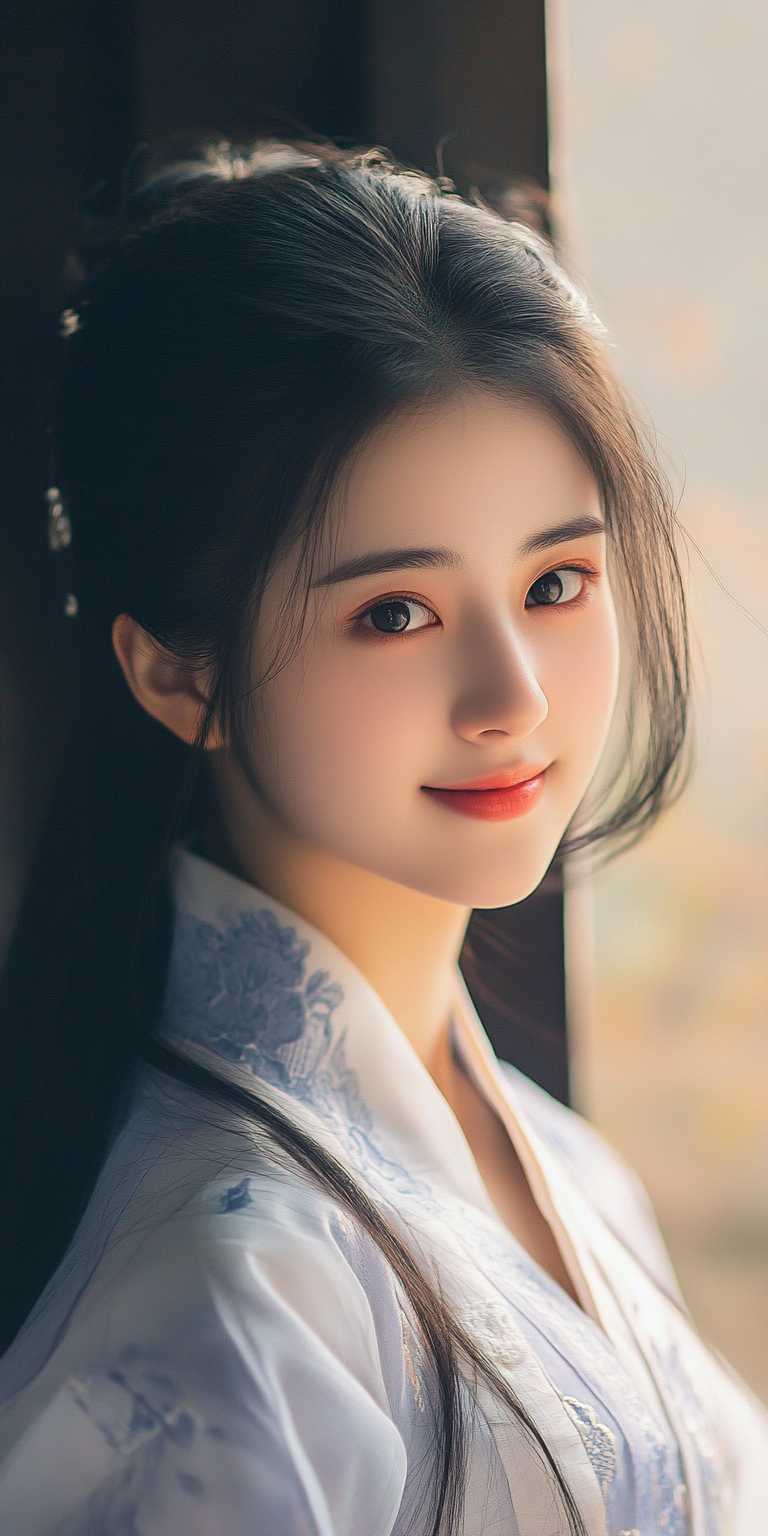
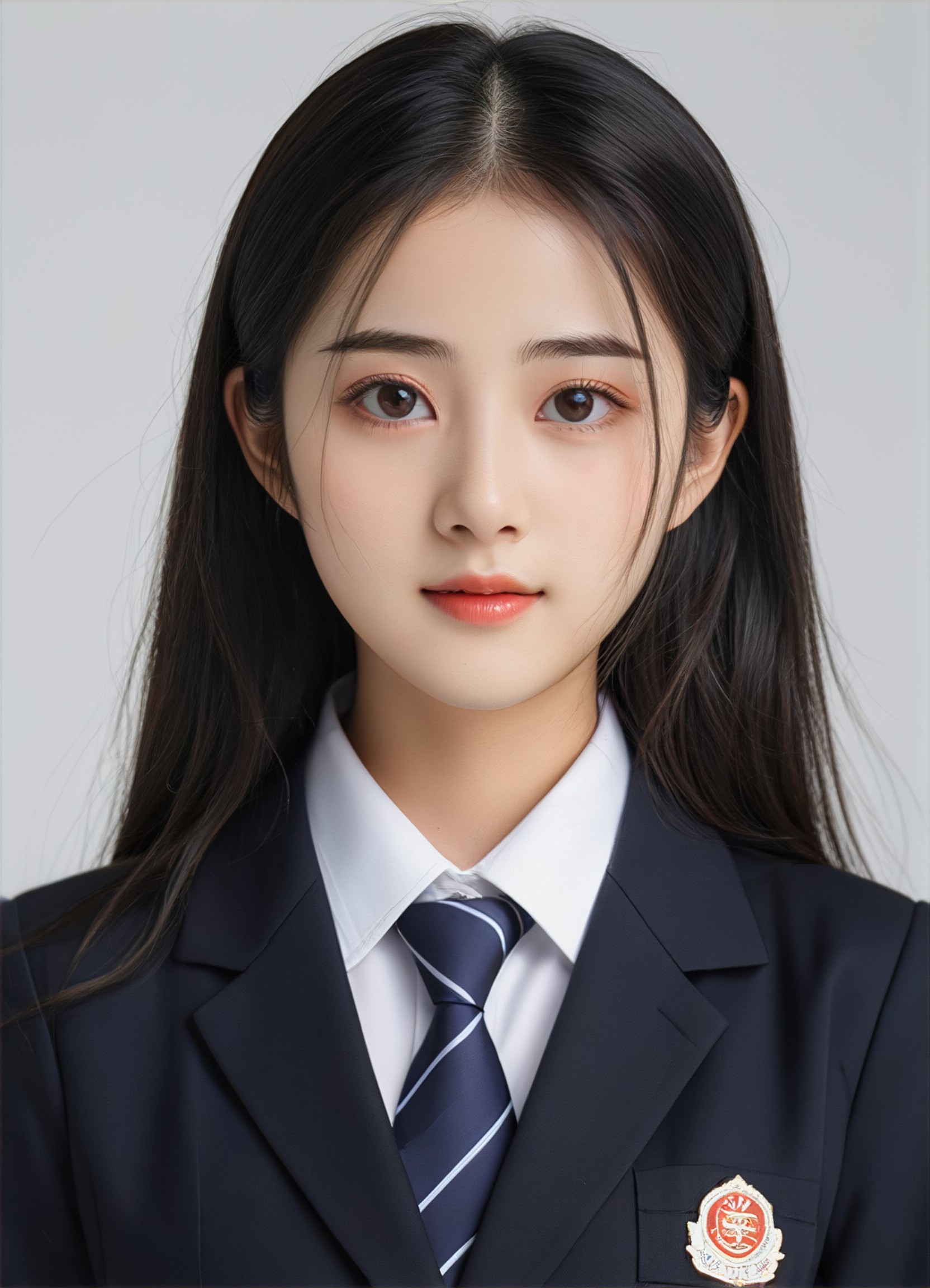
Input
Result
TGG-证件照
T
TGG4.7k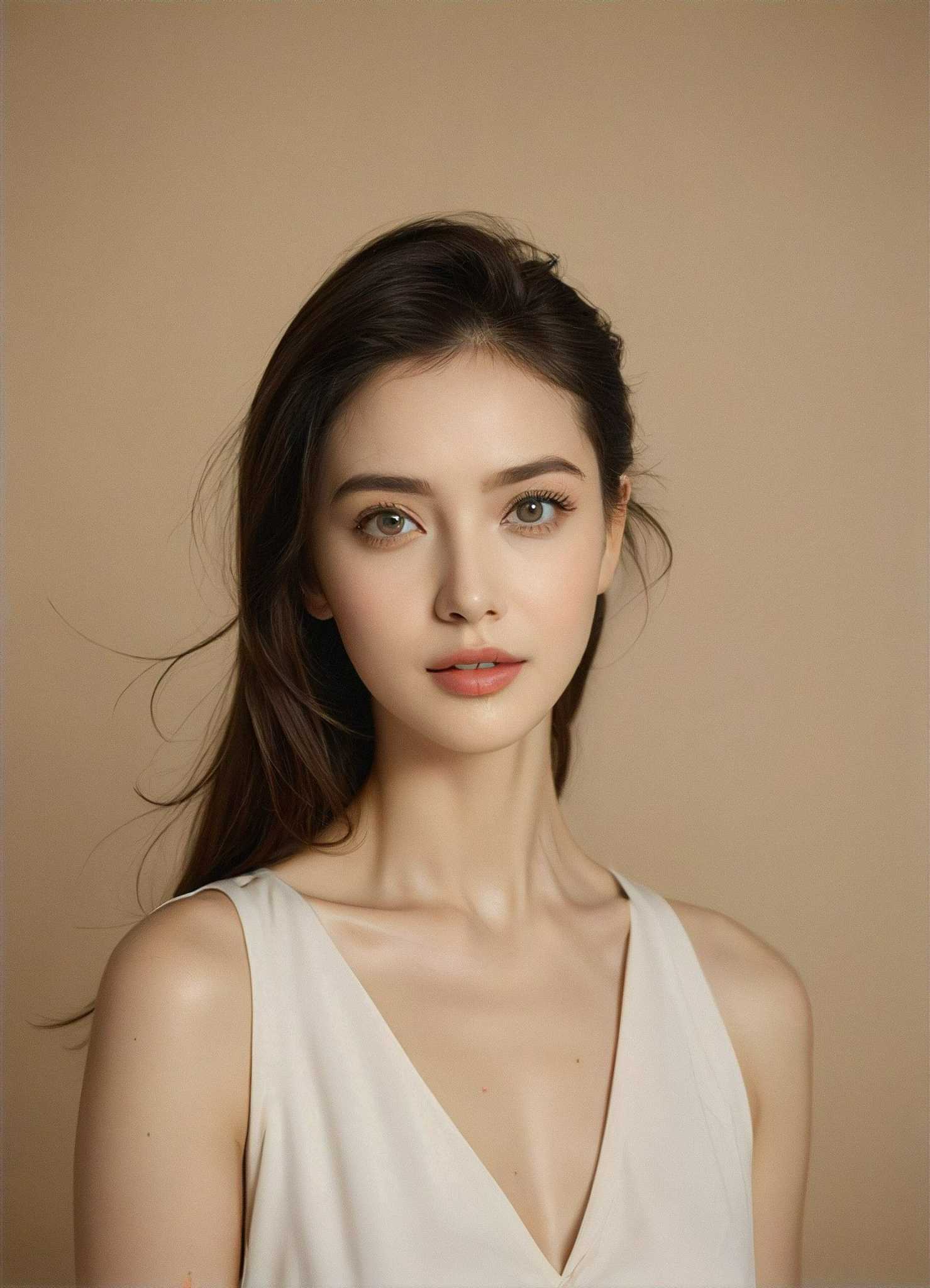
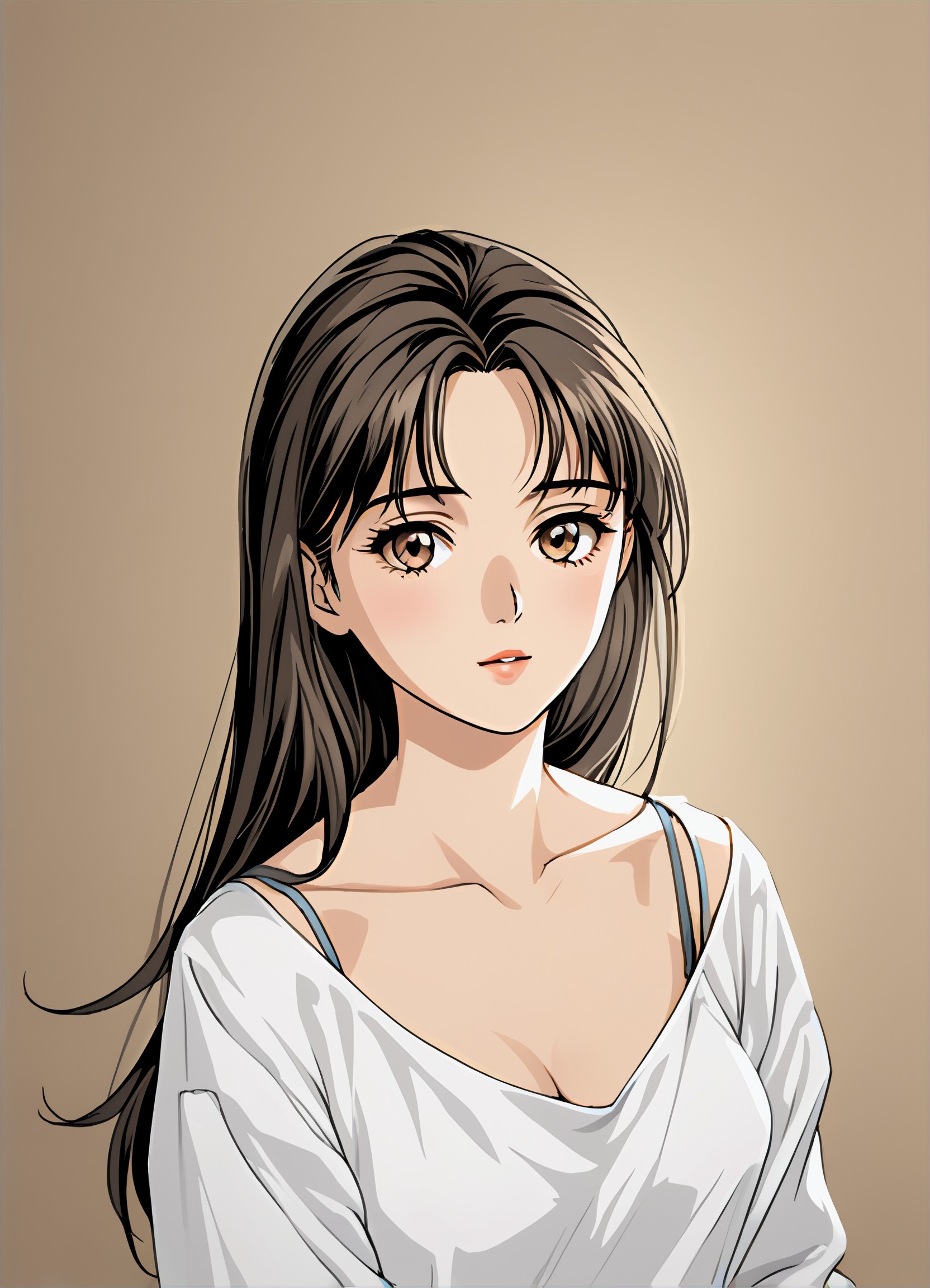
Input
Result
Manga filter
 winter solstice236.2k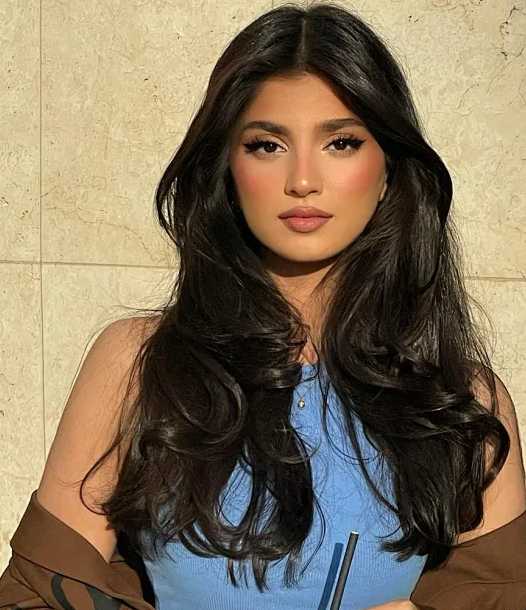
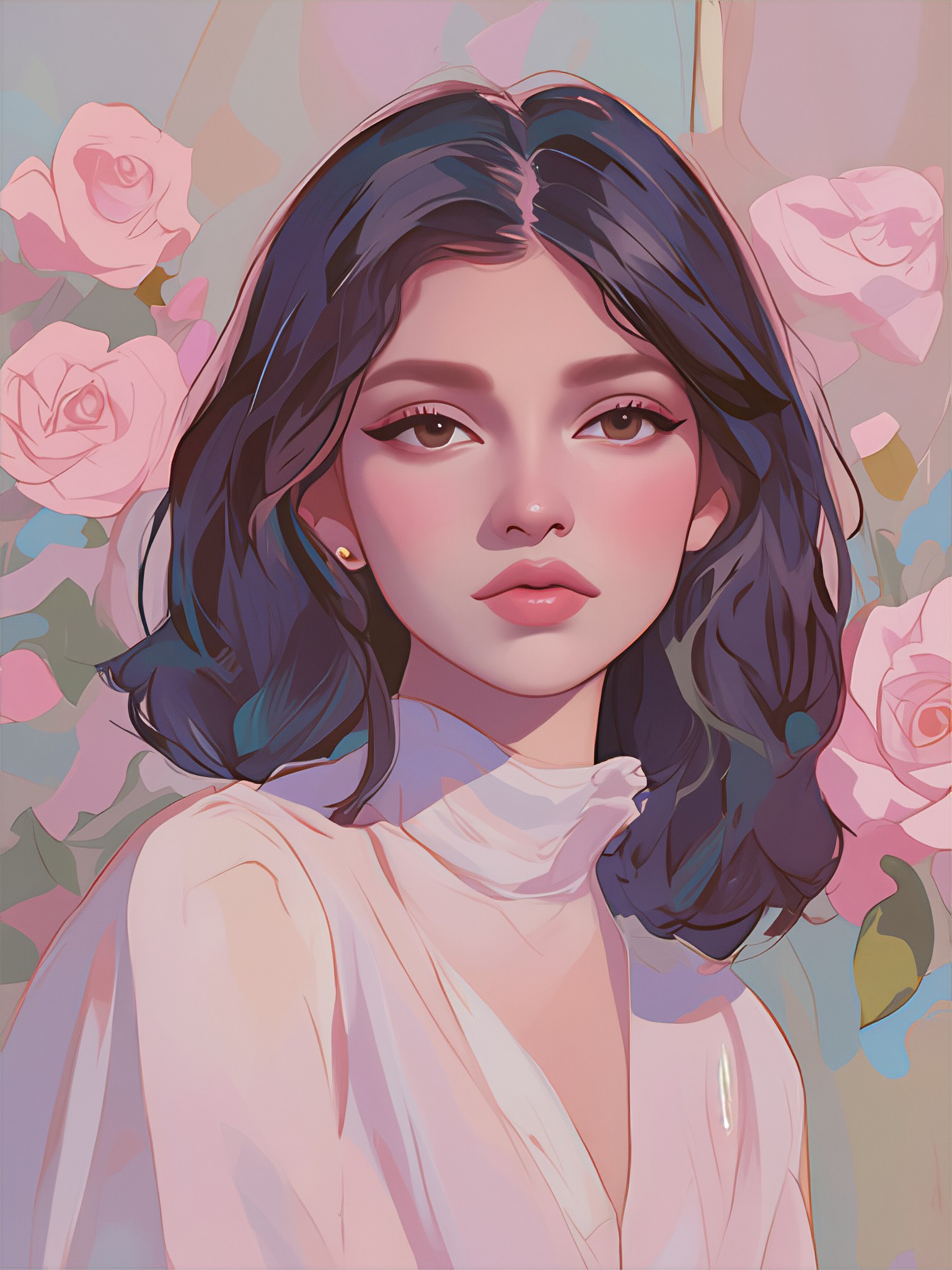
Input
Result
Healing art style
 21187613791.7k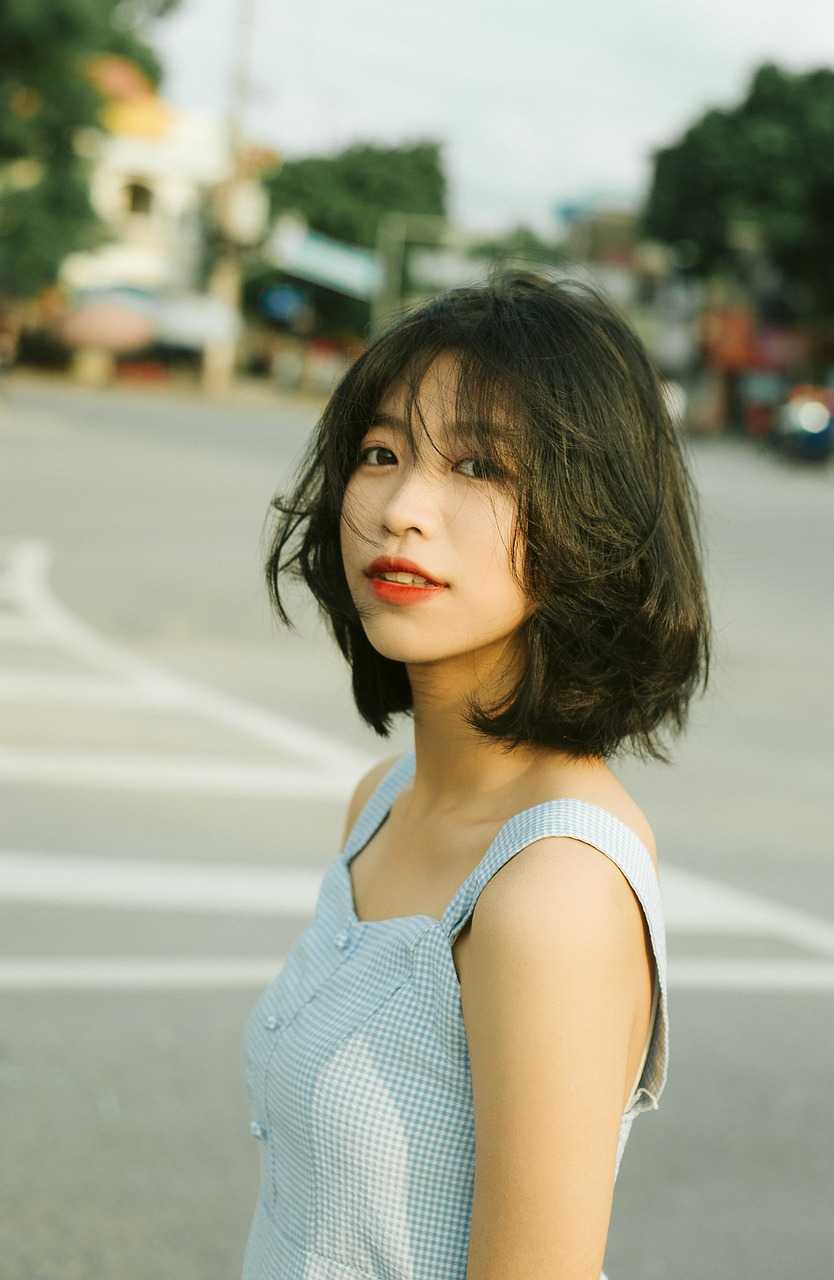
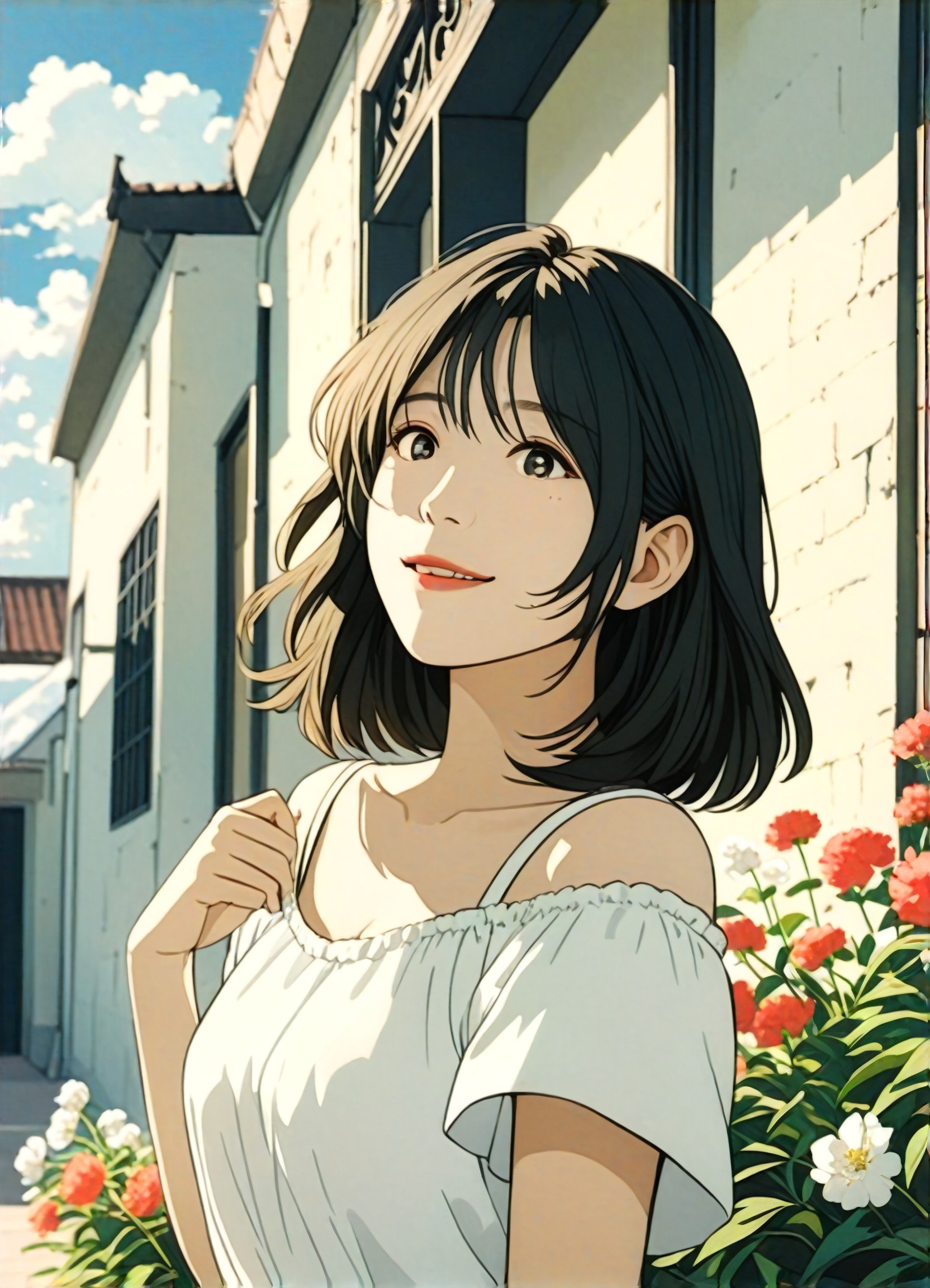
Input
Result
Anime filter
 aha!998
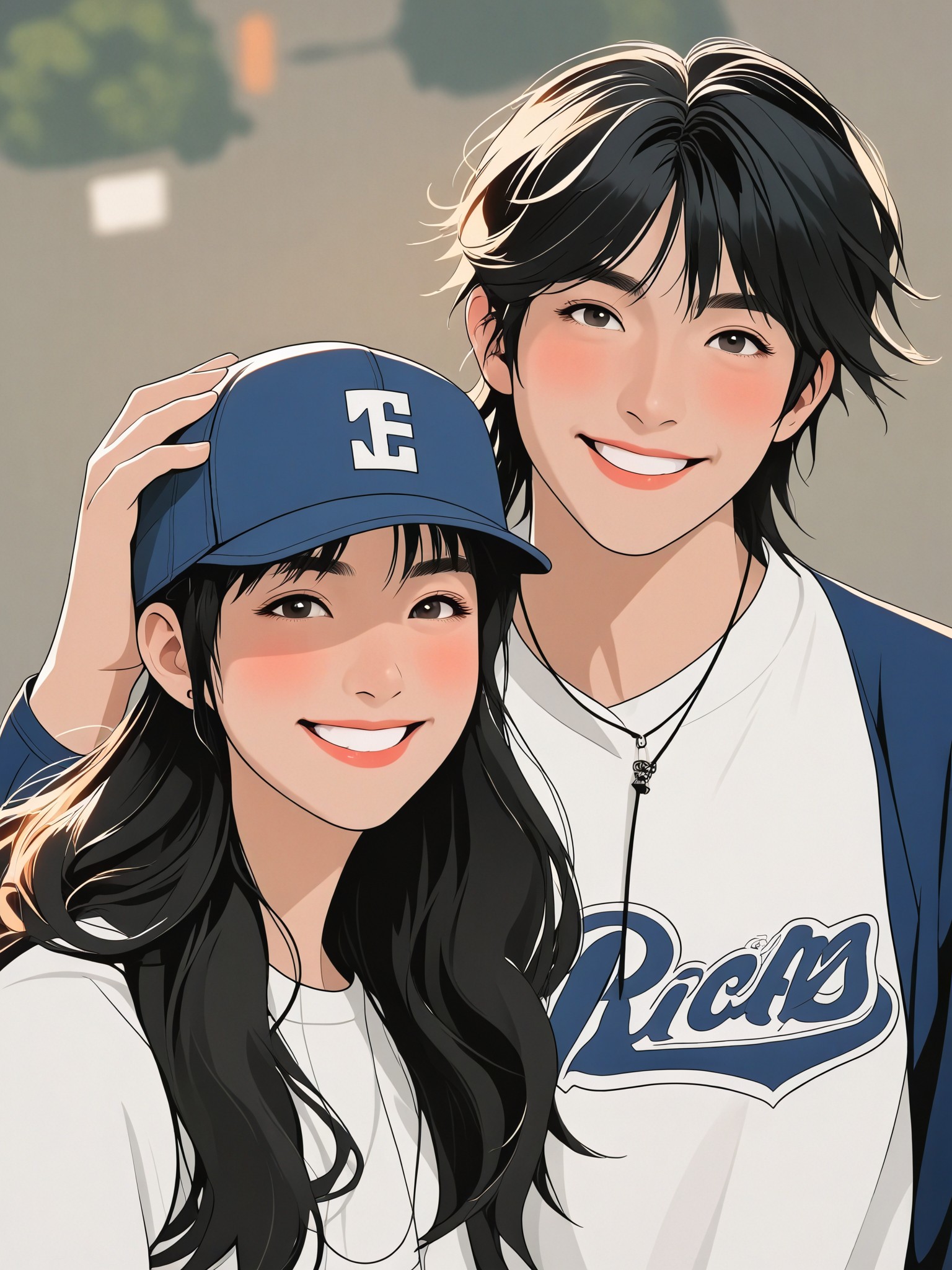
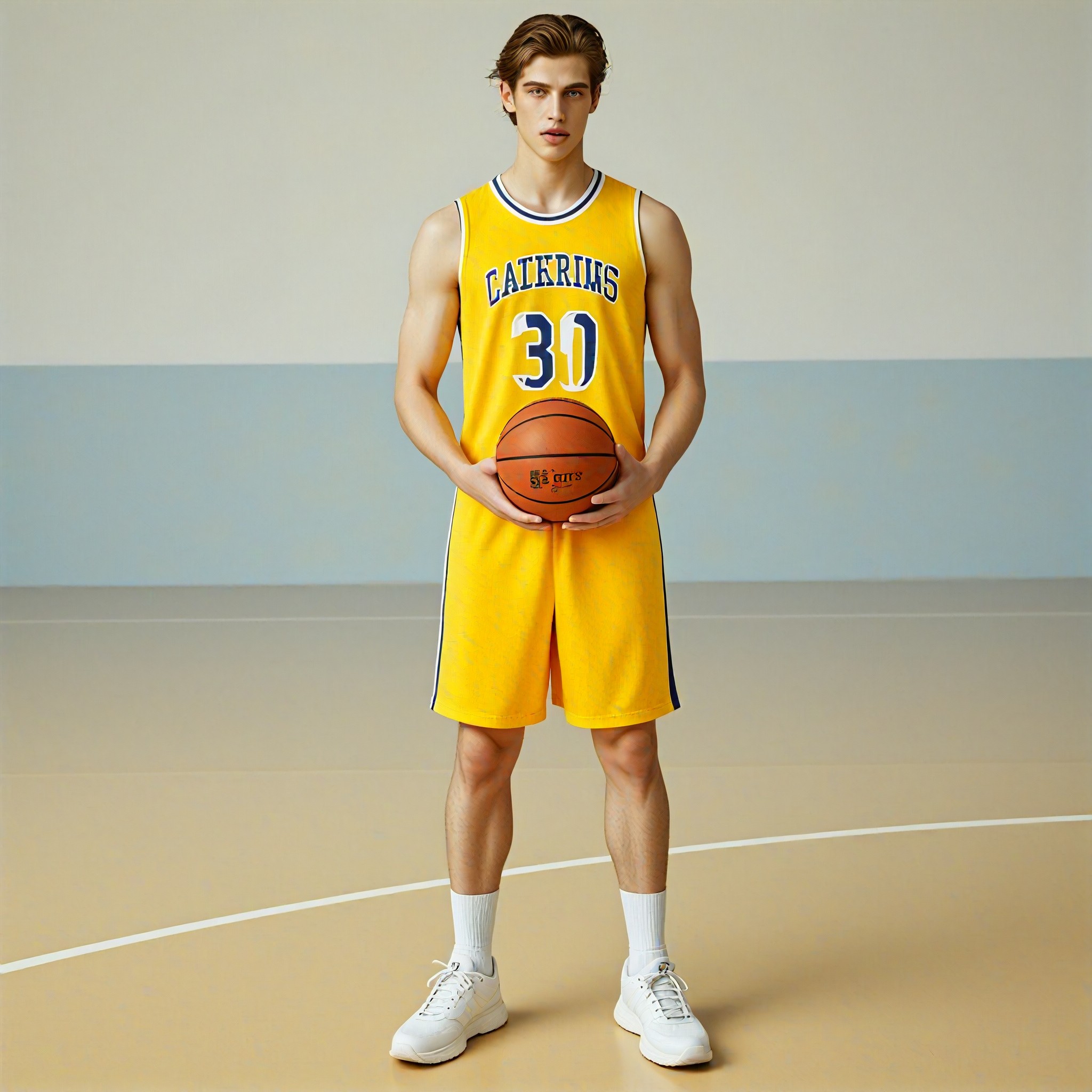
AI Generated Group Photo Filter Images & Videos
Discover unique and innovative Group Photo Filter images and videos created with a1.art Group Photo Filter prompts.
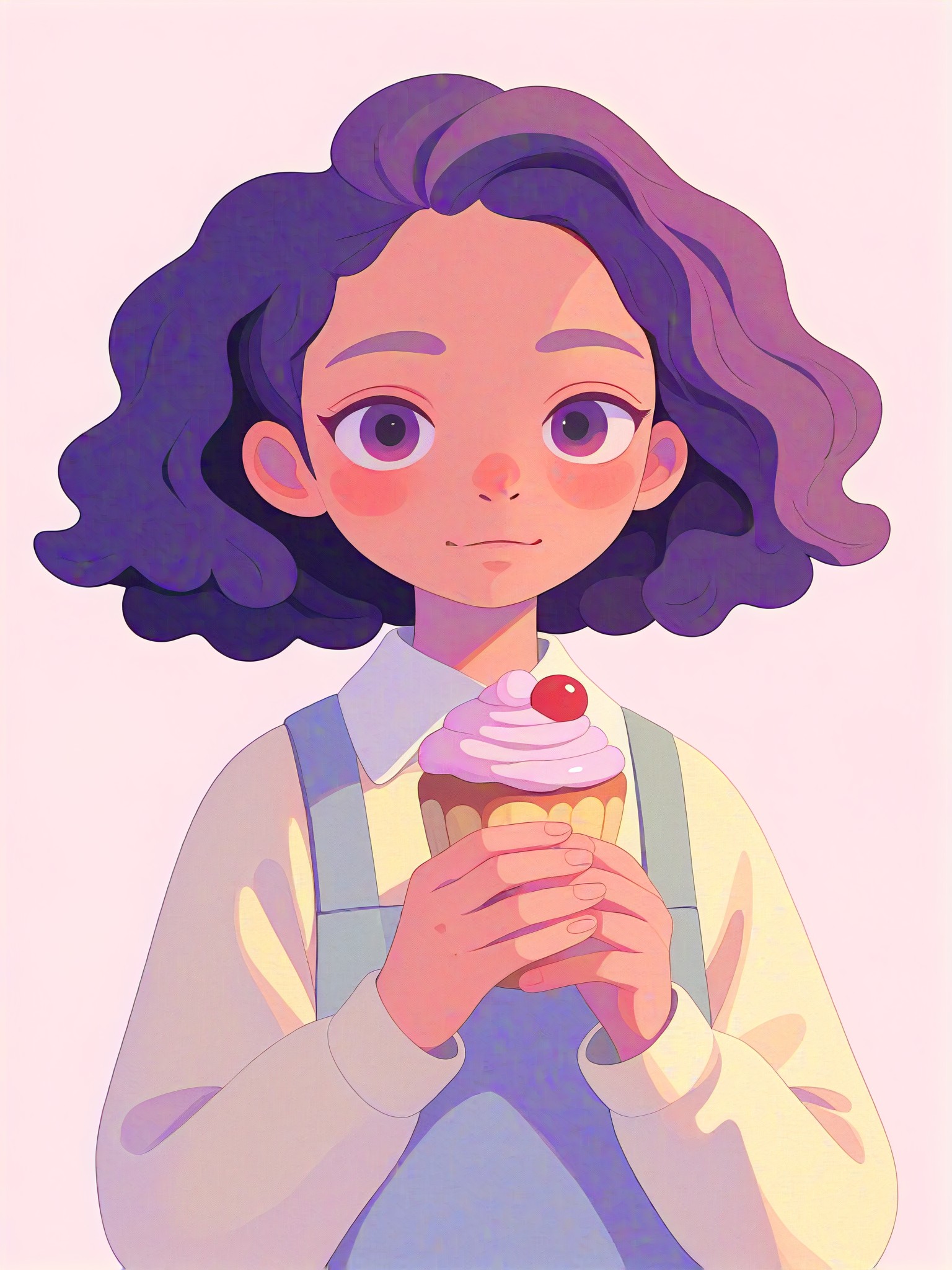
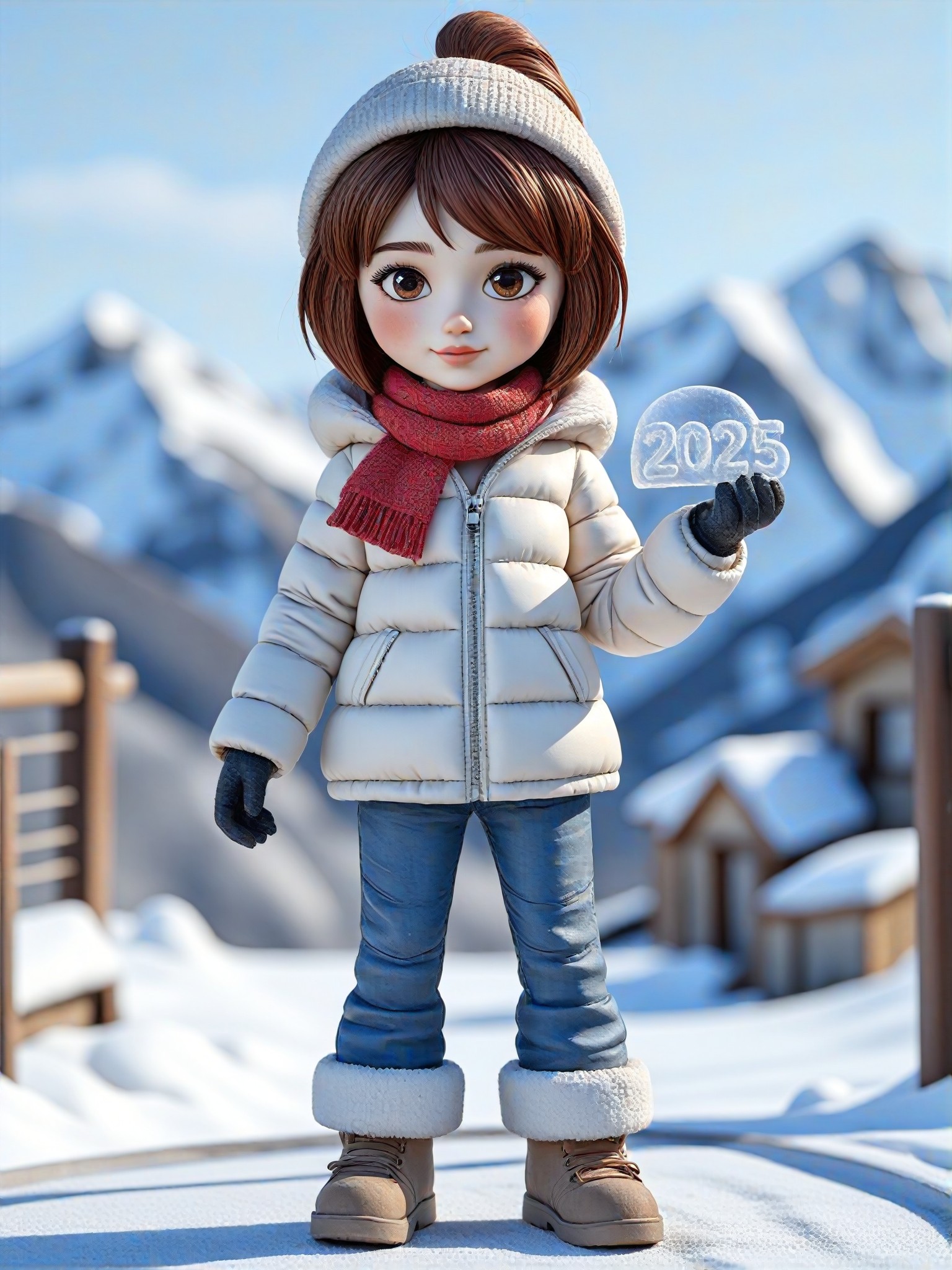
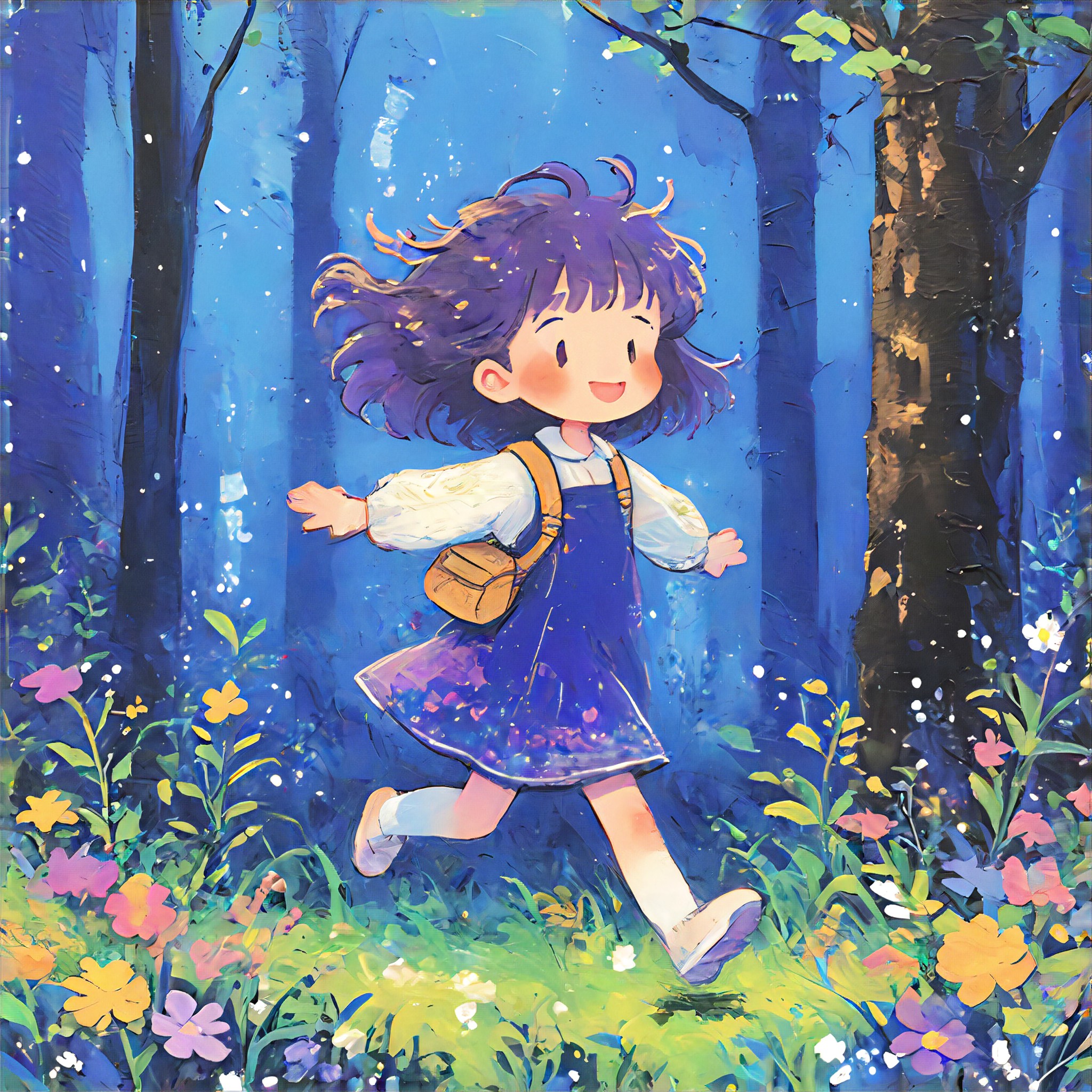
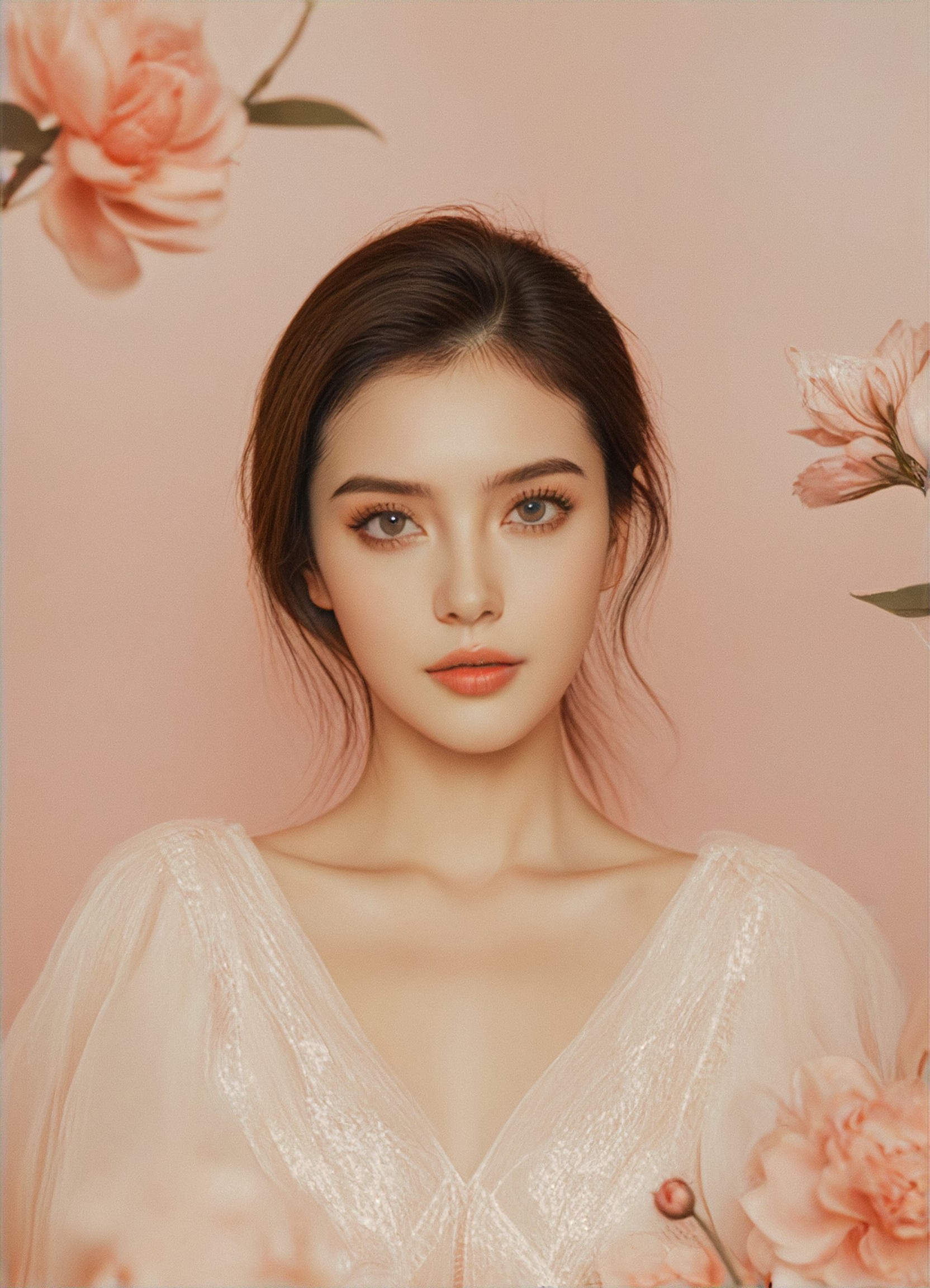
How to Make Group Photo Filter AI Image & Video on a1.art?
Step into the future of AI Group Photo Filter video and image creation on a1.art.
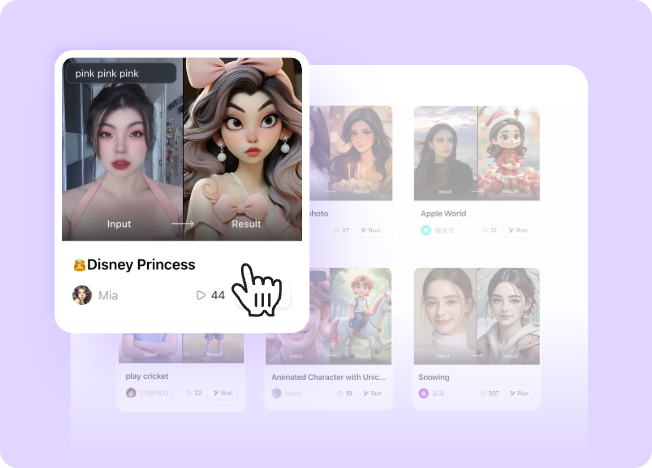
Step 1
Select the style you want to apply in the Square.
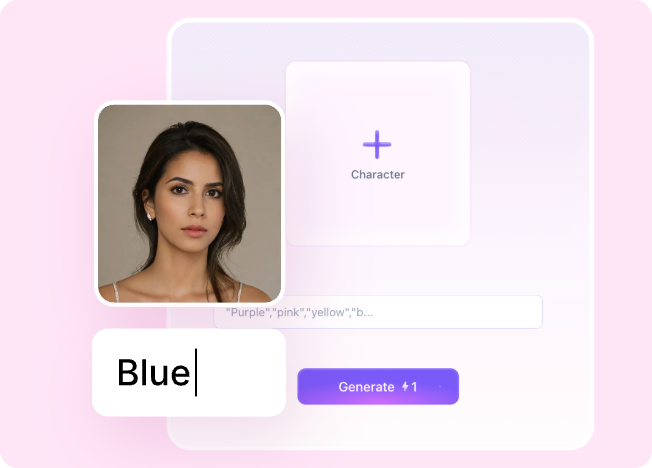
Step 2
Upload the image you want to transform. It can be a photo, hand-drawn sketch.
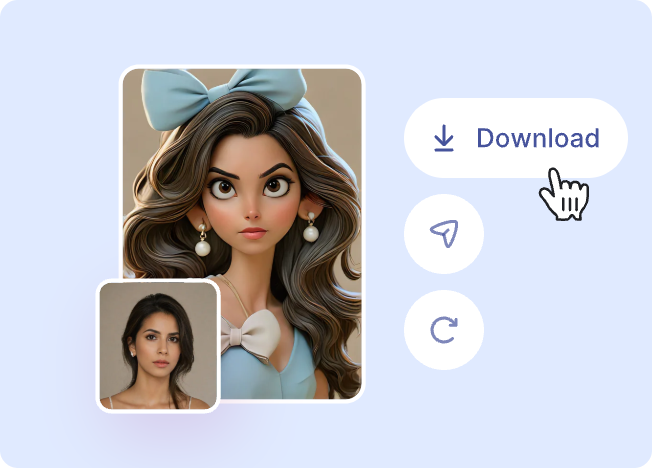
Step 3
Wait a few seconds and you can easily get your unique AI Group Photo Filter art. Download for free!
FAQ about Group Photo Filter AI Prompt on a1.art
Discover the secrets to creating Birthday Day videos and images at a1.art.
What makes a1.art's group photo filters unique?
a1.art offers a curated collection of AI-powered group photo filters that combine artistic styles with advanced technology. From vintage vibes to futuristic designs, our filters are tailored to enhance every group photo with precision and creativity.
Can I customize the group photo filters?
Yes! You can upload your own images or provide text prompts to tailor the filters to your specific vision. a1.art allows you to experiment with different styles and effects until you achieve the perfect result.
Are the group photo filters free to use?
a1.art provides daily free login credits for generating group photo filters. If you need more credits, you can subscribe to unlock additional features and higher-quality outputs.
How do I get started with group photo filters on a1.art?
It's simple! Just visit a1.art, select a group photo filter prompt, upload your image, or enter a text description, and let the AI work its magic. Within seconds, you'll have stunning group photo visuals ready to share.
Can I use group photo filters for social media posts?
Absolutely! a1.art's group photo filters are designed to create eye-catching visuals that stand out on social media platforms. Whether it's Instagram, Facebook, or TikTok, your group photos will look professional and engaging.