


Get Frame Border Videos & Images without Prompt
a1.art offers a large number of filters, allowing you to easily obtain AI videos or images without prompts.
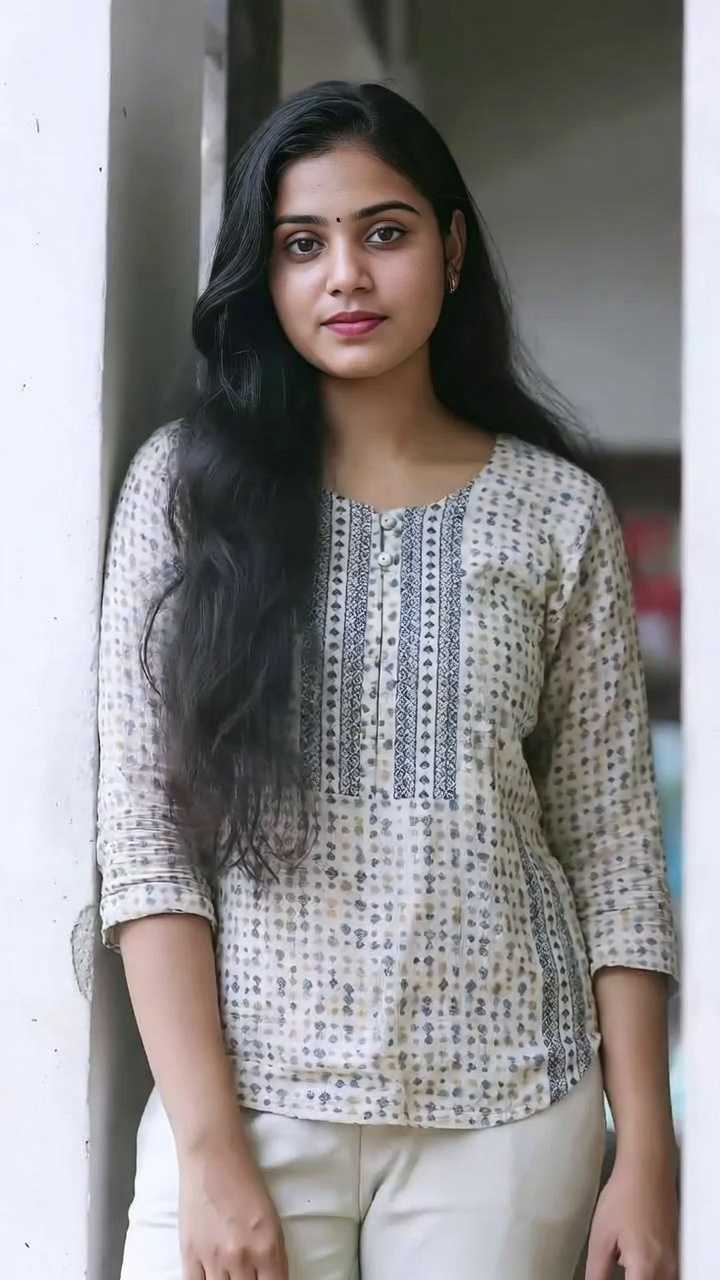
Input
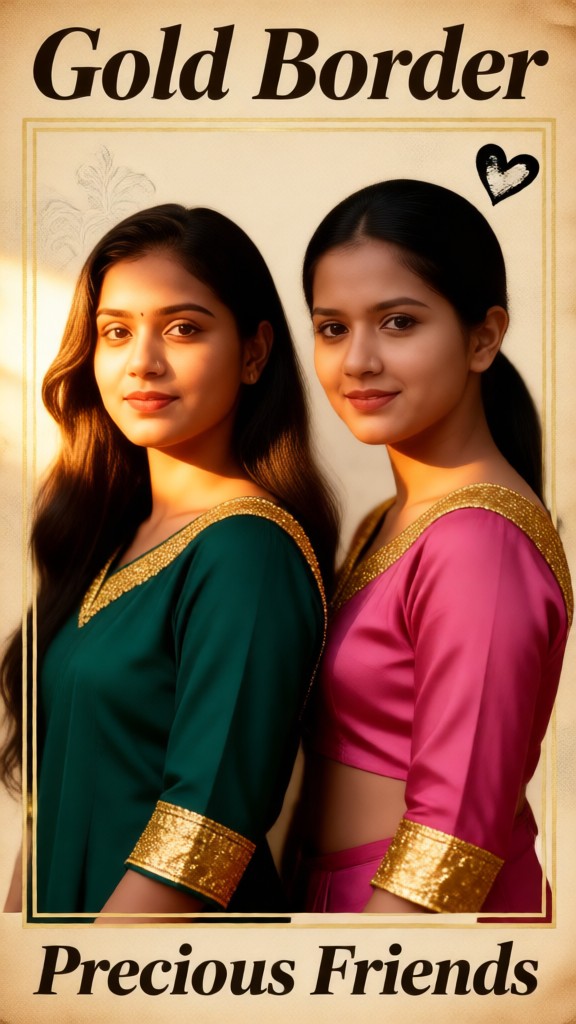
Result
Gold Border
 Mmm.
Mmm. 143
143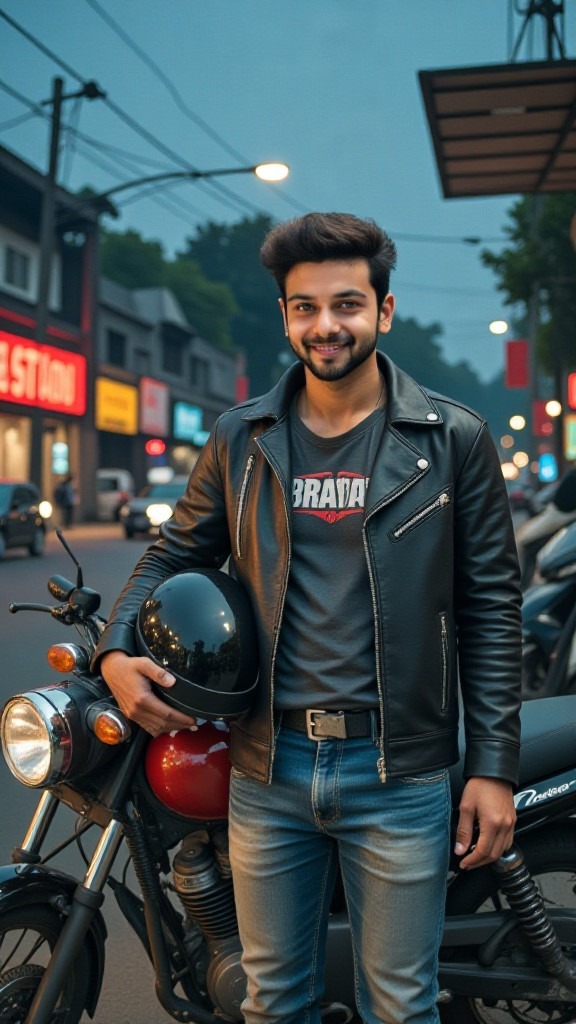
Input
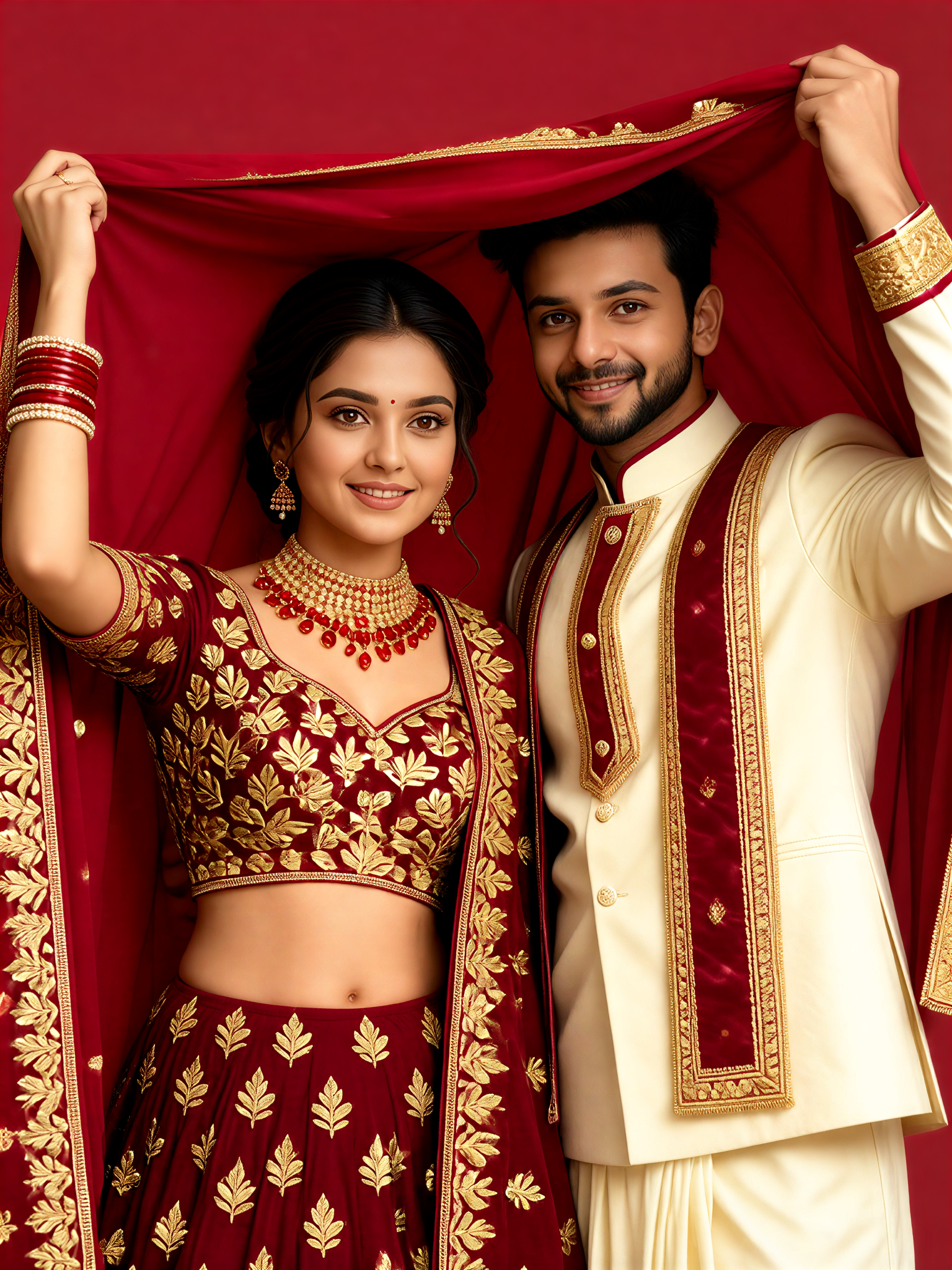
Result
Crimson Frame 1
 艺术梦想家129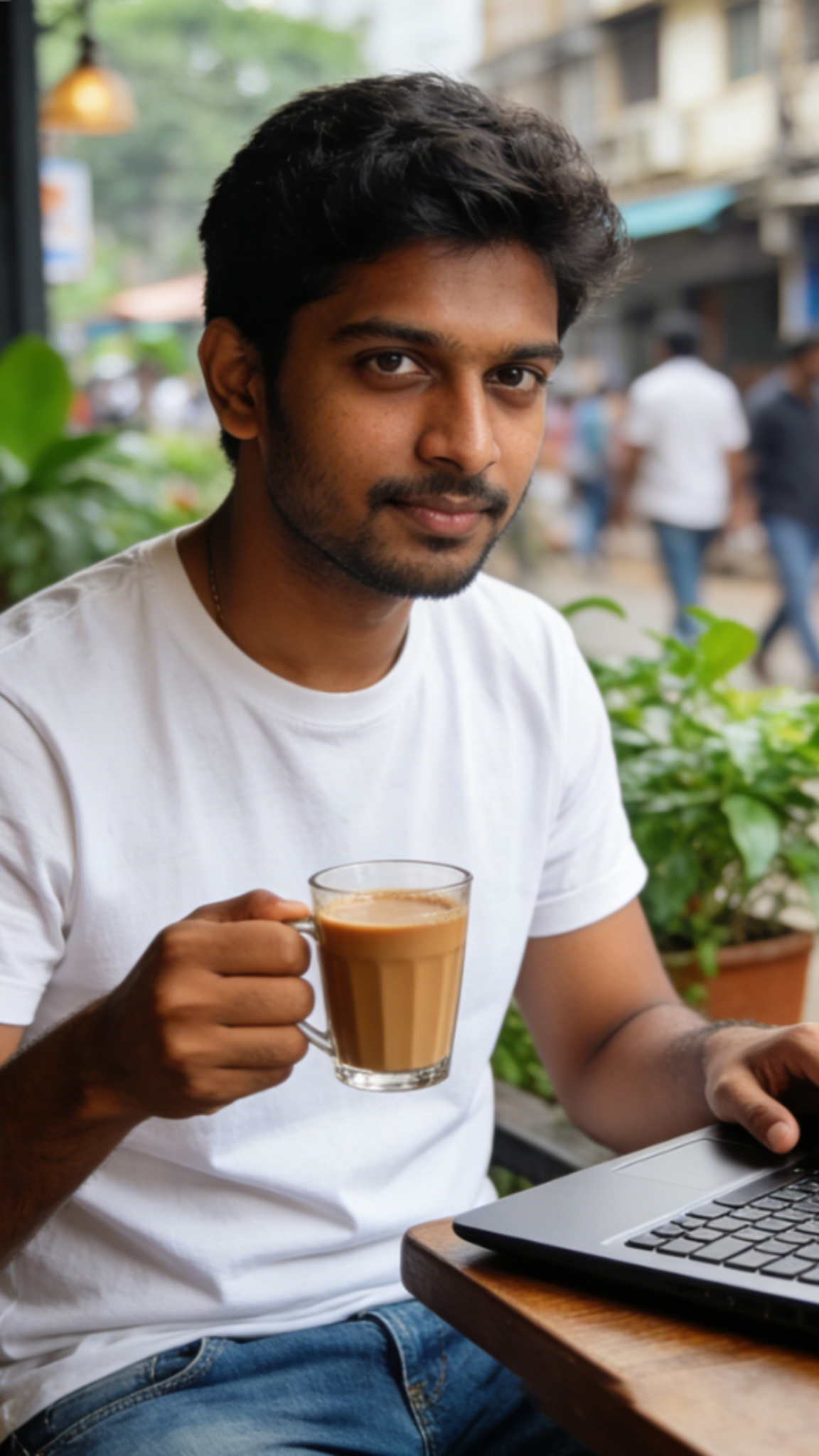
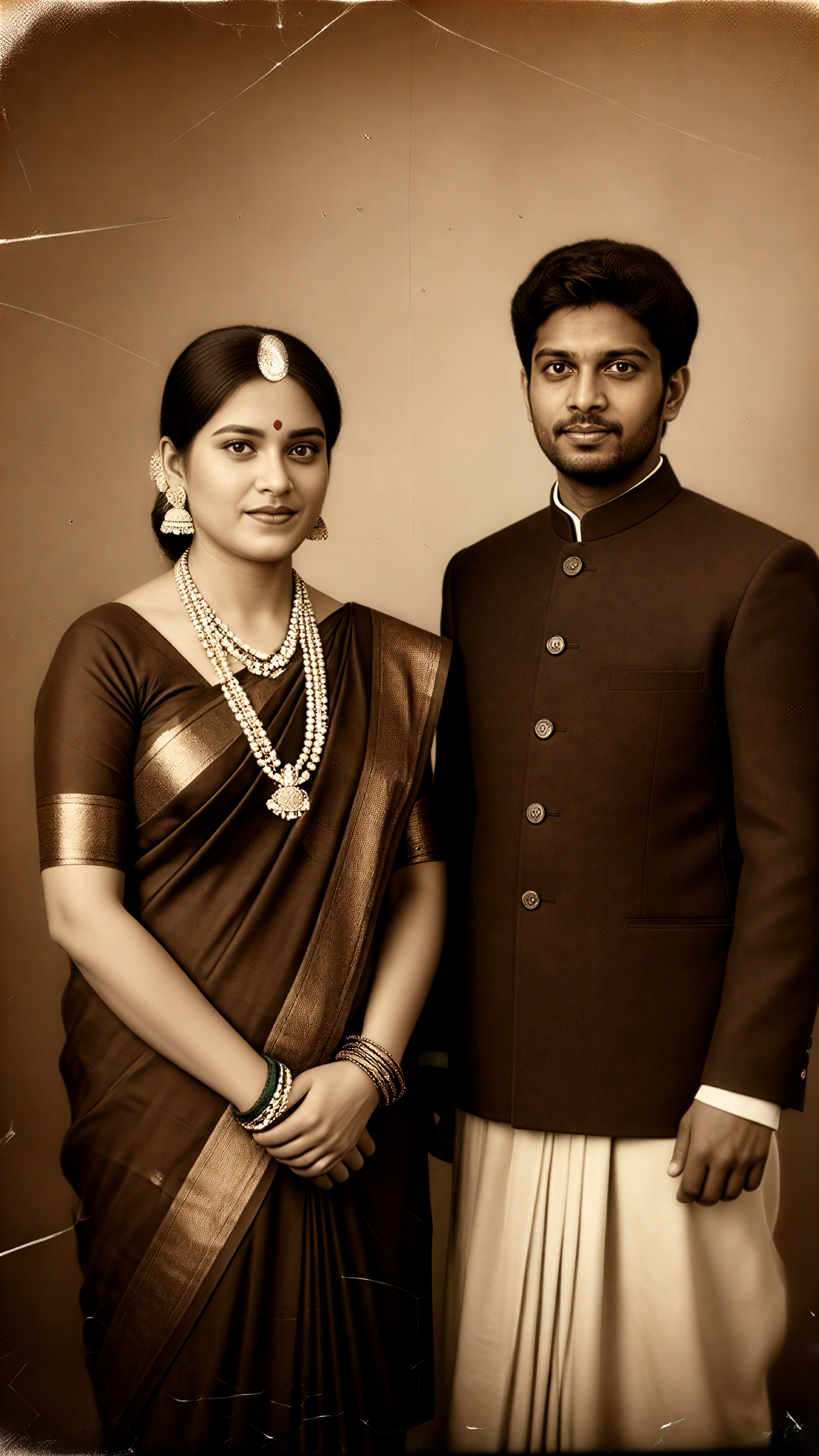
Input
Result
Aged Photo Border Couple 02
艺术梦想家84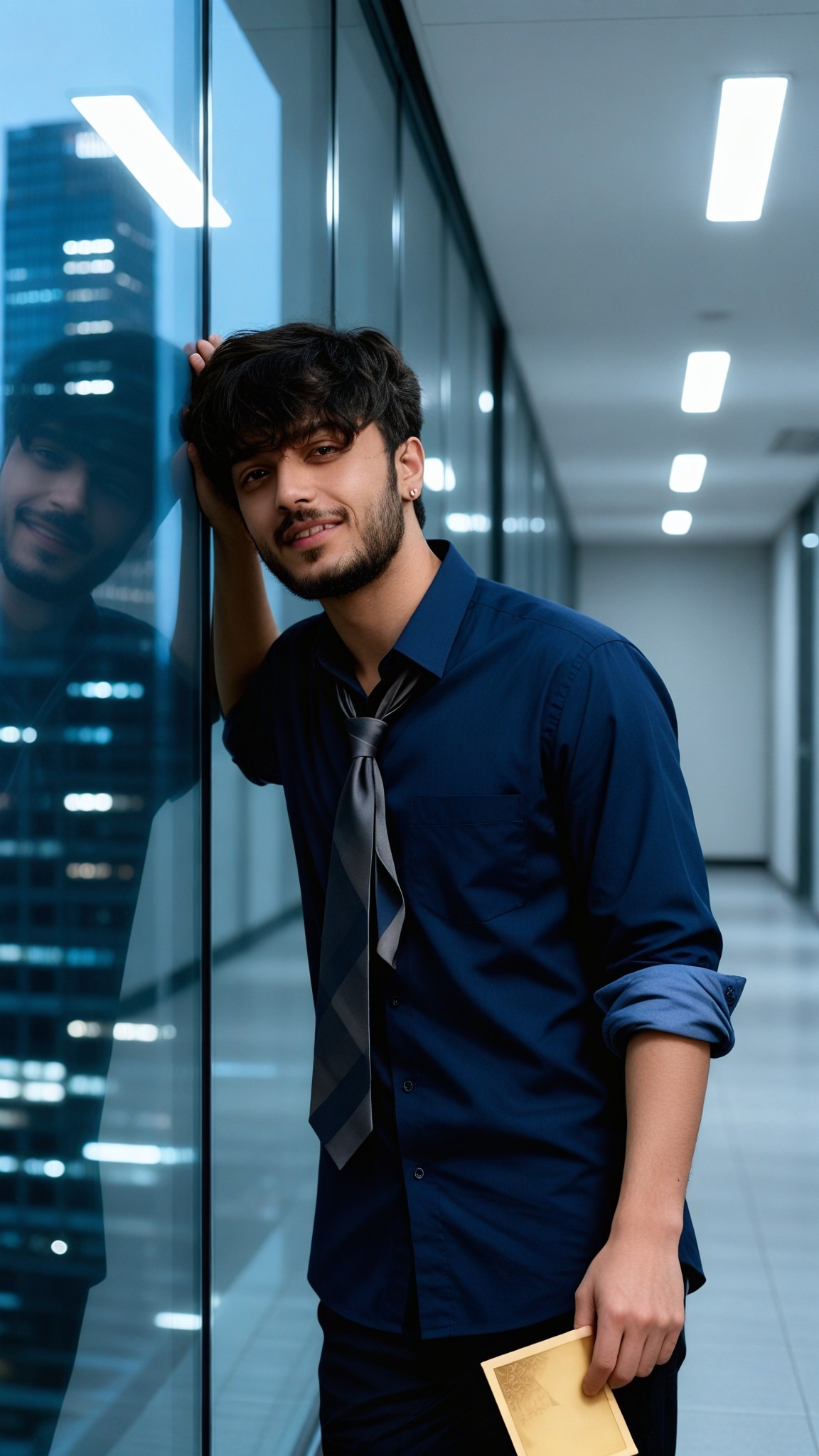
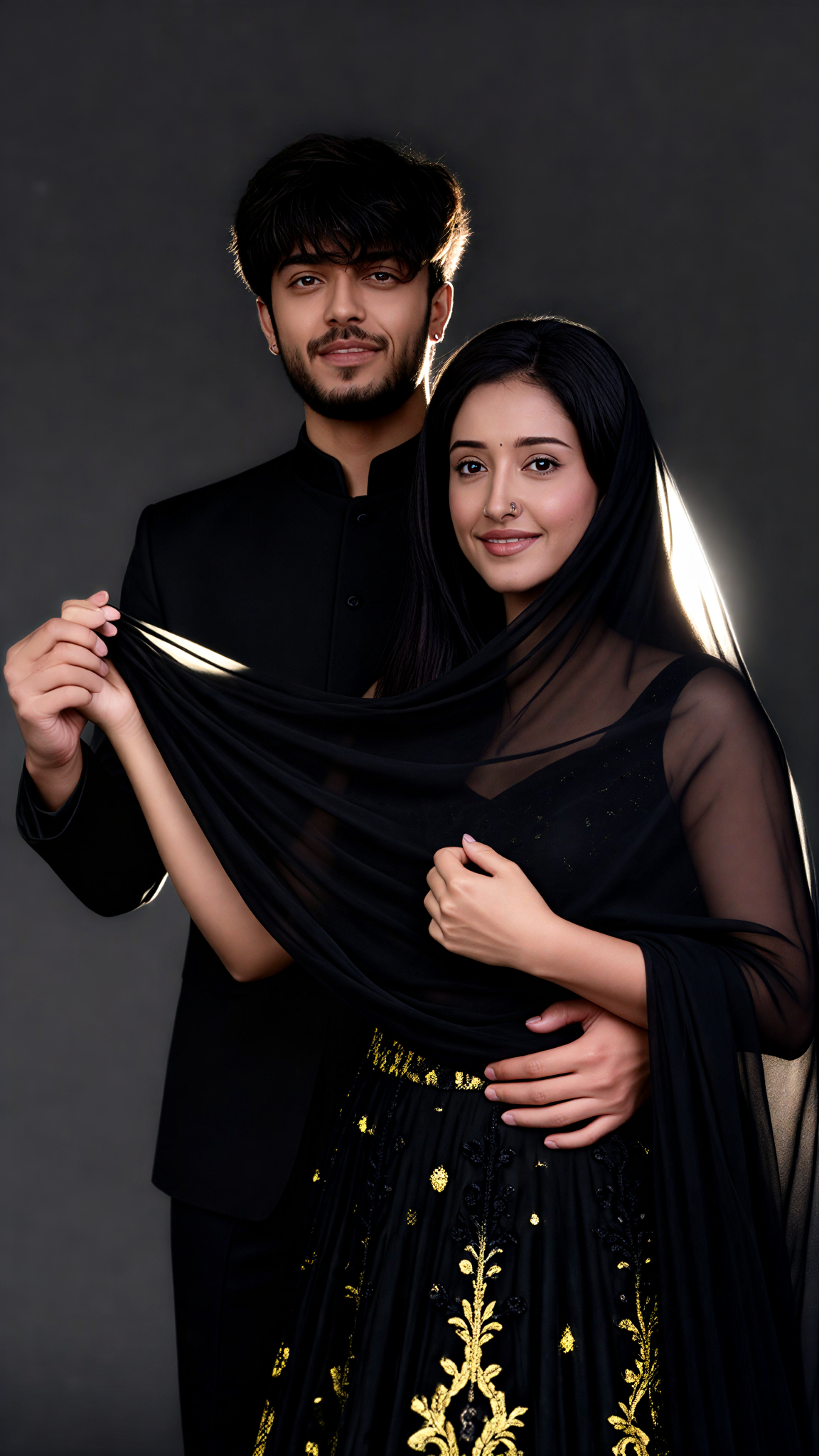
Input
Result
Black Veil Frame
艺术梦想家74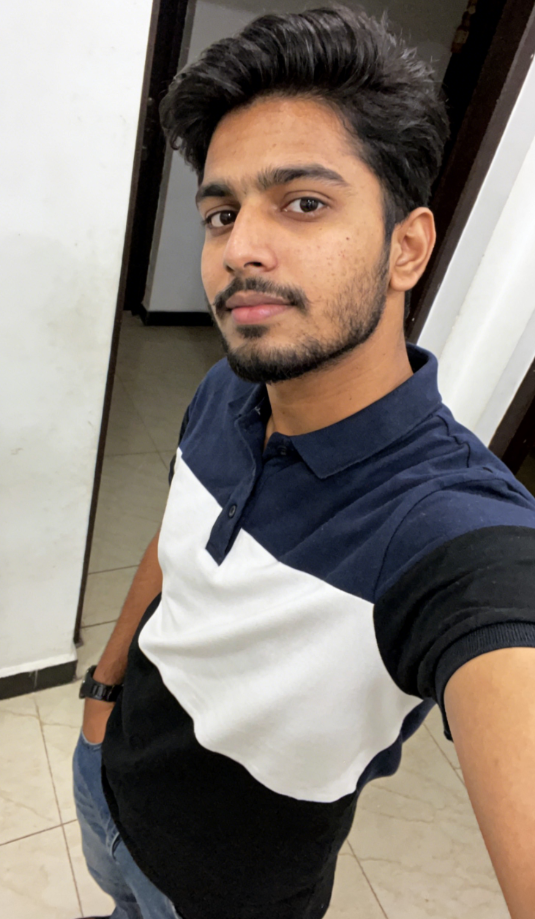
Input
Result
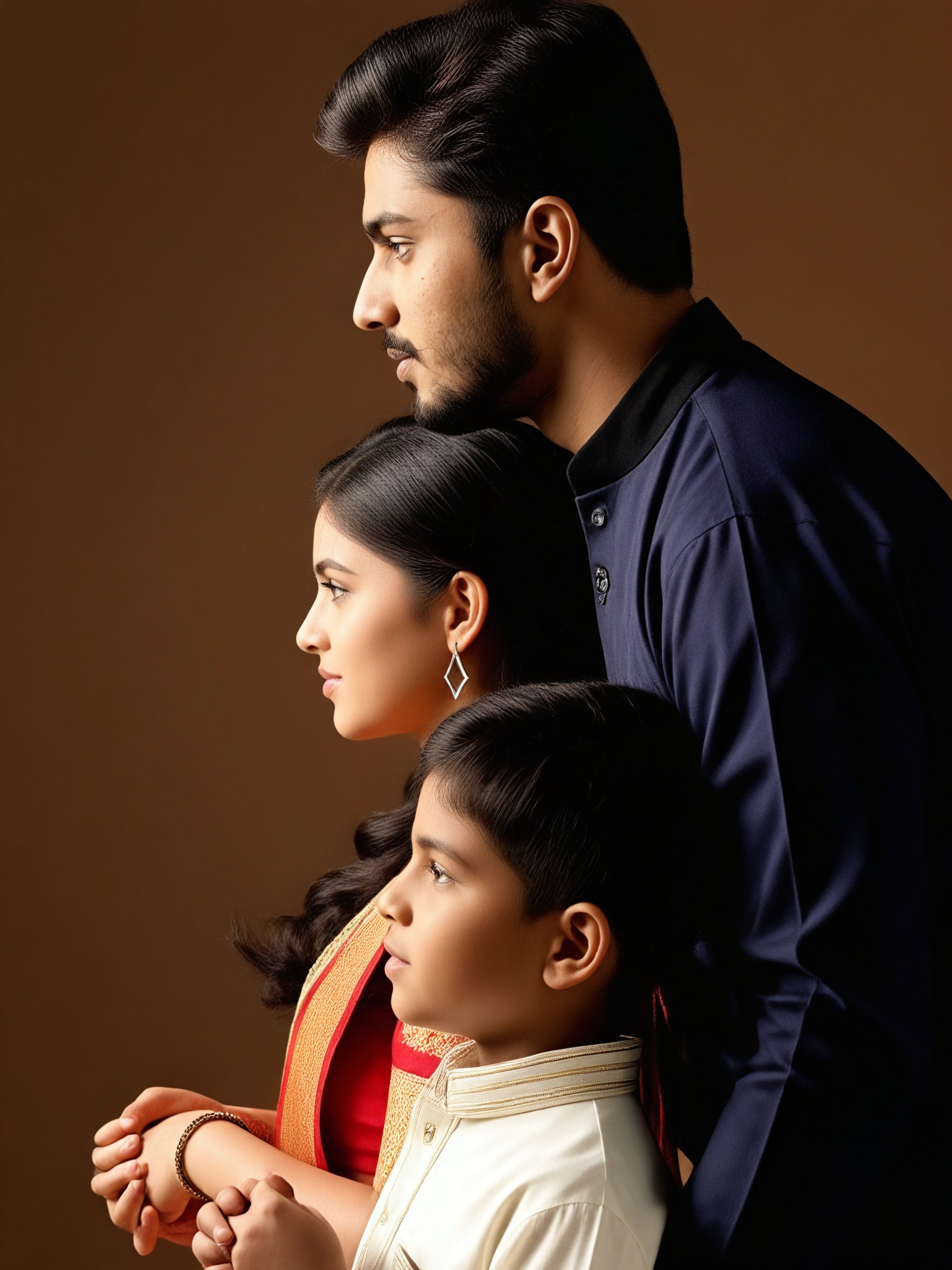
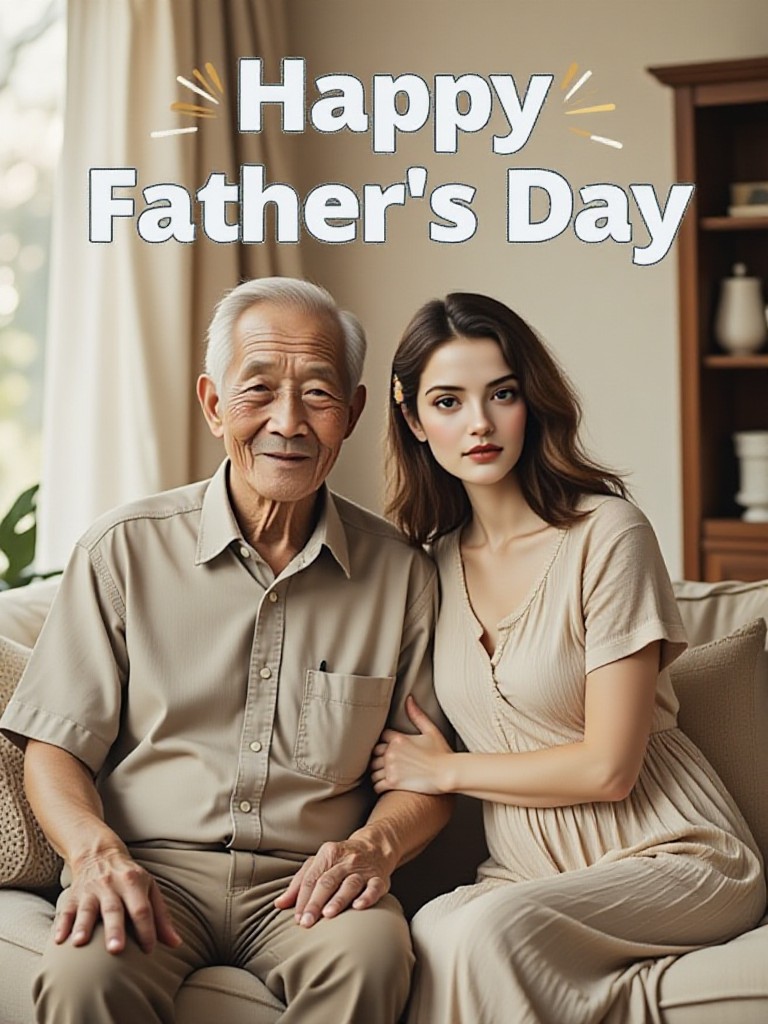
Father Frame
 艺术画家72

Input
Result
Dusk Frame
 艺术创作家71
Input
Result
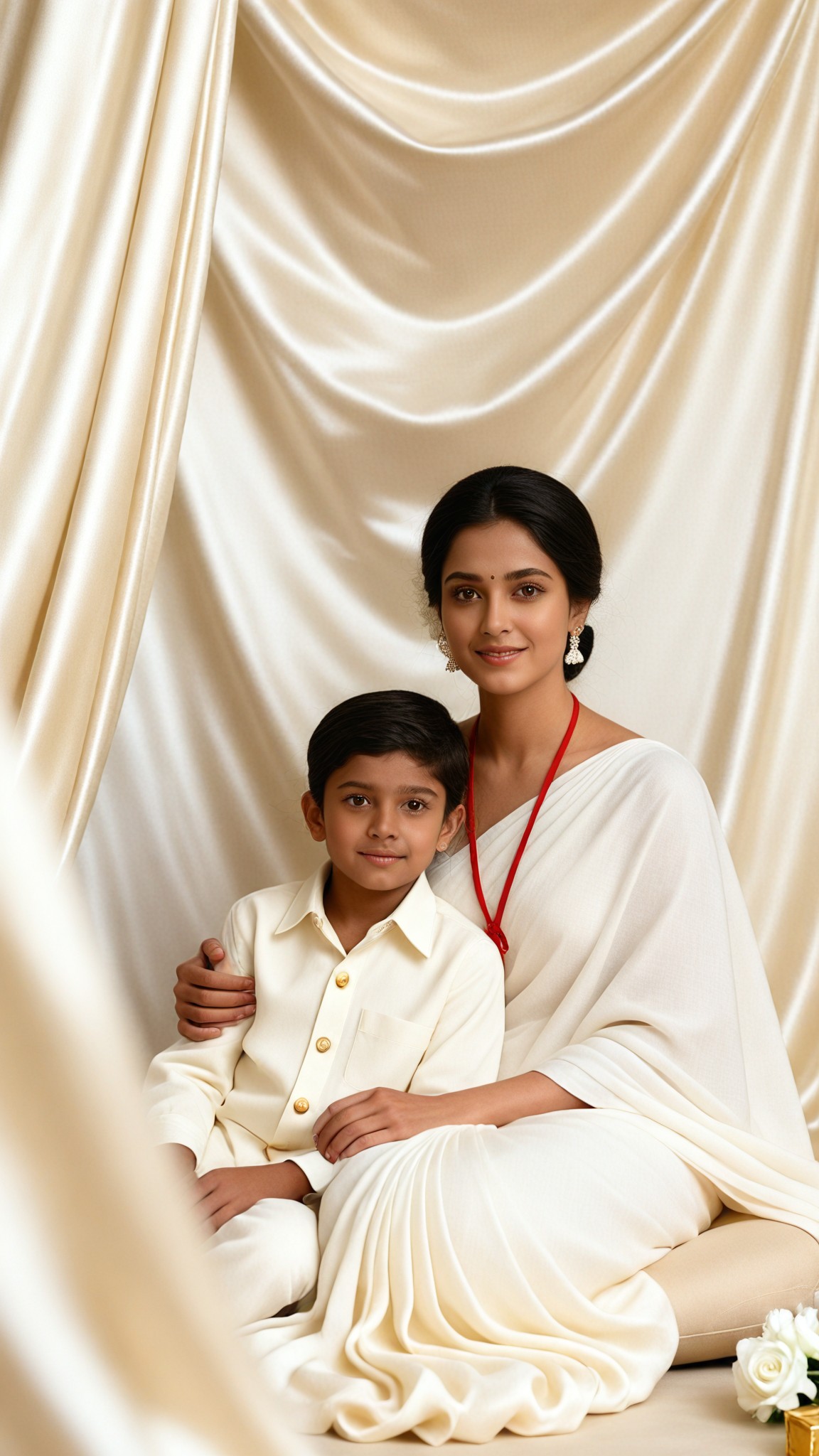
Silk Frame
艺术梦想家62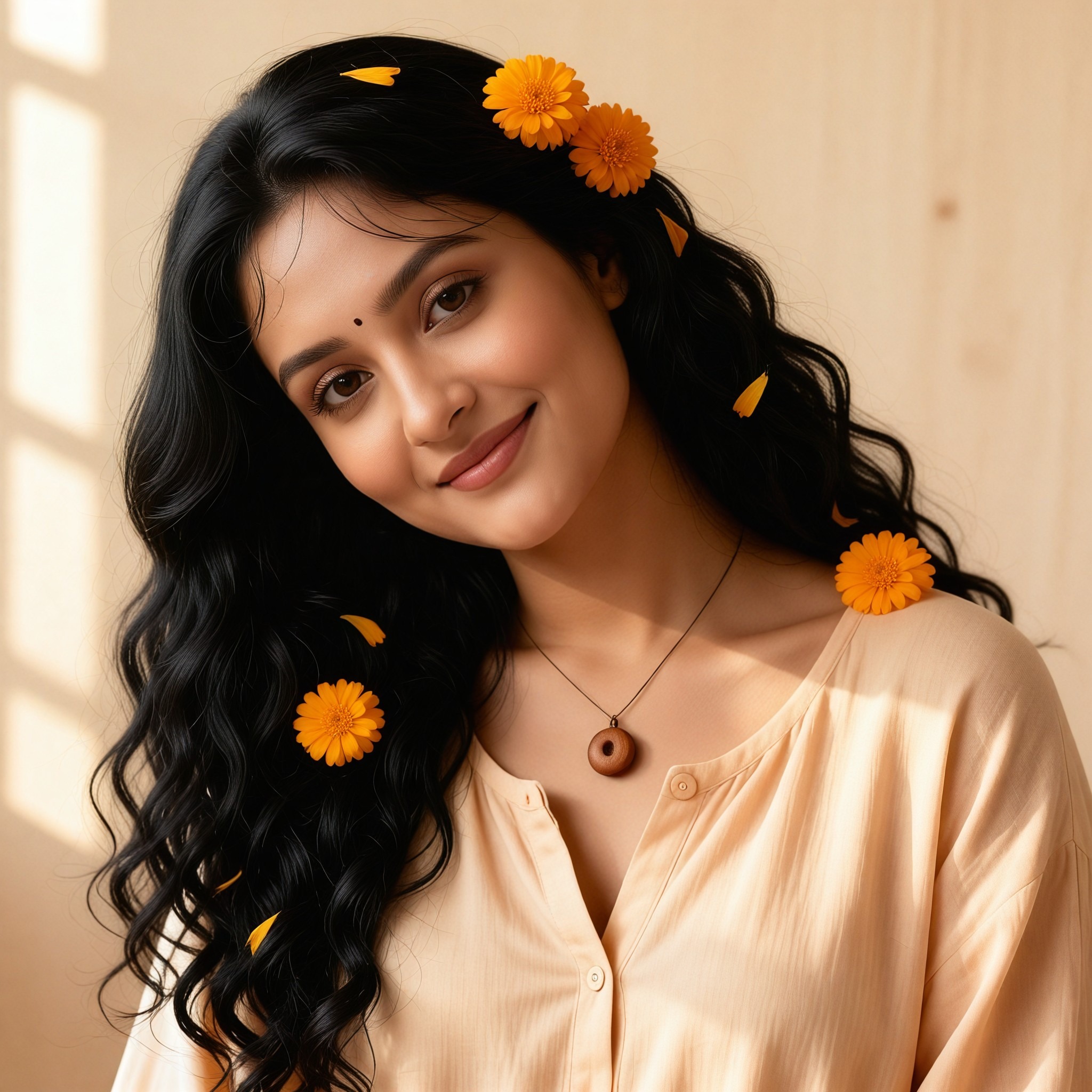

Input
Result
Soft Frame
艺术创作家56
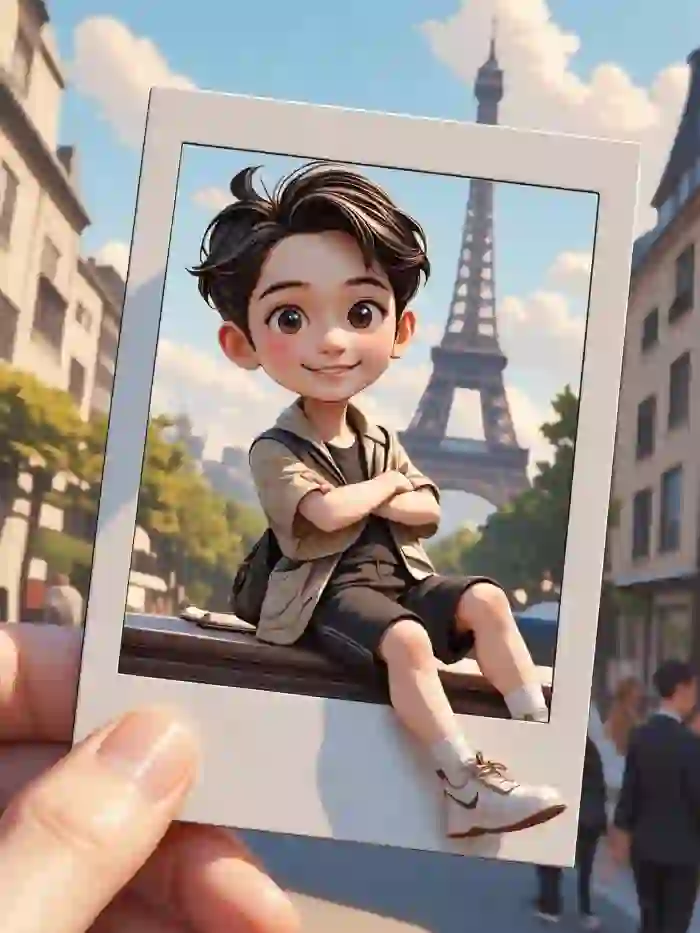
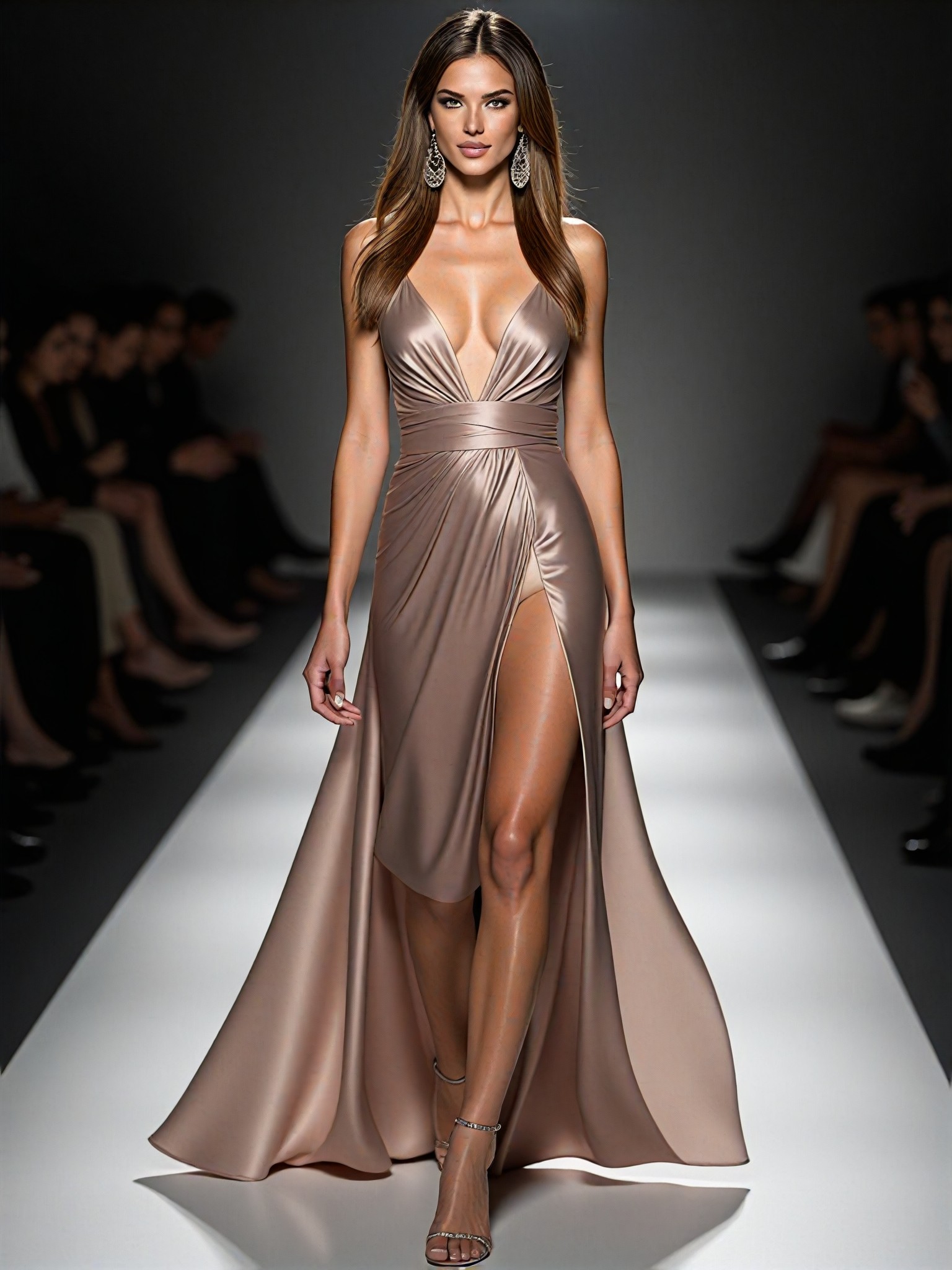
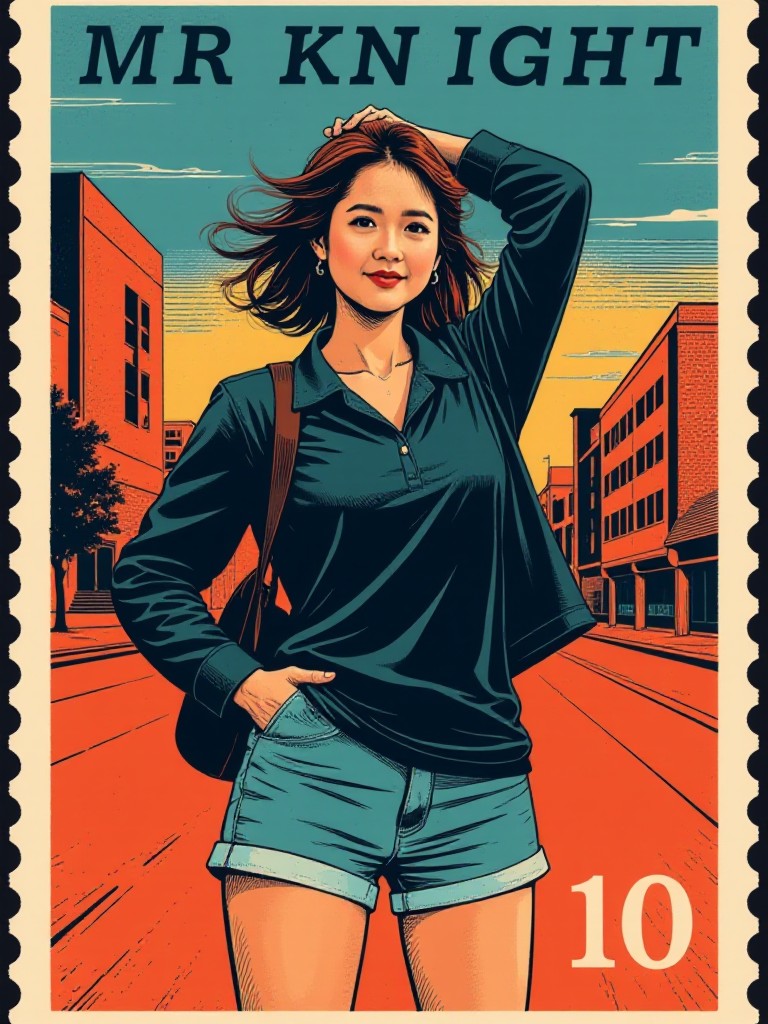
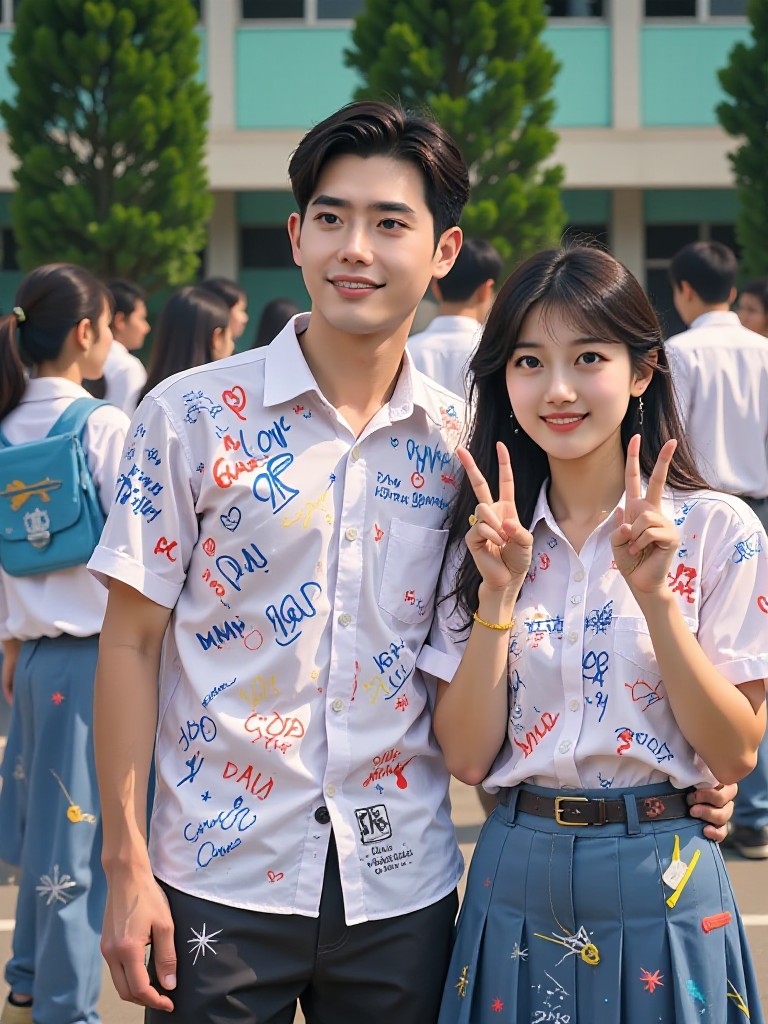
AI Generated Frame Border Images & Videos
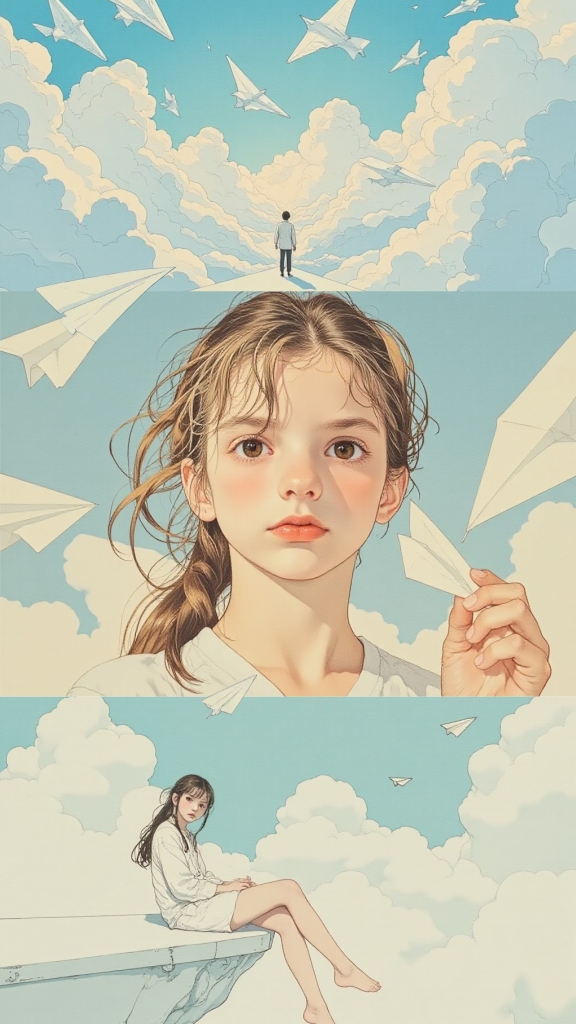
Discover unique and innovative Frame Border images and videos created with a1.art Frame Border prompts.

How to Make Frame Border AI Image & Video on a1.art?
Step into the future of AI Frame Border video and image creation on a1.art.

Step 1
Select the style you want to apply in the Square.

Step 2
Upload the image you want to transform. It can be a photo, hand-drawn sketch.

Step 3
Wait a few seconds and you can easily get your unique AI Frame Border art. Download for free!
FAQ about Frame Border AI Prompt on a1.art
Discover the secrets to creating Birthday Day videos and images at a1.art.
What types of frame borders can I create with a1.art?
a1.art offers a wide variety of frame border styles, including vintage, futuristic, nature-inspired, minimalist, rugged, whimsical, luxurious, rustic, cosmic, gothic, vibrant, and serene. You can choose from these options or customize your own using AI prompts.
How do I generate frame border images or videos on a1.art?
To create frame border visuals, simply select a prompt that matches your desired style, upload an image, or enter a text description. a1.art will instantly generate the frame border based on your input, allowing you to preview and download your creation.
Can I use frame border AI prompts for commercial purposes?
Yes, all visuals generated with a1.art's frame border AI prompts are royalty-free, meaning you can use them for commercial projects without additional licensing fees.
Does a1.art offer free frame border generation?
Yes, a1.art provides daily free login credits for generating frame border images and videos. If you need more credits, you can subscribe to earn additional ones.
How does a1.art's frame border AI differ from other tools?
a1.art combines advanced AI technology with a user-friendly interface, offering a vast library of customizable prompts and real-time generation capabilities. Our platform ensures high-quality results while maintaining ease of use, making it the perfect choice for both beginners and professionals.


