


Get Flat Shading Videos & Images without Prompt
a1.art offers a large number of filters, allowing you to easily obtain AI videos or images without prompts.
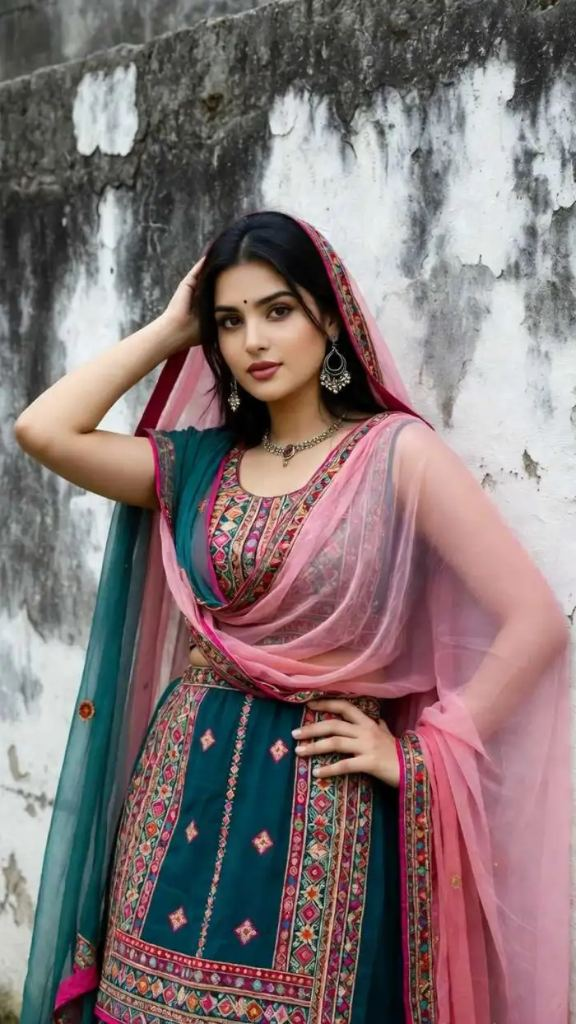
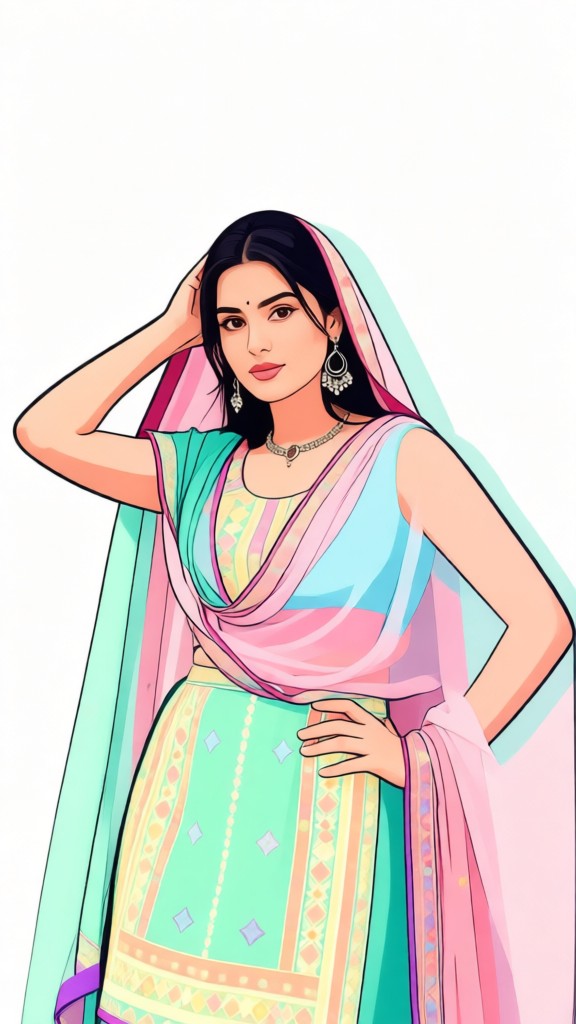
Input
Result
Flat illustration photo filter
 CC
CC 253.7k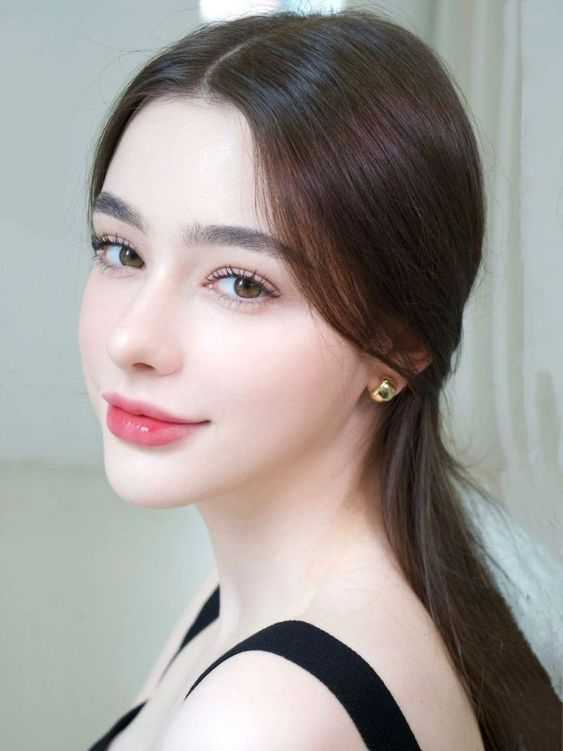
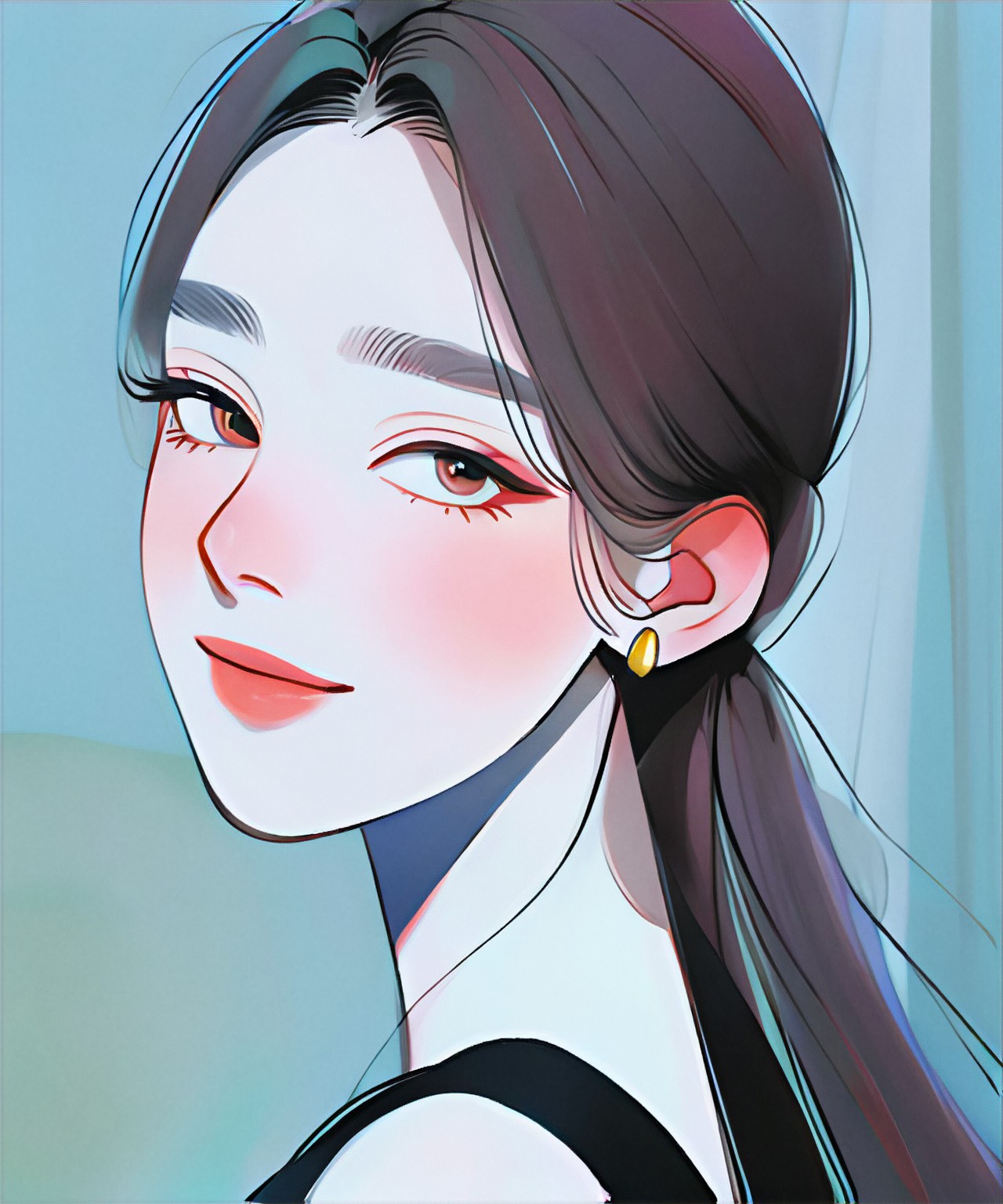
Input
Result
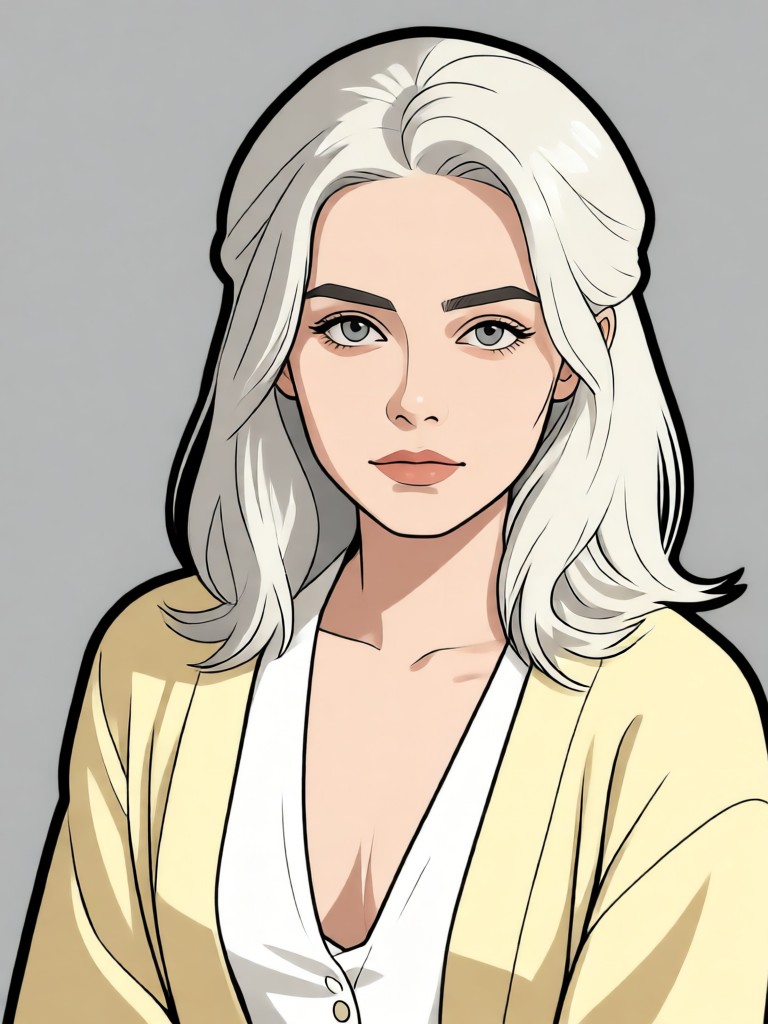
Flat Female Portrait
CC895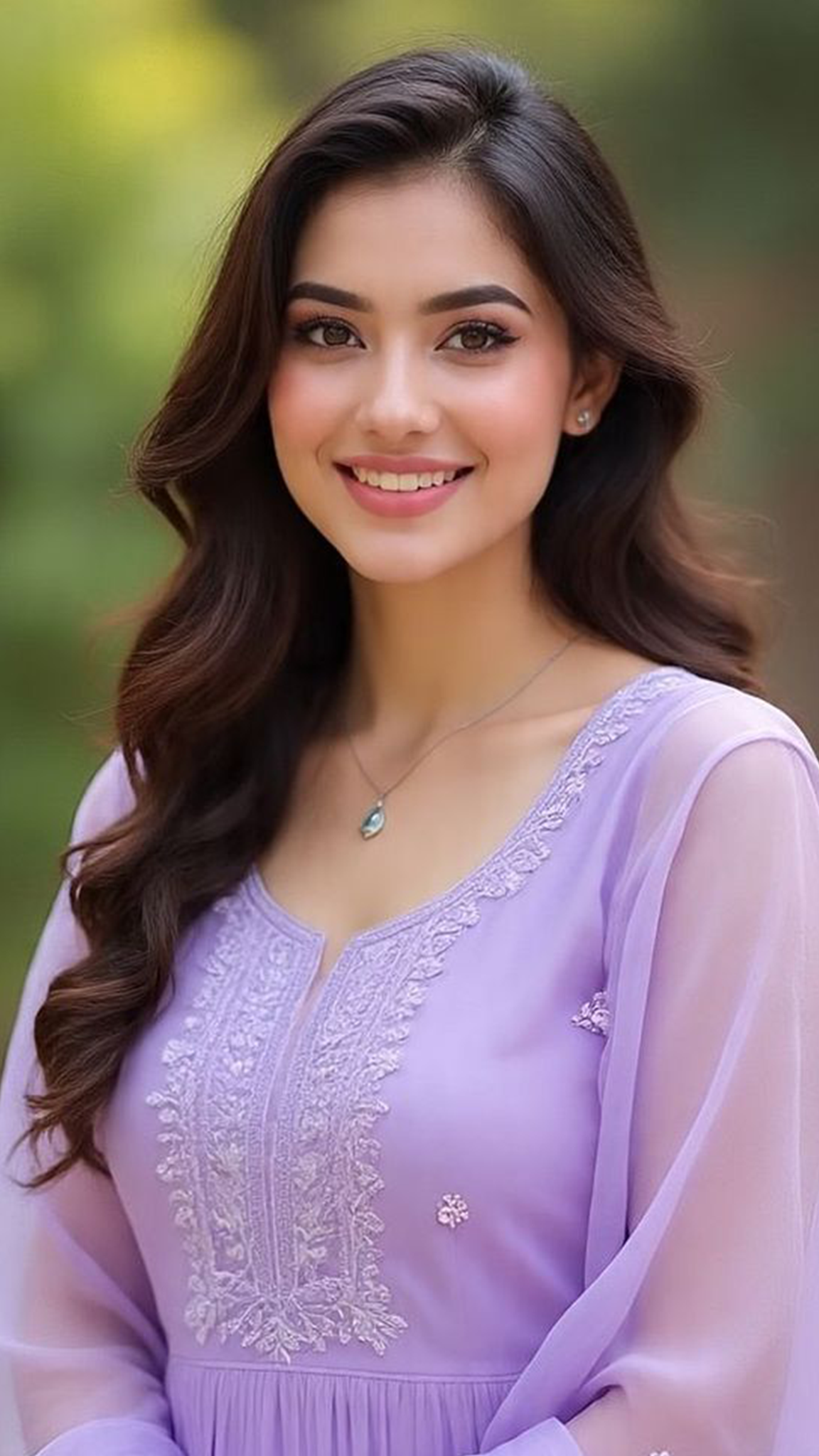
Input
Result
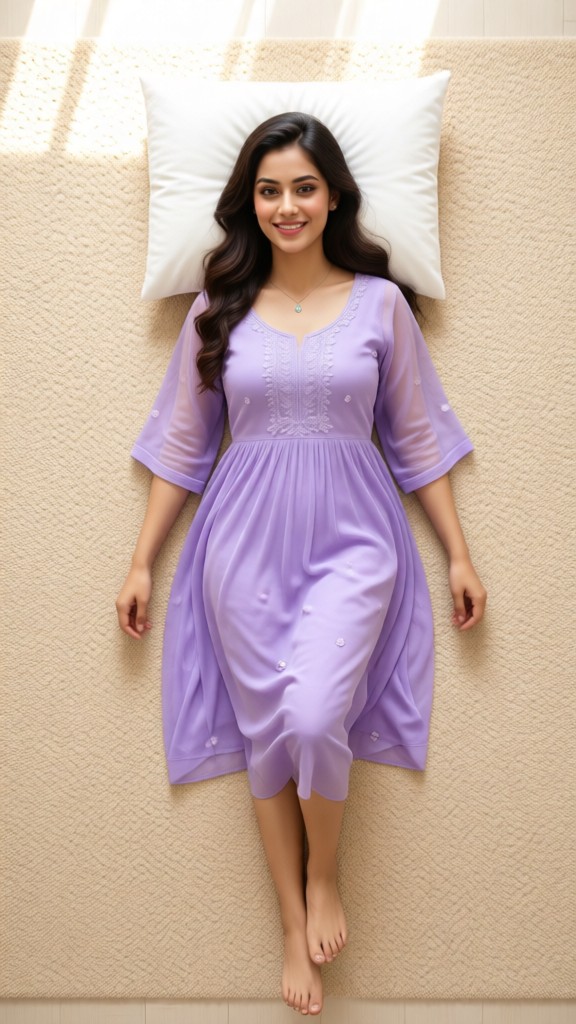
Lie flat and dress up-p
 Lizzie-R142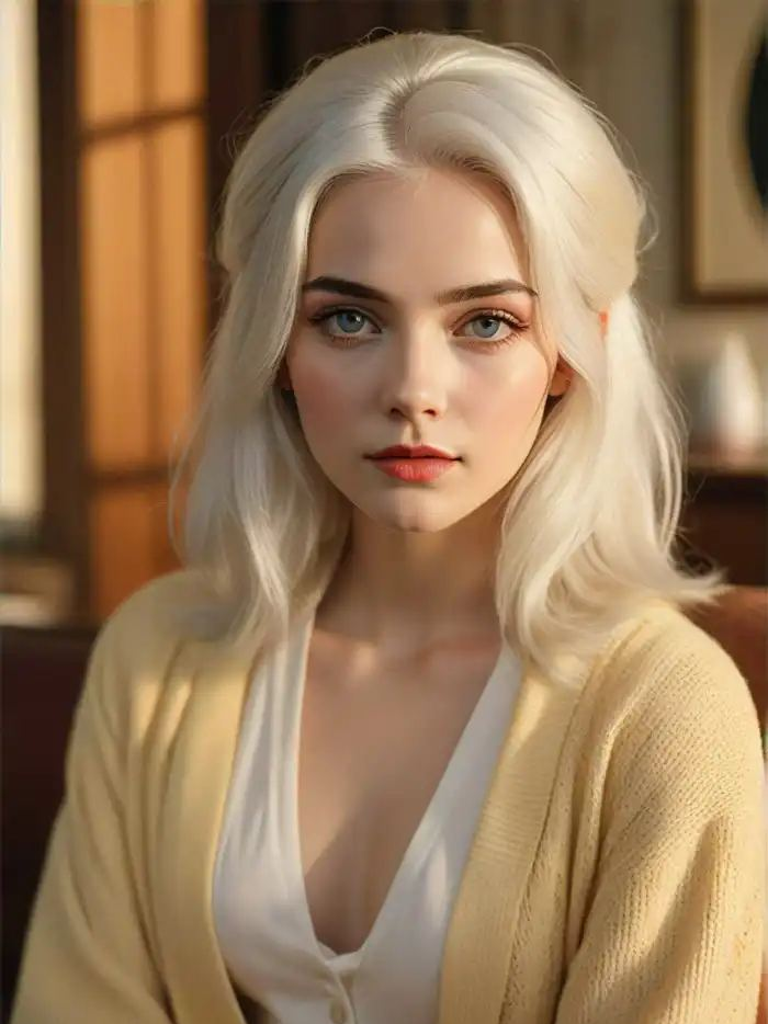
Input
Result
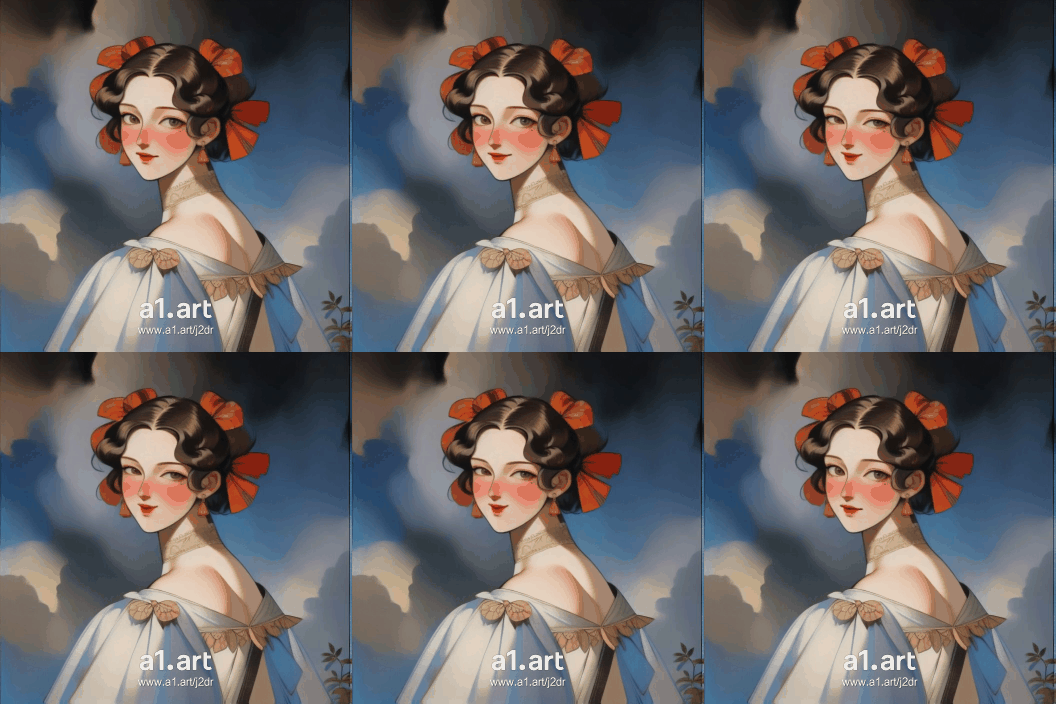
Retro Anime Flat Color
 winter solstice107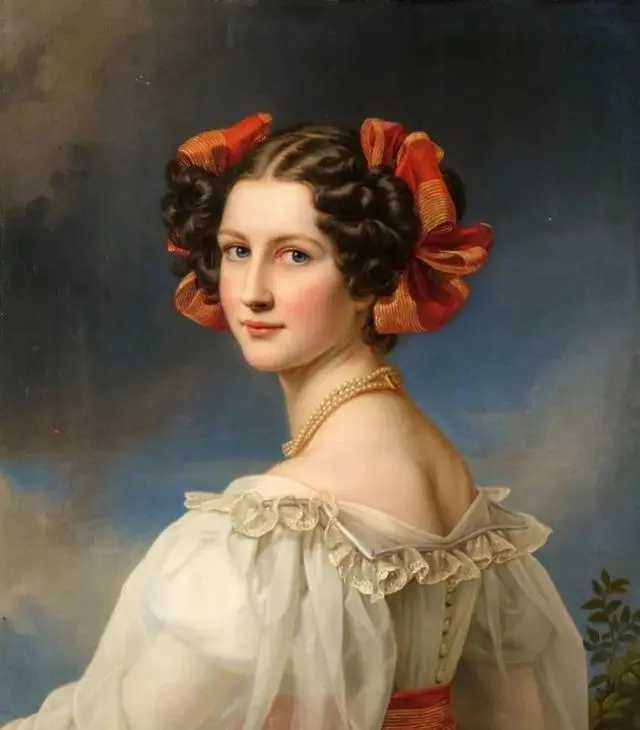
Input
Result
Flat Female Portrait (video)
CC40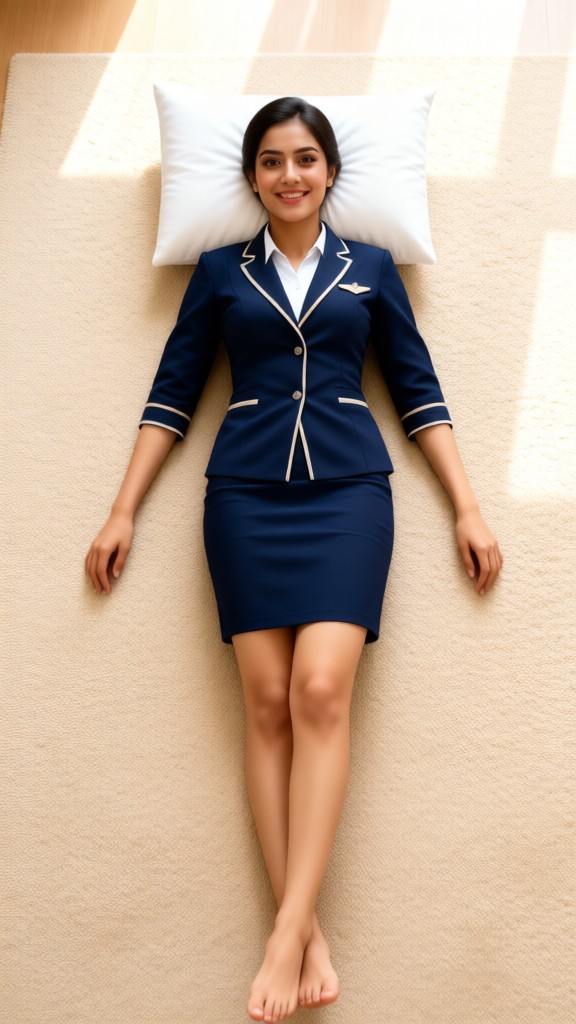
Input
Result
Lie flat and dress up-p1
Lizzie-R33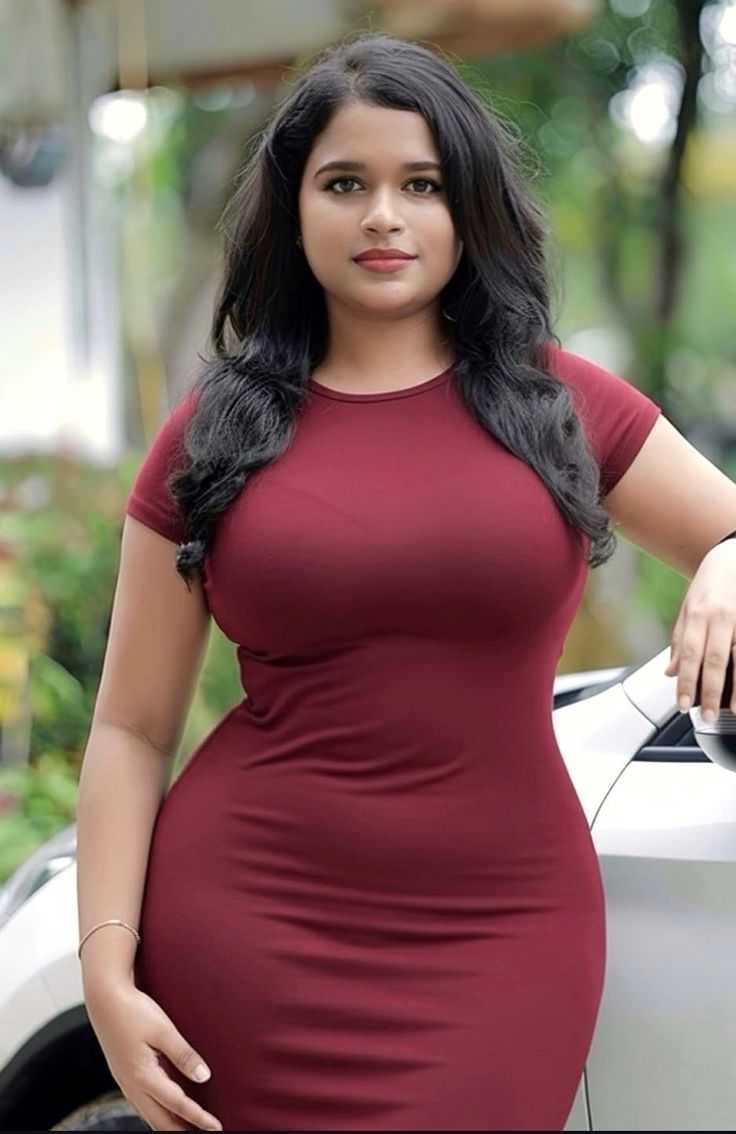
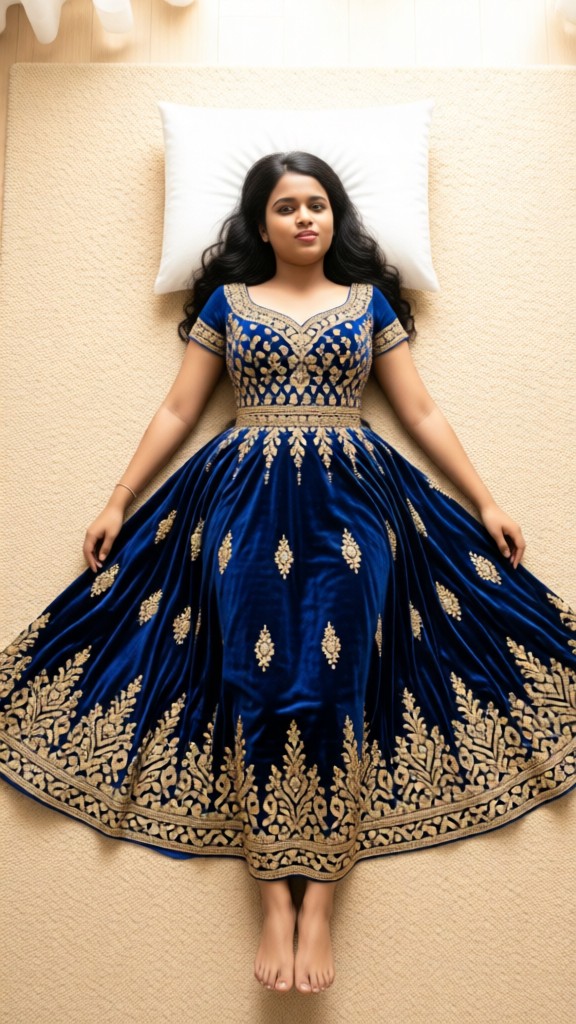
Input
Result
Lie flat and dress up-p2
Lizzie-R27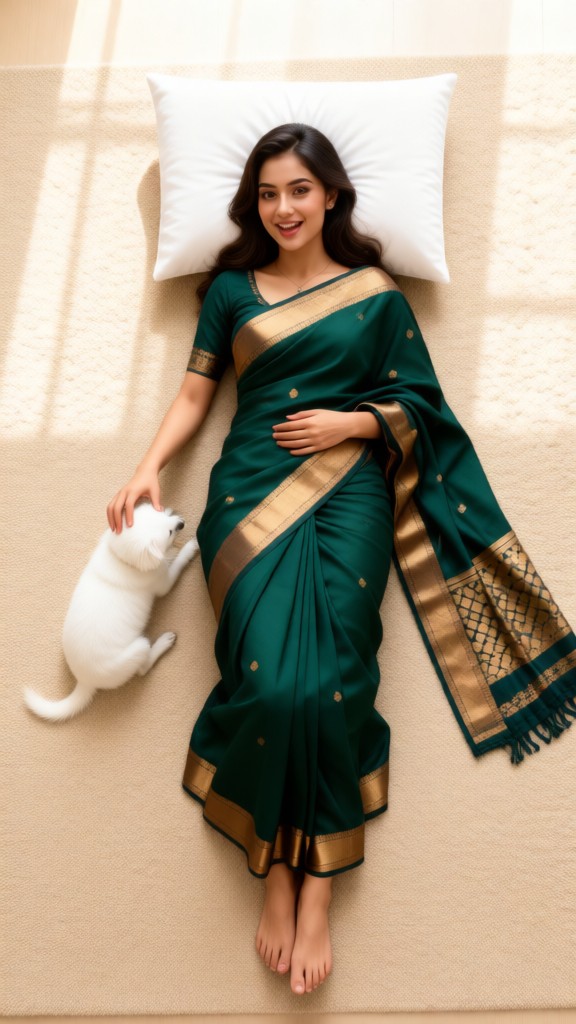
Input
Result
Lie flat and dress up
Lizzie-R23
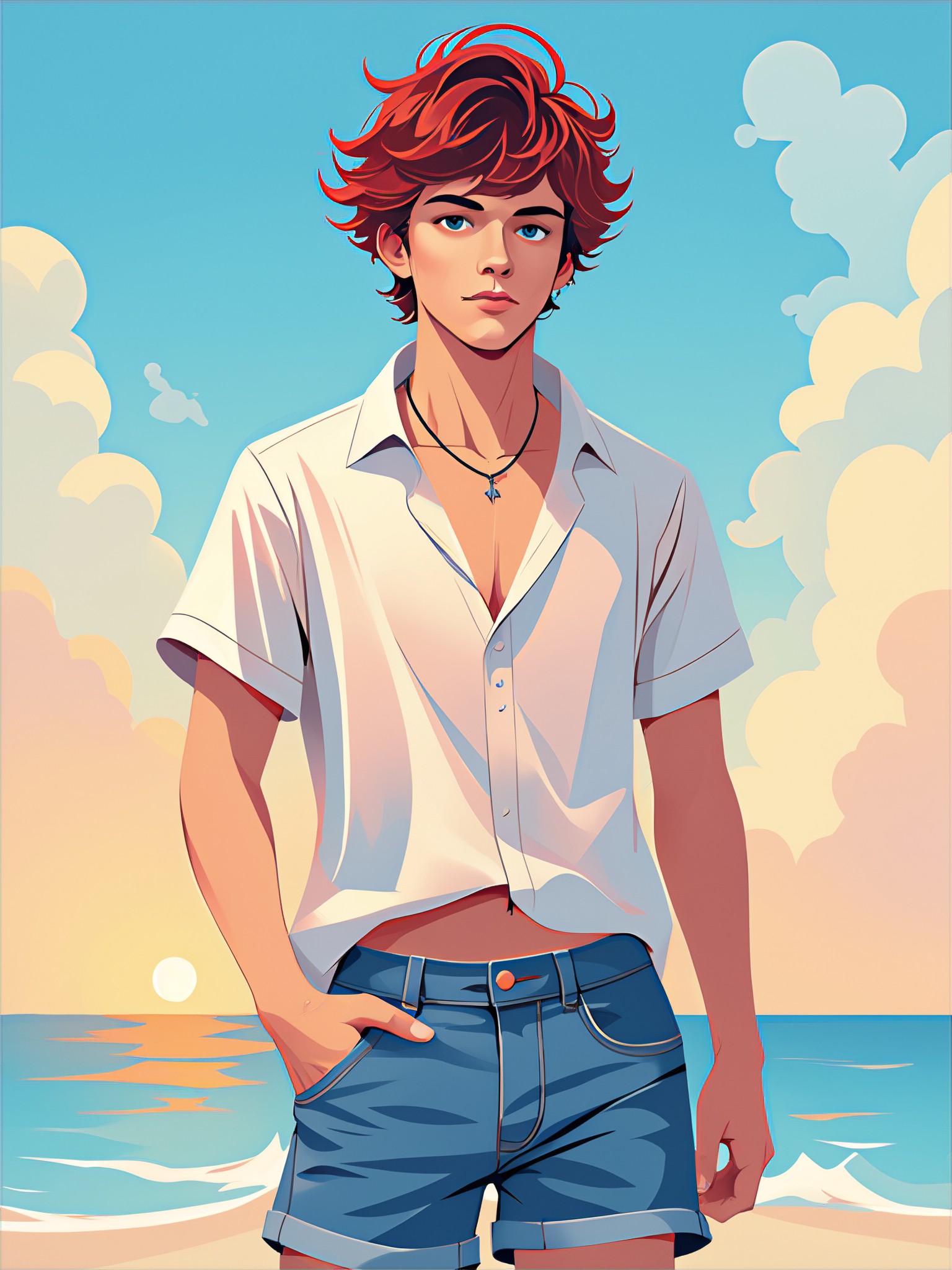
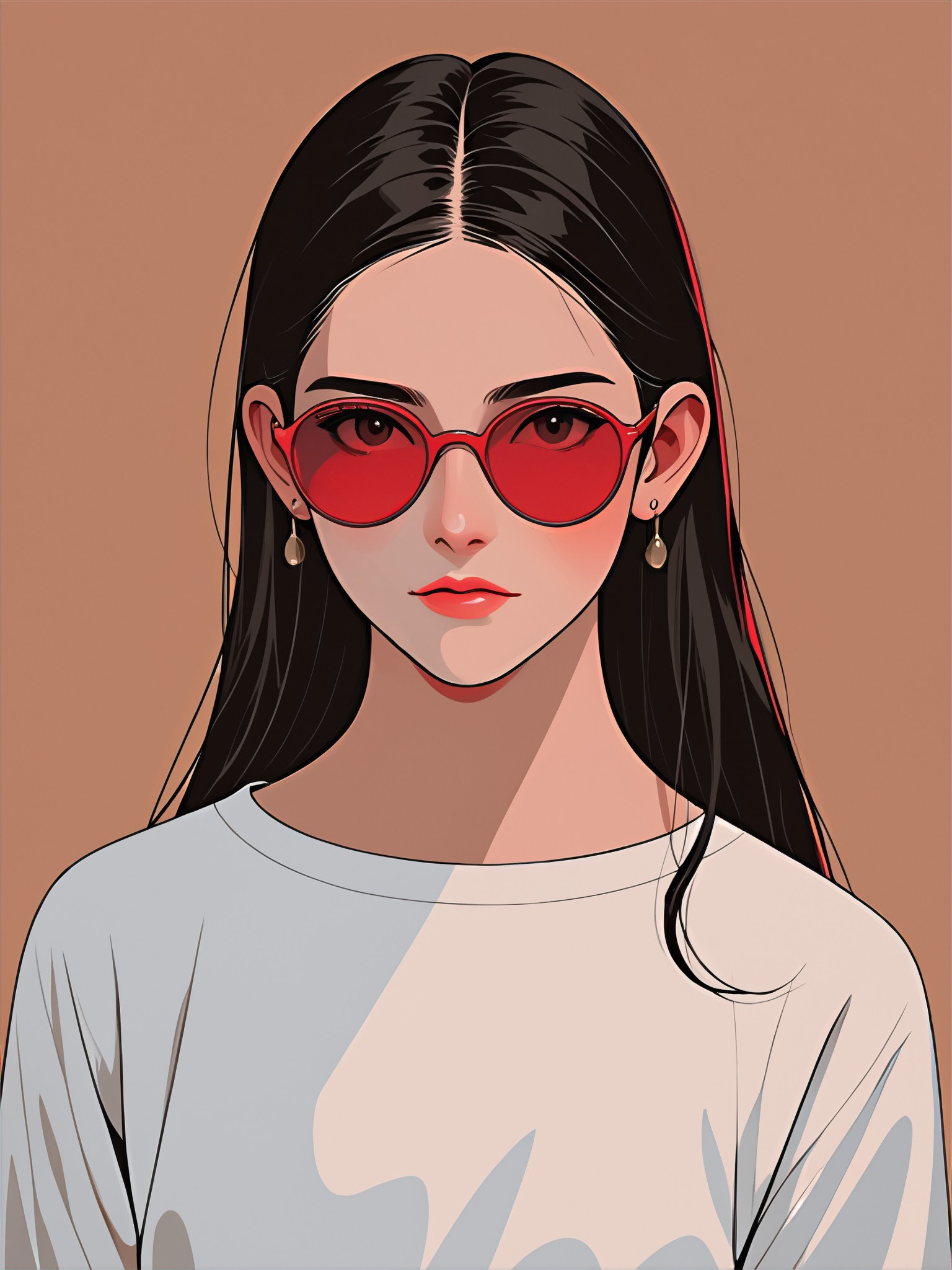
AI Generated Flat Shading Images & Videos
Discover unique and innovative Flat Shading images and videos created with a1.art Flat Shading prompts.
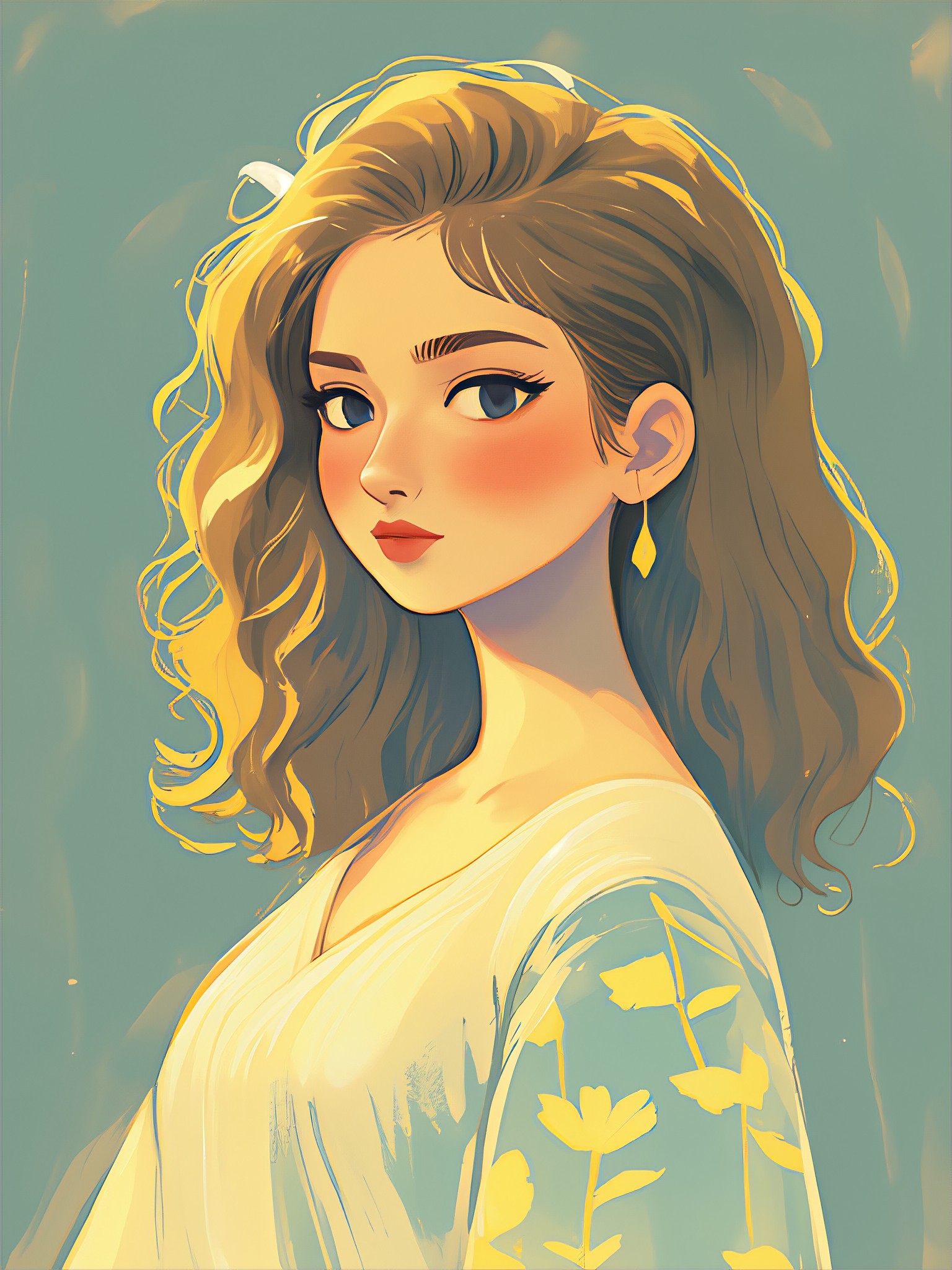
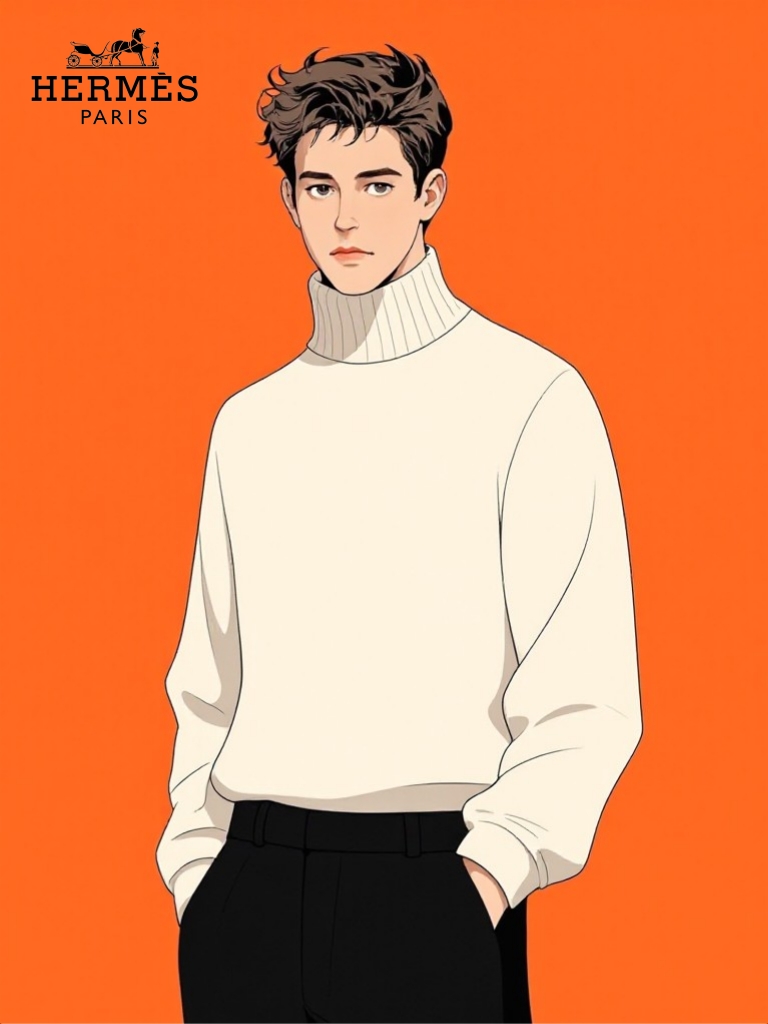

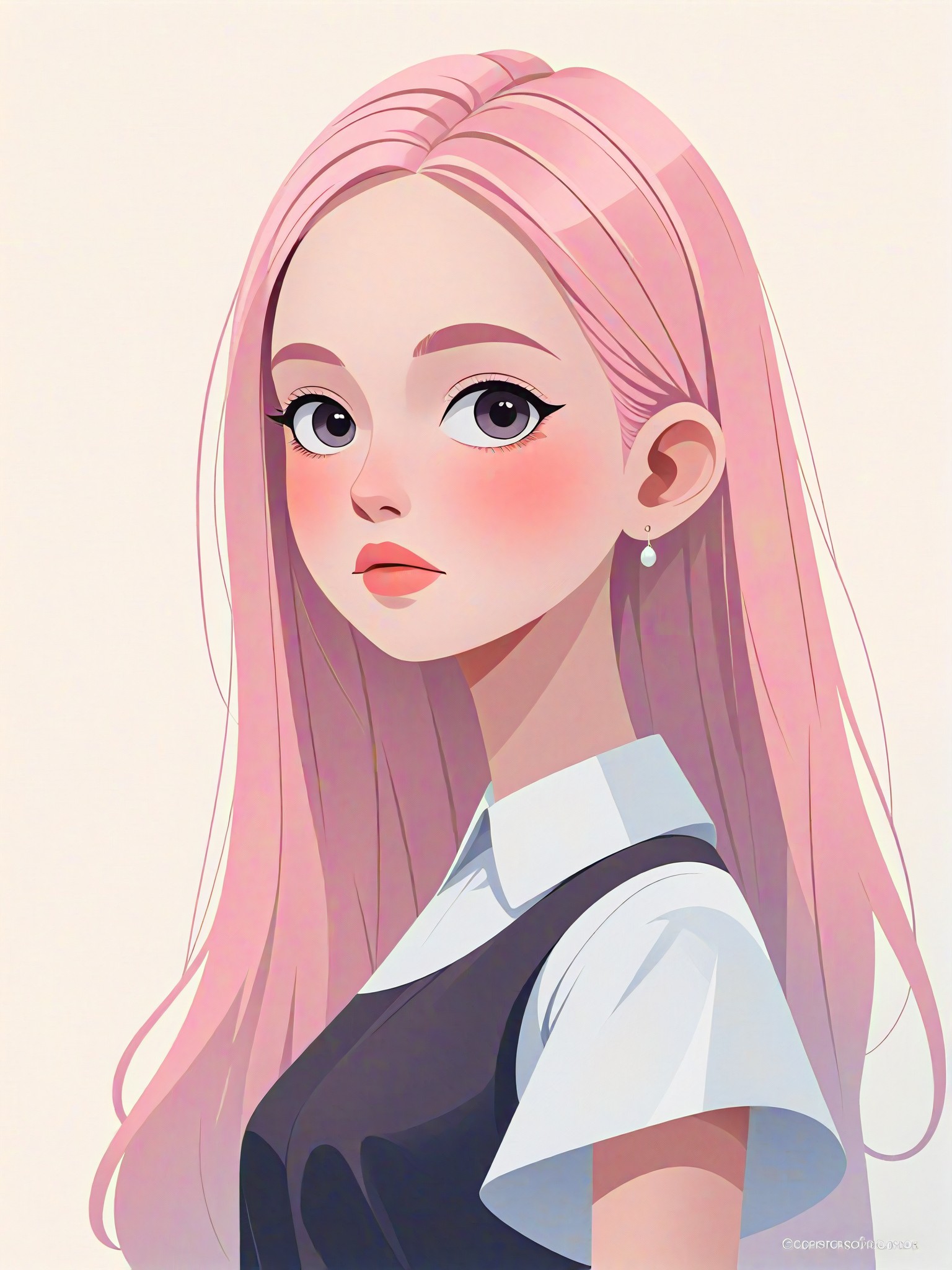
How to Make Flat Shading AI Image & Video on a1.art?
Step into the future of AI Flat Shading video and image creation on a1.art.

Step 1
Select the style you want to apply in the Square.

Step 2
Upload the image you want to transform. It can be a photo, hand-drawn sketch.

Step 3
Wait a few seconds and you can easily get your unique AI Flat Shading art. Download for free!
FAQ about Flat Shading AI Prompt on a1.art
Discover the secrets to creating Birthday Day videos and images at a1.art.
What is flat shading in AI art?
Flat shading is a rendering technique that uses uniform colors and minimal shading to create a clean, two-dimensional look. It emphasizes shape and form without intricate details, making it ideal for minimalist designs and stylized visuals.
Can I customize the flat shading effects on a1.art?
Yes, a1.art allows you to fine-tune flat shading effects by adjusting parameters like color depth, shadow intensity, and texture smoothness. This ensures your creations align perfectly with your vision.
Is flat shading suitable for both images and videos?
Absolutely! a1.art supports flat shading for both static images and dynamic videos, enabling you to create consistent, visually appealing content across all formats.
How does a1.art compare to other AI art generators for flat shading?
a1.art stands out with its advanced customization options, intuitive interface, and daily free credits. Our platform is specifically optimized for flat shading, ensuring high-quality results every time.
Do I need technical skills to use flat shading AI prompts on a1.art?
Not at all! a1.art is designed for users of all skill levels. Simply select your preferred prompt, upload your input, and let our AI handle the rest. No technical expertise required.


