


Get Erase Videos & Images without Prompt
a1.art offers a large number of filters, allowing you to easily obtain AI videos or images without prompts.
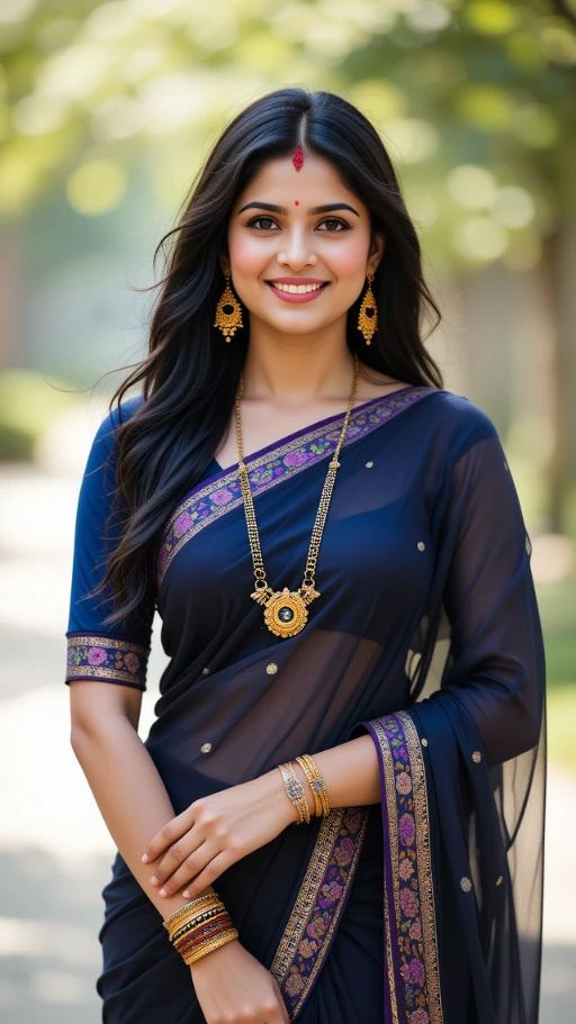

Input
Result
Red erase effect
 Vicky.
 21
21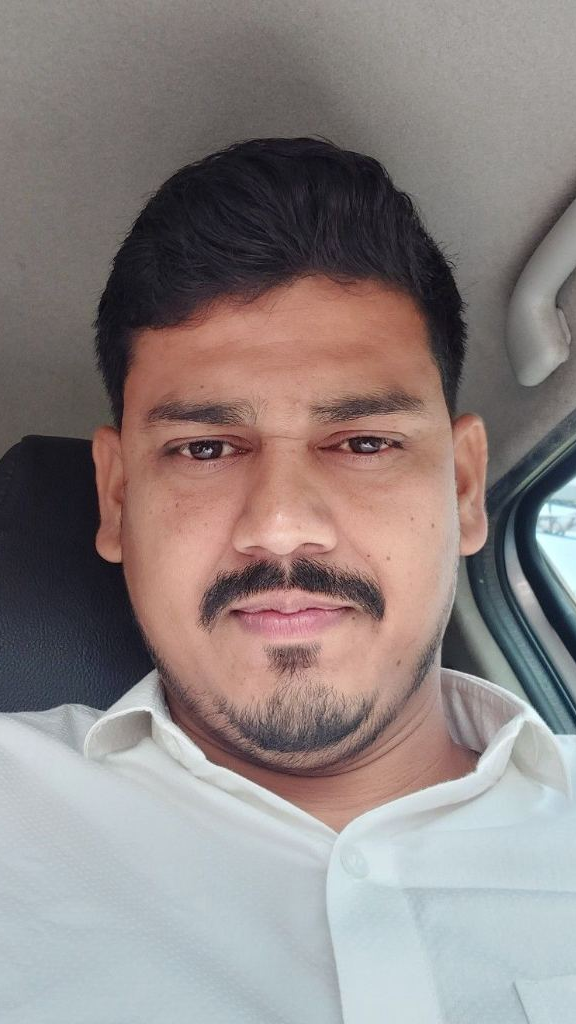
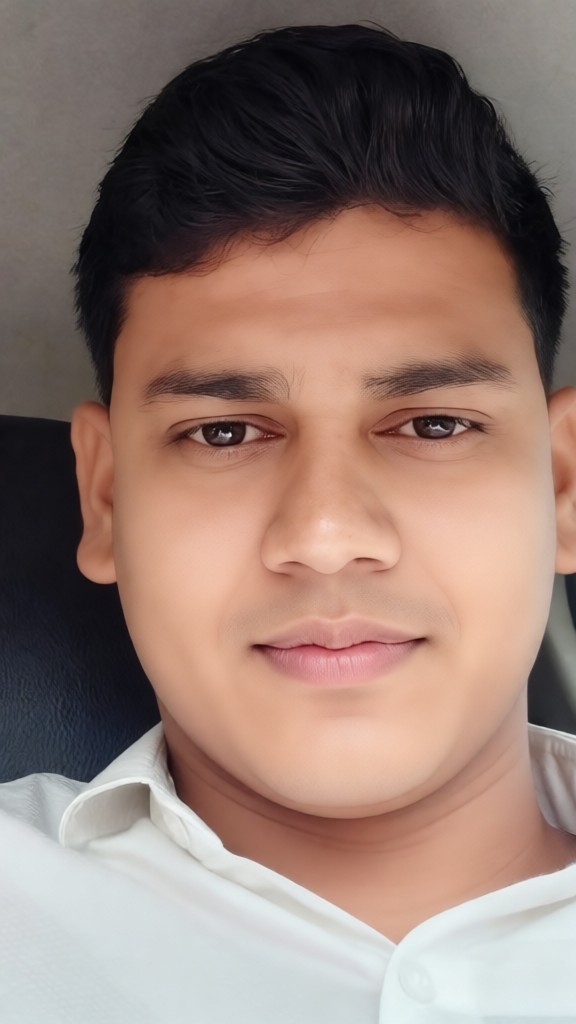
Input
Result
A man returns to the age of eighteen!
 XX's8
XX's8
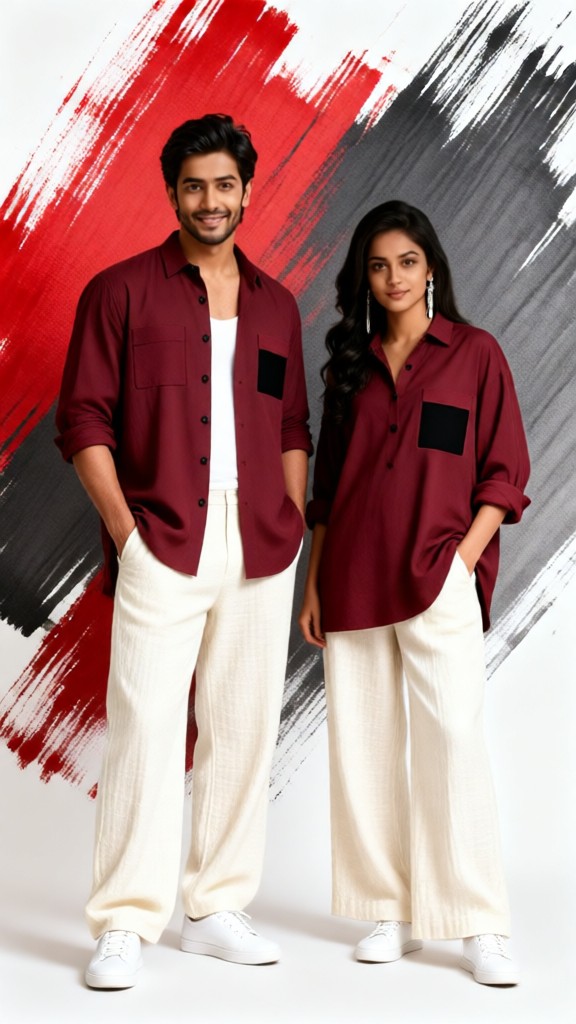
Input
Result
Red erase effect
Vicky.5
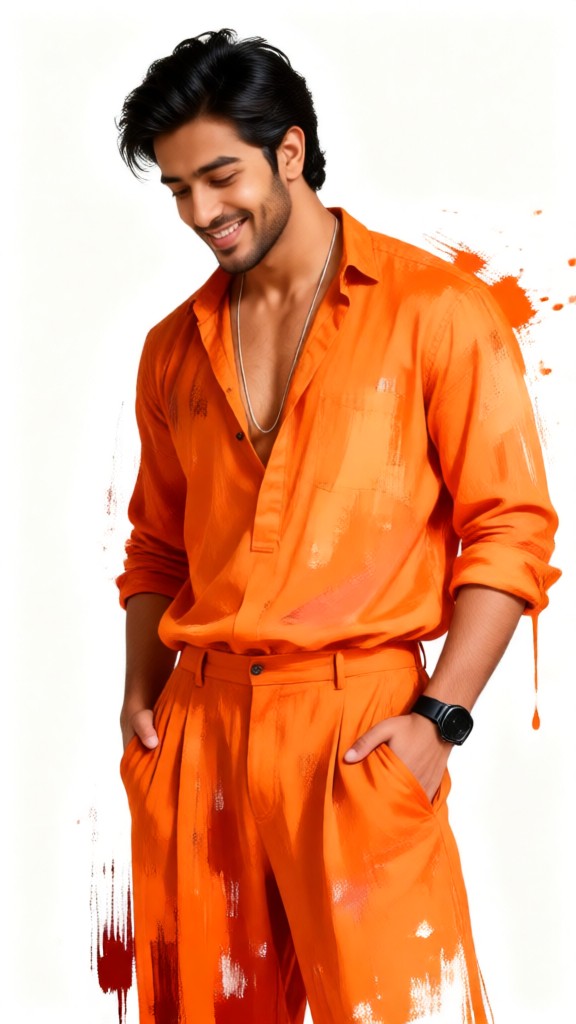
Input
Result
Orange erase effect
Vicky.4

Input
Result
Orange erase effect
Vicky.4
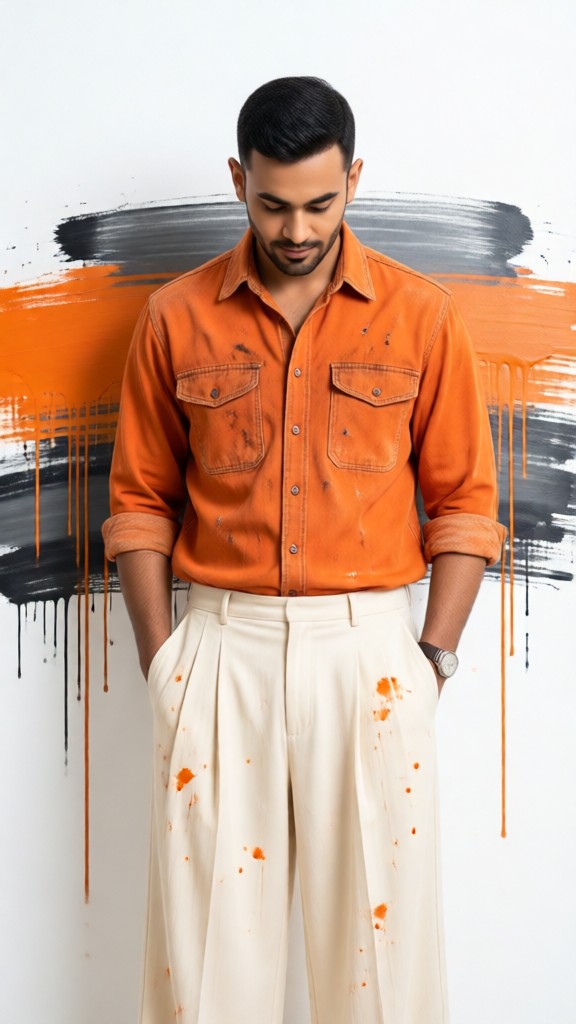
Input
Result
Orange erase effect
Vicky.0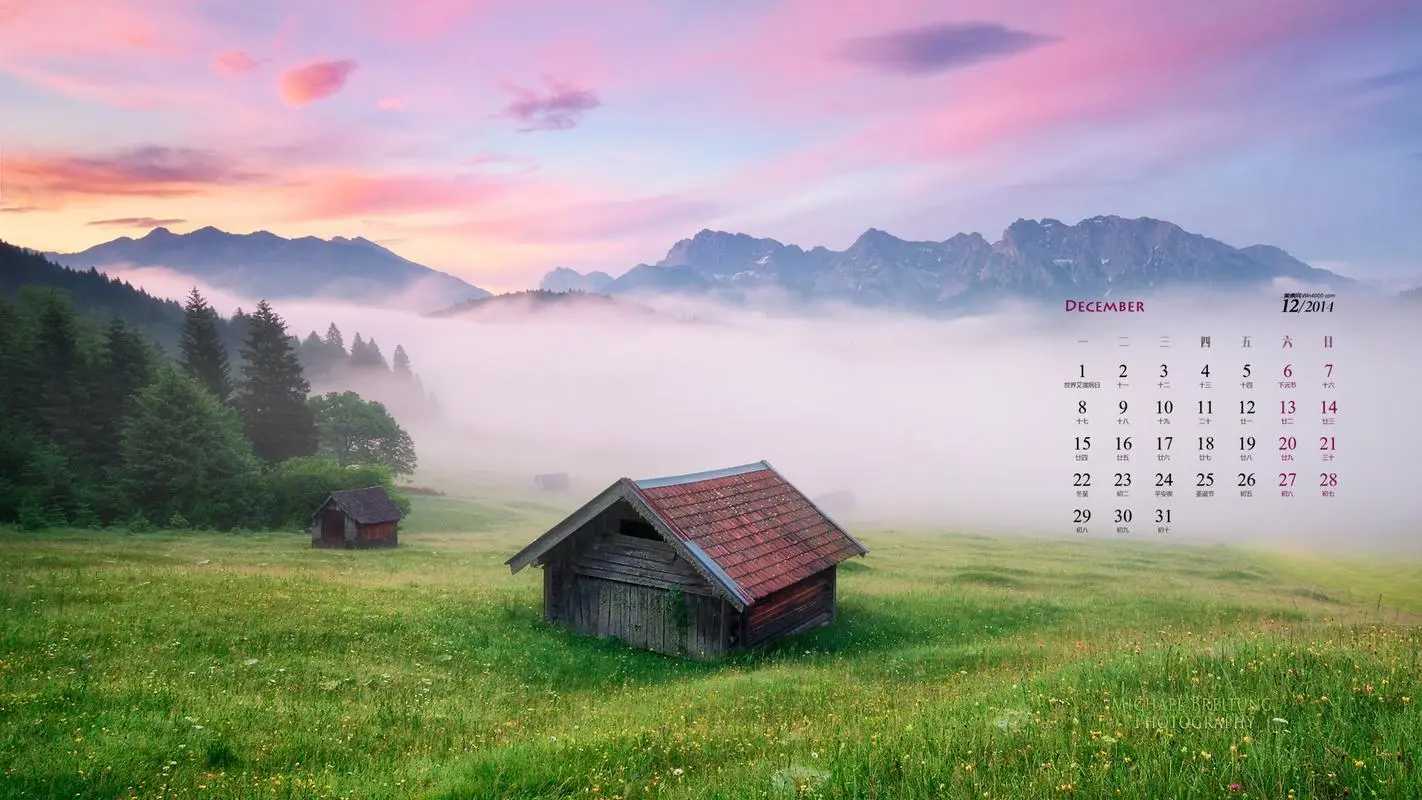
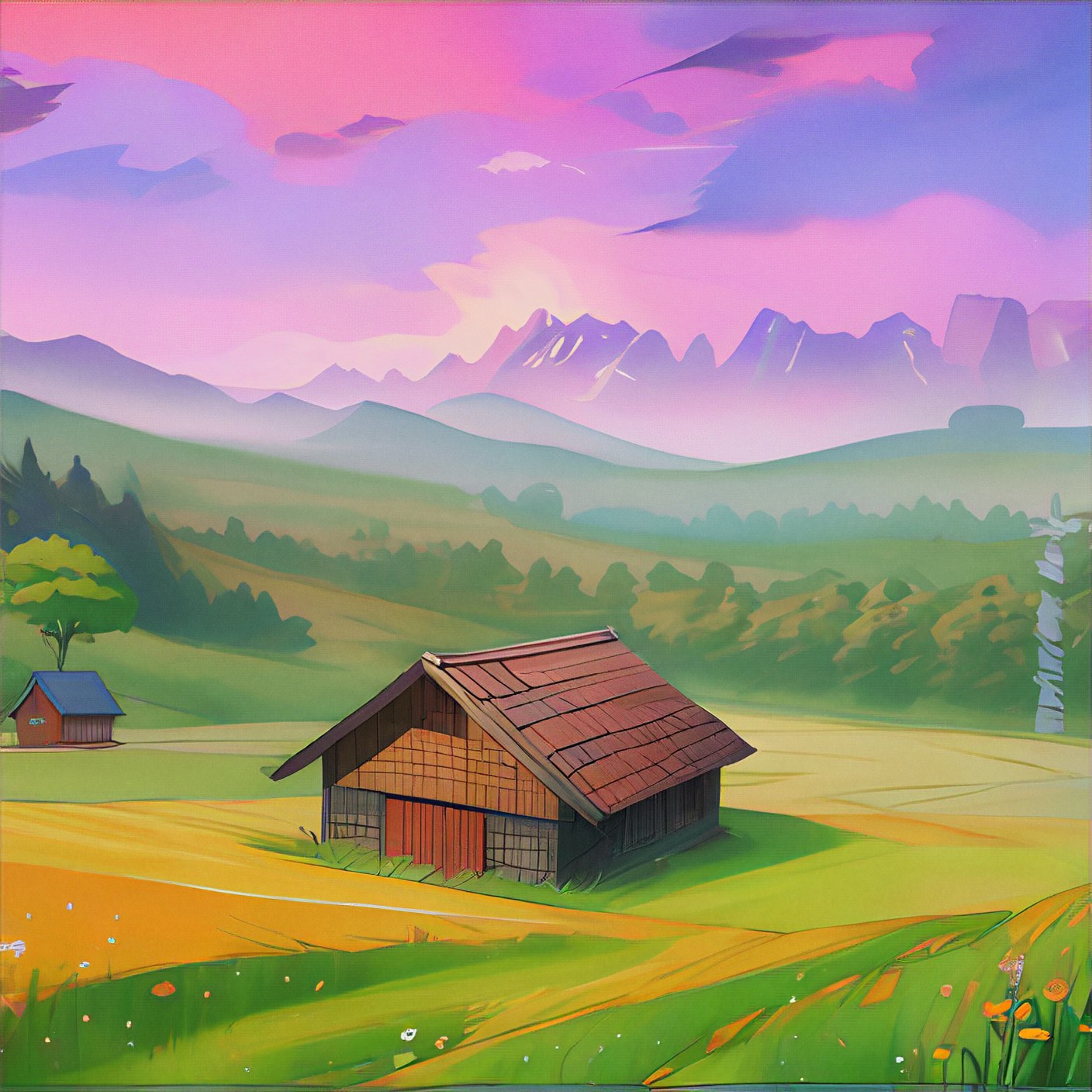
Input
Result
free image-to-image
o
o389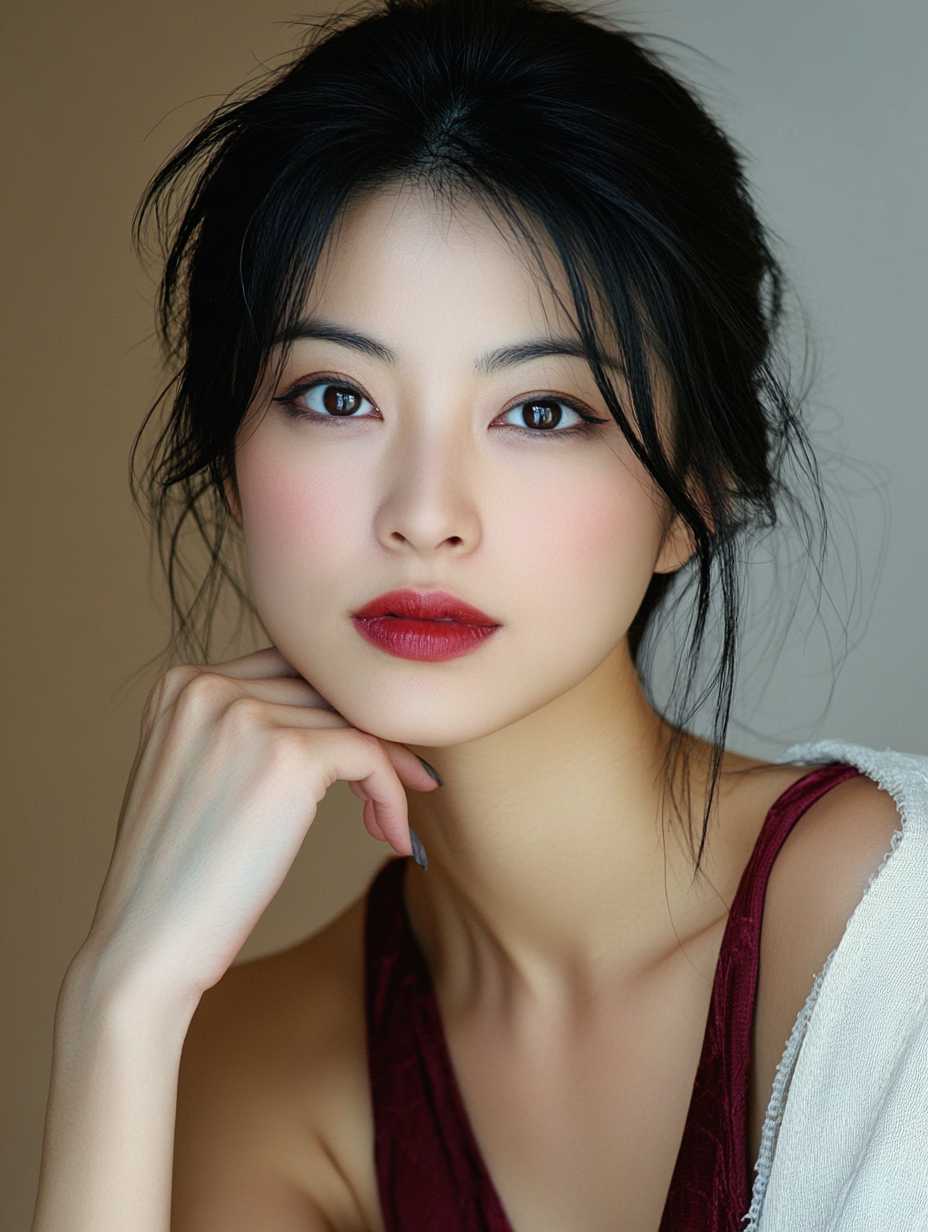
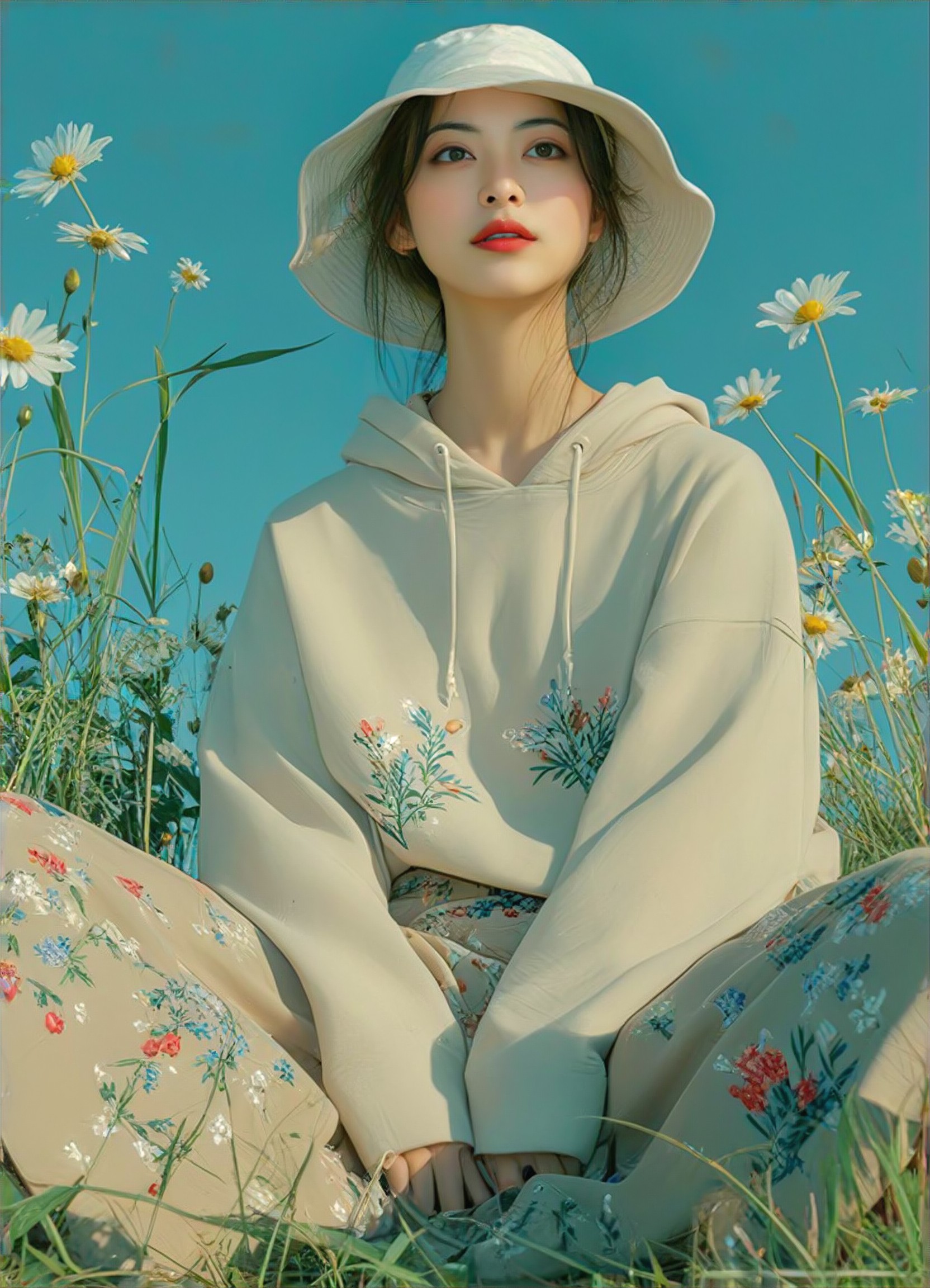
Input
Result
写真照片
熊
熊122
AI Generated Erase Images & Videos
Discover unique and innovative Erase images and videos created with a1.art Erase prompts.







How to Make Erase AI Image & Video on a1.art?
Step into the future of AI Erase video and image creation on a1.art.

Step 1
Select the style you want to apply in the Square.

Step 2
Upload the image you want to transform. It can be a photo, hand-drawn sketch.

Step 3
Wait a few seconds and you can easily get your unique AI Erase art. Download for free!
FAQ about Erase AI Prompt on a1.art
Discover the secrets to creating Birthday Day videos and images at a1.art.
What types of erase visuals can I create with a1.art?
With a1.art, you can generate a wide range of erase-themed visuals, including weathered textures, cracked surfaces, aged materials, and natural erosion effects. Whether it's a rustic wooden door, a cracked stone path, or a frozen lake, our erase AI prompts help you achieve realistic and artistic results.
How do I use erase AI prompts on a1.art?
Using erase AI prompts is simple. Just select your preferred prompt from our curated collection, upload an image or enter a text description, and let a1.art transform it into a stunning erase visual. Our intuitive interface ensures you can create professional-quality images and videos effortlessly.
Can I customize erase AI prompts?
Yes, while our pre-designed erase AI prompts offer a great starting point, you can also customize them to suit your specific needs. Adjust parameters like texture, lighting, and detail level to fine-tune your visuals and achieve the perfect erase effect.
Does a1.art offer free credits for erase AI prompts?
Absolutely! a1.art provides daily free login credits to all users, allowing you to experiment with erase AI prompts without any cost. Additionally, subscribing grants you more credits, ensuring you have ample resources to explore and create.
Is a1.art suitable for both images and videos?
Yes, a1.art supports both AI image and video generation. You can choose from a variety of erase AI prompts to create either static images or dynamic videos, making it a versatile tool for artists, designers, and content creators alike.


