


Get Emperor Qin Videos & Images without Prompt
a1.art offers a large number of filters, allowing you to easily obtain AI videos or images without prompts.
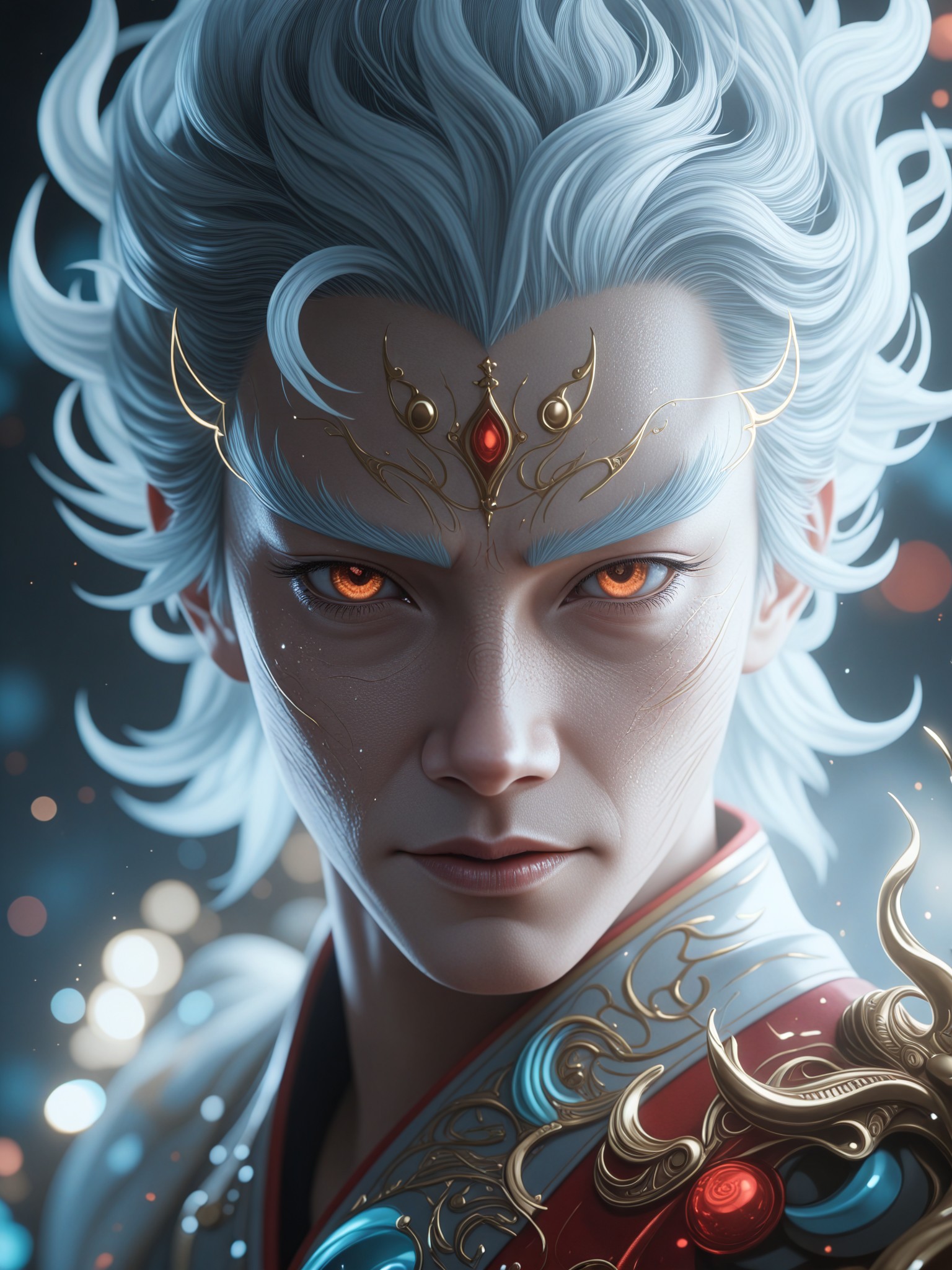
Qin Shi Huang (Ragnarok), Queen, with long, straight, jet-black hair, slightly curled at the ends, and eyes covered by a white cloth. She wears a black, off-the-shoulder battle robe with gold and red trim, and exquisite golden dragon patterns embroidered on the back. Illuminated by strong golden side lighting, deep red ambient light, and a deep red-to-black gradient background, the hyper-realistic rendering exudes a queenly aura.

Input
Result
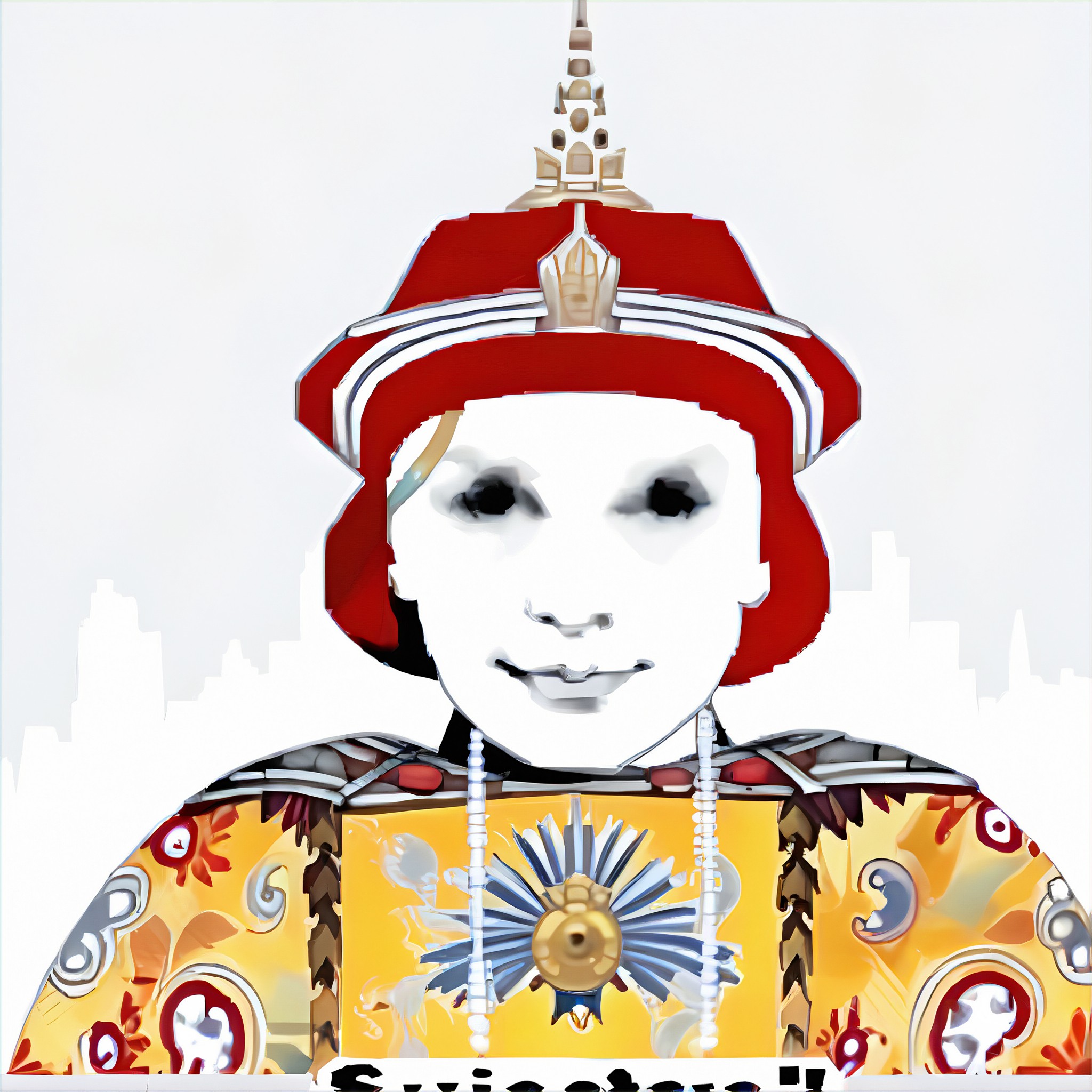
Record of Ragnarok Qin Shi Huang
 CC
CC 12
12
Input
Result
Dragon Map, I am the Emperor
 keiko12
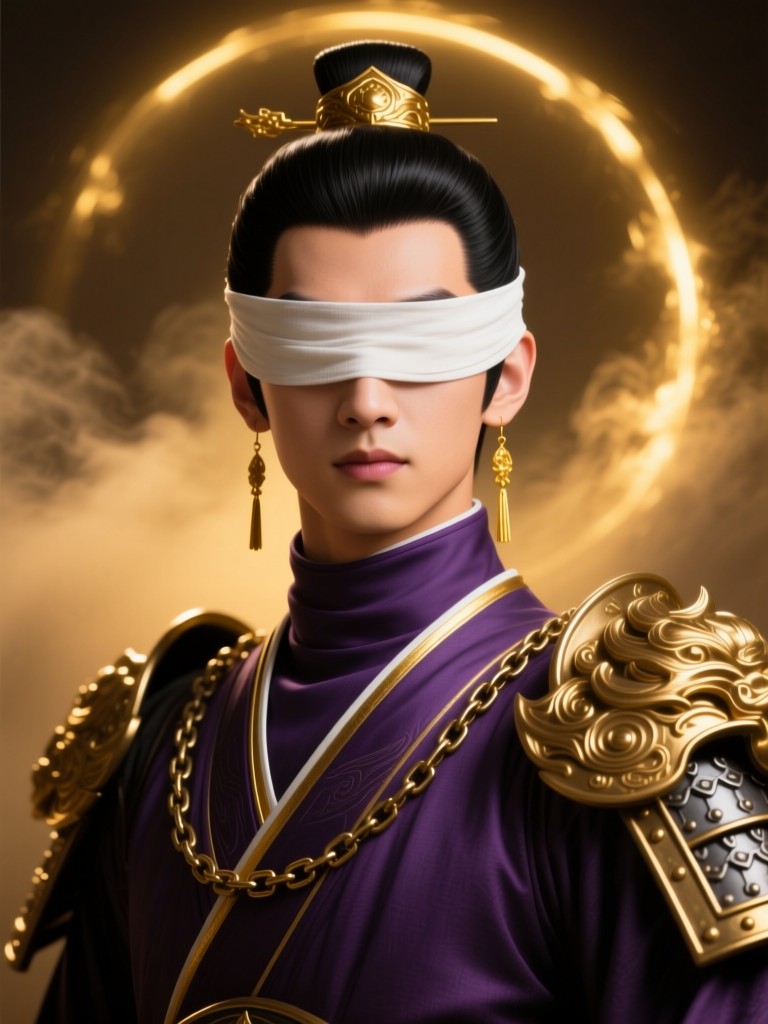
The Qin Shi Huang figure is rendered in the style of "Ragnarok," depicting a young man facing the camera directly. His jet-black hair is neatly combed, and his eyes are covered by a white cloth. He wears a deep purple high-necked battle robe with gold trim, and his shoulder armor and chains are exquisitely decorated. Warm golden backlighting outlines his figure from behind, against a deep golden, smoky background with a halo effect. His expression is confident and proud, and his neck is slender. Long gold earrings hang down. The film features cinematic-level realistic 3D rendering, a slightly low-angle composition, strong backlighting, and rim lighting to create a dramatic atmosphere, all rendered in 8K ultra-high-definition detail.
Input
Result
Record of Ragnarok Qin Shi Huang
CC11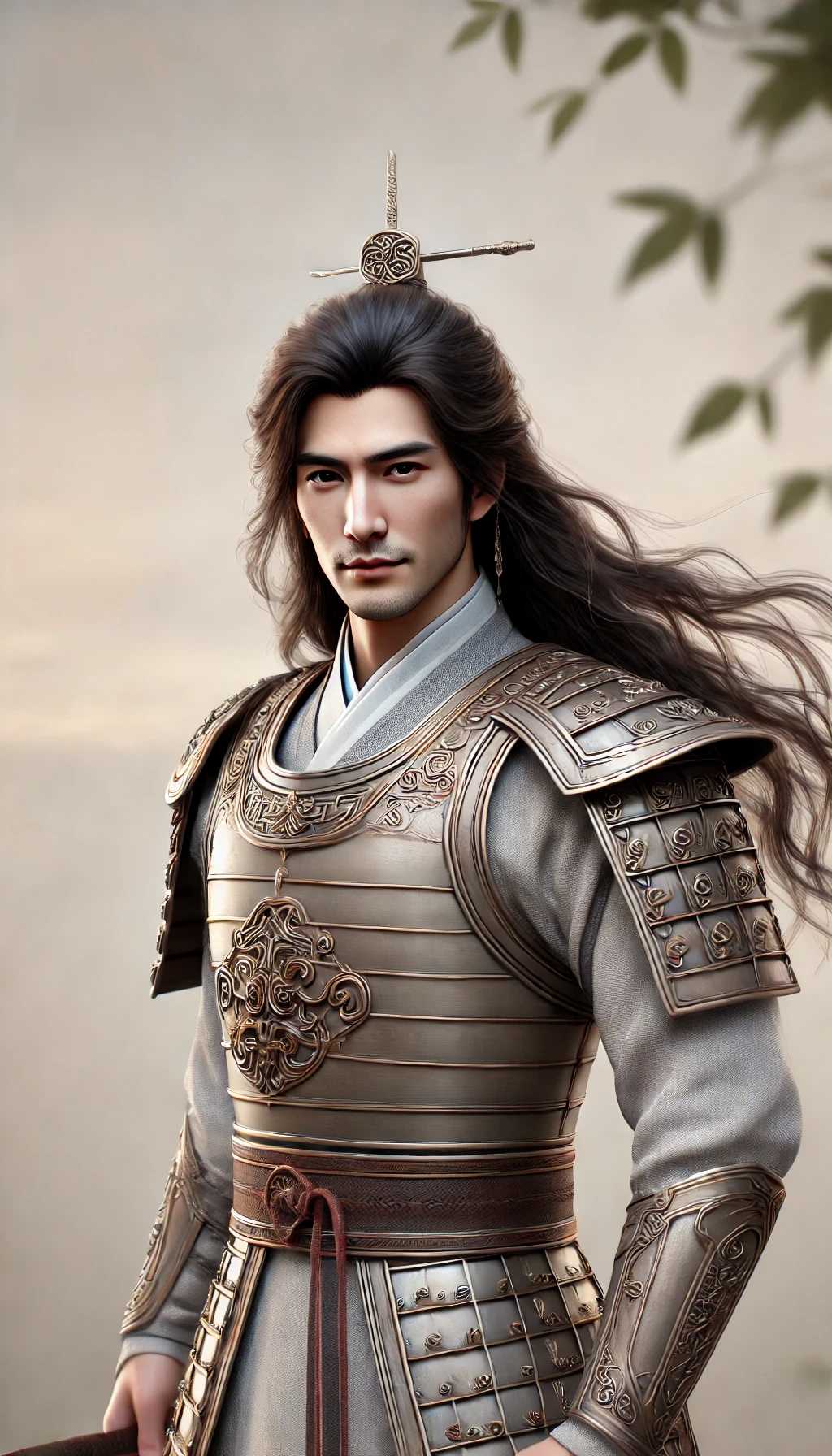
calm and intense
long
dark
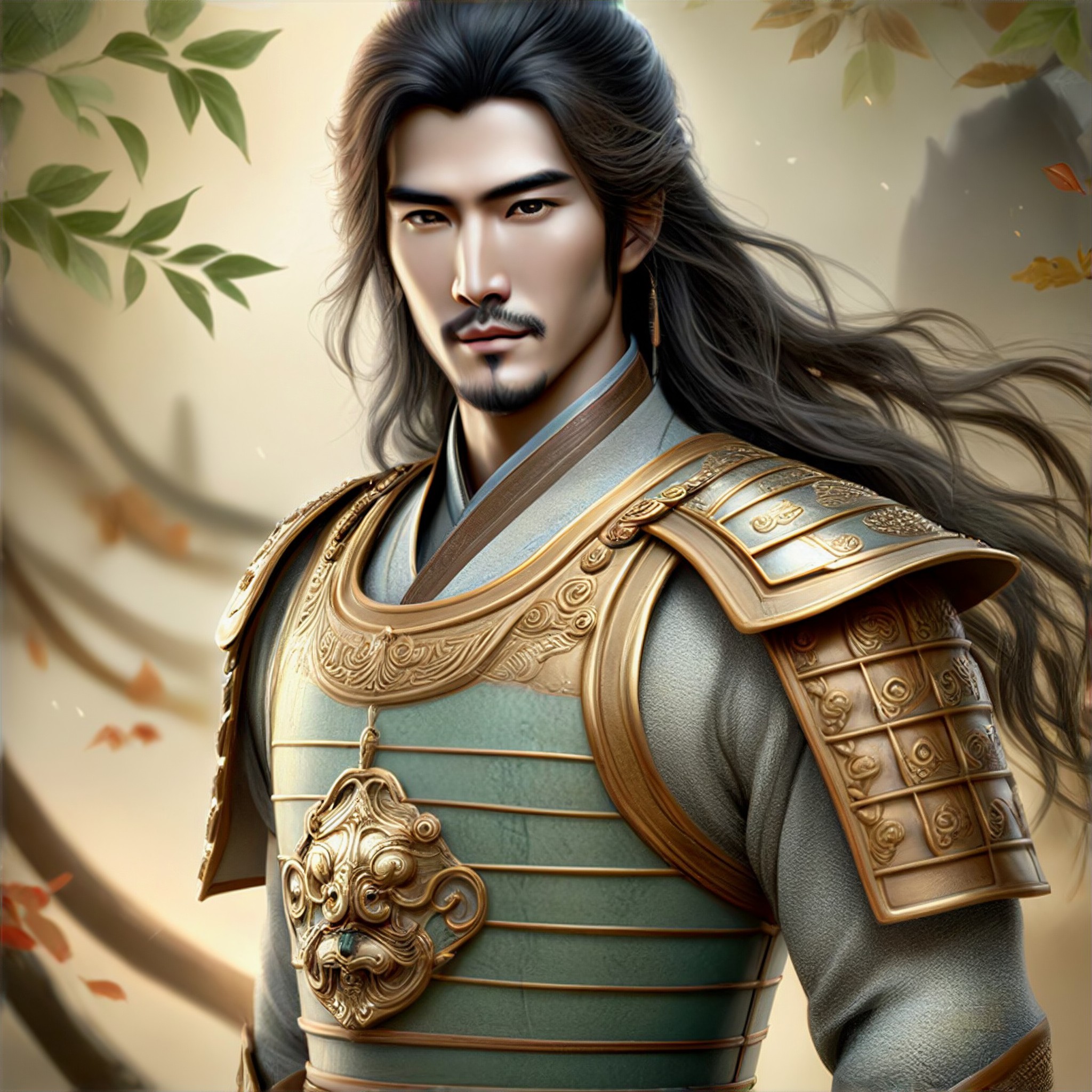
Input
Result
Deep gaze
 meimei Din10
1女孩,短发,
奔跑
书包

Input
Result
text-to-image
o
o202
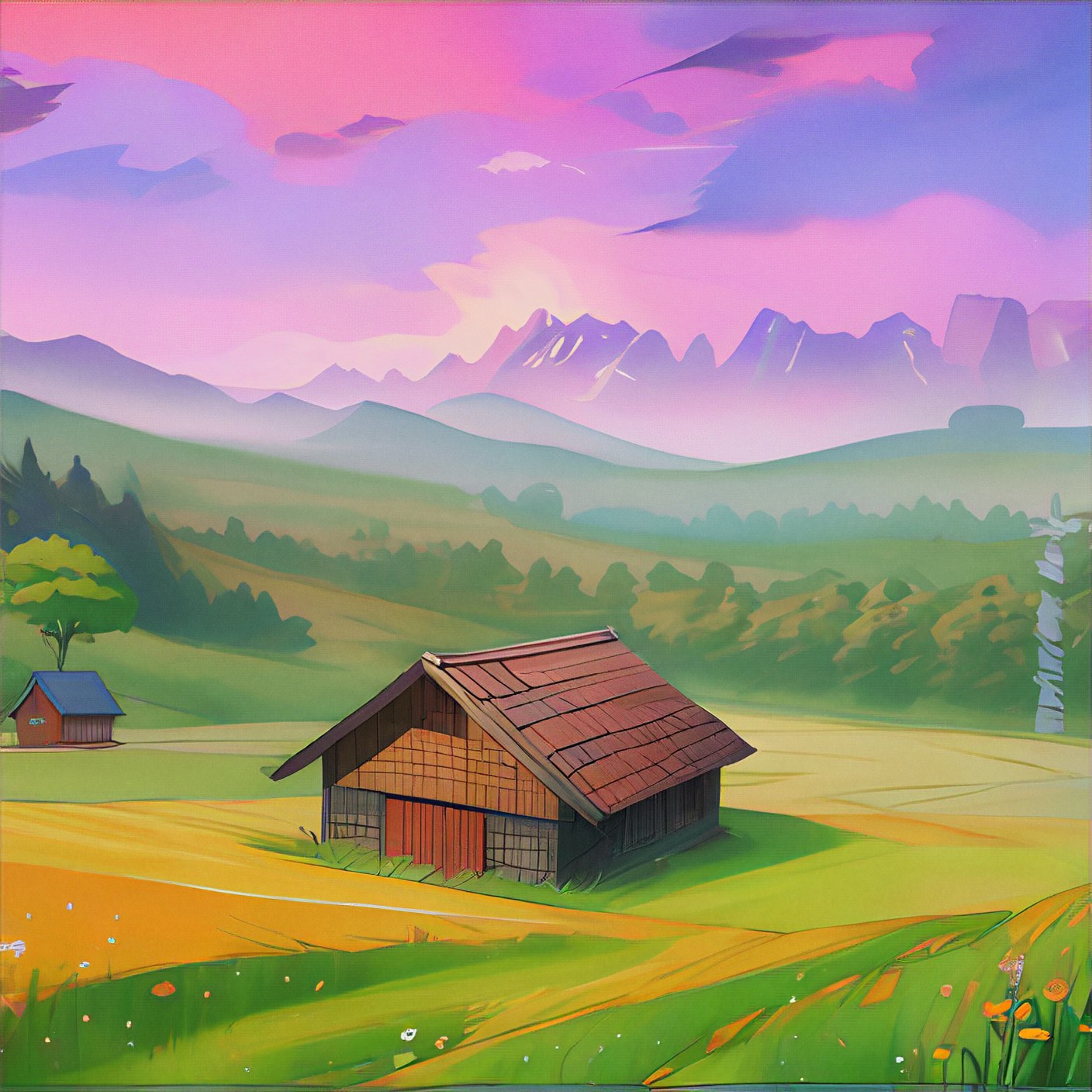
Input
Result
free image-to-image
o
o389Girl
jump
ball

Input
Result
from text to image
 Yaty162

Input
Result
Pink filter
 winter solstice2.3k
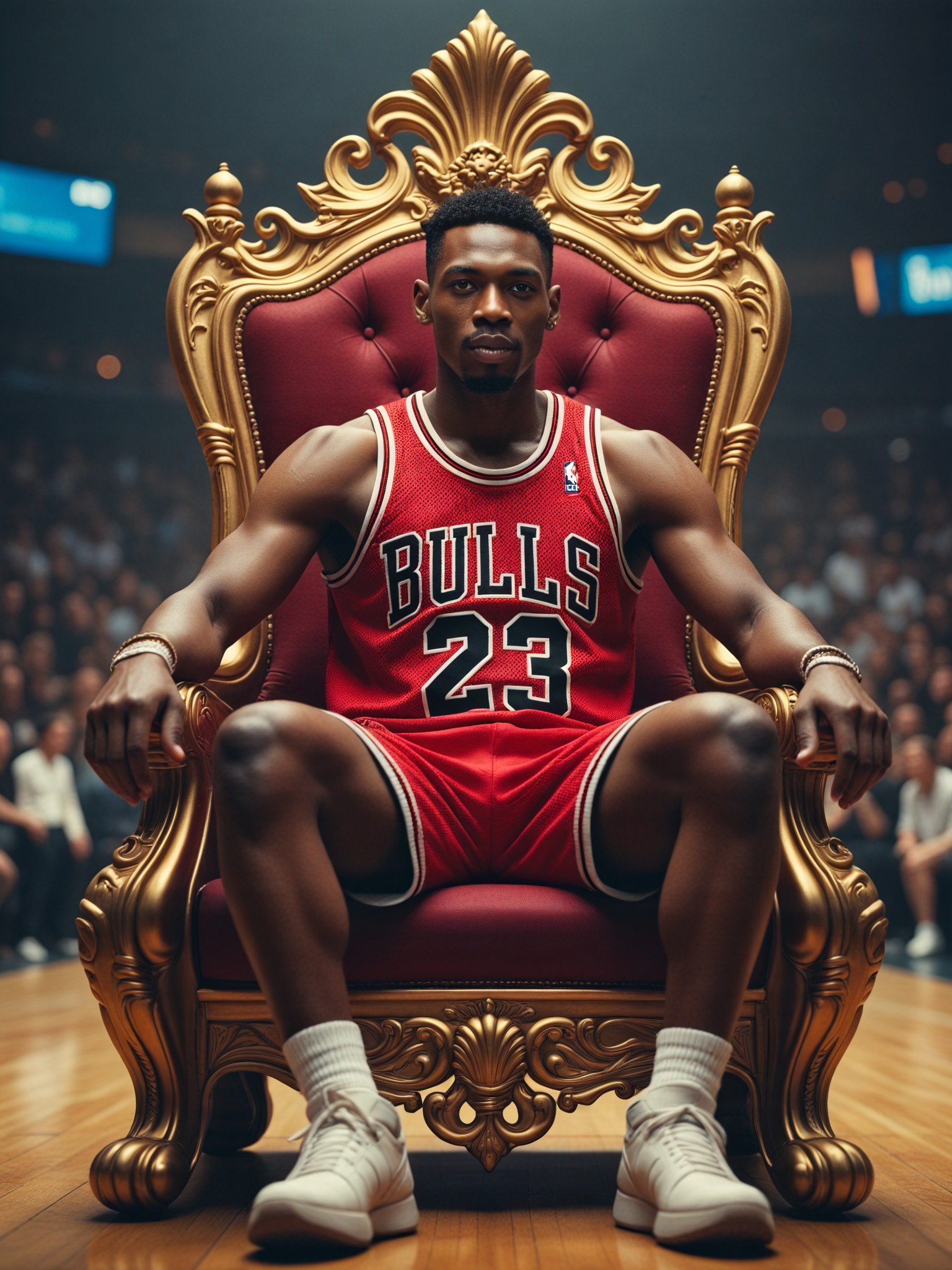
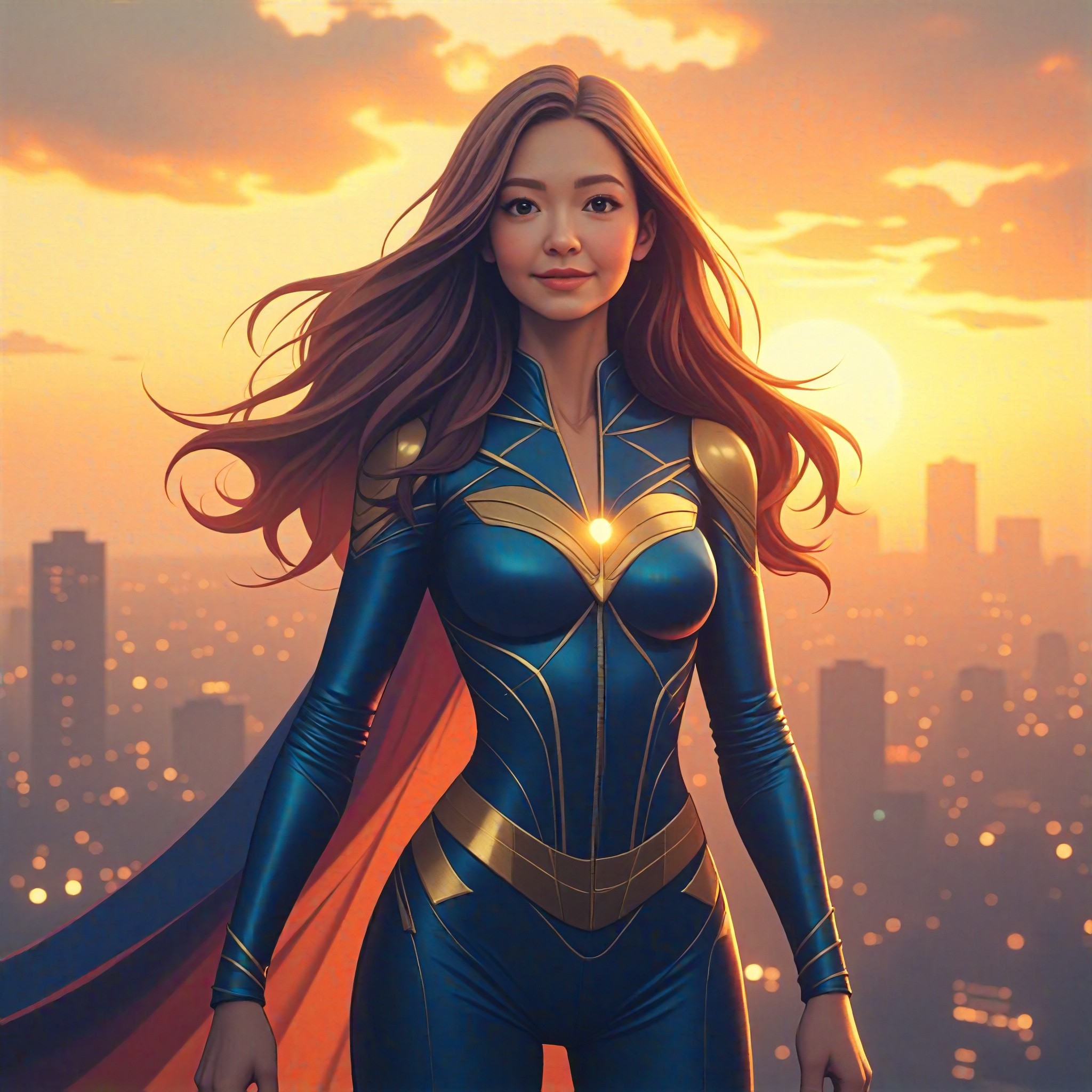
AI Generated Emperor Qin Images & Videos
Discover unique and innovative Emperor Qin images and videos created with a1.art Emperor Qin prompts.
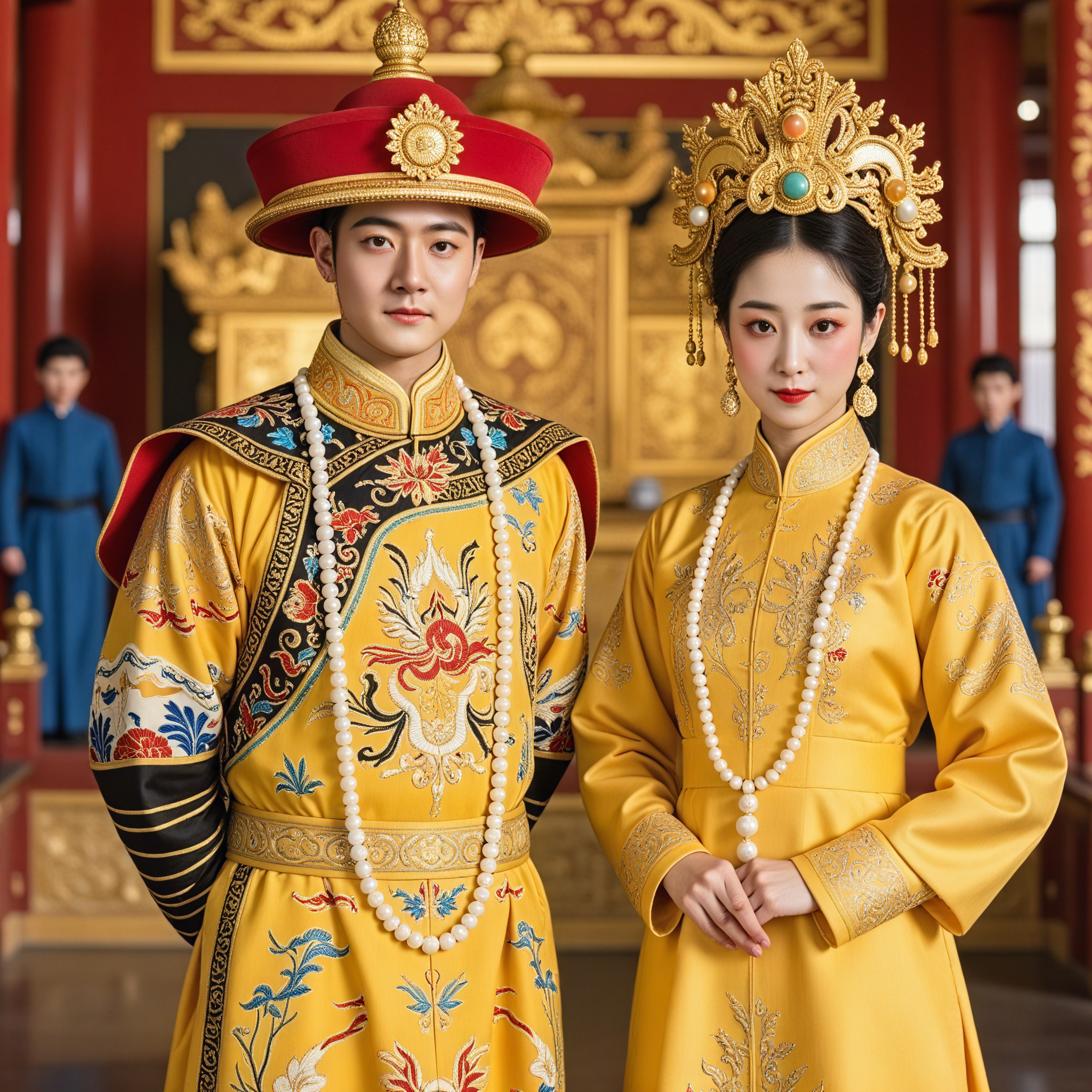
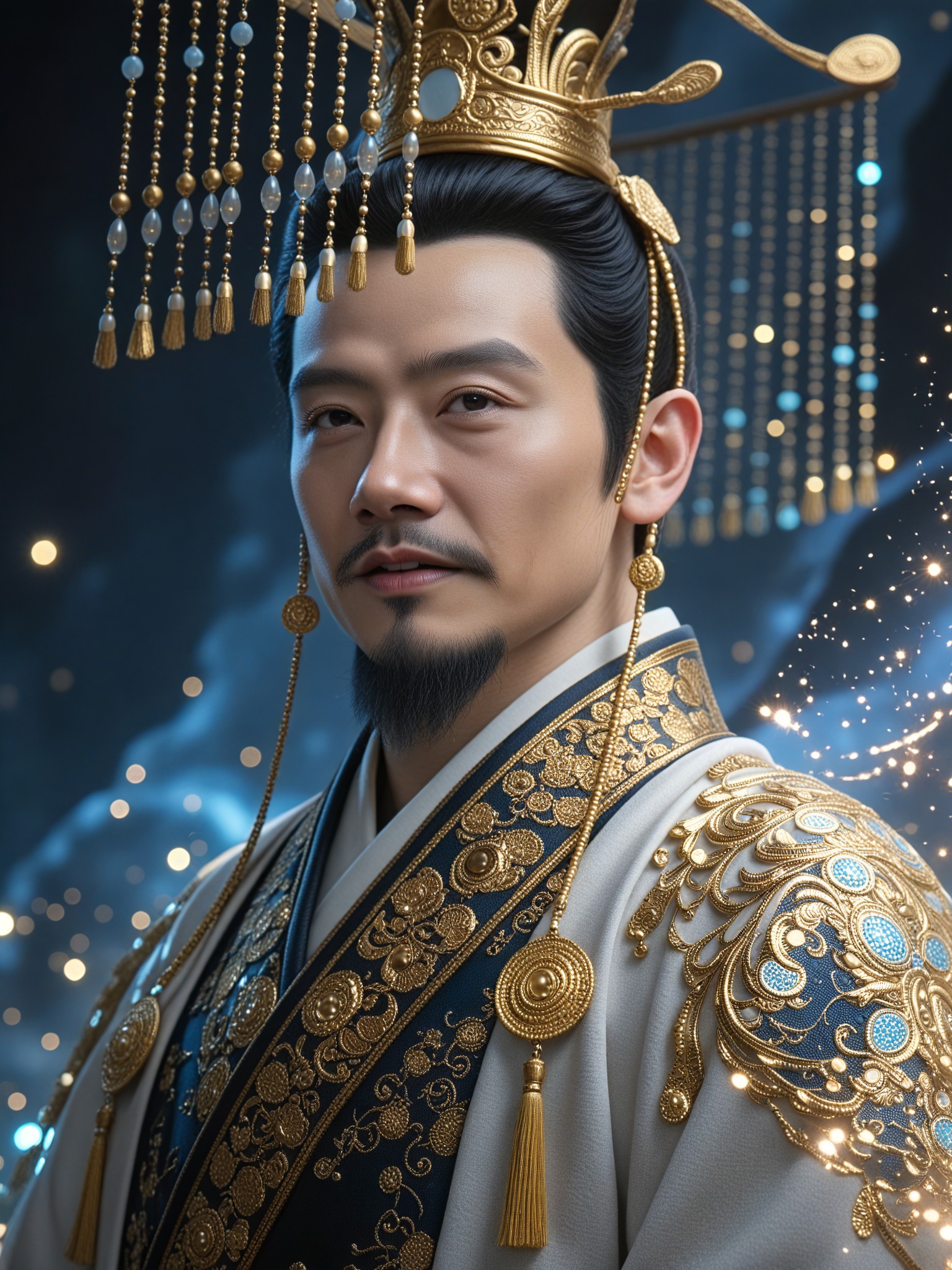
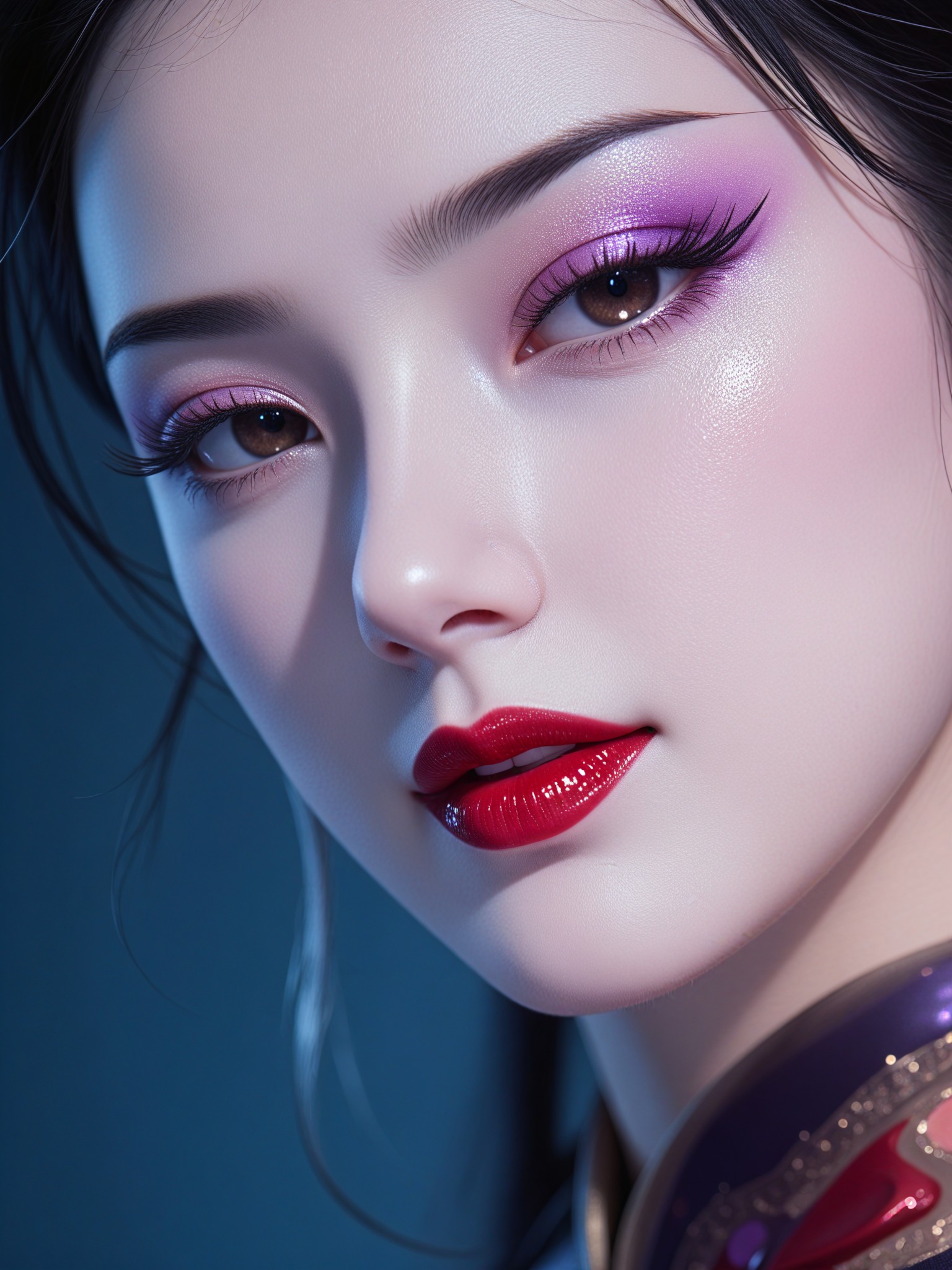
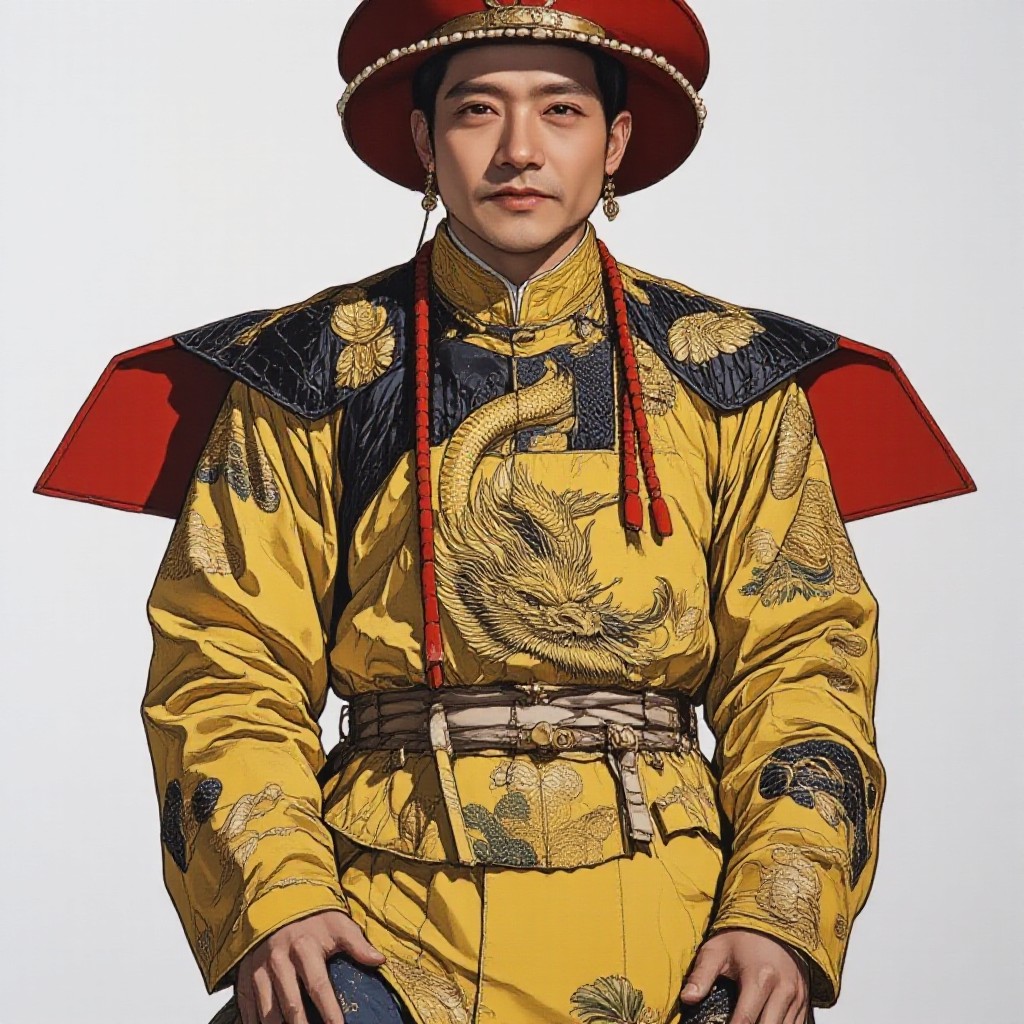
How to Make Emperor Qin AI Image & Video on a1.art?
Step into the future of AI Emperor Qin video and image creation on a1.art.

Step 1
Select the style you want to apply in the Square.

Step 2
Upload the image you want to transform. It can be a photo, hand-drawn sketch.

Step 3
Wait a few seconds and you can easily get your unique AI Emperor Qin art. Download for free!
FAQ about Emperor Qin AI Prompt on a1.art
Discover the secrets to creating Birthday Day videos and images at a1.art.
What types of emperor qin visuals can I create with a1.art?
With a1.art, you can create a wide range of emperor qin visuals including terracotta warriors, chariots, landscapes, battle scenes, and more. Our AI prompts are designed to capture the historical and cultural essence of emperor qin.
How do I use the emperor qin AI prompts on a1.art?
Simply select your preferred emperor qin prompt, upload an image or enter a text description, and let a1.art's AI technology transform it into stunning visuals. You can also customize the effects and filters to suit your needs.
Are there any free resources available for creating emperor qin visuals?
Yes, a1.art offers daily free login credits that allow you to generate emperor qin visuals without any cost. Additionally, you can subscribe to earn more credits for unlimited access.
Can I create both images and videos of emperor qin with a1.art?
Absolutely! a1.art supports both AI image and video generation. You can choose the appropriate filters to create either static images or dynamic videos of emperor qin.
What makes a1.art's emperor qin AI prompts unique?
Our emperor qin AI prompts are meticulously crafted to include detailed historical elements such as layered structures, crystalline details, weathered edges, and natural erosion. This ensures that your creations are not only visually stunning but also historically accurate.


