


Get Earthy Tones Videos & Images without Prompt
a1.art offers a large number of filters, allowing you to easily obtain AI videos or images without prompts.


Input
Result
Orange Tones in a Black-and-White World
 Vihann
 95
95

Input
Result
A Family Portrait of a Family of Six in Light Tones
 XX's73

Input
Result
The gentle orange of the black and white neighborhood
Vihann64

Input
Result
Cafe Couple Outfit
 艺术梦想家40

Input
Result
Orange watercolour
 Zephyr.JX35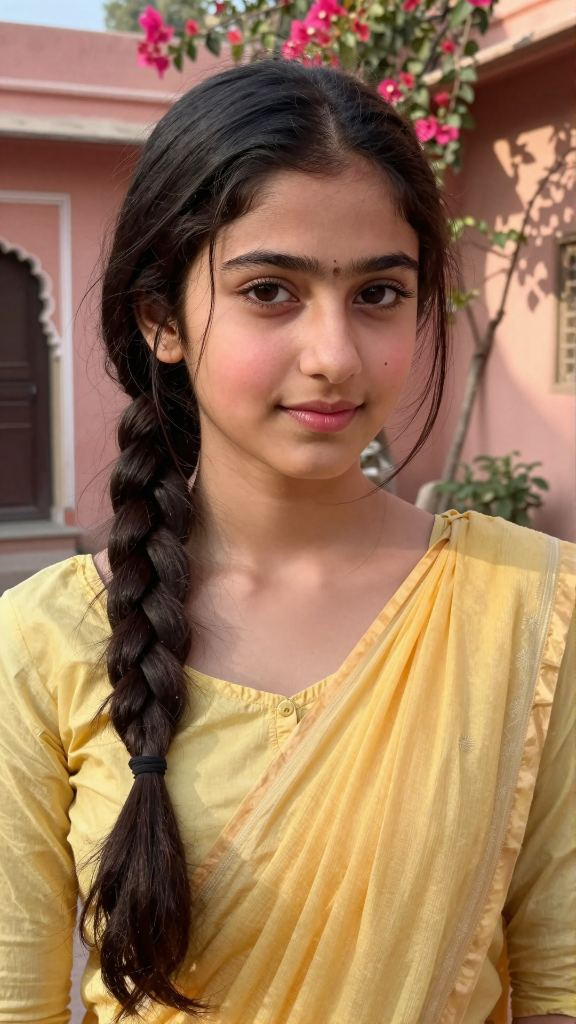

Input
Result
Couple in the rain, bathed in blue tones
 Julian Frost28

Input
Result
Couple in the rain, bathed in blue tones
Julian Frost20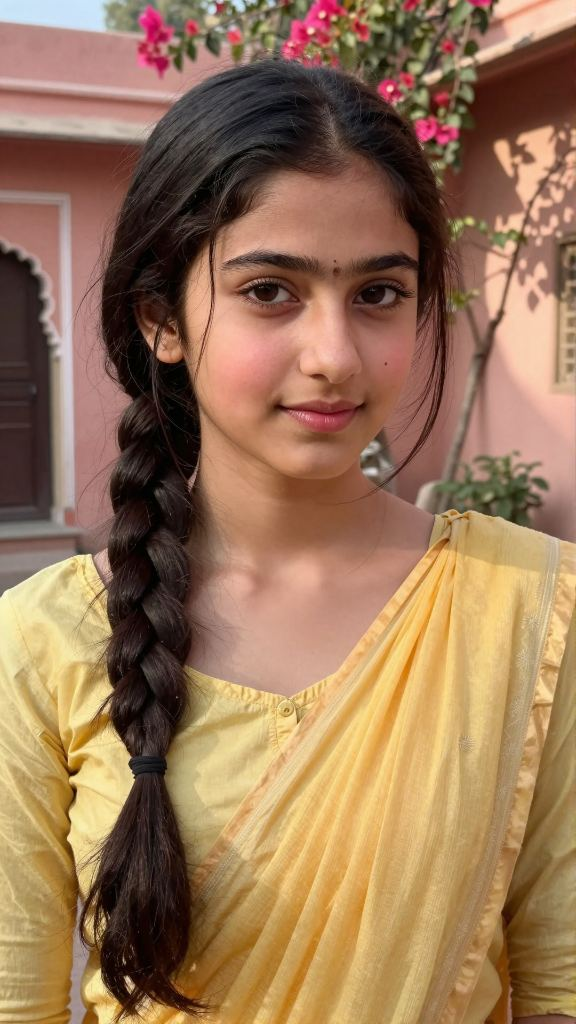

Input
Result
Cityscape photo highlighting specific color tones
Julian Frost19
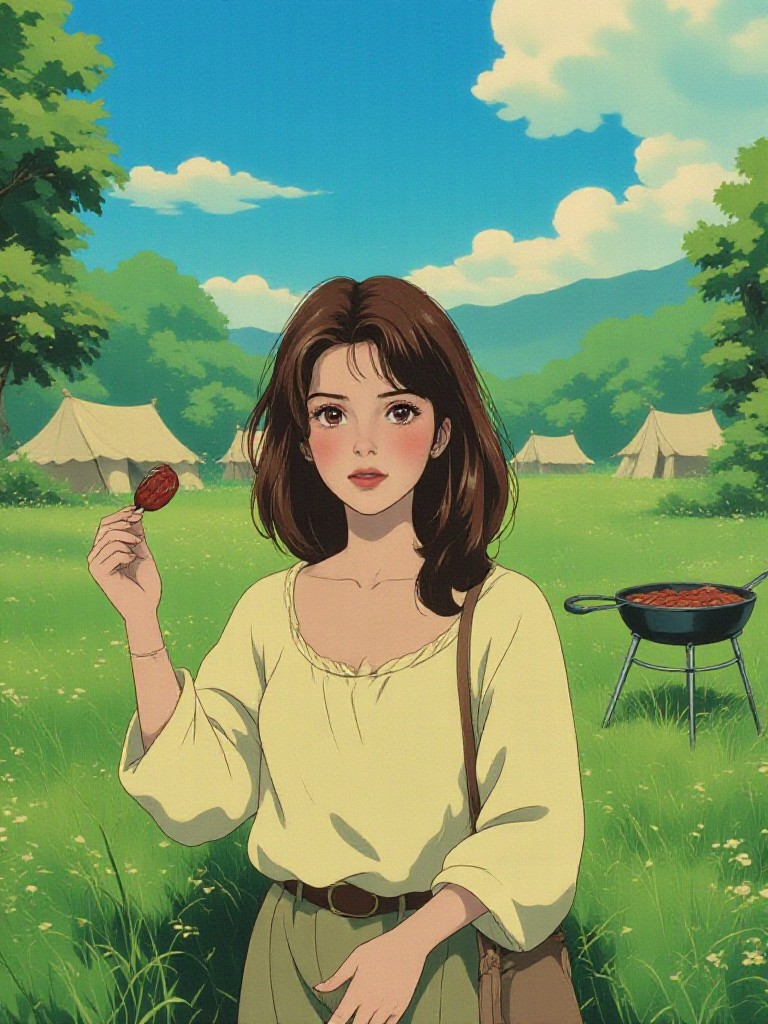
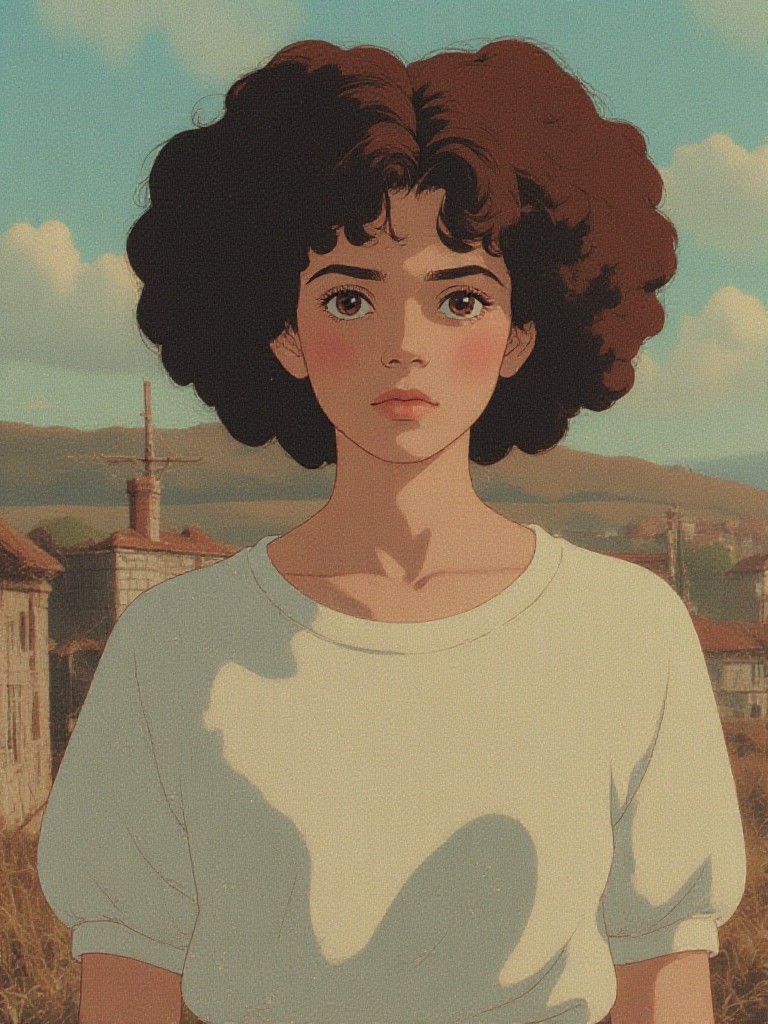
AI Generated Earthy Tones Images & Videos
Discover unique and innovative Earthy Tones images and videos created with a1.art Earthy Tones prompts.





How to Make Earthy Tones AI Image & Video on a1.art?
Step into the future of AI Earthy Tones video and image creation on a1.art.

Step 1
Select the style you want to apply in the Square.

Step 2
Upload the image you want to transform. It can be a photo, hand-drawn sketch.

Step 3
Wait a few seconds and you can easily get your unique AI Earthy Tones art. Download for free!
FAQ about Earthy Tones AI Prompt on a1.art
Discover the secrets to creating Birthday Day videos and images at a1.art.
What are earthy tones AI prompts?
Earthy tones AI prompts are specialized text inputs designed to generate visuals with natural, earthy color palettes. These prompts focus on textures like rough bark, weathered stone, dried leaves, and other organic elements that evoke a sense of nature and warmth.
Can I use these prompts for both images and videos?
Yes, a1.art supports both AI image and video generation. You can select your preferred earthy tones prompt and apply it to create either static images or dynamic videos with consistent visual themes.
Are there any limitations on using earthy tones prompts?
There are no strict limitations. You can use earthy tones prompts as often as you like, and they work seamlessly with all of a1.art's features, including filters, effects, and customization options.
How do I access earthy tones prompts on a1.art?
Accessing earthy tones prompts is simple. Just navigate to the 'Prompts' section on a1.art, search for 'earthy tones,' and choose from our curated list of options. You can then apply them directly to your projects.
Do I need technical skills to use earthy tones prompts?
No, a1.art is designed for users of all skill levels. Simply select a prompt, upload your image or enter a text description, and let the AI handle the rest. The interface is intuitive and user-friendly.


