Container backgroundContainer background
Home/AI Prompts/Diy

Diy
AI Prompts

Diy AI Prompts

Discover the power of diy AI prompts at a1.art, where creativity meets technology. Generate stunning DIY images and videos effortlessly by selecting your favorite effects or filters, uploading an image, or entering a text prompt. With daily free login credits and subscription options for more, a1.art is your go-to platform for transforming ideas into visual masterpieces.
A cozy living room with handmade wooden shelves, soft lighting, and a warm blanket draped over a chair, evoking a sense of comfort and relaxation.
A vibrant garden filled with blooming flowers, a winding stone path, and a rustic wooden bench, perfect for capturing the essence of nature's beauty.
A modern kitchen with sleek stainless steel appliances, a marble countertop, and a large window overlooking the city skyline, blending functionality with style.
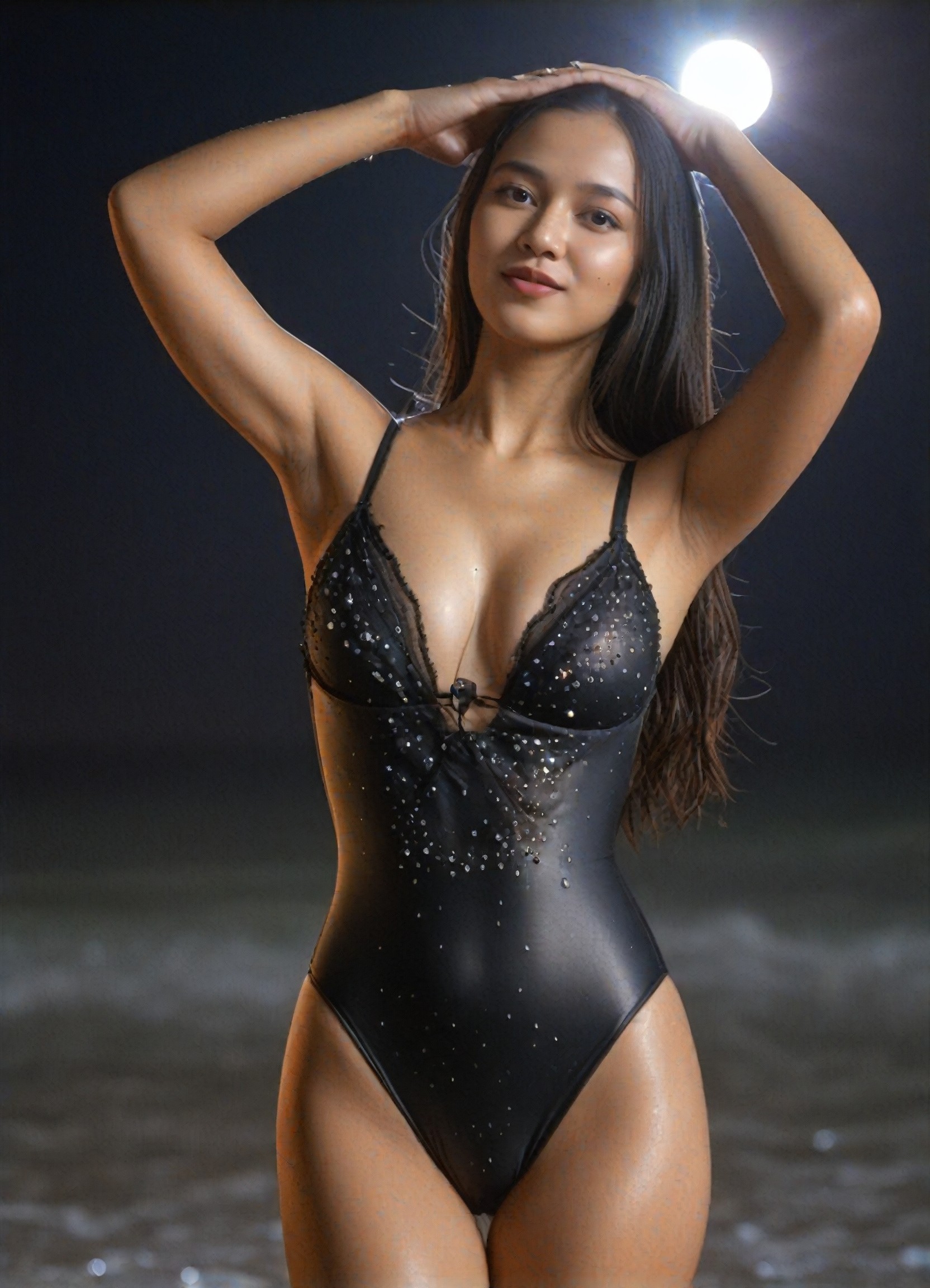
A serene beach scene with gentle waves lapping against the shore, a hammock strung between two palm trees, and a sunset casting golden hues across the horizon.
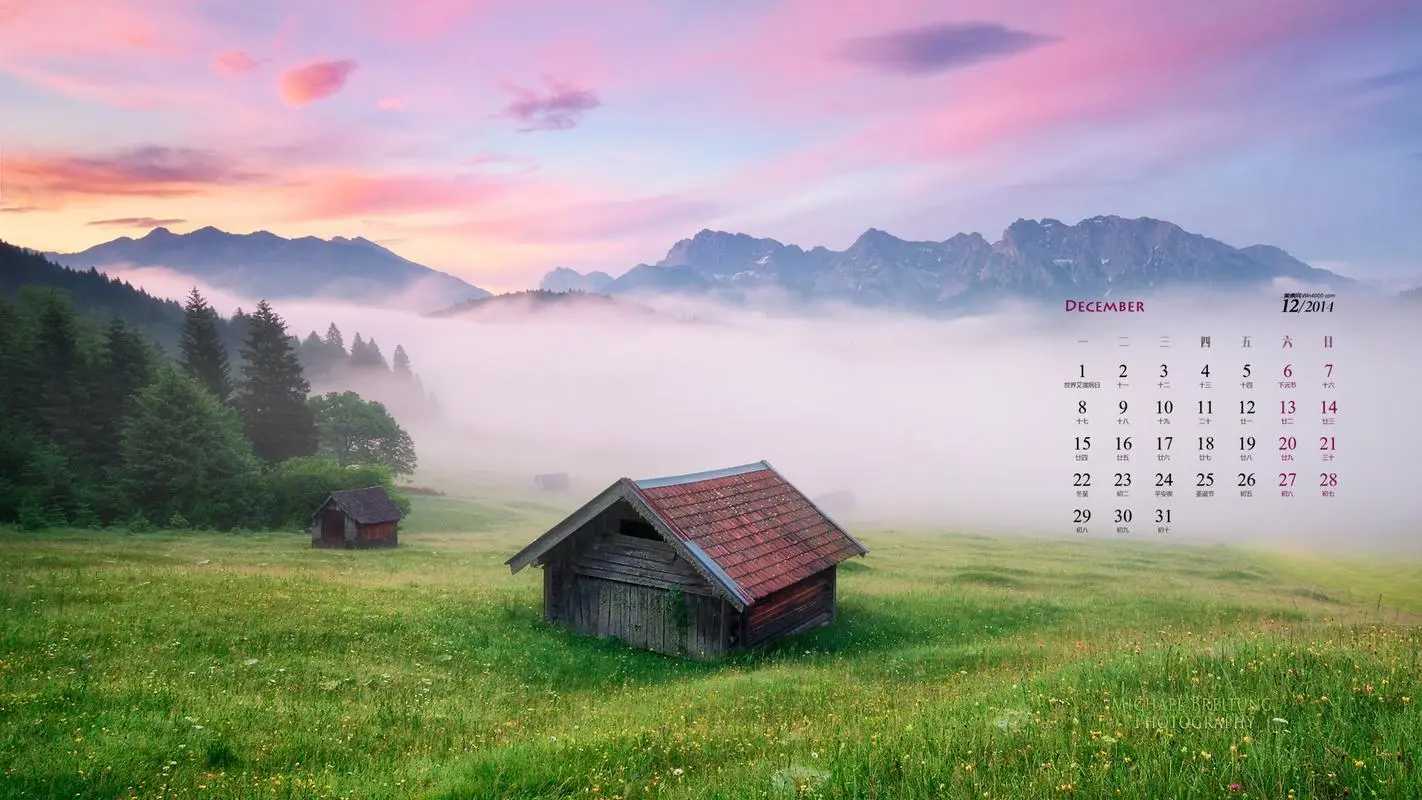
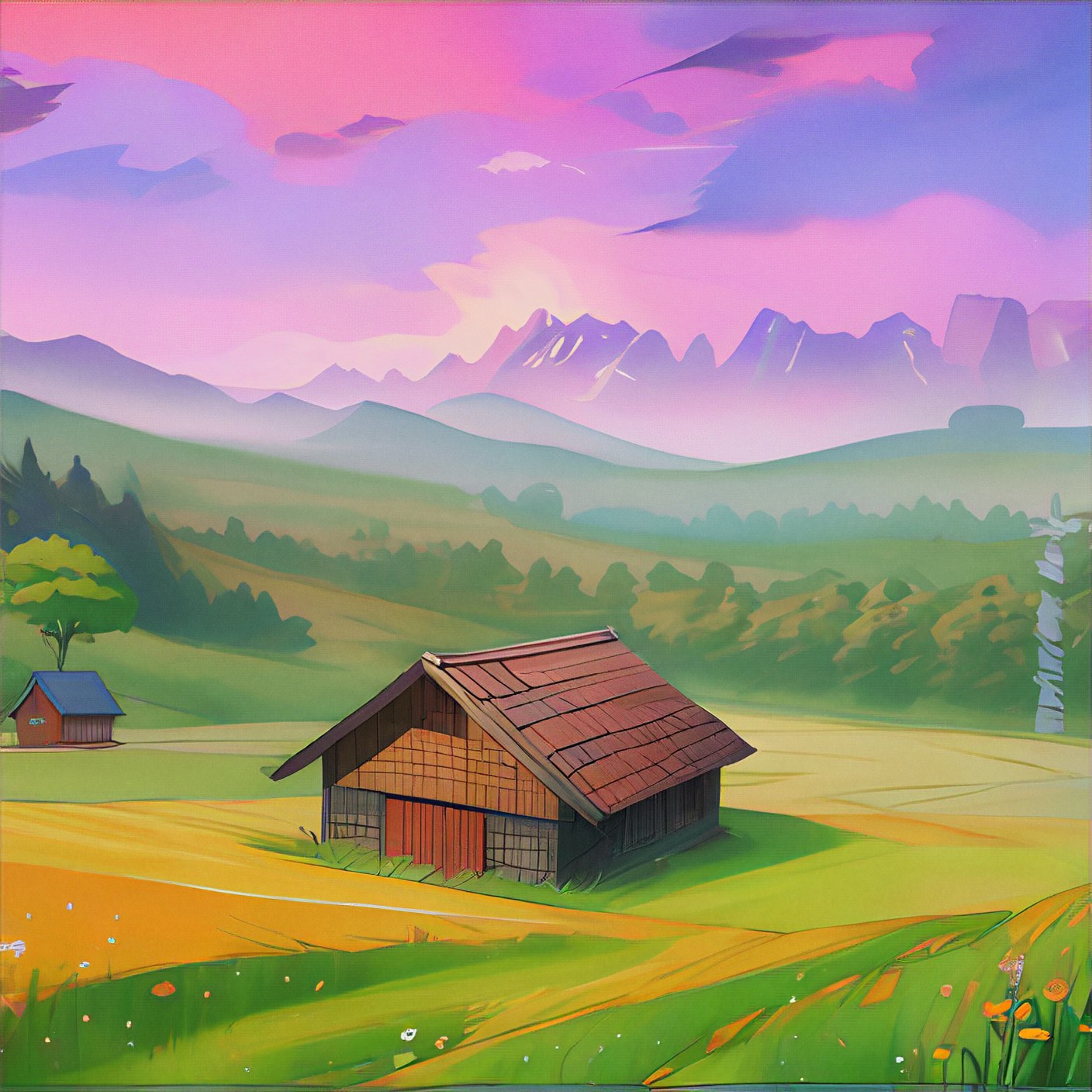
A charming farmhouse exterior with a weathered wooden door, climbing ivy on the walls, and a small porch adorned with potted plants, exuding rustic charm.
A futuristic cityscape with towering skyscrapers, neon lights, and flying vehicles, set against a backdrop of a starry night sky, capturing the excitement of urban life.
Explore more

Get Diy Videos & Images without Prompt

a1.art offers a large number of filters, allowing you to easily obtain AI videos or images without prompts.
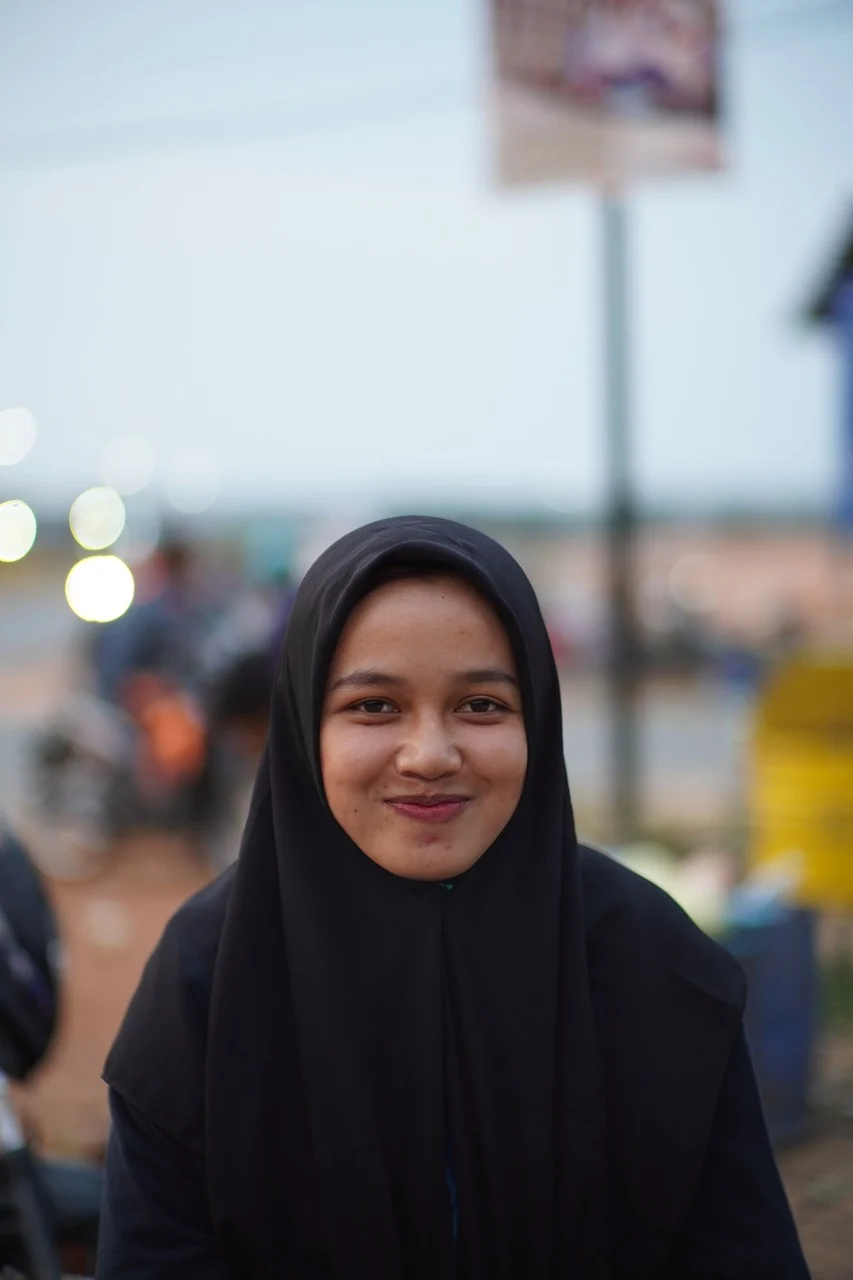
image befor ai generation
A cute 3D rendered cartoon boy, wearing an olive green jacket, khaki shorts, and a beige baseball cap. He has large, expressive eyes, a friendly expression, and carries a brown backpack. He's wearing off-white sneakers. The style is reminiscent of 3D cartoon character design, with smooth, polished textures and no visible brushstrokes. The background is a simple beige color, focusing all attention on the character. The lighting is soft and even, creating a warm and pleasant atmosphere. The overall style is cheerful and friendly, suitable for children's products or game character design. The image is rendered in a style similar to contemporary 3D animation character design. Think of the clean lines and smooth surfaces of Pixar-style animation, but with a slightly more realistic rendering of the materials.
cute 3D cartoon boy image
Input
Result
cute 3D cartoon boy
夢境畫境Dreamscape Canva headshot夢境畫境Dreamscape Canva
playicon15.8k
image befor ai generation
On the crowded streets, we can only see each other image
Input
Result
On the crowded streets, we can only see each other
創意無限小林哥 headshot創意無限小林哥
playicon15.0k
A gray cat with yellow eyes
CAT
Graffiti Logo image
Input
Result
Graffiti Logo
CC headshotCC
playicon1.5k
image befor ai generation
Model image
Input
Result
Model
麦当当 headshot麦当当
playicon1.1k
Generate an anime image
eleven image
Input
Result
eleven
X
XYing
playicon21
image befor ai generation
female
rose
Tattoo DIY(Video) image
Input
Result
Tattoo DIY(Video)
AI Video(Official) headshotAI Video(Official)
playicon14
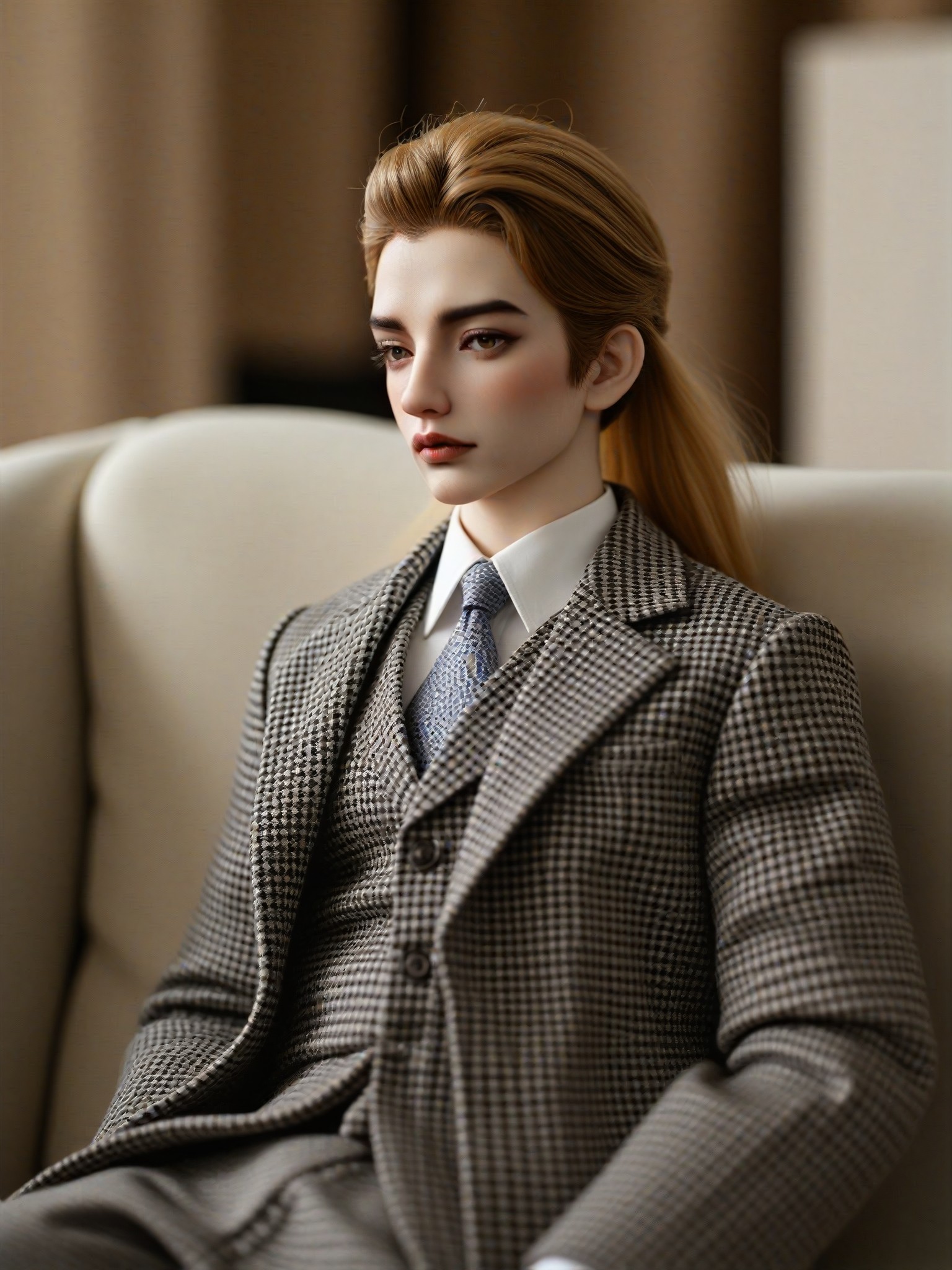
image befor ai generation
sit
Fluffy golden long hair
Chanel high-end professional suit, plaid
BJD-DIY image
Input
Result
BJD-DIY
Alice~ headshotAlice~
playicon5
image befor ai generation
sit
Fluffy golden long hair
Chanel high-end professional suit, plaid
BJD-DIY(Video) image
Input
Result
BJD-DIY(Video)
AI Video(Official) headshotAI Video(Official)
playicon5

How to Make Diy AI Image & Video on a1.art?

Step into the future of AI Diy video and image creation on a1.art.

a1.art tutorial Step 1
Step 1
Select the style you want to apply in the Square.

a1.art tutorial Step 2
Step 2
Upload the image you want to transform . It can be a photo, hand-drawn sketch.

a1.art tutorial Step 3
Step 3
Wait a few seconds and you can easily get your unique AI Diy art. Download for free!

FAQ about Diy AI Prompt on a1.art

Discover the secrets to creating Diy videos and images at a1.art.

What types of diy projects can I create with a1.art?

With a1.art, you can create a wide range of diy projects including images and videos of home decor, gardens, kitchens, outdoor scenes, and more. The platform supports various styles and themes to suit your creative vision.

How do I use diy AI prompts on a1.art?

Using diy AI prompts on a1.art is simple. Just select your preferred effect or filter, upload an image, or enter a text prompt, and let the AI generate your visuals instantly. It's a seamless process designed for ease of use.

Can I customize the prompts to match my specific needs?

Yes, a1.art allows you to customize prompts to fit your specific needs. Whether you want to focus on a particular style, theme, or detail, you can tailor the prompts to achieve the desired results.

Are there any limitations on the number of prompts I can use?

There are no strict limitations on the number of prompts you can use. However, a1.art offers daily free login credits, and you can subscribe for additional credits to access more prompts and features.

How does a1.art ensure the quality of the generated visuals?

a1.art uses advanced AI technology to ensure high-quality visuals. The platform continuously updates its algorithms to improve accuracy and detail, providing you with stunning and realistic images and videos.

Container background

Make Diy AI Image & Video on a1.art APP

Download the app to explore Diy AI image & video filters, faster processing, and personalized features. Whether you want creative images or stunning videos, the app makes it easier.