Container backgroundContainer background
Home/AI Prompts/Cute Plush Toys

Cute Plush Toys
AI Prompts

Cute Plush Toys AI Prompts

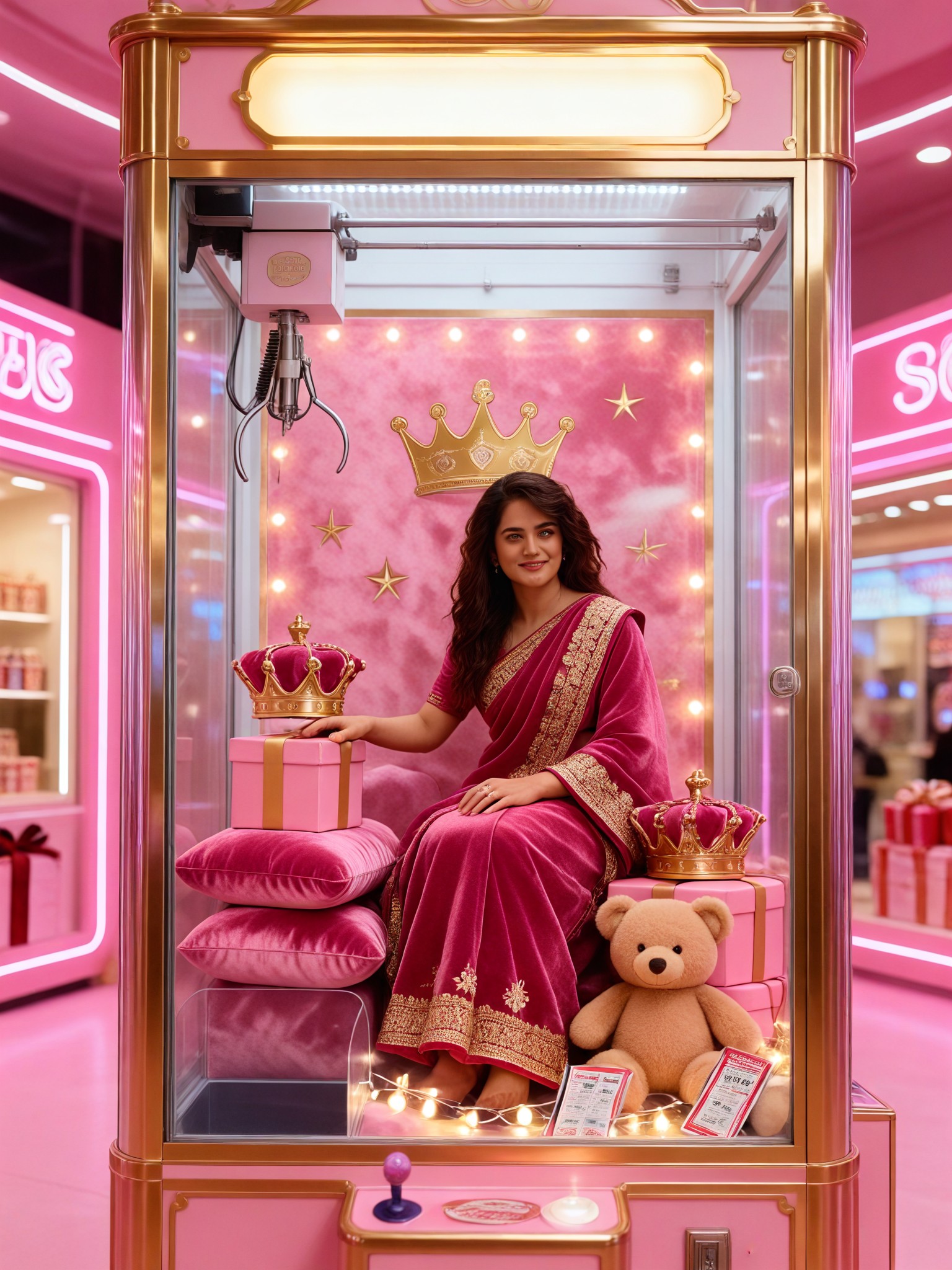
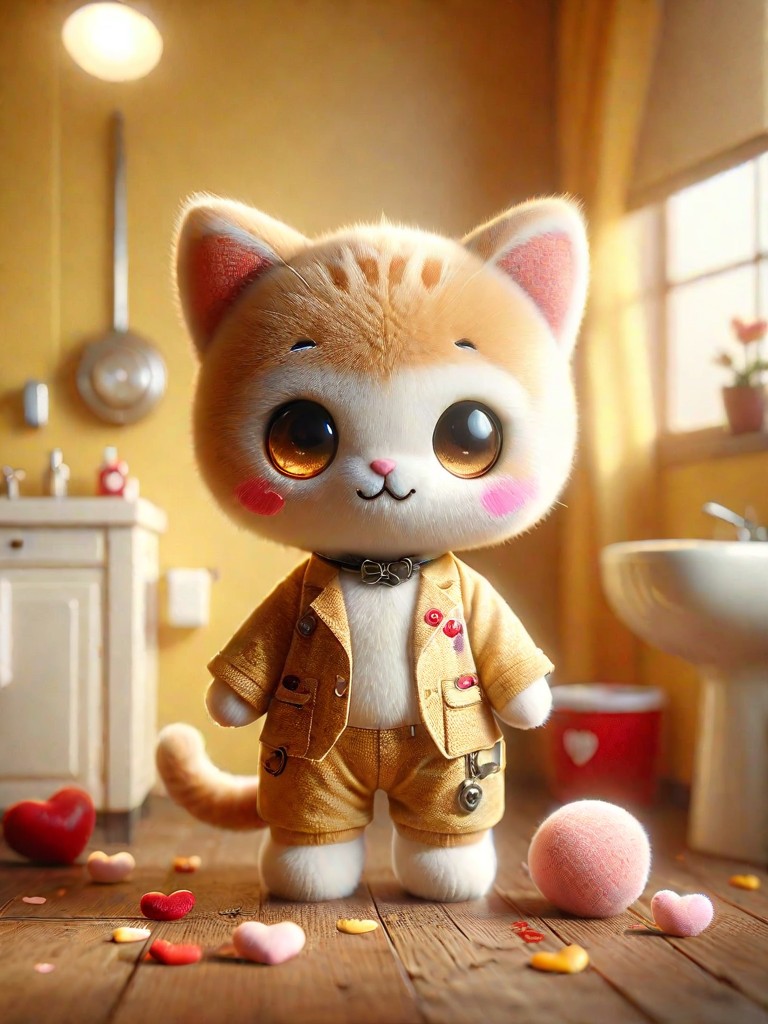
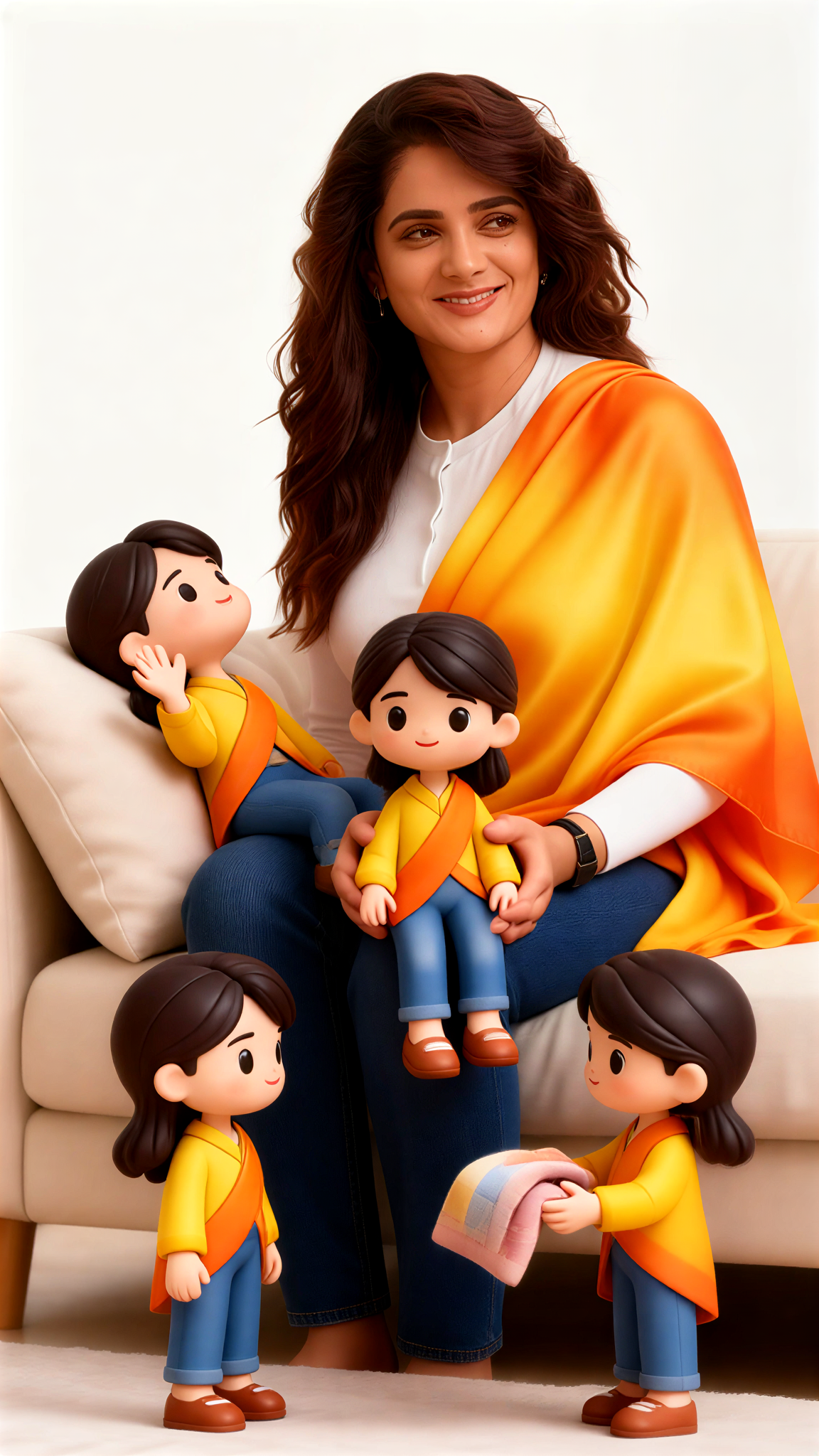
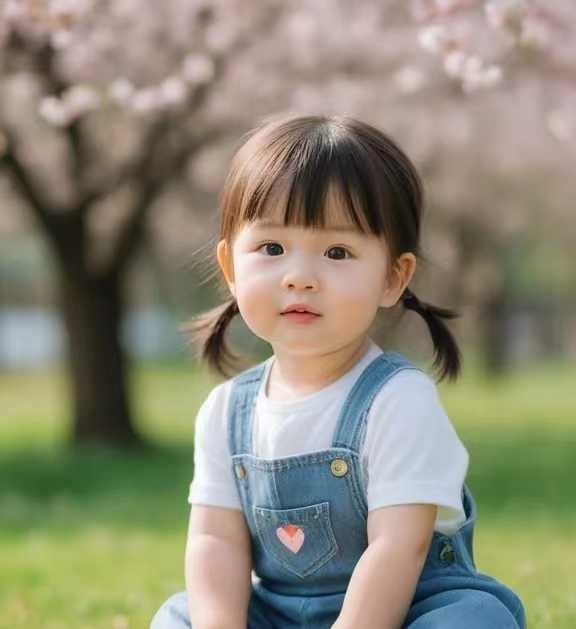
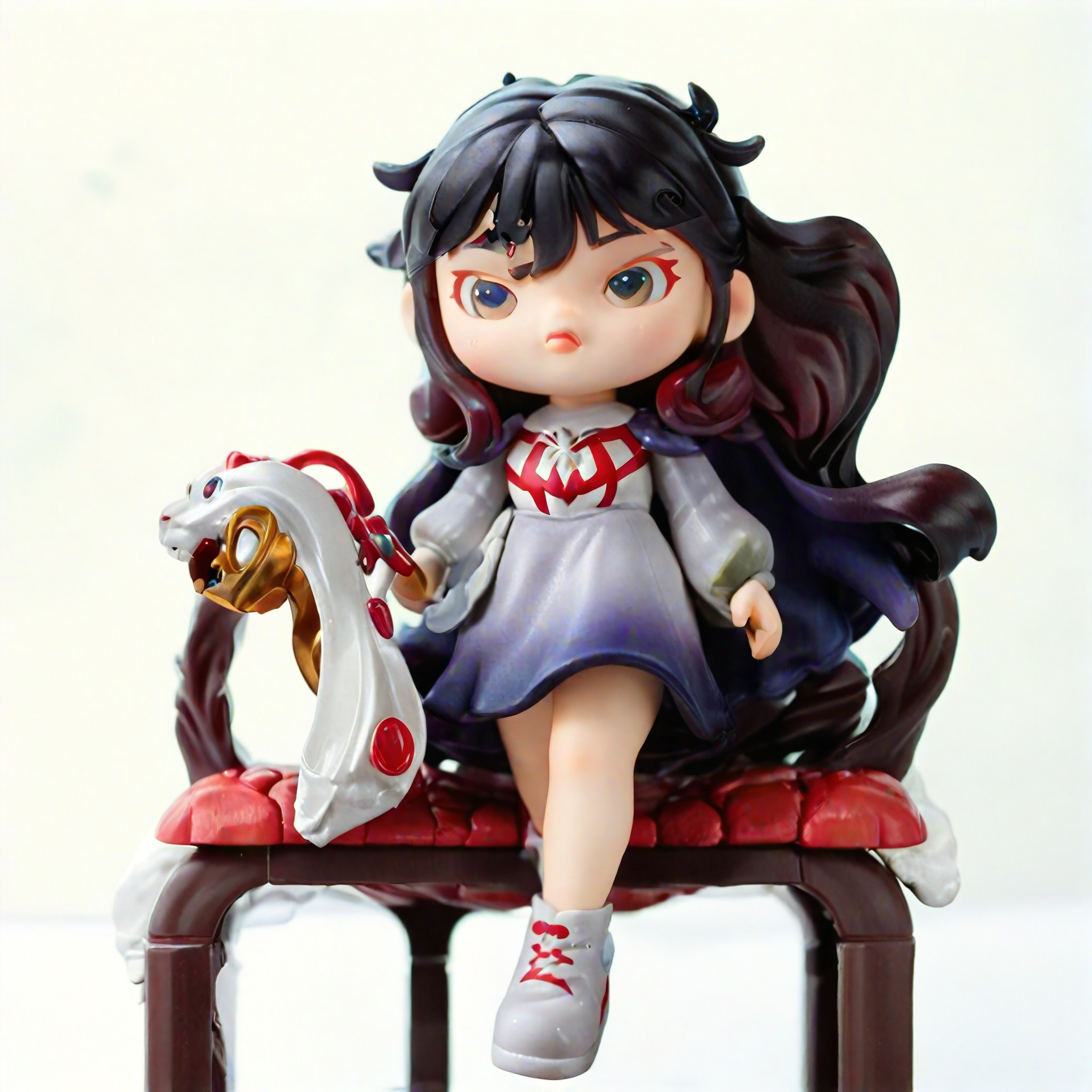
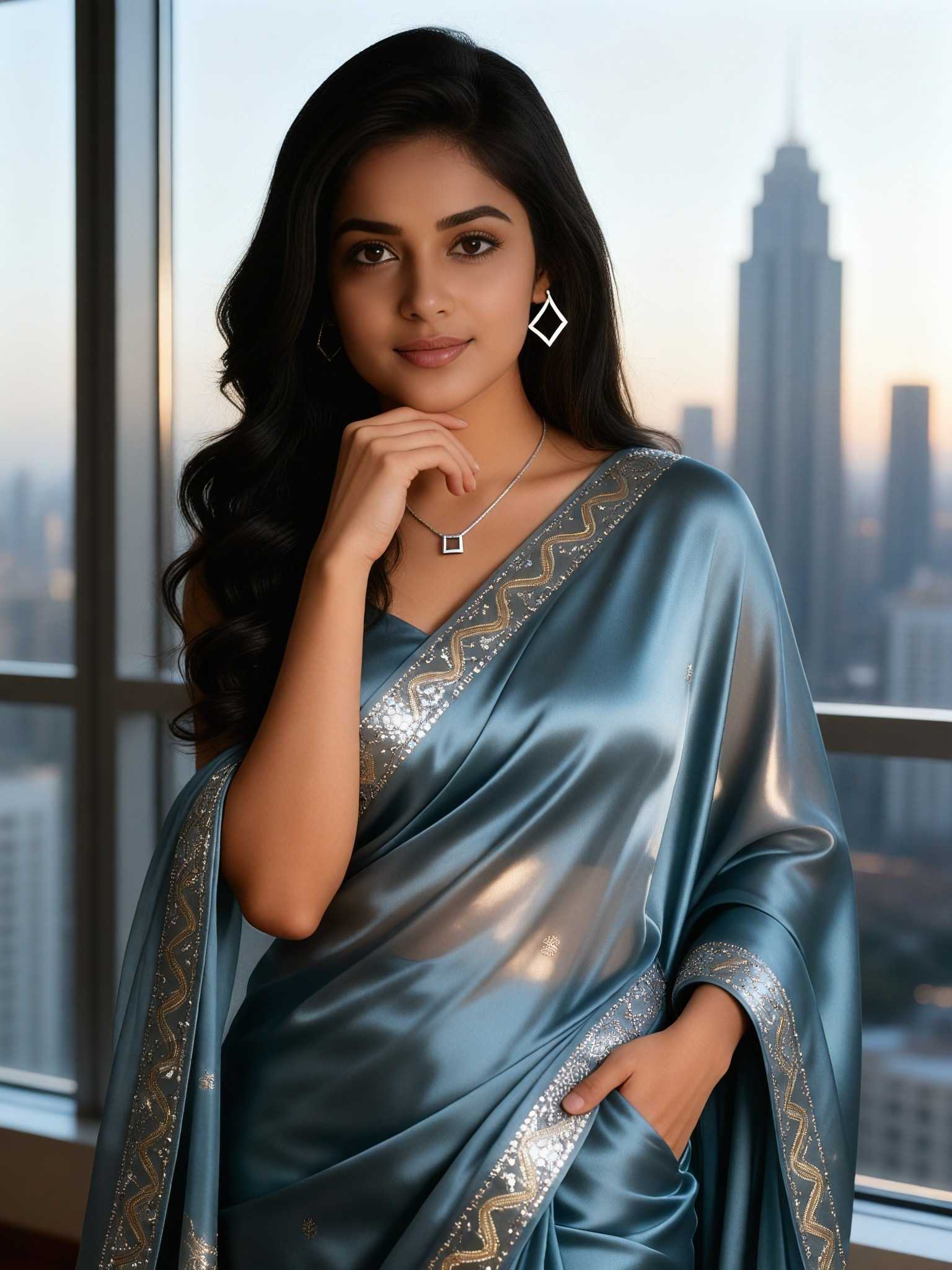
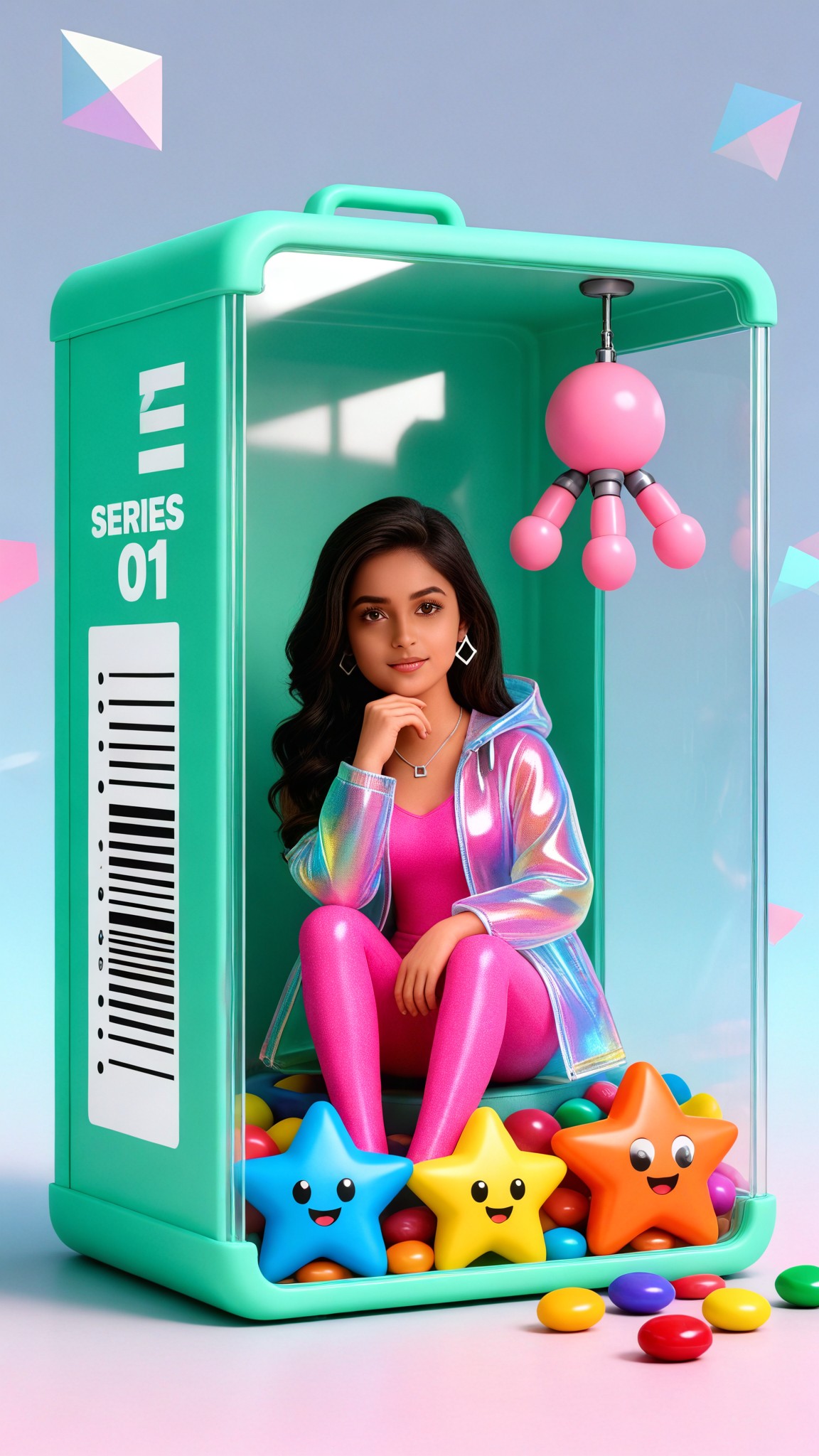
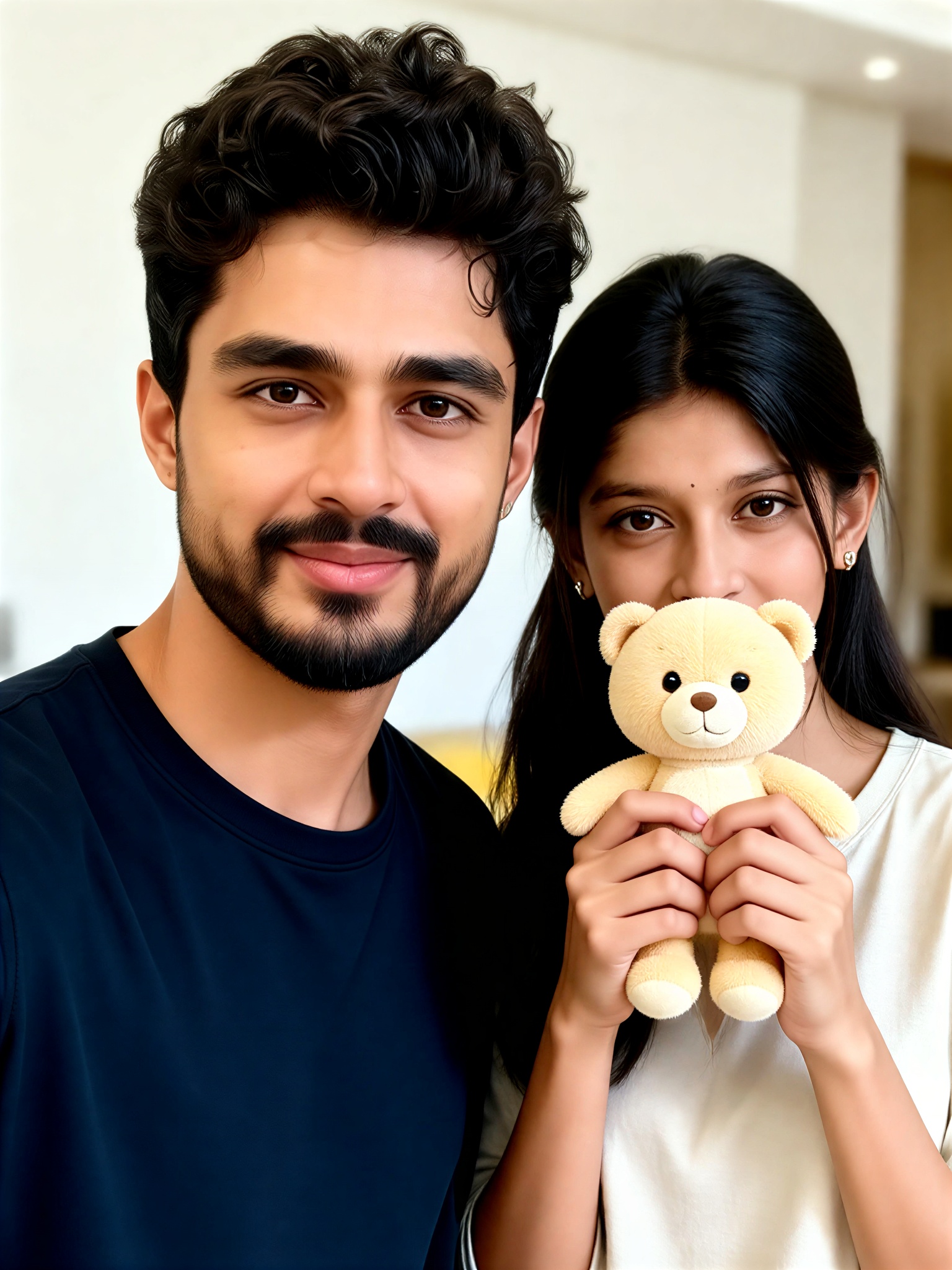
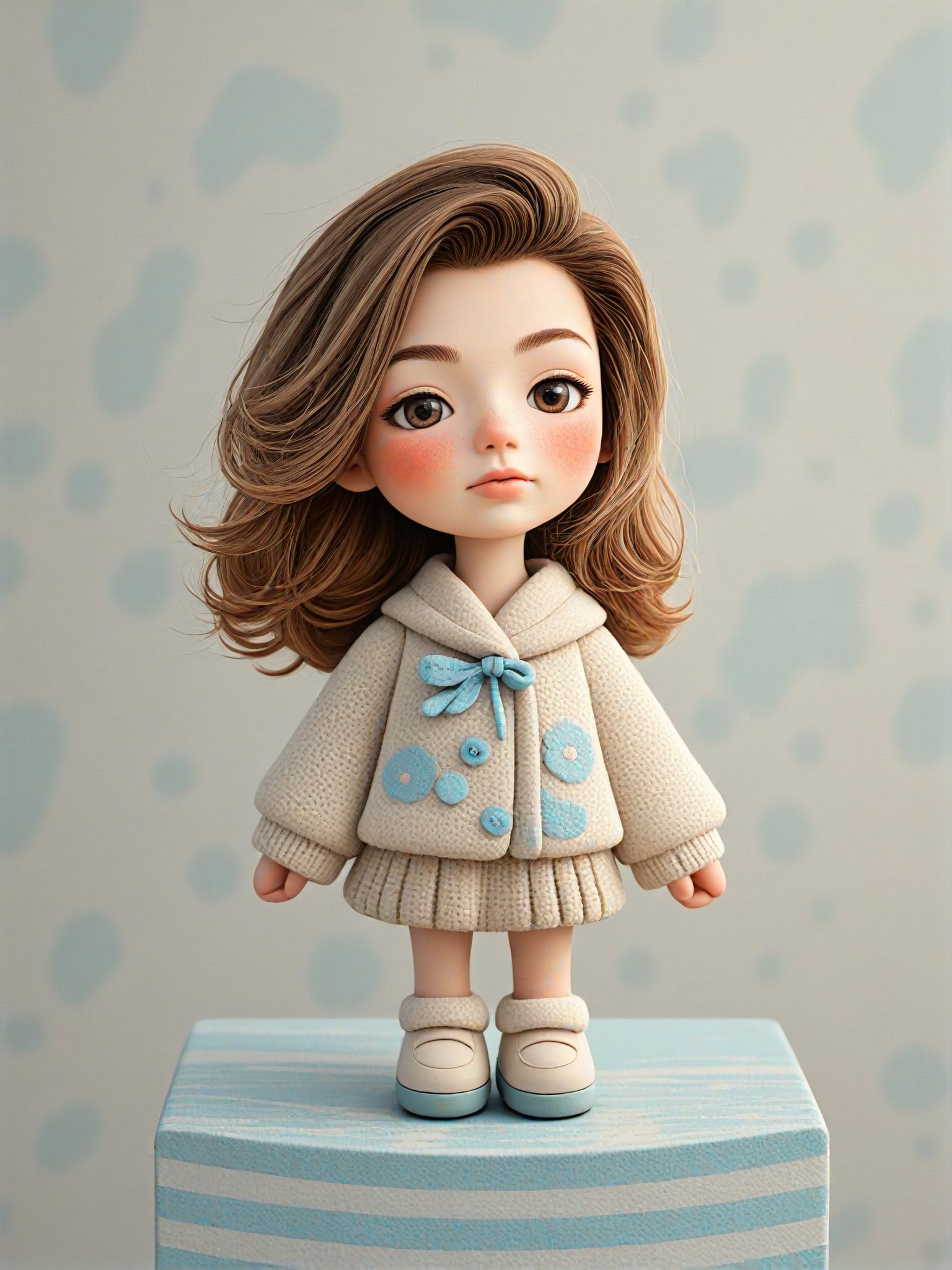
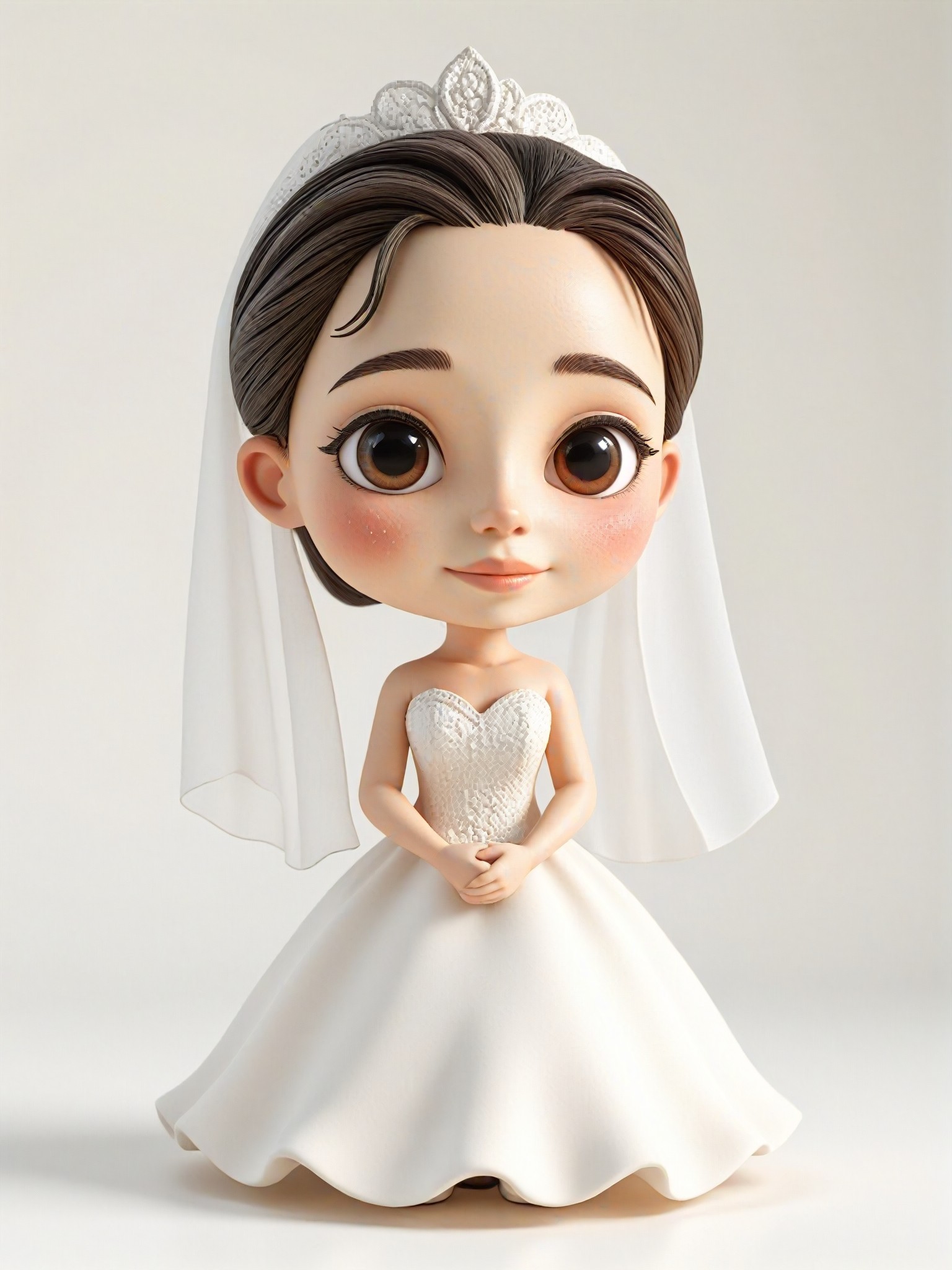
Discover the magic of creating adorable plush toys with a1.art's AI-powered prompts. Whether you're designing for kids, crafting digital art, or exploring creative ideas, our platform lets you generate stunning plush toy visuals in seconds. With daily free credits and customizable filters, bringing your cute plush toy visions to life has never been easier.
A fluffy teddy bear with golden eyes, soft pastel fur, and a cozy blanket, cinematic lighting, ultra-detailed texture, and a warm, inviting atmosphere.
A whimsical unicorn plush toy with a rainbow mane, glittering horn, and sparkling wings, captured in a magical forest setting with soft sunlight filtering through trees.
A cute koala plush toy holding a bamboo branch, detailed fur texture, natural erosion effects, and a serene nighttime backdrop with glowing fireflies.
A playful penguin plush toy wearing a tiny winter hat, surrounded by snowflakes, frosty textures, and a cheerful expression, perfect for holiday-themed designs.
A vibrant rainbow-colored plush dragon with shimmering scales, dynamic pose, and a fantasy-inspired background filled with clouds and stars.
A charming bunny plush toy with long ears, delicate whiskers, and a basket of flowers, rendered in soft daylight with gentle shadows and lifelike details.
Explore more

Get Cute Plush Toys Videos & Images without Prompt

a1.art offers a large number of filters, allowing you to easily obtain AI videos or images without prompts.
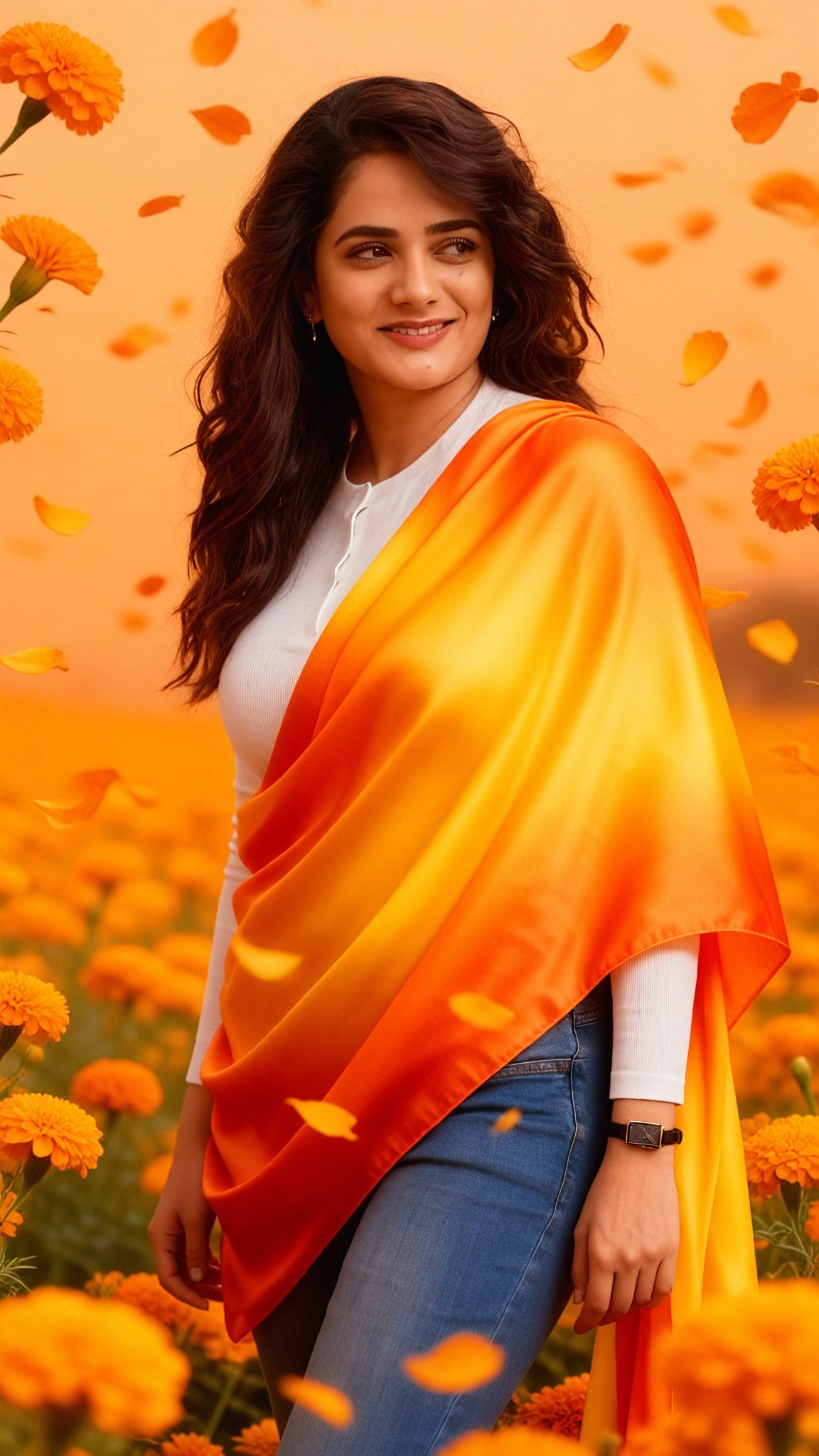
image befor ai generation
A cute 3D rendered cartoon boy, wearing an olive green jacket, khaki shorts, and a beige baseball cap. He has large, expressive eyes, a friendly expression, and carries a brown backpack. He's wearing off-white sneakers. The style is reminiscent of 3D cartoon character design, with smooth, polished textures and no visible brushstrokes. The background is a simple beige color, focusing all attention on the character. The lighting is soft and even, creating a warm and pleasant atmosphere. The overall style is cheerful and friendly, suitable for children's products or game character design. The image is rendered in a style similar to contemporary 3D animation character design. Think of the clean lines and smooth surfaces of Pixar-style animation, but with a slightly more realistic rendering of the materials.
cute 3D cartoon boy image
Input
Result
cute 3D cartoon boy
夢境畫境Dreamscape Canva headshot夢境畫境Dreamscape Canva
playicon15.7k
image befor ai generation
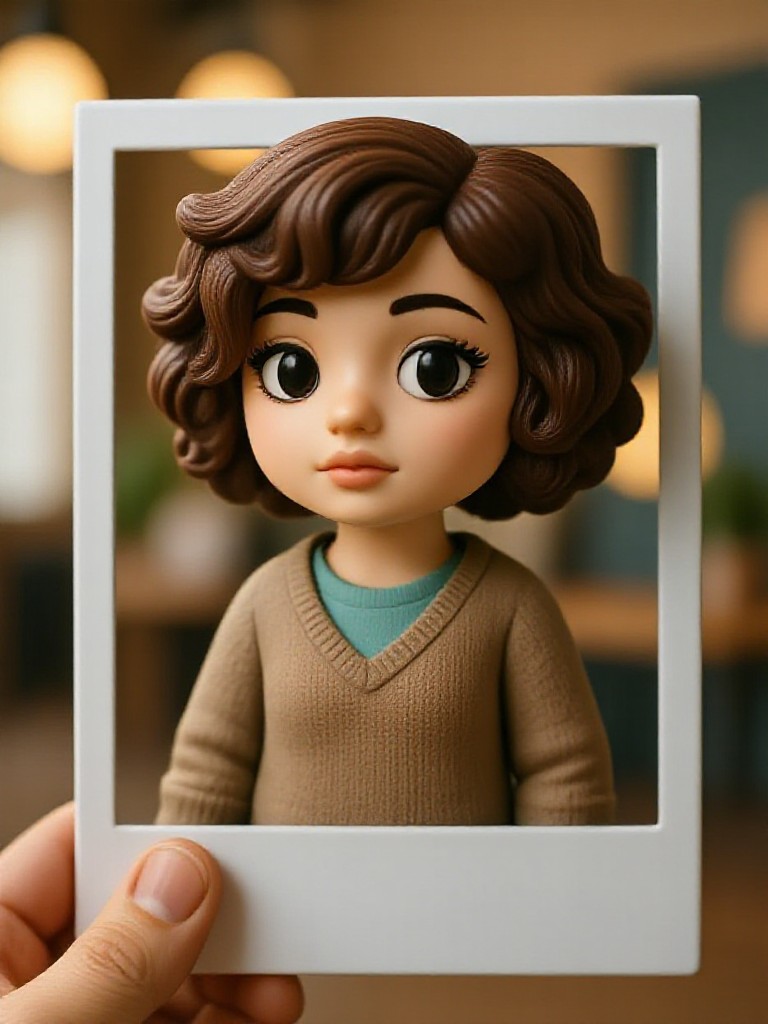
Cute 3D Polaroid  image
Input
Result
Cute 3D Polaroid
CC headshotCC
playicon9.4k
image befor ai generation
boy
yellow
red
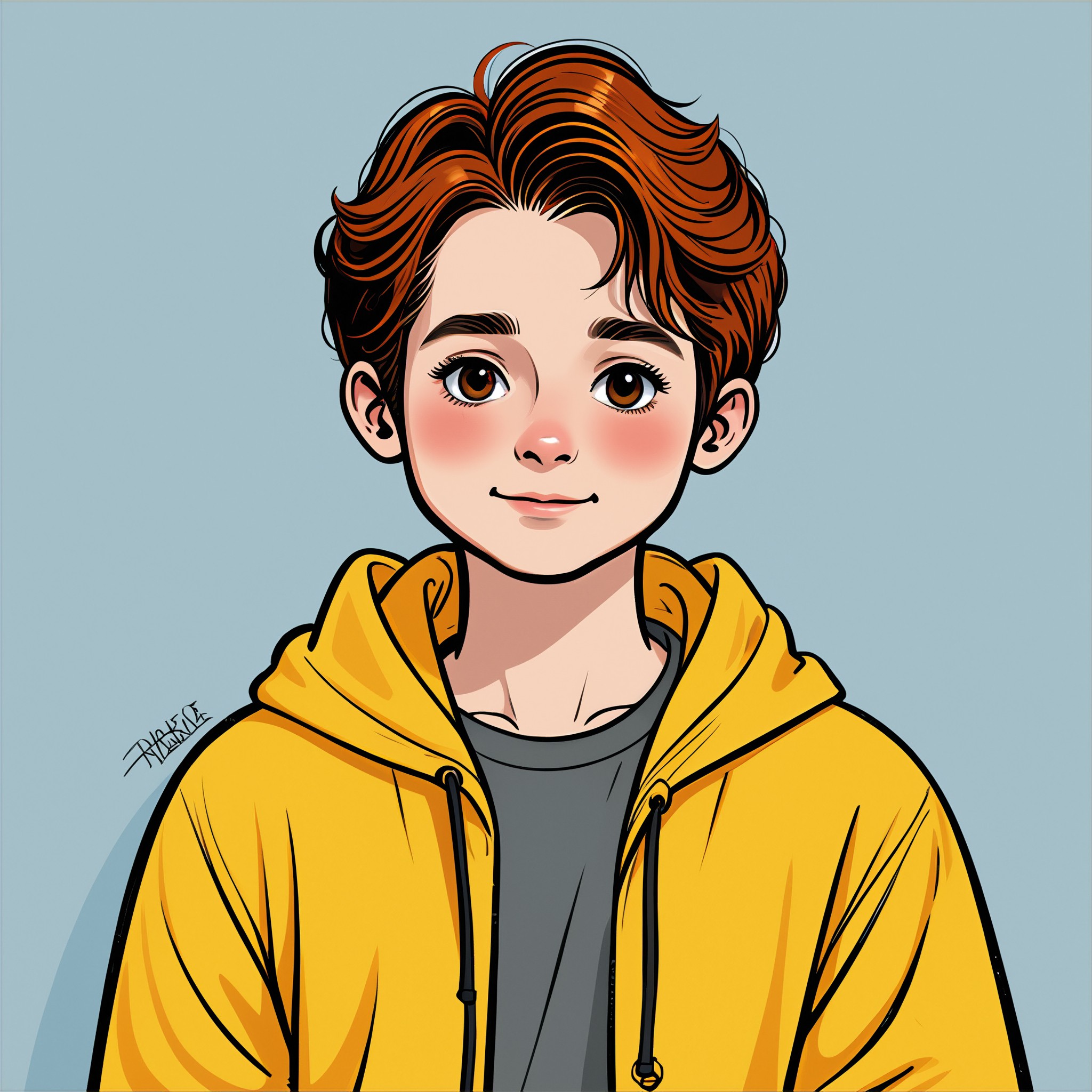
Customize your own cute image image
Input
Result
Customize your own cute image
Ling kong headshotLing kong
playicon3.8k
image befor ai generation
boy
briefcase
Work suit
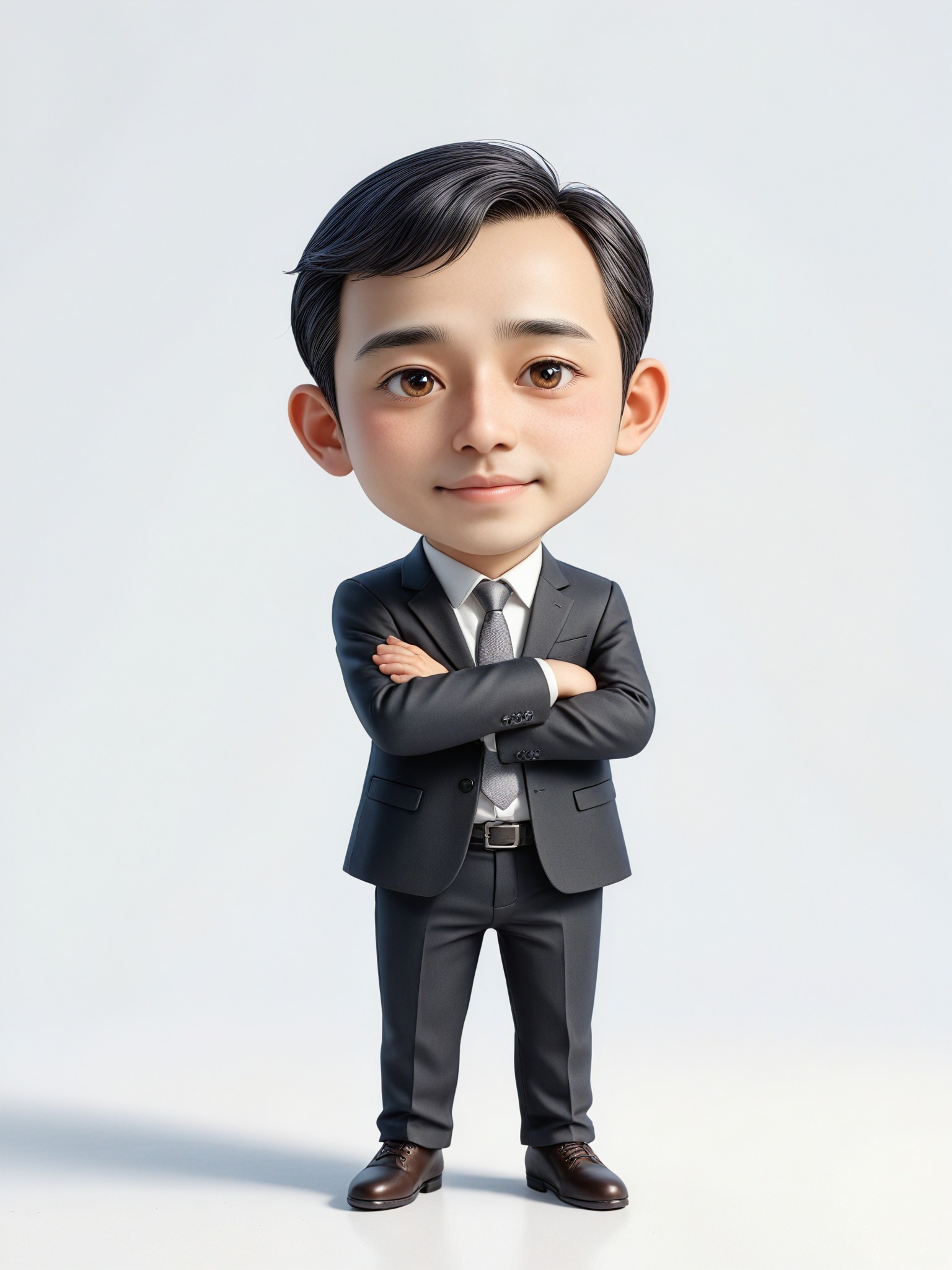
Cute 3D real life image
Input
Result
Cute 3D real life
Vivian Huang headshotVivian Huang
playicon3.8k
image befor ai generation
Cute 3D Filter image
Input
Result
Cute 3D Filter
CC headshotCC
playicon3.6k
image befor ai generation
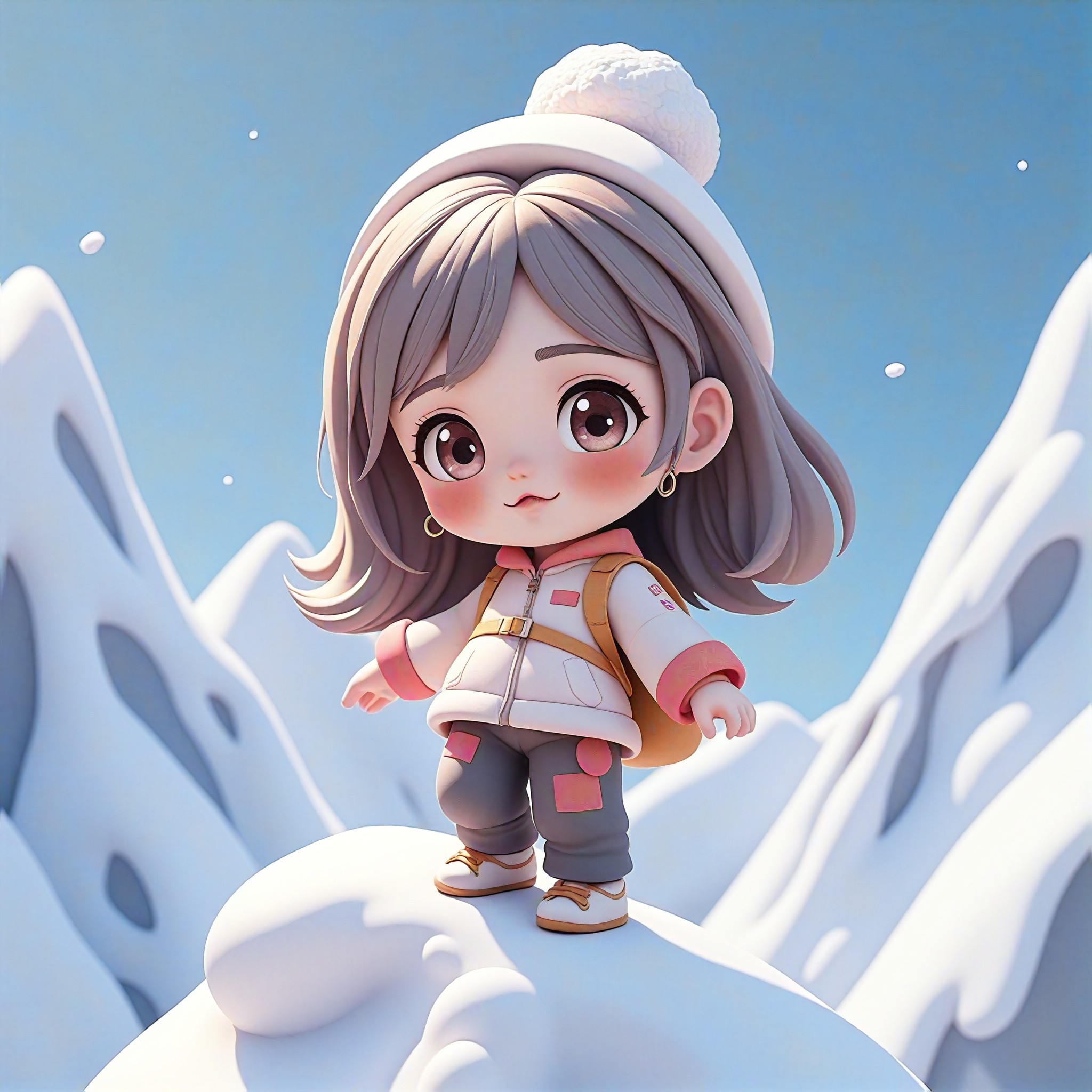
Cute Figure Climbing Snowy Mountains image
Input
Result
Cute Figure Climbing Snowy Mountains
fancy headshotfancy
playicon2.8k
image befor ai generation
Cute photo with giant rabbit image
Input
Result
Cute photo with giant rabbit
sedin headshotsedin
playicon2.1k
image befor ai generation
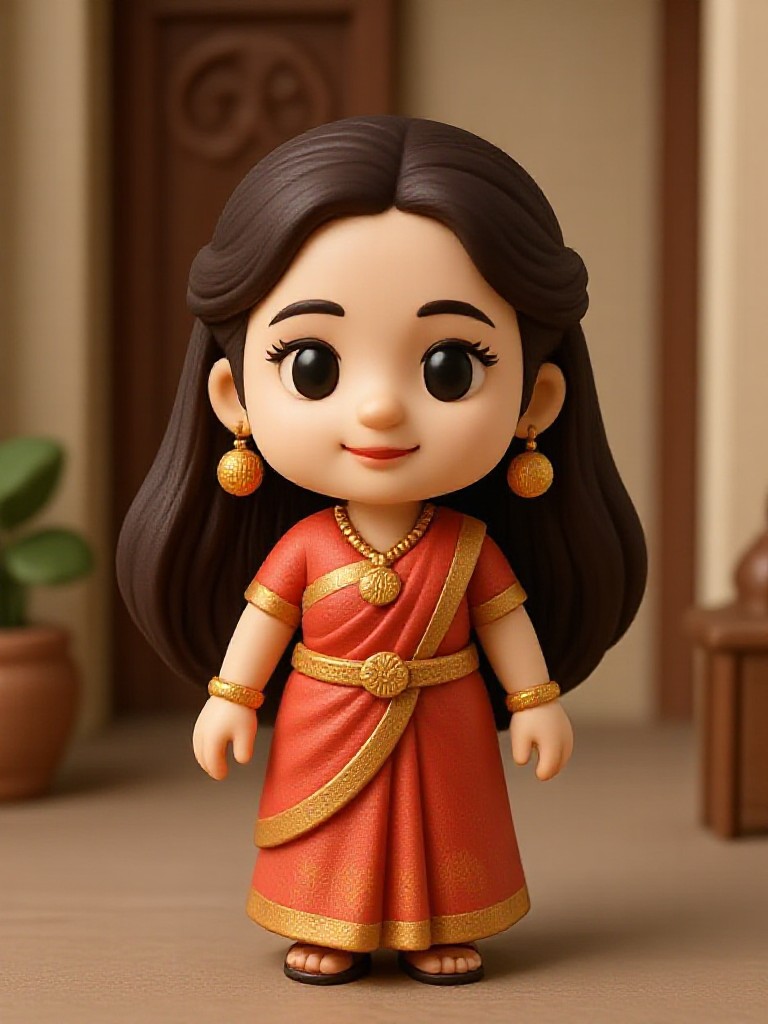
Toys image
Input
Result
Toys
小马哥 headshot小马哥
playicon1.8k

How to Make Cute Plush Toys AI Image & Video on a1.art?

Step into the future of AI Cute Plush Toys video and image creation on a1.art.

a1.art tutorial Step 1
Step 1
Select the style you want to apply in the Square.

a1.art tutorial Step 2
Step 2
Upload the image you want to transform . It can be a photo, hand-drawn sketch.

a1.art tutorial Step 3
Step 3
Wait a few seconds and you can easily get your unique AI Cute Plush Toys art. Download for free!

FAQ about Cute Plush Toys AI Prompt on a1.art

Discover the secrets to creating Cute Plush Toys videos and images at a1.art.

What types of cute plush toys can I create with a1.art?

With a1.art, you can create a wide variety of plush toys, including classic teddy bears, whimsical unicorns, playful animals like bunnies and penguins, and even fantastical creatures like dragons and robots. Our AI prompts allow you to customize every detail, from fur texture to background settings.

How do I use a1.art to generate plush toy images?

Simply select one of our curated cute plush toy AI prompts, upload an image if needed, or enter a text description. Then, choose your preferred filters or effects, and let a1.art transform your ideas into stunning visuals. It's fast, easy, and requires no technical skills.

Are there any free options available on a1.art?

Yes! a1.art offers daily free login credits, allowing you to generate multiple plush toy images without cost. If you want more credits, you can subscribe to unlock additional features and higher-quality outputs.

Can I download the plush toy images I create?

Absolutely! Once your plush toy image is generated, you can easily download it in high resolution. You can use these images for personal projects, social media, or even commercial purposes.

Is a1.art suitable for both beginners and professionals?

Definitely! a1.art is designed to be user-friendly for beginners while offering advanced customization options for professionals. Whether you're creating plush toy designs for kids or exploring digital art, a1.art provides the tools you need to succeed.

Container background

Make Cute Plush Toys AI Image & Video on a1.art APP

Download the app to explore Cute Plush Toys AI image & video filters, faster processing, and personalized features. Whether you want creative images or stunning videos, the app makes it easier.