Container backgroundContainer background
Home/AI Prompts/Cut

Cut
AI Prompts

Cut AI Prompts

Discover a1.art, the ultimate AI-powered image and video generator designed to bring your creative visions to life. With our curated collection of cut AI prompts, you can effortlessly craft stunning visuals by selecting your favorite effects or filters, uploading an image, or entering a text prompt. Whether you're looking for intricate textures, layered structures, or natural erosion effects, a1.art delivers professional-grade results instantly.
A steaming bowl of ramen with rich broth, soft-boiled egg, sliced pork, and green onions, cinematic lighting, ultra-detailed texture, food photography style.
A rugged mountain landscape with sharp peaks, weathered cliffs, and cascading waterfalls, captured in high-definition detail with natural erosion effects.
A close-up of a cracked stone surface with intricate patterns, showcasing rough textures and broken edges under dramatic lighting.
A futuristic cityscape at night, featuring neon-lit skyscrapers, glowing streets, and a sense of depth created through precise cuts and shadows.
A serene forest scene with sunlight filtering through dense trees, highlighting the interplay of light and shadow on textured bark and leaves.
A dynamic action shot of a surfer riding a powerful wave, with water splashing around and capturing the motion in crisp detail.
Explore more

Get Cut Videos & Images without Prompt

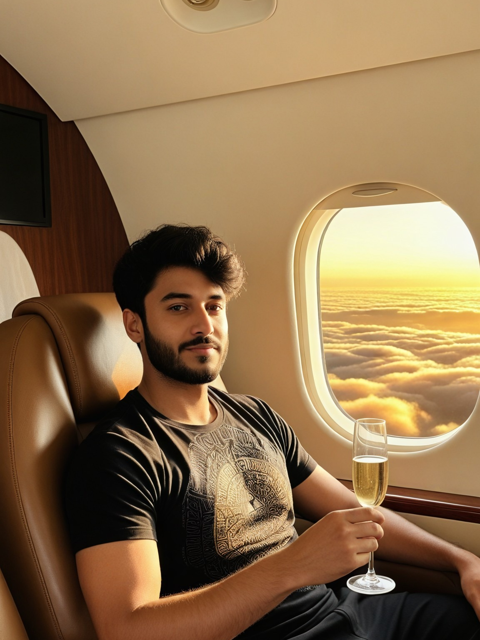
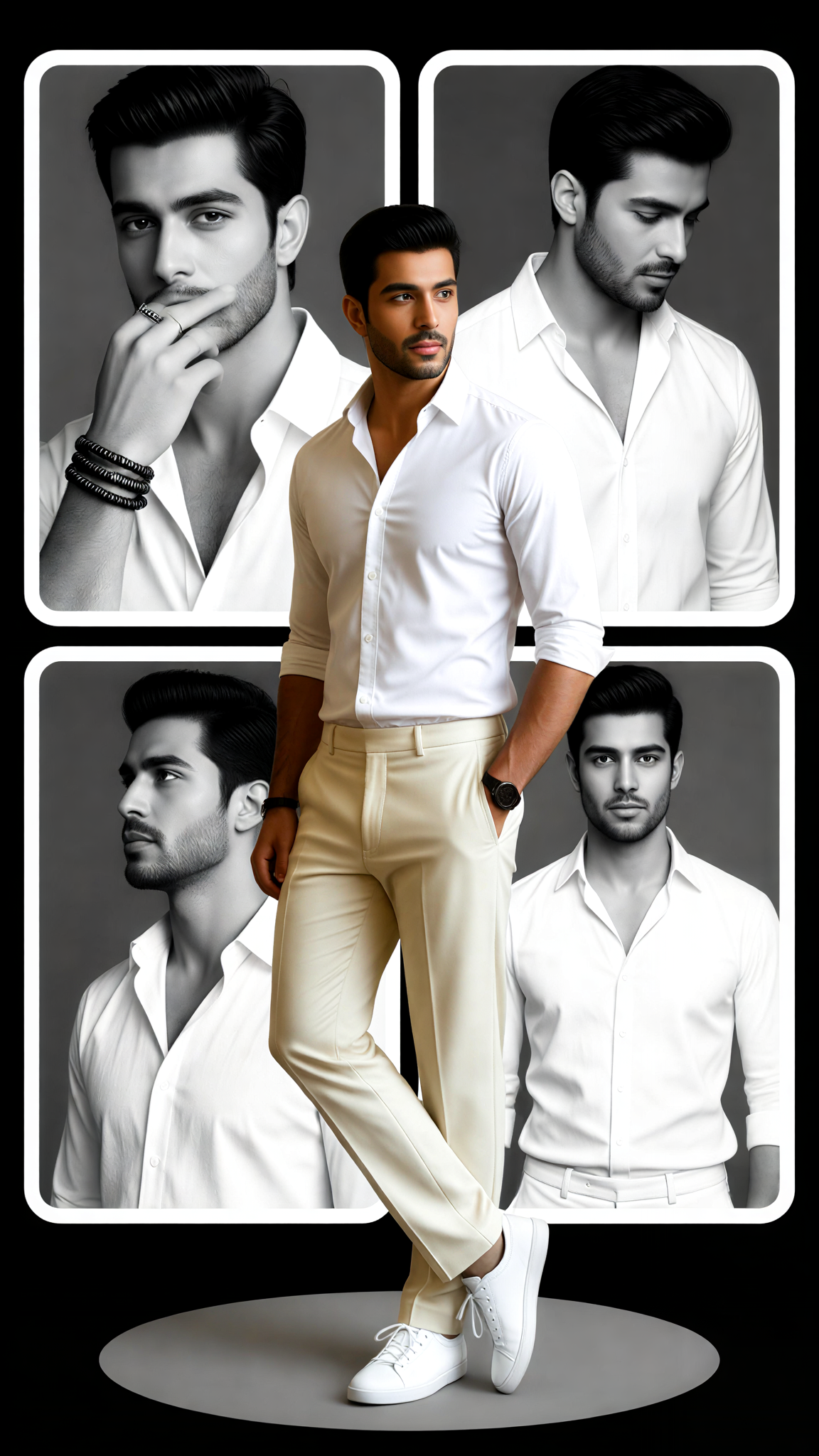
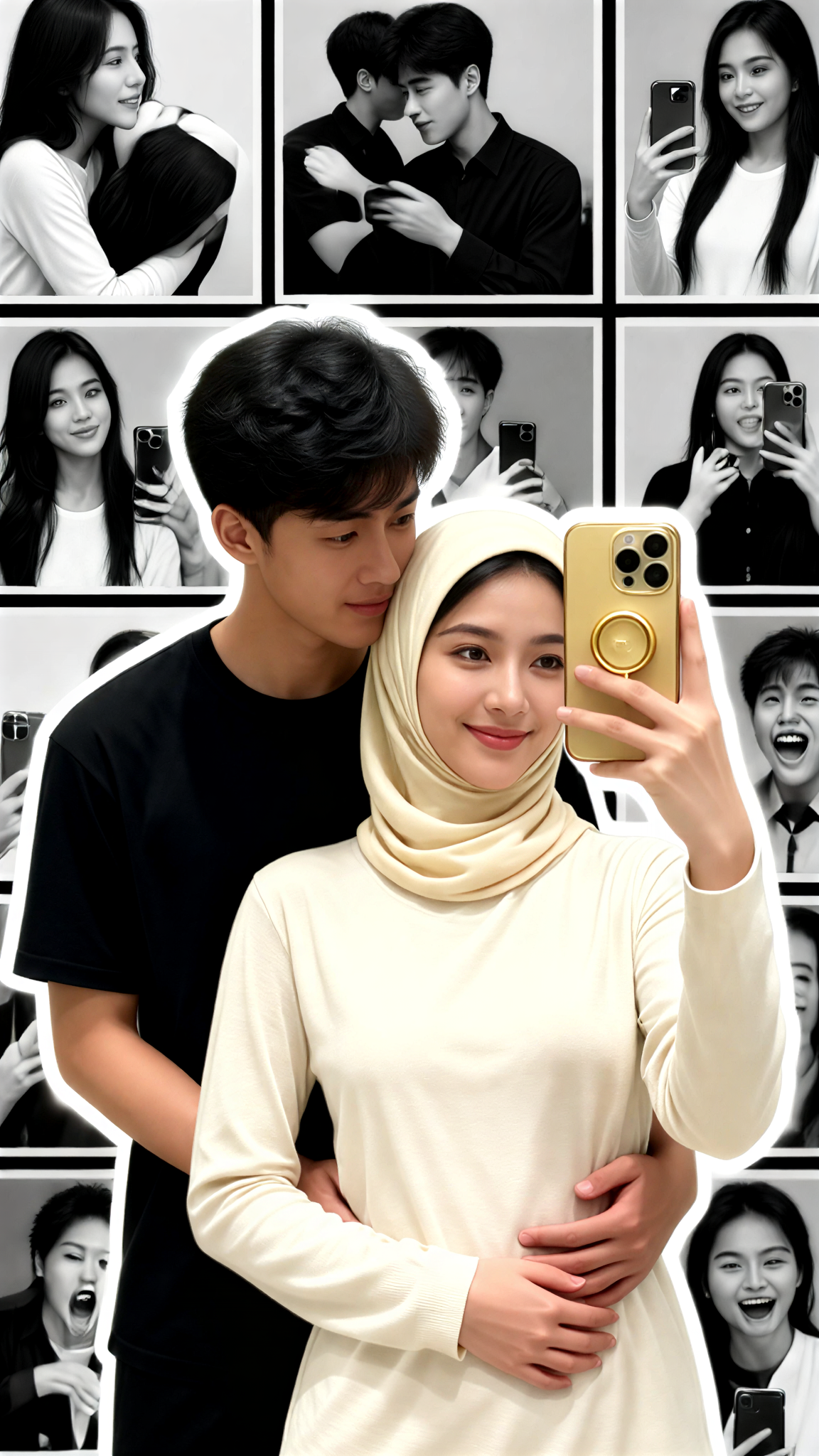
a1.art offers a large number of filters, allowing you to easily obtain AI videos or images without prompts.
image befor ai generation
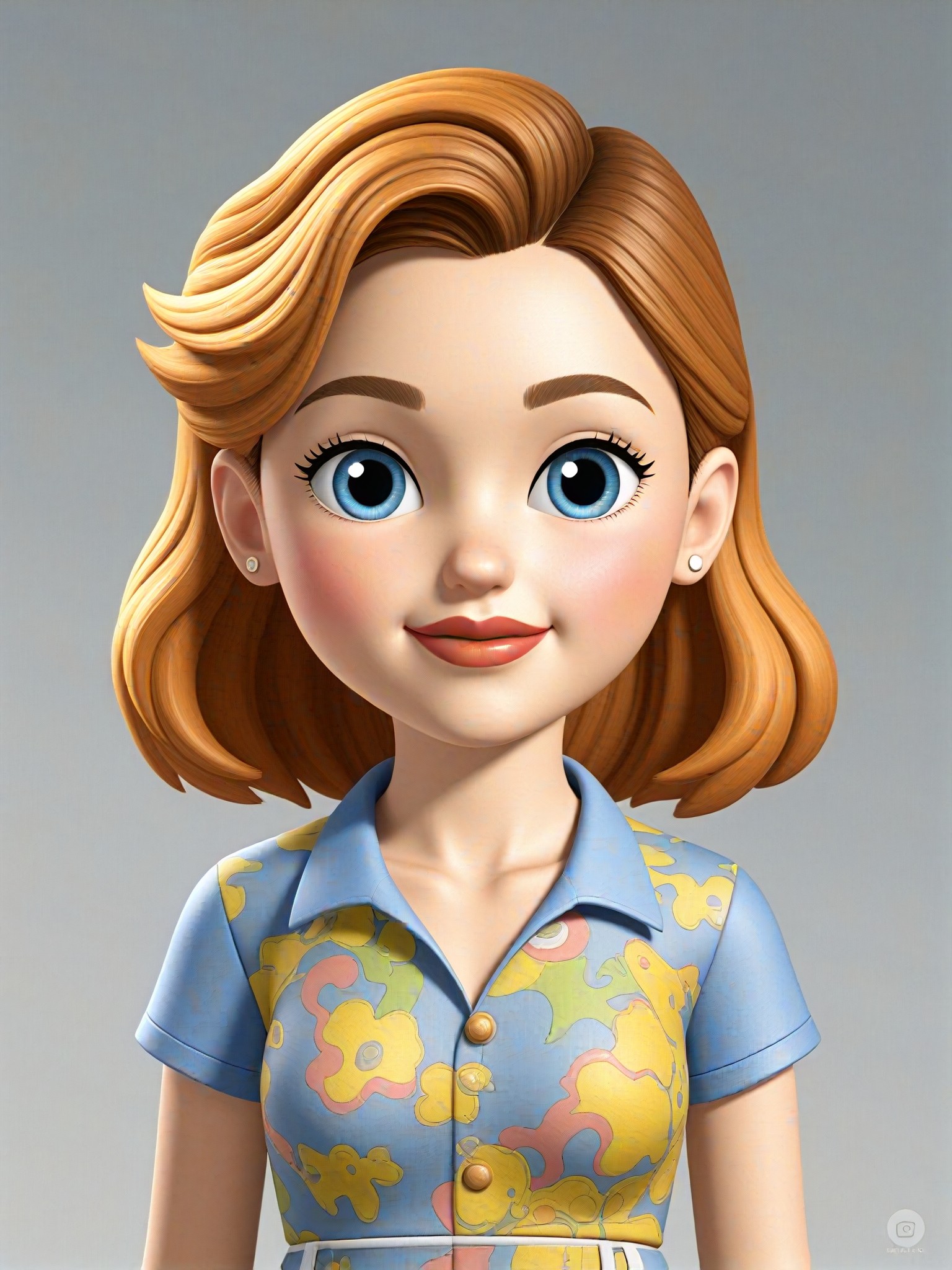
A cute 3D rendered cartoon boy, wearing an olive green jacket, khaki shorts, and a beige baseball cap. He has large, expressive eyes, a friendly expression, and carries a brown backpack. He's wearing off-white sneakers. The style is reminiscent of 3D cartoon character design, with smooth, polished textures and no visible brushstrokes. The background is a simple beige color, focusing all attention on the character. The lighting is soft and even, creating a warm and pleasant atmosphere. The overall style is cheerful and friendly, suitable for children's products or game character design. The image is rendered in a style similar to contemporary 3D animation character design. Think of the clean lines and smooth surfaces of Pixar-style animation, but with a slightly more realistic rendering of the materials.
cute 3D cartoon boy image
Input
Result
cute 3D cartoon boy
夢境畫境Dreamscape Canva headshot夢境畫境Dreamscape Canva
playicon15.7k
A gray cat with yellow eyes
CAT
Graffiti Logo image
Input
Result
Graffiti Logo
CC headshotCC
playicon1.5k
image befor ai generation
famale
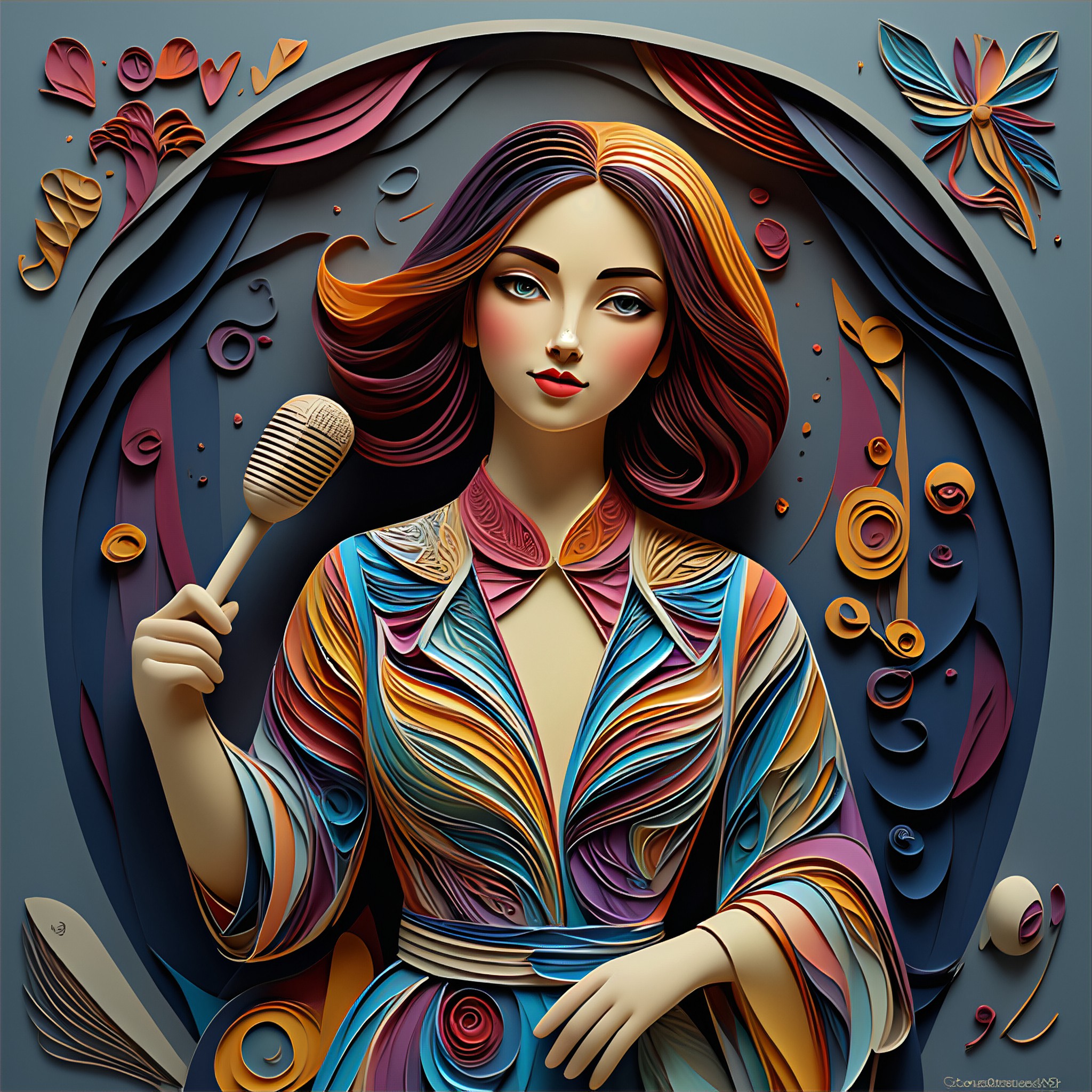
Singer with Paper Layering Style image
Input
Result
Singer with Paper Layering Style
fancy headshotfancy
playicon601
image befor ai generation
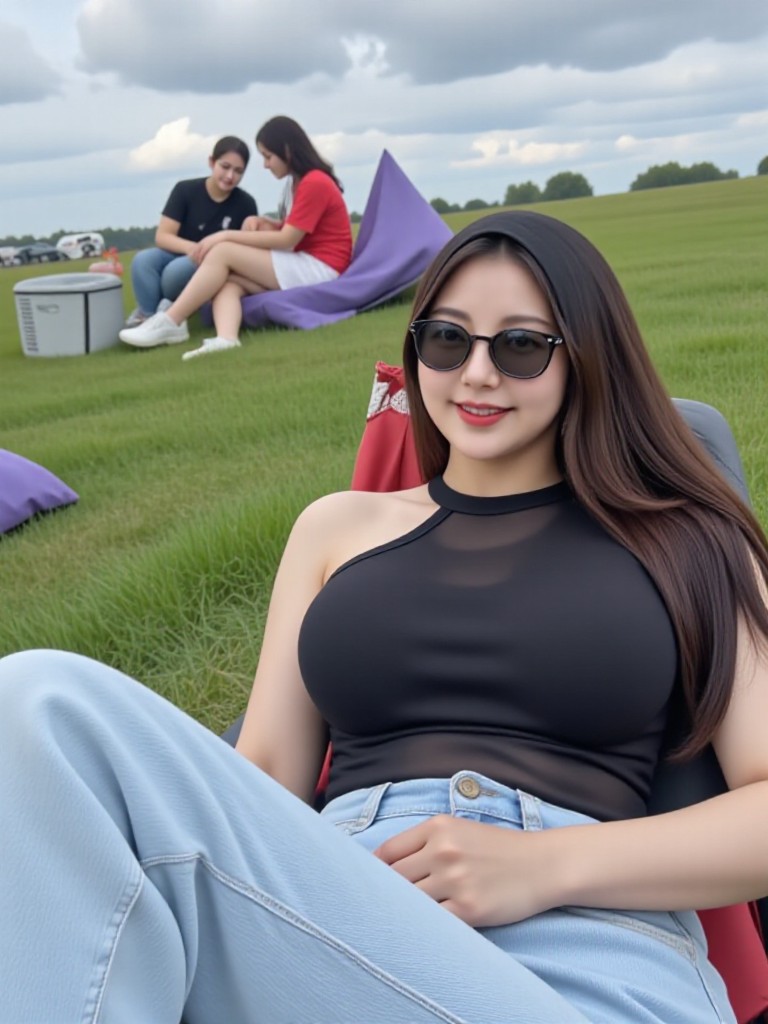
Girl On a Rain City V2 image
Input
Result
Girl On a Rain City V2
Gakbiasahhh headshotGakbiasahhh
playicon522
image befor ai generation
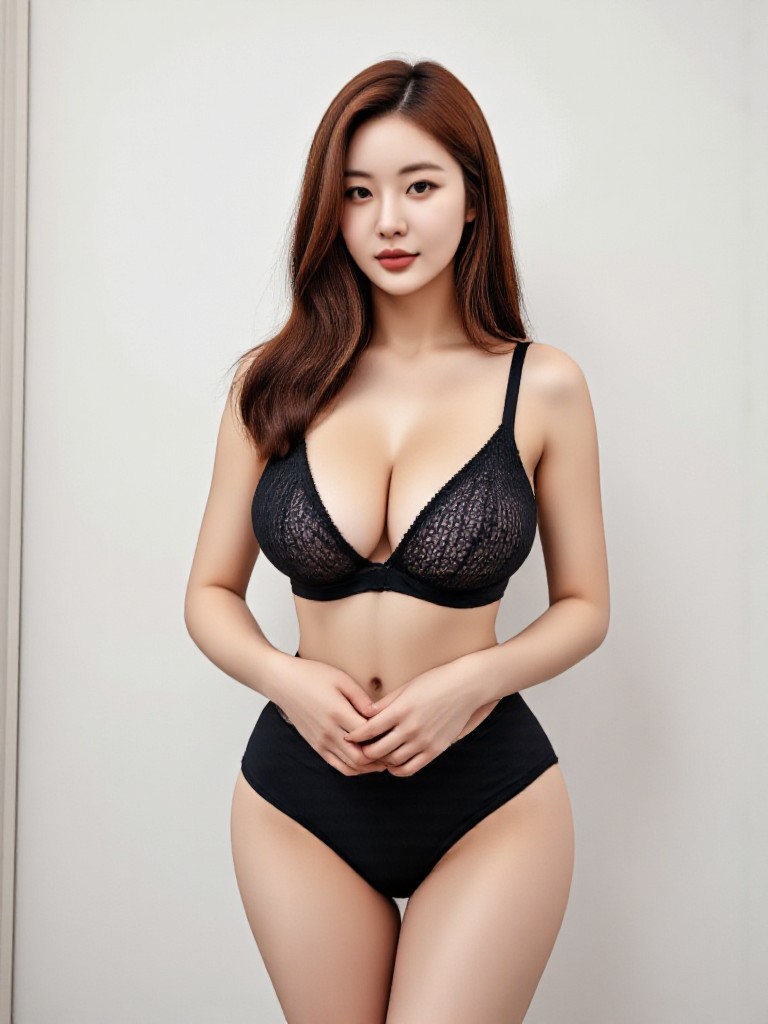
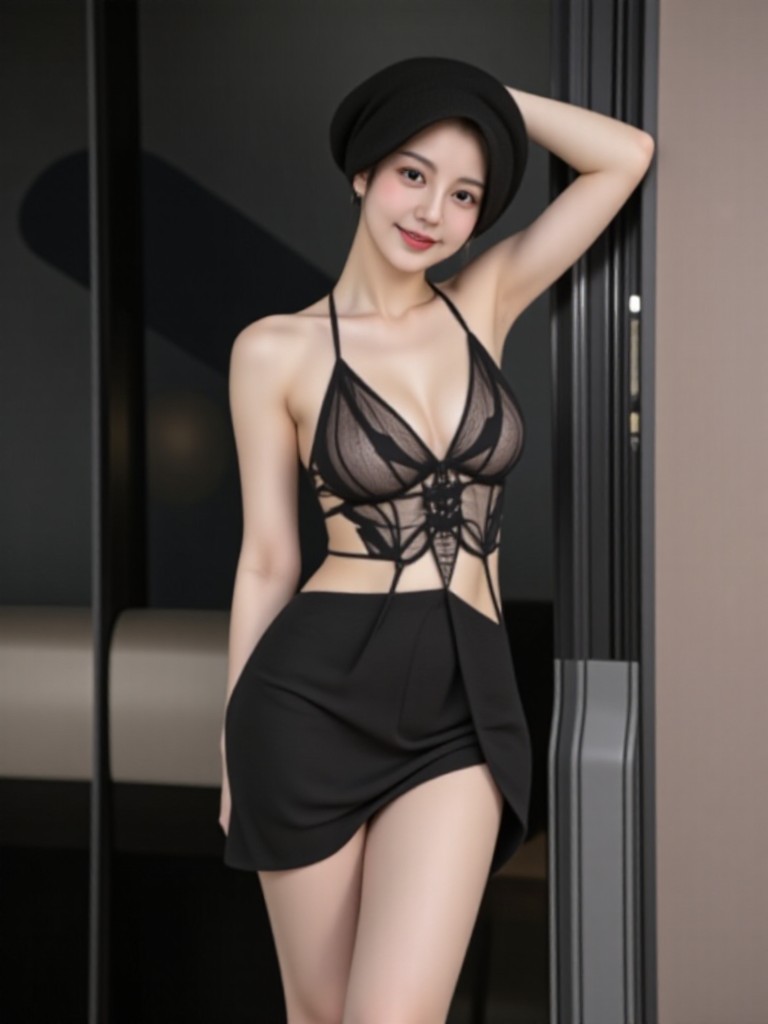
Girl clothes V2 black bra image
Input
Result
Girl clothes V2 black bra
Gakbiasahhh headshotGakbiasahhh
playicon248
image befor ai generation
Busty lady(remix) image
Input
Result
Busty lady(remix)
Anjan Chakraborty0630 headshotAnjan Chakraborty0630
playicon232
image befor ai generation
Cut Emojis image
Input
Result
Cut Emojis
大福 headshot大福
playicon209
image befor ai generation
GUNDAM RX-78-2 image
Input
Result
GUNDAM RX-78-2
CC headshotCC
playicon208

How to Make Cut AI Image & Video on a1.art?

Step into the future of AI Cut video and image creation on a1.art.

a1.art tutorial Step 1
Step 1
Select the style you want to apply in the Square.

a1.art tutorial Step 2
Step 2
Upload the image you want to transform . It can be a photo, hand-drawn sketch.

a1.art tutorial Step 3
Step 3
Wait a few seconds and you can easily get your unique AI Cut art. Download for free!

FAQ about Cut AI Prompt on a1.art

Discover the secrets to creating Cut videos and images at a1.art.

What types of visuals can I create with a1.art?

With a1.art, you can generate a wide range of visuals including images and videos of landscapes, food, portraits, abstract designs, and more. Our AI prompts are tailored to help you achieve specific styles and effects, such as natural erosion, crystalline details, or cinematic lighting.

How do I use a1.art to create cut visuals?

Using a1.art is simple. Just select one of our pre-designed cut AI prompts, upload an image, or enter a text description, and let the AI work its magic. You can also customize the effects or filters to suit your preferences before generating your final visual.

Are there any free credits available?

Yes, a1.art offers daily free login credits to all users. This allows you to experiment with different prompts and effects without any cost. Additionally, subscribing to a1.art provides even more credits for advanced features.

Can I create both images and videos?

Absolutely! a1.art supports both AI image and video generation. You can choose from a variety of prompts and filters to create either static images or dynamic videos, depending on your needs.

What makes a1.art different from other AI generators?

a1.art stands out with its specialized cut AI prompts that focus on intricate details, textures, and effects. Our platform is designed to deliver high-quality, professional-grade visuals quickly and easily, making it perfect for creators, designers, and hobbyists alike.

Container background

Make Cut AI Image & Video on a1.art APP

Download the app to explore Cut AI image & video filters, faster processing, and personalized features. Whether you want creative images or stunning videos, the app makes it easier.