


Get Clear Skin Videos & Images without Prompt
a1.art offers a large number of filters, allowing you to easily obtain AI videos or images without prompts.
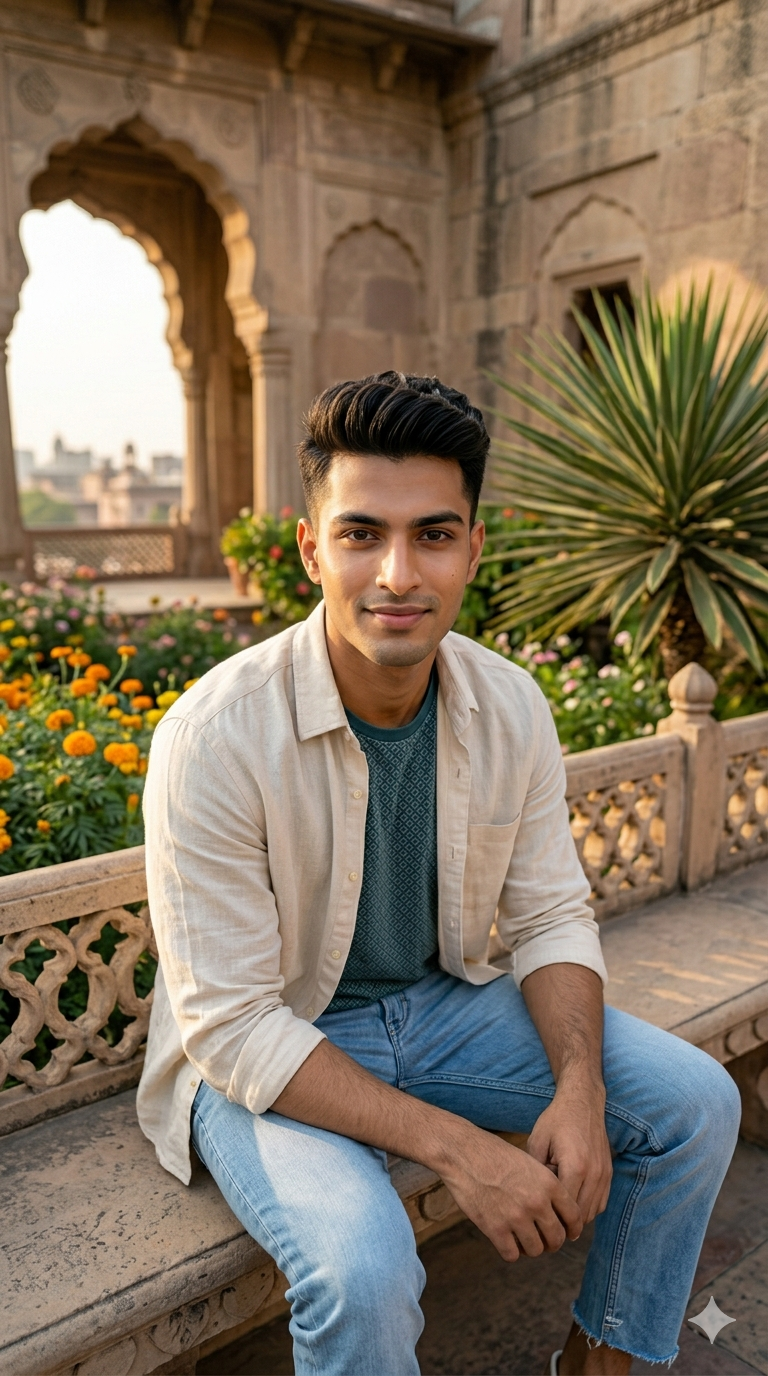
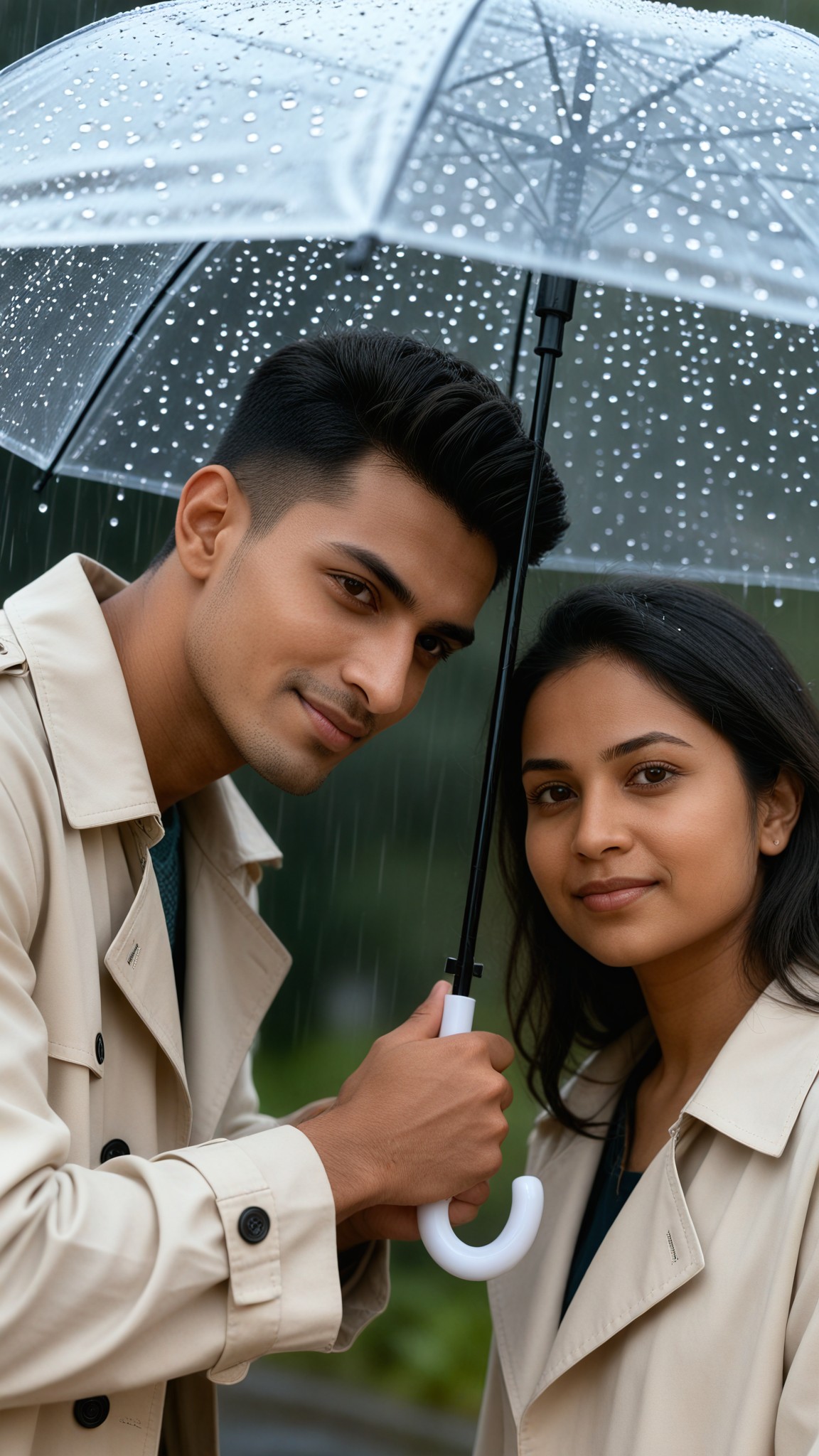
Input
Result
Clear Umbrella Rain
 艺术创作家
艺术创作家 1.3k
1.3k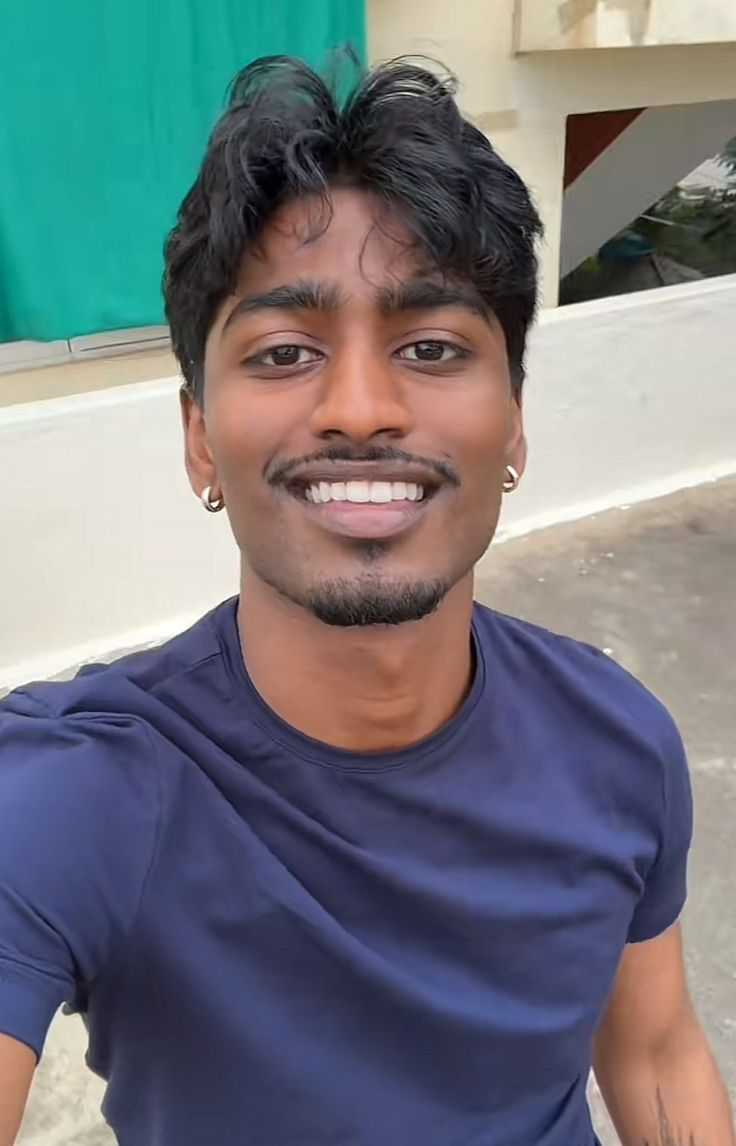
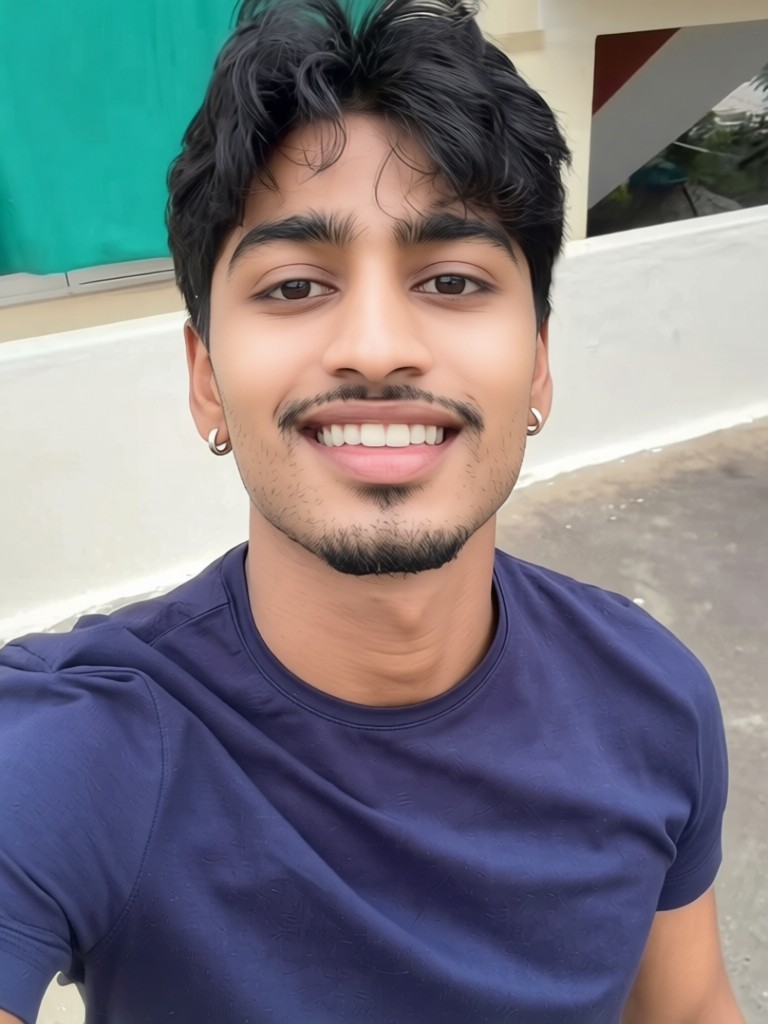
Input
Result
Skin whitening
 CC1.2k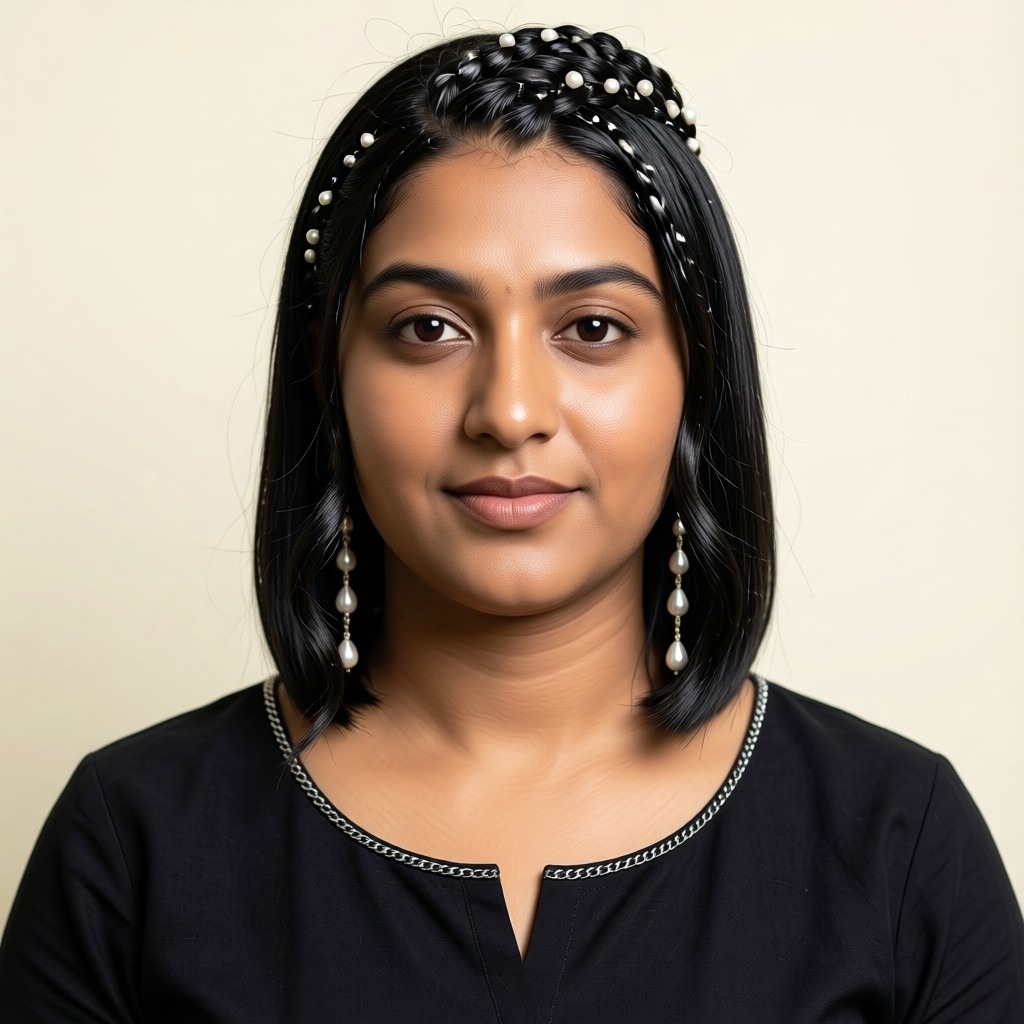
Input
Result
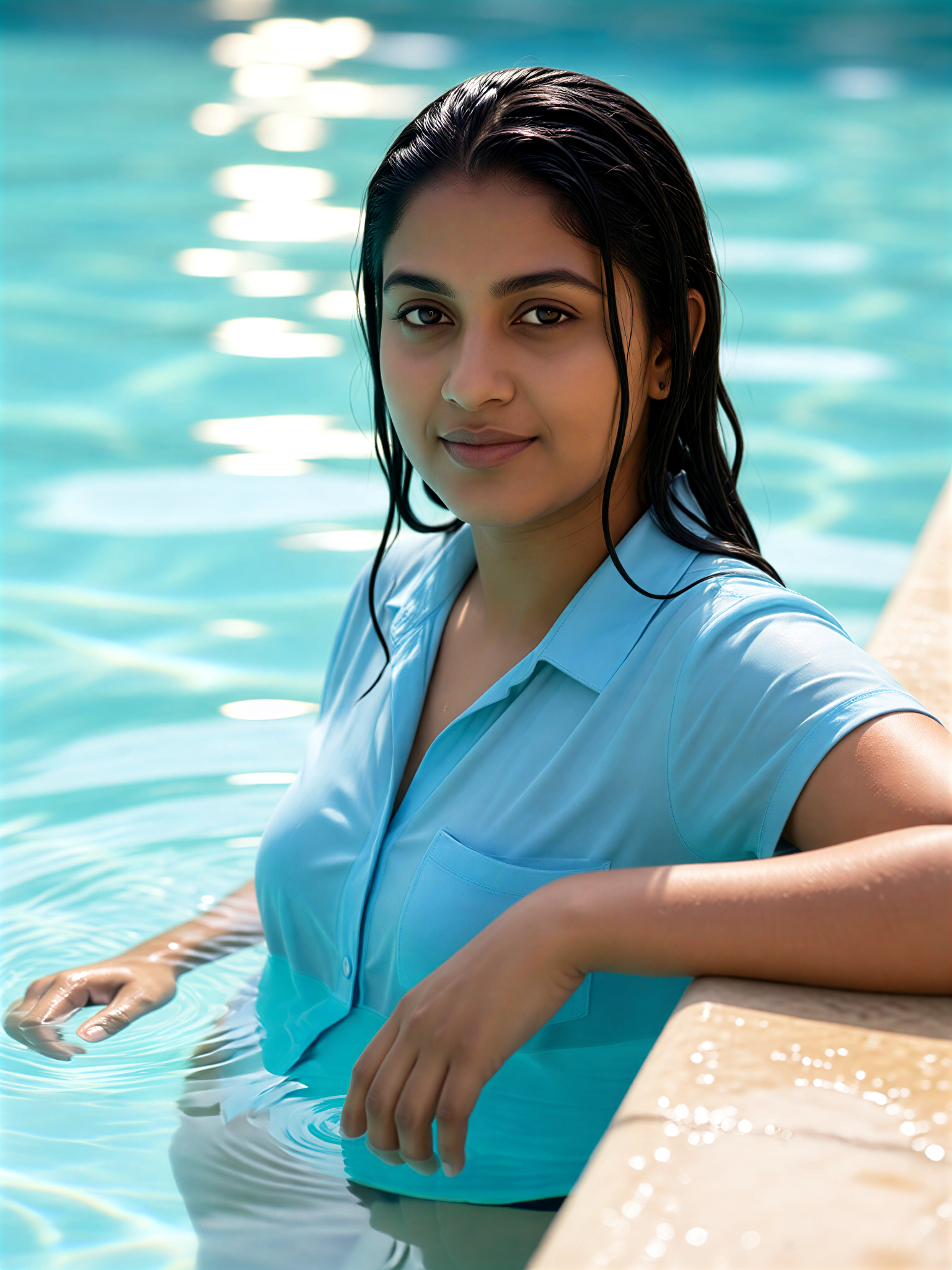
Pool Edge Clear Wet Hair
 艺术画家381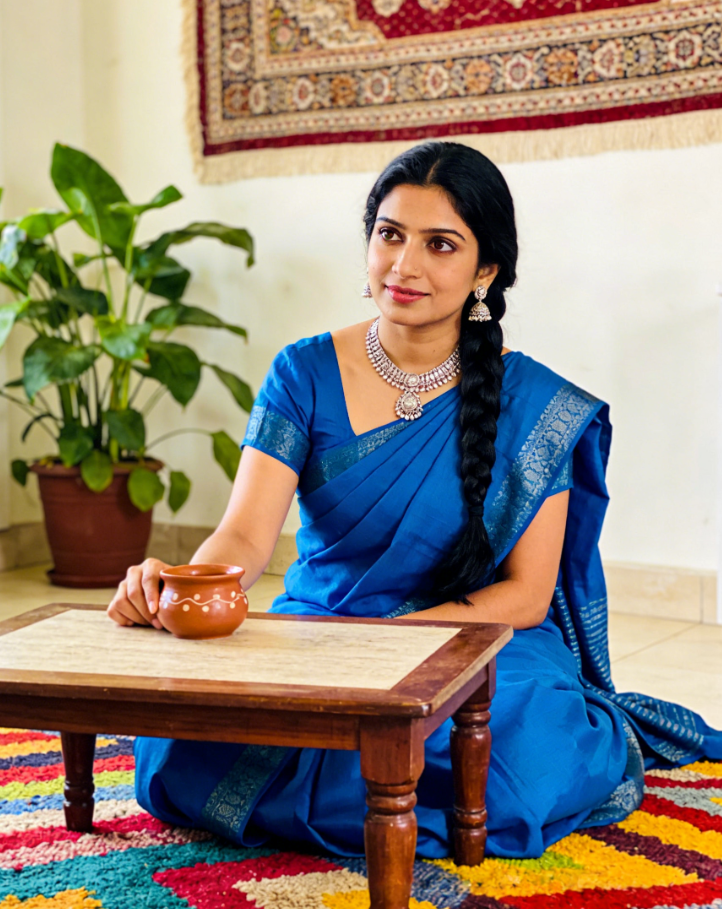
Input
Result
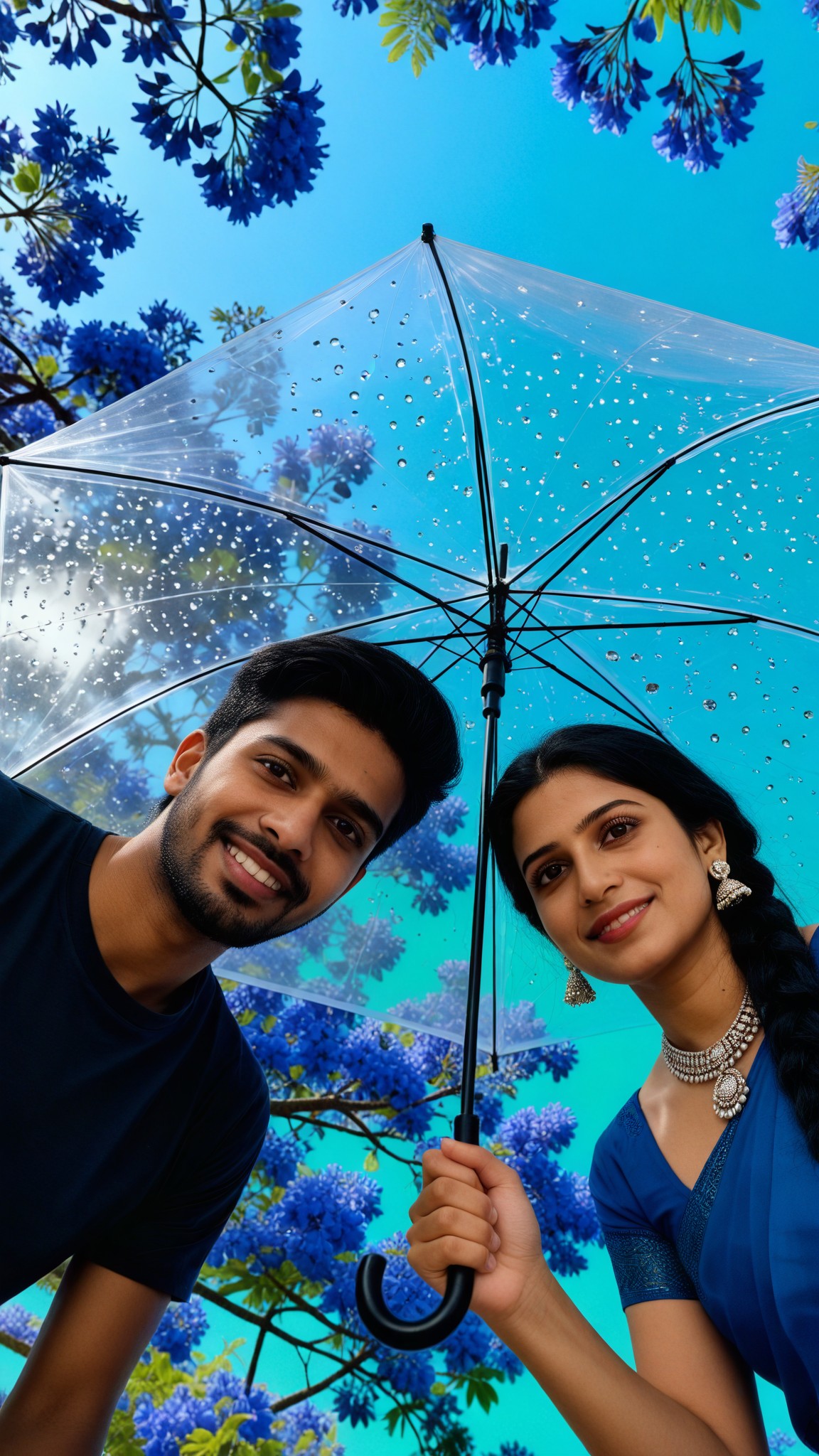
Clear Umbrella Sky
 Melody💗111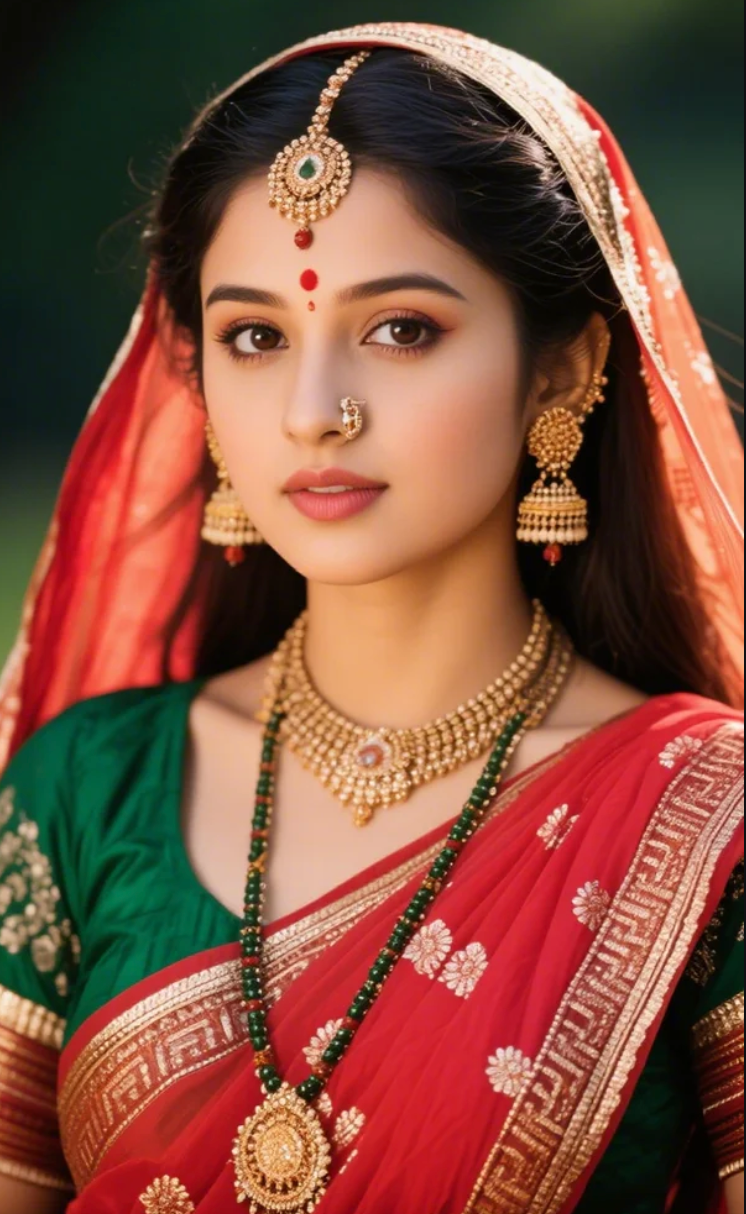
Input
Result
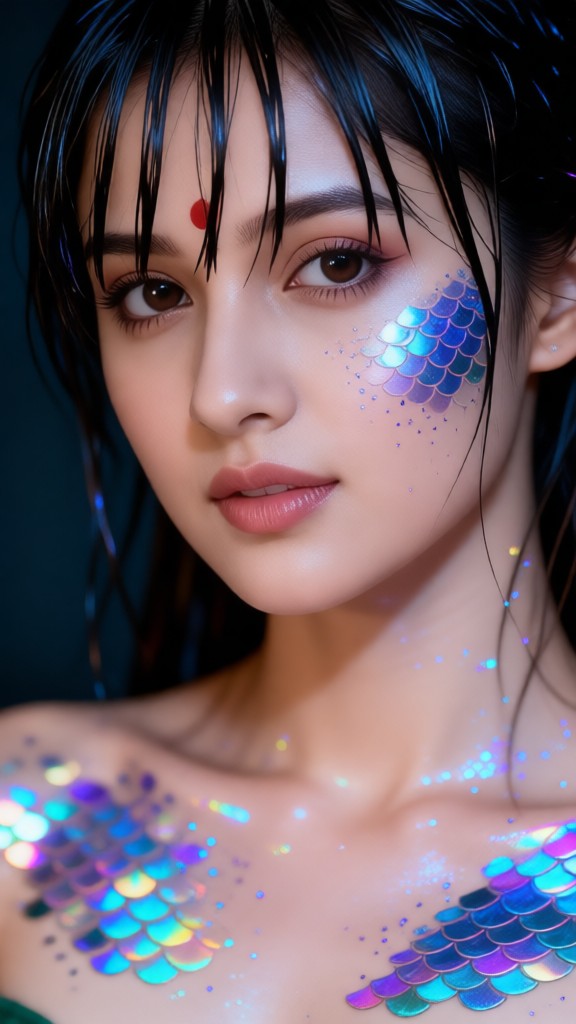
Mermaid Clear Beauty Makeup
 一个酷酷的man63
Input
Result
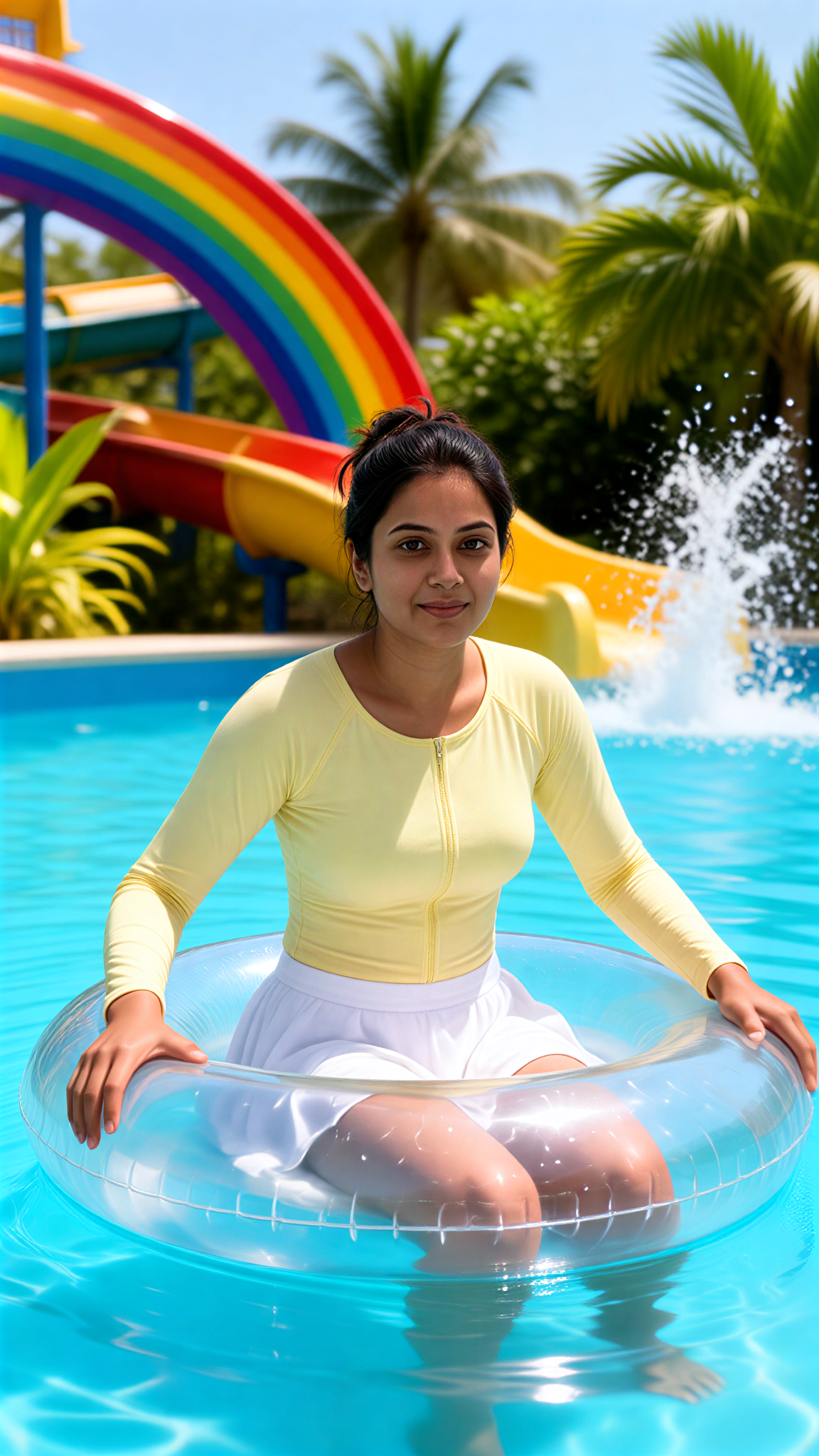
Clear Float Girl
 艺术梦想家53
Input
Result
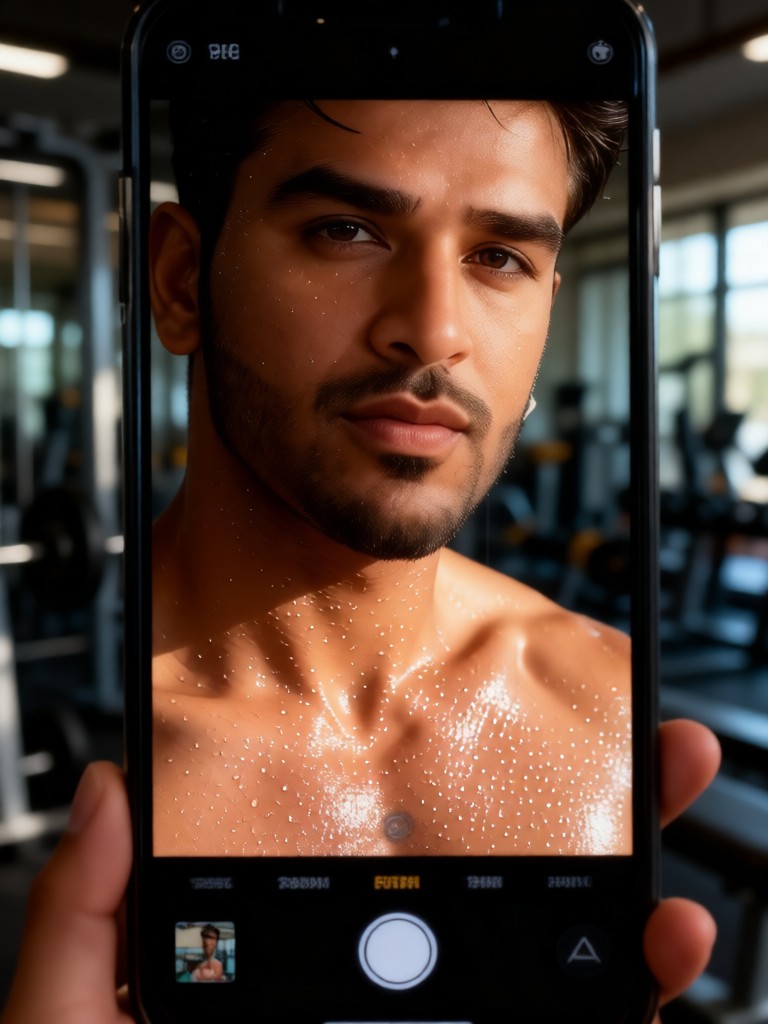
Sweat Skin Selfie
Melody💗36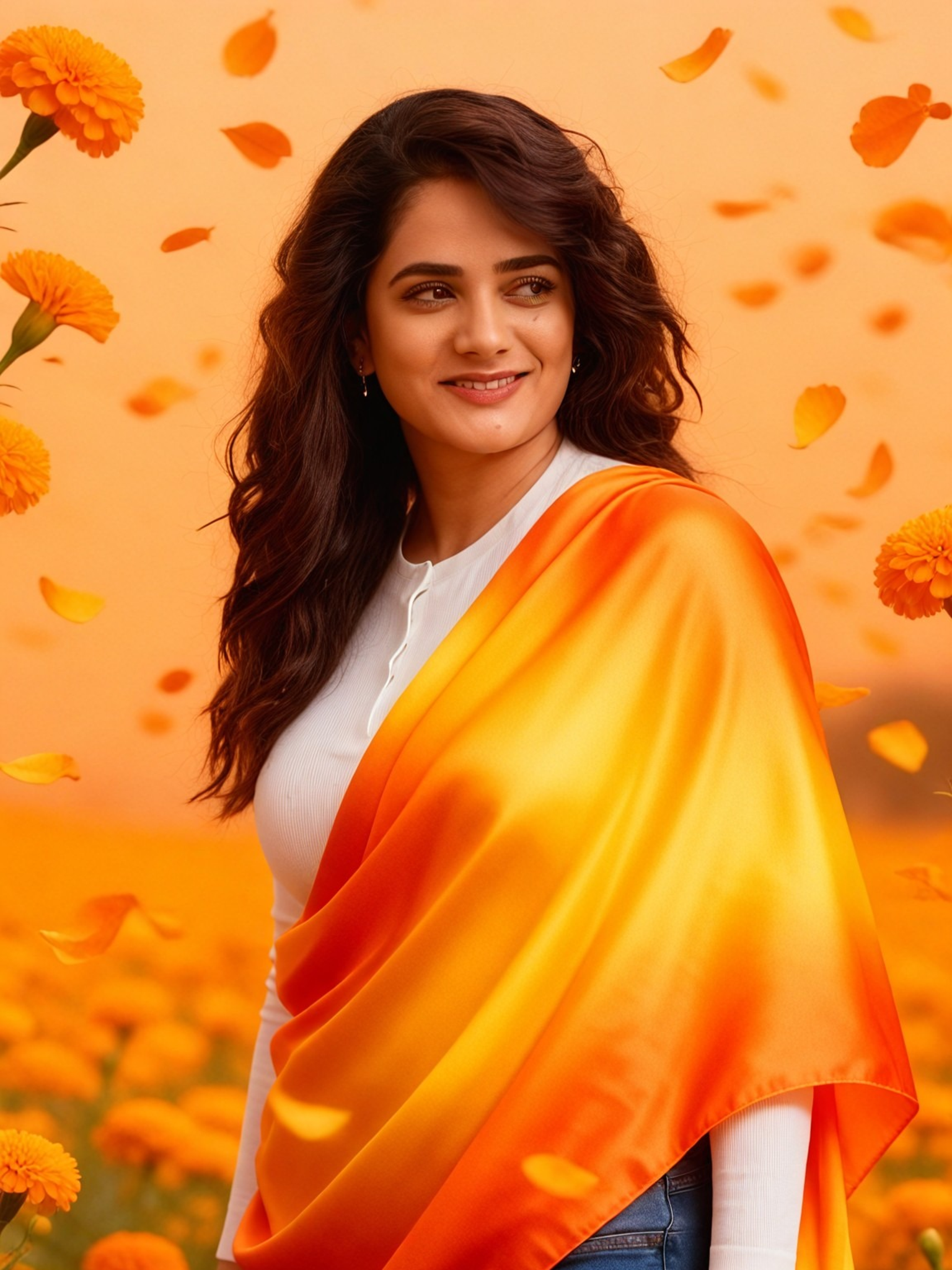
Input
Result
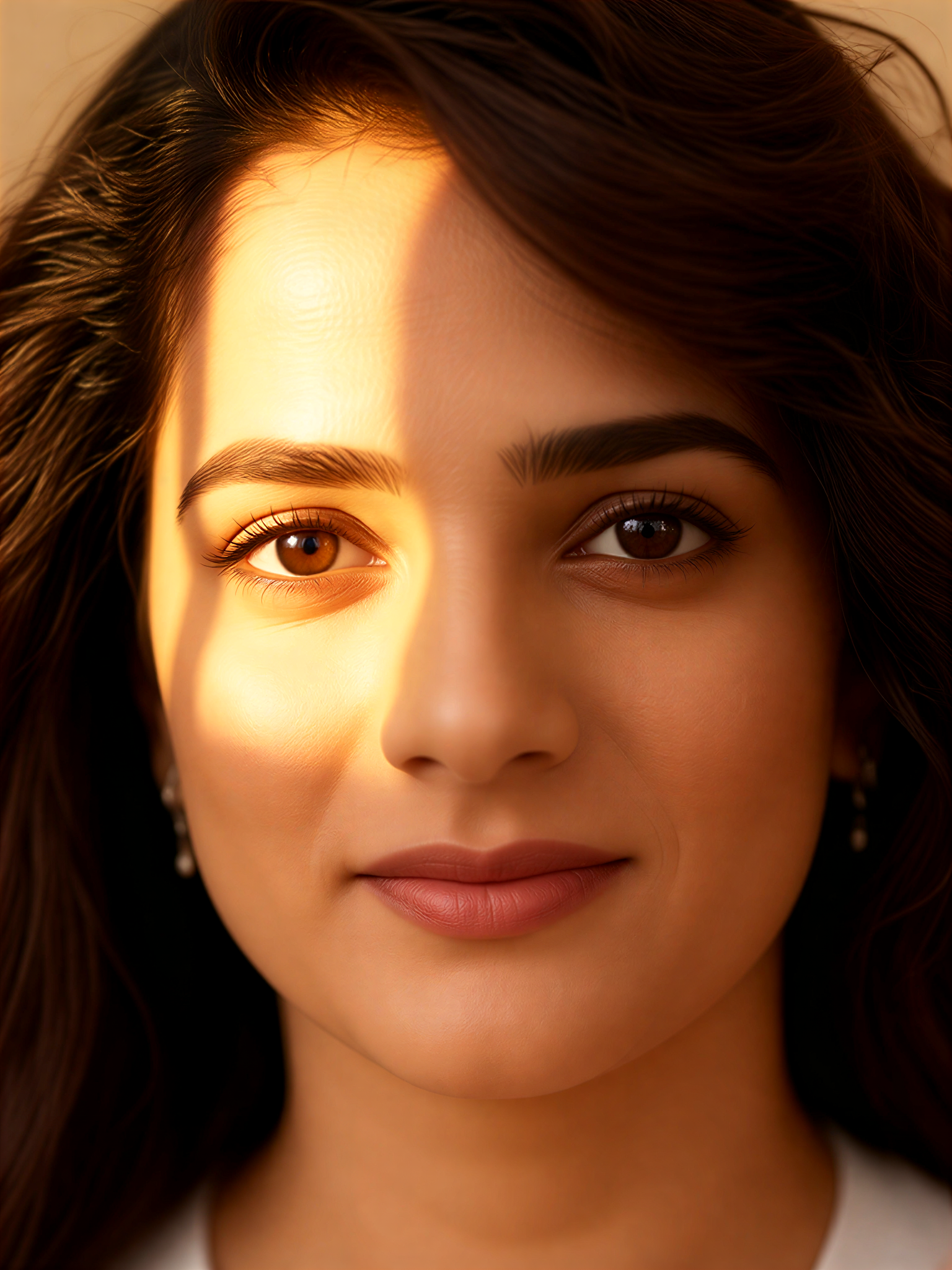
Golden Clear Gaze
艺术画家21
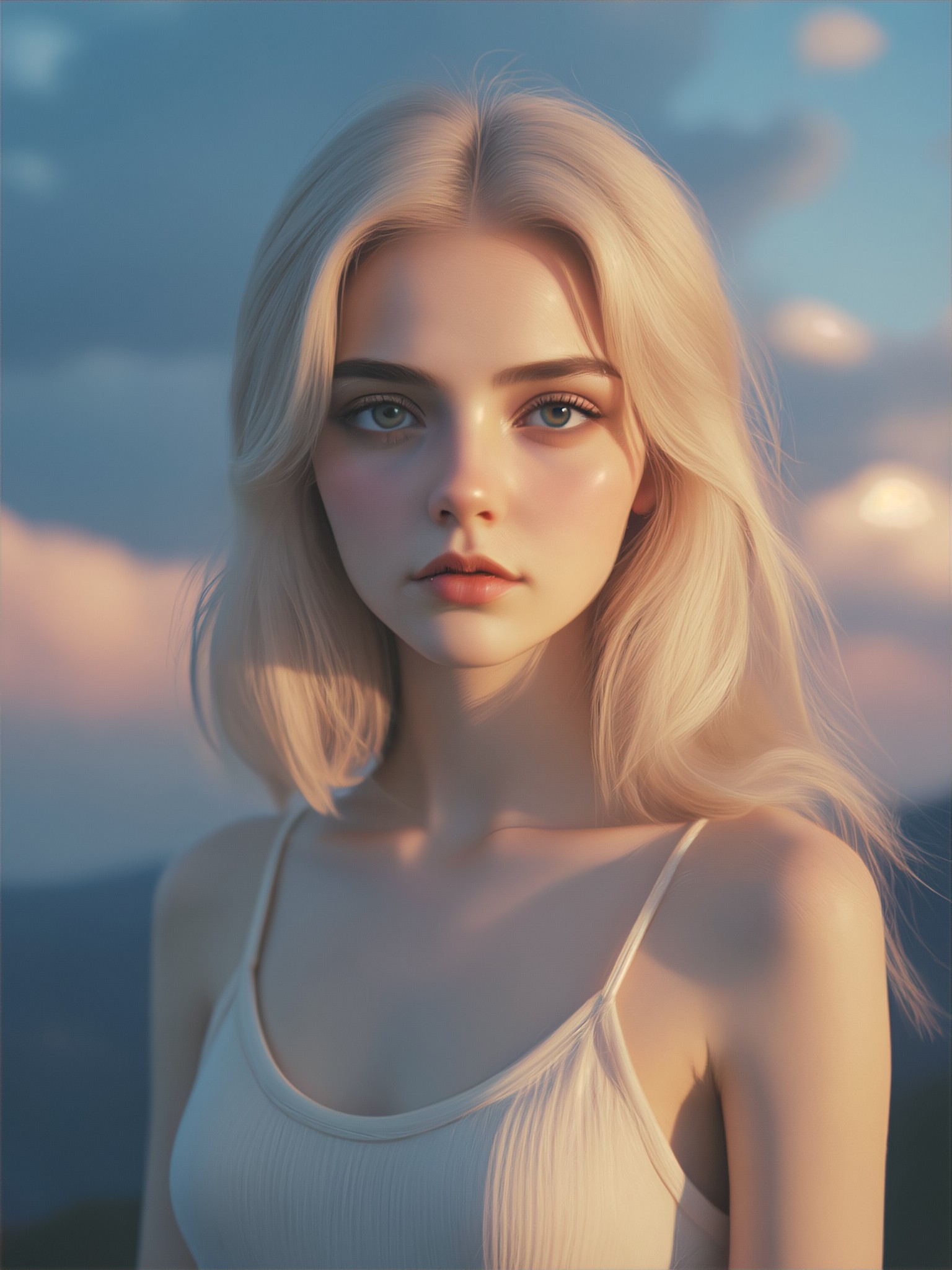
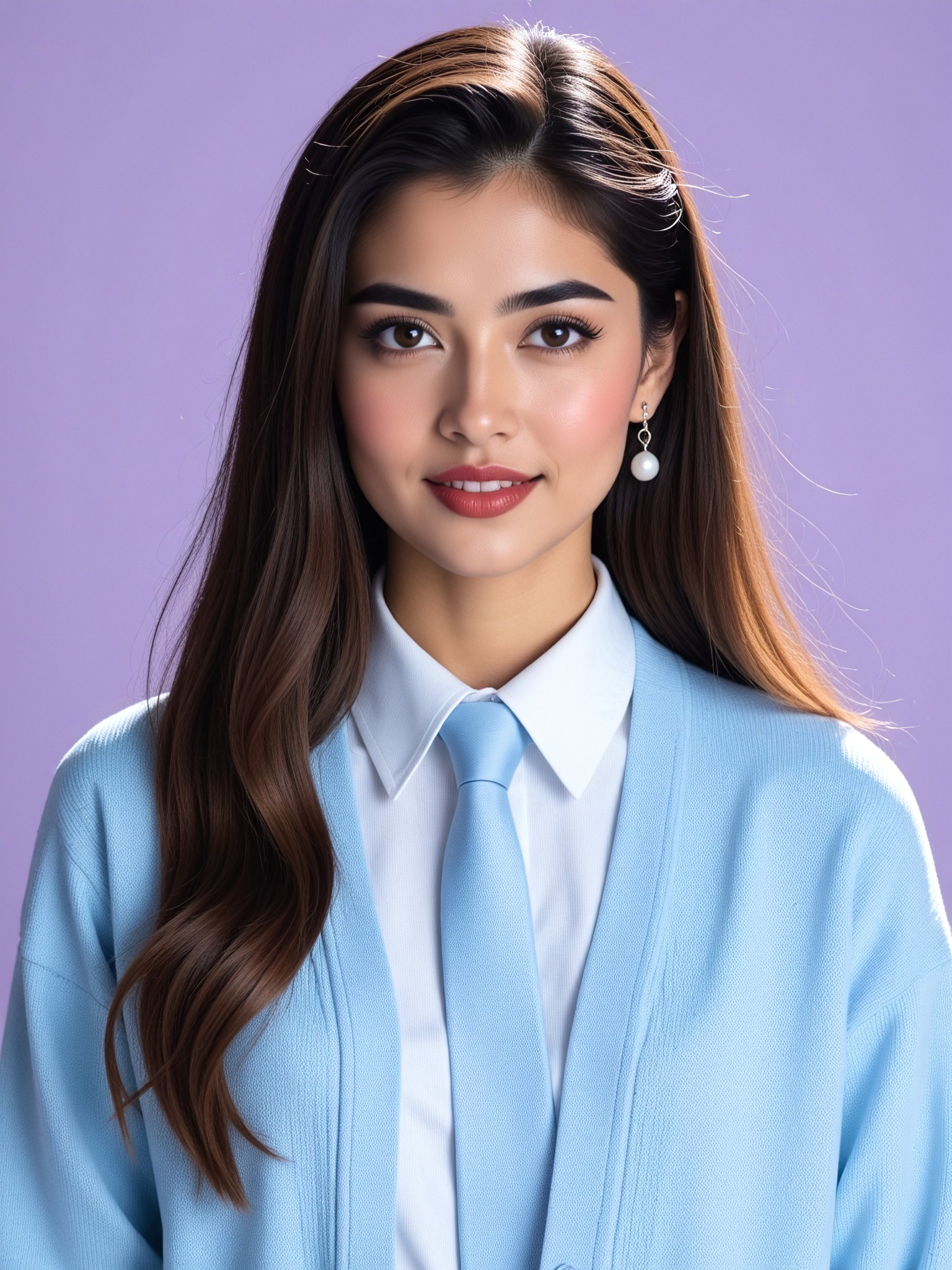
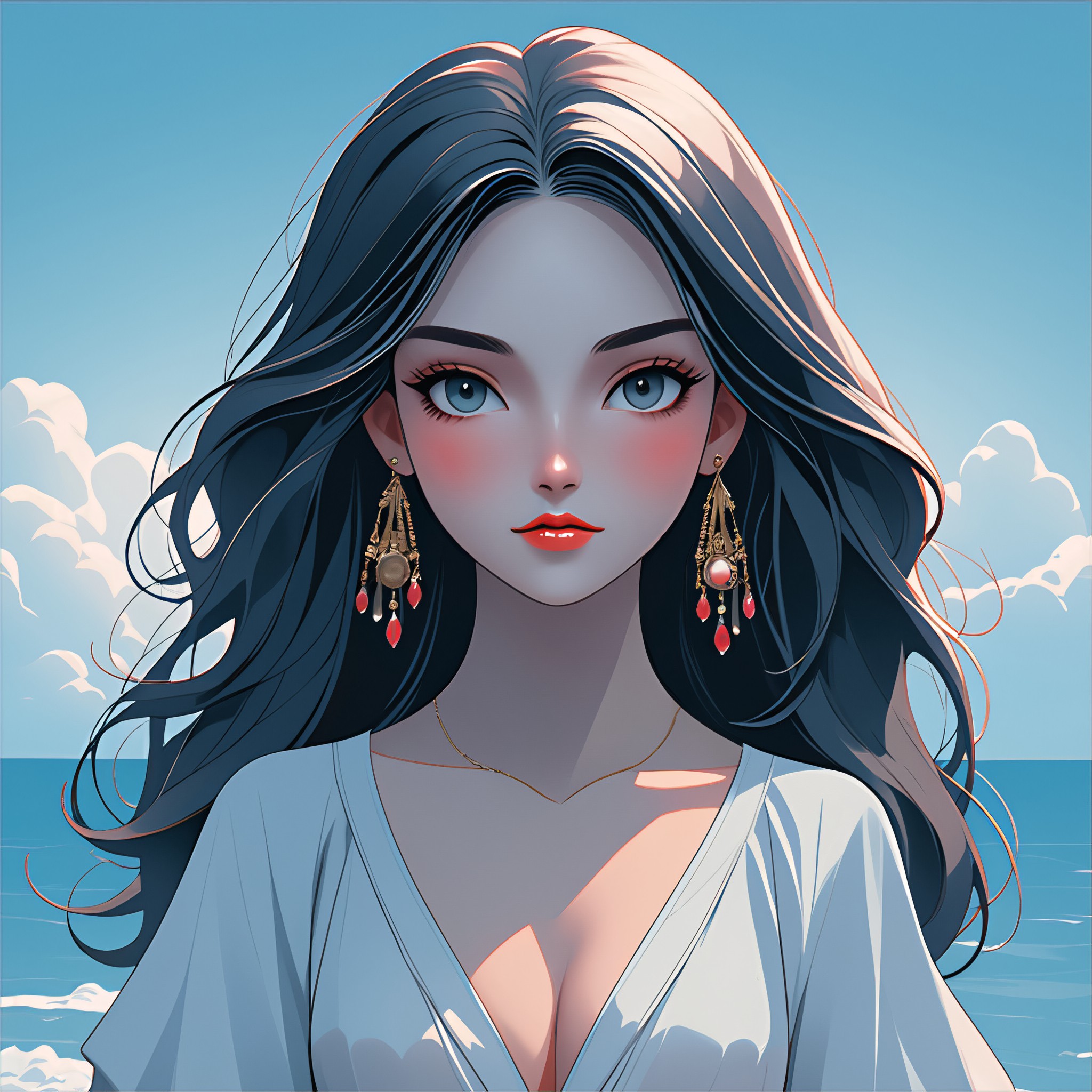
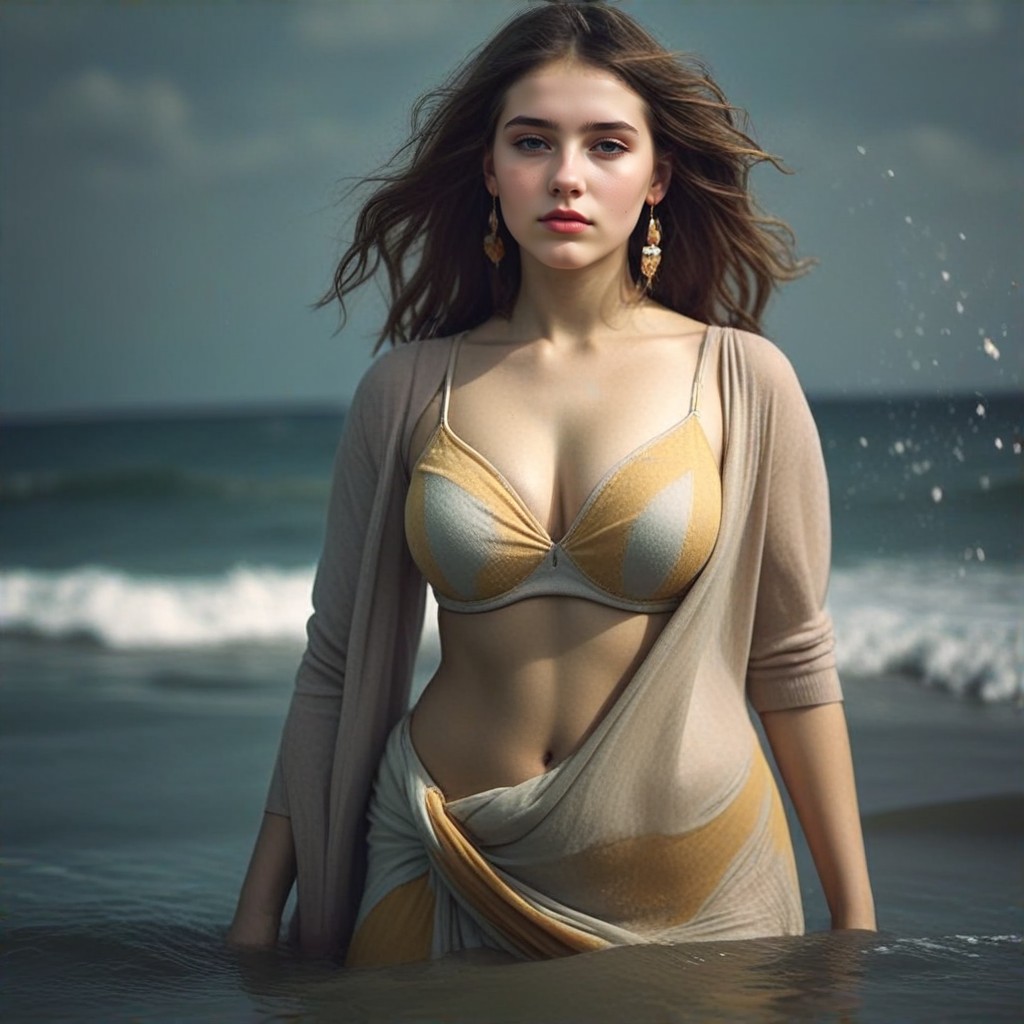
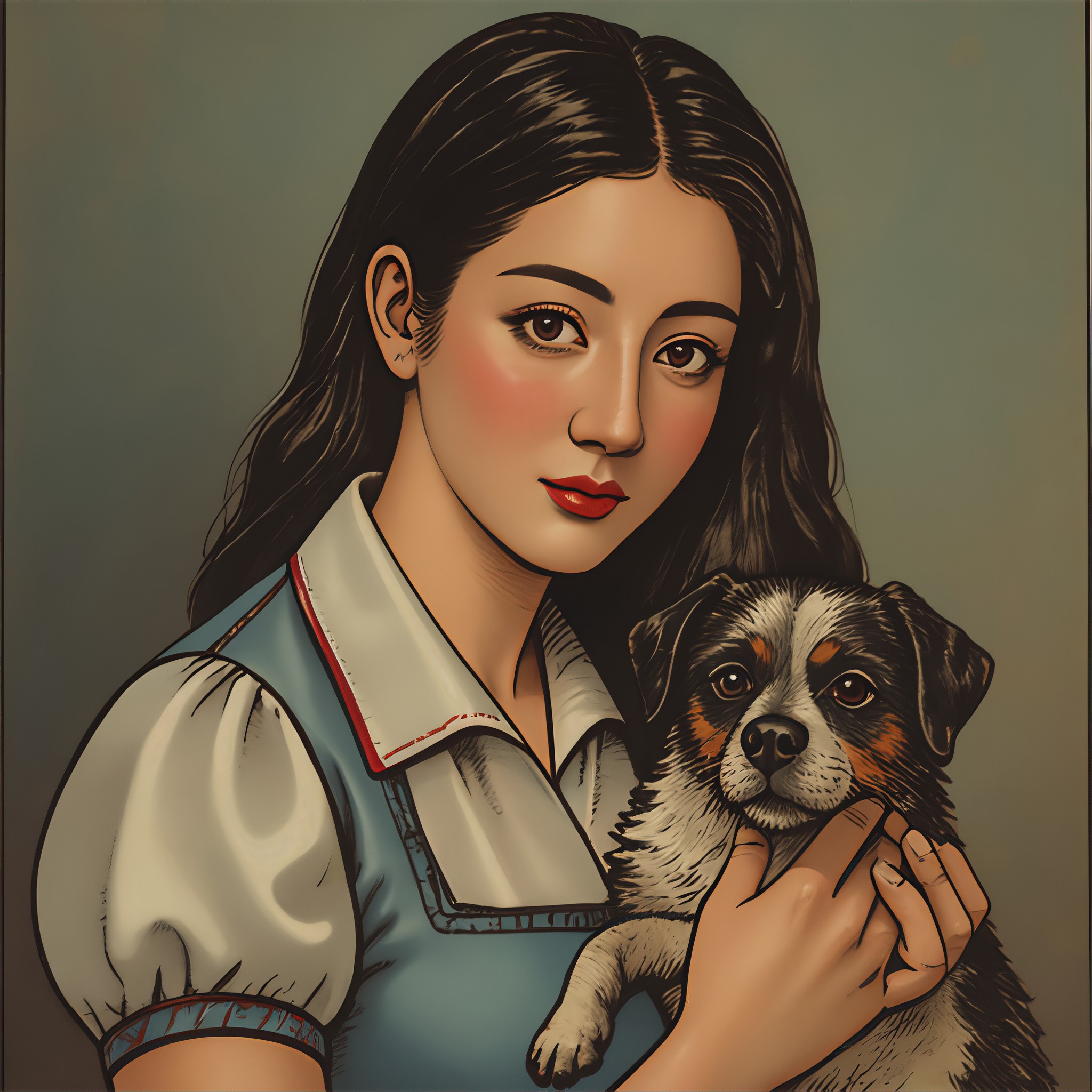
AI Generated Clear Skin Images & Videos
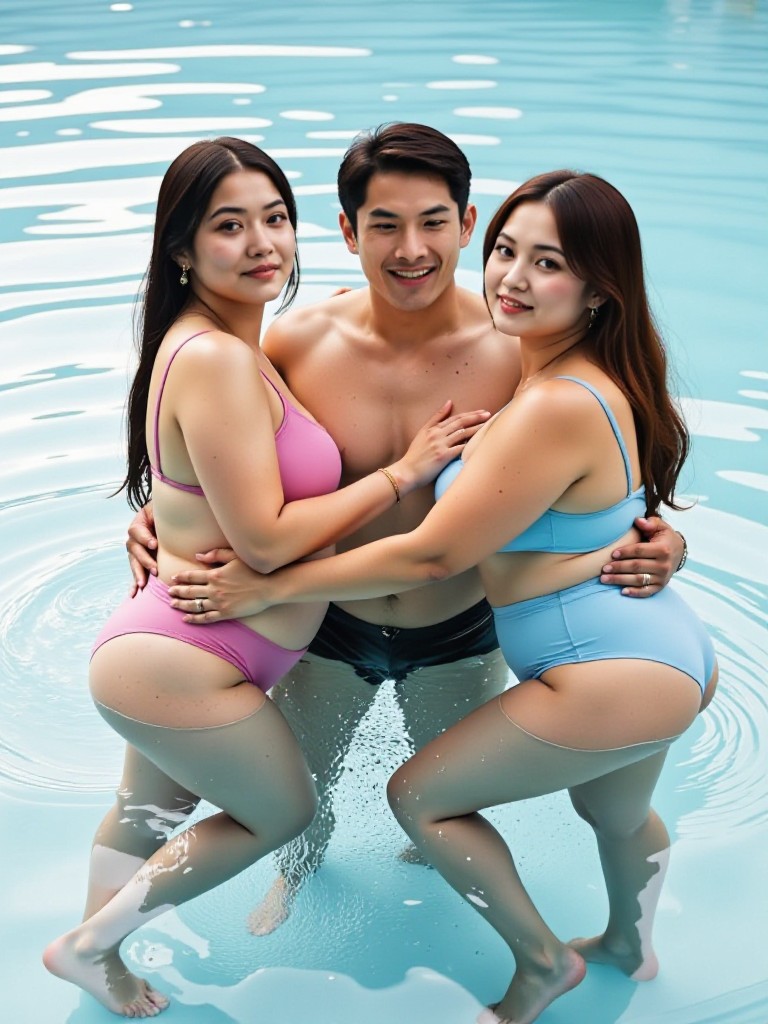
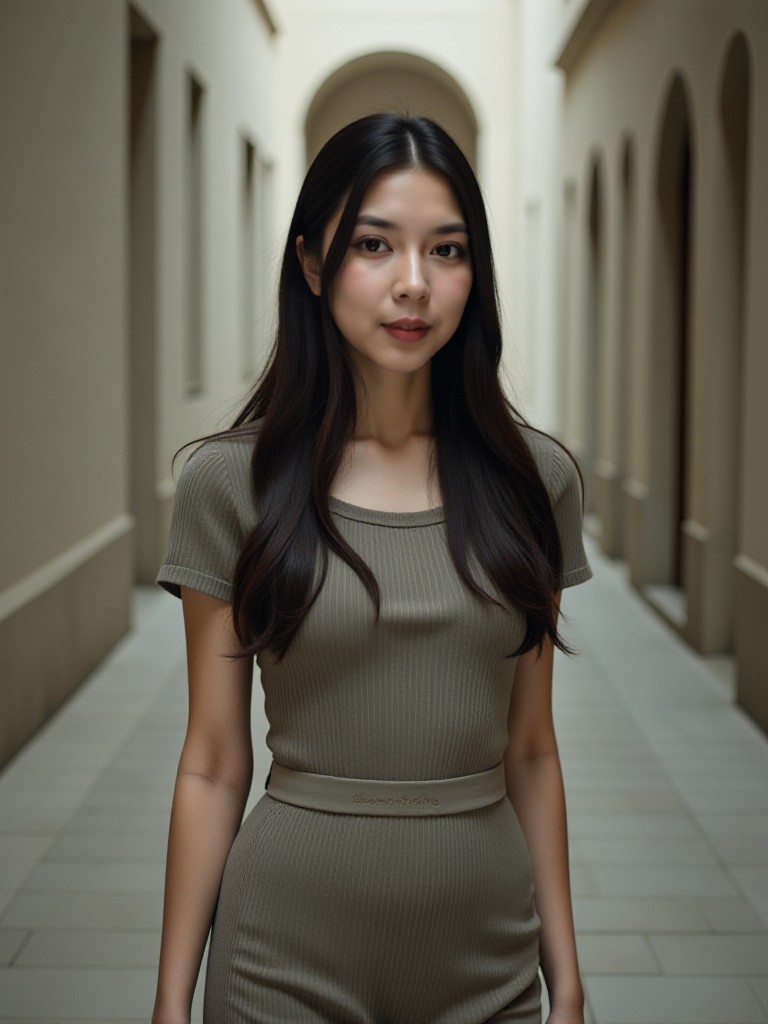
Discover unique and innovative Clear Skin images and videos created with a1.art Clear Skin prompts.
How to Make Clear Skin AI Image & Video on a1.art?
Step into the future of AI Clear Skin video and image creation on a1.art.

Step 1
Select the style you want to apply in the Square.

Step 2
Upload the image you want to transform. It can be a photo, hand-drawn sketch.

Step 3
Wait a few seconds and you can easily get your unique AI Clear Skin art. Download for free!
FAQ about Clear Skin AI Prompt on a1.art
Discover the secrets to creating Birthday Day videos and images at a1.art.
What are clear skin AI prompts?
Clear skin AI prompts are specialized text inputs designed to guide the AI in generating images or videos with enhanced skin clarity, texture, and realism. These prompts help achieve natural-looking, high-quality visuals effortlessly.
How does a1.art create clear skin visuals?
a1.art uses advanced AI algorithms to analyze and enhance skin details based on the prompts you provide. Whether you upload an image or enter a text description, our system generates stunning clear skin visuals tailored to your preferences.
Can I customize the clear skin effects?
Yes, a1.art offers a variety of filters and effects that allow you to customize the clear skin visuals. You can adjust brightness, contrast, texture, and more to achieve the perfect look for your project.
Are there any limitations to using clear skin AI prompts?
While a1.art provides powerful tools for generating clear skin visuals, the quality of the output depends on the input provided. High-resolution images and detailed prompts tend to yield the best results.
How can I access clear skin AI prompts on a1.art?
Accessing clear skin AI prompts is simple. Just log in to a1.art, select the 'clear skin' option, and either upload an image or enter a descriptive text prompt. Our system will handle the rest, delivering professional-grade visuals in seconds.


