


Get City Skyline Videos & Images without Prompt
a1.art offers a large number of filters, allowing you to easily obtain AI videos or images without prompts.
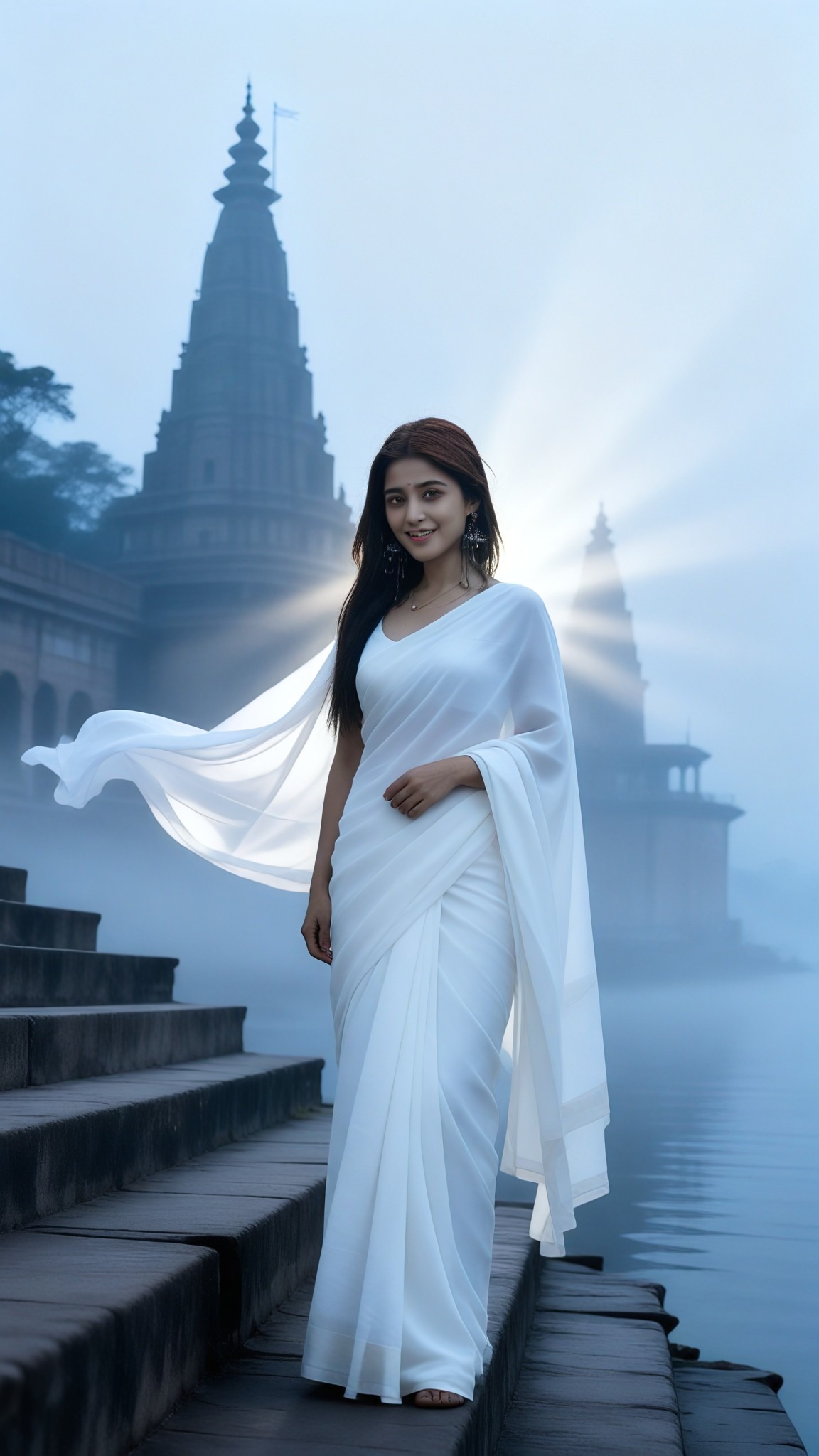
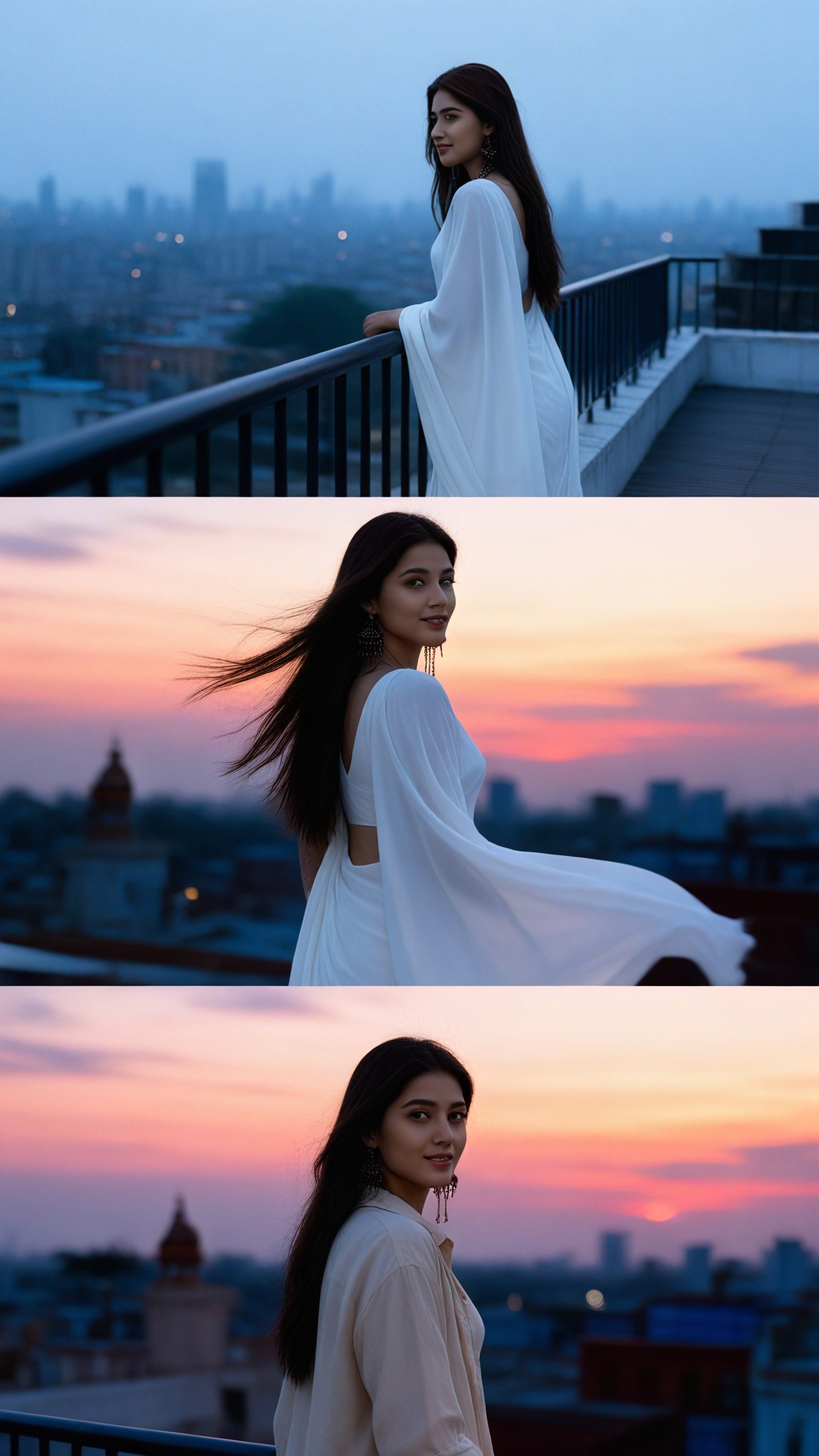
Input
Result
City Sunset
 艺术画家
艺术画家 4.7k
4.7k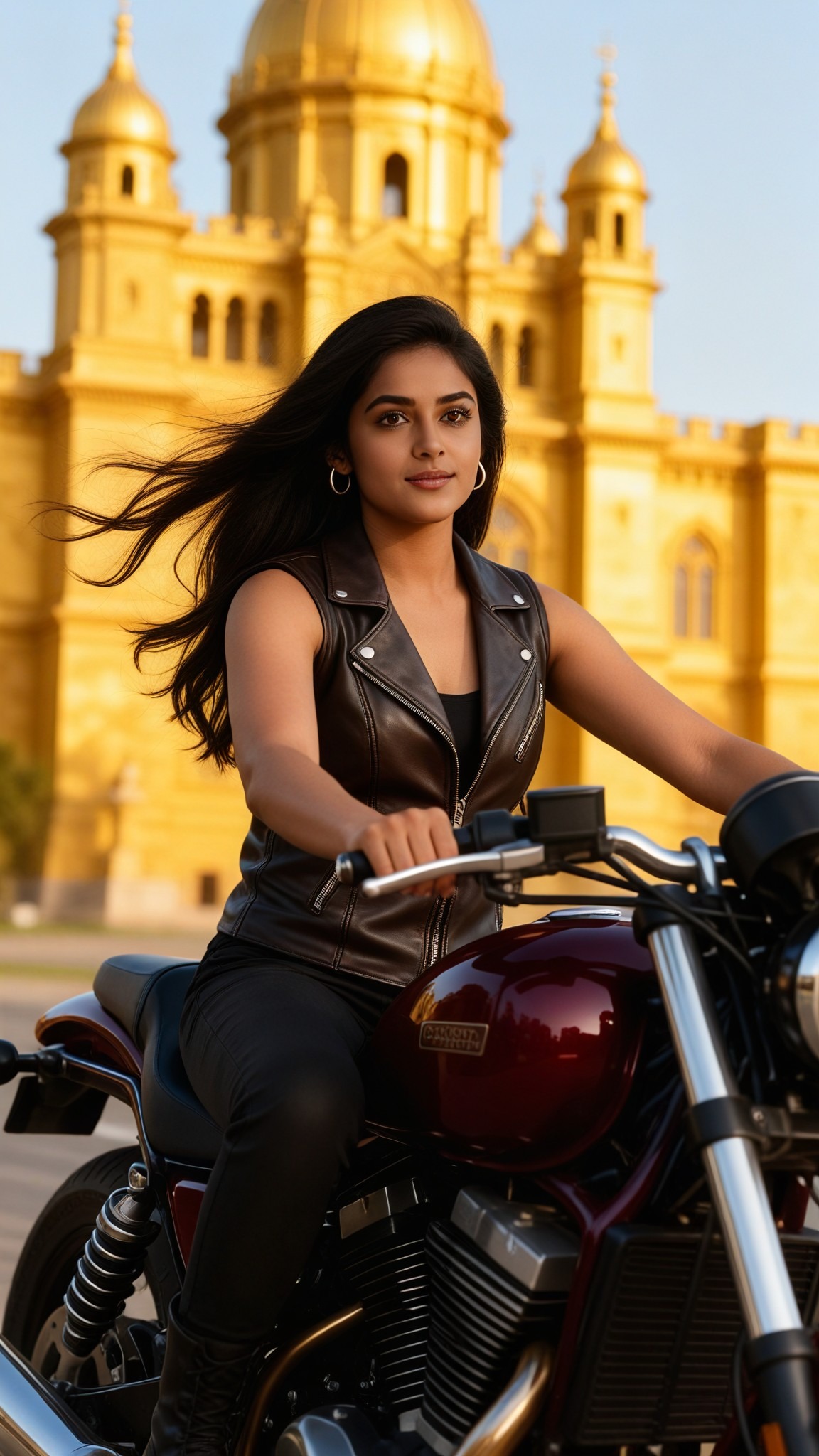
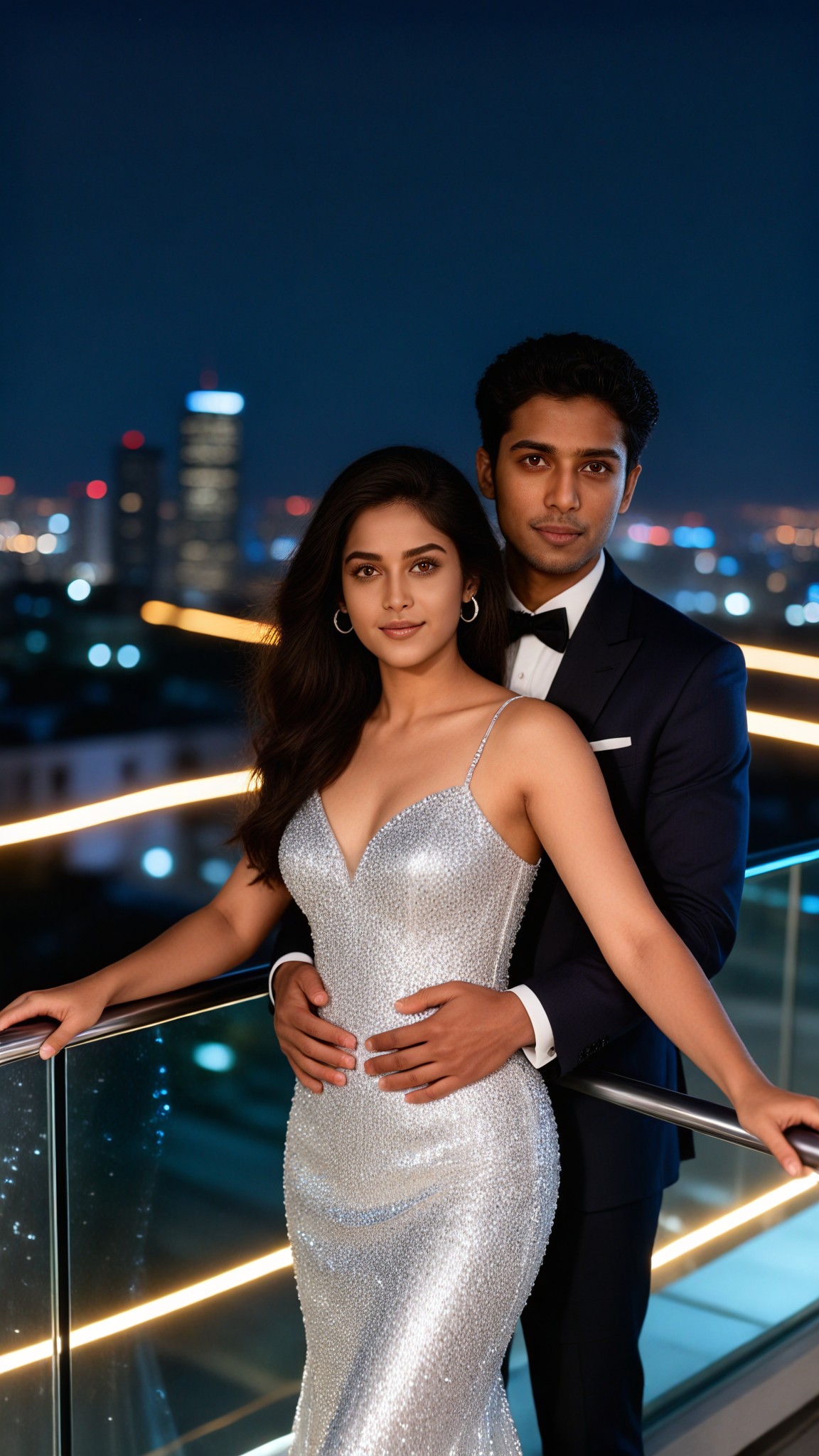
Input
Result
City Rooftop Vows
艺术画家1.5k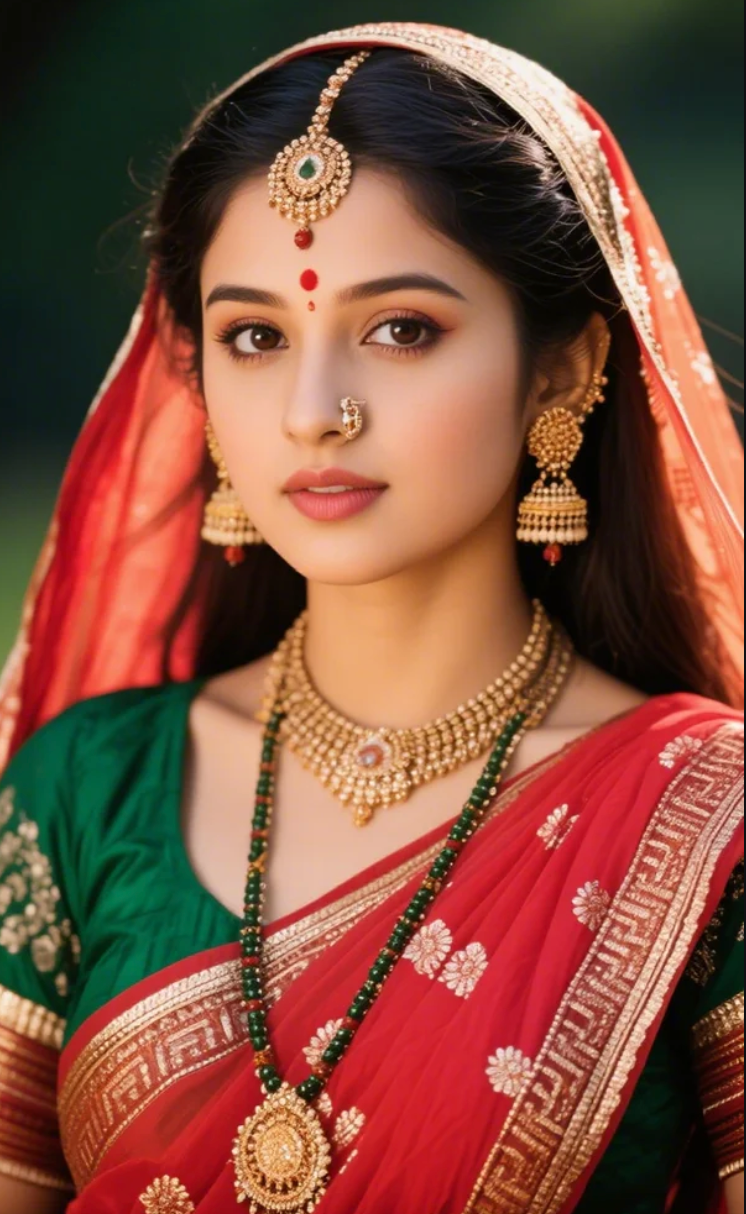
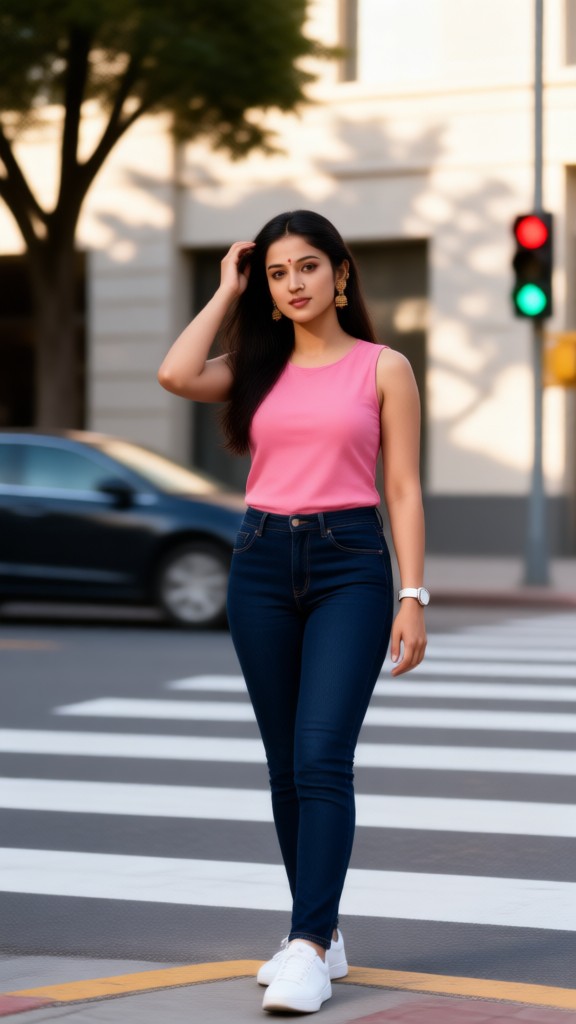
Input
Result
City Glance
 Mmm.1.2k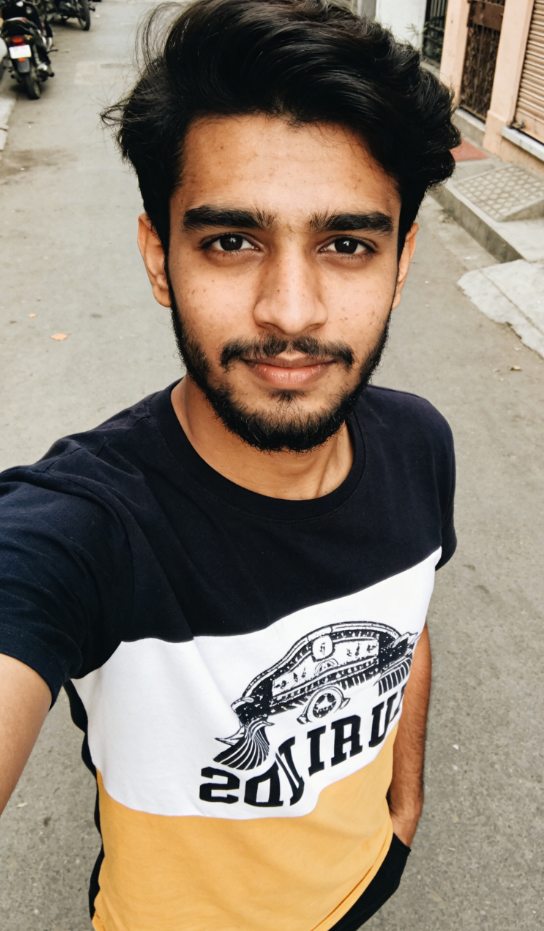
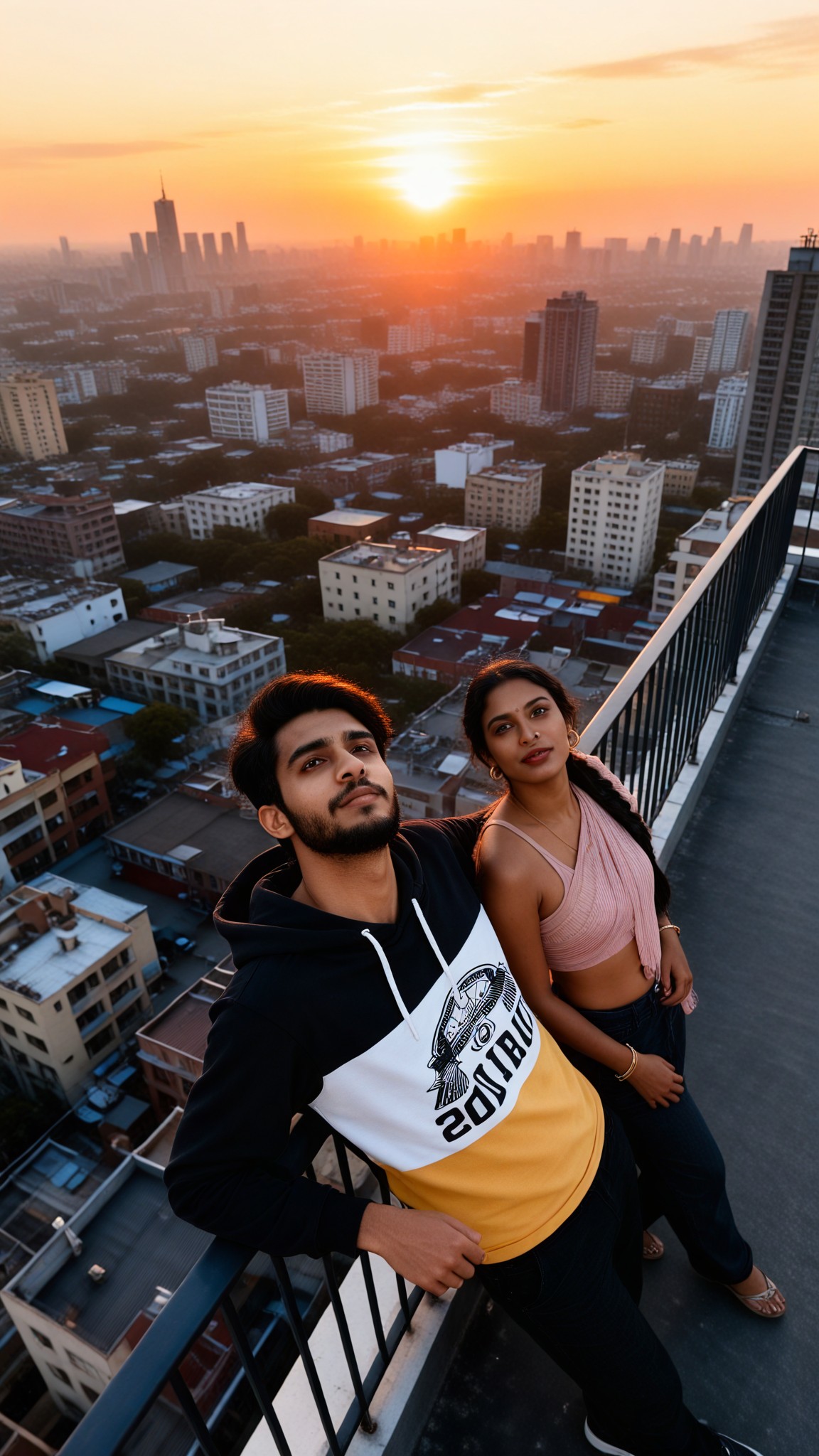
Input
Result
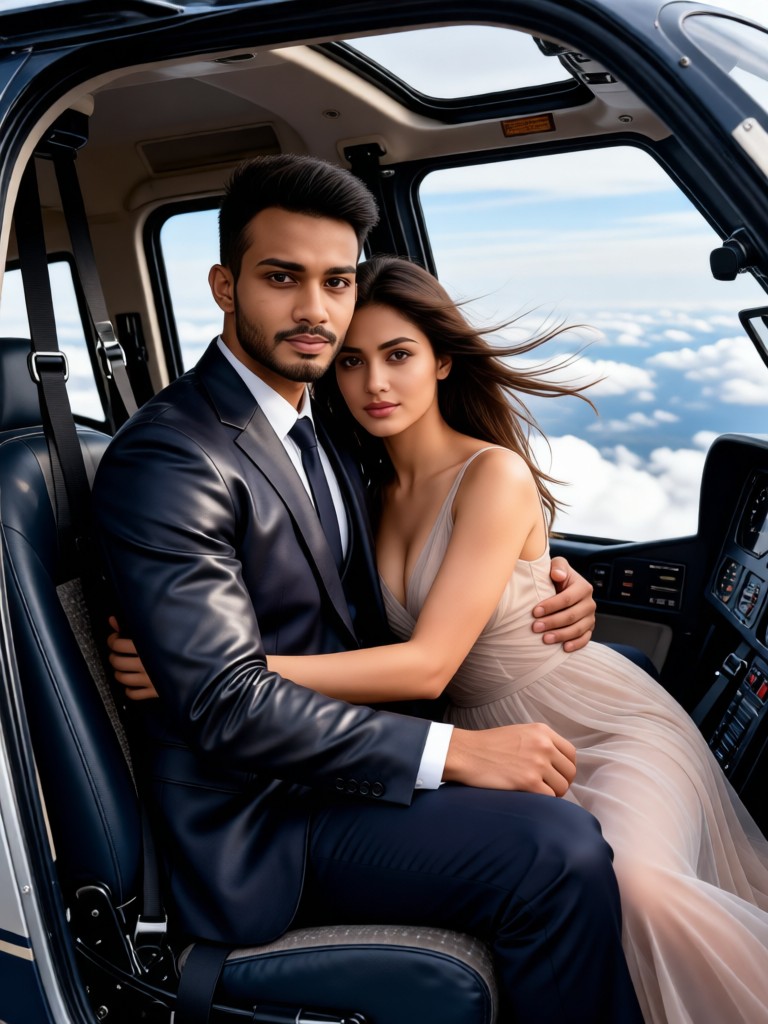
Skyline Sunset Duo
 艺术梦想家491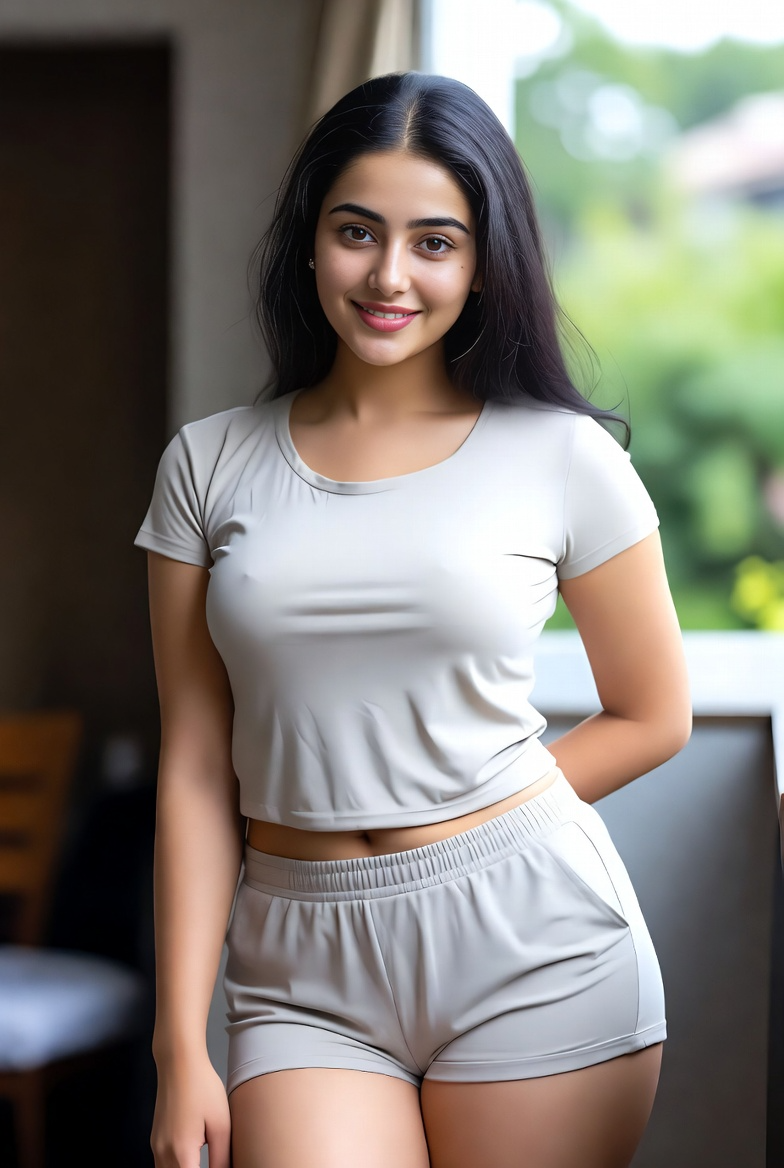
Input
Result
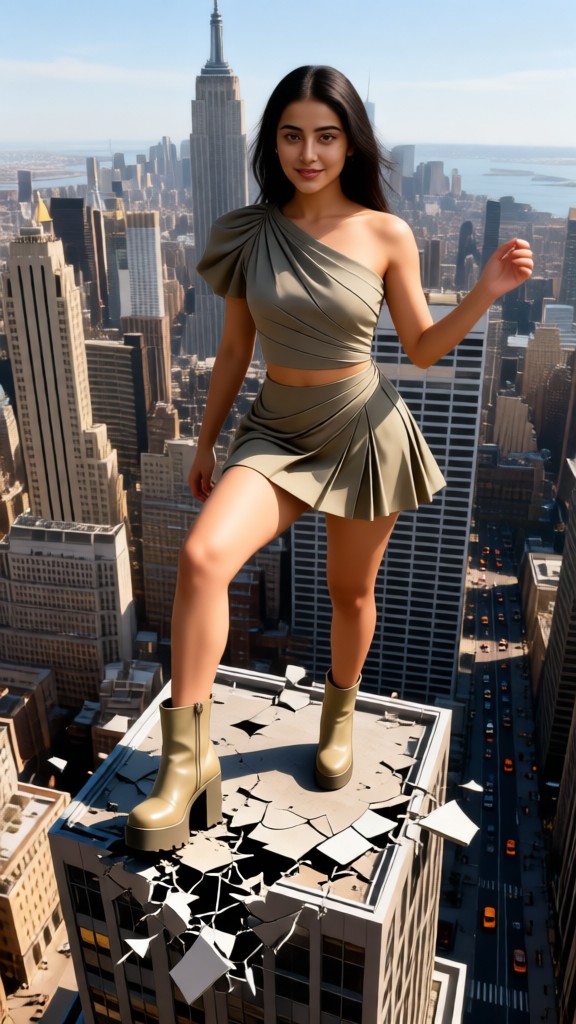
City Giants!!
 Zephyr.JX246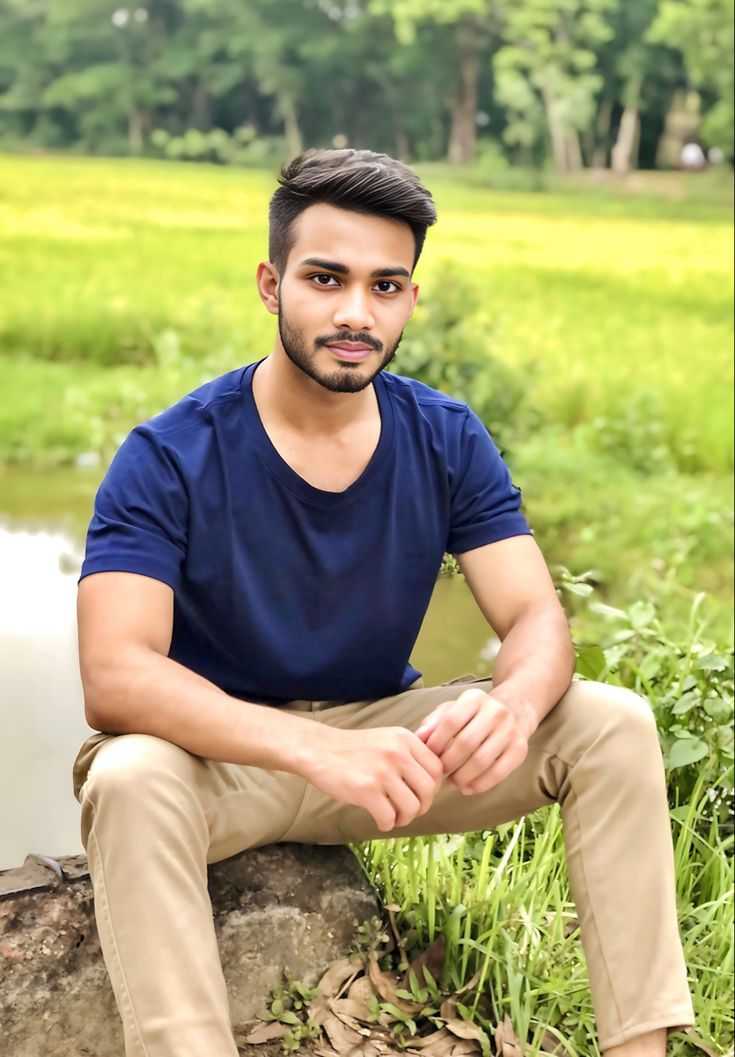
Input
Result
Skyline Ruler
 Melody💗195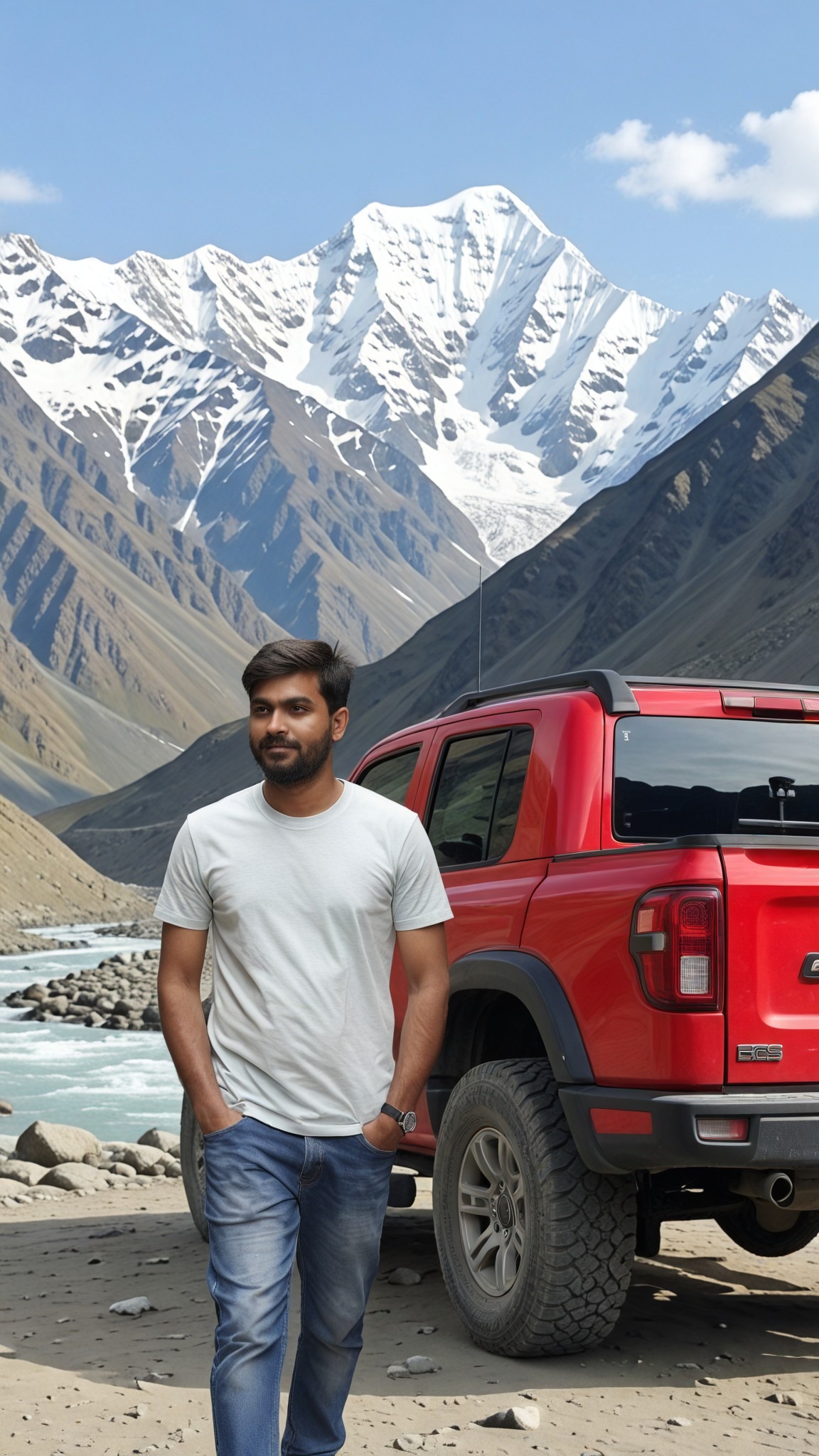
Input
Result
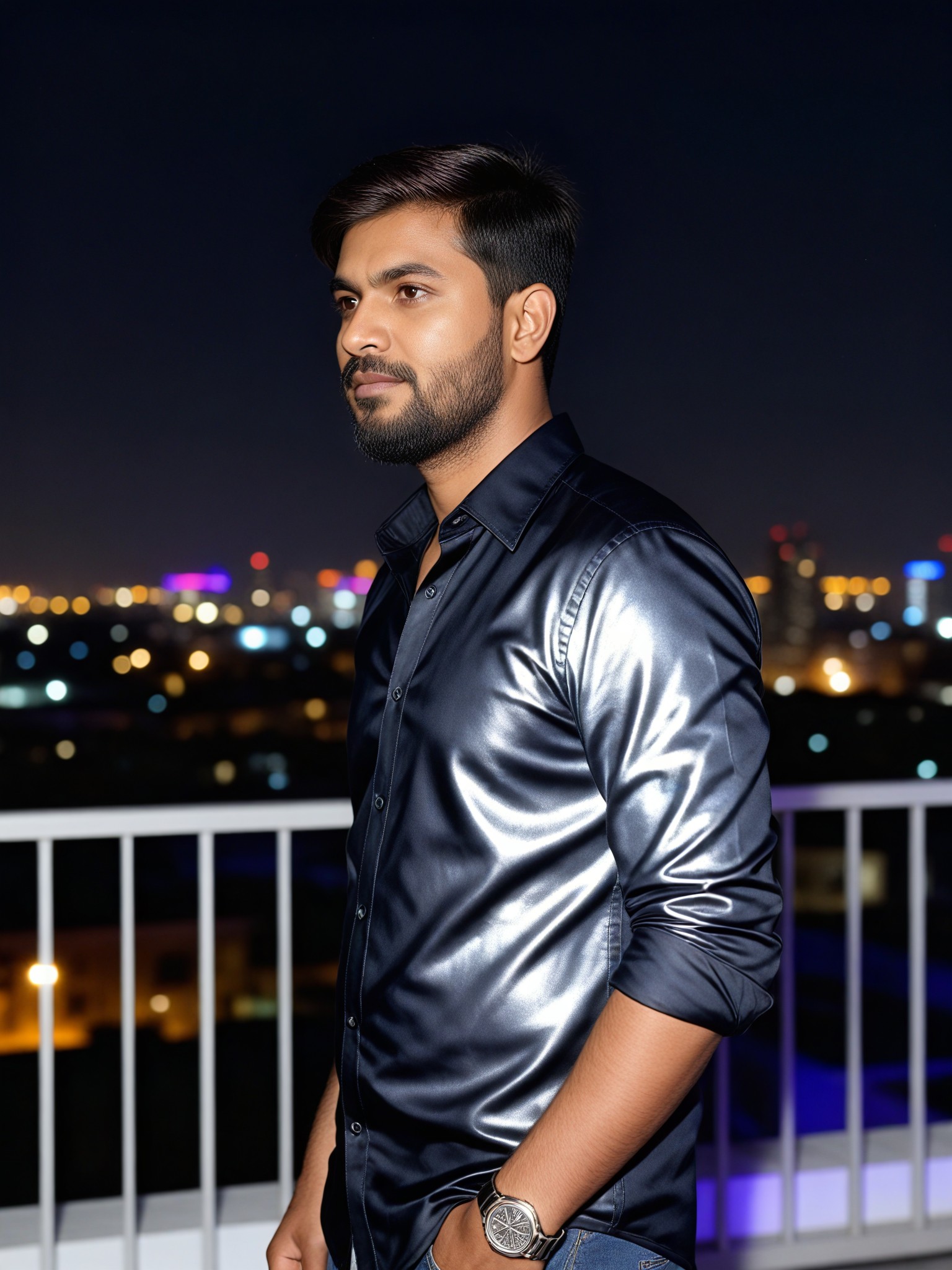
Skyline Flash
艺术梦想家150
Input
Result
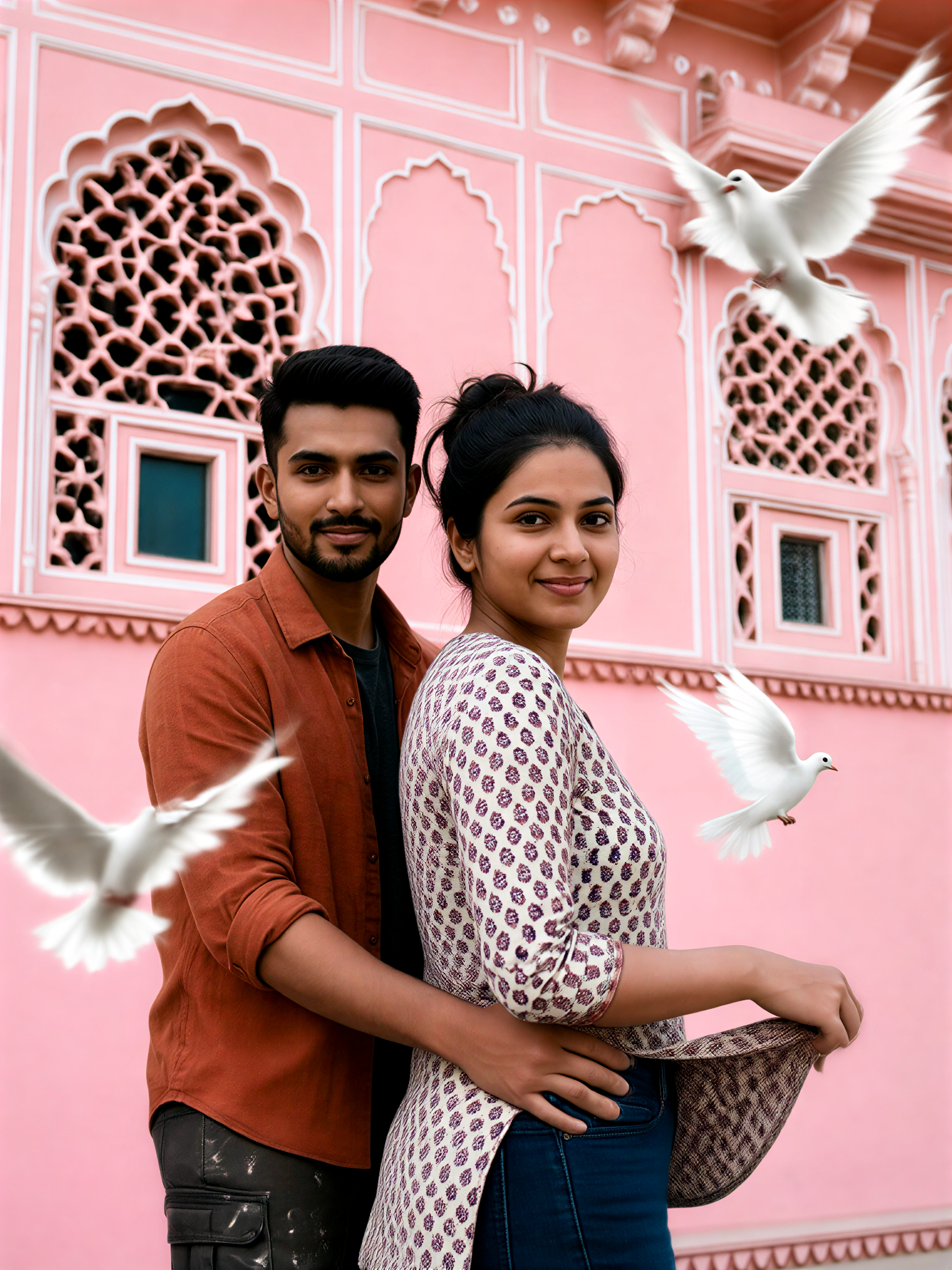
Pink City Romance
艺术画家115
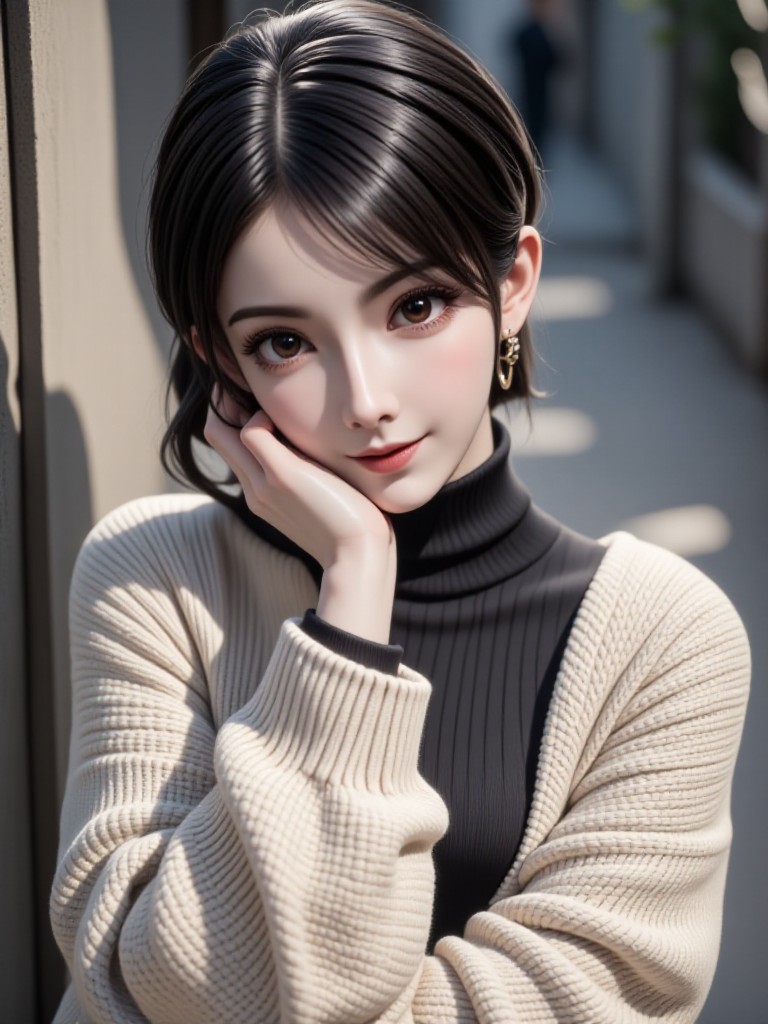
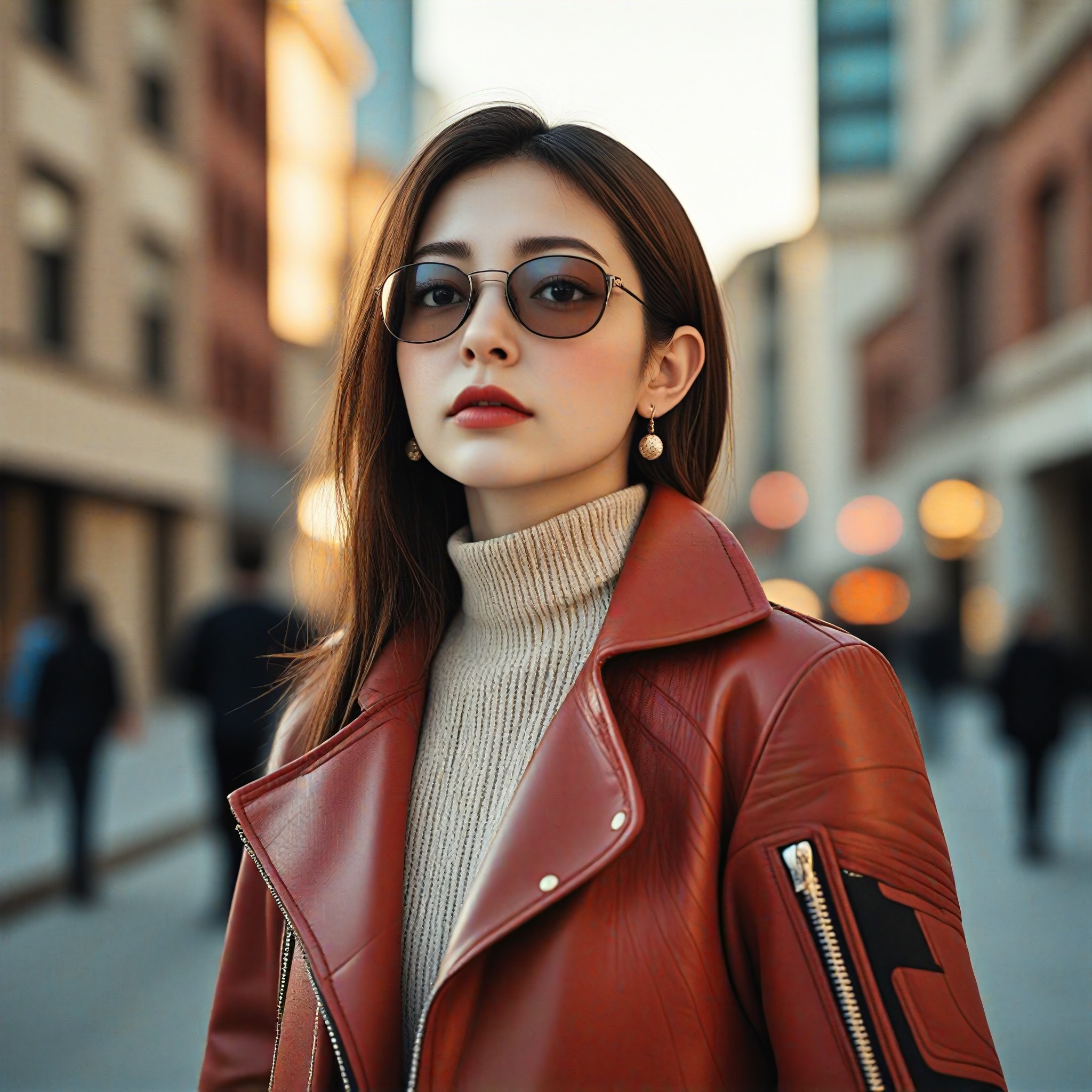
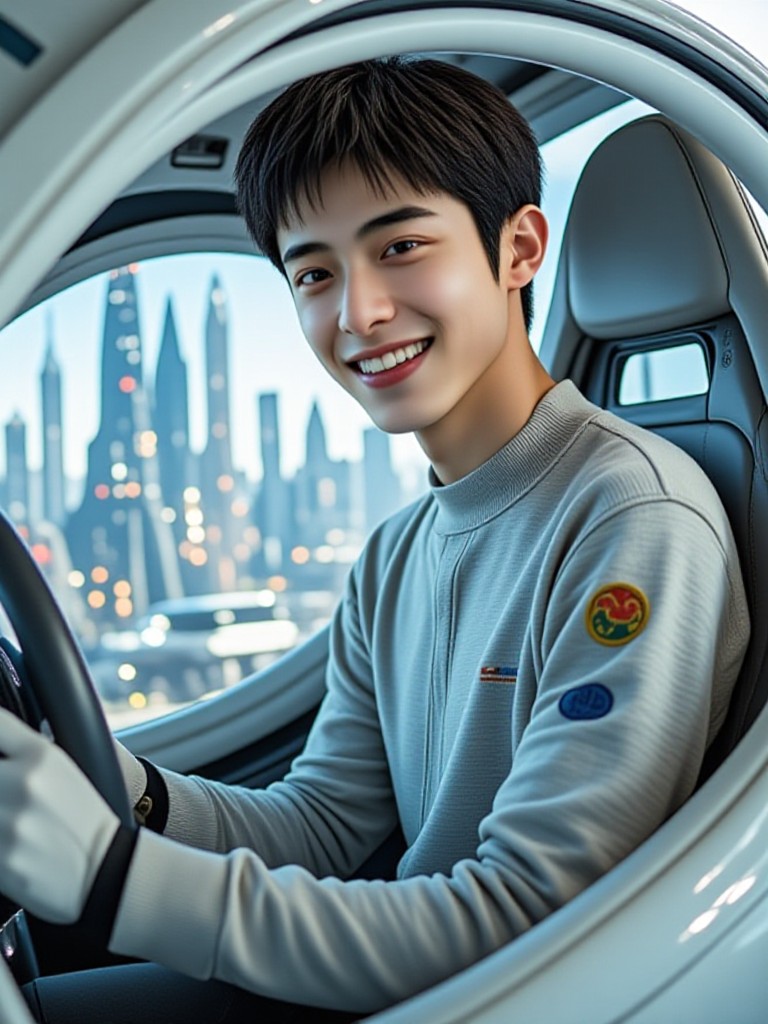
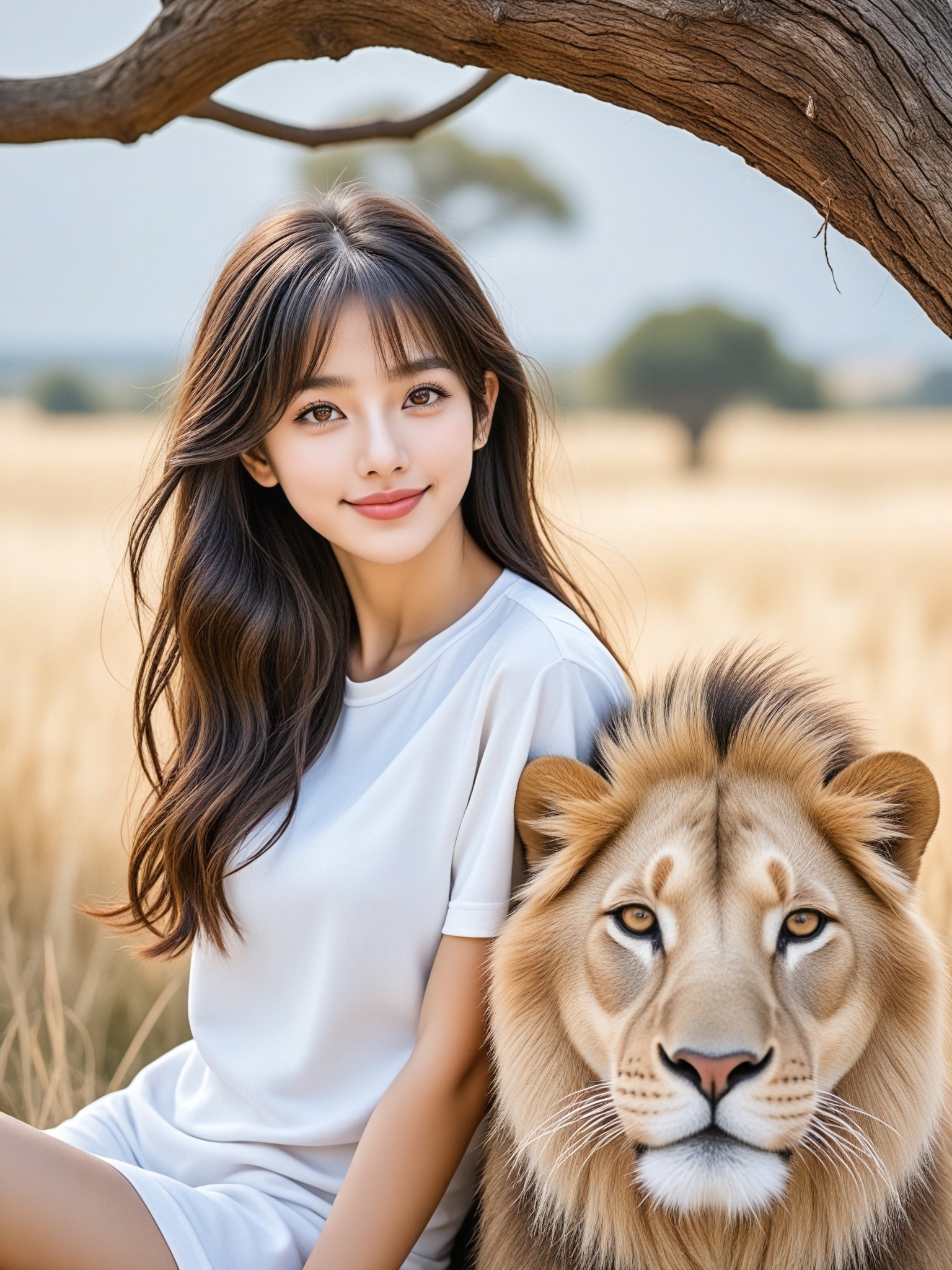
AI Generated City Skyline Images & Videos
Discover unique and innovative City Skyline images and videos created with a1.art City Skyline prompts.

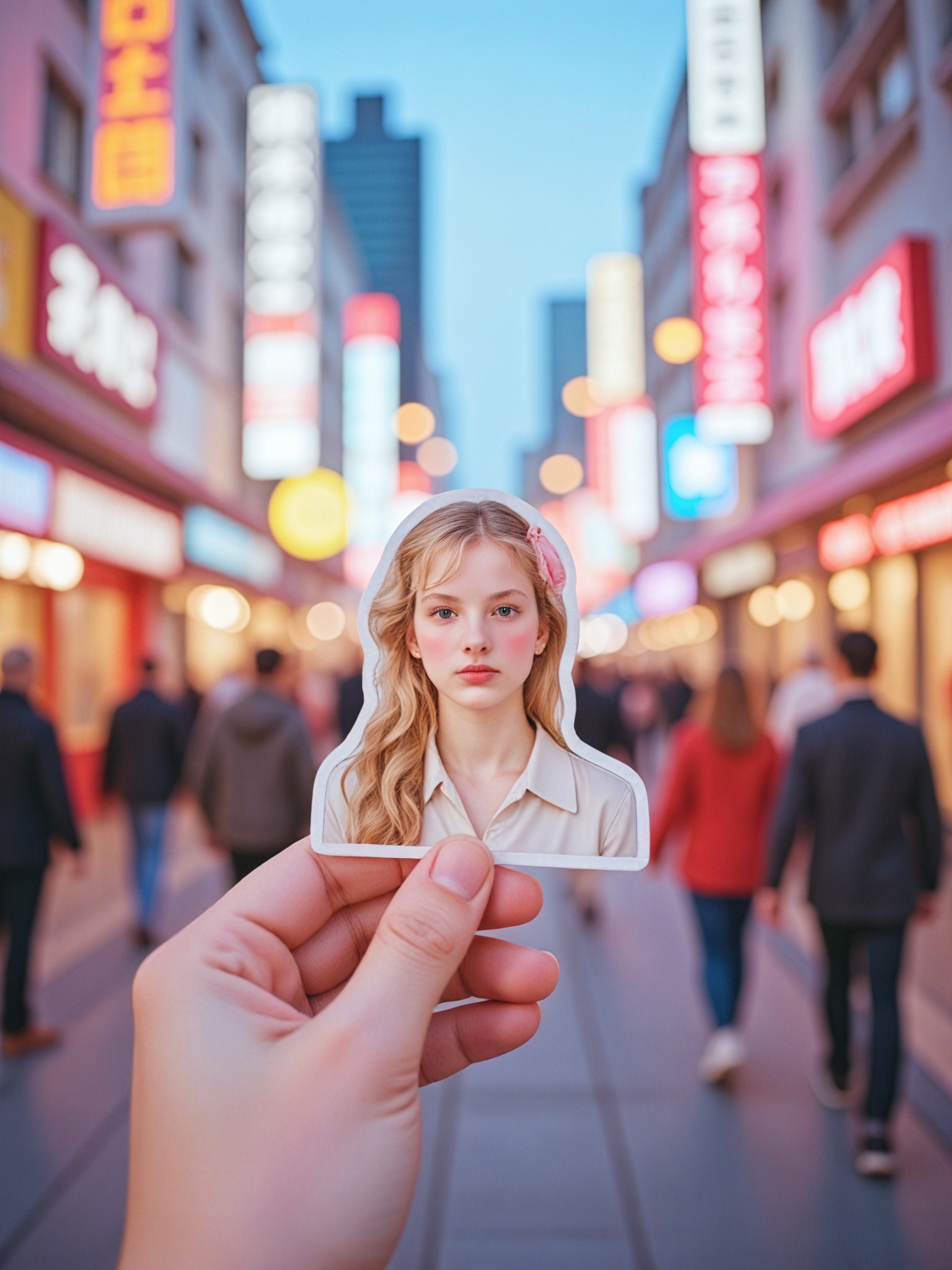
How to Make City Skyline AI Image & Video on a1.art?
Step into the future of AI City Skyline video and image creation on a1.art.

Step 1
Select the style you want to apply in the Square.

Step 2
Upload the image you want to transform. It can be a photo, hand-drawn sketch.

Step 3
Wait a few seconds and you can easily get your unique AI City Skyline art. Download for free!
FAQ about City Skyline AI Prompt on a1.art
Discover the secrets to creating Birthday Day videos and images at a1.art.
What types of city skyline images can I create with a1.art?
With a1.art, you can create a wide variety of city skyline images, including futuristic, historic, minimalist, and even surreal designs. Our AI prompts allow you to customize every detail, from lighting and weather to architectural styles and color palettes.
How do I use city skyline AI prompts on a1.art?
Using city skyline AI prompts is simple. Just select a prompt that matches your vision, upload an image if needed, or enter a text description, and our AI will generate a unique city skyline visual for you. You can also adjust settings like filters and effects to refine the output.
Are there any limitations on the number of city skyline creations I can make?
a1.art offers daily free login credits, allowing you to create multiple city skyline visuals without restrictions. If you need more credits, you can subscribe to earn additional ones, ensuring you have unlimited creative freedom.
Can I download my city skyline creations?
Yes, all your city skyline creations made on a1.art are fully downloadable. You can save them in high resolution and use them for personal or professional projects, such as presentations, social media posts, or print designs.
Is a1.art suitable for both beginners and professionals?
Absolutely! a1.art is designed to be user-friendly for beginners while offering advanced customization options for professionals. Whether you're looking to explore your creativity or produce high-quality visuals for clients, a1.art has everything you need.


