


Get Children S Q Version Videos & Images without Prompt
a1.art offers a large number of filters, allowing you to easily obtain AI videos or images without prompts.
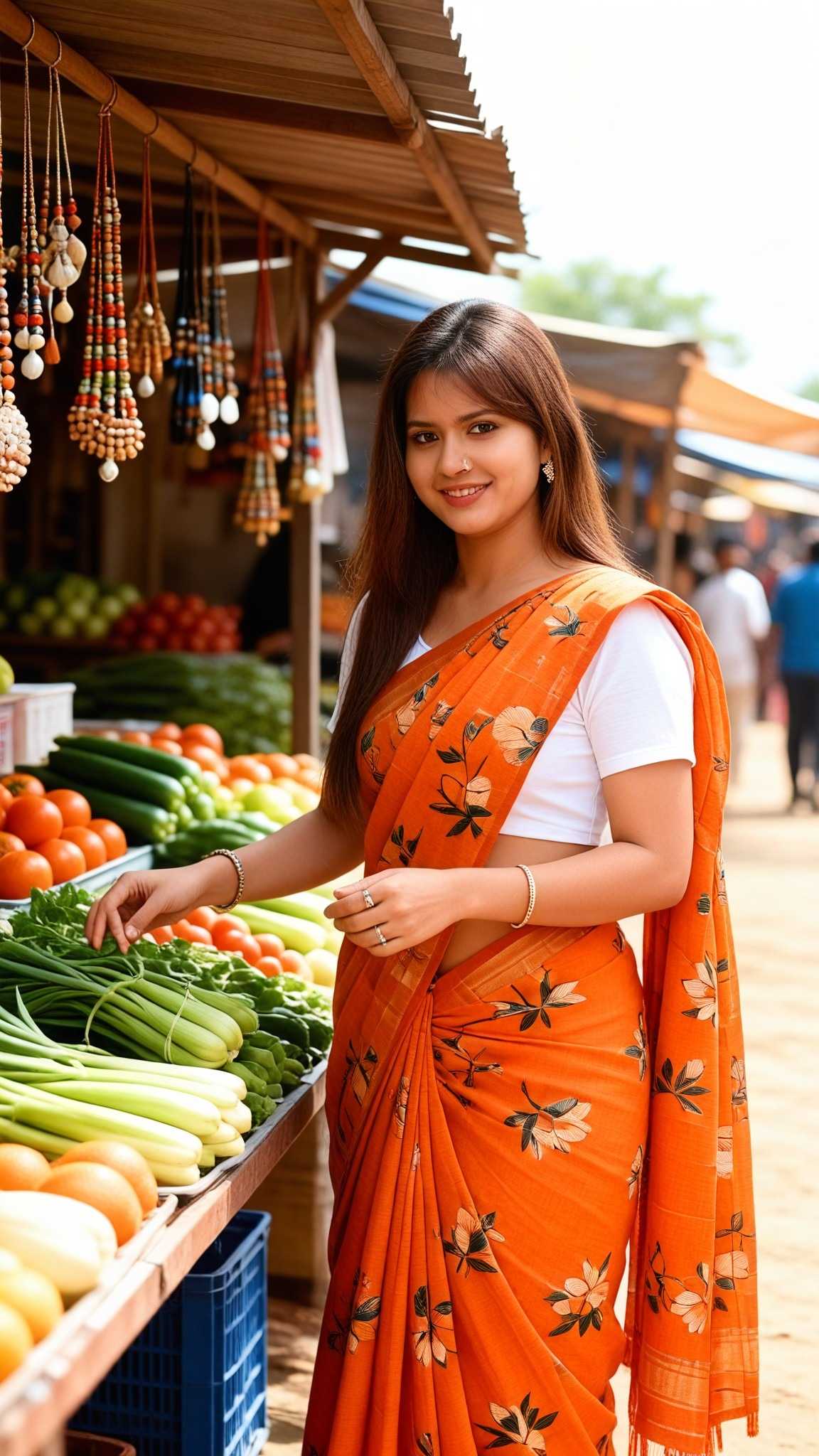
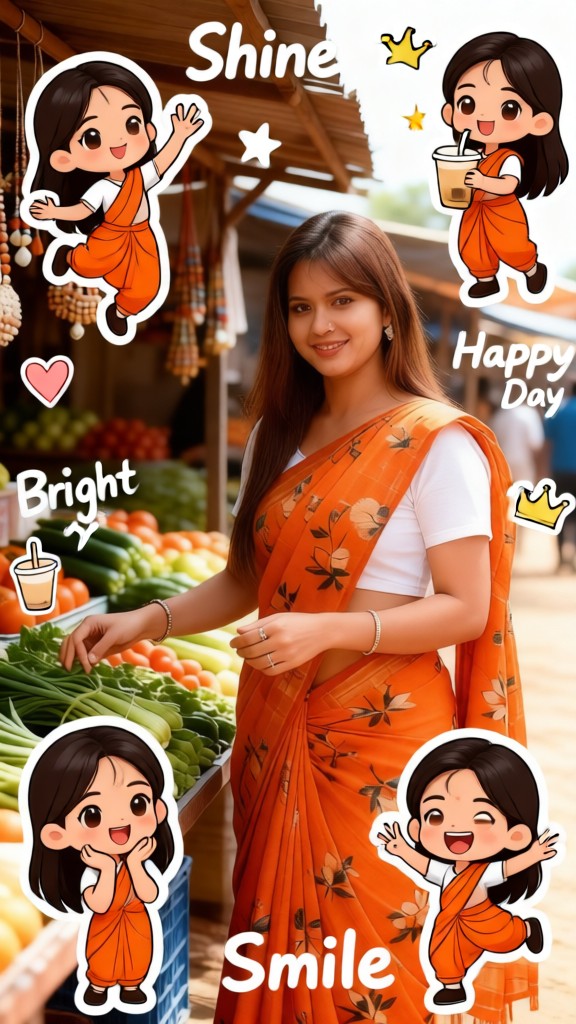
Input
Result
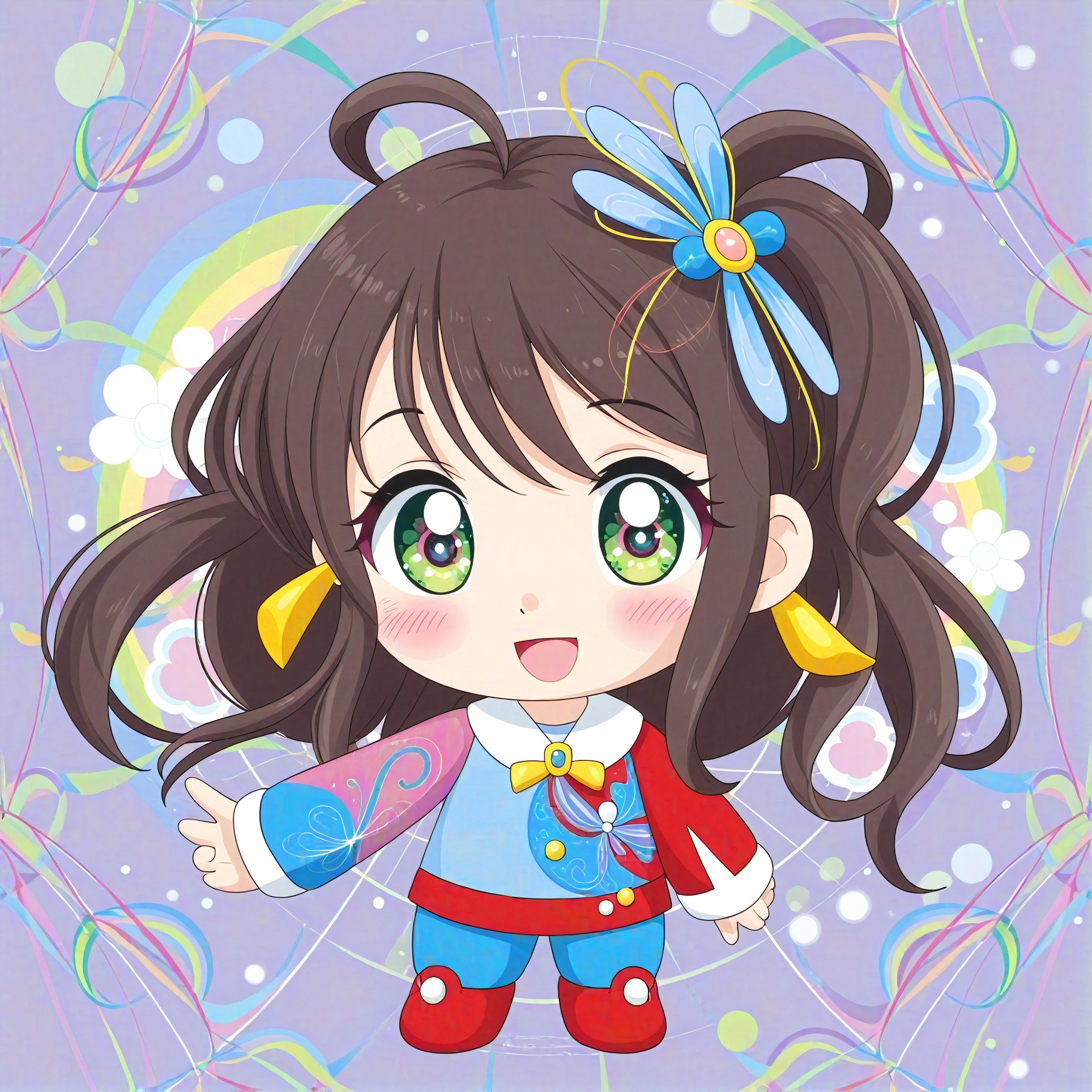
Q-version character
 Vicky.
 25.5k
25.5k
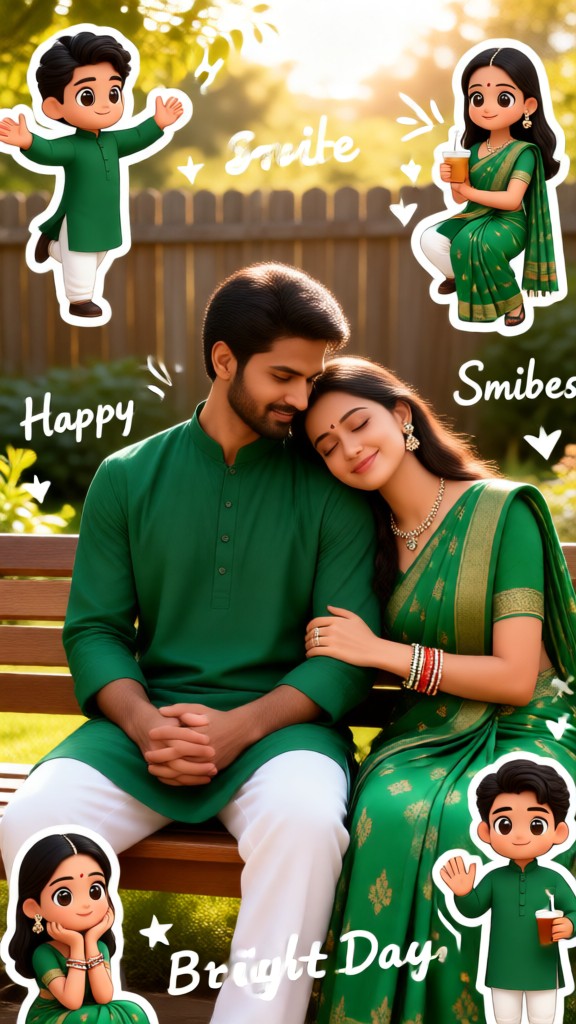
Input
Result
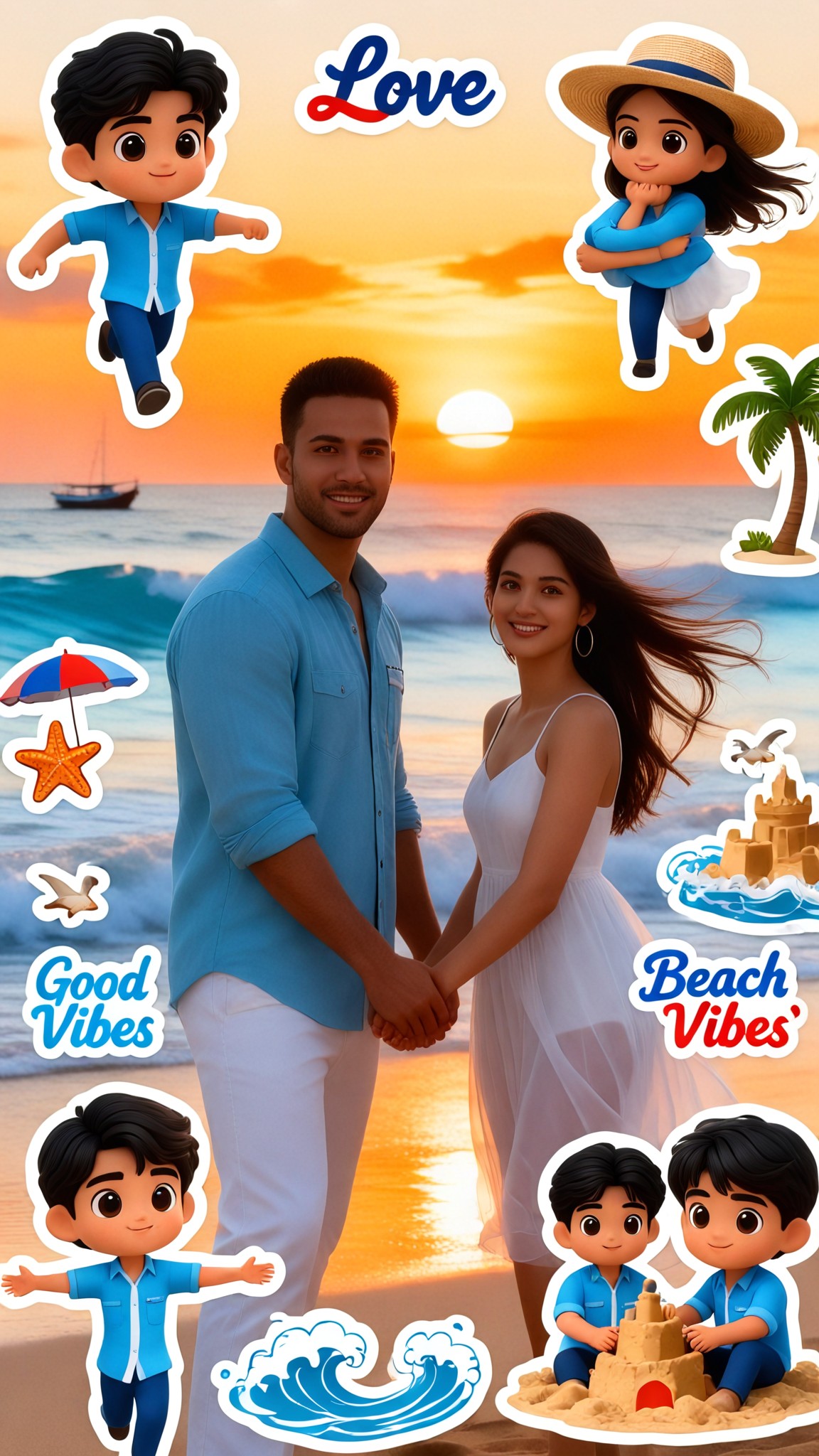
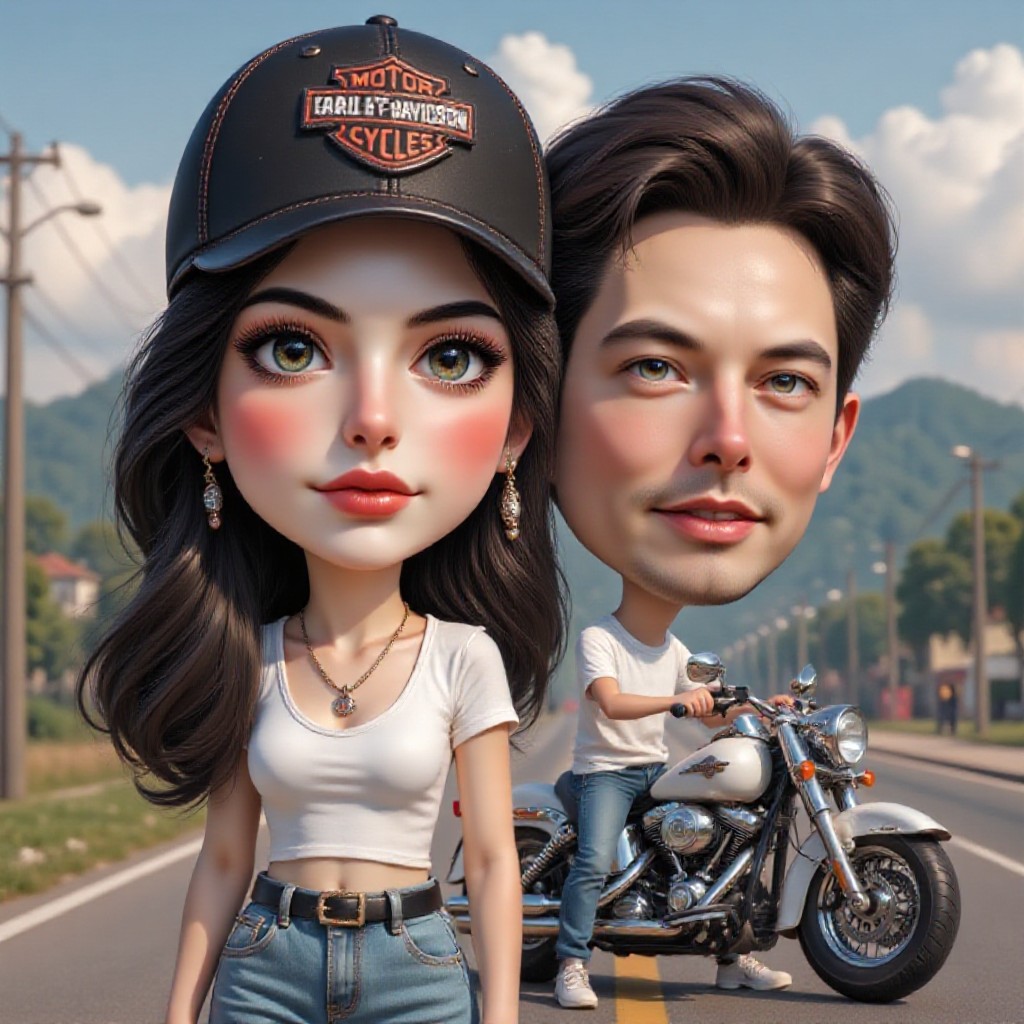
Q-version couple stickers
 Lizzie-R6.5k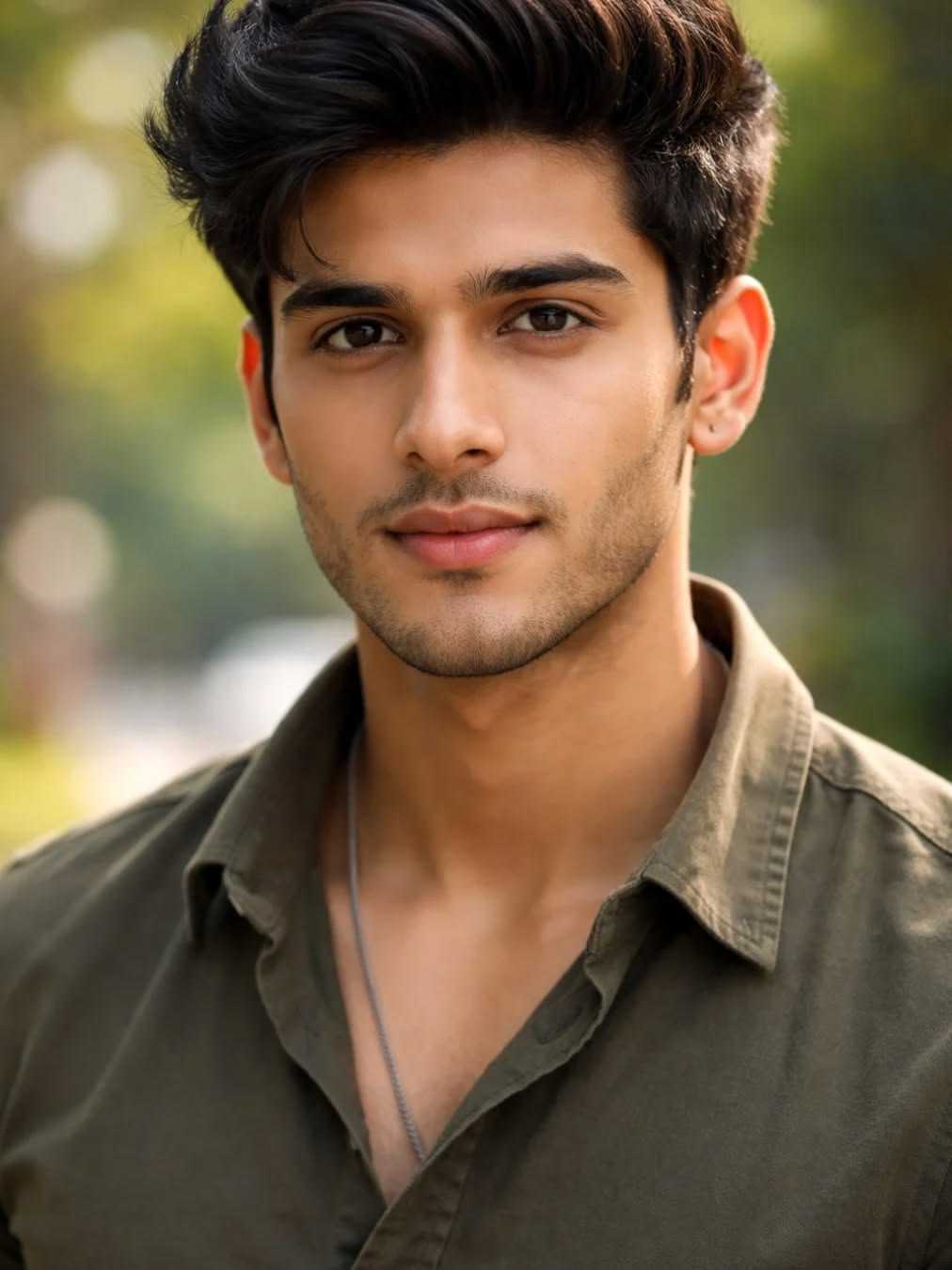
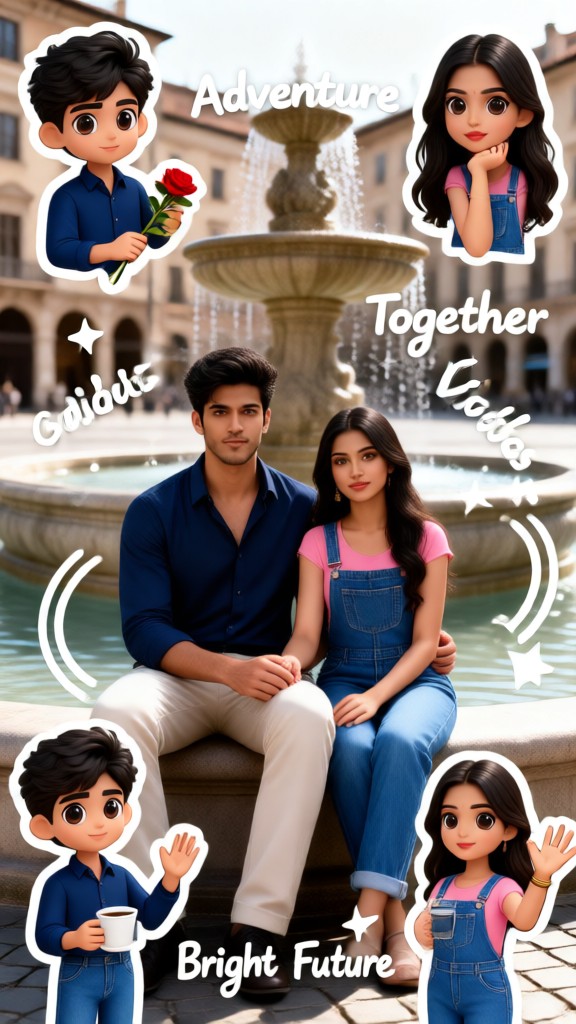
Input
Result
Q-version couple stickers-p
Lizzie-R2.0k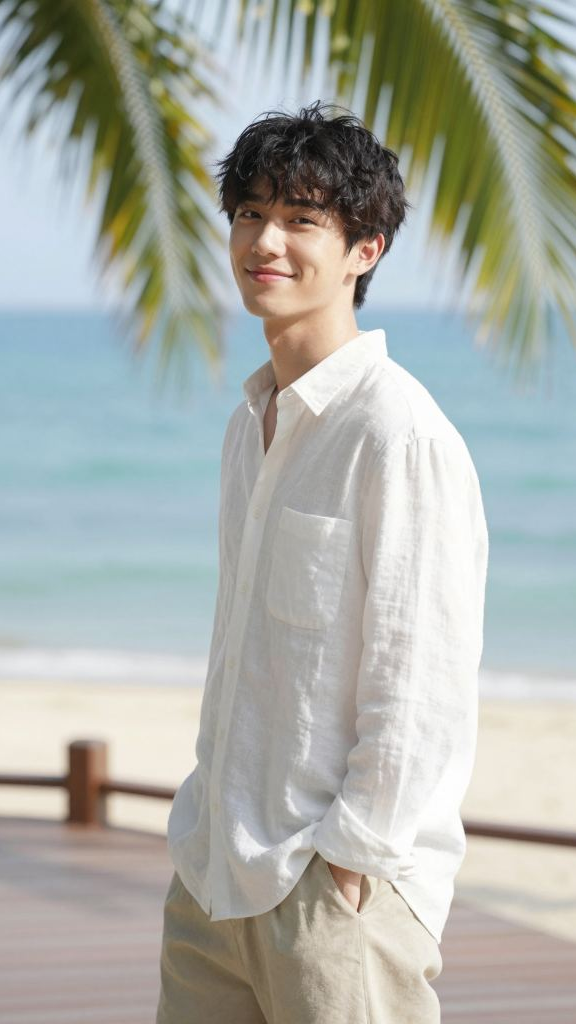
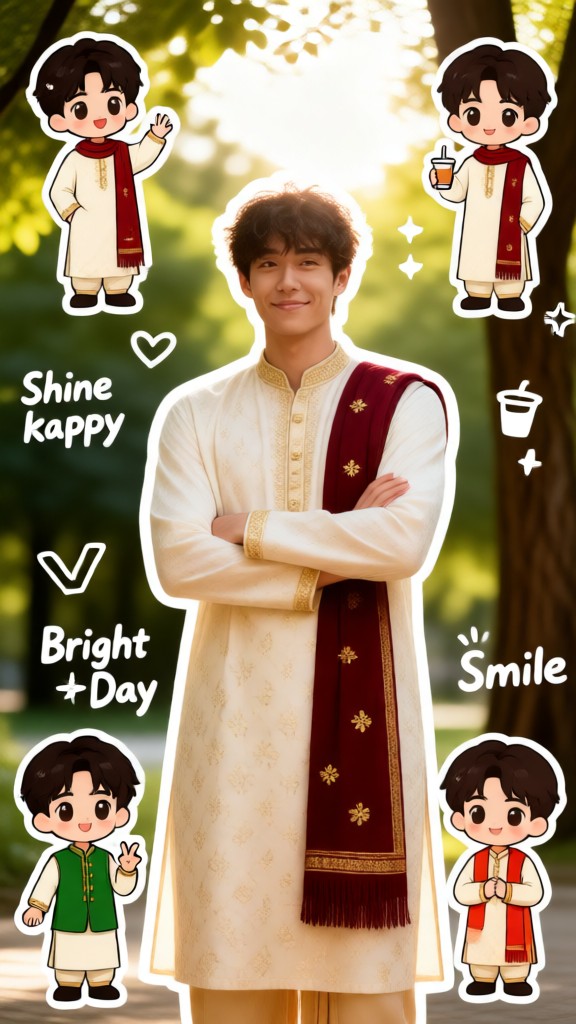
Input
Result
Q-version male character
Vicky.472
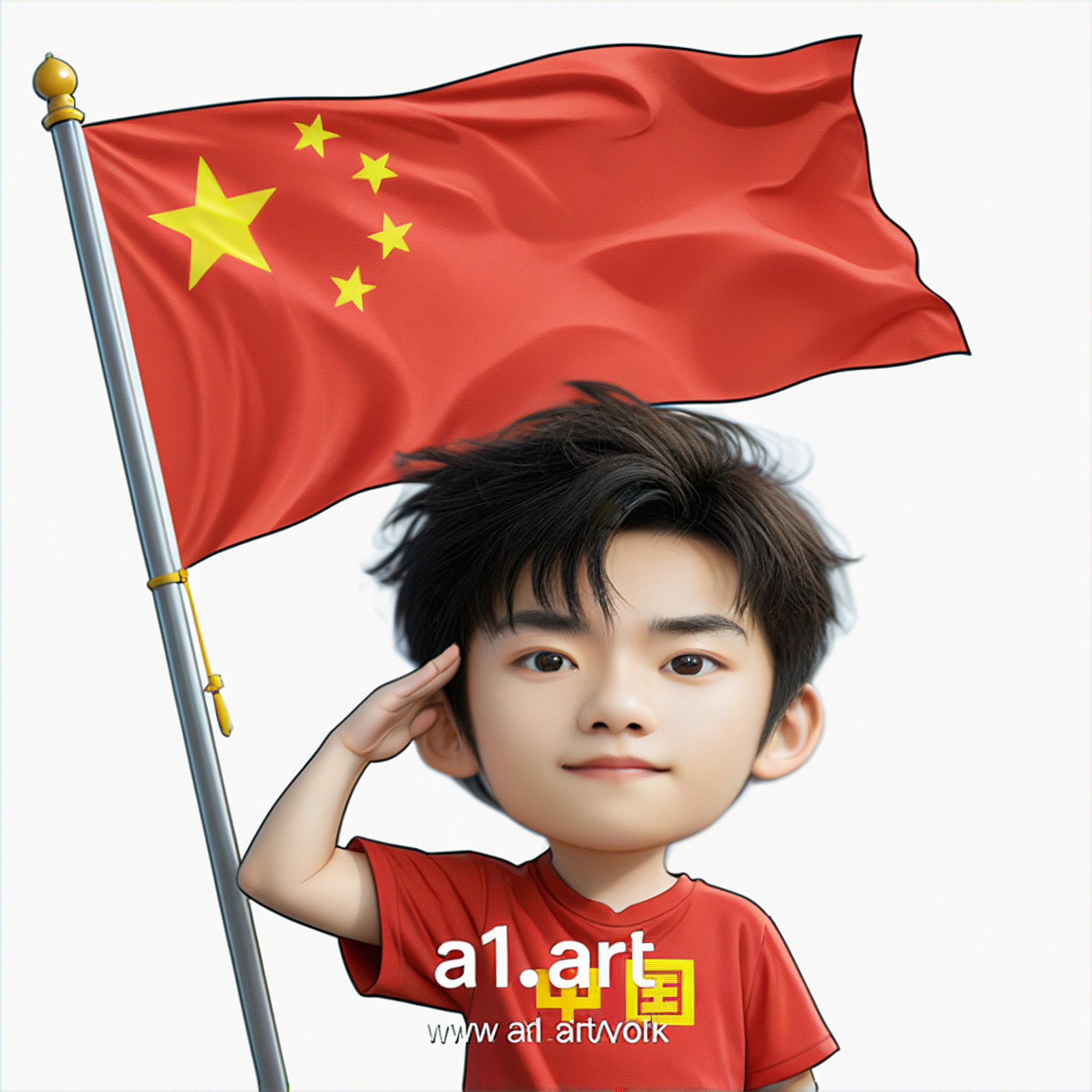
Input
Result
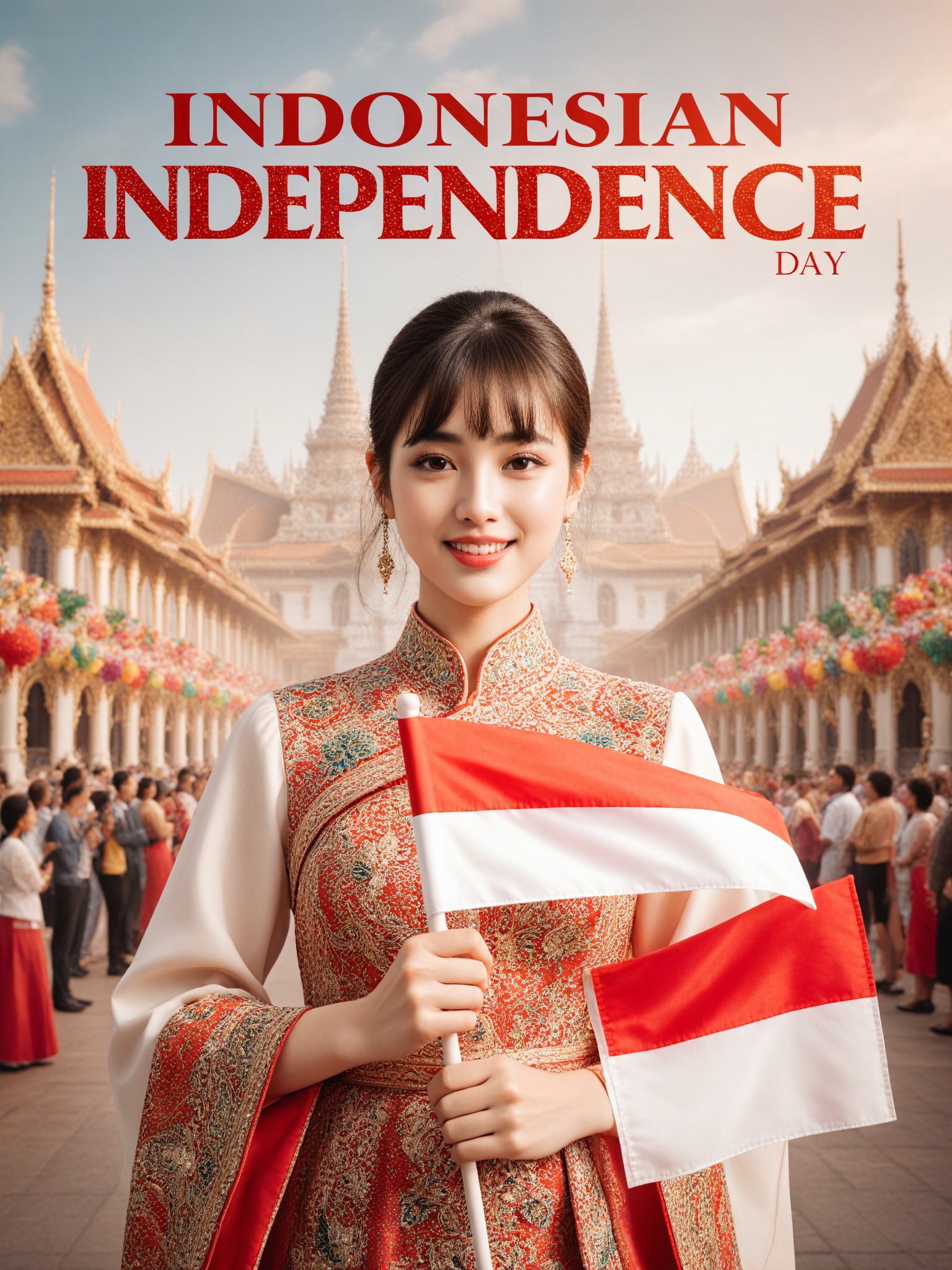
Q version of the National Day avatar
 Ben232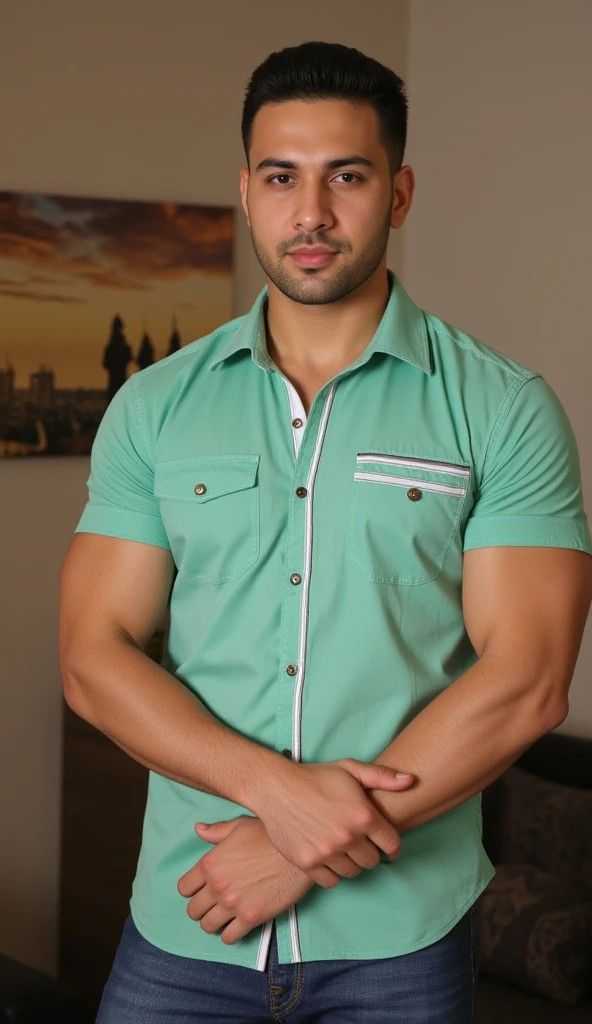
Input
Result
Q-version couple stickers-p1
Lizzie-R191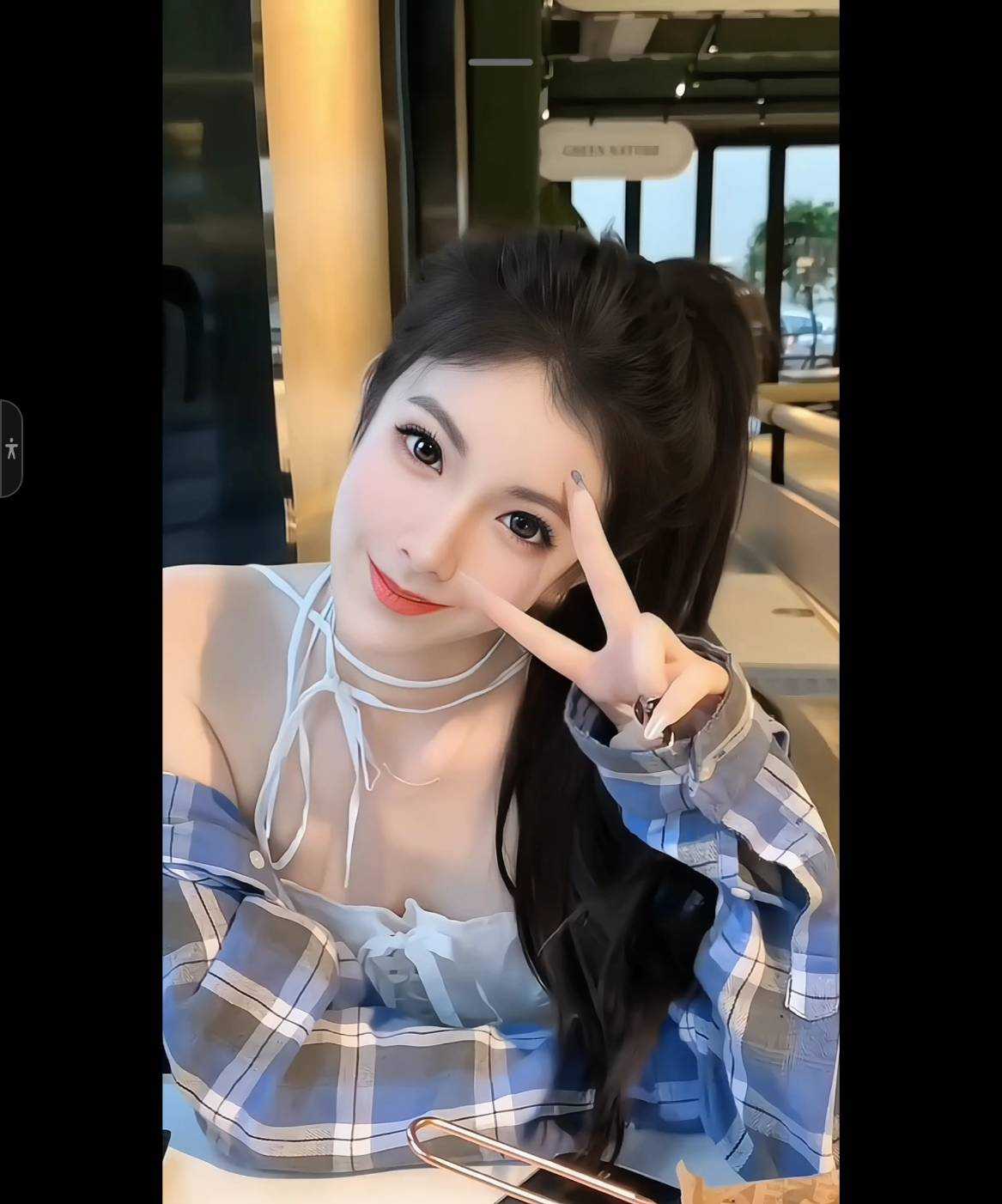
Input
Result
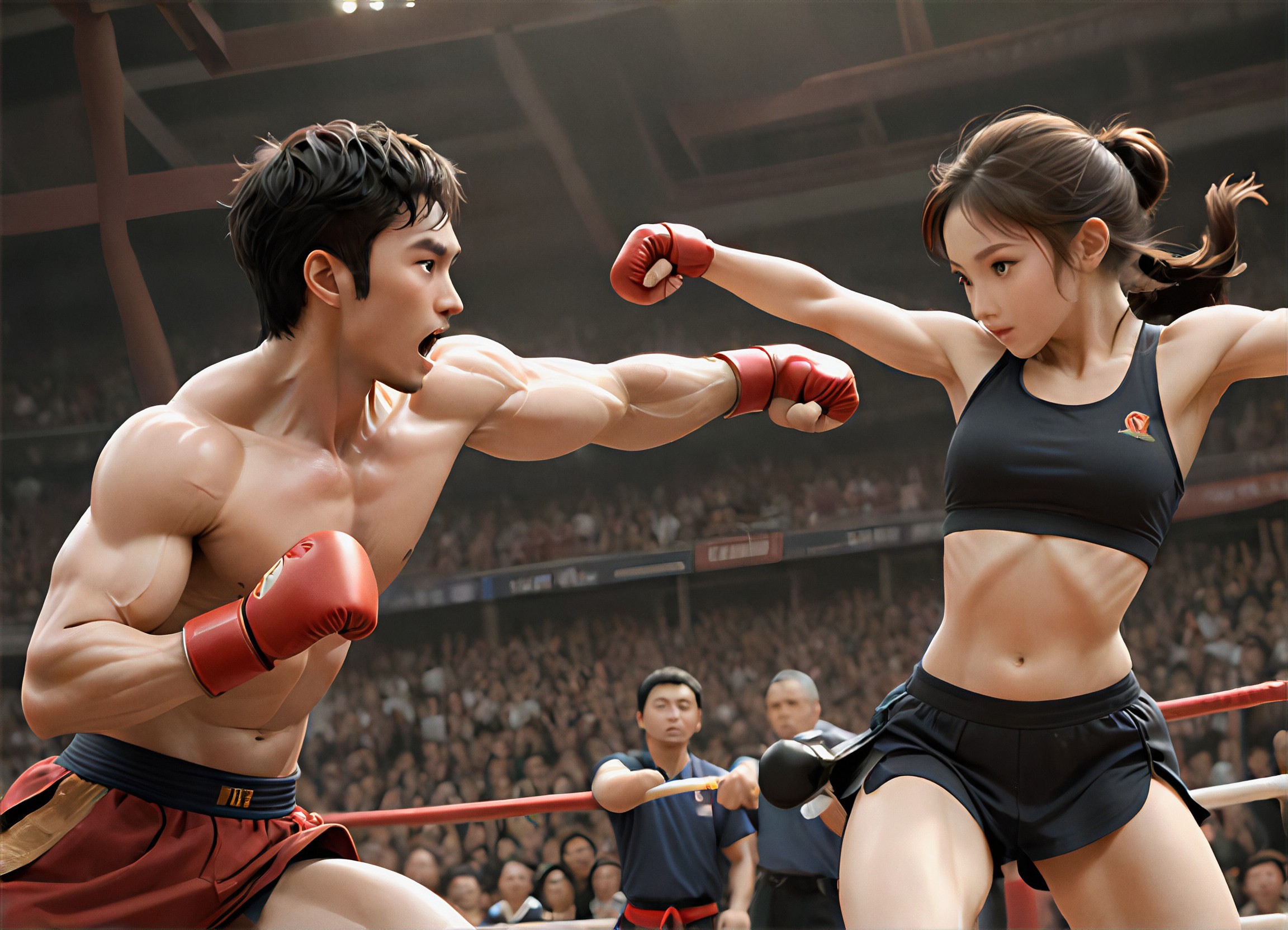
Q Version - Two Masters Compete
 創意無限小林哥121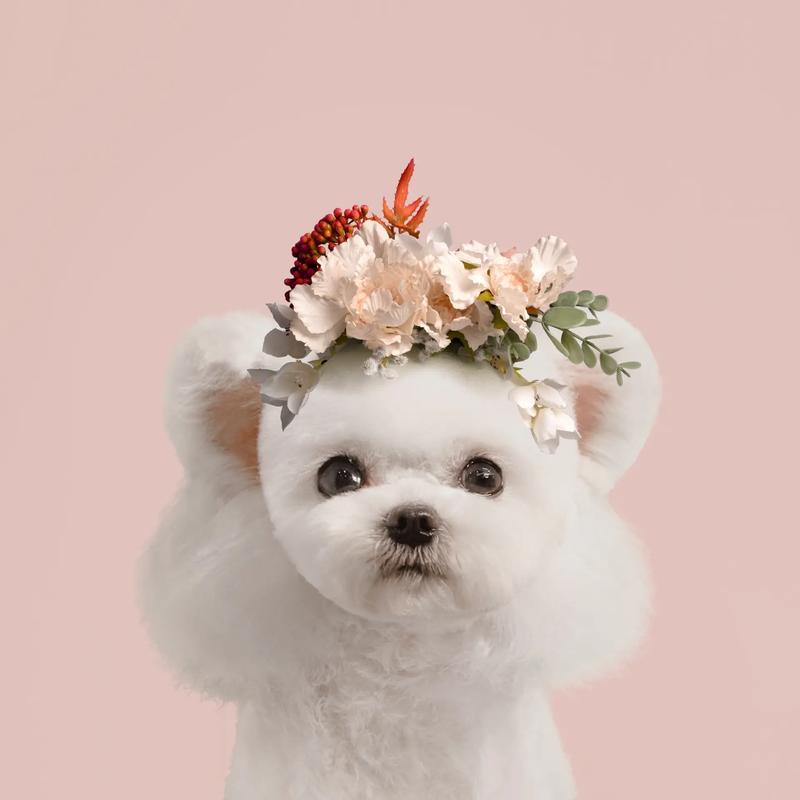
Input
Result
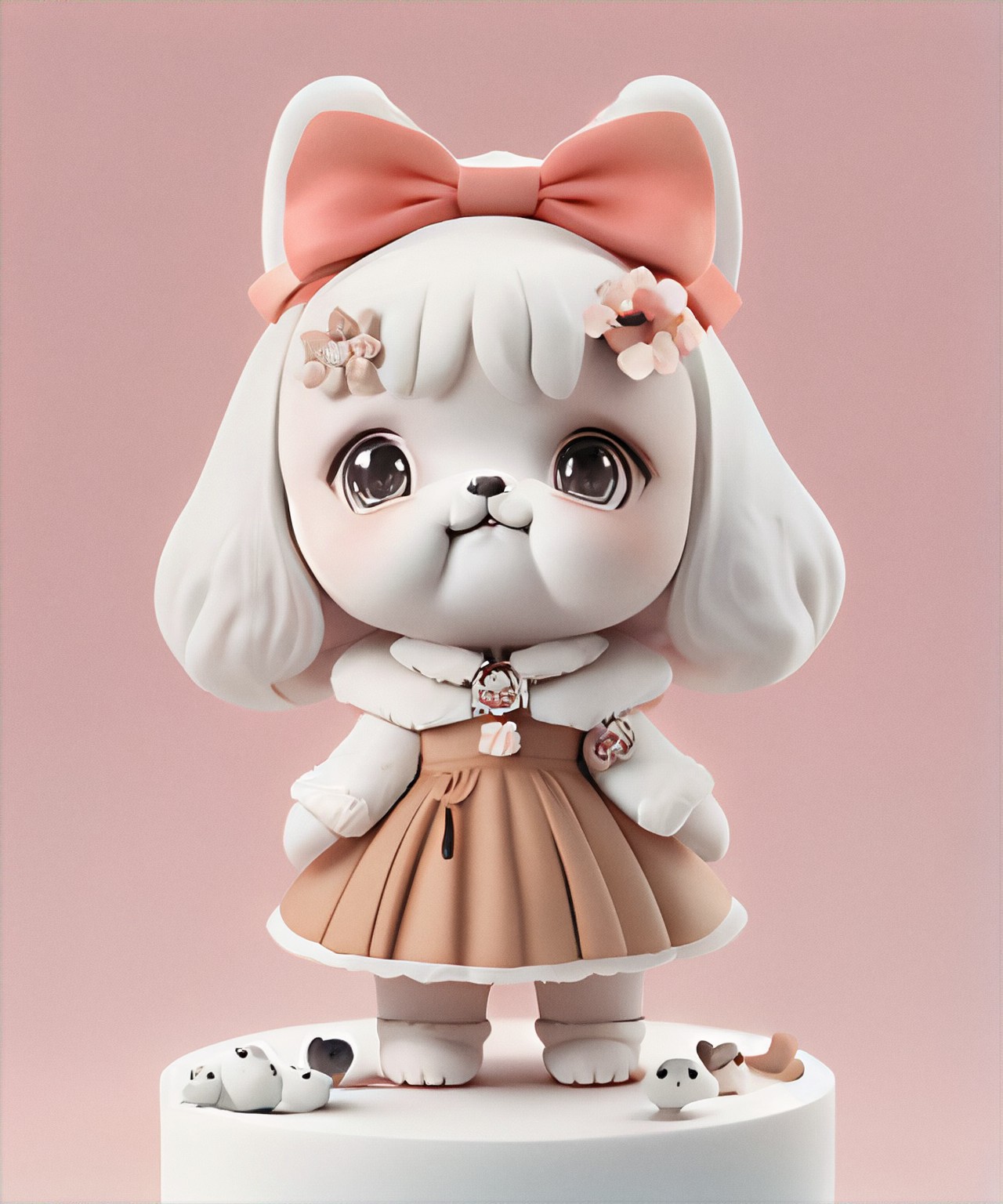
Q version pet figurine
k
kevindooo29
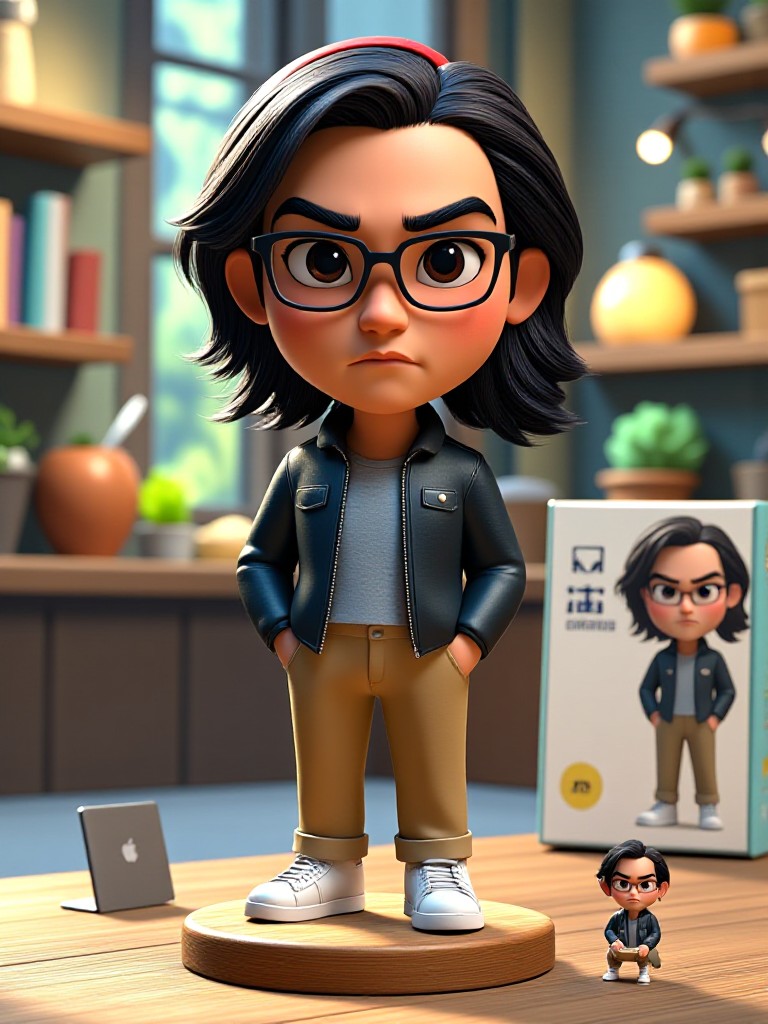
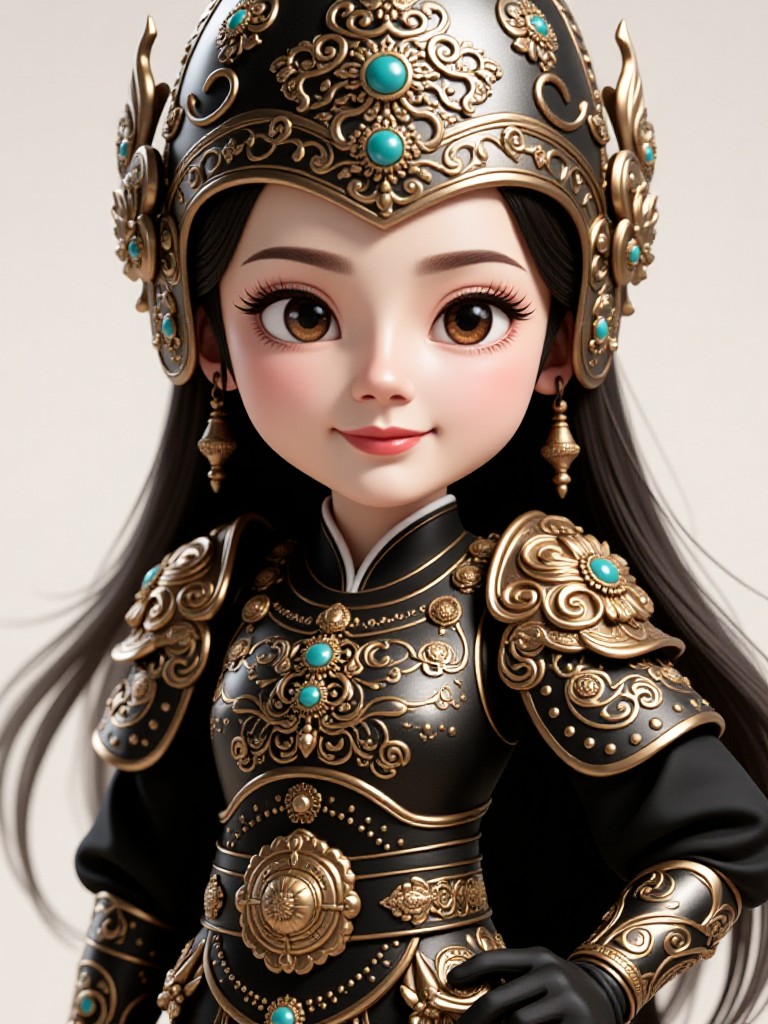
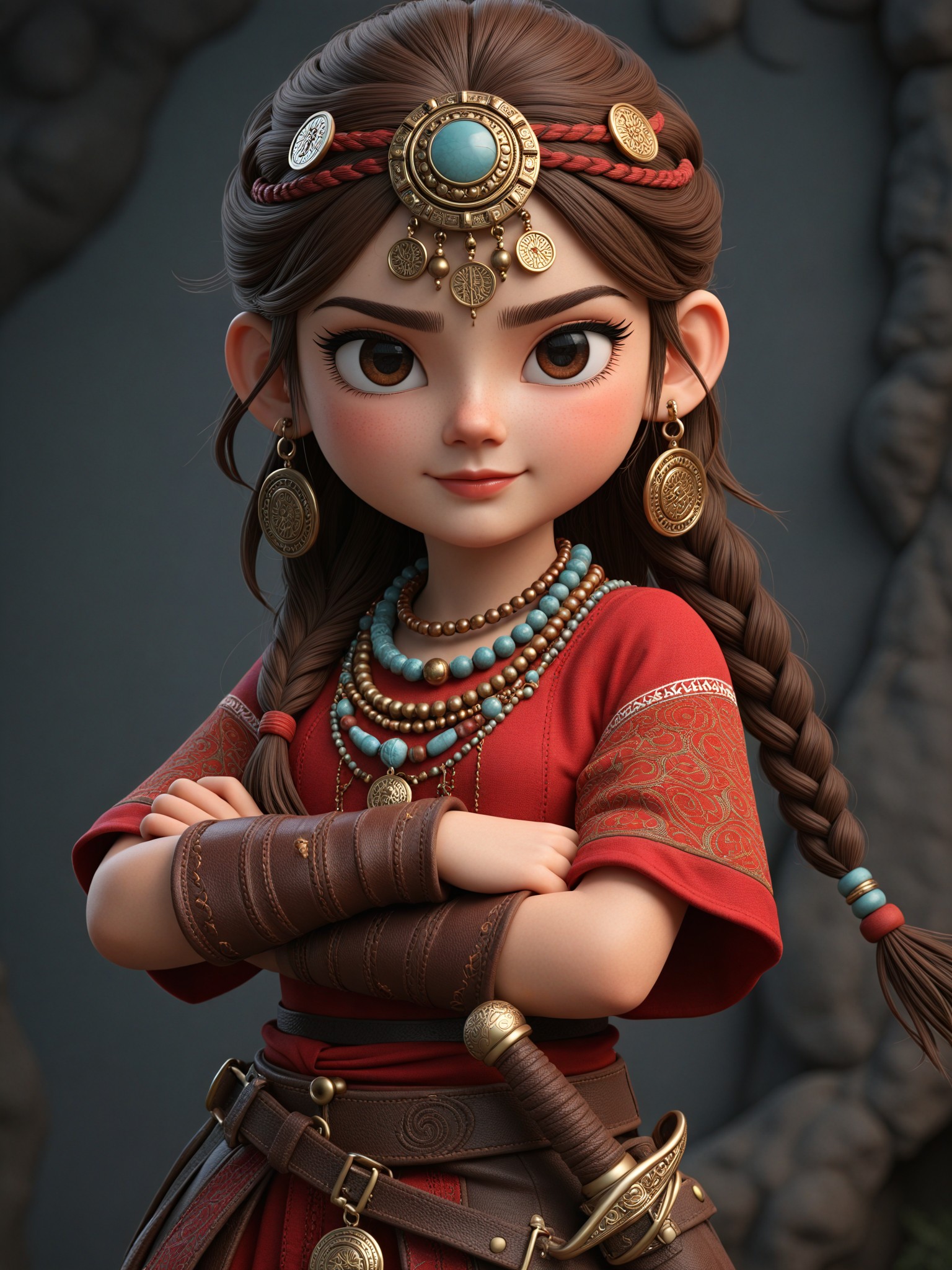
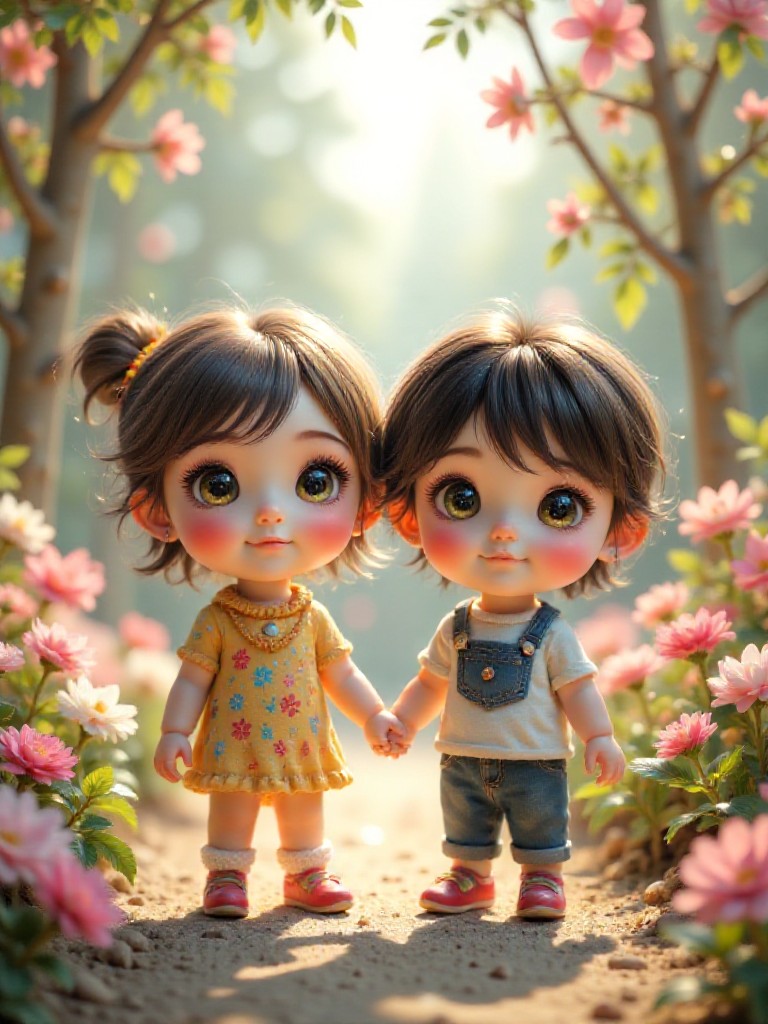
AI Generated Children S Q Version Images & Videos
Discover unique and innovative Children S Q Version images and videos created with a1.art Children S Q Version prompts.
How to Make Children S Q Version AI Image & Video on a1.art?
Step into the future of AI Children S Q Version video and image creation on a1.art.

Step 1
Select the style you want to apply in the Square.

Step 2
Upload the image you want to transform. It can be a photo, hand-drawn sketch.

Step 3
Wait a few seconds and you can easily get your unique AI Children S Q Version art. Download for free!
FAQ about Children S Q Version AI Prompt on a1.art
Discover the secrets to creating Birthday Day videos and images at a1.art.
What types of children's q version prompts does a1.art offer?
a1.art provides a wide range of children's q version prompts, including forest scenes, underwater landscapes, snowy mountains, magical gardens, and more. Each prompt is designed to inspire creativity and produce high-quality visuals.
Can I customize my own children's q version prompts?
Yes, a1.art allows you to upload your own text prompts or select from our curated list. You can also adjust settings like lighting, texture, and style to achieve the perfect look for your project.
Is a1.art easy to use for beginners?
Absolutely! a1.art is designed with user-friendliness in mind. Simply choose a prompt, upload an image or enter a text description, and let the AI do the rest. No technical skills are required!
How many free credits do I get daily on a1.art?
a1.art offers daily free login credits to all users, allowing you to generate multiple children's q version images and videos without cost. Additional credits can be earned through subscriptions.
Can I create both images and videos with a1.art?
Yes, a1.art supports both AI image and video generation. You can easily switch between modes and create stunning visual content tailored to your needs.


