


Get Change Background Videos & Images without Prompt
a1.art offers a large number of filters, allowing you to easily obtain AI videos or images without prompts.

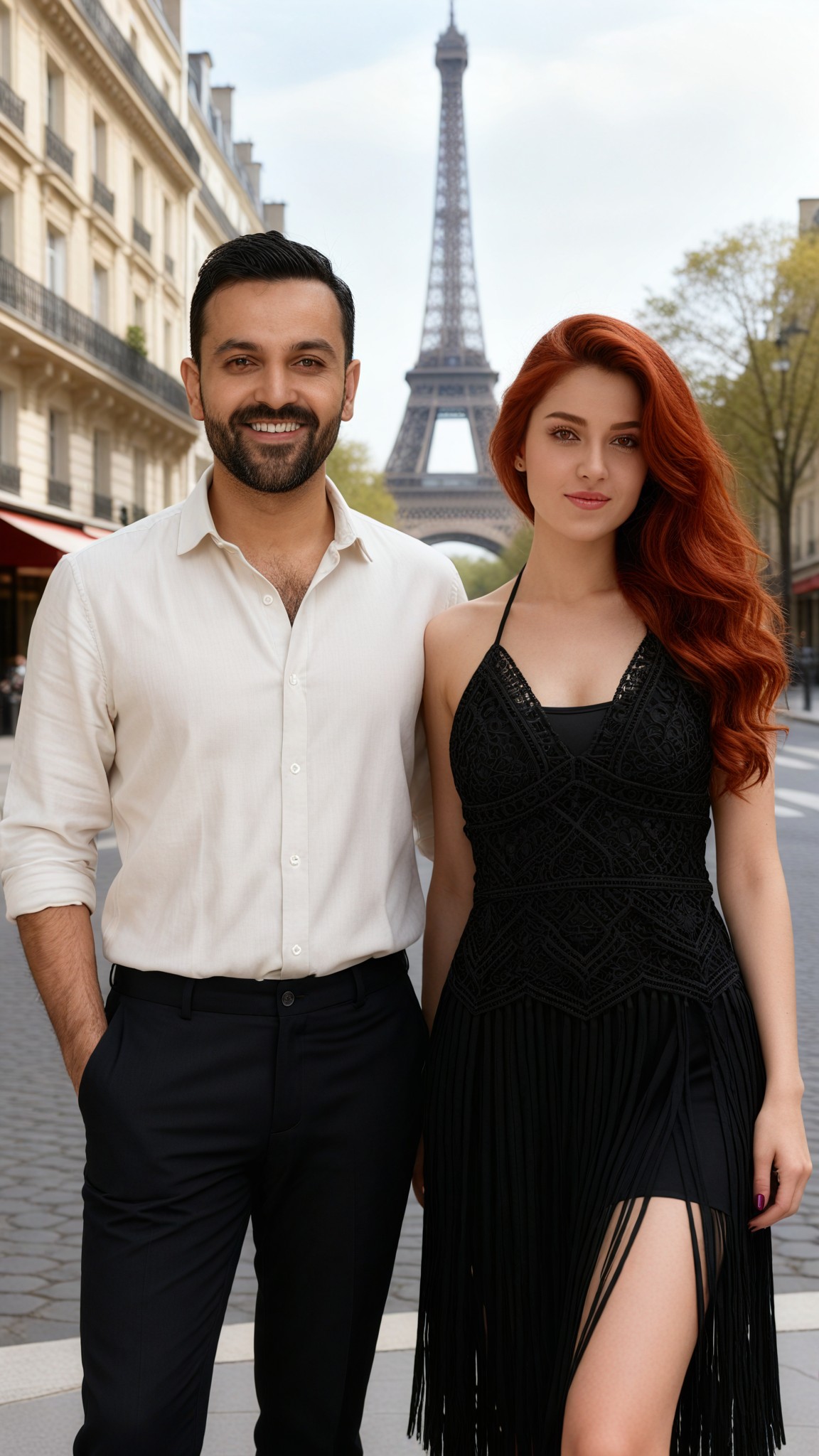
Paris Avenue
Input
Result
Change the background of the group photo
 CC
CC 3.6k
3.6k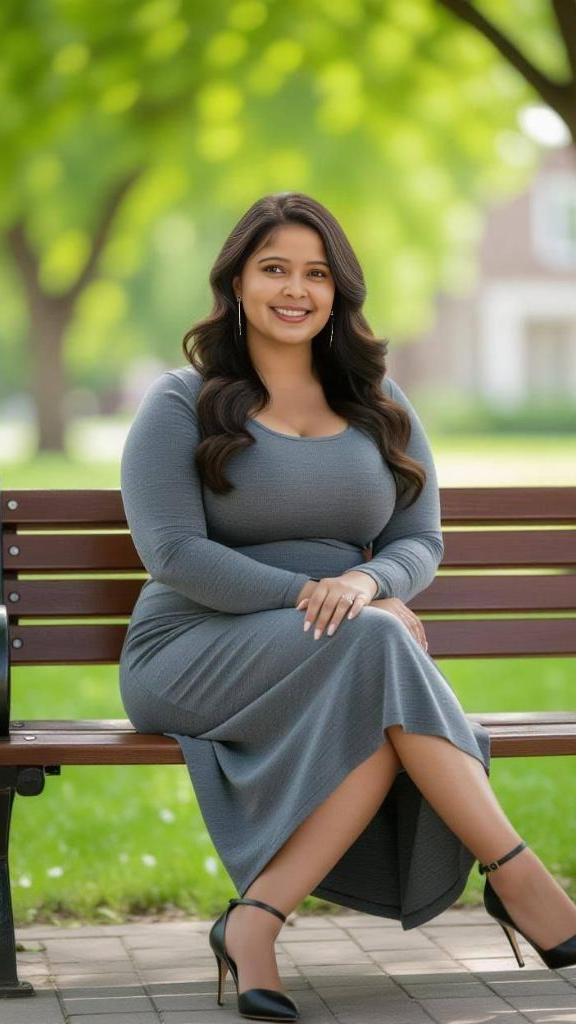
Input
Result
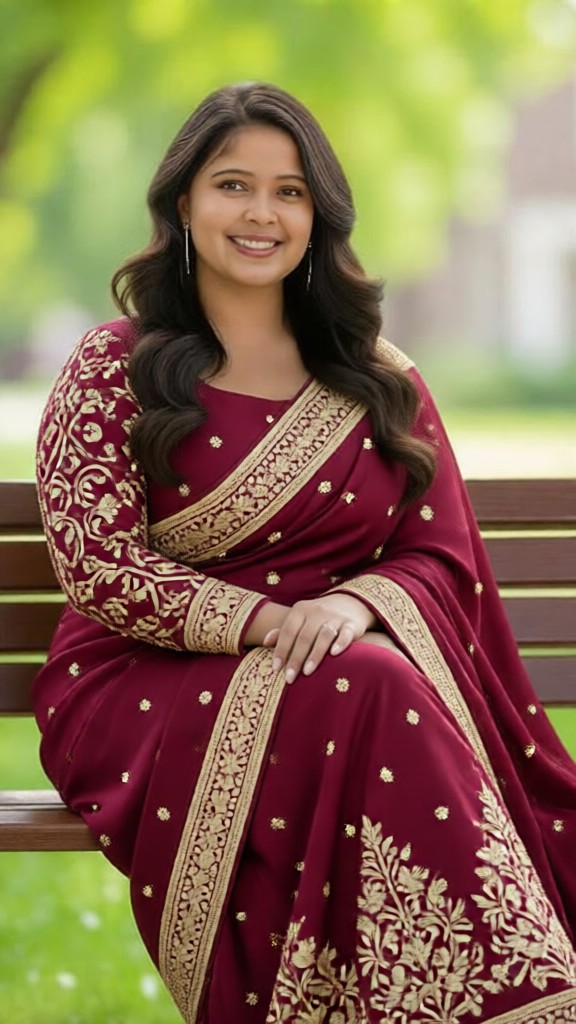
Sari Costume Change
 Zephyr.JX667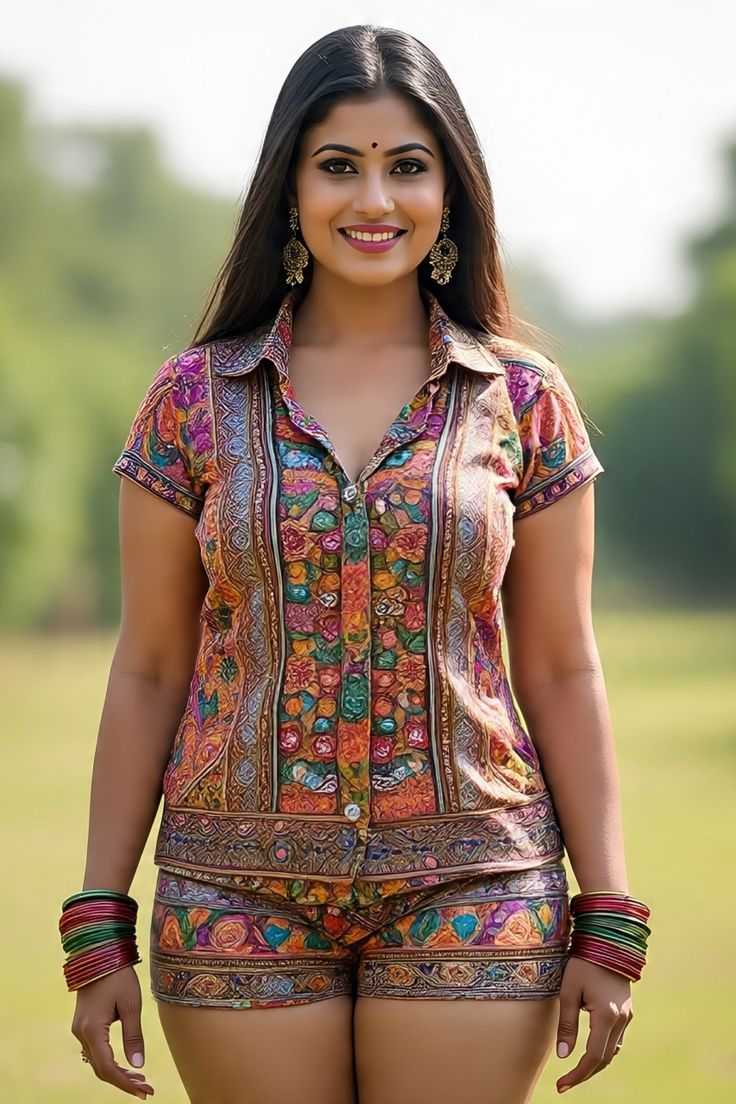
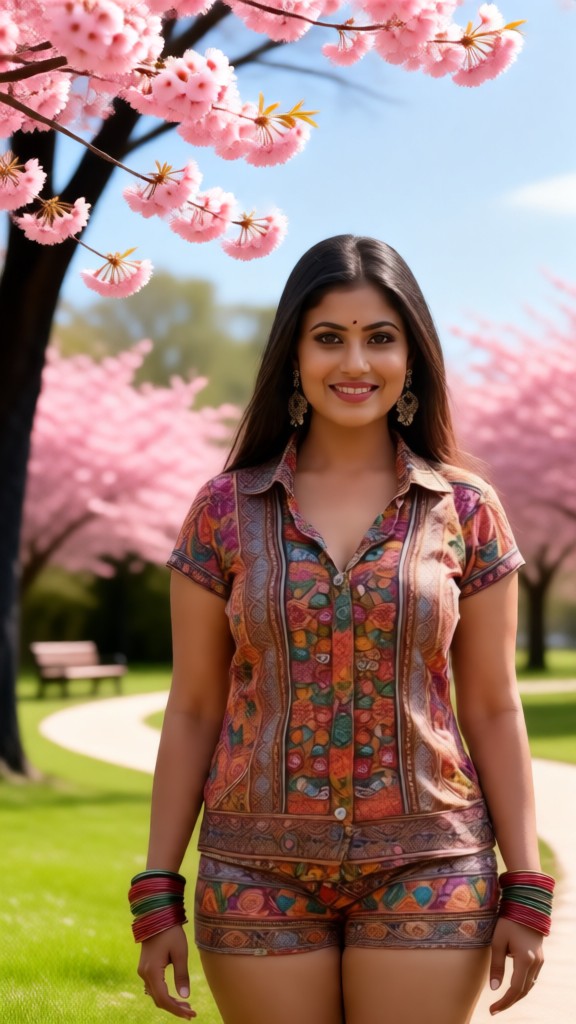
Input
Result
Change the background to a park
 Lizzie-R165
Taj Mahal
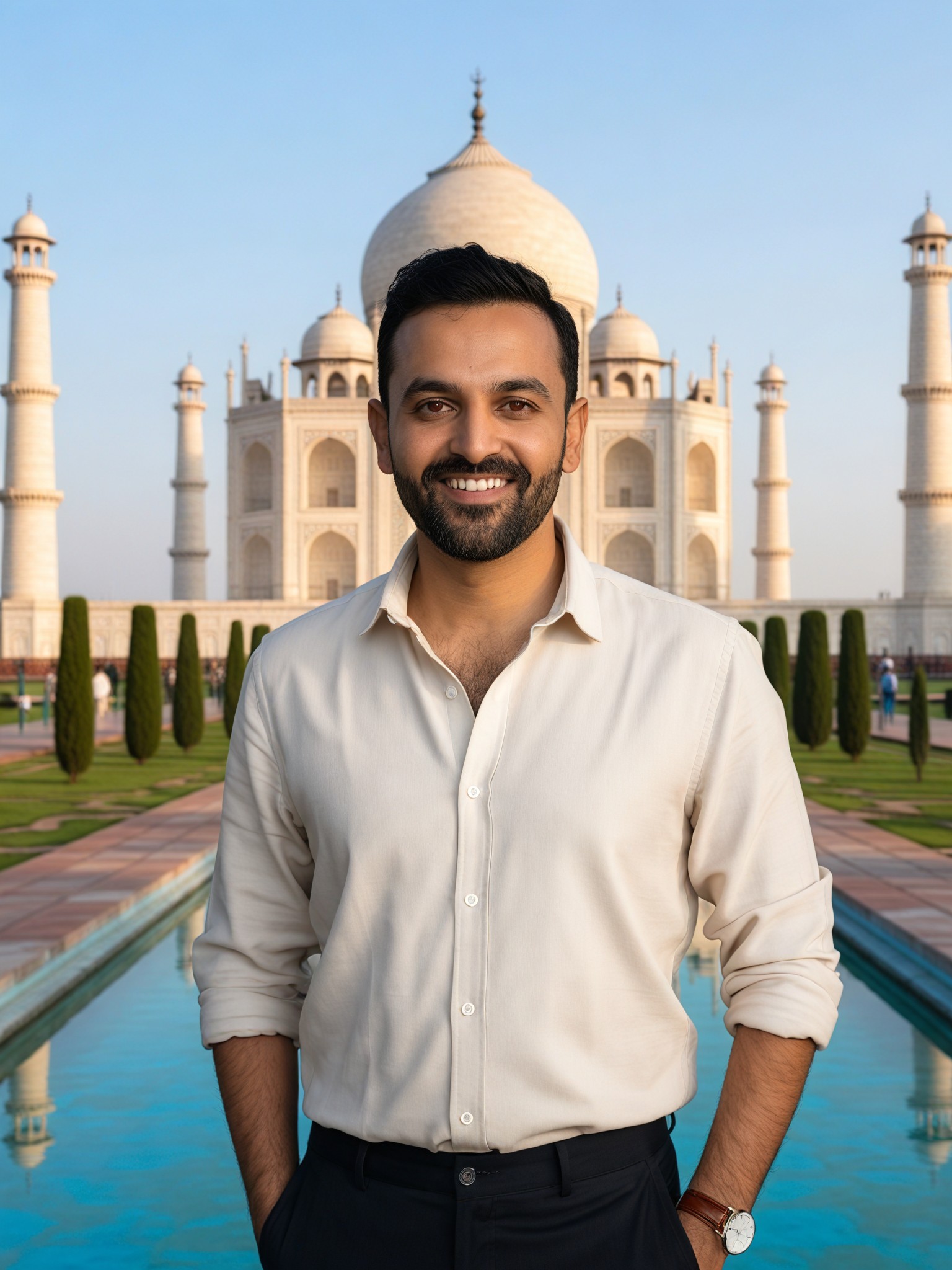
Input
Result
Change the background of the photo
CC133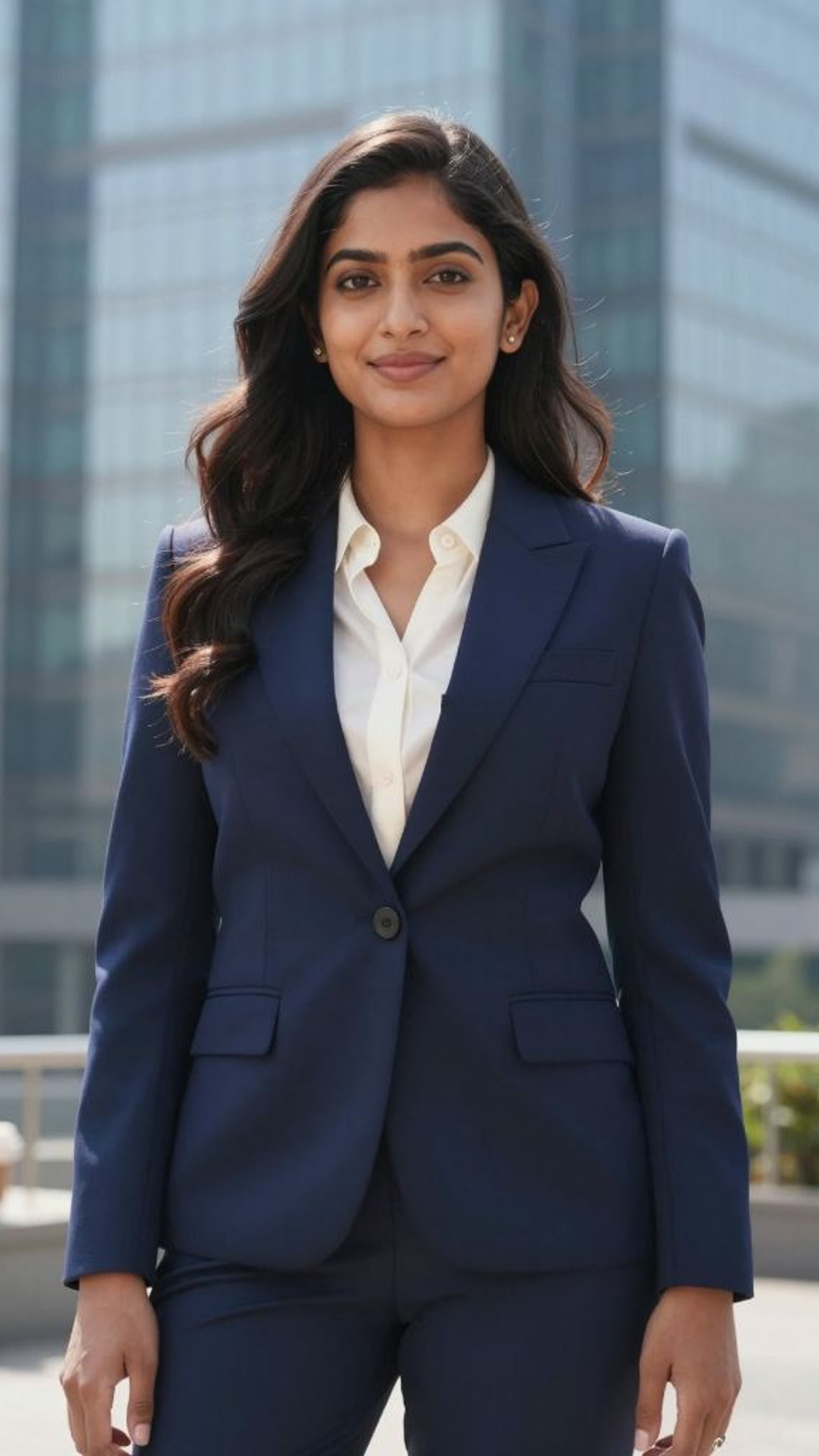
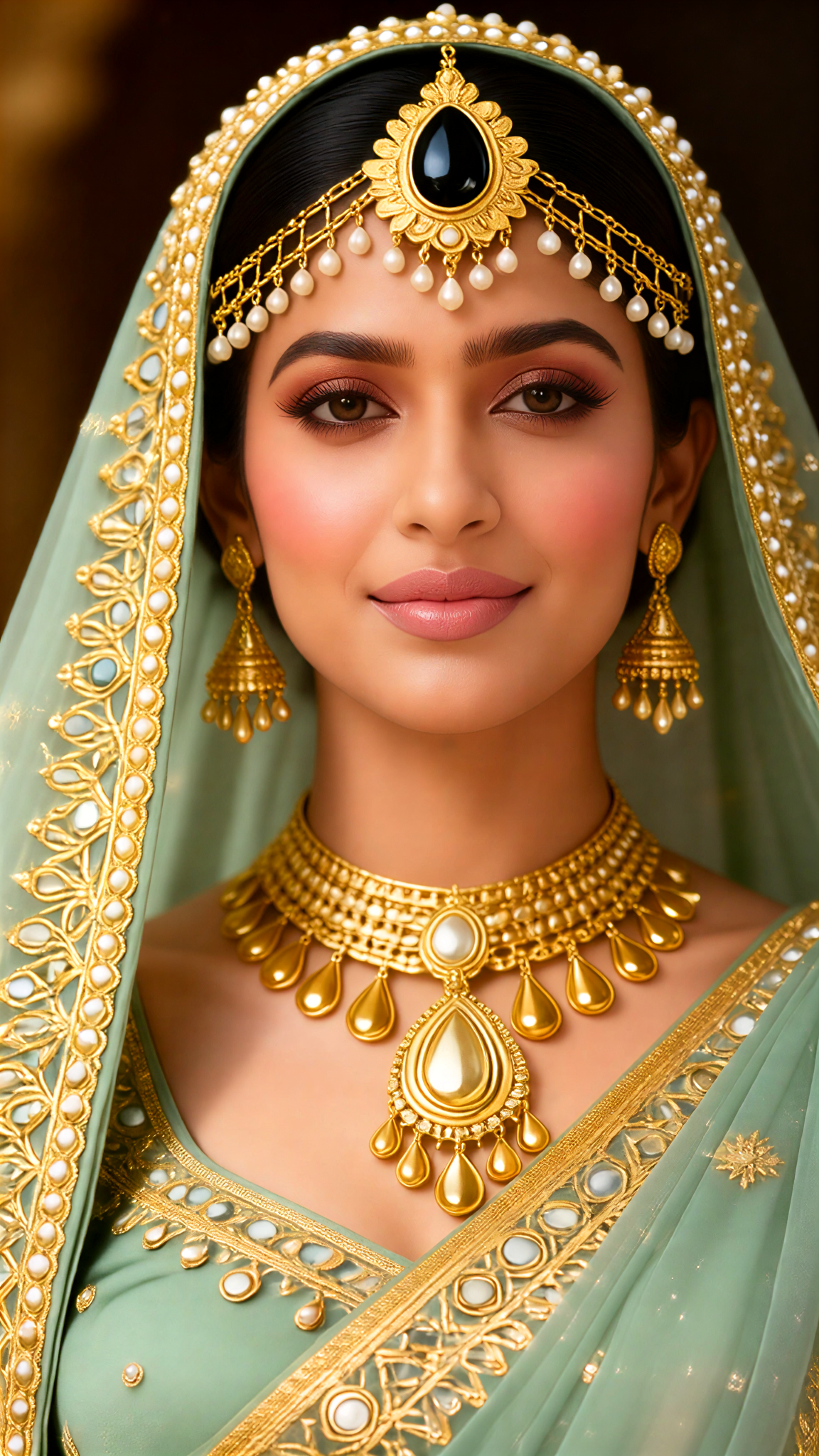
Input
Result
Solo Costume Change
 akaii89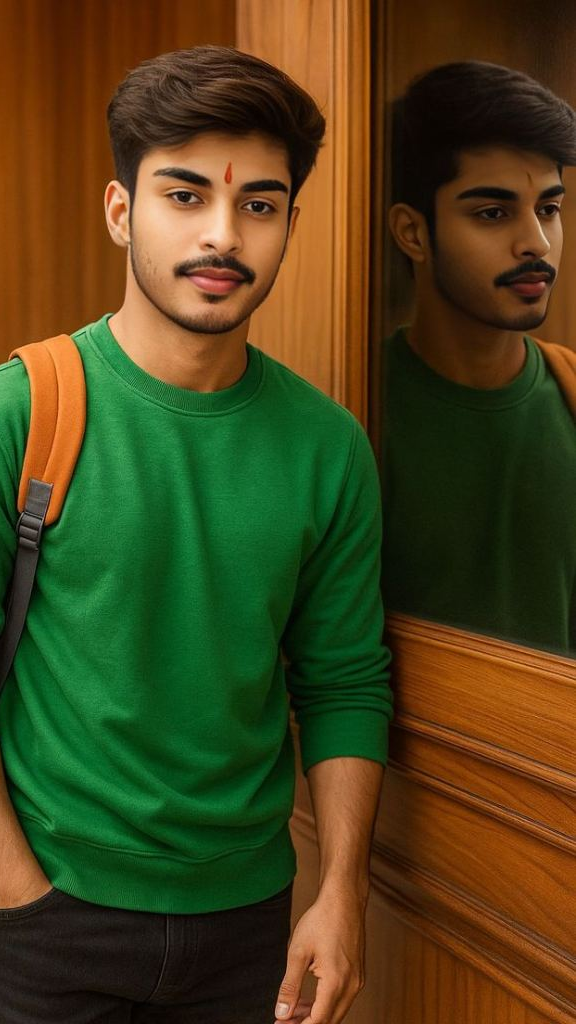

Input
Result
Change hairstyle
 XX's51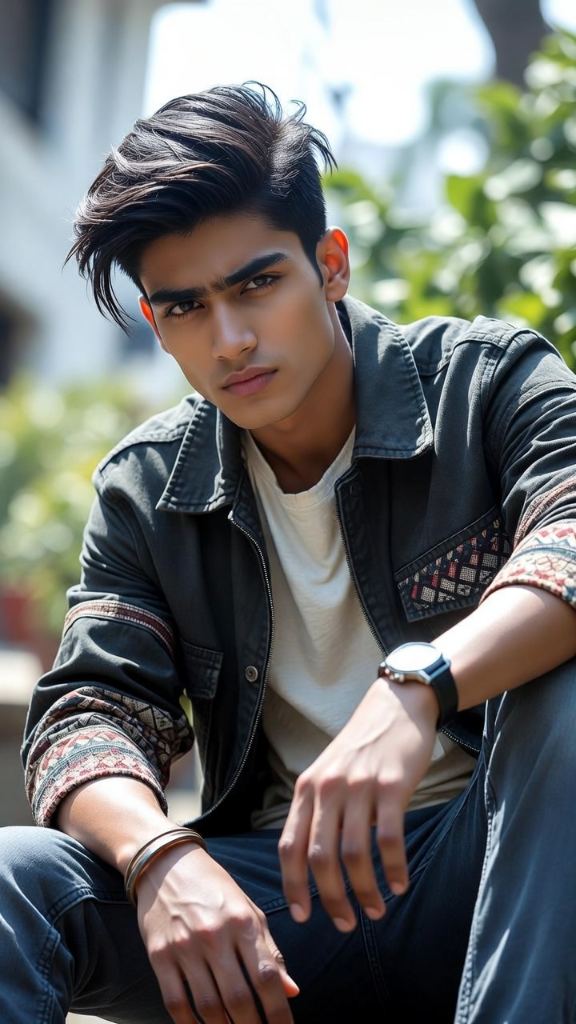
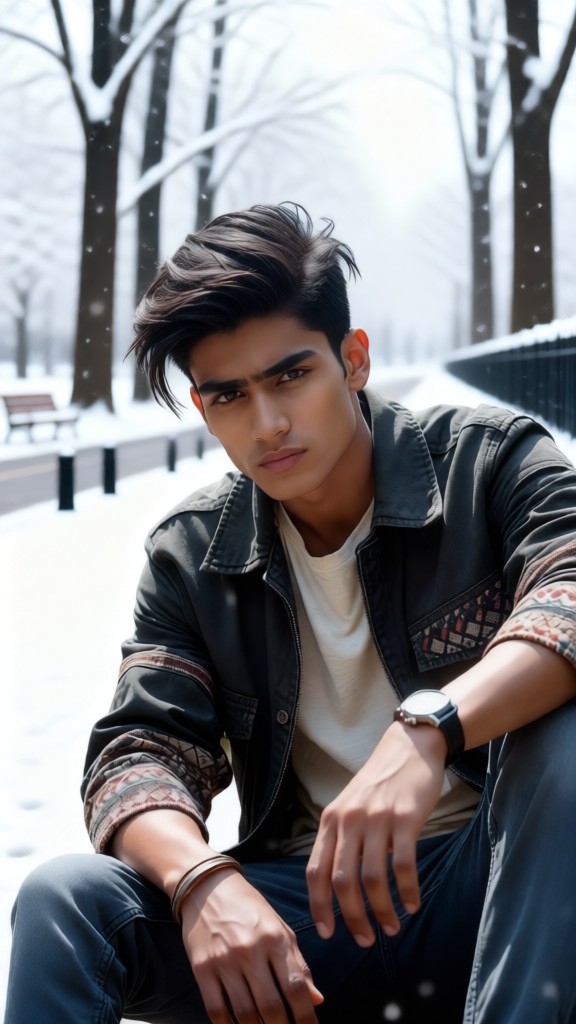
Input
Result
Change the background to a snowy ground
Lizzie-R47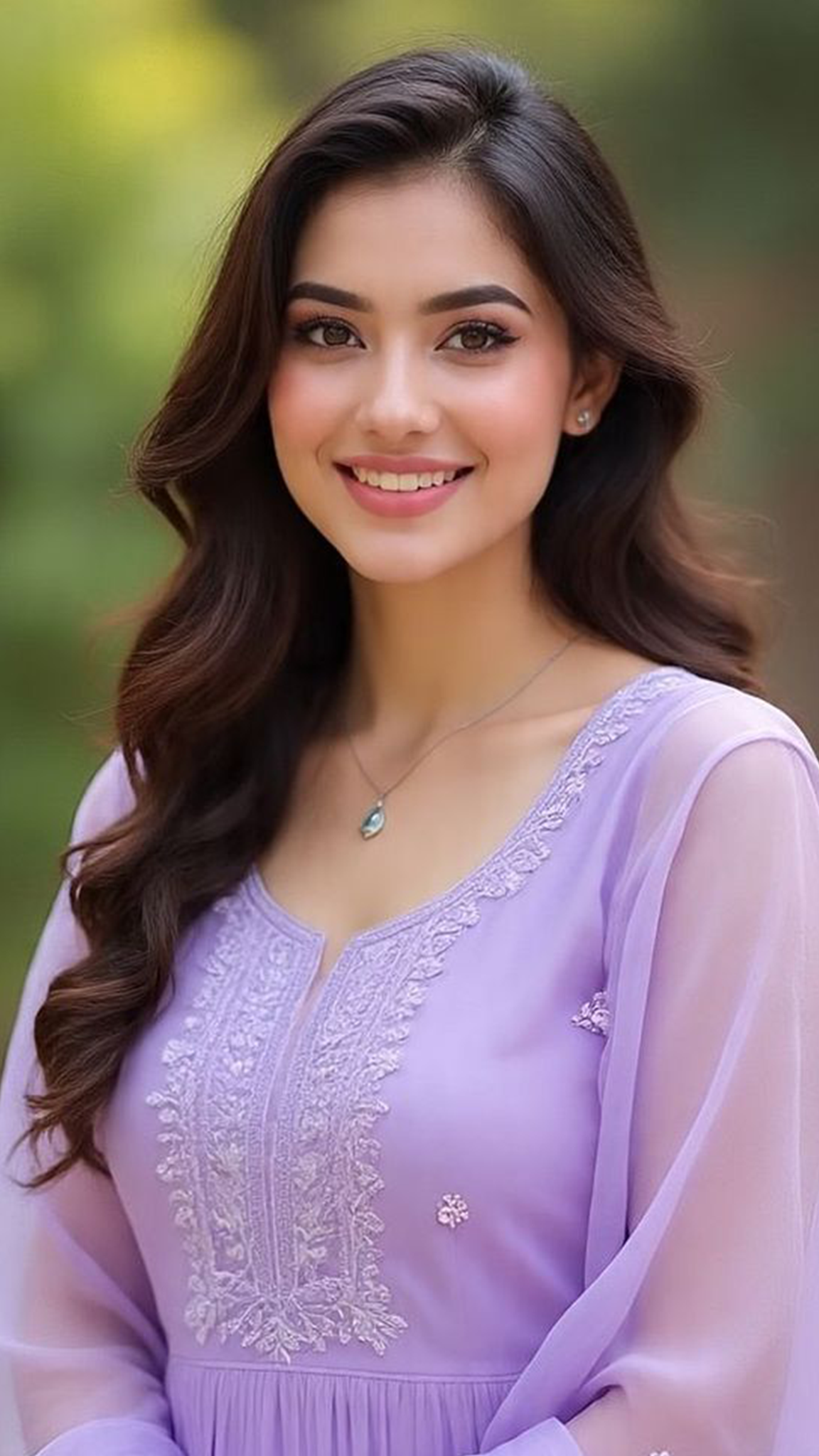
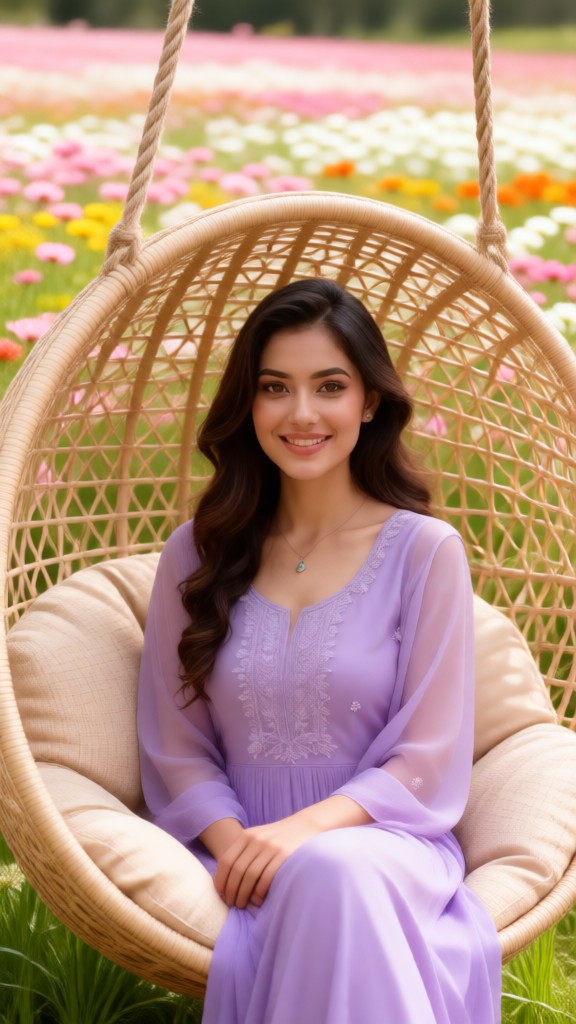
Input
Result
Change the background to a garden
Lizzie-R46
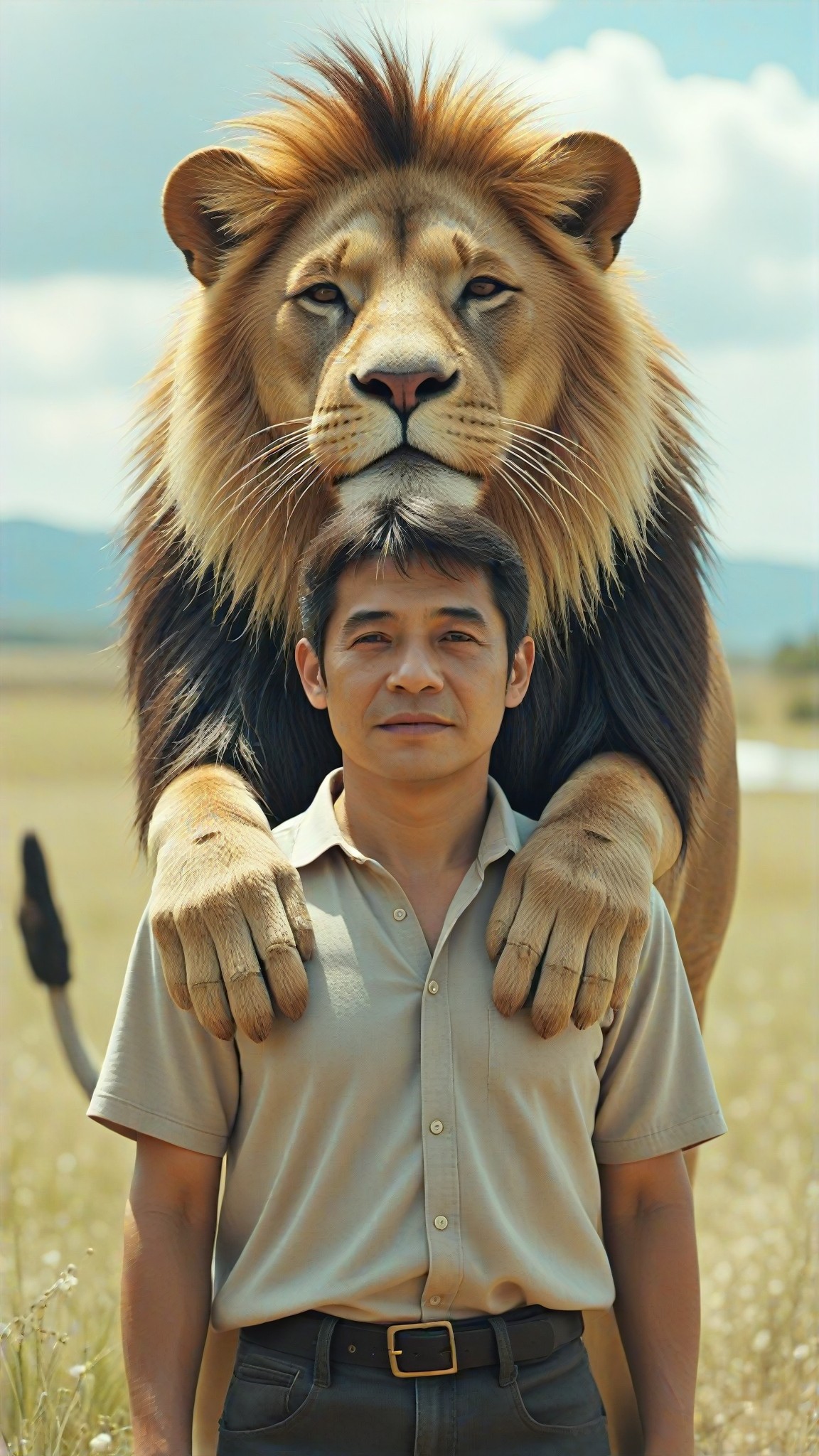
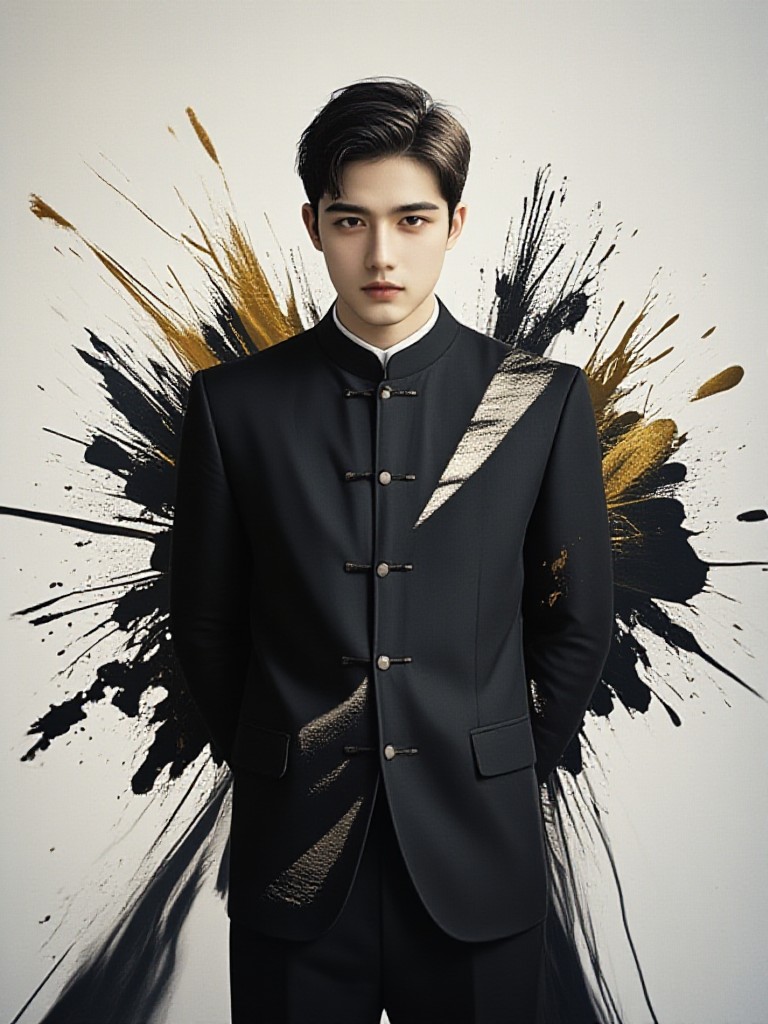
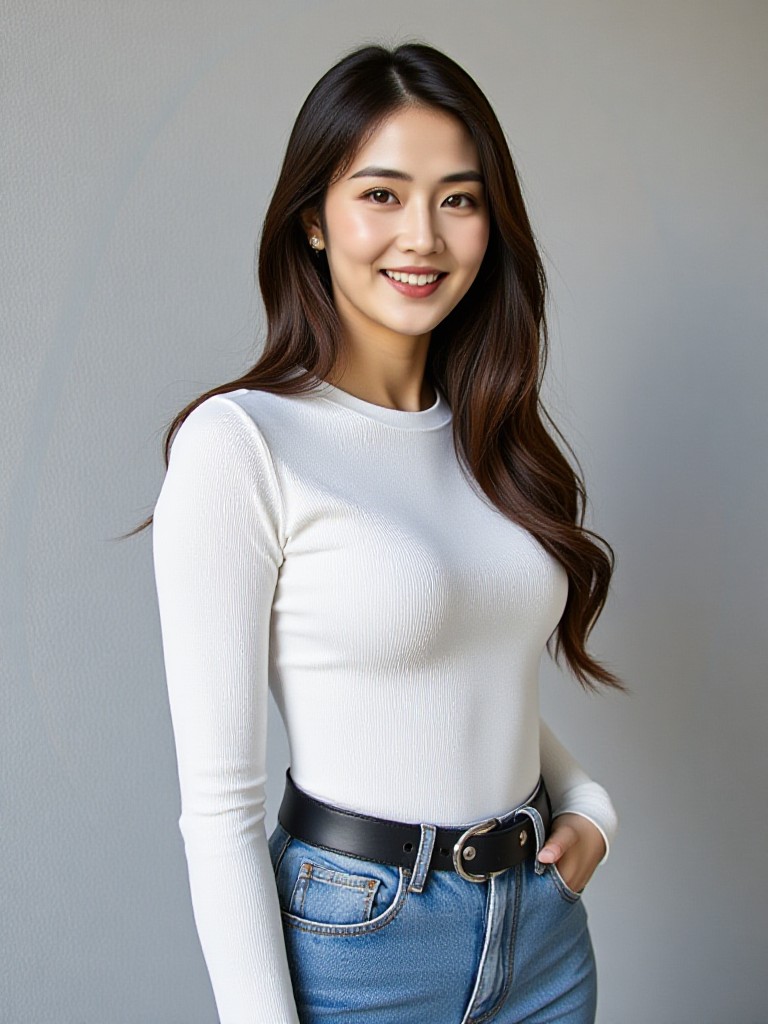
AI Generated Change Background Images & Videos
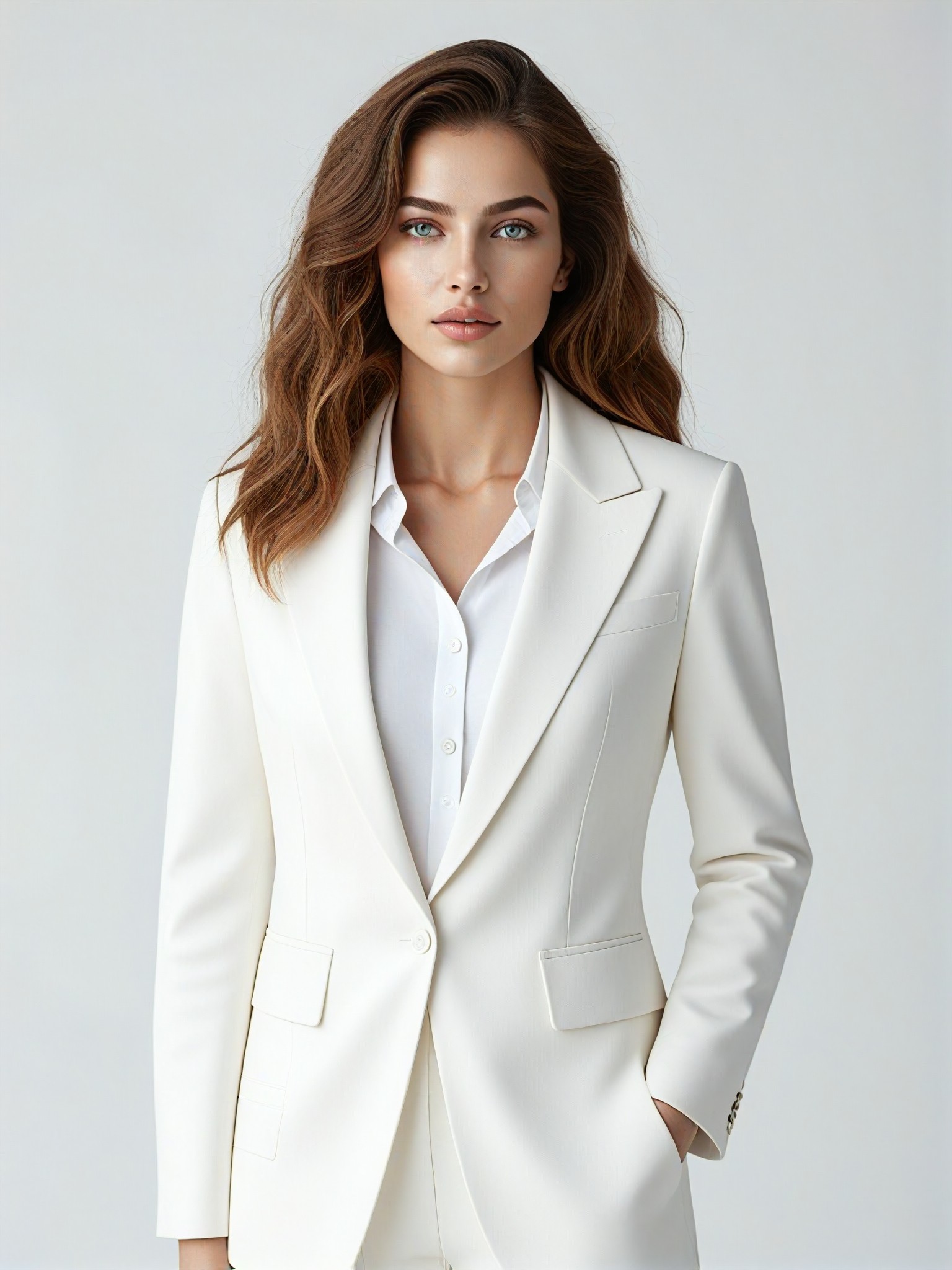
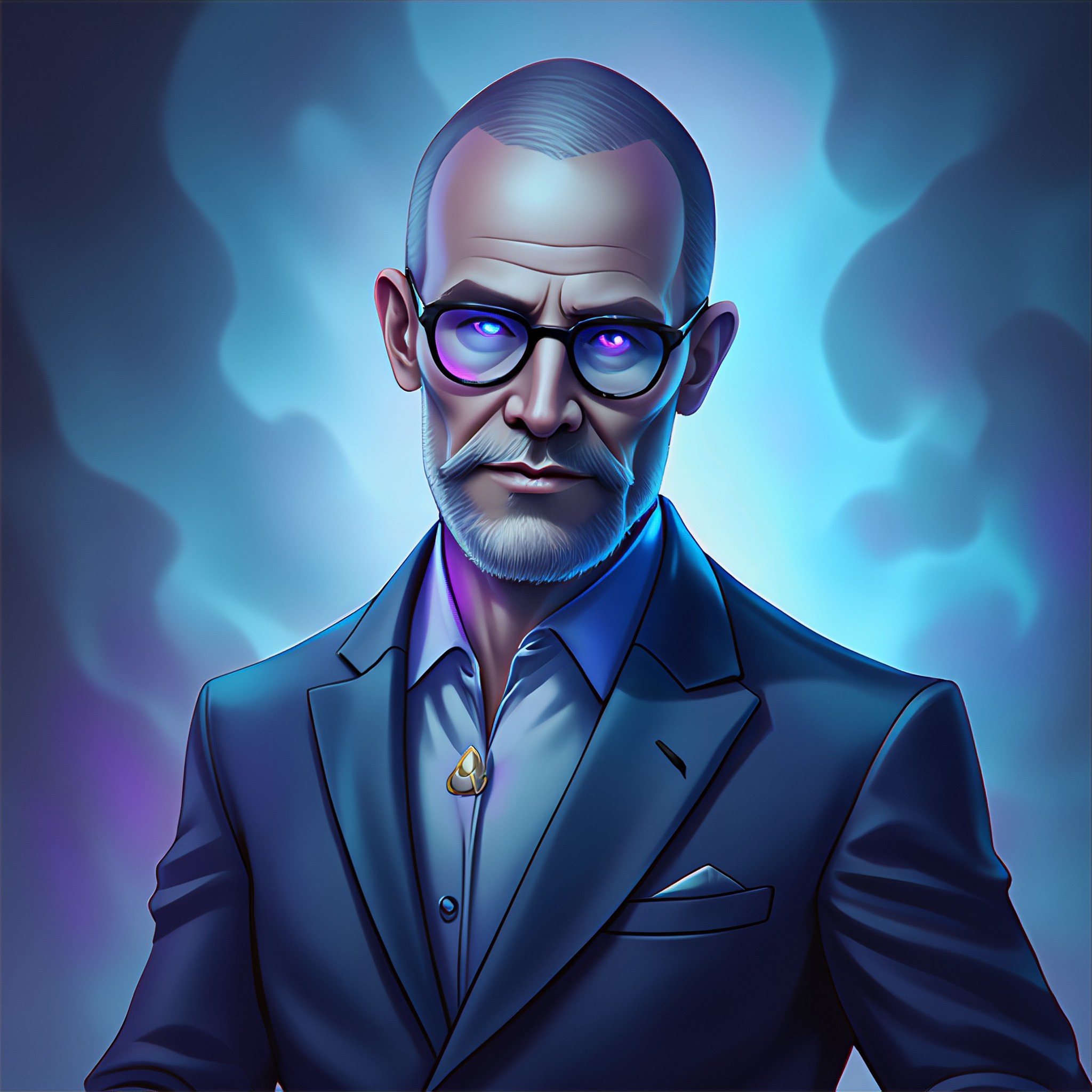
Discover unique and innovative Change Background images and videos created with a1.art Change Background prompts.


How to Make Change Background AI Image & Video on a1.art?
Step into the future of AI Change Background video and image creation on a1.art.

Step 1
Select the style you want to apply in the Square.

Step 2
Upload the image you want to transform. It can be a photo, hand-drawn sketch.

Step 3
Wait a few seconds and you can easily get your unique AI Change Background art. Download for free!
FAQ about Change Background AI Prompt on a1.art
Discover the secrets to creating Birthday Day videos and images at a1.art.
What types of backgrounds can I change using a1.art?
a1.art allows you to change any background in your uploaded image or text prompt. Whether it's a natural landscape, urban setting, or fantastical scene, our AI-powered tool can transform it into something truly unique.
How accurate are the background changes on a1.art?
Our advanced AI algorithms ensure precise and realistic background transformations. You can expect seamless integration of new elements, maintaining the original composition while enhancing the overall visual appeal.
Can I customize the style of the background change?
Absolutely! a1.art offers a variety of styles and filters, allowing you to tailor the background to match your vision. From realistic to artistic, you have full control over the final look.
Do I need technical skills to use a1.art's change background AI prompts?
No, a1.art is designed to be user-friendly for everyone. Simply upload your image or enter a text prompt, select your preferred style, and let our AI do the rest. It's that easy!
Are there any limitations on the number of background changes I can make?
With a1.art, you get daily free credits to experiment with background changes. If you need more, you can subscribe for additional credits, ensuring unlimited creative freedom.


