


Get Carousel Videos & Images without Prompt
a1.art offers a large number of filters, allowing you to easily obtain AI videos or images without prompts.


Input
Result
Ice and Snow Carousel
 Lizzie-R
 240
240

Input
Result
Carousel Night Flame
 Mmmmmm.9

Input
Result
Midnight Carousel Kiss
 Xiaokai4

Input
Result
Carousel Rain Lights
 艺术梦想家3

Input
Result
Carousel big-head couple photos
 Vihann3

Input
Result
Carousel Night Flame
 艺术创作家1
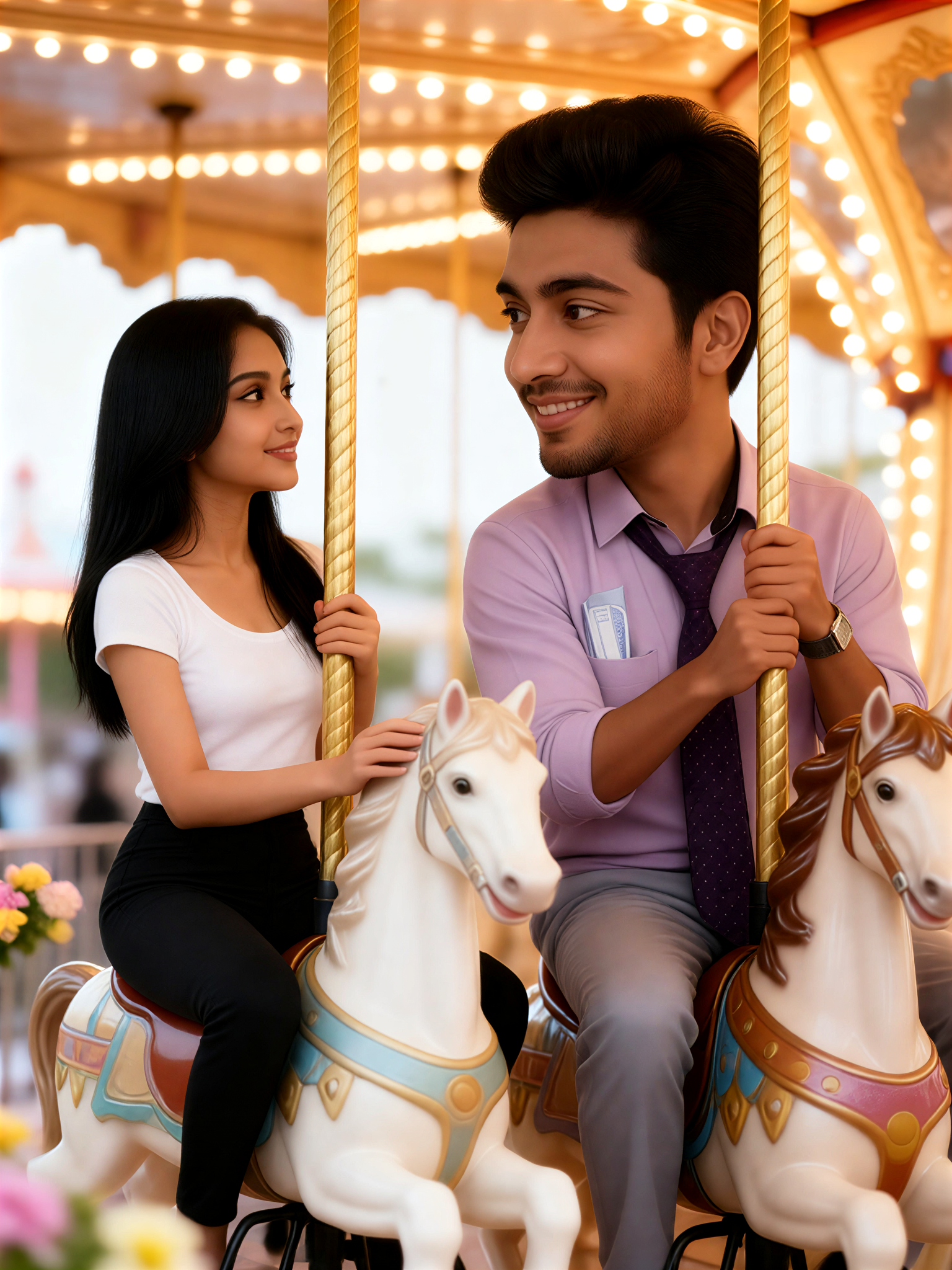
Input
Result
A couple looking into each other's eyes on a cute carousel
Vihann0
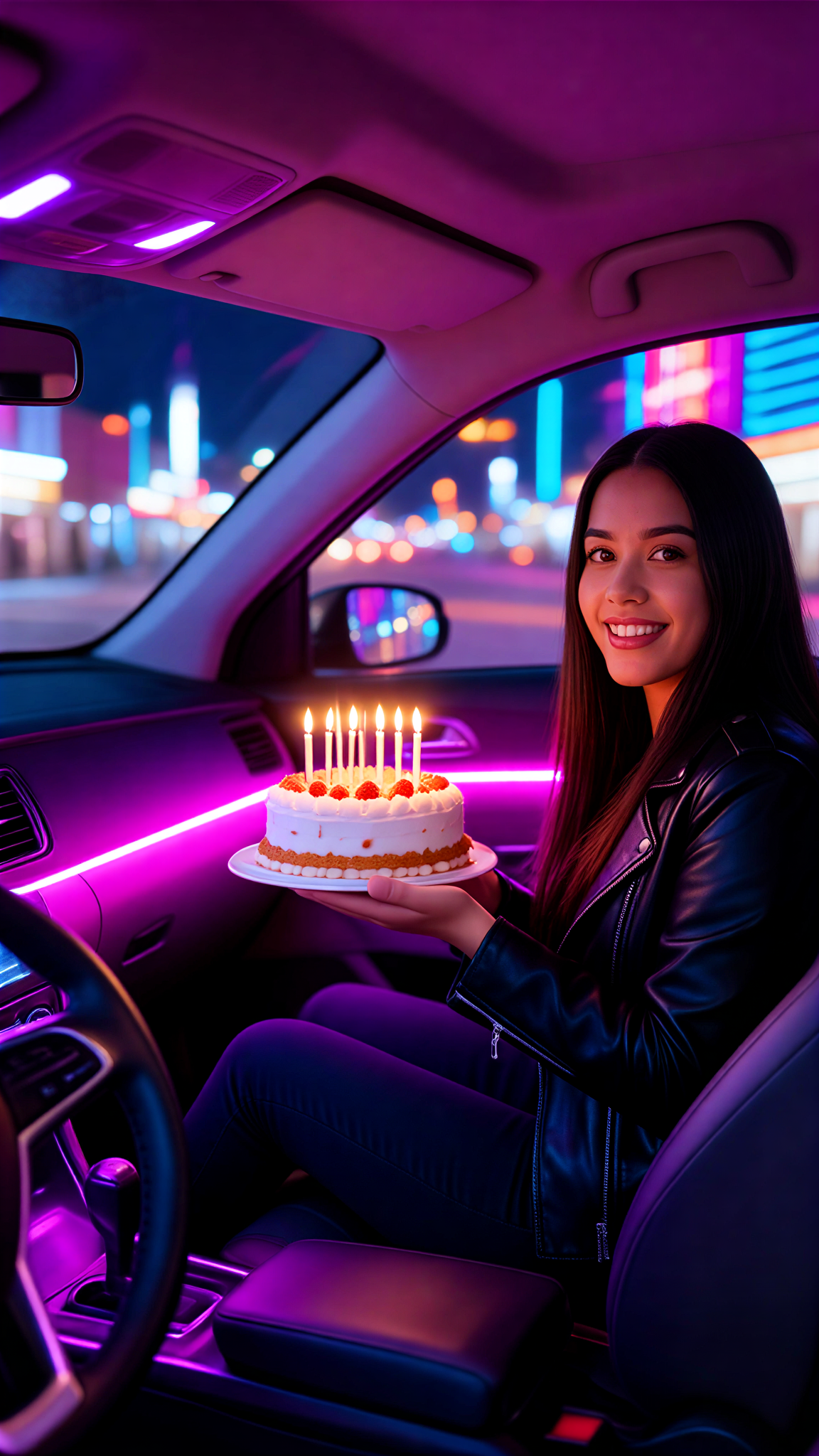
Input
Result
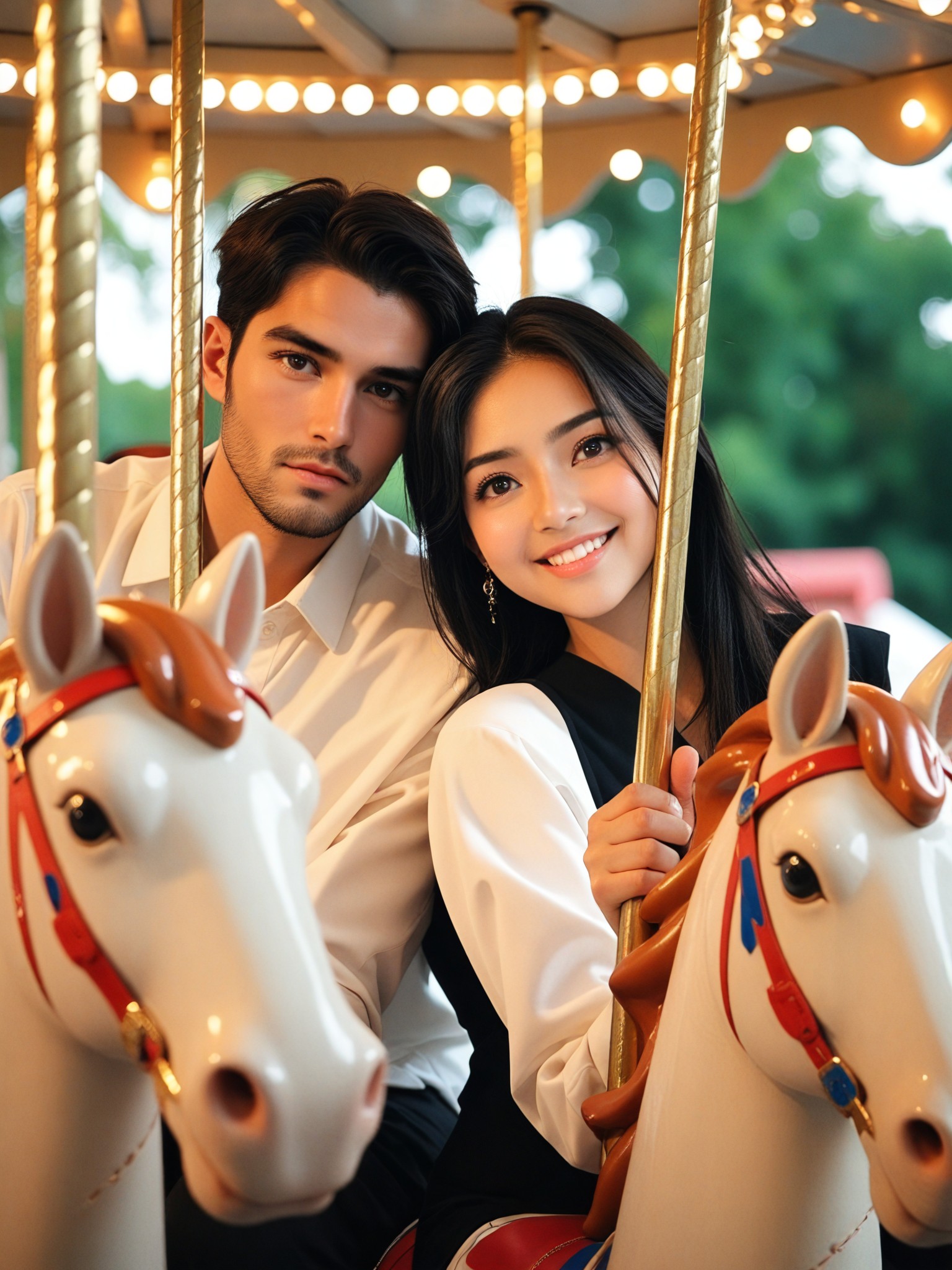
Carousel Night Flame
 Aryan(阿利安)0
AI Generated Carousel Images & Videos
Discover unique and innovative Carousel images and videos created with a1.art Carousel prompts.






How to Make Carousel AI Image & Video on a1.art?
Step into the future of AI Carousel video and image creation on a1.art.

Step 1
Select the style you want to apply in the Square.

Step 2
Upload the image you want to transform. It can be a photo, hand-drawn sketch.

Step 3
Wait a few seconds and you can easily get your unique AI Carousel art. Download for free!
FAQ about Carousel AI Prompt on a1.art
Discover the secrets to creating Birthday Day videos and images at a1.art.
What are carousel AI prompts?
Carousel AI prompts are pre-designed templates that allow you to generate carousel images and videos with specific styles, themes, and effects. You can customize these prompts to match your creative vision and produce unique visual content.
How do I use carousel AI prompts on a1.art?
To use carousel AI prompts, simply select your preferred prompt from the available options, customize it with your desired effects or filters, and either upload an image or enter a text prompt. a1.art will then generate your carousel visuals instantly.
Can I create both images and videos with carousel AI prompts?
Yes, a1.art supports both AI image and video generation. You can choose the appropriate filters to create either carousel images or videos, depending on your project needs.
Are there any limitations on using carousel AI prompts?
There are no strict limitations on using carousel AI prompts. However, some advanced features may require a subscription to earn additional credits. Daily free login credits are available for basic usage.
How can I access more carousel AI prompts?
You can access more carousel AI prompts by subscribing to a1.art's premium plan. Subscribers receive additional credits and exclusive access to advanced prompts and features.


