Container backgroundContainer background
Home/AI Prompts/Bow Tie

Bow Tie
AI Prompts

Bow Tie AI Prompts

Discover a1.art's curated bow tie AI prompts, designed to bring your creative vision to life. Whether you're crafting elegant formal looks or exploring artistic interpretations, our AI-powered generator delivers stunning bow tie visuals in seconds. With daily free credits and customizable effects, a1.art makes it easy to create professional-quality images and videos effortlessly.
A classic black silk bow tie with intricate floral embroidery, soft lighting, and vintage elegance.
A vibrant red velvet bow tie with a subtle sheen, captured in ultra-high resolution with cinematic depth of field.
A minimalist white cotton bow tie with clean lines and a modern aesthetic, perfect for minimalist fashion.
A weathered brown leather bow tie with visible stitching and texture, evoking a rustic, timeless charm.
A shimmering gold bow tie with holographic reflections, set against a dark background for dramatic contrast.
A pastel pink bow tie with delicate ruffles and lace details, exuding romance and femininity.
Explore more

Get Bow Tie Videos & Images without Prompt

a1.art offers a large number of filters, allowing you to easily obtain AI videos or images without prompts.
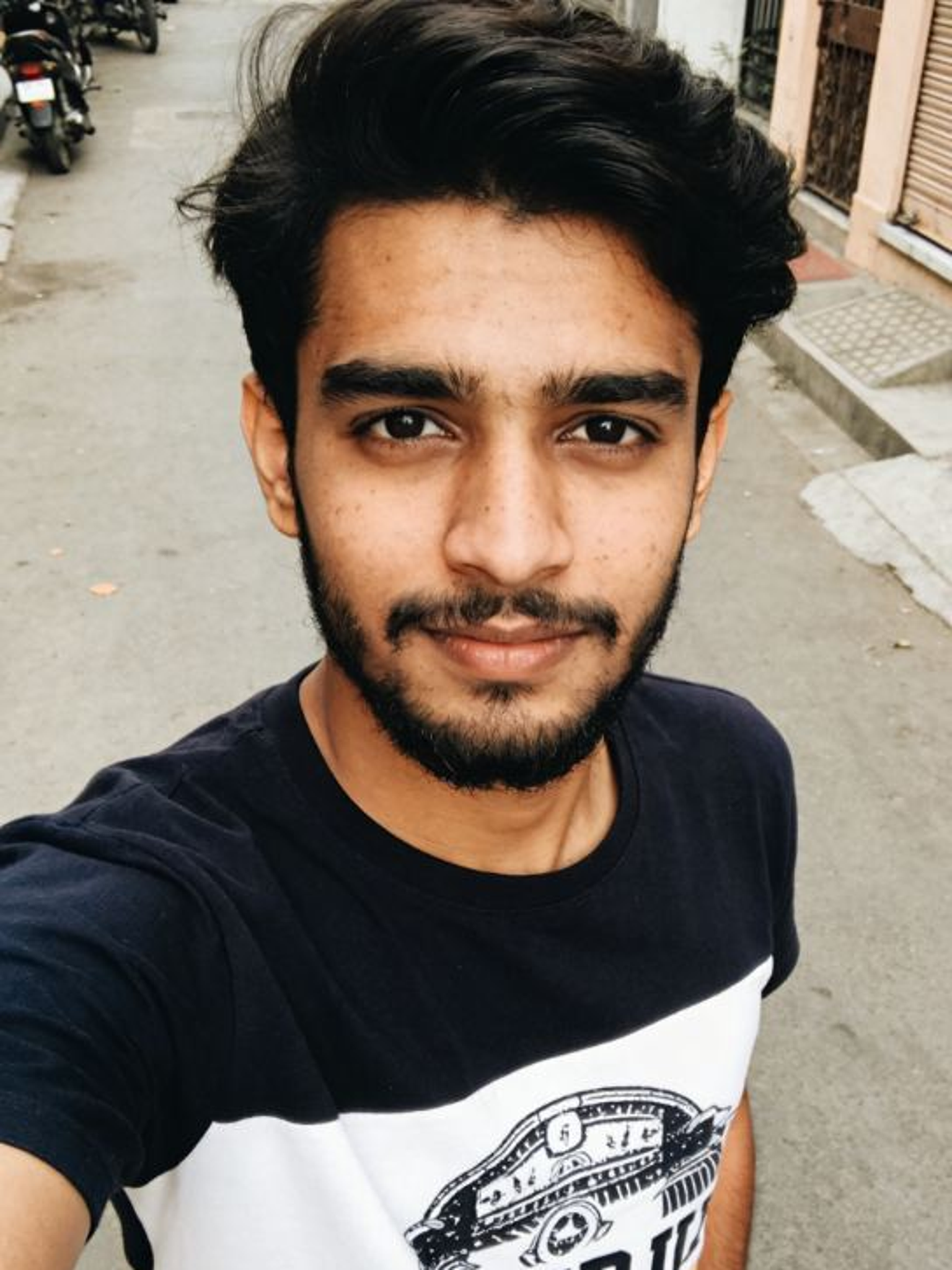
image befor ai generation
A cute 3D rendered cartoon boy, wearing an olive green jacket, khaki shorts, and a beige baseball cap. He has large, expressive eyes, a friendly expression, and carries a brown backpack. He's wearing off-white sneakers. The style is reminiscent of 3D cartoon character design, with smooth, polished textures and no visible brushstrokes. The background is a simple beige color, focusing all attention on the character. The lighting is soft and even, creating a warm and pleasant atmosphere. The overall style is cheerful and friendly, suitable for children's products or game character design. The image is rendered in a style similar to contemporary 3D animation character design. Think of the clean lines and smooth surfaces of Pixar-style animation, but with a slightly more realistic rendering of the materials.
cute 3D cartoon boy image
Input
Result
cute 3D cartoon boy
夢境畫境Dreamscape Canva headshot夢境畫境Dreamscape Canva
playicon16.3k
image befor ai generation
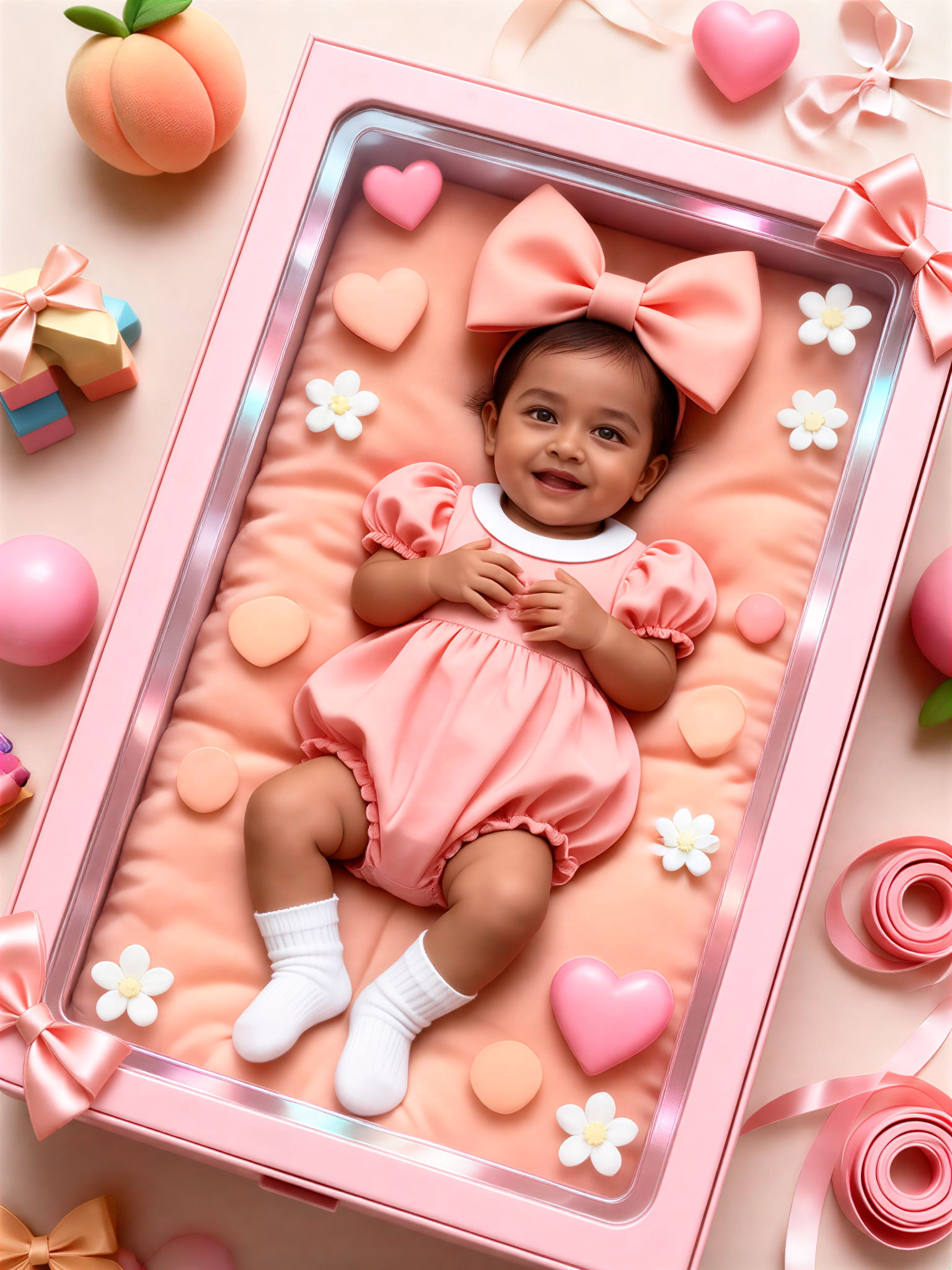
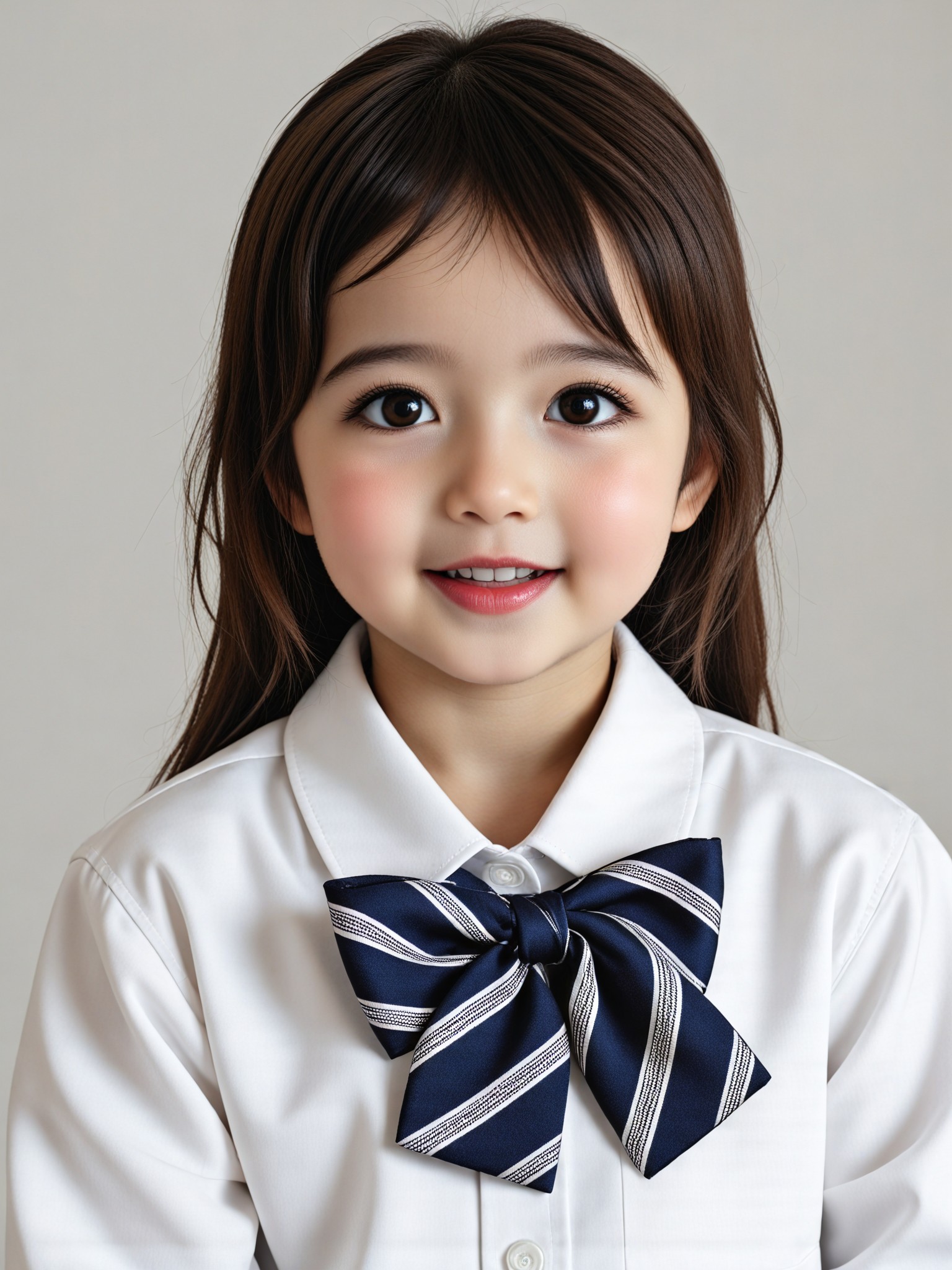
ID photo - little girl in shirt with bow image
Input
Result
ID photo - little girl in shirt with bow
CC headshotCC
playicon2.7k
image befor ai generation
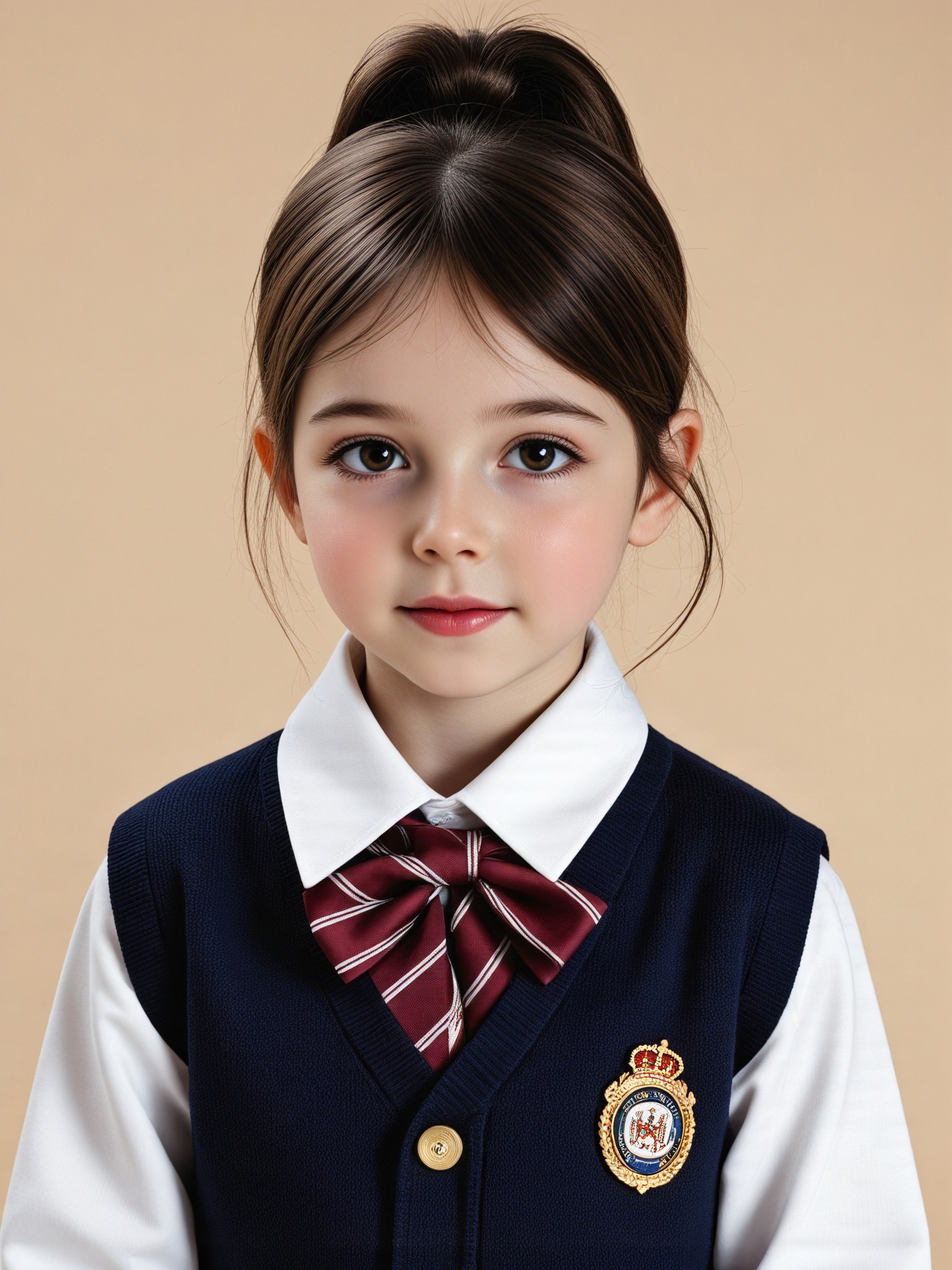
ID photo - little girl with bow image
Input
Result
ID photo - little girl with bow
CC headshotCC
playicon1.1k
image befor ai generation
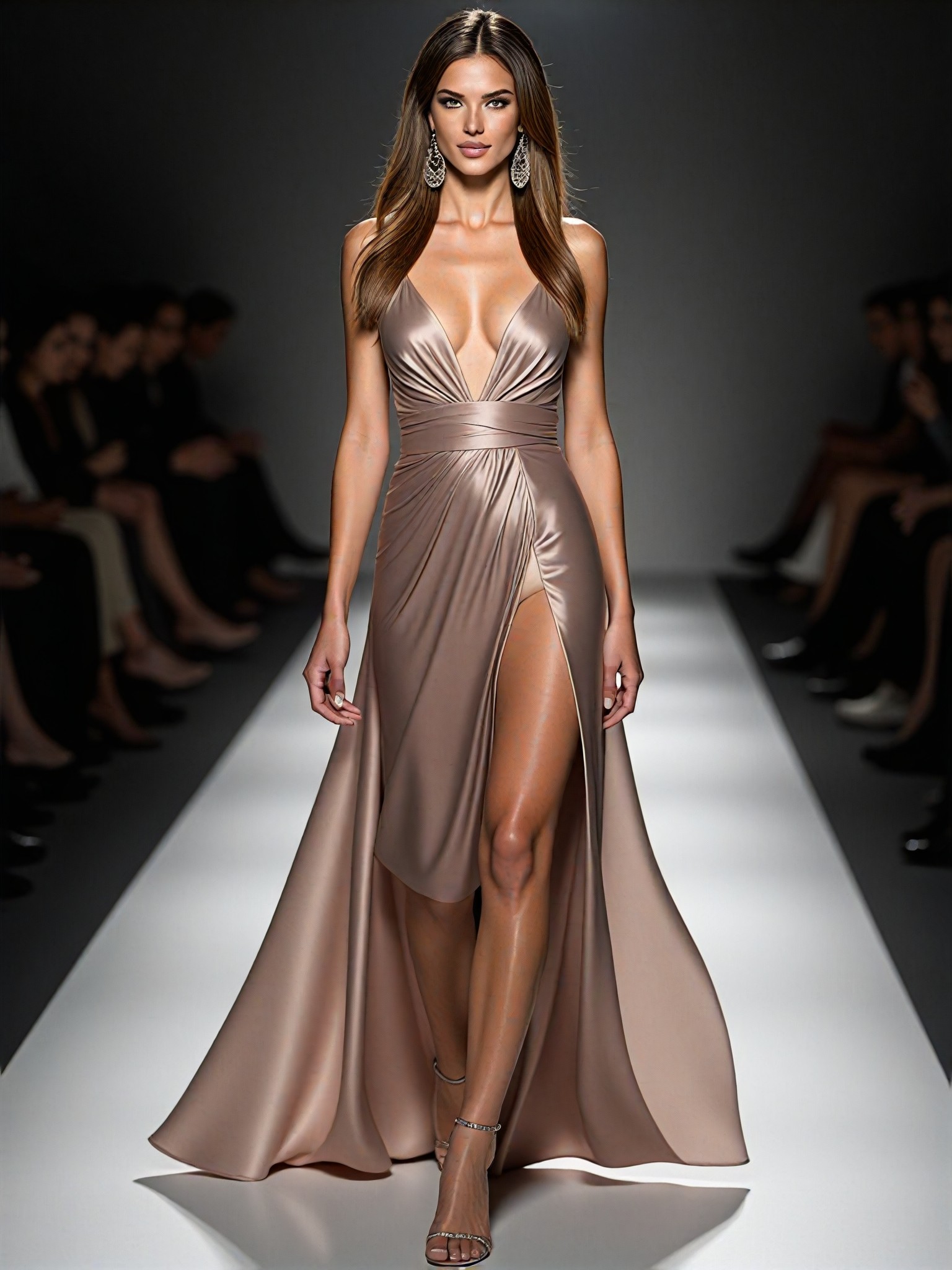
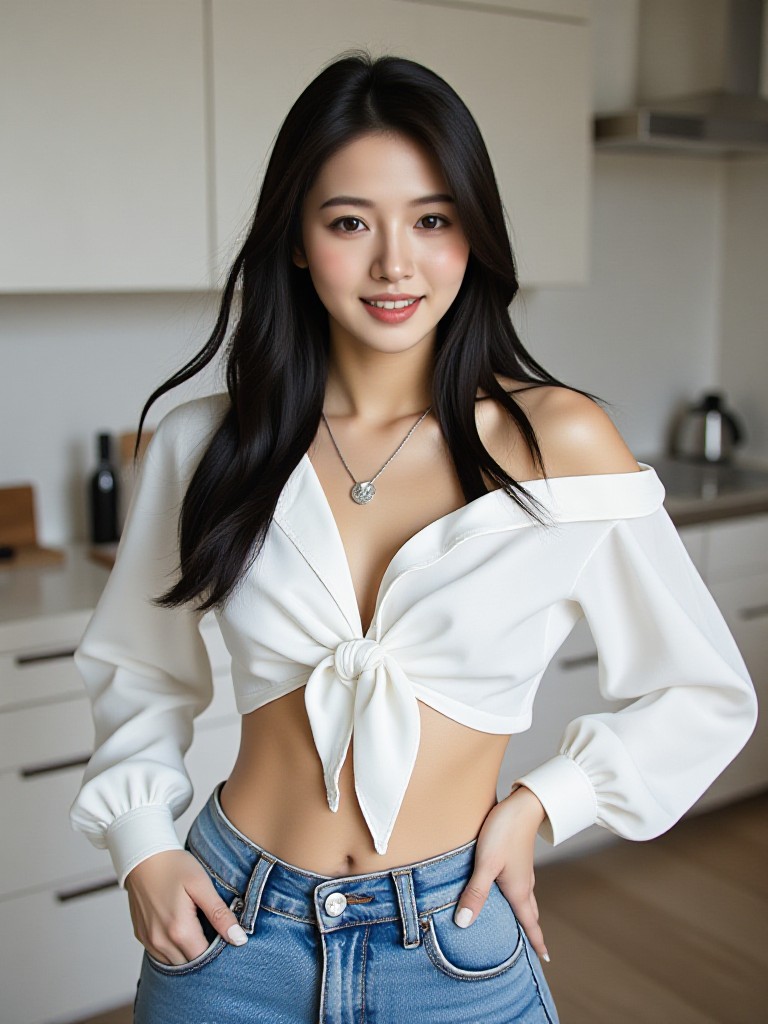
Model image
Input
Result
Model
麦当当 headshot麦当当
playicon1.1k
image befor ai generation
Boating on the Ganges image
Input
Result
Boating on the Ganges
Lizzie-R headshotLizzie-R
playicon948
image befor ai generation
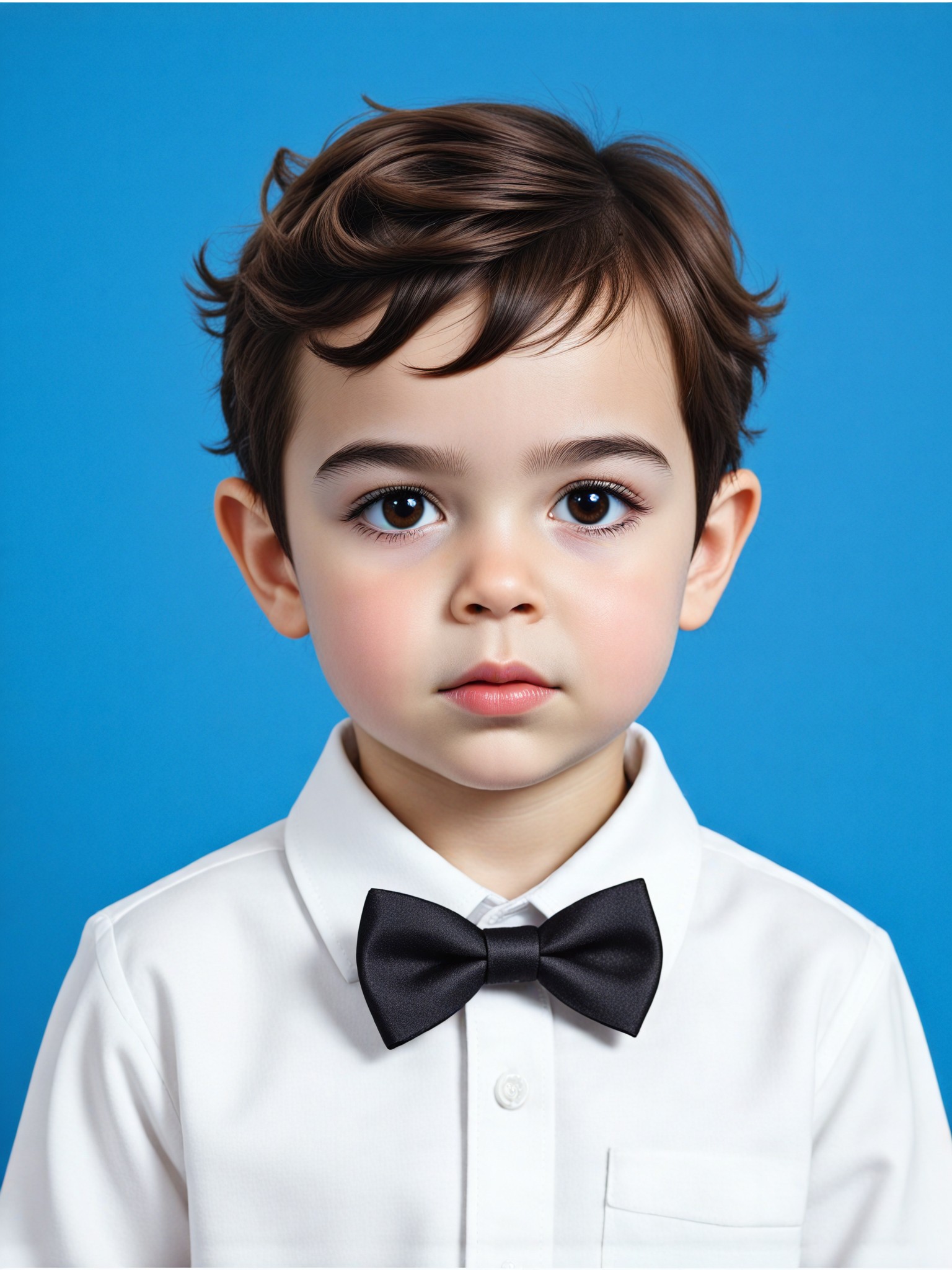
ID photo - little boy with bow tie image
Input
Result
ID photo - little boy with bow tie
CC headshotCC
playicon730
image befor ai generation
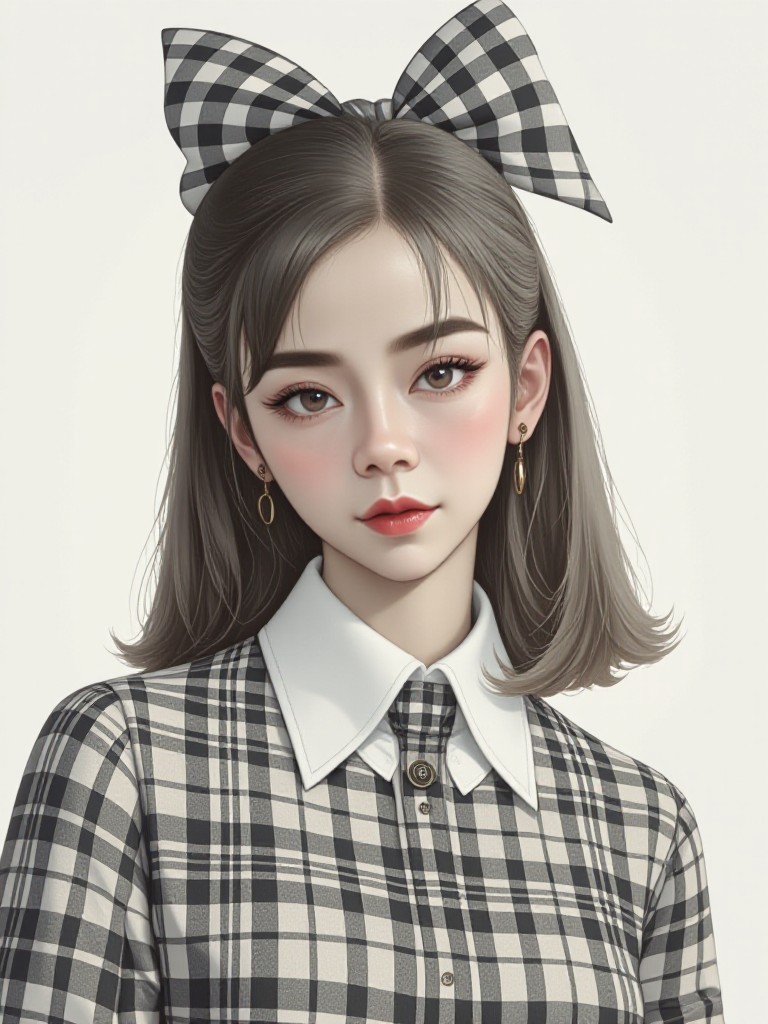
black and white gringham check
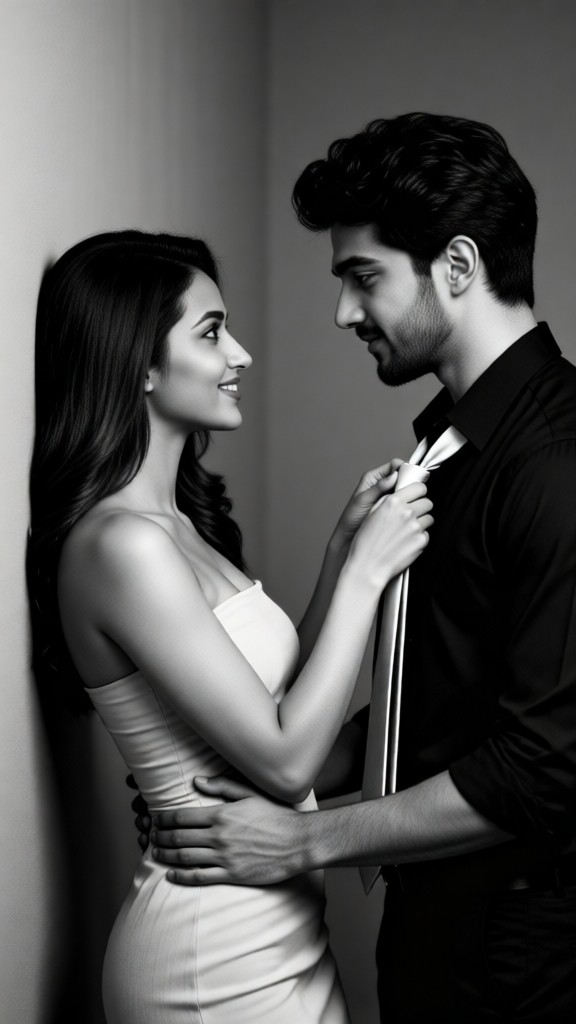
Mysterious Bow image
Input
Result
Mysterious Bow
Anny Lu headshotAnny Lu
playicon661
image befor ai generation
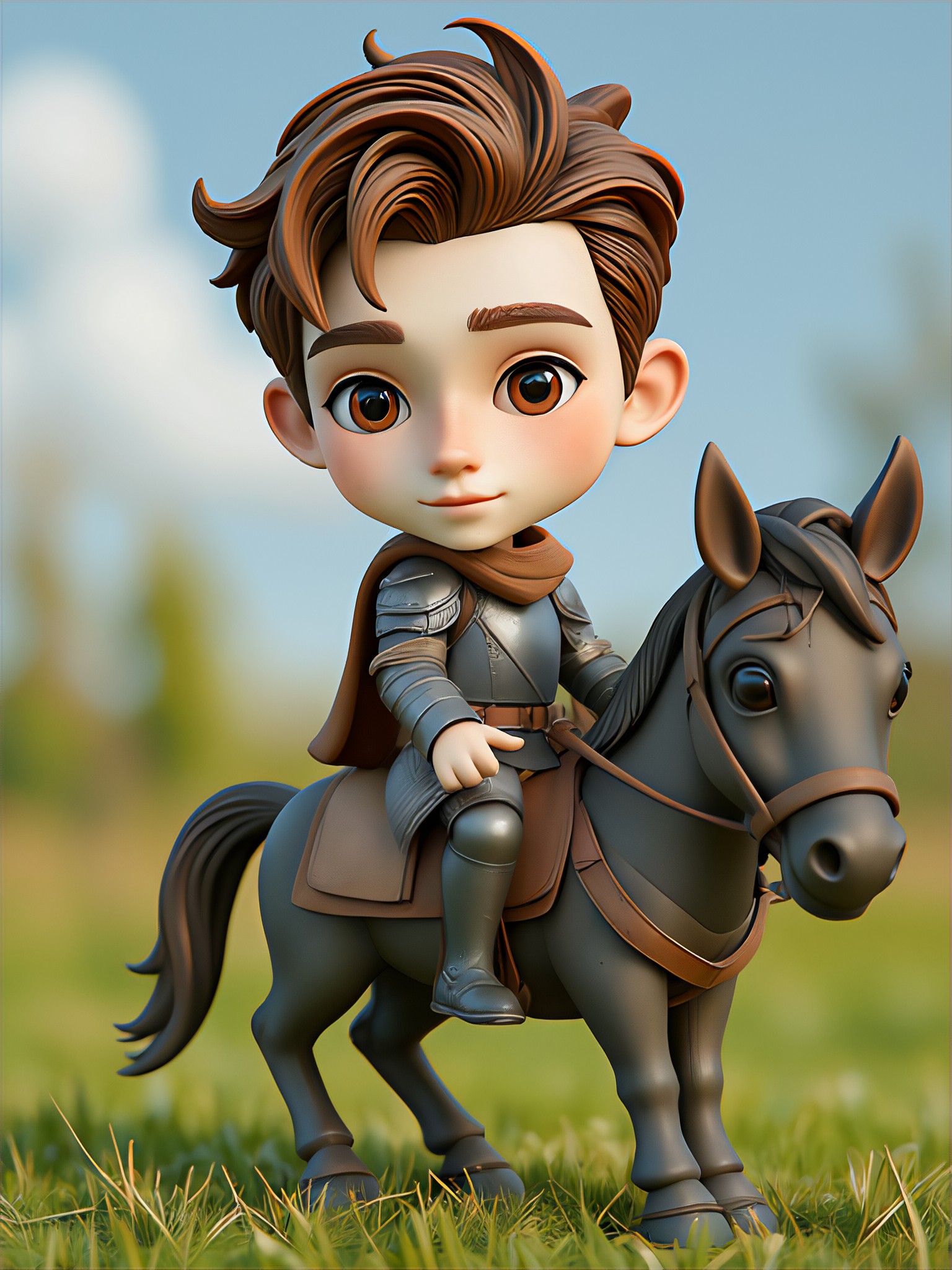
3D Horse Riding Figure image
Input
Result
3D Horse Riding Figure
i
izh
playicon620

How to Make Bow Tie AI Image & Video on a1.art?

Step into the future of AI Bow Tie video and image creation on a1.art.

a1.art tutorial Step 1
Step 1
Select the style you want to apply in the Square.

a1.art tutorial Step 2
Step 2
Upload the image you want to transform . It can be a photo, hand-drawn sketch.

a1.art tutorial Step 3
Step 3
Wait a few seconds and you can easily get your unique AI Bow Tie art. Download for free!

FAQ about Bow Tie AI Prompt on a1.art

Discover the secrets to creating Bow Tie videos and images at a1.art.

What types of bow tie styles can I create with a1.art?

a1.art offers a wide range of bow tie styles, from classic and elegant designs to bold and artistic interpretations. You can choose from various materials, colors, and textures to suit your creative vision.

Can I customize the effects or filters for my bow tie images?

Yes, a1.art allows you to select from a variety of effects and filters to enhance your bow tie visuals. Whether you want a vintage look, a modern aesthetic, or something entirely unique, you can tailor the output to your preferences.

How many free credits do I get daily on a1.art?

a1.art provides users with daily free login credits to generate bow tie images and videos. This allows you to explore the platform's capabilities without any cost.

Can I use a1.art to create both images and videos of bow ties?

Absolutely! a1.art supports both AI image and video generation. You can choose the format that best suits your needs and create stunning bow tie visuals in either medium.

Is a1.art suitable for professional designers or just casual users?

a1.art is designed for both professional designers and casual users. Its intuitive interface and powerful AI tools make it easy to create high-quality bow tie visuals, whether you're a seasoned designer or just starting out.

Container background

Make Bow Tie AI Image & Video on a1.art APP

Download the app to explore Bow Tie AI image & video filters, faster processing, and personalized features. Whether you want creative images or stunning videos, the app makes it easier.