


Get Blur Videos & Images without Prompt
a1.art offers a large number of filters, allowing you to easily obtain AI videos or images without prompts.
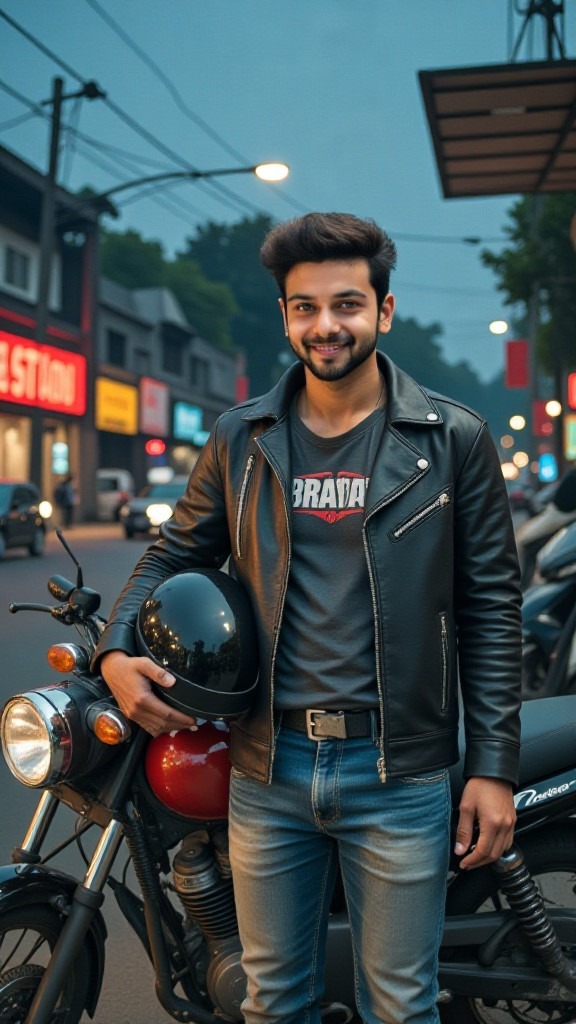
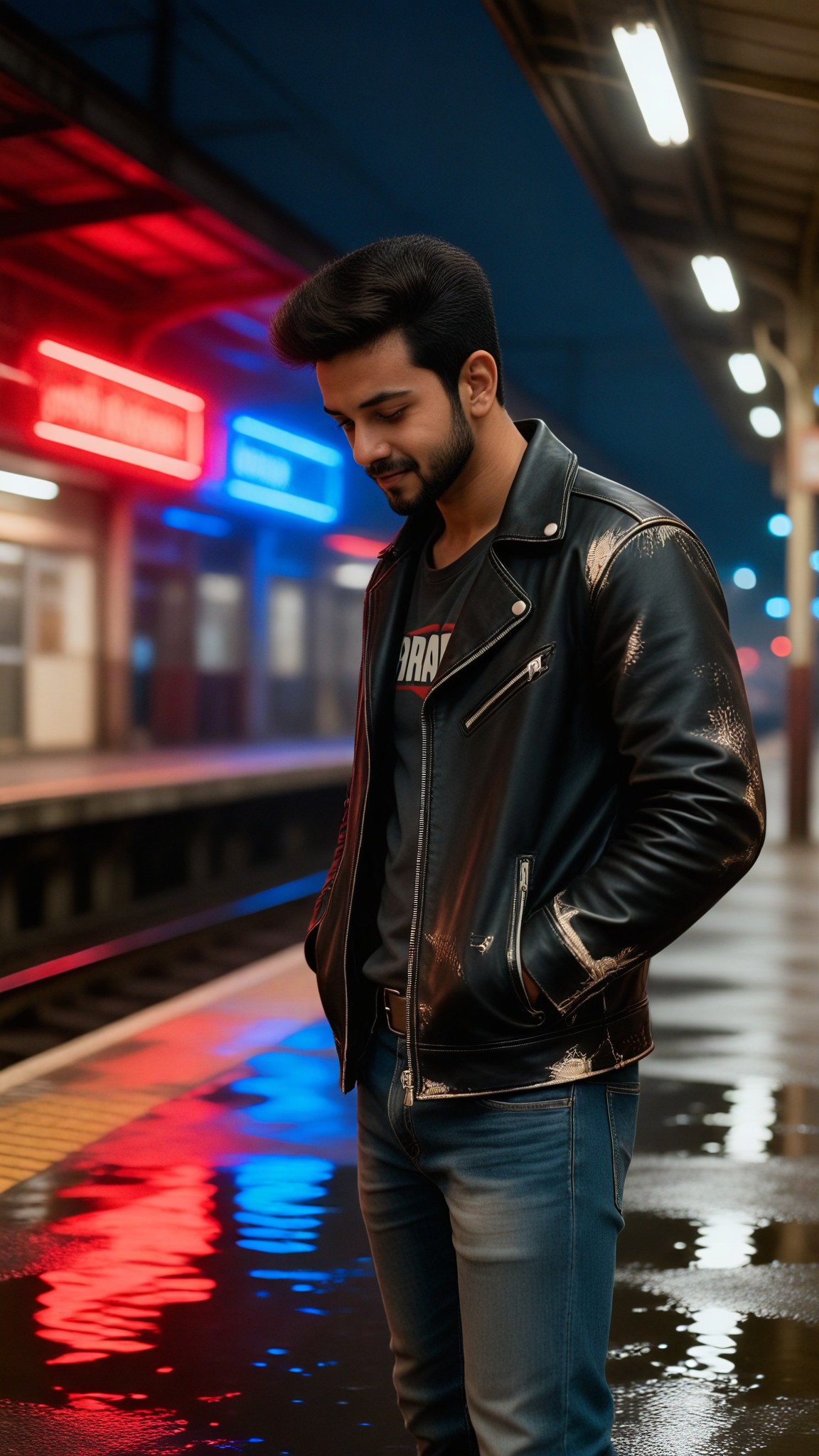
Input
Result
Midnight Station Blur Portrait
 艺术创作家
艺术创作家 244
244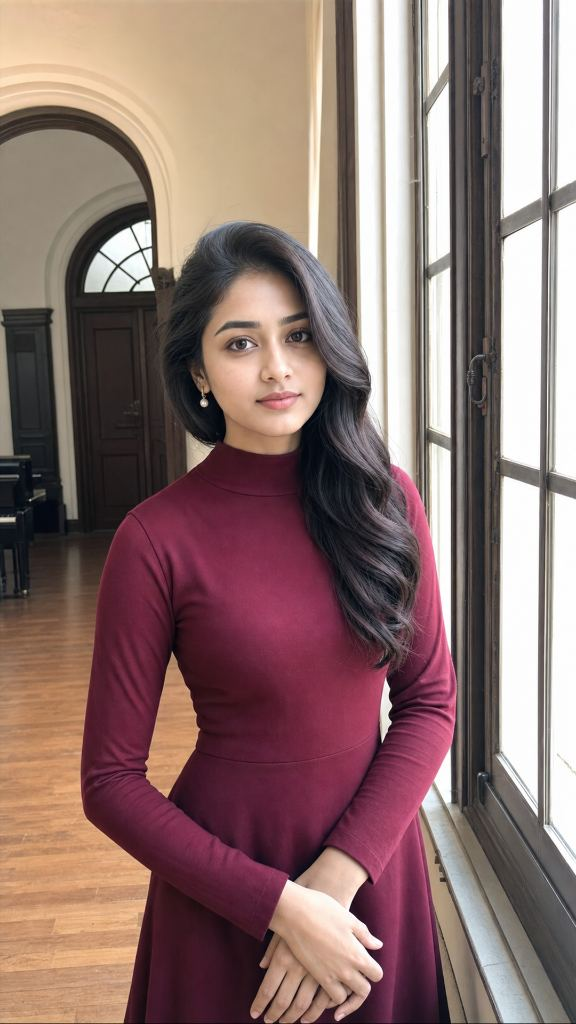
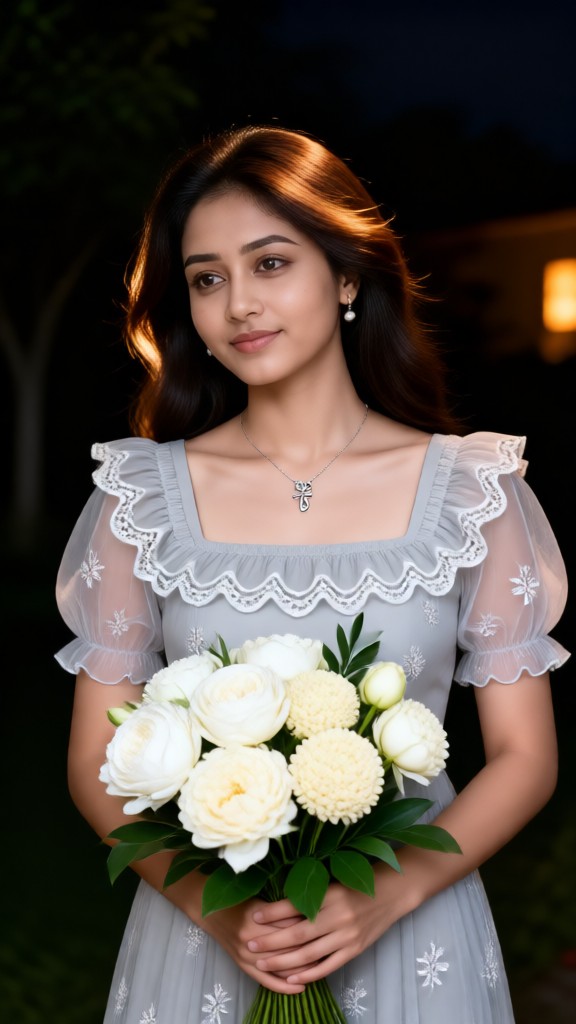
Input
Result
The Blurry Flower Girl-03
 JOY!!!126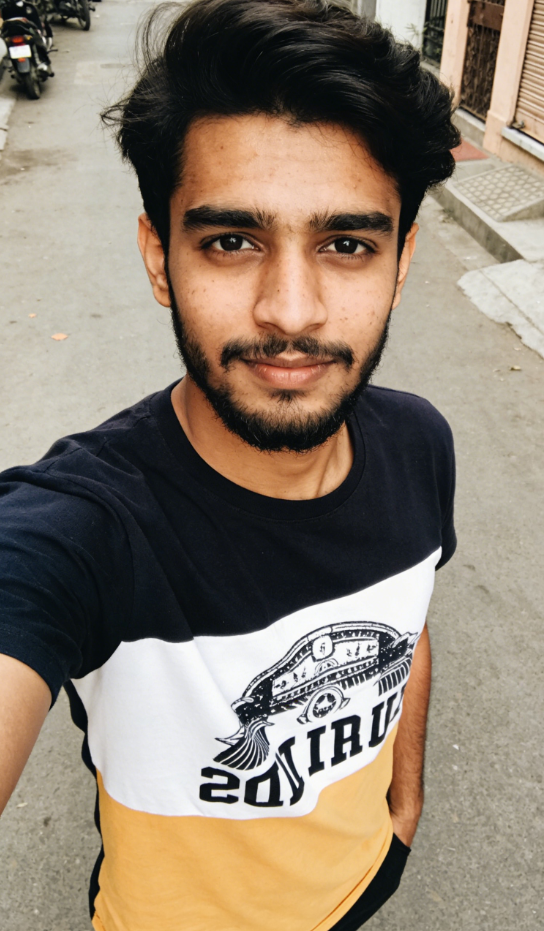
Input
Result
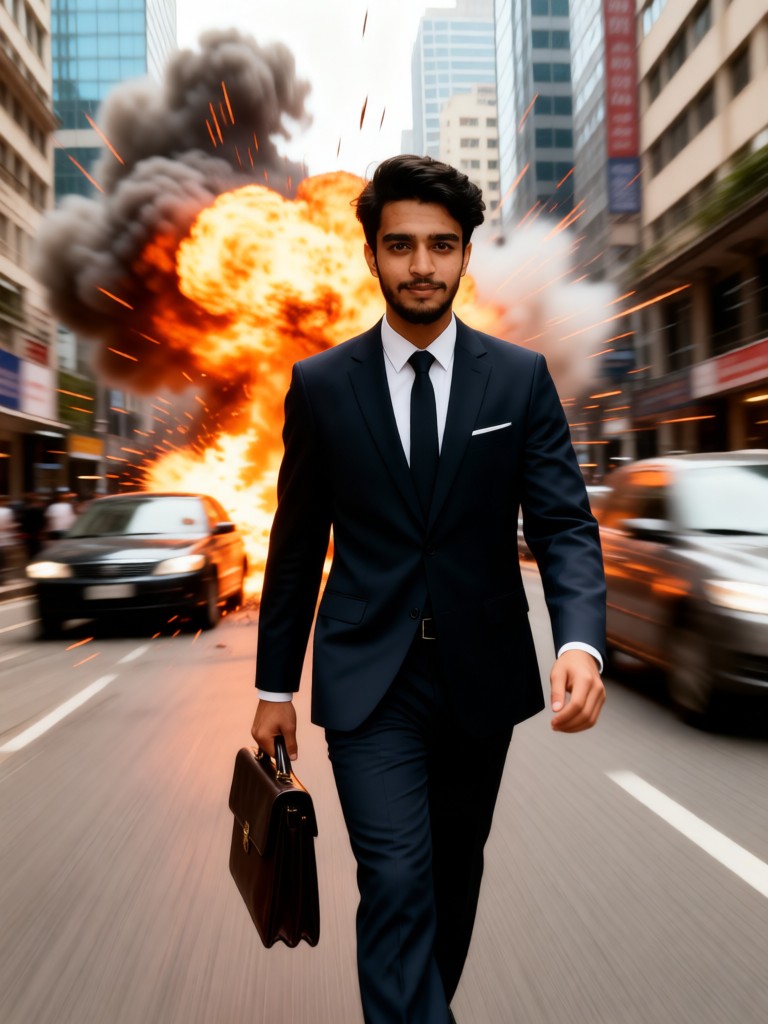
Calm Elite Walk
 Melody💗38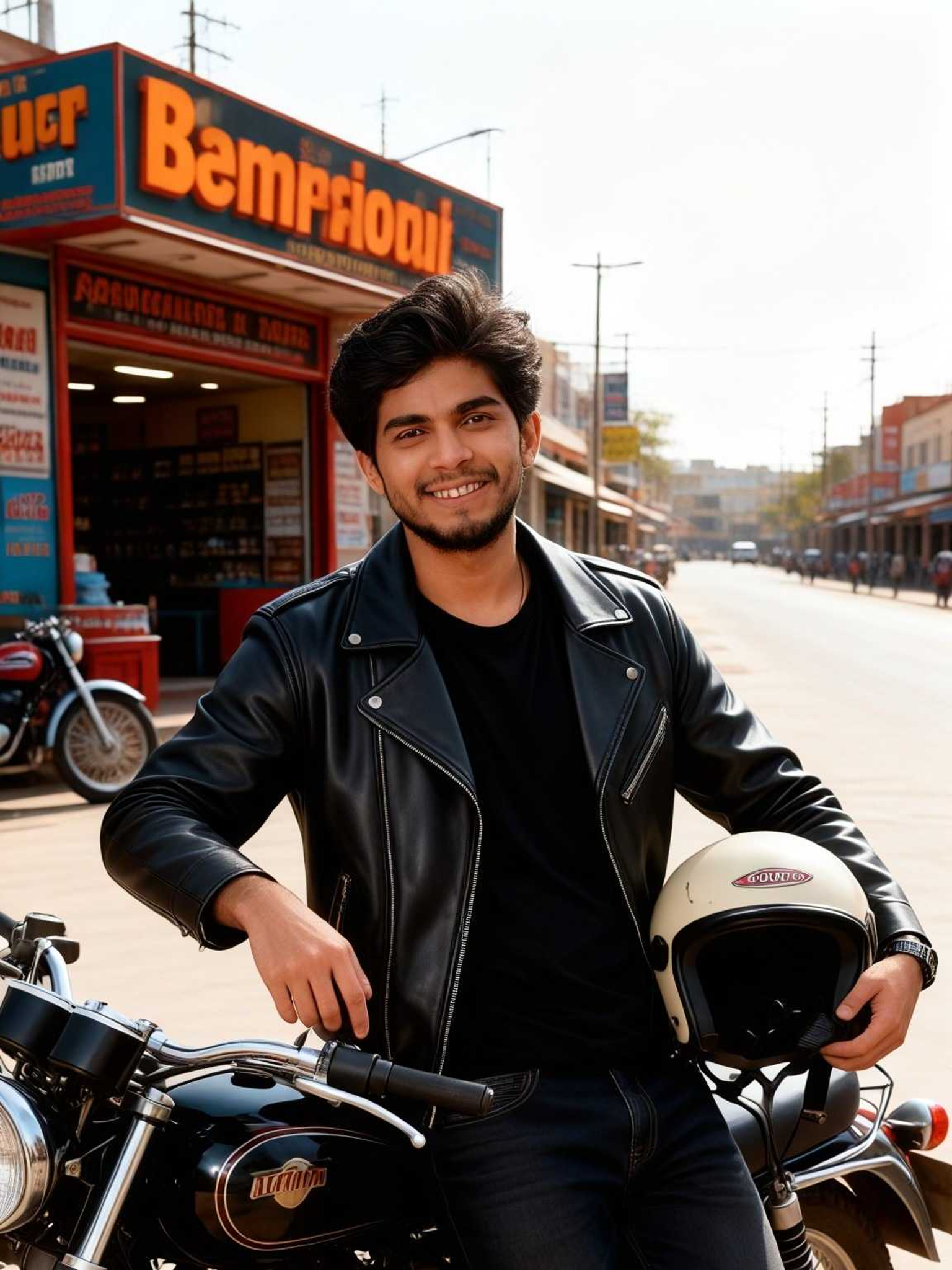
Input
Result
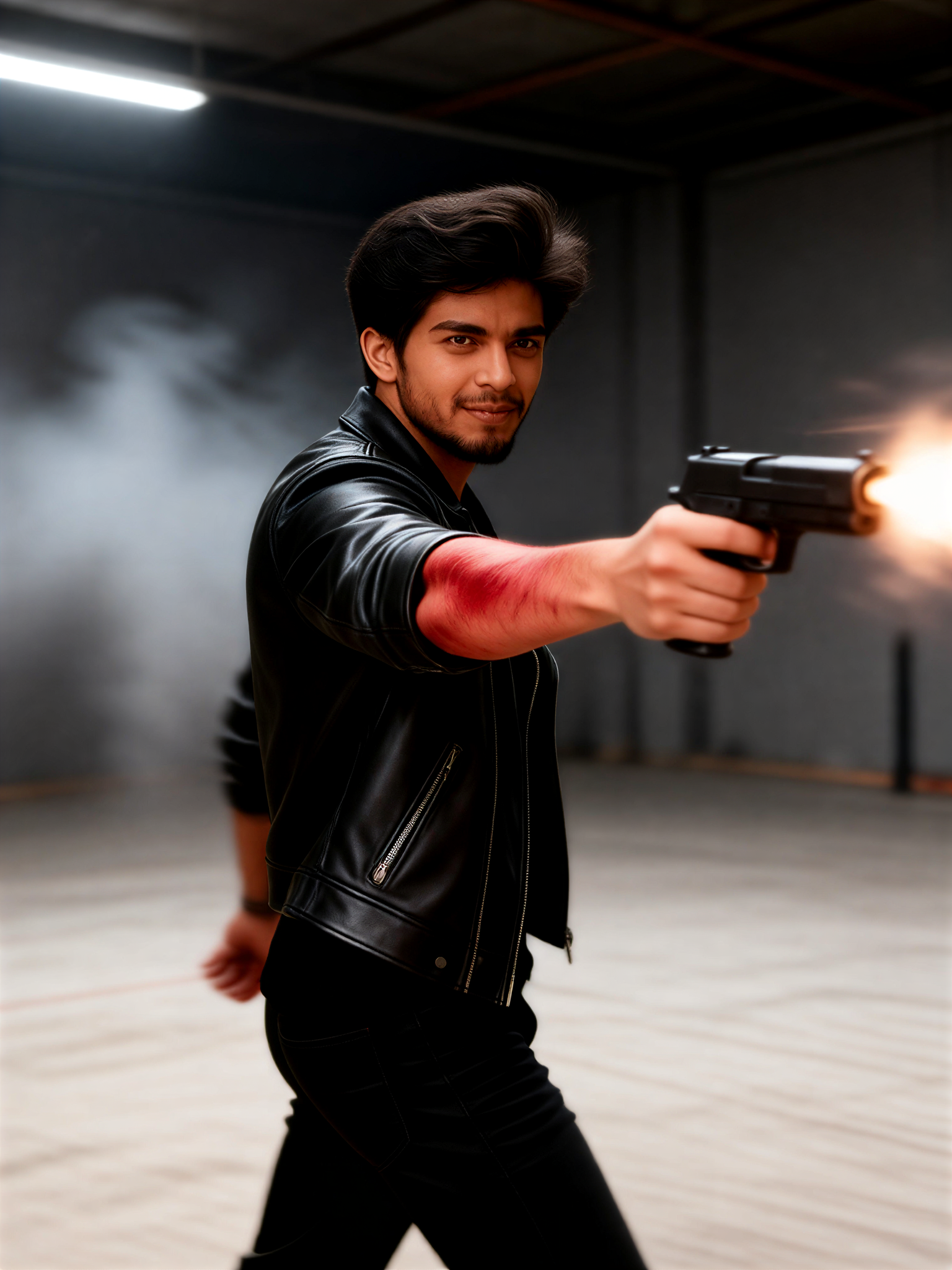
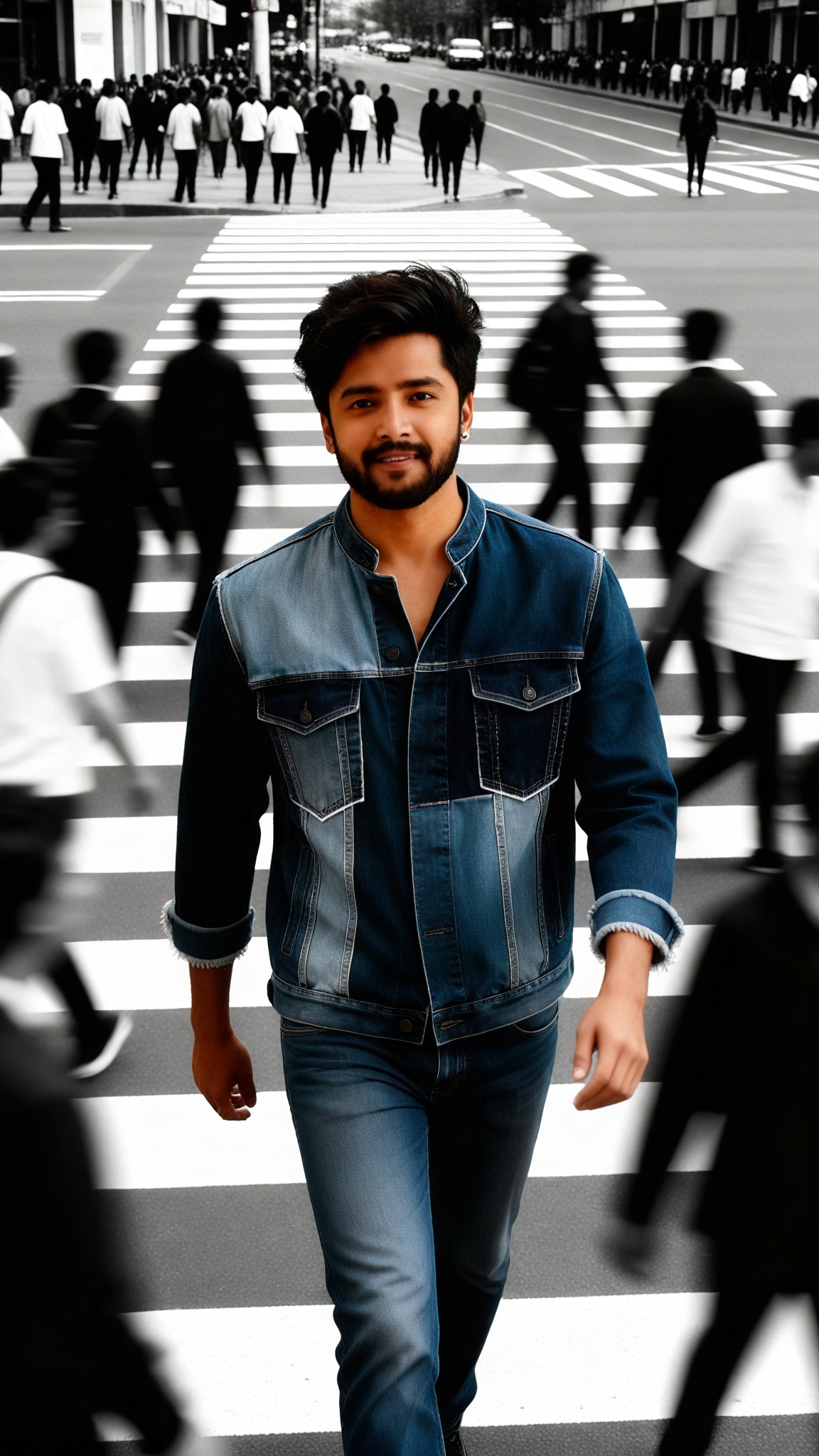
Alpha-Fighting Photos 2
 Aryan(阿利安)33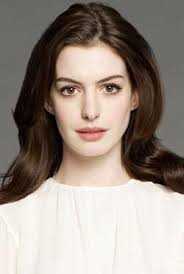
Input
Result
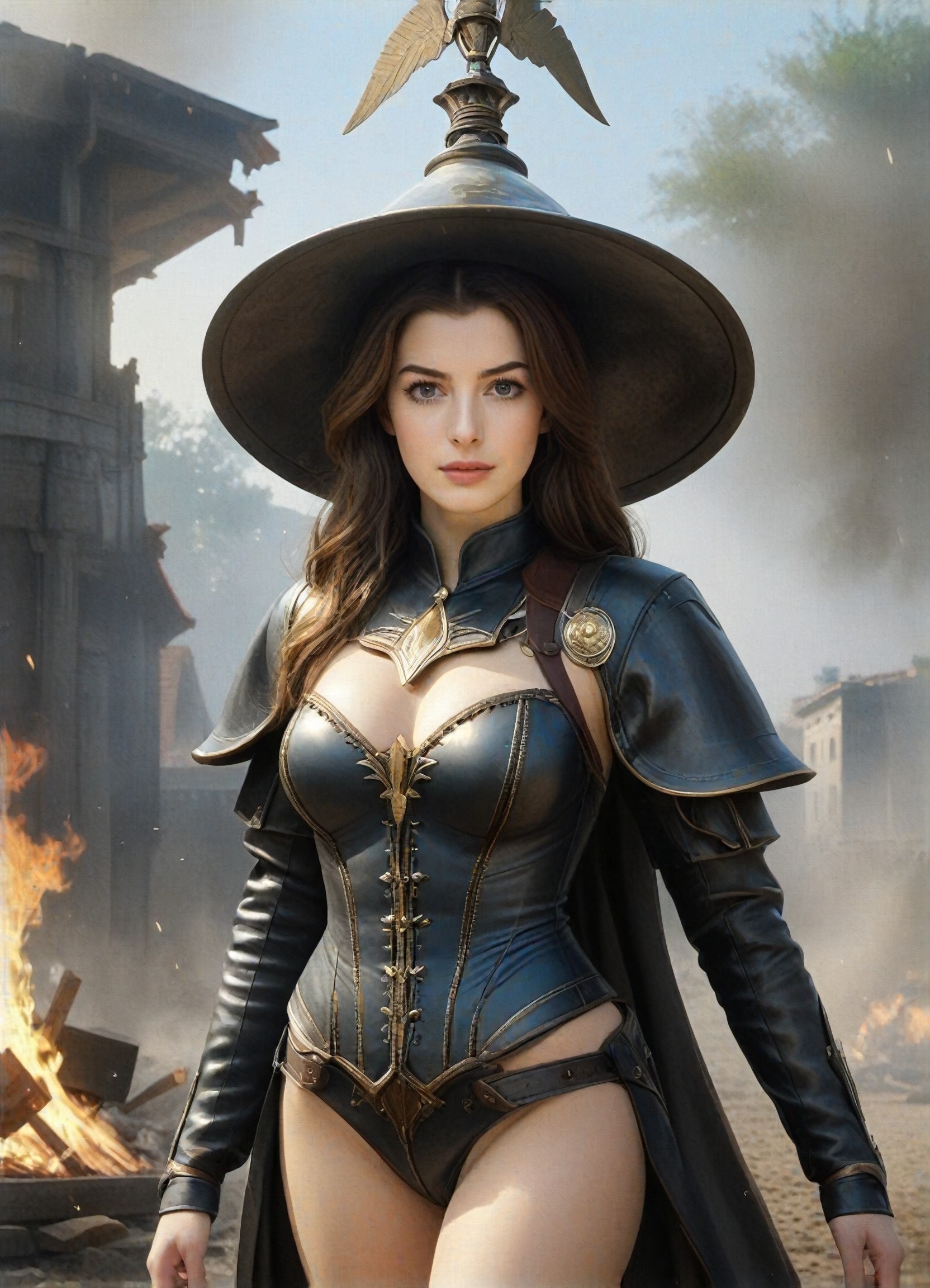
The witch returns and ends this war in the name of magic!
 Wei-Tong Yip27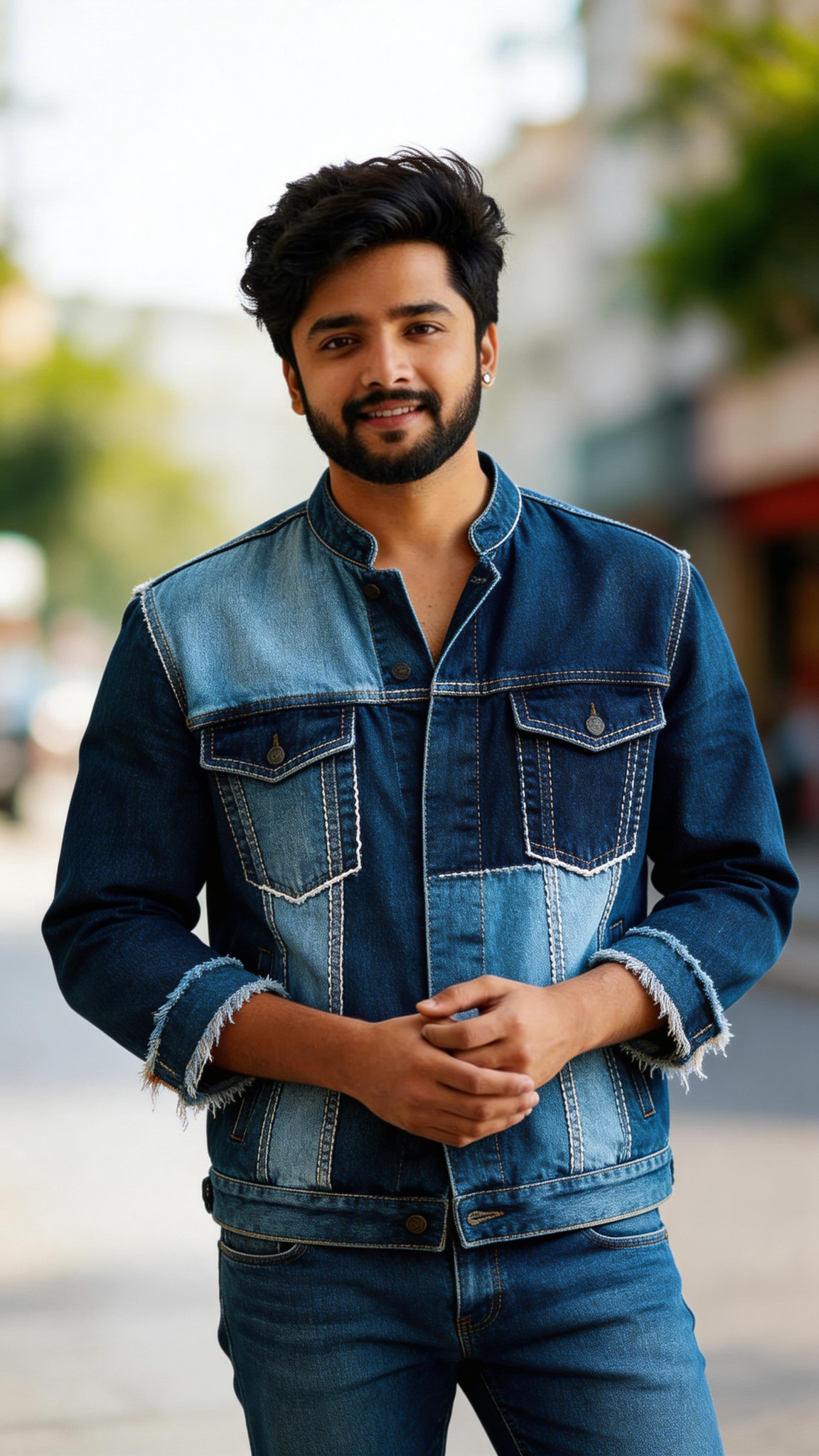
Input
Result
My color
 kkbaby26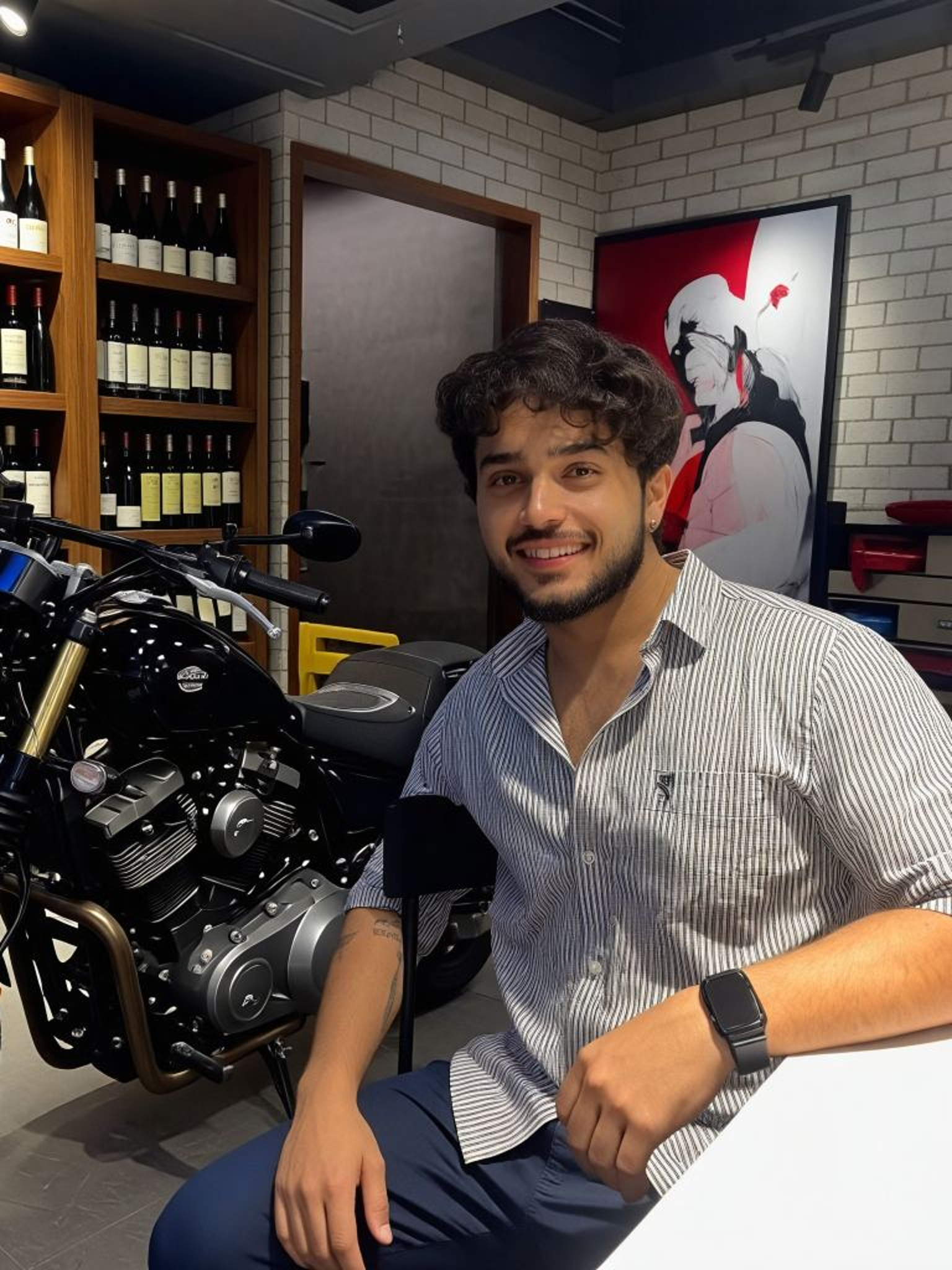
Input
Result
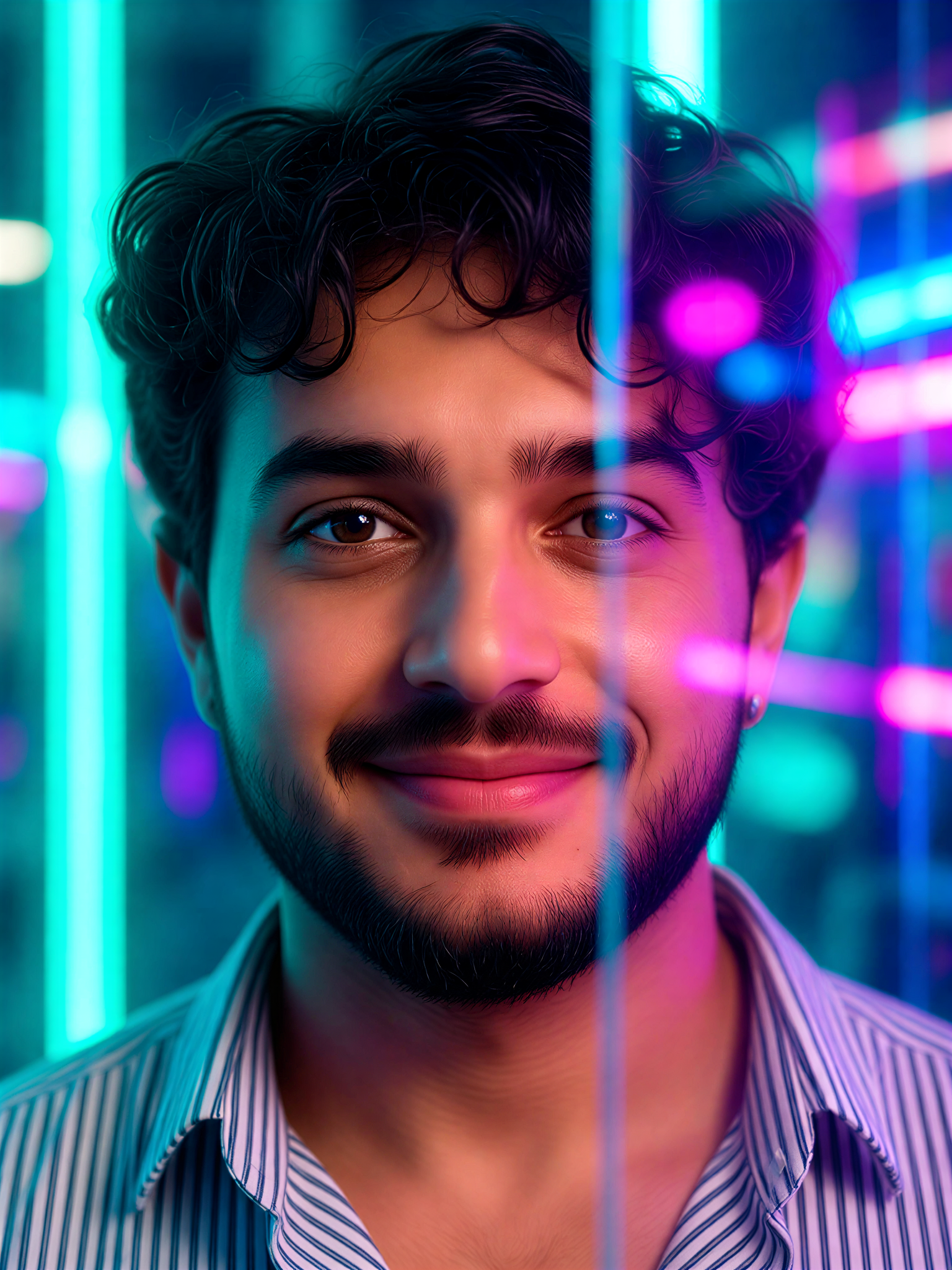
Neon Glass Blur
 Mmmmmm.21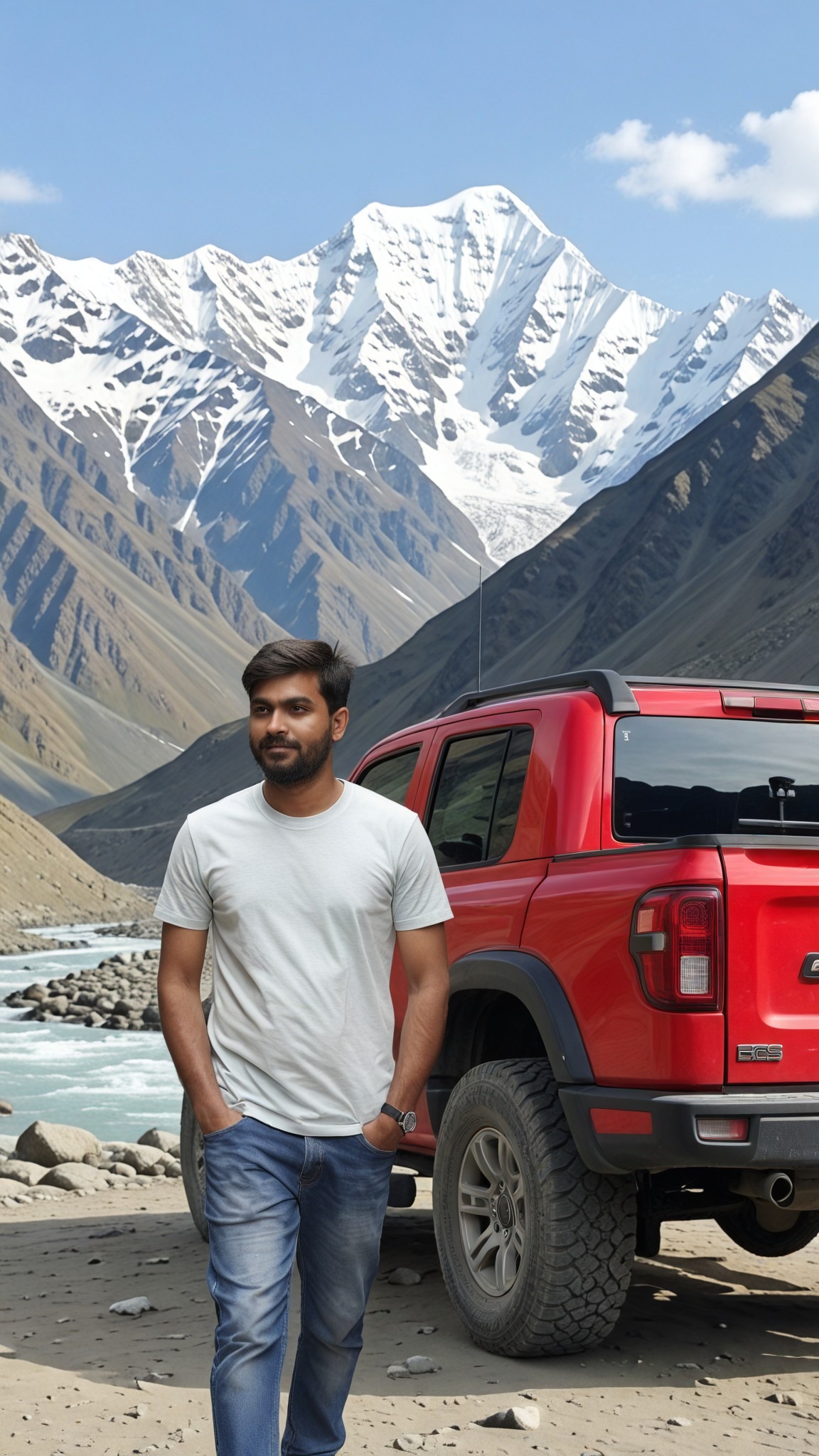
Input
Result
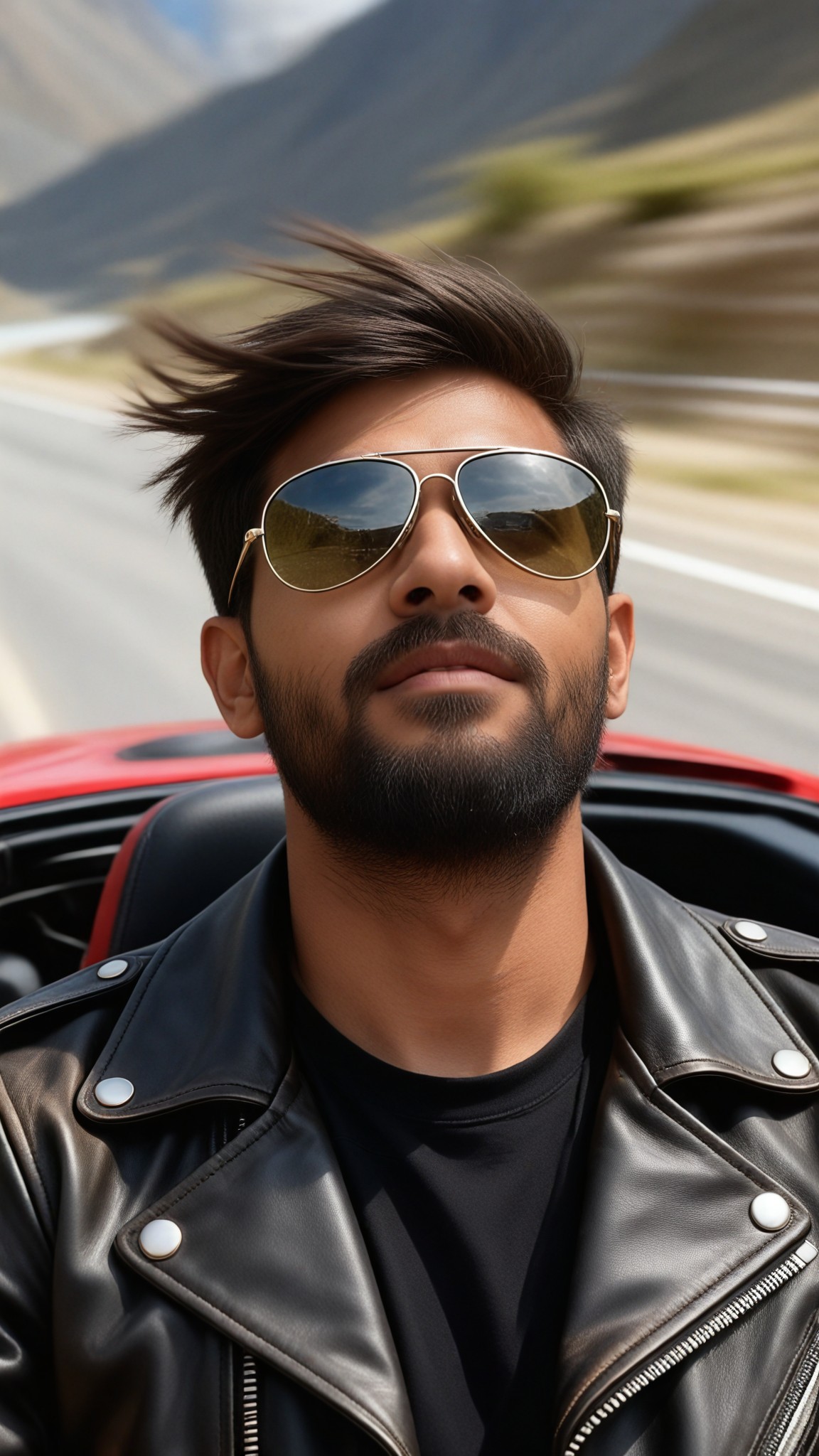
Sunglasses Outfit-11
 艺术梦想家19
AI Generated Blur Images & Videos
Discover unique and innovative Blur images and videos created with a1.art Blur prompts.
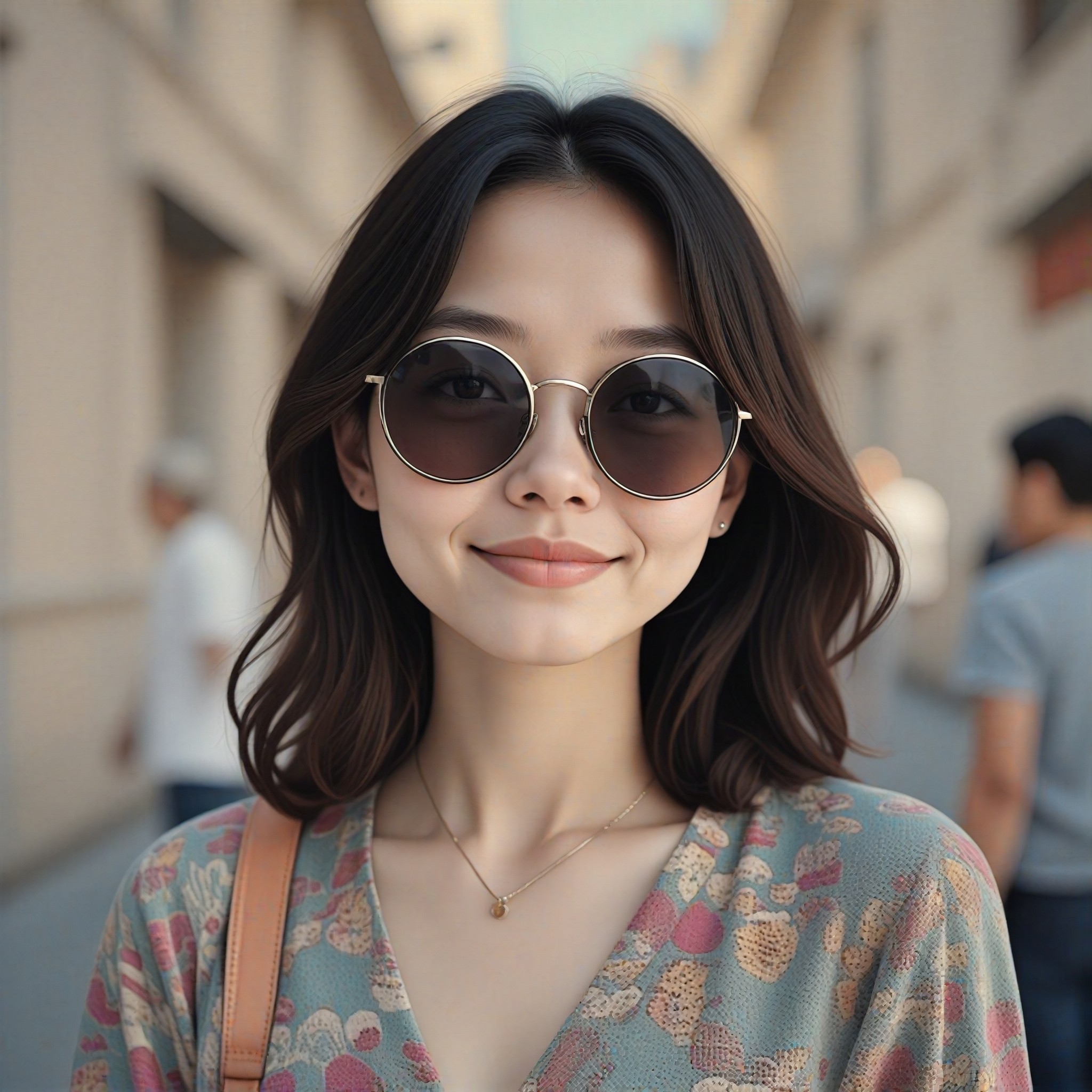
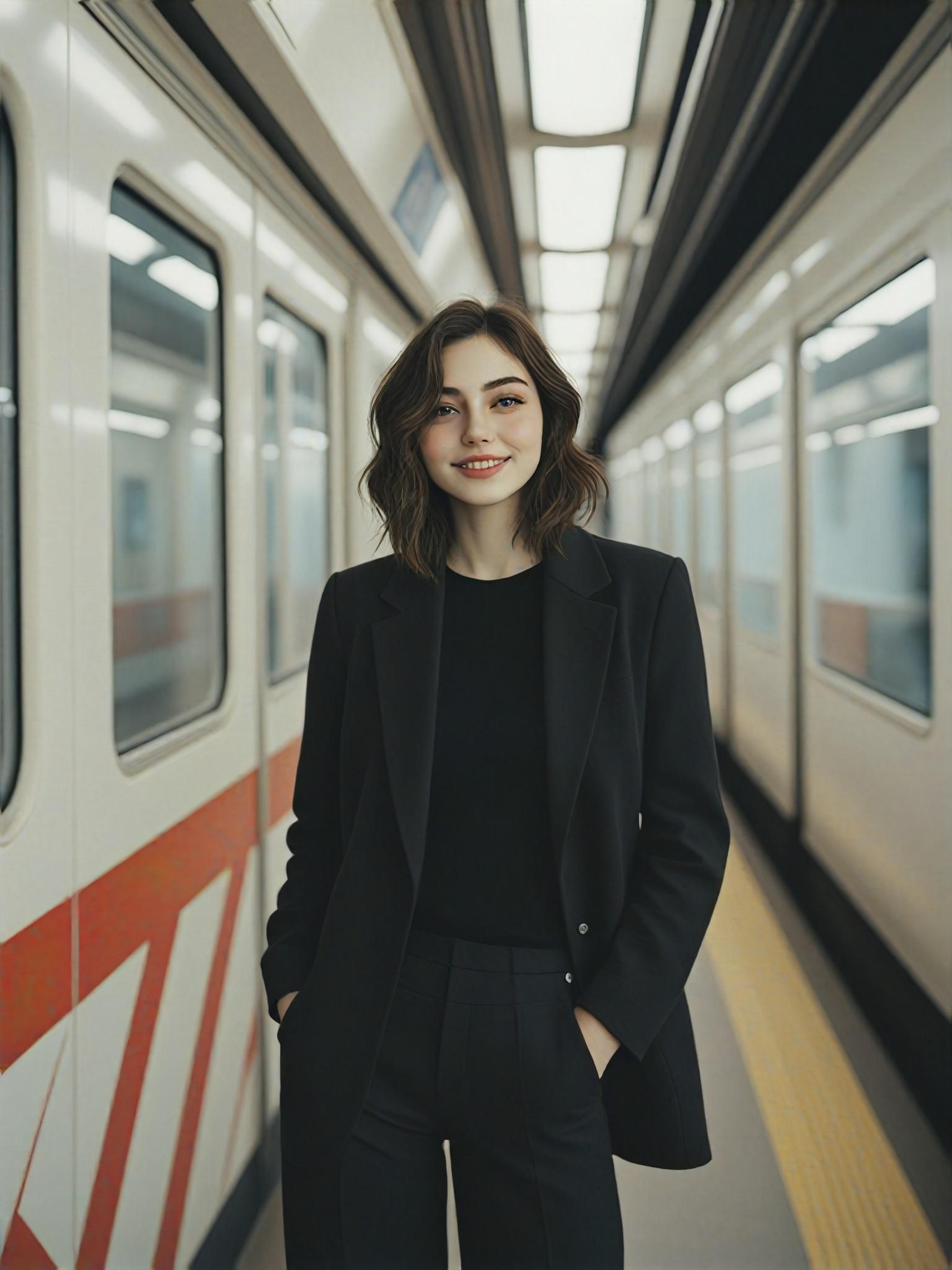
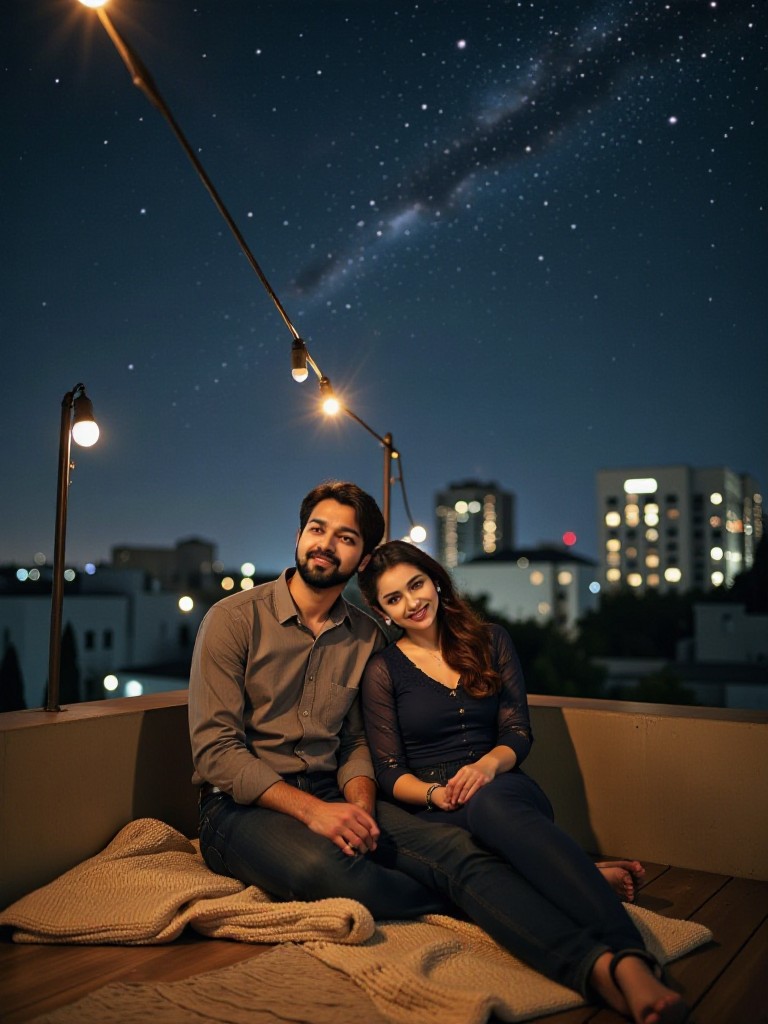
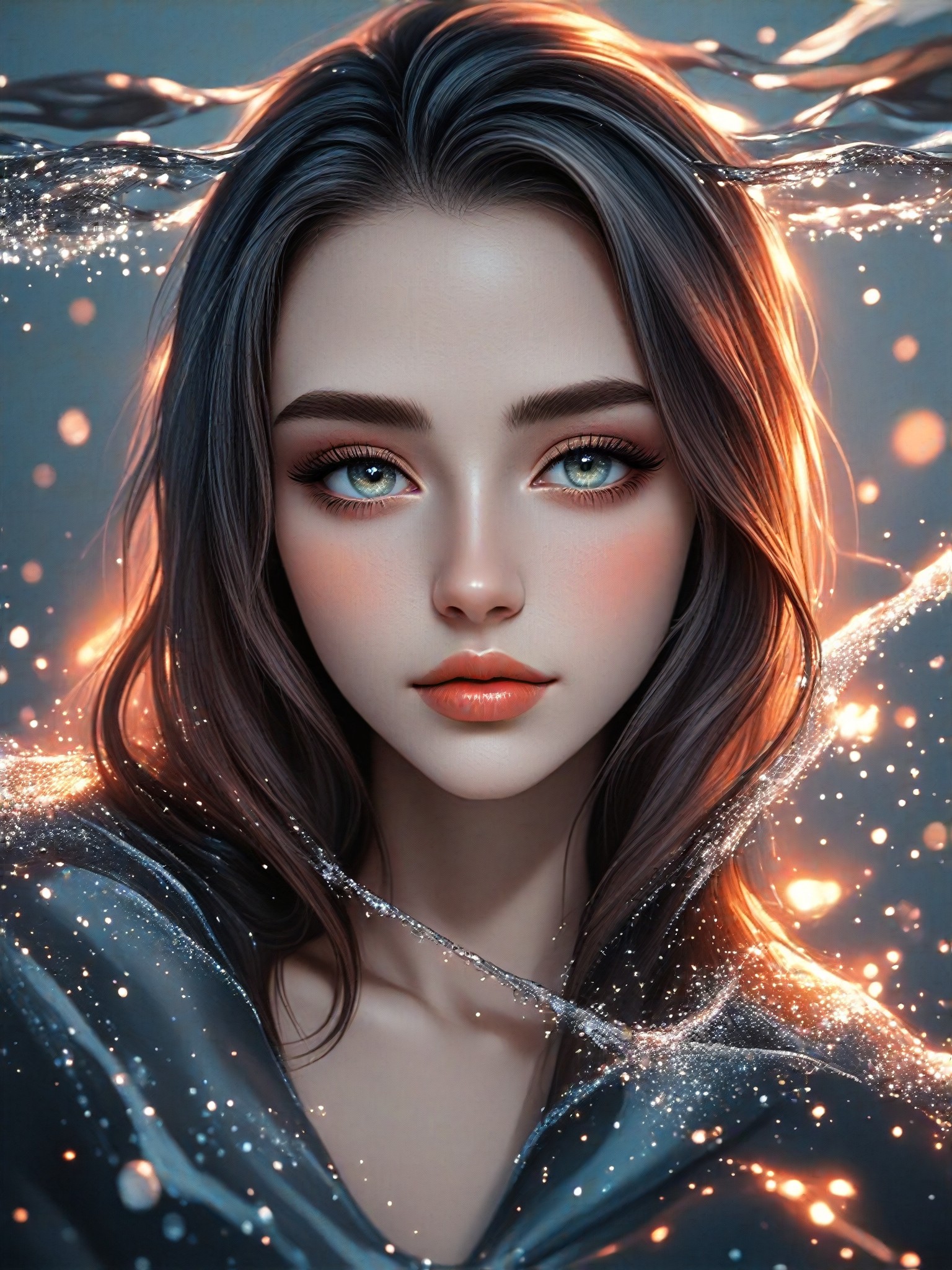

How to Make Blur AI Image & Video on a1.art?
Step into the future of AI Blur video and image creation on a1.art.

Step 1
Select the style you want to apply in the Square.

Step 2
Upload the image you want to transform. It can be a photo, hand-drawn sketch.

Step 3
Wait a few seconds and you can easily get your unique AI Blur art. Download for free!
FAQ about Blur AI Prompt on a1.art
Discover the secrets to creating Birthday Day videos and images at a1.art.
What types of blur effects can I create with a1.art?
a1.art offers a variety of blur effects, including depth of field, bokeh, motion blur, and natural erosion. You can choose from these effects to enhance your images and videos, giving them a professional, artistic look.
Can I use blur AI prompts for both images and videos?
Yes, a1.art supports both AI image and video generation. You can select the appropriate filters and prompts to create stunning blur effects in either format, making it versatile for all your creative needs.
How do I get started with a1.art's blur AI prompts?
Getting started is easy! Simply visit a1.art, choose your preferred blur prompt, upload an image or enter a text description, and let the AI work its magic. You'll have beautiful blur visuals in no time.
Are there any free resources available on a1.art?
Yes, a1.art provides daily free login credits to help you explore the platform. Additionally, you can subscribe to earn more credits, allowing you to create even more blur visuals without limits.
What makes a1.art different from other AI art generators?
a1.art stands out with its user-friendly interface, diverse range of blur effects, and daily free credits. Our platform is designed to make AI art creation accessible and enjoyable for everyone, whether you're a beginner or a professional artist.


