


Get Beauty Filter Videos & Images without Prompt
a1.art offers a large number of filters, allowing you to easily obtain AI videos or images without prompts.
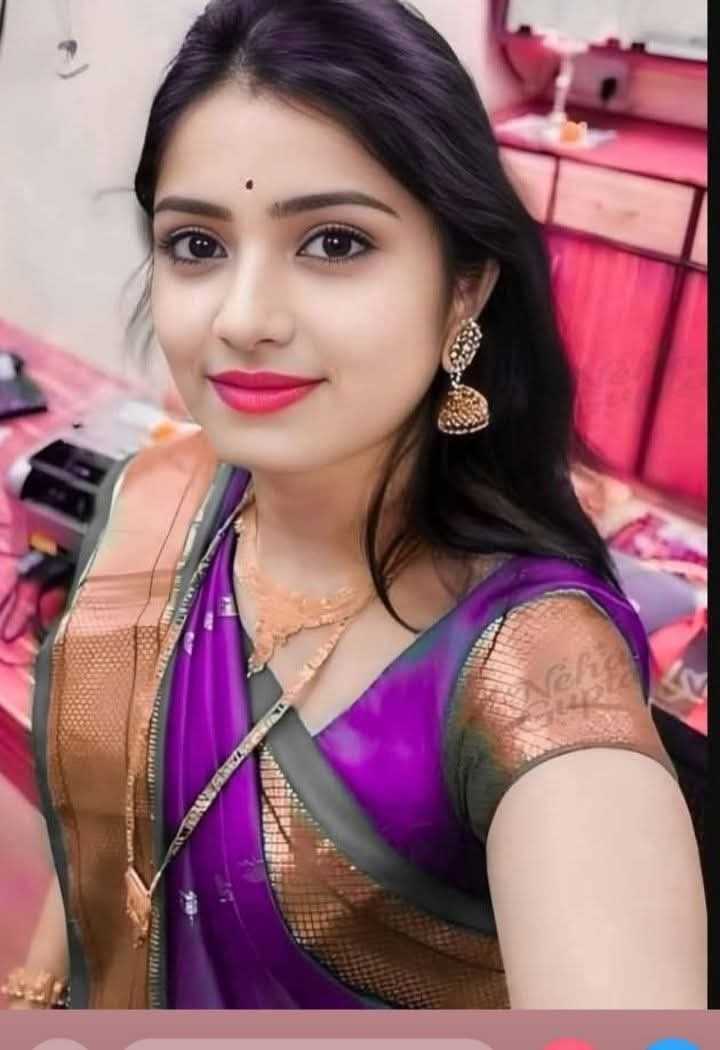
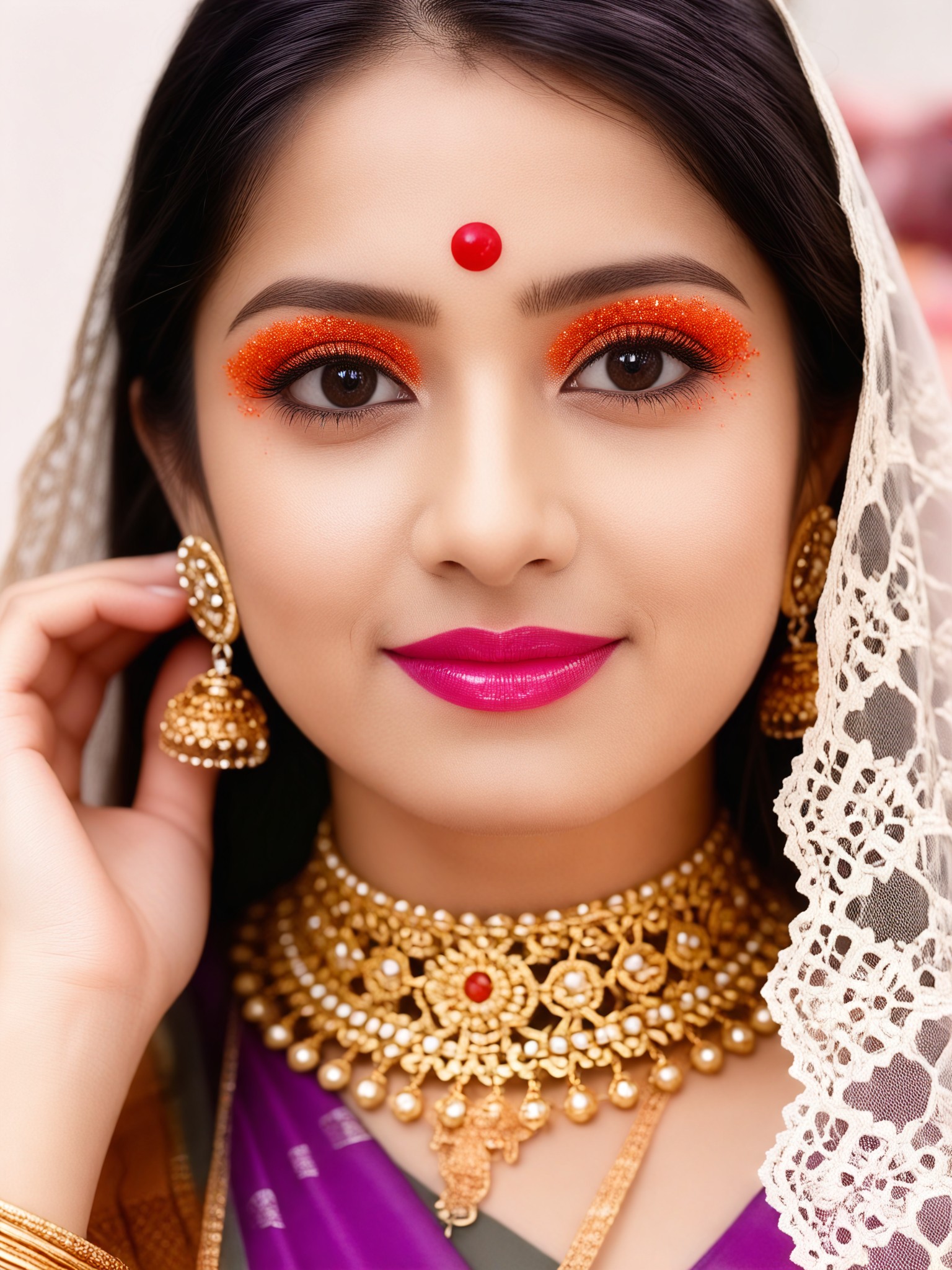
Input
Result
Beauty filter-12
 Aryan(阿利安)
 798
798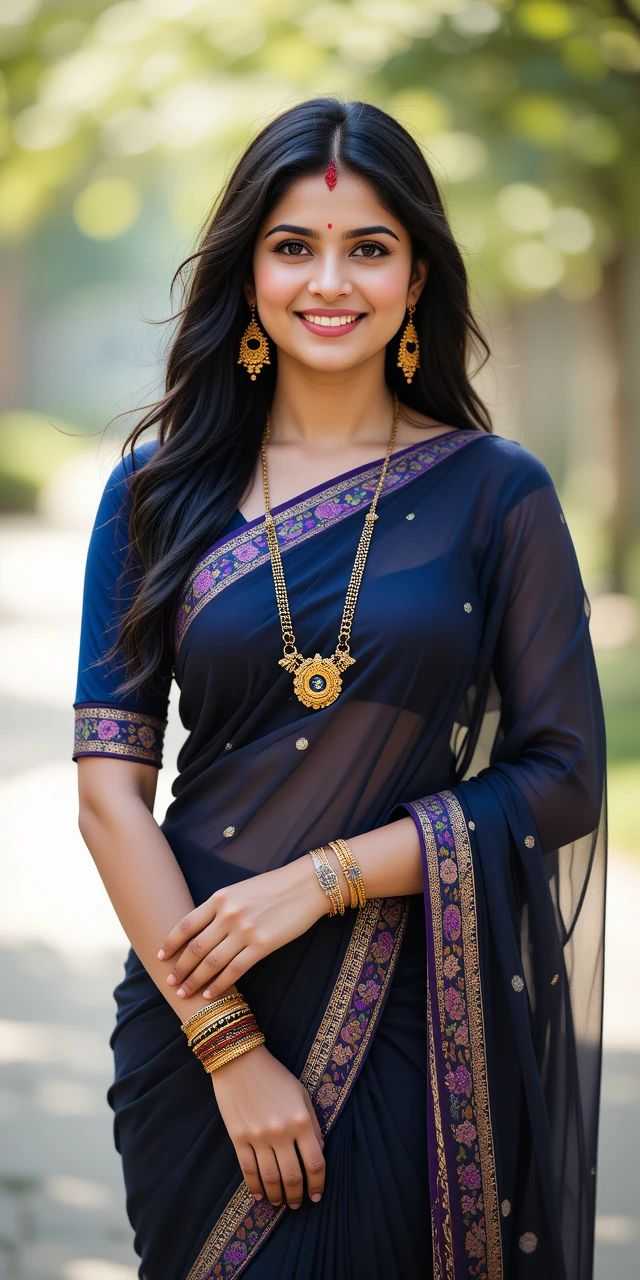
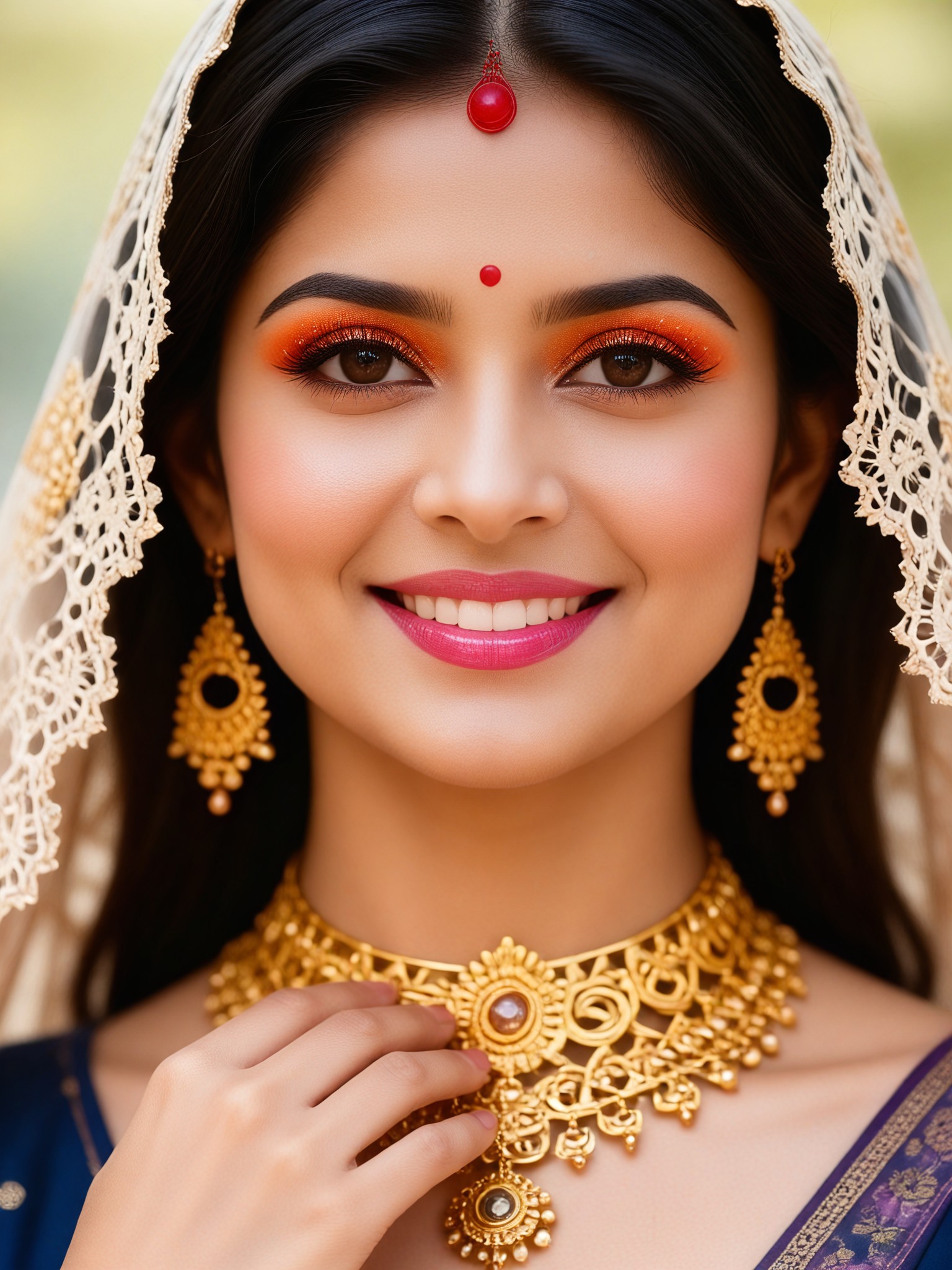
Input
Result
Beauty filter-32
Aryan(阿利安)413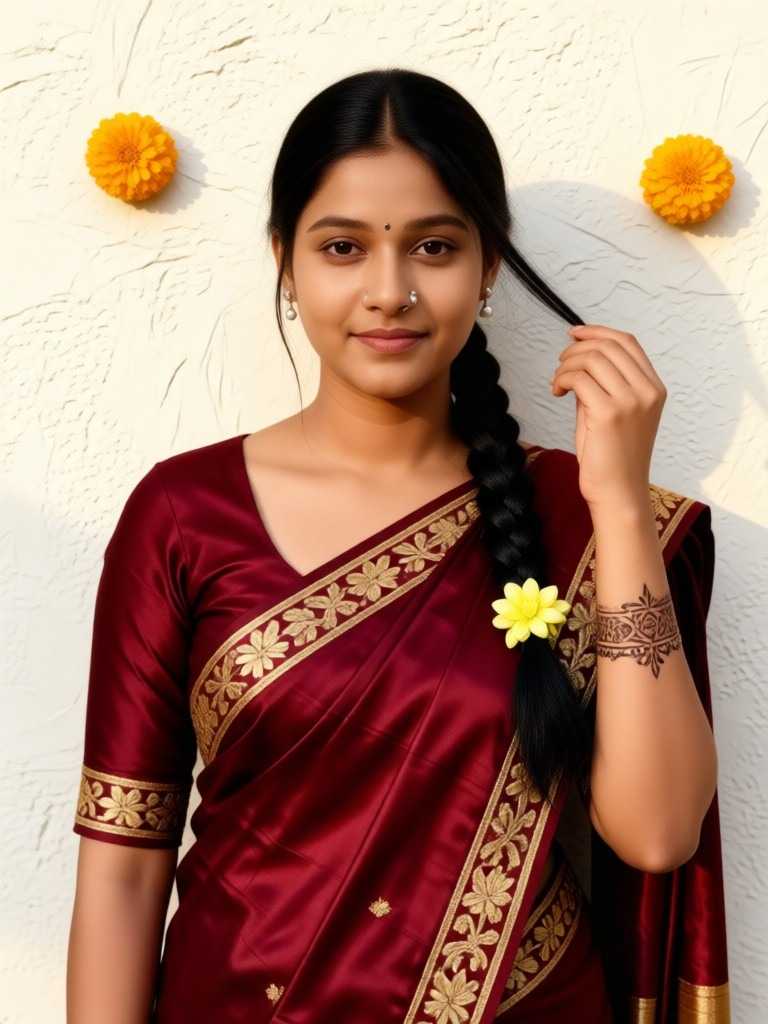
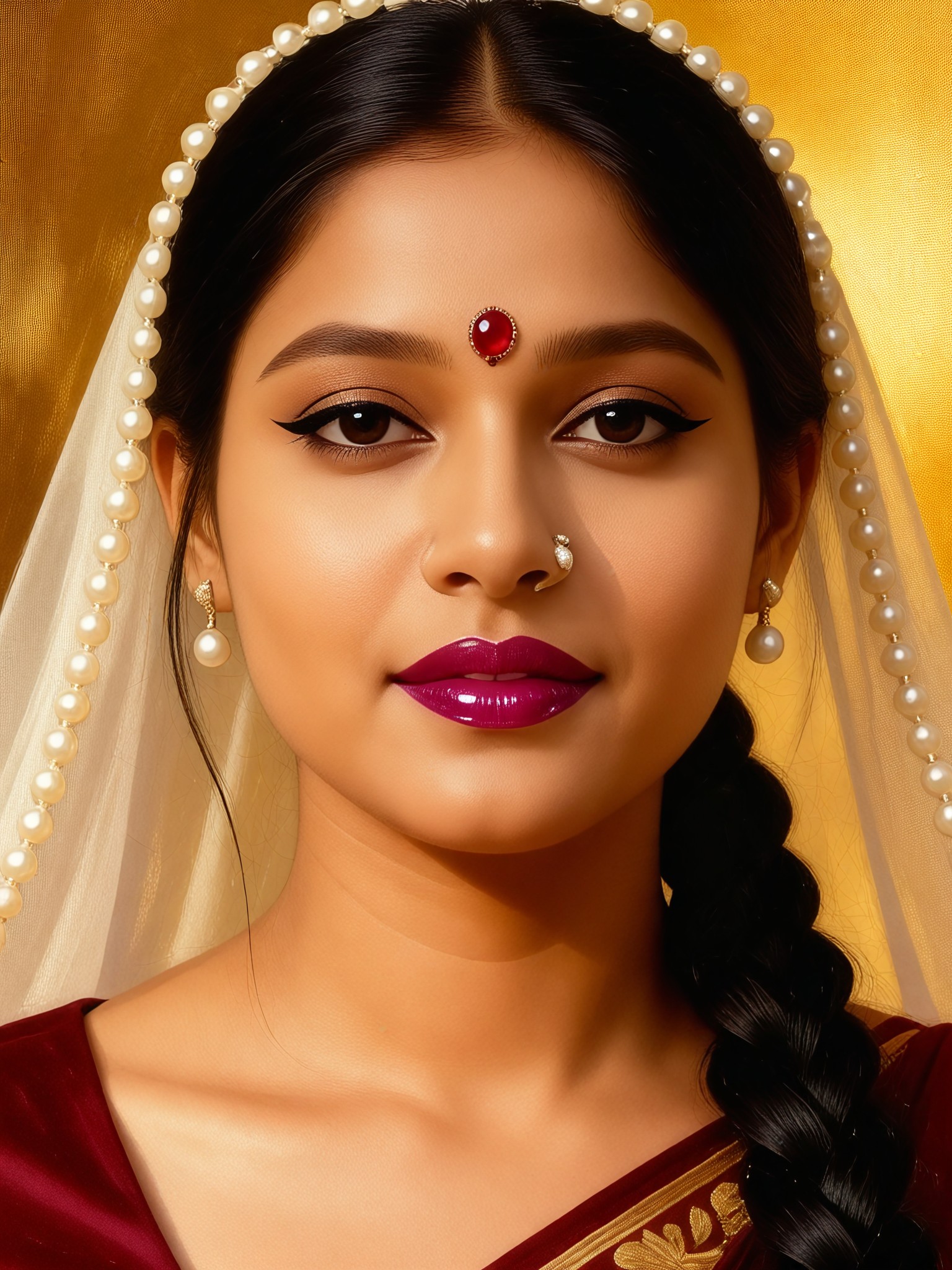
Input
Result
Beauty filter-11
Aryan(阿利安)383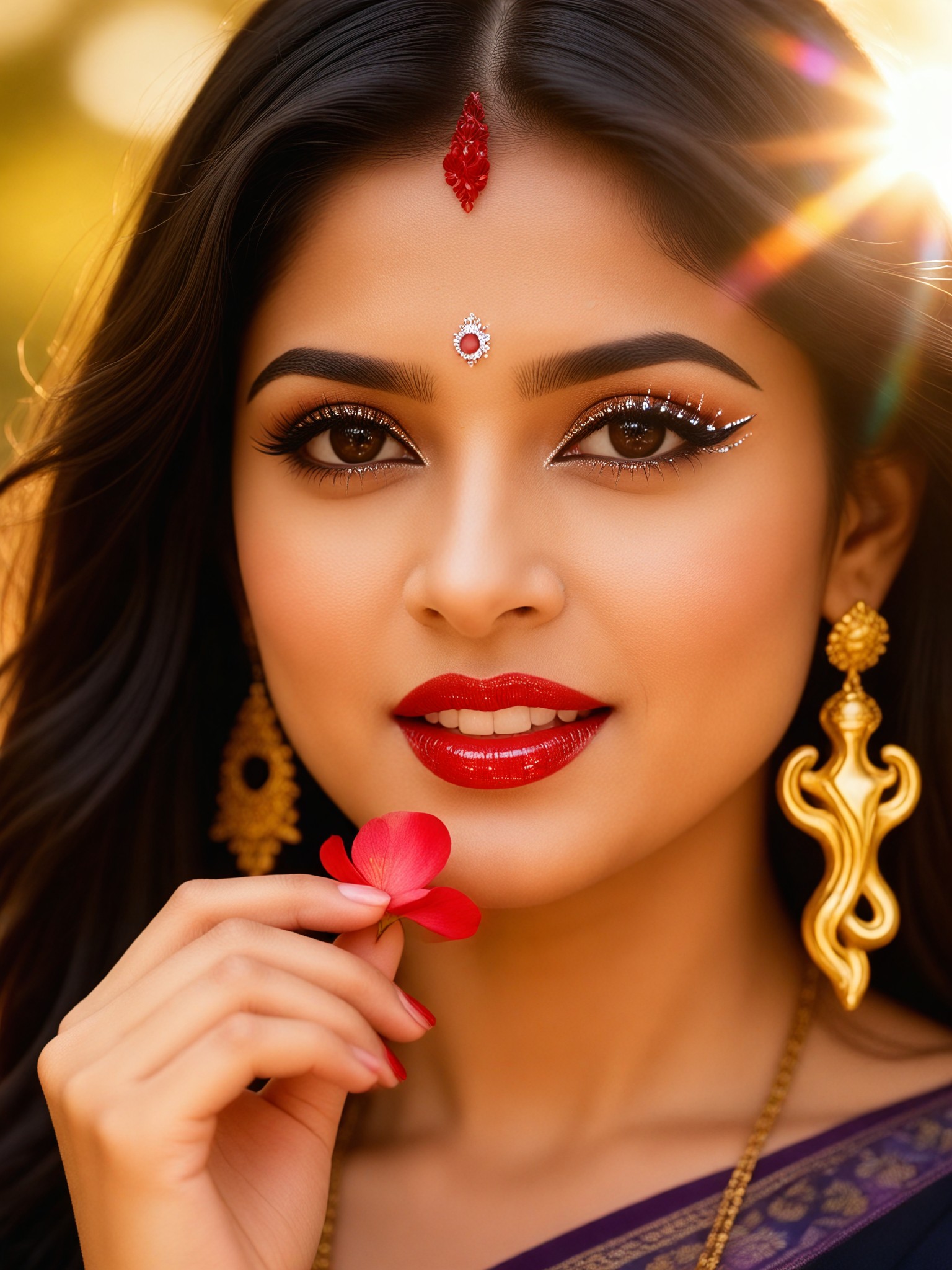
Input
Result
Beauty filter-15
Aryan(阿利安)312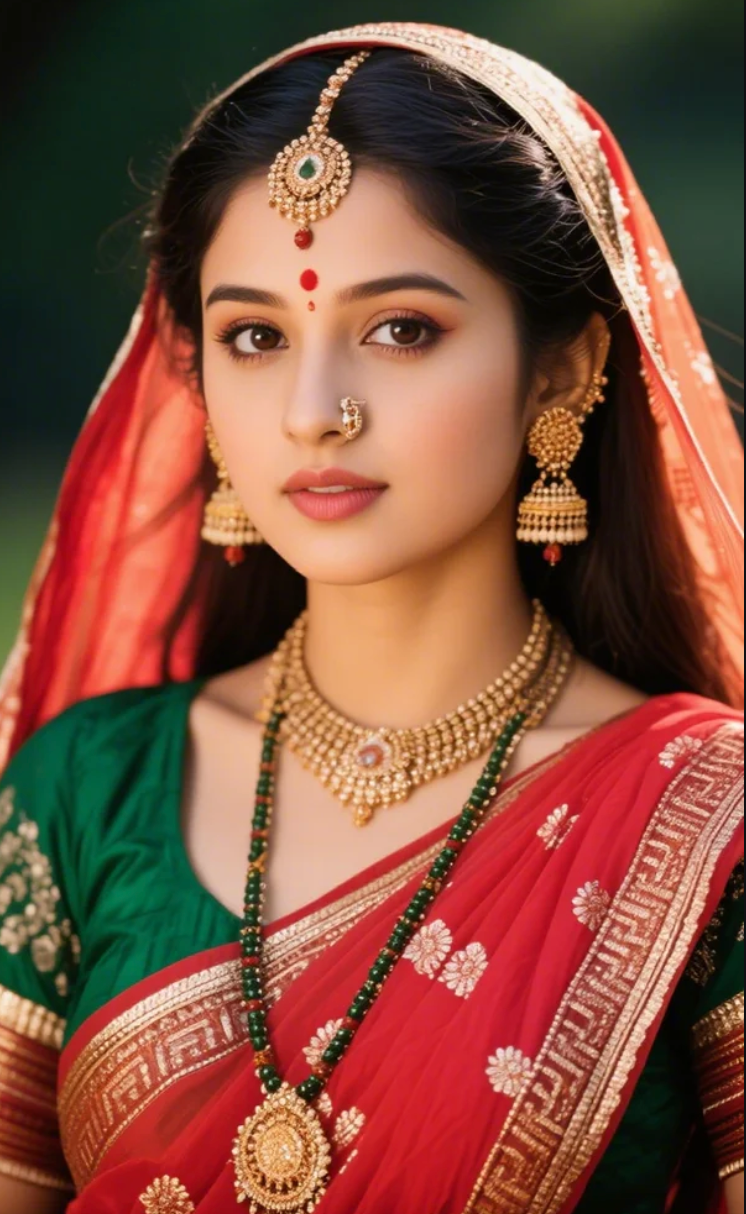
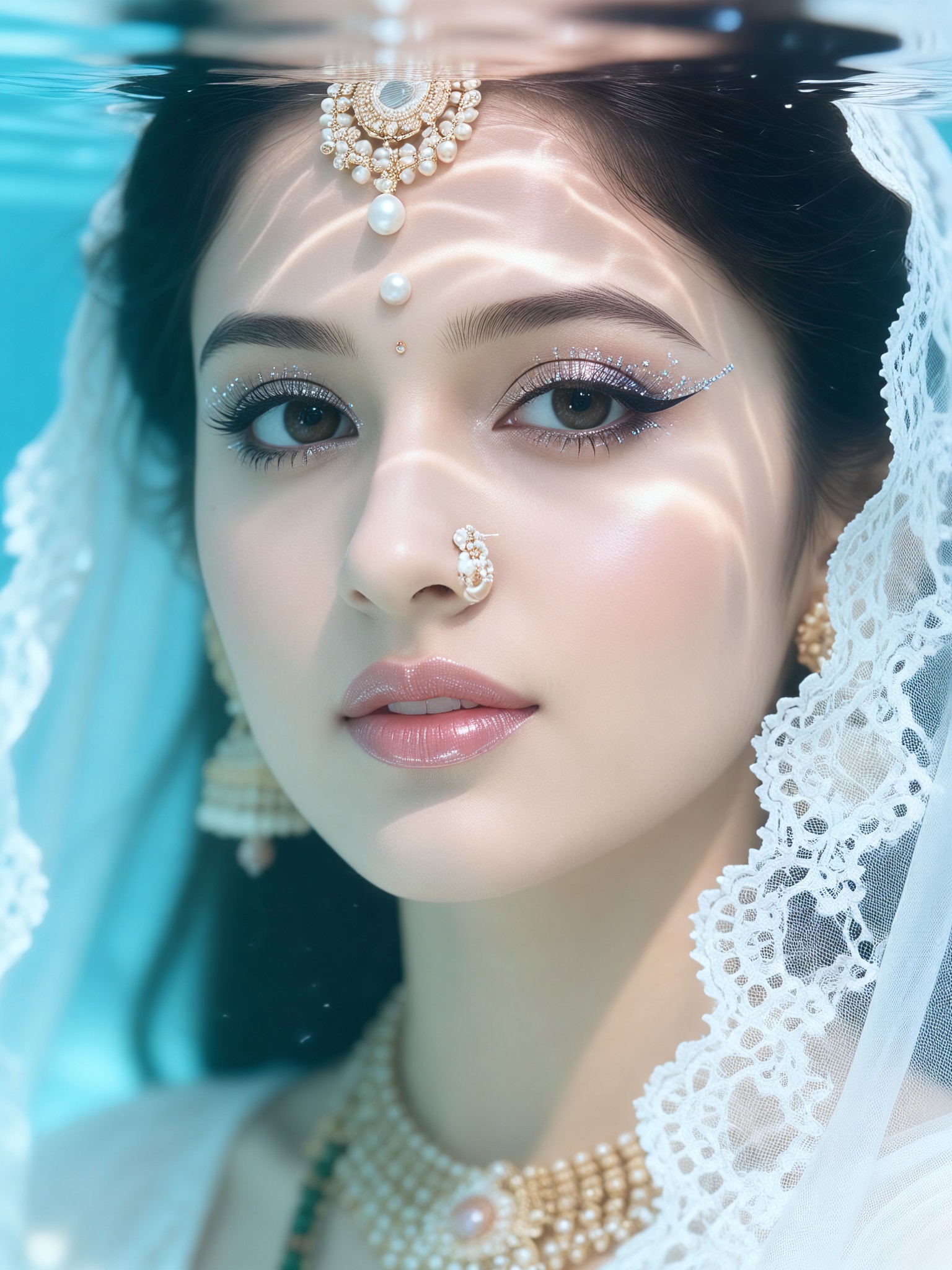
Input
Result
Beauty filter-25
Aryan(阿利安)188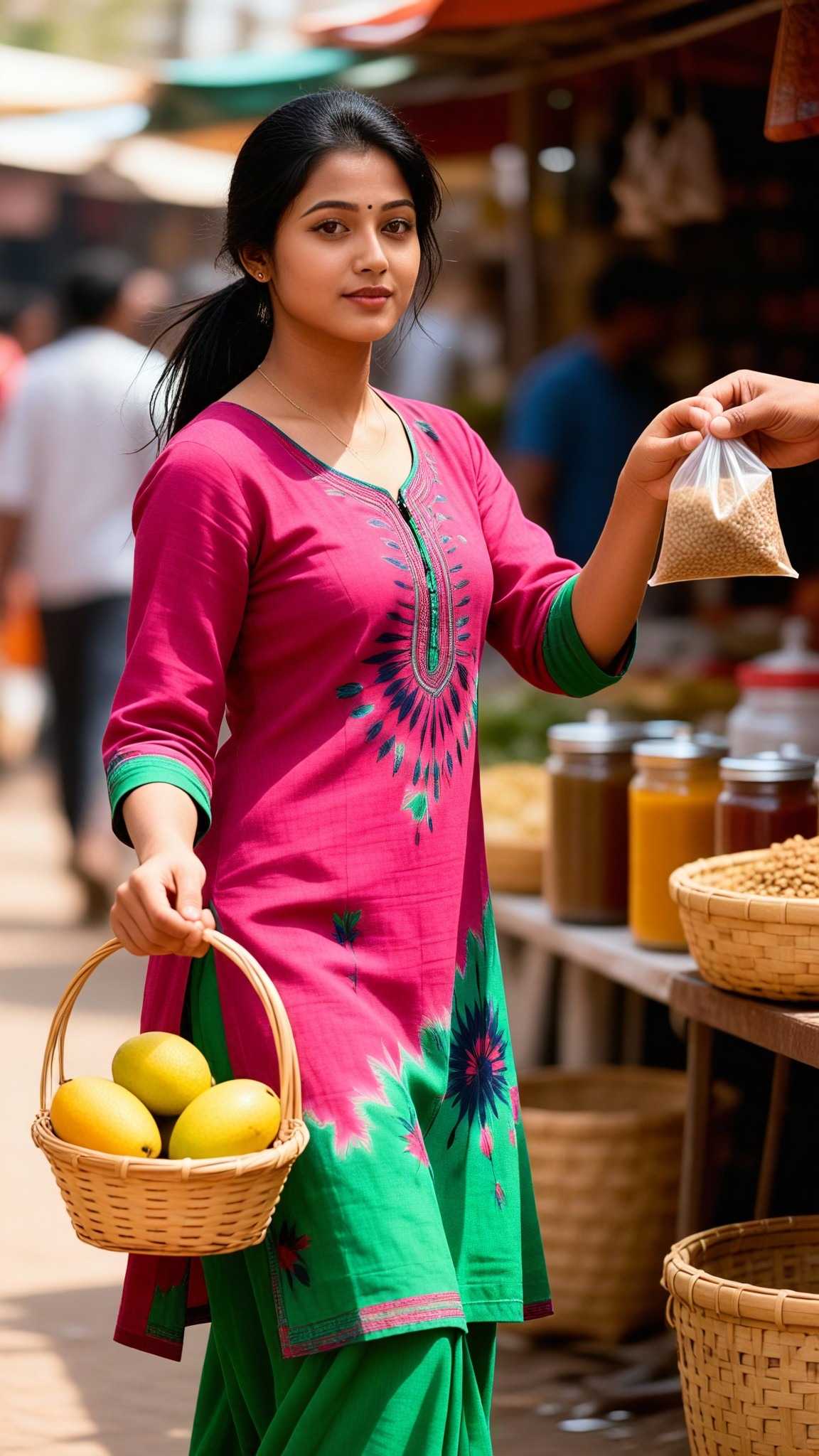
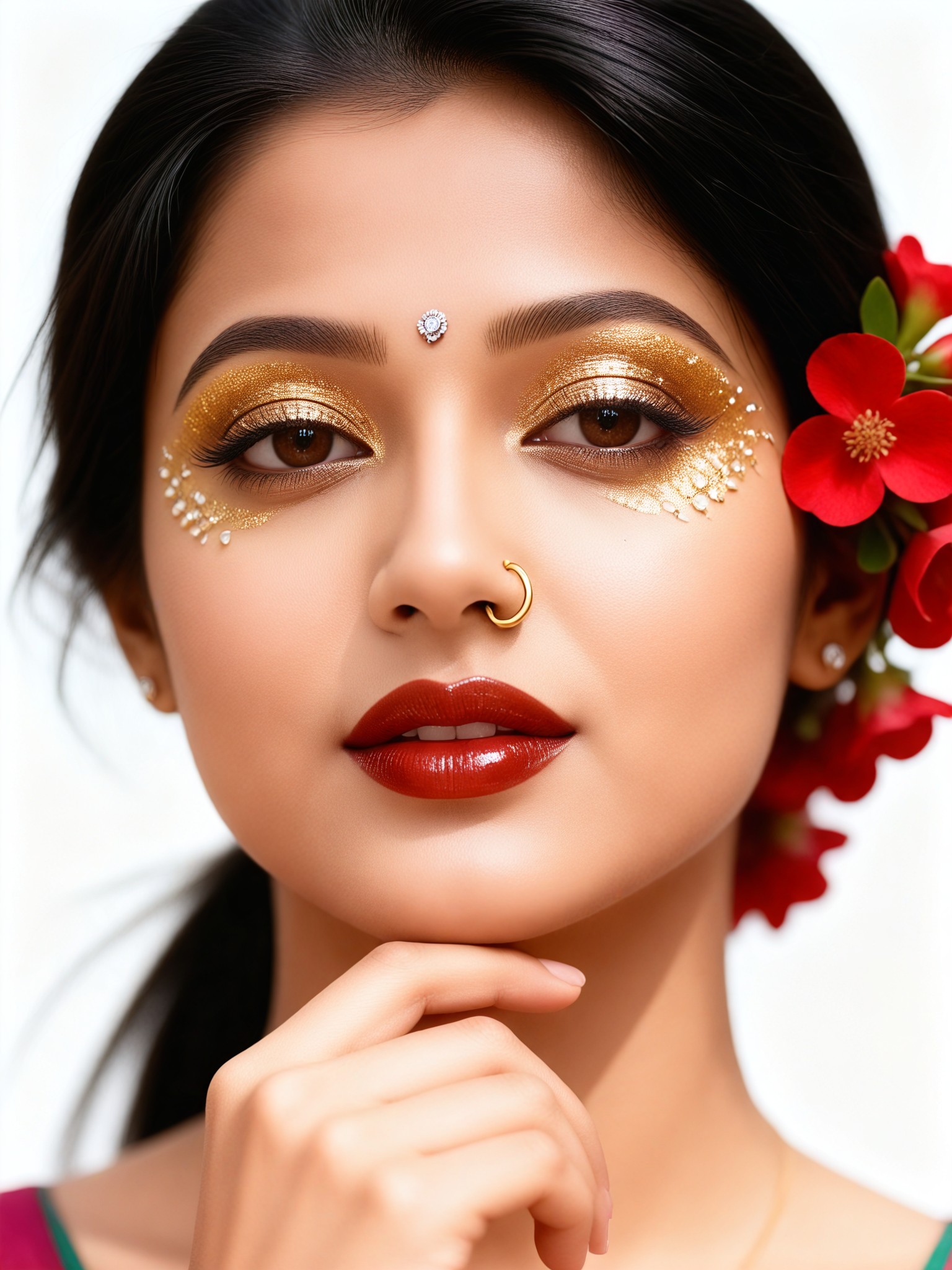
Input
Result
Beauty filter-33
Aryan(阿利安)103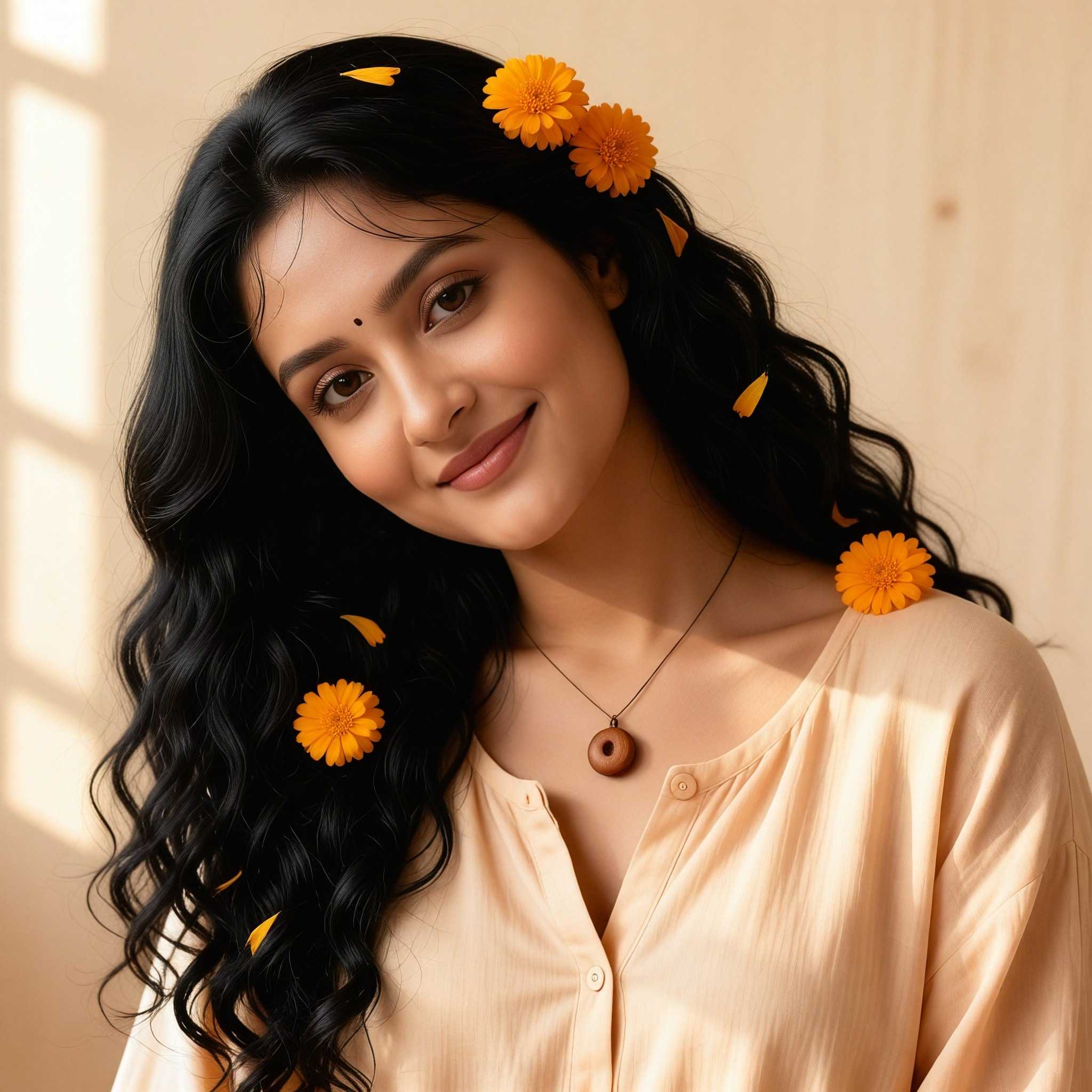
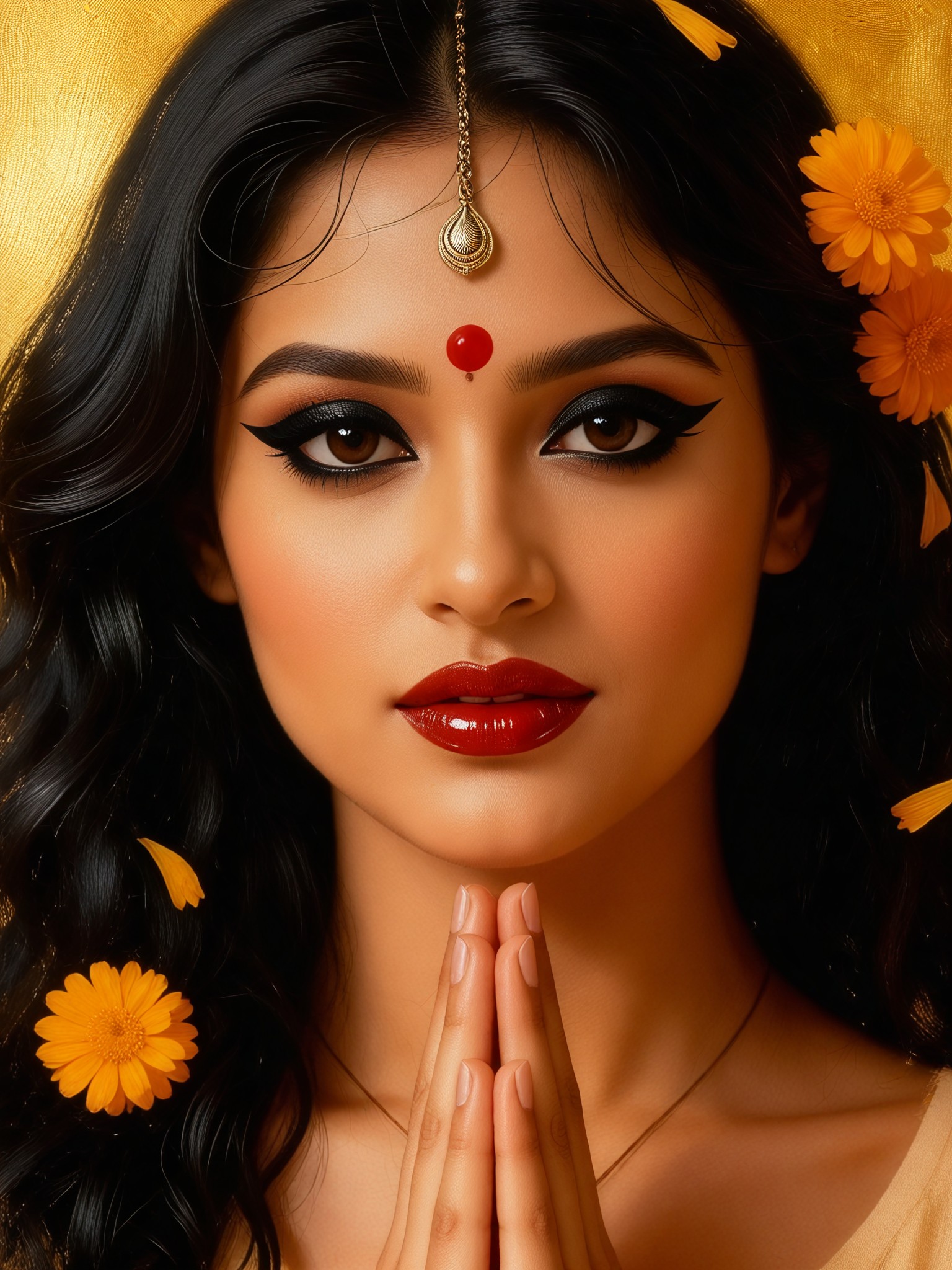
Input
Result
Beauty filter-6
Aryan(阿利安)68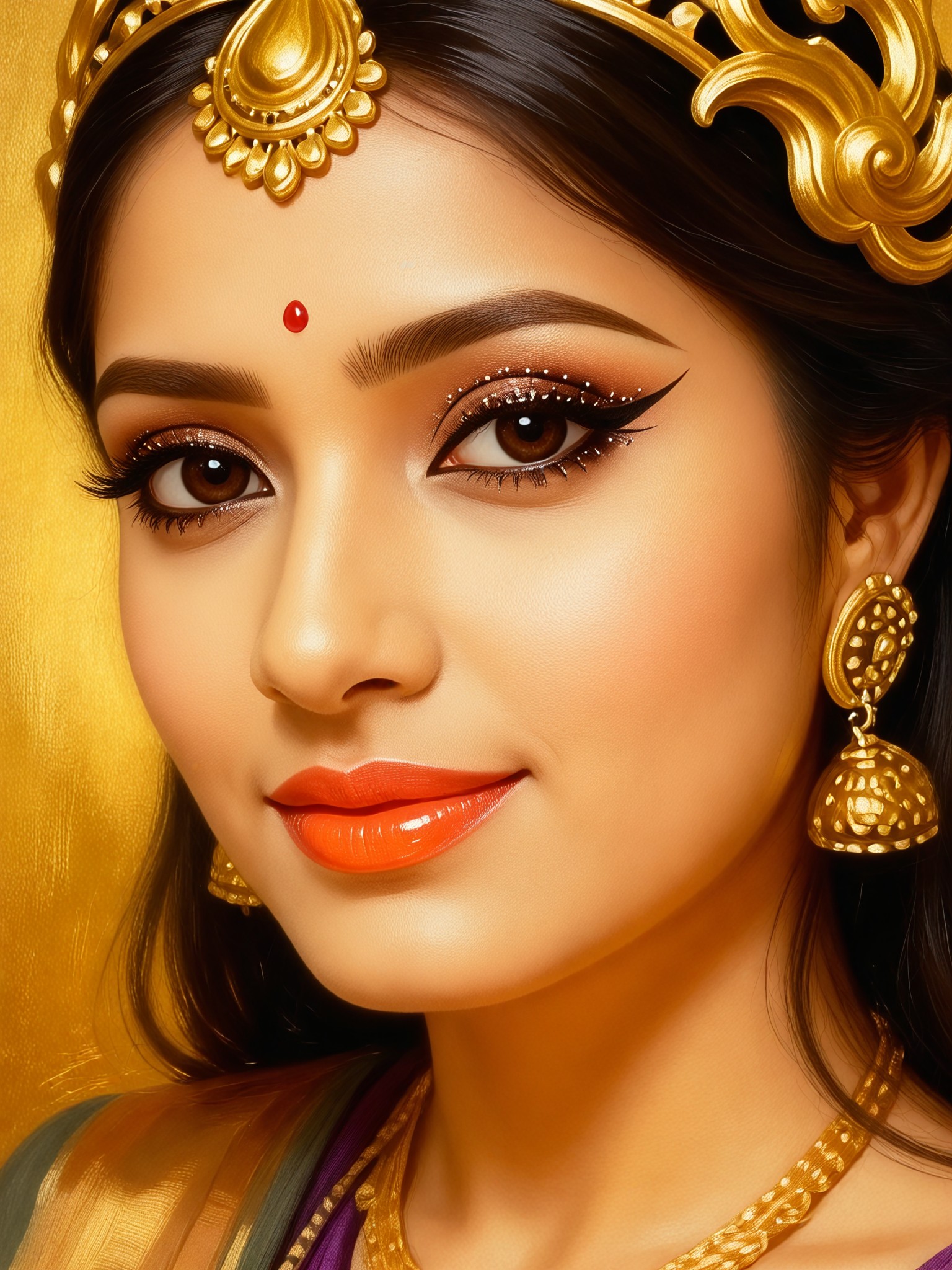
Input
Result
Beauty filter-8
Aryan(阿利安)57
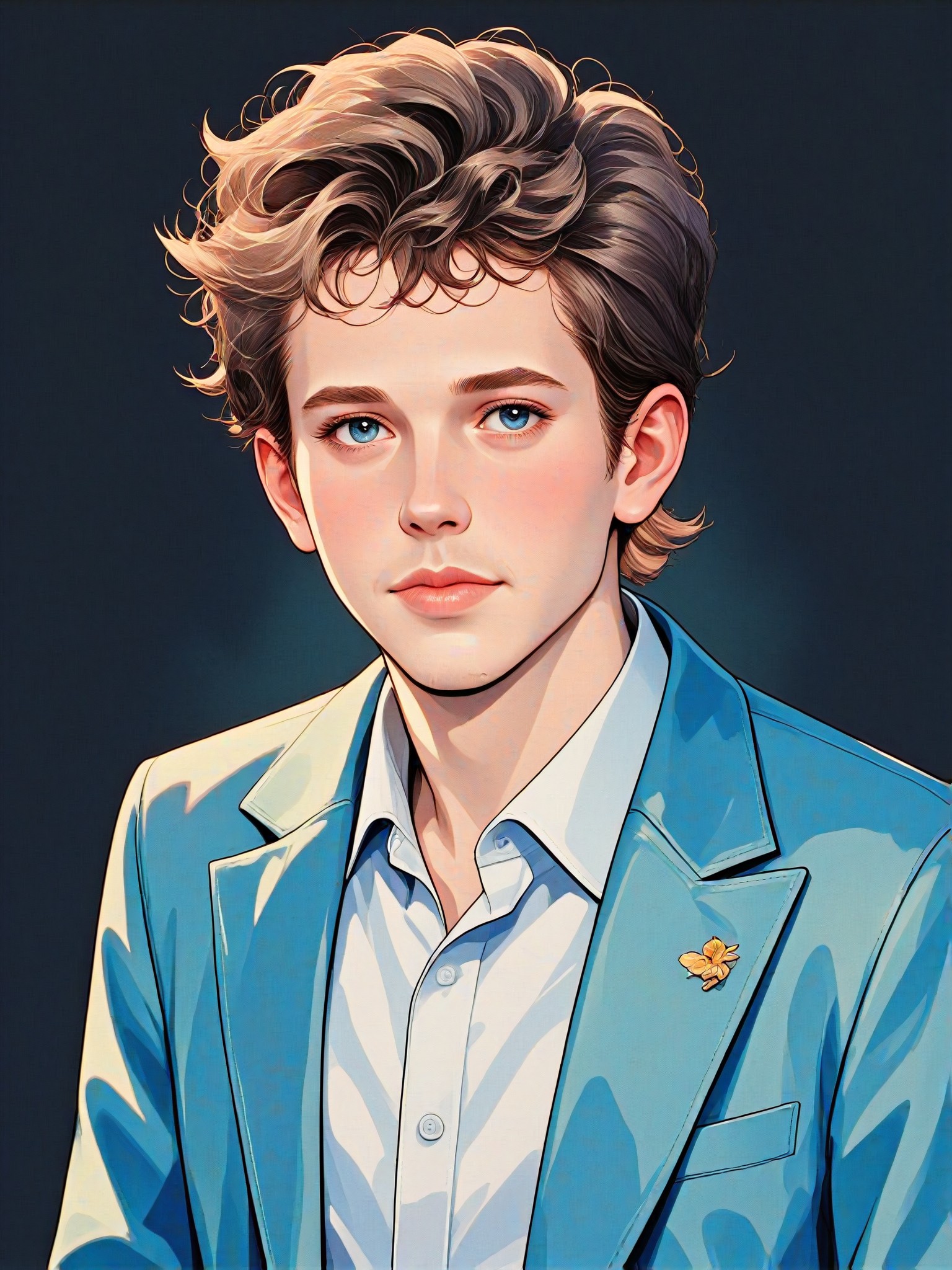
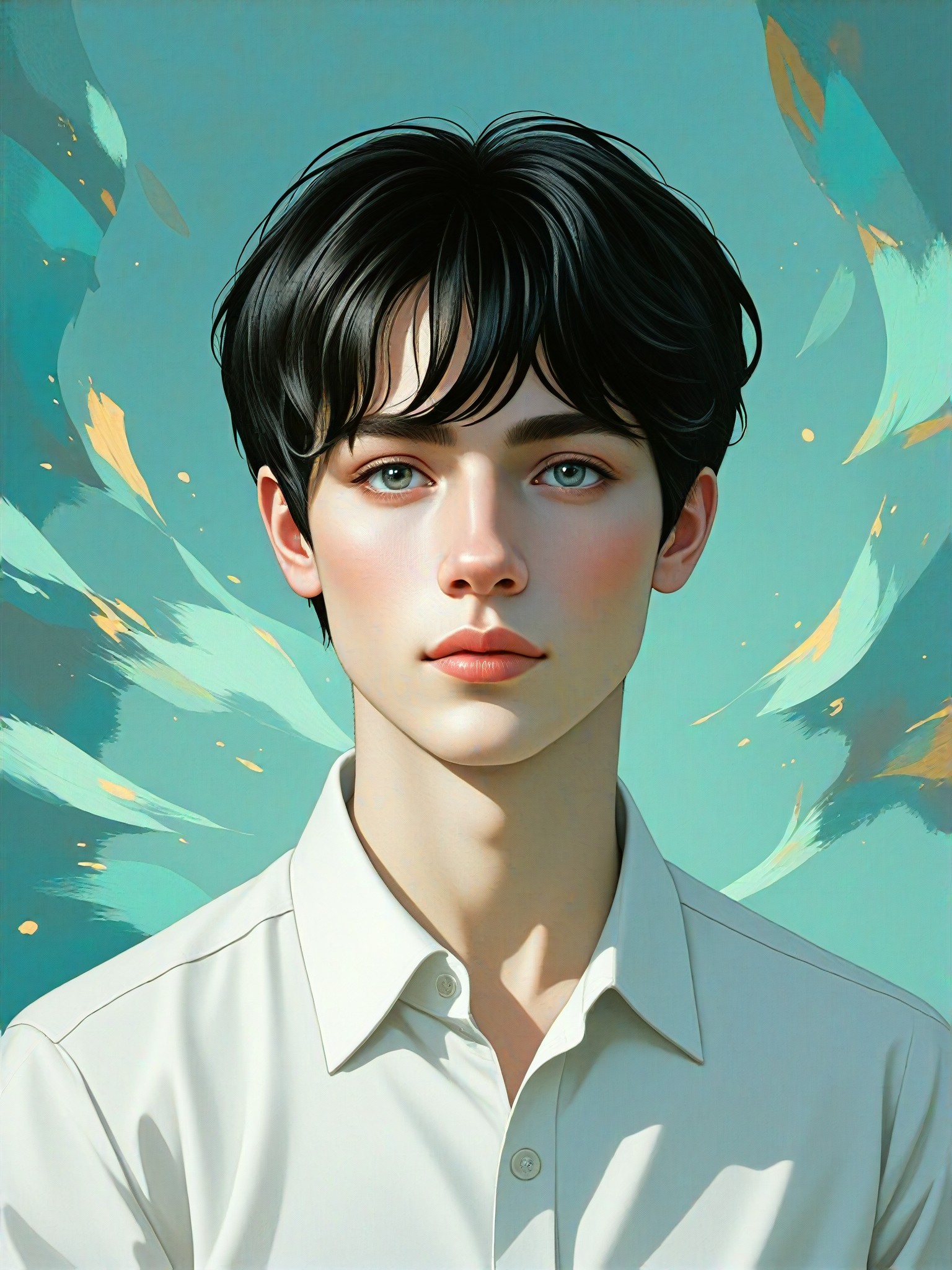
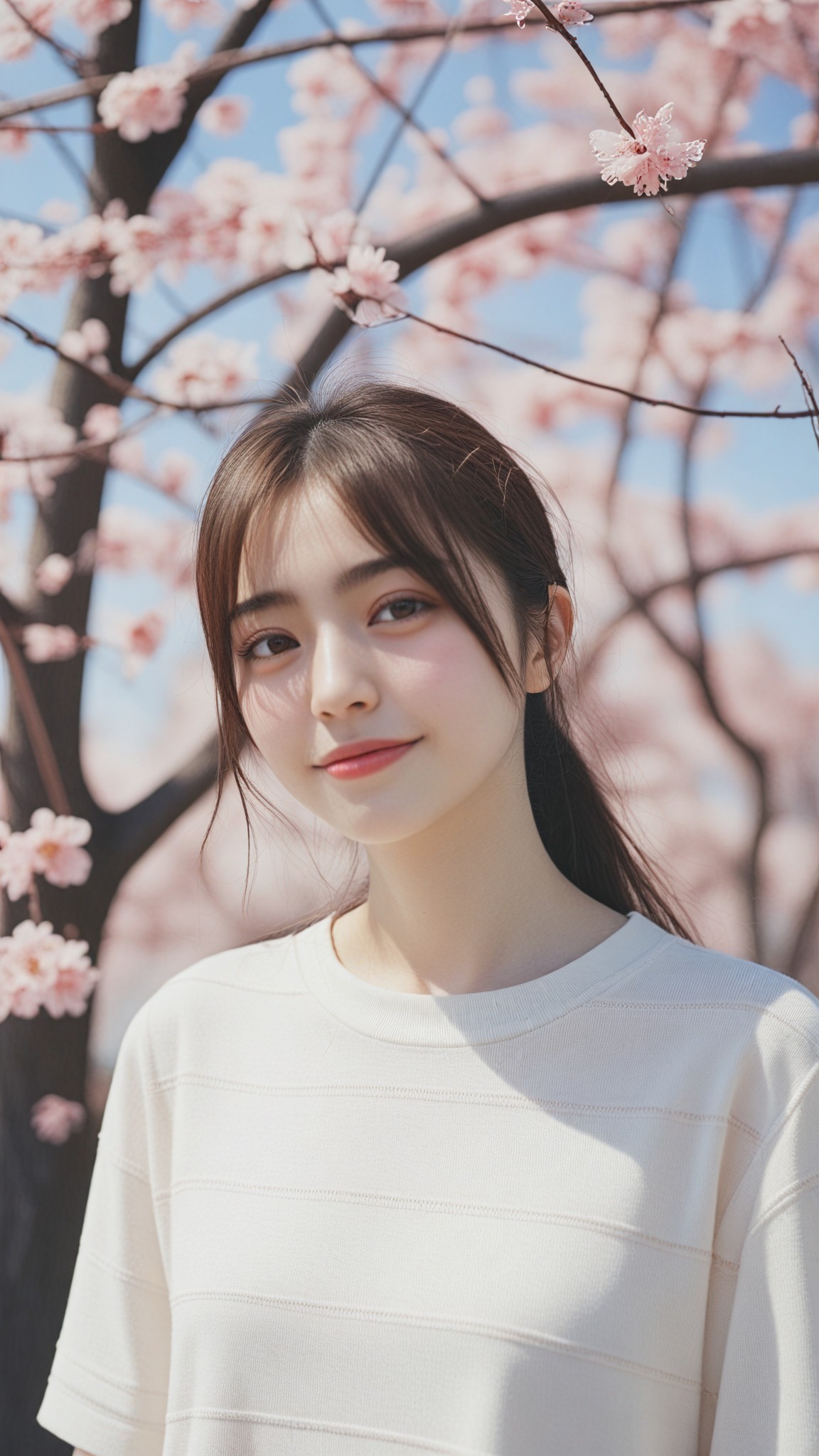
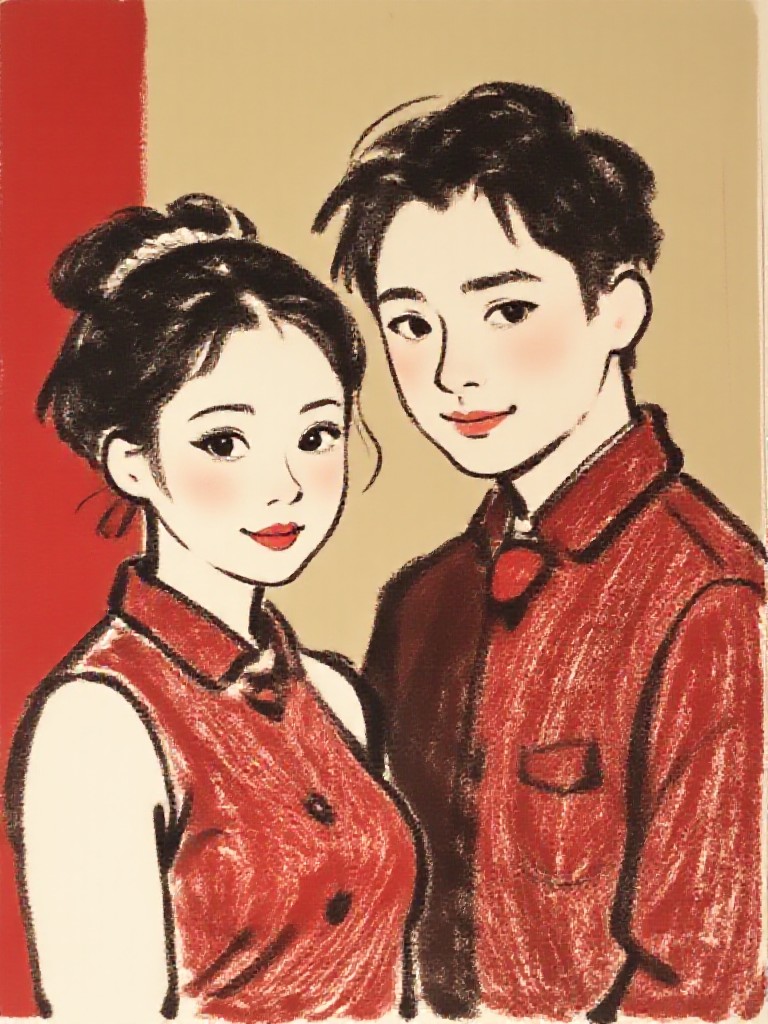
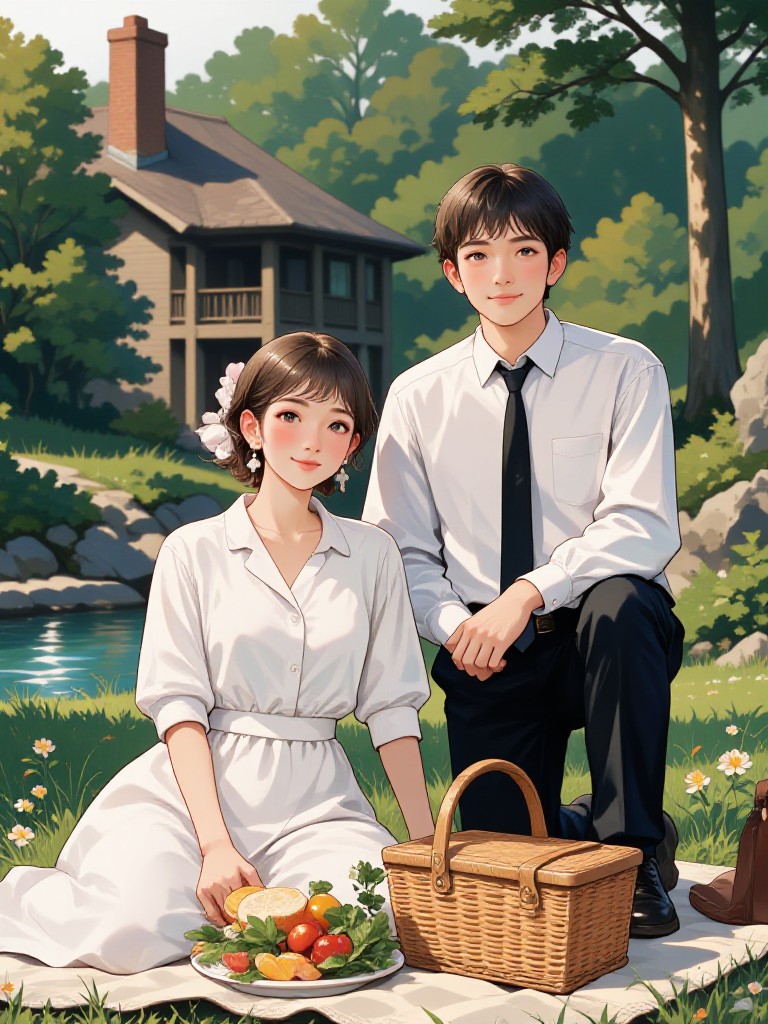
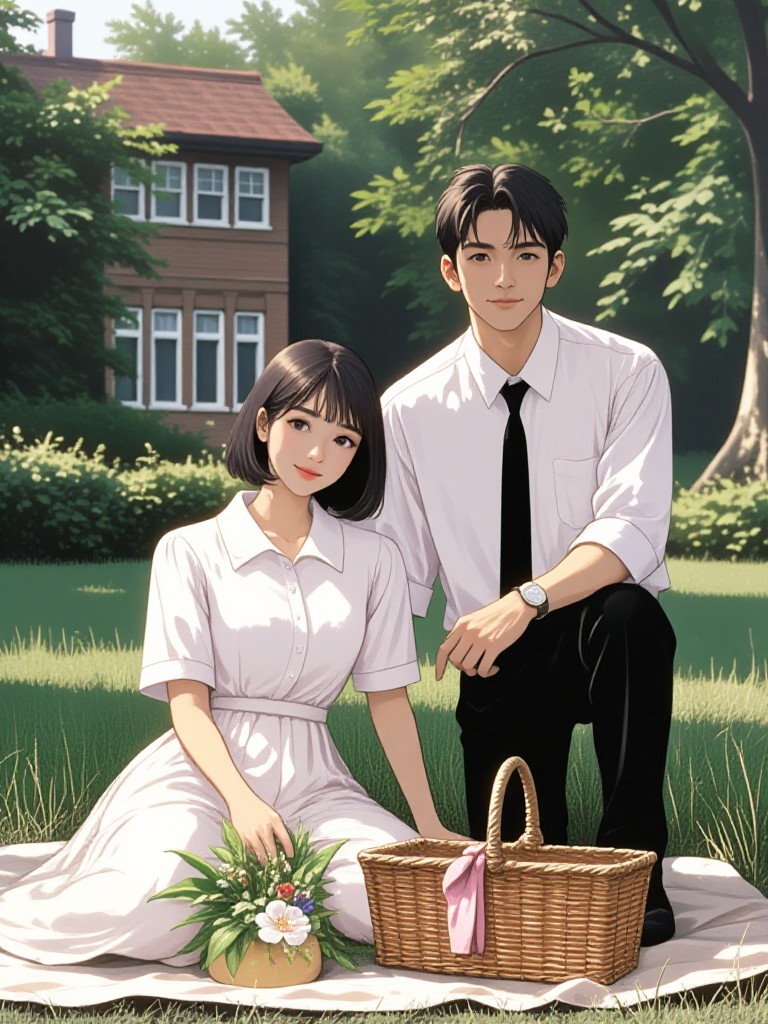
AI Generated Beauty Filter Images & Videos
Discover unique and innovative Beauty Filter images and videos created with a1.art Beauty Filter prompts.

How to Make Beauty Filter AI Image & Video on a1.art?
Step into the future of AI Beauty Filter video and image creation on a1.art.

Step 1
Select the style you want to apply in the Square.

Step 2
Upload the image you want to transform. It can be a photo, hand-drawn sketch.

Step 3
Wait a few seconds and you can easily get your unique AI Beauty Filter art. Download for free!
FAQ about Beauty Filter AI Prompt on a1.art
Discover the secrets to creating Birthday Day videos and images at a1.art.
What is a beauty filter AI prompt?
A beauty filter AI prompt is a specific instruction or description you provide to a1.art that guides the AI in generating images or videos with desired beauty-related effects, such as skin texture, lighting, or artistic filters.
Can I customize my beauty filter AI prompts?
Yes, a1.art allows you to fully customize your beauty filter AI prompts. You can describe the exact look you want, including skin tone, lighting style, and additional effects, and the AI will generate visuals accordingly.
How do I use beauty filter AI prompts on a1.art?
To use beauty filter AI prompts on a1.art, simply select a prompt from our curated list, upload an image, or enter a custom text description. The AI will instantly generate beauty filter visuals based on your input.
Are there any limitations to using beauty filter AI prompts?
There are no strict limitations, but the quality of the output depends on the clarity and specificity of your prompt. For best results, be as detailed as possible when describing the beauty filter effect you desire.
Does a1.art offer free beauty filter AI prompts?
Yes, a1.art provides daily free login credits, allowing you to explore and generate beauty filter AI prompts without cost. Additional credits can be earned through subscriptions or other activities.


