


Get Bald Filter Videos & Images without Prompt
a1.art offers a large number of filters, allowing you to easily obtain AI videos or images without prompts.
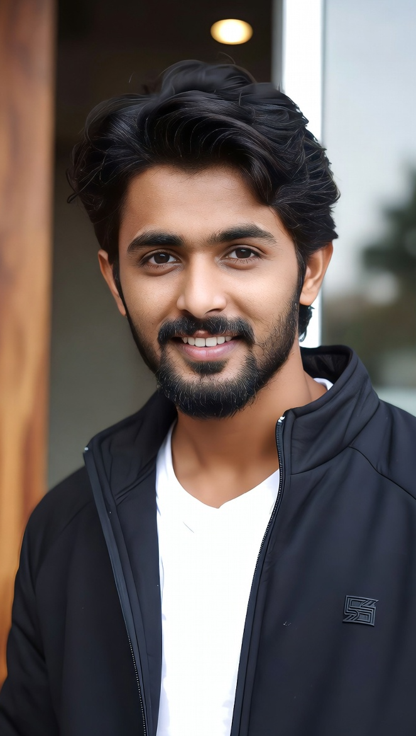

Input
Result
Save the Bald Head
 Zephyr.JX
 10
10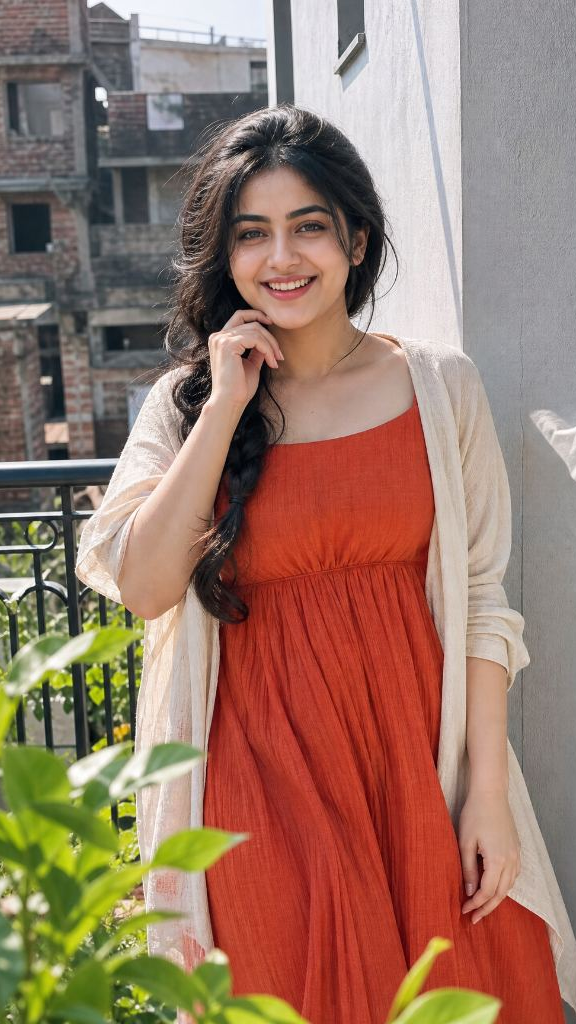
Input
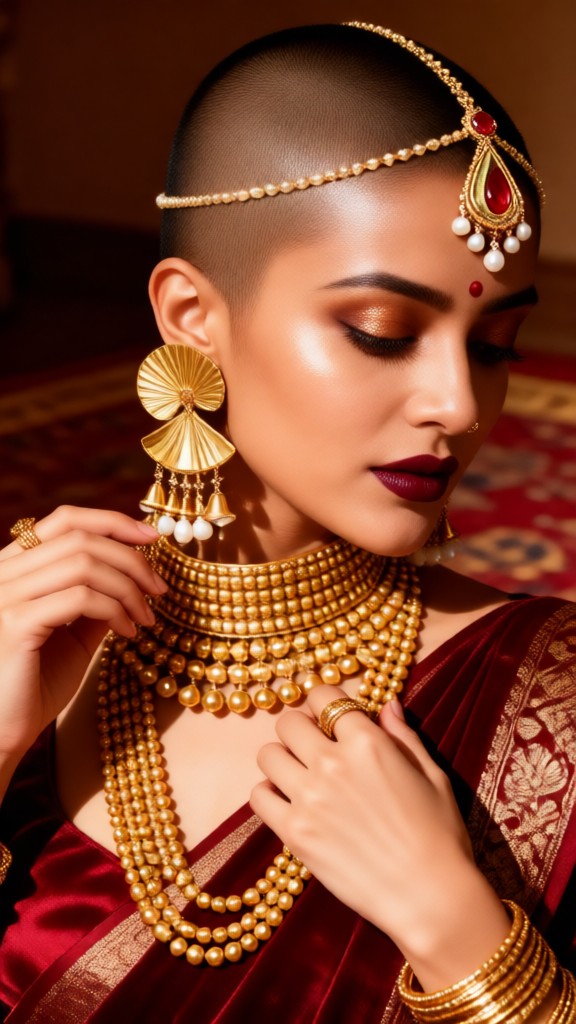
Result
The Bald-Headed Princess Woman
 JOY!!!2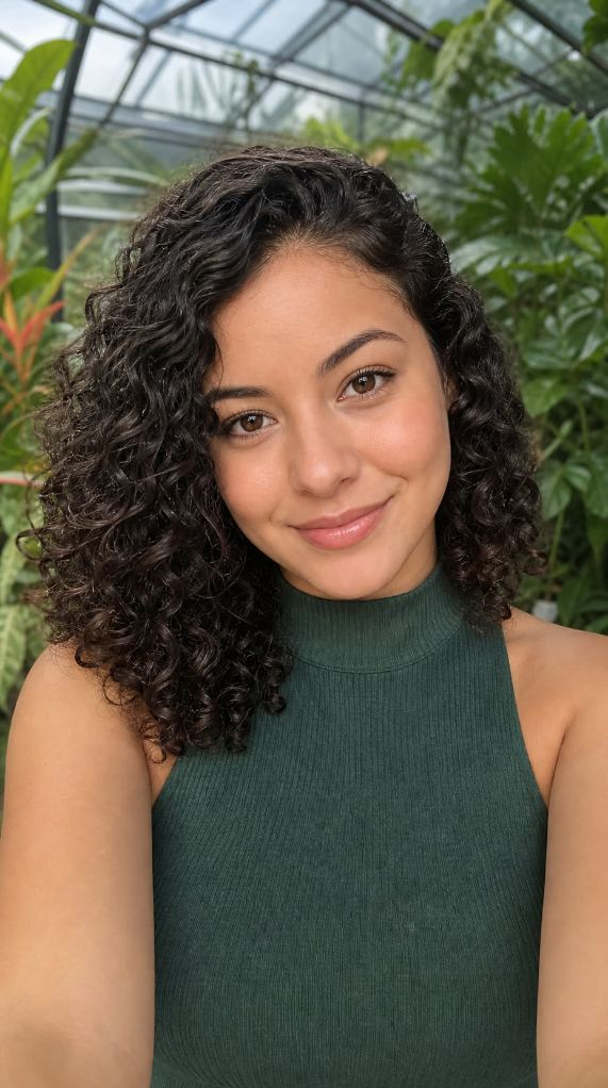
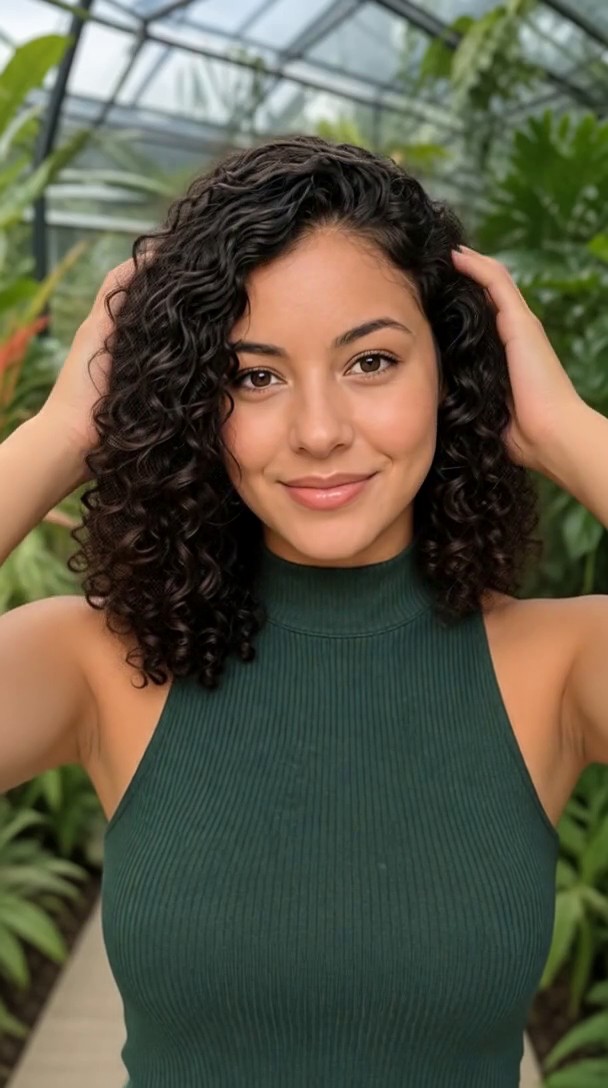
Input
Result
Bald Surprise
 puhtkow2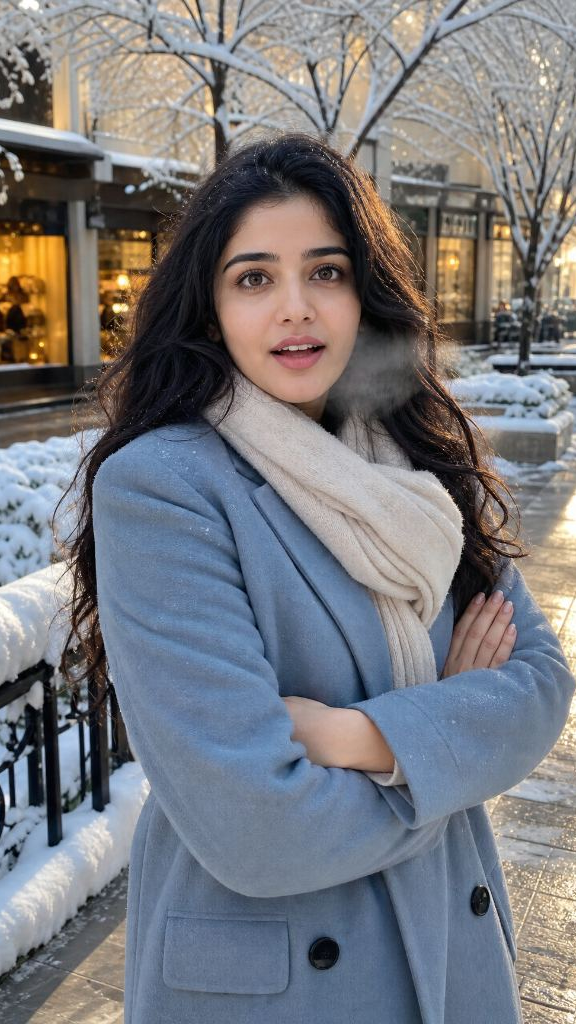
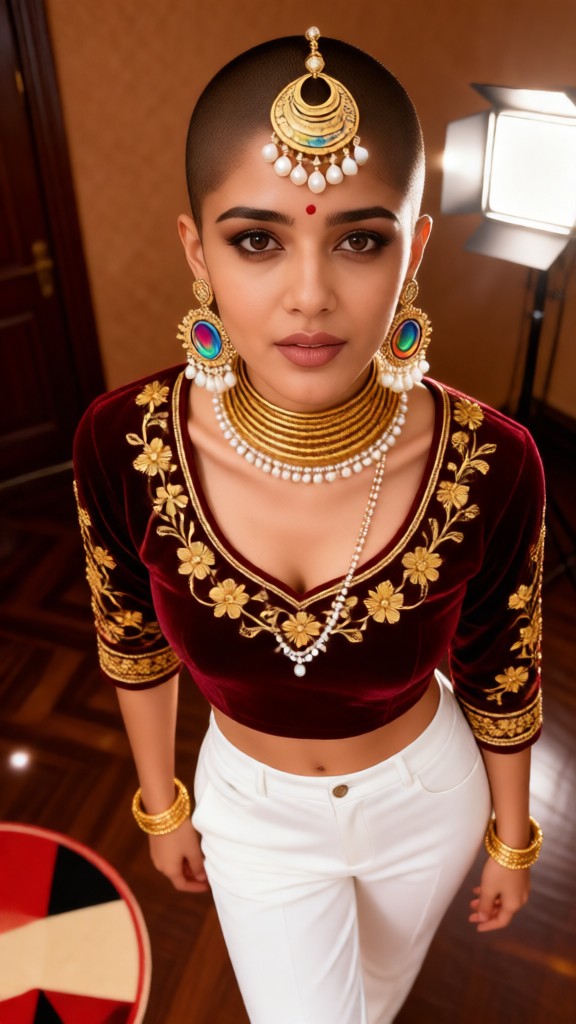
Input
Result
The Bald-Headed Princess Woman-03
JOY!!!1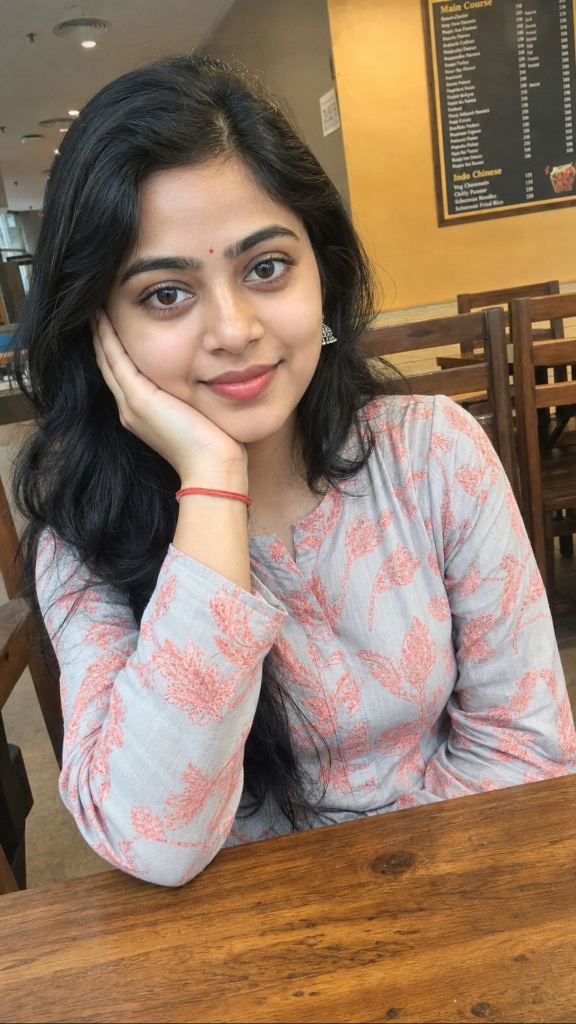
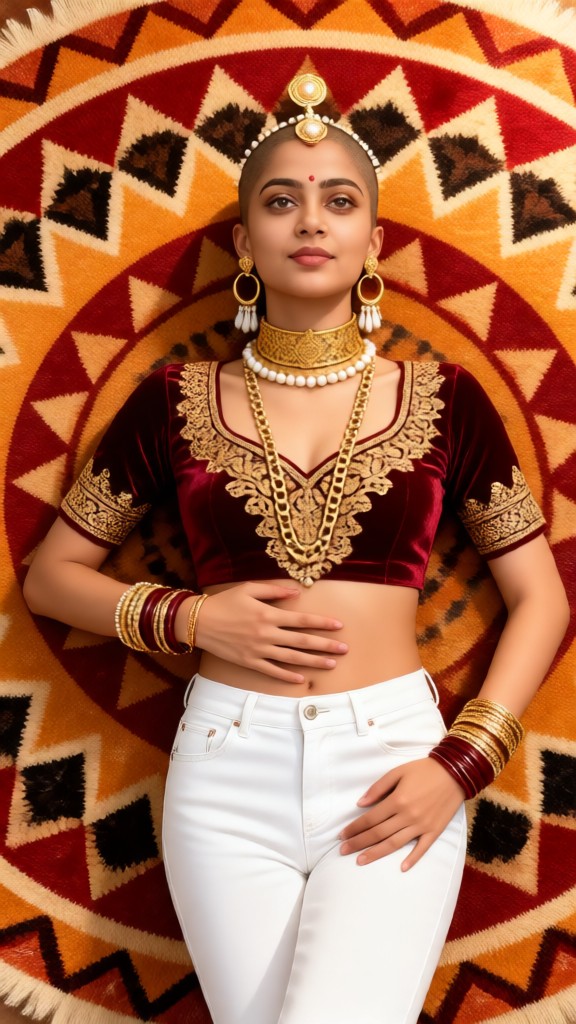
Input
Result
The Bald-Headed Princess Woman-02
JOY!!!11女孩,短发,
奔跑
书包

Input
Result
text-to-image
o
o202

Input
Result
TGG-证件照
T
TGG4.7k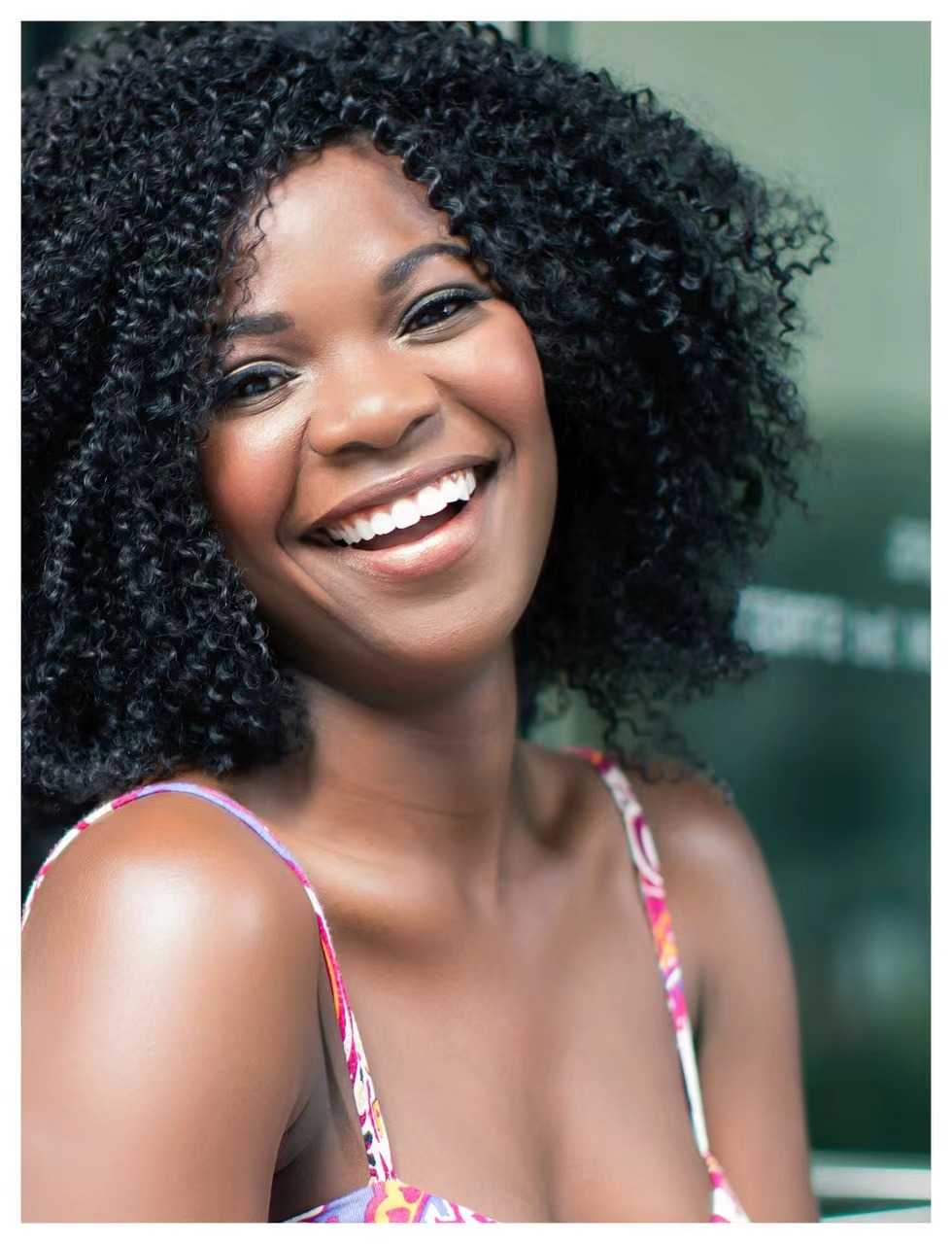
Input
Result
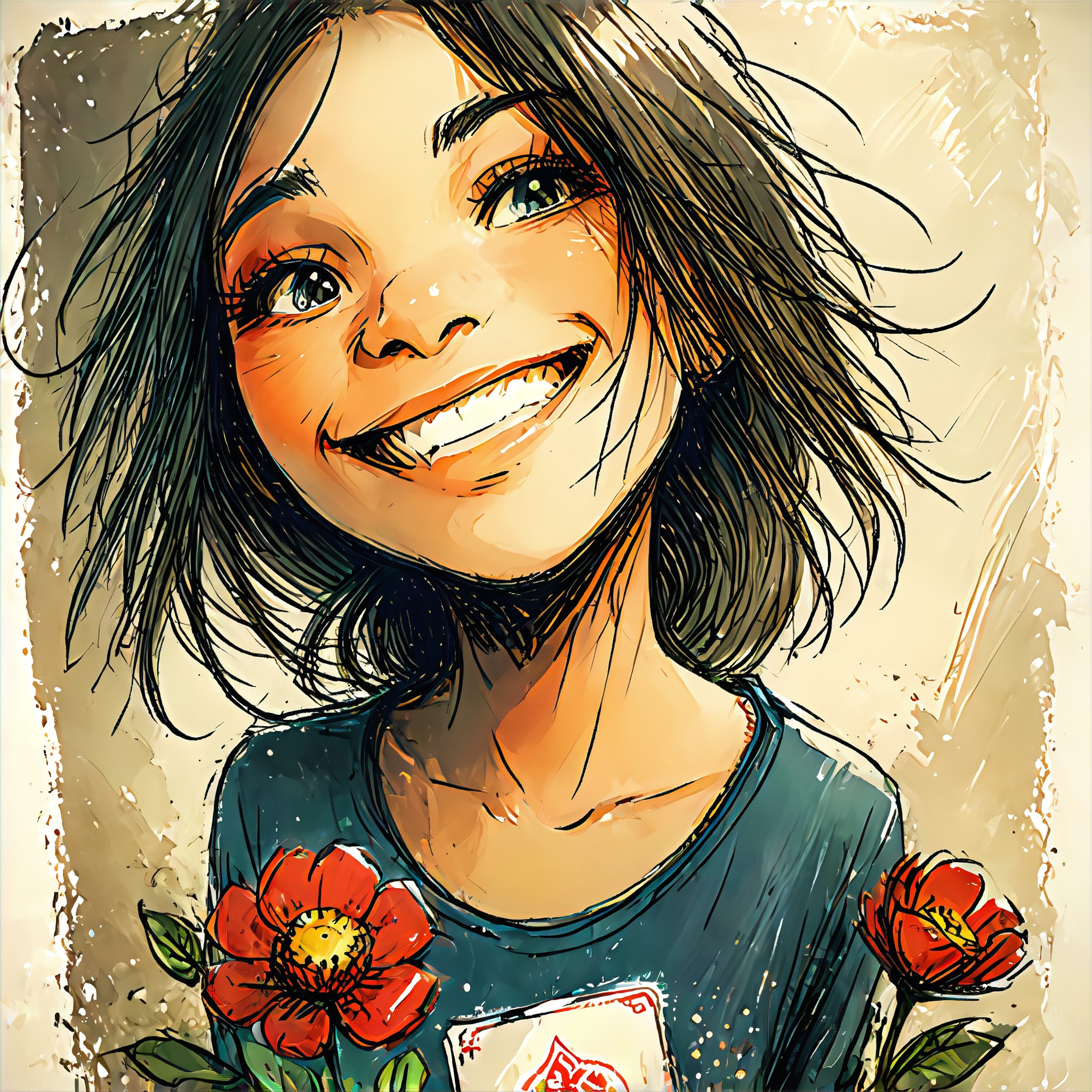
潦草艺术
A
Art8129xzp8zkyy39
AI Generated Bald Filter Images & Videos
Discover unique and innovative Bald Filter images and videos created with a1.art Bald Filter prompts.
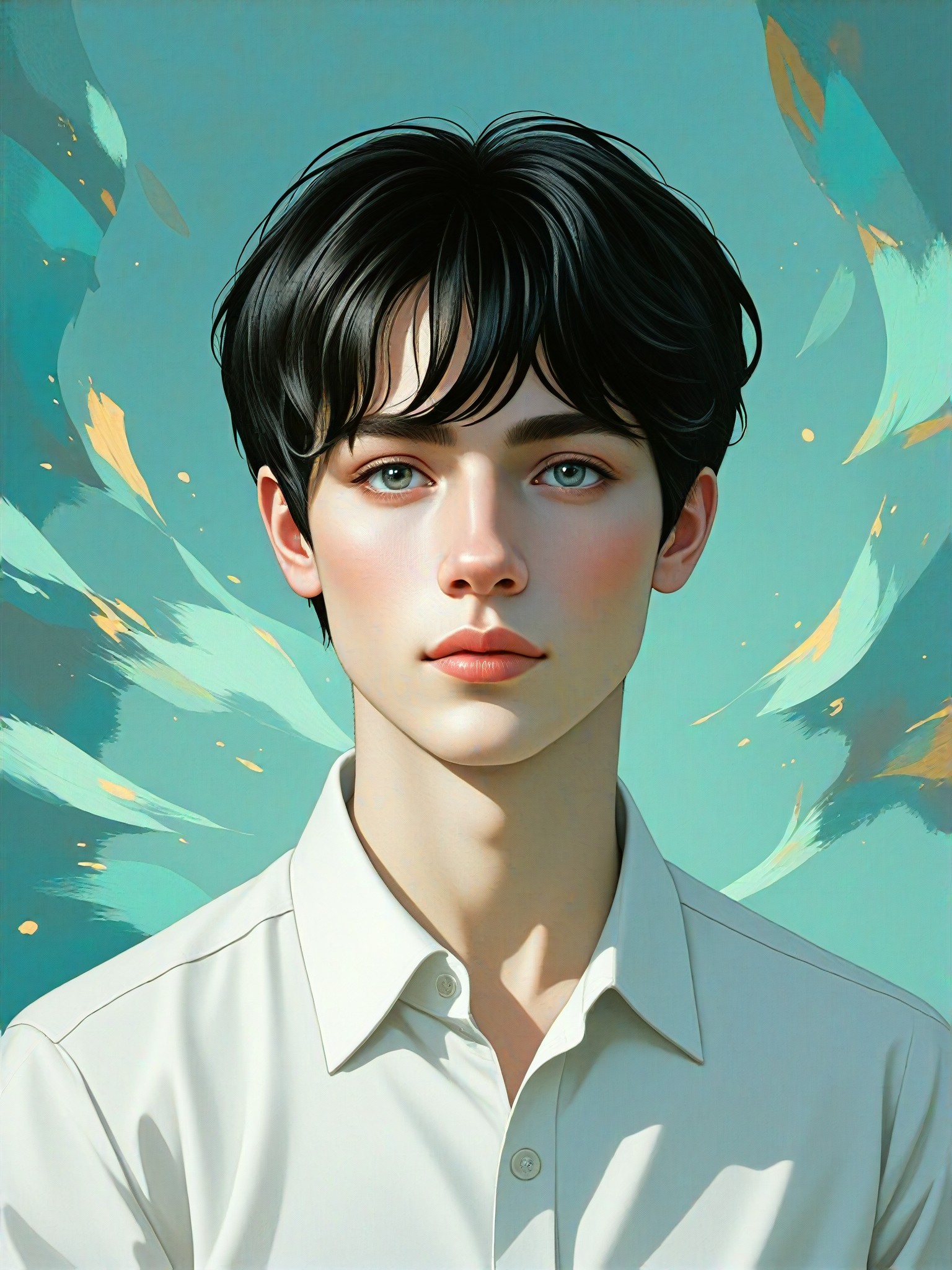
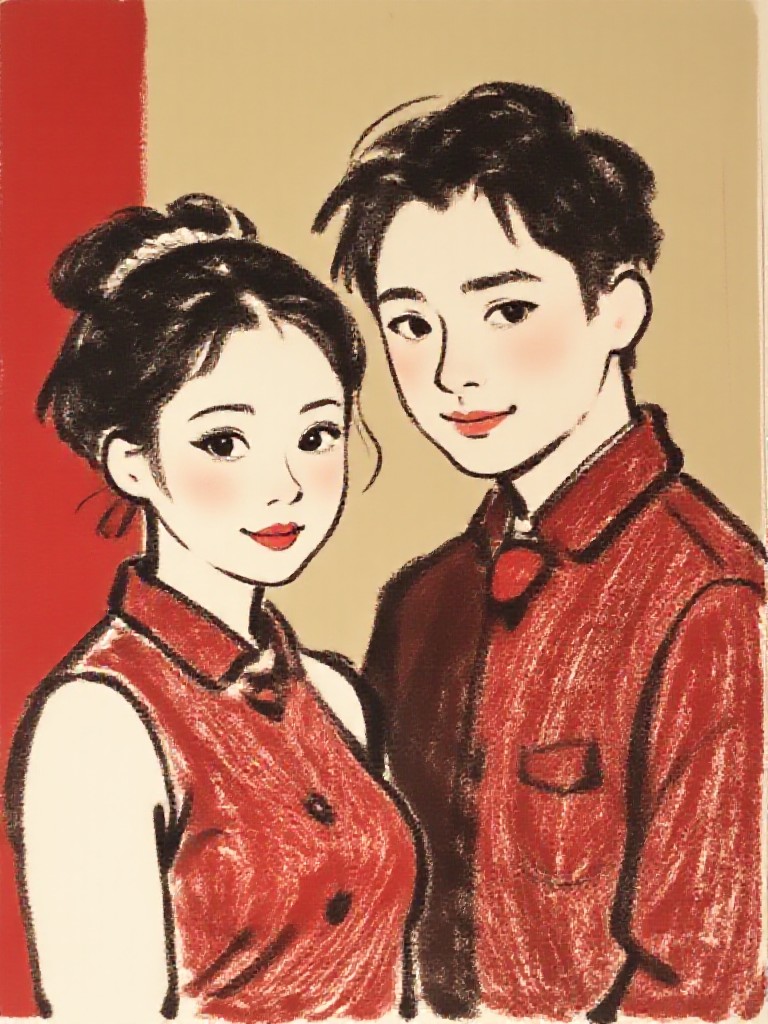
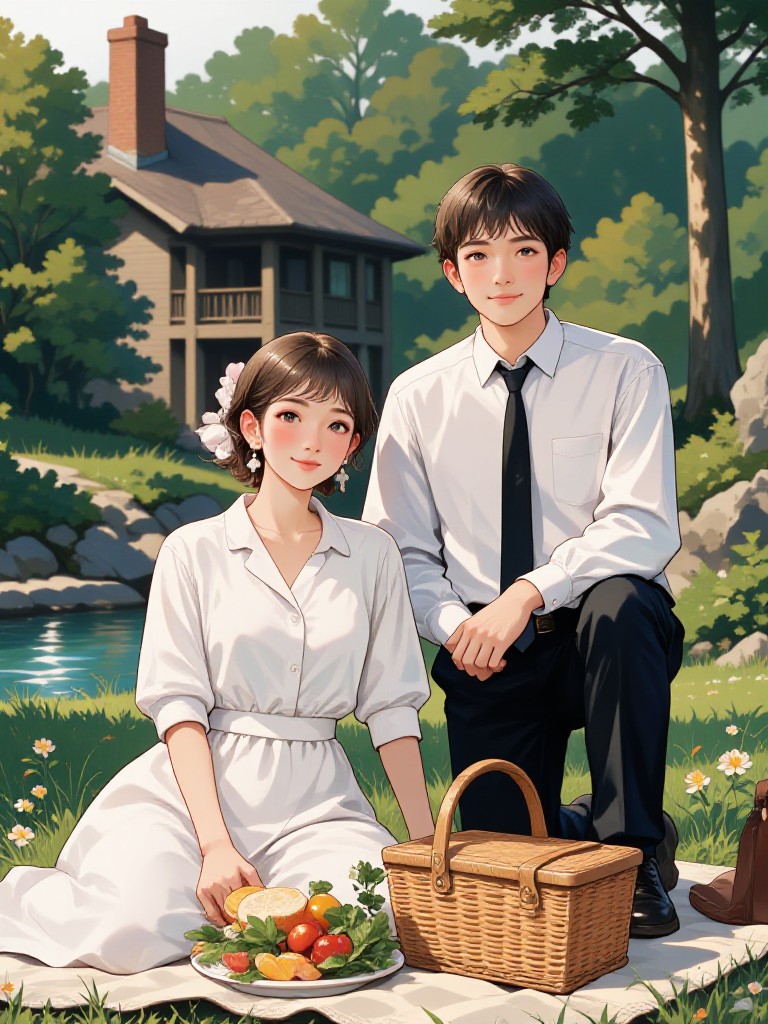

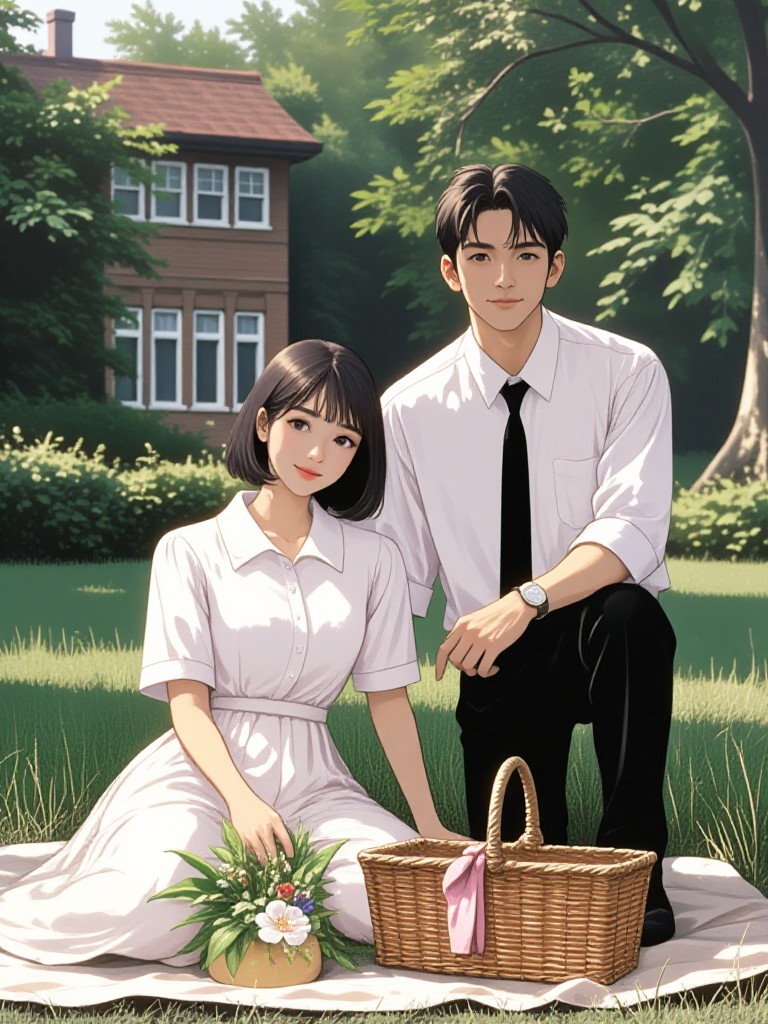
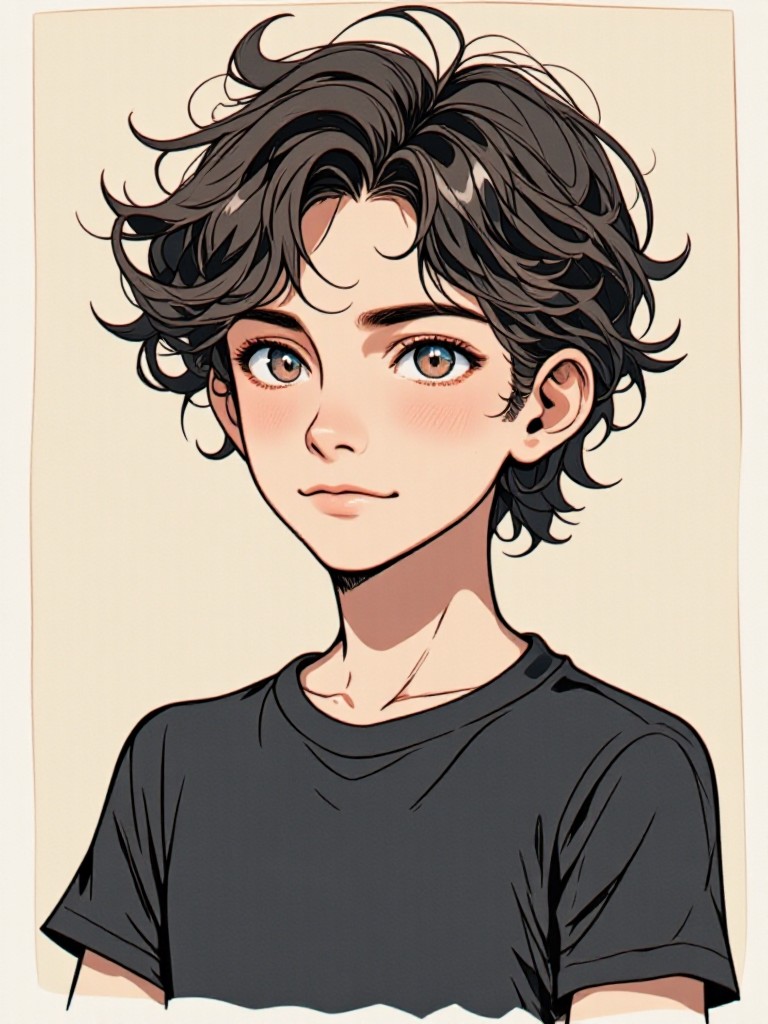
How to Make Bald Filter AI Image & Video on a1.art?
Step into the future of AI Bald Filter video and image creation on a1.art.

Step 1
Select the style you want to apply in the Square.

Step 2
Upload the image you want to transform. It can be a photo, hand-drawn sketch.

Step 3
Wait a few seconds and you can easily get your unique AI Bald Filter art. Download for free!
FAQ about Bald Filter AI Prompt on a1.art
Discover the secrets to creating Birthday Day videos and images at a1.art.
What is a bald filter AI prompt?
A bald filter AI prompt is a specific instruction or description used to guide the AI in generating images or videos with realistic bald filter effects. These prompts can include details about texture, lighting, style, and other visual elements to achieve the desired outcome.
How do I use bald filter AI prompts on a1.art?
To use bald filter AI prompts on a1.art, simply upload your image or enter a text prompt describing the bald filter effect you want. The AI will then generate visuals based on your input, allowing you to customize and refine the results until you achieve the perfect bald filter look.
Can I create both images and videos with bald filter AI prompts?
Yes, a1.art supports both AI image and video generation. You can use bald filter AI prompts to create stunning bald filter visuals in either format, depending on your needs and preferences.
Are there any unique features of a1.art's bald filter AI prompts?
a1.art's bald filter AI prompts offer advanced customization options, including detailed texture control, lighting adjustments, and style-specific filters. Additionally, the platform provides daily free credits and subscription plans for unlimited access to these powerful tools.
How can I improve the quality of my bald filter visuals?
To improve the quality of your bald filter visuals, experiment with different prompts that include specific details about texture, lighting, and style. You can also adjust the settings within a1.art to fine-tune the output, ensuring the final result meets your creative vision.


