


Get Background Remover Videos & Images without Prompt
a1.art offers a large number of filters, allowing you to easily obtain AI videos or images without prompts.
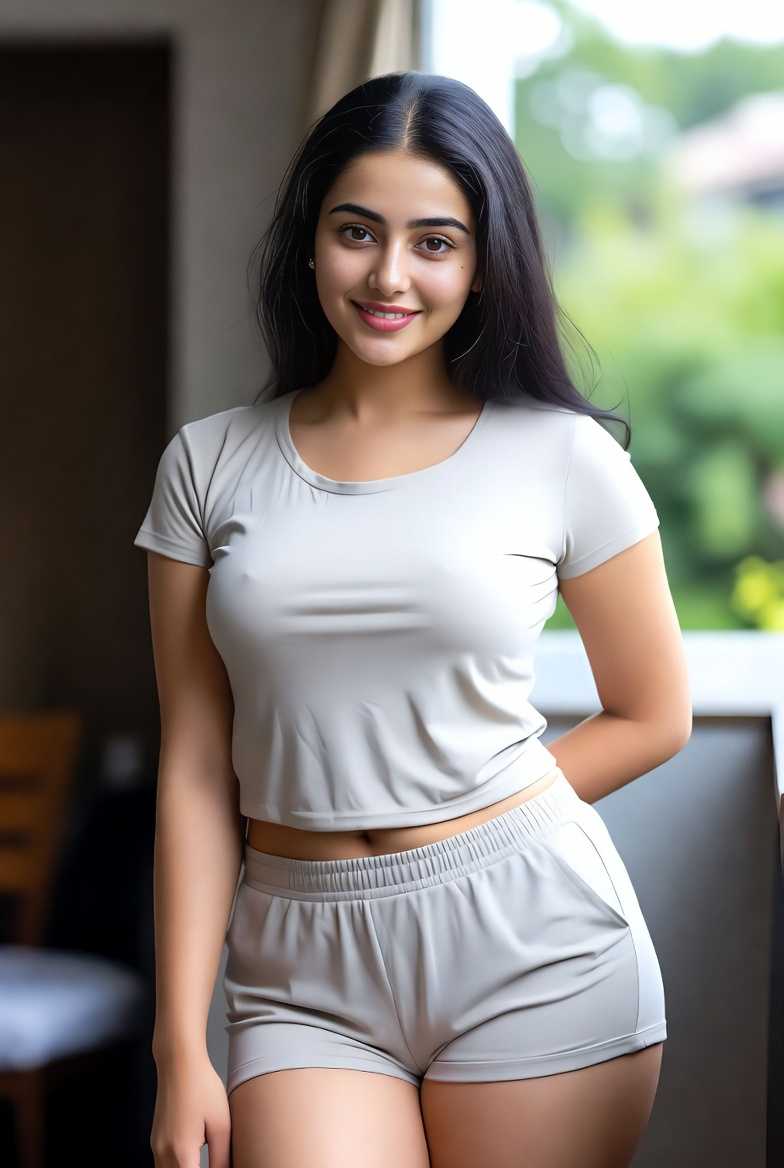
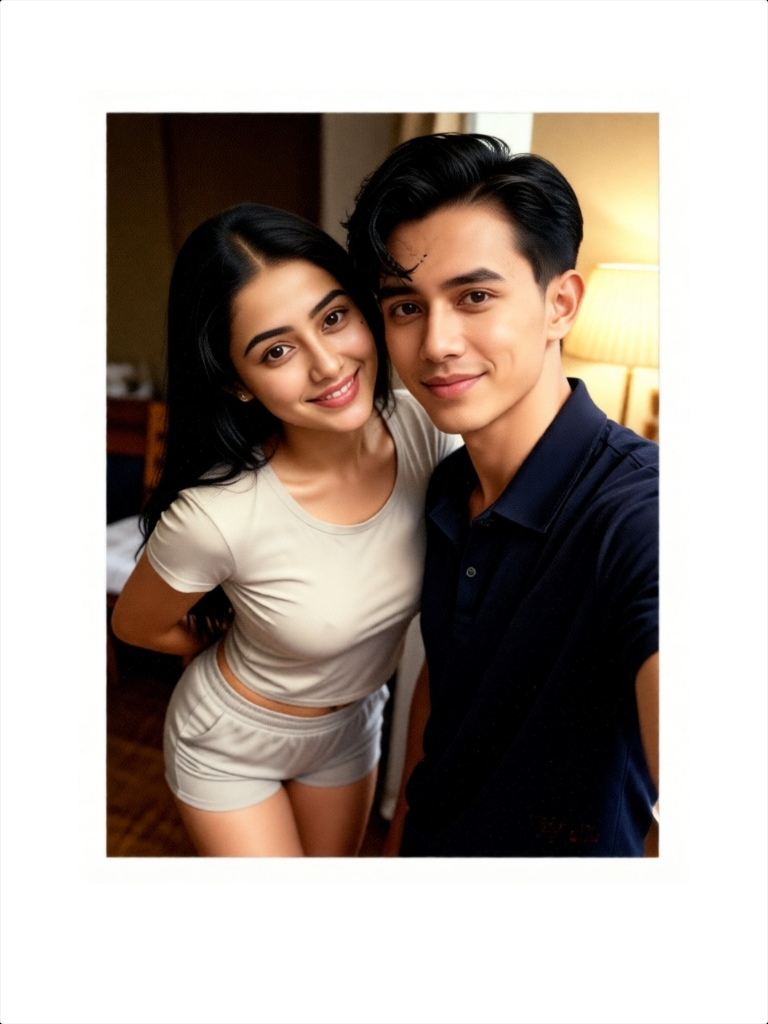
Input
Result
Bedroom background Polaroid
 一个酷酷的man
 3.6k
3.6k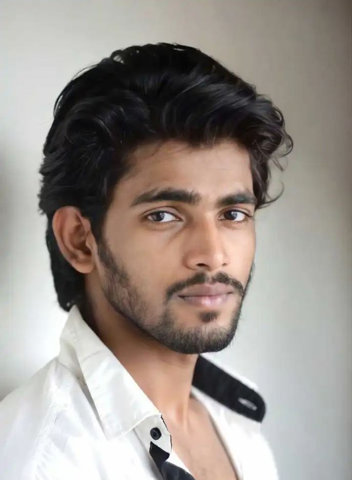

Input
Result
Couple photo with pink background
 Maochulai3.01.0k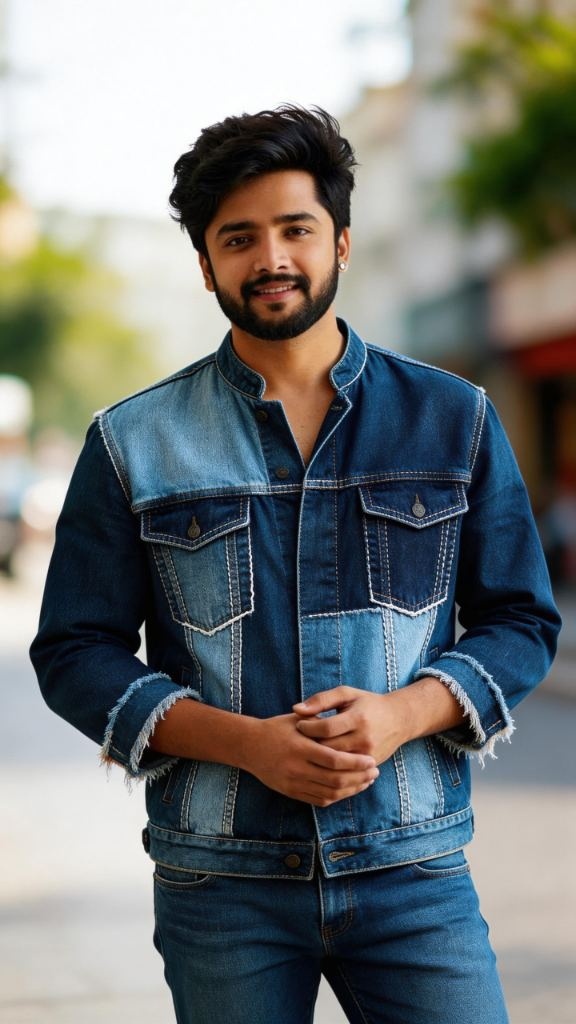
Input
Result
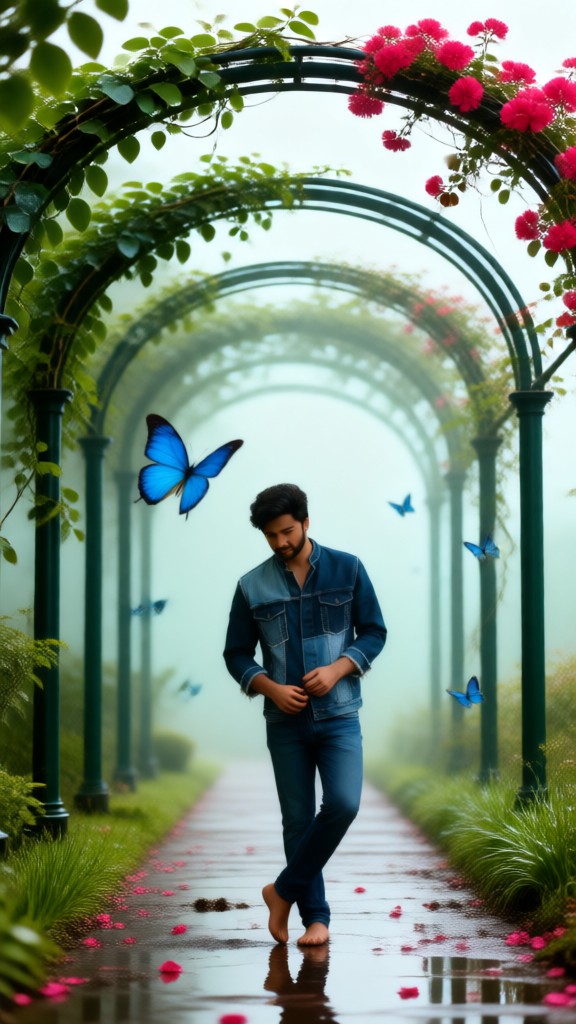
One-click background switch
 akaii99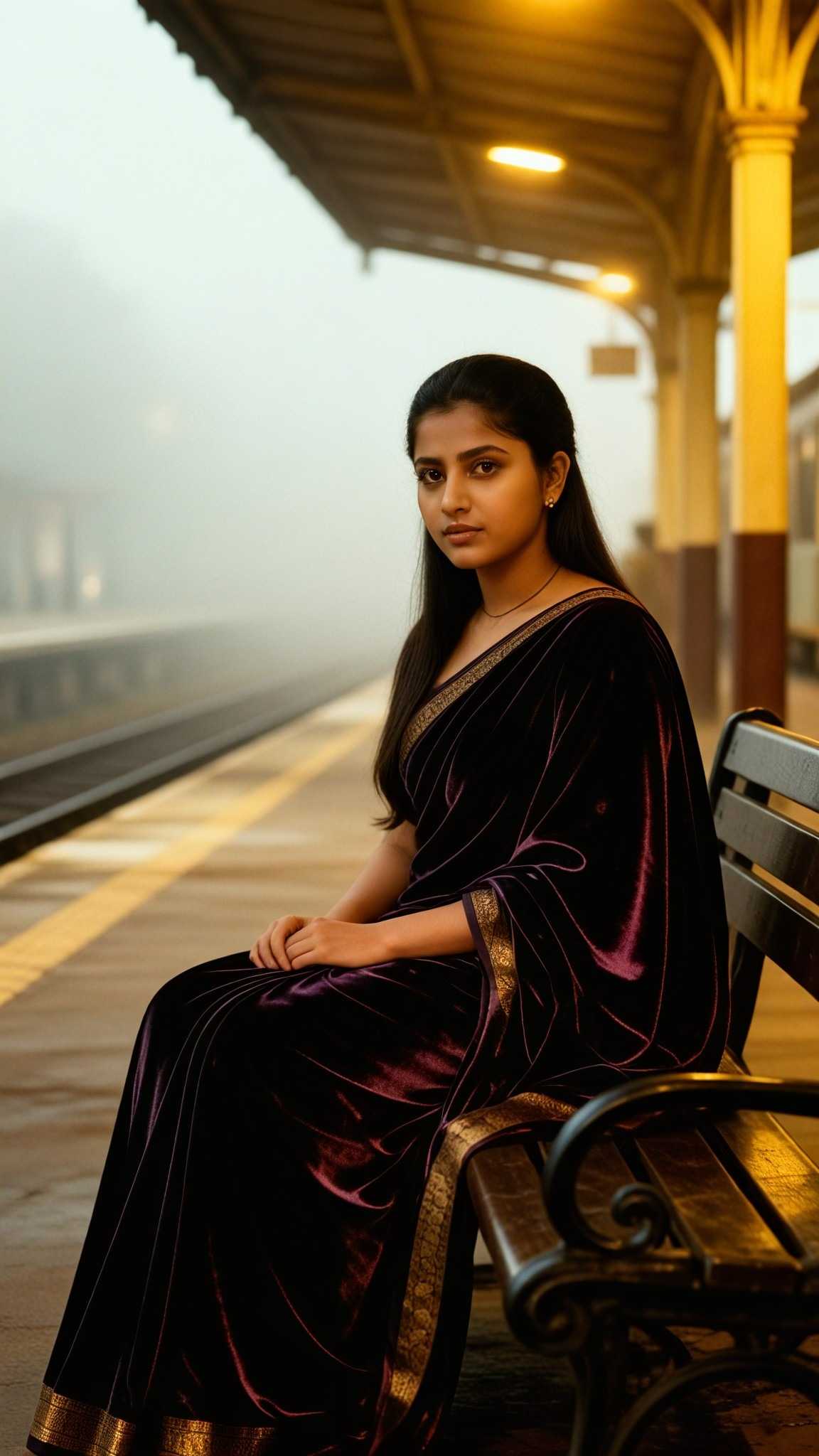
Input
Result
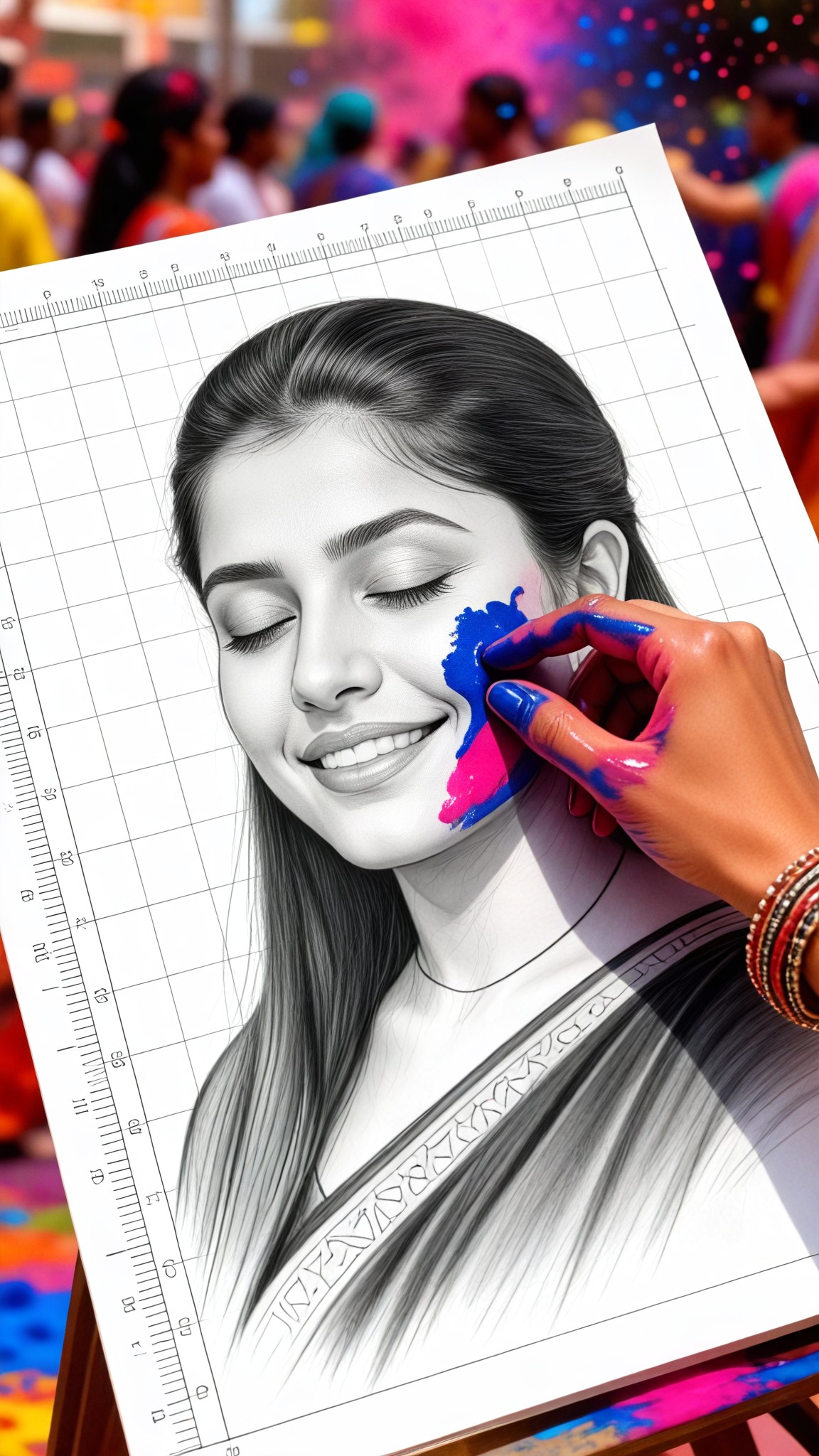
Sketch Portrait of Holi Background
 Vihann97

Input
Result
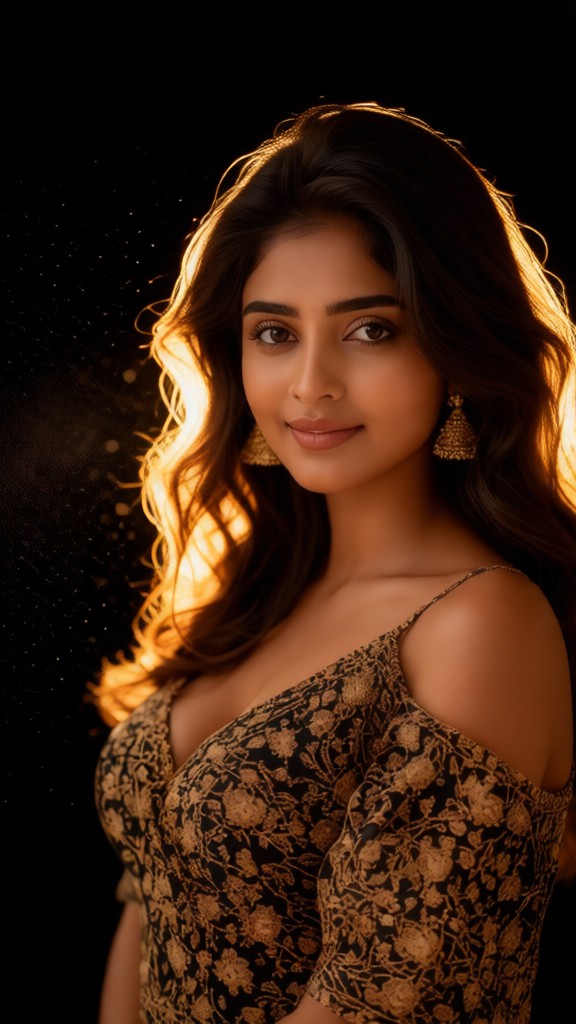
Smoke Particle Background Artistic Portrait
Vihann68
Input
Result
Background Soft Glow Photo
 Lizzie-R64

Input
Result
Smoky Background
 nixia.yang33

Input
Result
Background Soft Glow Photo-p
Lizzie-R30
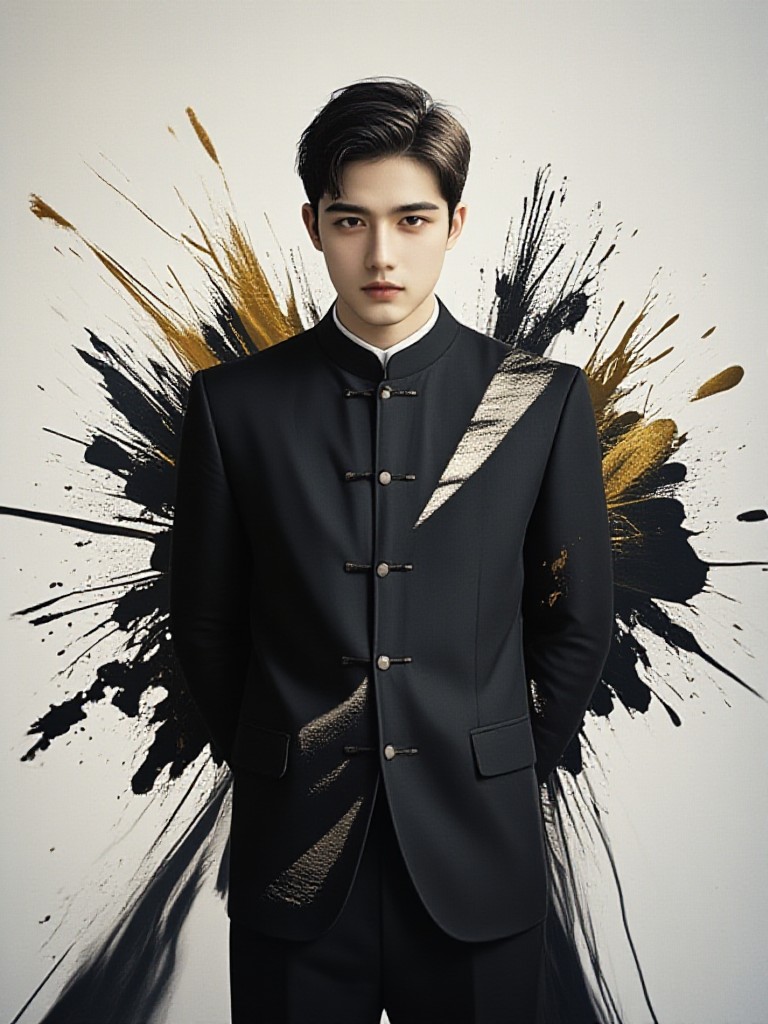
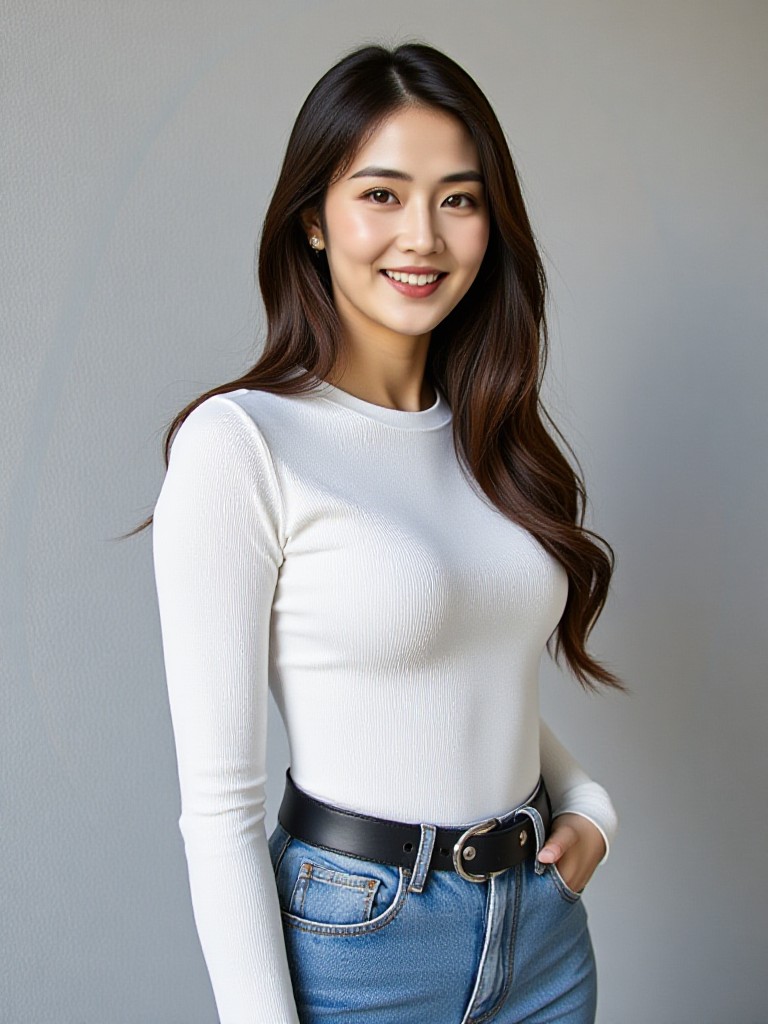
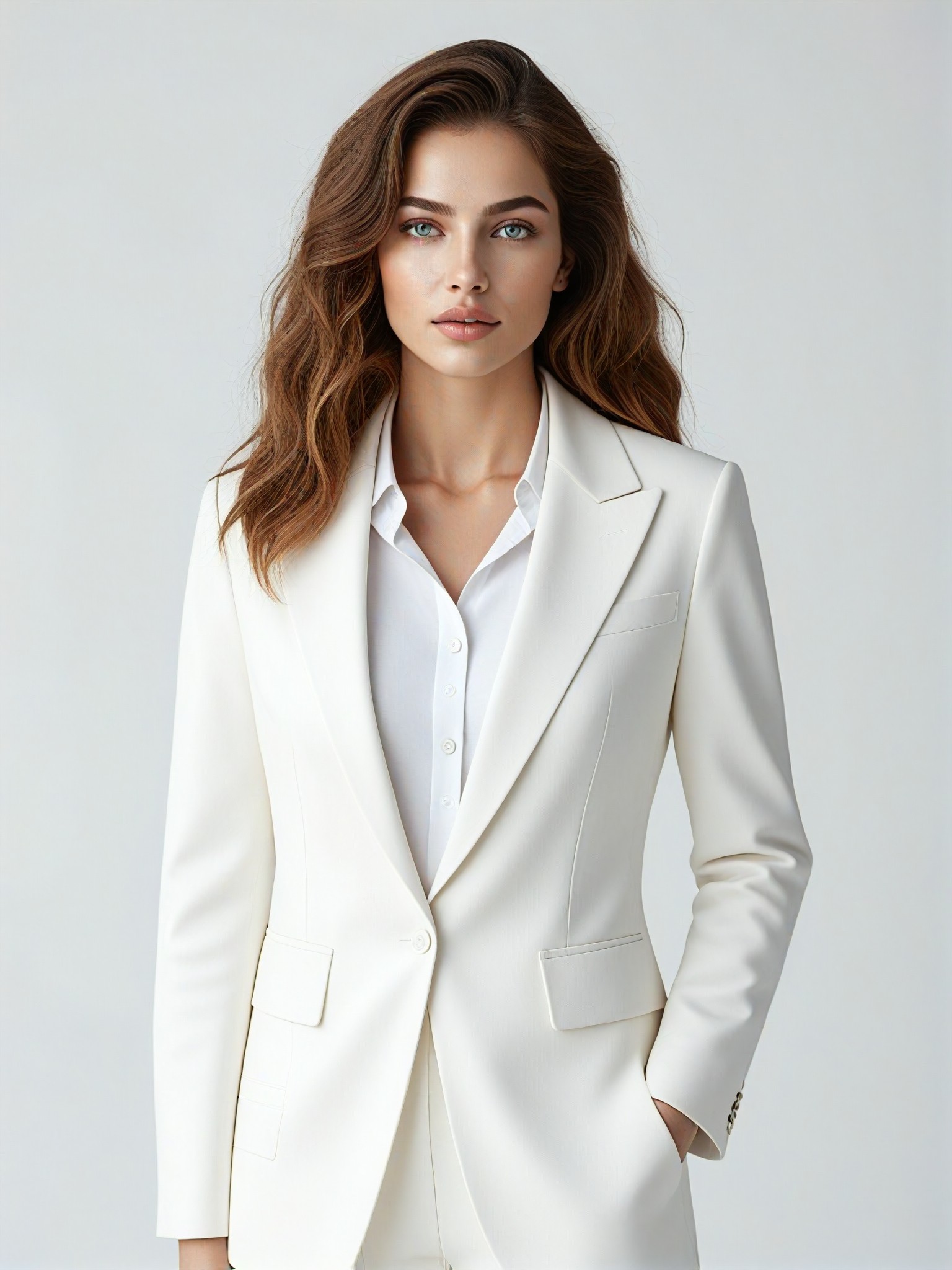
AI Generated Background Remover Images & Videos
Discover unique and innovative Background Remover images and videos created with a1.art Background Remover prompts.



How to Make Background Remover AI Image & Video on a1.art?
Step into the future of AI Background Remover video and image creation on a1.art.

Step 1
Select the style you want to apply in the Square.

Step 2
Upload the image you want to transform. It can be a photo, hand-drawn sketch.

Step 3
Wait a few seconds and you can easily get your unique AI Background Remover art. Download for free!
FAQ about Background Remover AI Prompt on a1.art
Discover the secrets to creating Birthday Day videos and images at a1.art.
What is a background remover AI prompt?
A background remover AI prompt is a specific instruction or description that guides the AI to generate an image or video with a perfectly removed or customized background. It allows you to focus on the subject while ensuring the background complements the overall aesthetic.
How does a1.art's background remover AI work?
a1.art uses advanced AI algorithms to analyze your input prompt and automatically remove or replace the background of your image or video. You can choose from a variety of prompts to achieve the desired effect, whether it's a clean white background, a scenic landscape, or a custom design.
Can I customize the background after generating the image?
Yes, once your image or video is generated, you can further customize the background using a1.art's editing tools. You can add new backgrounds, adjust lighting, or even apply filters to enhance the final result.
Is there a limit to how many times I can use the background remover AI?
a1.art offers daily free login credits, allowing you to generate multiple images or videos without any restrictions. If you need more credits, you can subscribe to earn additional ones.
Do I need technical skills to use a1.art's background remover AI?
No, a1.art is designed to be user-friendly and accessible to everyone, regardless of technical expertise. Simply select a prompt, upload your image or enter a text, and let the AI do the rest.


