Container backgroundContainer background
Home/AI Prompts/Airport

Airport
AI Prompts

Airport AI Prompts

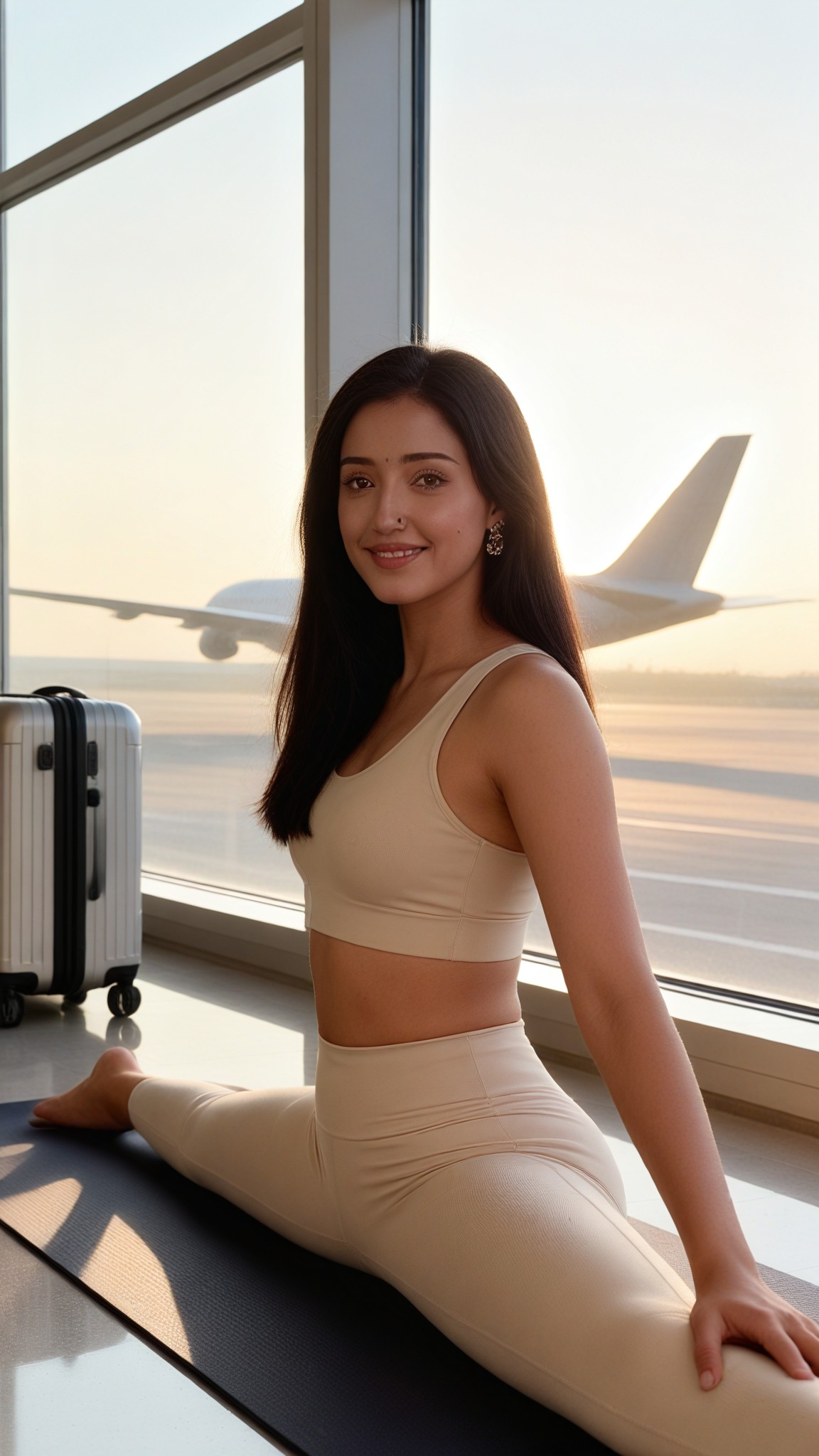
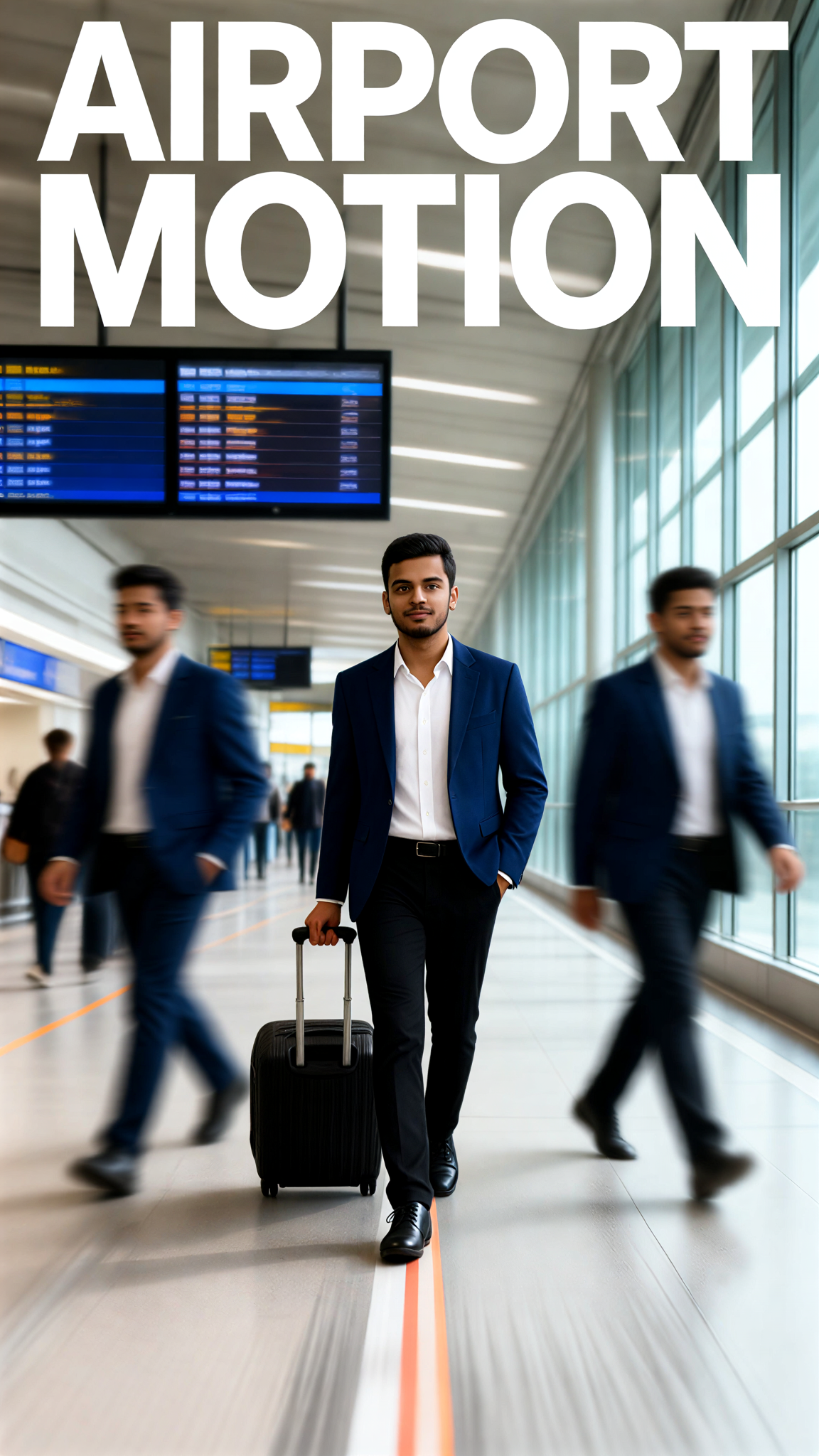
Discover a1.art's airport AI Prompts, where creativity meets cutting-edge technology. Generate stunning airport visuals with just a few clicks—whether you're capturing bustling terminals, serene runways, or futuristic designs, a1.art transforms your ideas into breathtaking images and videos effortlessly.
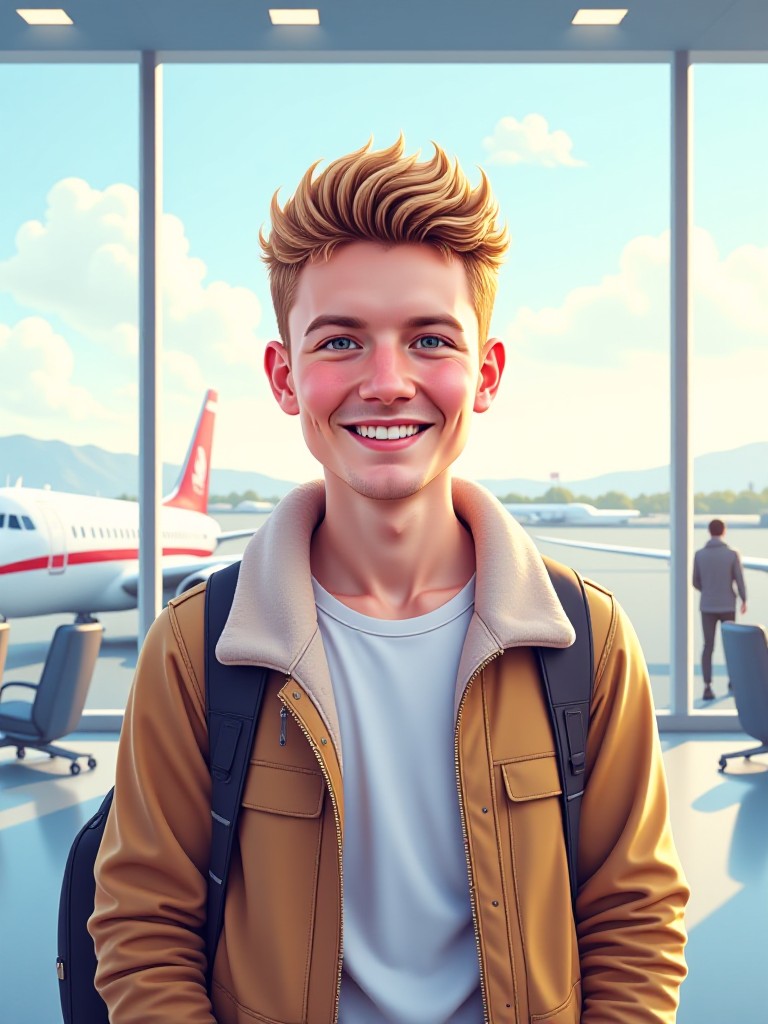
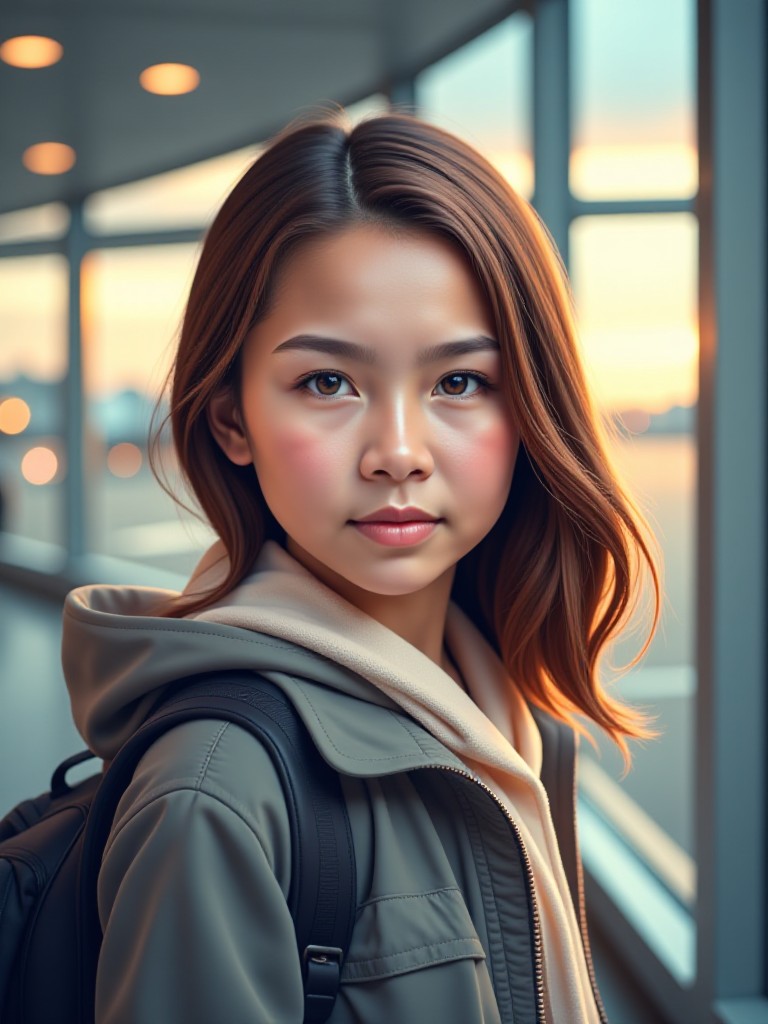
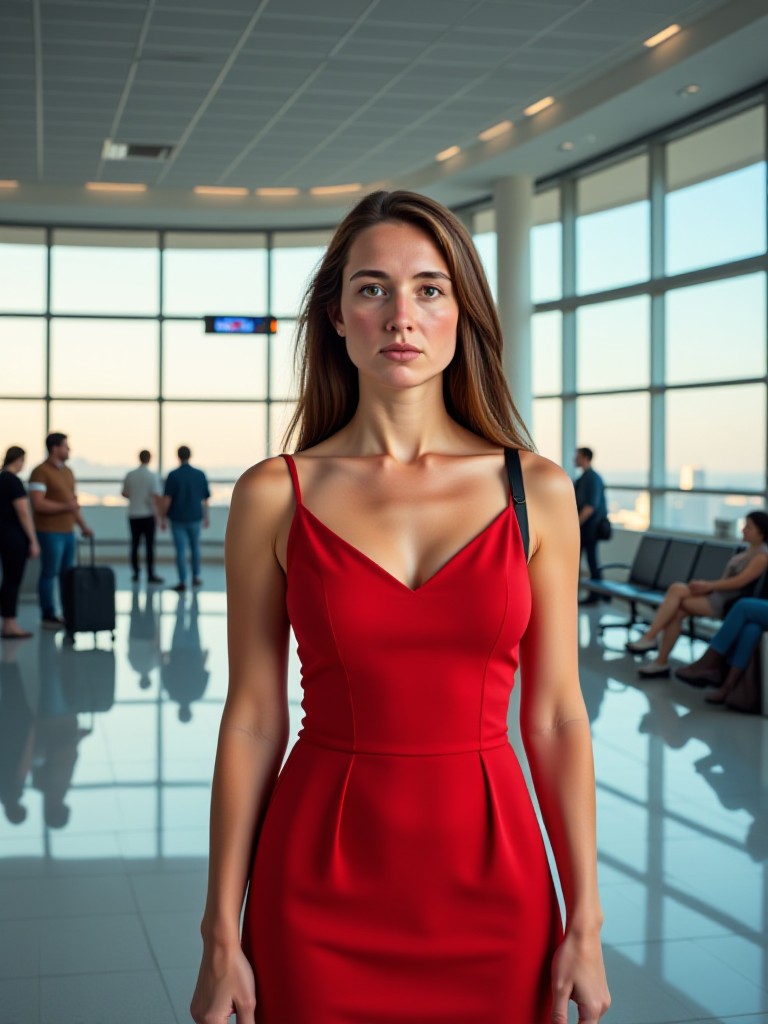
A bustling international airport terminal at dusk, featuring warm lighting, travelers with luggage, and large glass windows showcasing the city skyline.
An aerial view of a modern airport runway during sunrise, with soft golden light reflecting off the tarmac and planes taxiing in the distance.
A minimalist airport departure gate area with clean lines, digital screens displaying flight information, and a few passengers waiting calmly.
A close-up of an airport security checkpoint, highlighting X-ray machines, conveyor belts, and TSA agents scanning bags under bright fluorescent lights.
A futuristic airport terminal with sleek architecture, holographic displays, and autonomous drones delivering luggage to gates.
A rainy day at a regional airport, with puddles reflecting the neon signs above the check-in counters and travelers huddled under umbrellas.
Explore more

Get Airport Videos & Images without Prompt

a1.art offers a large number of filters, allowing you to easily obtain AI videos or images without prompts.
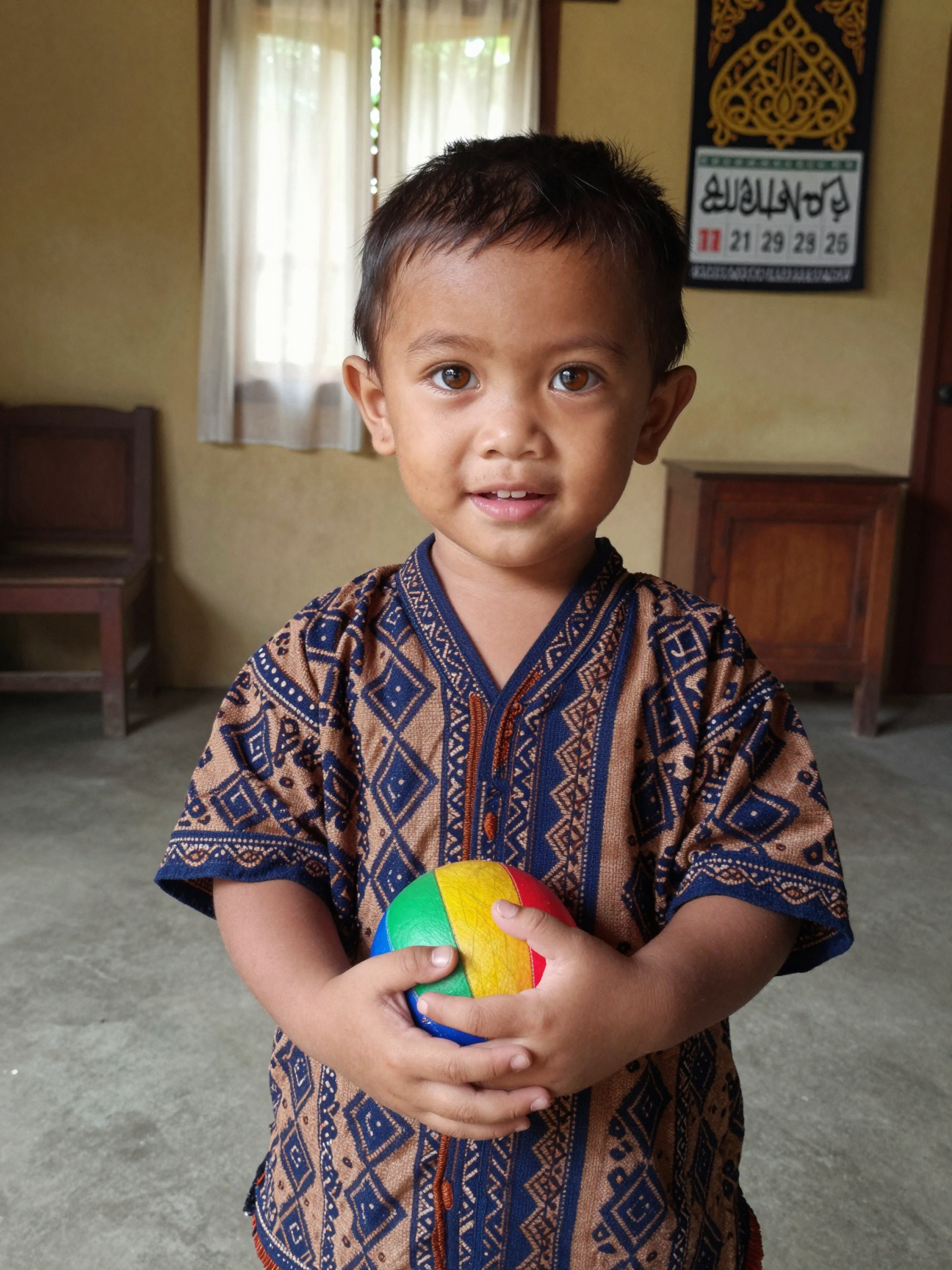
image befor ai generation
A cute 3D rendered cartoon boy, wearing an olive green jacket, khaki shorts, and a beige baseball cap. He has large, expressive eyes, a friendly expression, and carries a brown backpack. He's wearing off-white sneakers. The style is reminiscent of 3D cartoon character design, with smooth, polished textures and no visible brushstrokes. The background is a simple beige color, focusing all attention on the character. The lighting is soft and even, creating a warm and pleasant atmosphere. The overall style is cheerful and friendly, suitable for children's products or game character design. The image is rendered in a style similar to contemporary 3D animation character design. Think of the clean lines and smooth surfaces of Pixar-style animation, but with a slightly more realistic rendering of the materials.
cute 3D cartoon boy image
Input
Result
cute 3D cartoon boy
夢境畫境Dreamscape Canva headshot夢境畫境Dreamscape Canva
playicon15.1k
image befor ai generation
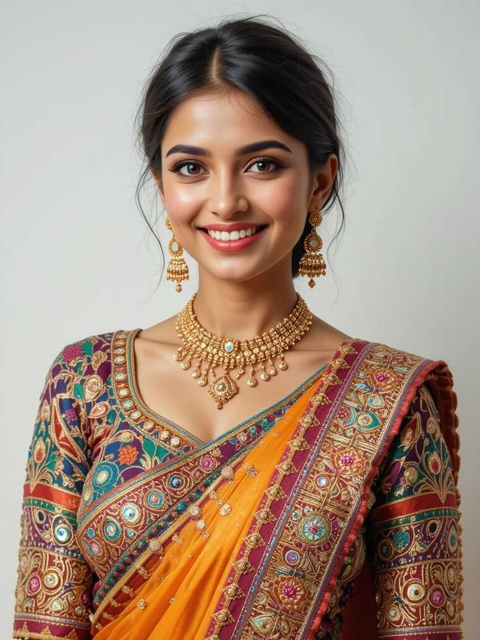
young woman
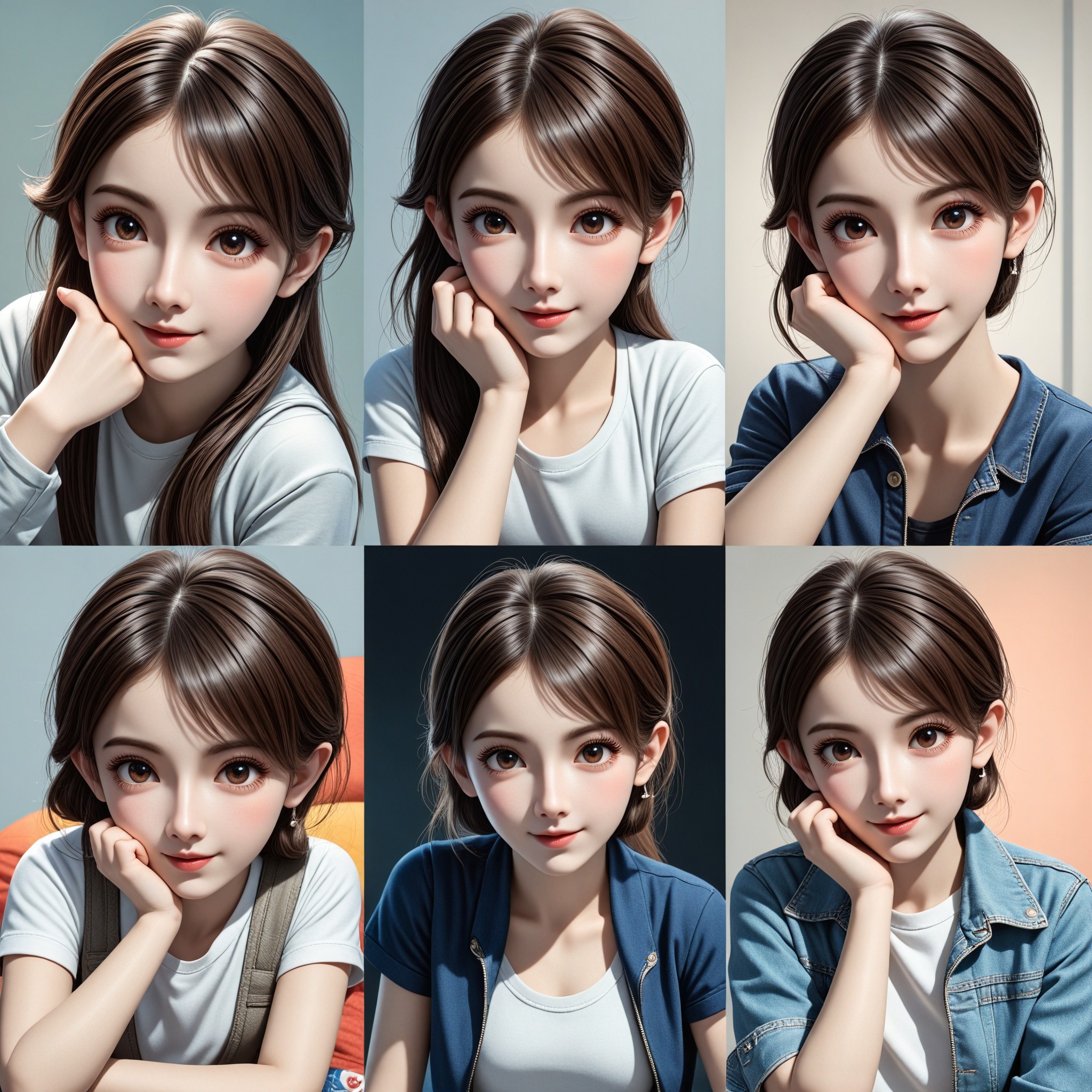
📸✨  Cute continuous shooting, stirring moments! ✨📸 image
Input
Result
📸✨ Cute continuous shooting, stirring moments! ✨📸
創意無限小林哥 headshot創意無限小林哥
playicon823
image befor ai generation
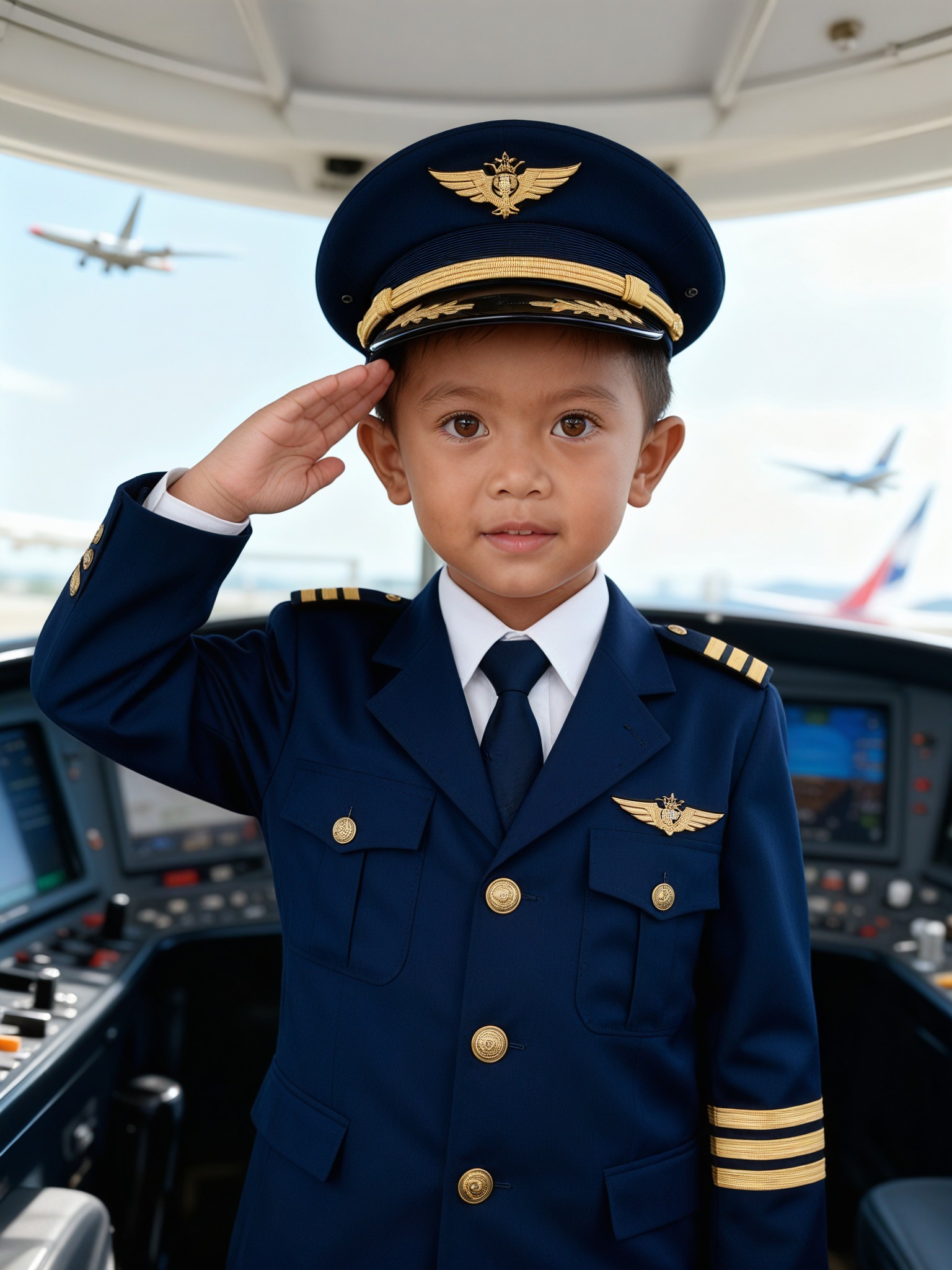
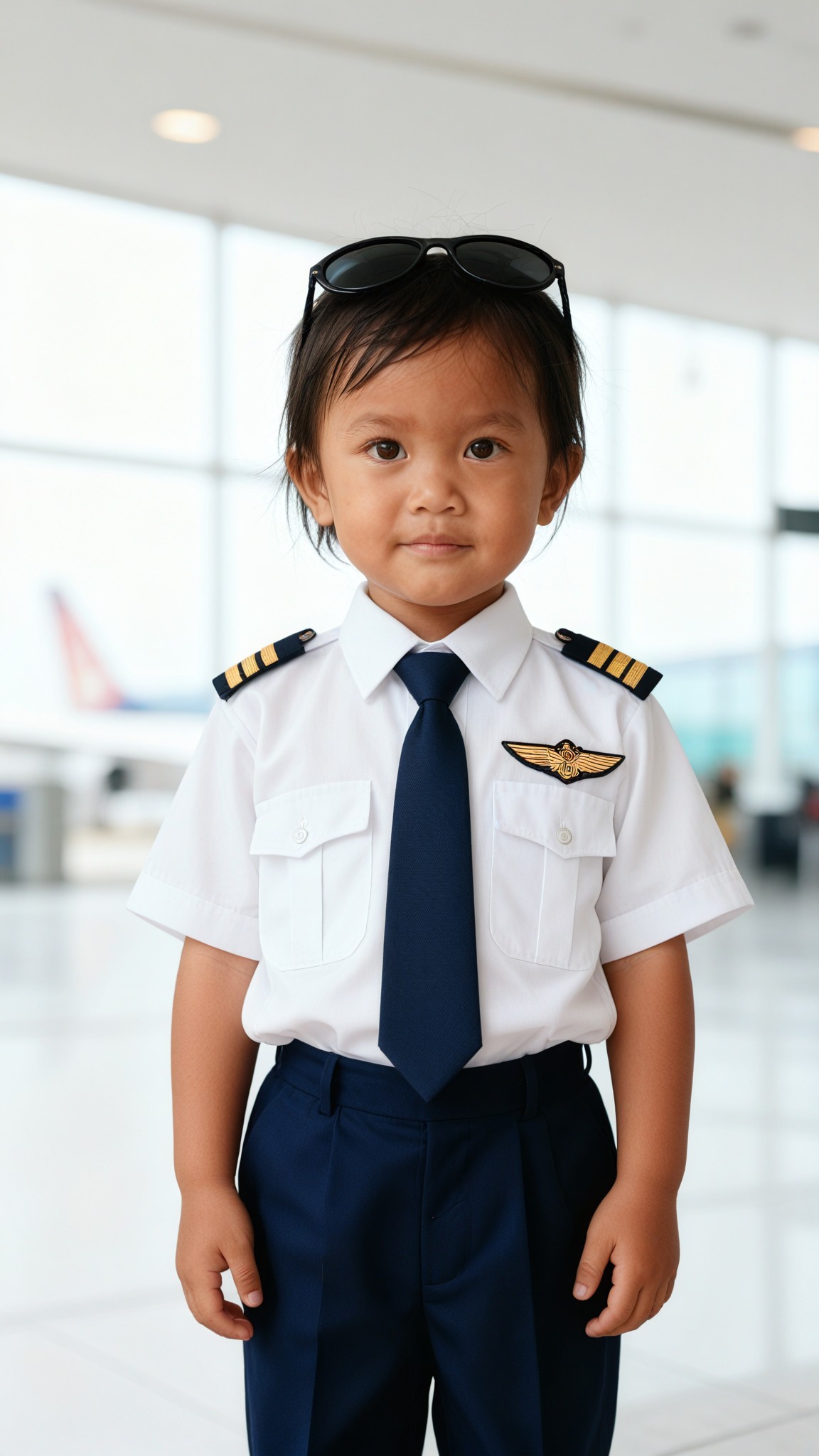
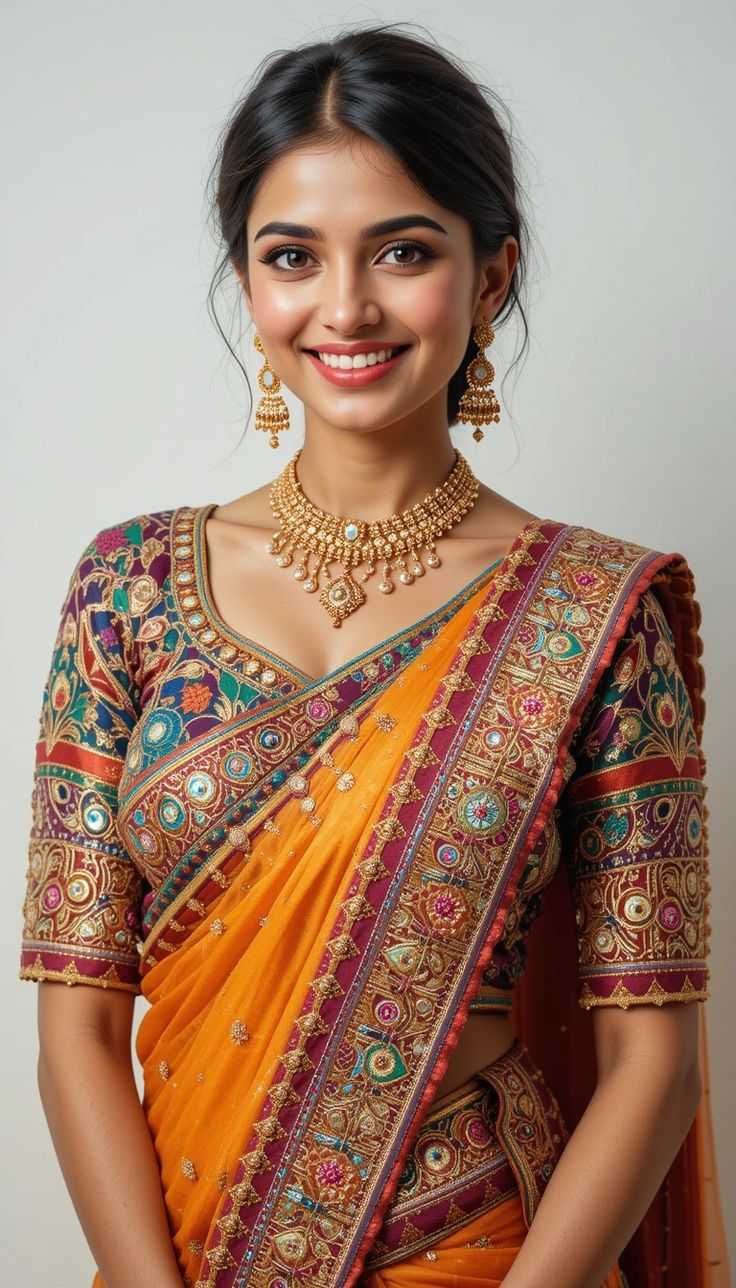
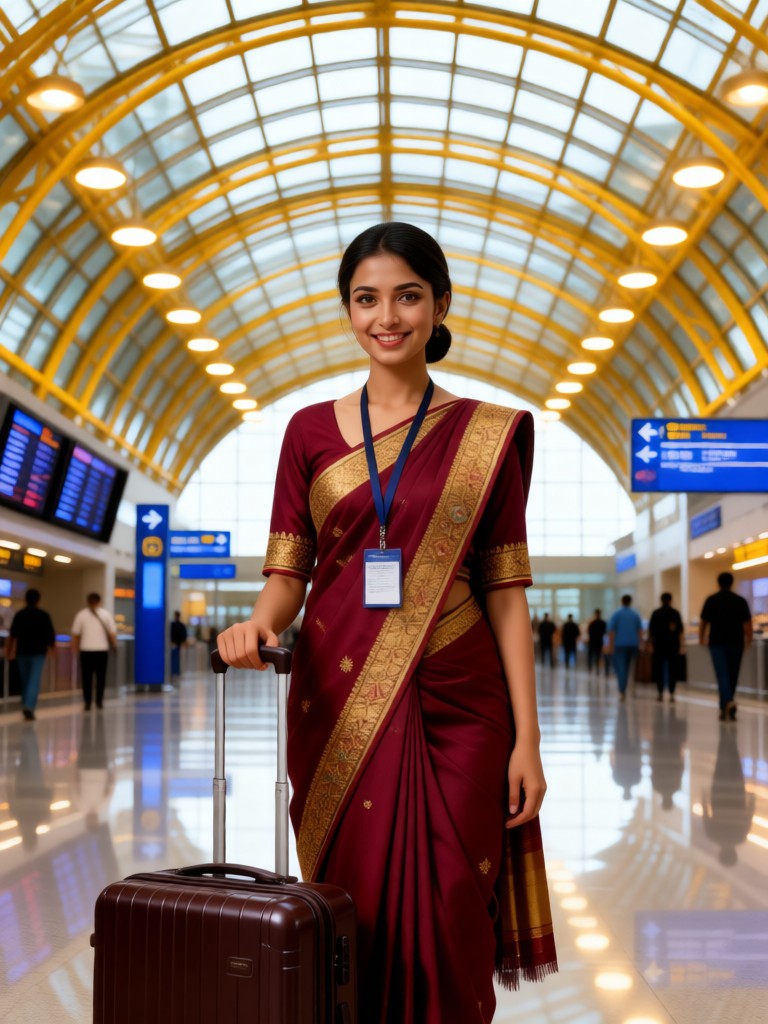
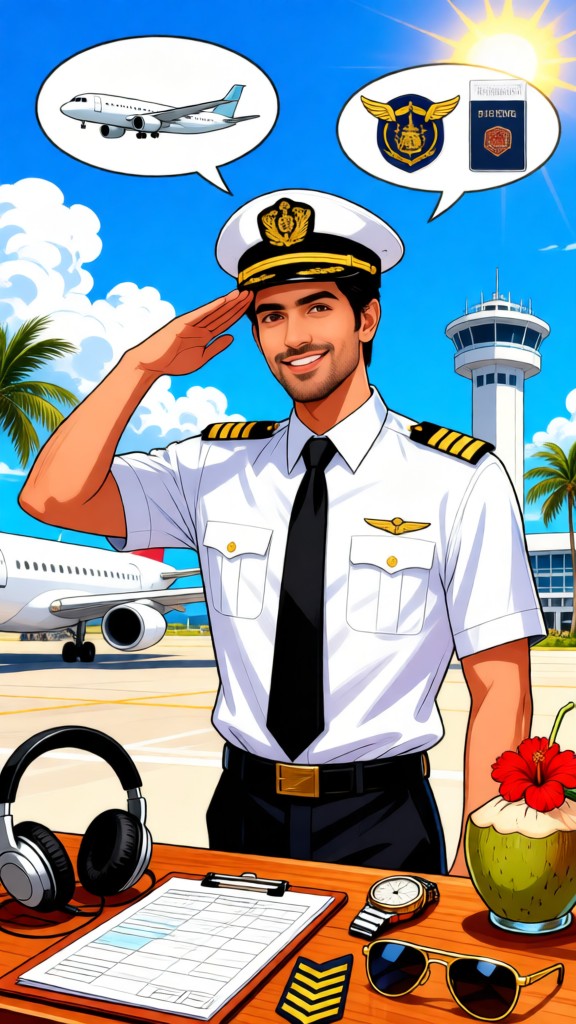
AI airport generator image
Input
Result
AI airport generator
a
a1art2025jzzy2
playicon75
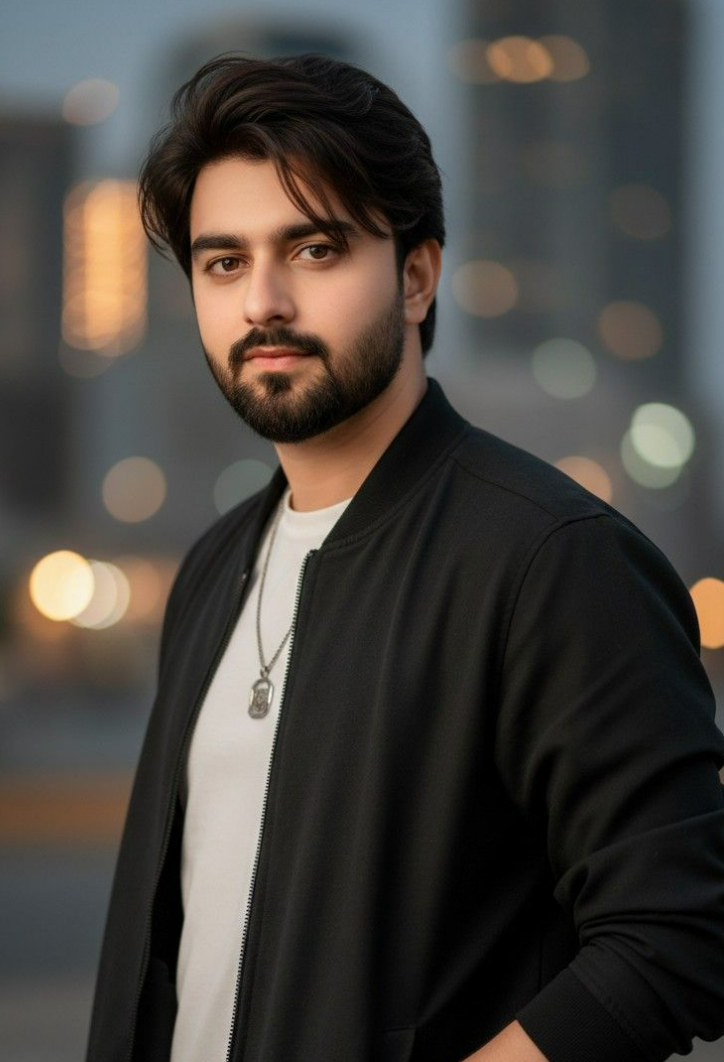
image befor ai generation
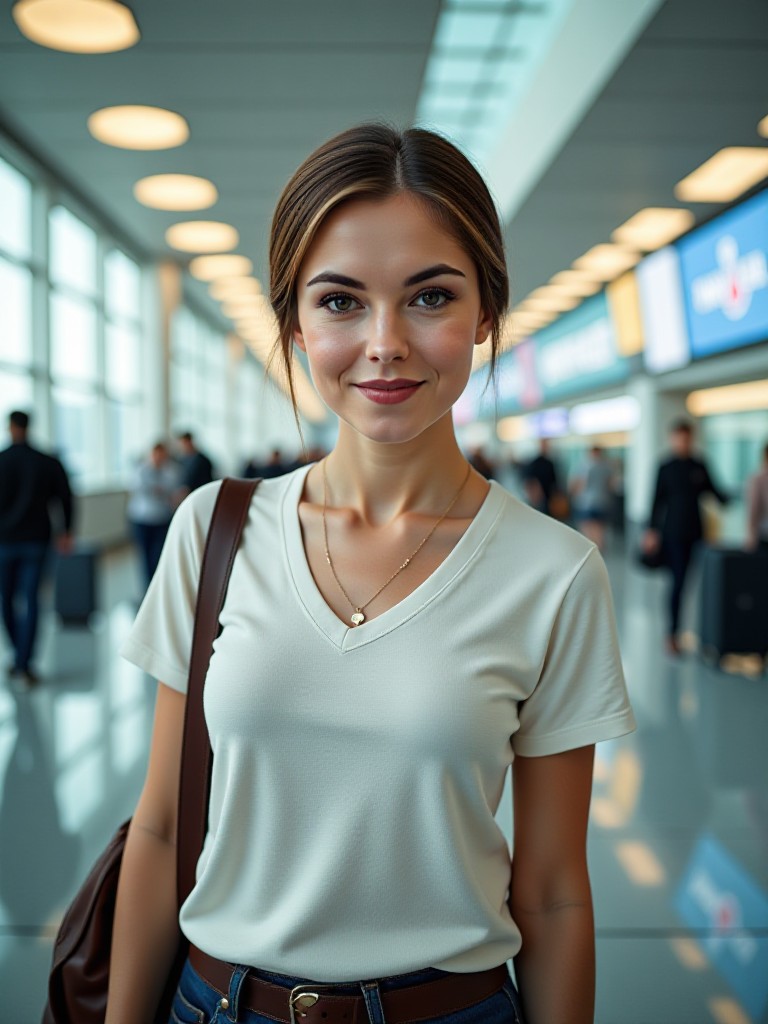
AI airport art generator image
Input
Result
AI airport art generator
a
a1art2025jzzy2
playicon11
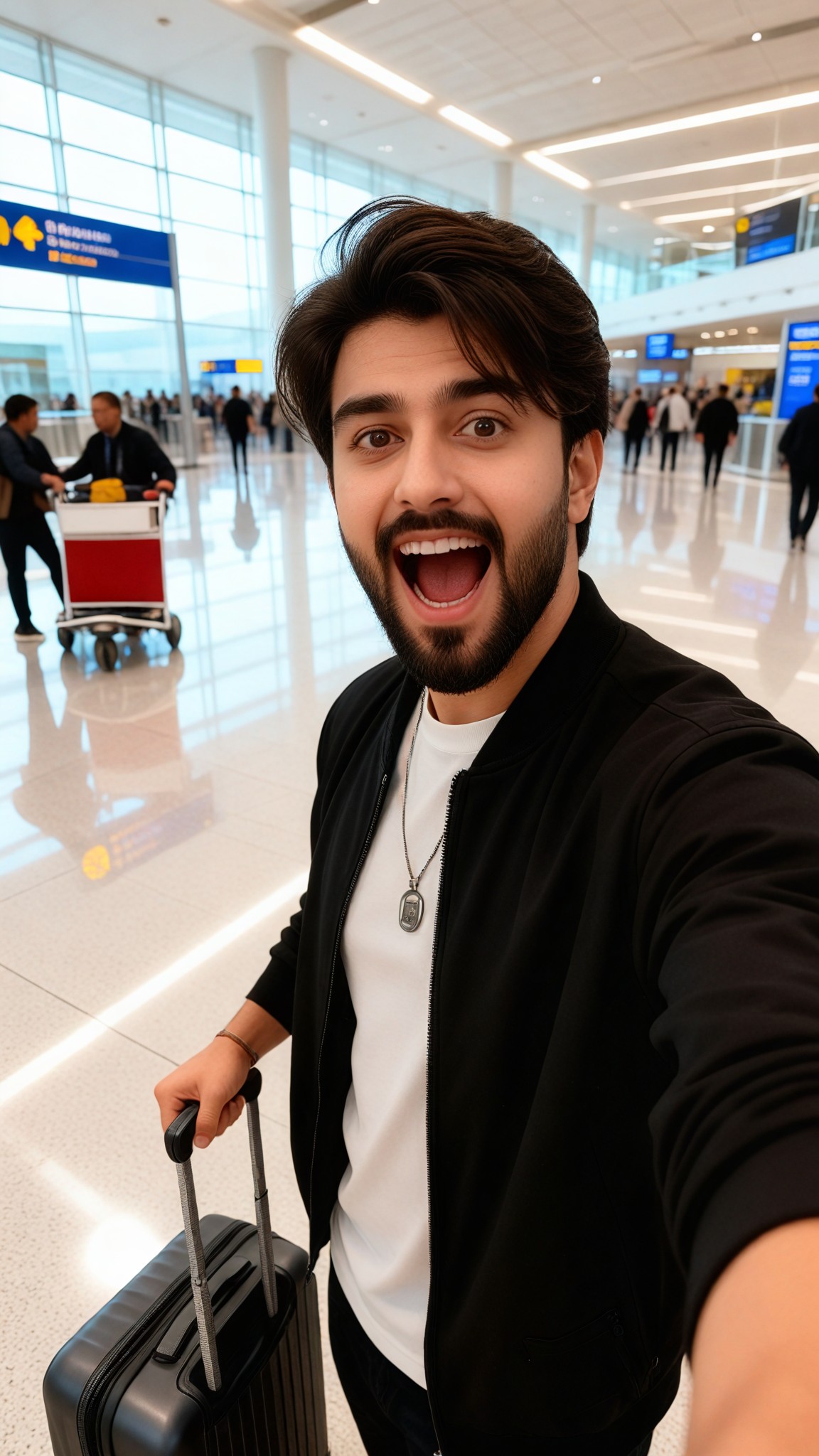
image befor ai generation
airport  generator image
Input
Result
airport generator
a
a1art2025jzzy2
playicon8
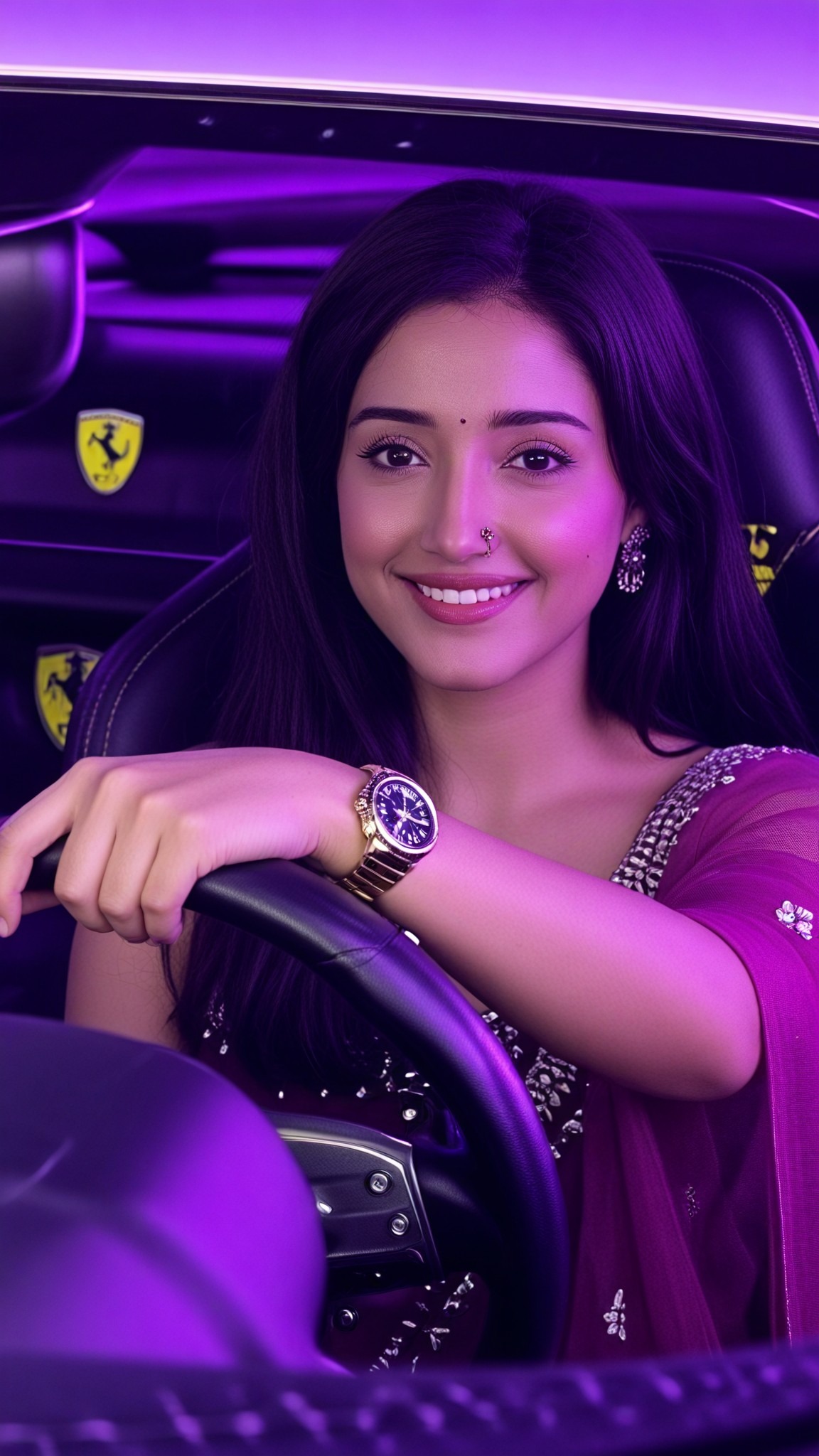
image befor ai generation
airport  image
Input
Result
airport
a
a1art2025jzzy2
playicon5
image befor ai generation
潦草艺术 image
Input
Result
潦草艺术
A
Art8129xzp8zkyy
playicon33
Medium shot,A regal female knight in ornate silver armor stands amidst a field of blooming red roses. The knight holds a single rose delicately in her gauntleted hand, gazing down at it with a soft expression. Her long, flowing hair is adorned with small rose petals, carried by a gentle breeze. At her side, a large shield decorated with intricate engravings of roses rests against her leg. The sunlight filters through the petals, casting a warm, golden glow over the scene, enhancing the romantic yet powerful atmosphere.  anime_martz,  DB4RZ, DB4RZ style painting,
AI Art Generator image
Input
Result
AI Art Generator
CC headshotCC
playicon5.4k

How to Make Airport AI Image & Video on a1.art?

Step into the future of AI Airport video and image creation on a1.art.

a1.art tutorial Step 1
Step 1
Select the style you want to apply in the Square.

a1.art tutorial Step 2
Step 2
Upload the image you want to transform . It can be a photo, hand-drawn sketch.

a1.art tutorial Step 3
Step 3
Wait a few seconds and you can easily get your unique AI Airport art. Download for free!

FAQ about Airport AI Prompt on a1.art

Discover the secrets to creating Airport videos and images at a1.art.

What types of airport visuals can I create with a1.art?

With a1.art, you can generate a wide range of airport visuals, including bustling terminals, serene runways, futuristic designs, and even abandoned or post-apocalyptic scenes. Whether you need realistic imagery or imaginative concepts, our AI prompts cater to all styles and themes.

Do I need technical skills to use a1.art for airport AI prompts?

No, a1.art is designed to be user-friendly for everyone, regardless of technical expertise. Simply select your preferred prompt, upload an image or enter a text description, and let our AI handle the rest. You'll have stunning airport visuals in seconds!

Can I customize the airport AI prompts to match my specific vision?

Absolutely! While our curated prompts provide a great starting point, you can fully customize them by adding your own details, adjusting settings, or combining multiple prompts to achieve your desired outcome.

Are there any limitations on the number of airport images or videos I can create?

Yes, we offer daily free login credits for generating airport visuals. If you need more, you can subscribe to earn additional credits, ensuring you always have access to create as many airport images or videos as you desire.

How does a1.art ensure the quality of the airport visuals it generates?

Our AI-powered platform uses advanced algorithms to deliver ultra-detailed textures, cinematic lighting, and realistic effects. Whether you're creating still images or dynamic videos, a1.art guarantees professional-quality results every time.

Container background

Make Airport AI Image & Video on a1.art APP

Download the app to explore Airport AI image & video filters, faster processing, and personalized features. Whether you want creative images or stunning videos, the app makes it easier.