Explore Virtual Try On Trends with Video Filter
Turn your ideas into high-quality videos in just seconds using Virtual Try On.
Virtual Try On Trends
Couple Video
🔞 NSFW
Face Swap
Dance
3D Cartoon
Festival
Sports
Baby
Pet
Virtual Try On Image and Video Generator Key Features
Generate professional videos in moments with virtual-try-on AI technology.
Real-Time Virtual Try-On
Upload your favorite clothing, accessories, or even makeup items, and instantly visualize how they look on you. Virtual Try On uses cutting-edge AI to simulate realistic textures, lighting, and fit.
Customizable Visuals
Adjust colors, styles, and fits to match your preferences. Virtual Try On allows you to fine-tune every detail, ensuring the final result aligns perfectly with your vision.
Effortless Creation
No need for complex setups or editing skills. Simply upload your item, select a background or pose, and let Virtual Try On handle the rest. It’s fast, easy, and perfect for both professionals and beginners.
How to Use Virtual Try On AI Video Model on a1.art?
Step into the future of AI video creation with Virtual Try On on a1.art.
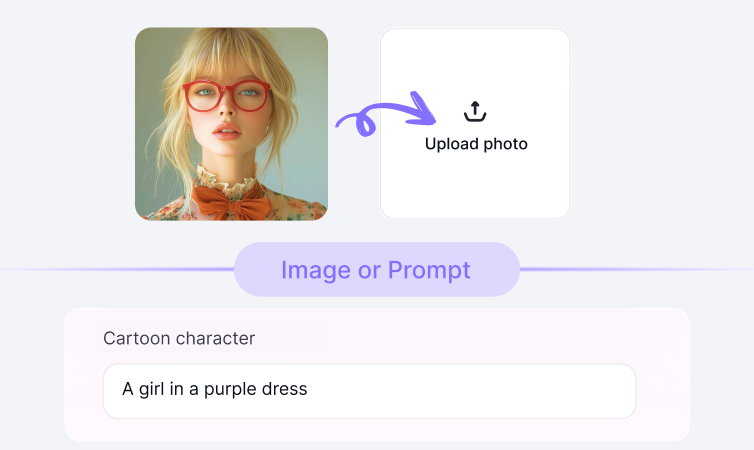
Step1.
Upload your prompt or image using Virtual Try On on a1.art.
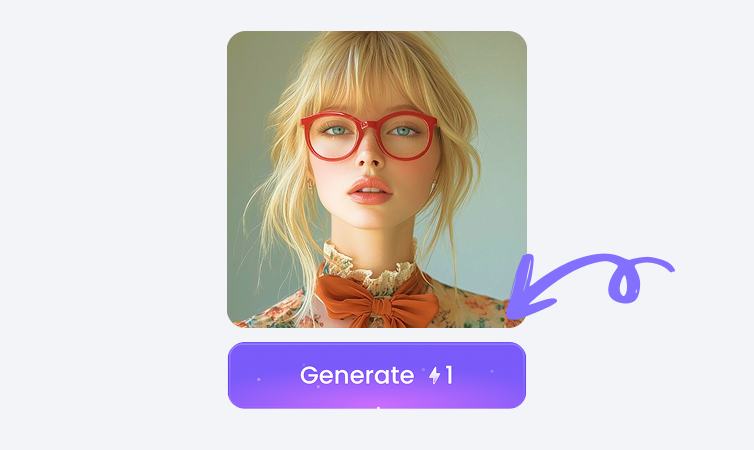
Step2.
Click the Generate button. You’ll get your AI image or video in just a few seconds.
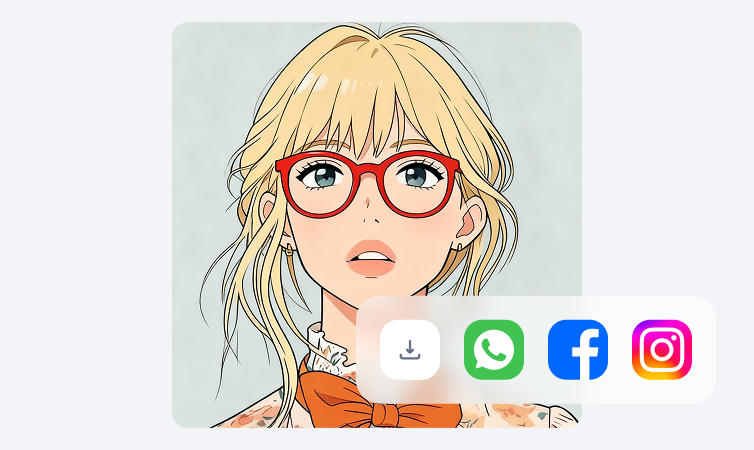
Step3.
Download your creation and share it on your social media platforms.
YouTube Videos on Virtual Try On Model
Bring imagination to life using the power of Virtual Try On on a1.art.
FAQ about Virtual Try On on a1.art
Produce short films, ads, or reels quickly using Virtual Try On technology.
What can I create with Virtual Try On?
You can virtually try on clothes, accessories, makeup, and more. Whether it's a new outfit, a pair of shoes, or a bold lipstick shade, Virtual Try On lets you see how it looks before making a purchase.
How do I use Virtual Try On?
Upload an image of the item you want to try on, select a background or pose, and click Generate. The AI will simulate how the item looks on you in real-time.
Is Virtual Try On free to use?
Yes, you can try Virtual Try On for free on a1.art. Some advanced features may require credits or a premium plan.
Can Virtual Try On create videos as well as images?
Currently, Virtual Try On focuses on generating high-quality images. However, you can use these images to create engaging videos using other tools on a1.art.
Who should use Virtual Try On?
Virtual Try On is ideal for fashion enthusiasts, online shoppers, designers, and anyone looking to explore new styles without leaving their home.
Trending Models
Find other trending models that users like best.