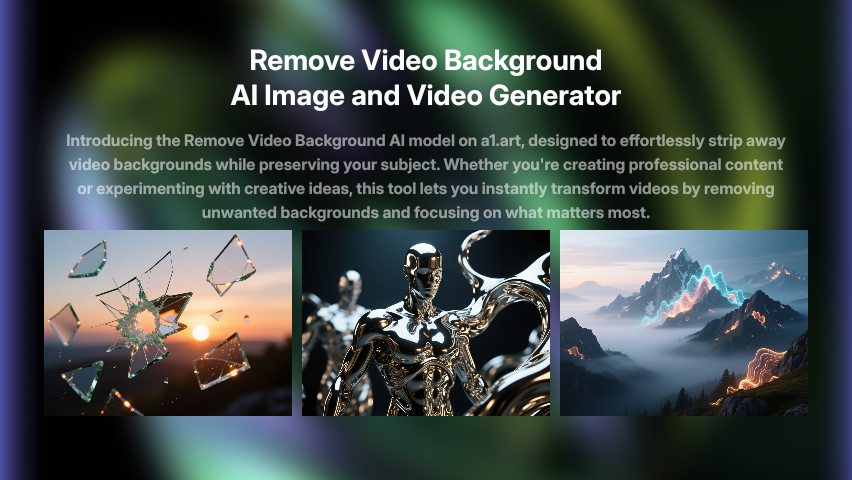


Explore Video Background Removal Trends with Video Filter
Turn your ideas into high-quality videos in just seconds using Video Background Removal.
Video Background Removal Trends
Couple Video
🔞 NSFW
Face Swap
Dance
3D Cartoon
Festival
Sports
Baby
Pet
Video Background Removal Image and Video Generator Key Features
Generate professional videos in moments with video-background-removal AI technology.
Effortless Background Removal
Upload your video or image, and our AI model will automatically detect and remove the background in seconds. No need for complex editing tools—just clean, professional results.
Creative Flexibility
Once the background is removed, you can replace it with custom visuals, text, or effects. This feature opens up endless creative possibilities for enhancing your content.
Seamless Integration with Credits
Use your daily free credits or subscribe to earn more credits to access this powerful tool. It’s easy to integrate into your workflow and perfect for both beginners and experienced creators.
How to Use Video Background Removal AI Video Model on a1.art?
Step into the future of AI video creation with Video Background Removal on a1.art.
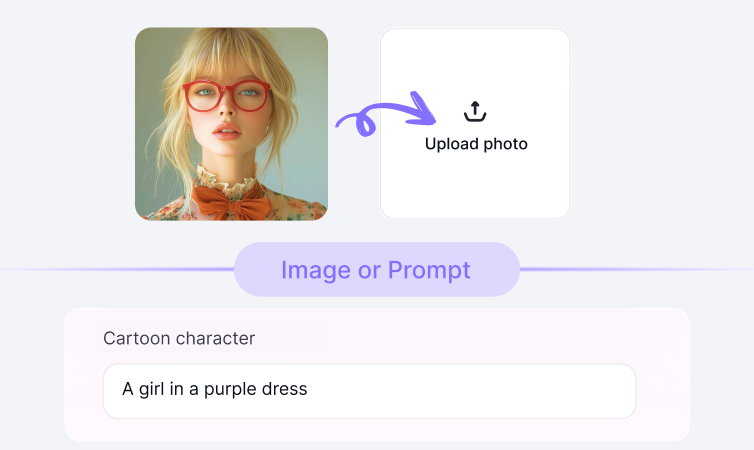
Step1.
Upload your prompt or image using Video Background Removal on a1.art.

Step2.
Click the Generate button. You’ll get your AI image or video in just a few seconds.

Step3.
Download your creation and share it on your social media platforms.
YouTube Videos on Video Background Removal Model
Bring imagination to life using the power of Video Background Removal on a1.art.
FAQ about Video Background Removal on a1.art
Produce short films, ads, or reels quickly using Video Background Removal technology.
What types of videos or images can I use with Video Background Removal?
You can upload any video or image, whether it's a selfie, product shot, or landscape. The AI works with various formats and resolutions.
How long does it take to remove the background?
The process is incredibly fast—most files are processed within seconds, allowing you to quickly move on to the next step of your project.
Can I customize the background after removal?
Yes! After the background is removed, you can replace it with a new one, add text, or apply filters to match your creative vision.
Is Video Background Removal free to use?
Yes, you can use it for free with daily sign-in credits. For more advanced features or higher usage, consider subscribing to earn additional credits.
Who can benefit from using Video Background Removal?
This tool is ideal for content creators, marketers, educators, and anyone looking to enhance their videos or images with professional-grade background removal.
Trending Models
Find other trending models that users like best.