Explore Veo 3 Trends with Video Filter
Turn your ideas into high-quality videos in just seconds using Veo 3.
Veo 3 Trends
Couple Video
🔞 NSFW
Face Swap
Dance
3D Cartoon
Festival
Sports
Baby
Pet
Veo 3 Image and Video Generator Key Features
Generate professional videos in moments with veo-3 AI technology.
Effortless Visual Creation
Veo 3 understands your input—whether it's a text prompt or an uploaded image—and quickly generates high-quality visuals. It’s designed to make AI art creation simple, fast, and accessible to everyone.
Versatile Creative Options
Choose from a wide range of visual styles, including realistic, anime, cinematic, and more. Veo 3 allows you to explore different creative directions and produce unique results tailored to your vision.
Support for Images and Videos
Veo 3 supports both image and video generation. You can create stunning visuals from text prompts, upload images, or use filters to generate dynamic videos and lifelike images.
How to Use Veo 3 AI Video Model on a1.art?
Step into the future of AI video creation with Veo 3 on a1.art.
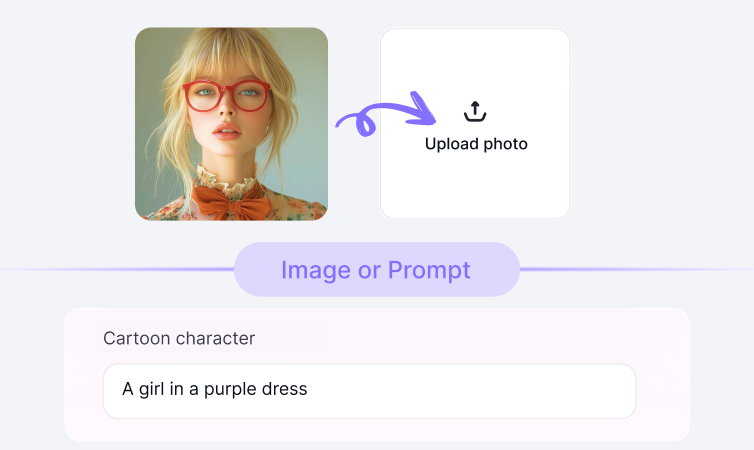
Step1.
Upload your prompt or image using Veo 3 on a1.art.
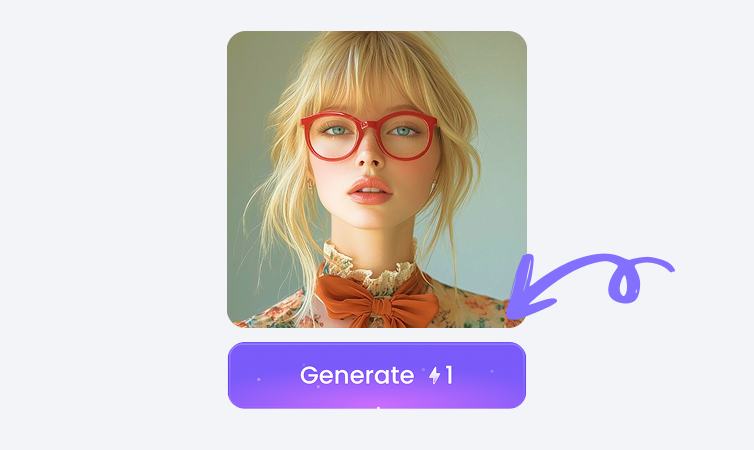
Step2.
Click the Generate button. You’ll get your AI image or video in just a few seconds.
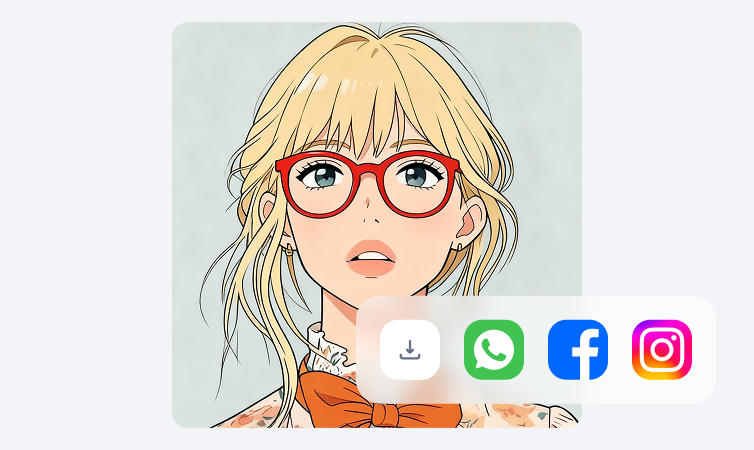
Step3.
Download your creation and share it on your social media platforms.
YouTube Videos on Veo 3 Model
Bring imagination to life using the power of Veo 3 on a1.art.
FAQ about Veo 3 on a1.art
Produce short films, ads, or reels quickly using Veo 3 technology.
What can I create with Veo 3?
You can generate AI-powered images and videos using text prompts, uploaded images, or filters. Veo 3 is perfect for creating portraits, landscapes, animations, and more.
How do I use Veo 3 on a1.art?
Simply upload your text prompt or image, select your desired style, and click Generate. Veo 3 will instantly produce your AI-generated visuals.
Is Veo 3 free to use?
Yes, Veo 3 is available for free on a1.art. You can use daily sign-in credits or subscribe to earn more credits for advanced features.
Can Veo 3 create videos?
Absolutely! Veo 3 supports both image and video generation. You can create dynamic videos from text prompts or enhance existing images with video effects.
Who can benefit from Veo 3?
Veo 3 is ideal for artists, designers, marketers, and anyone interested in exploring AI-driven creativity. It’s user-friendly and perfect for both beginners and experienced creators.
Trending Models
Find other trending models that users like best.